How to Limit Google Forms Responses Without an Add-on
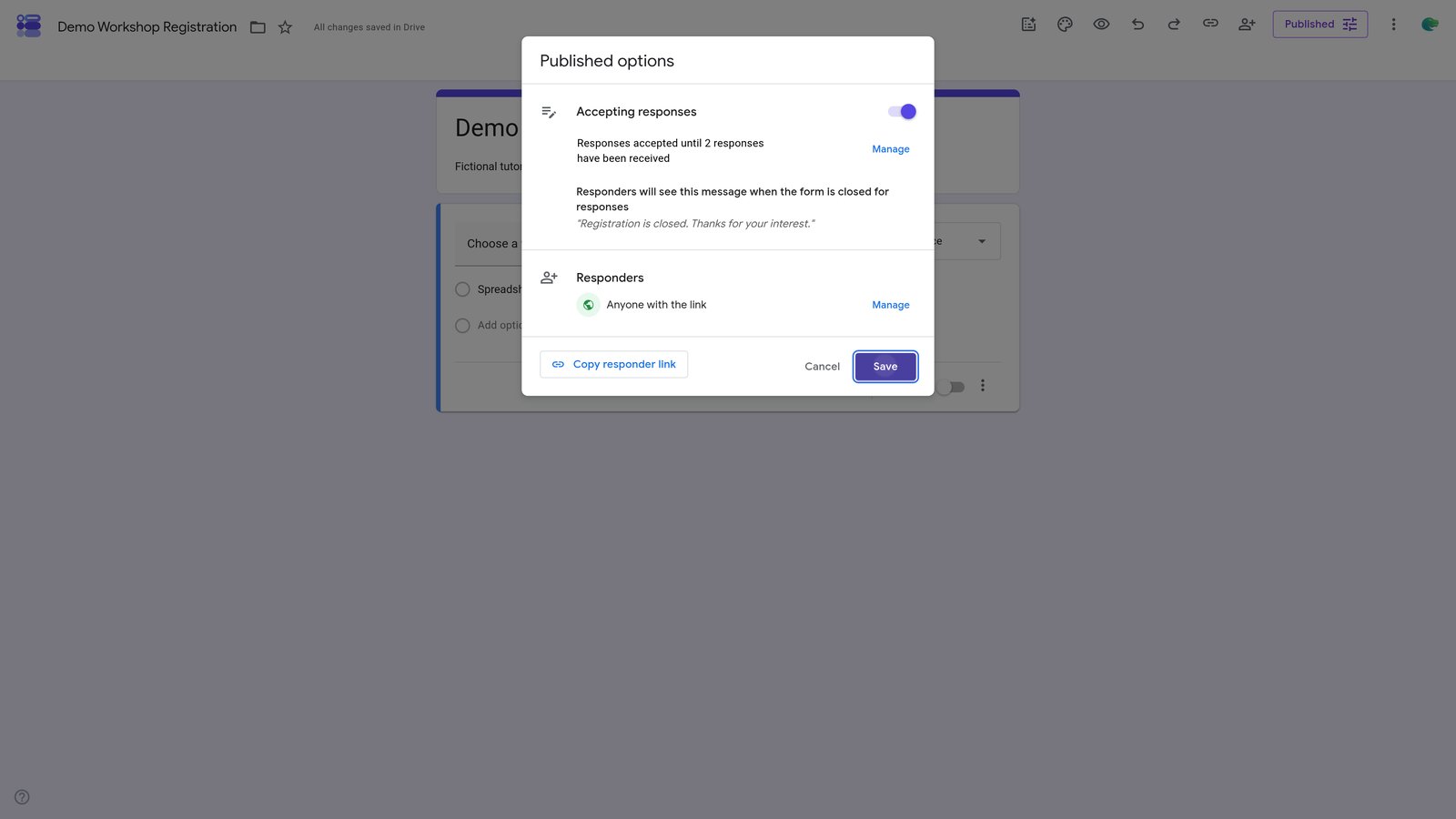
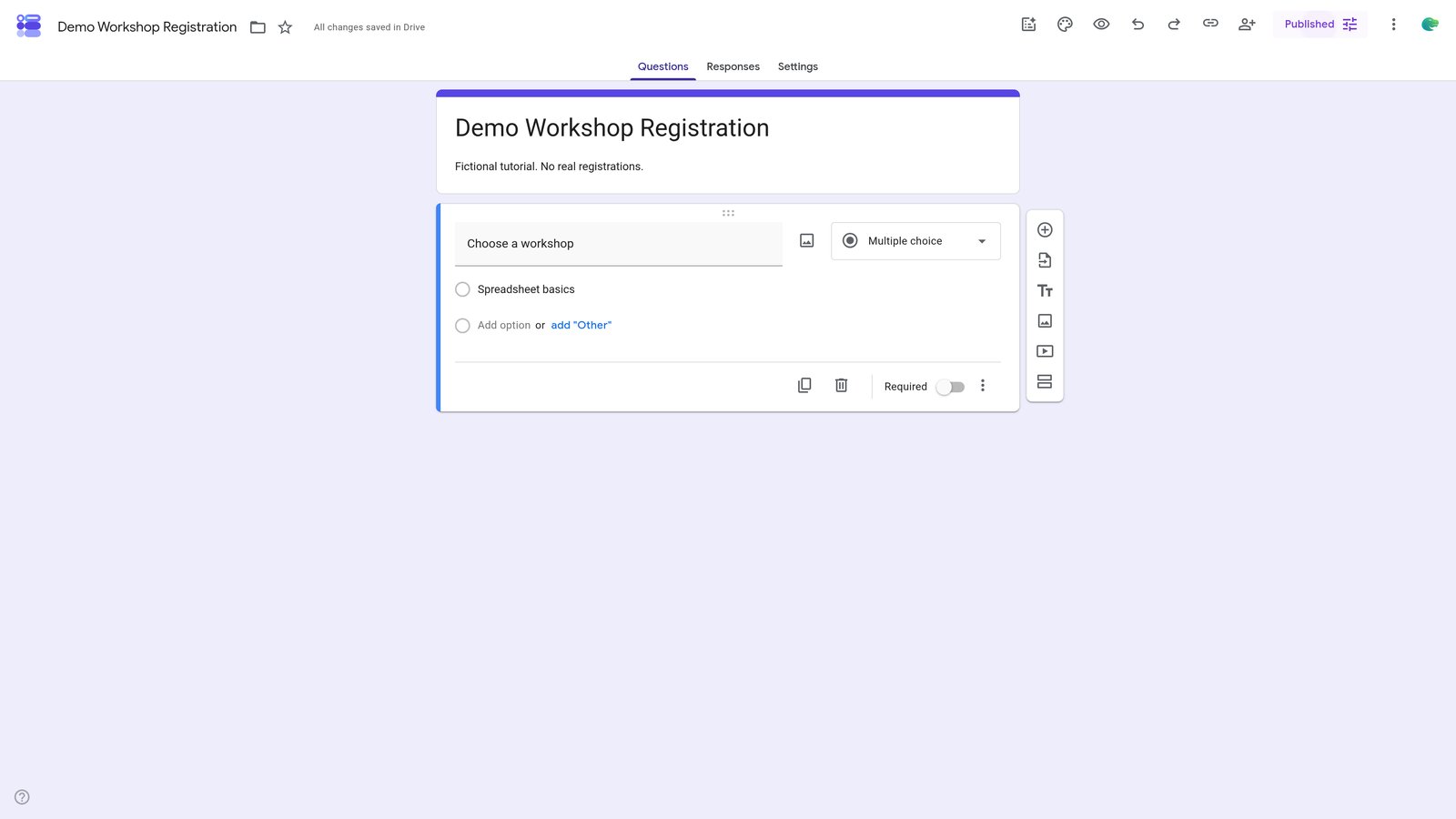
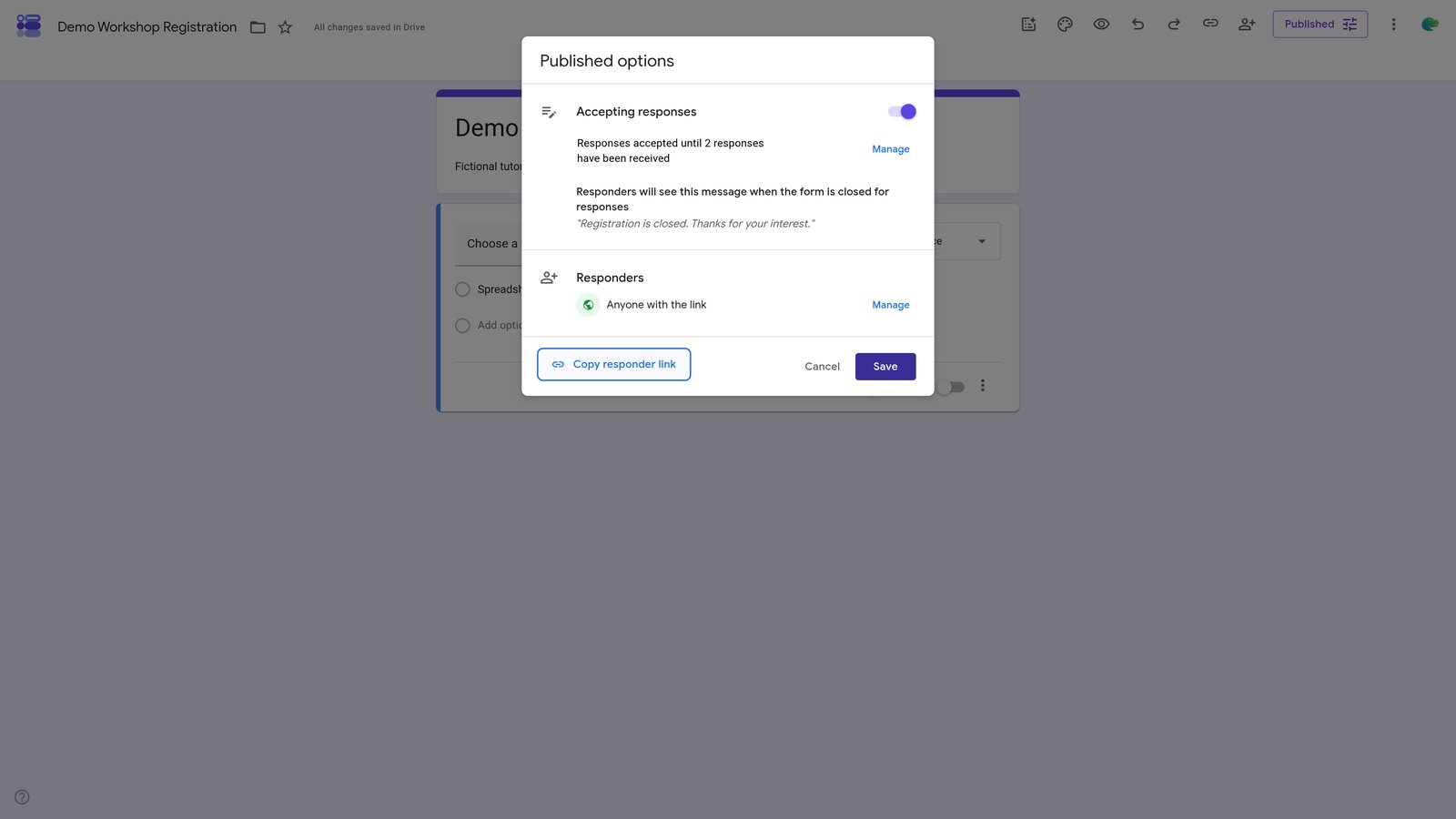
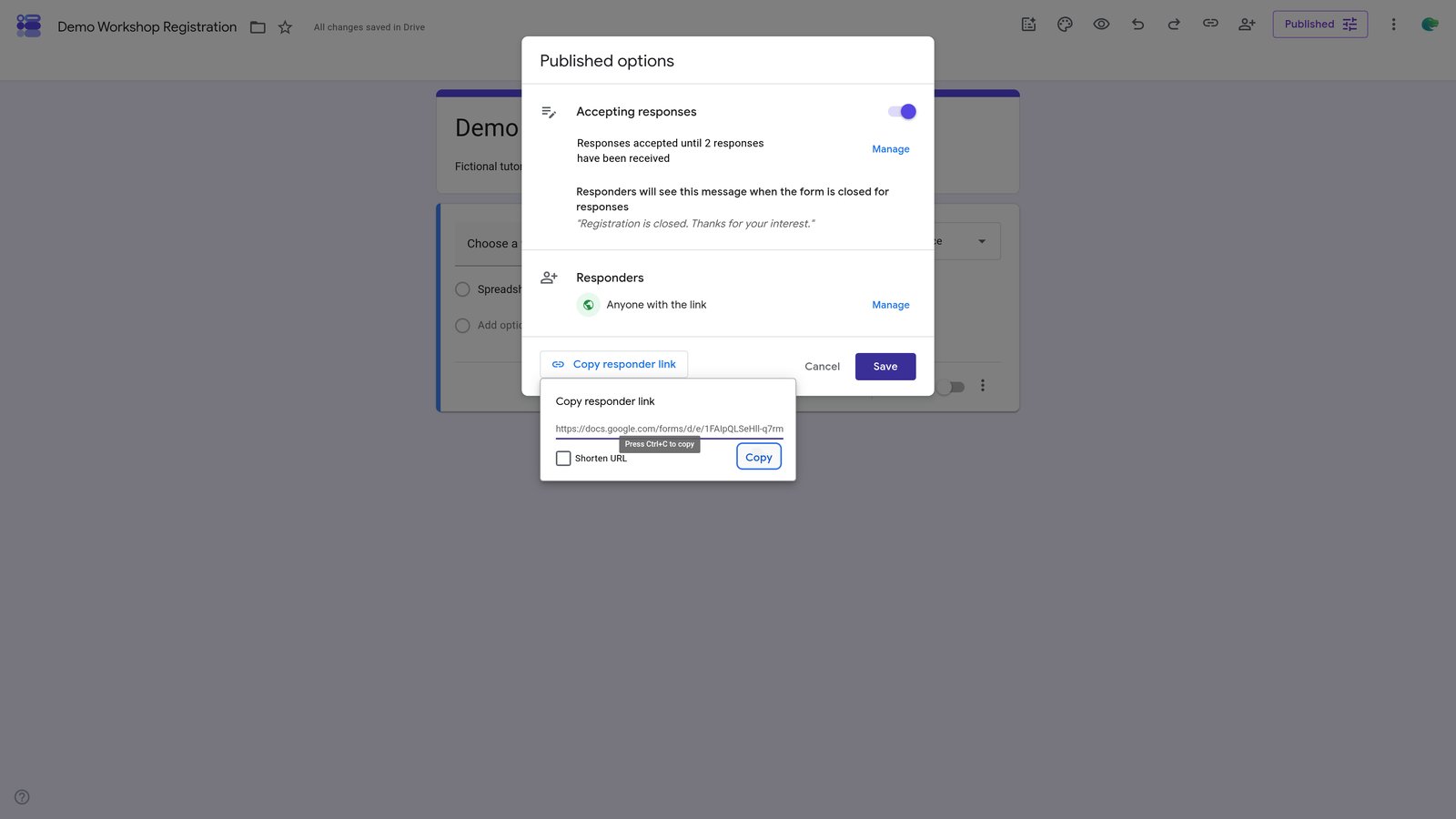
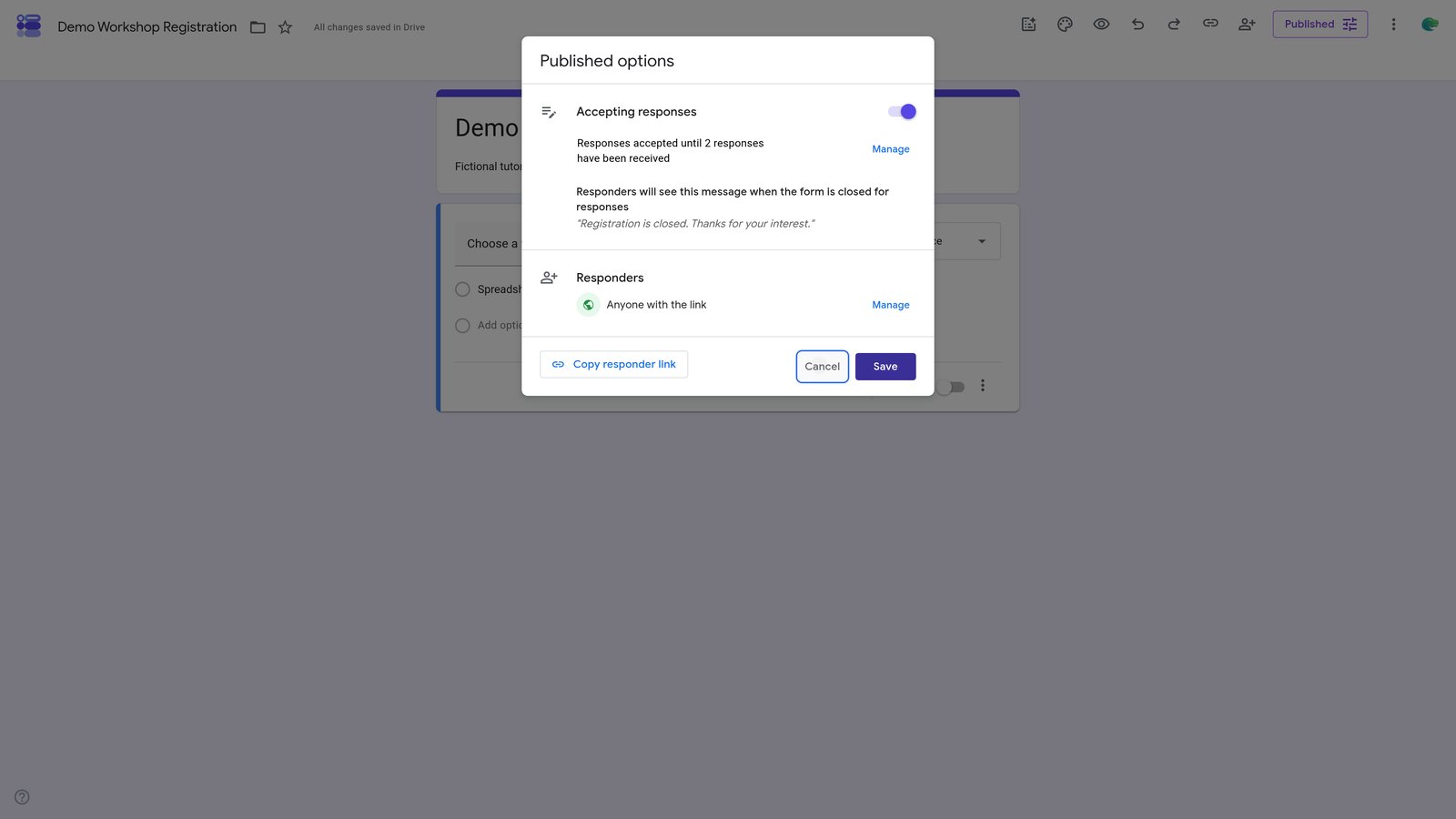
Close a published Google Form automatically after a total response count. Includes two test submissions and proof of closure. Concurrent submissions can exceed the limit.

Khanan Grauer
No date
23 steps
1
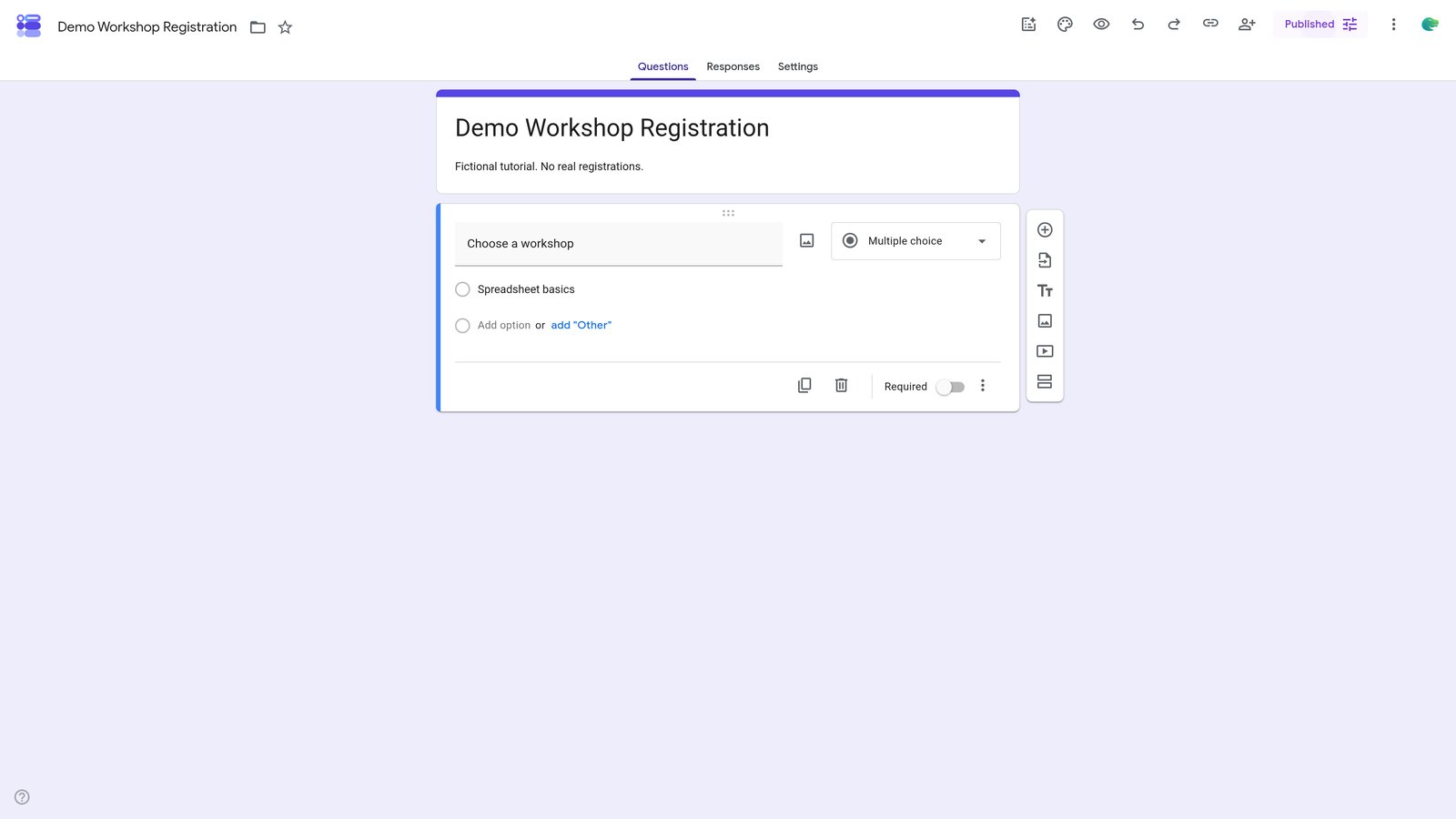
Go to docs.google.com
3
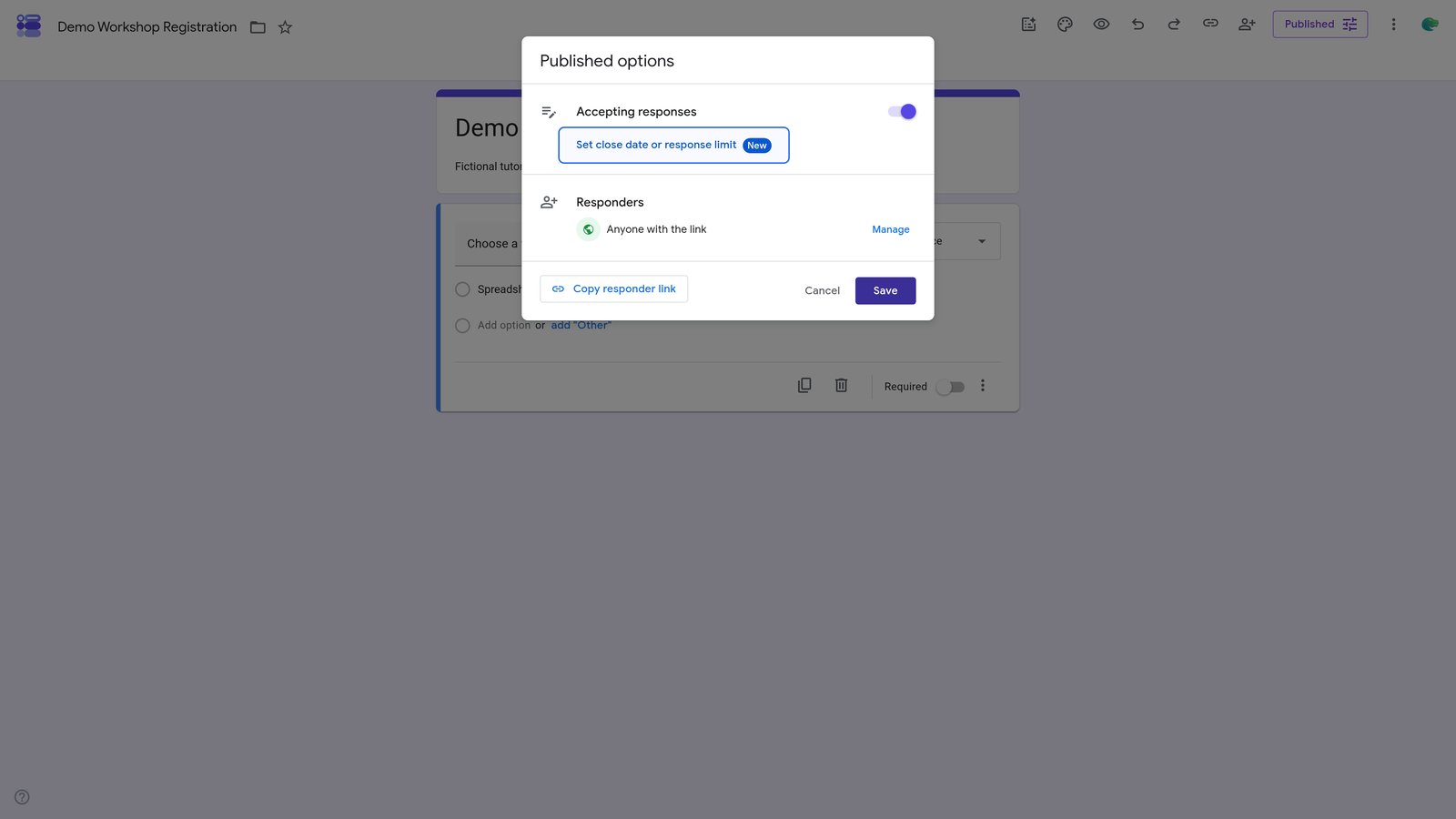
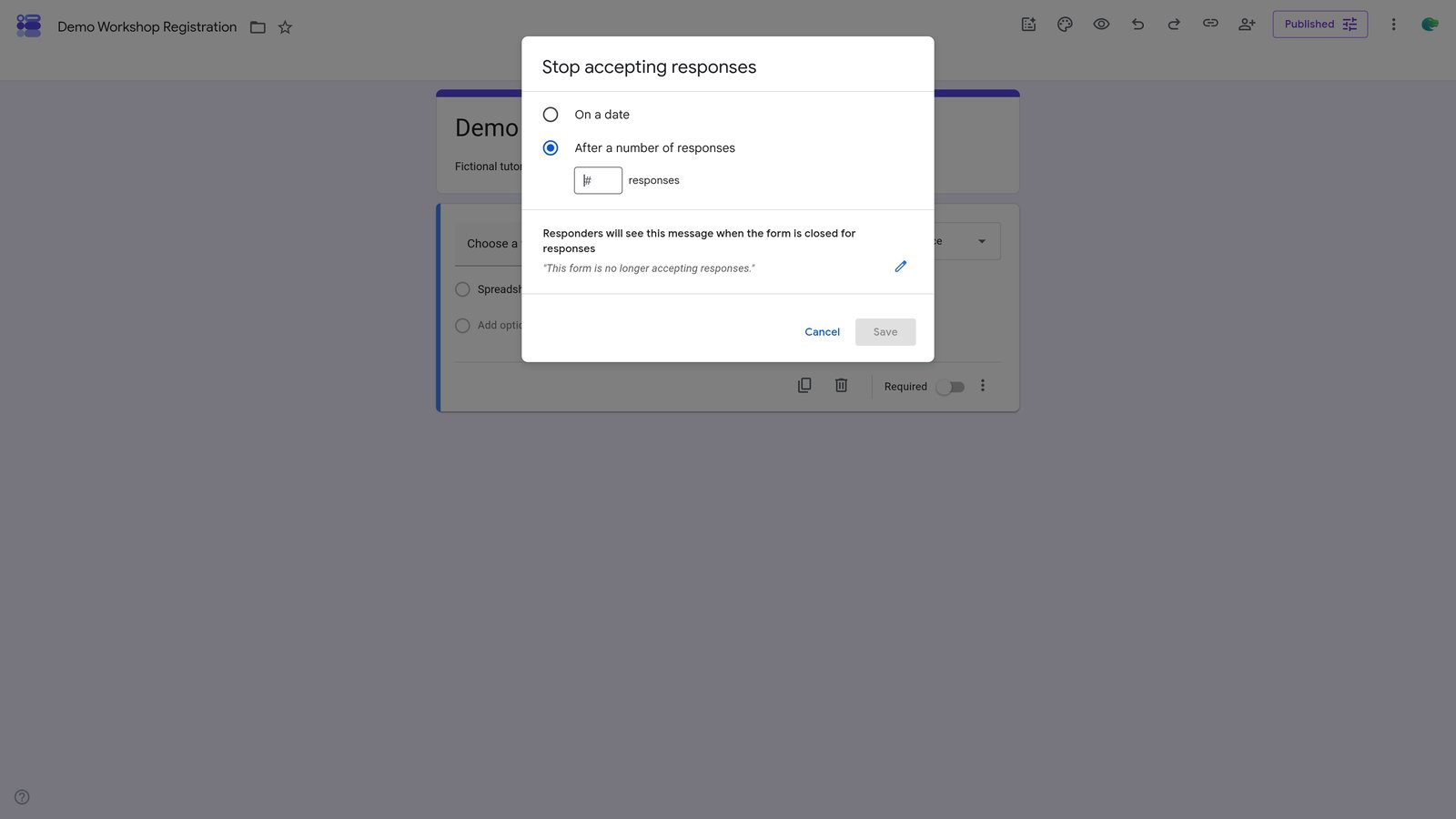
Click the 'Set close date or response limit' button in the 'Published options' section.
6
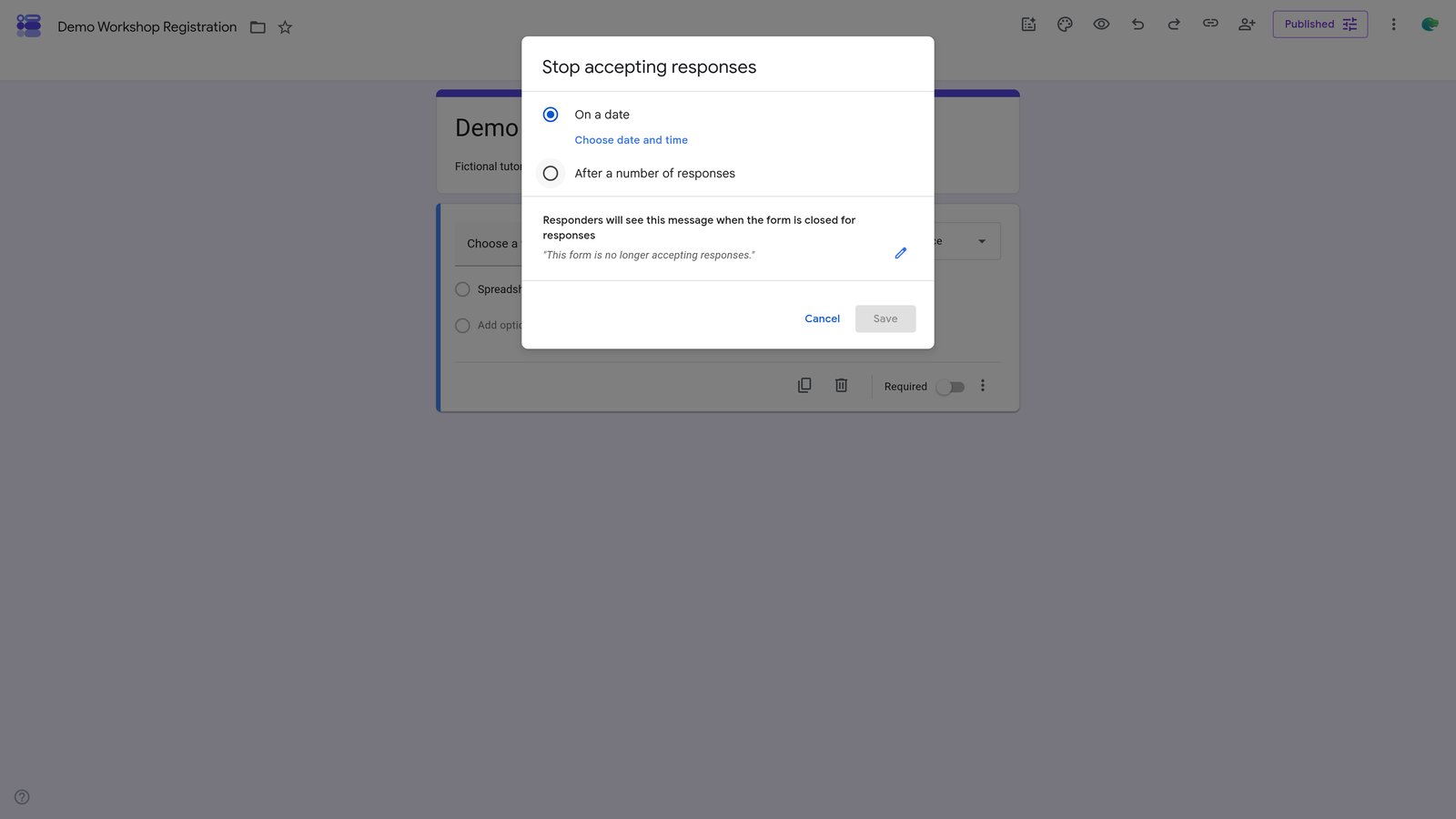
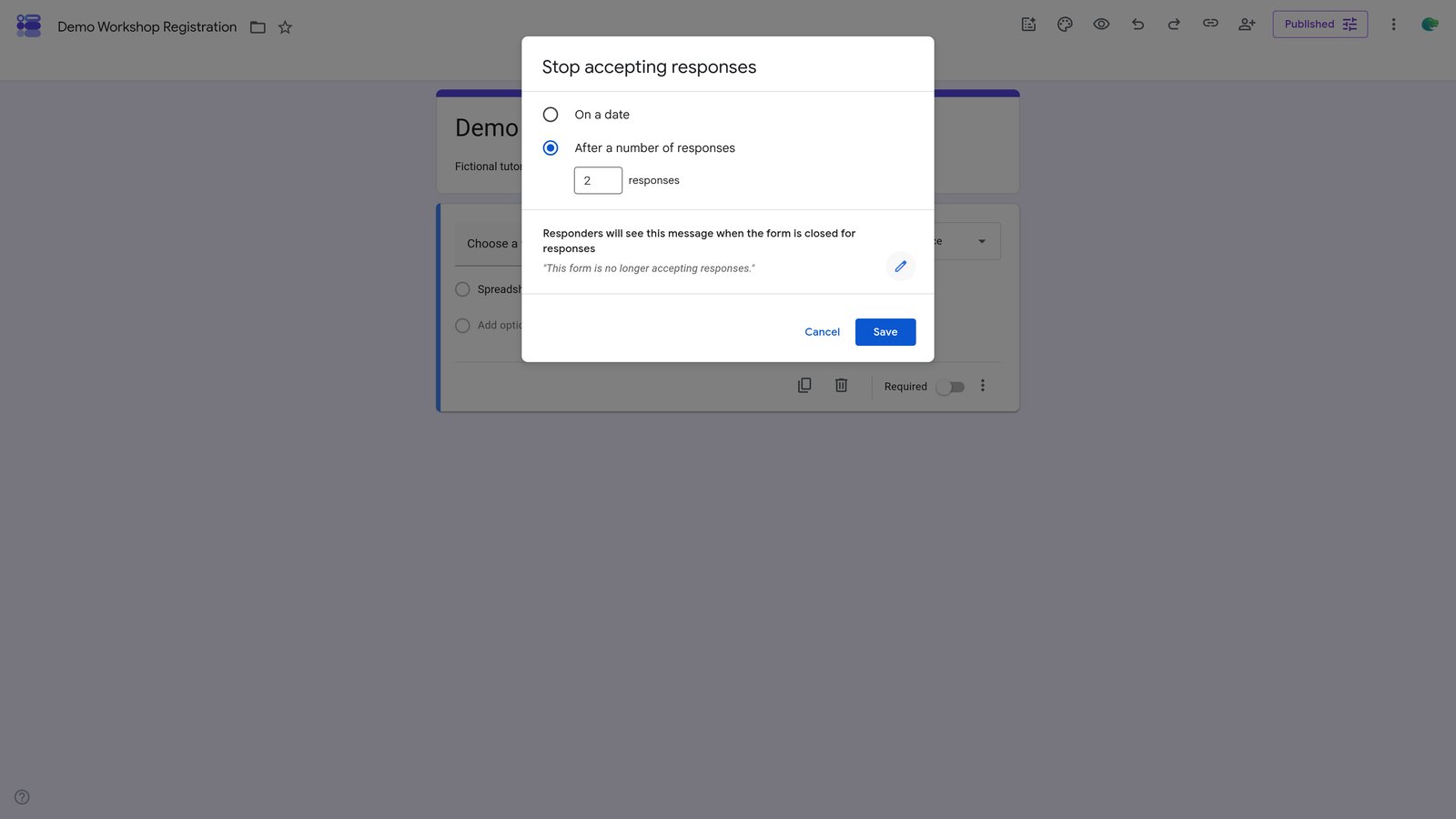
Click the 'Edit the message shown to respondents when the form is closed' button in the 'Stop accepting responses' section.
7
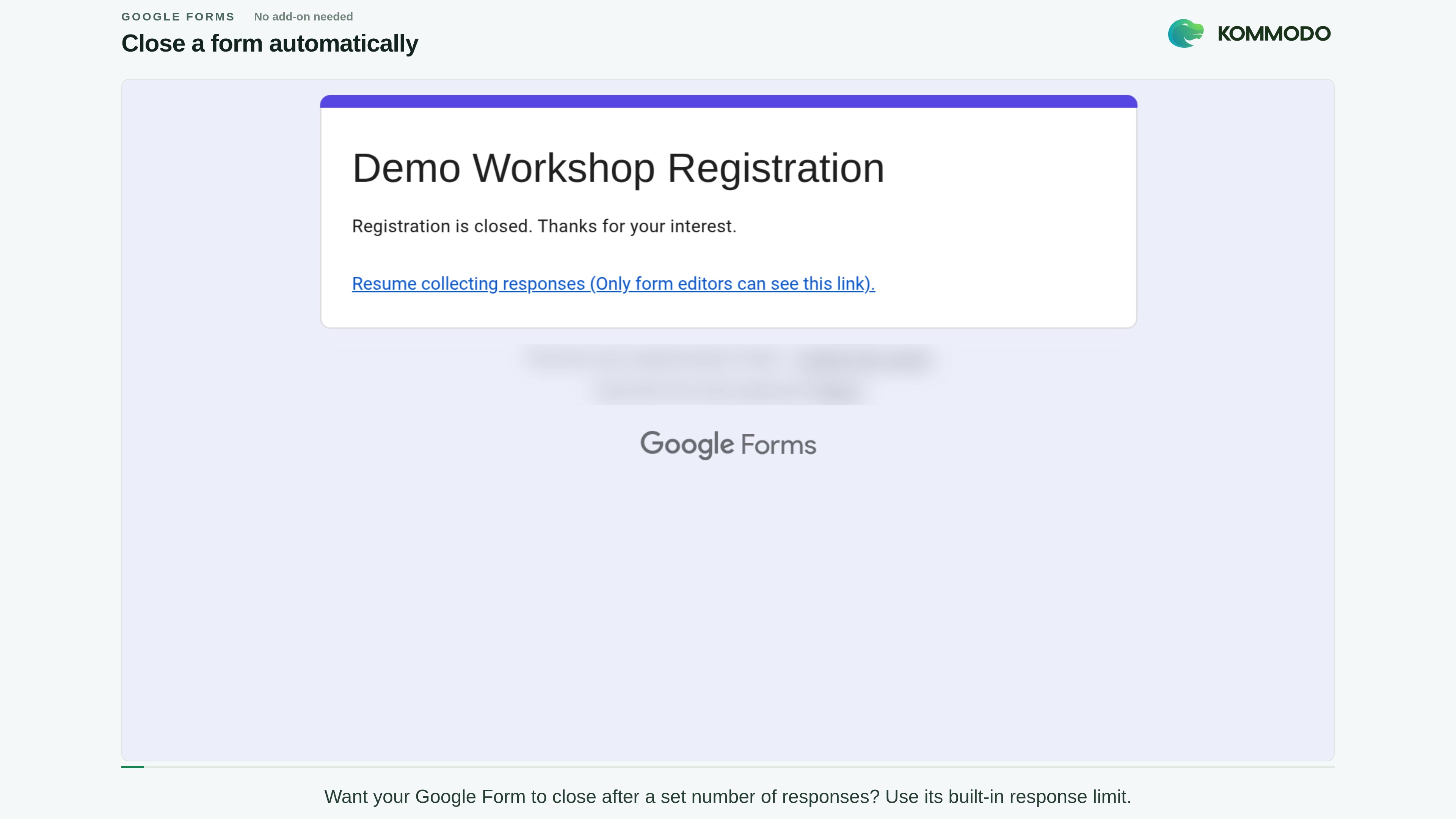
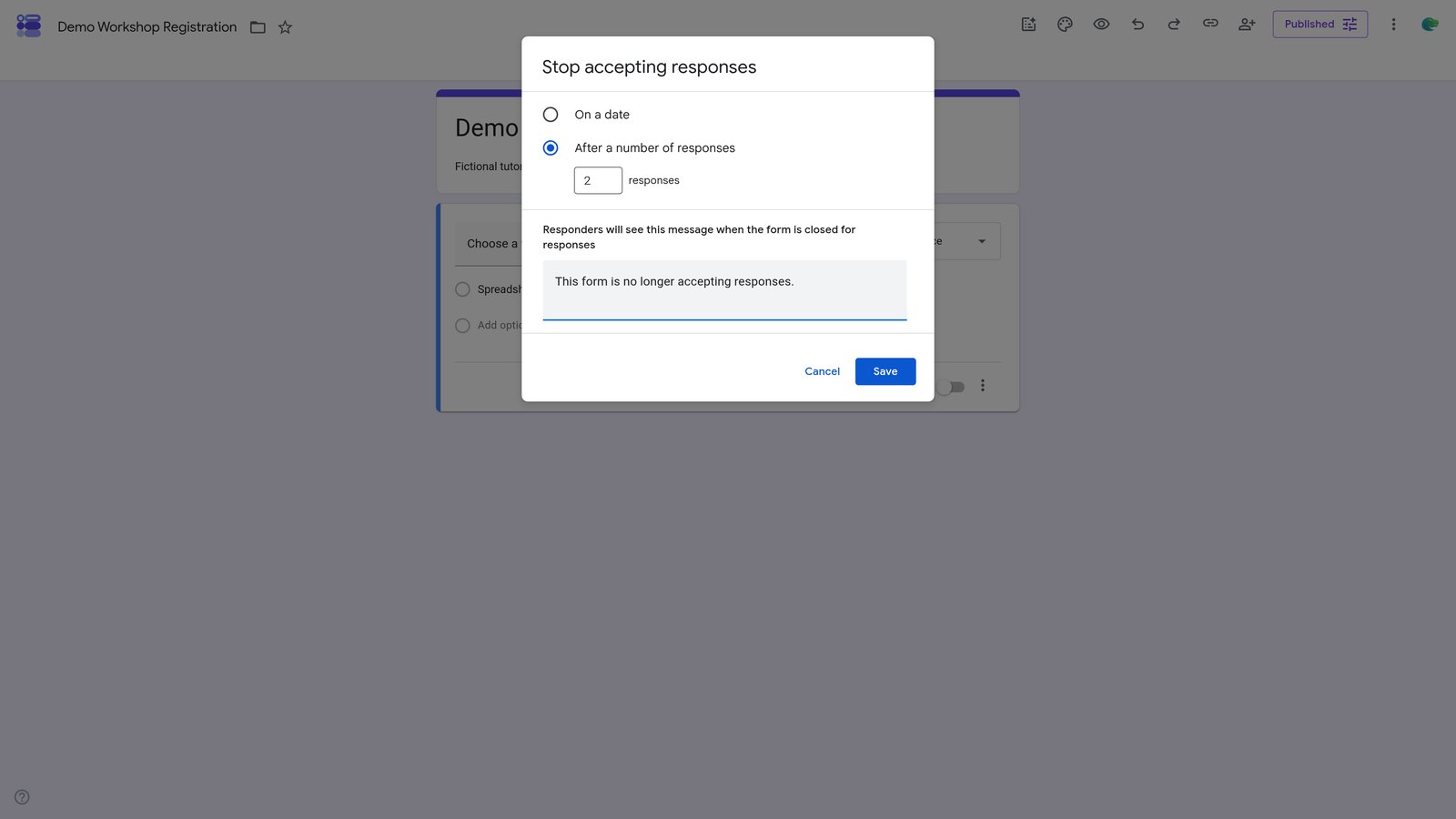
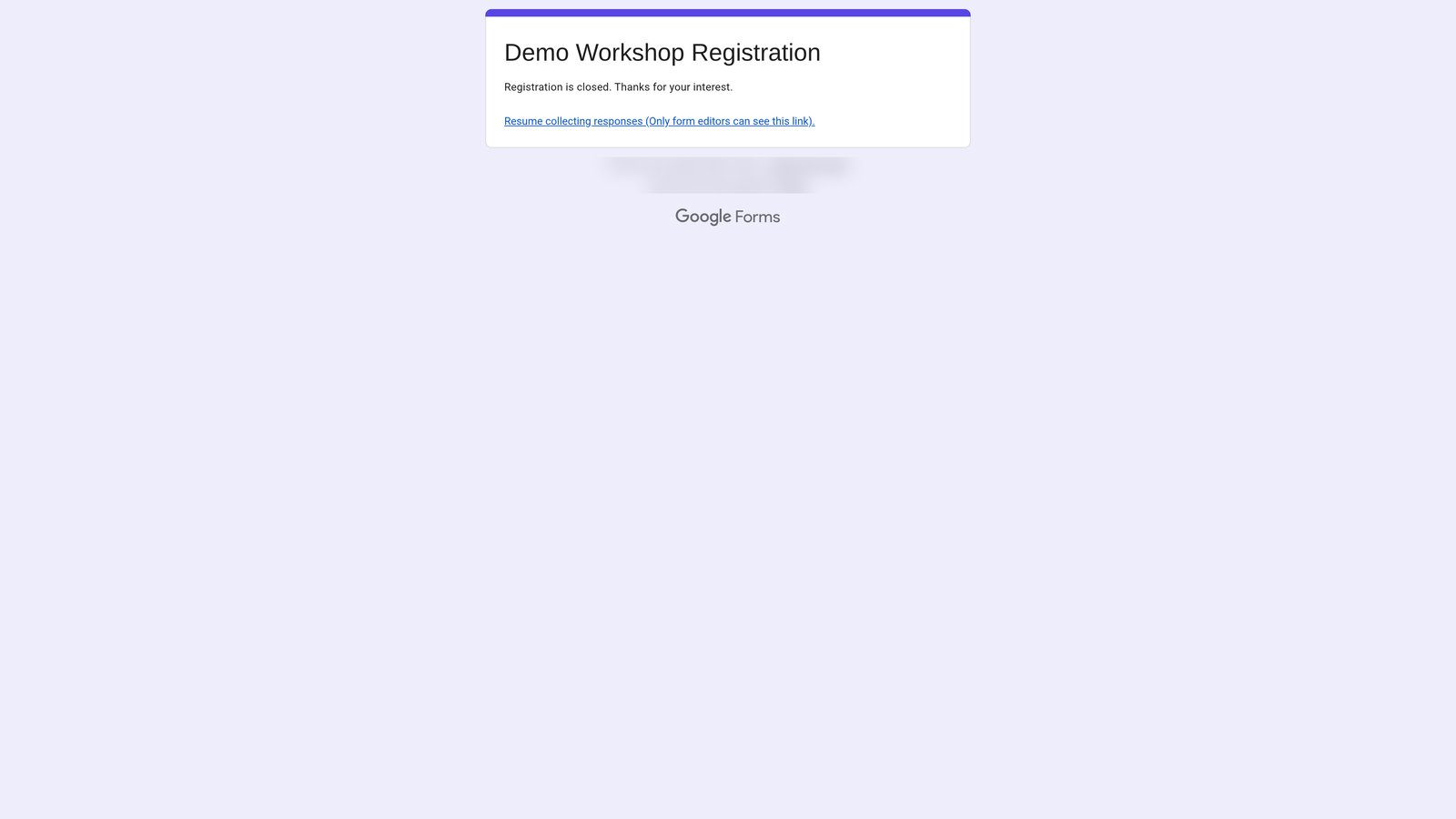
Type "Registration is closed. Thanks for your interest." into the "Responders will see this message when the form is closed for responses" field.

14
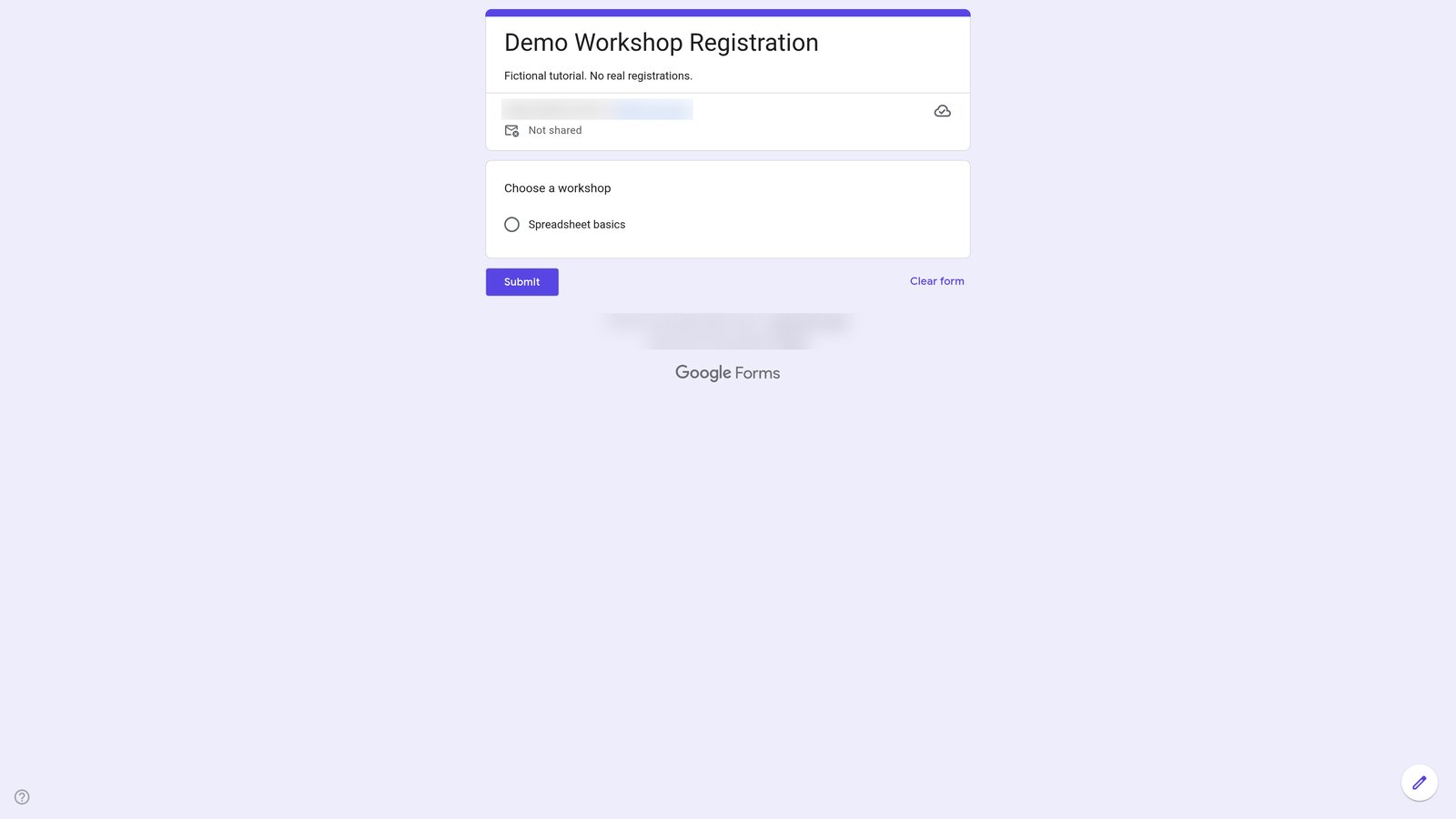
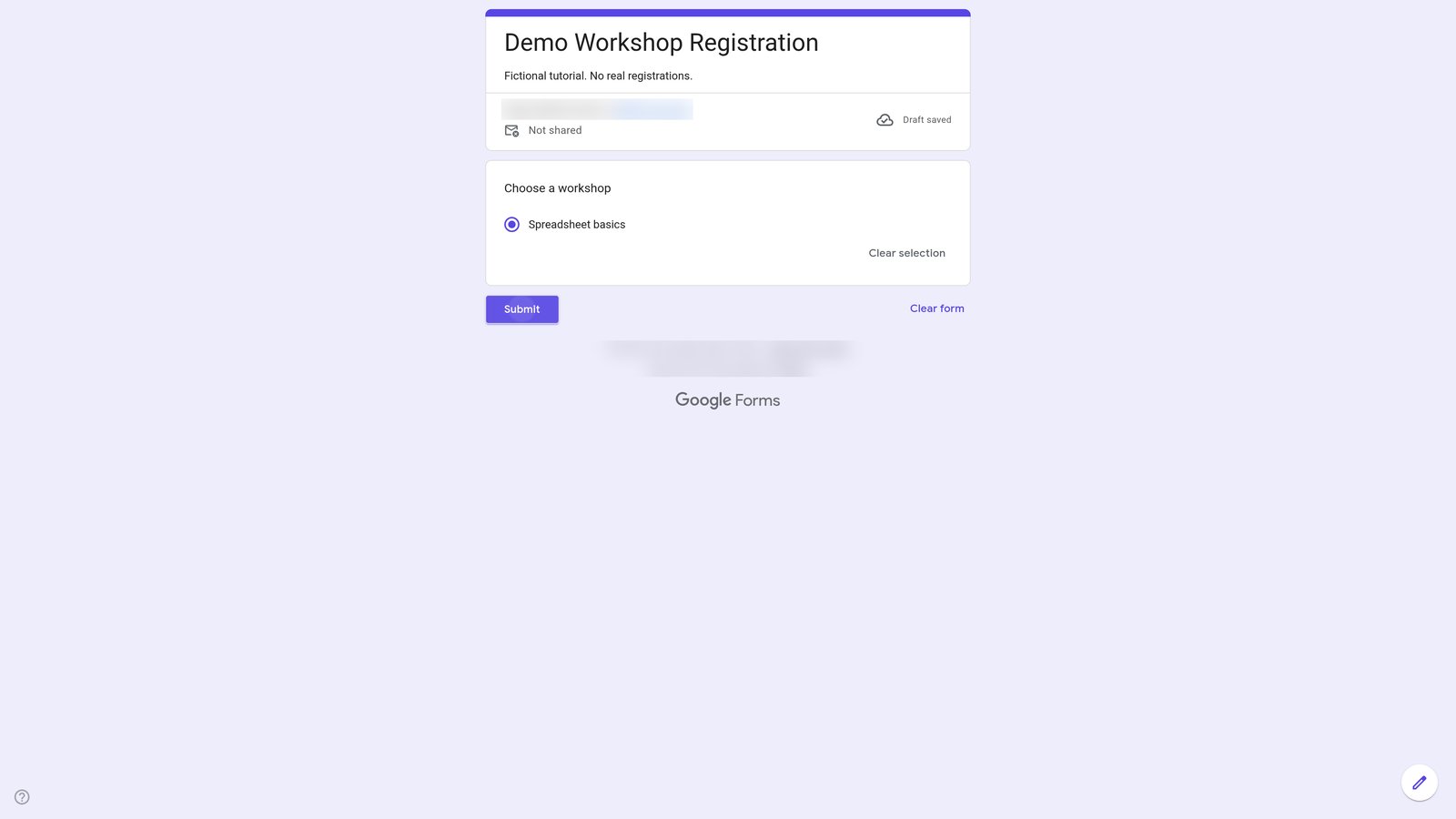
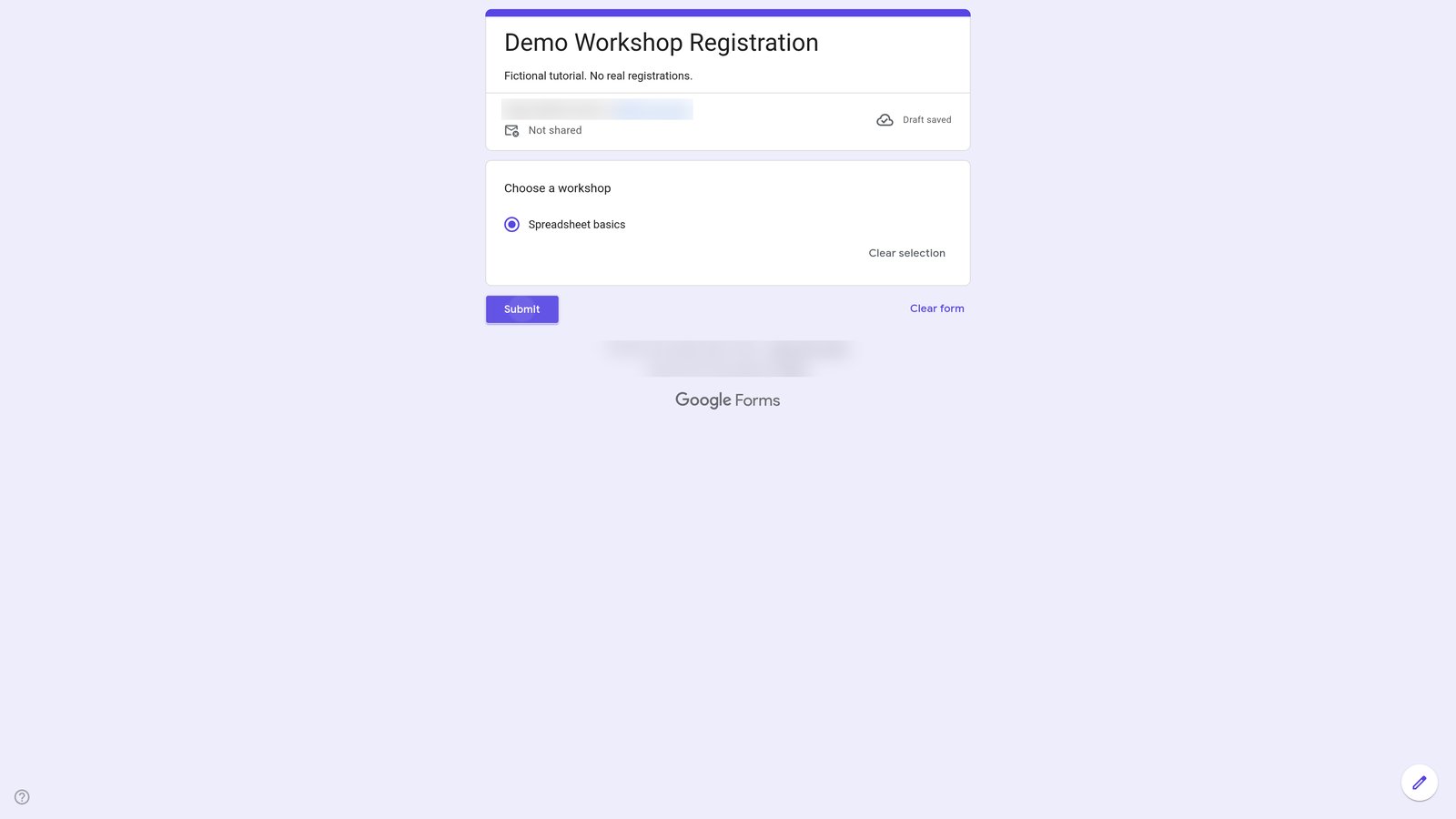
Go to "Demo Workshop Registration" (docs.google.com)
20
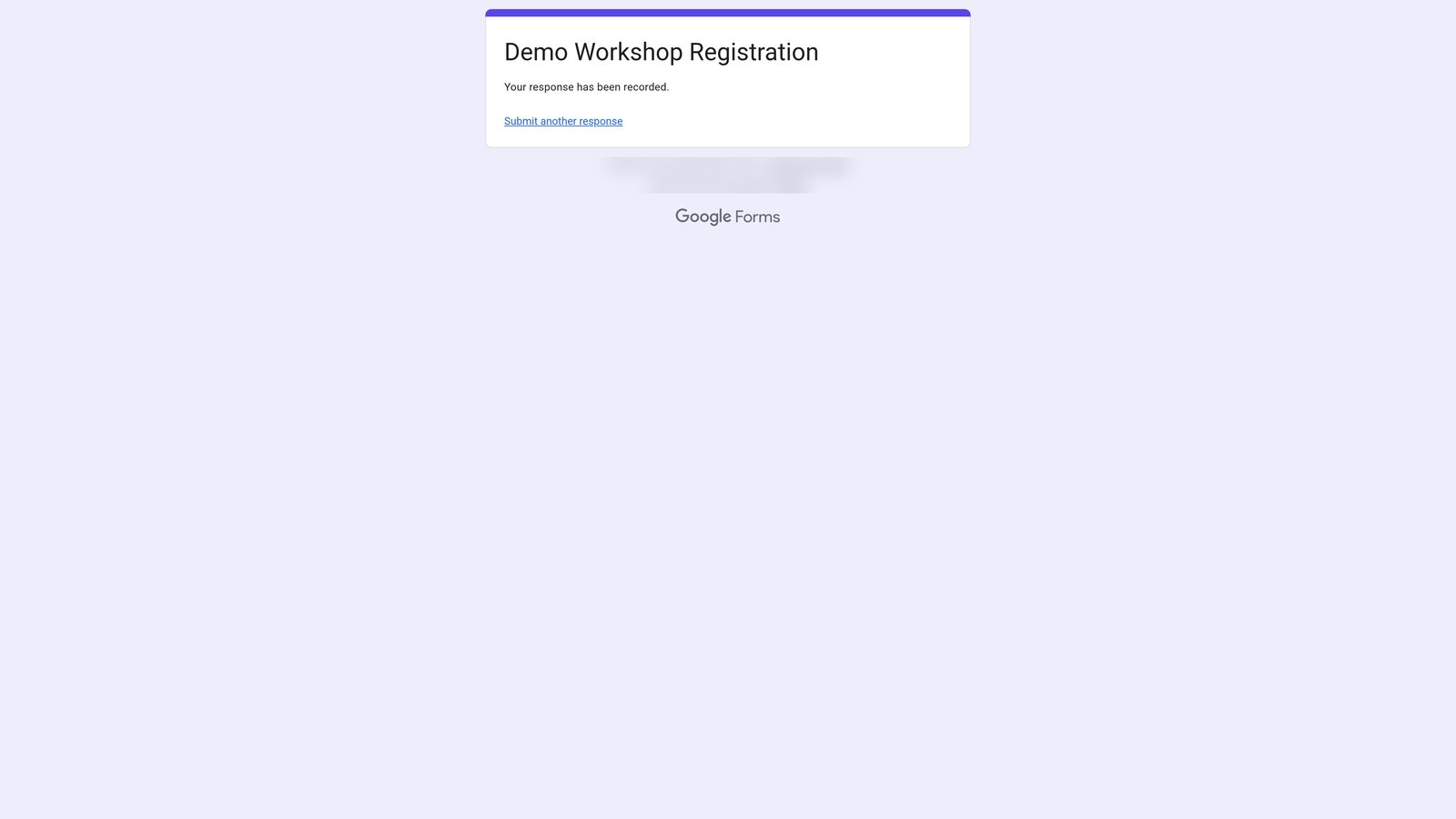
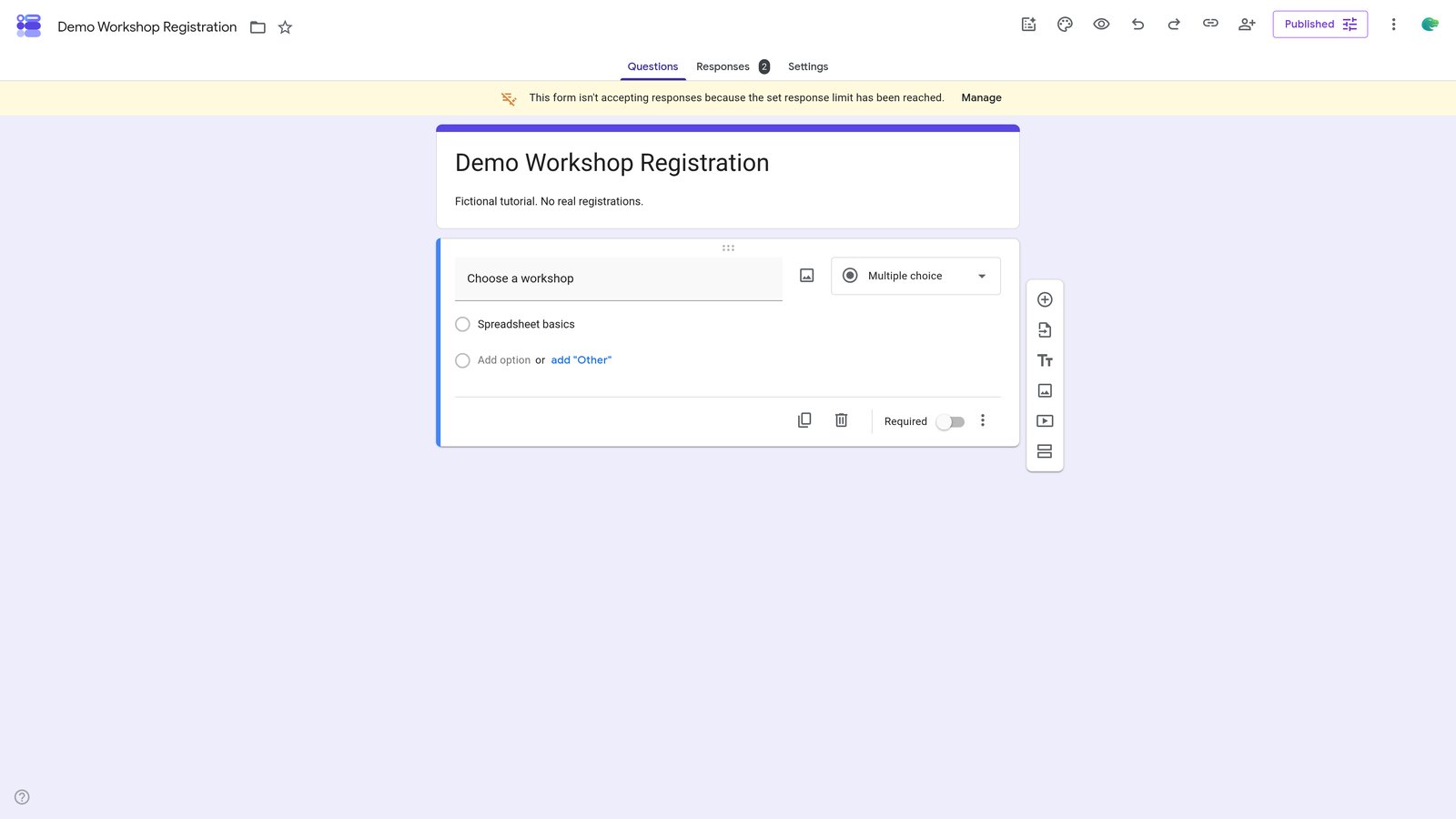
Go to "Demo Workshop Registration - Google Forms" (docs.google.com)
22
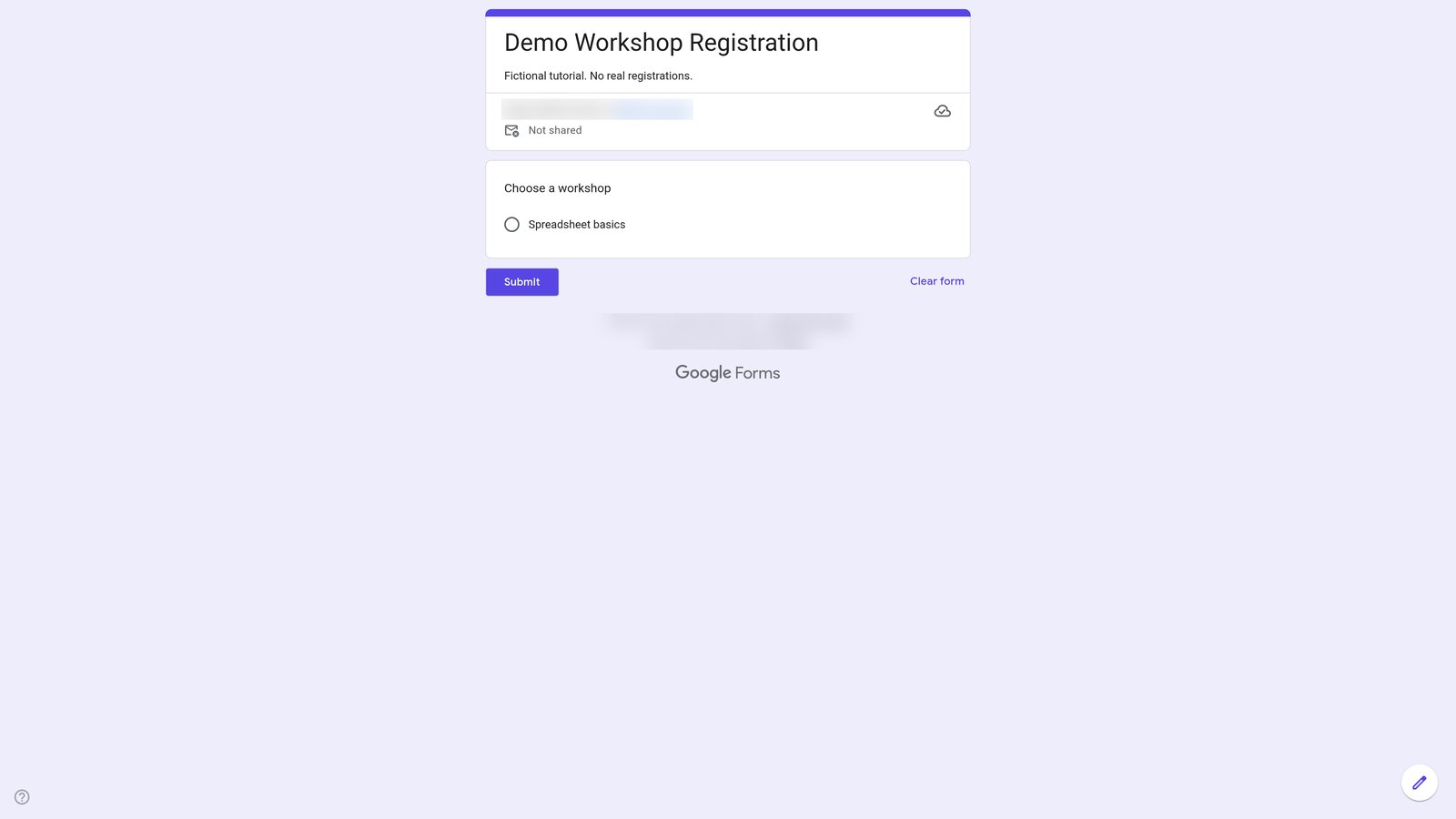
Go to "Demo Workshop Registration" (docs.google.com)
You made it to the end!
23 steps complete