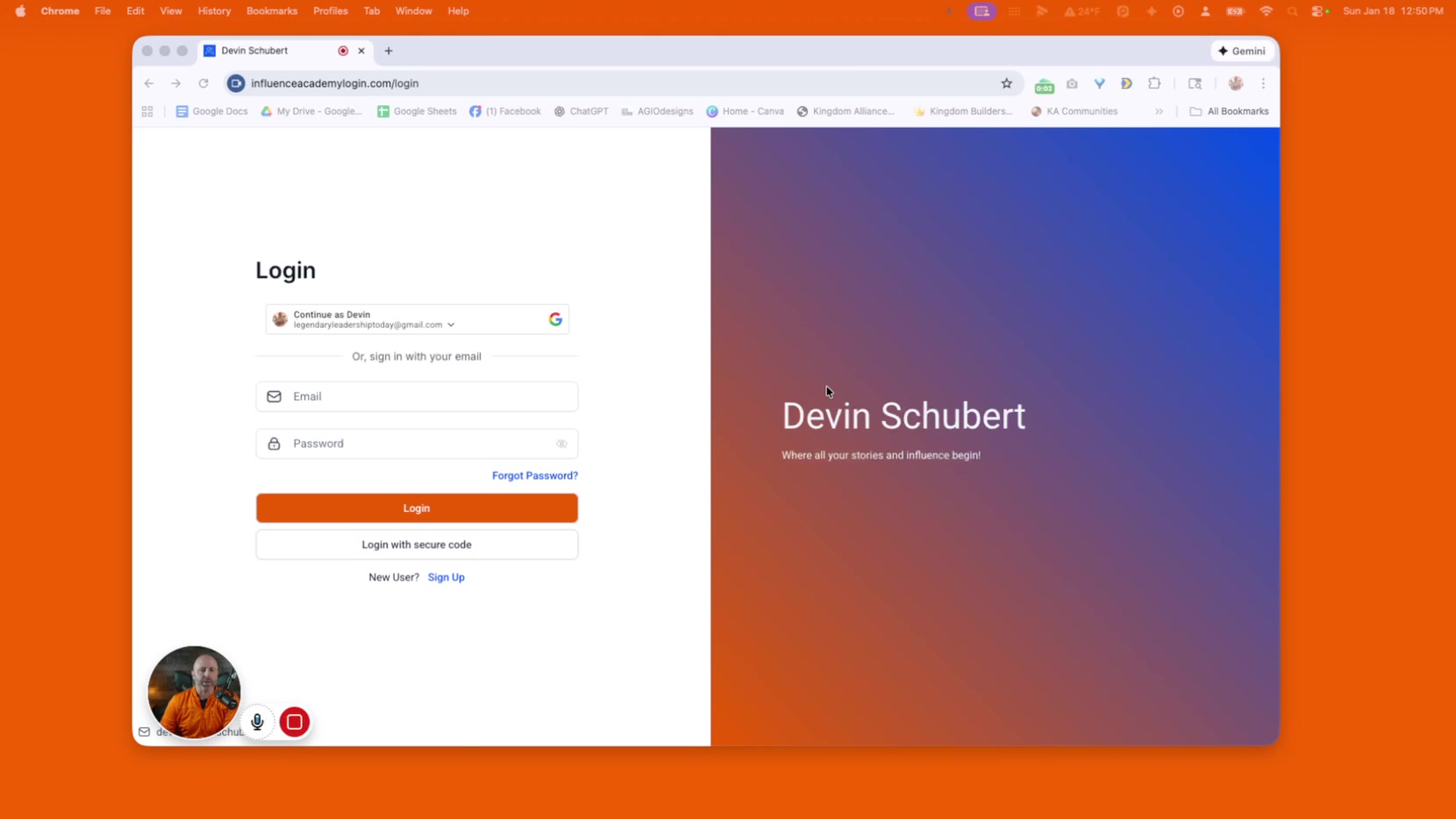
Influence Academy Portal Walkthrough and Course Overview

Devin Schubert

Devin Schubert

No date
24 steps
2

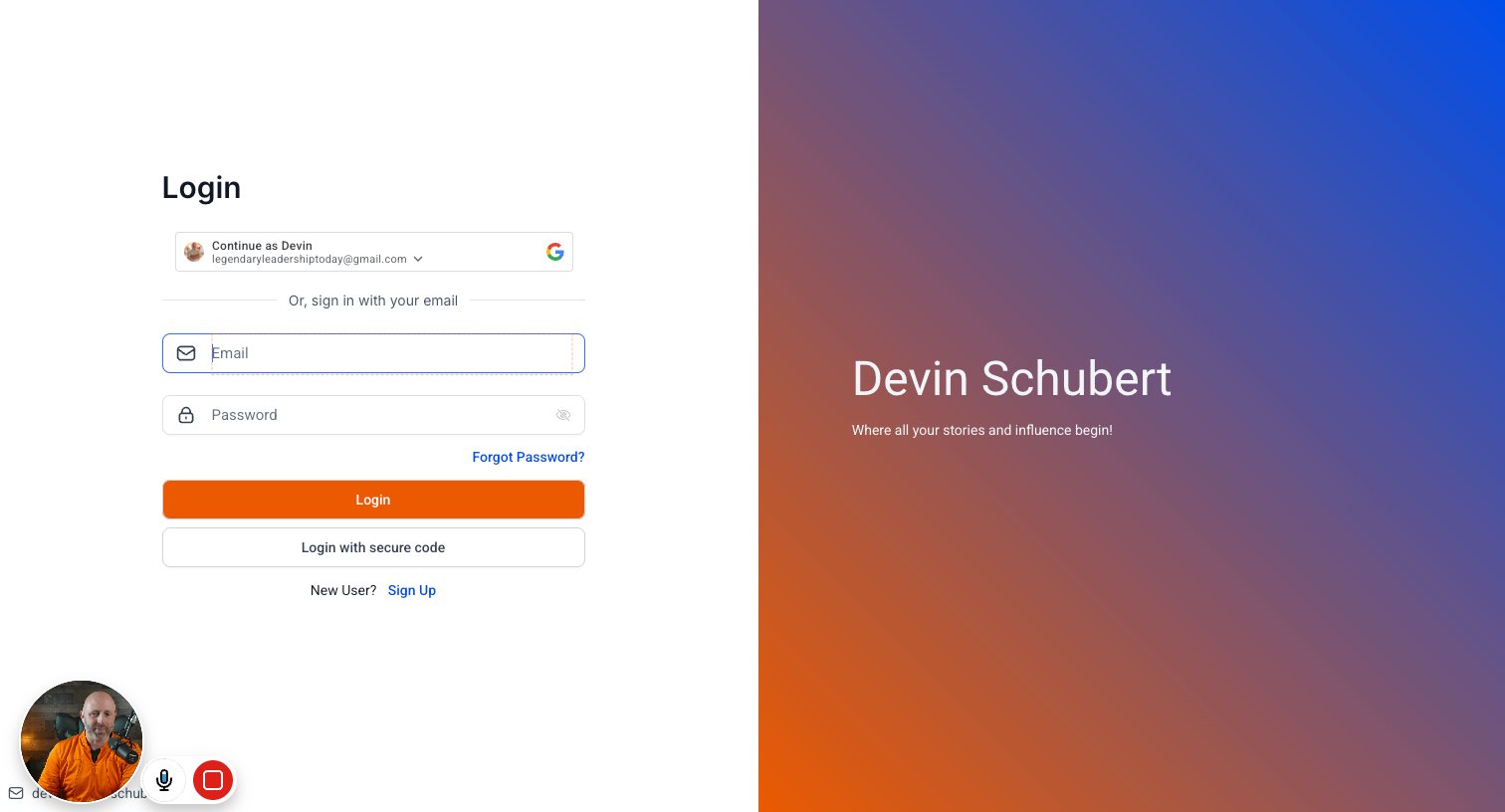
Type your email in highlighted field

step
3

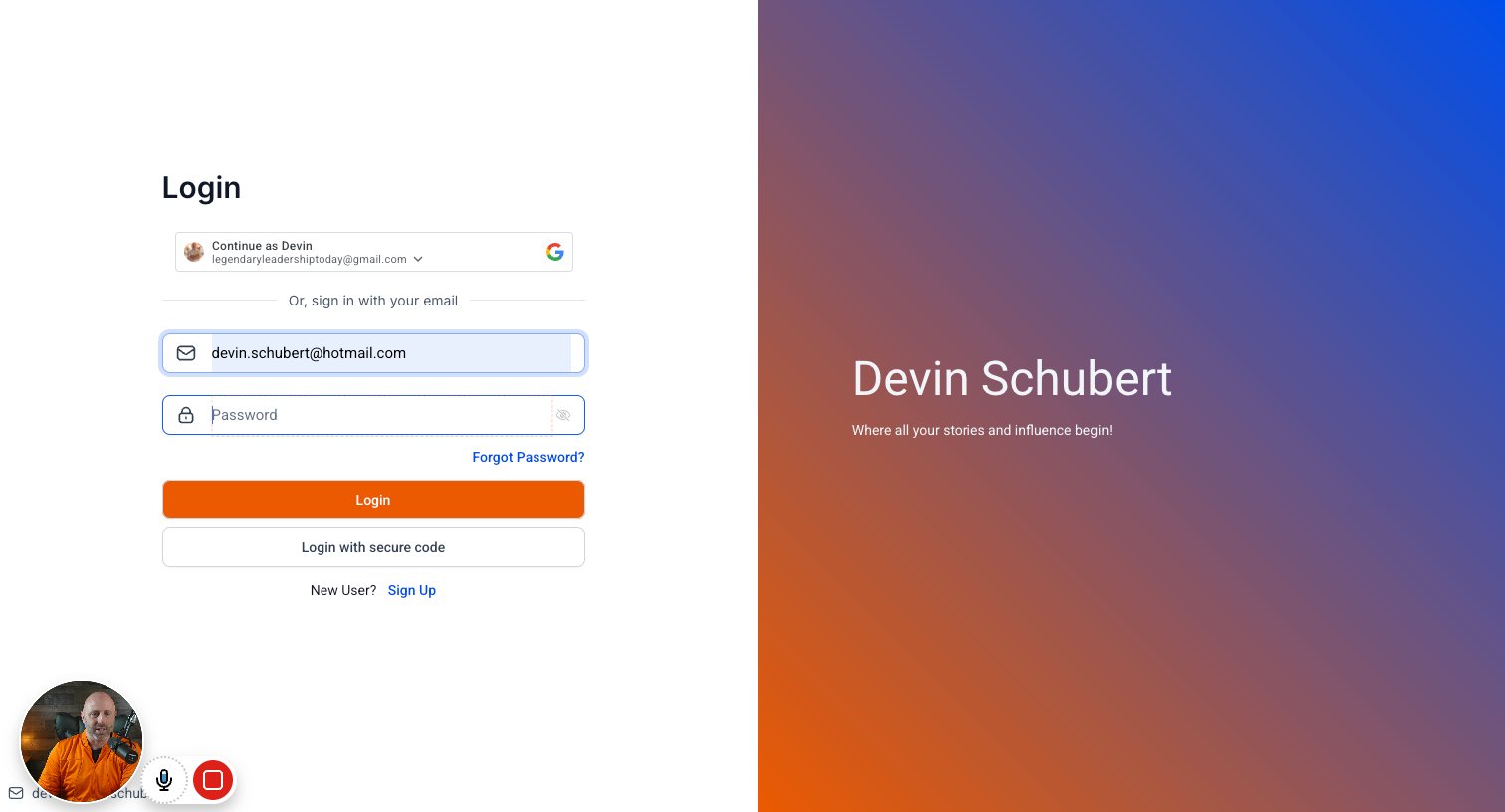
Type your password in highlighted field

step
4

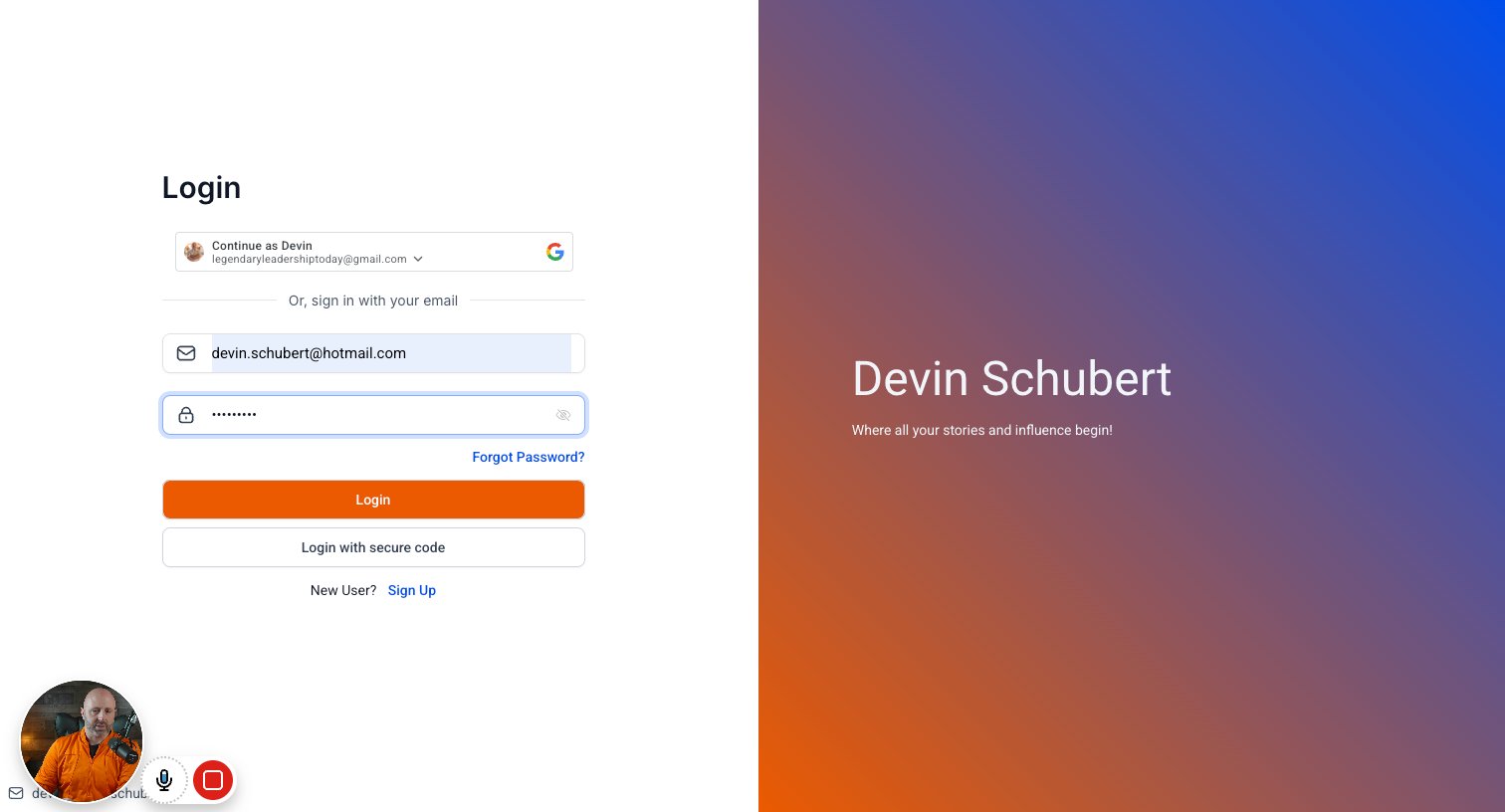
Click on "Login"

step
5

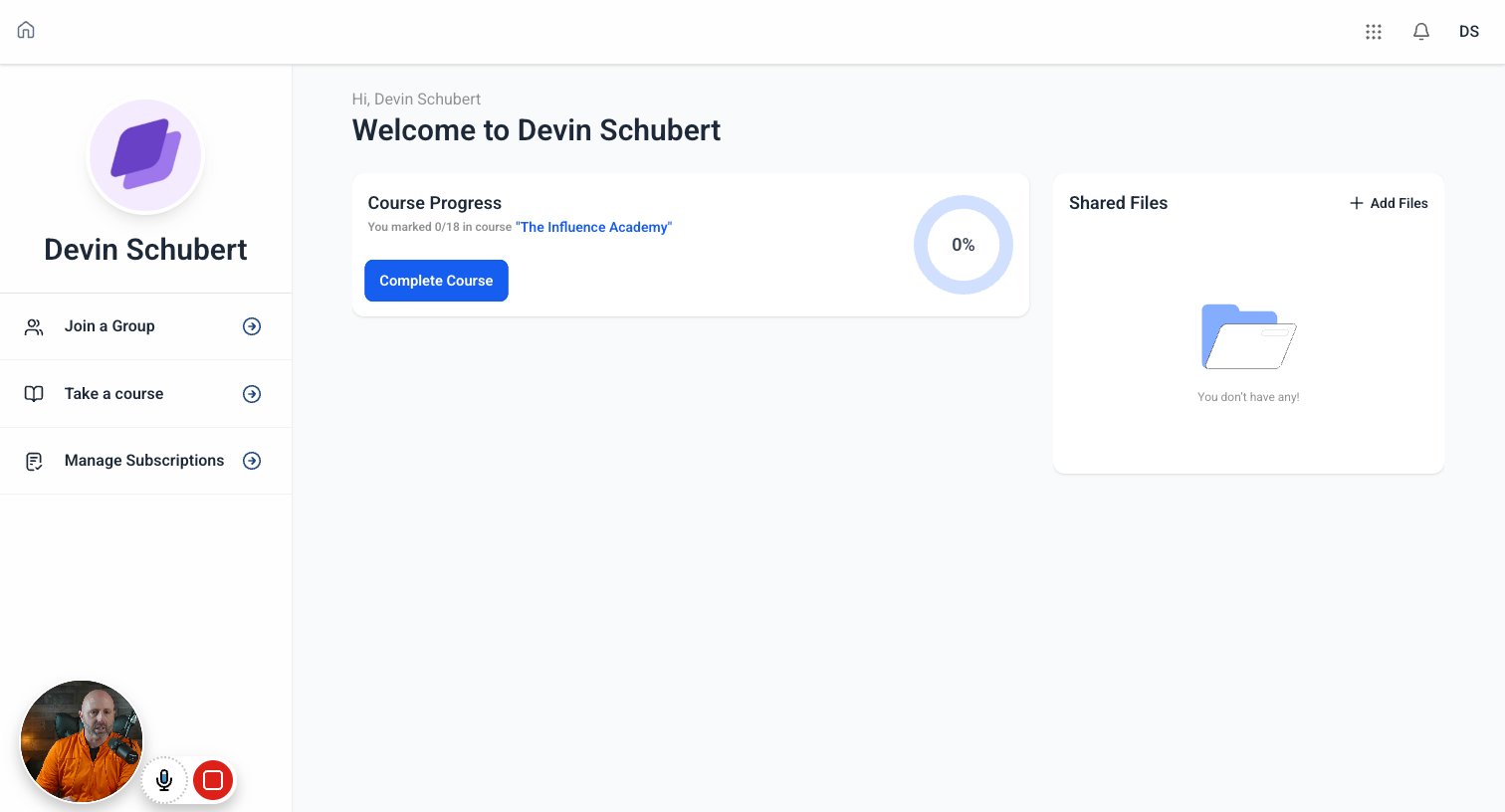
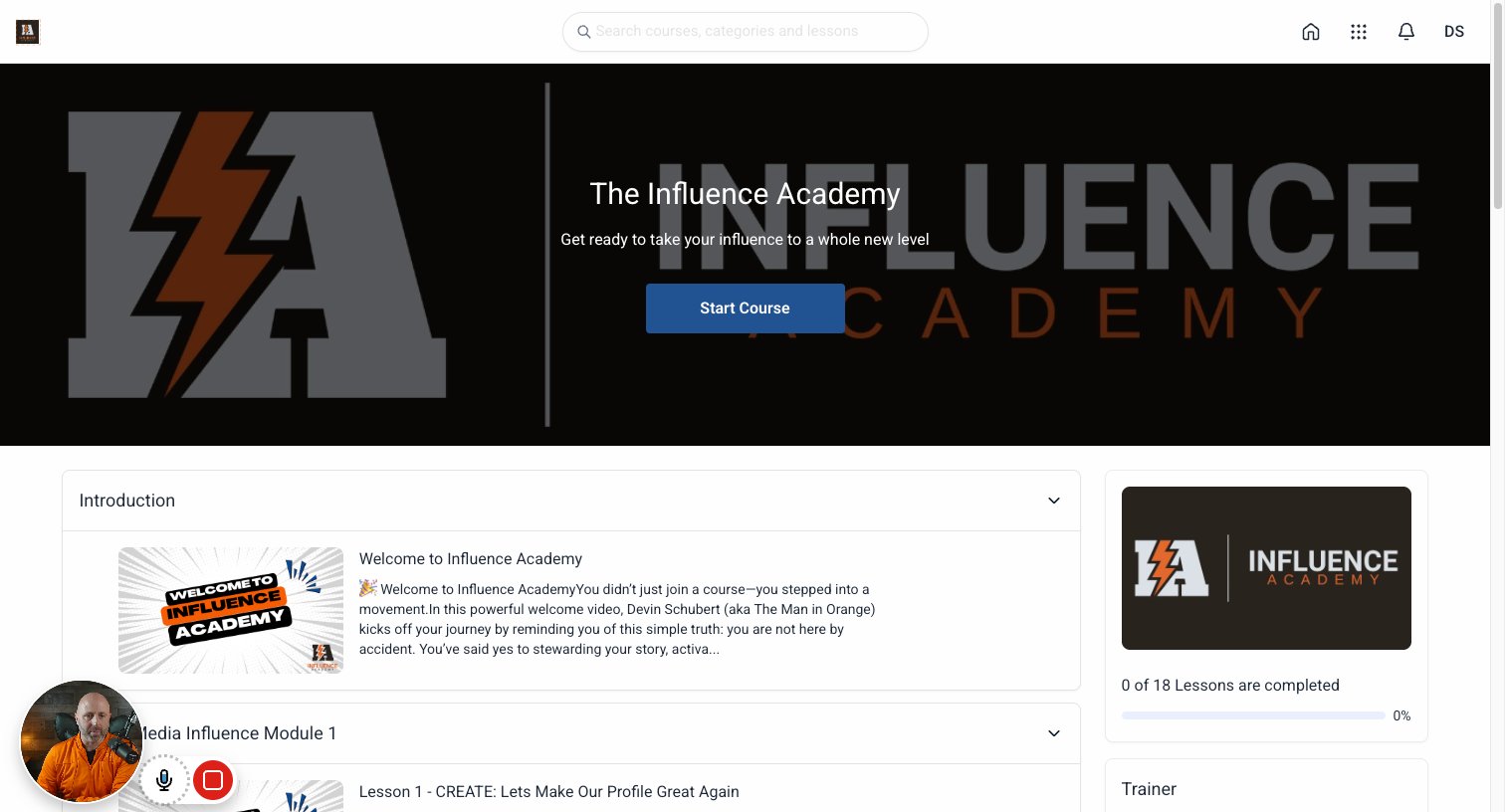
Click on "Complete Course" this will start you into Influence Academy

step
6

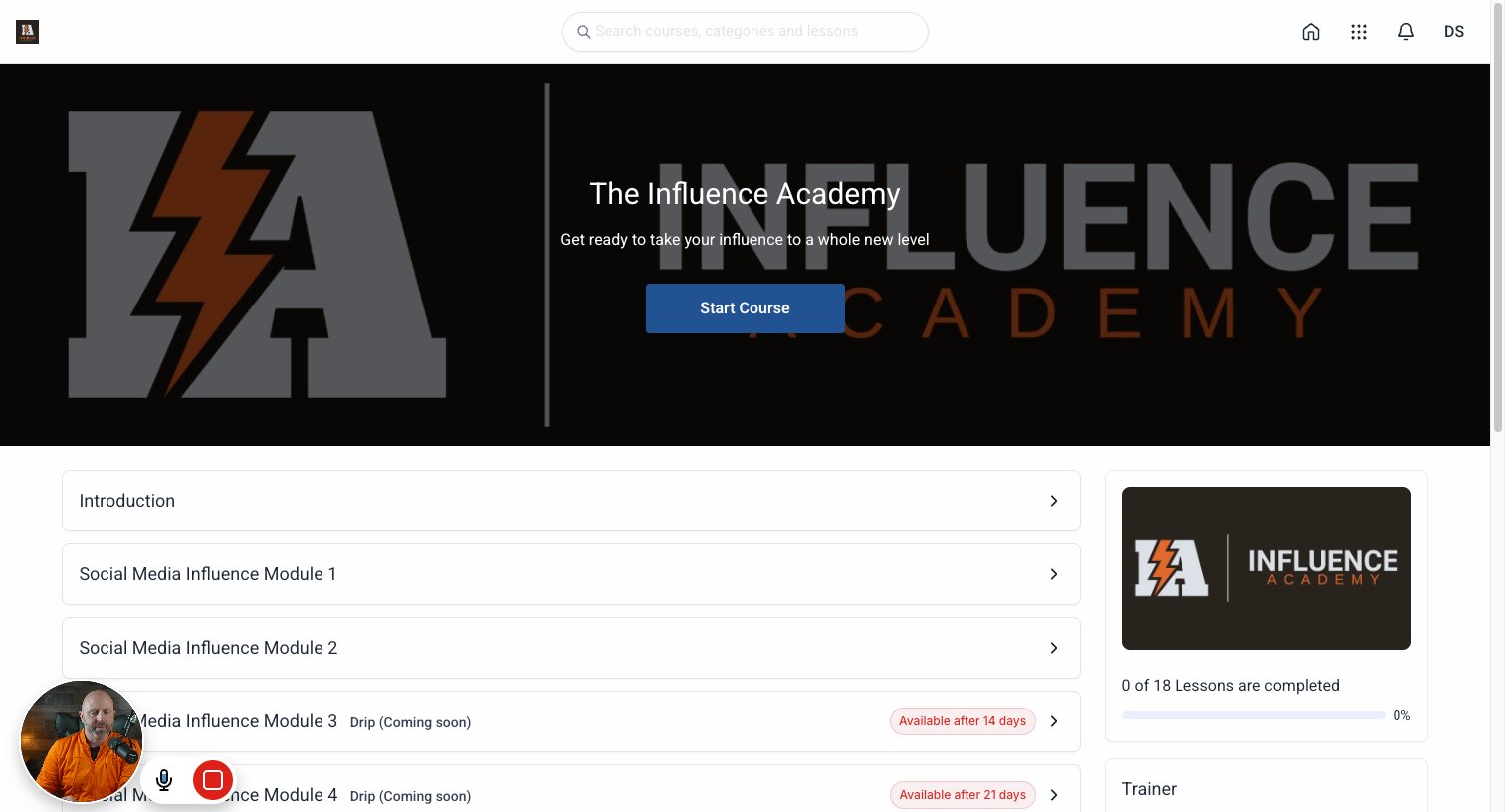
Click on the logo or Home screen button in the upper left hand corner

step
7

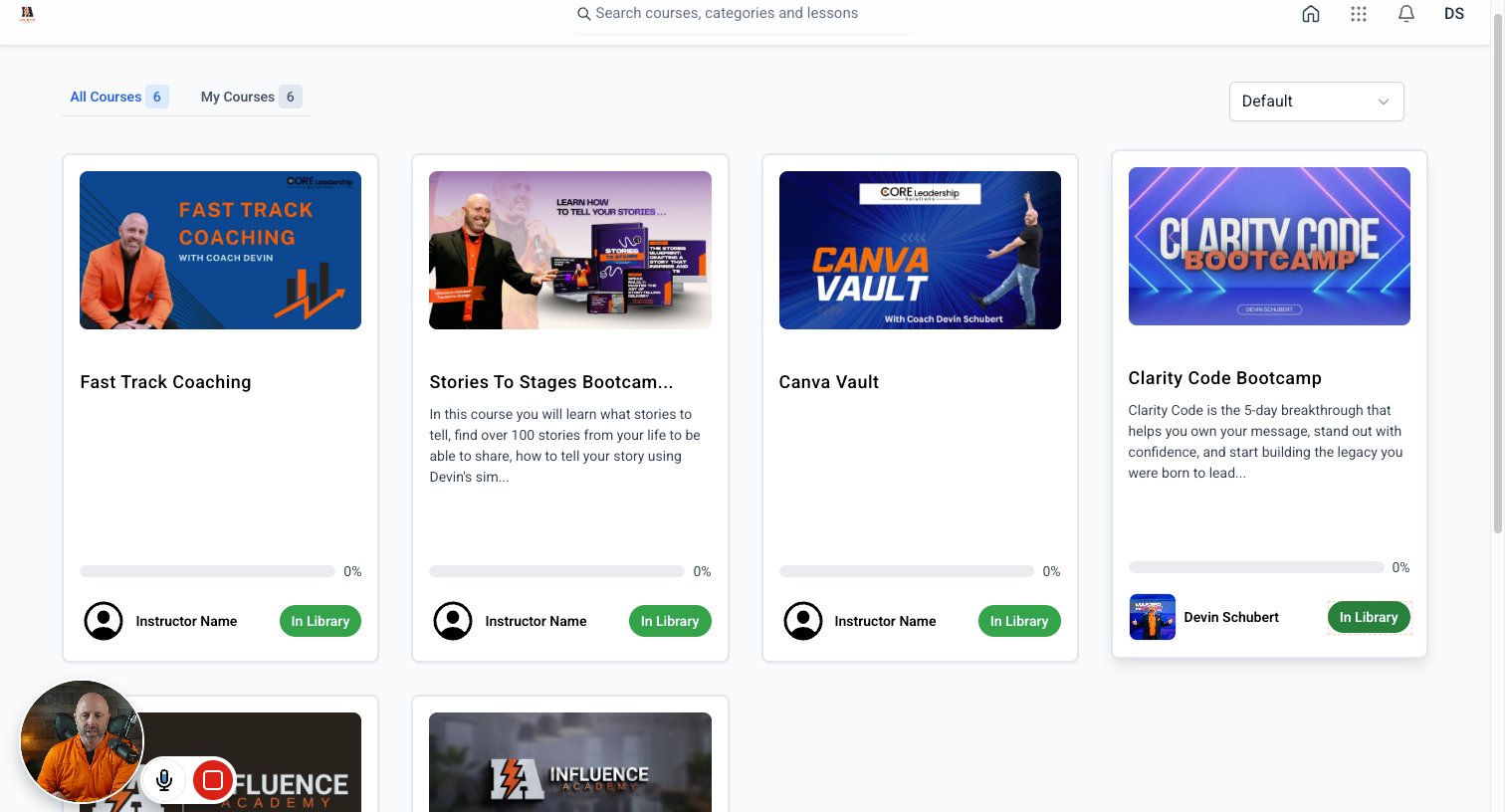
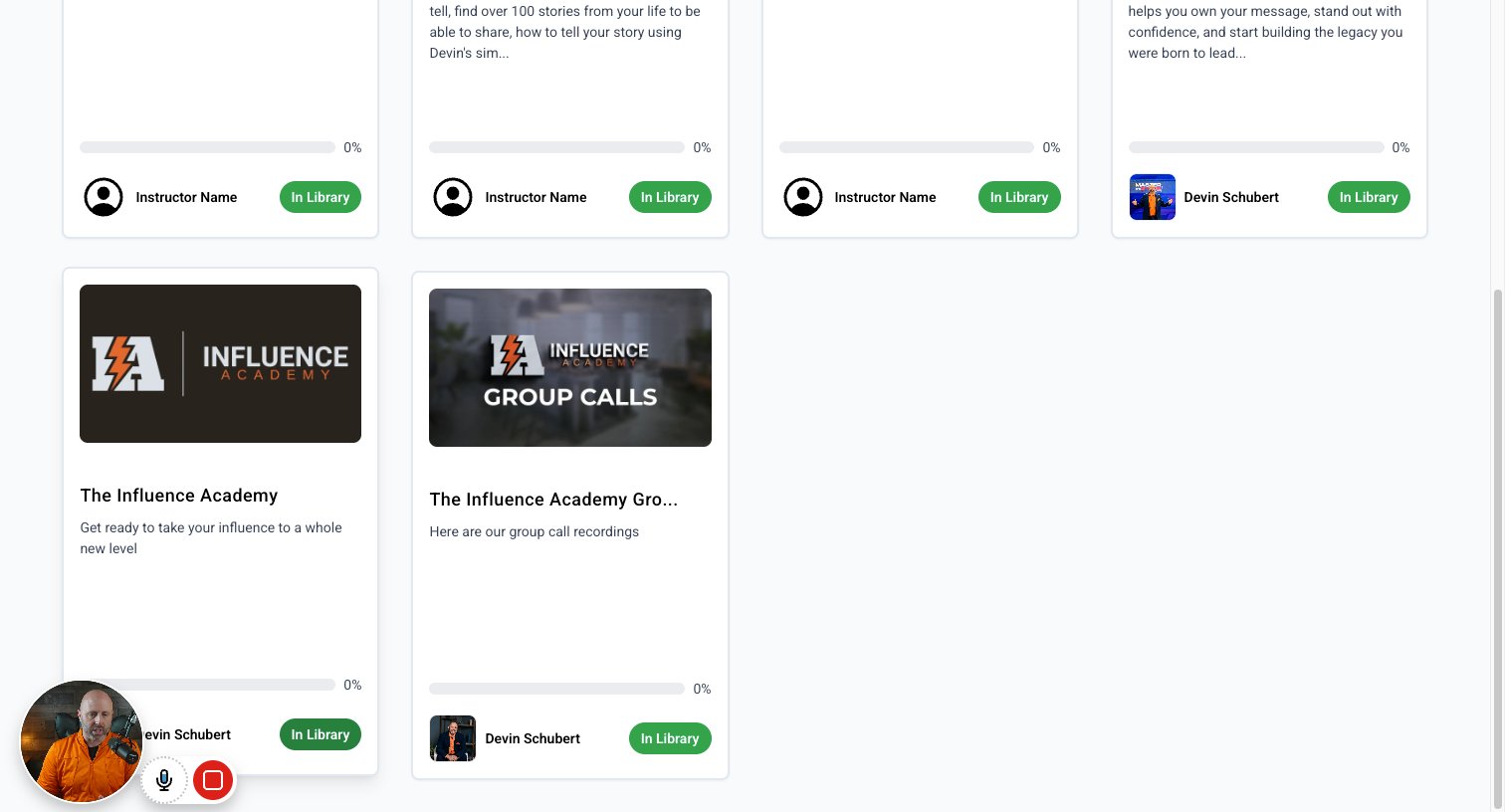
Click on "In Library" of which course you would like to open. Here we look at The Influence Academy Library
step
8

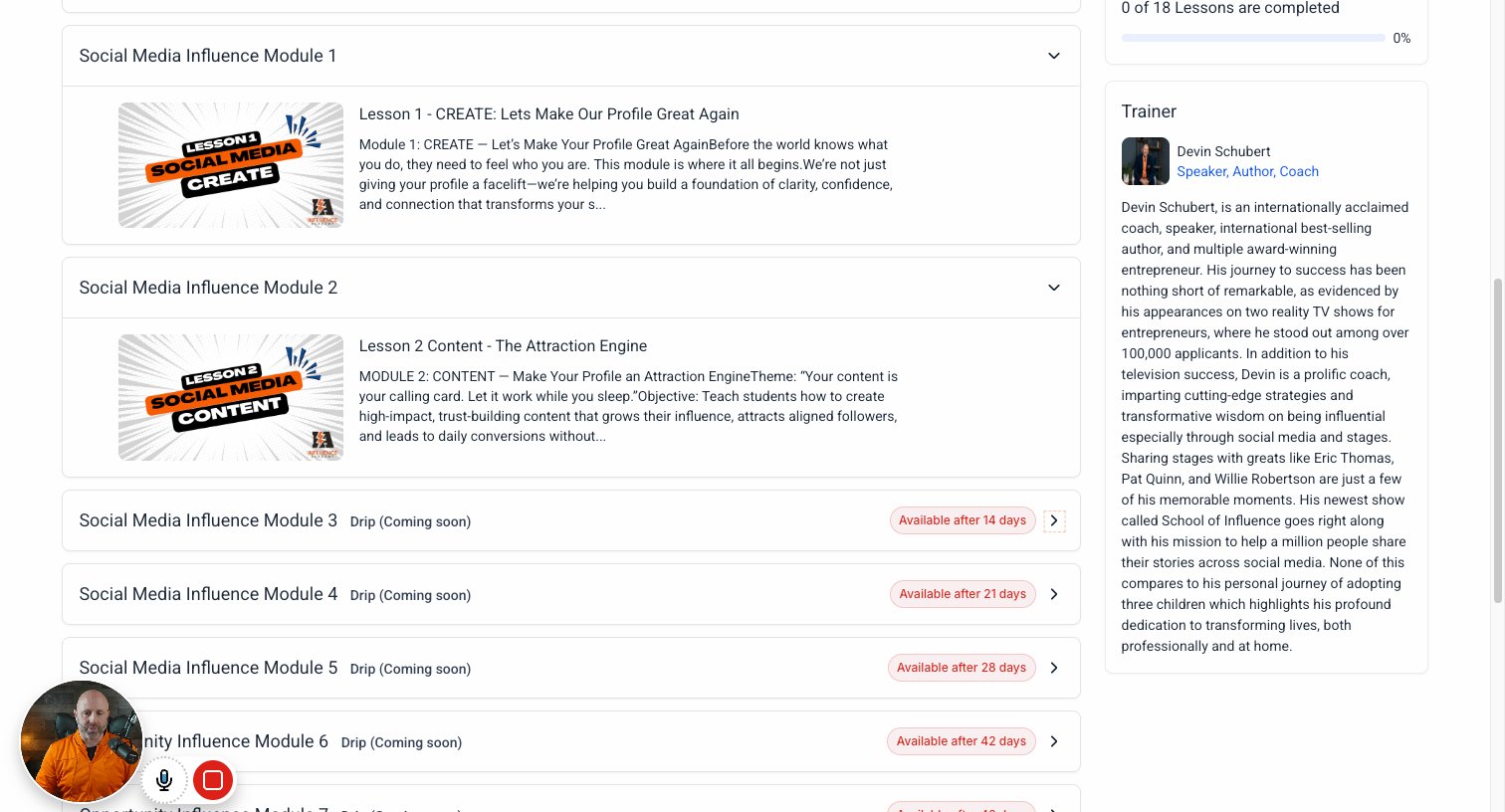
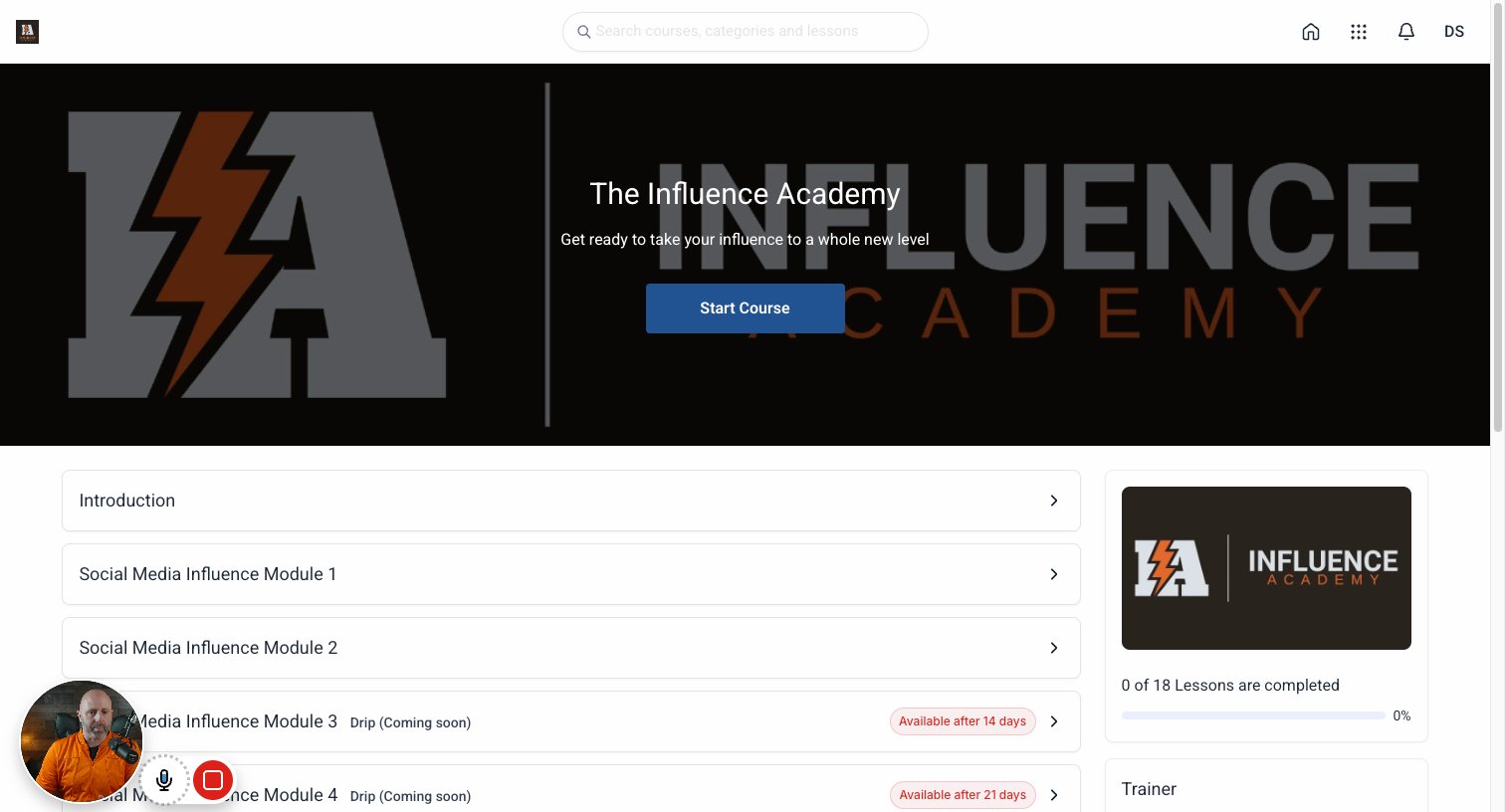
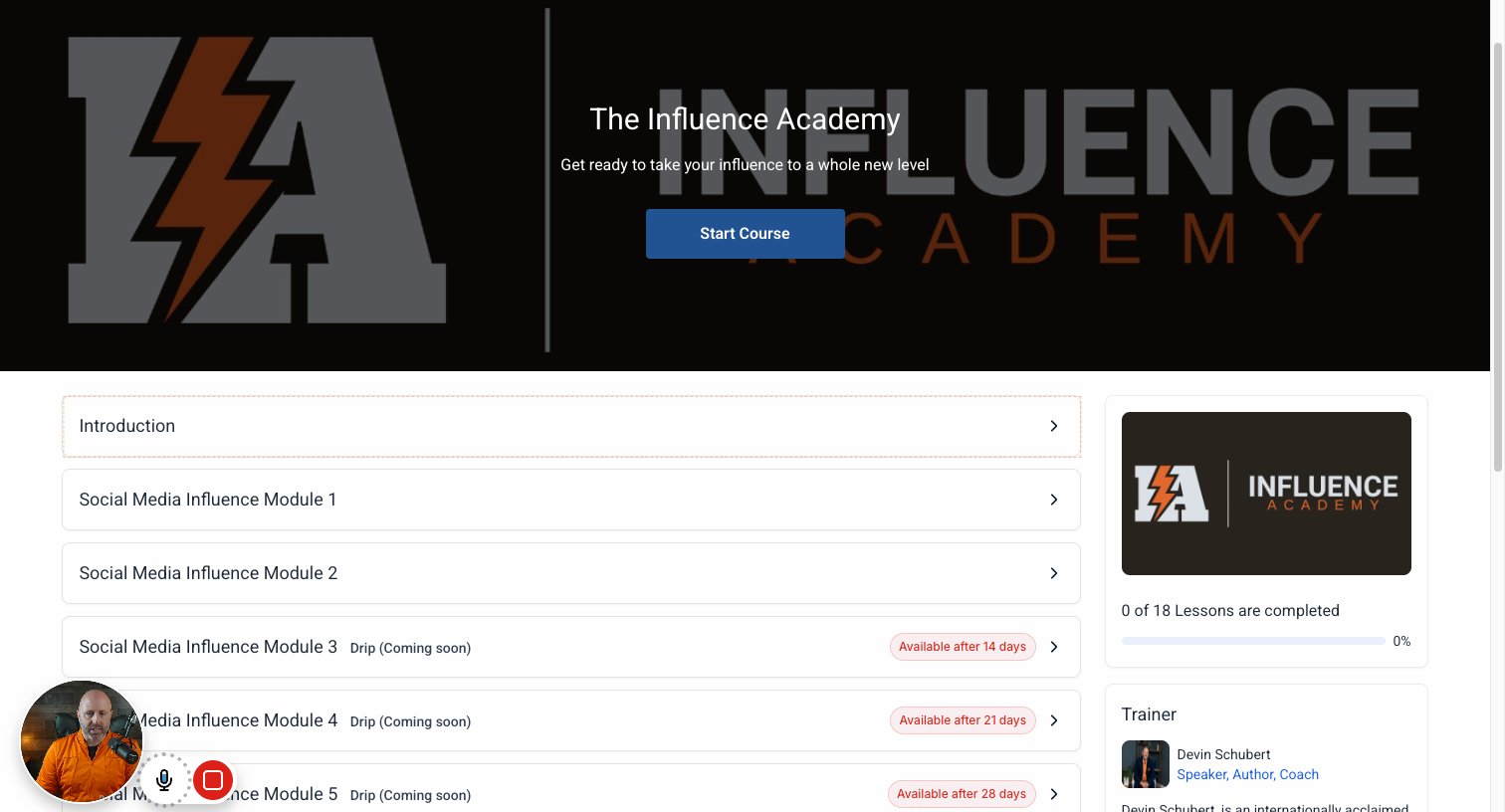
Now when you click on the modules you will see that you initially have a few unlocked and the rest with release automatically weekly
step
9

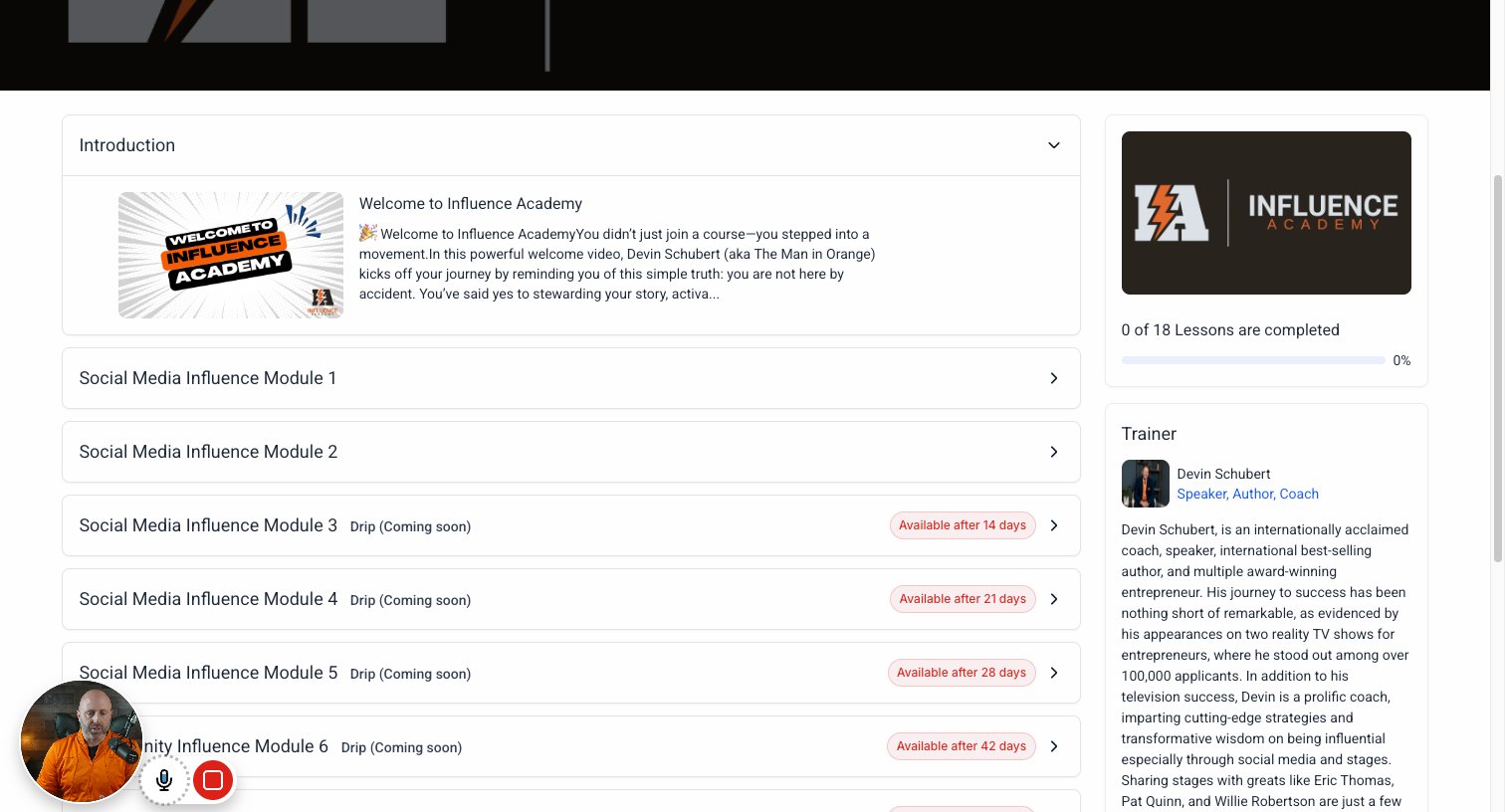
Click on "Introduction"

step
10

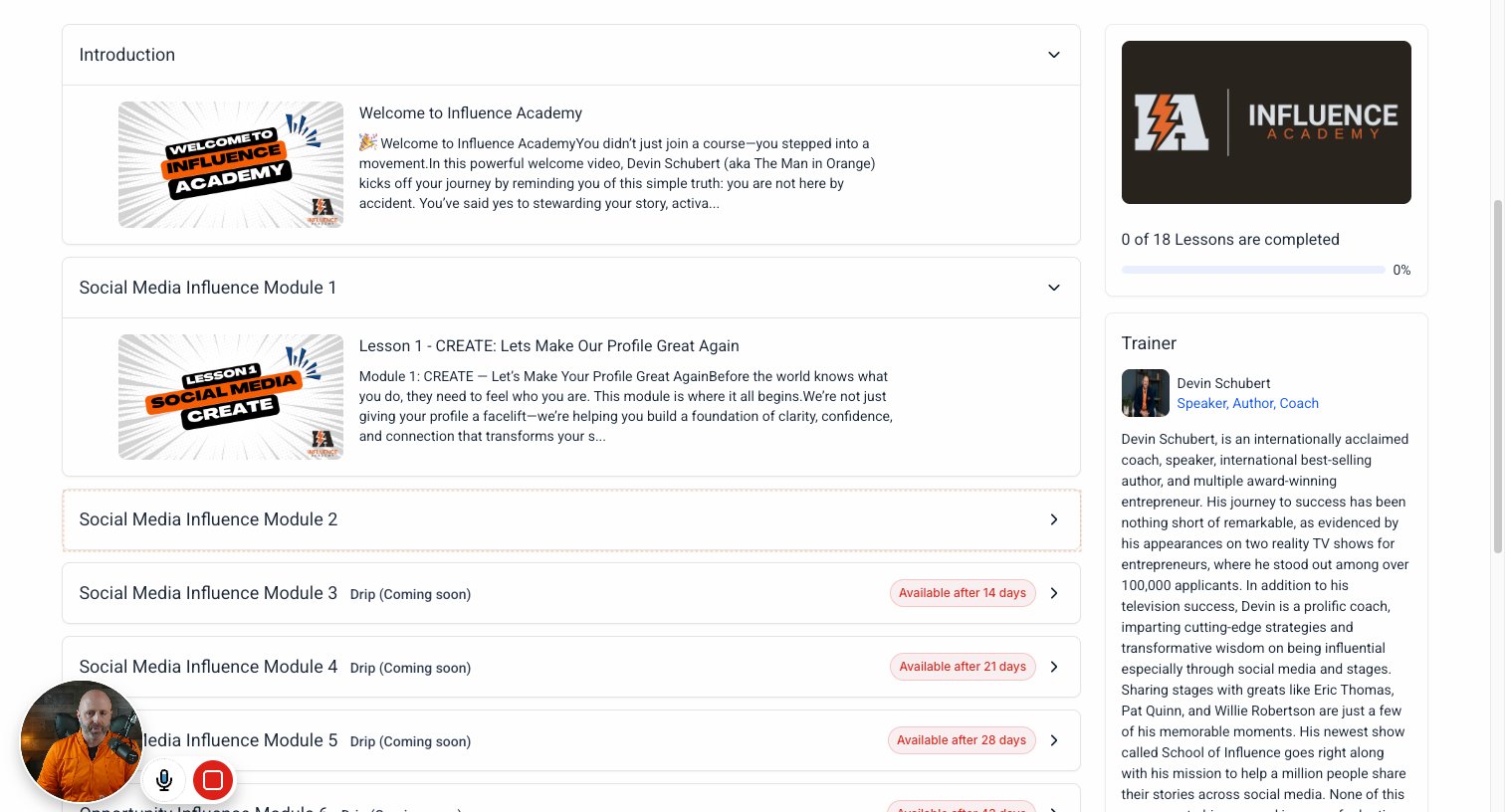
Click on "Social Media Influence Module 1"

step
11

Click on "Social Media Influence Module 2"

step
12

Click on "Available after 14 days"

step
13

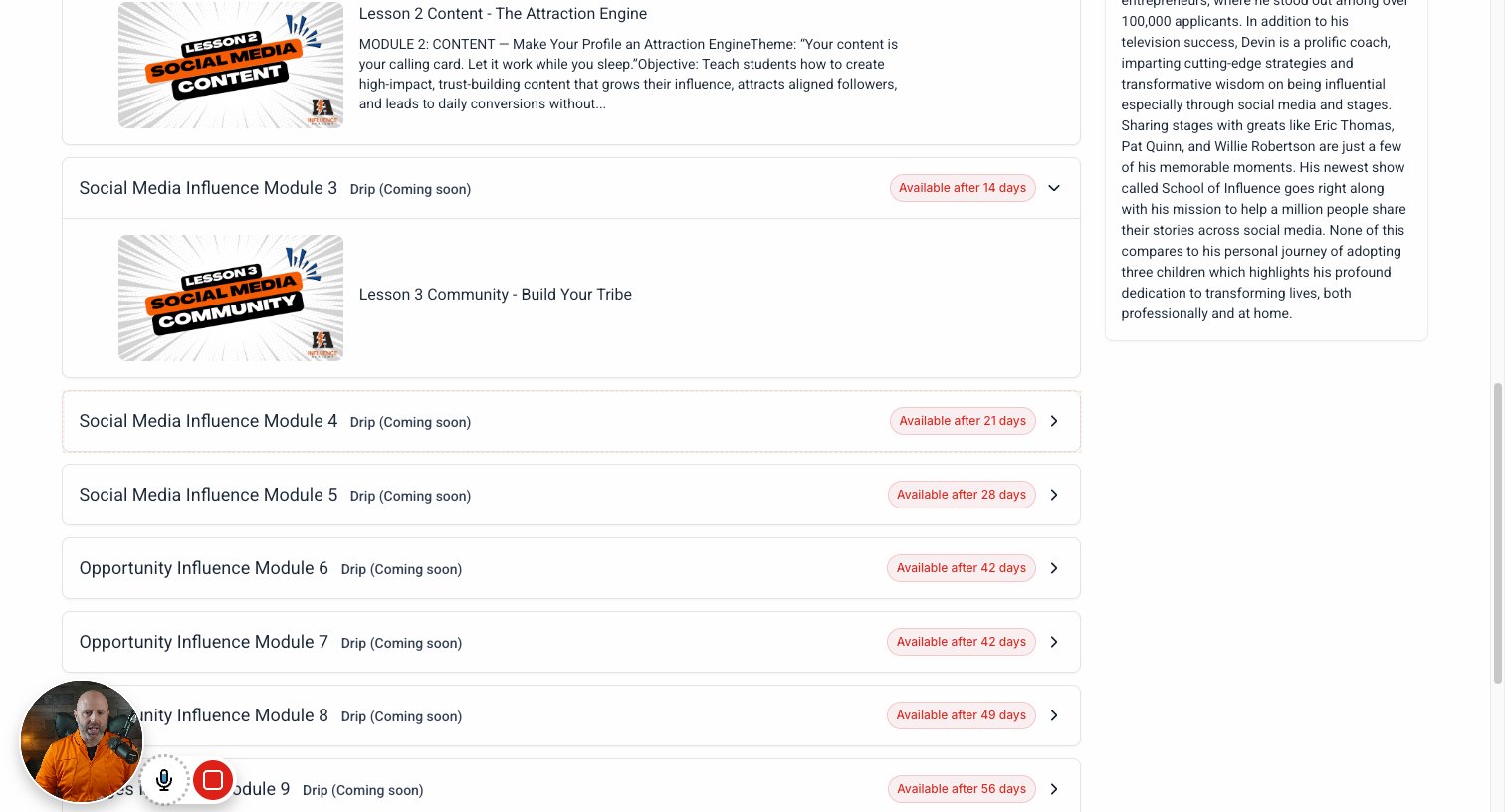
Click on "Social Media Influence Module 4 Drip (Coming soon) Available after 21 days"
step
14

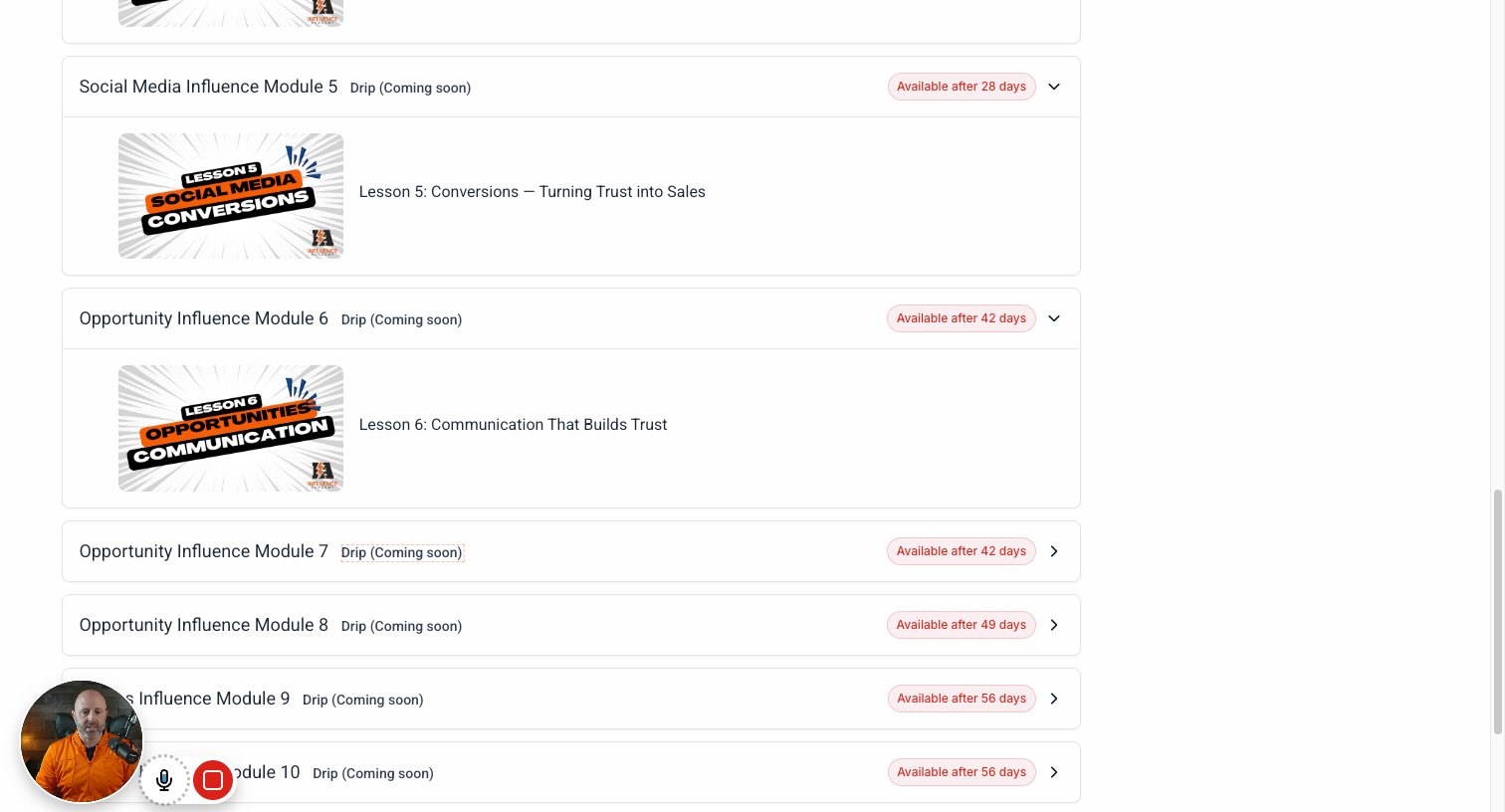
Click on "Social Media Influence Module 5 Drip (Coming soon) Available after 28 days"
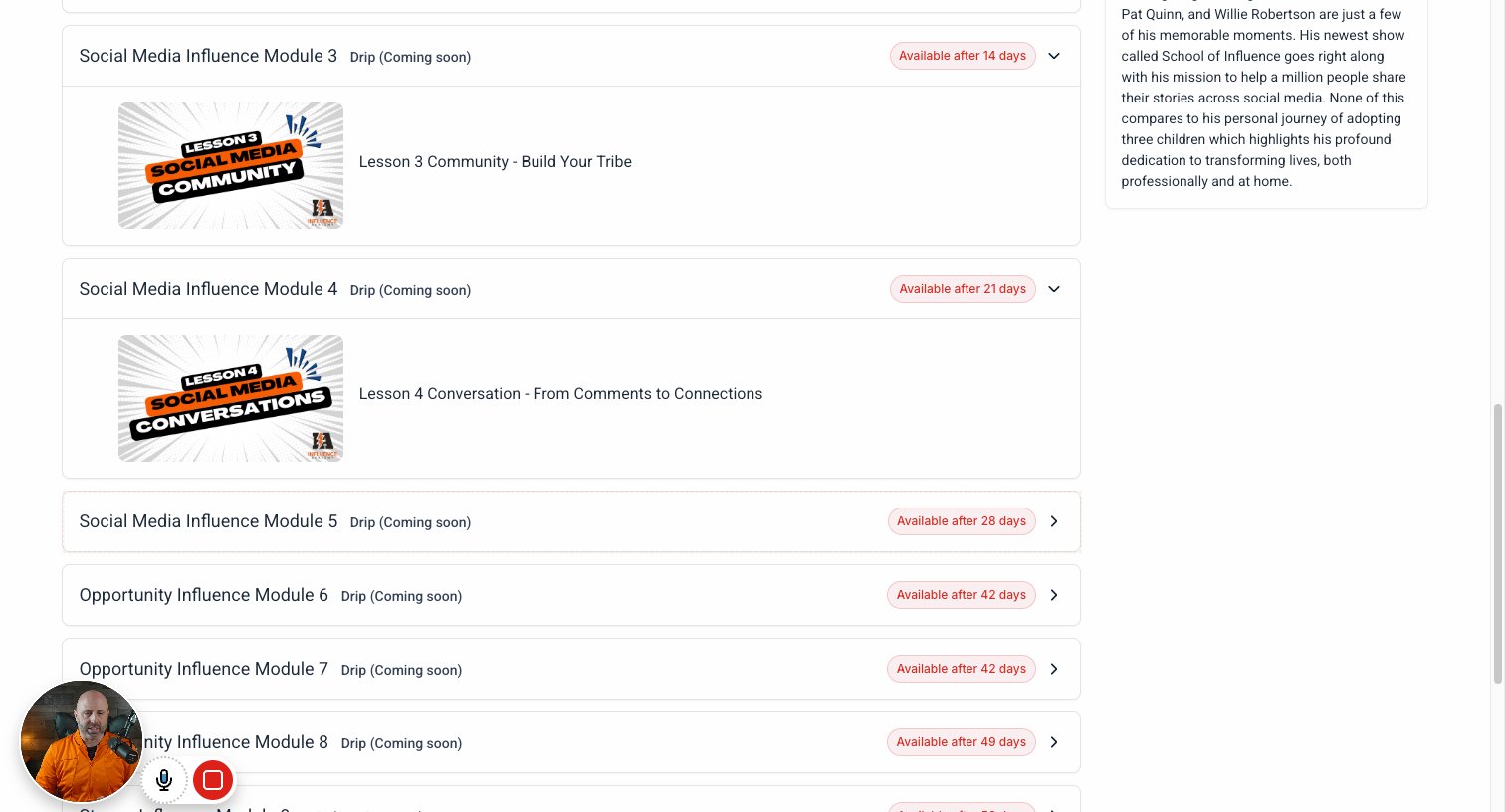
step
15

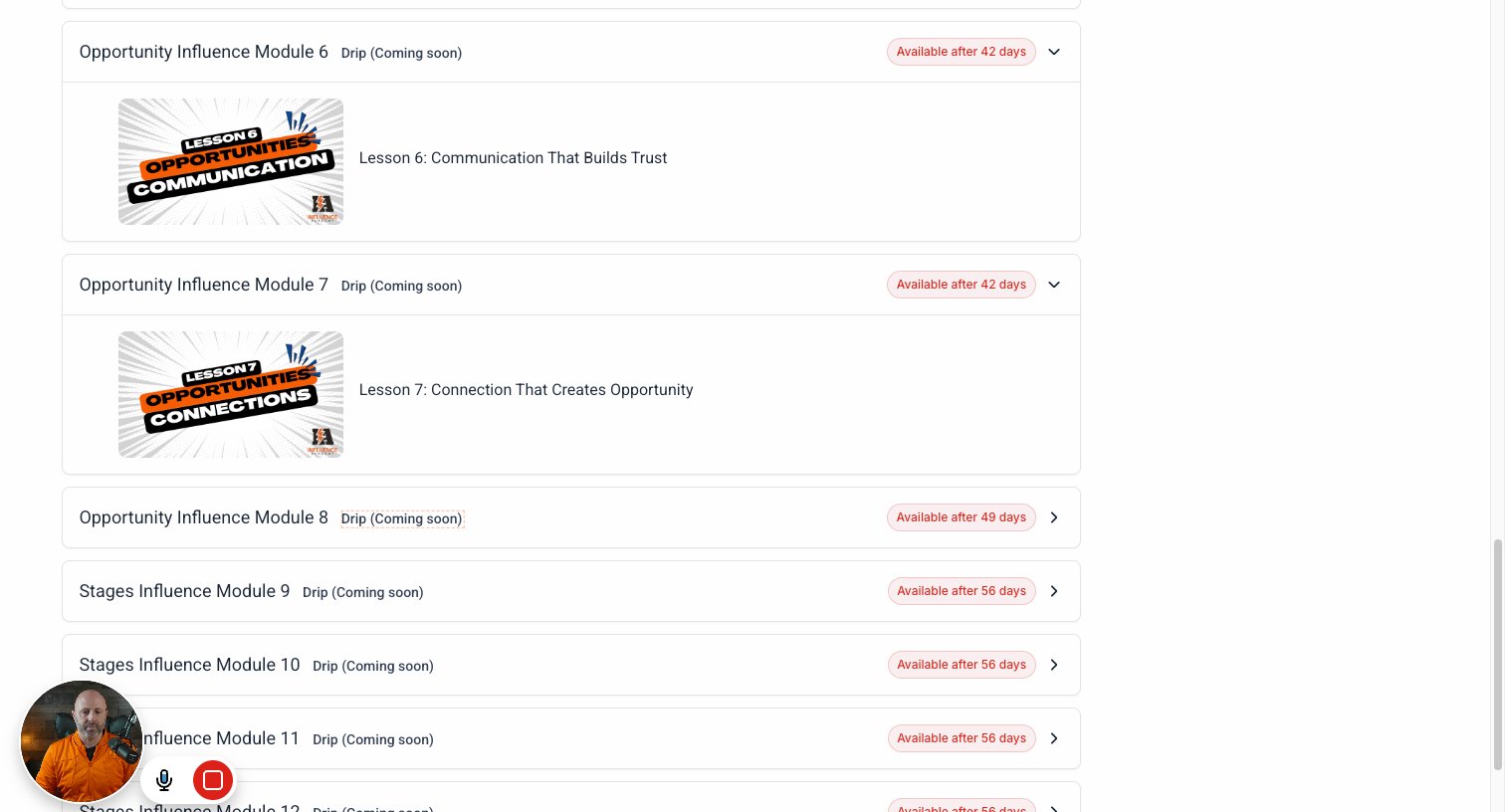
Click on "Opportunity Influence Module 6 Drip (Coming soon) Available after 42 days"
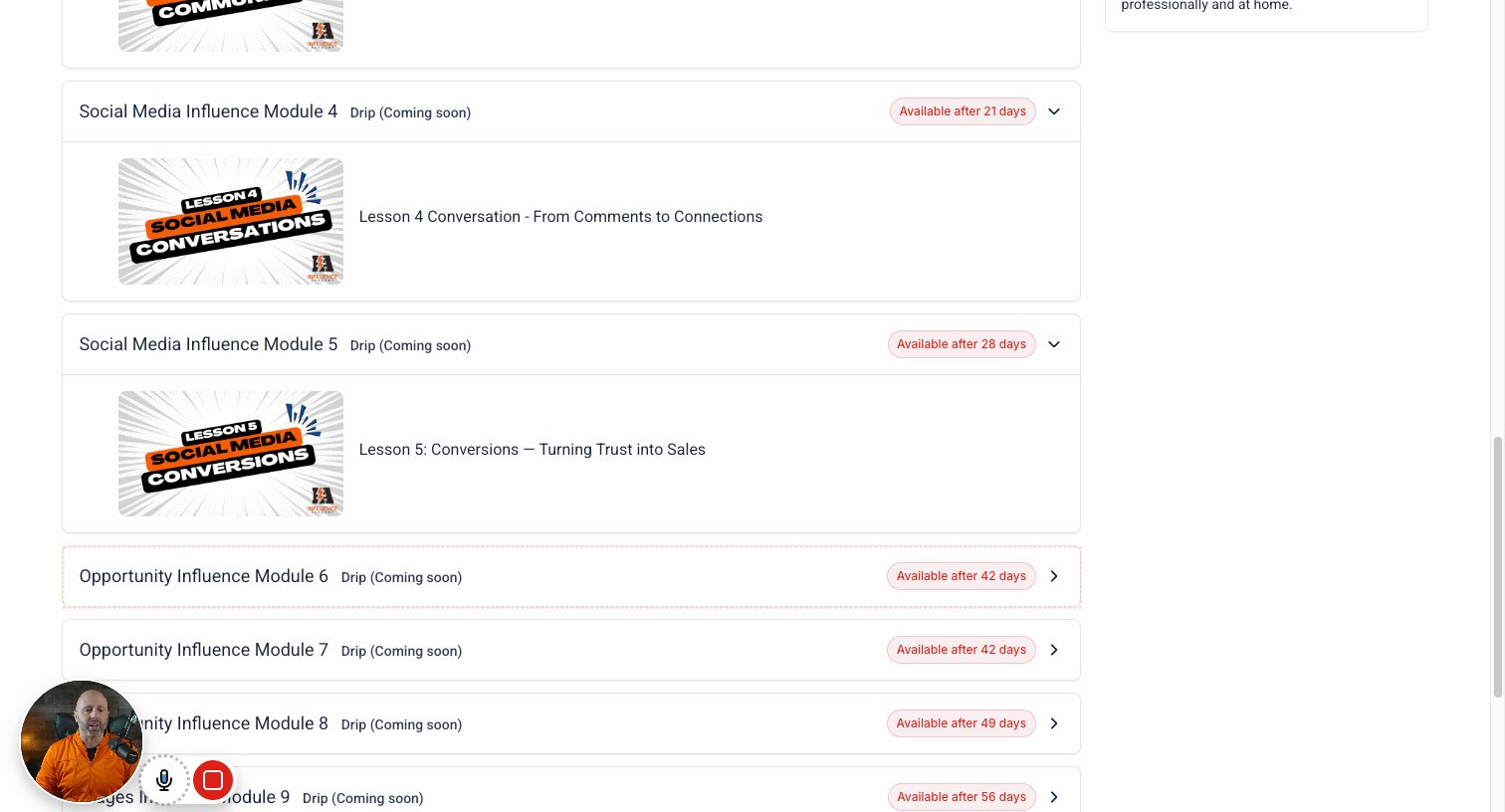
step
16

Click on "Drip (Coming soon)"

step
17

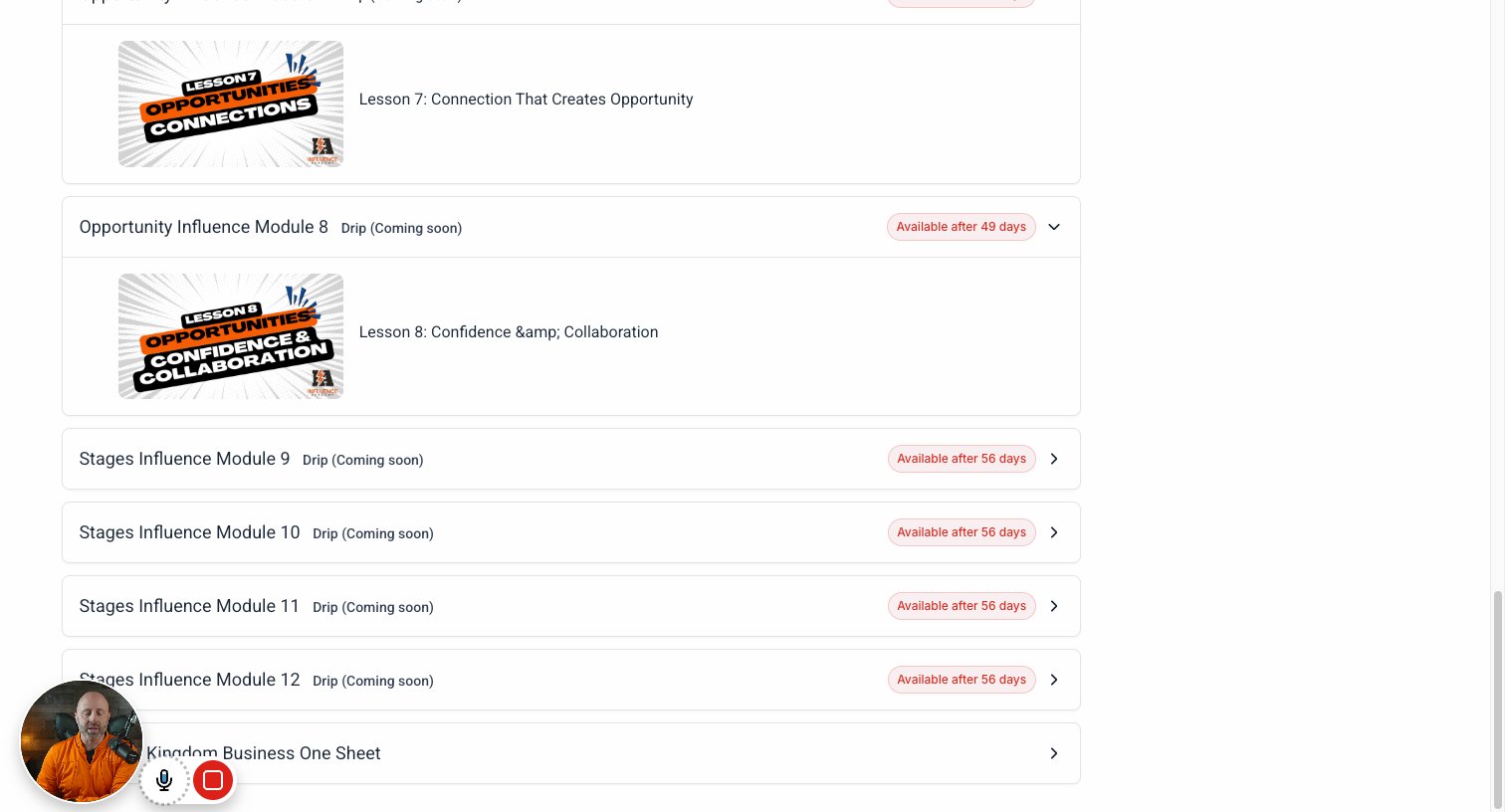
Click on "Drip (Coming soon)"

step
18

Click on "BONUS: Kingdom Business One Sheet"

step
19

Click on "Search courses, categories and lessons DS"

step
20

Click on Clarity Code Bootcamp

step
21

Click on "The Influence Academy Group"

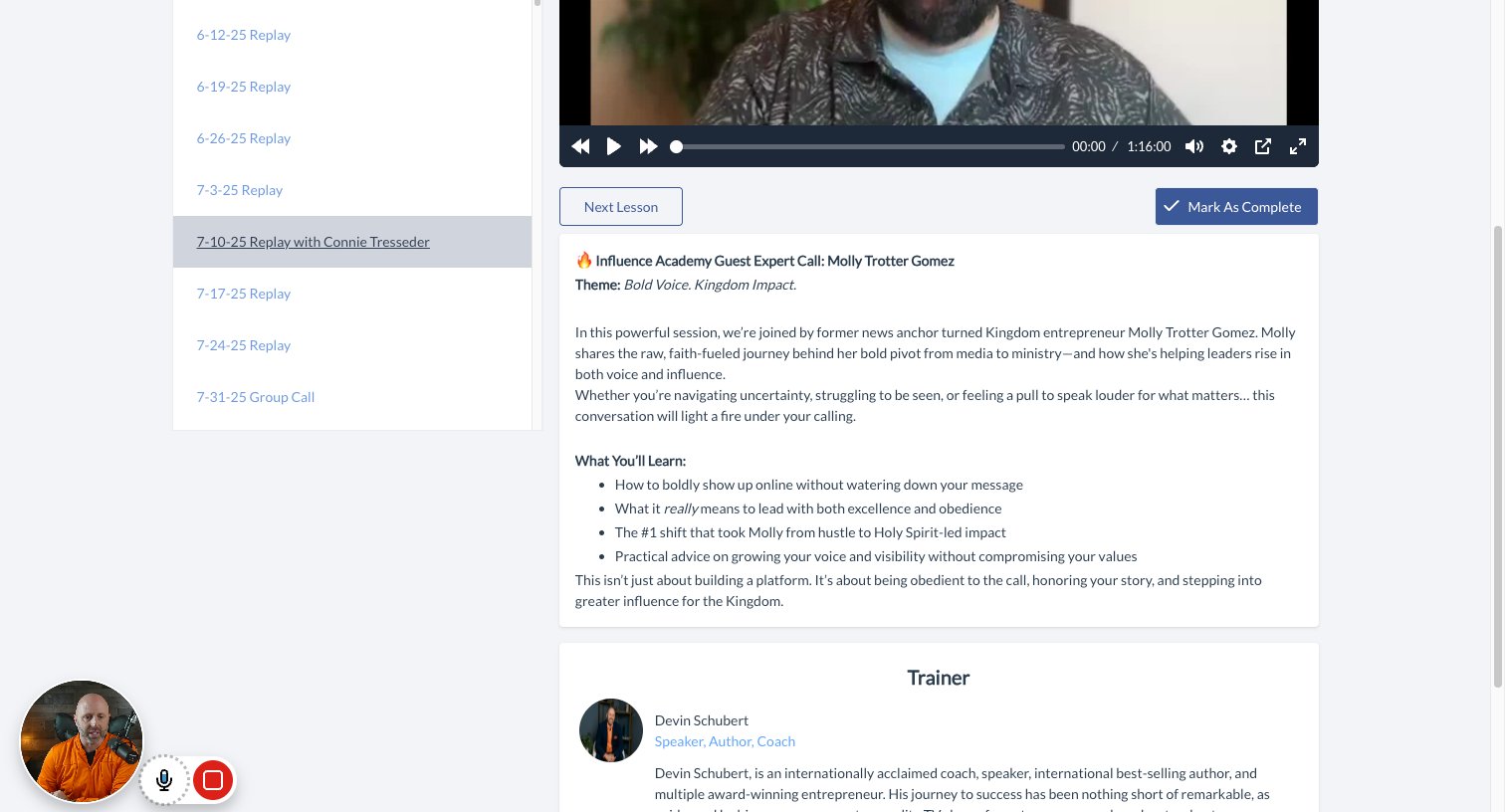
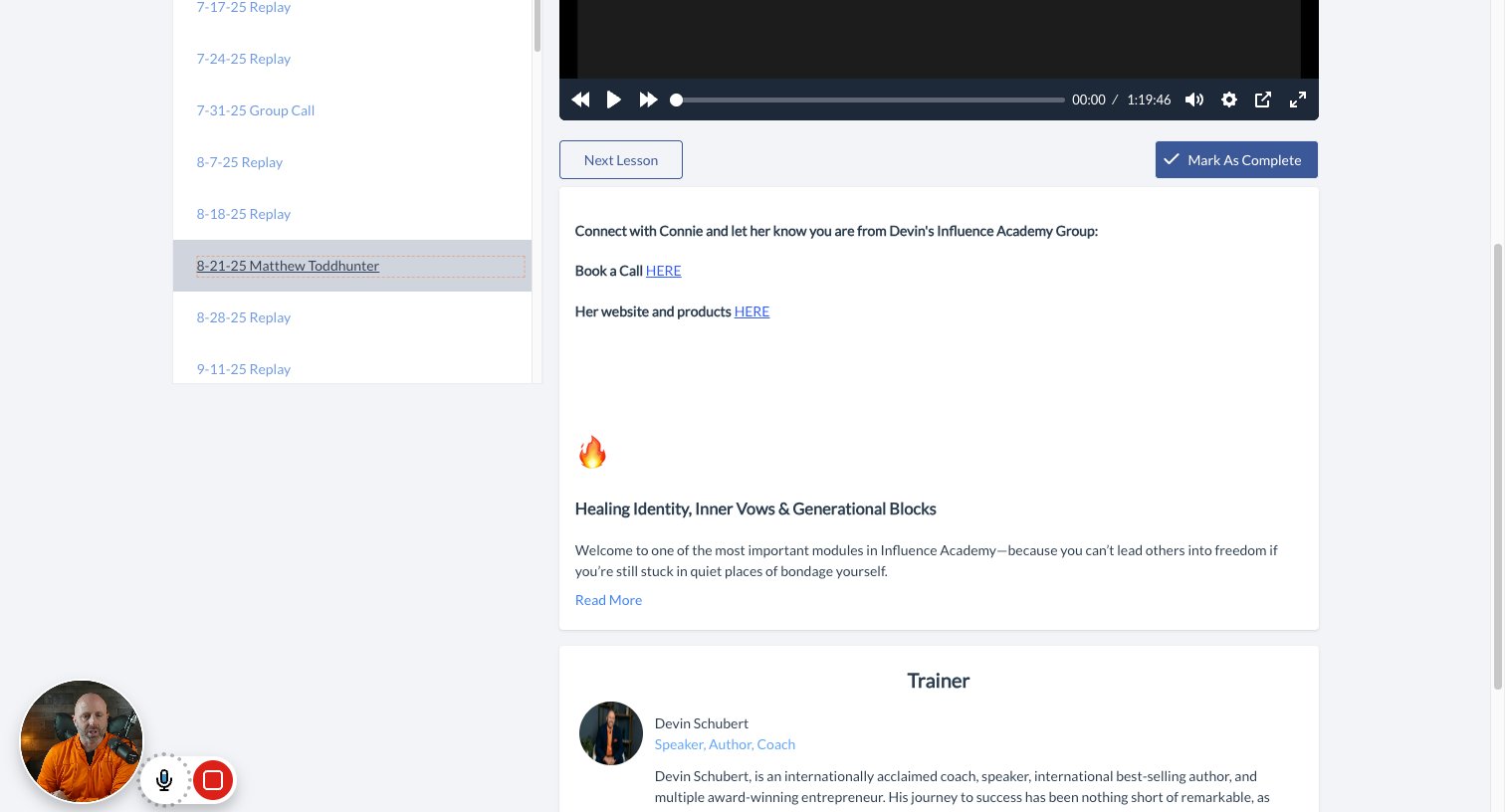
Here are our group call recordings
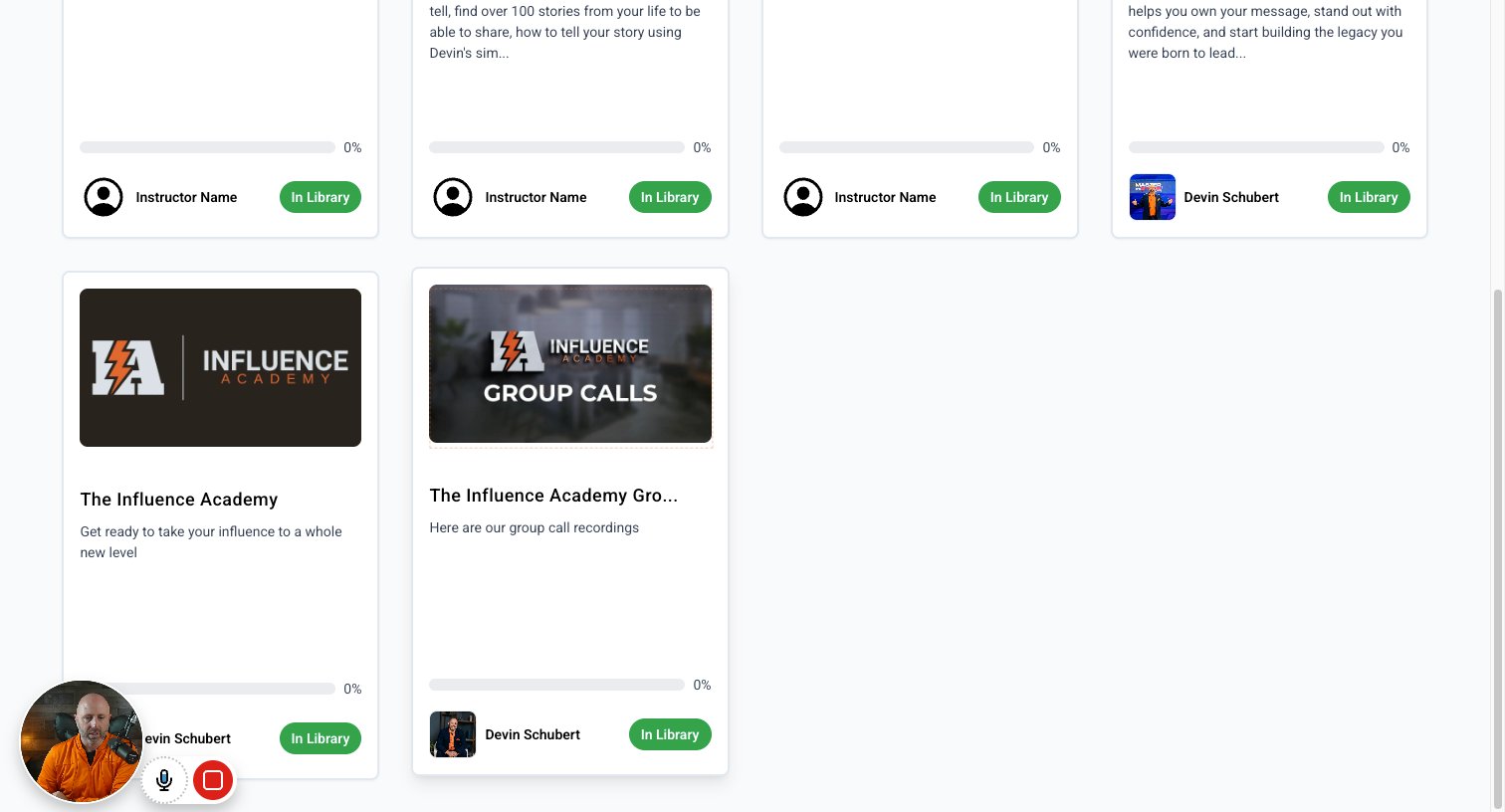
step
22

Click on "6-5-25 Replay with Molly Trotter Gomez"

step
23

Click on "7-10-25 Replay with Connie Tresseder"

step
24

Click on "8-21-25 Matthew Toddhunter"

step

You made it to the end!

24 steps complete