
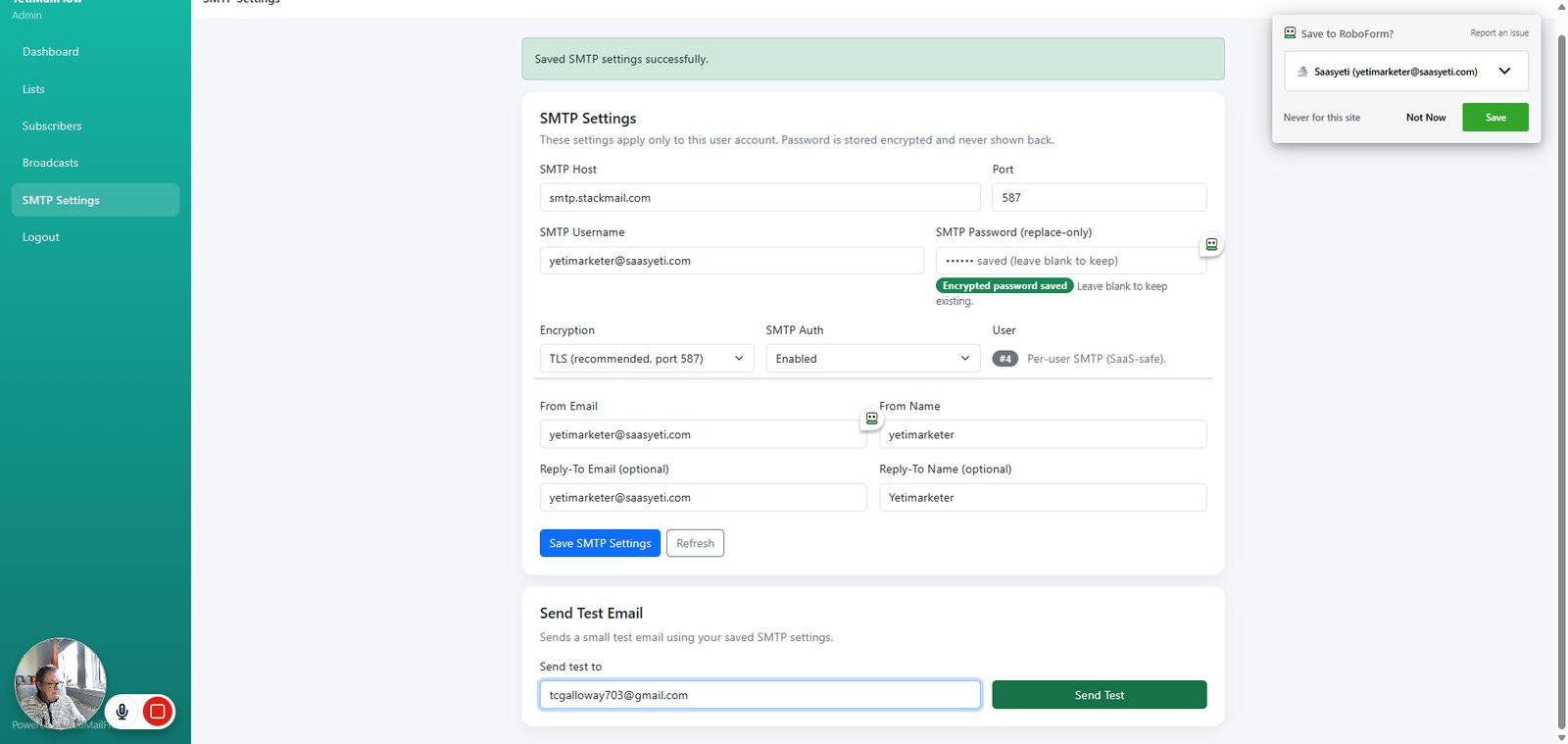
Go to yetimailflow.saasyeti.com

Craig Galloway

Craig Galloway

No date
121 steps
2

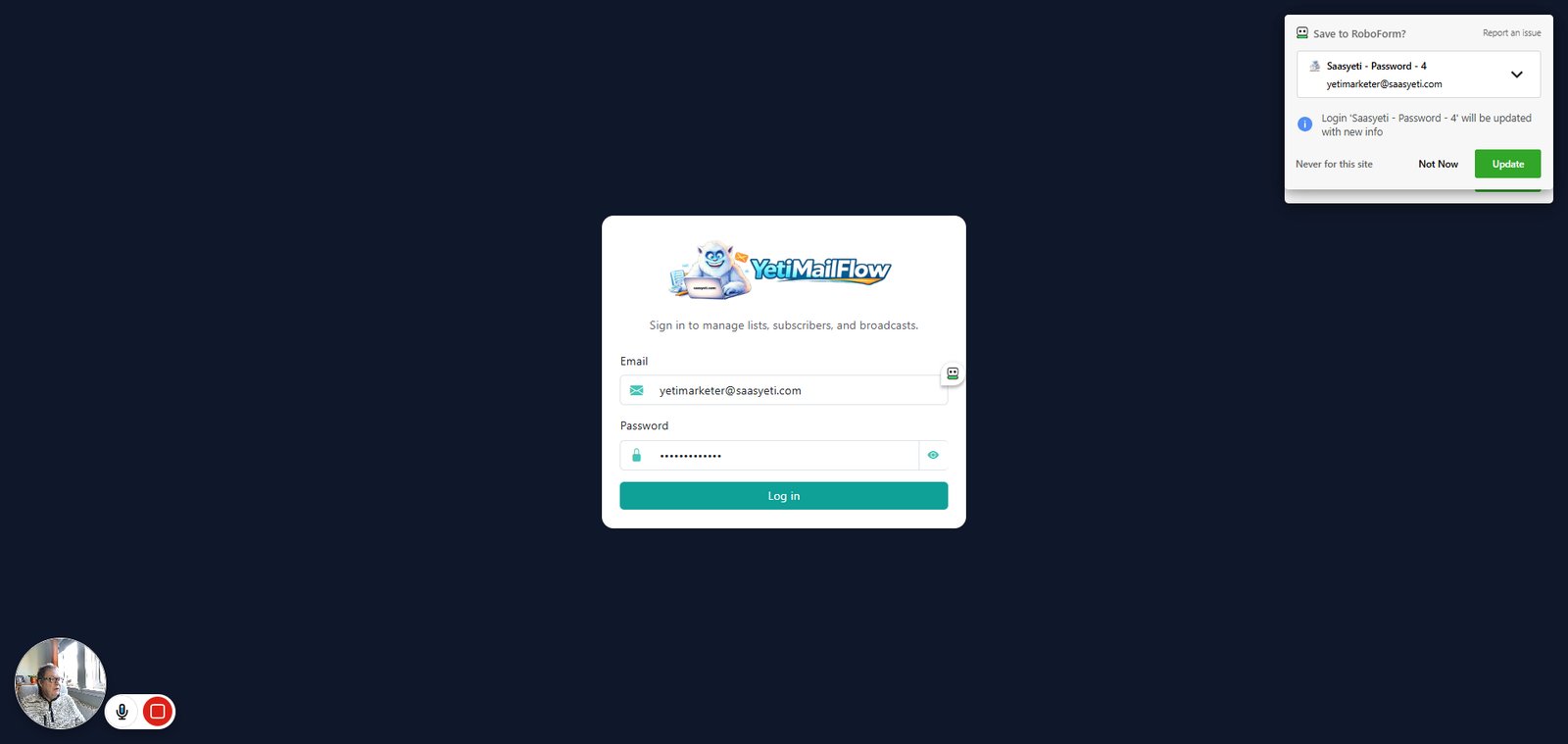
Click on "Log in"

step
3

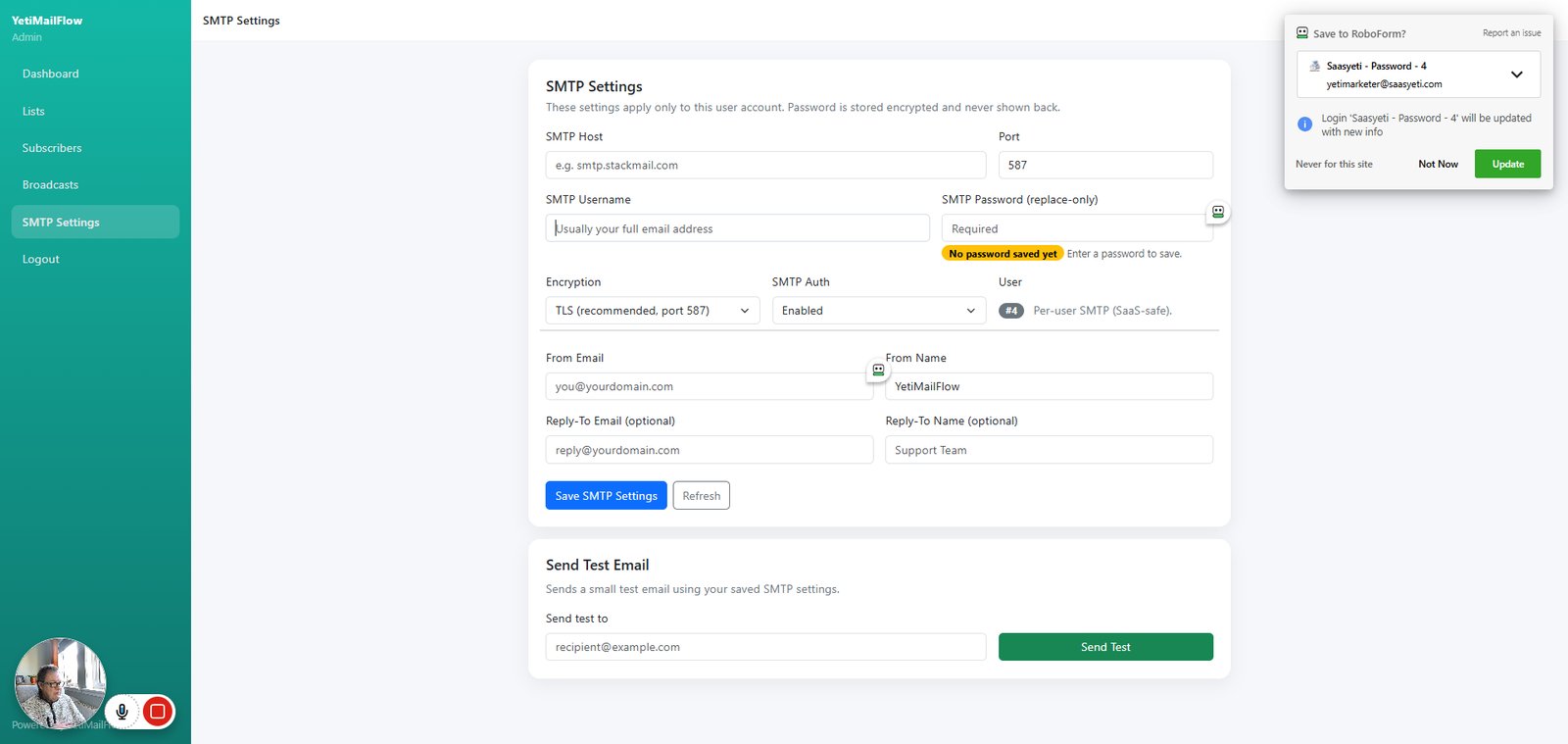
Click on "Open SMTP Settings"

step
4

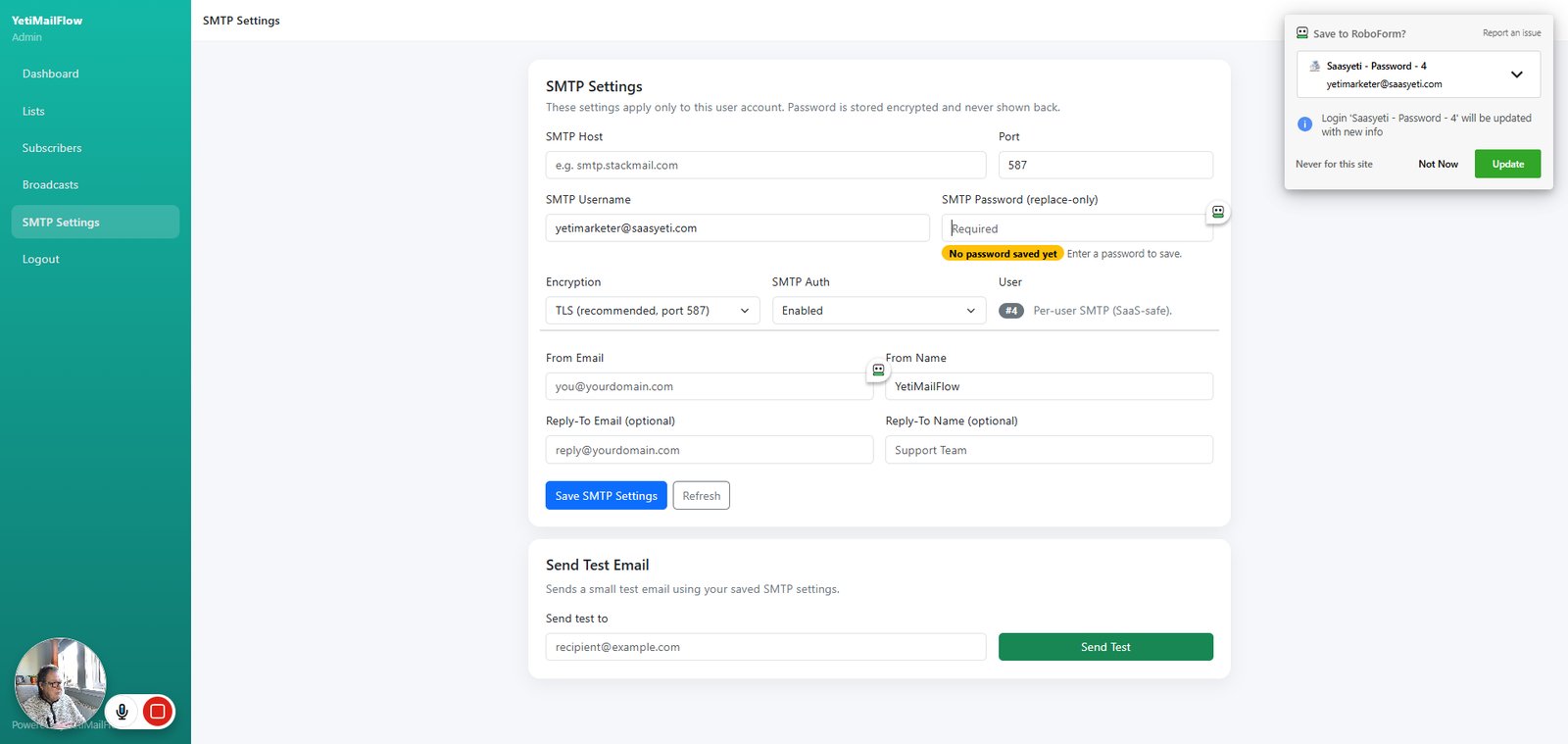
Type "yetimarketer@saasyeti.com" in highlighted field

step
5

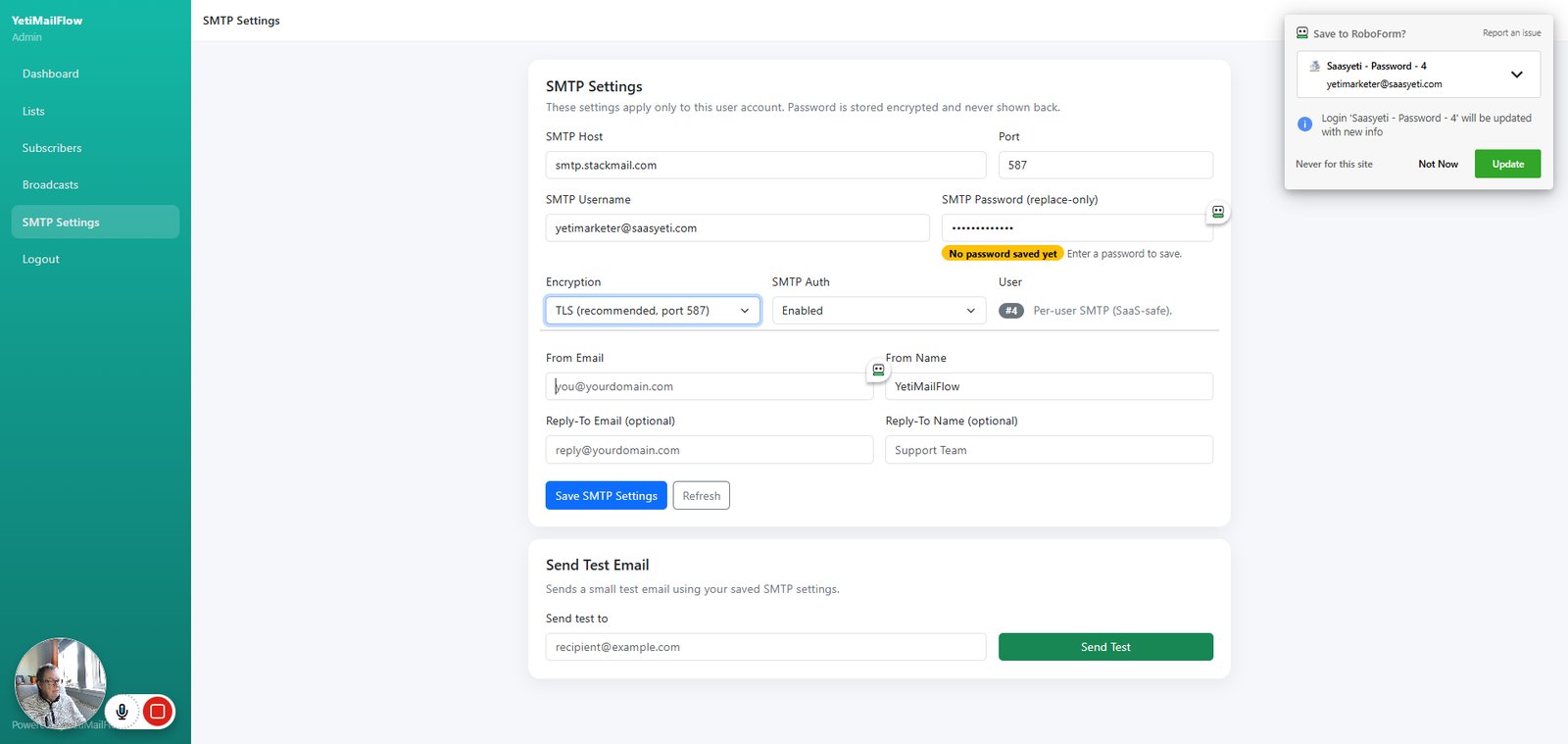
Type "*****" in highlighted field

step
6

Type "smtp.stackmail.com" in highlighted field

step
7

Click on "TLS (recommended, port 587) SSL (usually port 465) None"

step
8

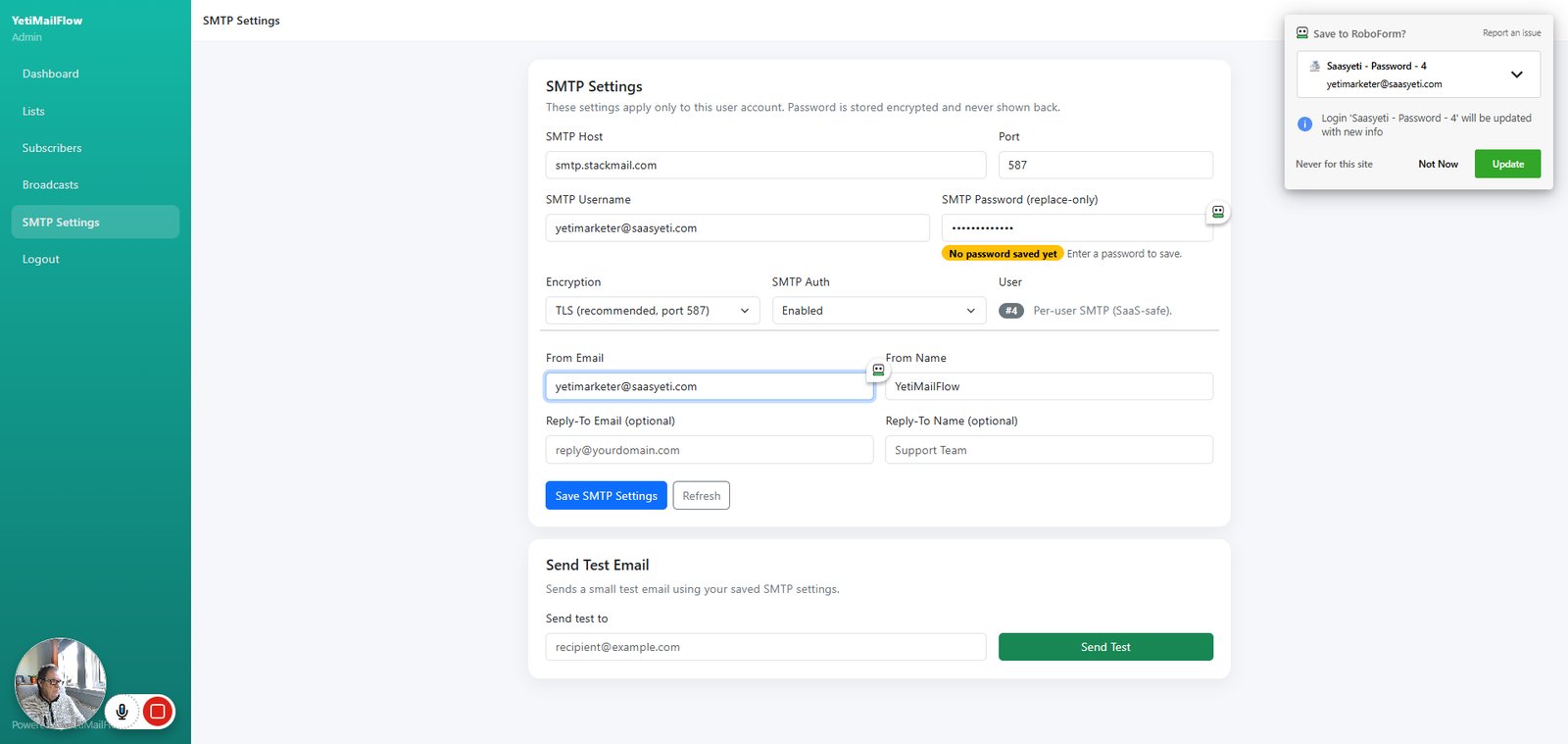
Type "yetimarketer@saasyeti.com" in highlighted field

step
9

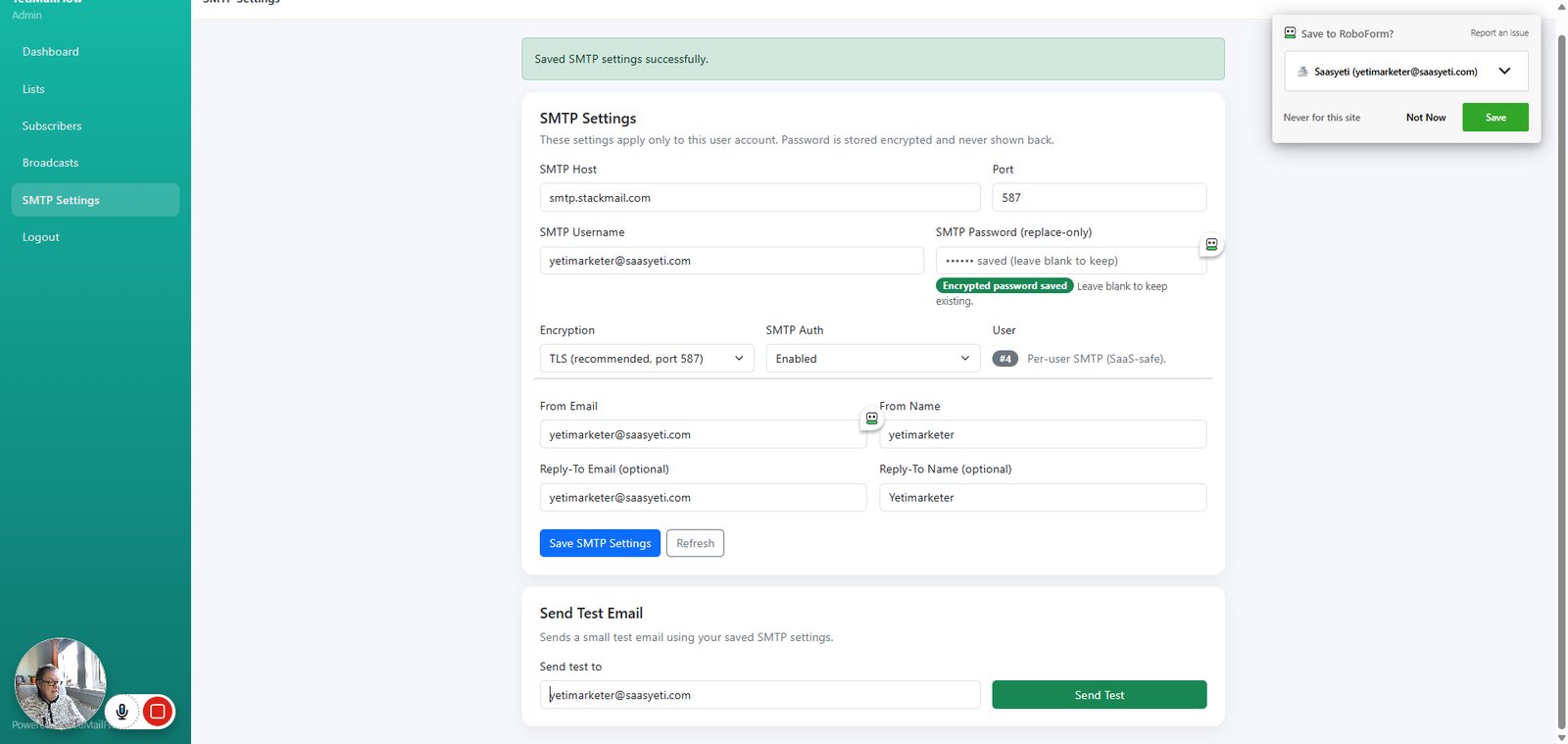
Type "yetimarketer" in highlighted field

step
10

Type "yetimarketer@saasyeti.com" in highlighted field

step
11

Type "Yetimarketer" in highlighted field

step
12

Click on "Save SMTP Settings"

step
13

Type "tcgalloway703@gmail.com" in highlighted field

step
14

Click on "Send Test"

step
16

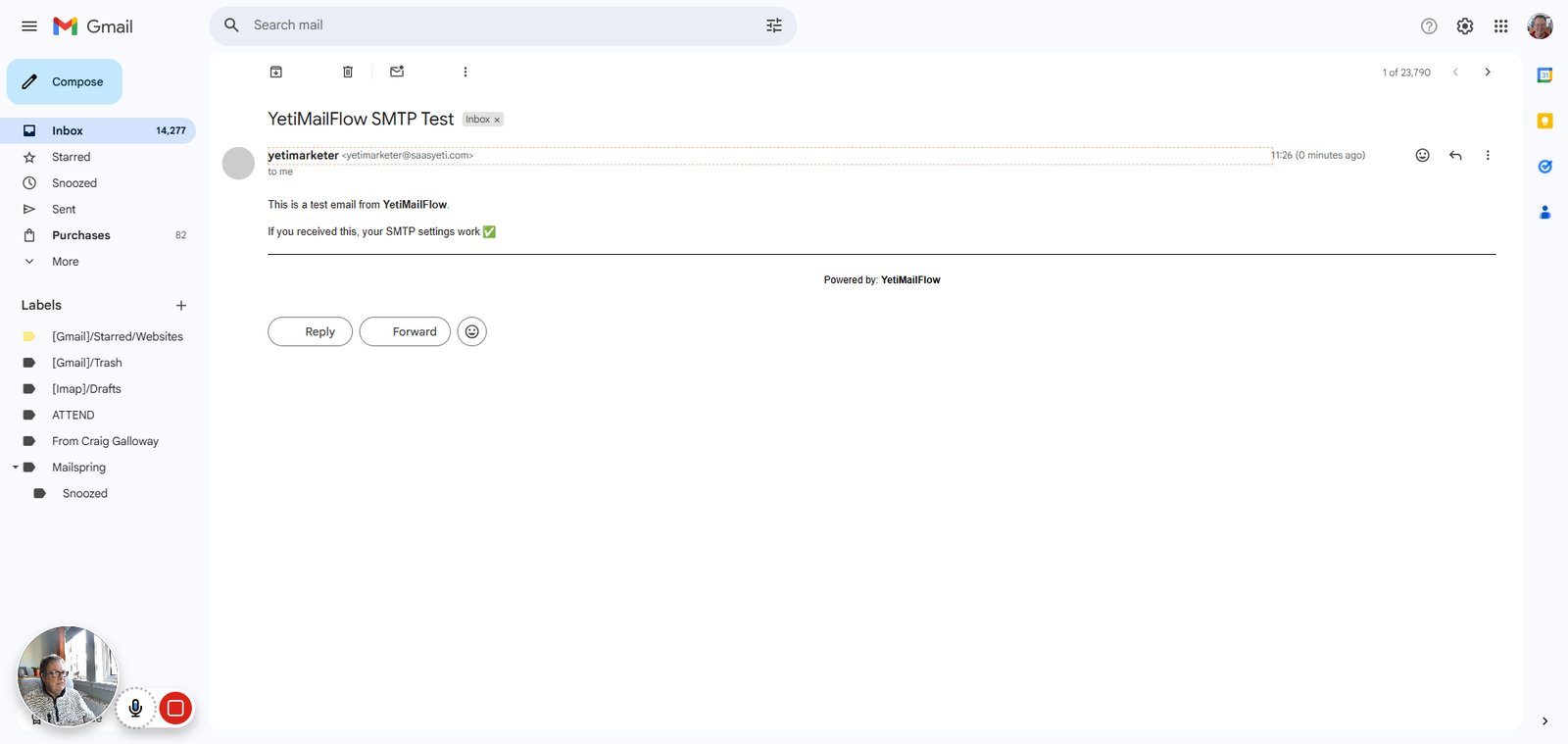
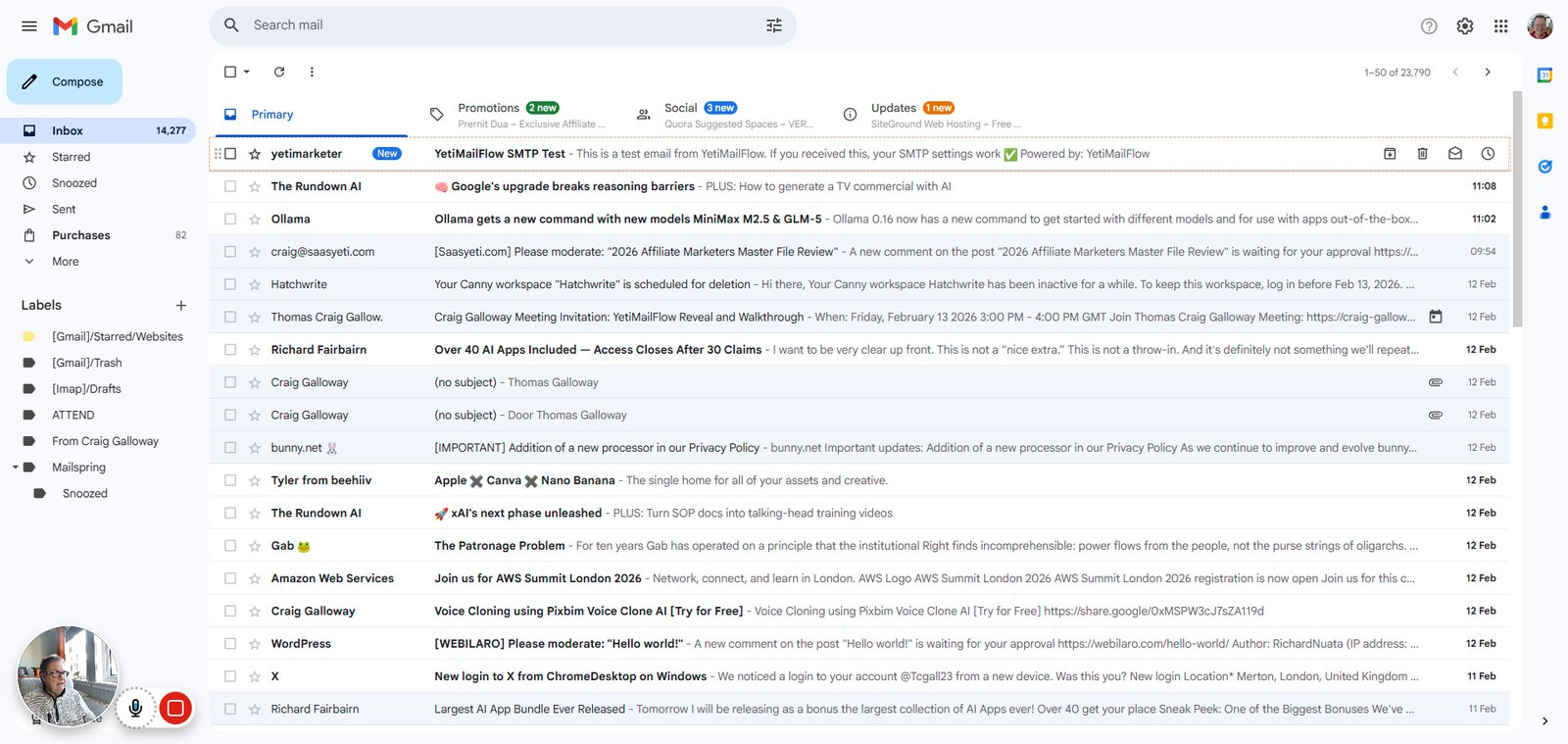
Click on "New yetimarketer YetiMailFlow SMTP Test  -  This is a test email from YetiMailFlow. If you received …"
step
17

Click on "yetimarketer <yetimarketer@saasyeti.com>"

step
18

Click on "yetimarketer <yetimarketer@saasyeti.com>"

step
20

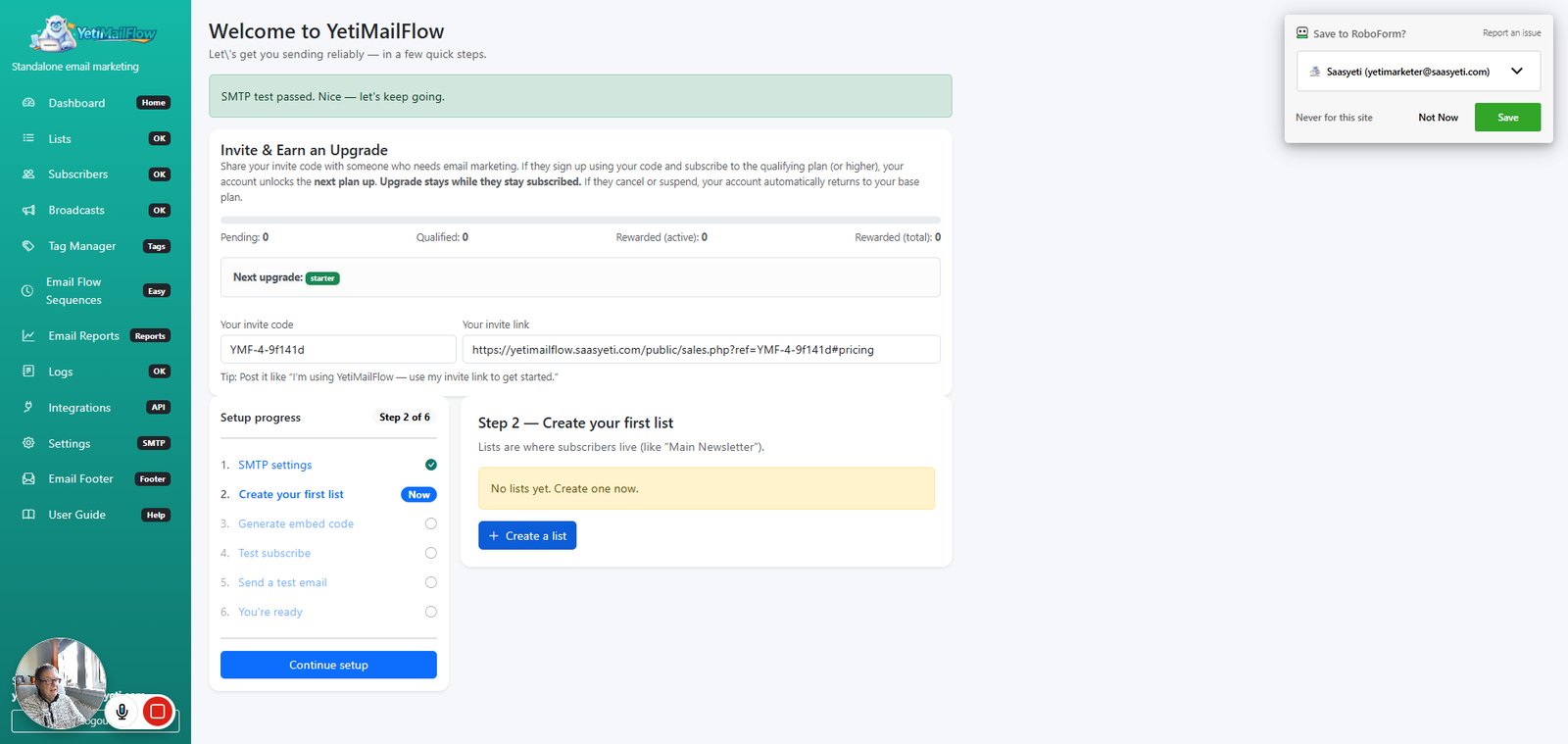
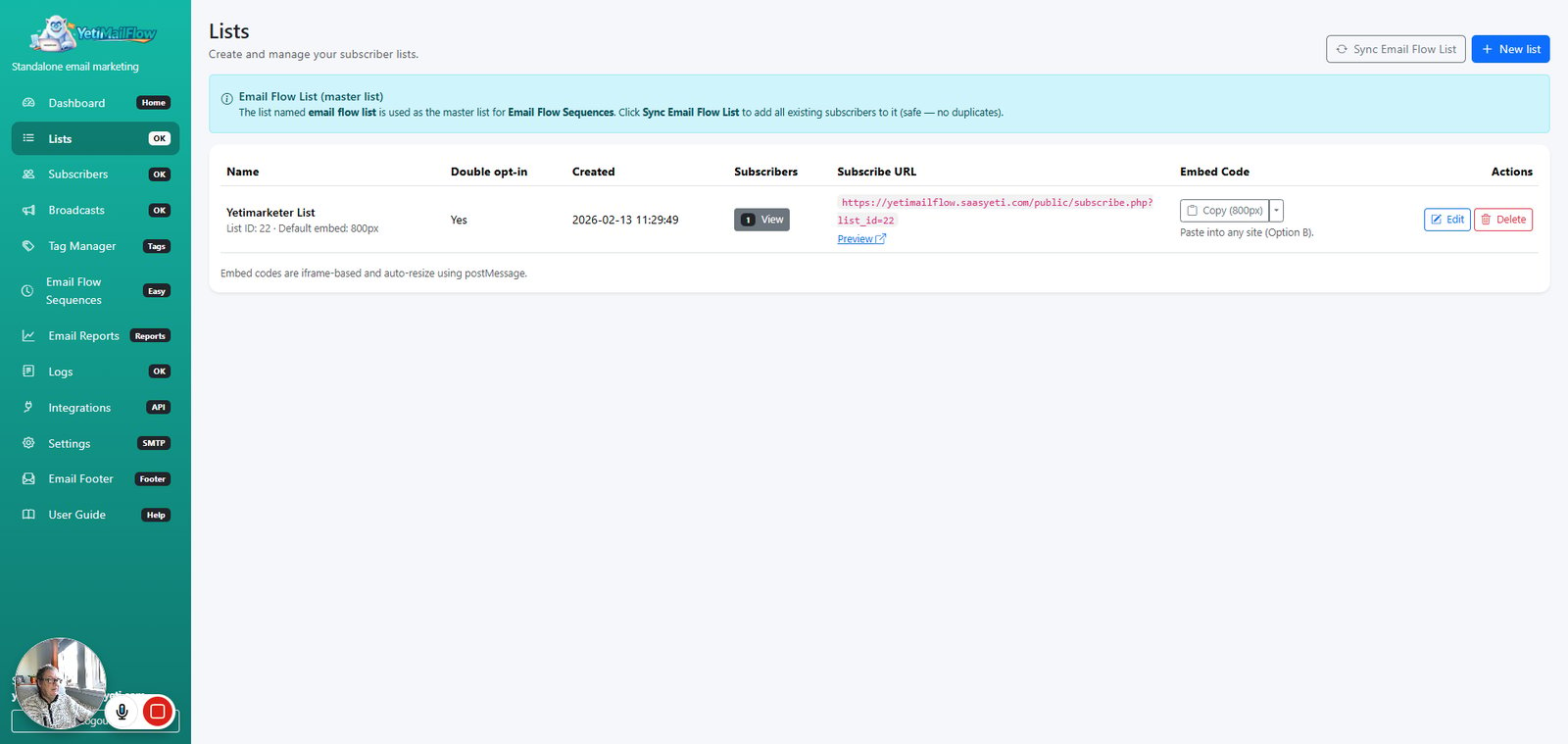
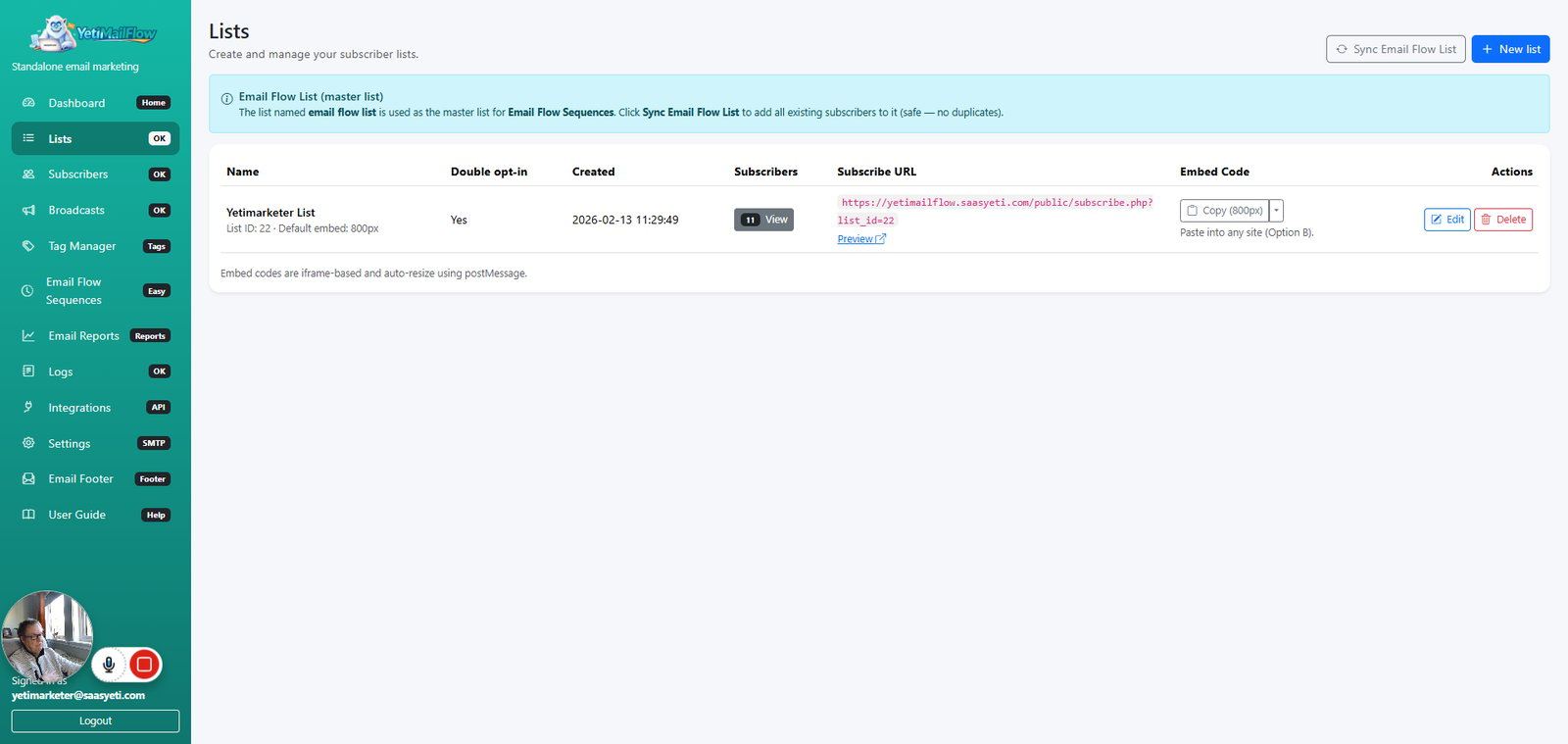
Click on "Create a list"

step
21

Type "Yetimarketer List" in highlighted field

22

Click on "Toggle Dropdown"

step
23

Click on "Mobile friendly"

step
24

Click on "Copy (800px)"

step
26

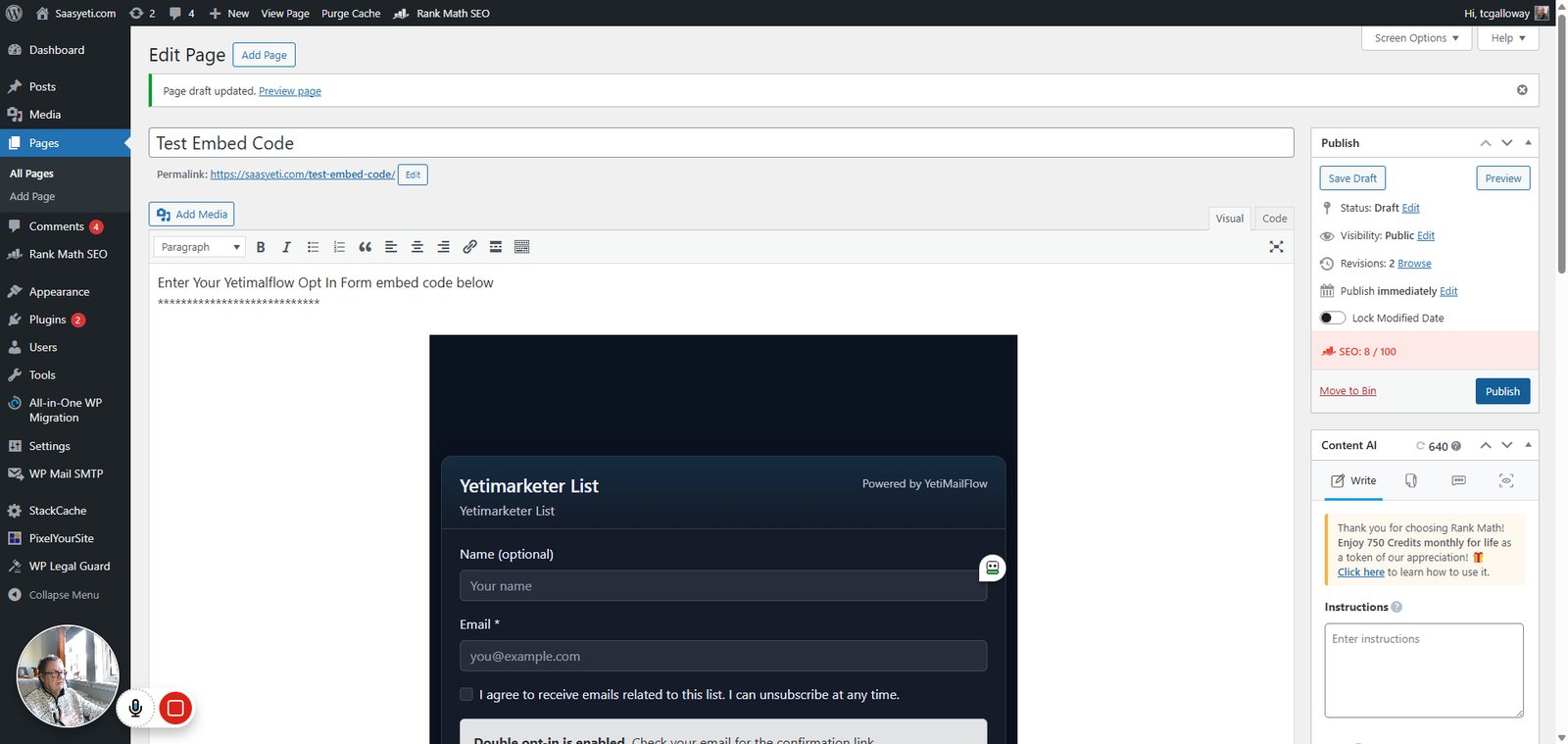
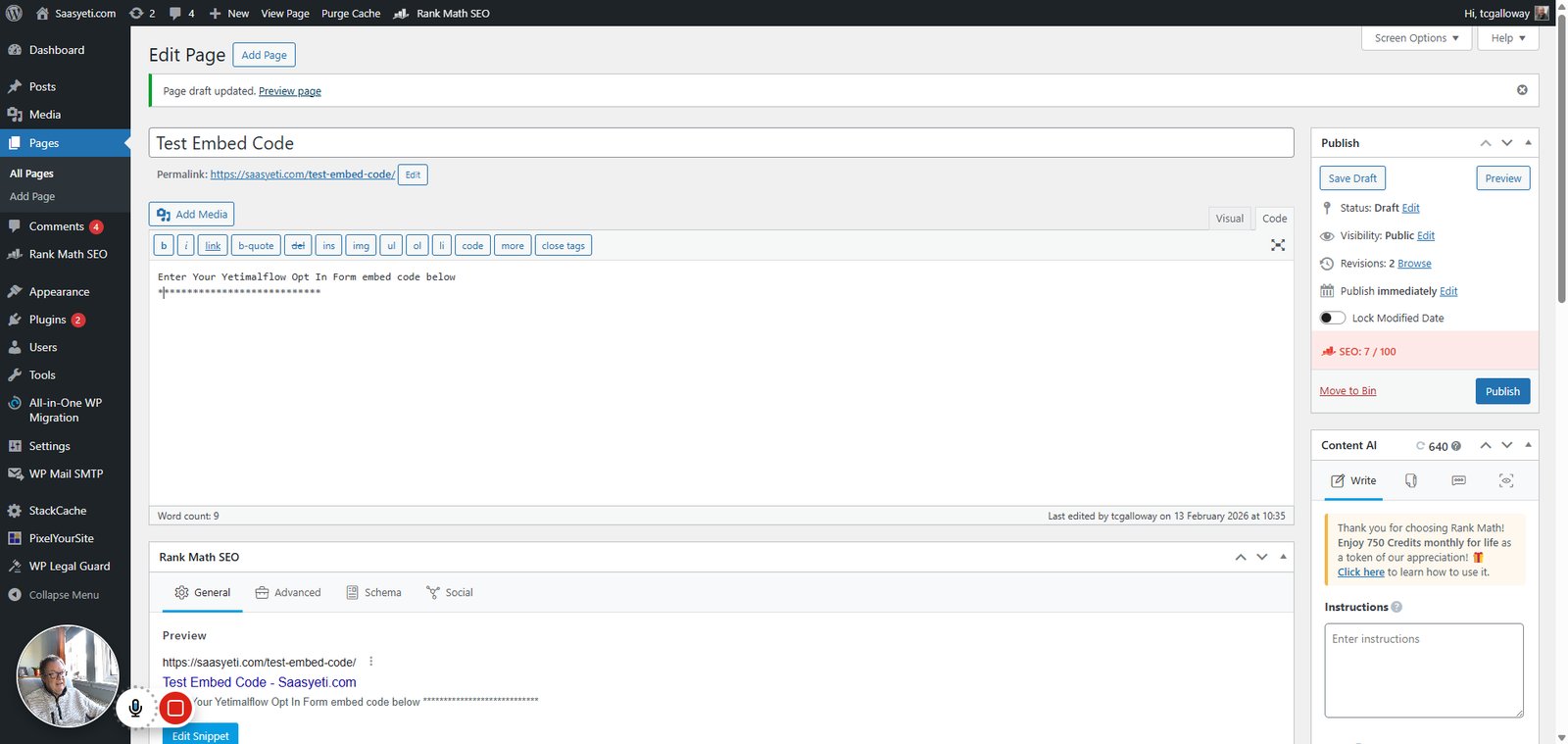
Type "Enter Your Yetimalflow Opt In Form embed code below ****************************" in highlighted field and press Enter
step
27

Type "Enter Your Yetimalflow Opt In Form embed code below


var allowedOrigin = "https://yetimailflow.saasyeti.com";

function onMsg(ev){ try { if (allowedOrigin && ev.origin !== allowedOrigin) return; var d = ev.data || {}; if (!d || d.type !== "ymf-resize") return; var h = parseInt(d.height, 10); if (!h || h < 200) return; iframe.style.height = h + "px"; iframe.setAttribute("height", String(h)); } catch(e){} }

window.addEventListener("message", onMsg, false); })(); </…" in highlighted field

step
28

Click on "Visual"

step
29

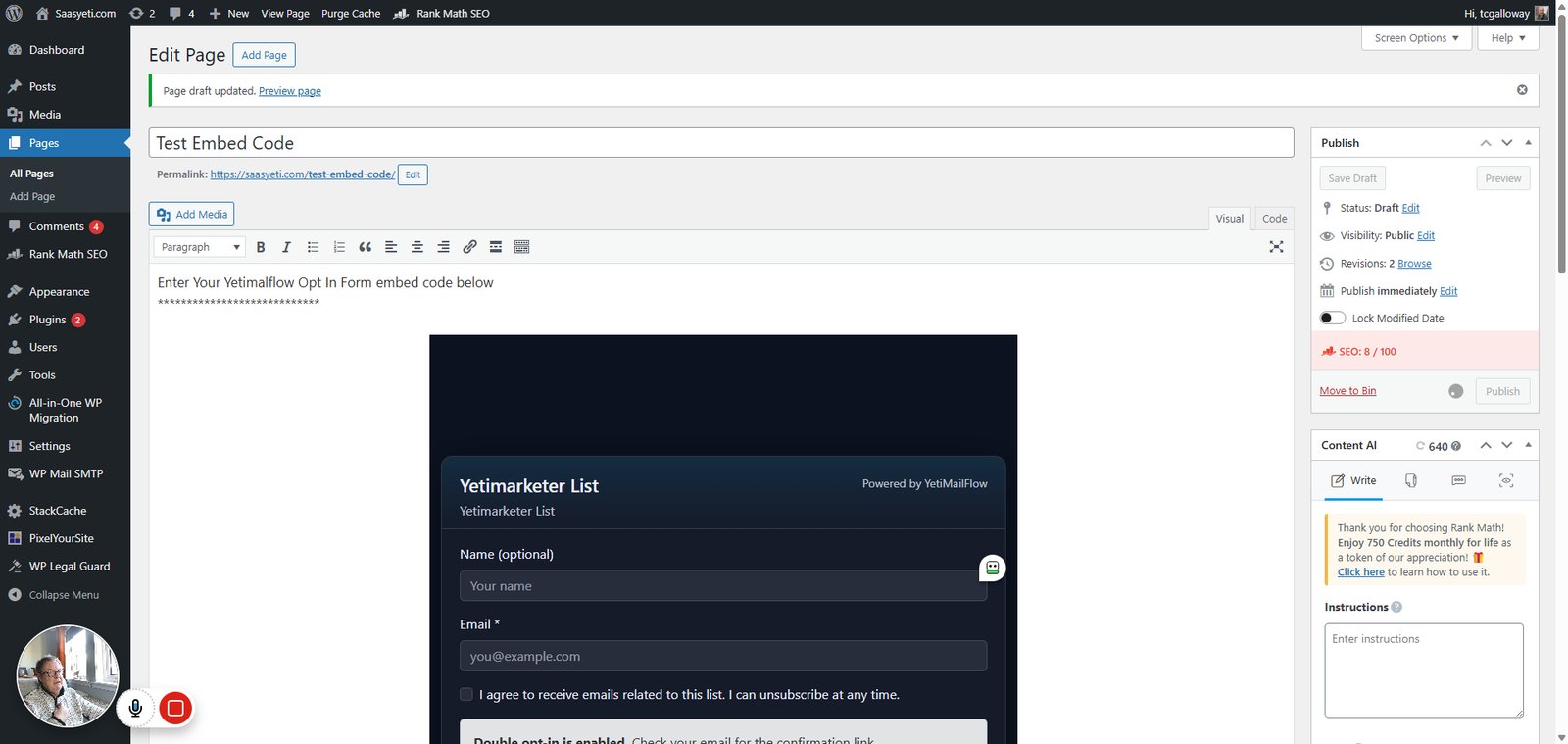
Click on "Publish"

step
30

Click on "Preview page"

step
32

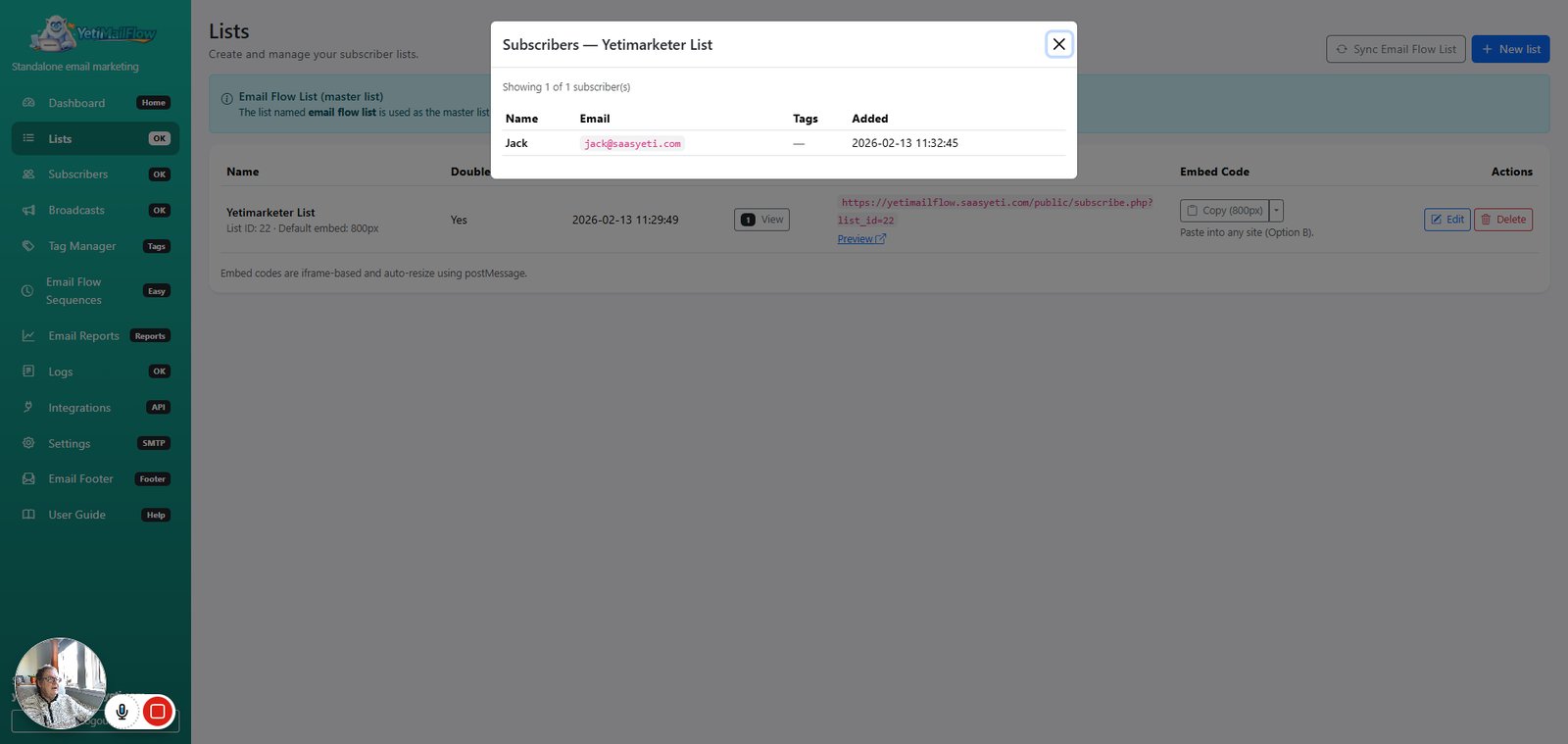
Click on "1 View"

step
33

Click on "Close"

step
34

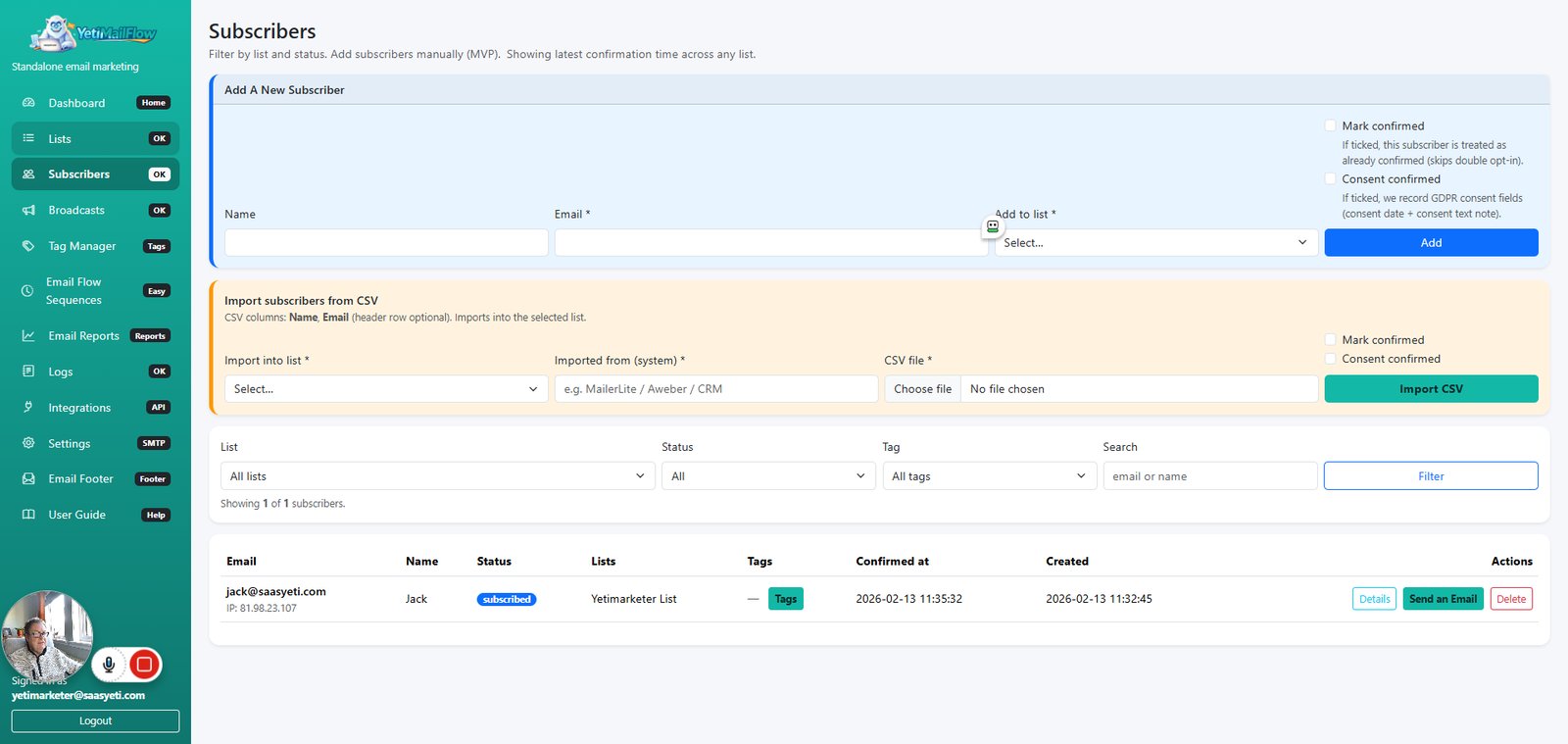
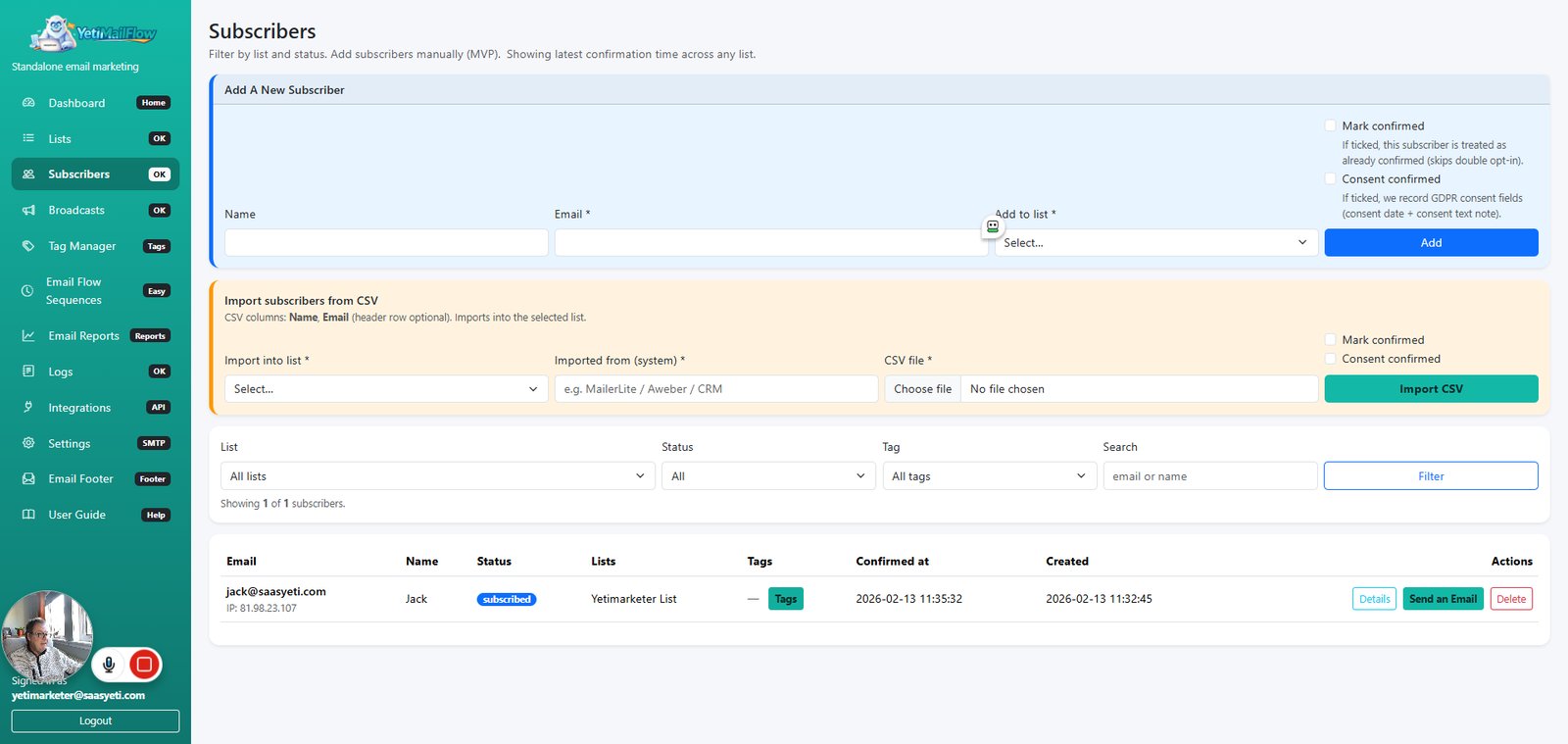
Click on "Subscribers"

step
35

Click on "pending"

step
37

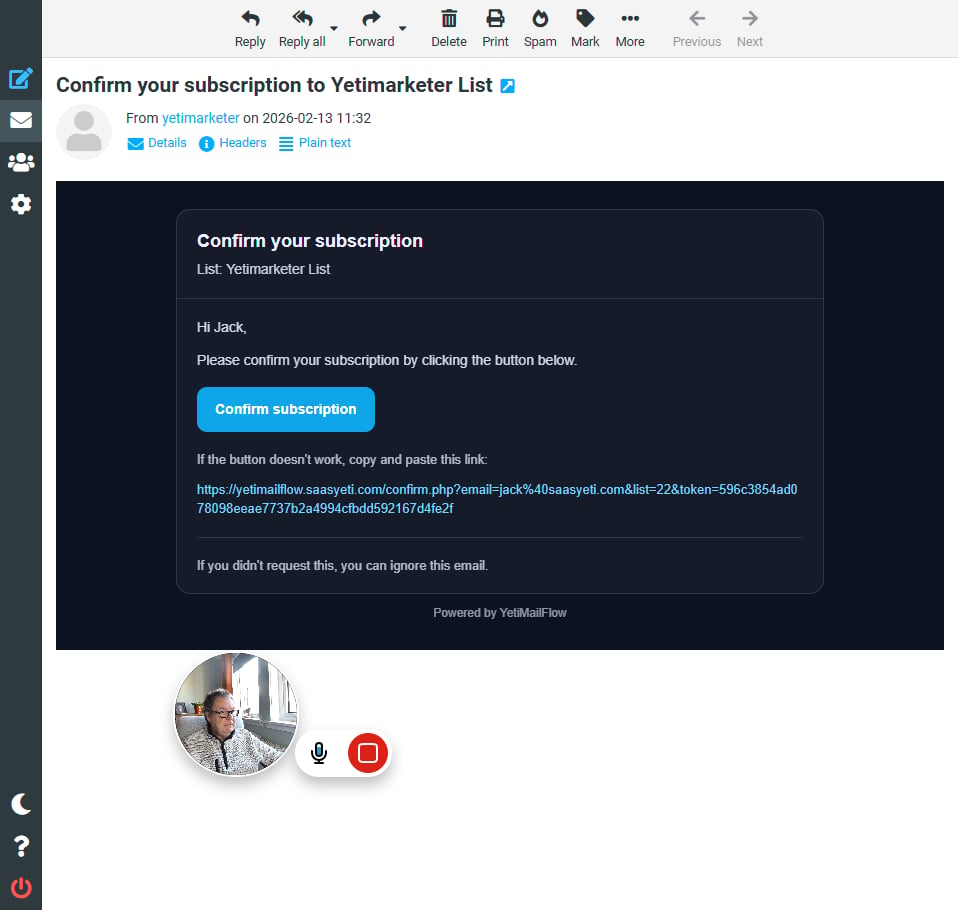
Click on "Confirm subscription"

step
39

Click on "Lists OK"

step
40

Click on "Subscribers"

step
41

Click on "Tags"

step
42

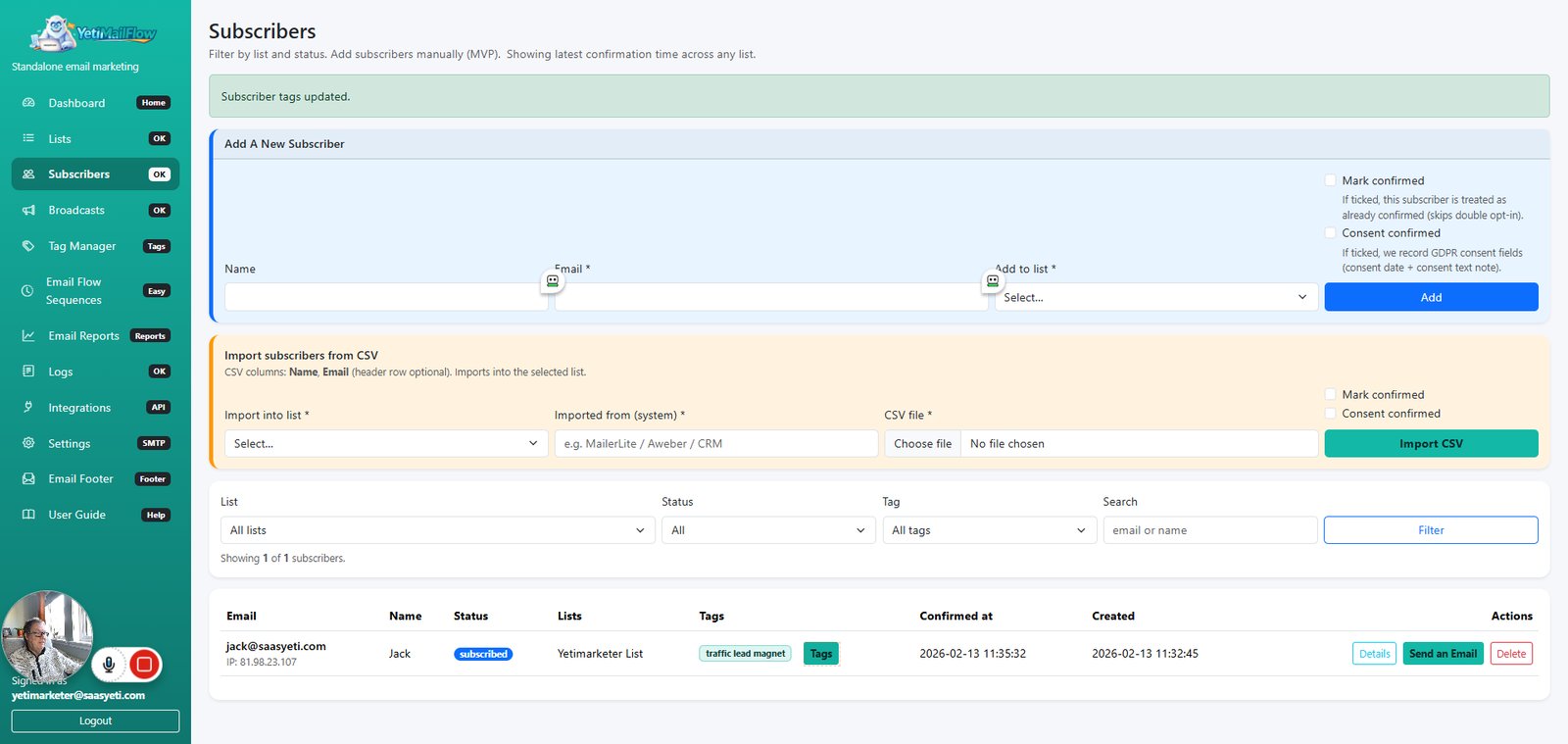
Type "traffic lead magnet " in highlighted field

step
43

Click on "Save Tags"

step
44

Click on "Tags"

step
45

Type "buyer" in highlighted field

step
46

Click on "Save Tags"

step
47

Click on "Send an Email"

step
48

Click on "Close"

step
49

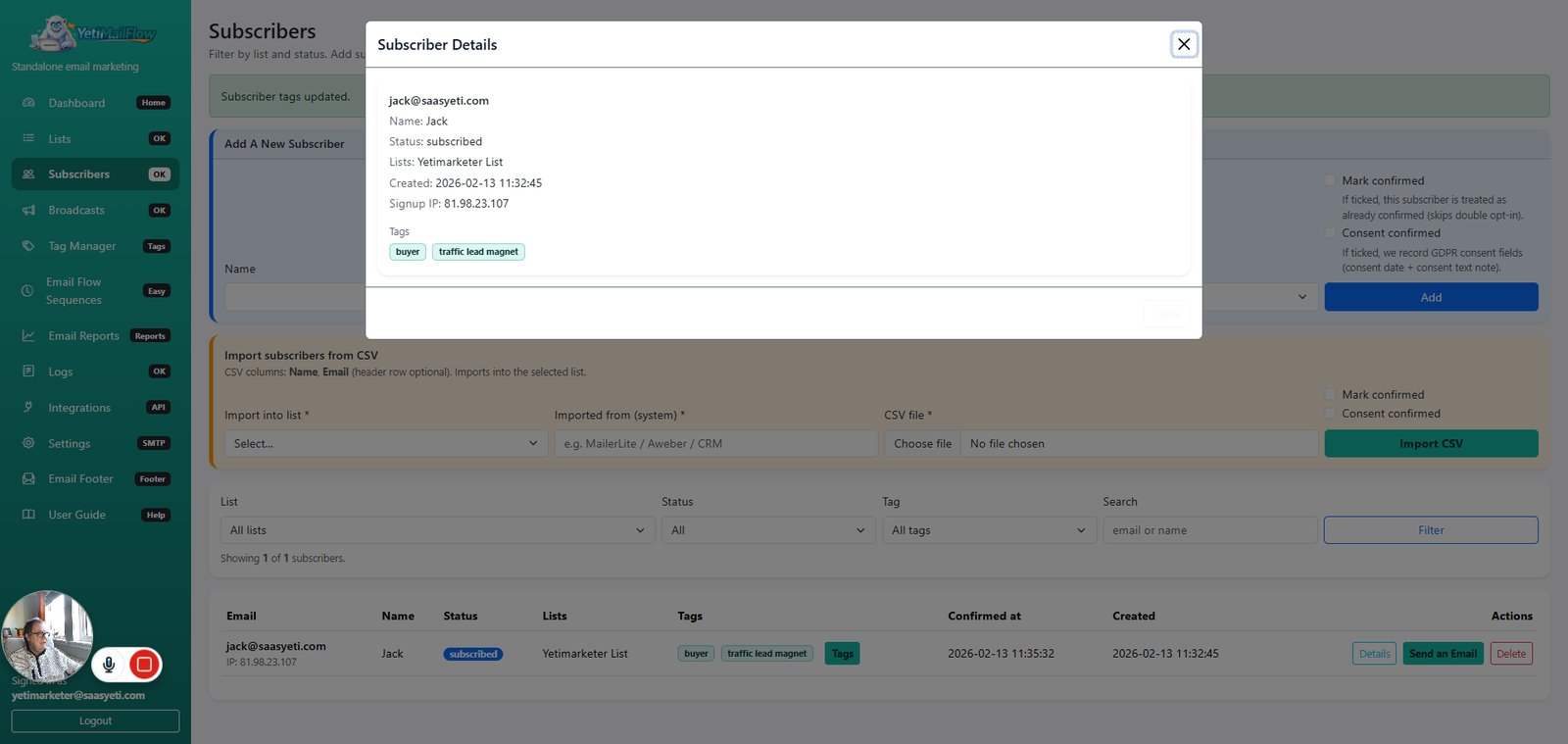
Click on "Details"

step
50

Click on "Close"

step
51

Click on "Lists"

step
52

Click on "Subscribers"

step
53

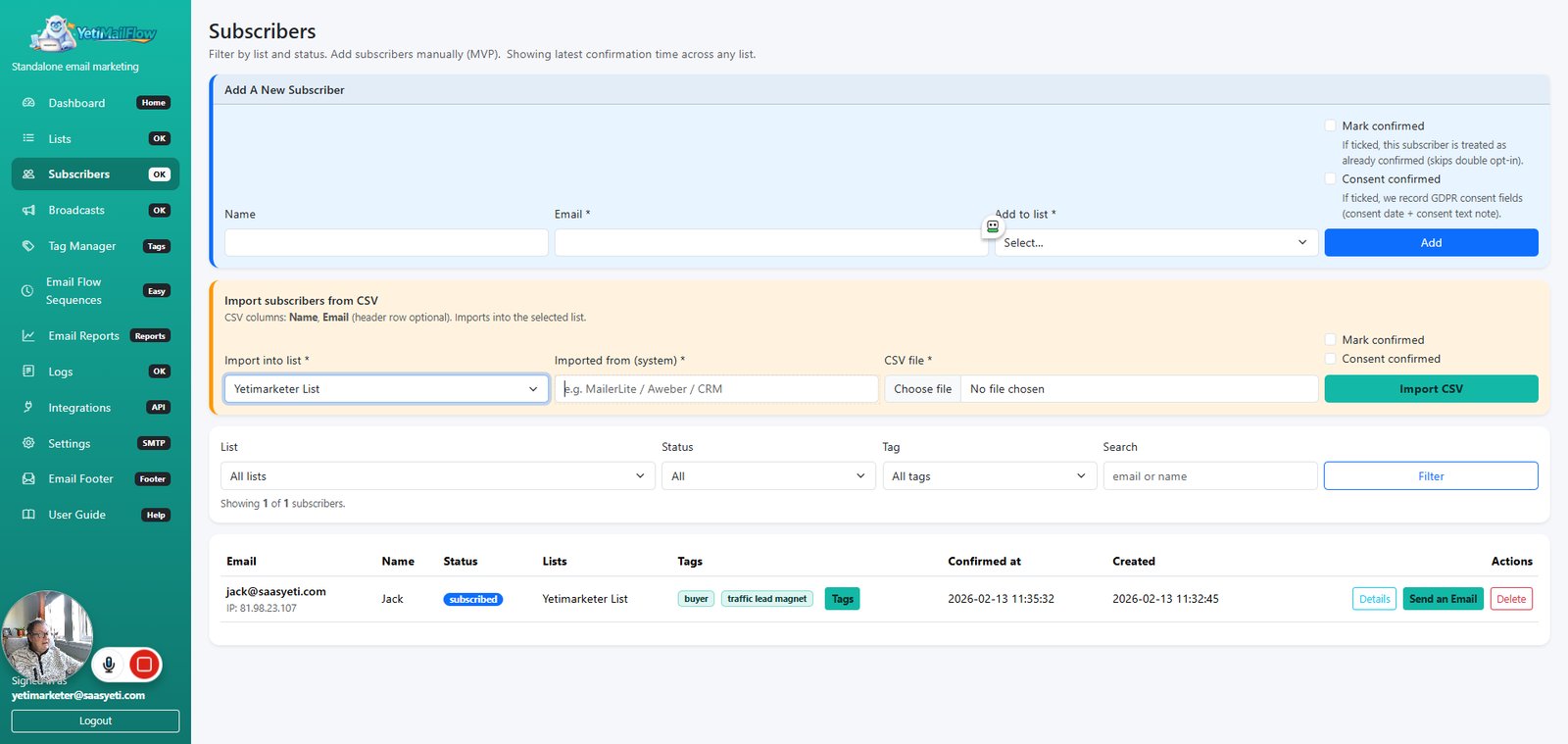
Click on "Select… Yetimarketer List"

step
54

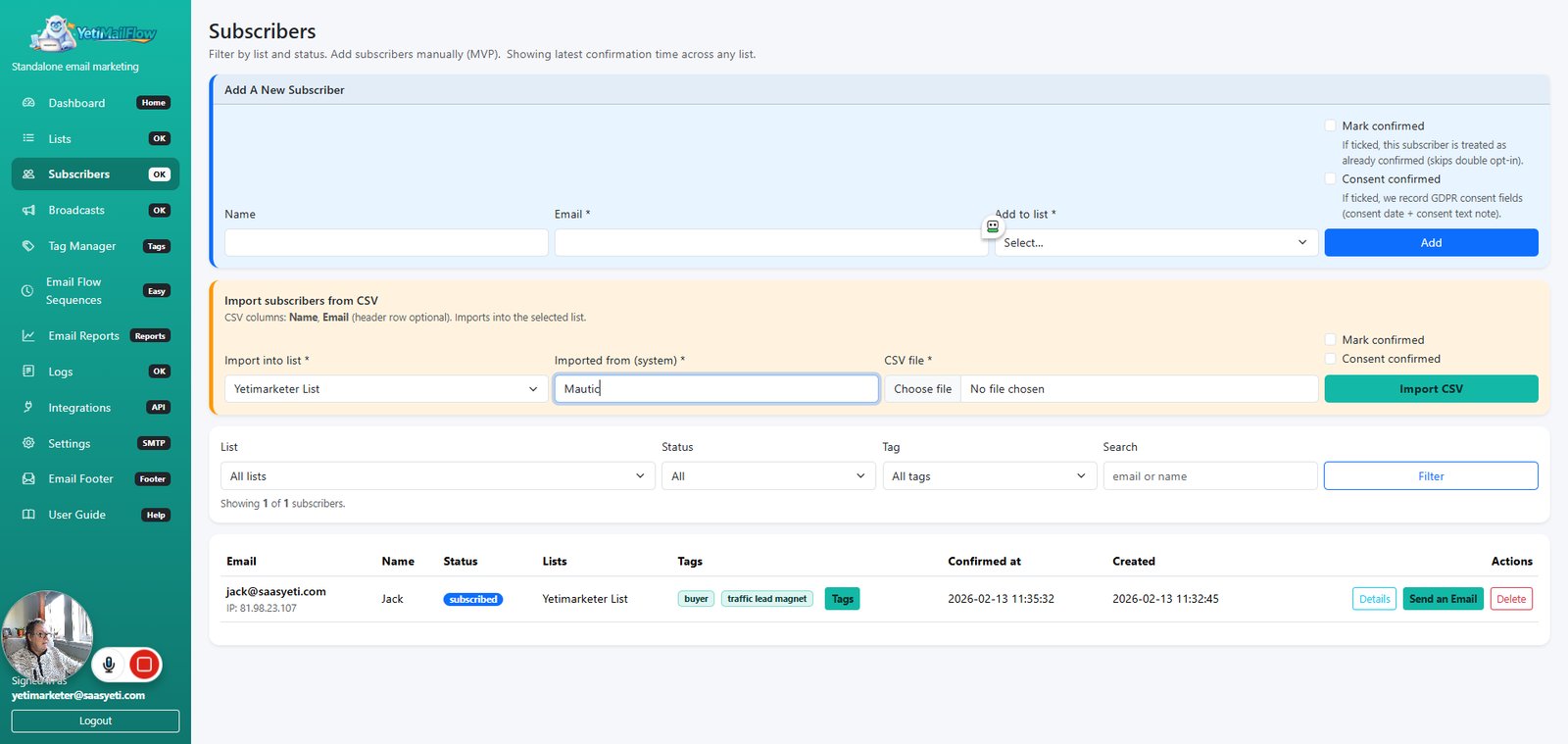
Type "Mautic" in highlighted field

step
55

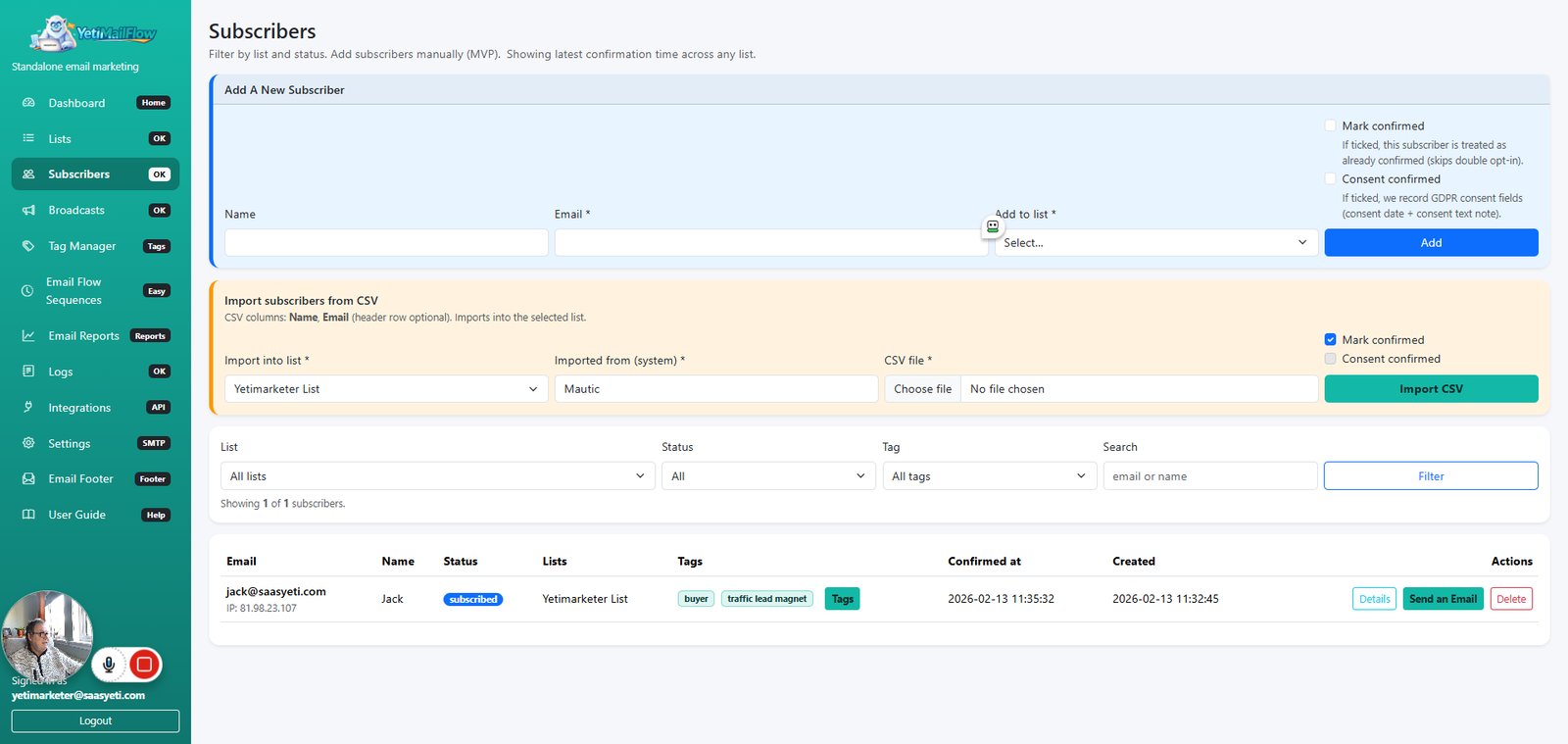
Click on "Mark confirmed"

step
56

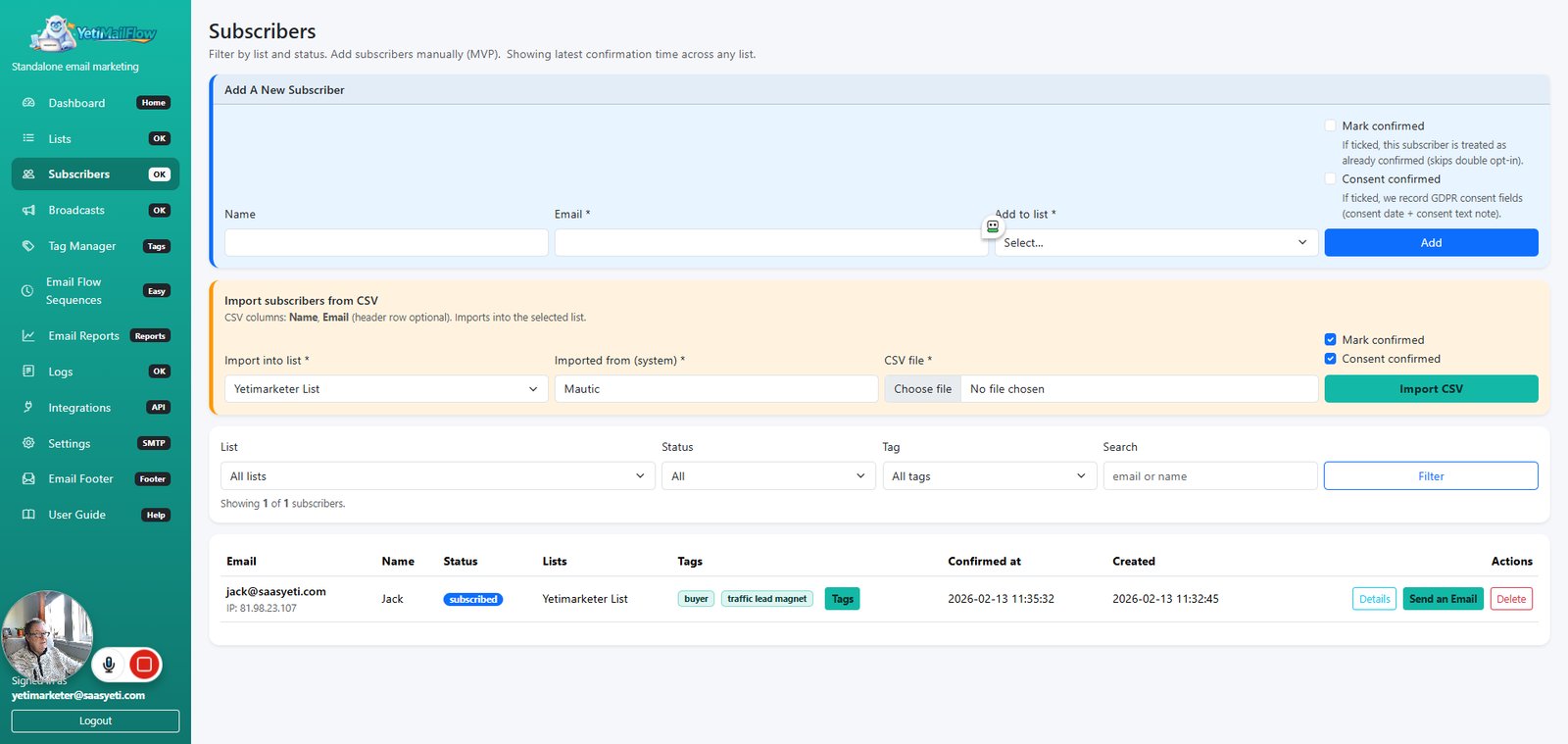
Click on "Consent confirmed"

step
57

Click on "CSV file *"

step
58

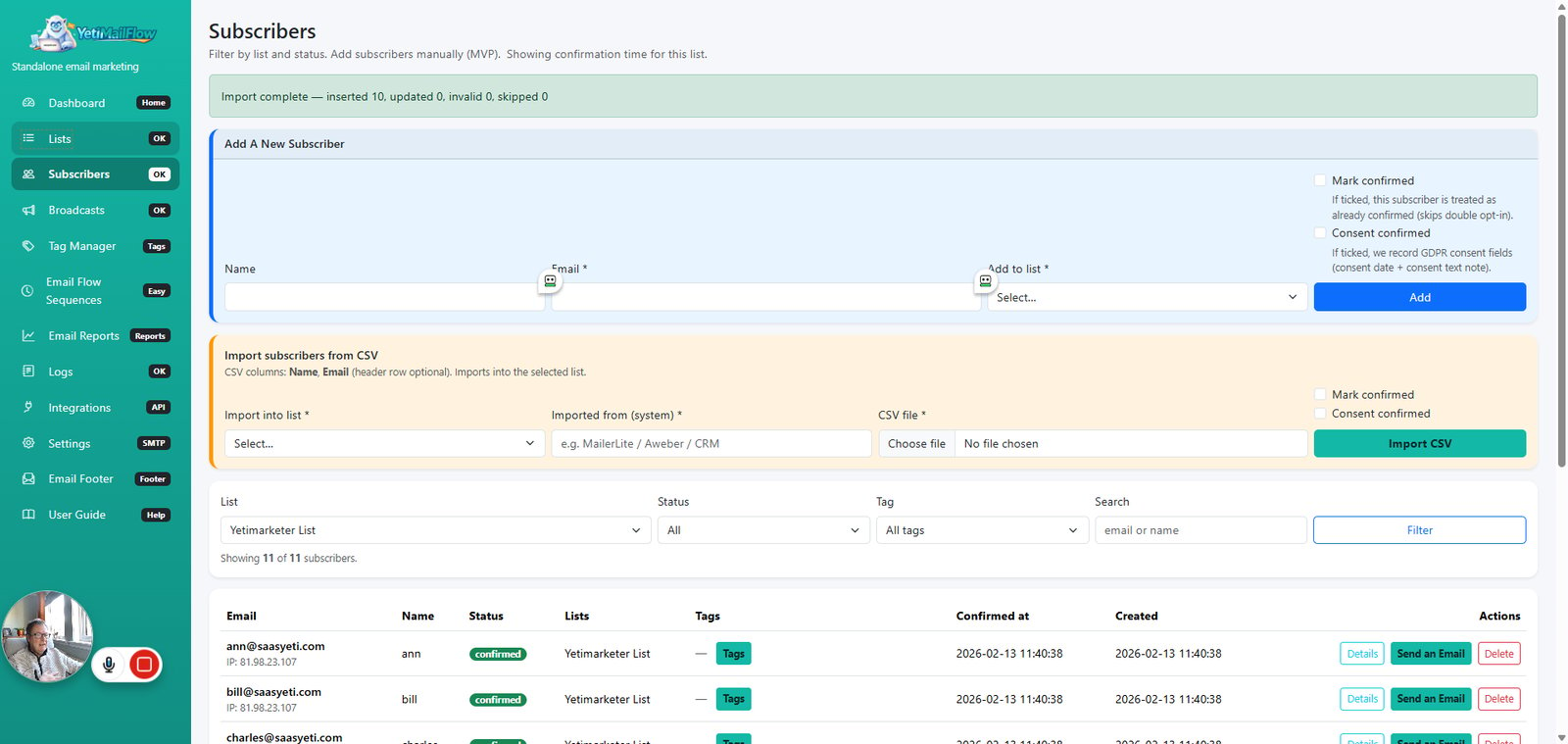
Click on "Import CSV"

step
59

Click on "Lists"

step
60

Click on "11"

step
61

Click on "Close"

step
62

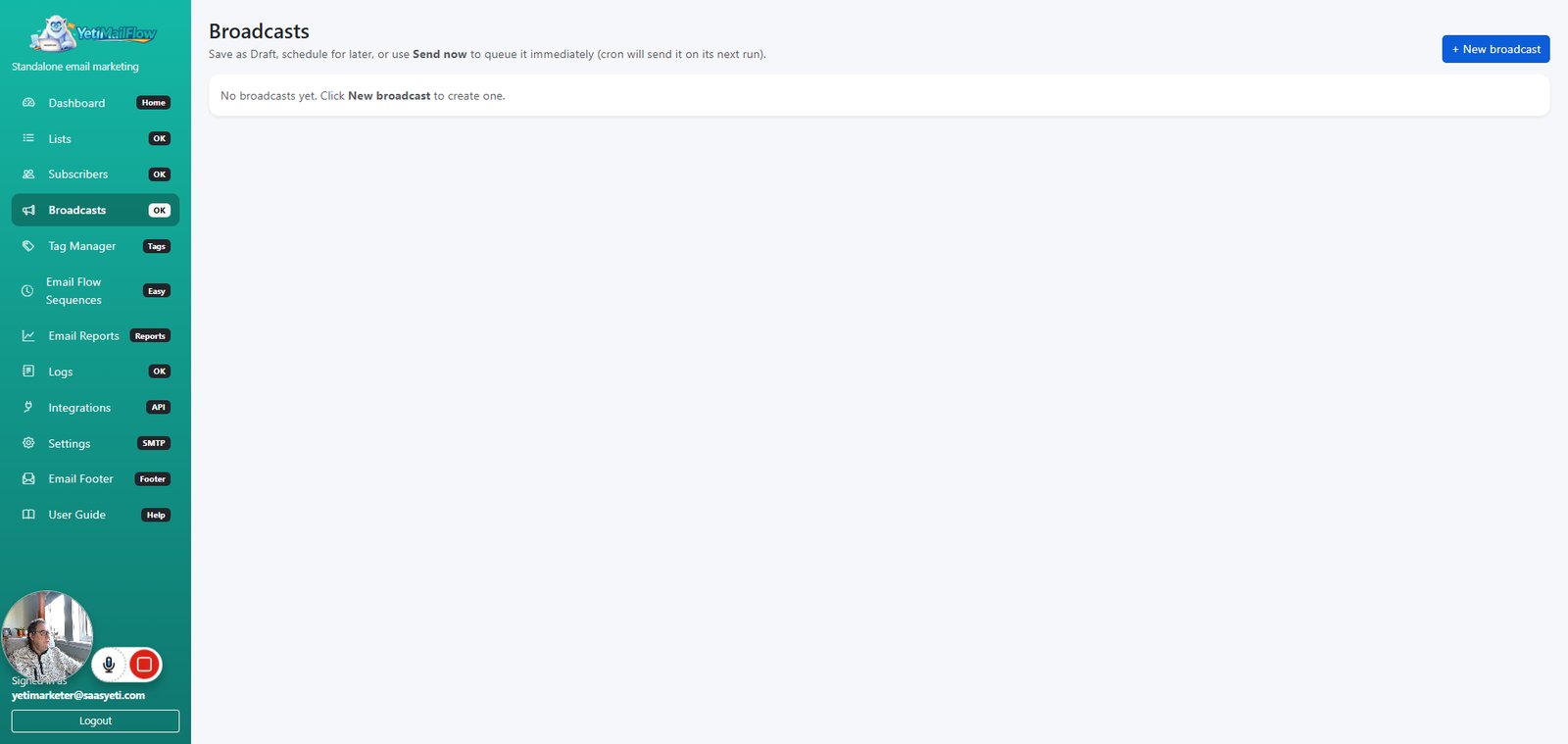
Click on "Broadcasts"

step
63

Click on "+ New broadcast"

step
64

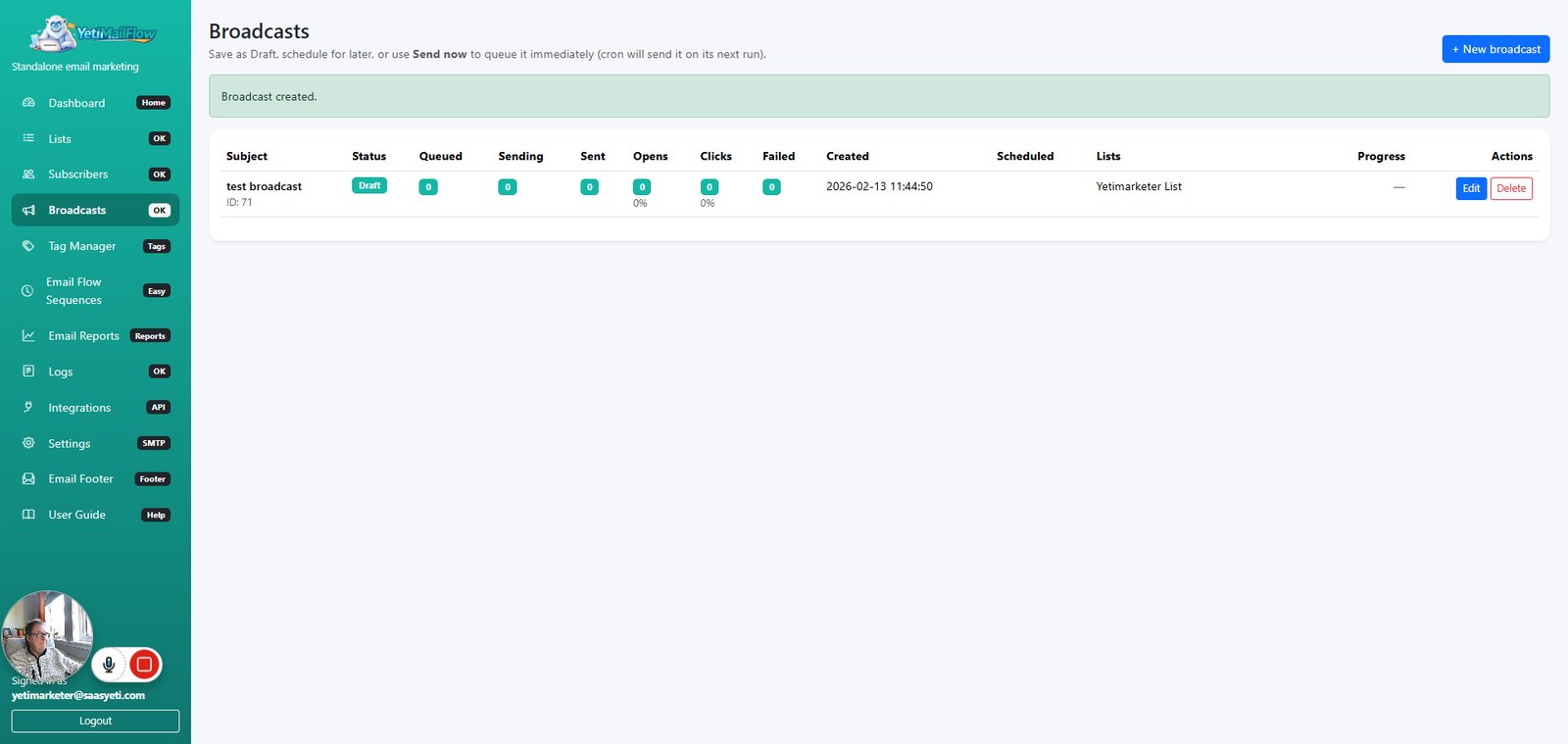
Click on "+ New broadcast"

step
65

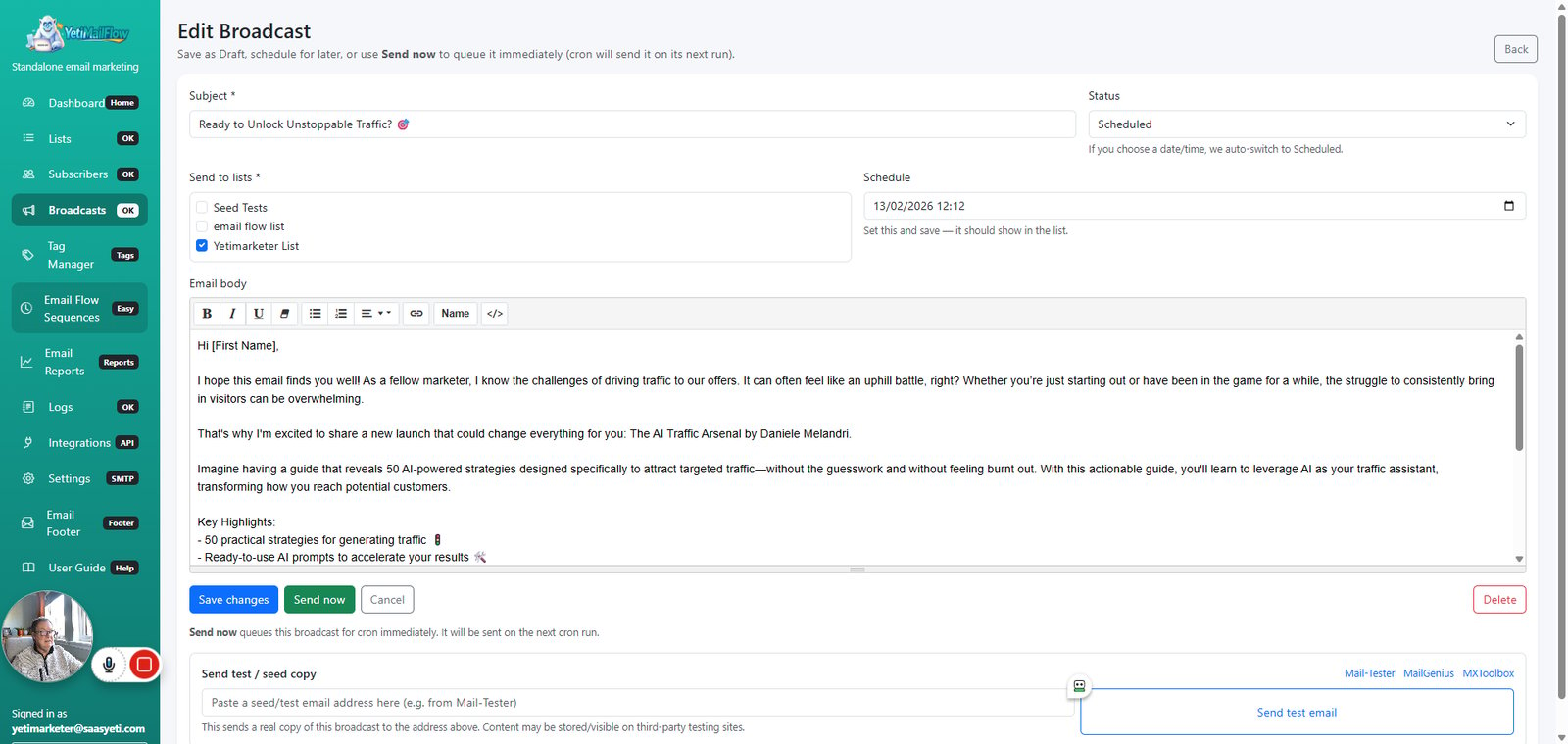
Click on "Edit"

step
66

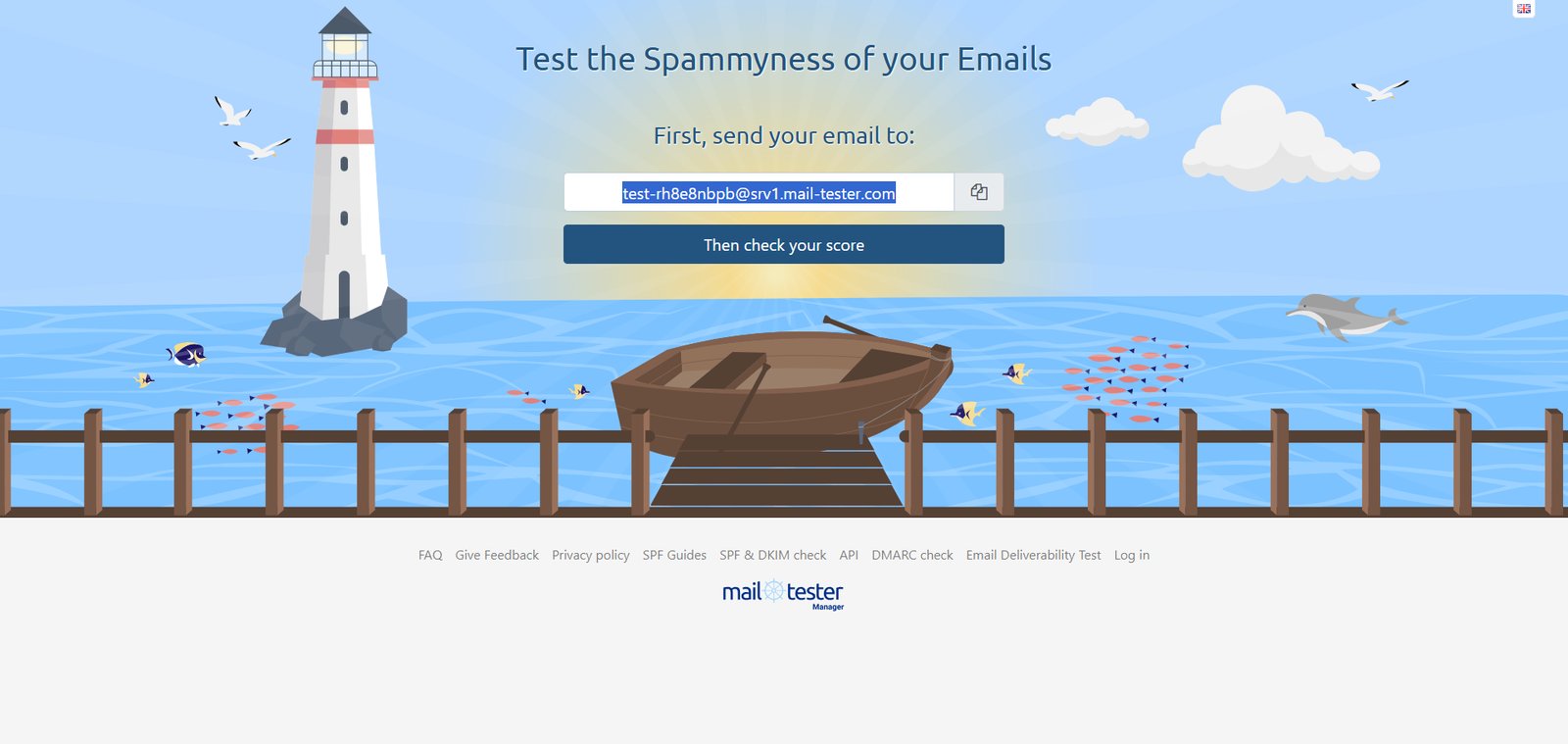
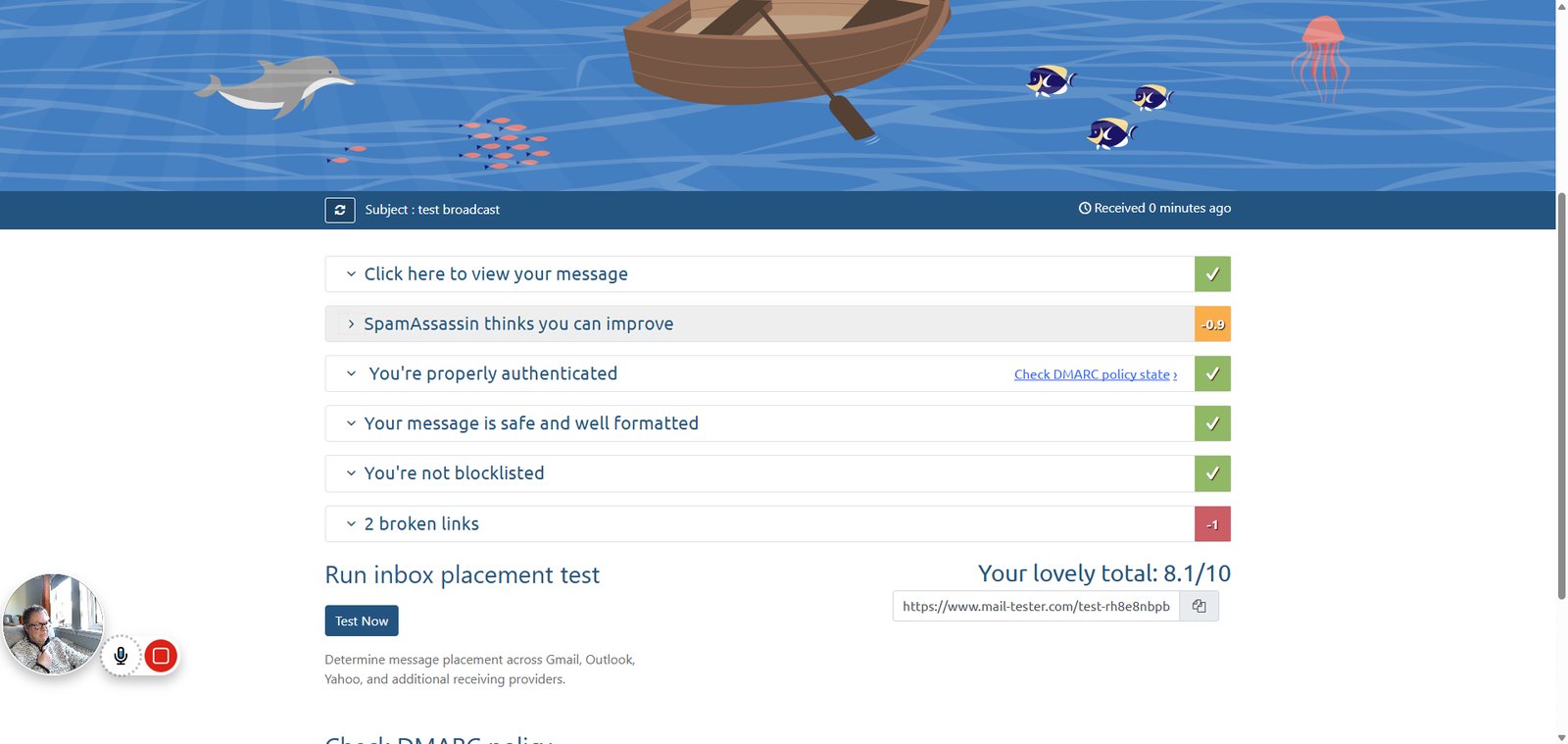
Click on "Mail-Tester"

step
68

Type "test-rh8e8nbpb@srv1.mail-tester.com" in highlighted field

step
69

Click on "SpamAssassin thinks you can improve"

step
71

Click on "Allow"

step
73

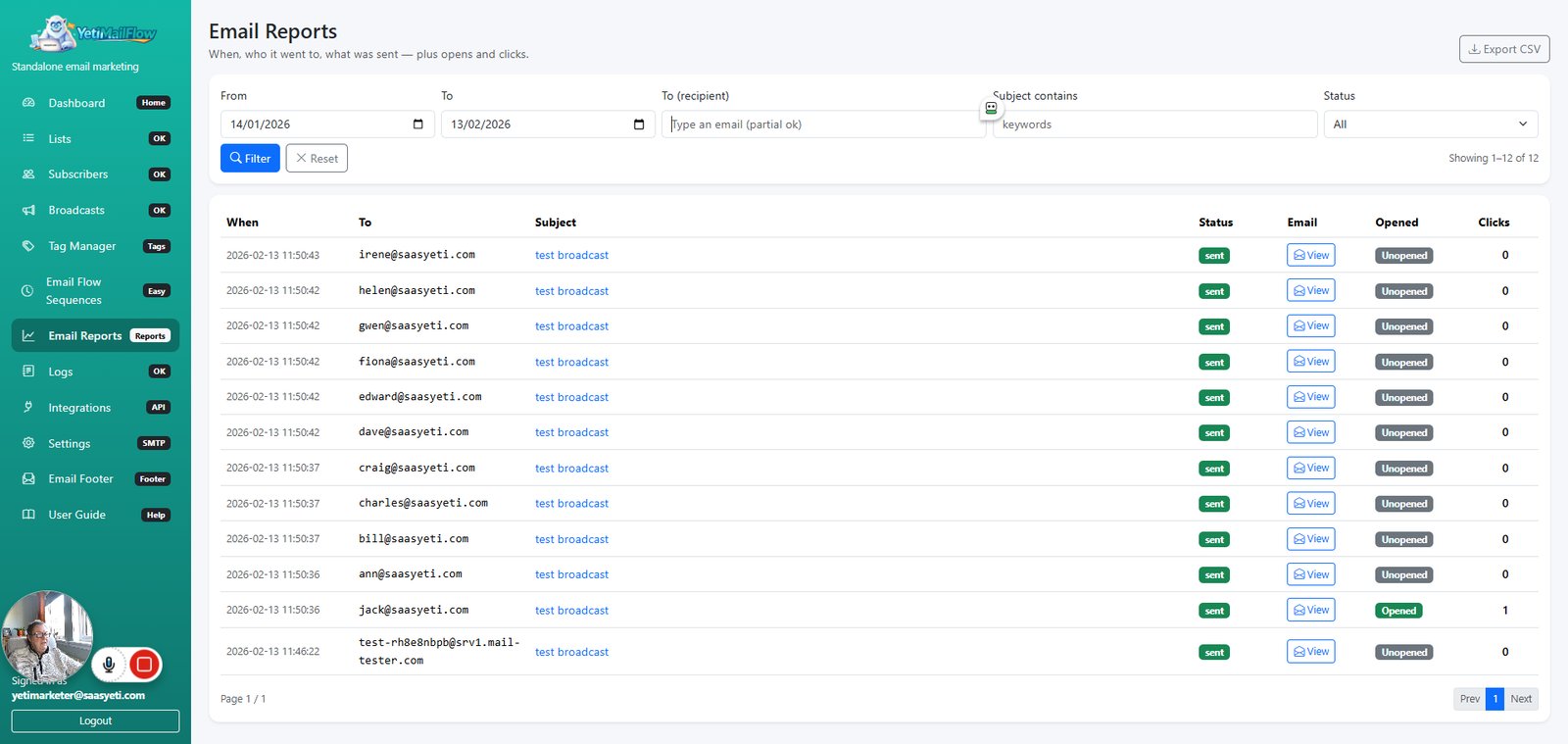
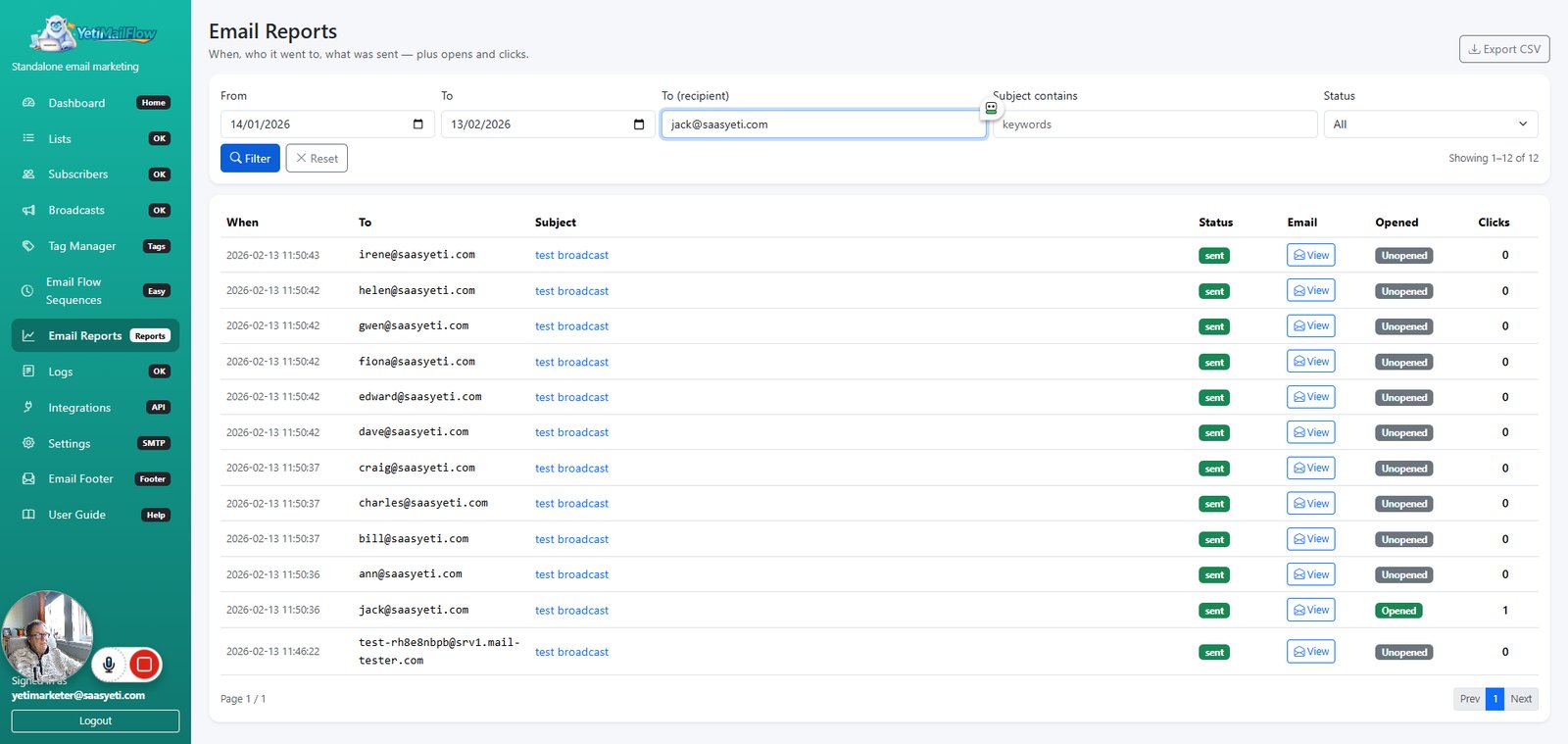
Click on "Email Reports"

step
74

Type "jack@saasyeti.com" in highlighted field

step
75

Click on "Filter"

step
76

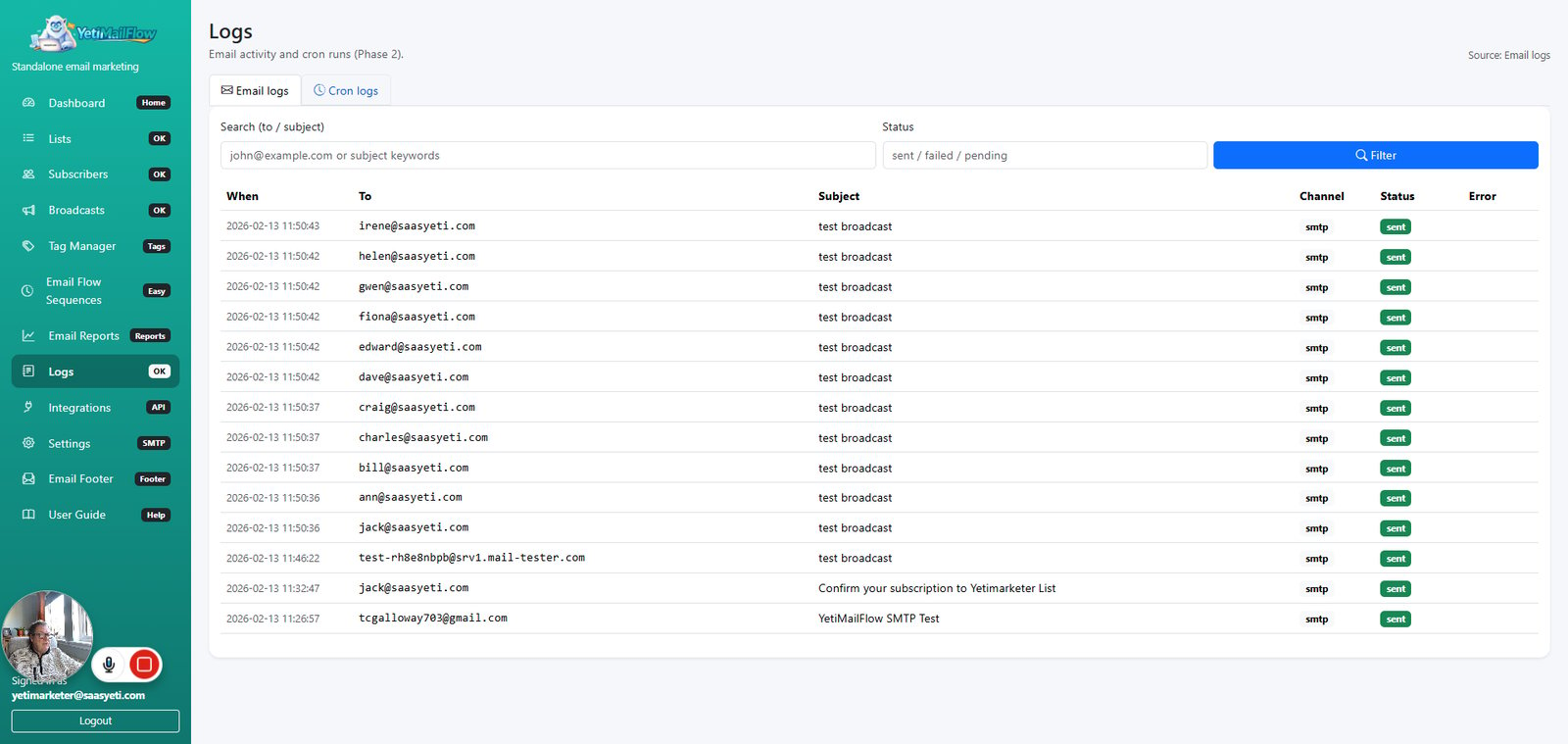
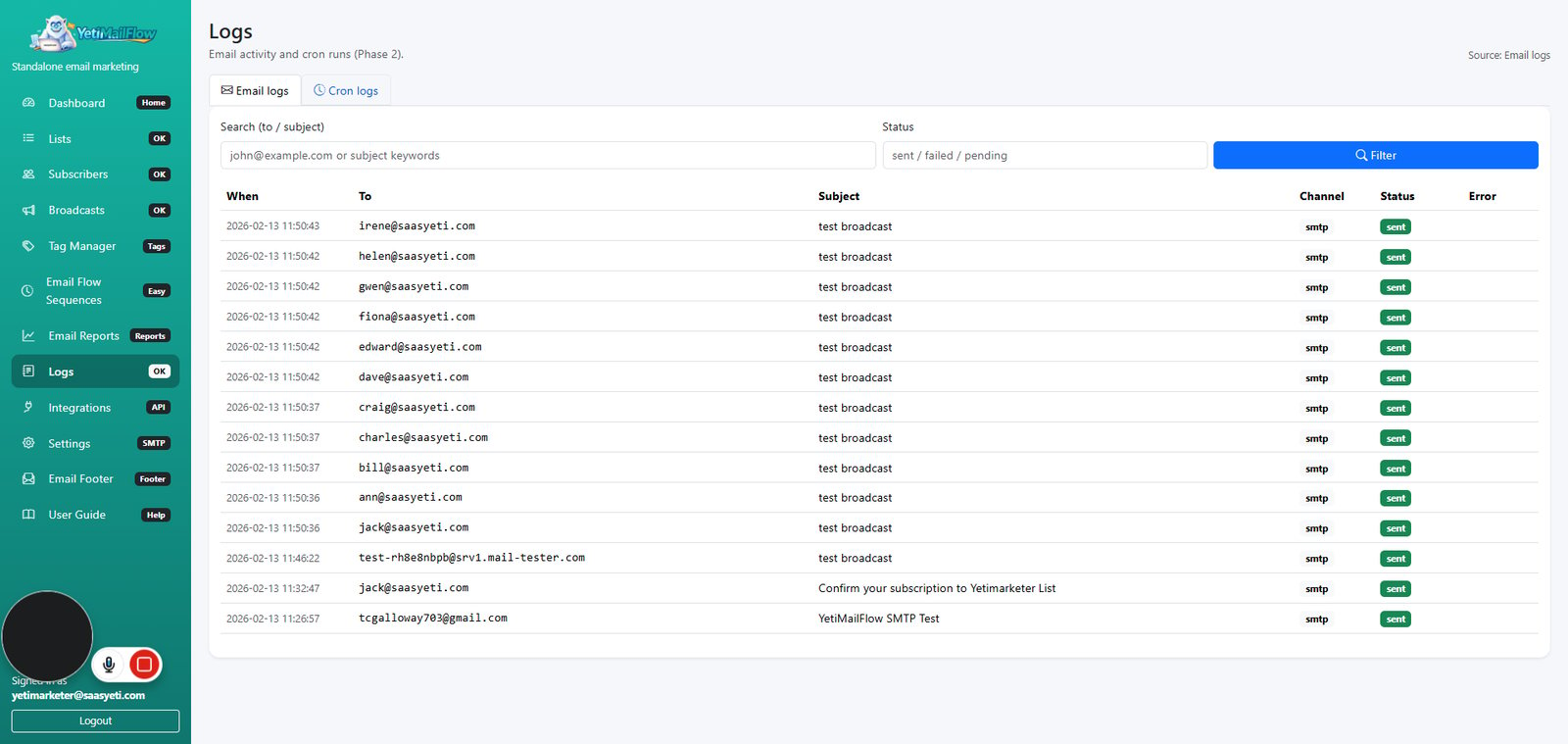
Click on "Logs OK"

step
77

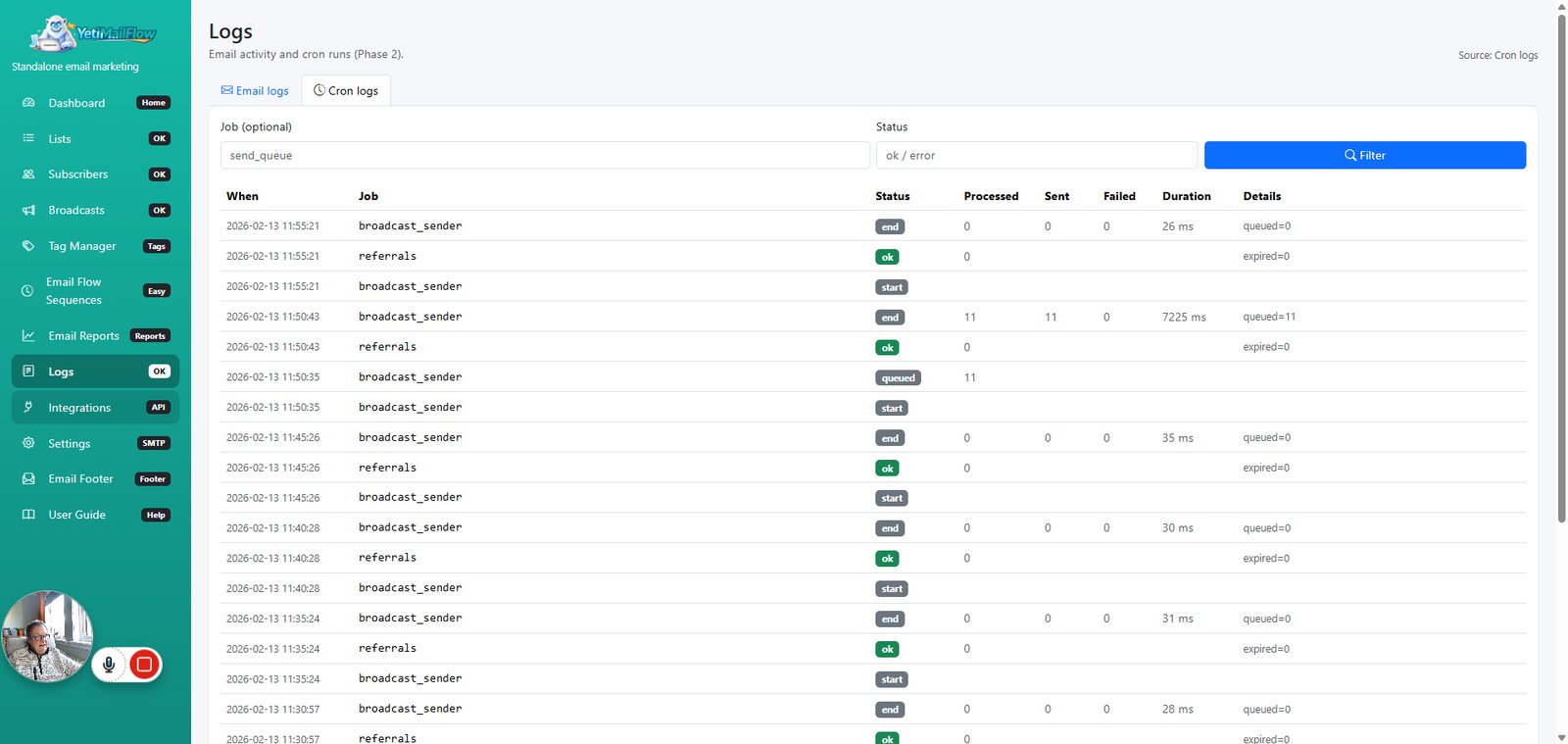
Click on "Cron logs"

step
78

Click on "Email logs"

step
79

Click on "Cron logs"

step
80

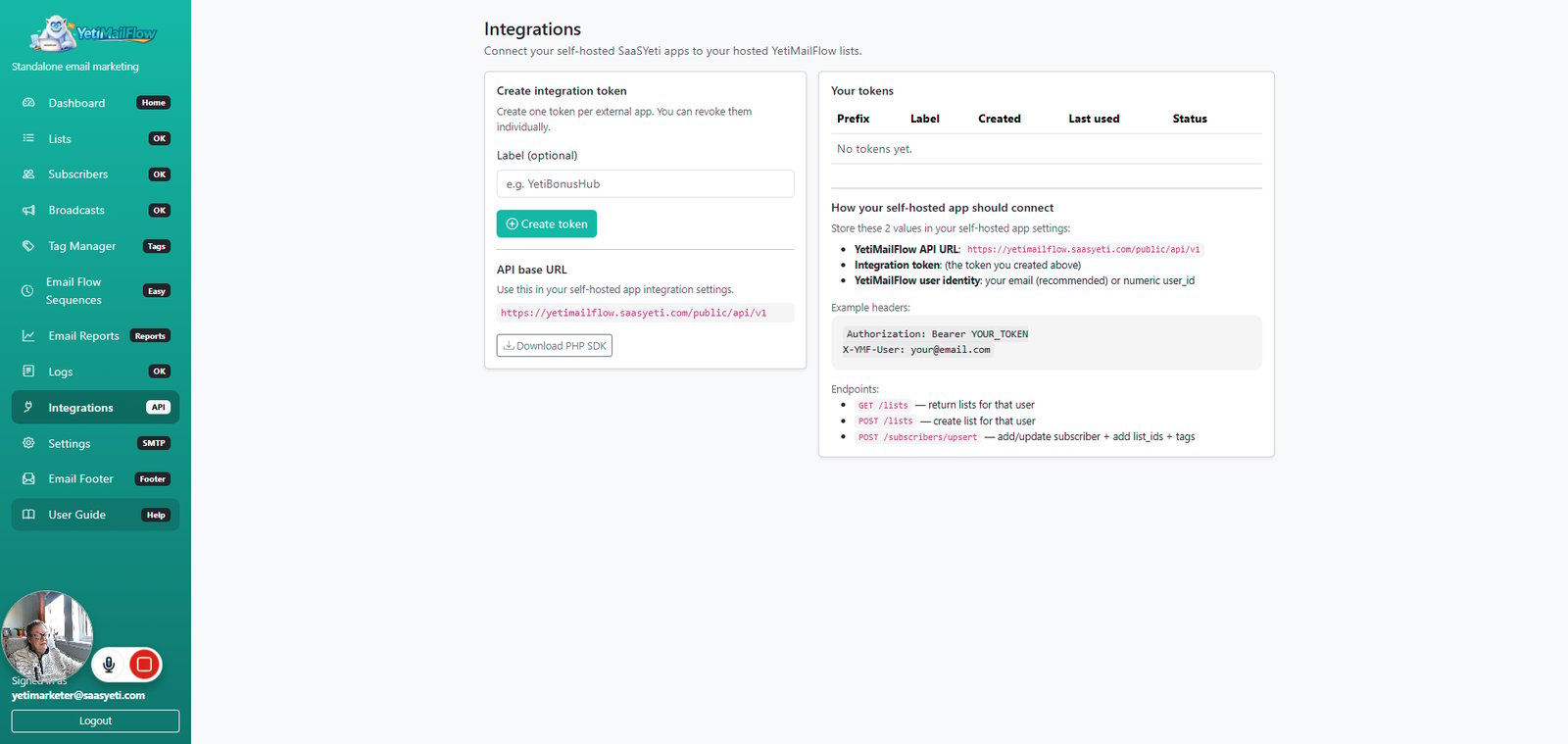
Click on "Integrations"

step
81

Click on "User Guide"

step
82

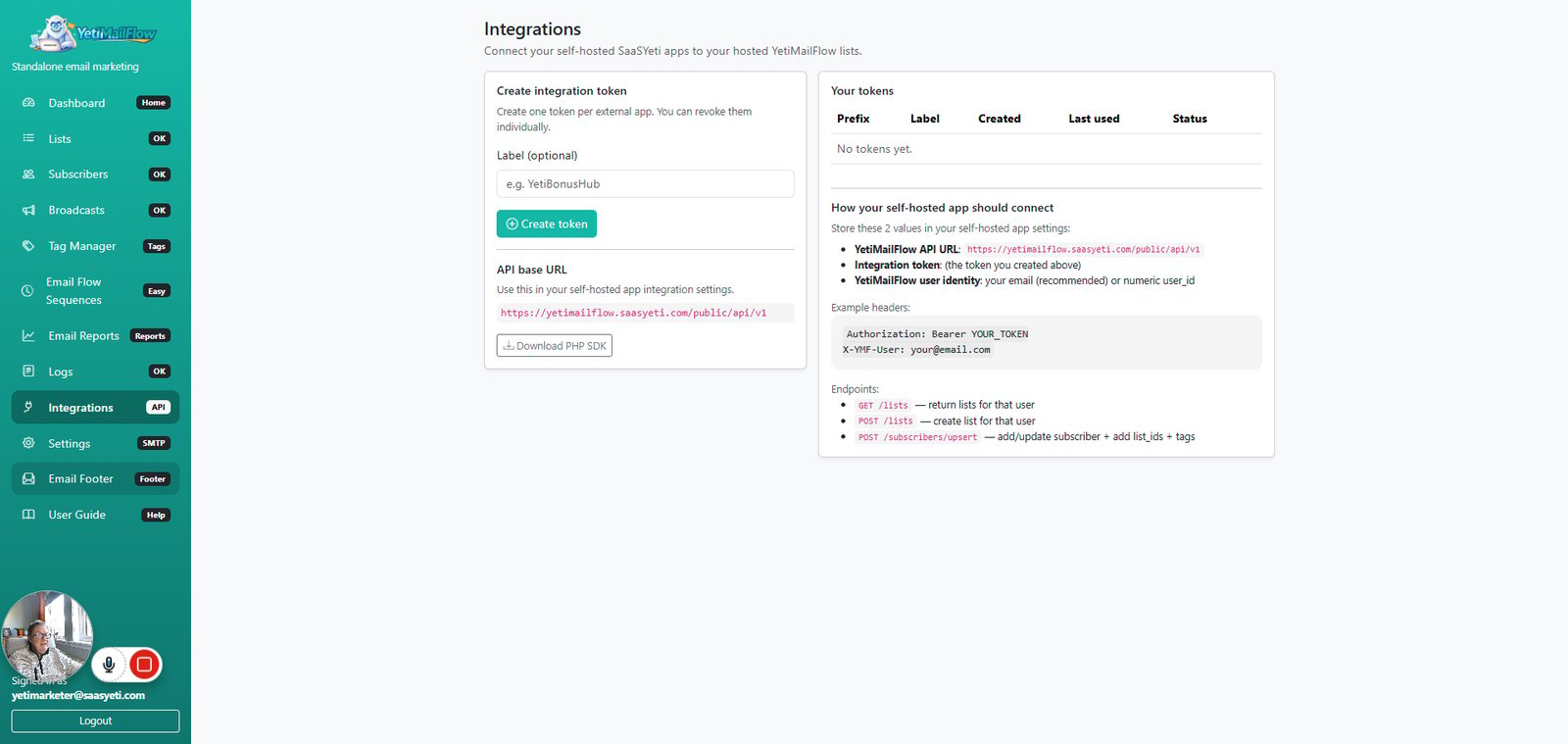
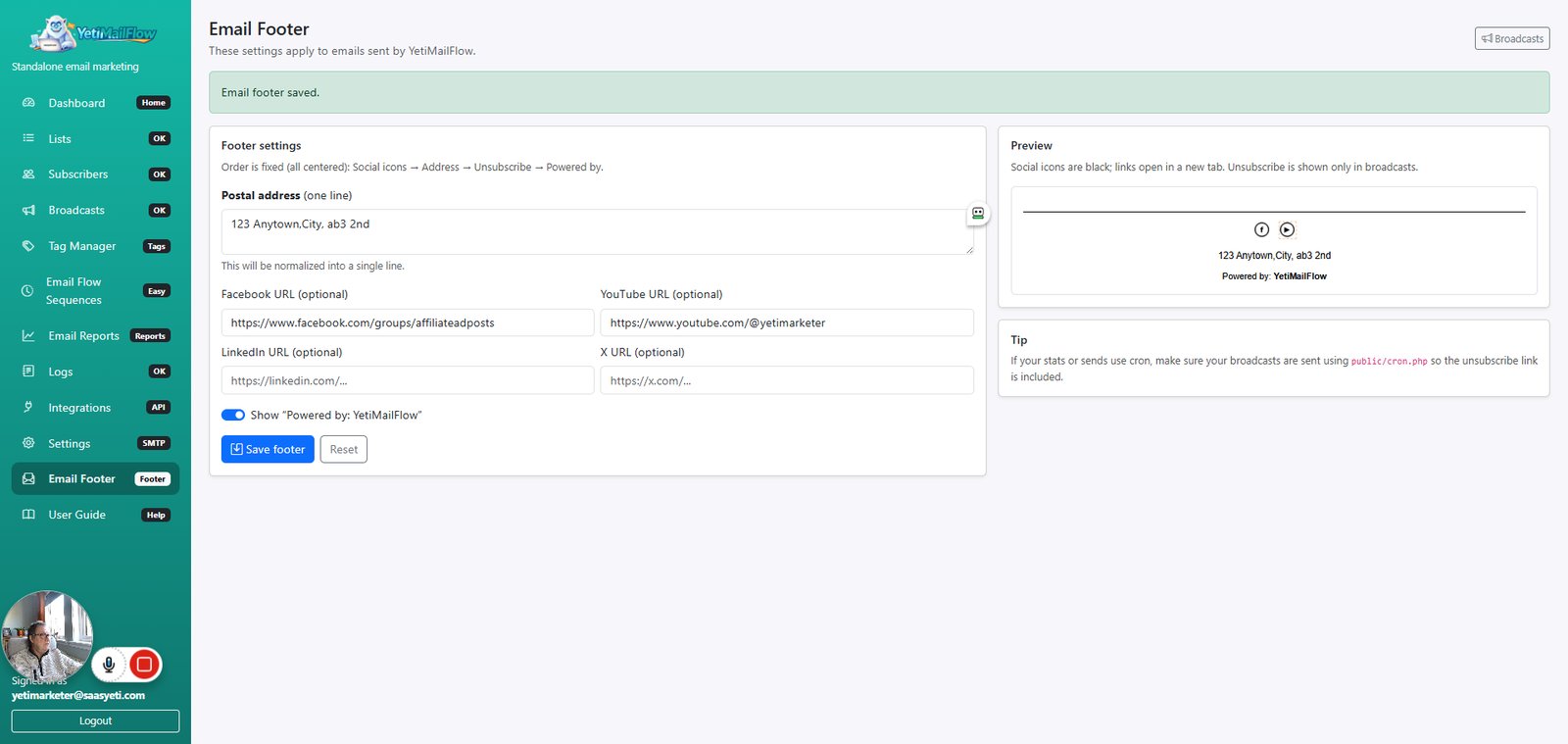
Click on "Email Footer"

step
83

Type "123 Anytown,City, ab3 2nd " in highlighted field

step
85

Click on "Account menu"

step
86

Click on "View your channel"

step
88

Click on "Facebook"

step
89

Click on "Facebook"

step
90

Click on "YouTube"

step
91

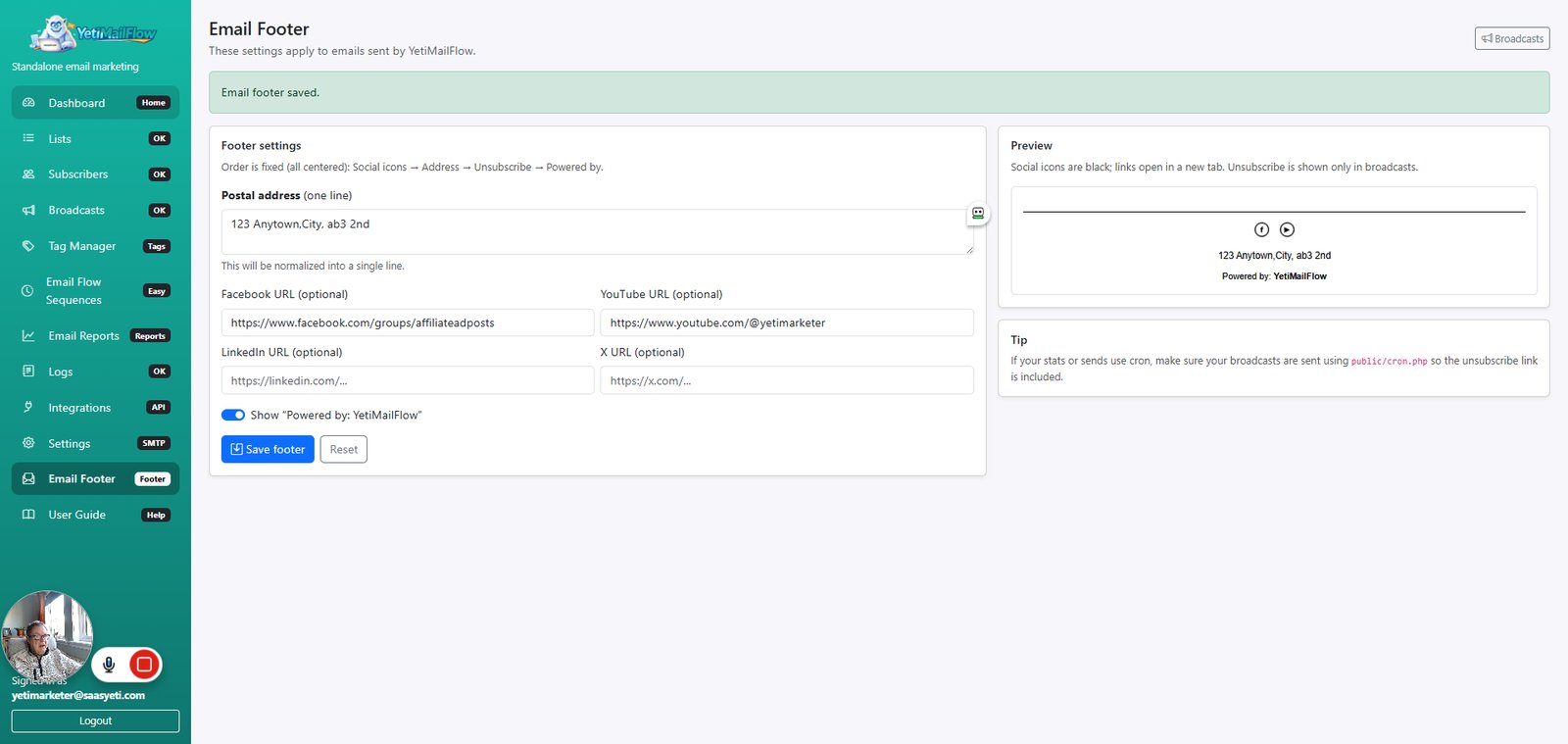
Click on "Save footer"

step
92

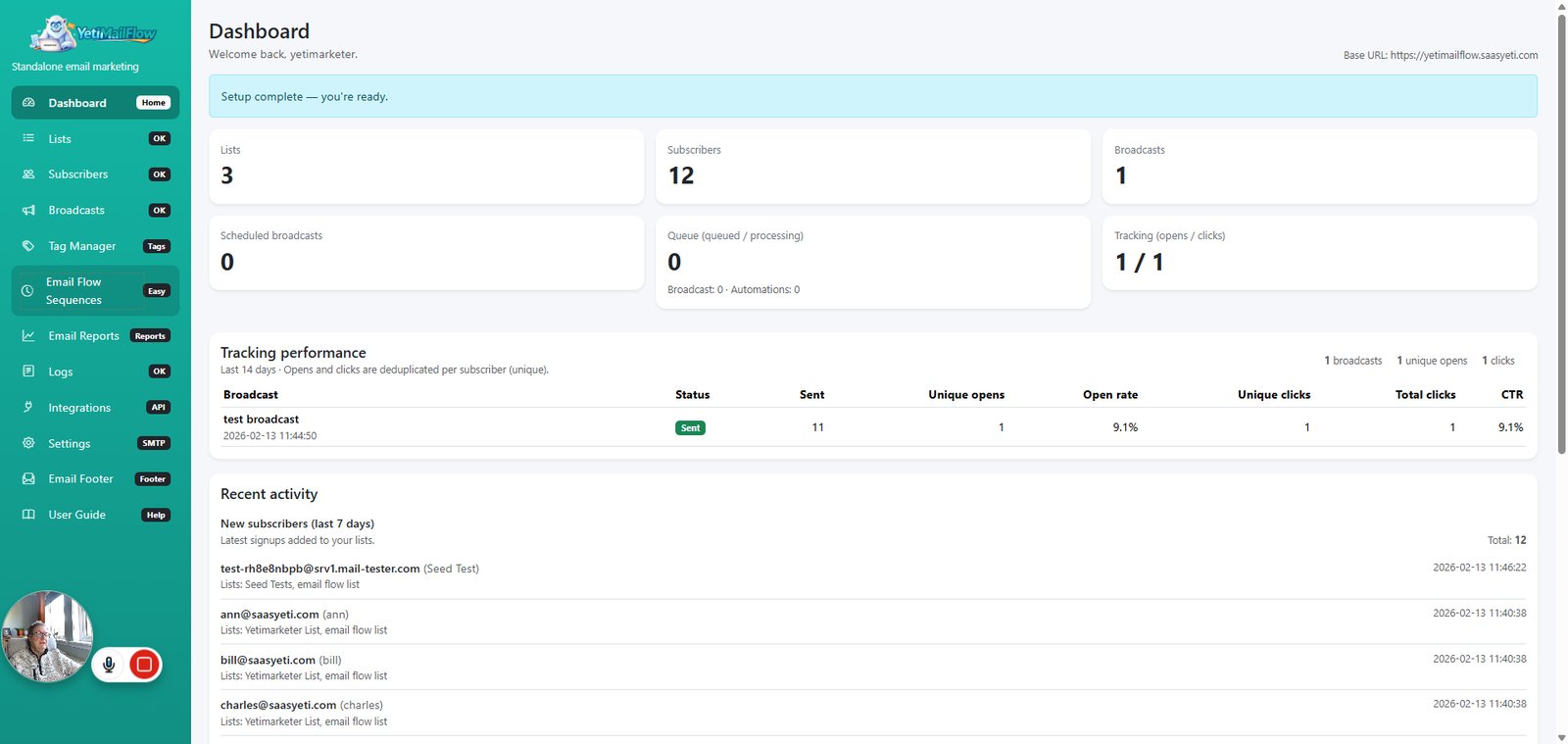
Click on "Dashboard"

step
93

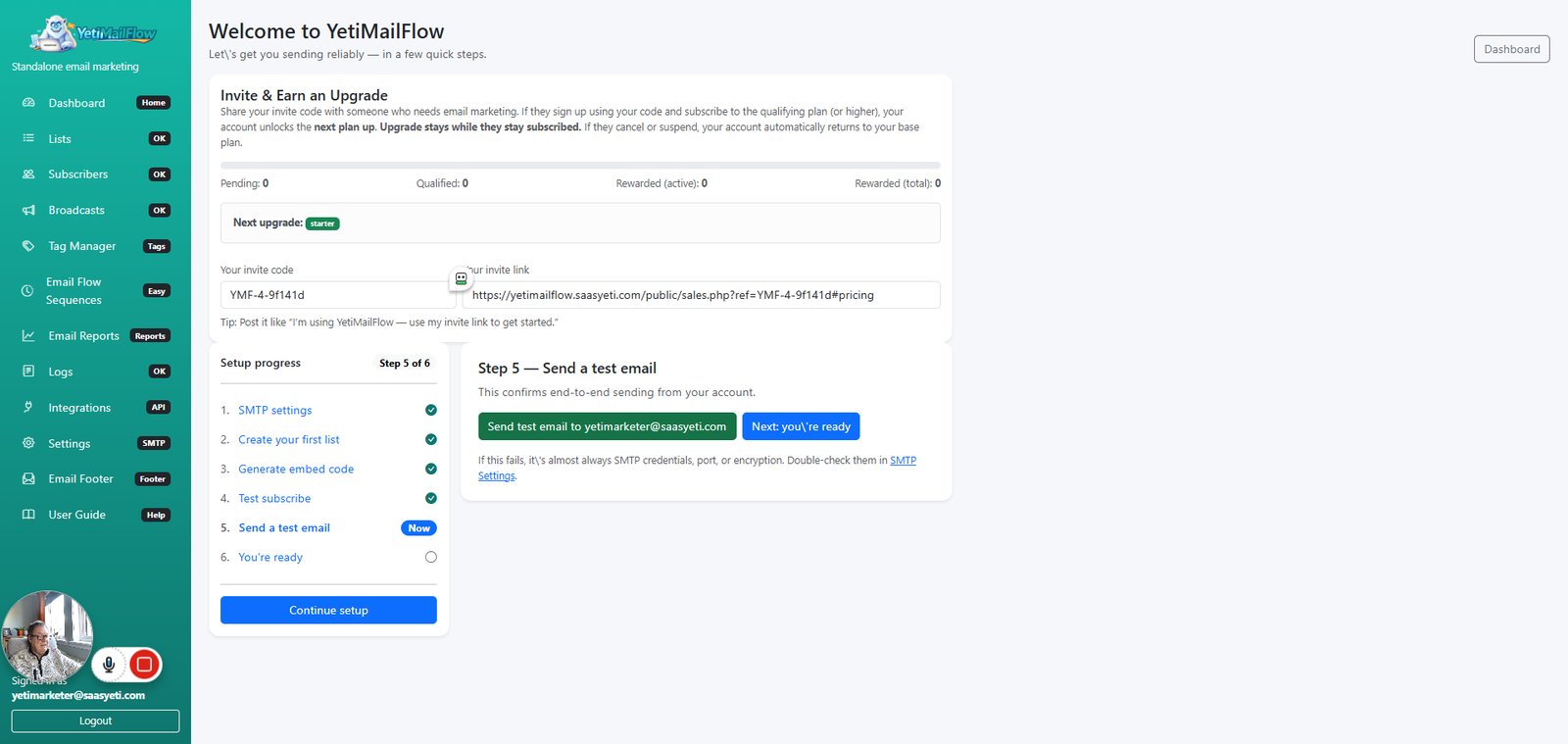
Click on "5. Send a test email"

step
94

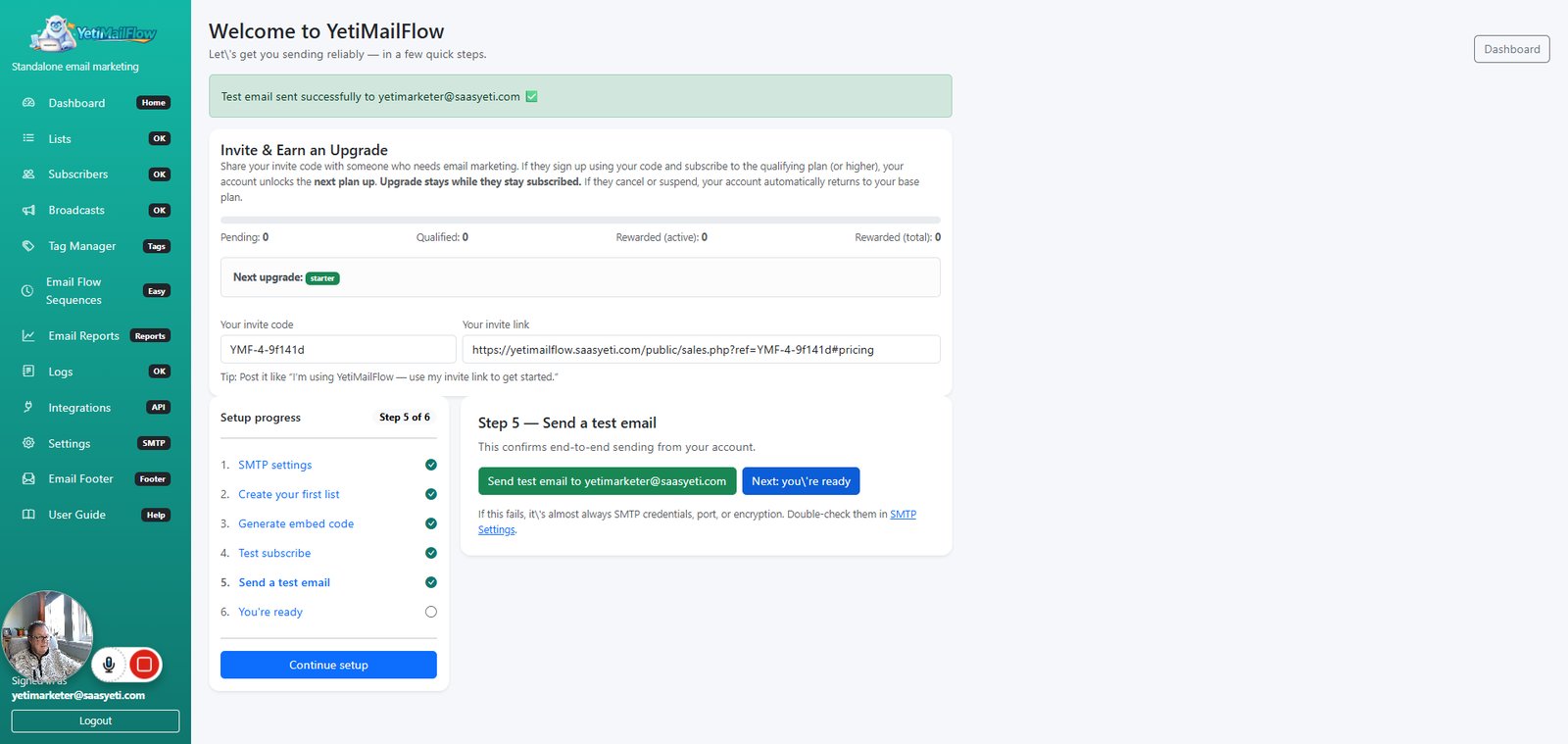
Click on "Send test email to yetimarketer@saasyeti.com"

step
95

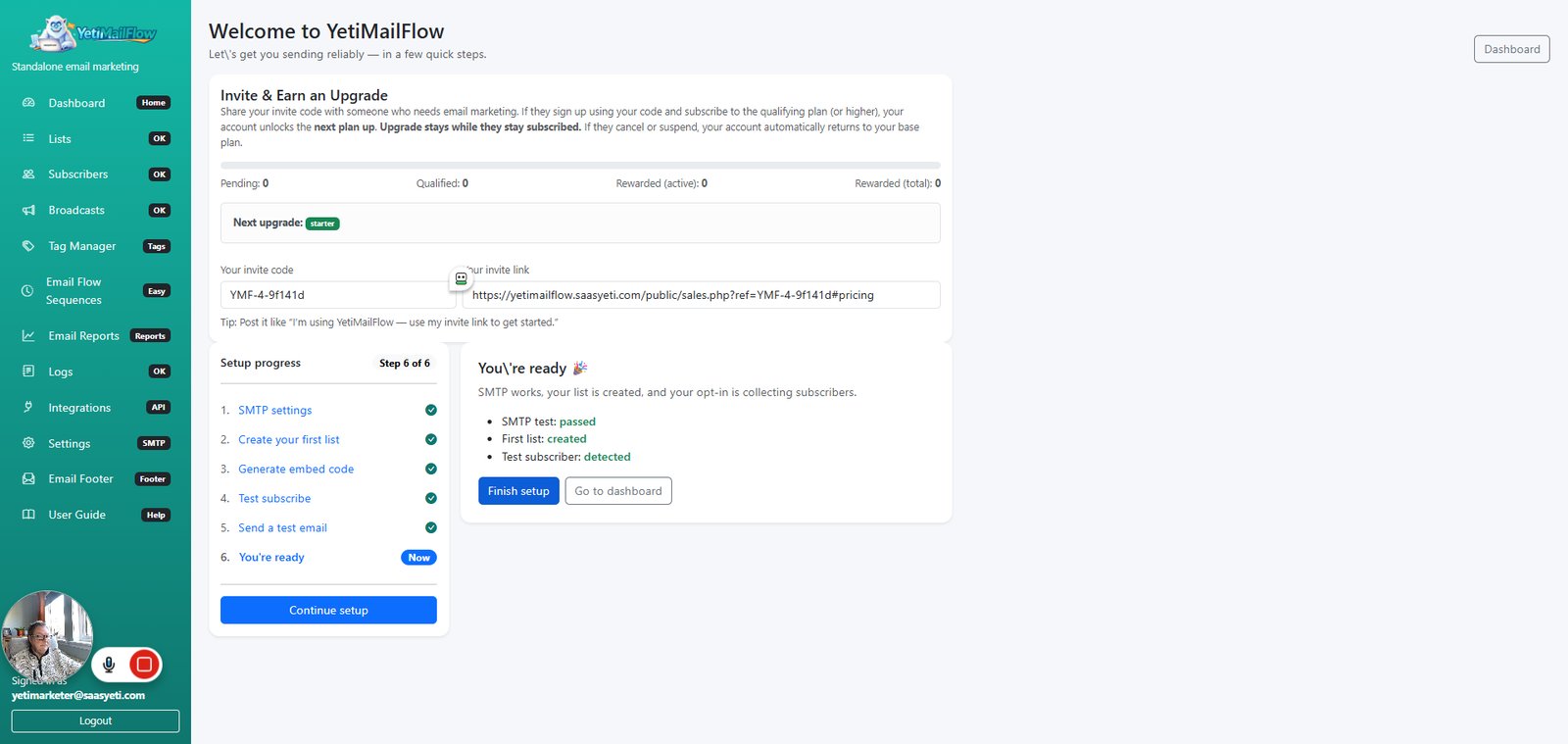
Click on "Next: you're ready"

step
96

Click on "Finish setup"

step
97

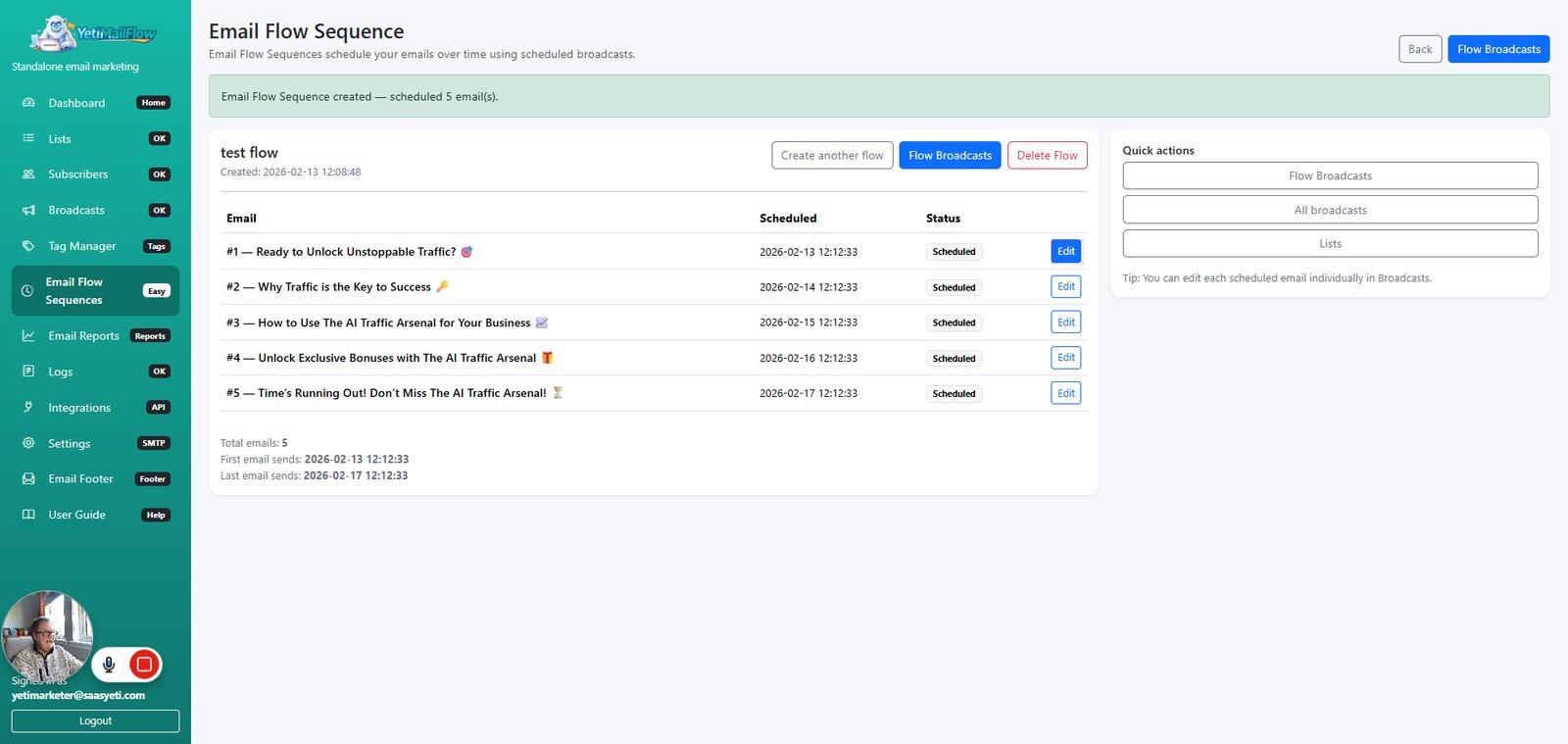
Click on "Email Flow Sequences"

step
98

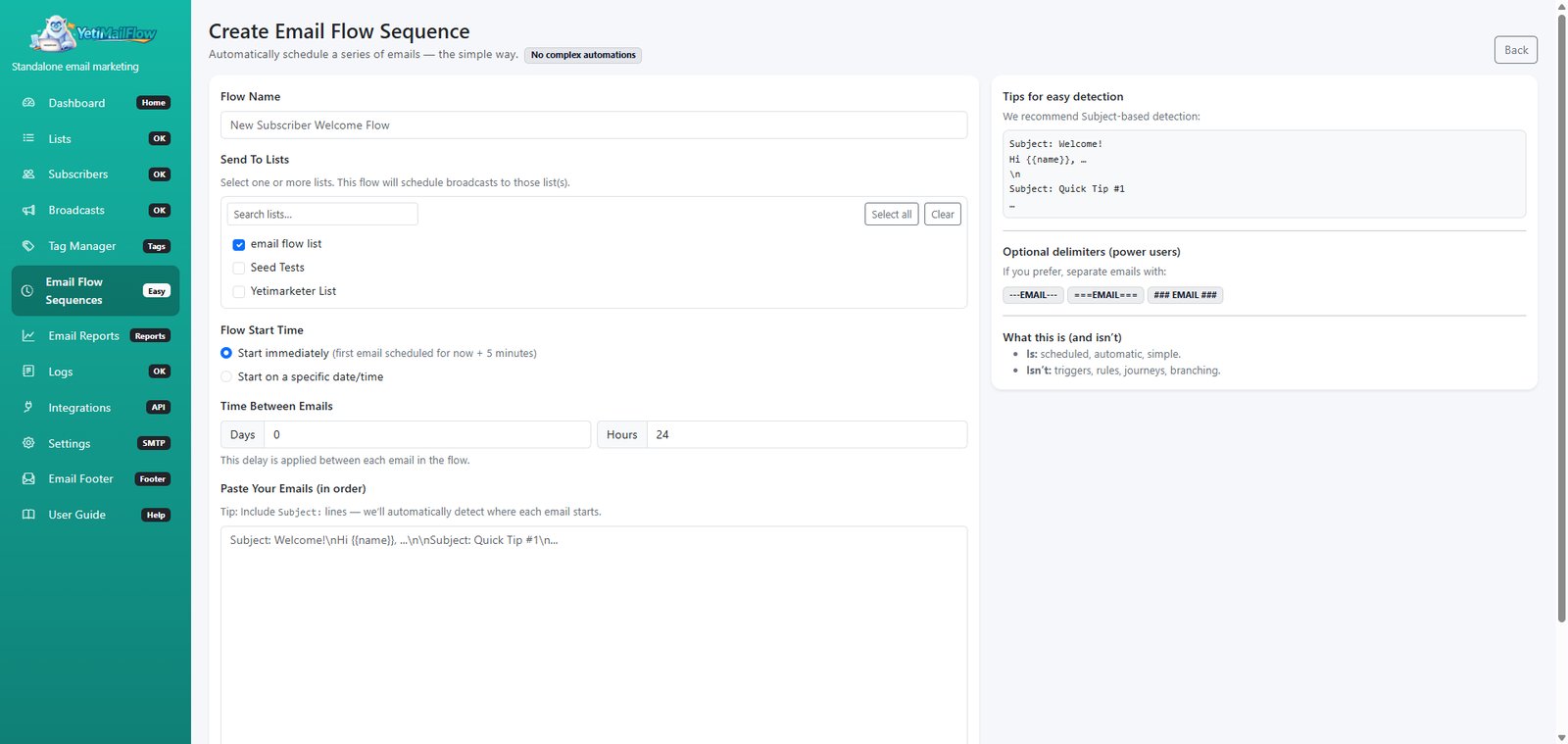
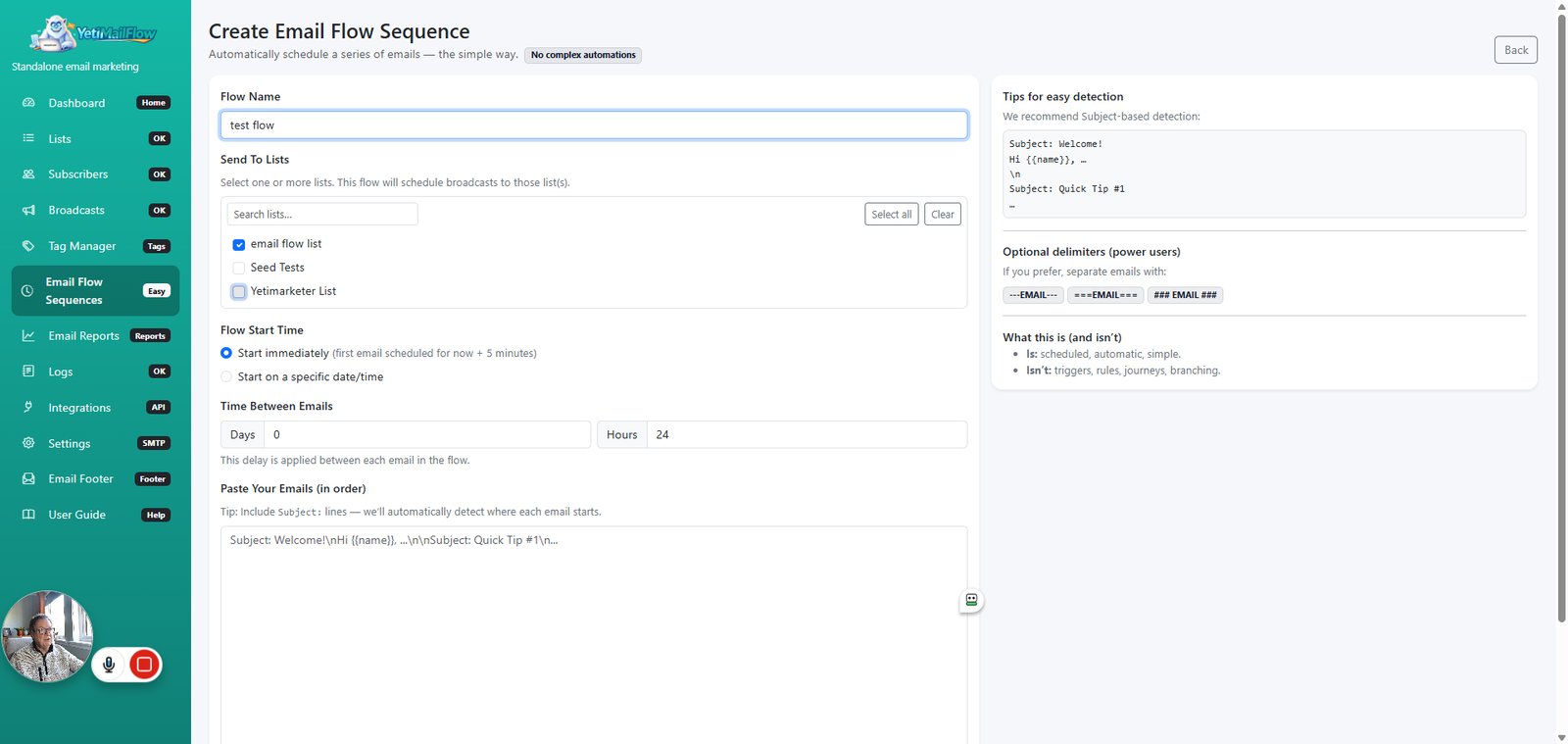
Click on "+ Create Email Flow Sequence"

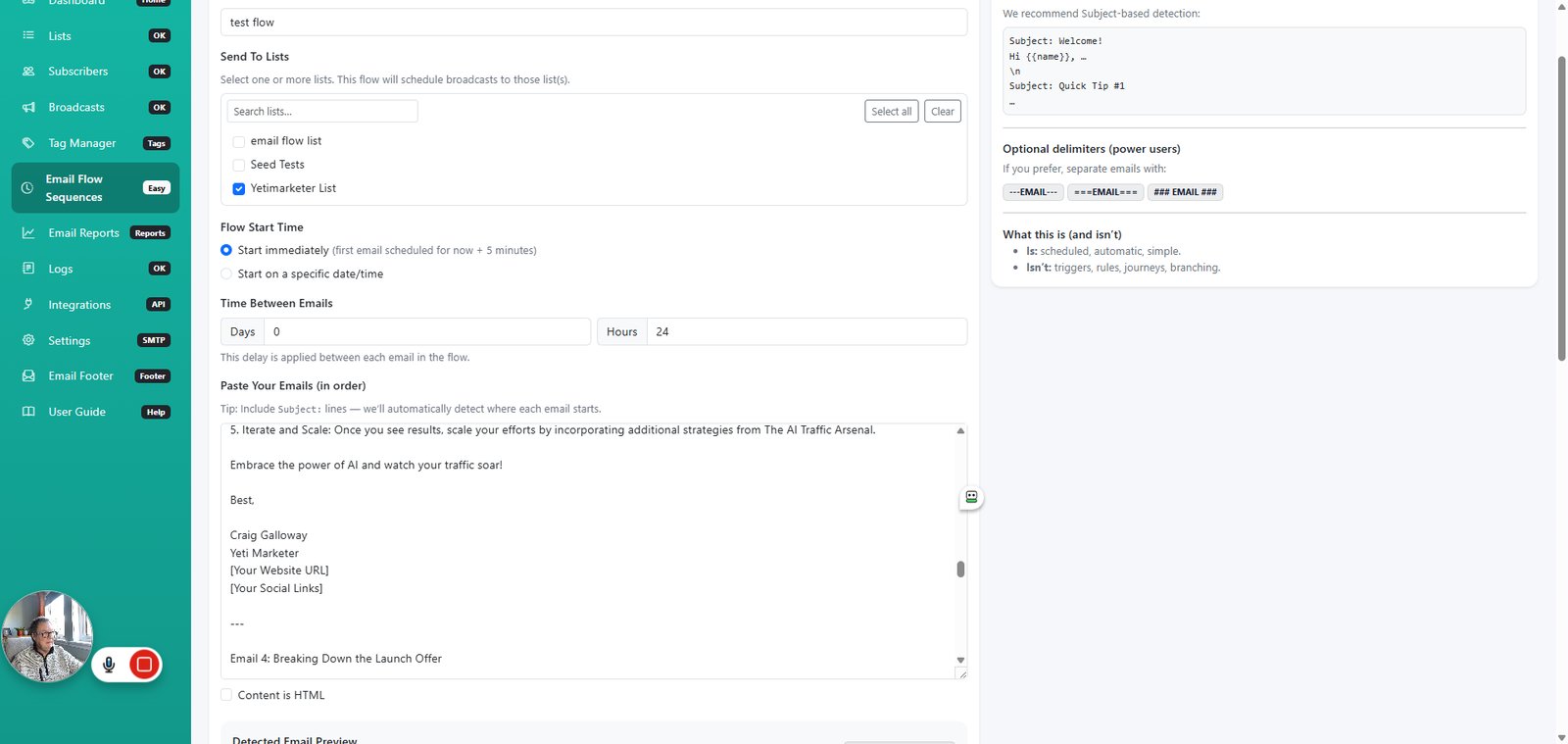
step
99

Type "test flow " in highlighted field

step
100

Click on "22"

step
101

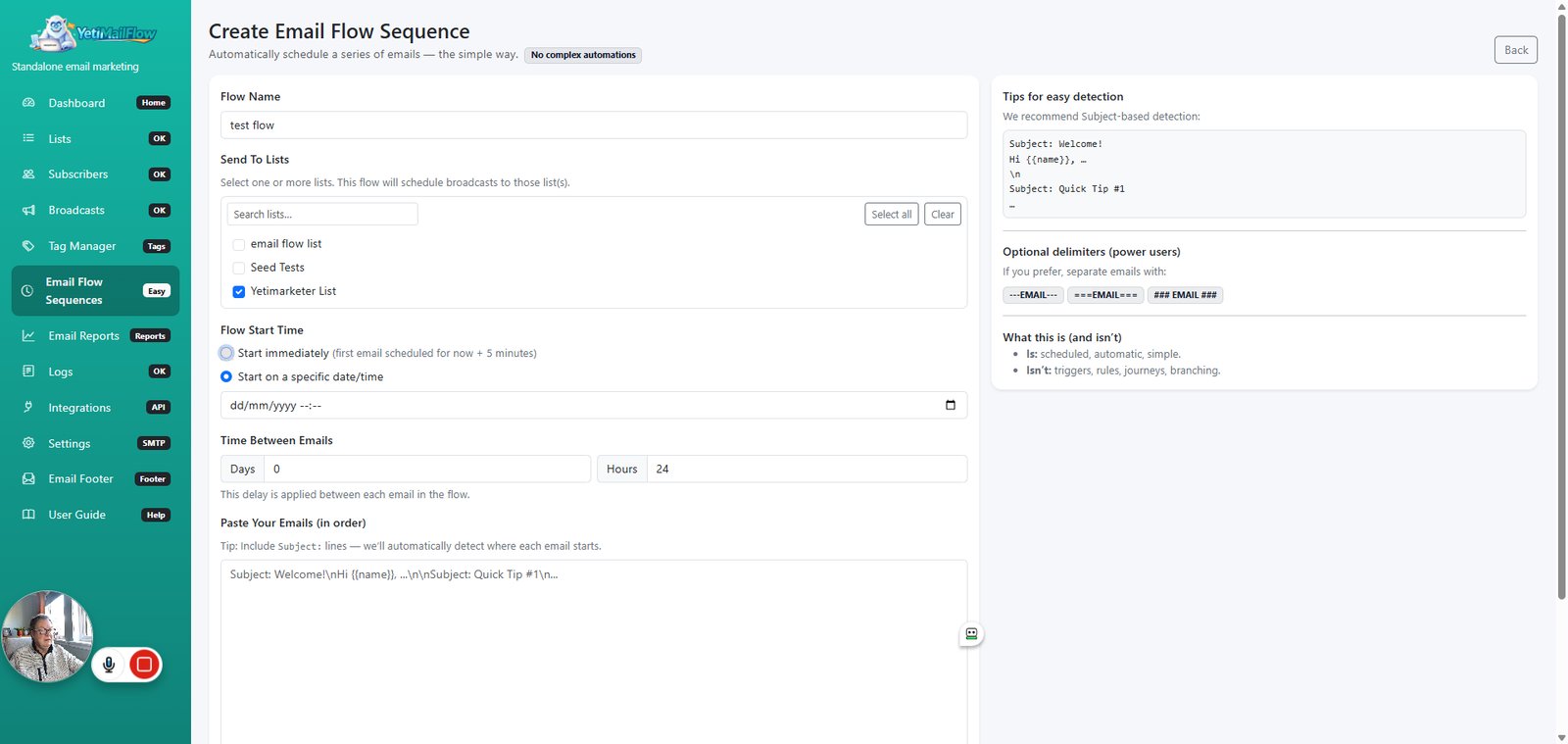
Click on "23"

step
102

Click on "specific"

step
103

Click on "immediate"

step
105

Click on "Yeti Launch Finder"

step
106

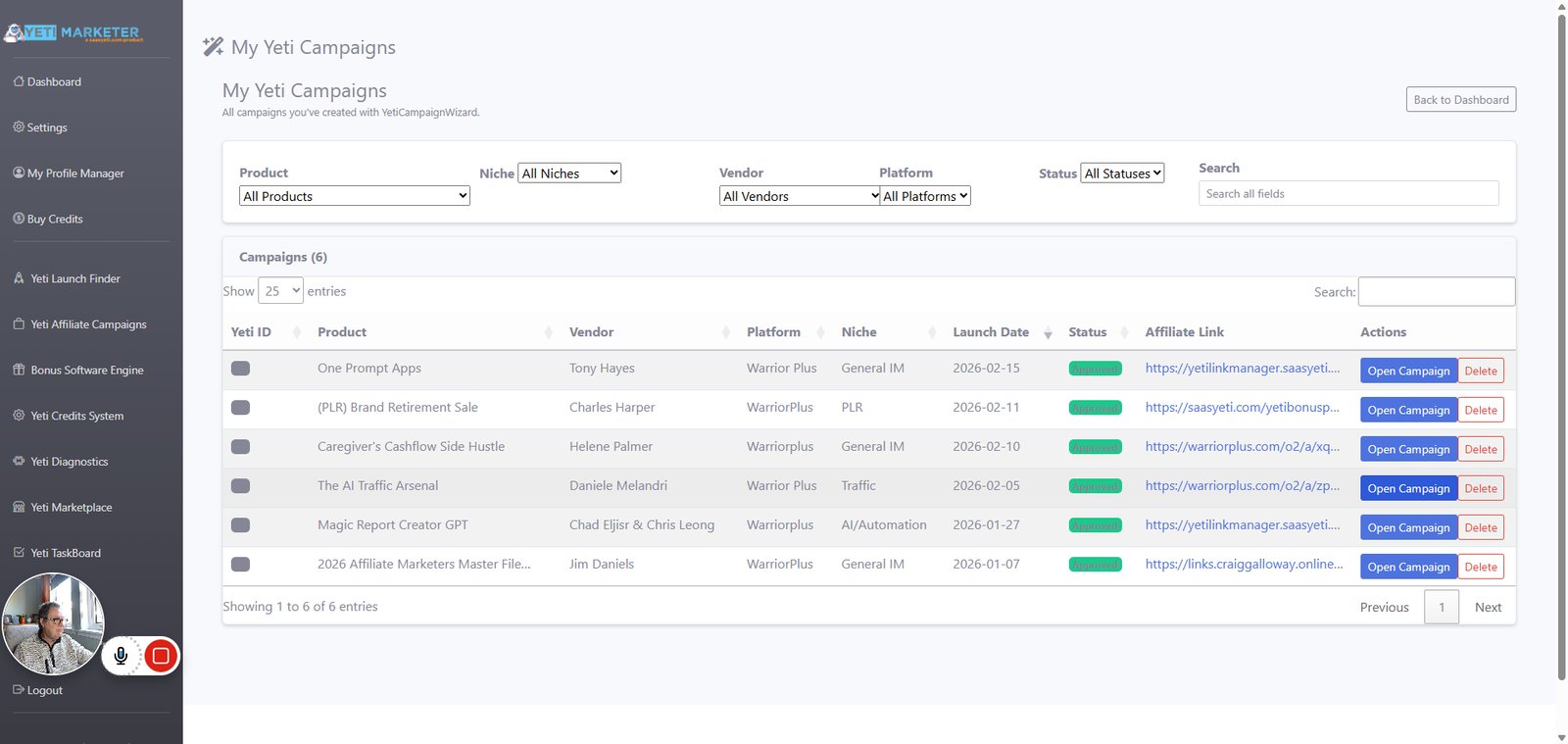
Click on "Yeti Affiliate Campaigns"

step
107

Click on "Open Campaign"

step
108

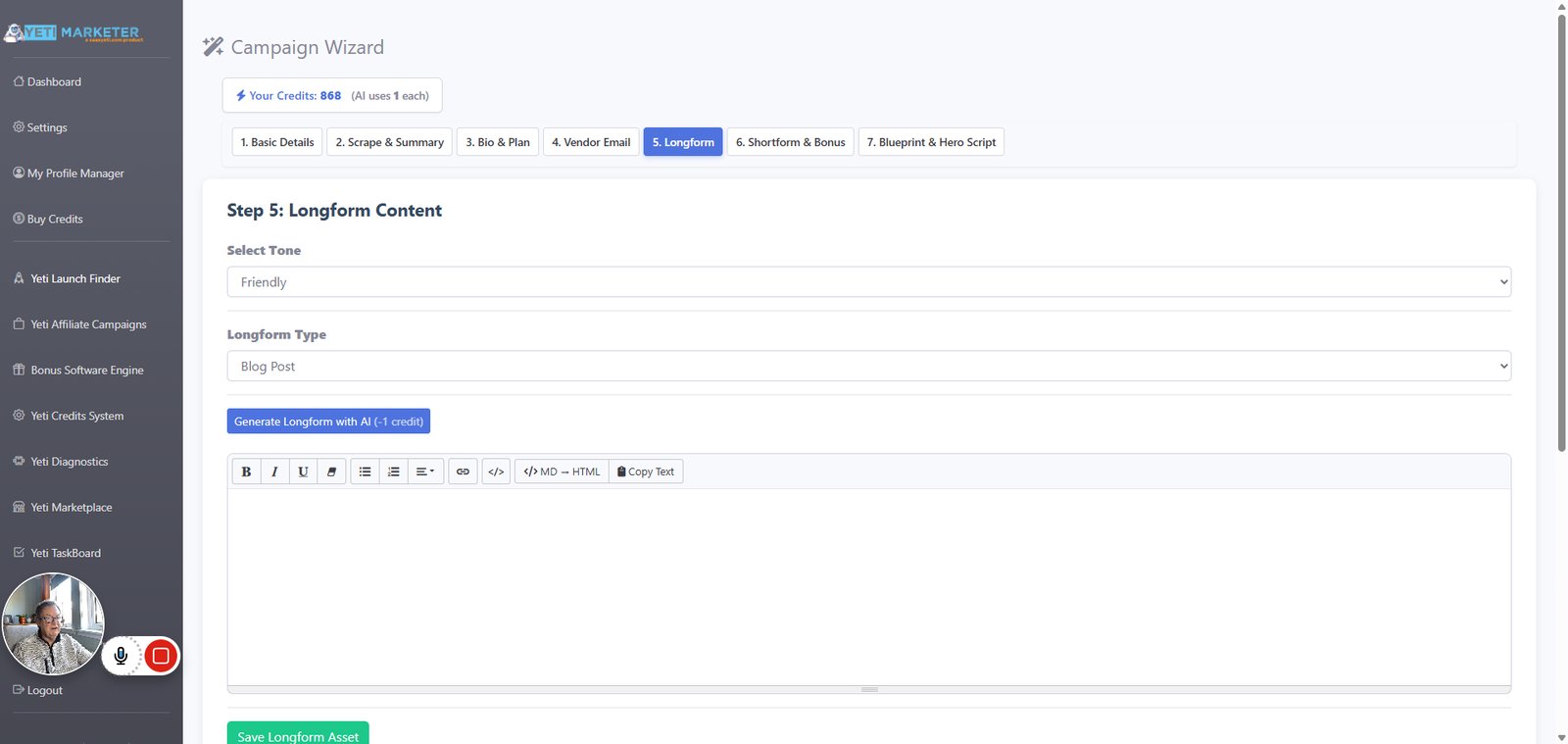
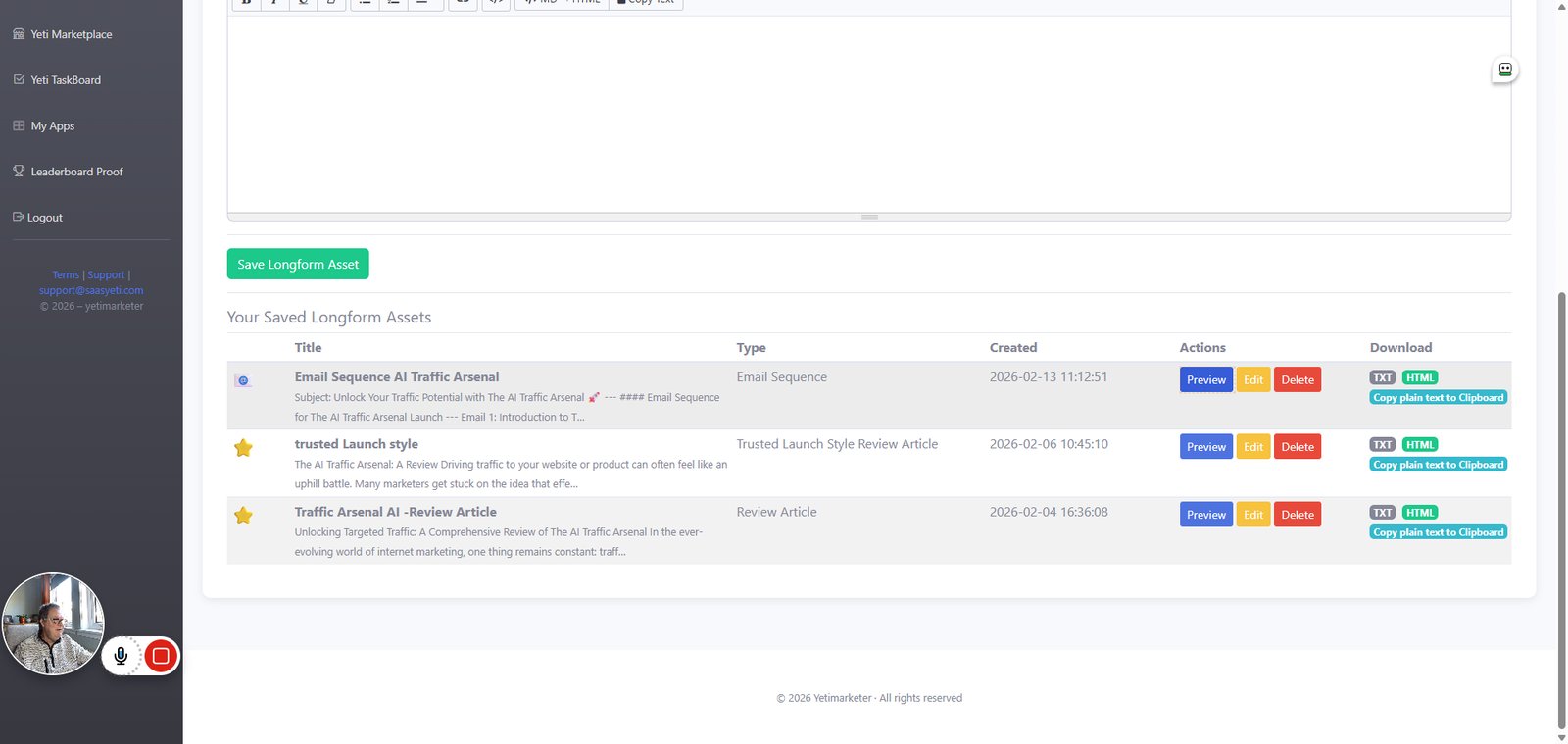
Click on "5. Longform"

step
109

Click on "Preview"

step
110

Click on "Copy to Clipboard"

step
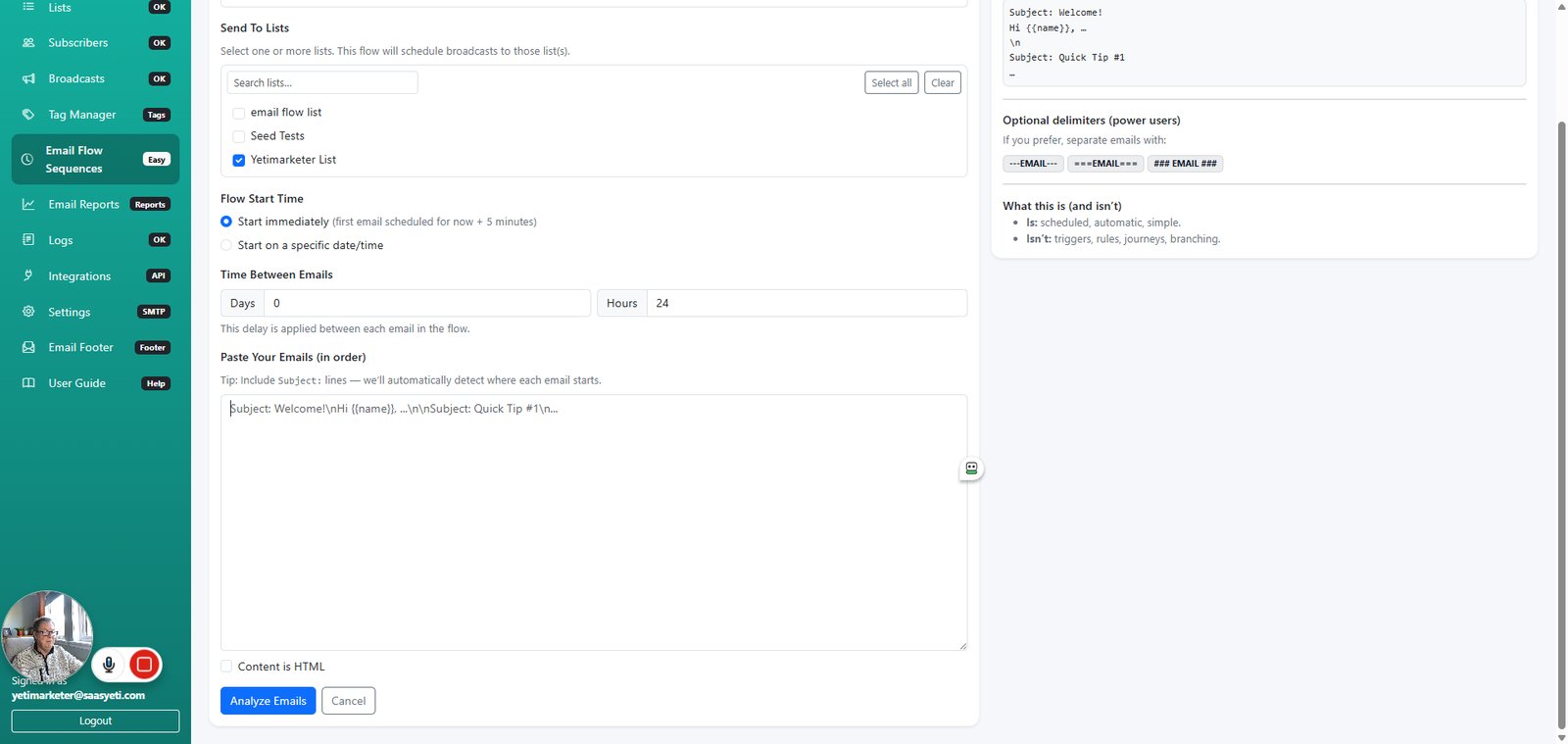
112

Type "Subject: Unlock Your Traffic Potential with The AI Traffic Arsenal 🚀


Email Sequence for The AI Traffic Arsenal Launch


Email 1: Introduction to The AI Traffic Arsenal

Subject: Ready to Unlock Unstoppable Traffic? 🎯

Hi [First Name],

I hope this email finds you well! As a fellow marketer, I know the challenges of driving traffic to our offers. It can often feel like an uphill battle, right? Whether you’re just starting out or have been in the game for a while, the struggle to consistently bring in visitors can be overwhelming.

That's why I'm excited to share a new launch that could change everything for you: The AI Traffic Arsenal by Daniele Melandri.

Imagine having a guide that reveals 50 AI-powered strategies designed specifically to attract targeted traffic—without the guesswork and without feeling burnt out. With this actionable guide, you'll learn to leverage AI as your traffic assistant, transforming how you reach potential customers.

Key Highlights:

  • 50 p…" in highlighted field
step
113

Click on "Analyze Emails"

step
114

Click on "---EMAIL---"

step
115

Click on "---EMAIL---"

step
116

Click on "---EMAIL---"

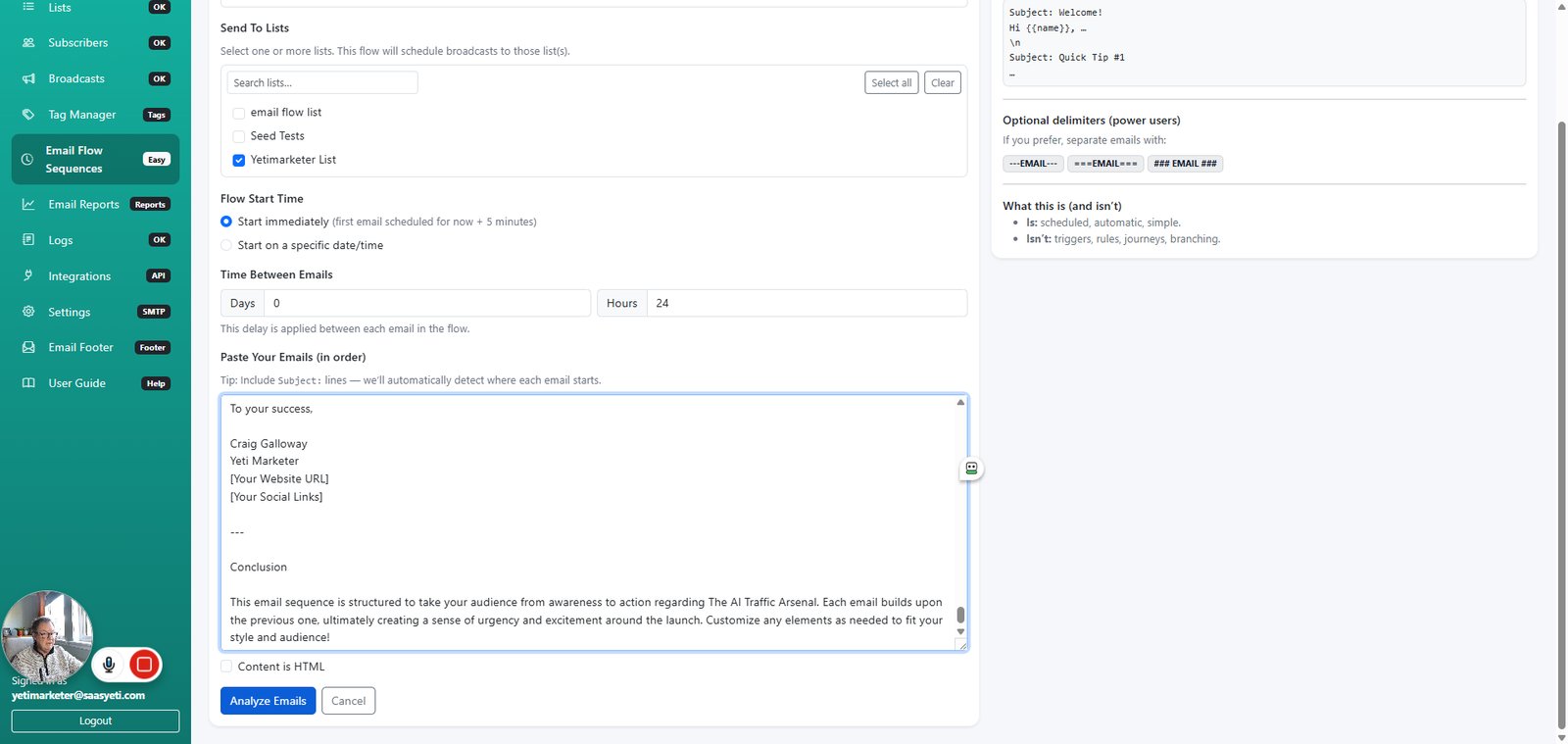
step
117

Type "Subject: Unlock Your Traffic Potential with The AI Traffic Arsenal 🚀


Email Sequence for The AI Traffic Arsenal Launch


Email 1: Introduction to The AI Traffic Arsenal

Subject: Ready to Unlock Unstoppable Traffic? 🎯

Hi [First Name],

I hope this email finds you well! As a fellow marketer, I know the challenges of driving traffic to our offers. It can often feel like an uphill battle, right? Whether you’re just starting out or have been in the game for a while, the struggle to consistently bring in visitors can be overwhelming.

That's why I'm excited to share a new launch that could change everything for you: The AI Traffic Arsenal by Daniele Melandri.

Imagine having a guide that reveals 50 AI-powered strategies designed specifically to attract targeted traffic—without the guesswork and without feeling burnt out. With this actionable guide, you'll learn to leverage AI as your traffic assistant, transforming how you reach potential customers.

Key Highlights:

  • 50 p…" in highlighted field
step
118

Click on "Create Email Flow Sequence"

step
119

Click on "Edit"

step
120

Click on "Email Flow Sequences"

step
121

Click on "Flow Broadcasts"

step

You made it to the end!

121 steps complete