
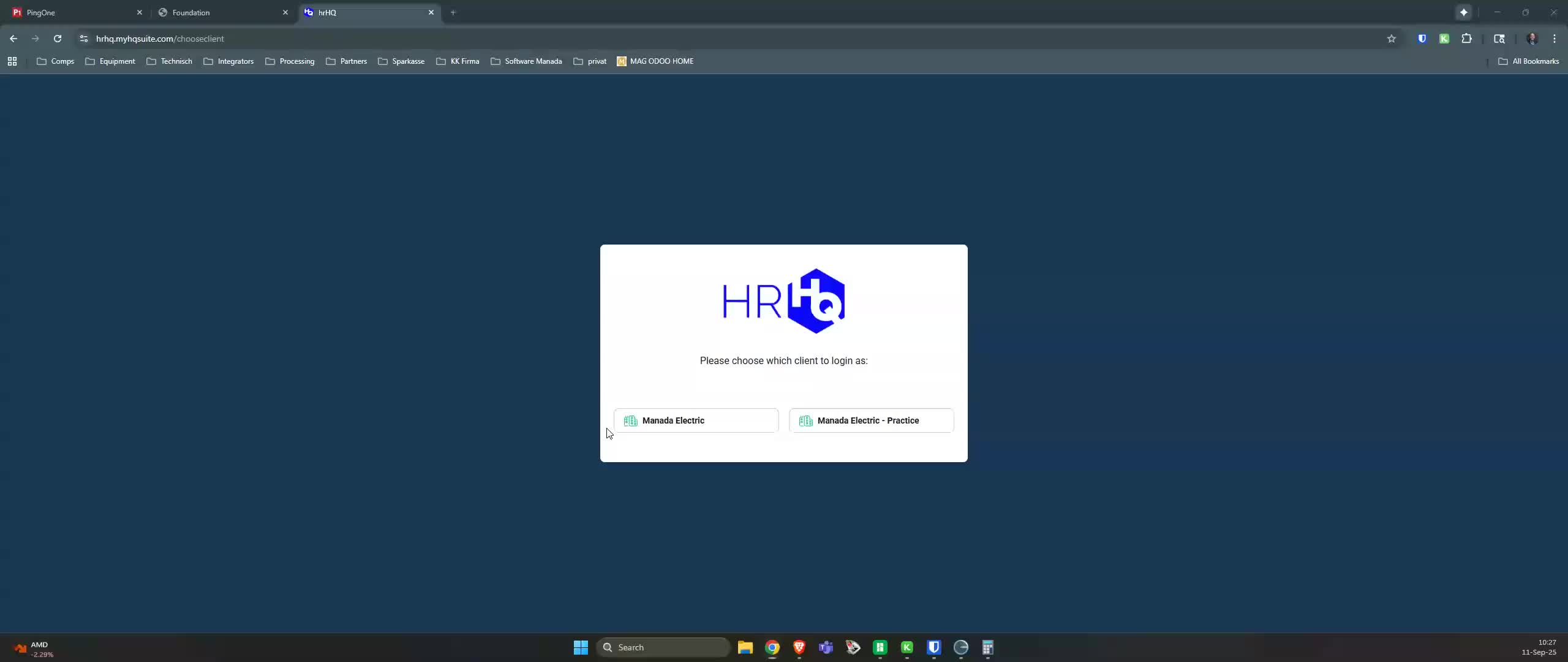
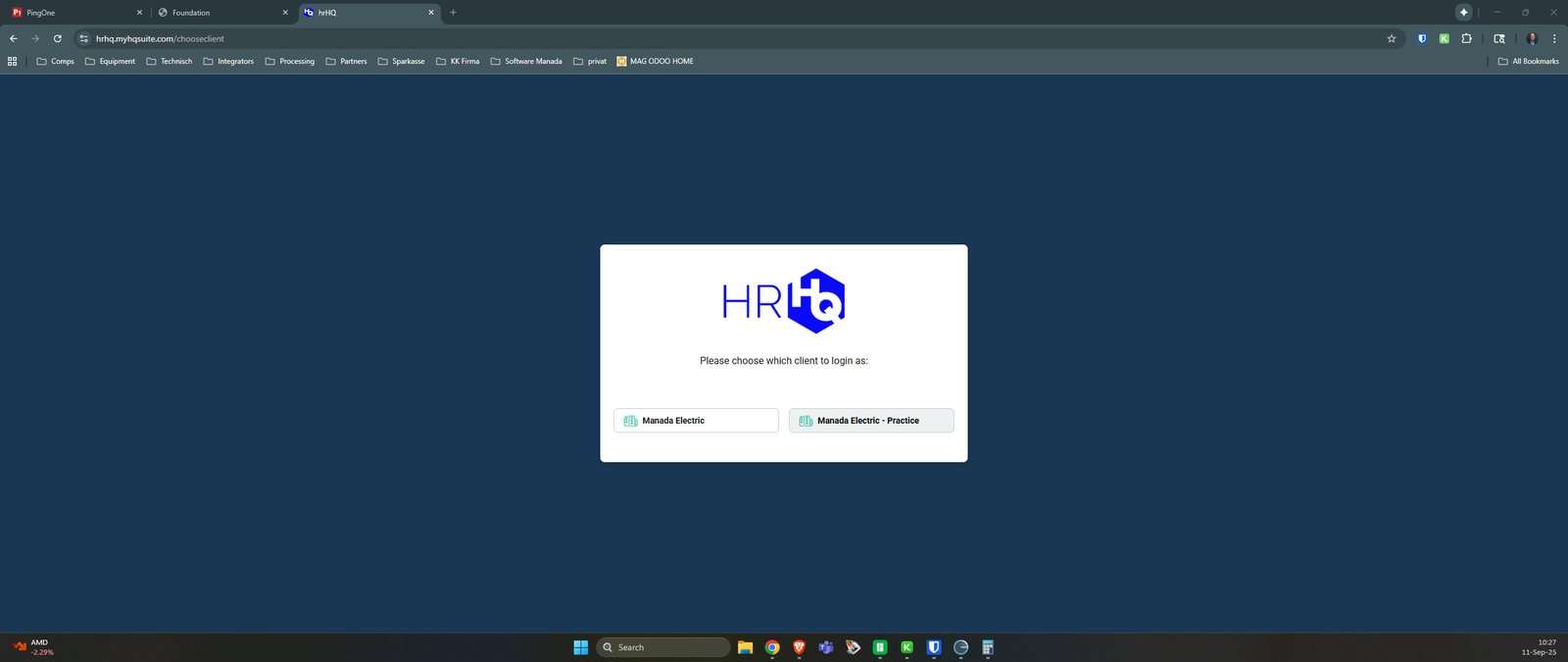
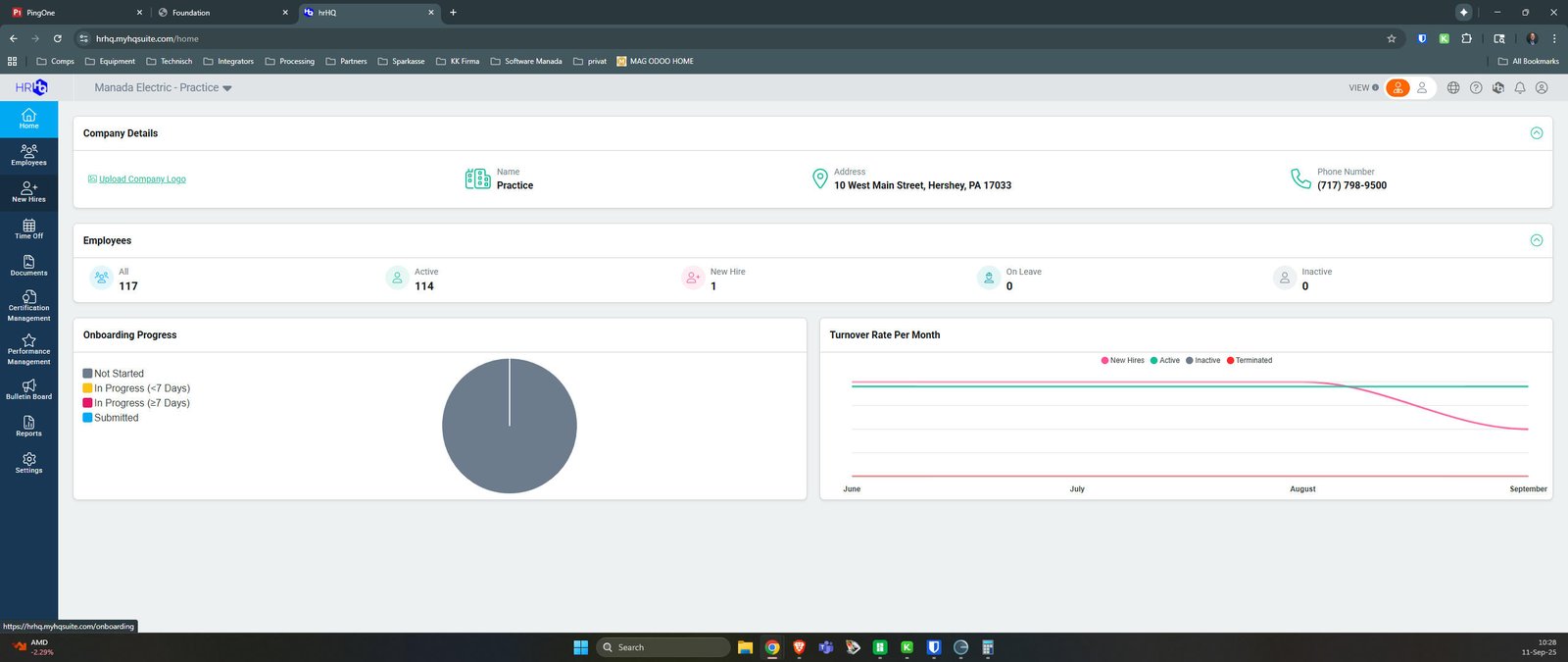
Select New Hires Tab
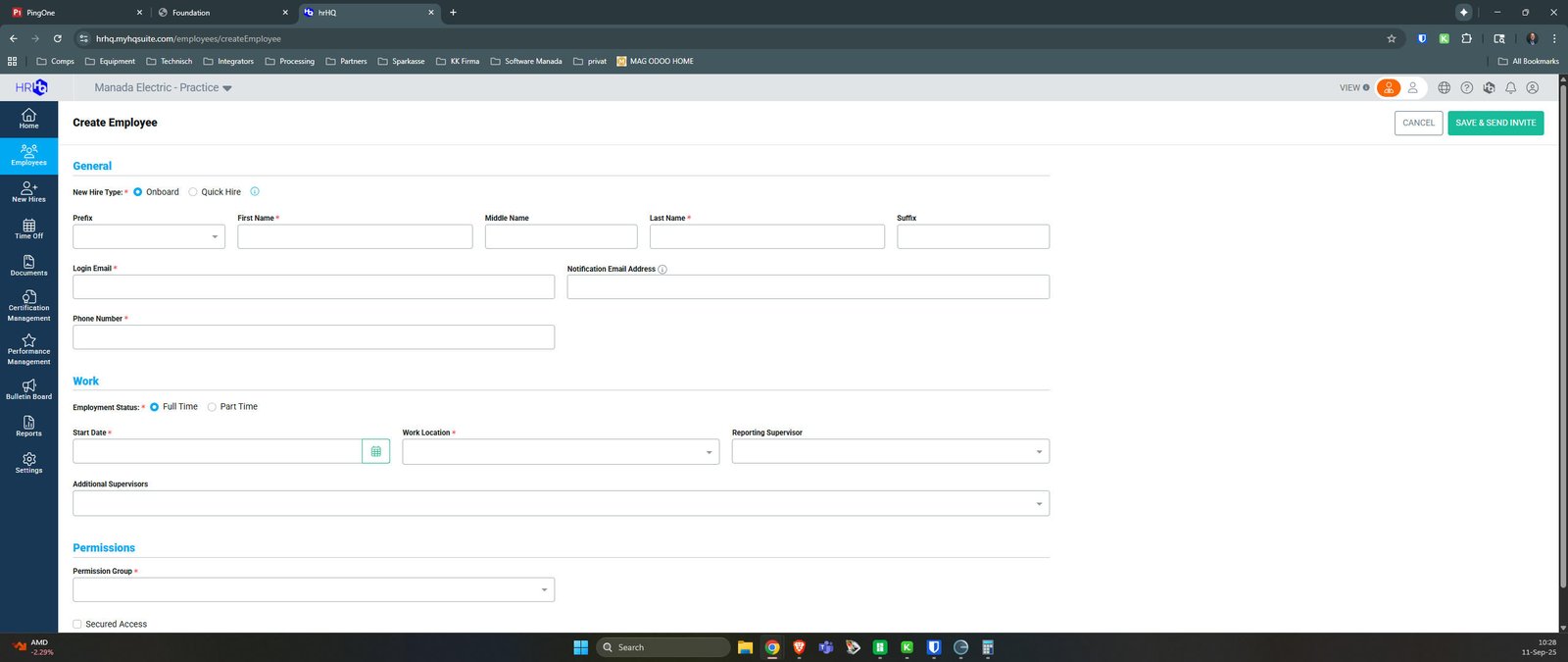
Create Employee
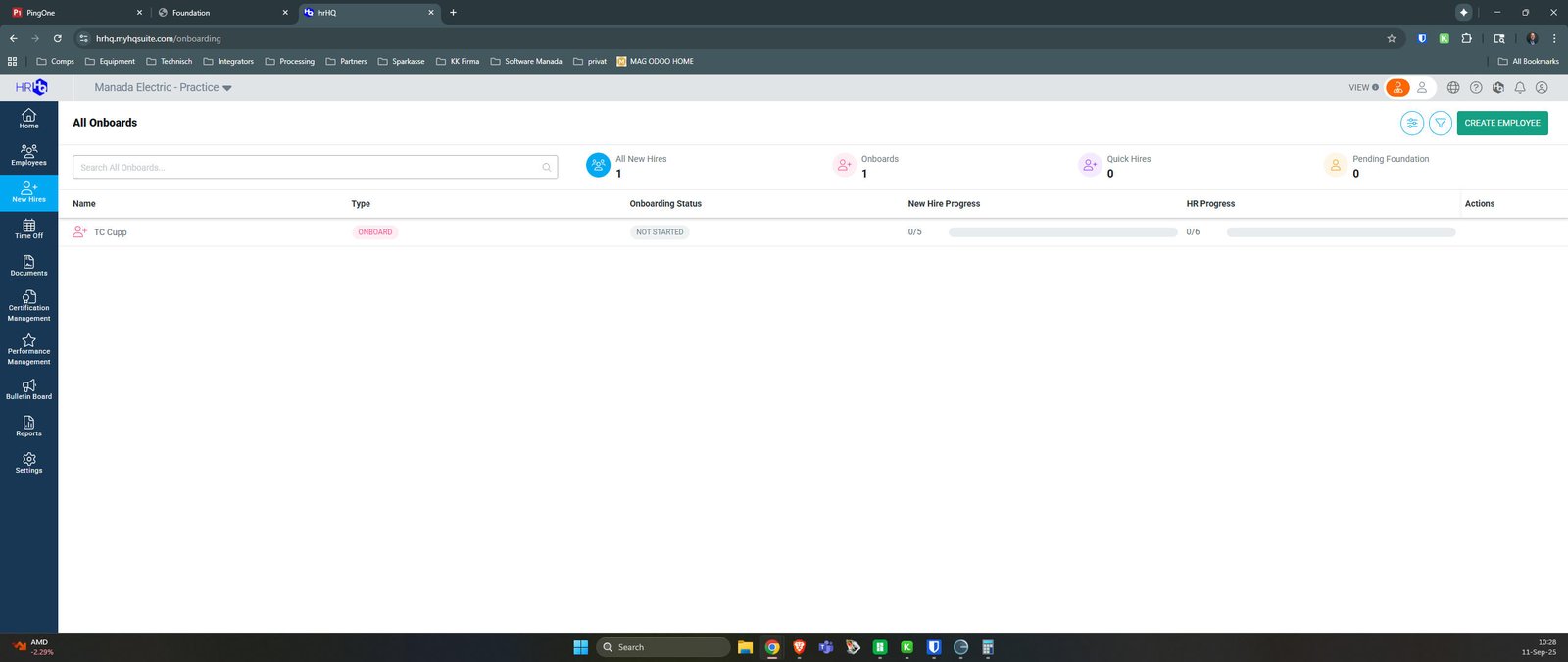
Select Onboard
For Complete Onboard you will select this radio button. For Quick Hire you will select the "Quick Hire" radio button. The Quick Hire will be outlined in second tutorial.
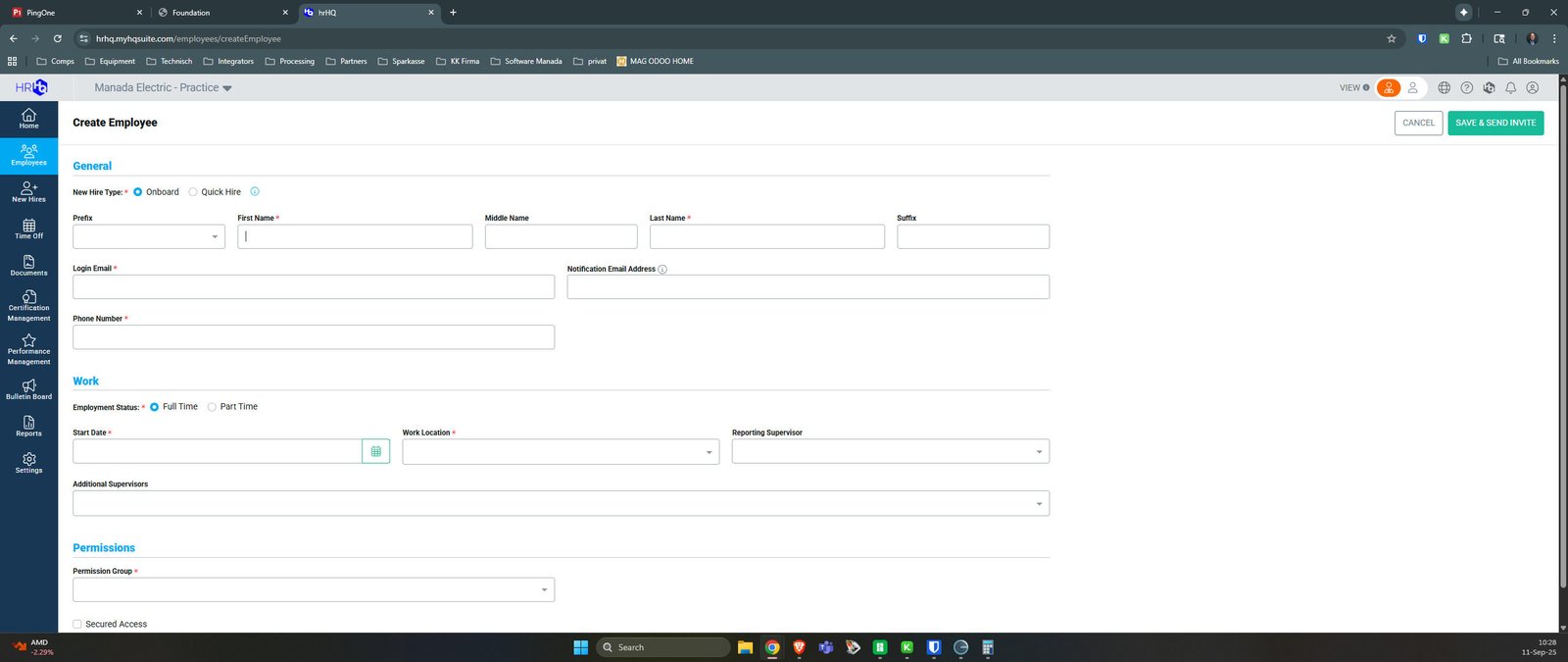
Enter Employee Information
All information should be as it is shown on the individual state issued ID.
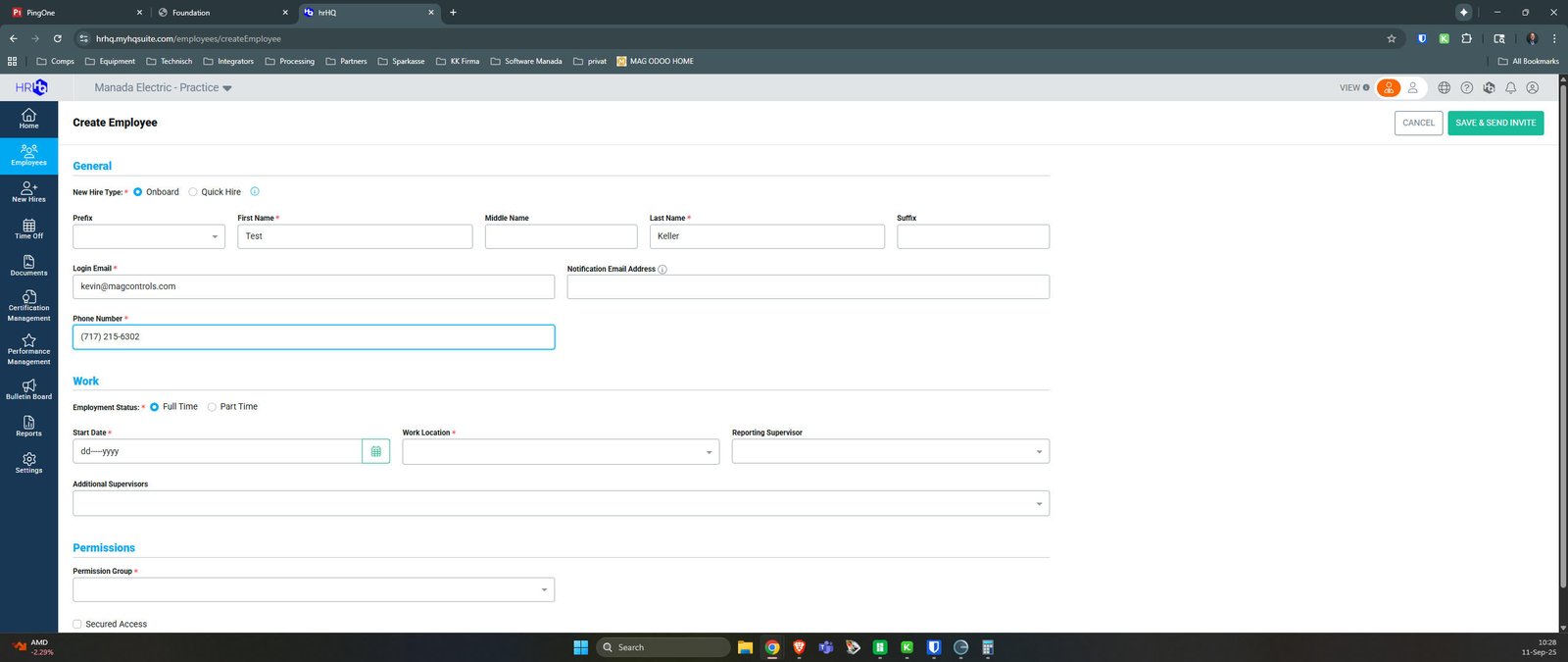
Enter Start Date
This will be the employee first official start date - time at which payroll will begin.
Click here
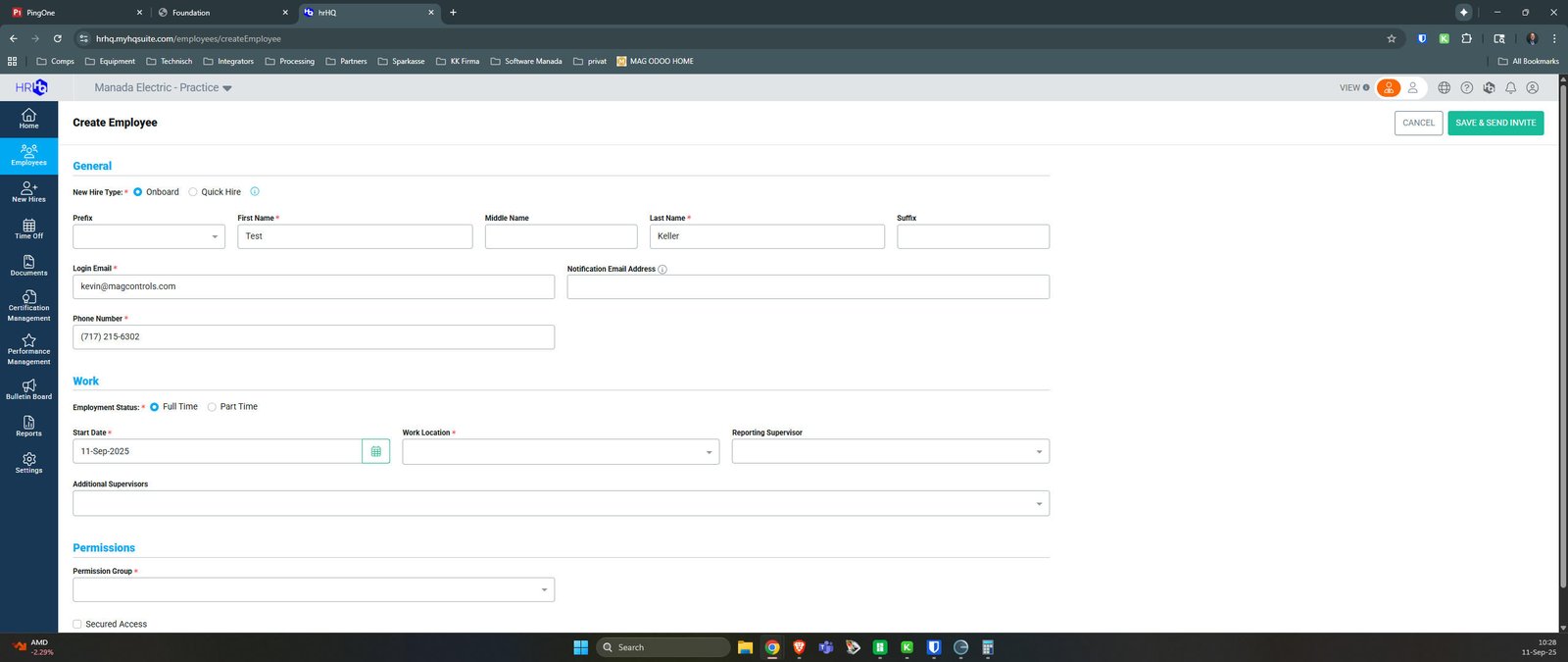
Select Reporting Supervisor
For field employees we leave this blank, for office staff - follow Manada Organization Chart
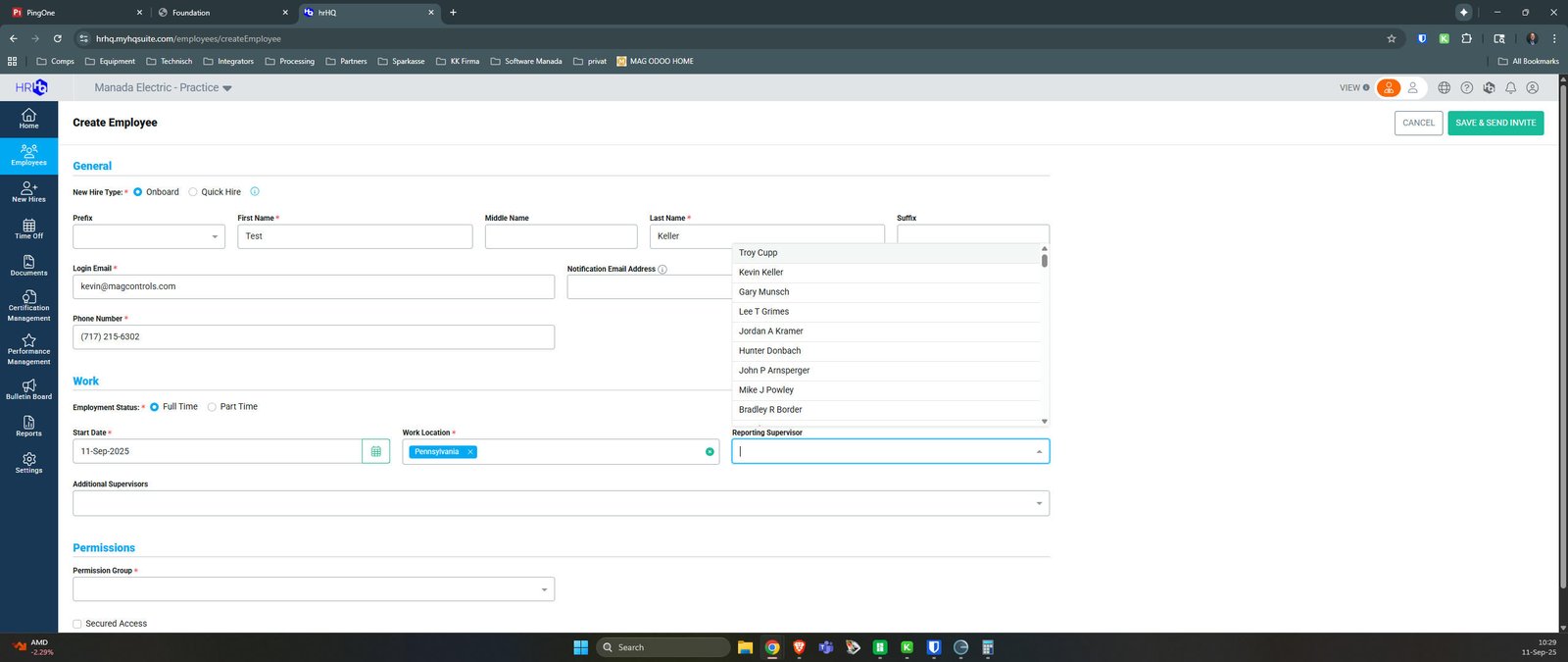
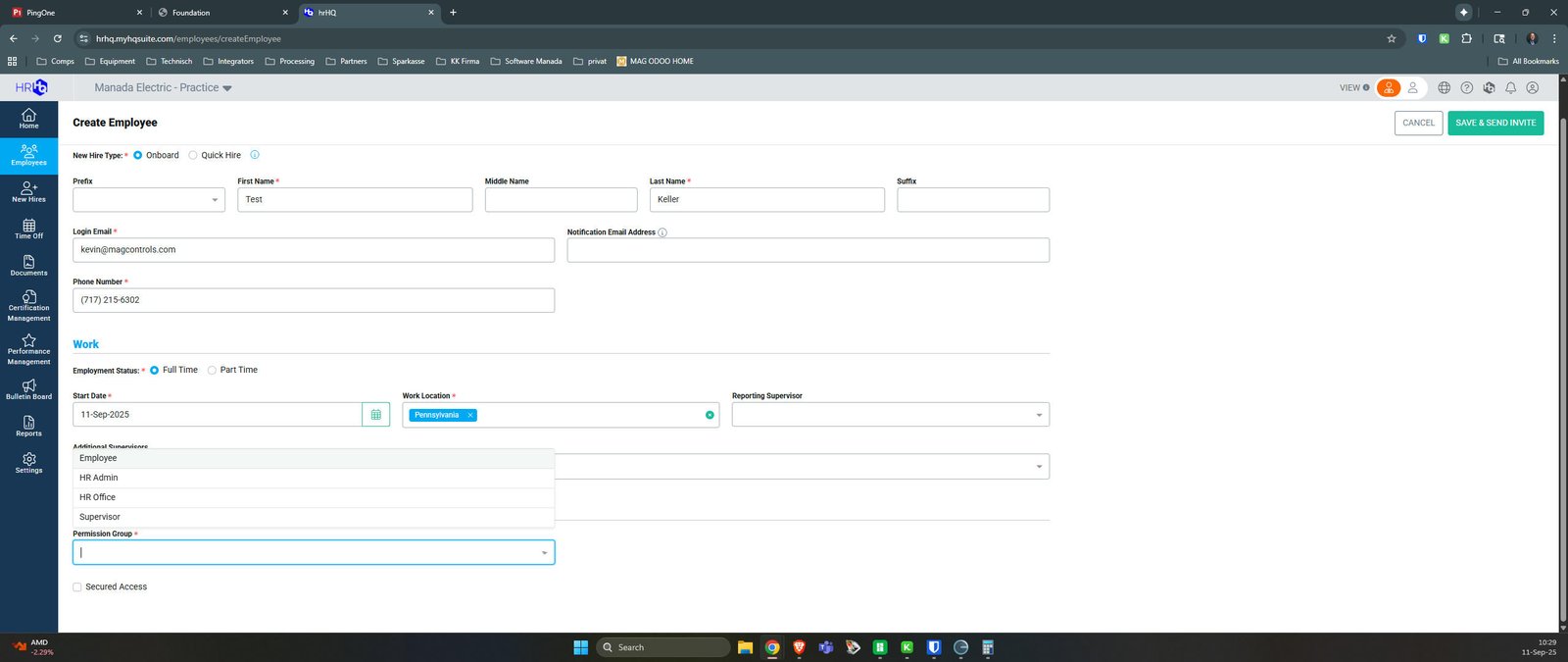
Permission Group for HRhq Access
Employees is the default selection. Consult with HR if you feel another is appropriate.
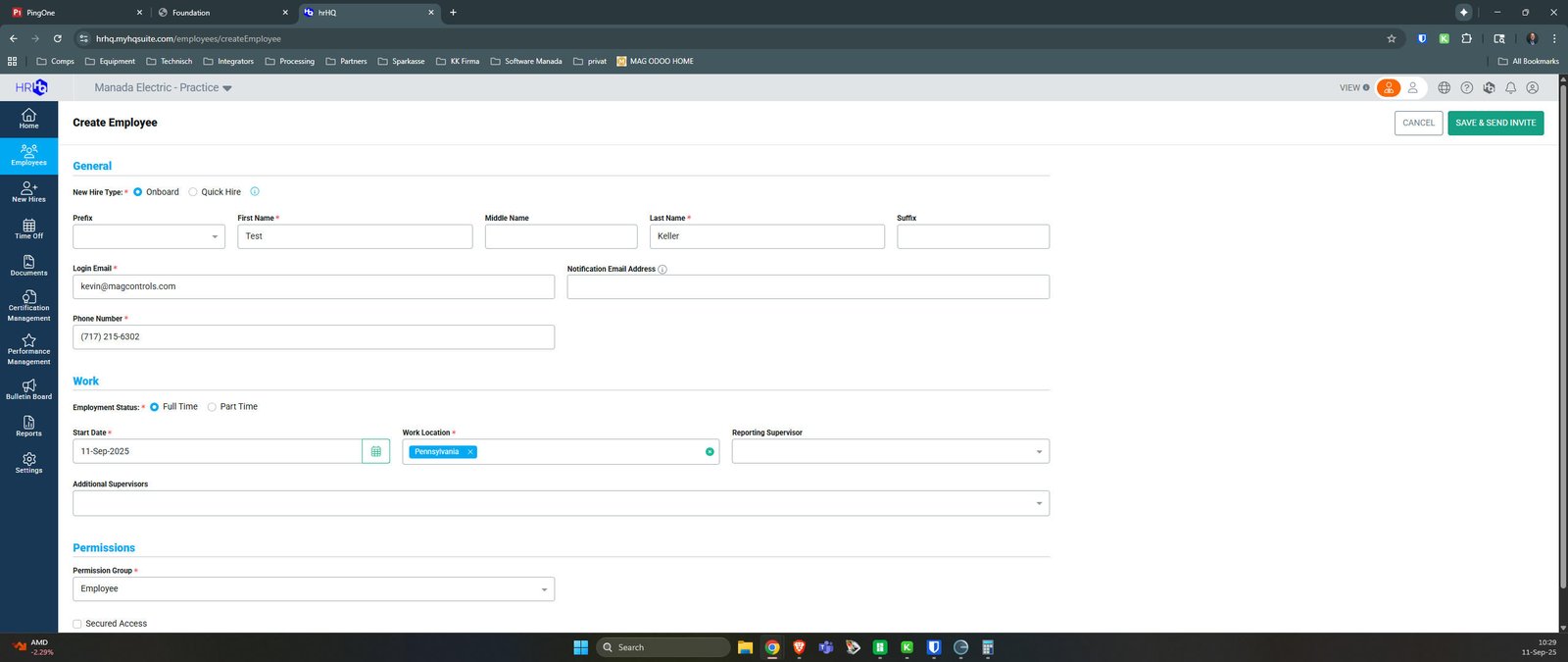
Send and Complete Onboarding
From this point, the employee will follow email in their personal email.
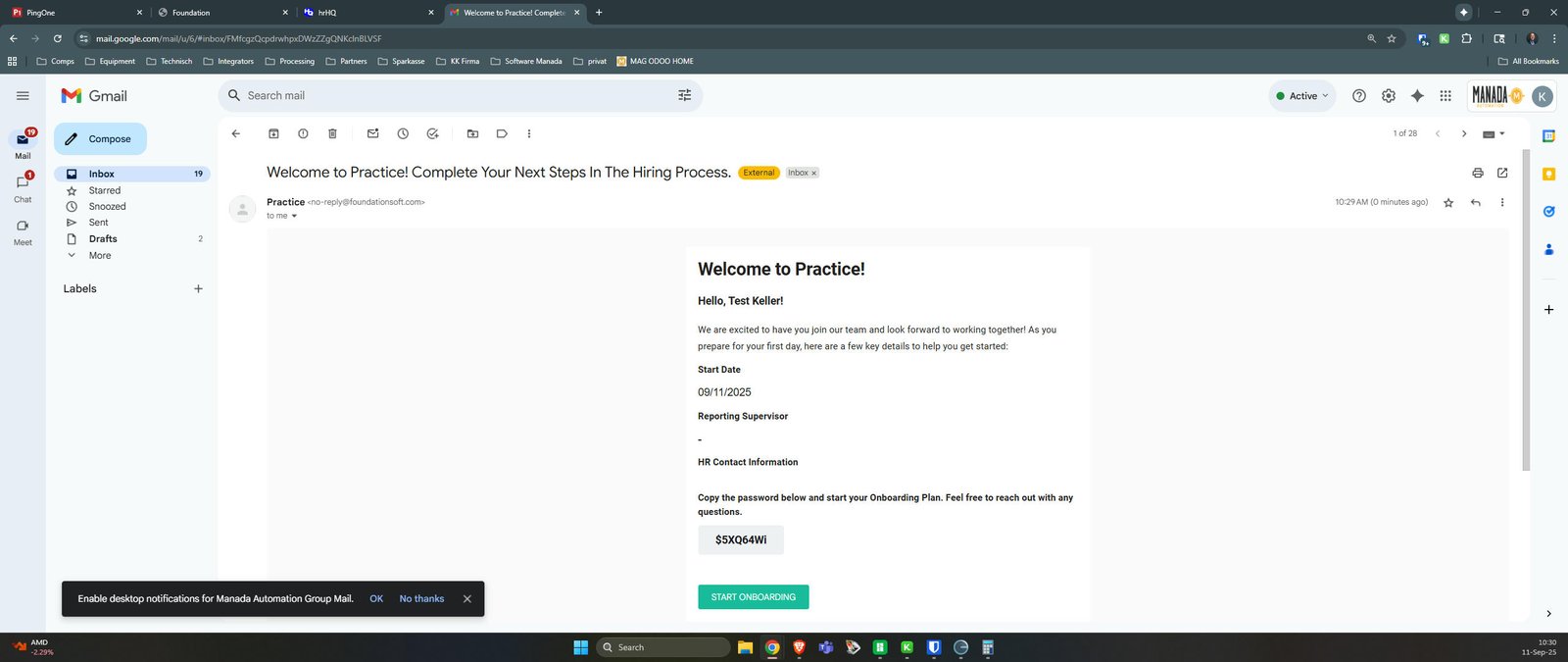
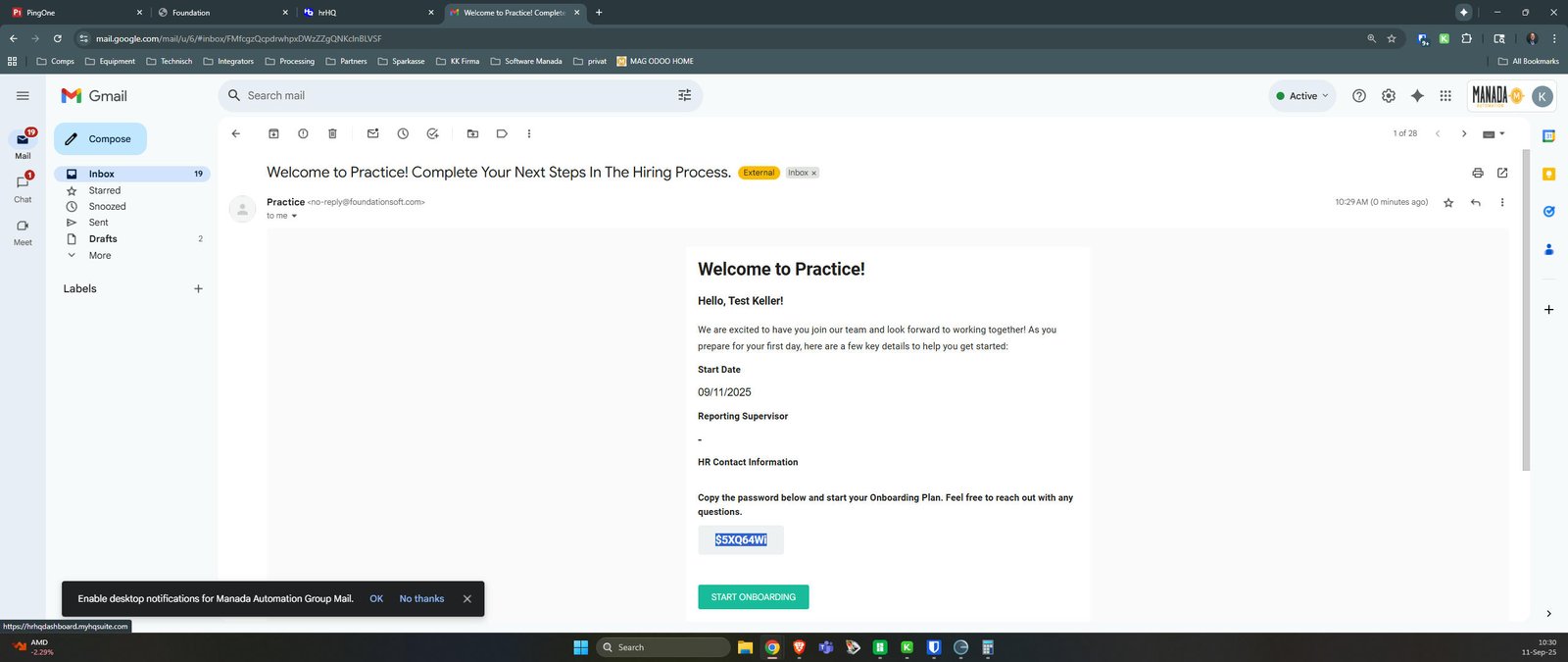
Example of what Employee Personal email looks like.
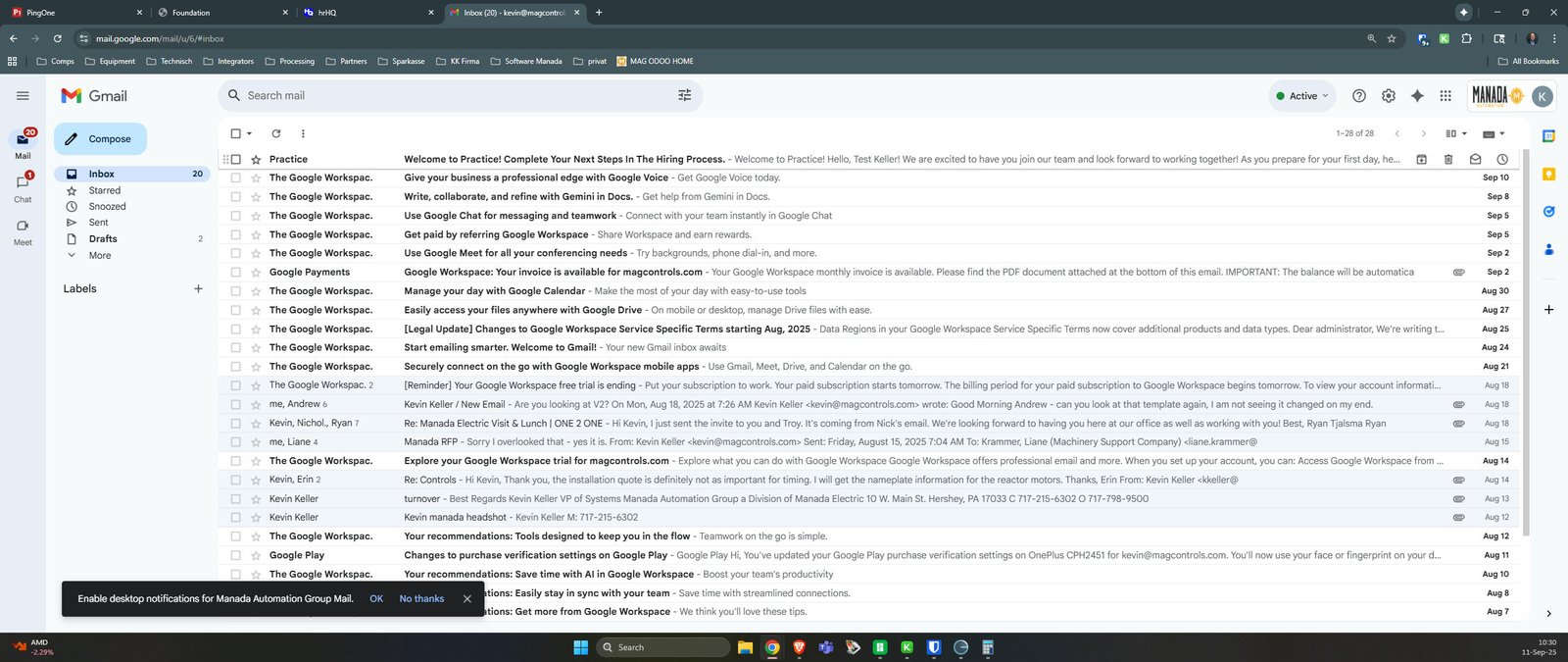
Open Welcome to Practice! Complete Your Next Steps In The Hiring Process.
Example of Email Employee will Receive.
You made it to the end!
13 steps complete