Space or List Layout? Choose your Fav for Managing Multiple Accounts

Susan Davies
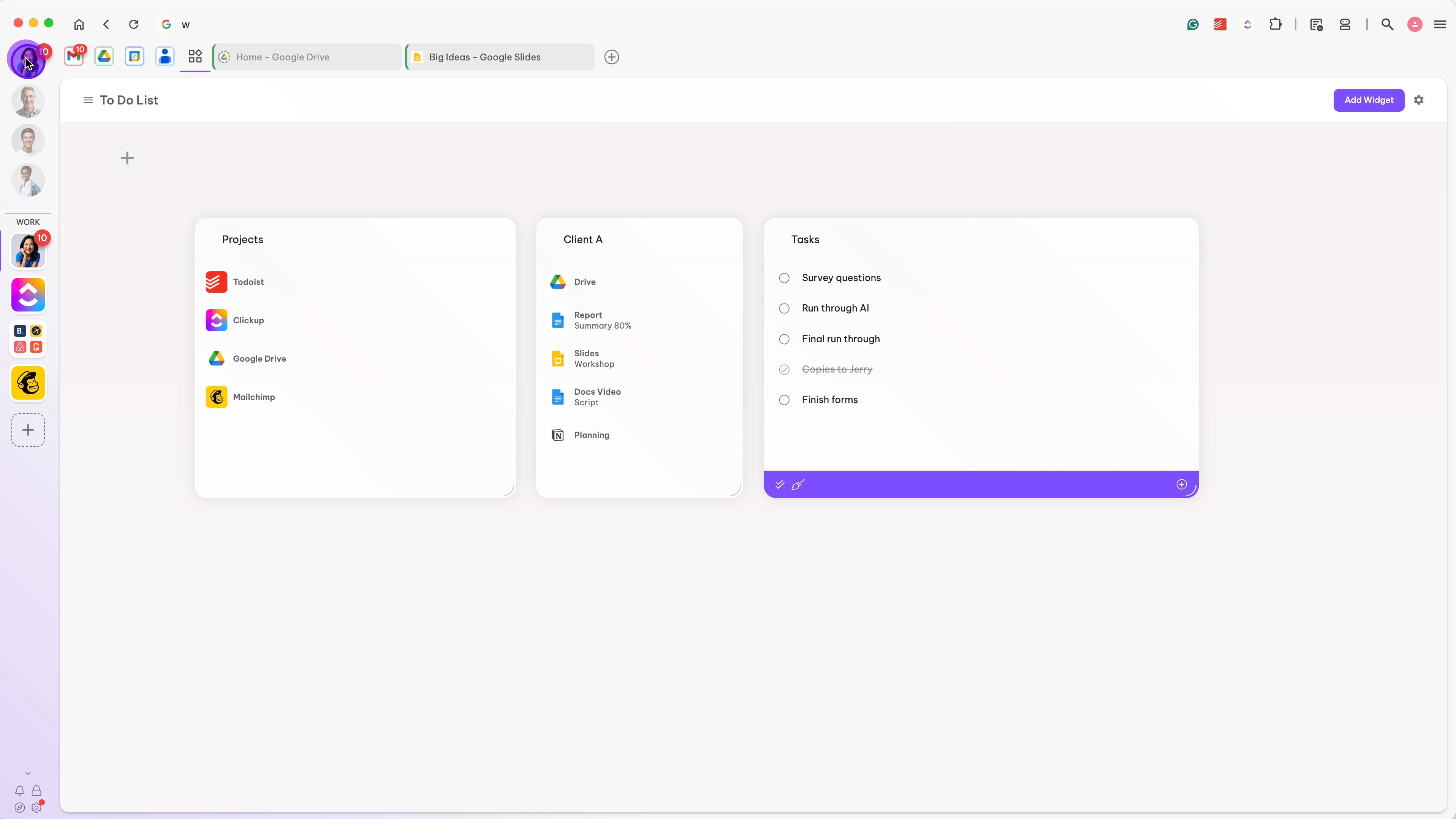
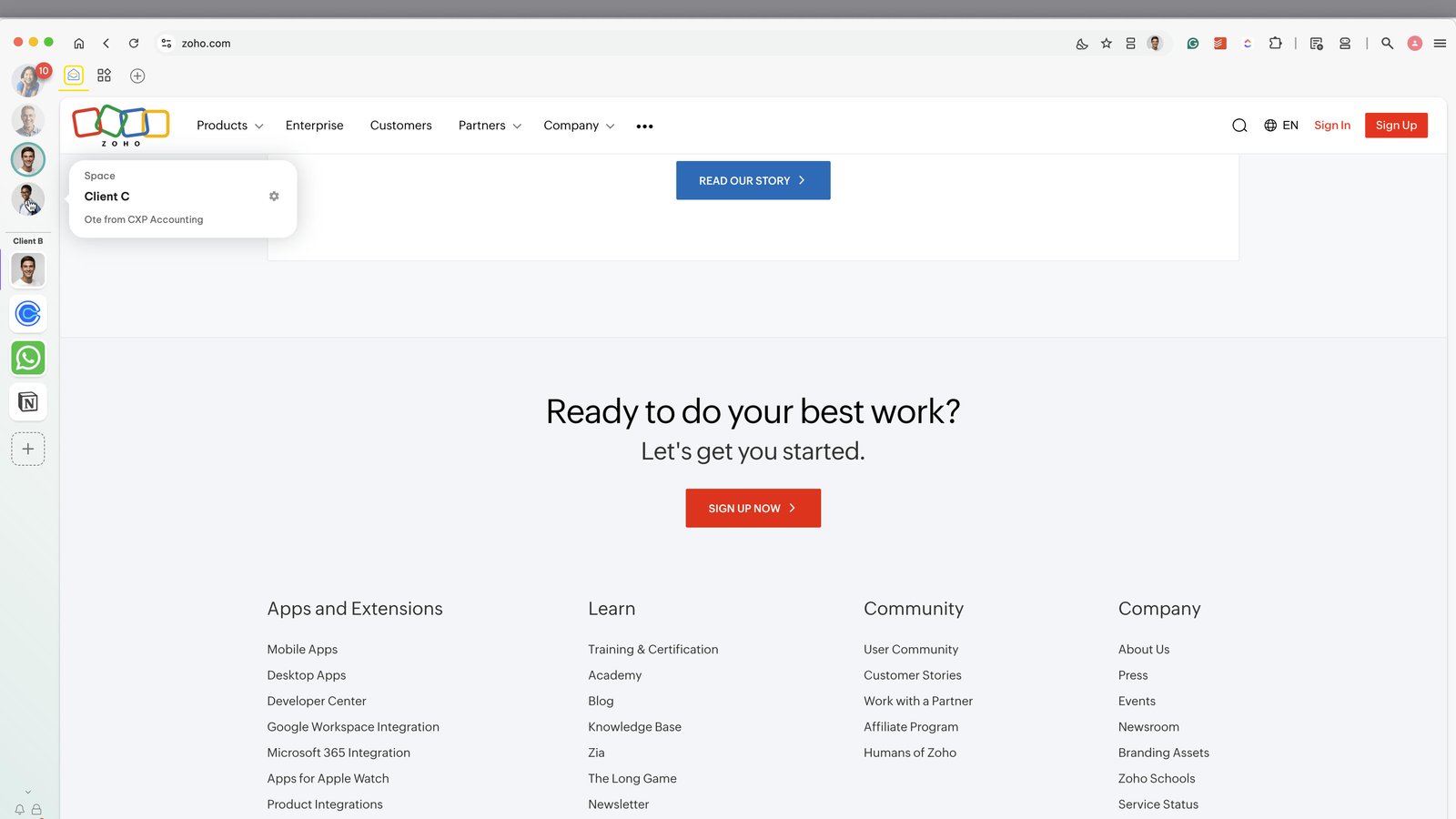
Use the circle icons top-left to switch between Spaces.
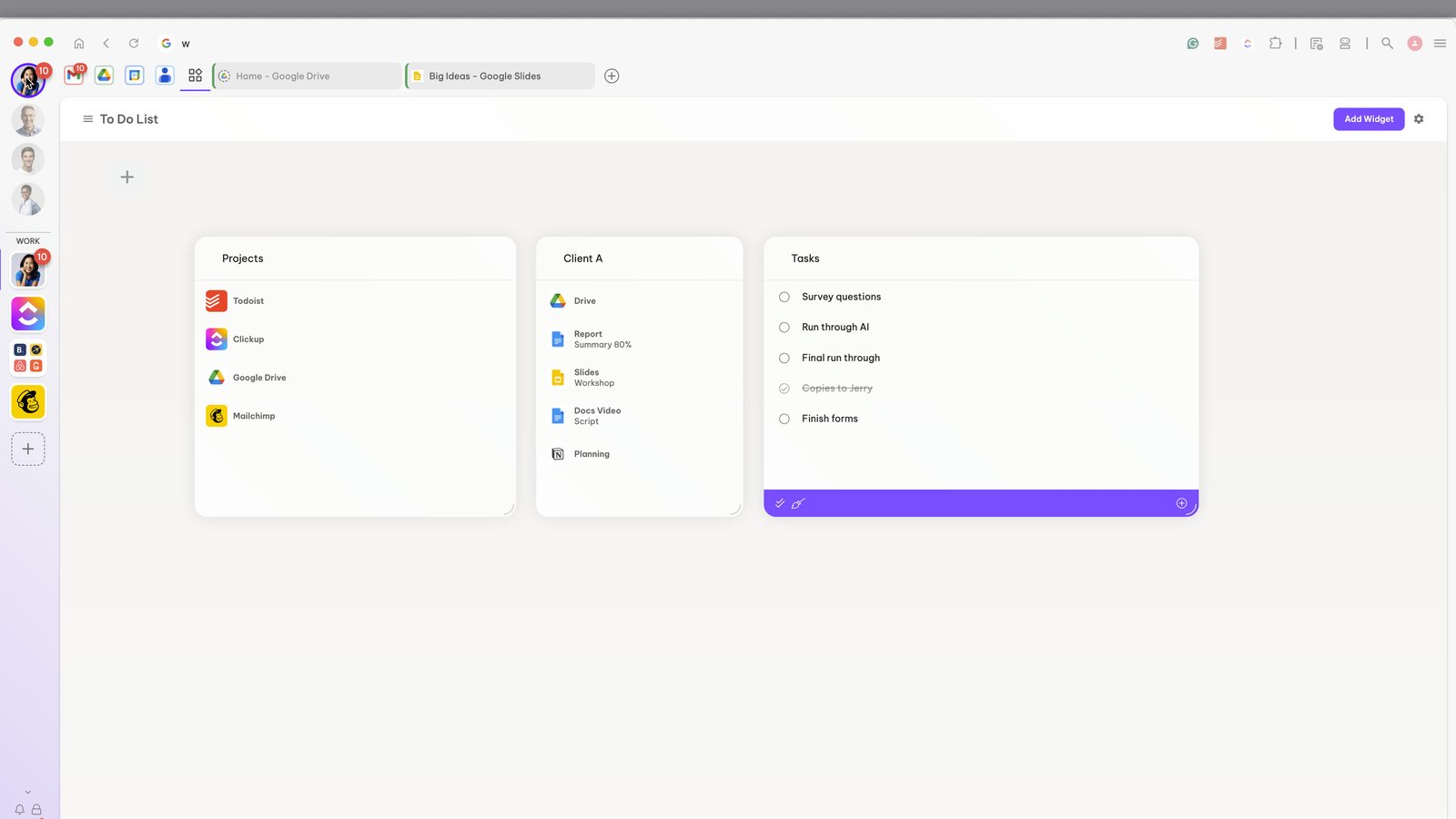
Create a Space for each of your clients to keep their accounts isolated.
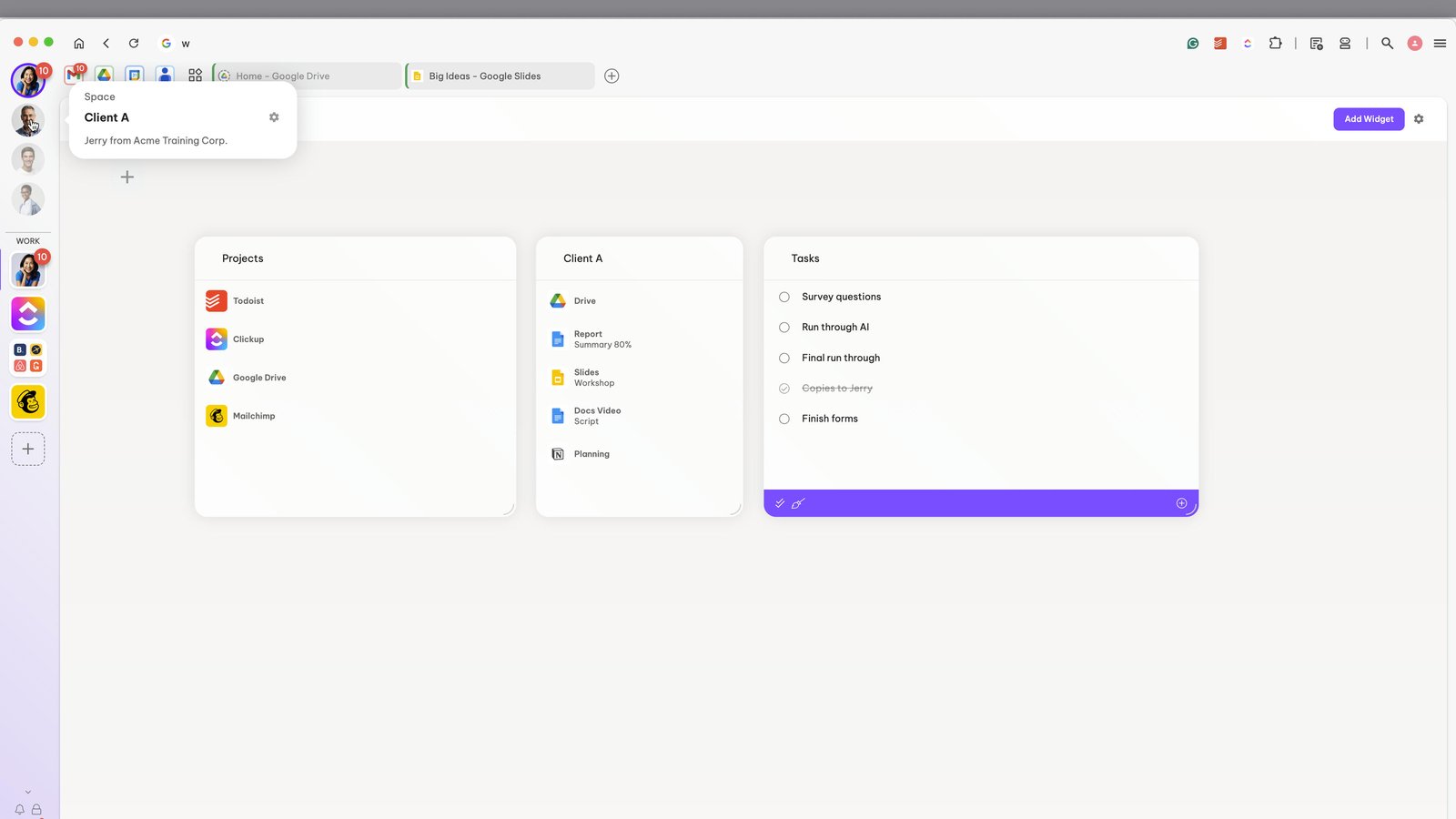
When you click on a Space, only the groups (rounded squares) are shown in the webdock.
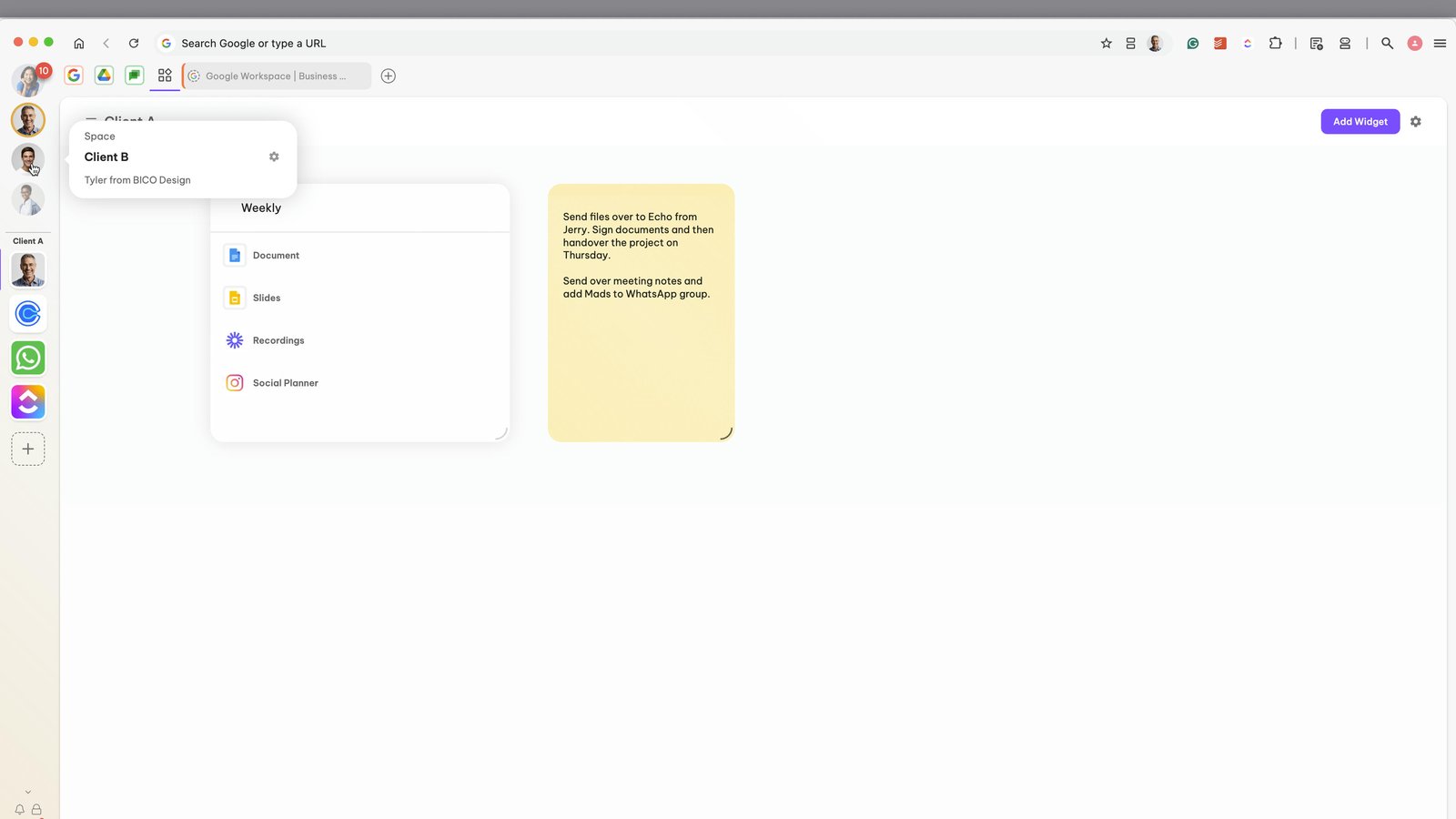
Spaces Layout is popular for VAs who like to keep accounts separated visually.
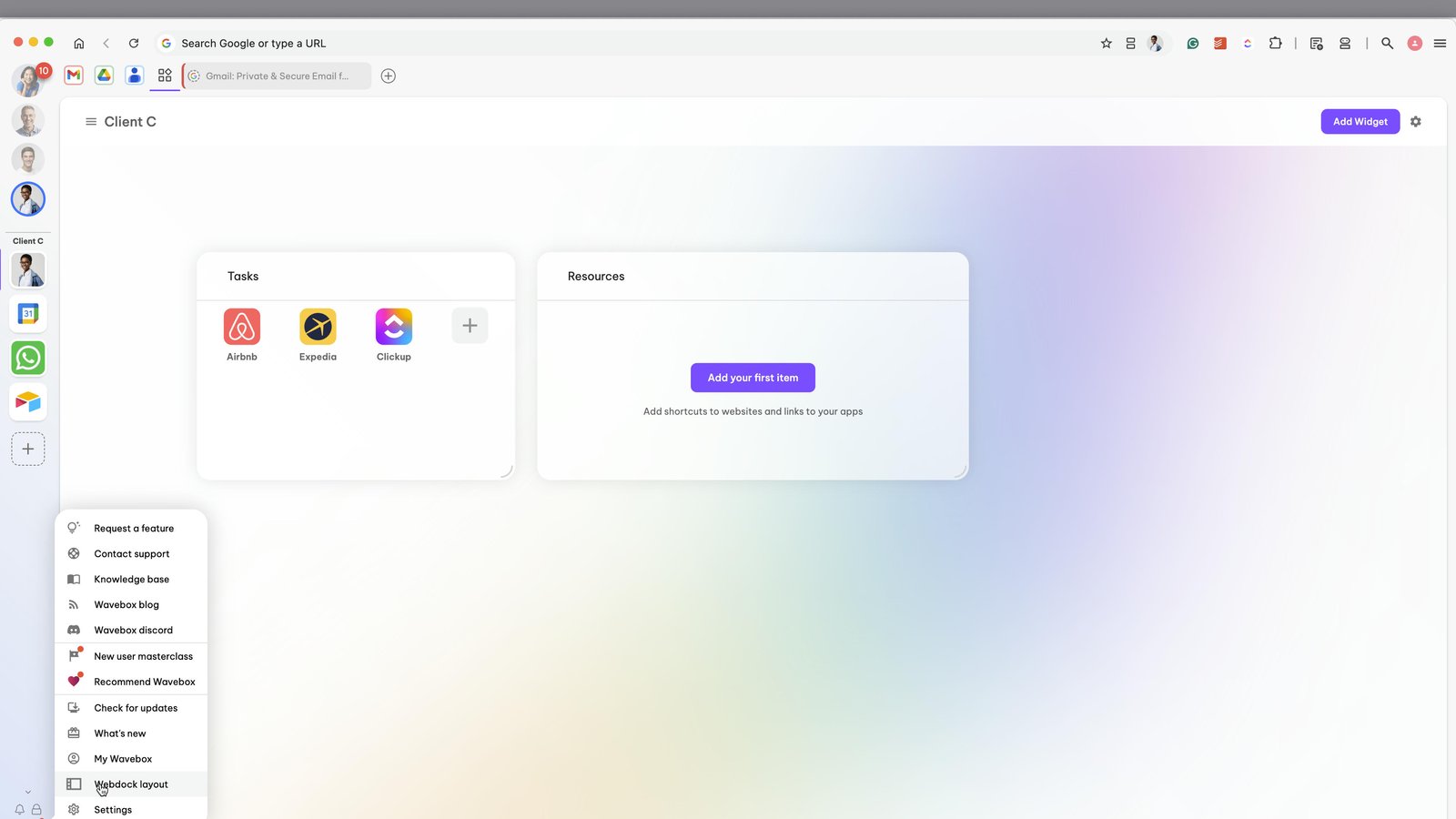
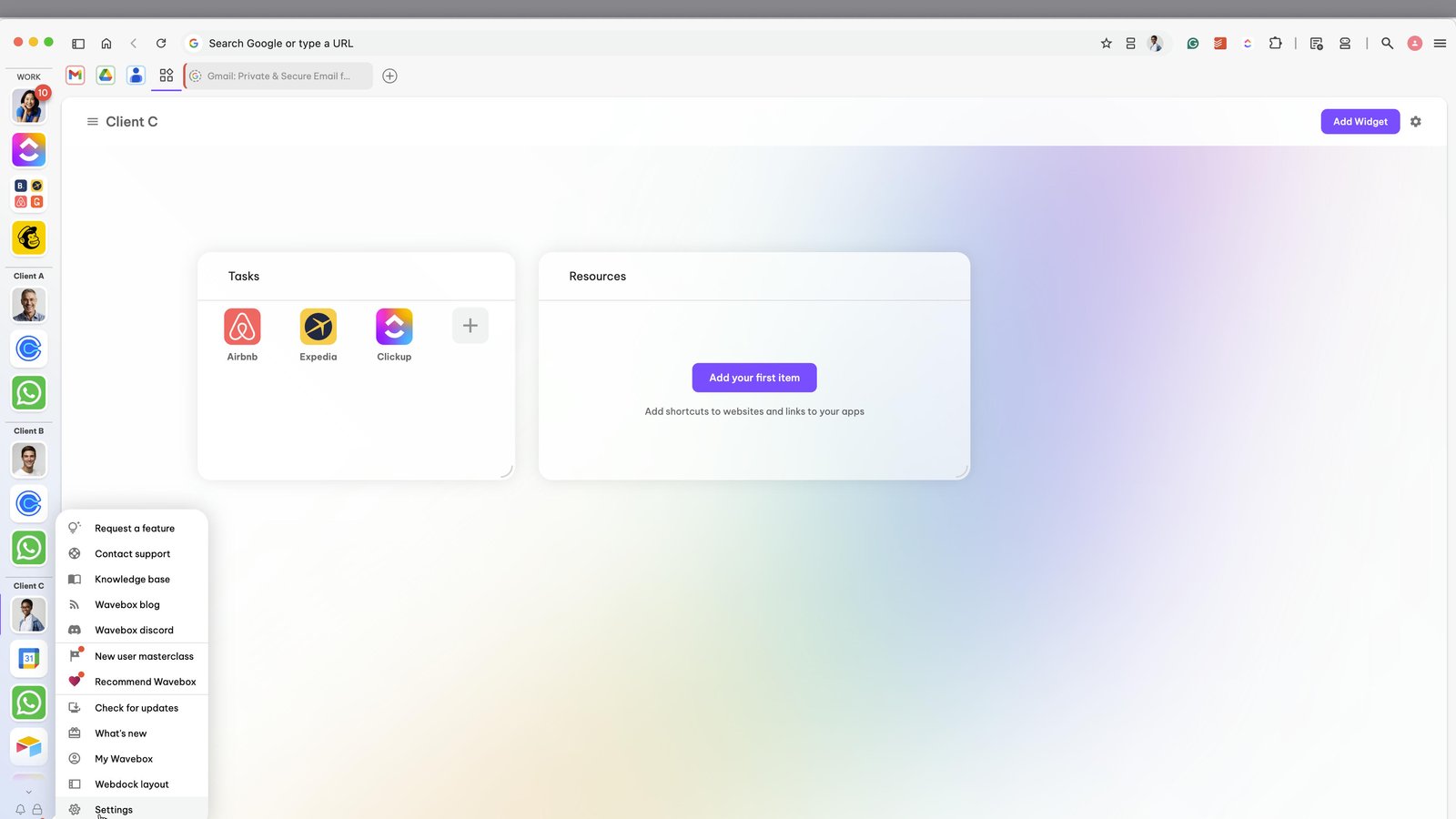
To switch webdock layouts, hover over the Settings Gear icon bottom left
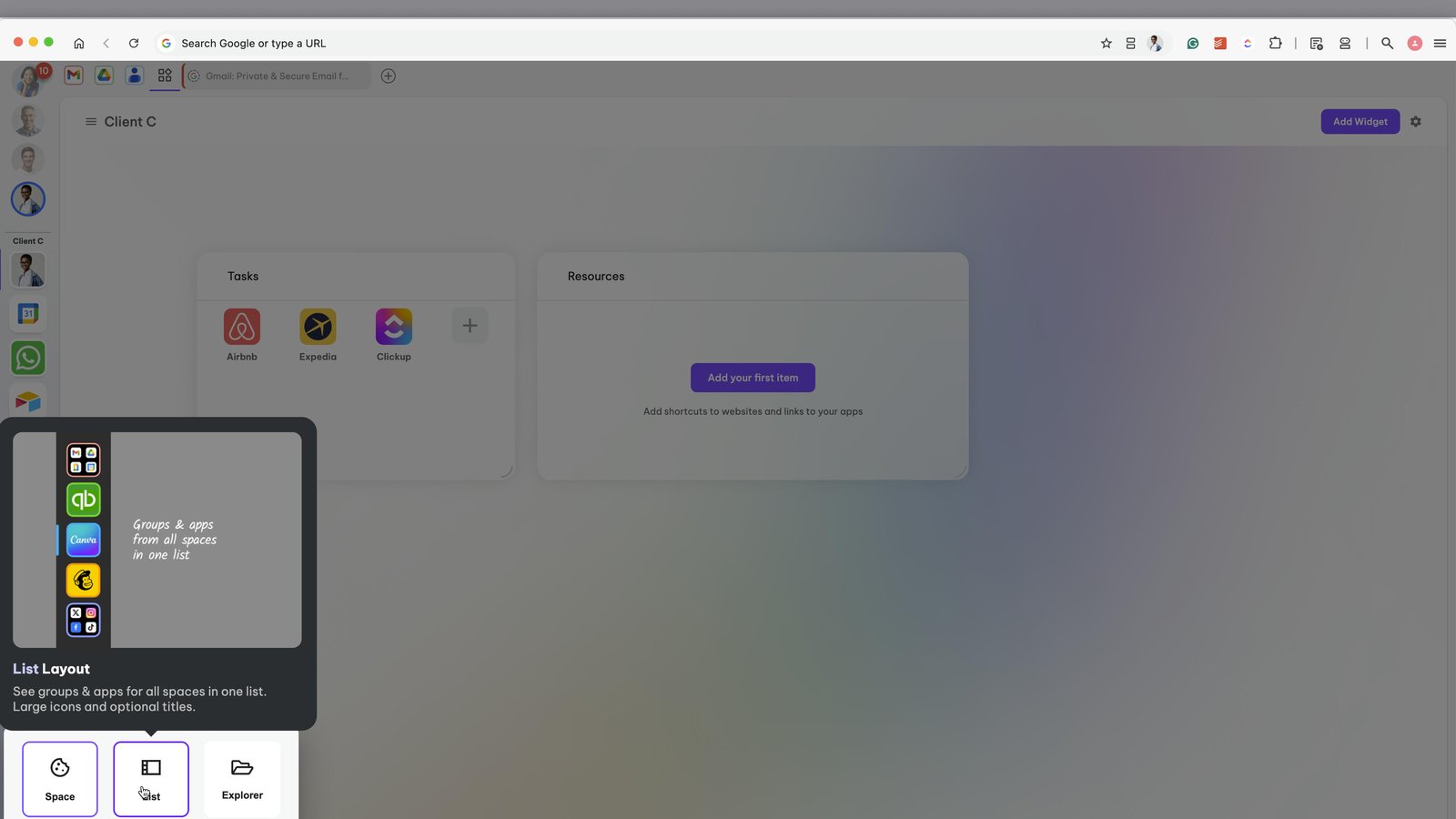
Click on the 'List' option
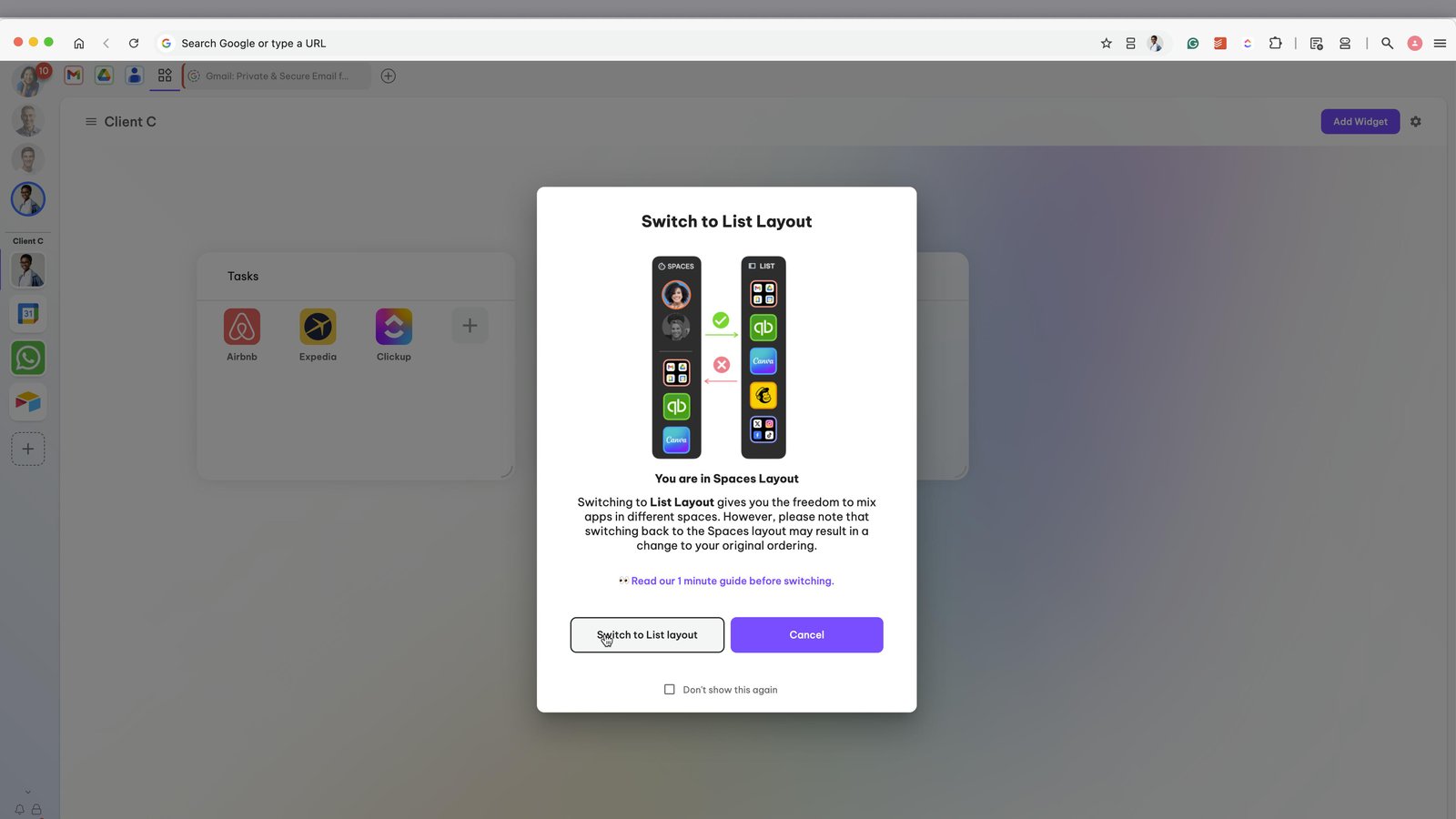
Confirm that you want to switch to List layout
Now you will see ALL groups for ALL spaces in one list.
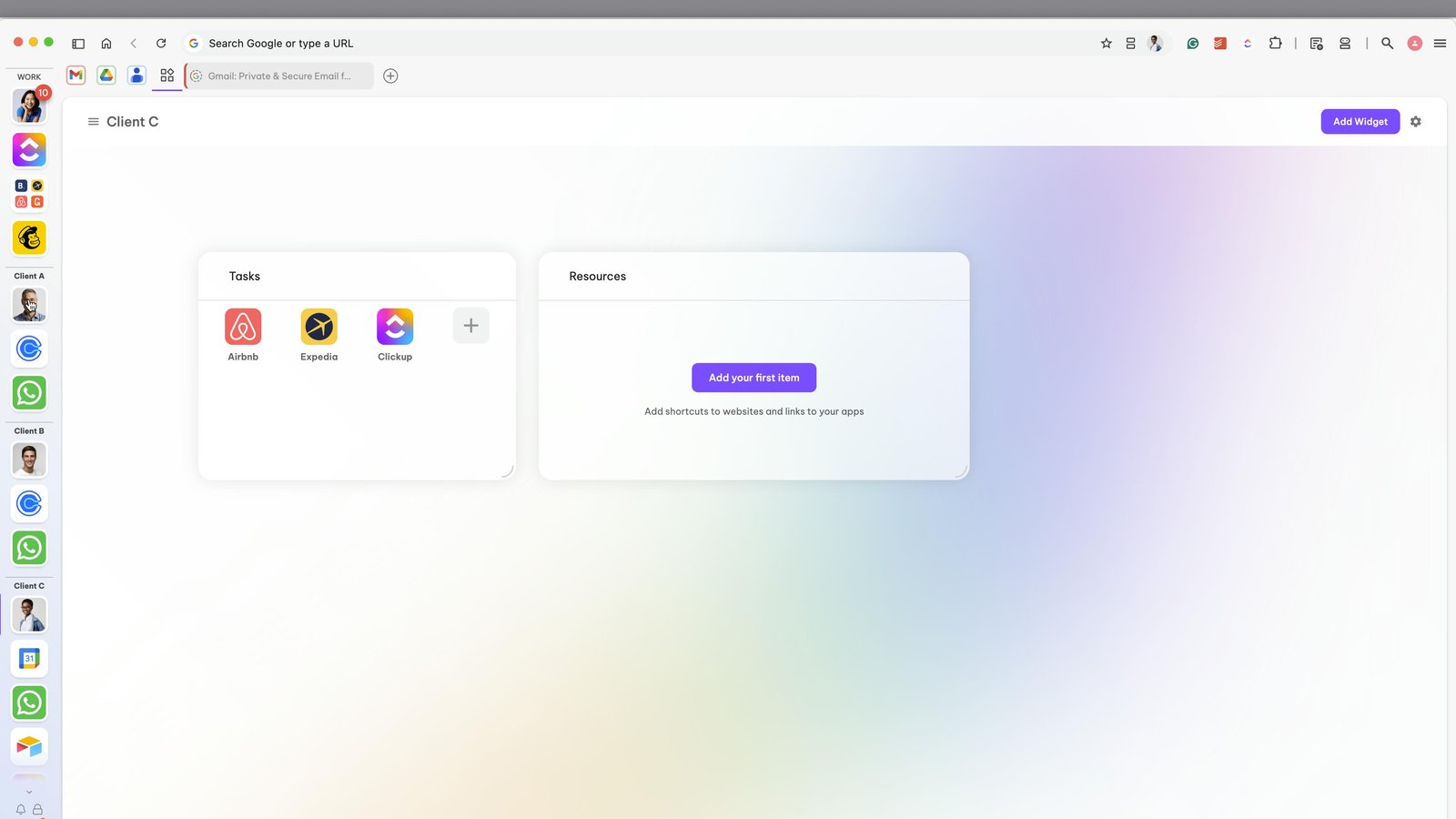
Collapsable dividers separate each space.
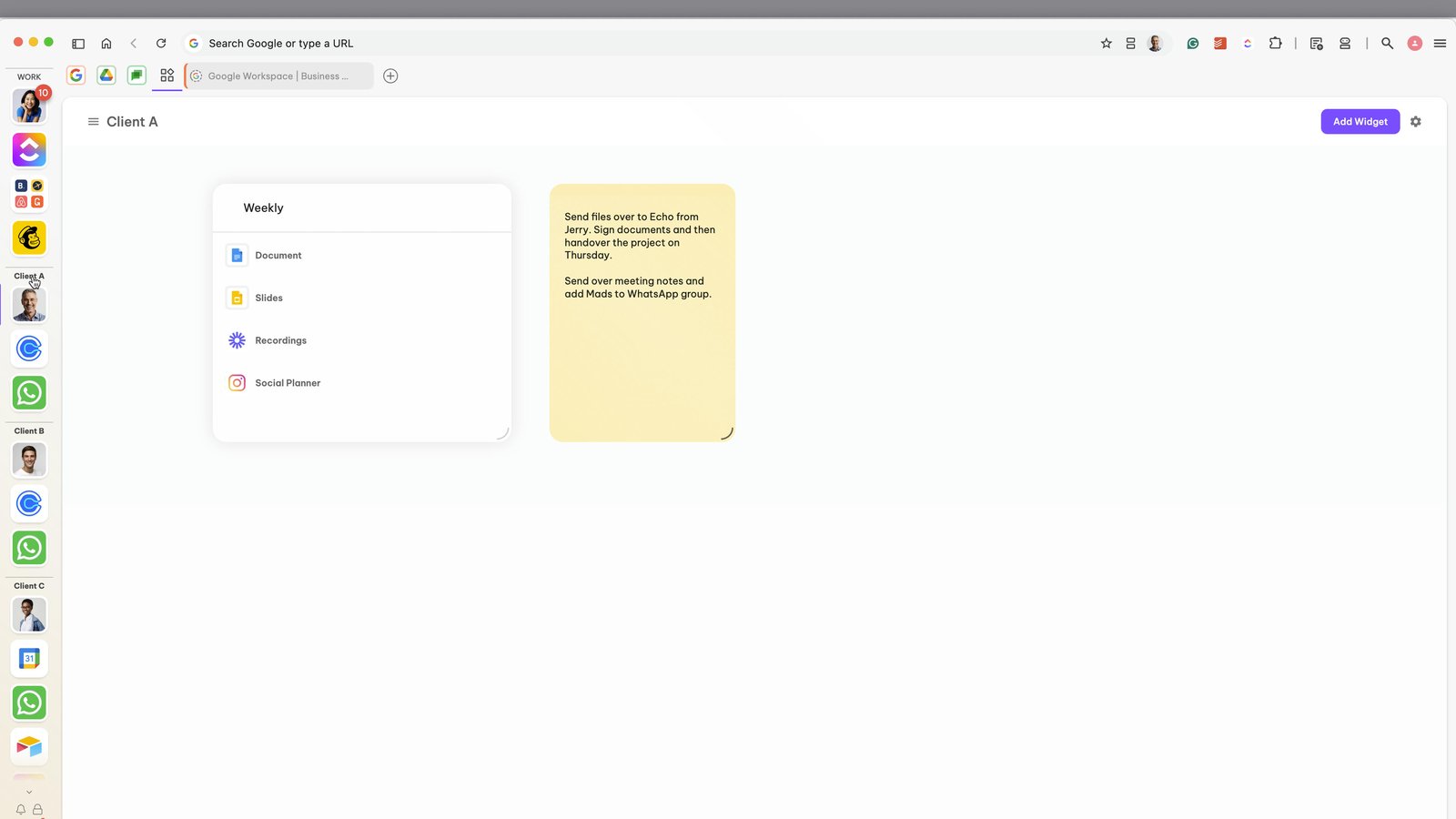
Click on a divider to collapse and expand it
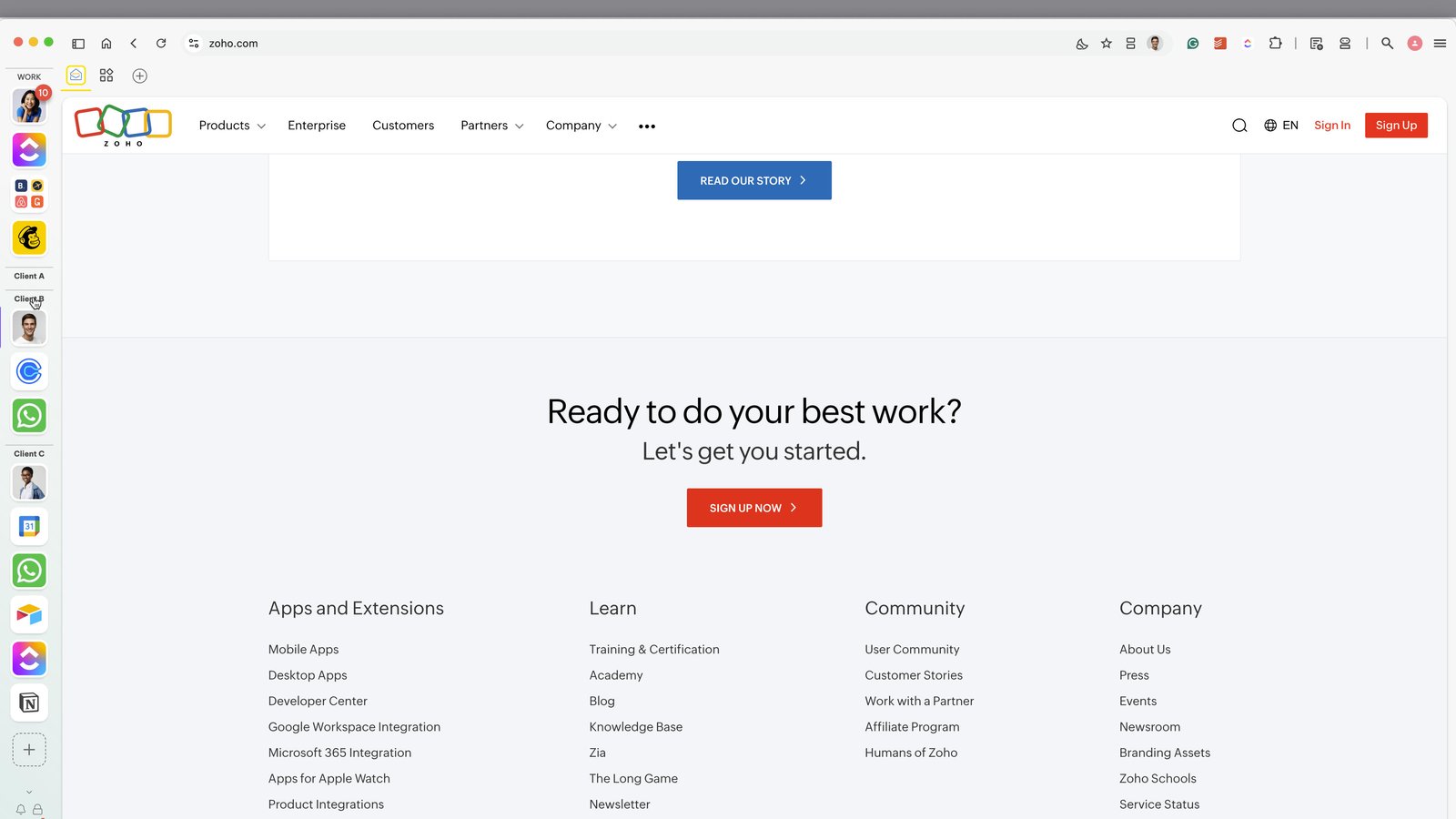
Drag the webdock wider to reveal the group names
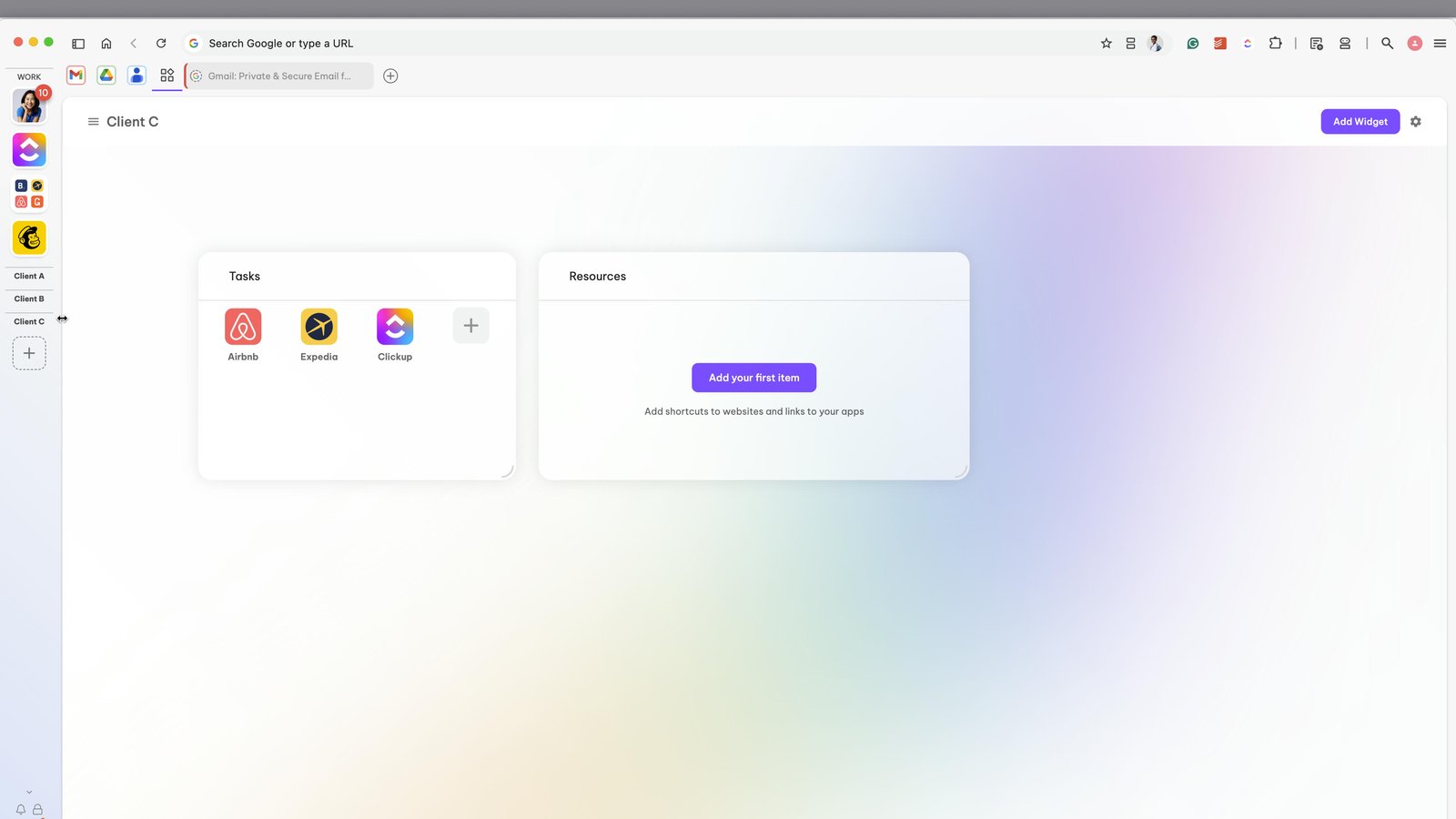
You can collapse / expand the dividers in this wider view
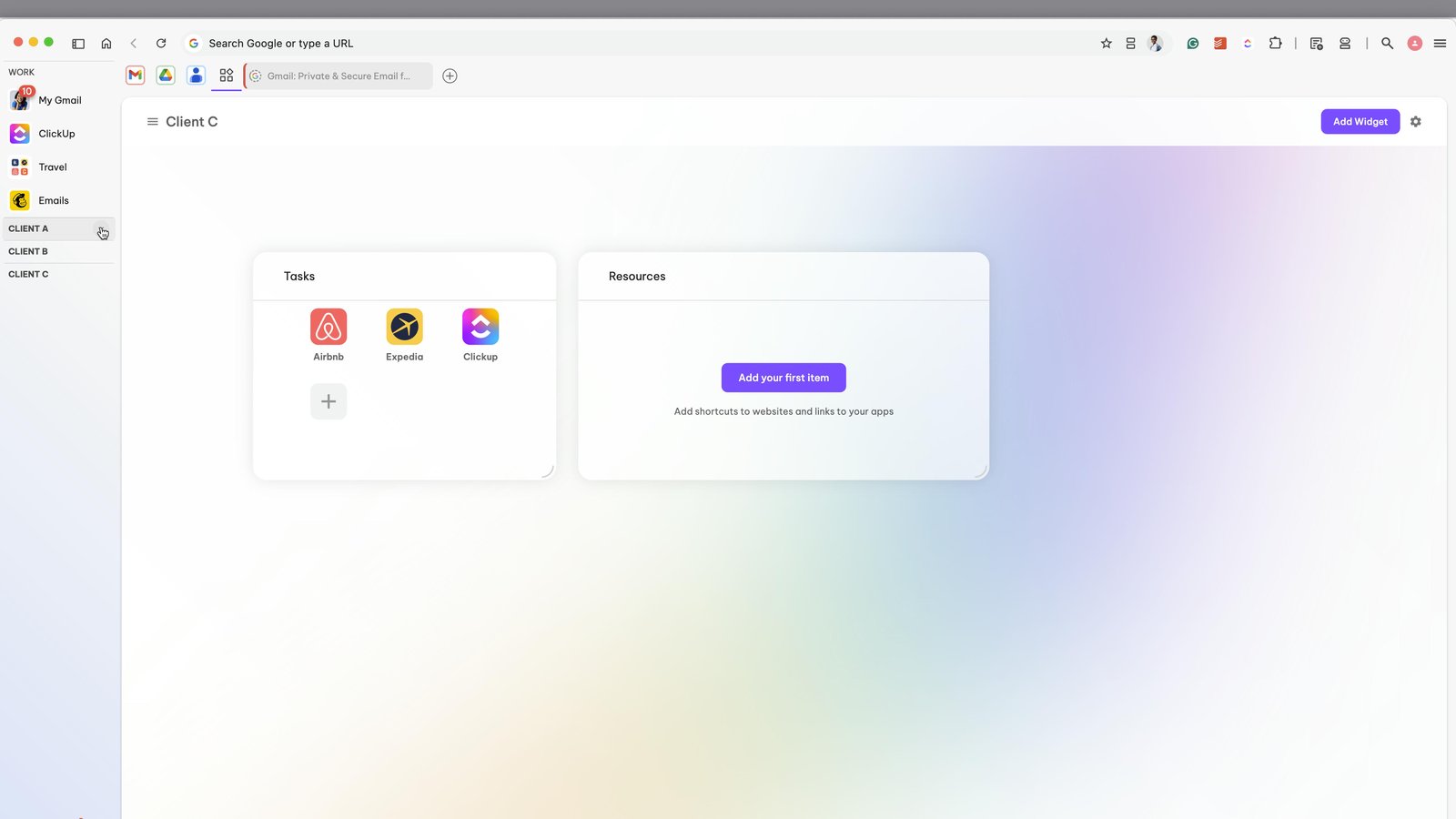
Some users like to have a group for each client
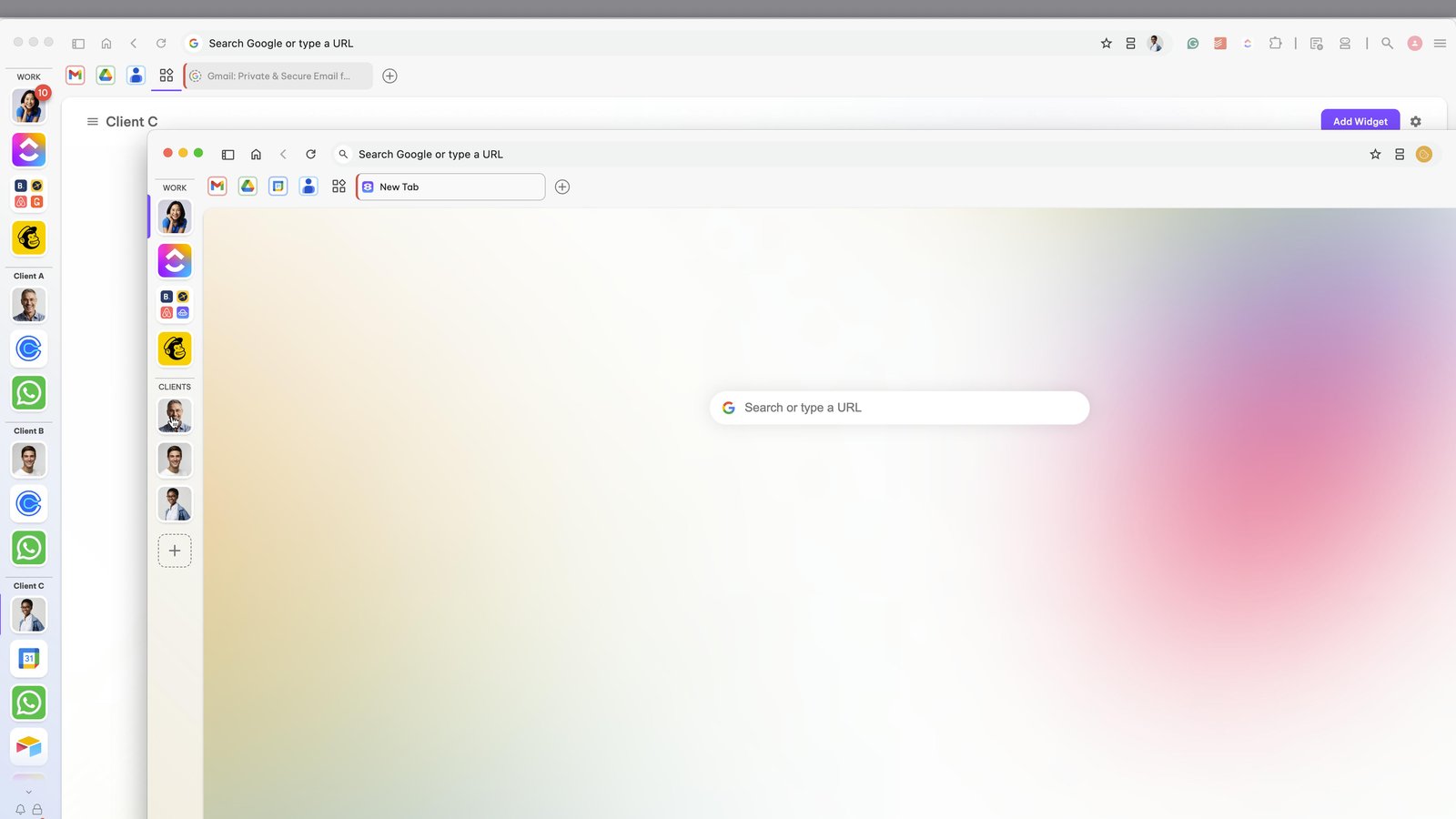
You can choose to display apps for each client in the webdock
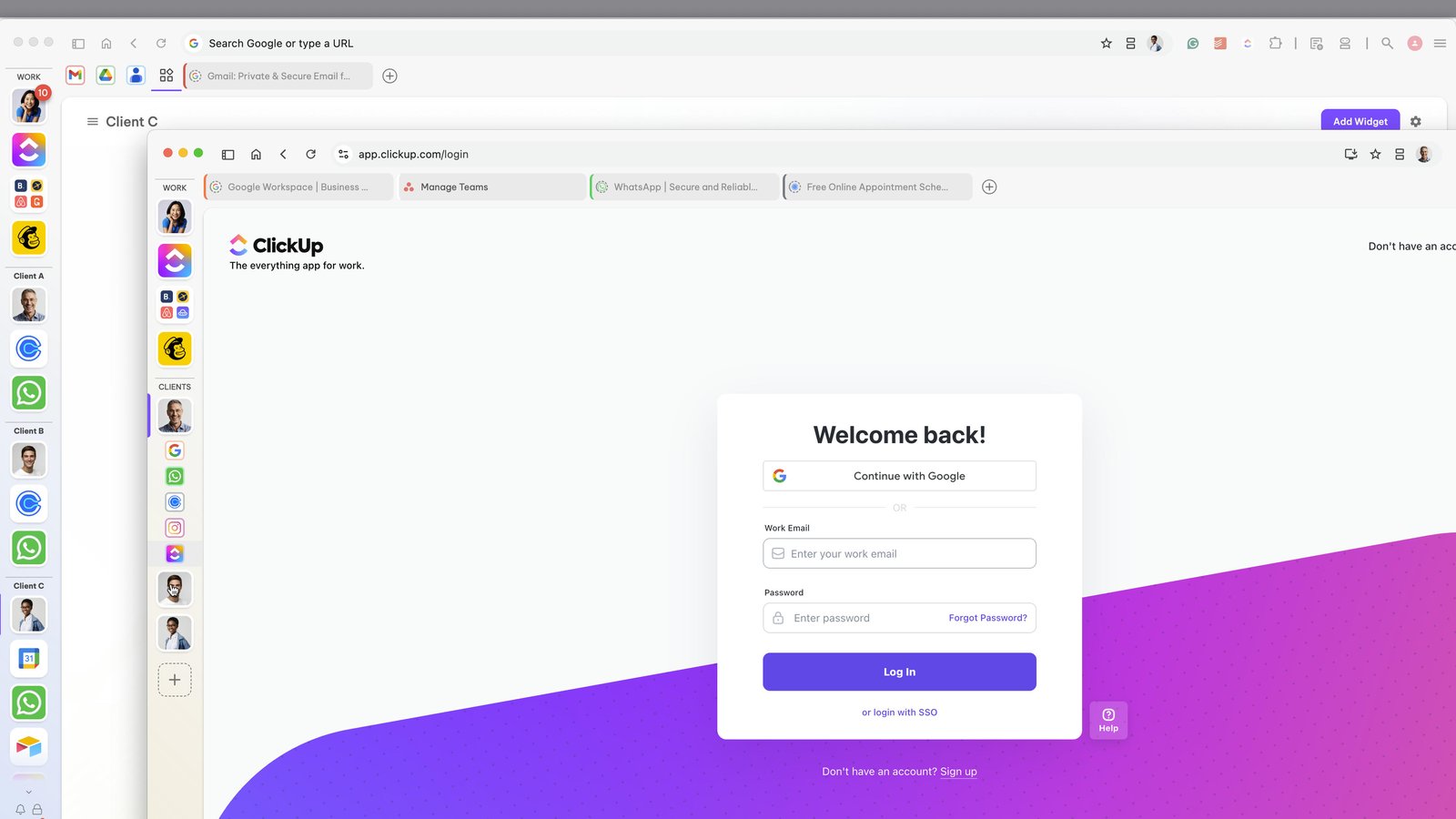
Or display them in the horizontal group tabstrip
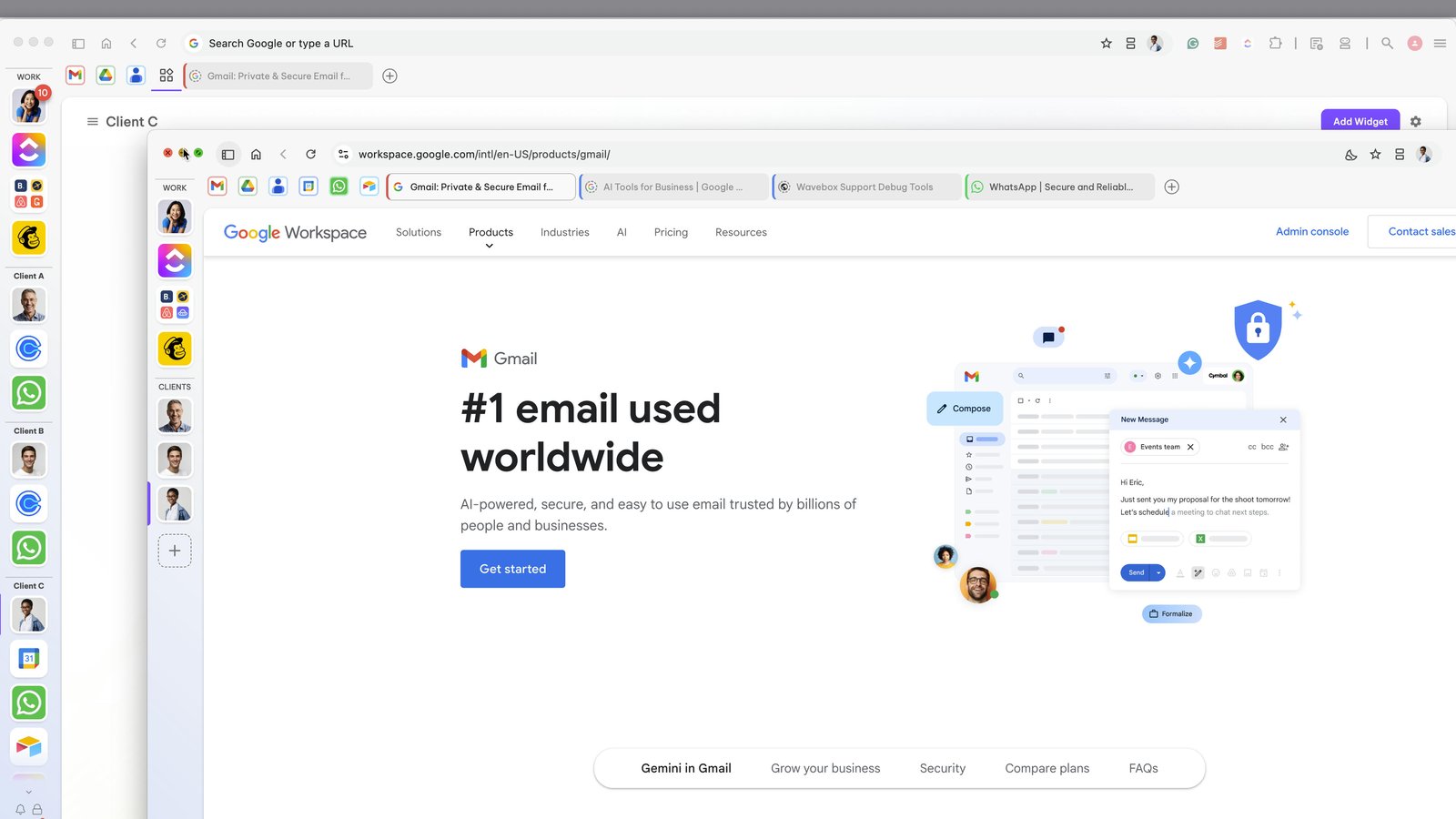
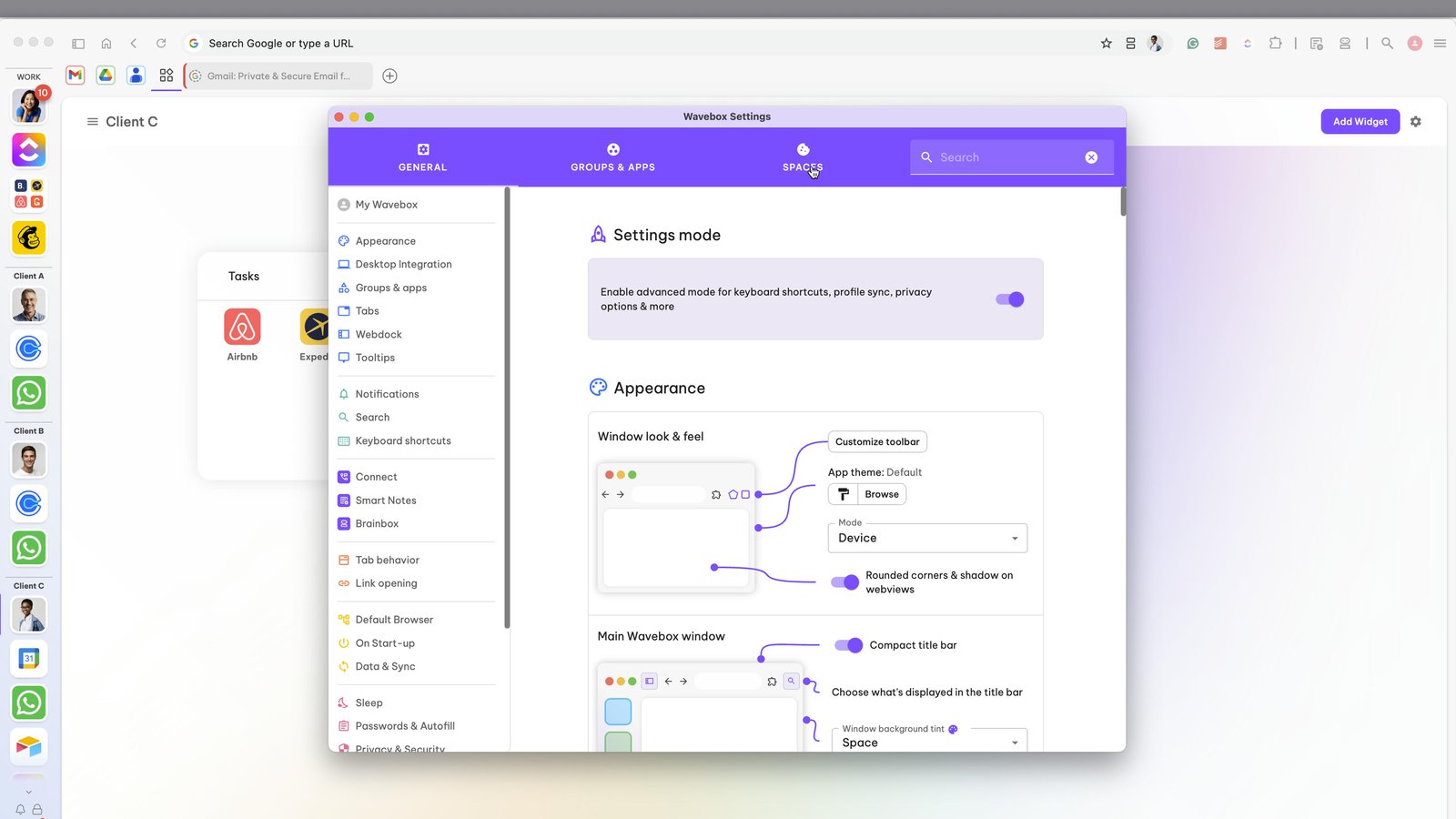
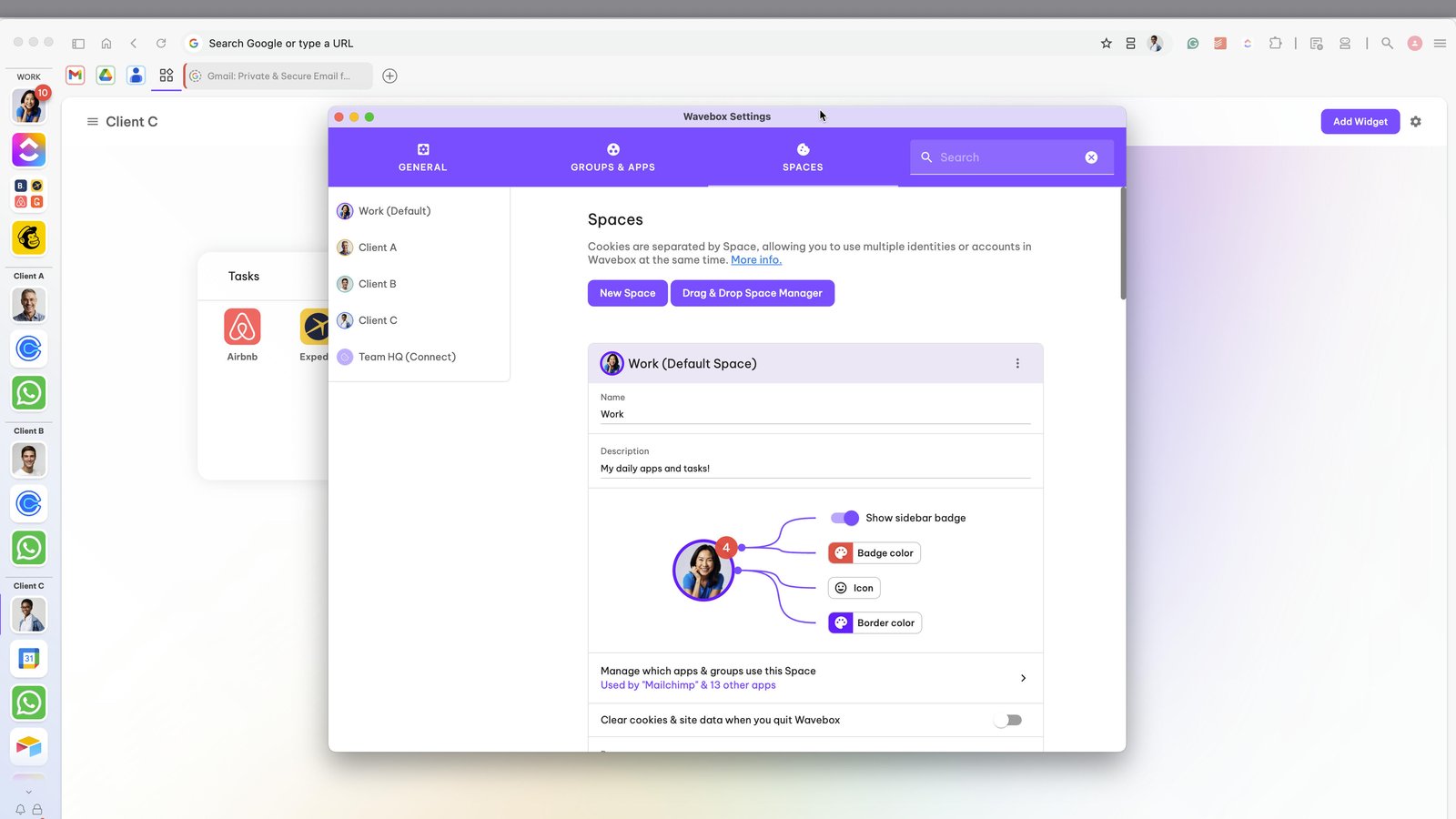
To manage Spaces, open Settings
Click on the Space tab at the top of the Settings window
From there you can create, manage and edit Spaces.
You made it to the end!
18 steps complete