How to Use the Neurodivergent Musicians Cohort Dashboard and Community
Learn to track your habits, manage your creative/business progress, and connect with peers using the cohort's spreadsheet dashboard and School community platform.

Jon Hart
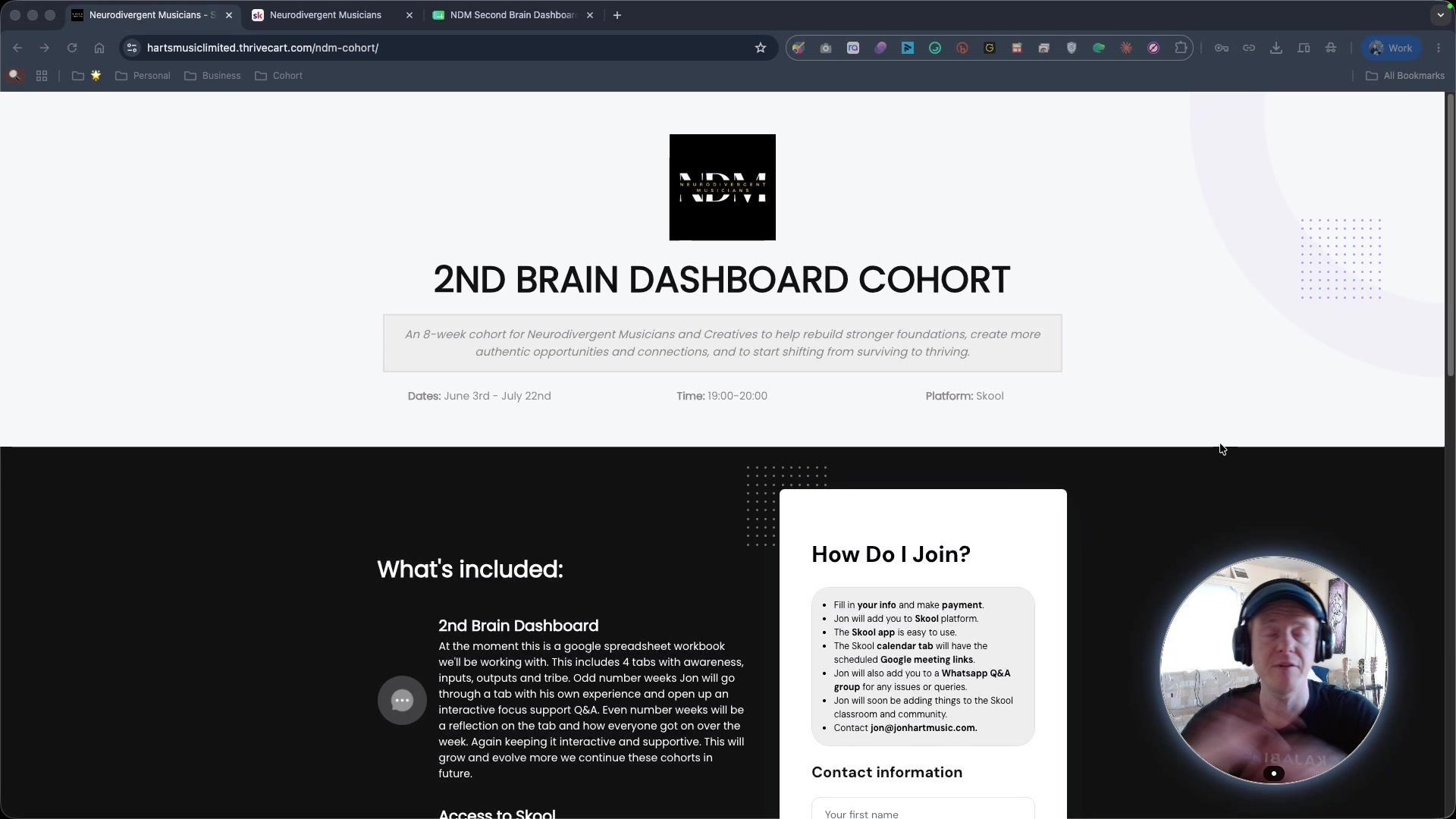
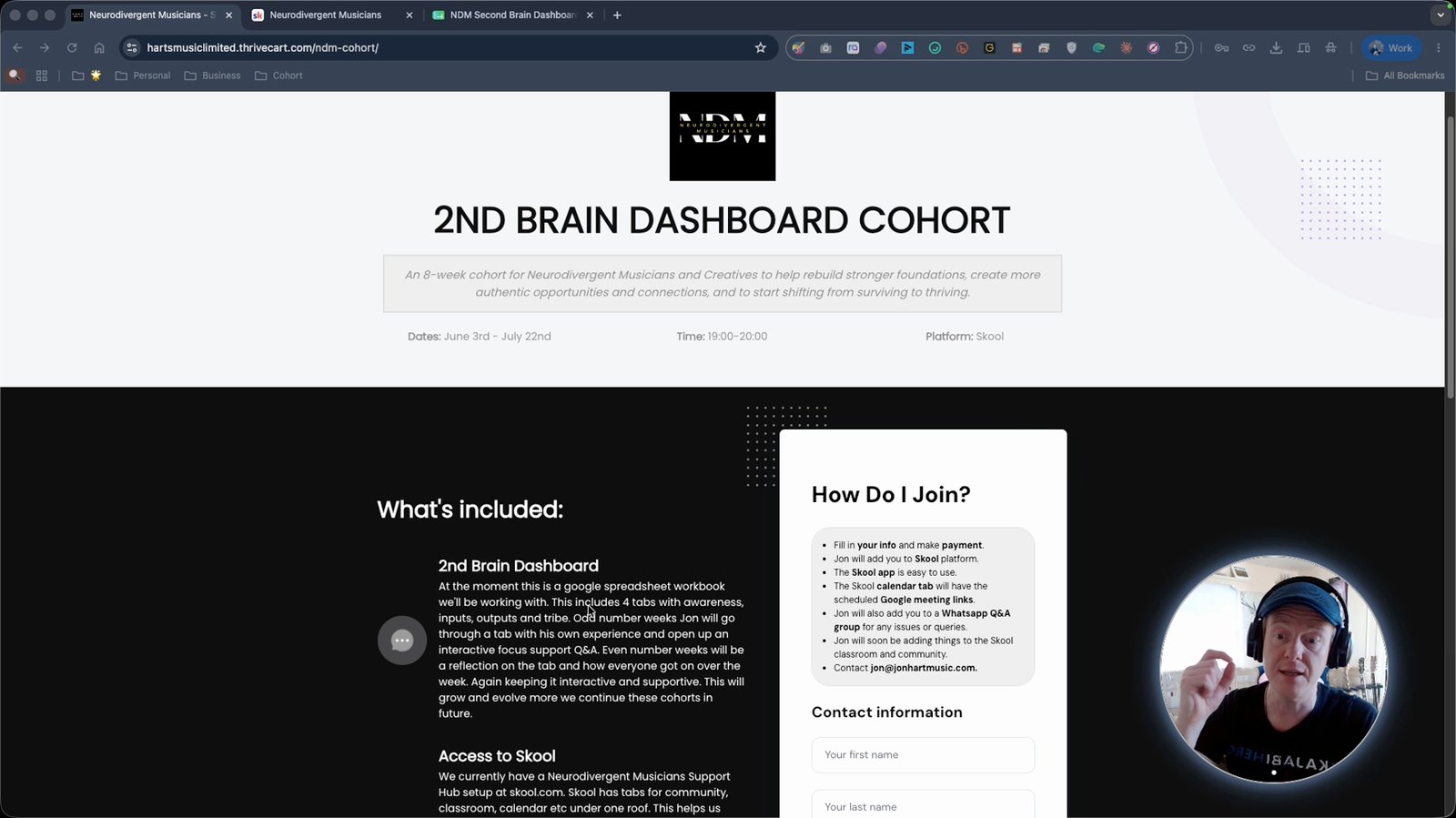
Access the second brain dashboard
This is the main customizable spreadsheet for tracking tasks and habits.
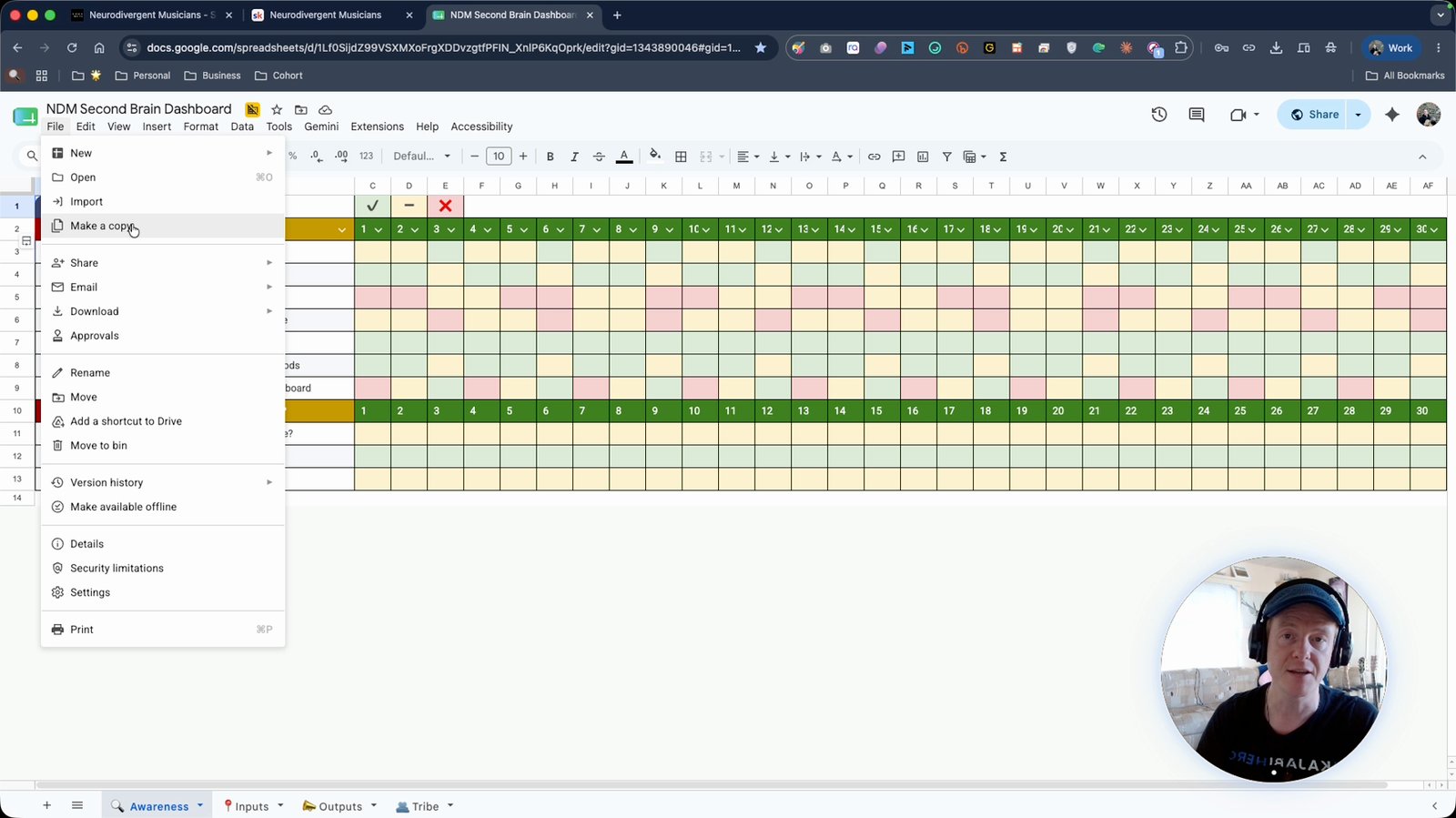
Make a copy of the spreadsheet dashboard
Duplicate the template so you can personalize it.
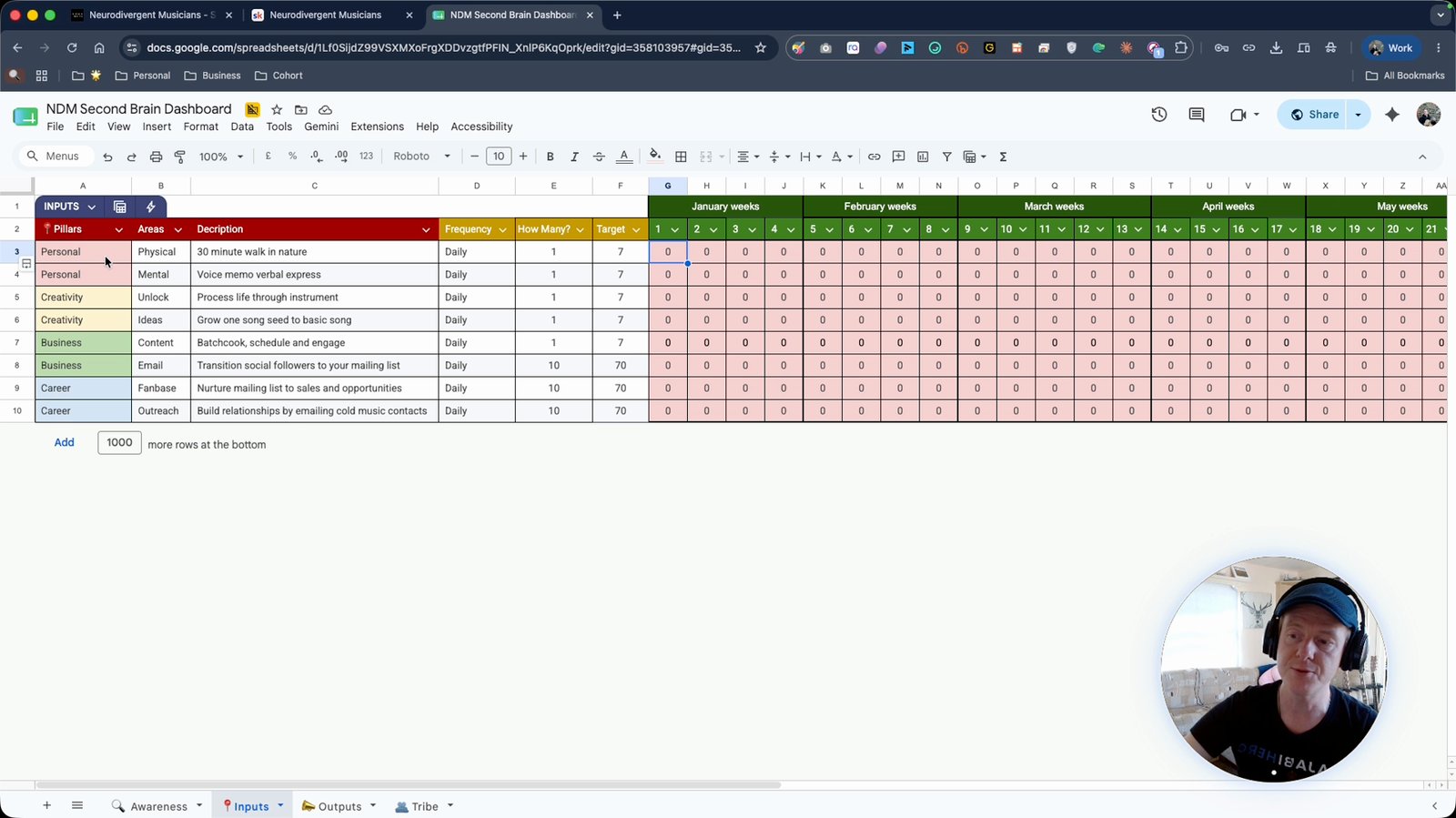
Split your tasks into different pillars of your life
Organize tasks under personal, creative, business, and career categories.
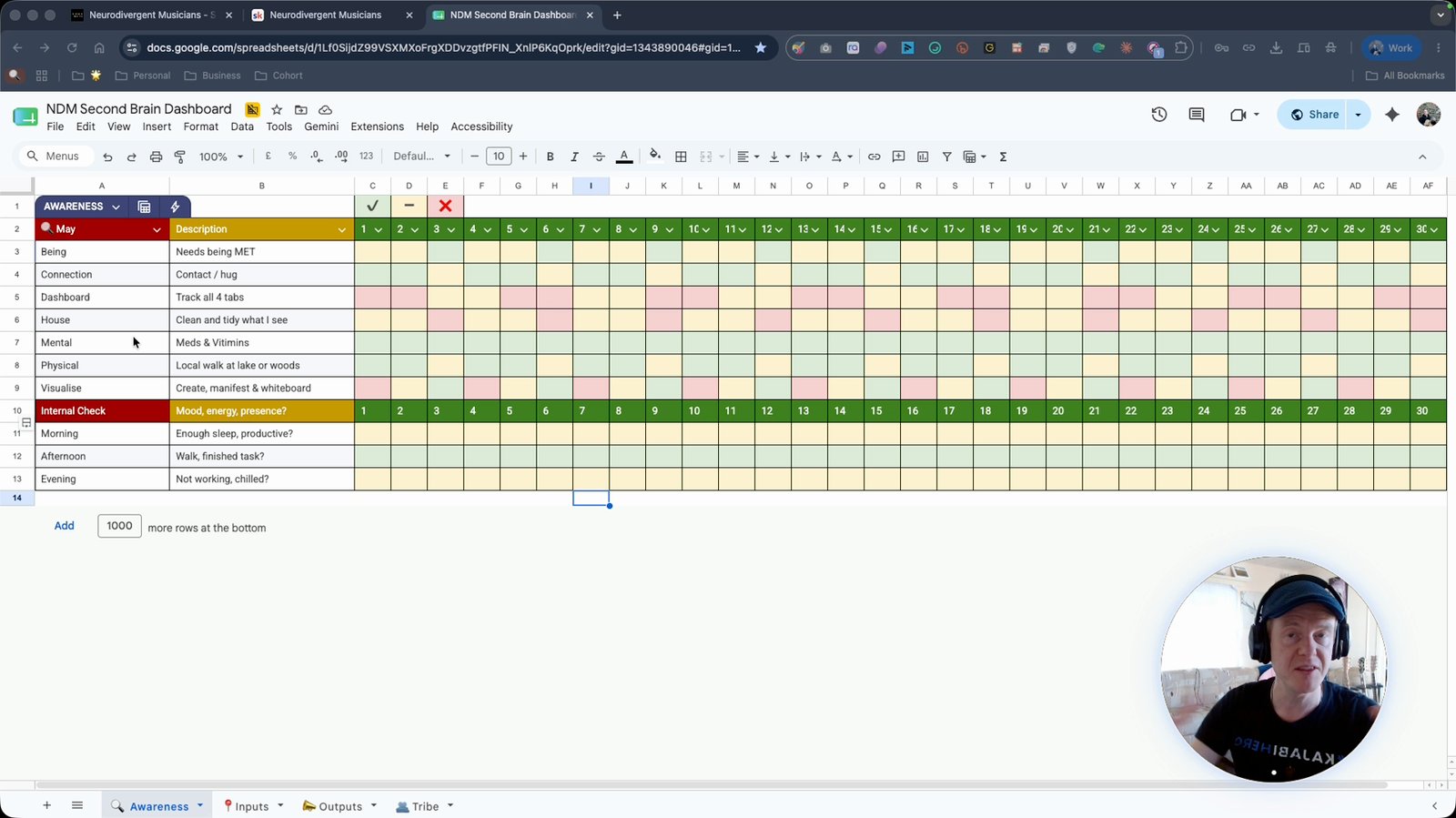
Track daily tangible actions in the spreadsheet
Record actions like drinking water, taking meds, or other recurring tasks.
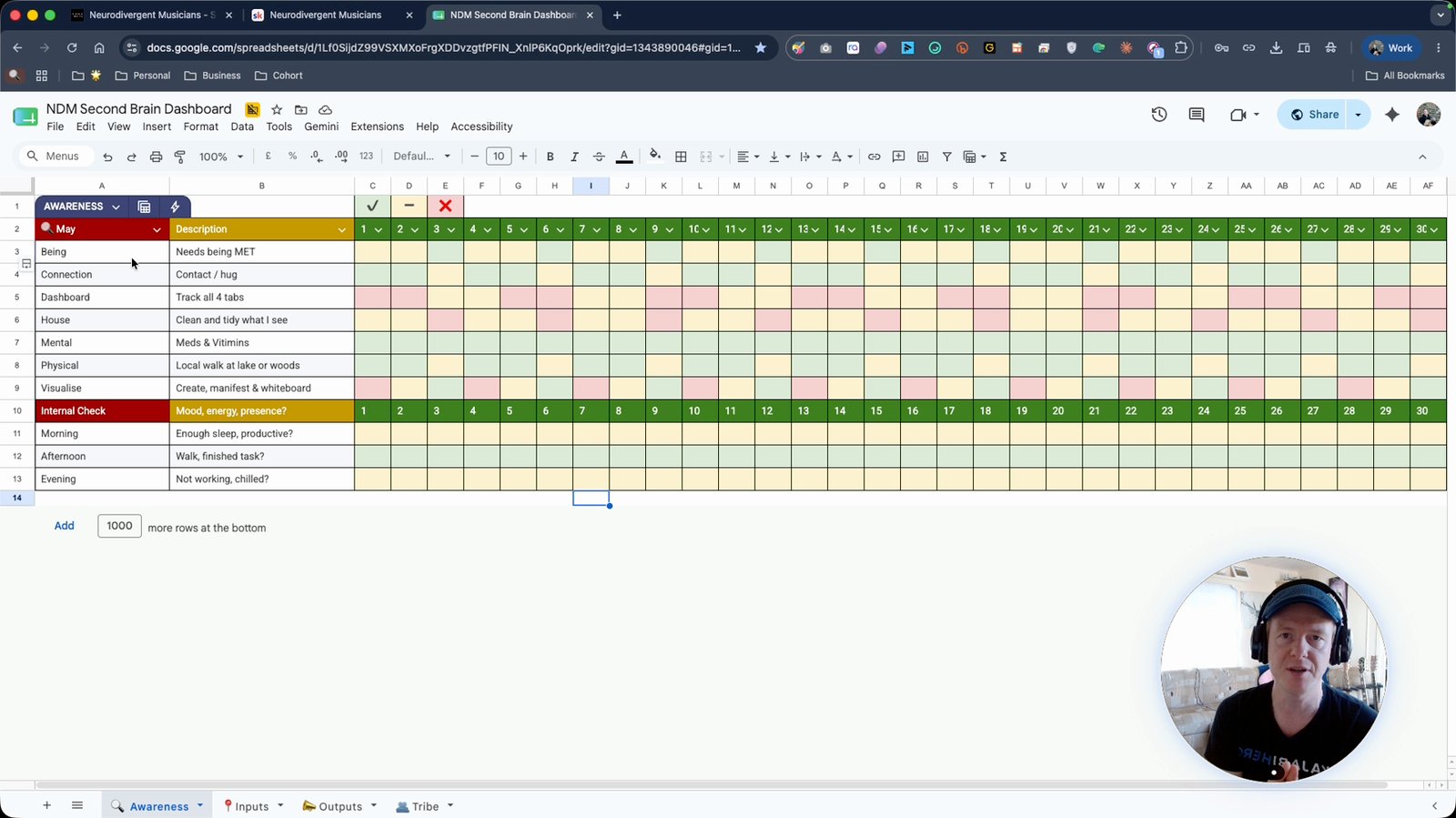
Map out your day with recurring and general tasks
List daily tasks to ensure nothing falls through the cracks.
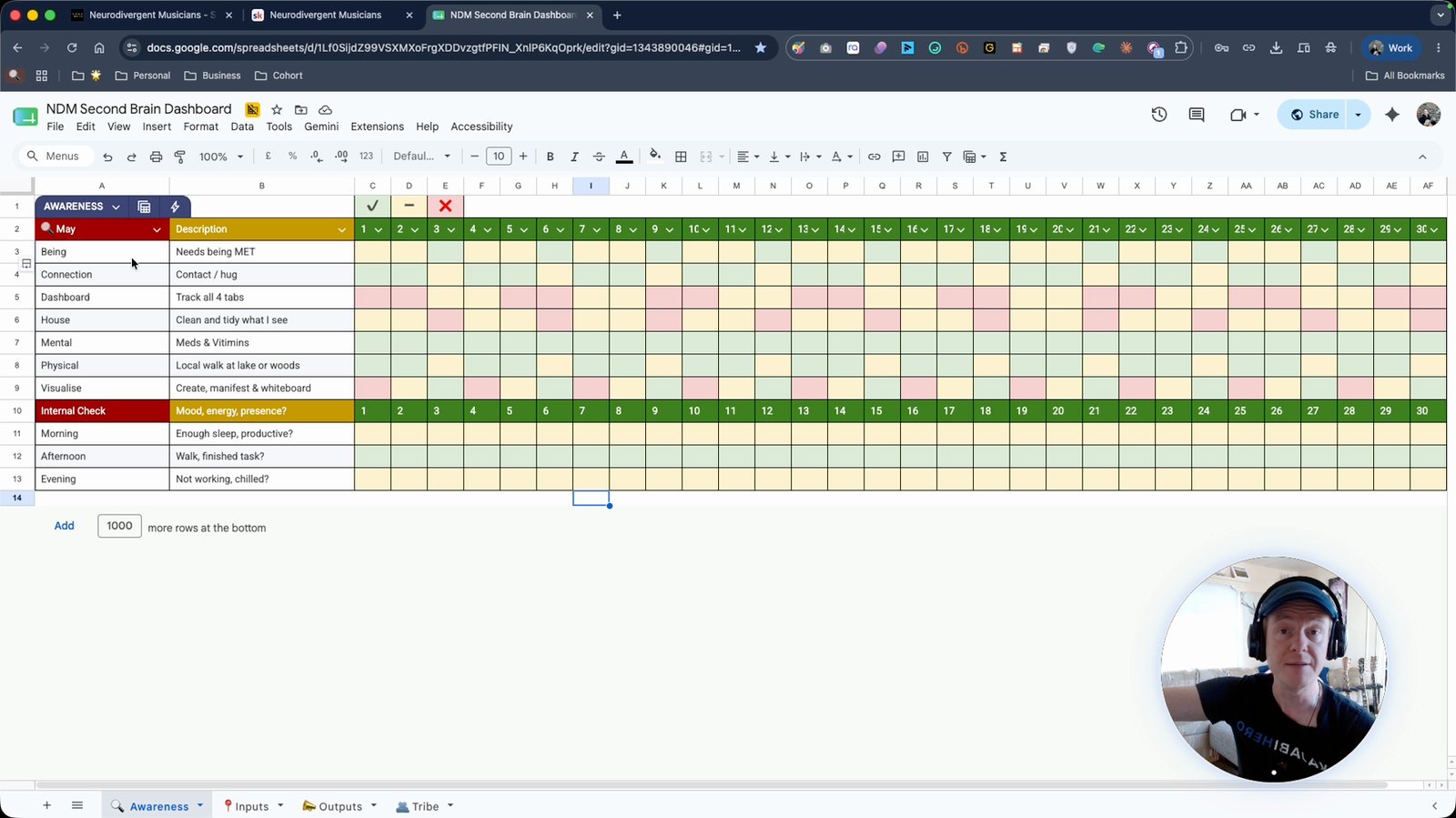
Enter tasks and descriptions in the appropriate spreadsheet areas
Add details for each task to clarify what needs to be done.
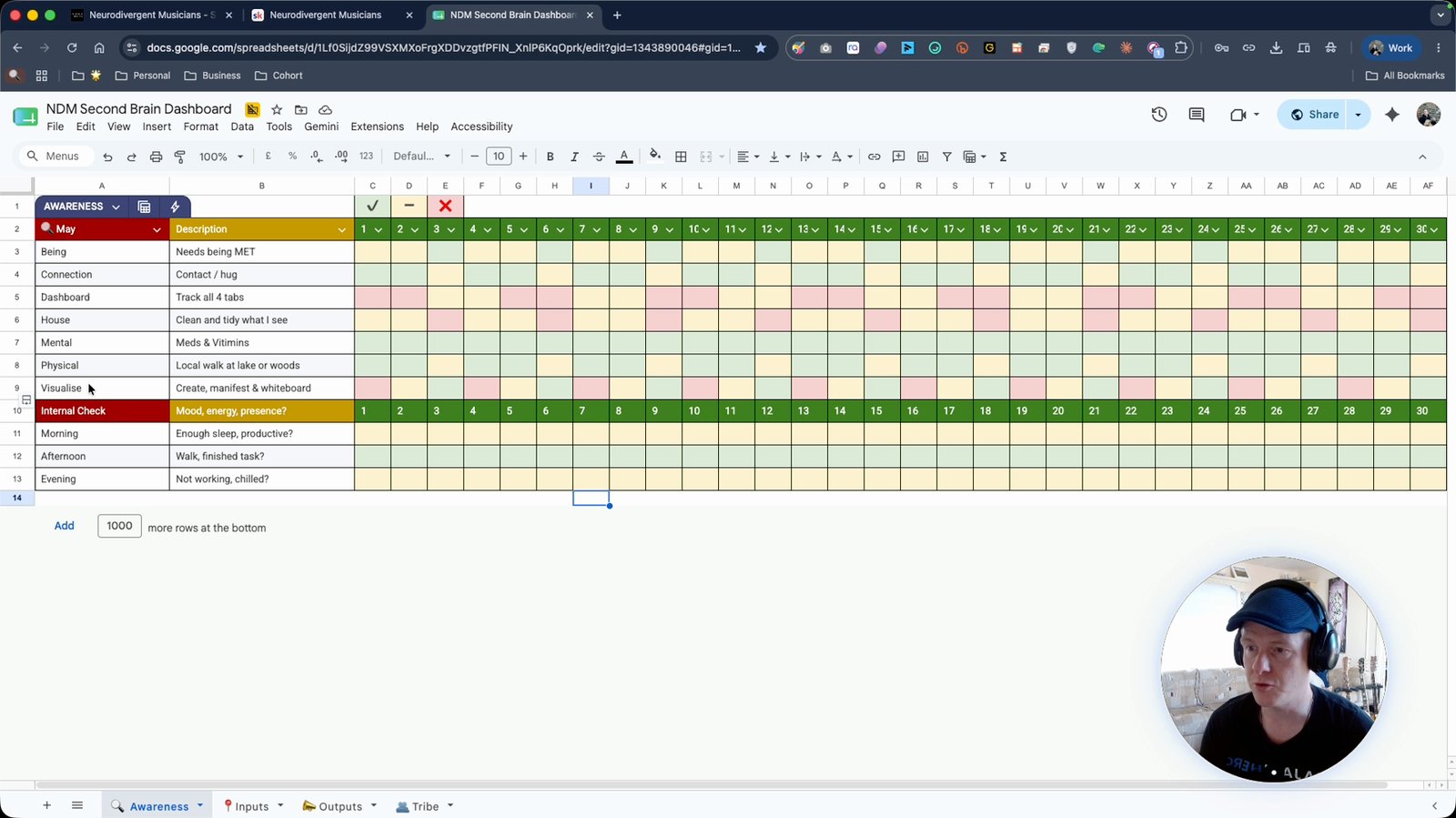
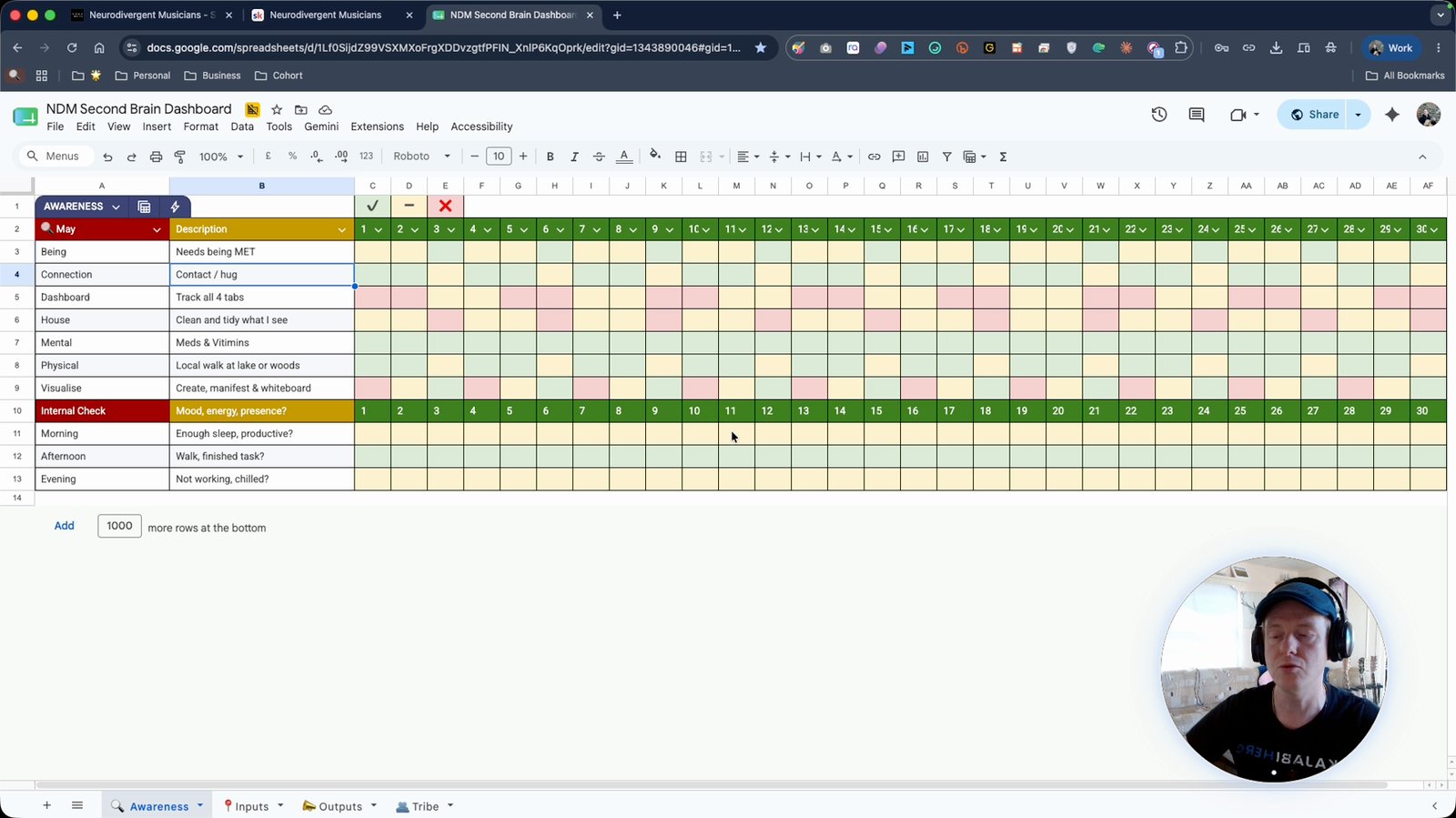
Mark off tasks as completed for each day
Track your progress by marking if tasks are done or not.
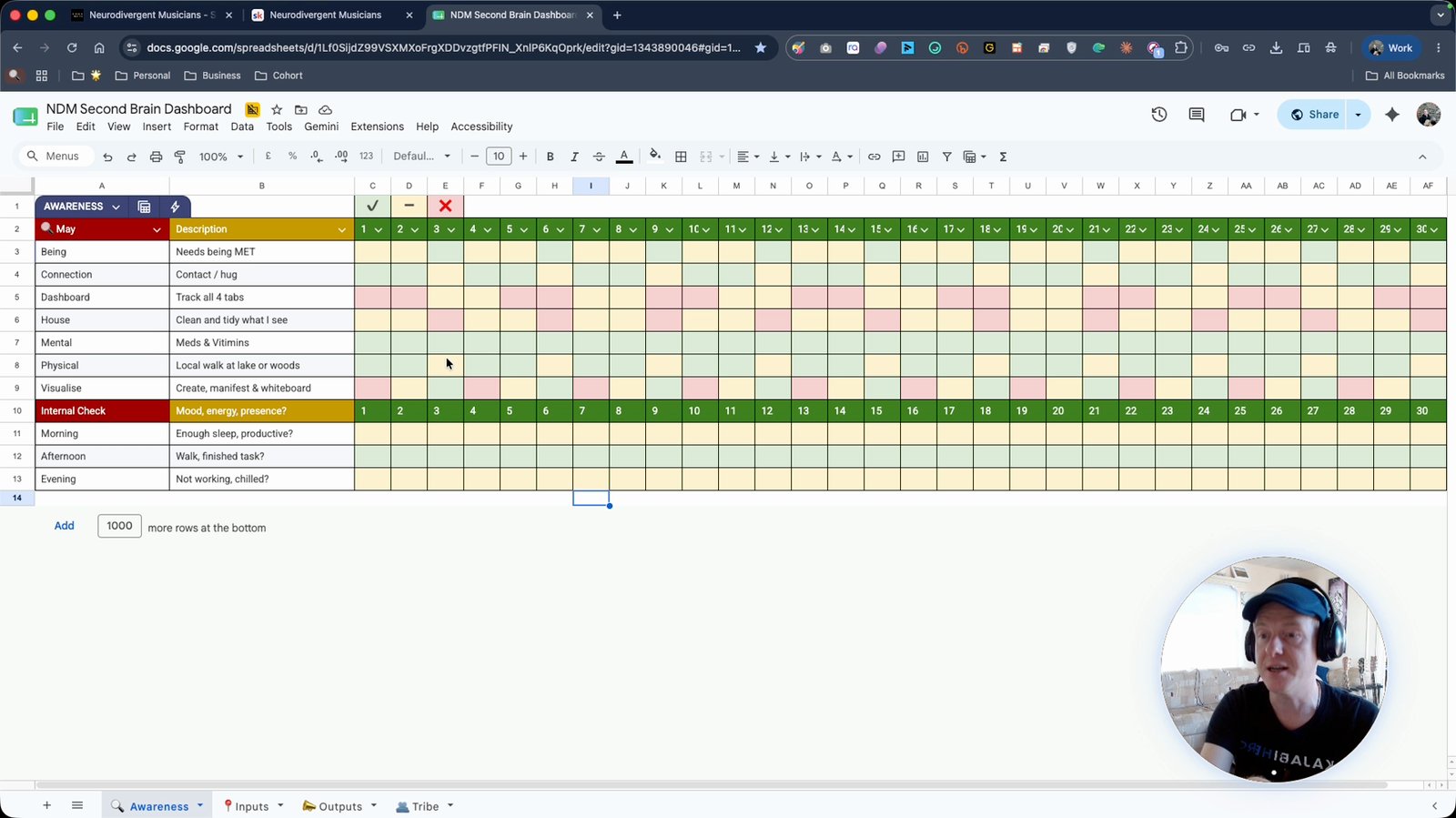
Change the month in the dashboard if needed
Adjust the dashboard to reflect a new month.
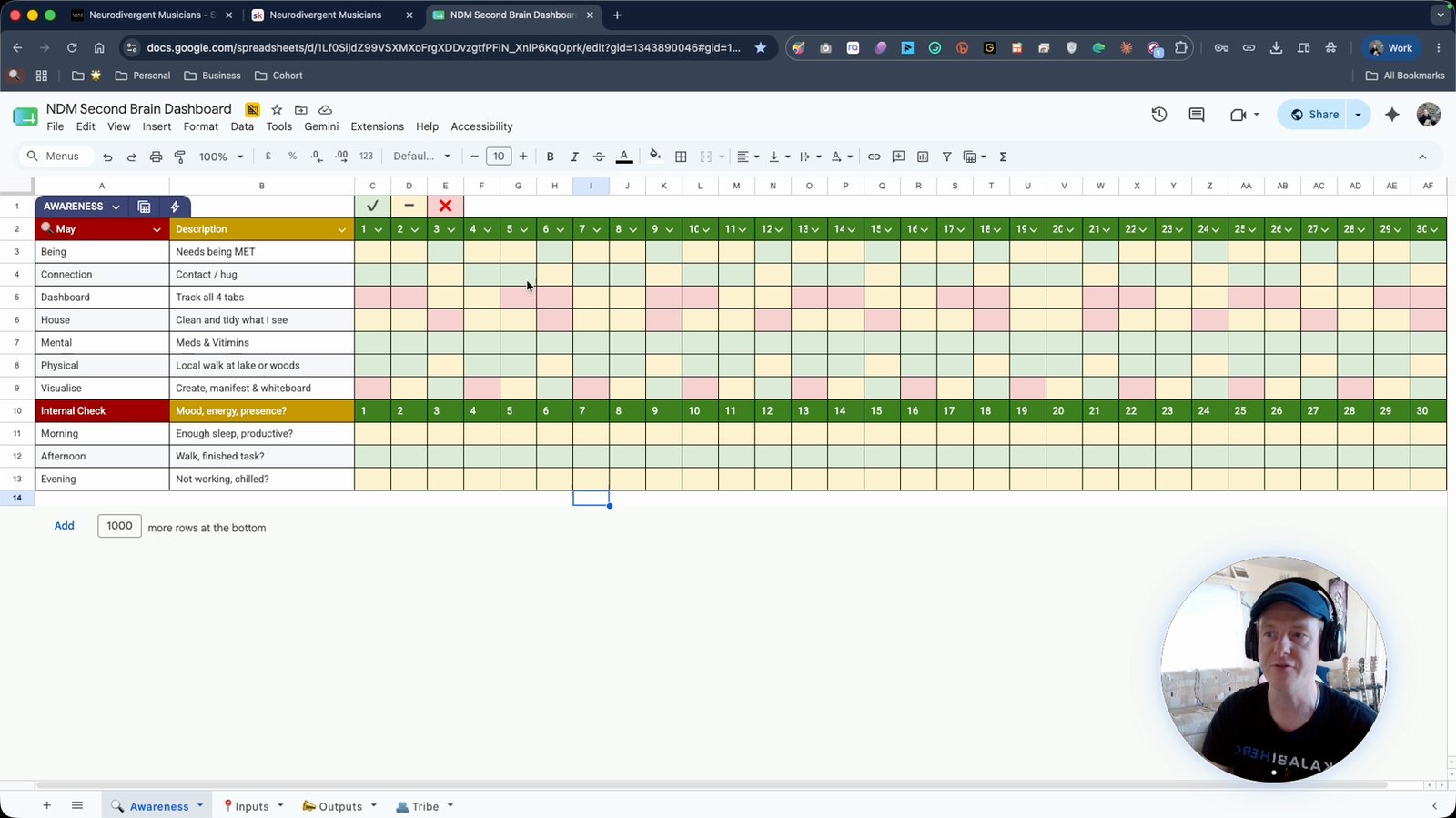
Duplicate the monthly sheet for the next month
Create a new sheet for each month to continue tracking.
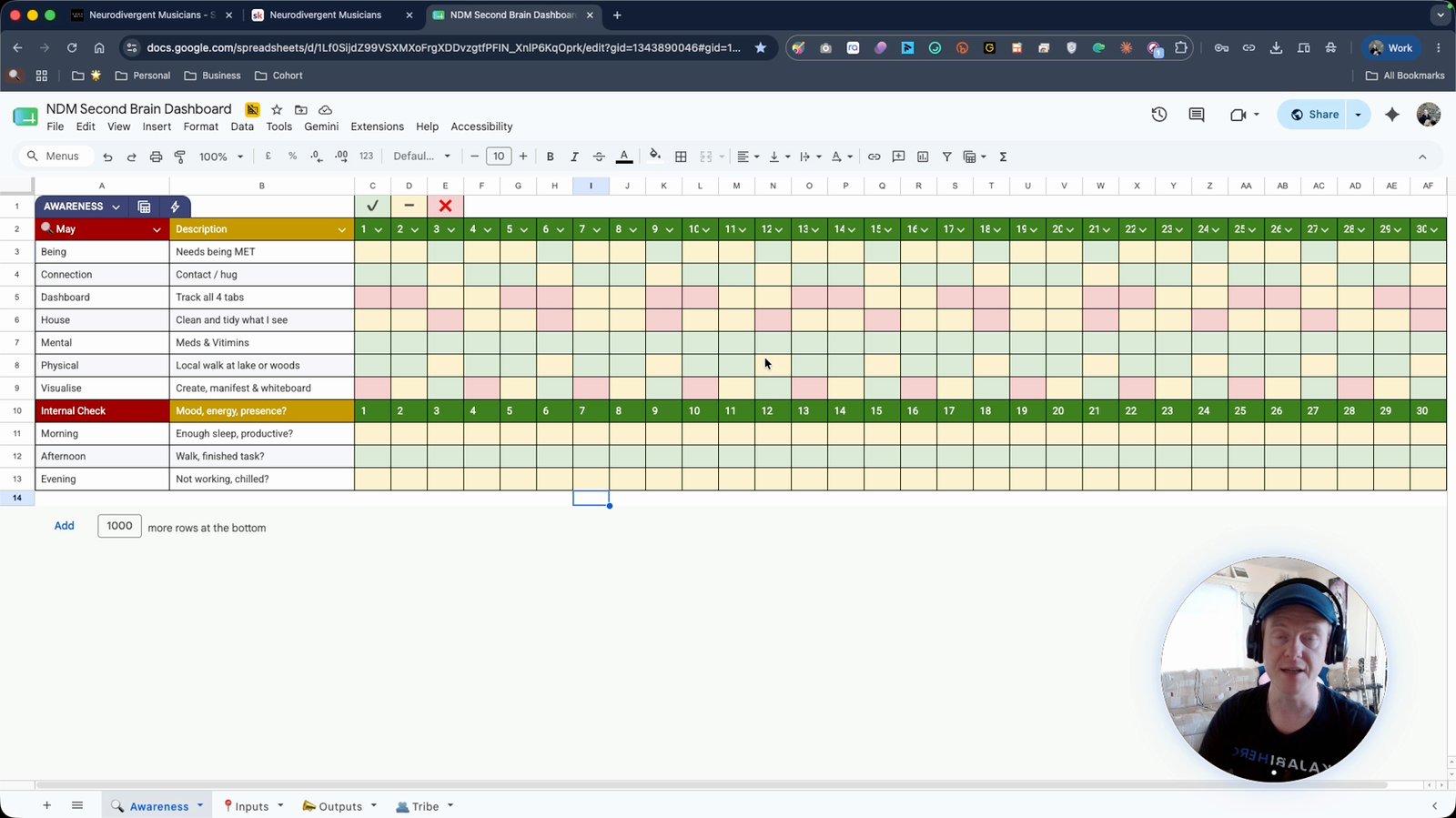
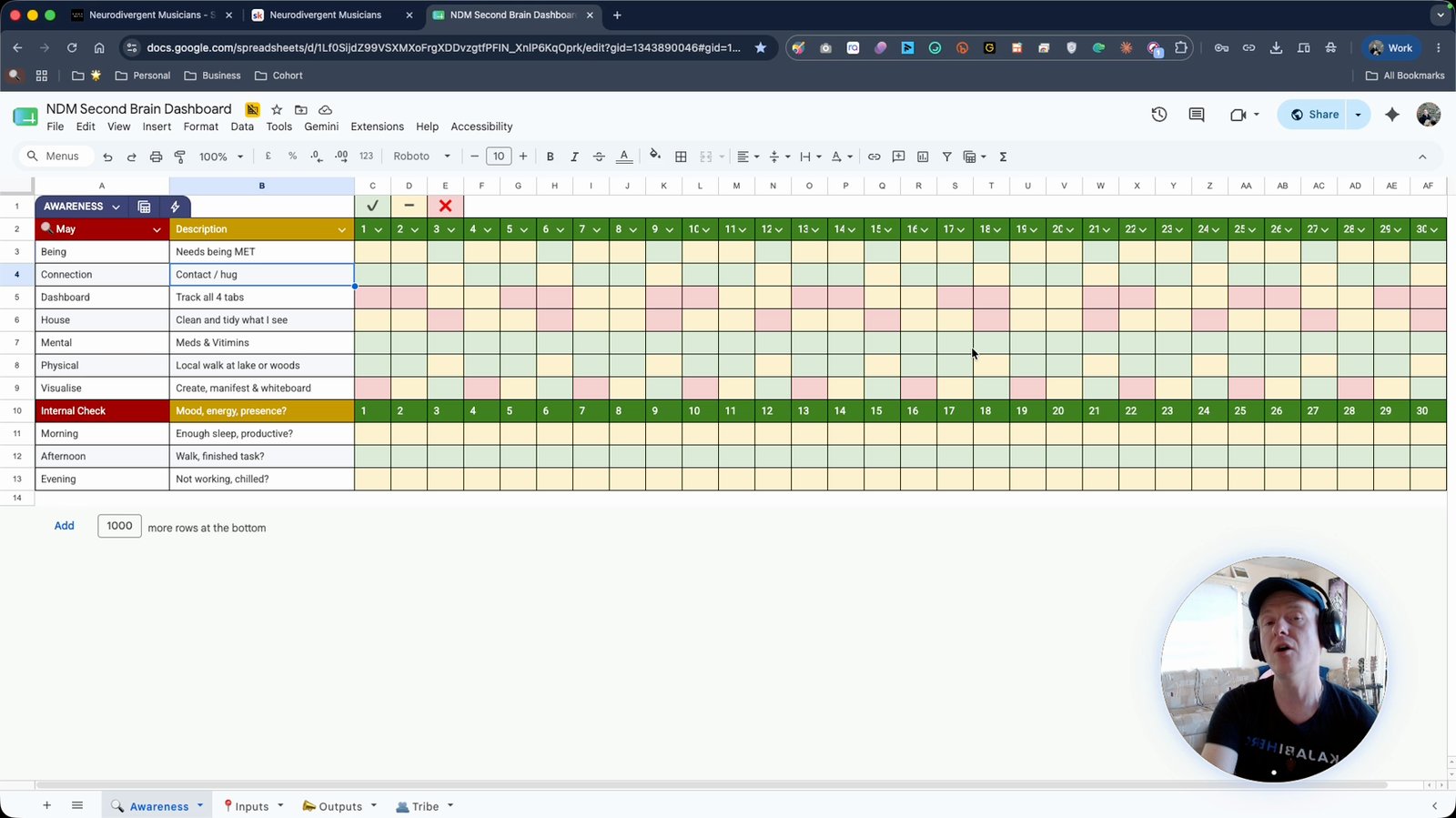
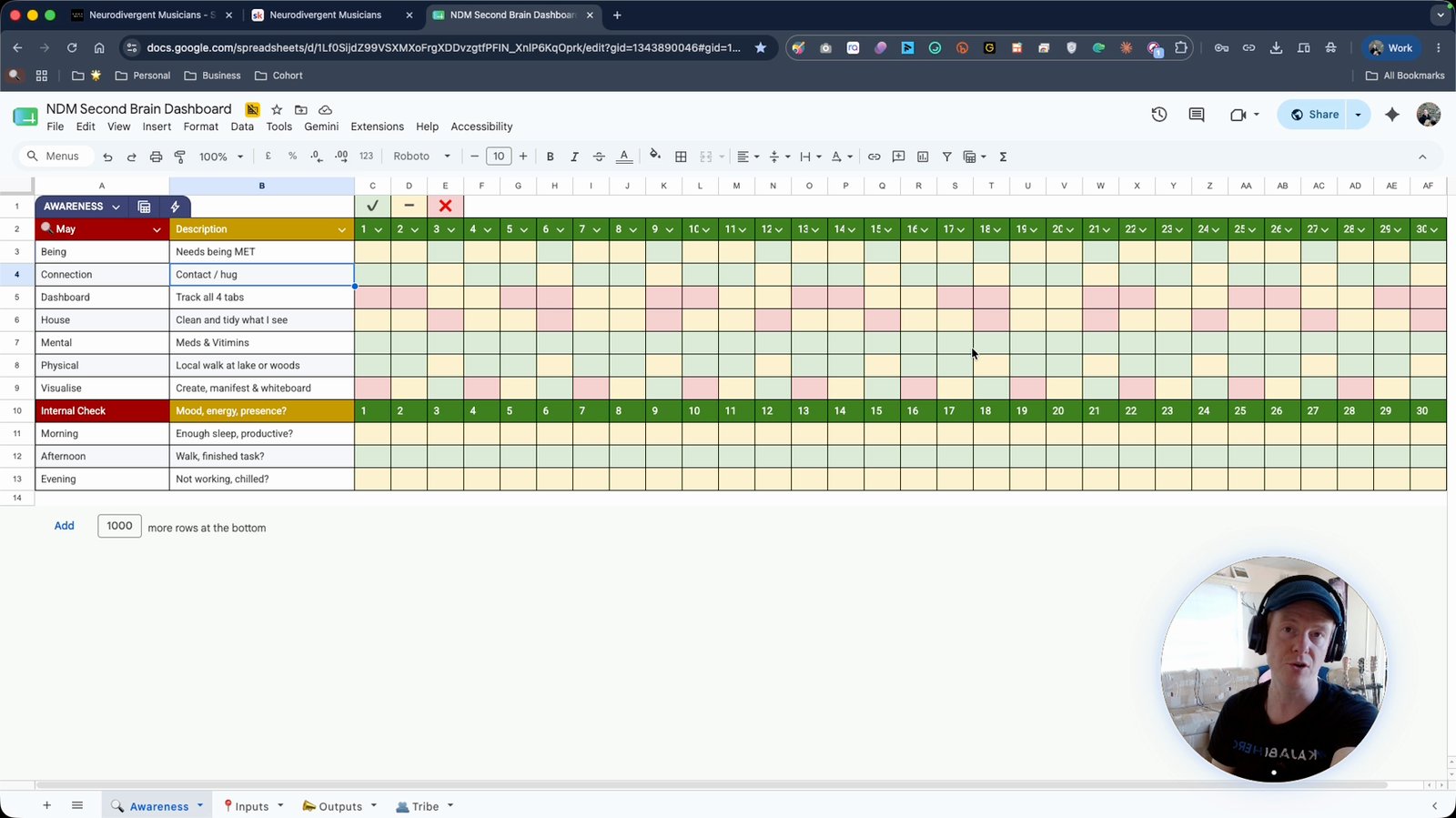
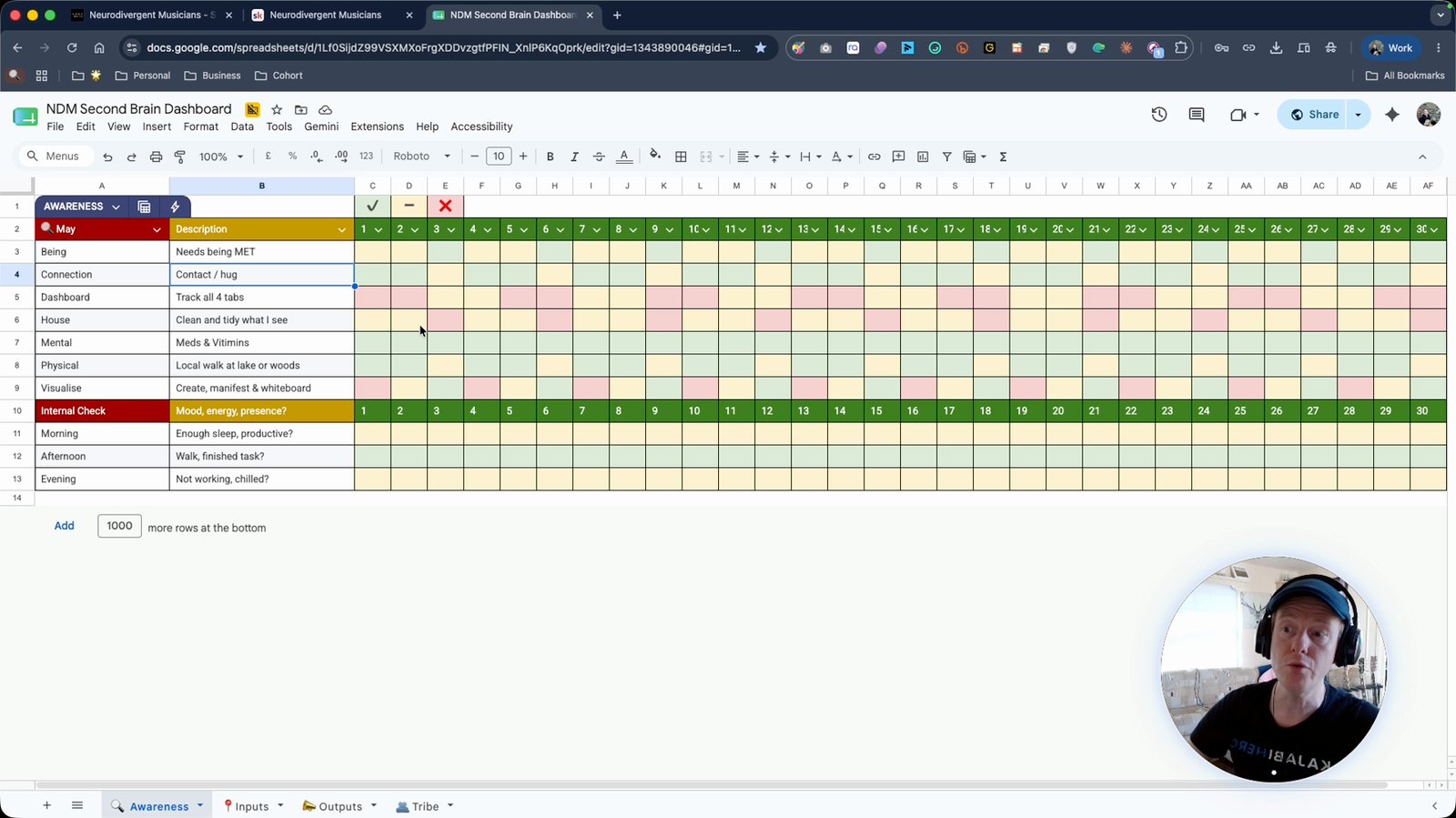
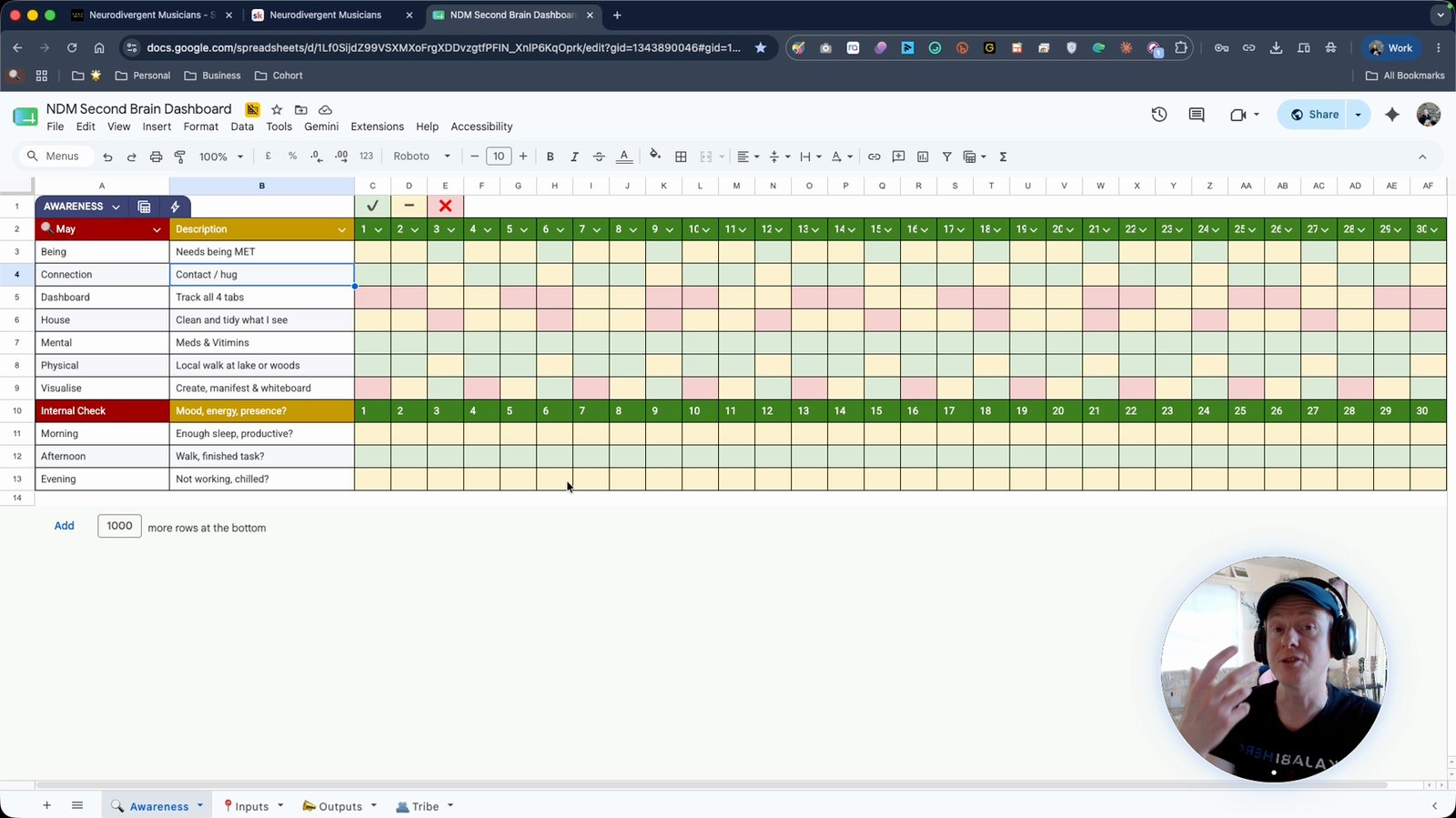
Use a traffic light system to track progress (green, yellow, red)
Green for complete, yellow for partial, red for not done.
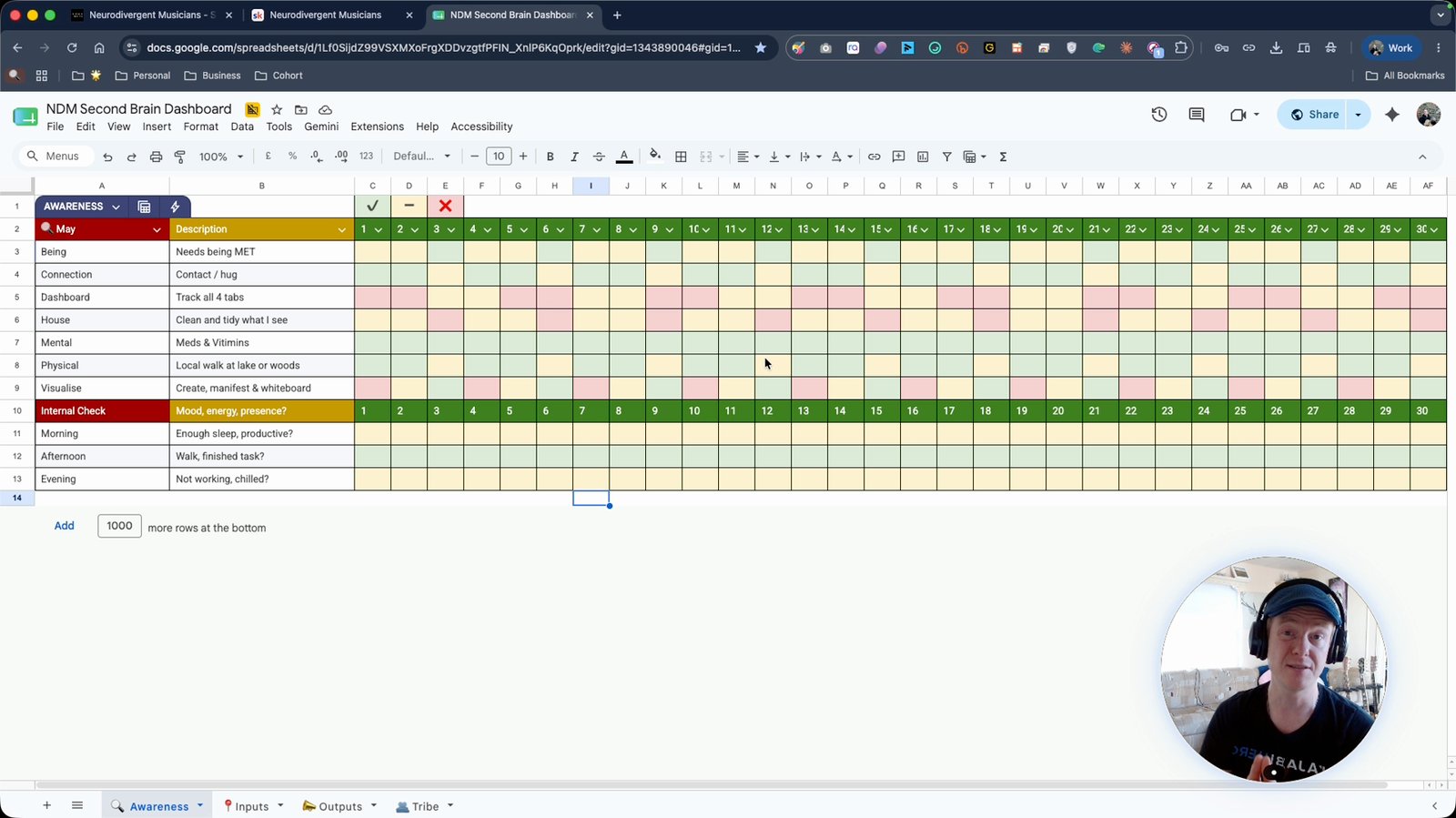
Analyze your monthly progress using the color blocks
Review the dashboard to see patterns and areas for improvement.
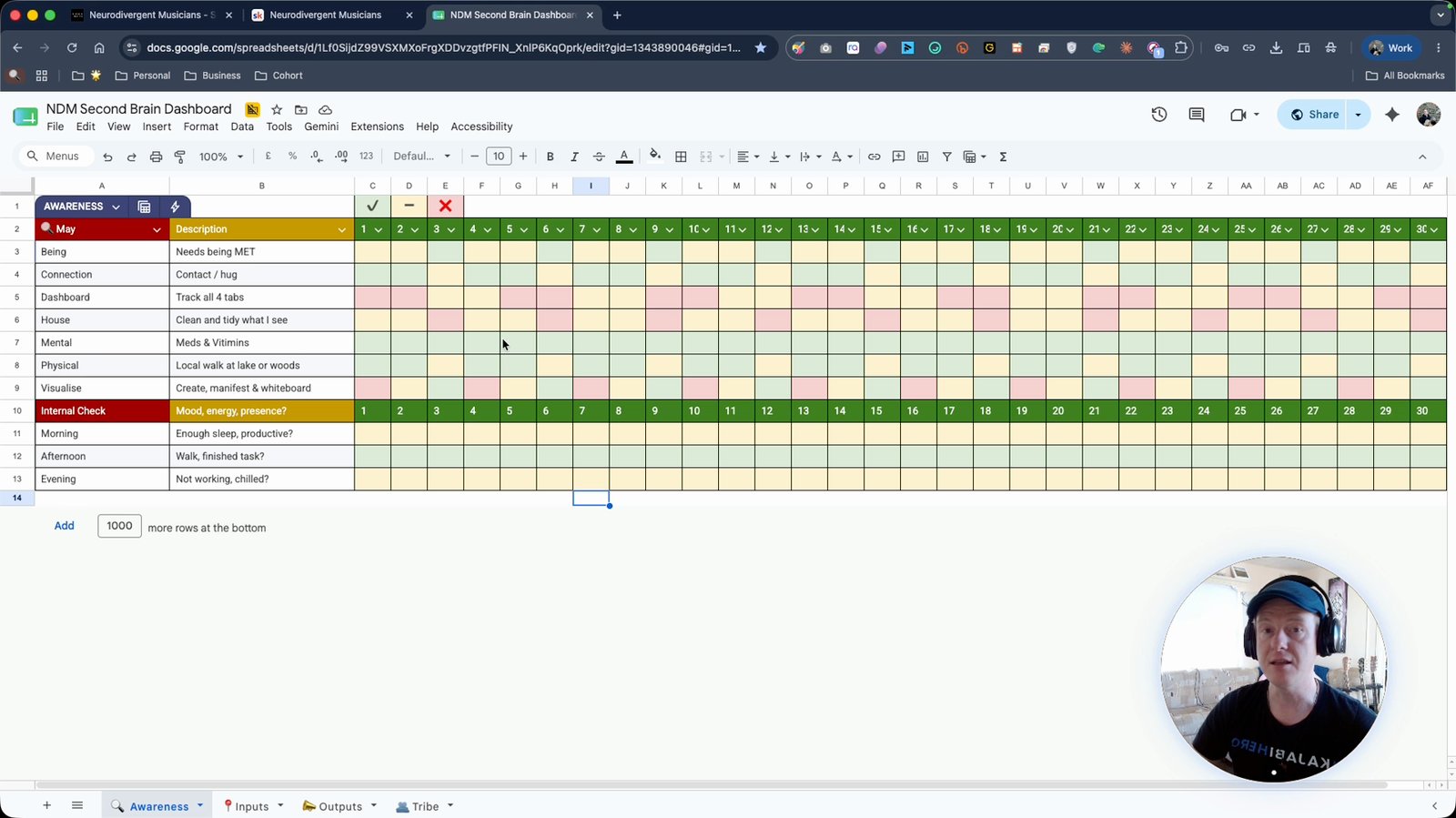
Hide unused rows or gray them out as needed
Keep your dashboard tidy by hiding or graying out irrelevant rows.
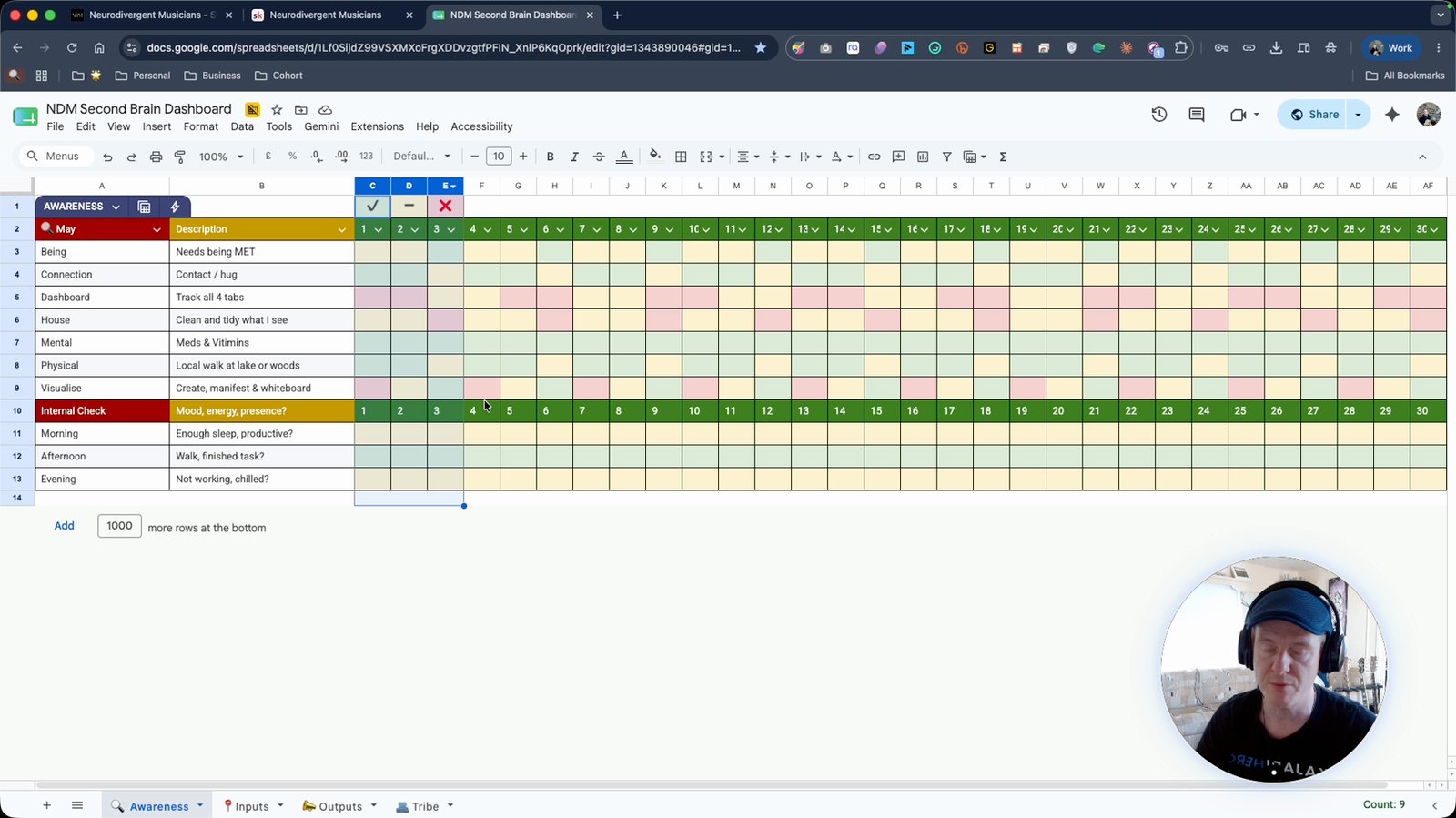
Come in daily and update your connection or personal tasks
Regularly update the dashboard with your daily actions.
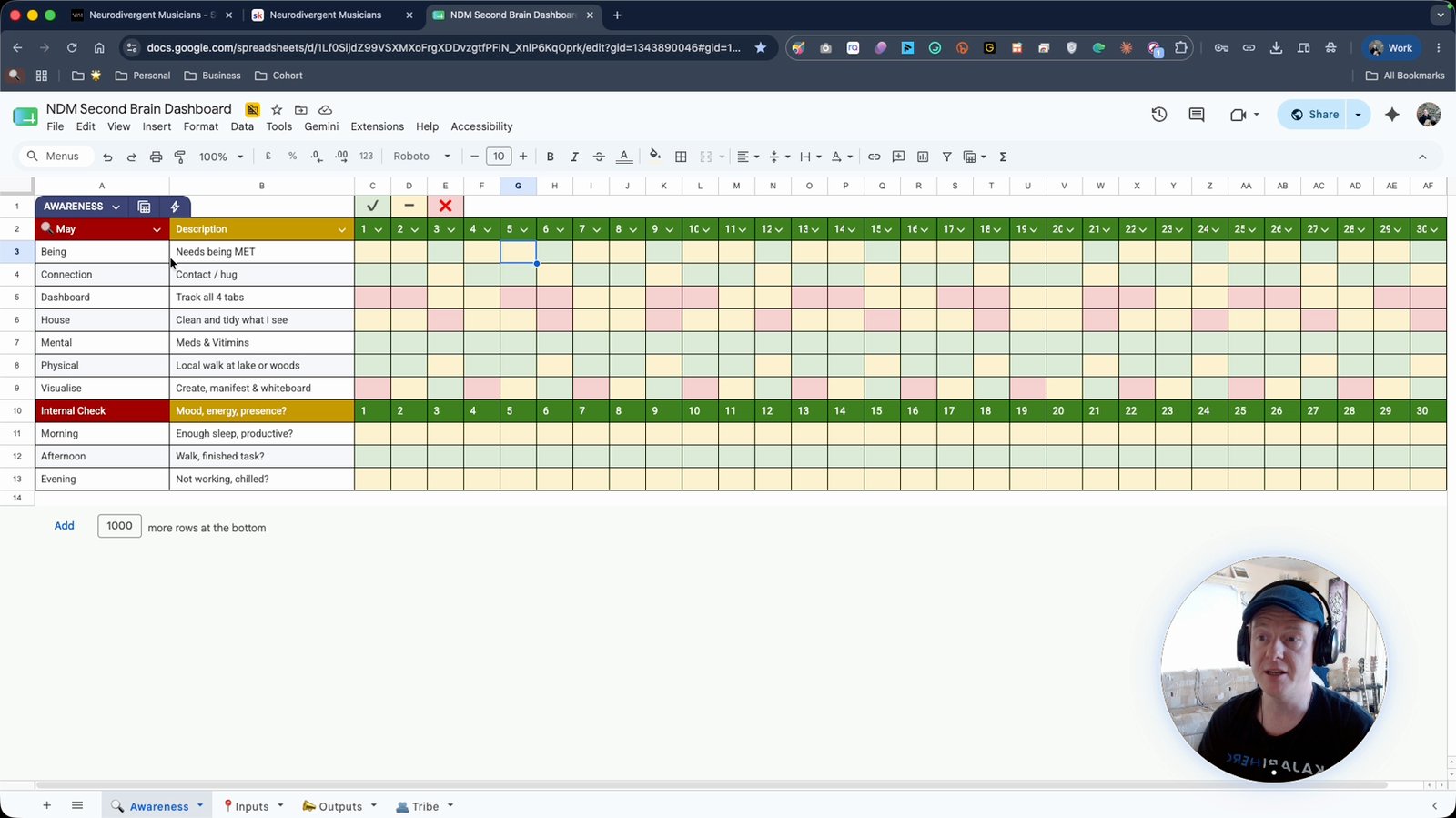
Track internal states like mood, energy, and presence
Use the dashboard to monitor your well-being.
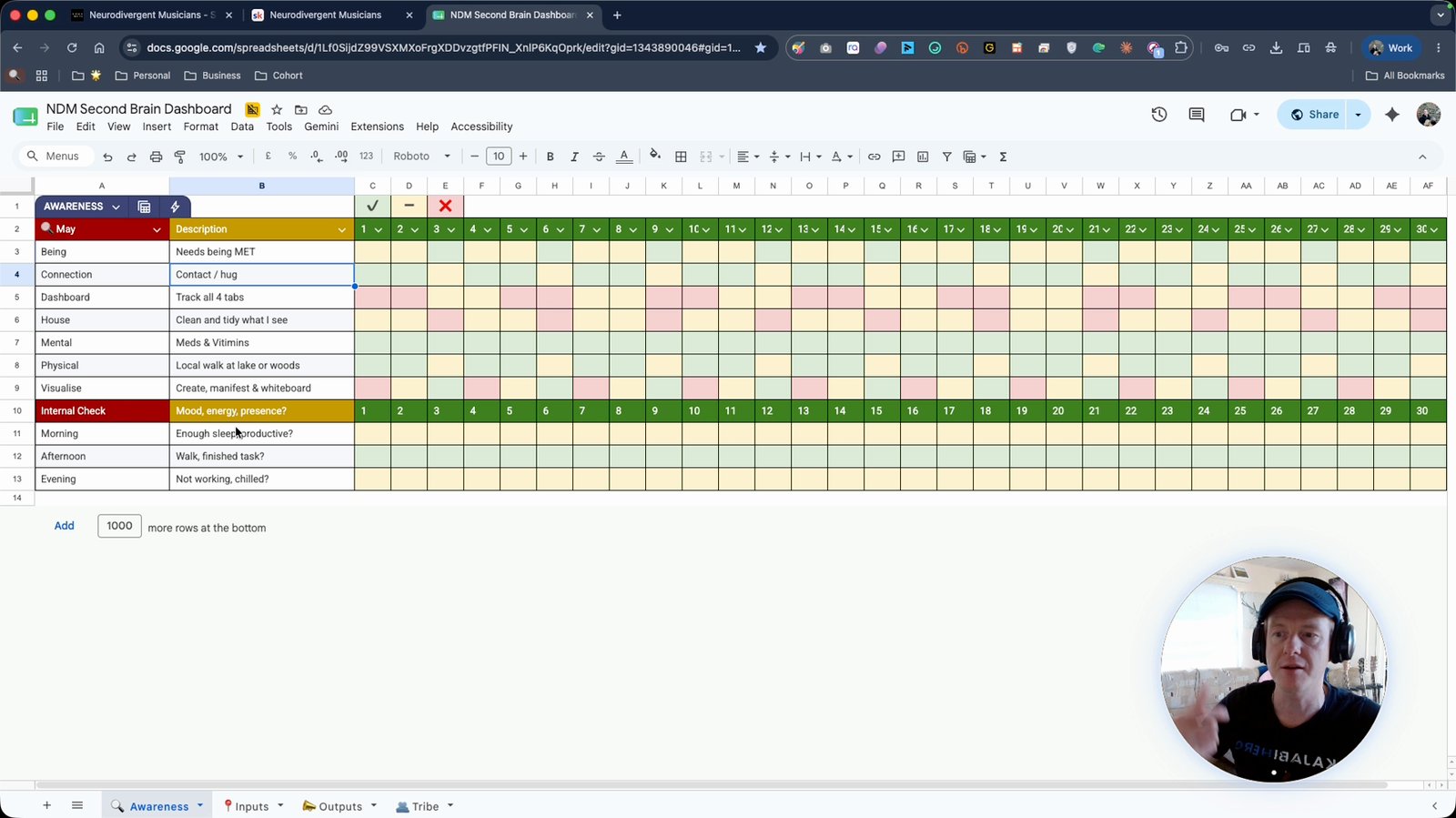
At the end of the month, analyze blocks of green, yellow, or red
Identify trends and decide what to continue, improve, or remove.
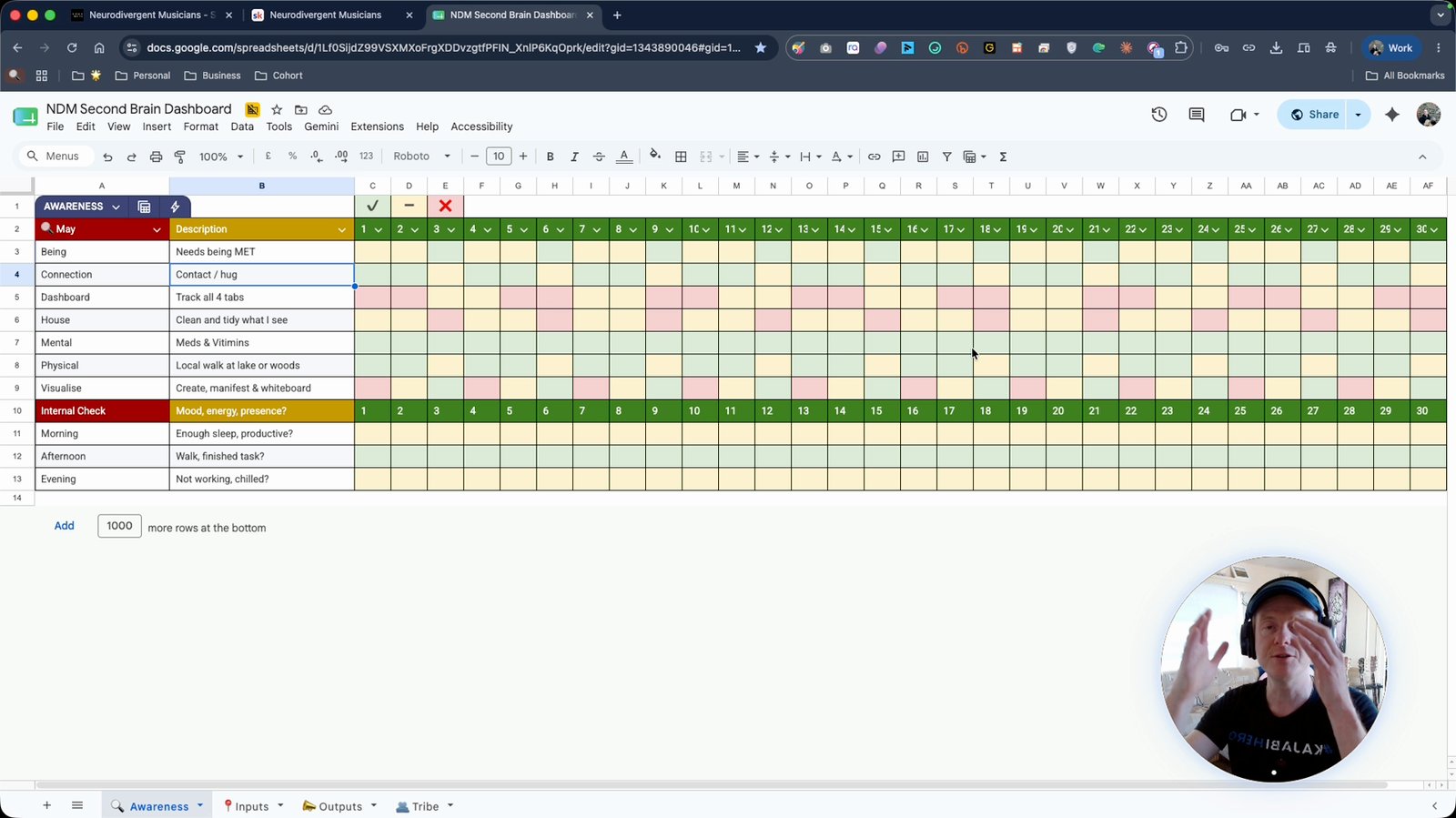
Move blocks of green to the next month
Carry over successful habits.
Work on blocks of yellow for the next month
Focus on improving partially completed habits.
Remove or outsource tasks that are consistently red
Decide if a task is not fulfilling or can be delegated.
Track your progress as a group for accountability
Group tracking helps maintain consistency.
Use the School community platform to track and discuss progress
Engage with peers and mentors for support.
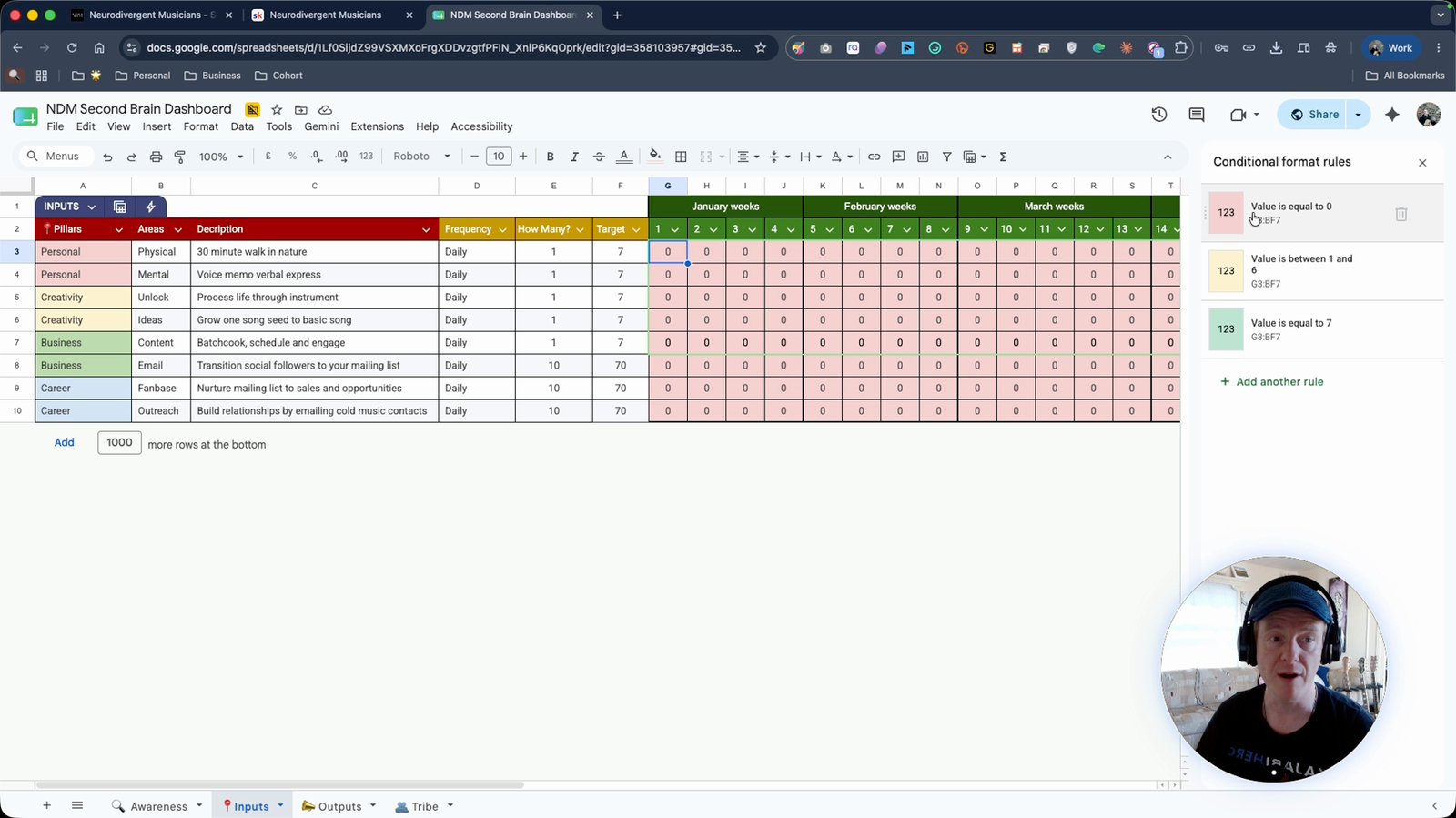
Set up conditional formatting in the spreadsheet for weekly tracking
Automatically color-code your progress.
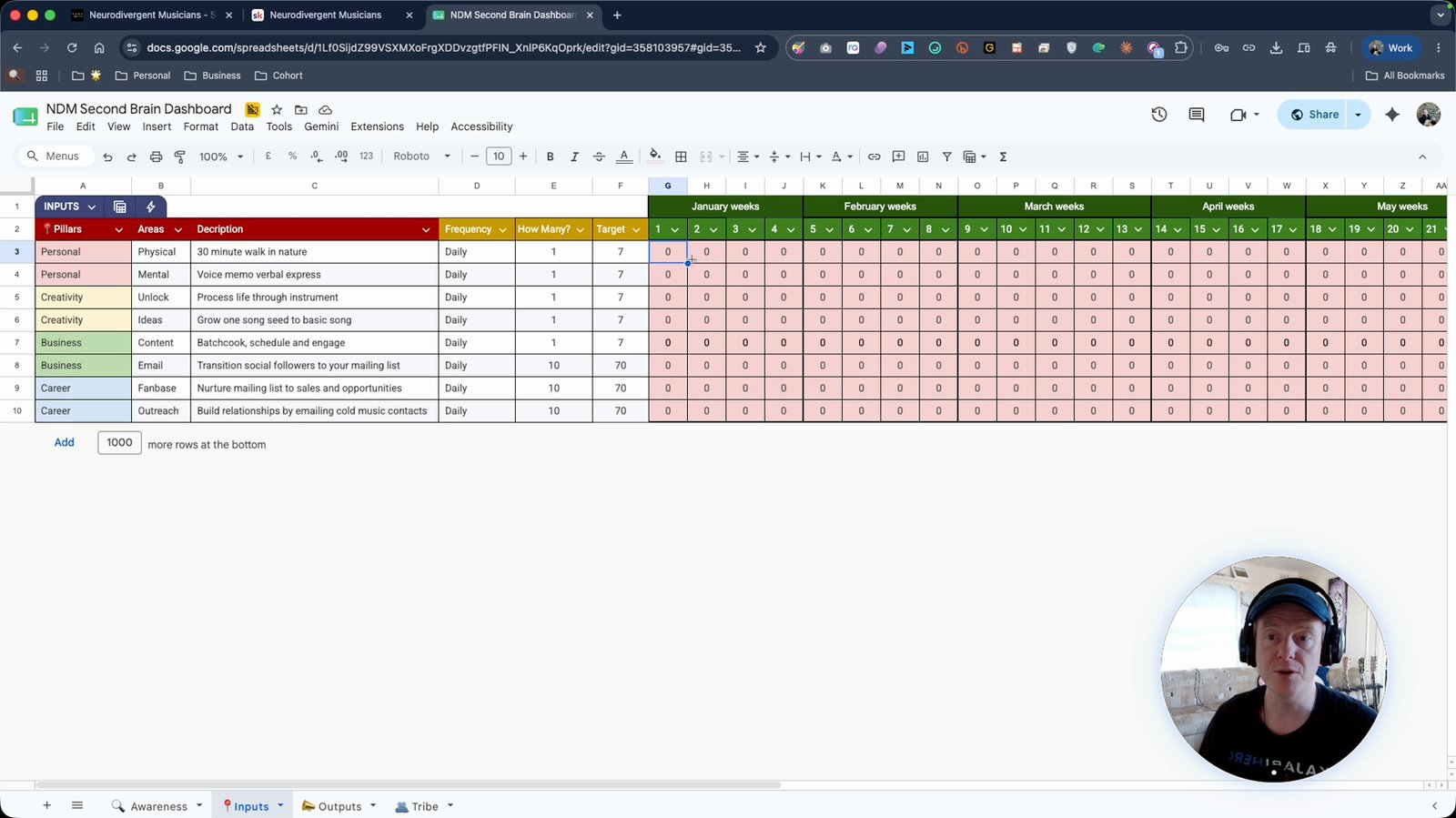
Track weekly completion rates to get red, yellow, or green indicators
Visual feedback on your consistency.
Monitor how personal, creative, business, and career pillars affect each other
Understand the interconnectedness of your life areas.
Track outputs such as social media, email, or business outcomes
Record your creative and business results.
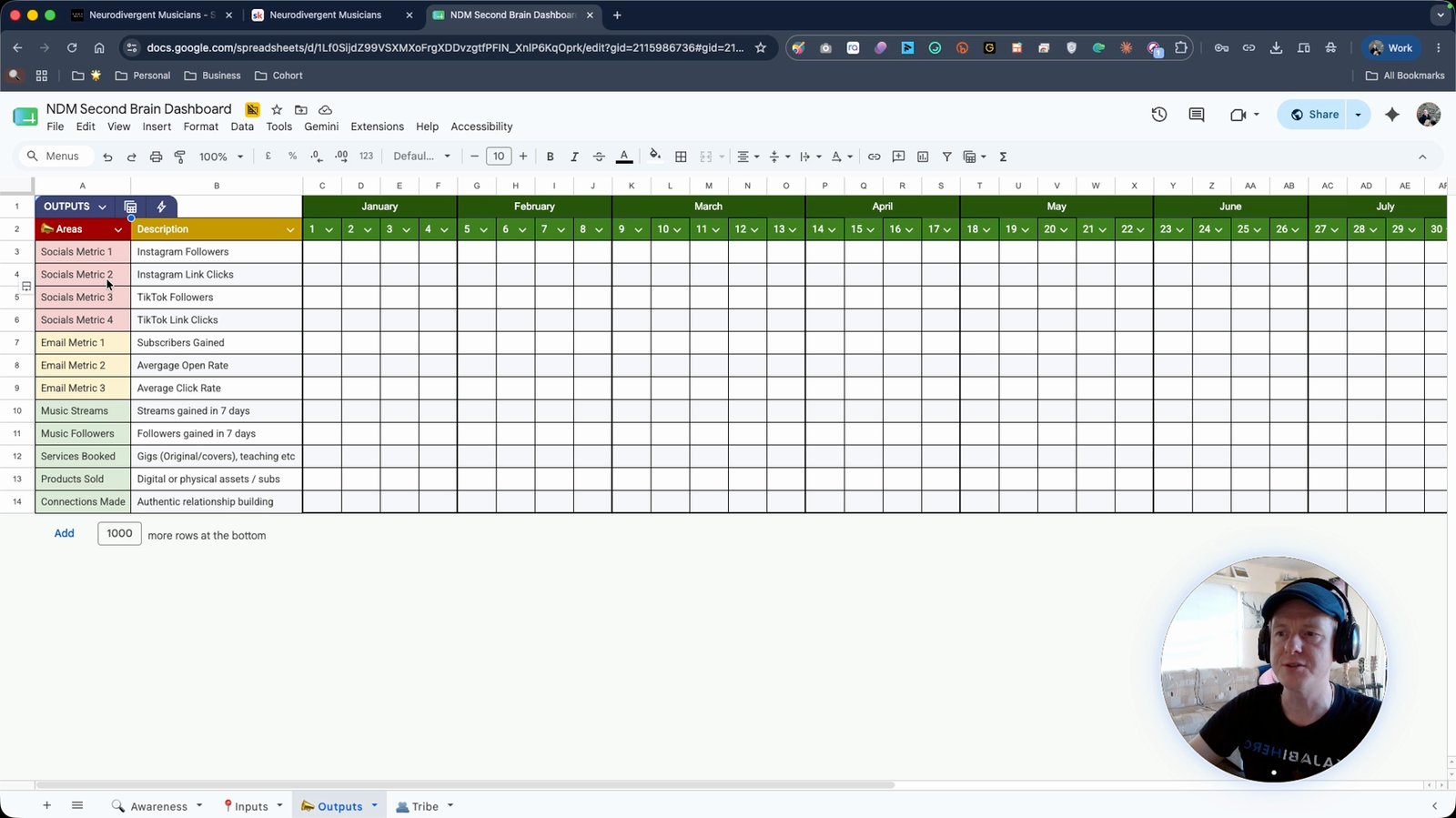
Use the CRM (tribe) sheet to manage your contacts and fan base
Keep track of clients, peers, and networking connections.
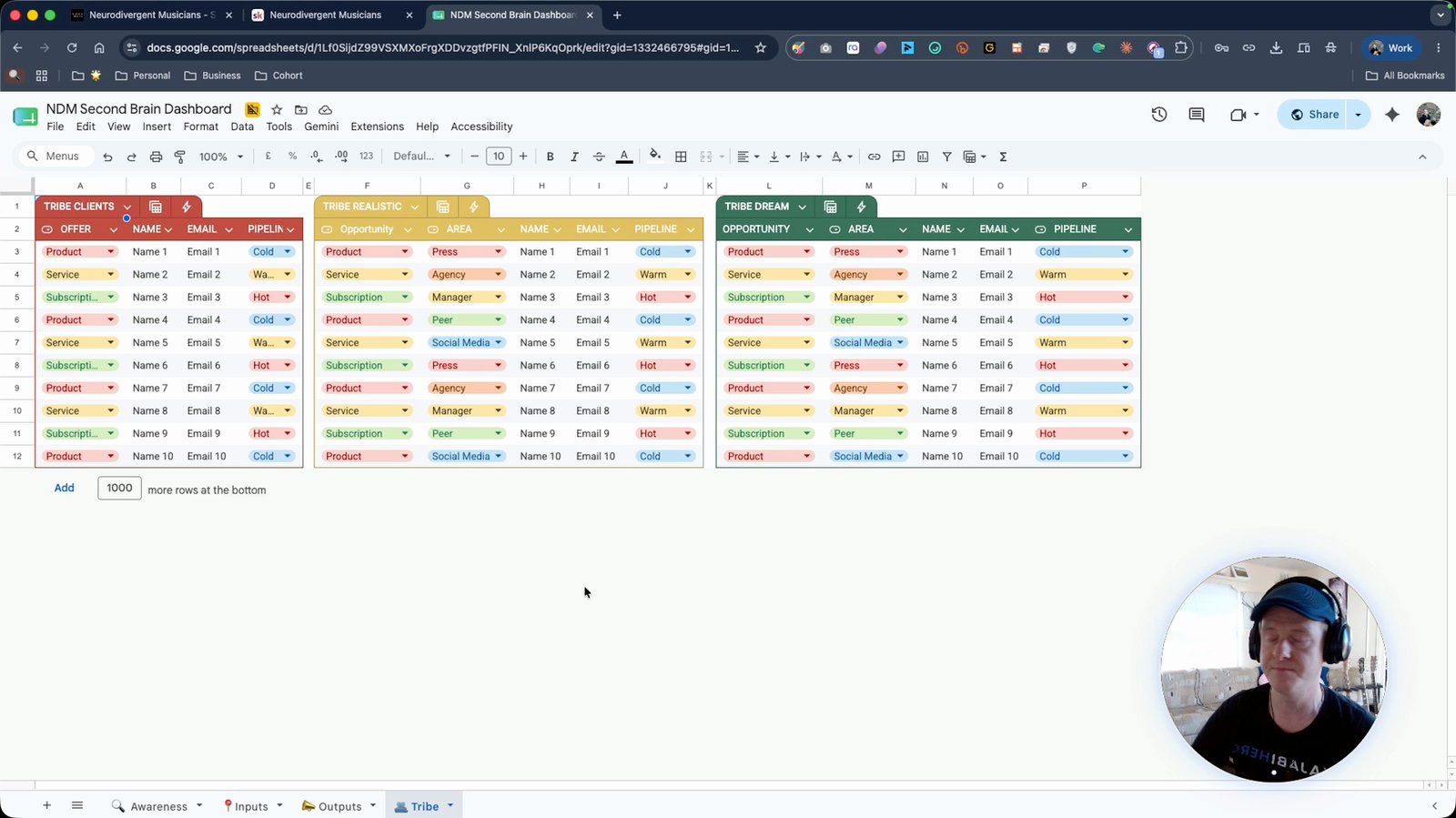
Nurture your contacts by tracking next steps and follow-ups
Ensure ongoing engagement with your network.
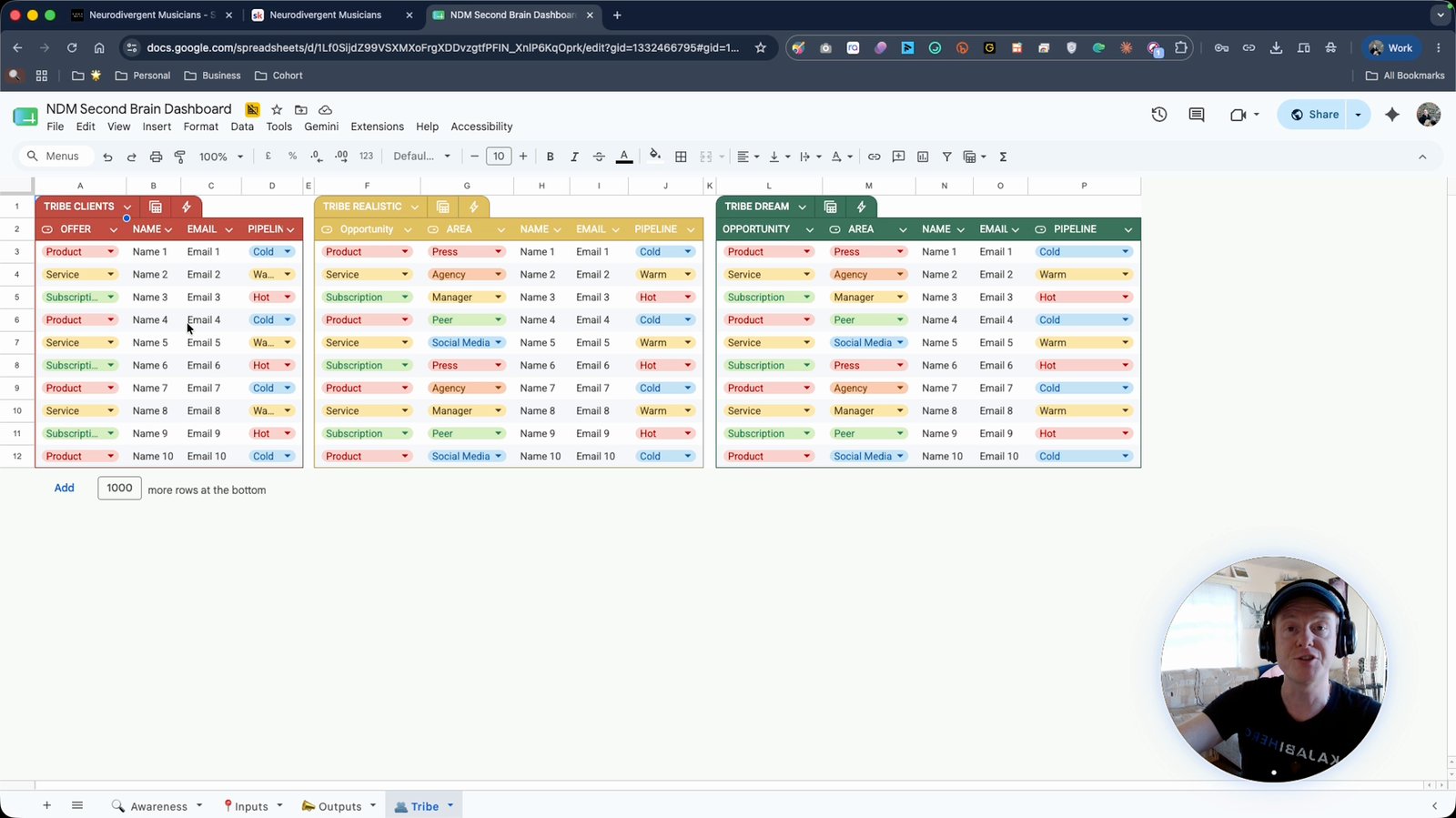
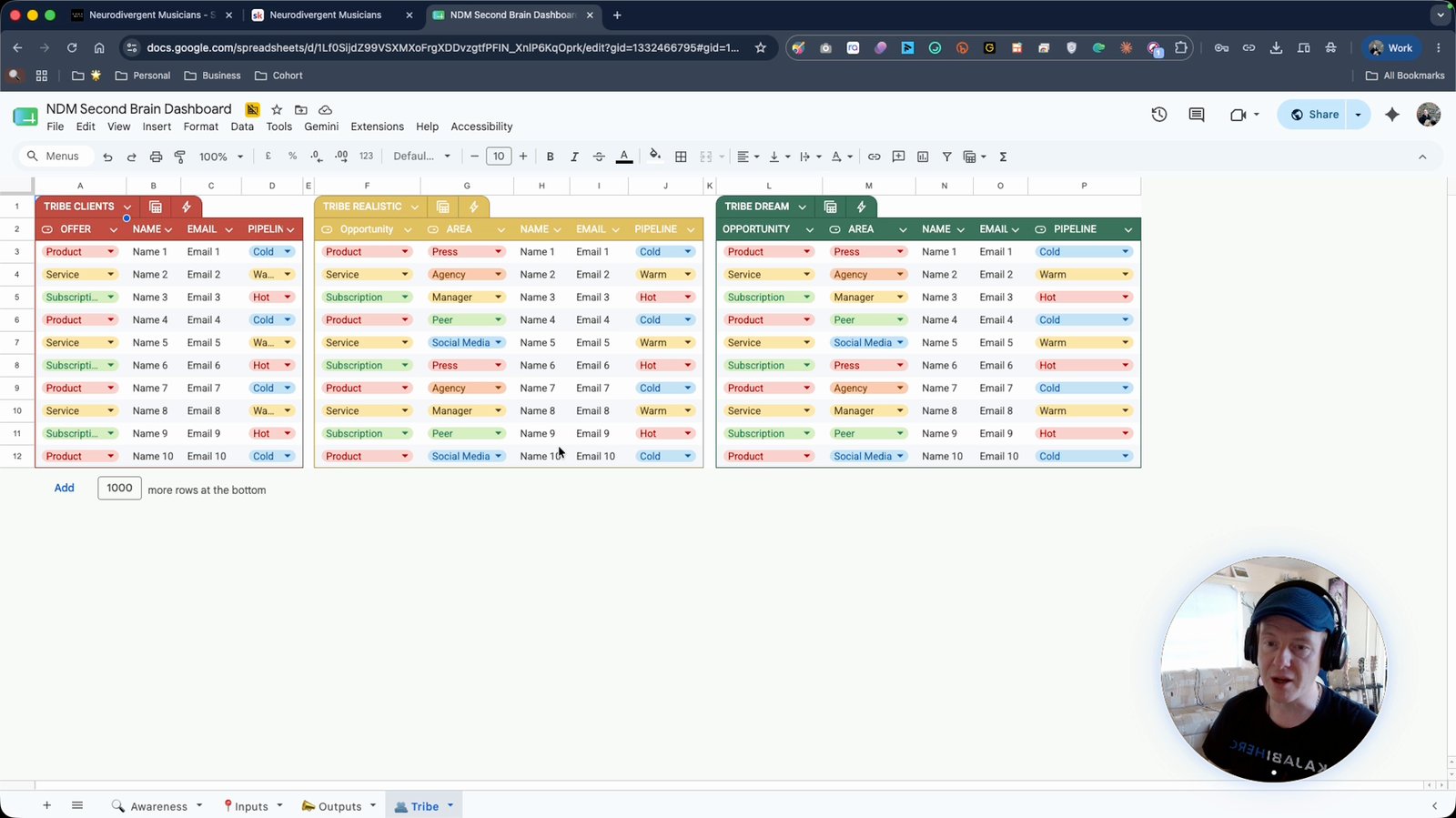
Build up realistic and dream contacts in the CRM
Separate achievable contacts from aspirational ones.
Join the School community platform for quieter, focused interaction
Avoid distractions compared to Facebook groups.
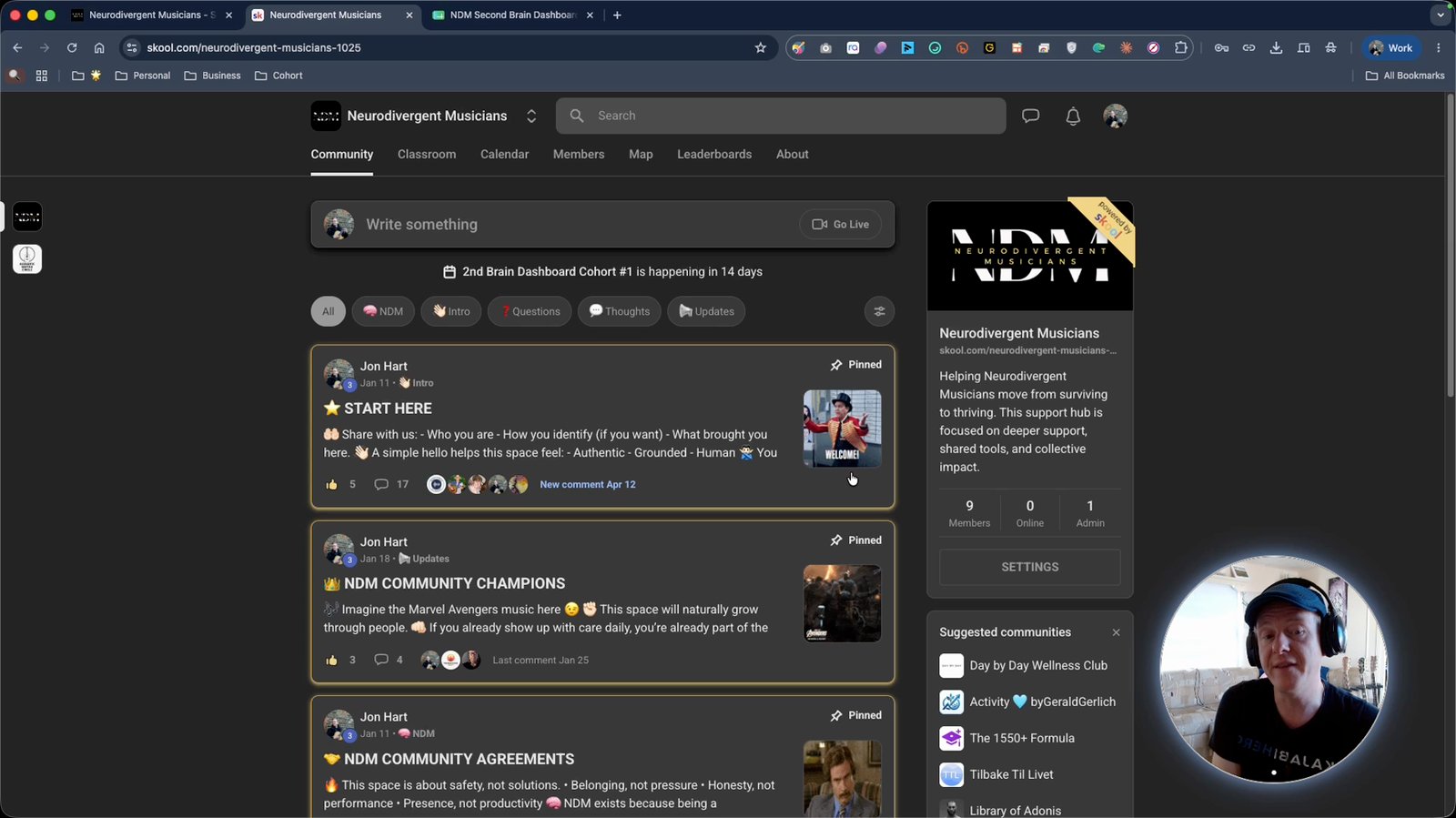
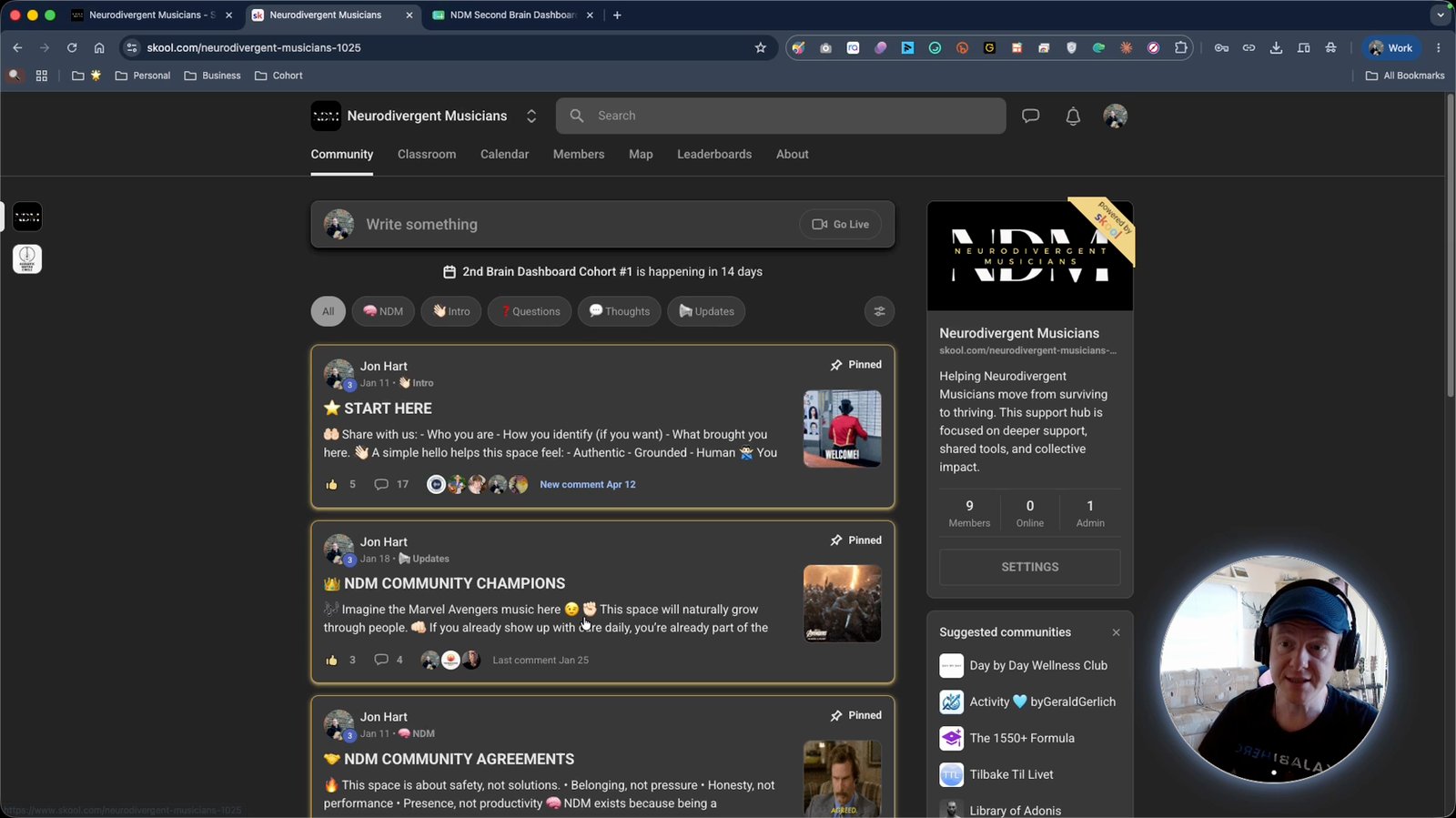
Use the Community tab in School to post updates and connect
Share progress and ask questions.
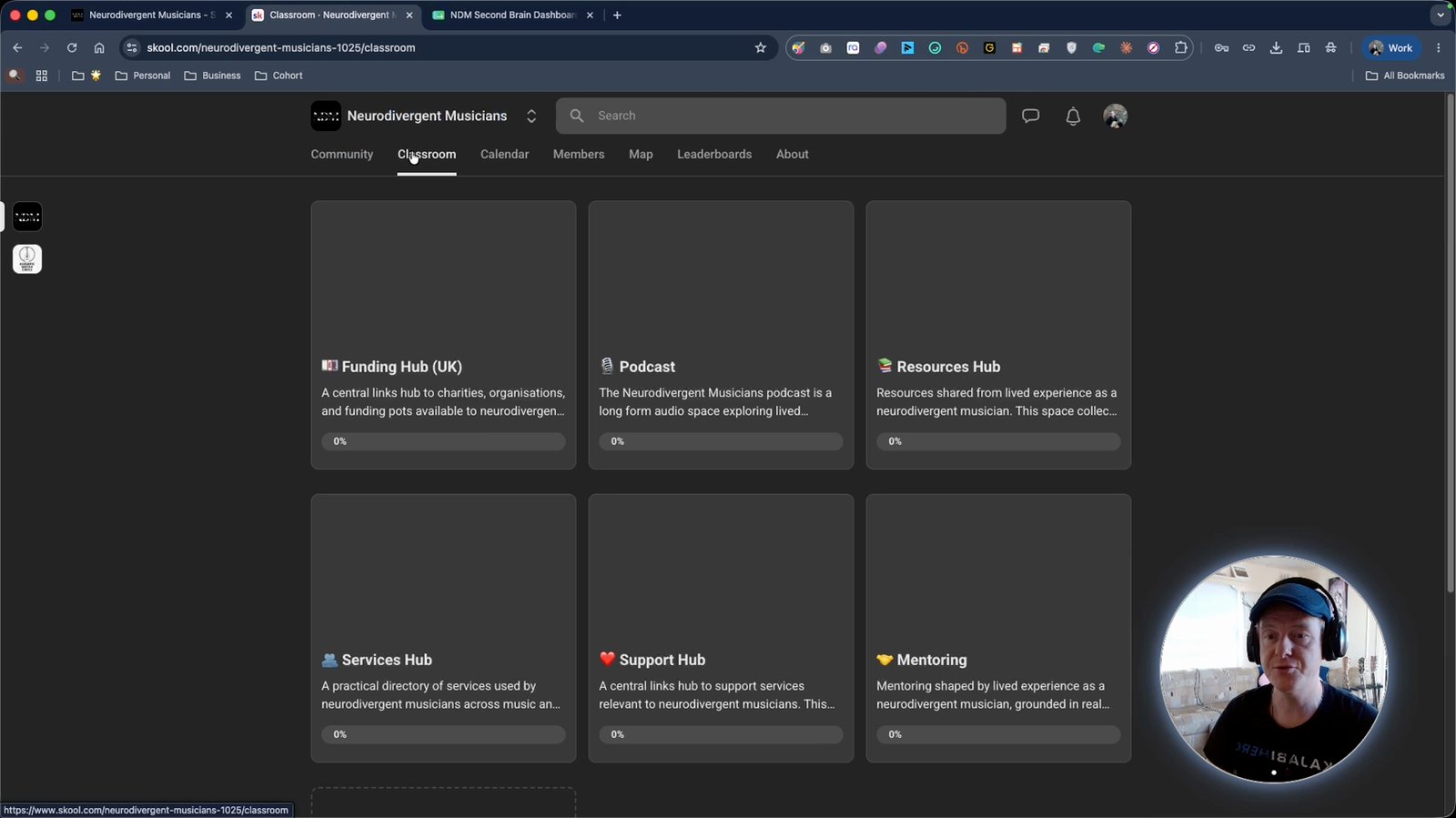
Access resources in the Classroom tab
Find materials to support your journey.
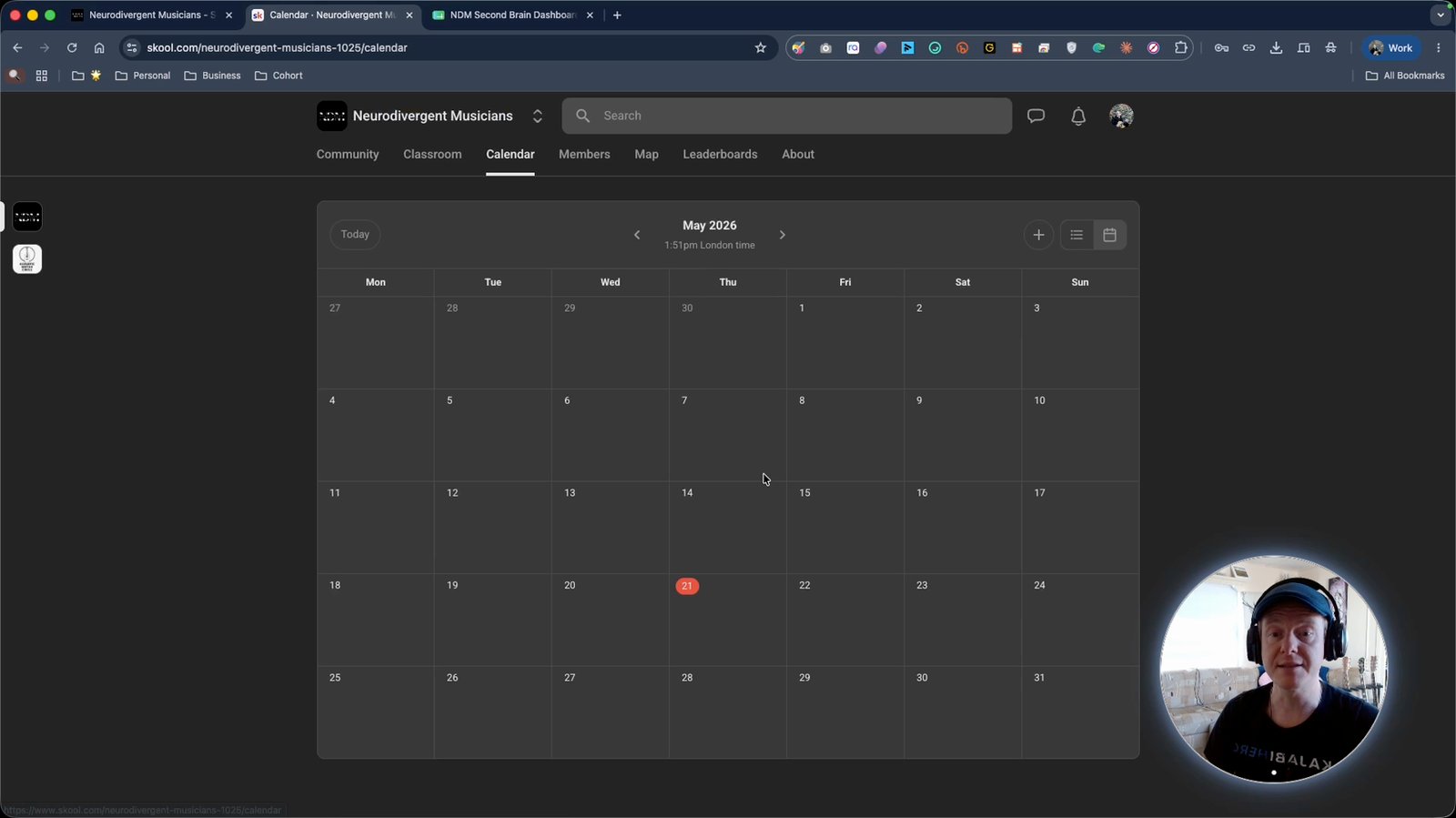
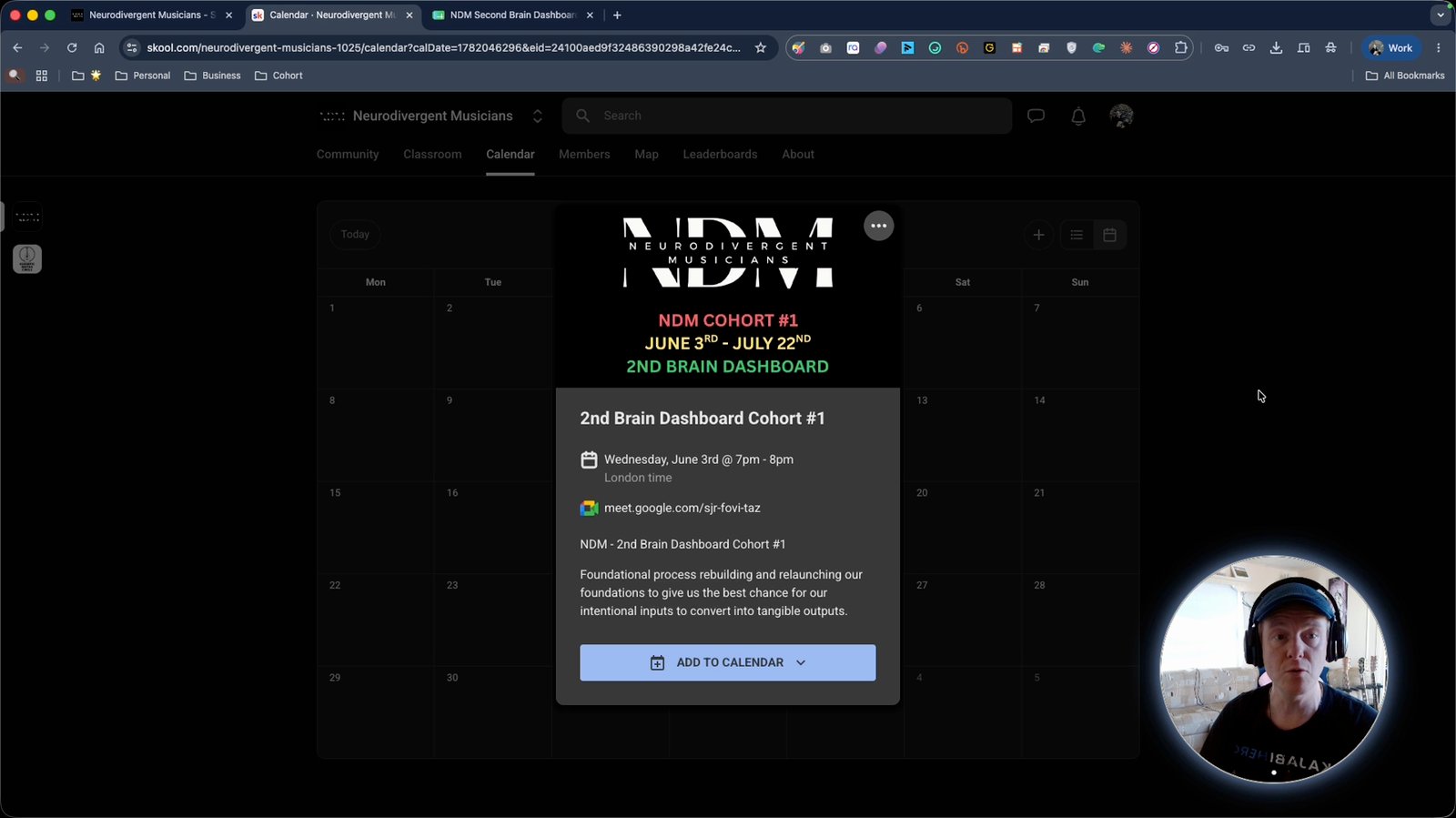
Check the Calendar tab for meeting schedules
Stay updated on cohort events.
Join Google Meet sessions for live group meetings
Participate in weekly cohort calls.
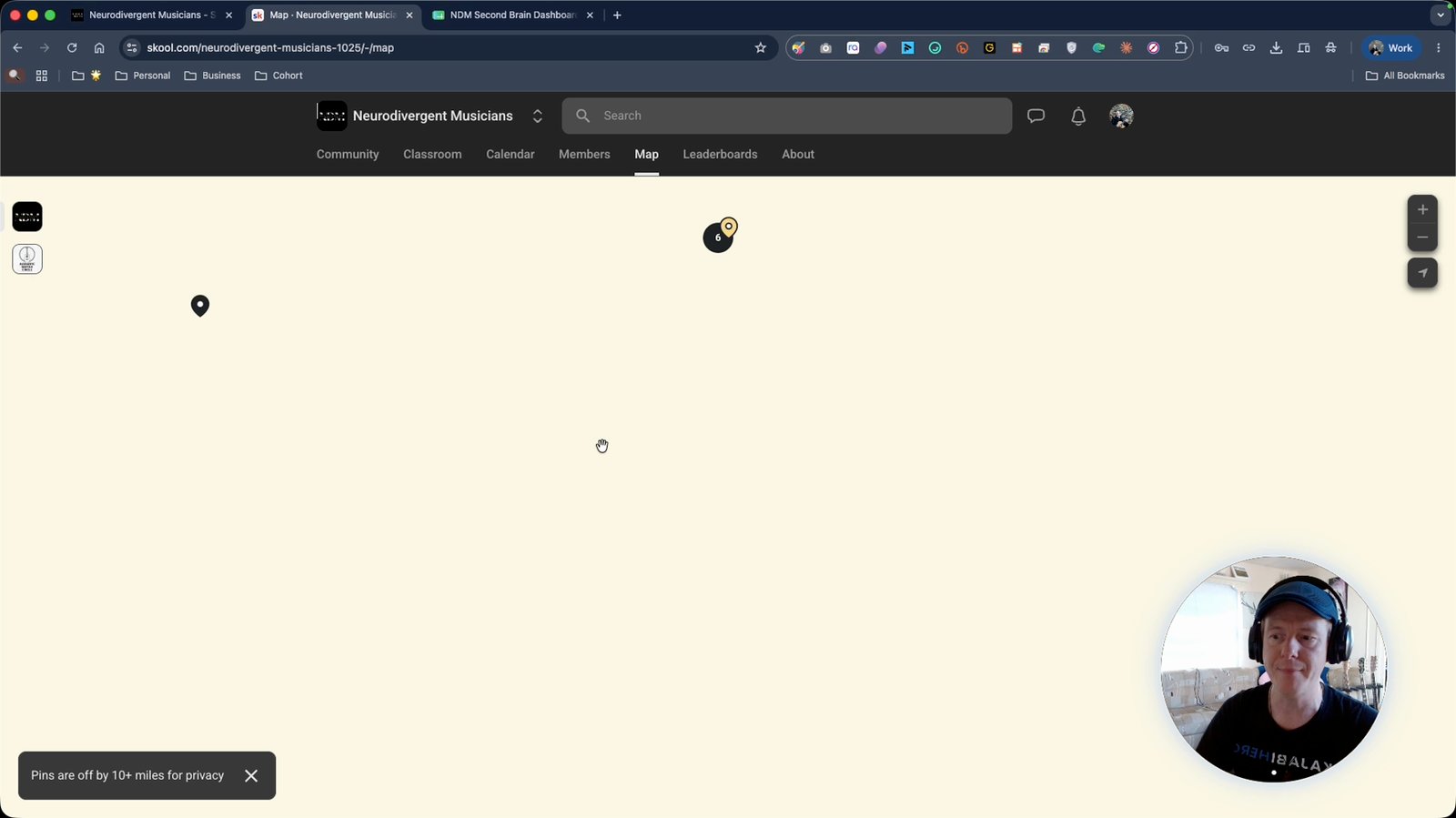
See all members on the map in School
Visualize the global community.
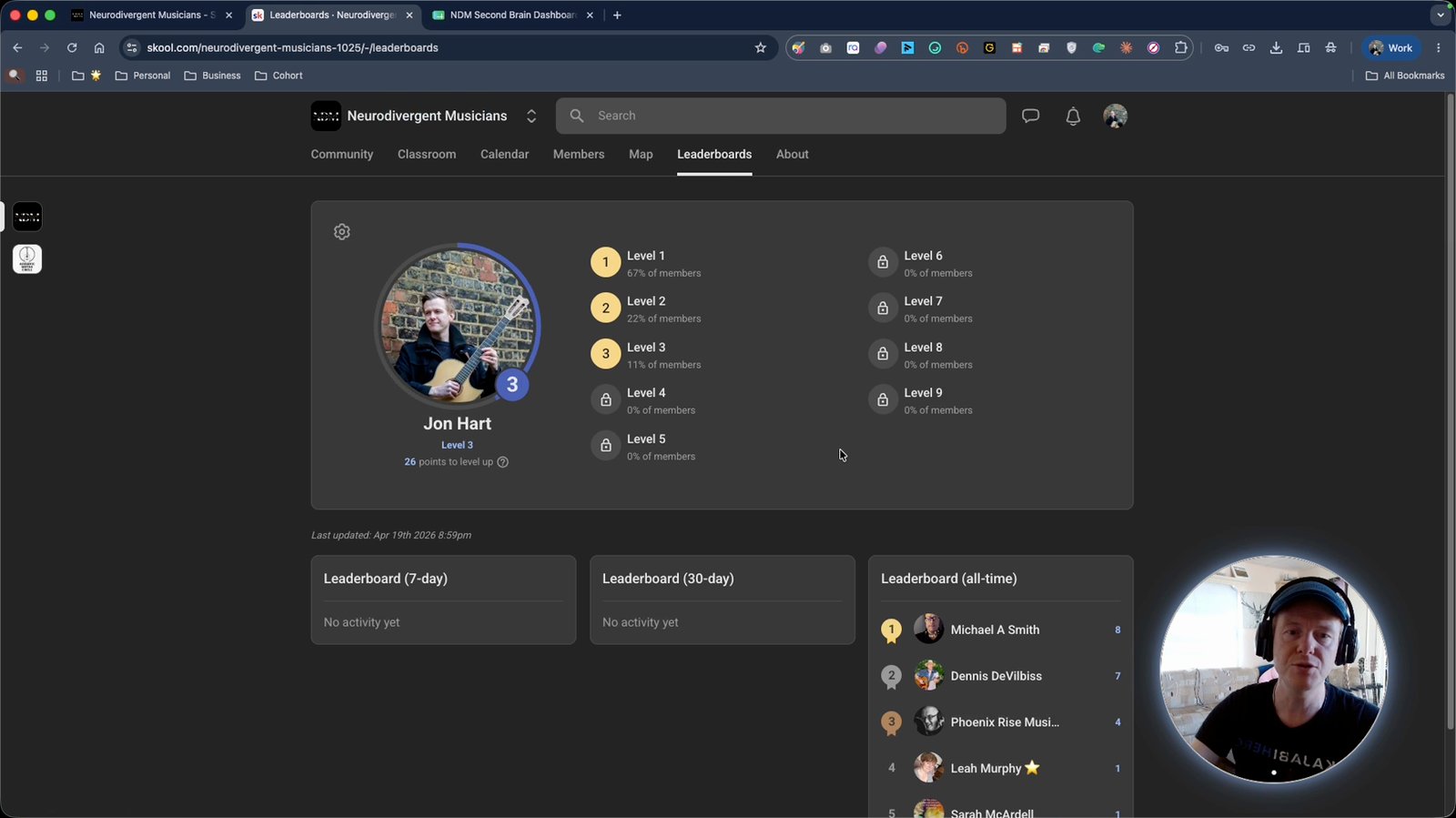
Check the leaderboard to see community engagement
Track your activity and others' in the community.
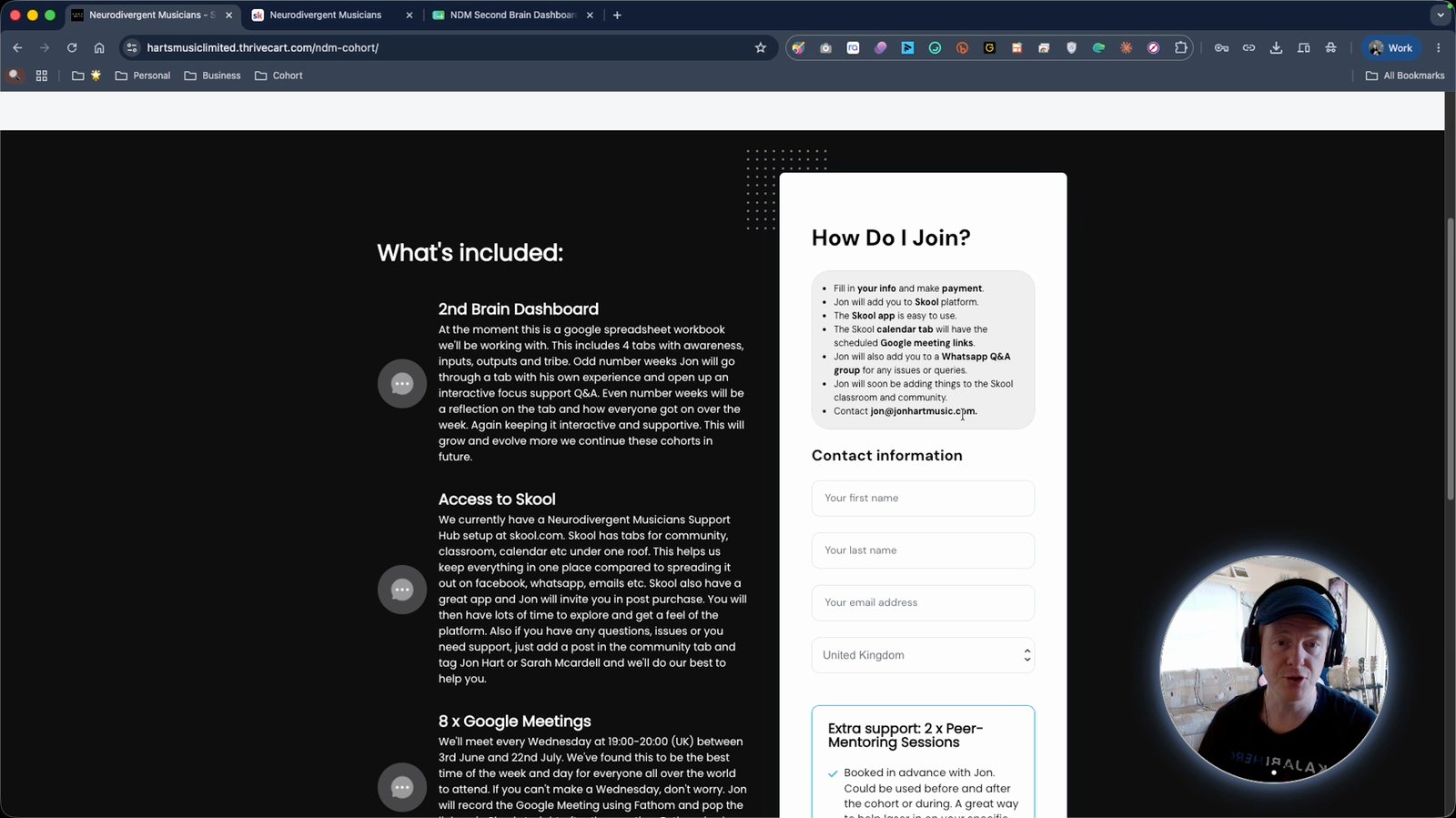
Contact the program organizer for coaching or mentoring
Reach out for additional support if needed.
You made it to the end!
35 steps complete