
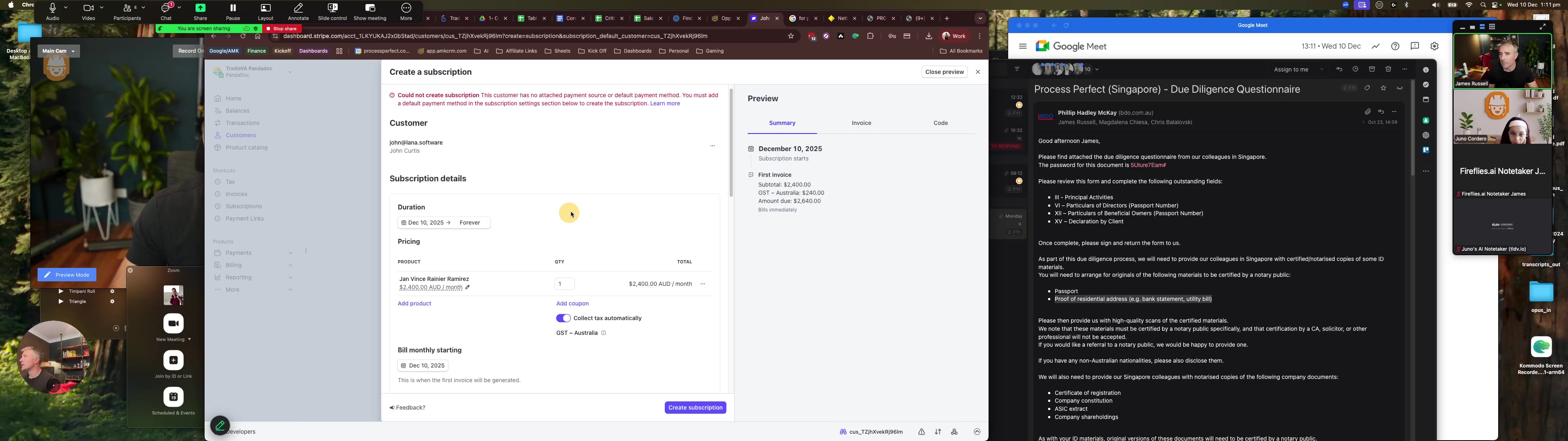
1
Click here

2
Open Google Chrome - Window
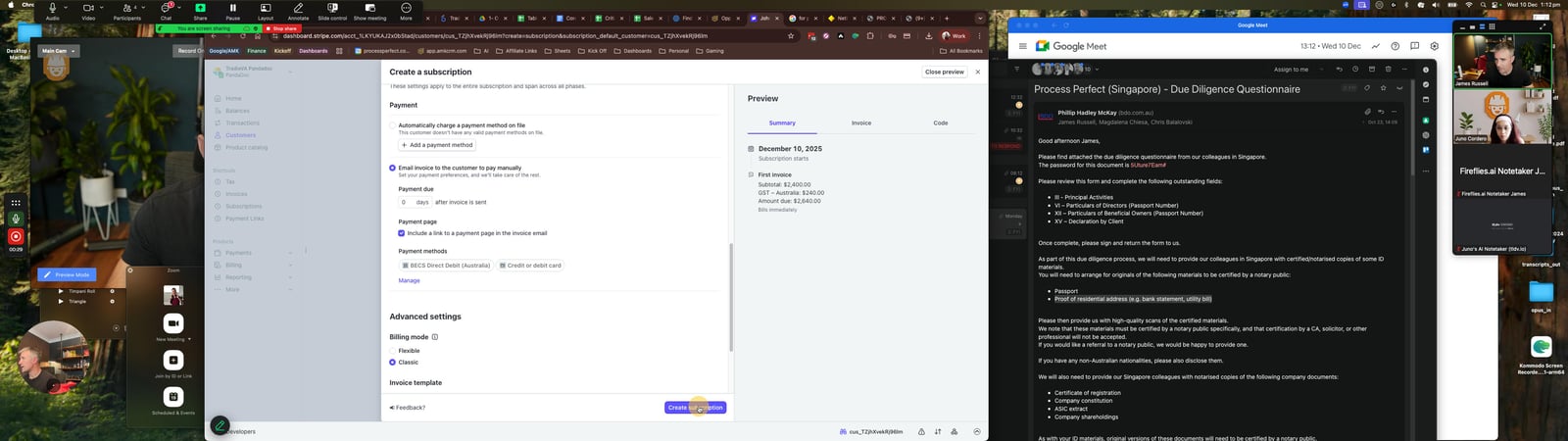
3
Click the Row actions

4
Click here
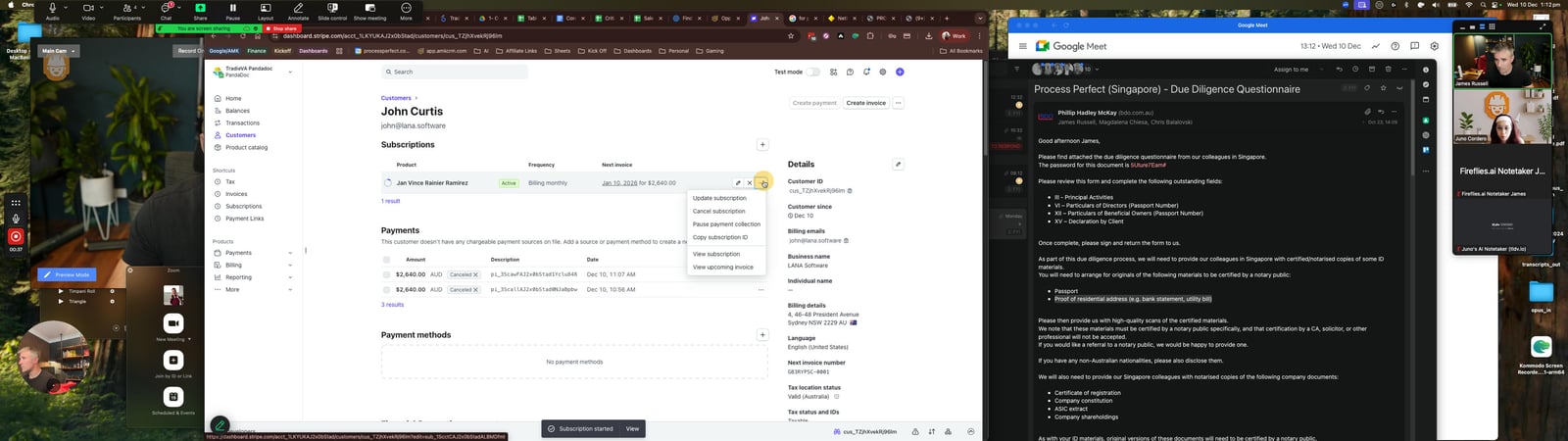
5
Click the View subscription
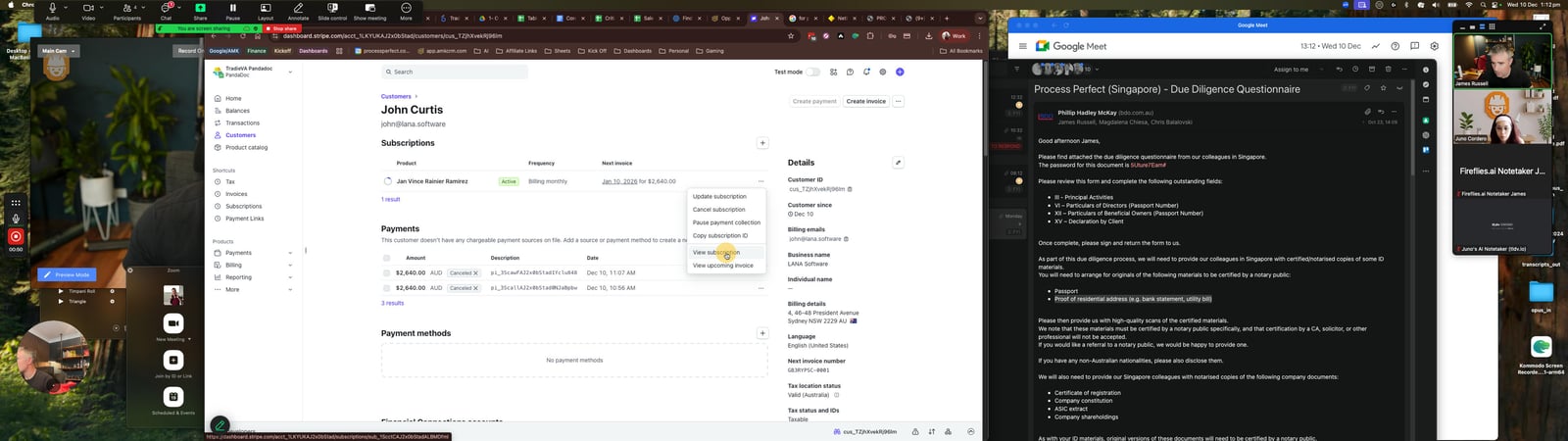
6
Click the image Row actions

7
Click the
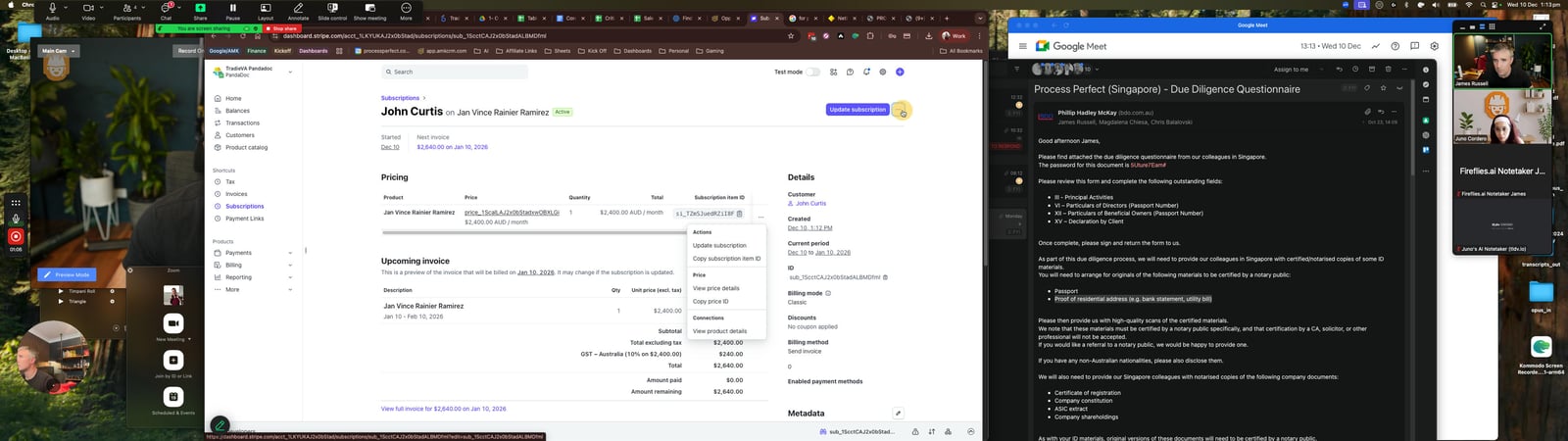
8
Click the Row actions
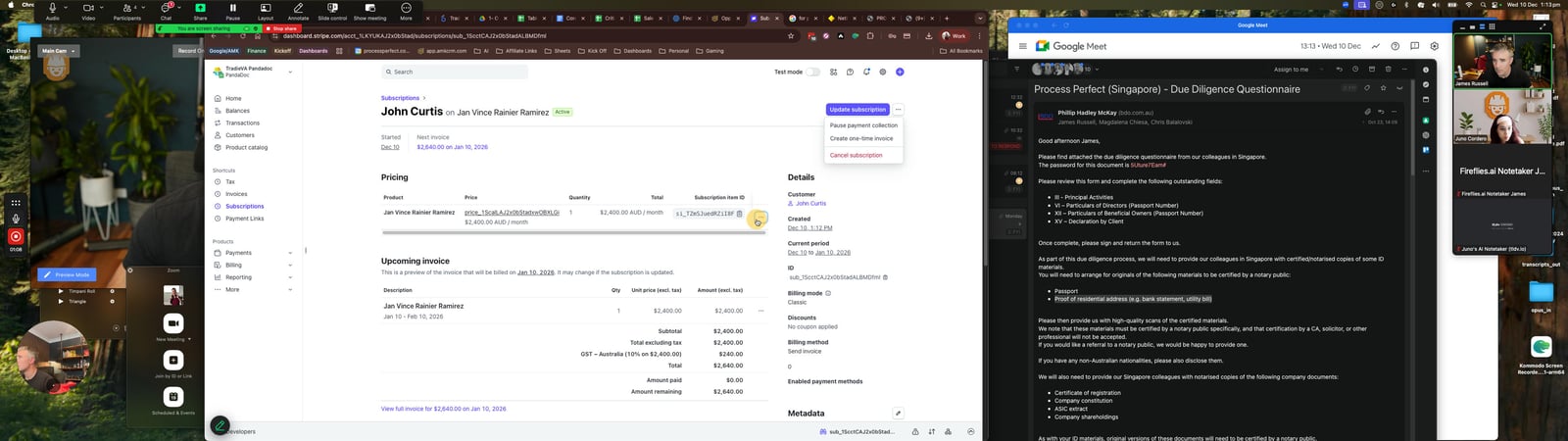
9
Click the Update subscription
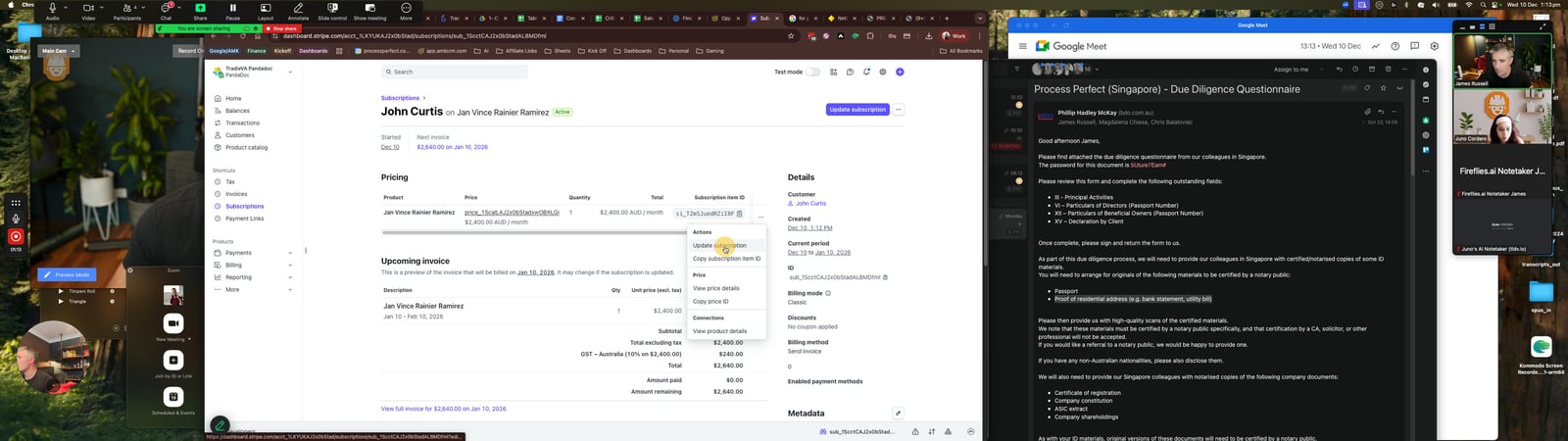
10
Click the Invoice template
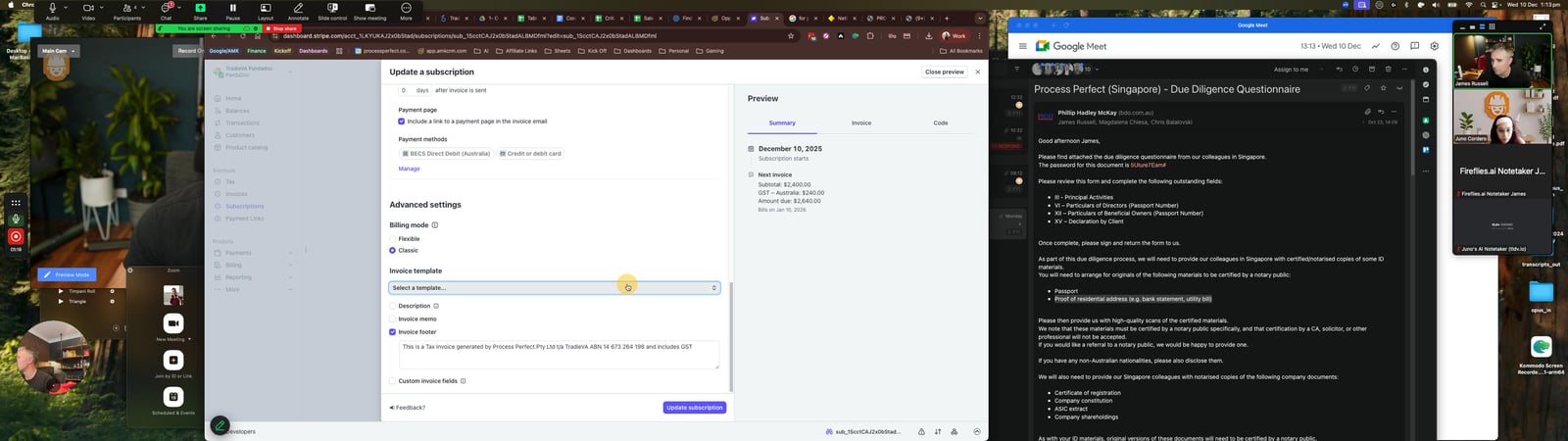
11
Click the Close preview

12
Click the button Close
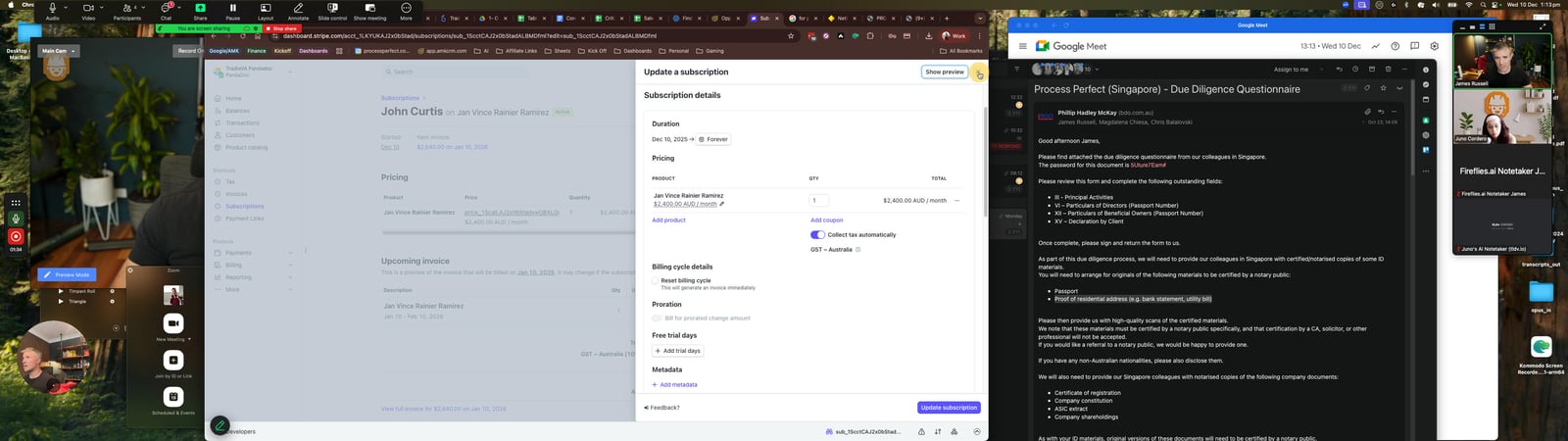
13
Click this status menu
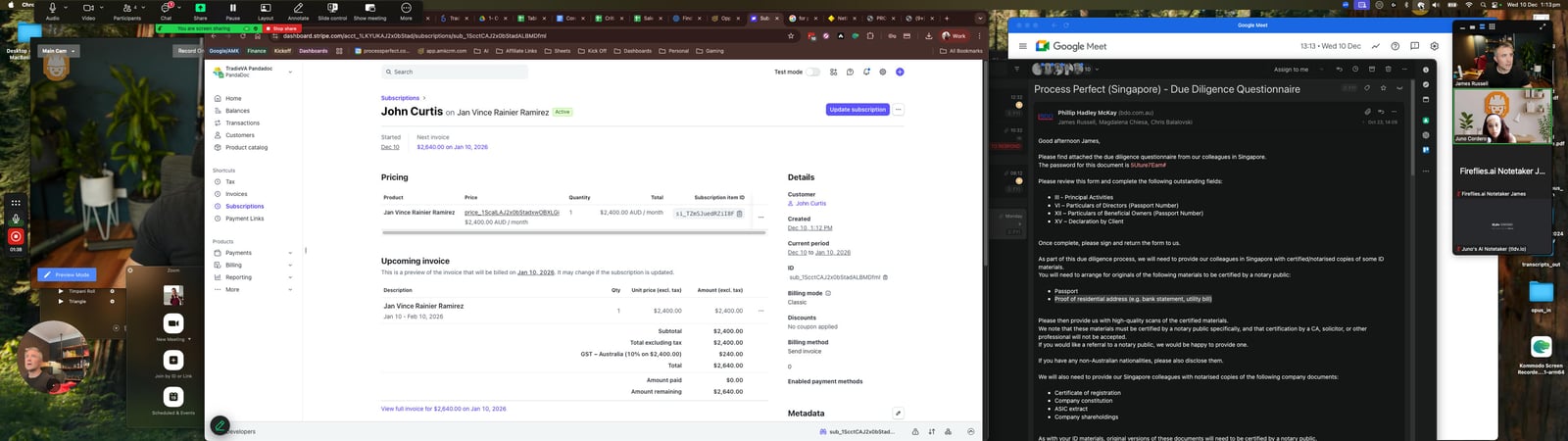
You made it to the end!
13 steps complete