

Click the Google
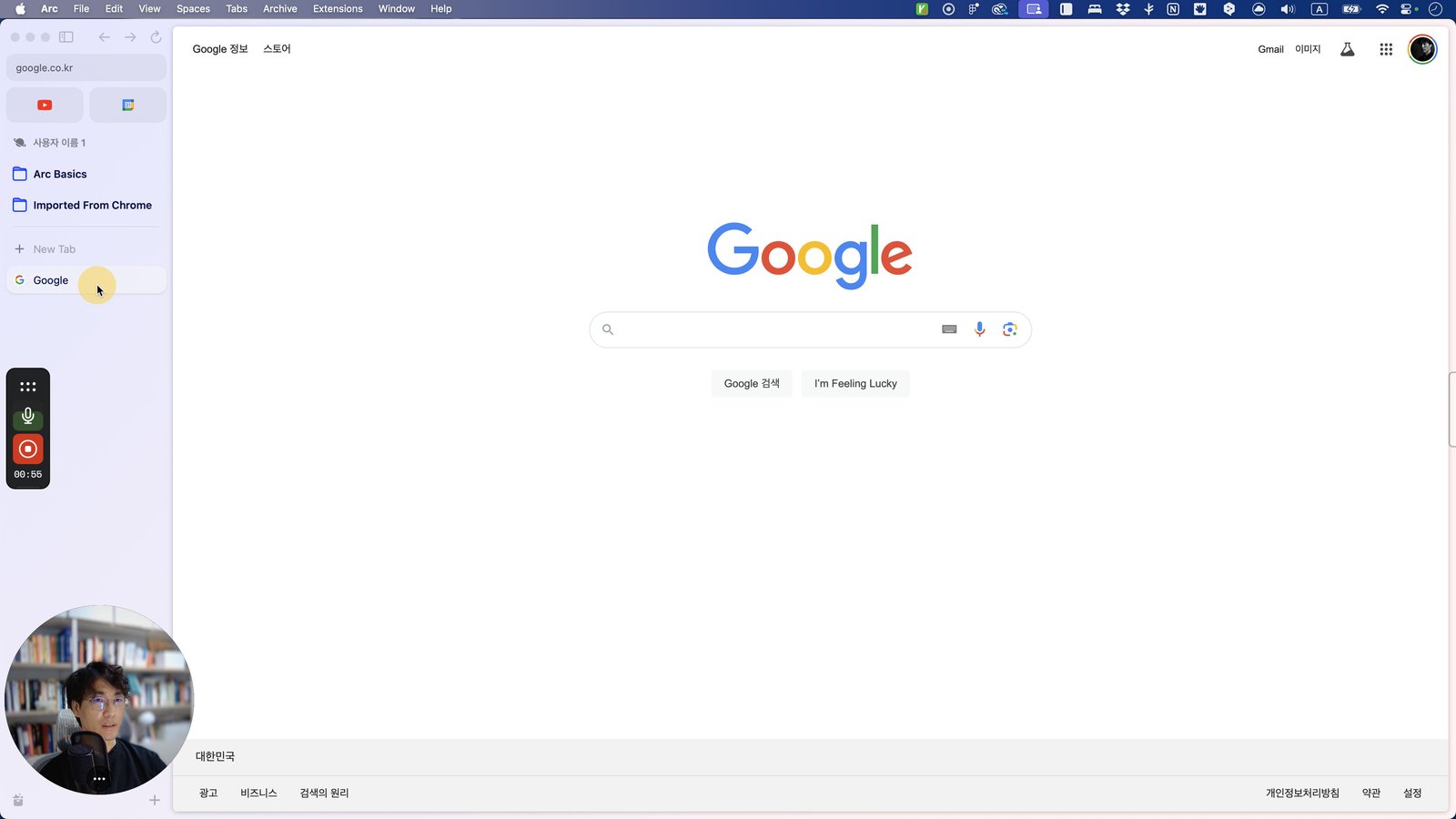
Open Arc - Google

Type "imagefx Enter"
Click this 스크롤 영역
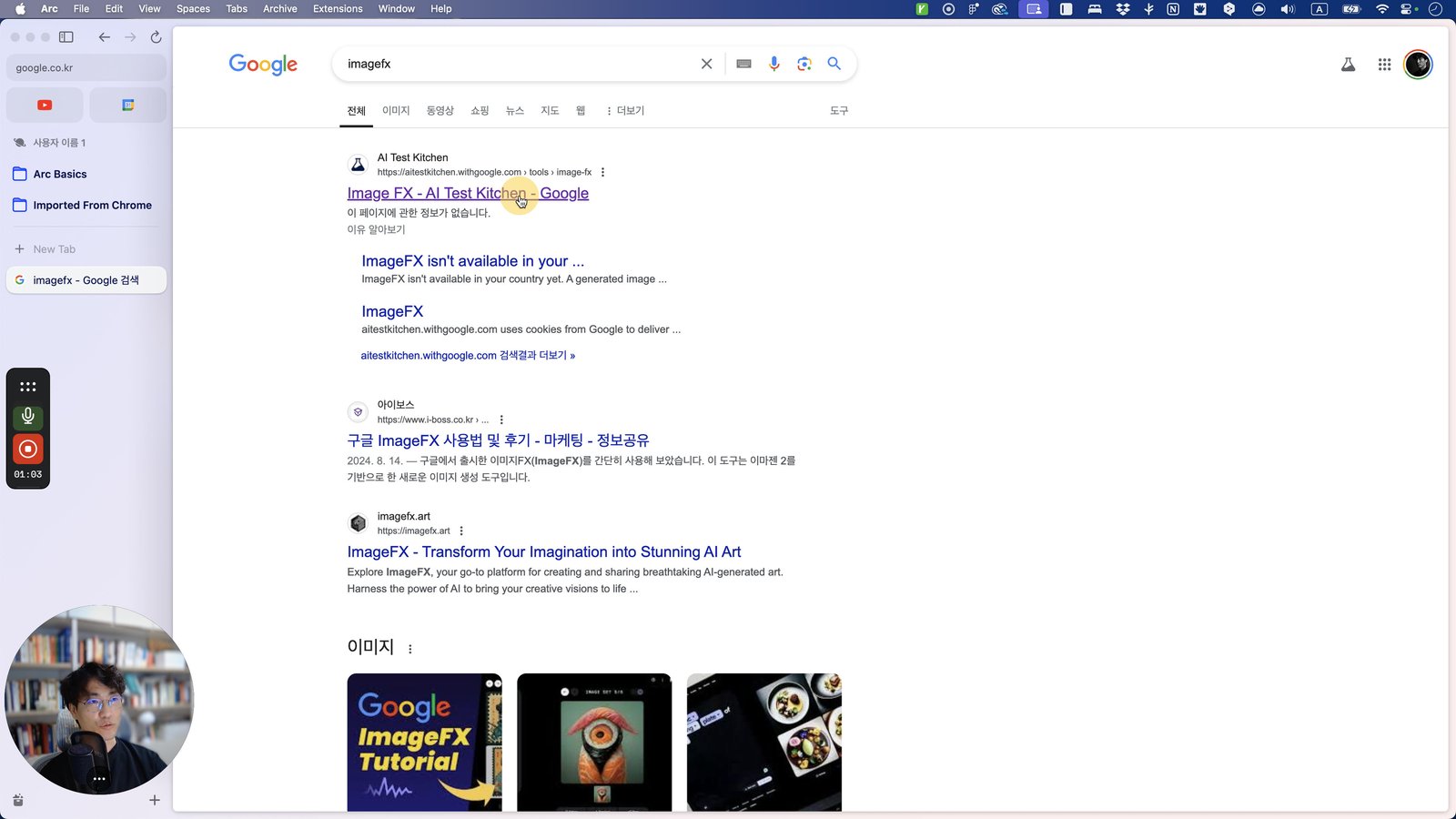
Click here
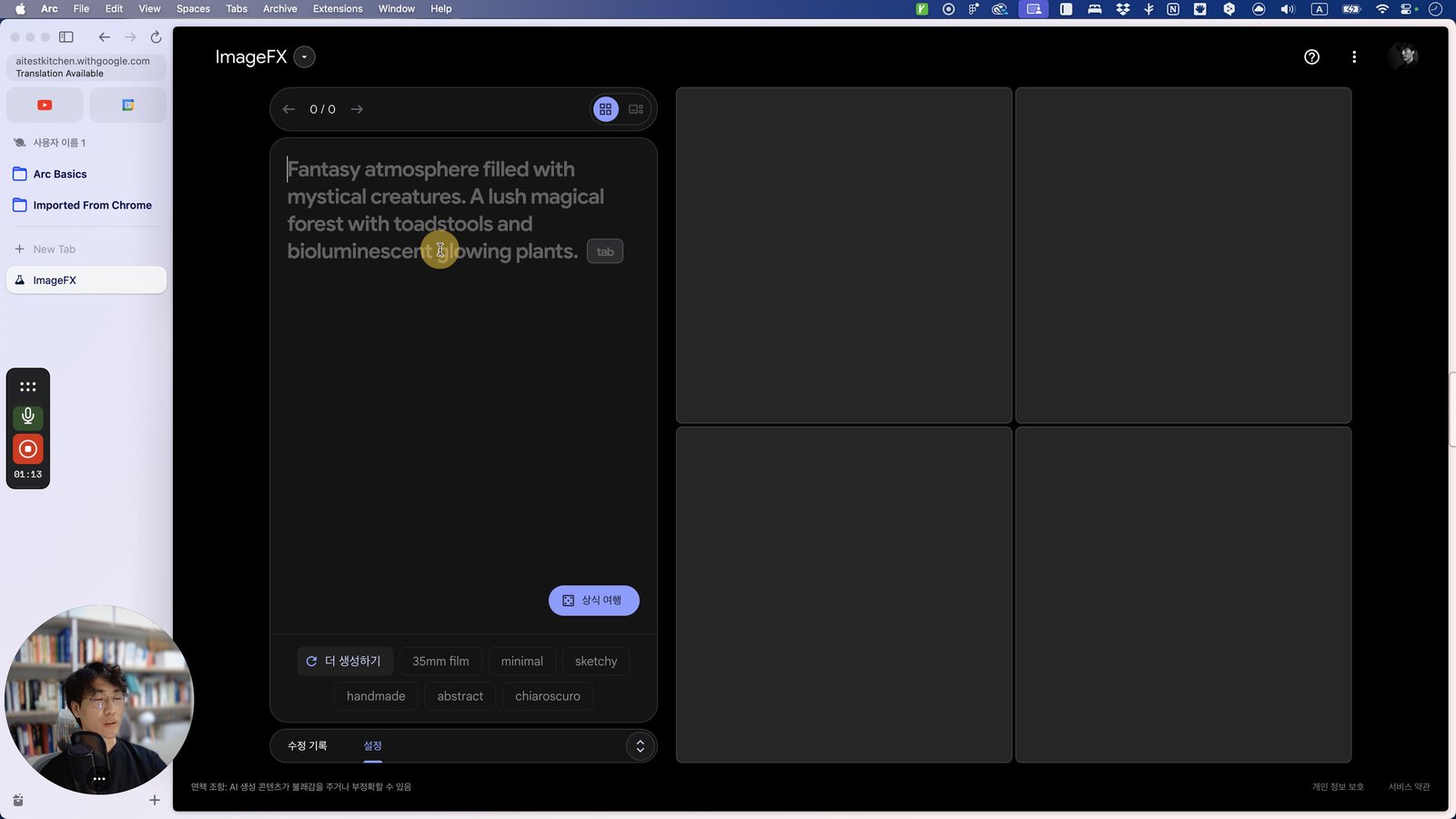
Click this 스크롤 영역
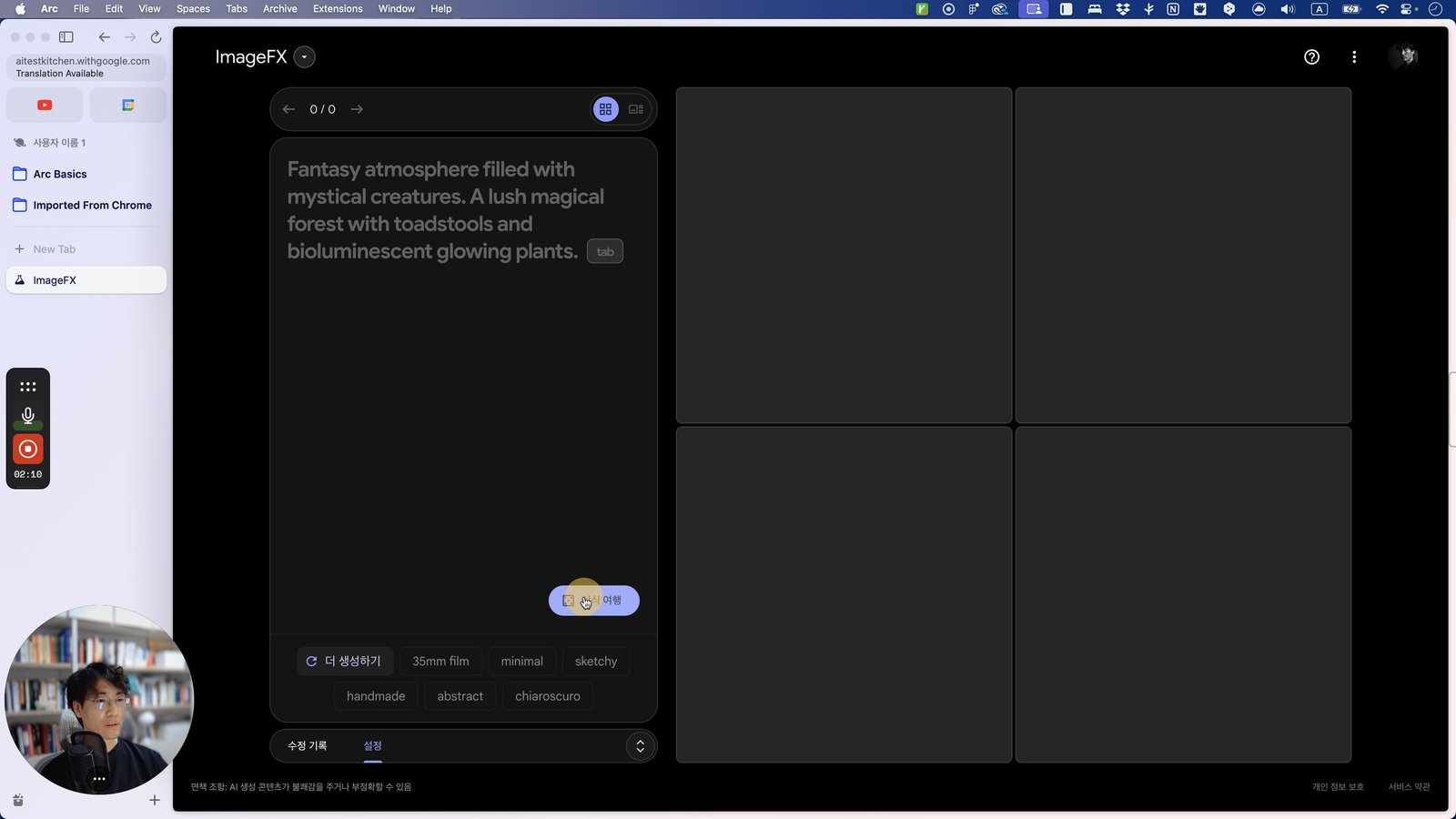
Click here
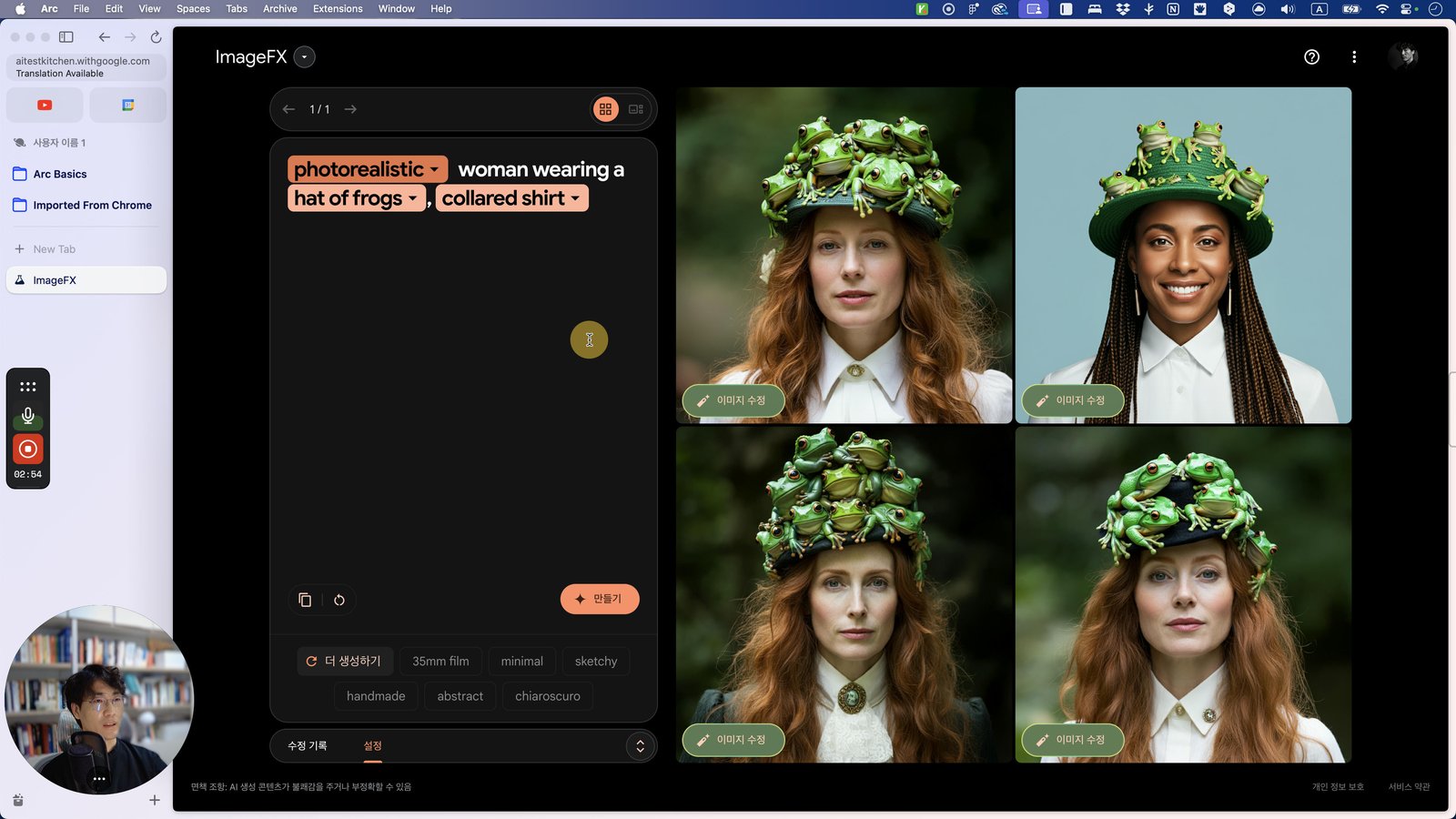
Click the DeepL
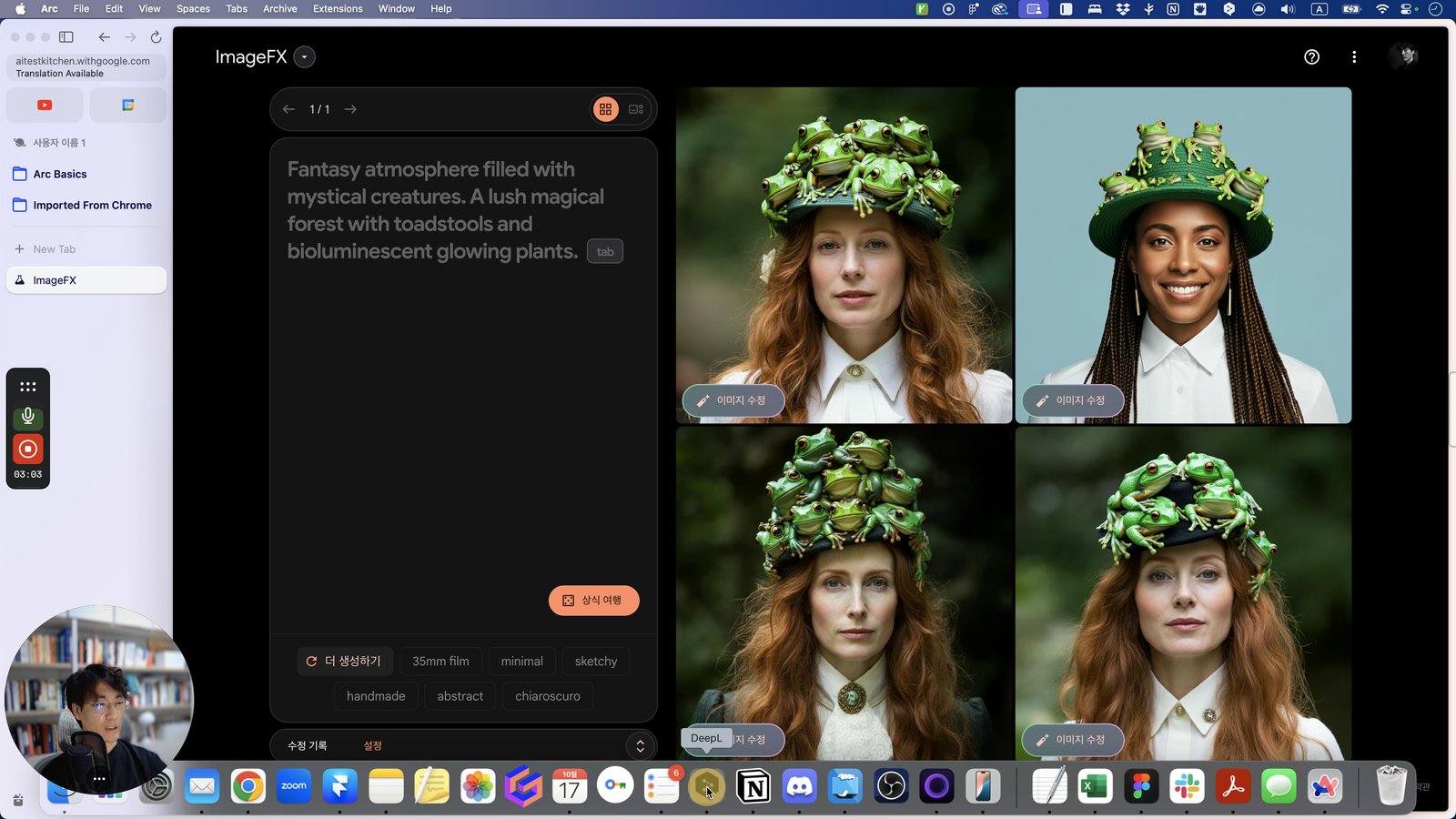
Open DeepL - DeepL
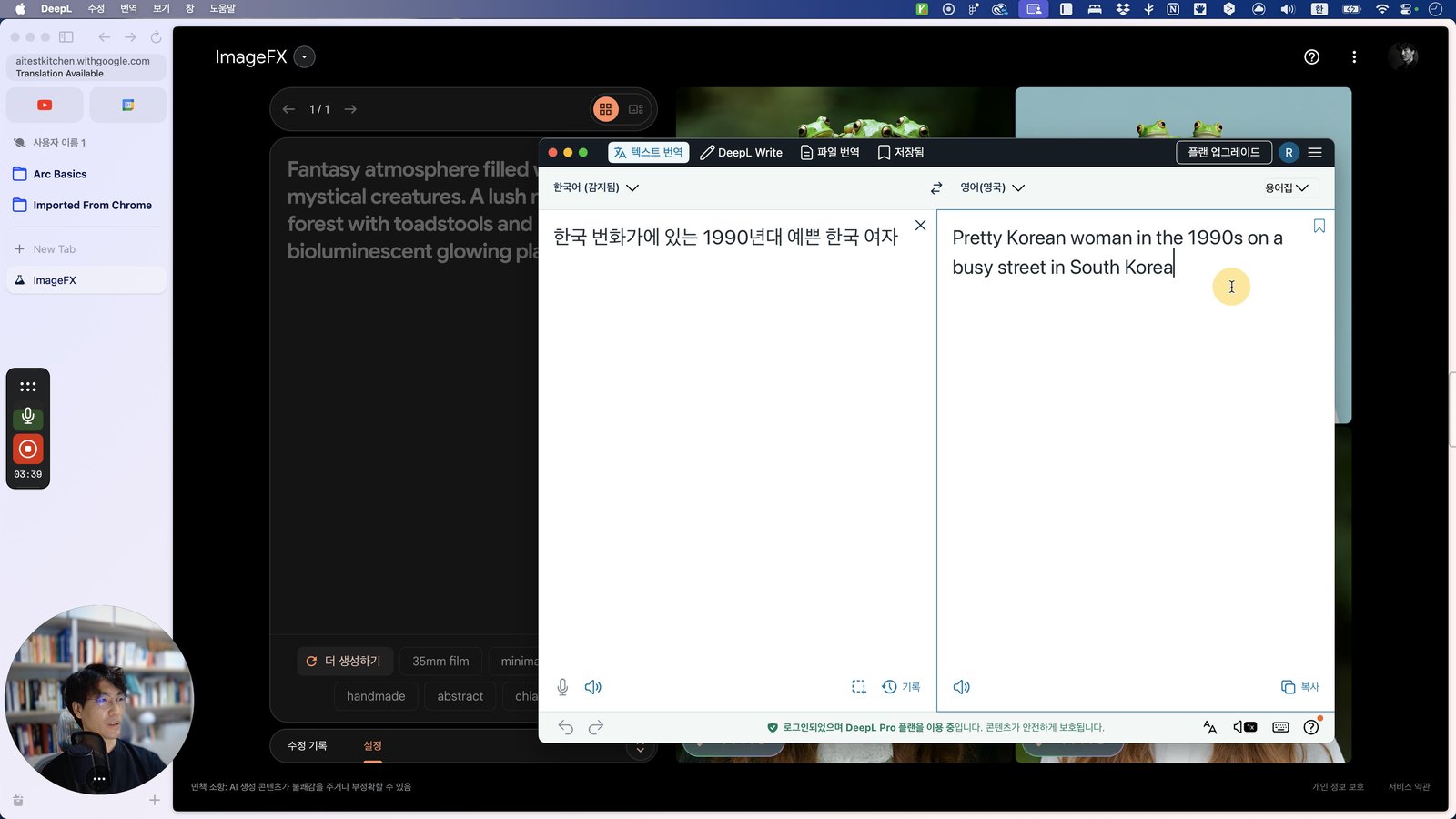
Press ⌘ c
Click this 스크롤 영역
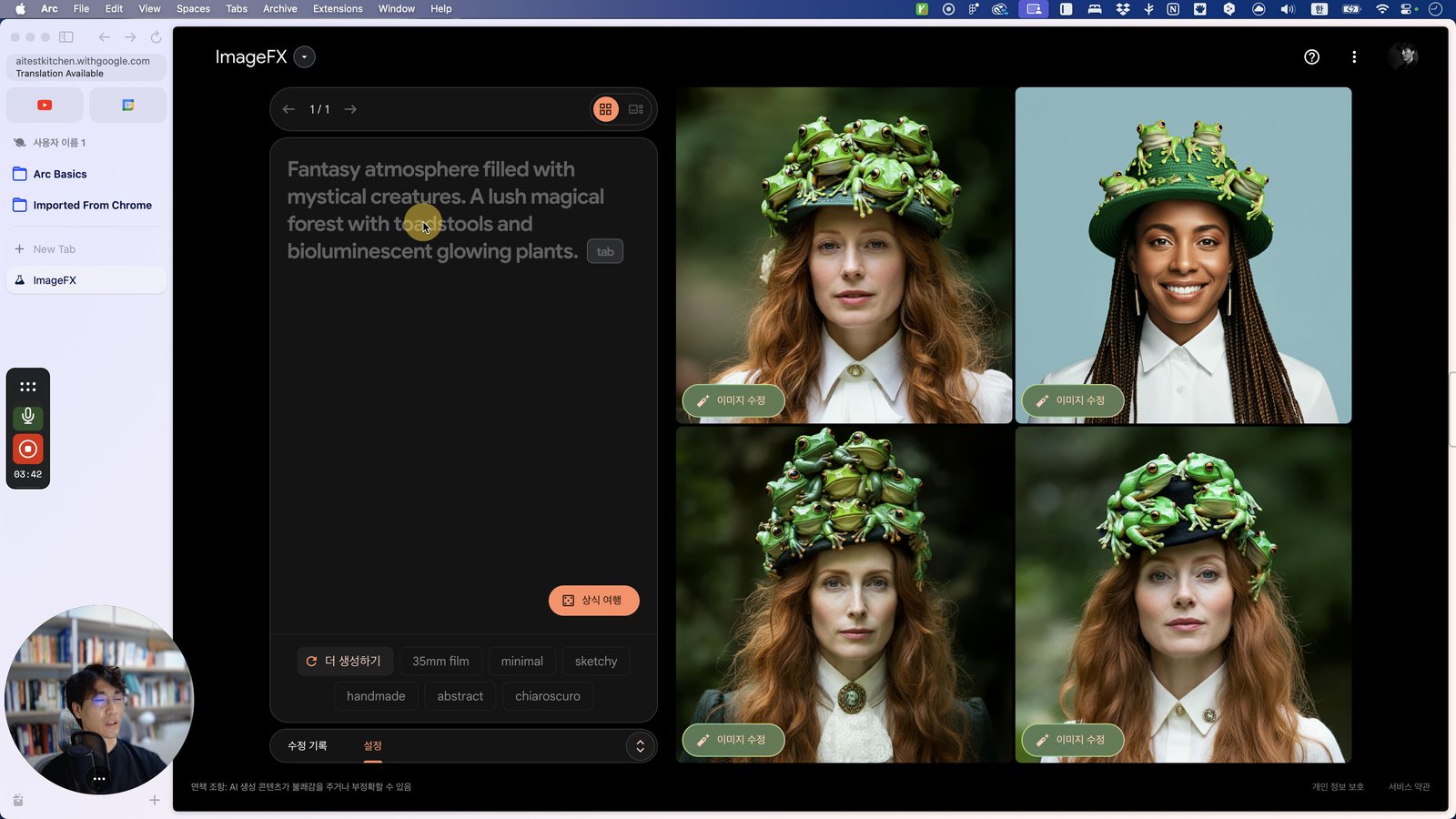
Open Arc - ImageFX
Click this 스크롤 영역
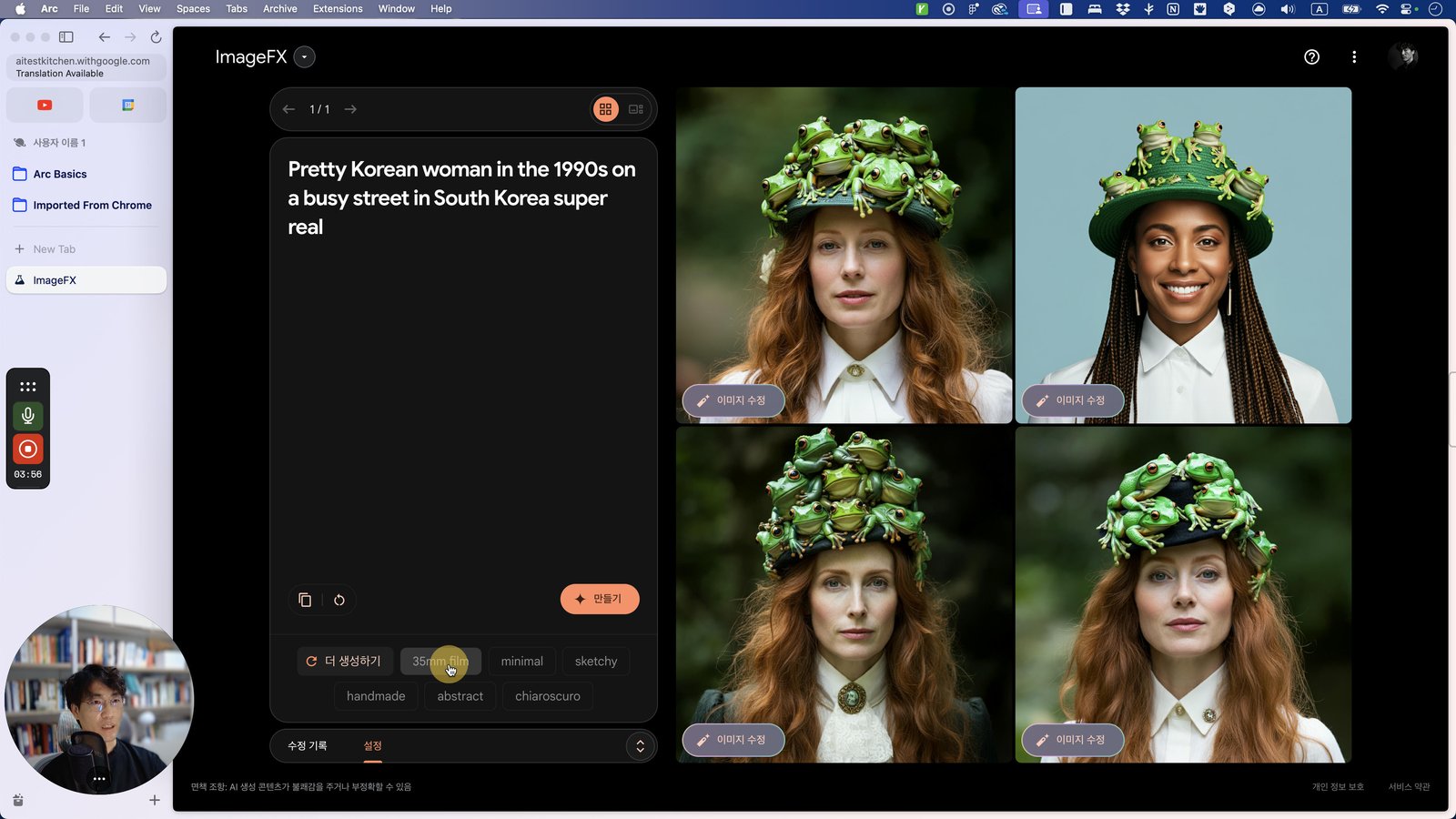
Click here
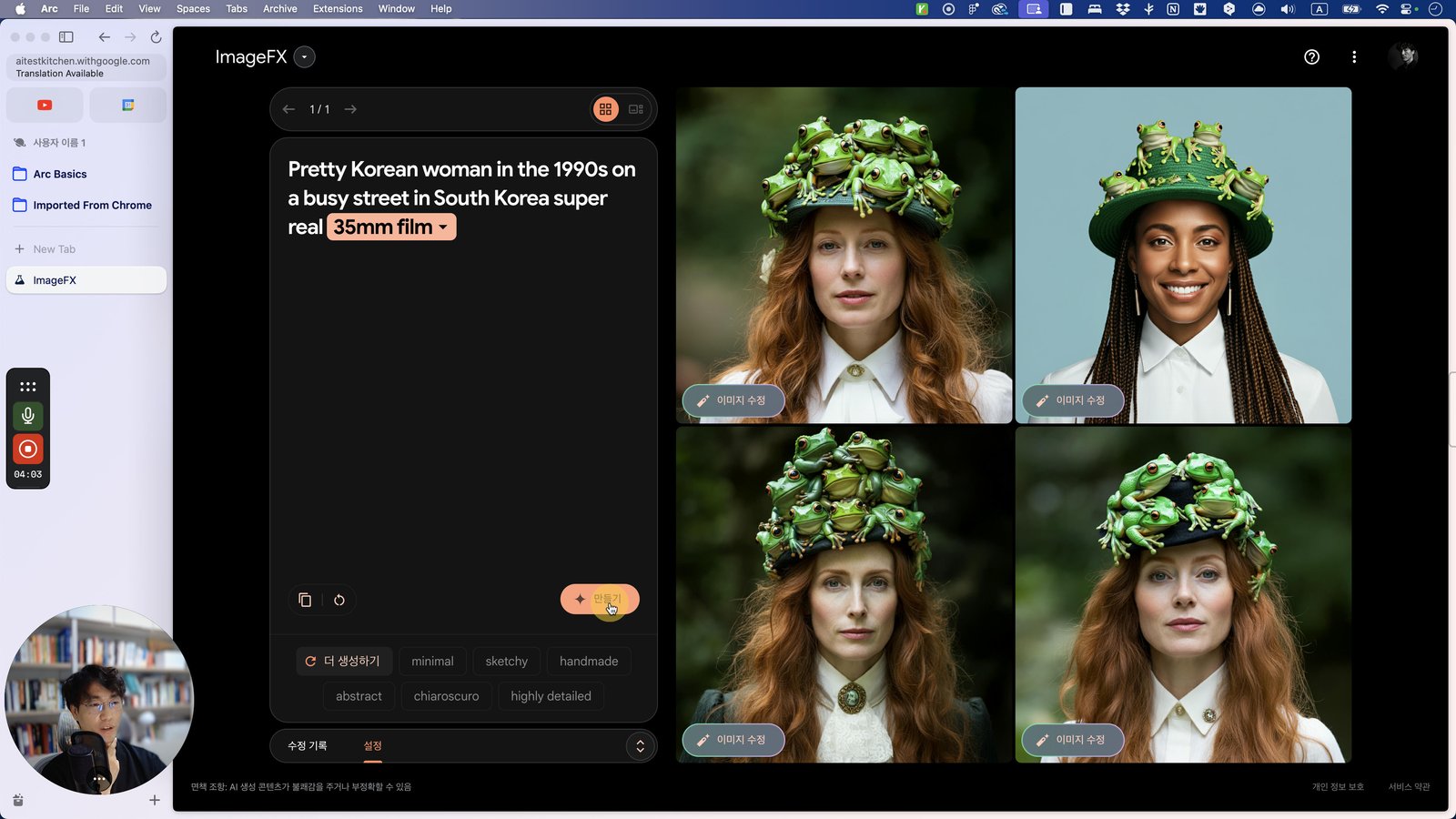
Click this 스크롤 영역
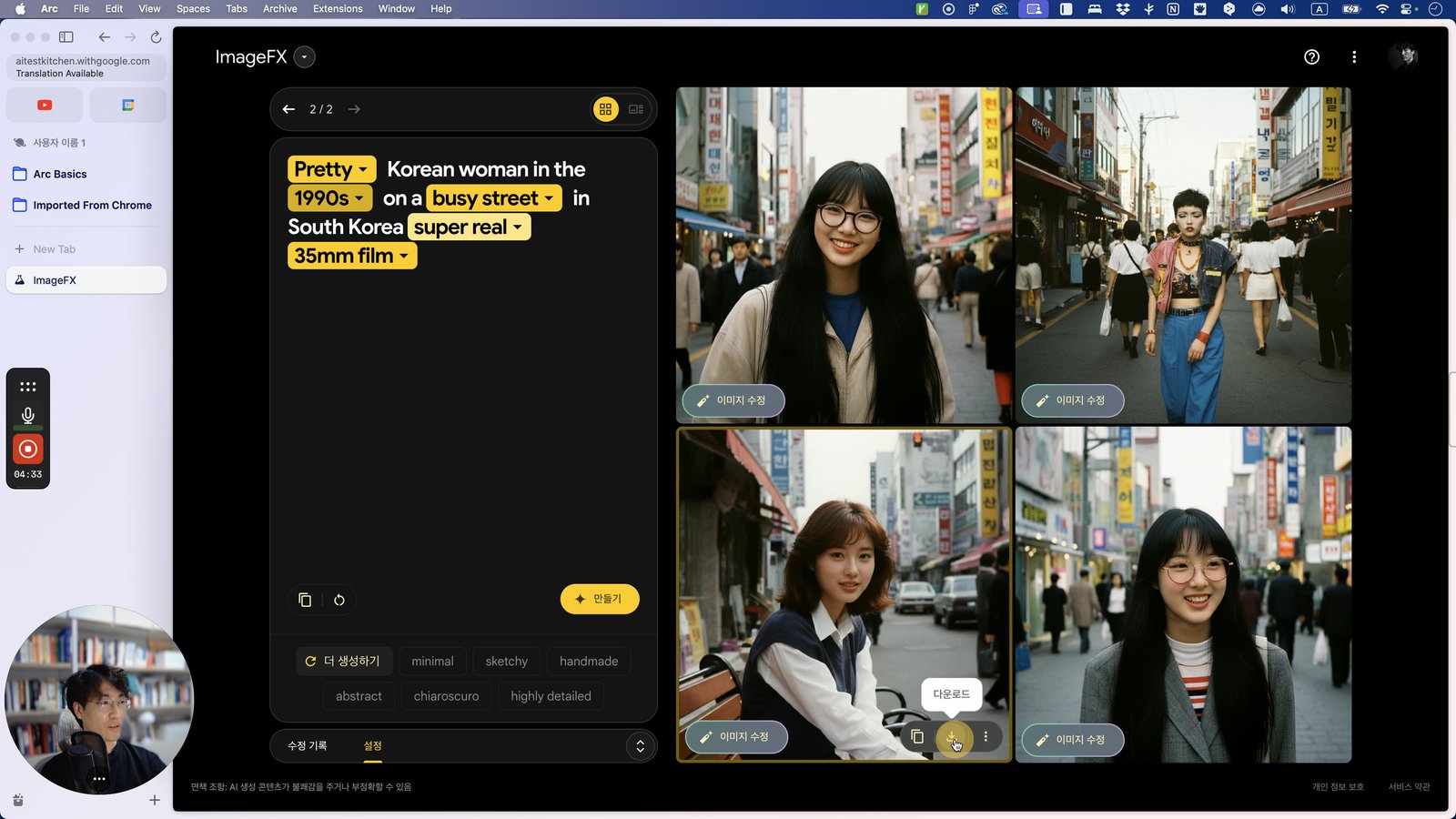
Click here
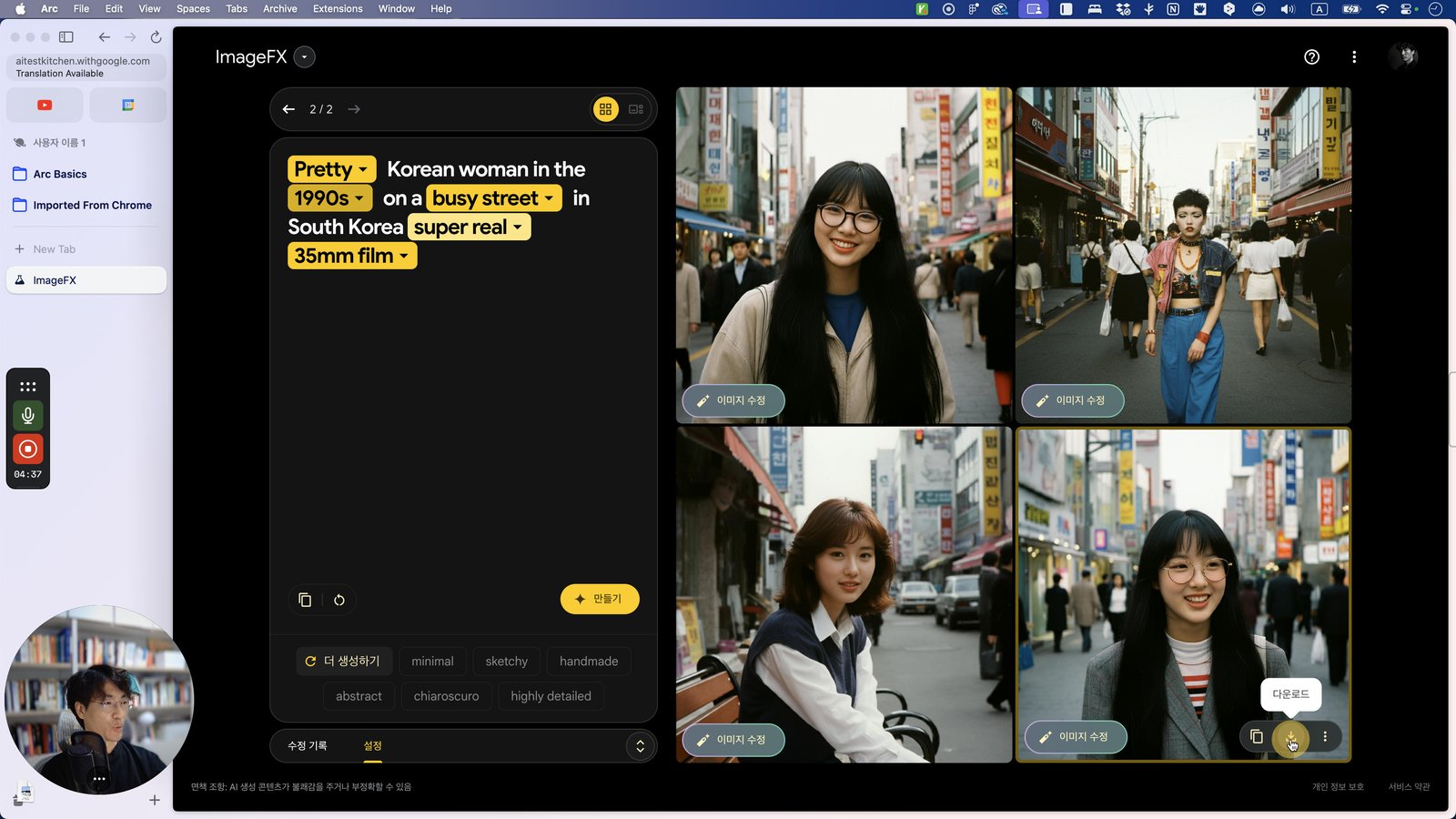
Click this 스크롤 영역
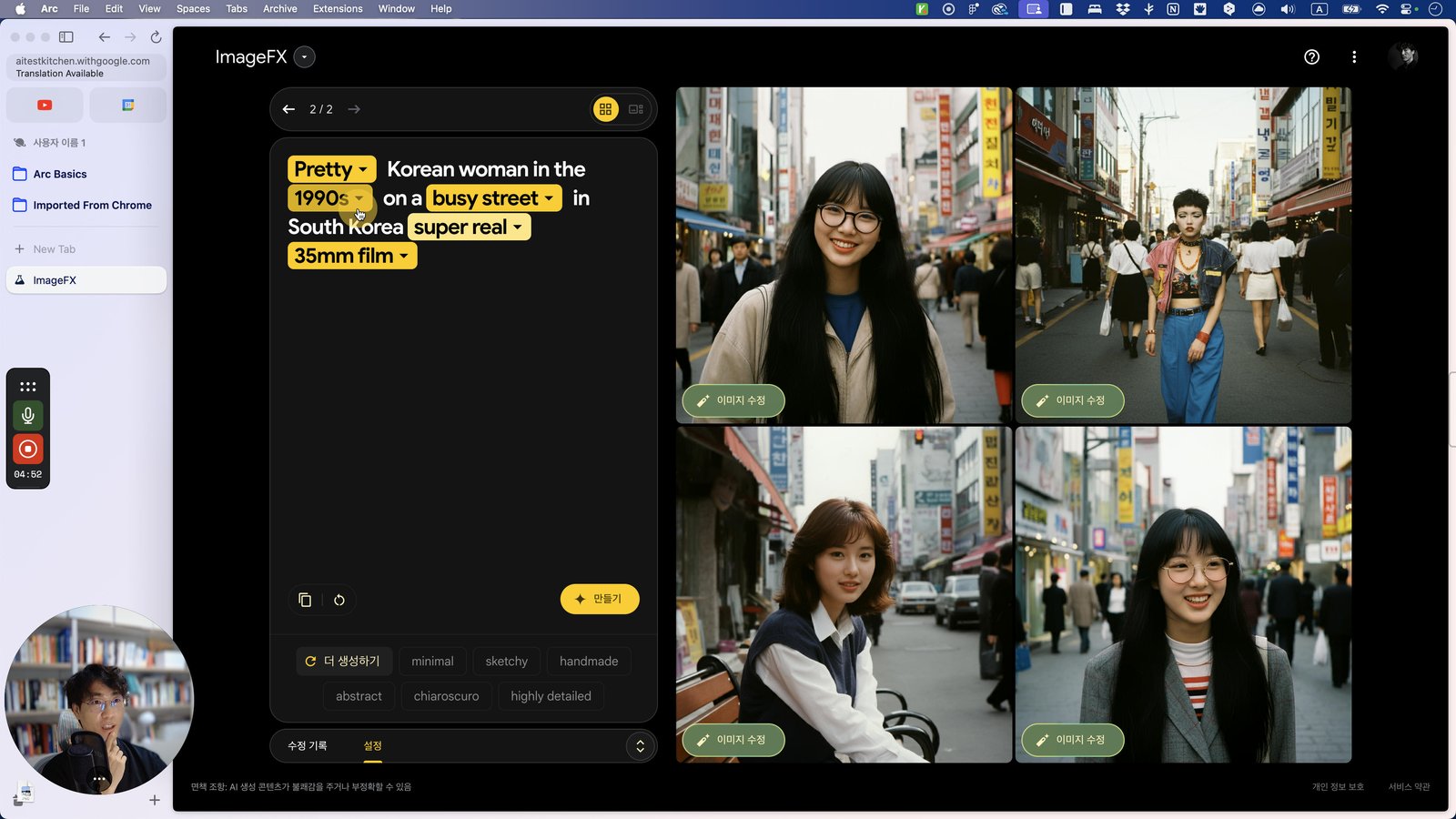
Click here
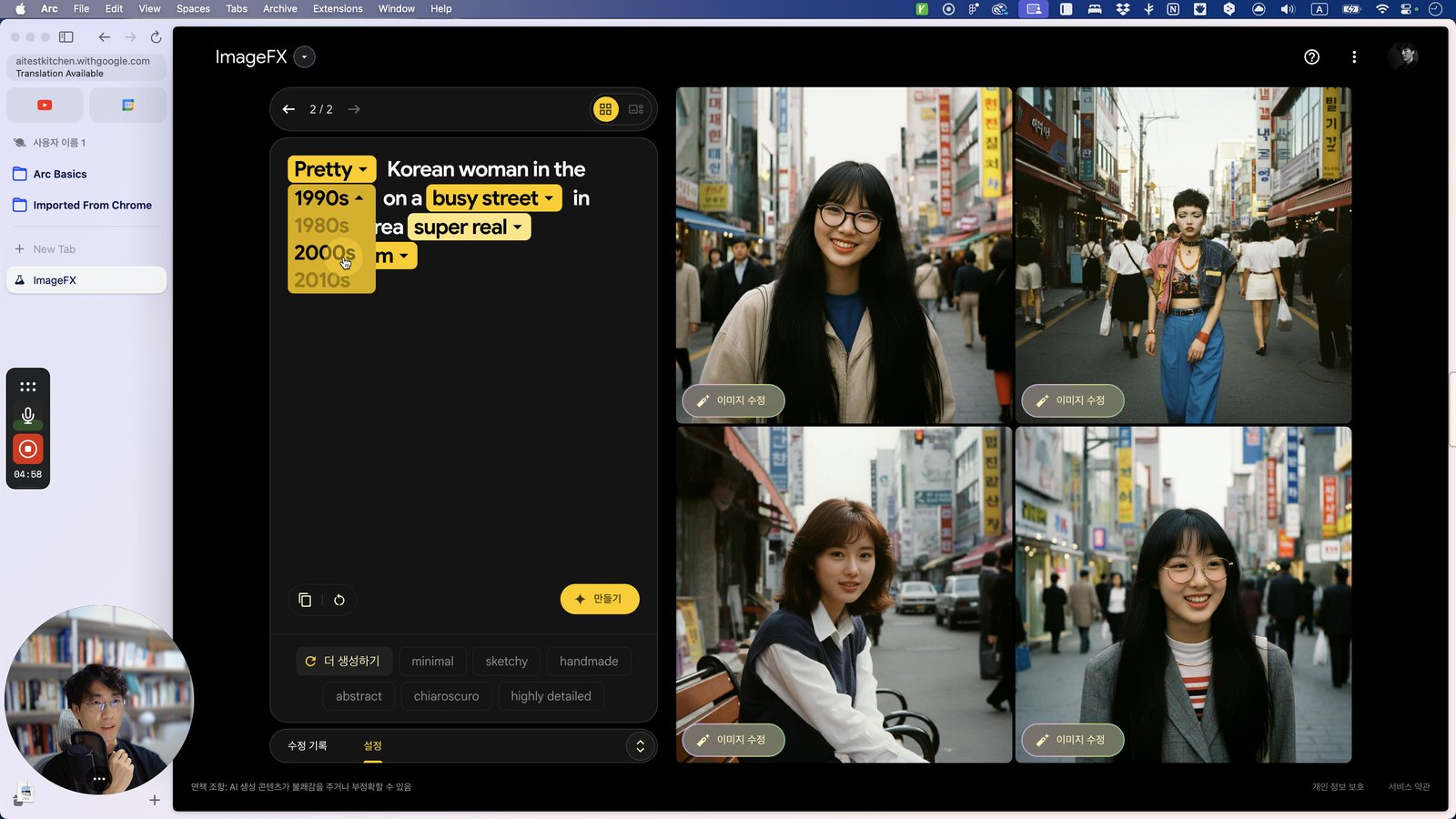
Click this 스크롤 영역
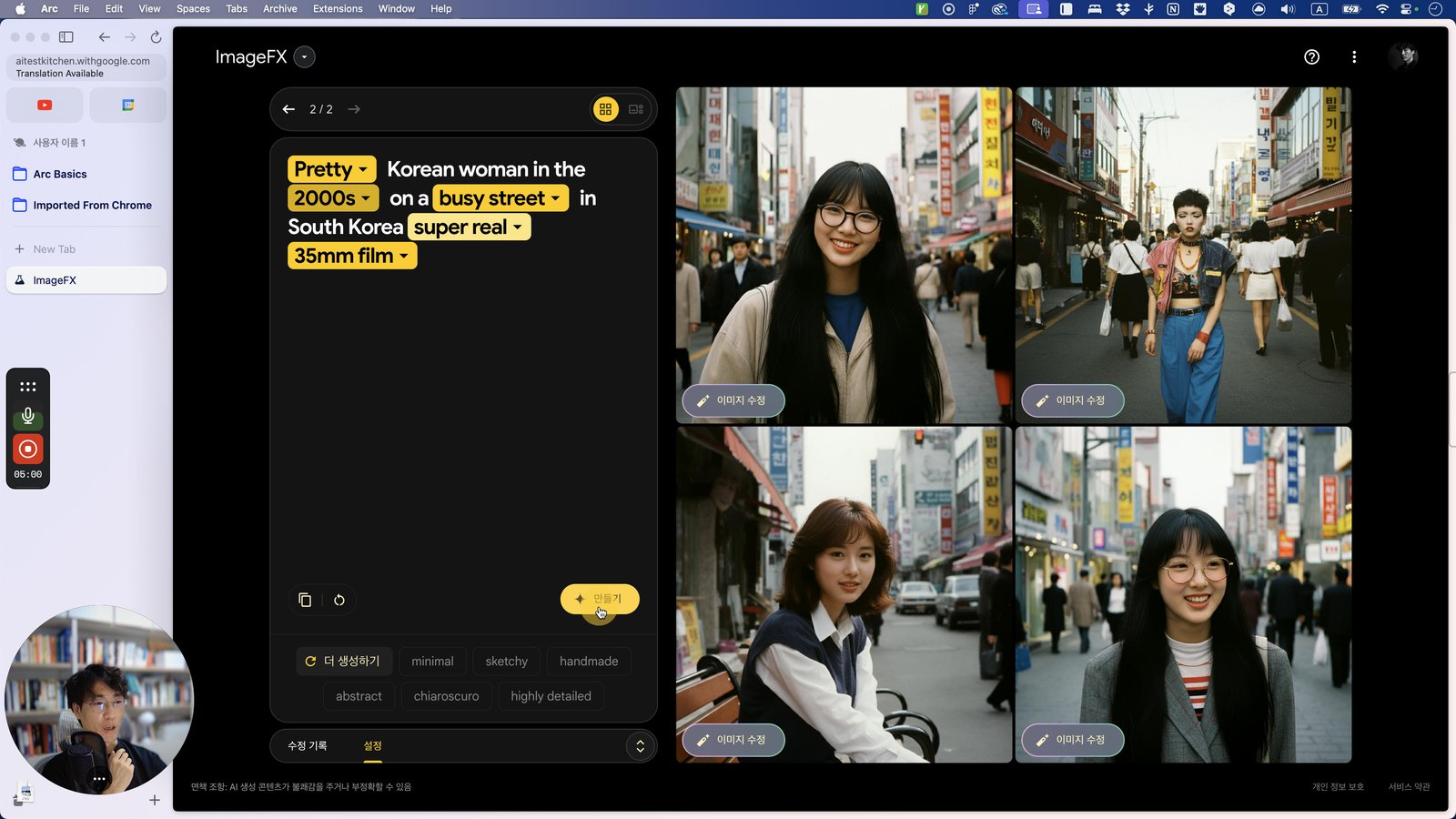
Click here
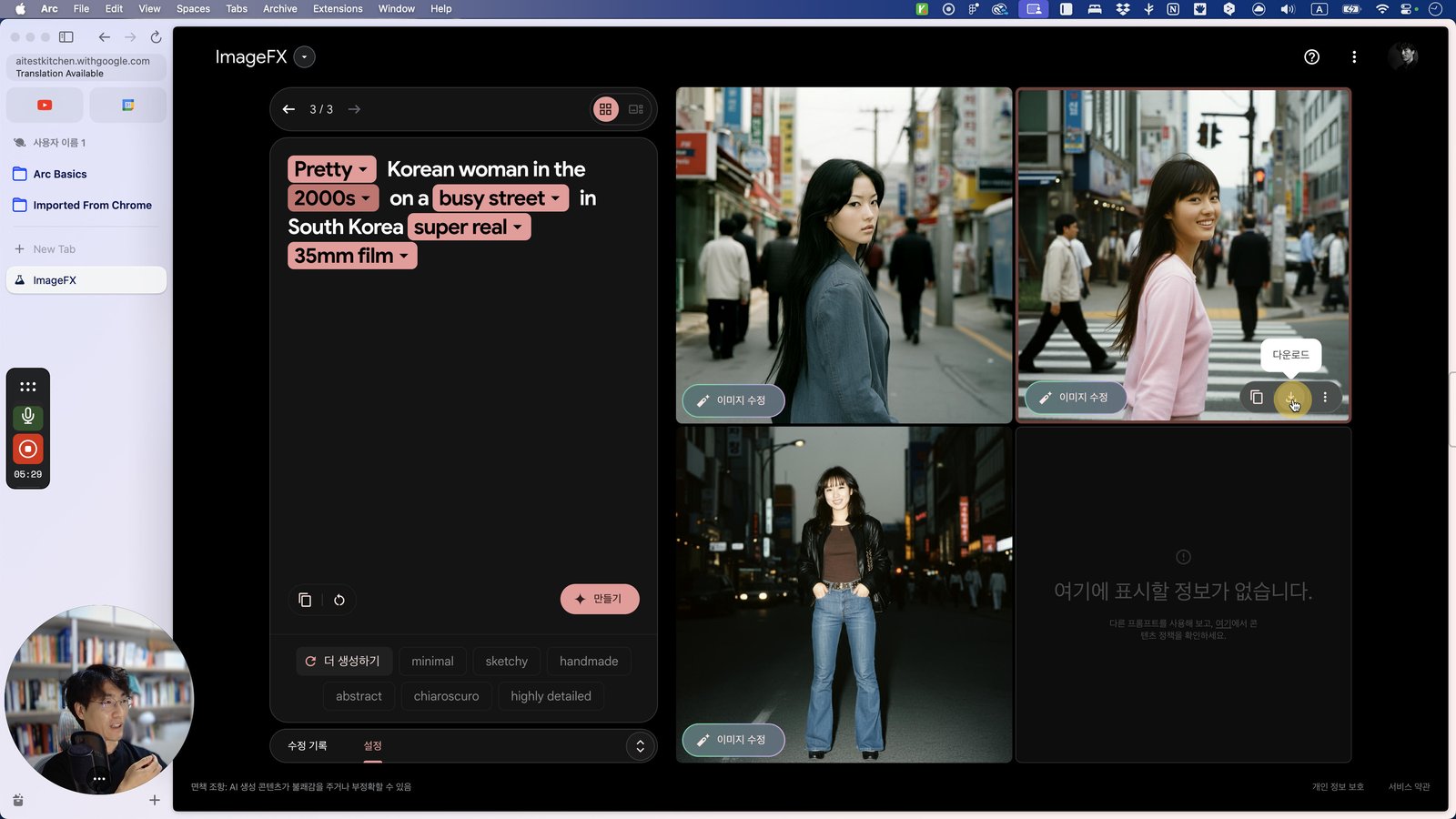
Click this 스크롤 영역
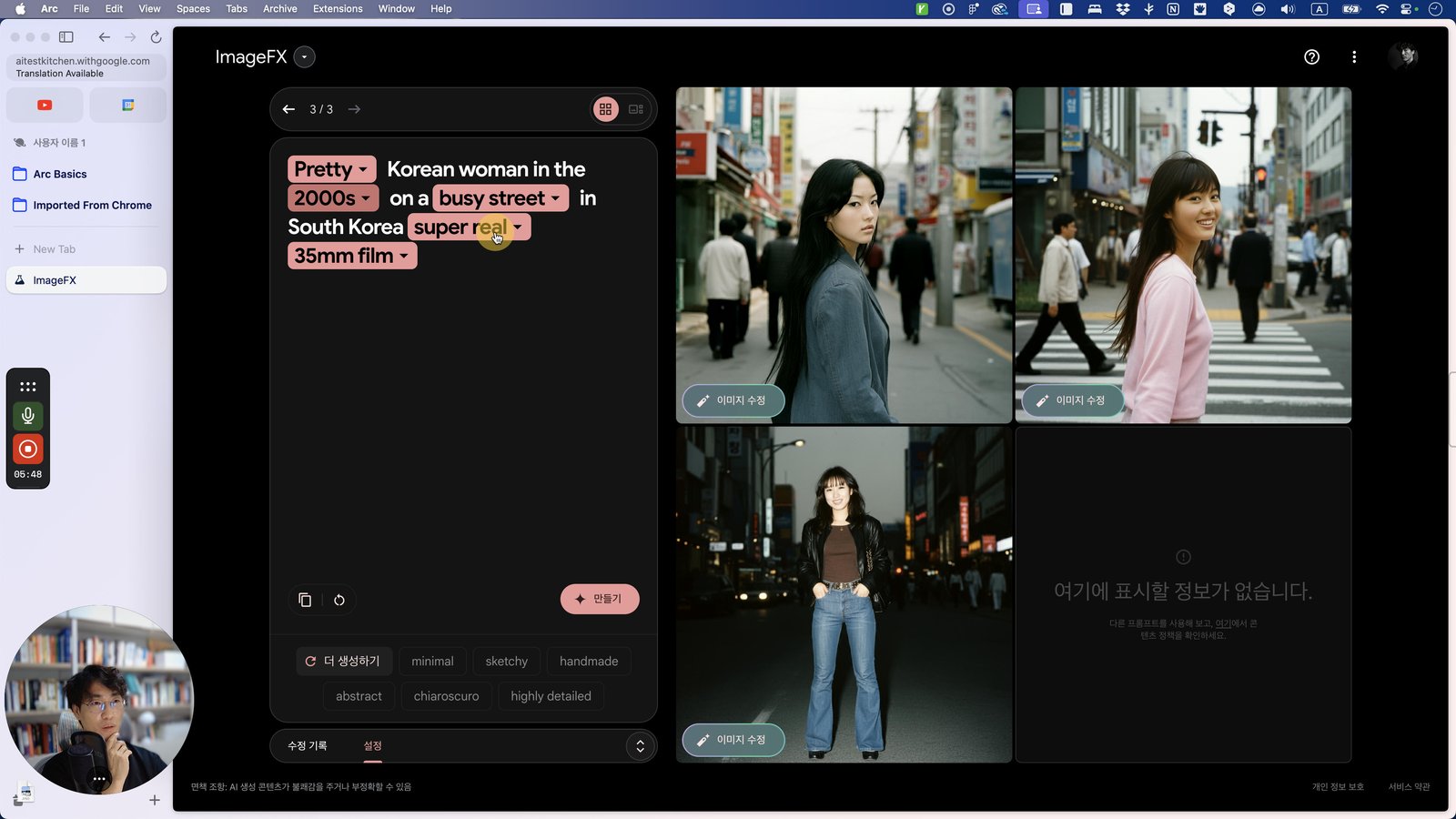
Click here
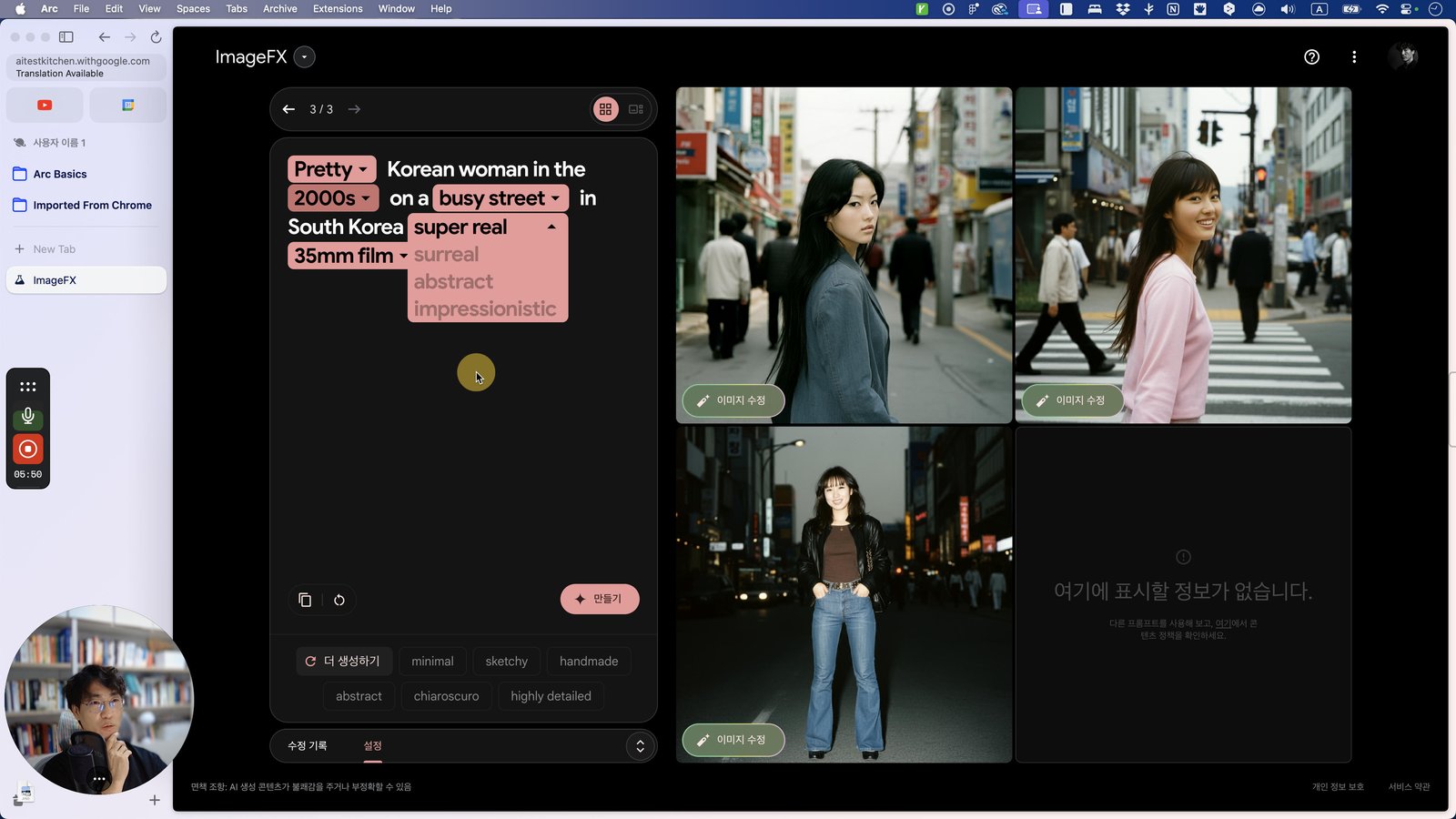
Click this 스크롤 영역
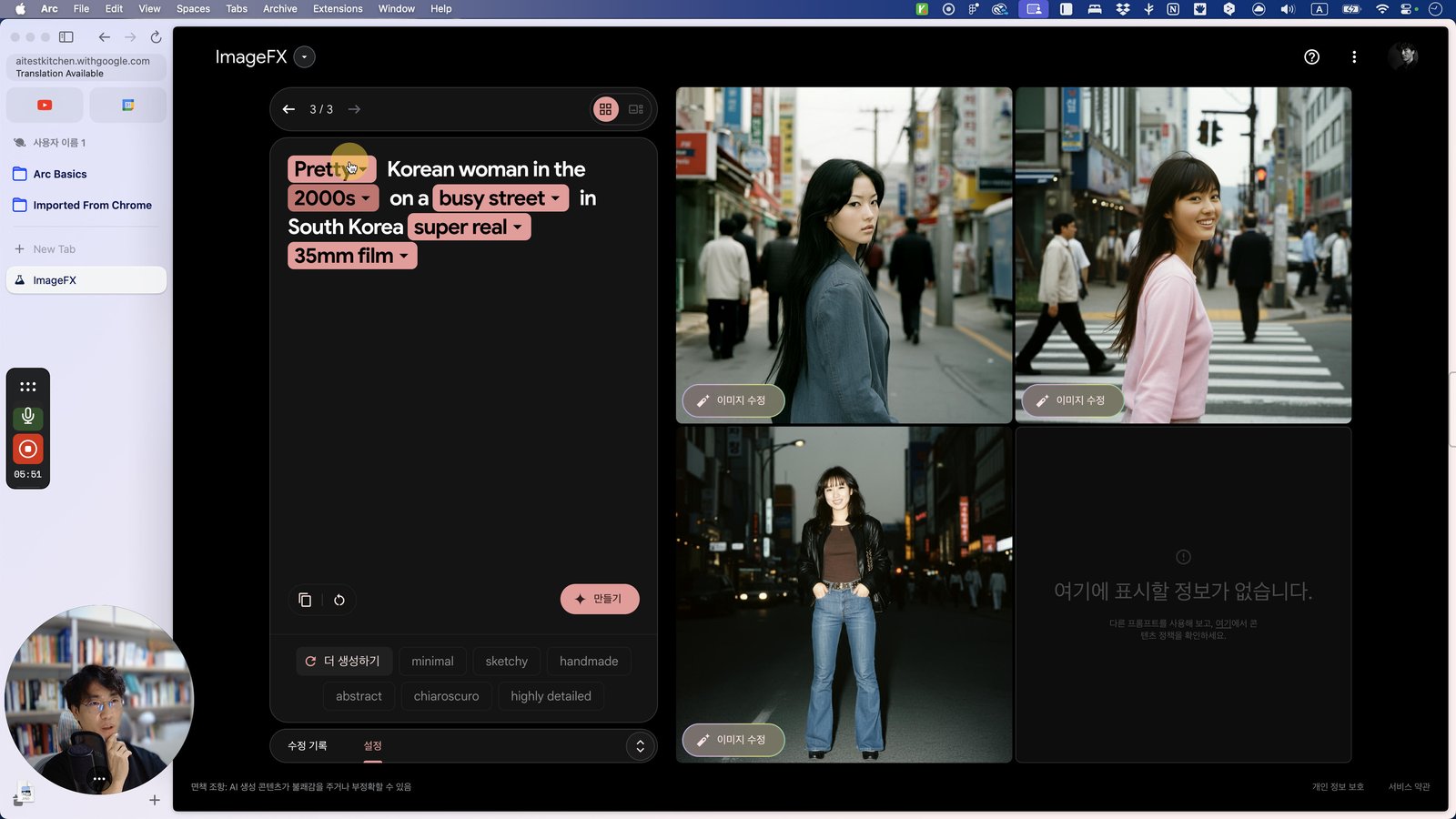
Click here
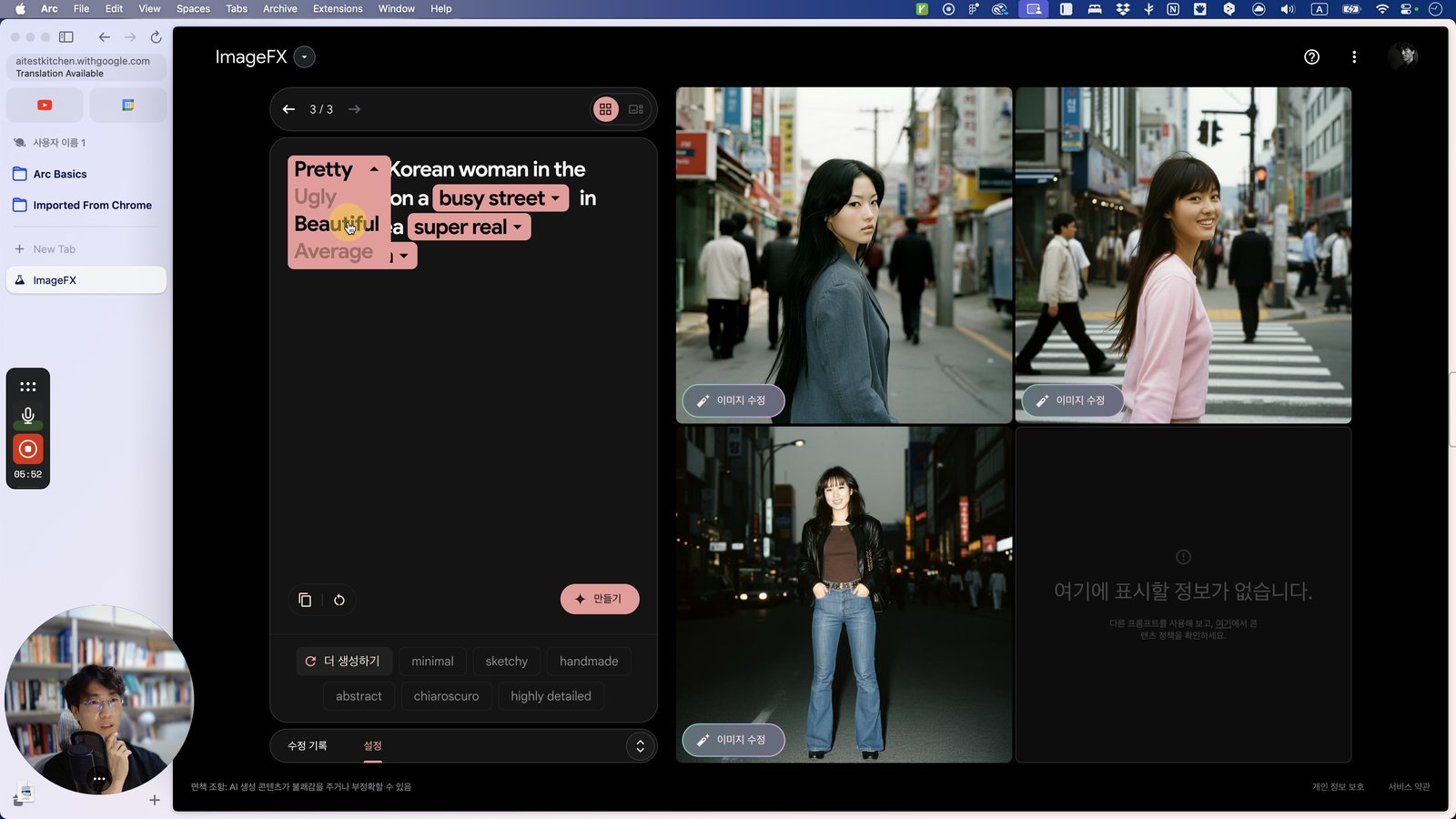
Click this 스크롤 영역
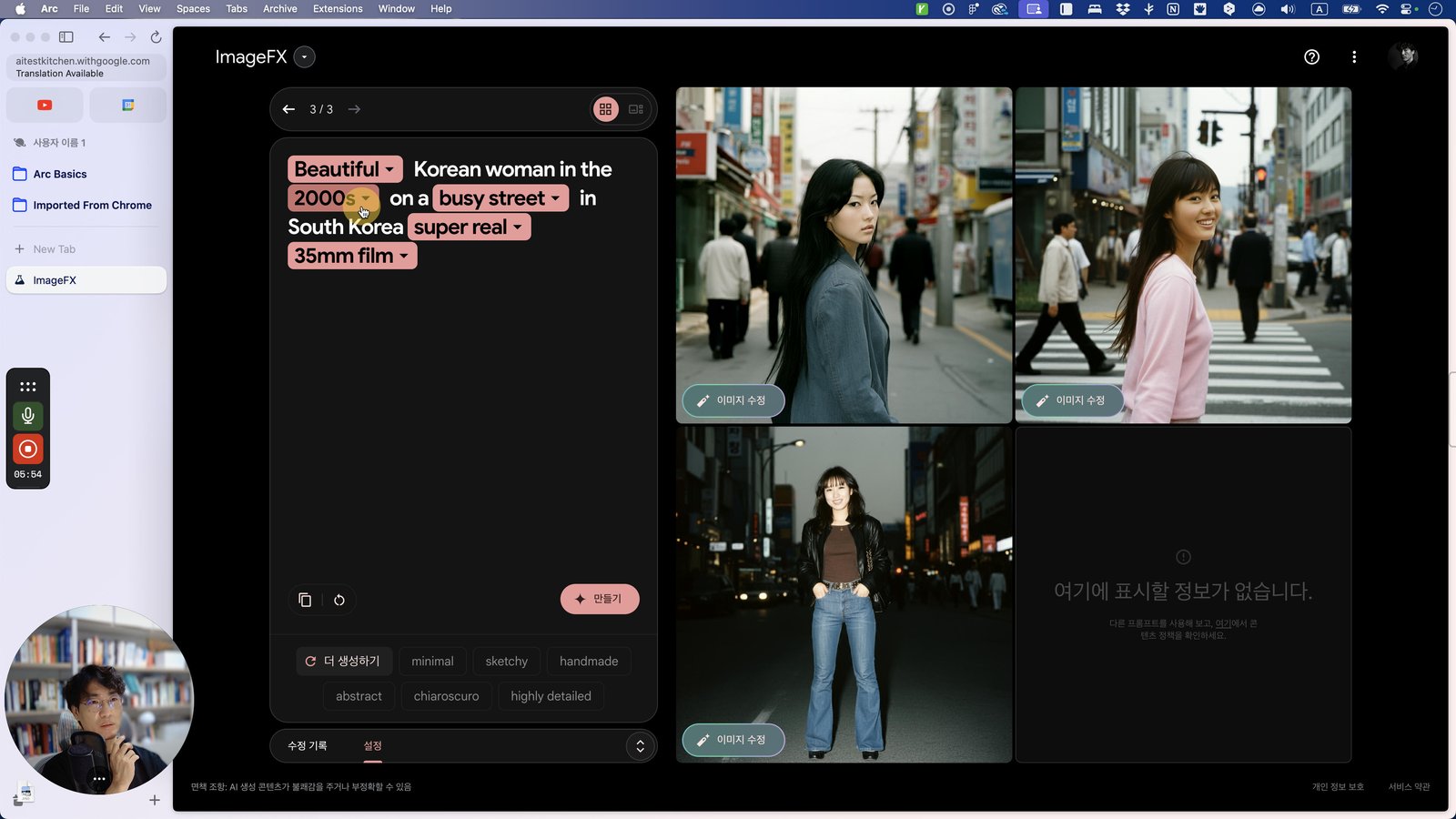
Click here
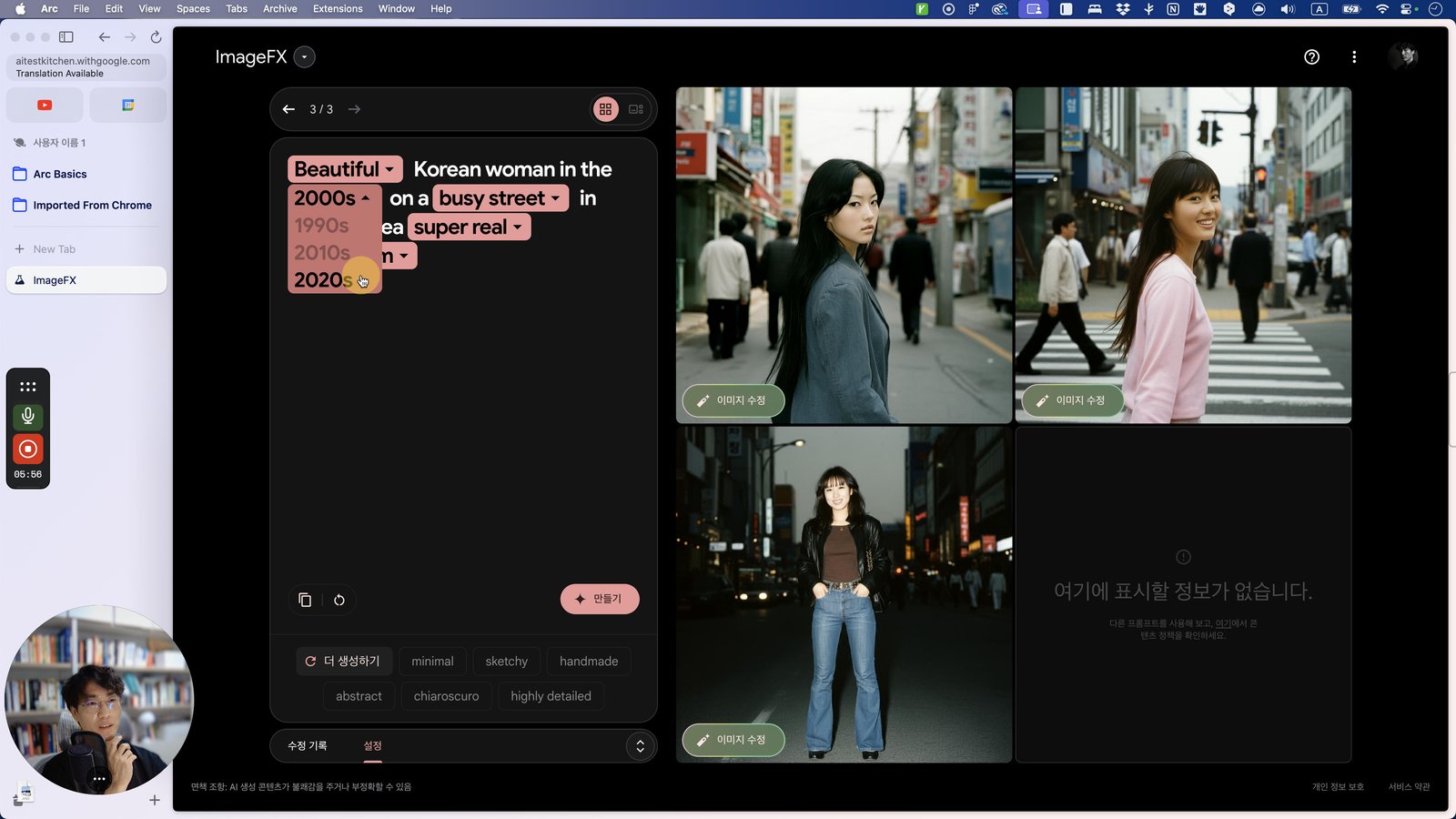
Click this 스크롤 영역
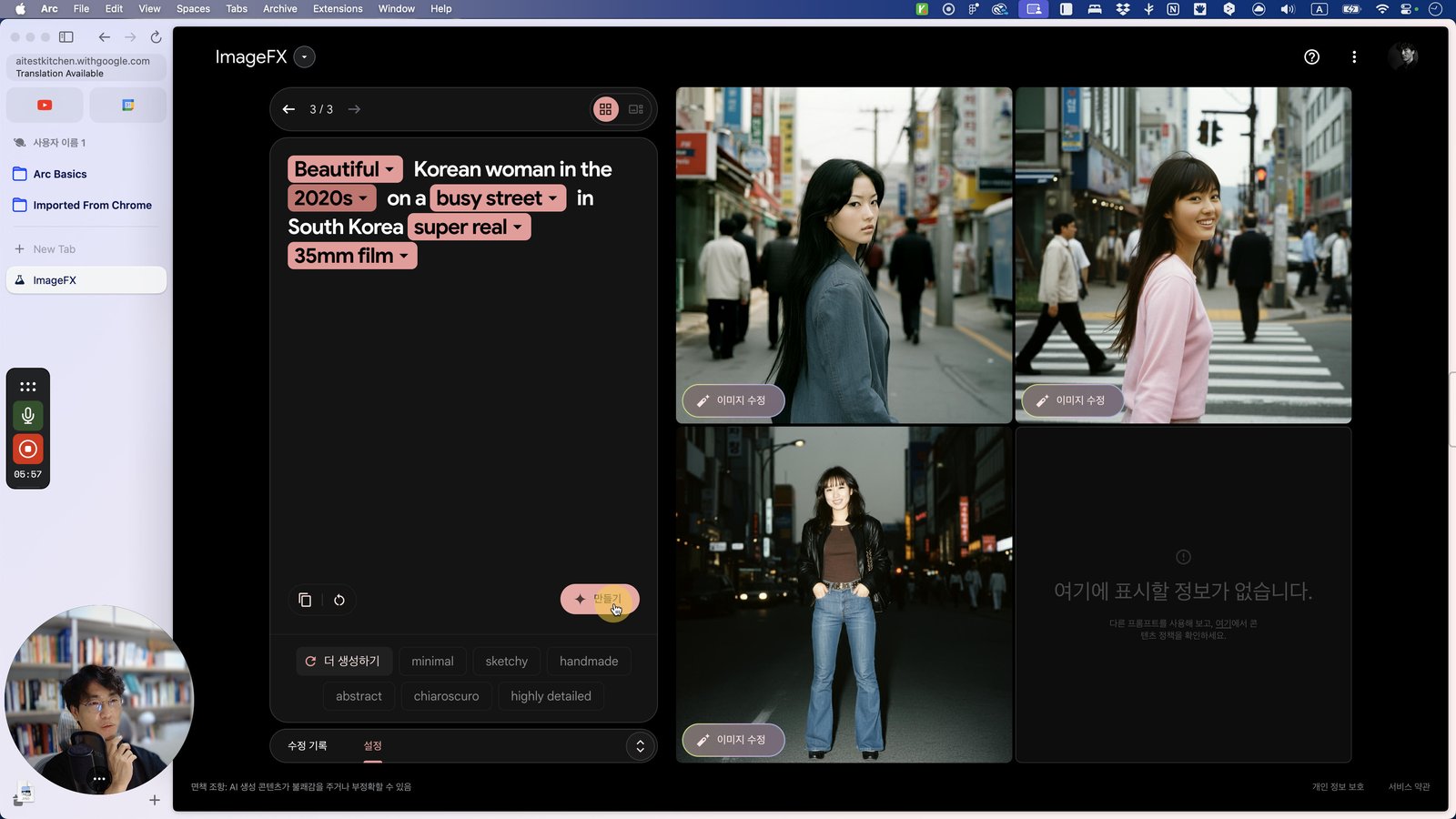
Click here
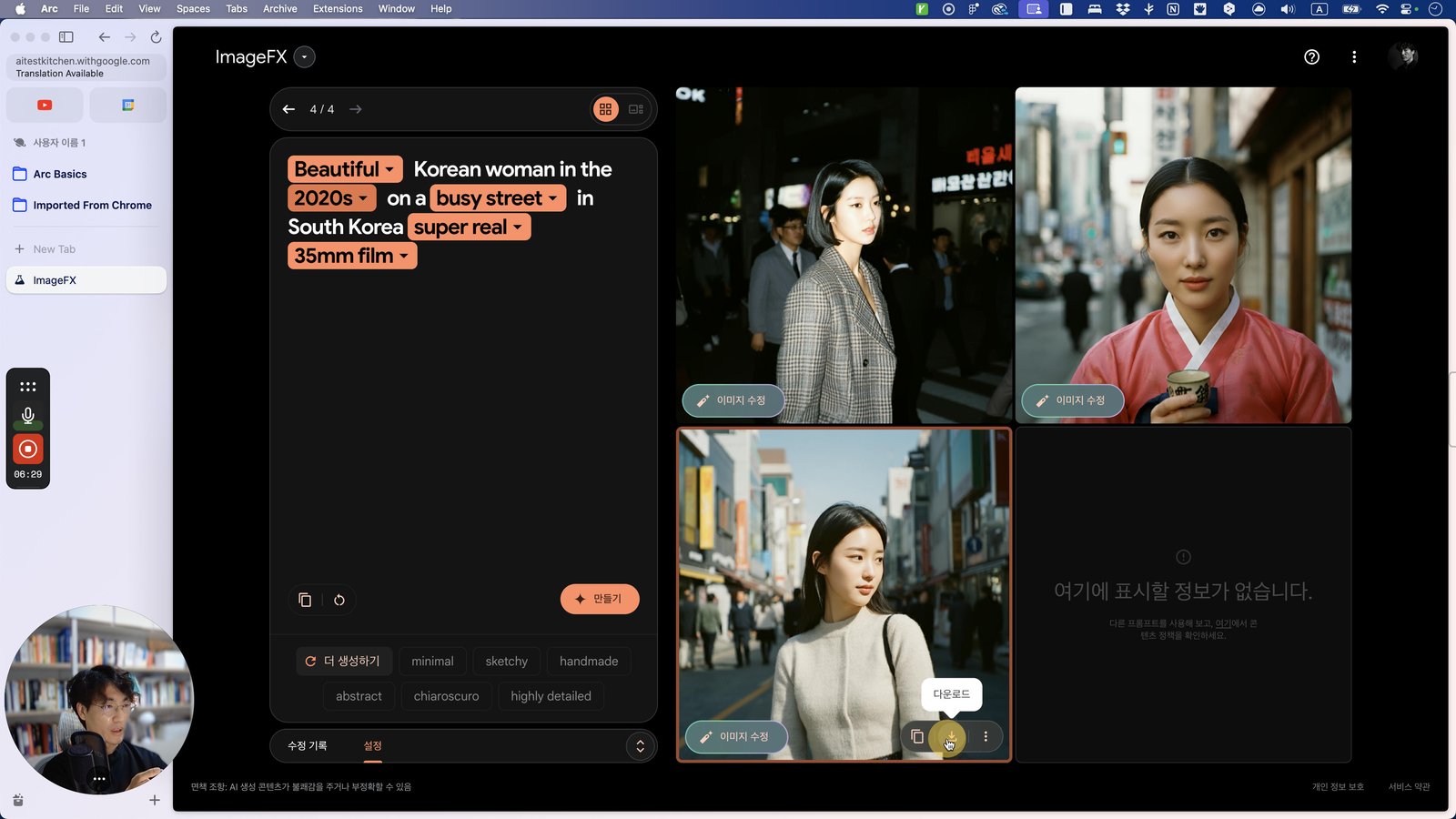
Click this 스크롤 영역
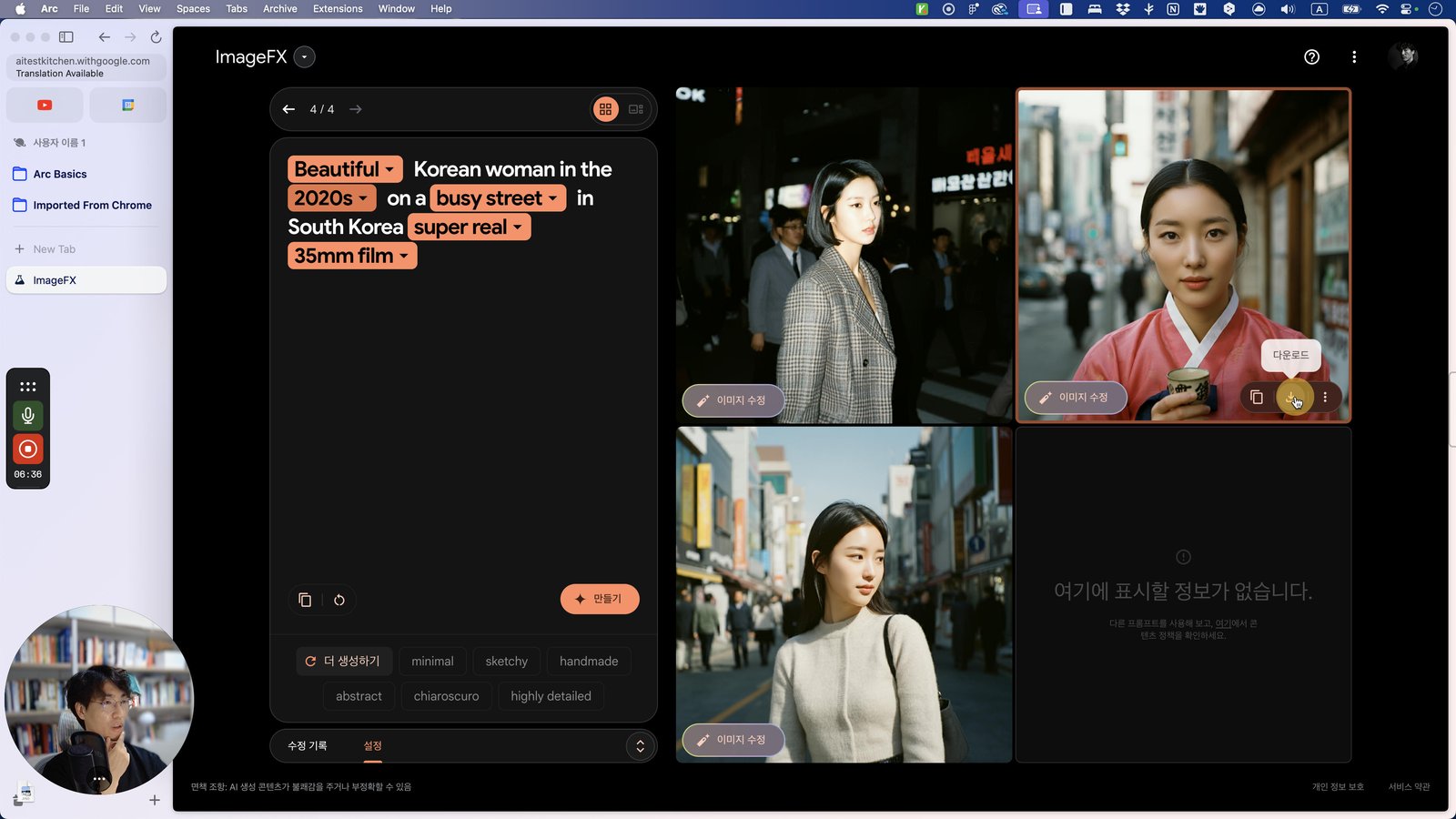
Click this 그룹
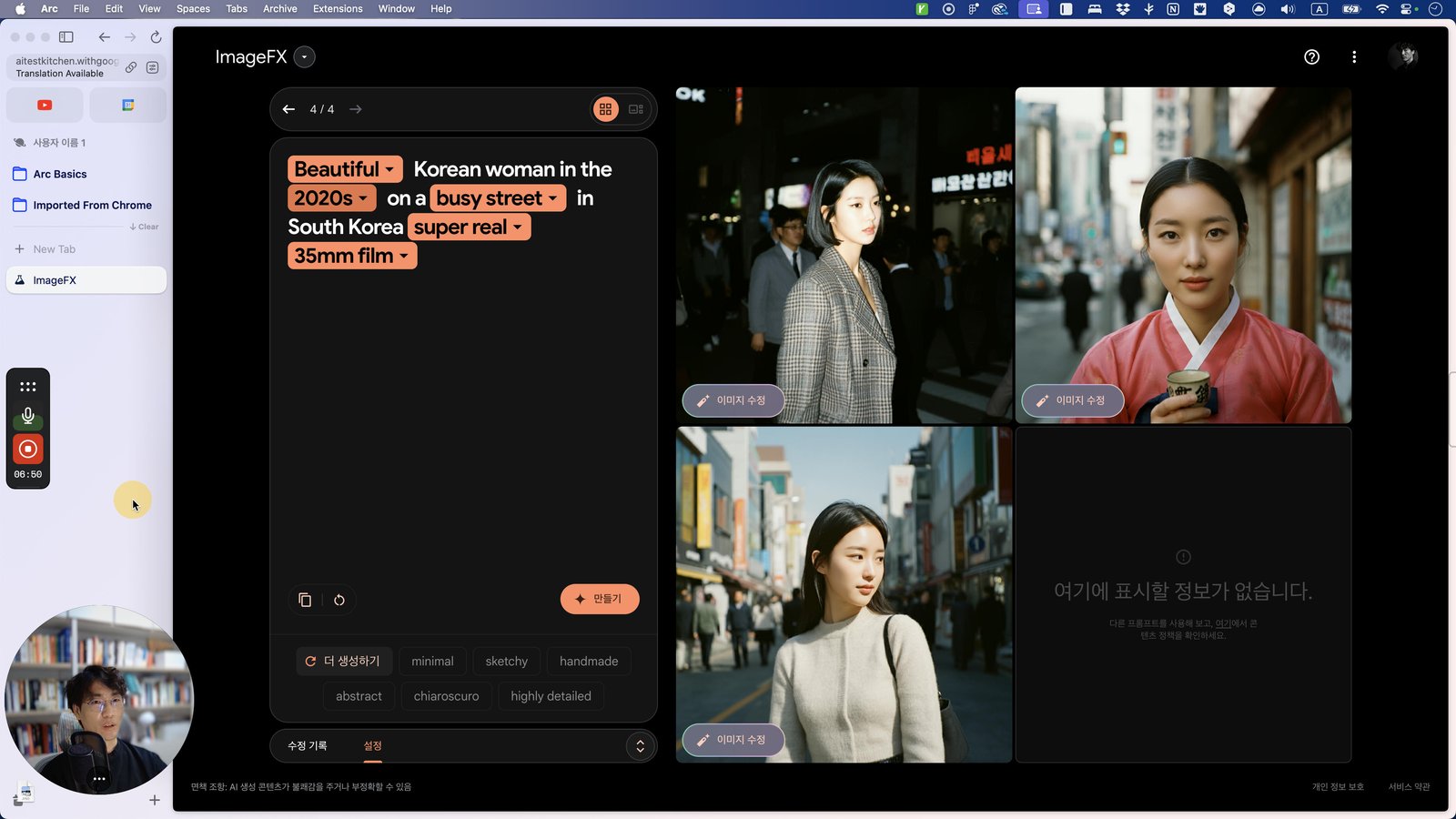
Click this 셀
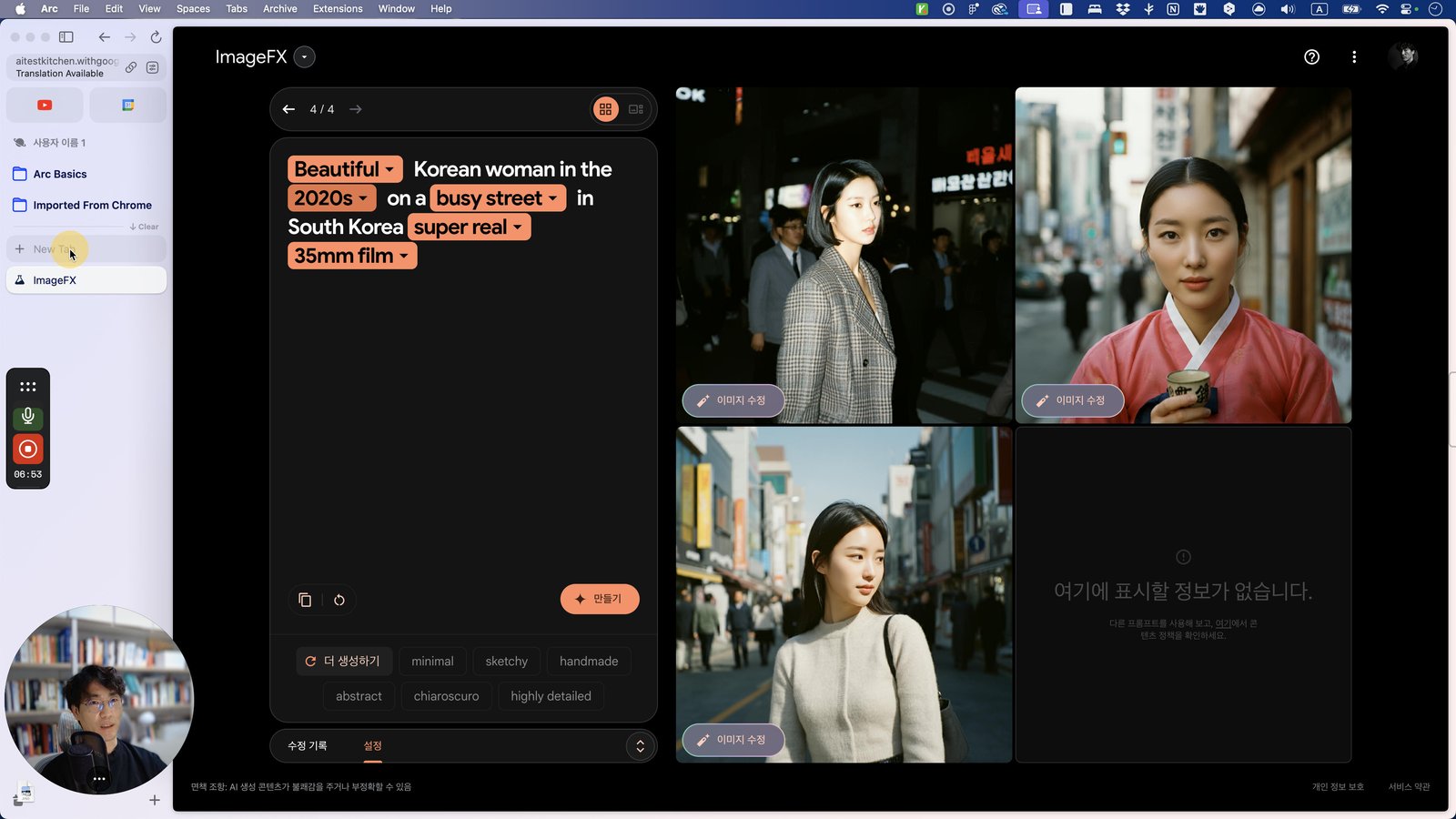
Type "go Enter"
Click this 스크롤 영역
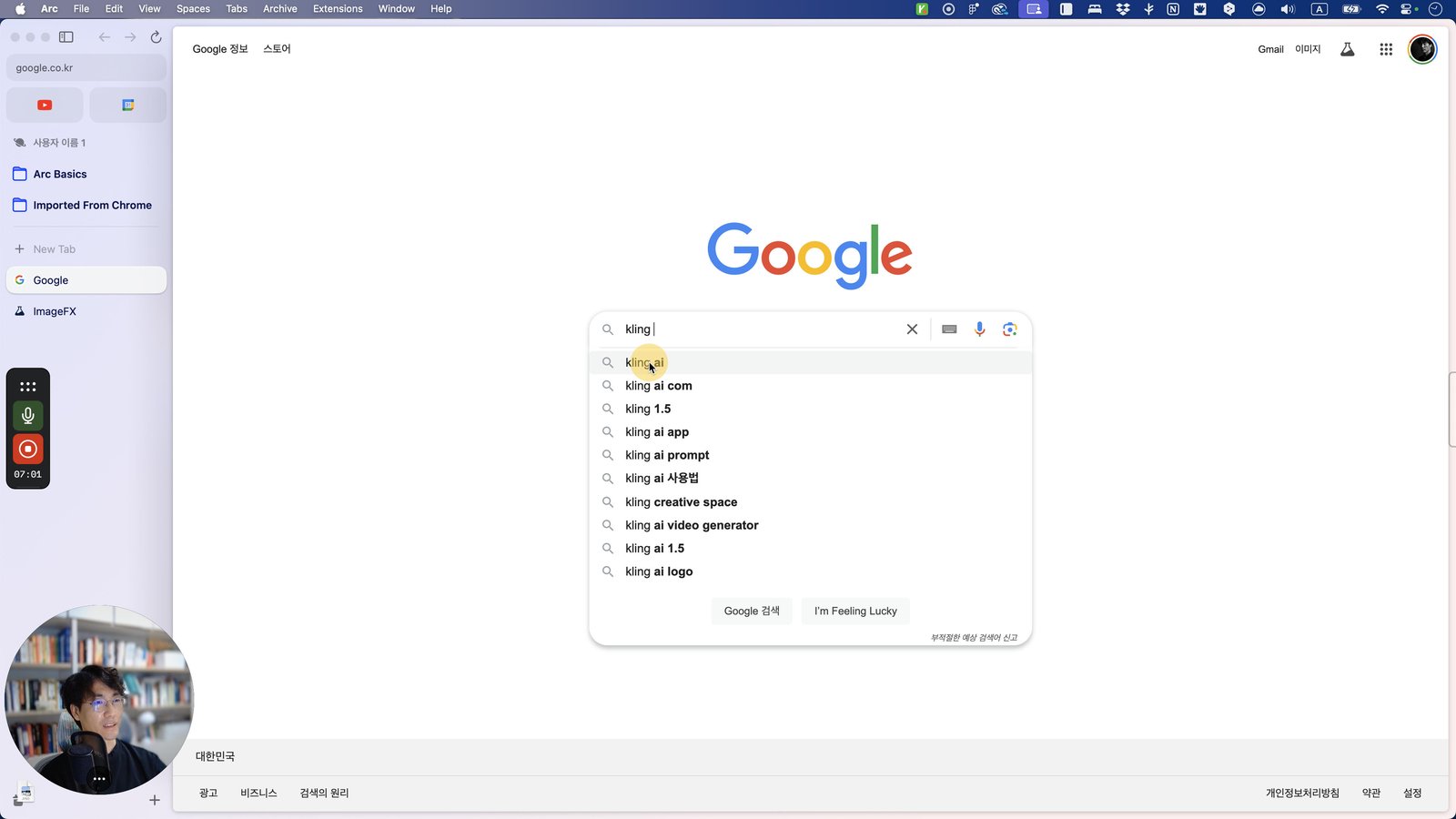
Click here
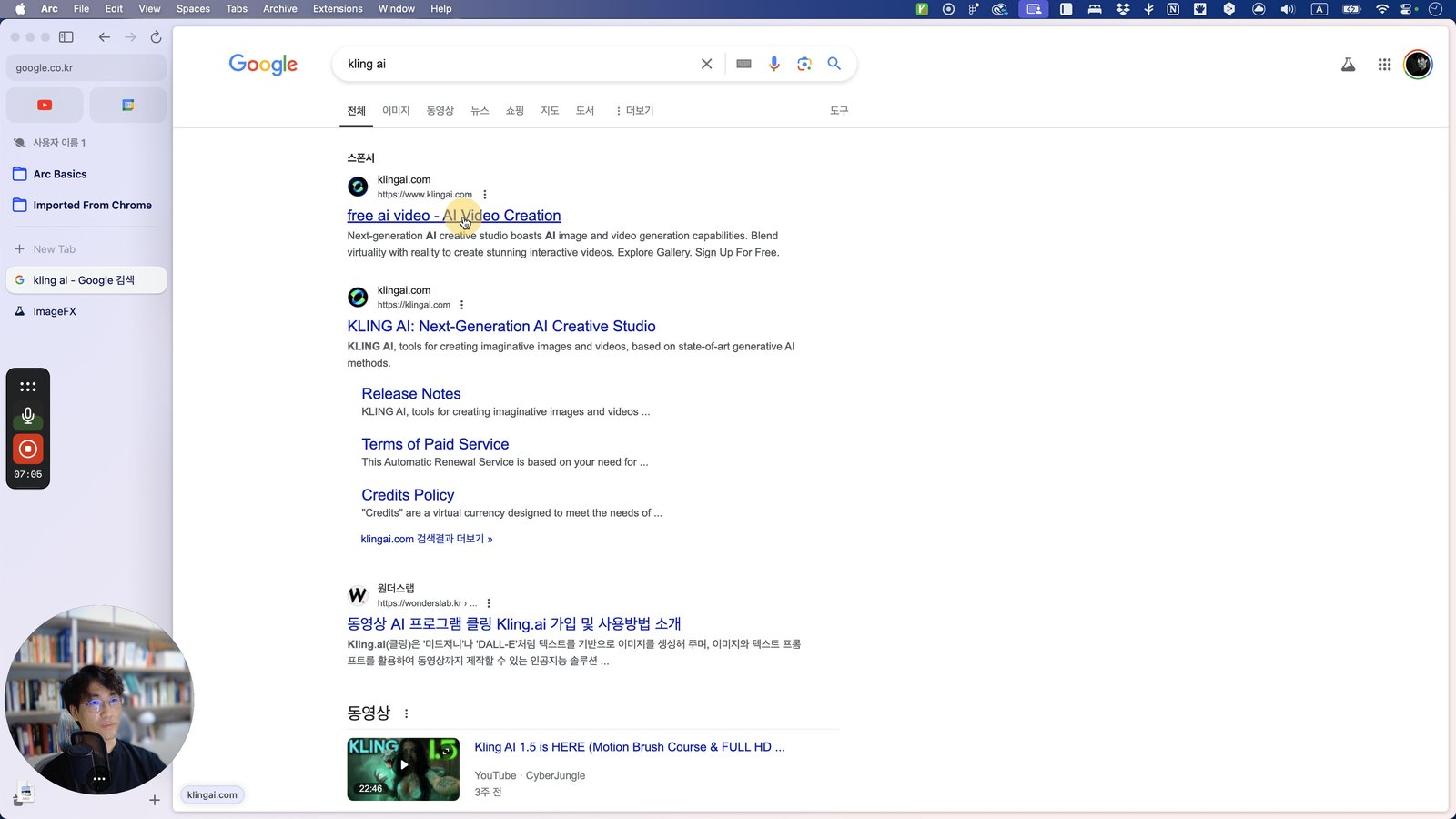
Click this 스크롤 영역
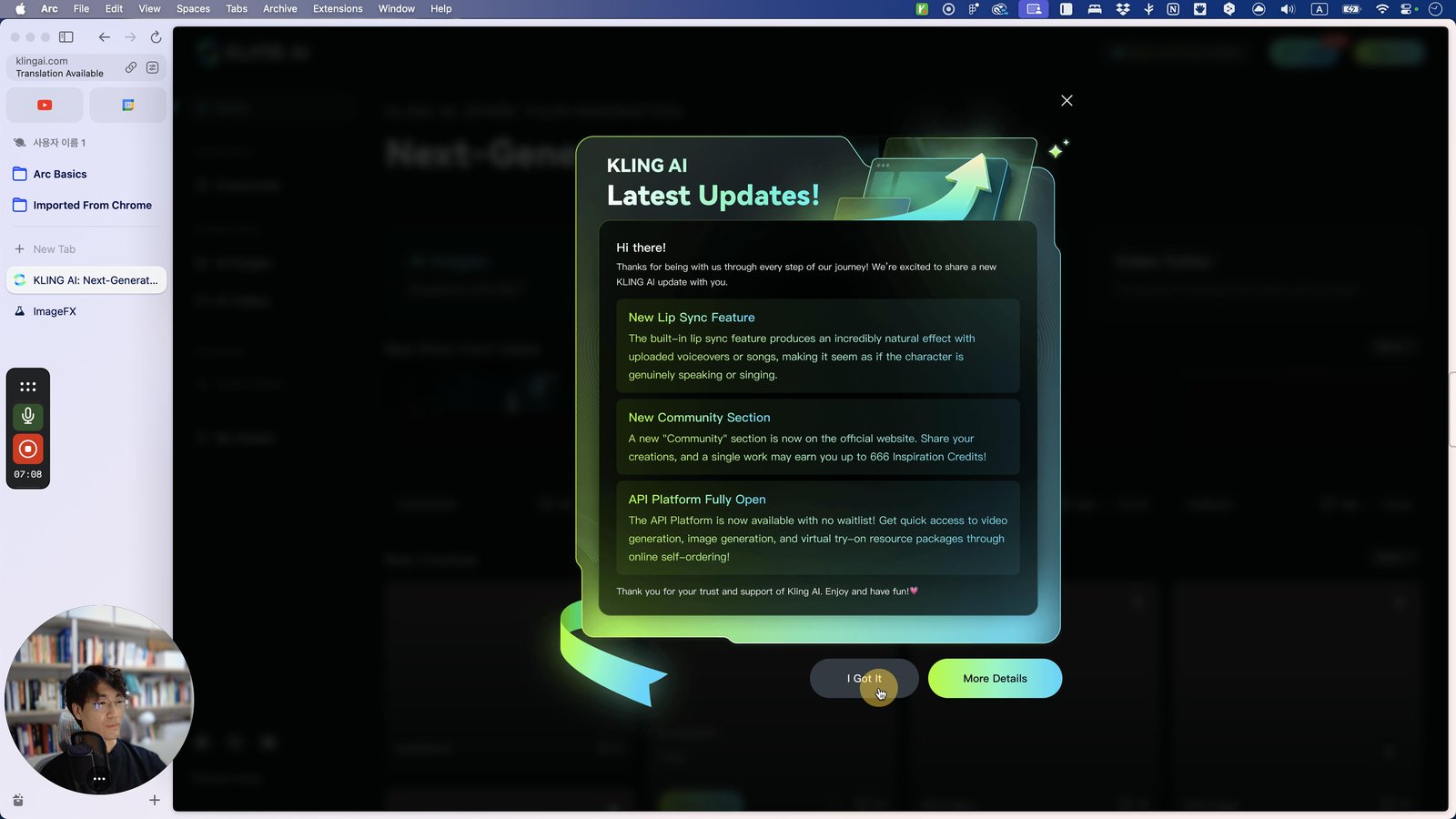
Click here

Click this 스크롤 영역
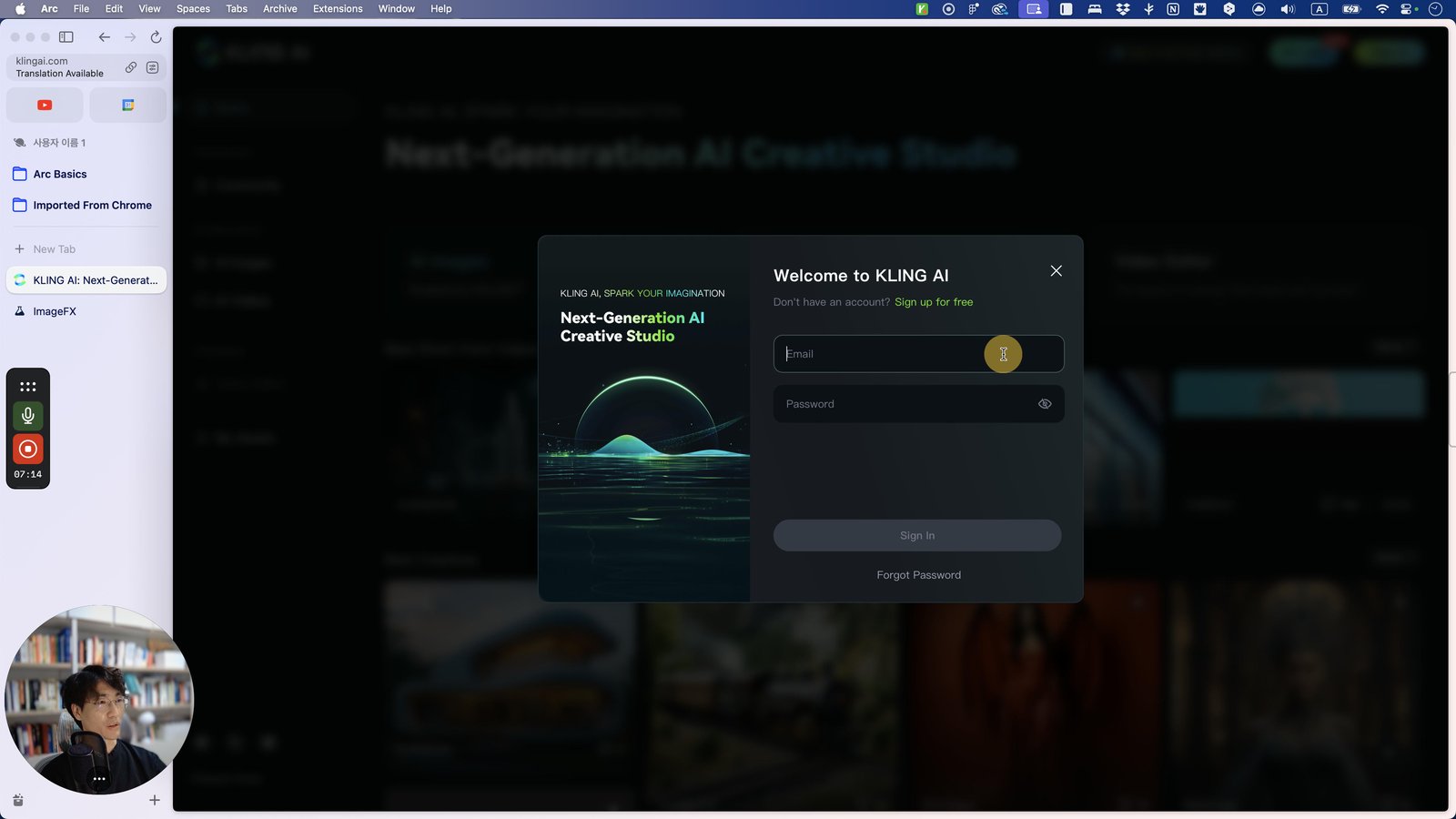
Click here
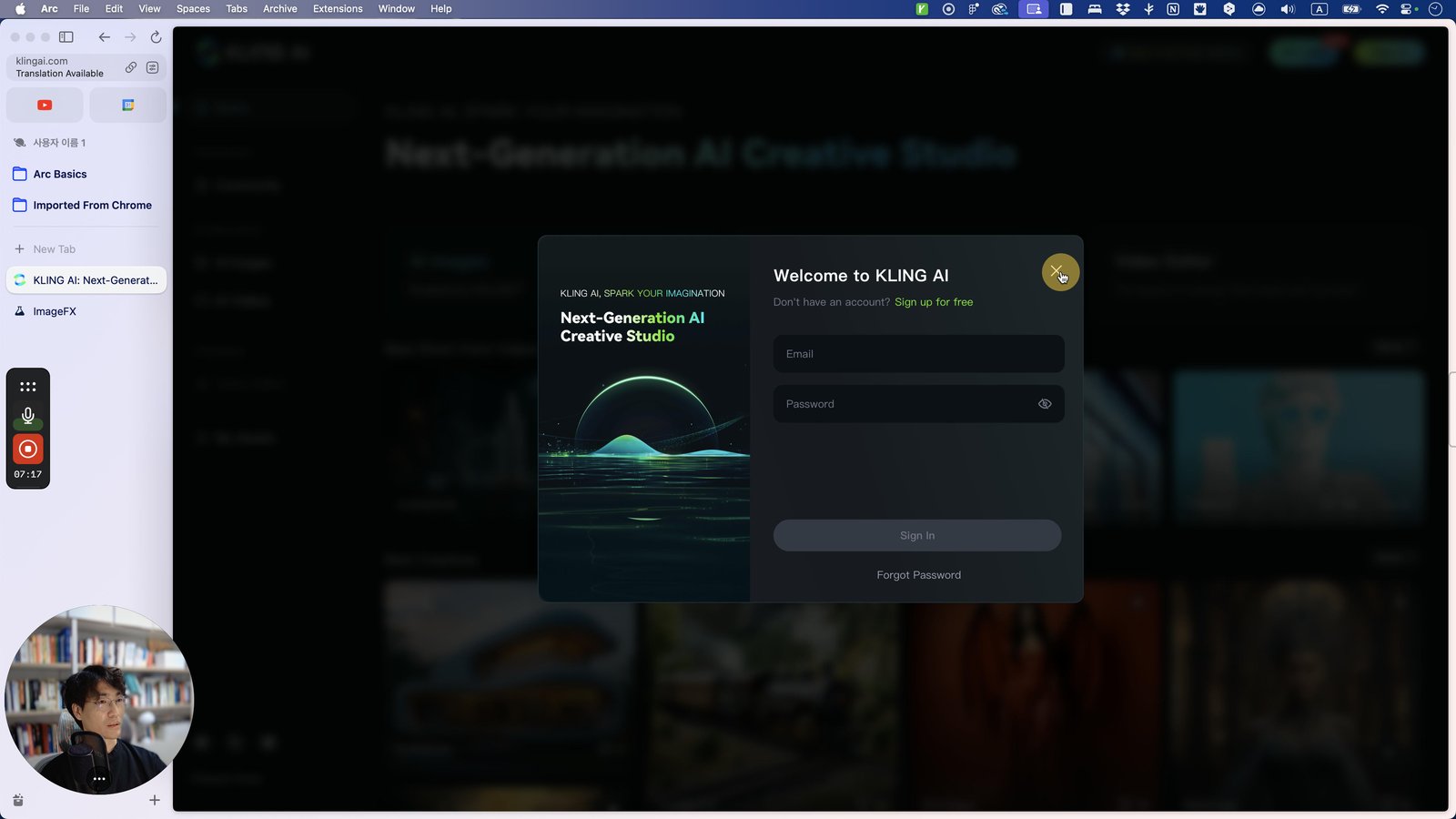
Click this 스크롤 영역

Click here
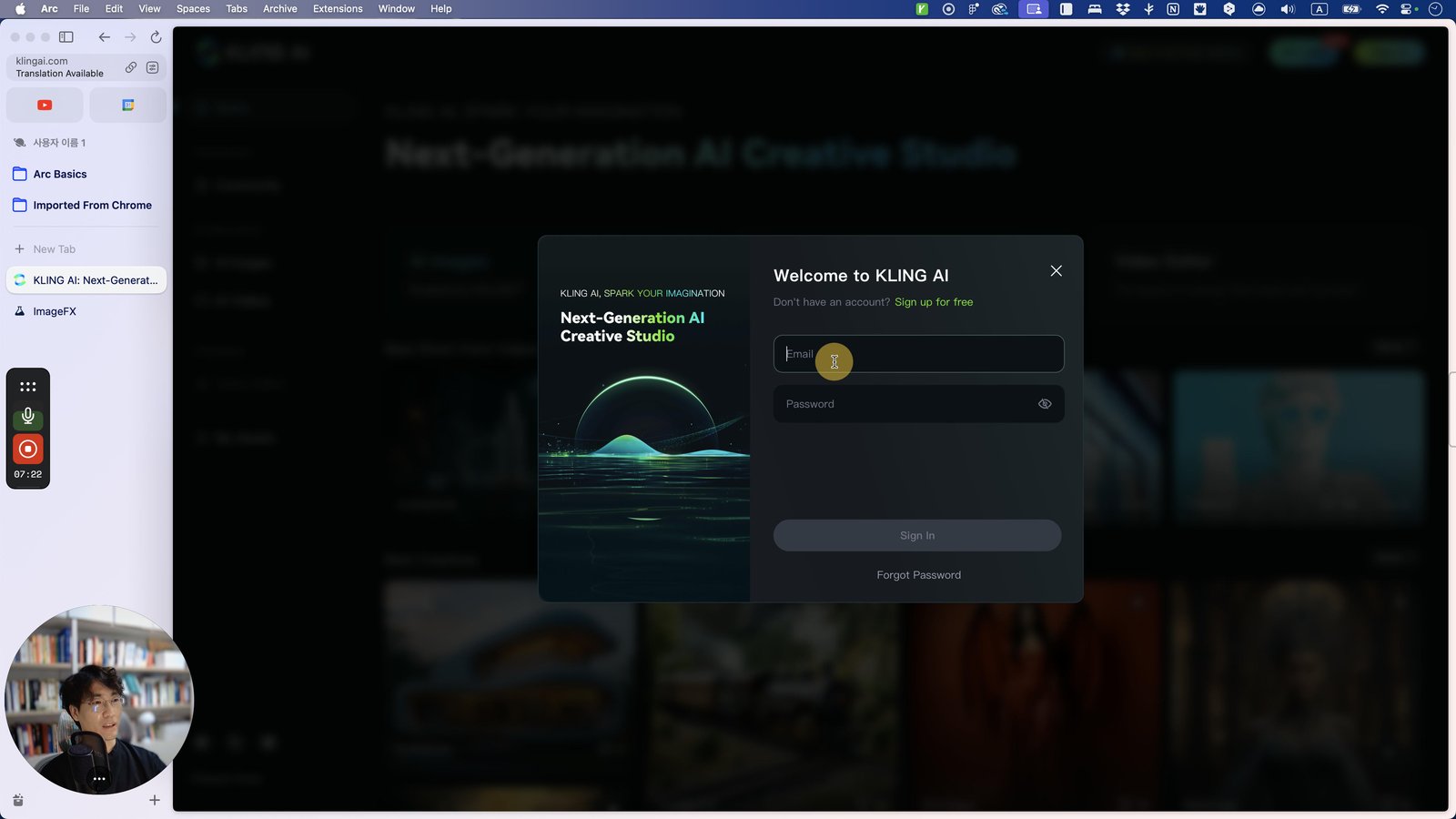
Click this 스크롤 영역
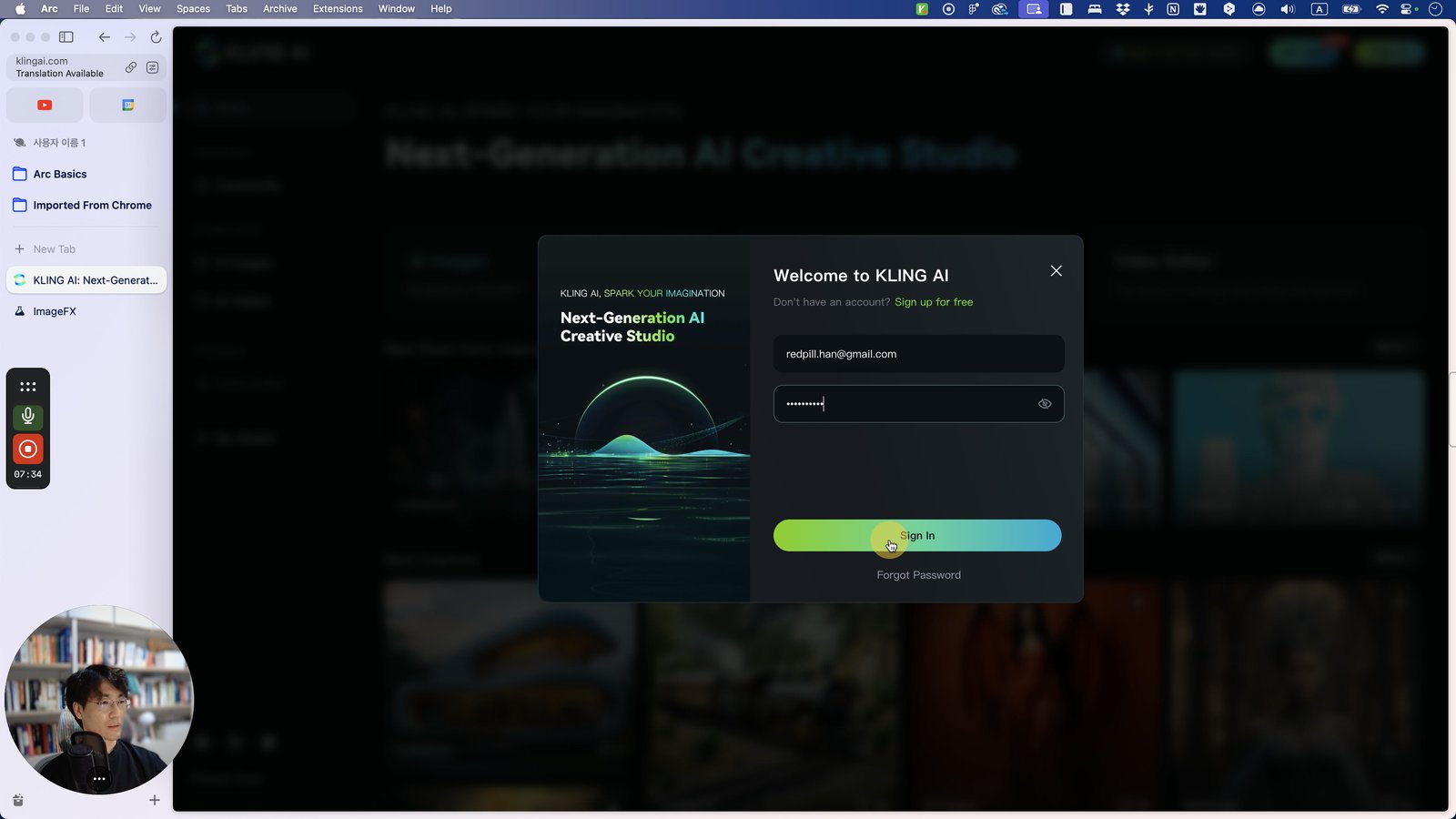
Click here
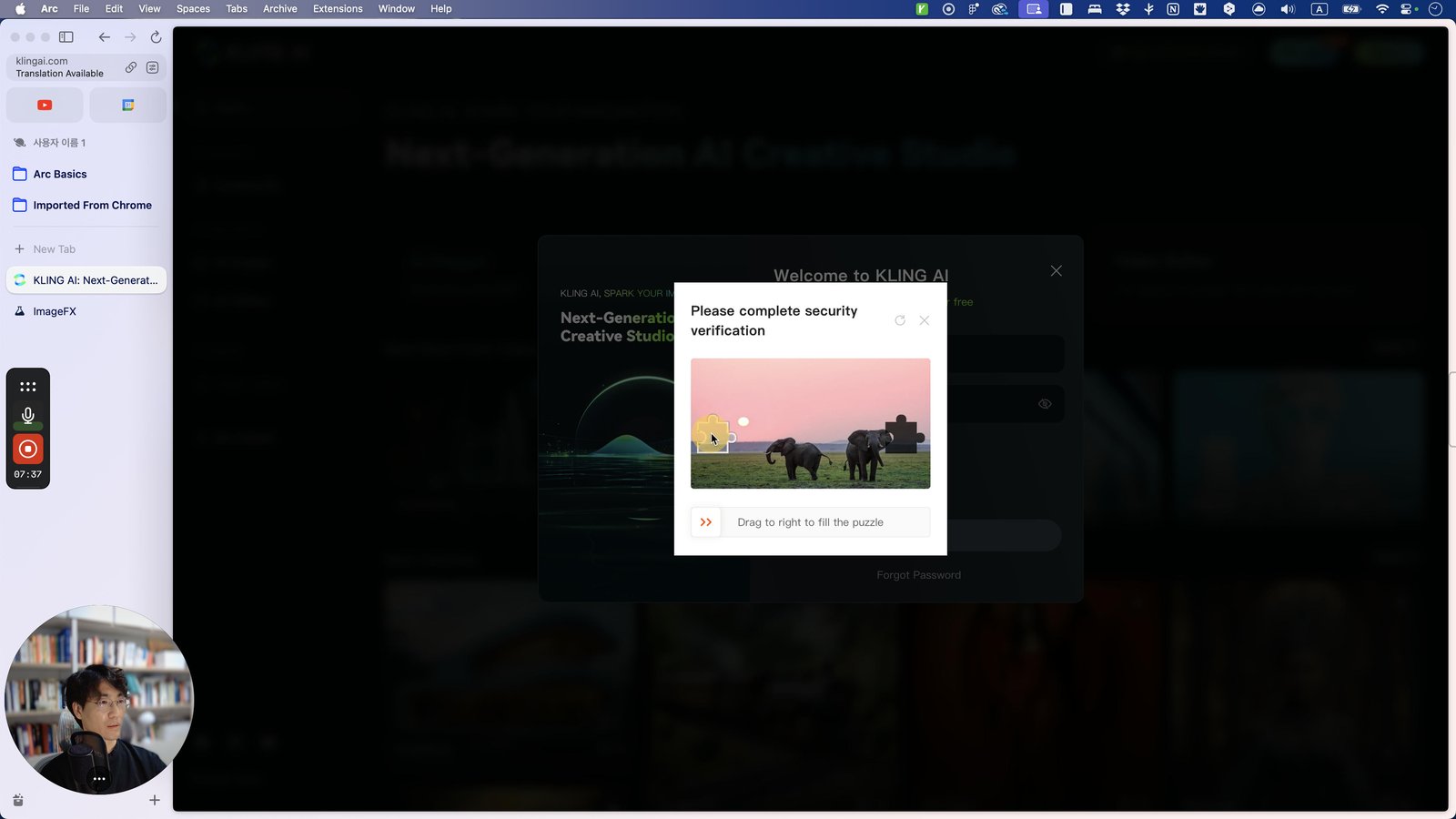
Click this 스크롤 영역
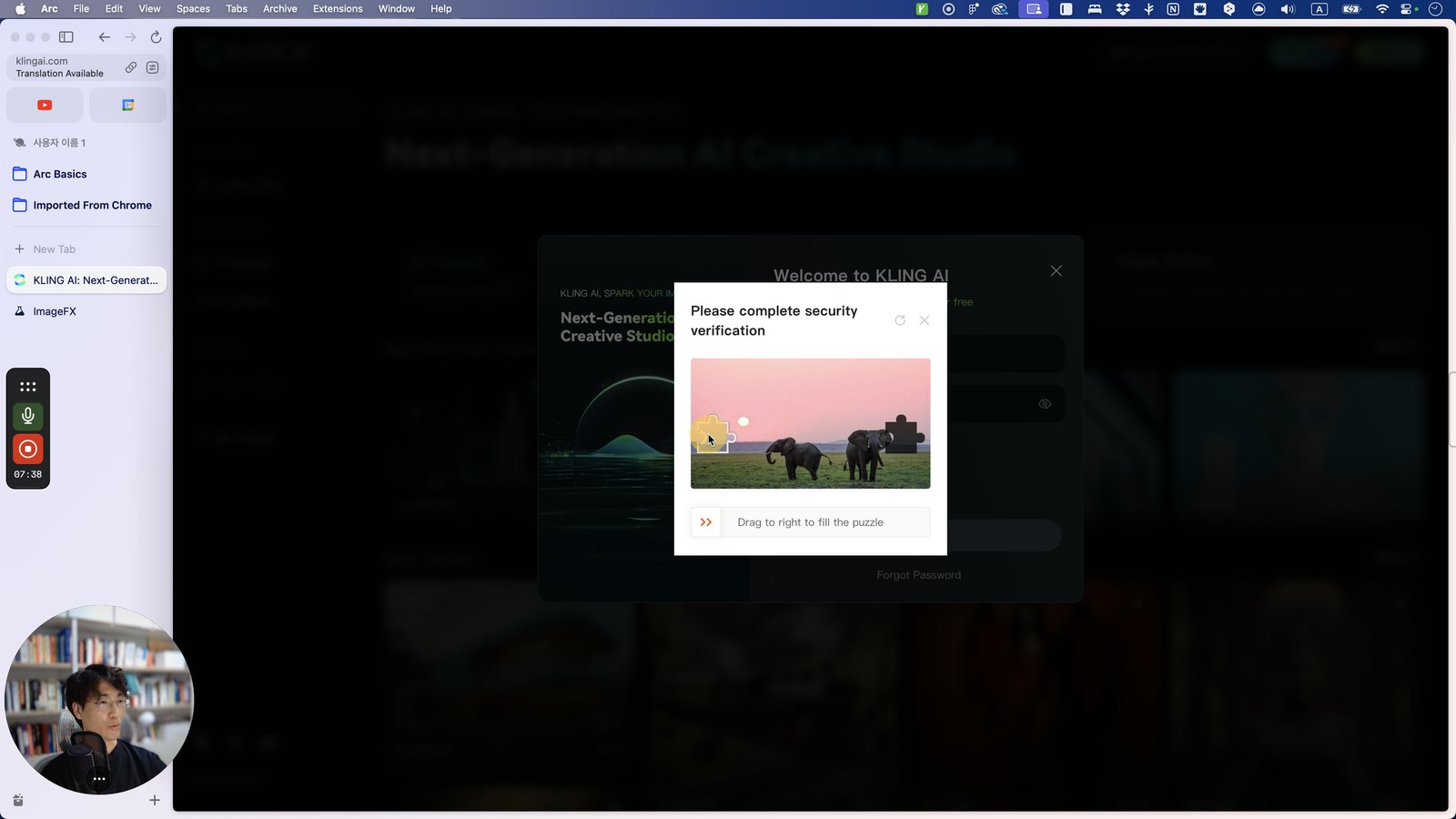
Click here
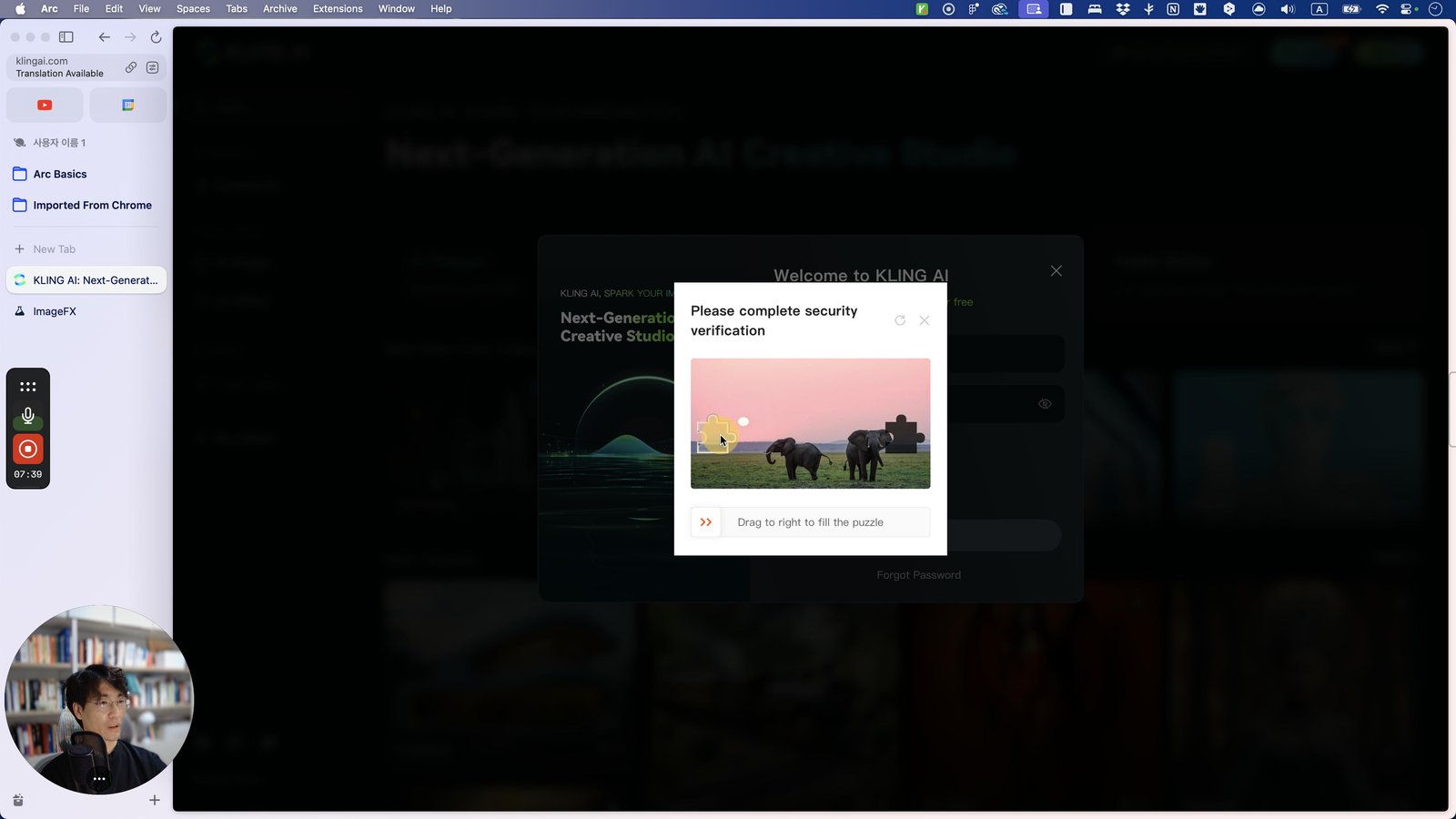
Click this 스크롤 영역
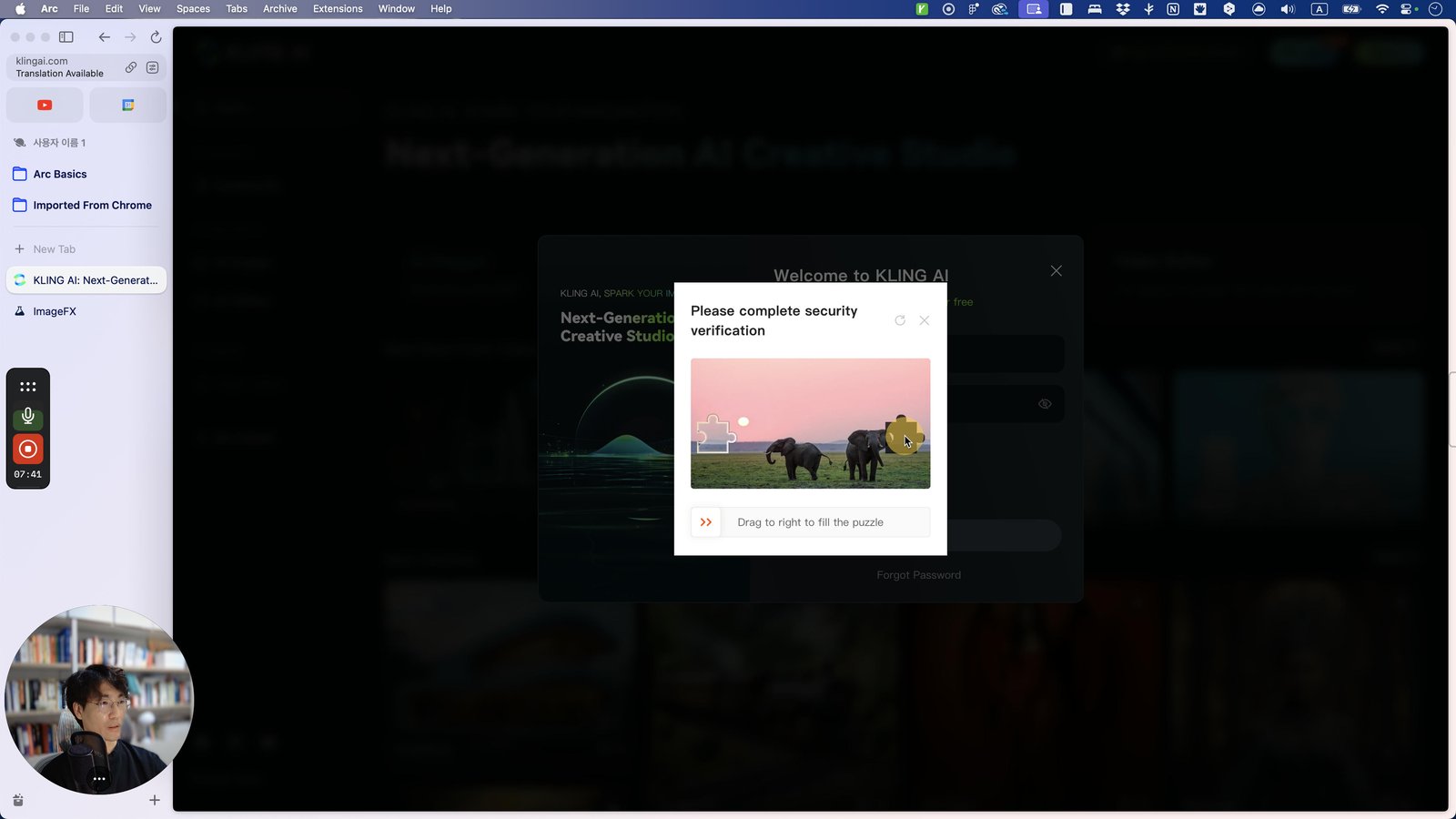
Click here
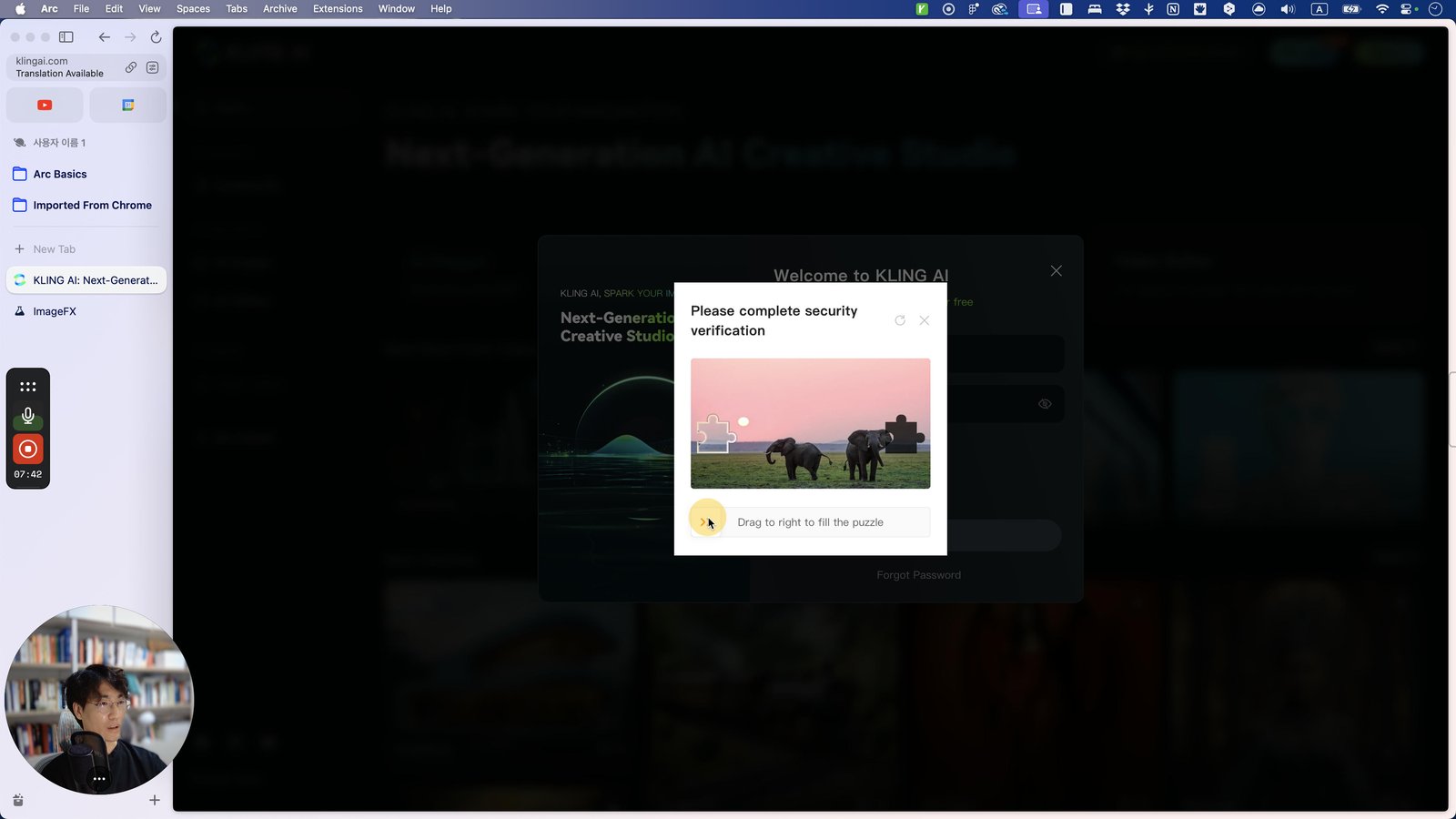
Click the Google Chrome
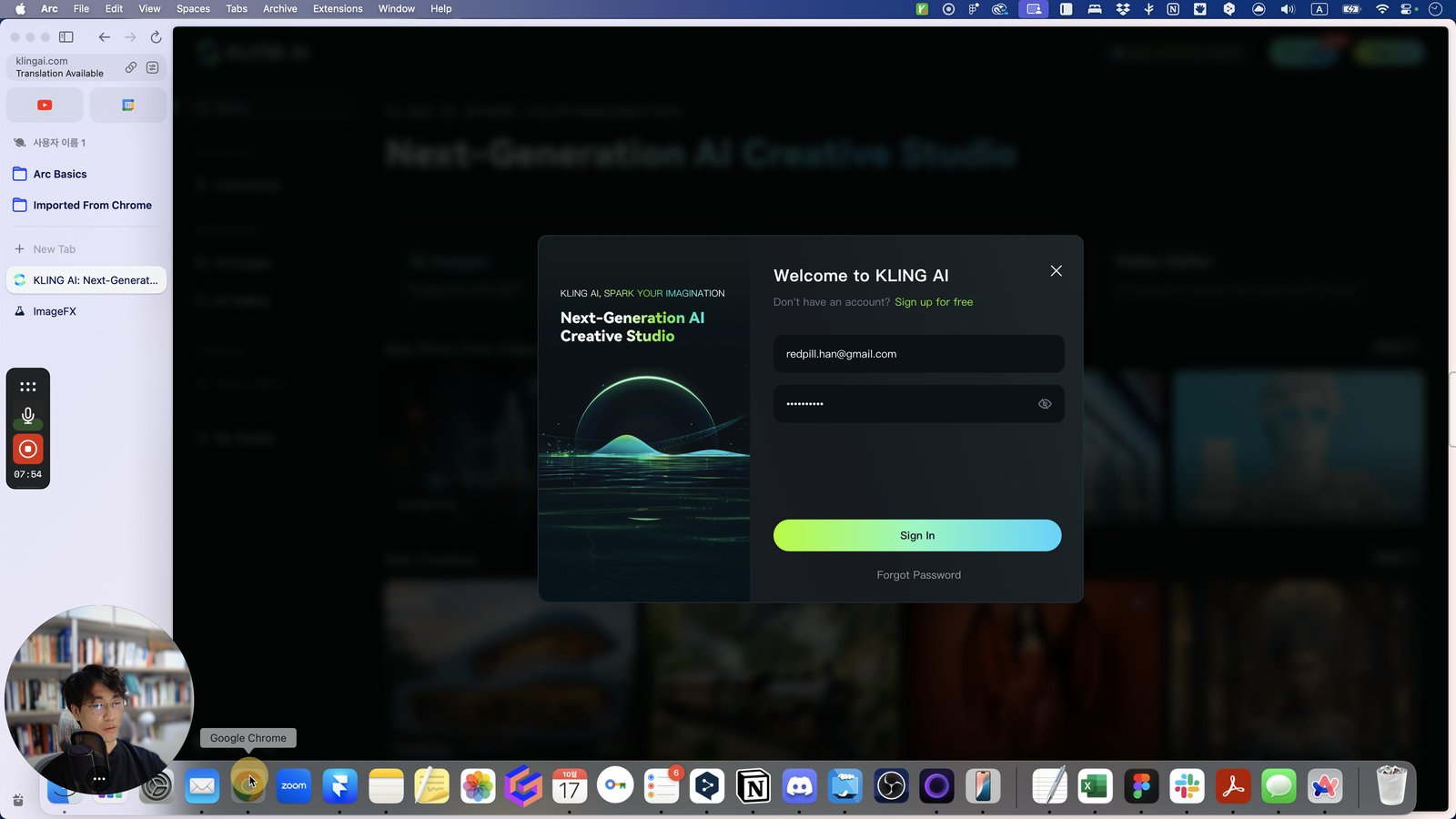
Open Google Chrome - Komodo: Unlimited Screen Recording and Sharing
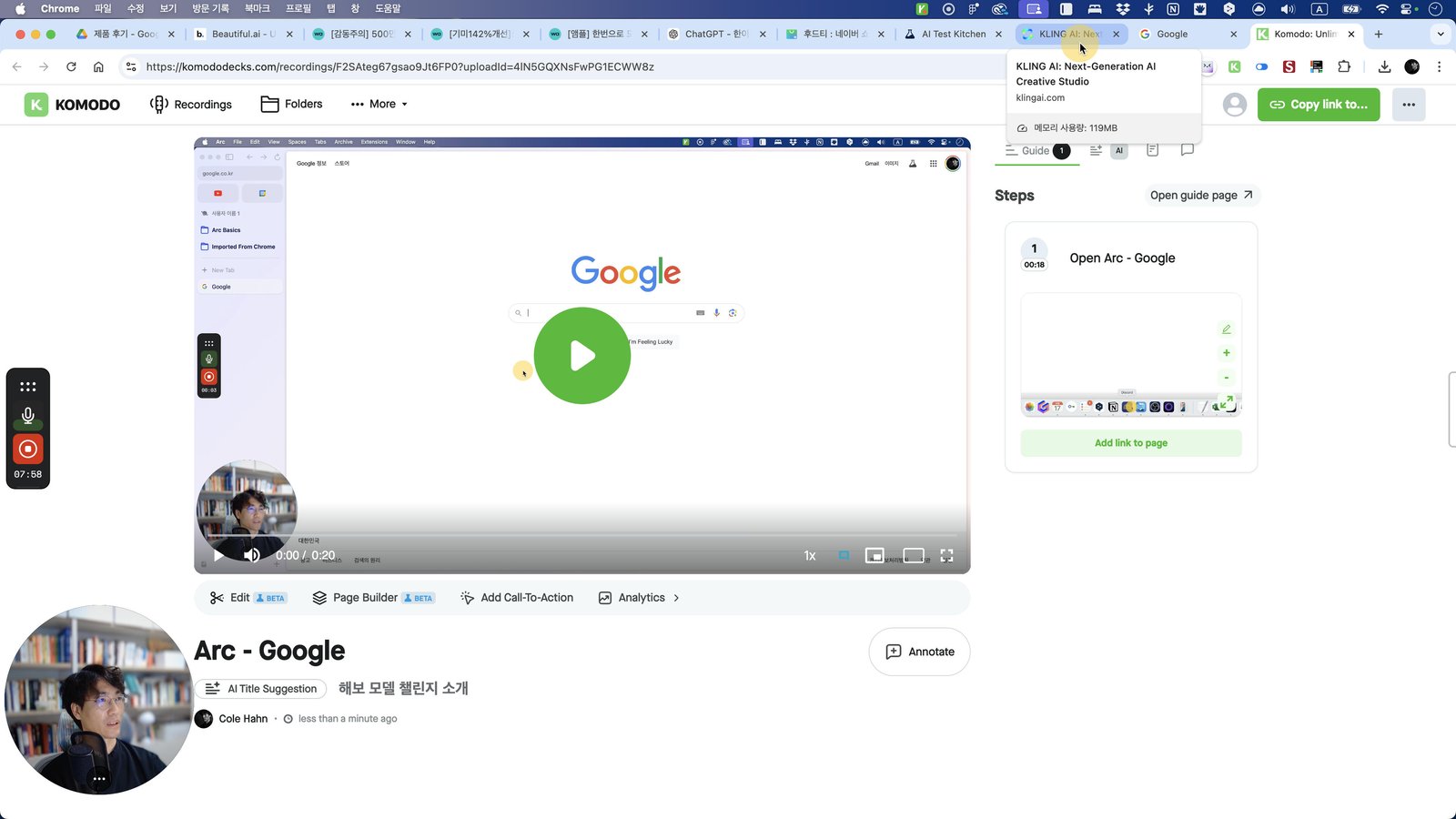
Click this 스크롤 영역

Click here
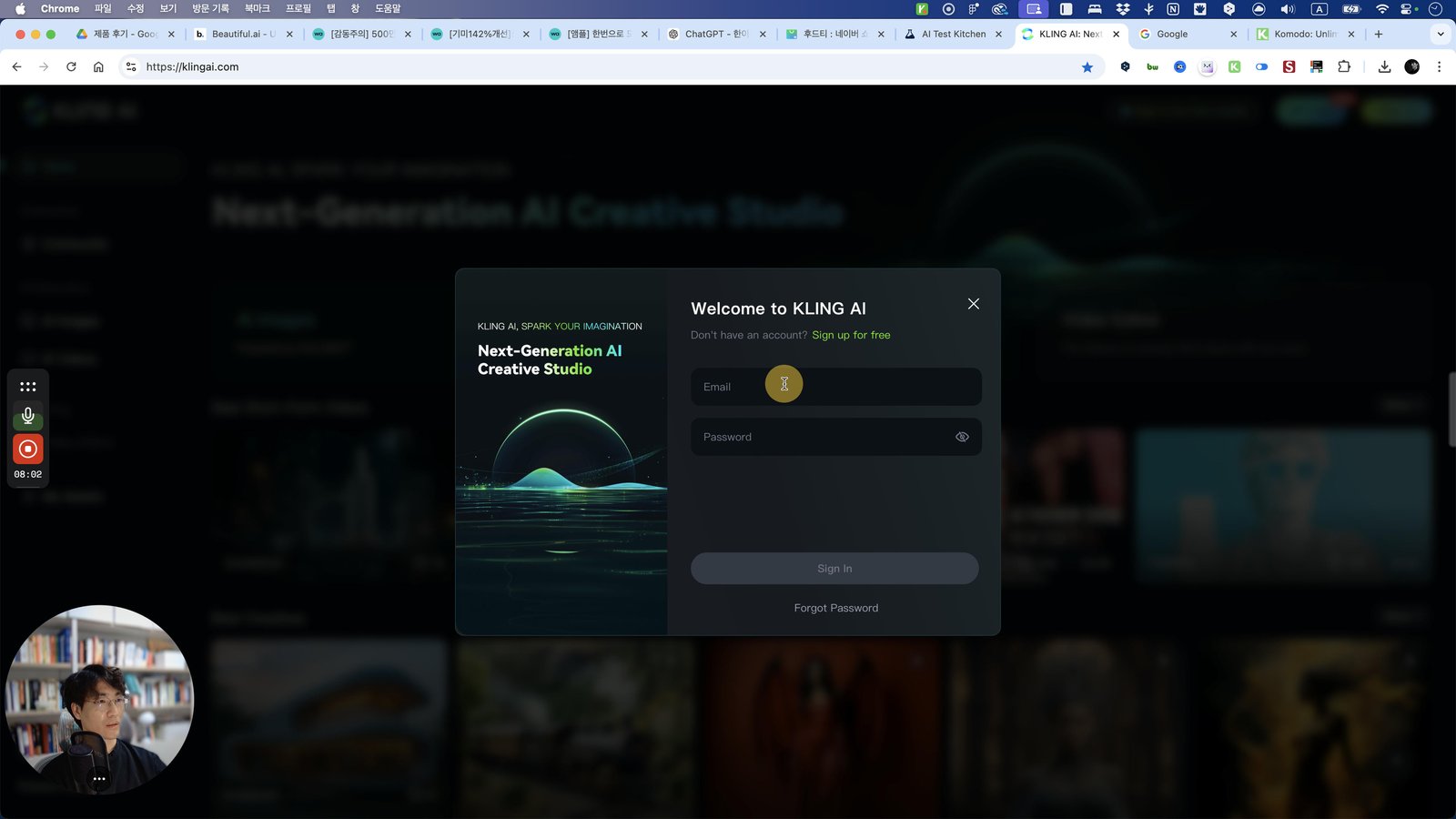
Open Arc - KLING AI: Next-Generation AI Creative Studio
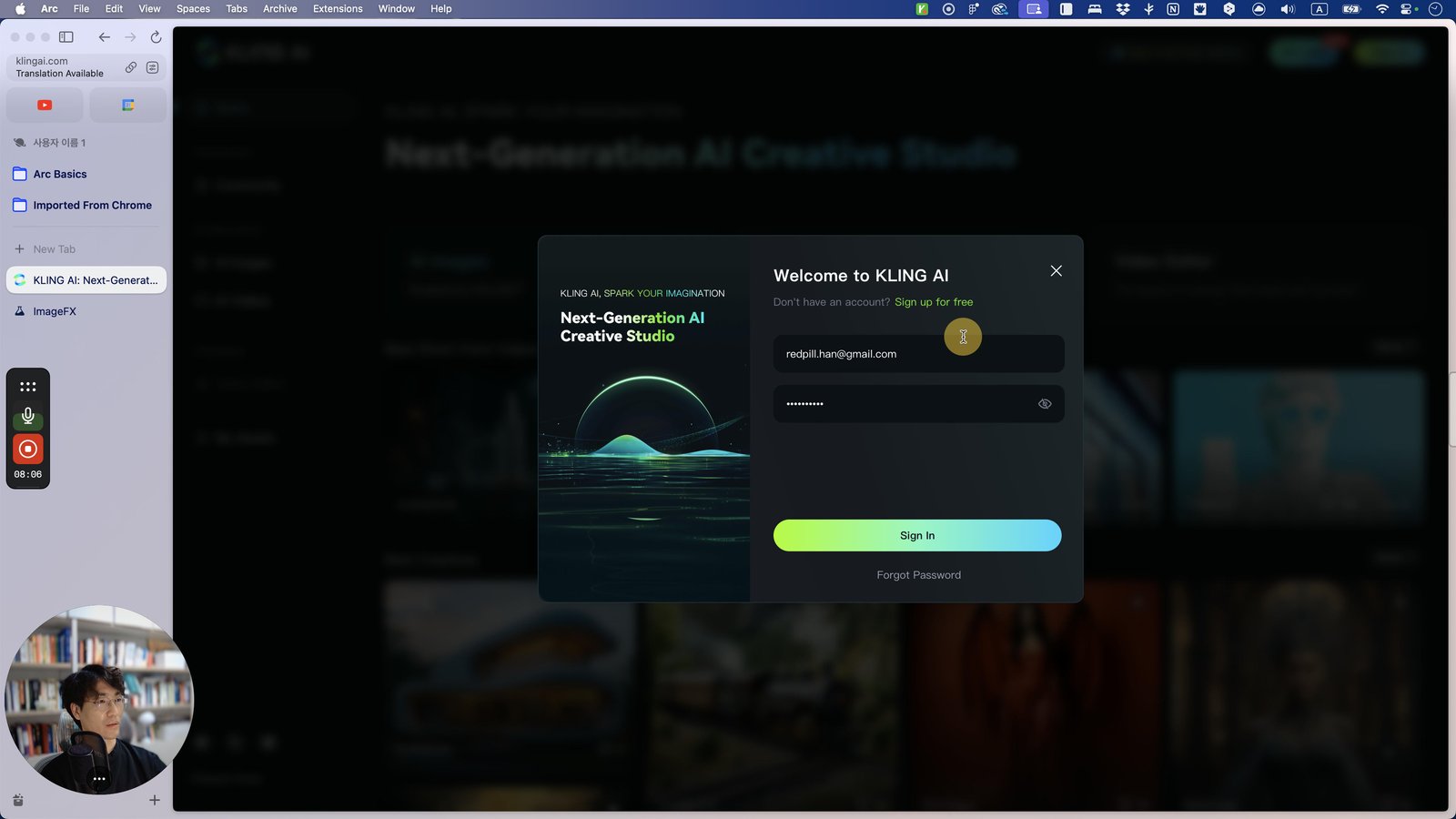
Press ⌘ a
Click this 스크롤 영역
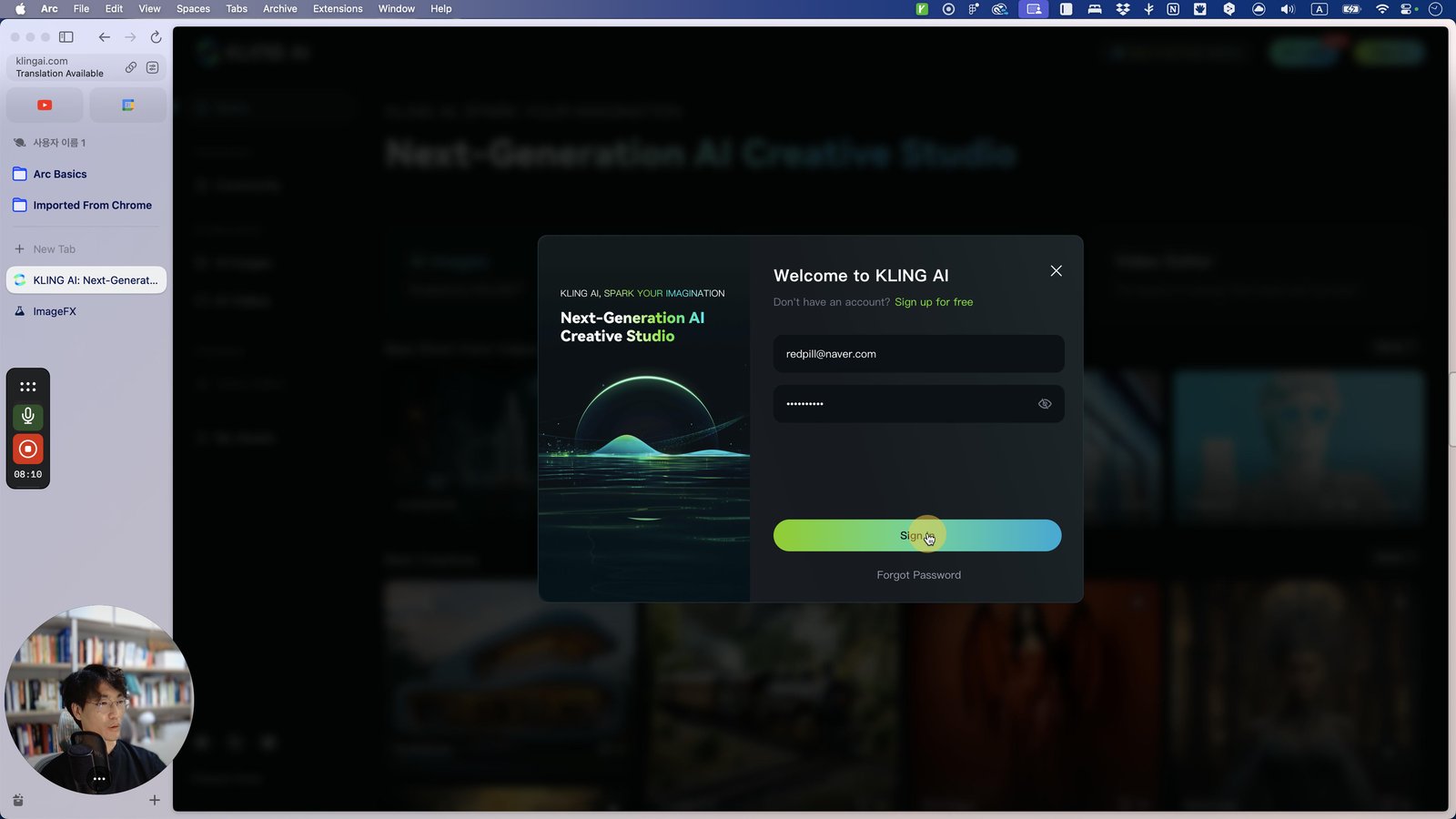
Click here
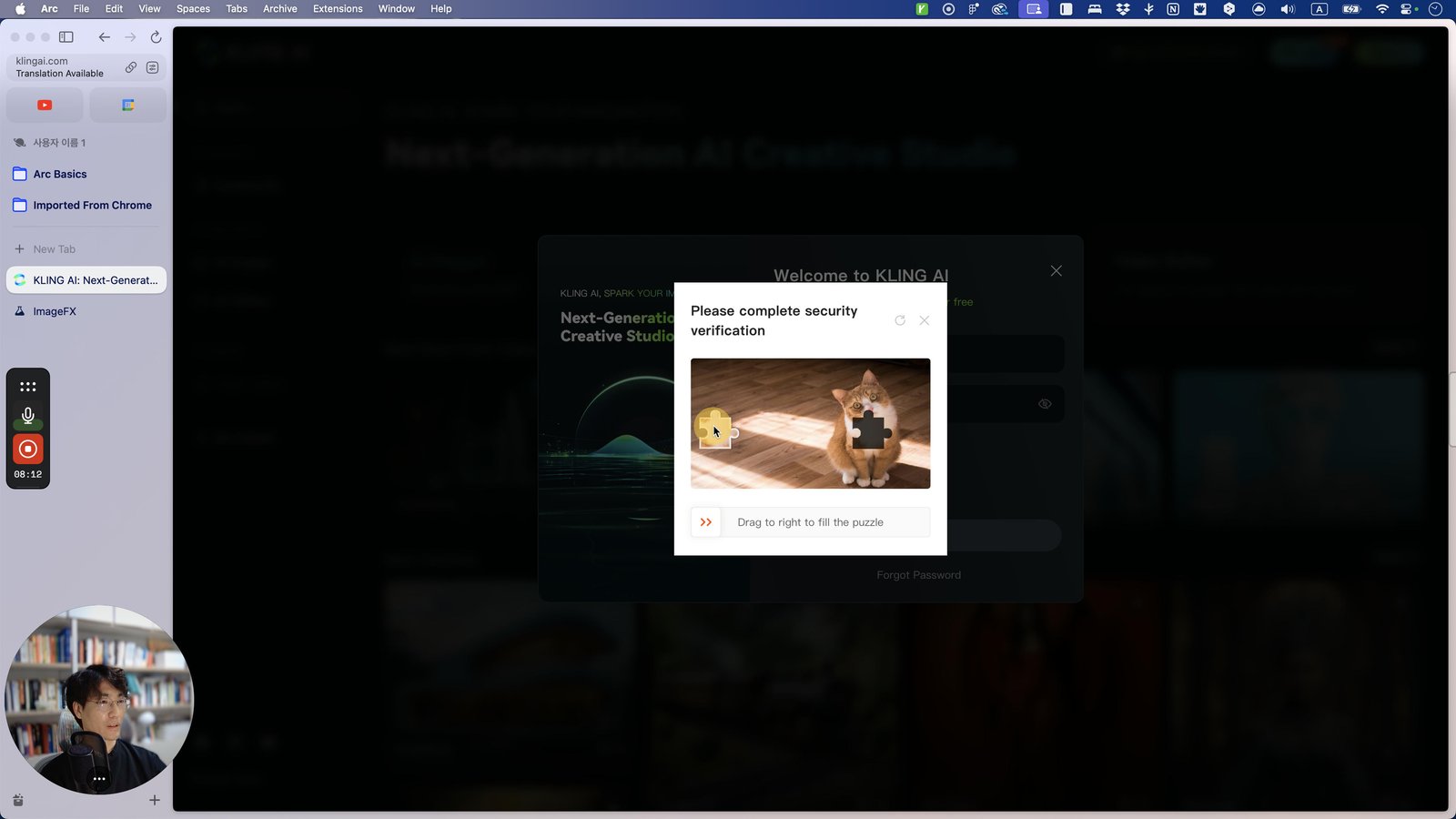
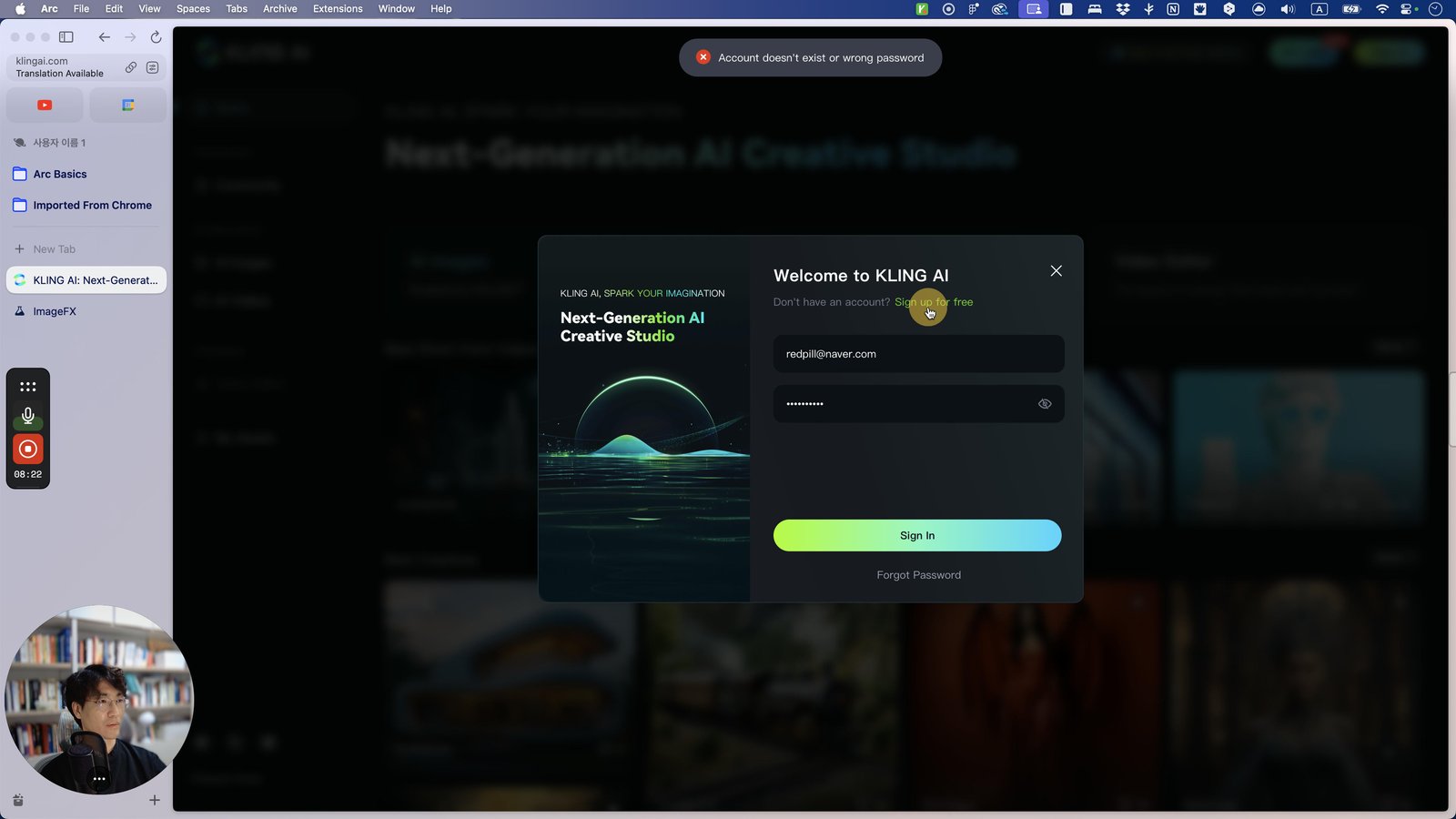
Click this 스크롤 영역
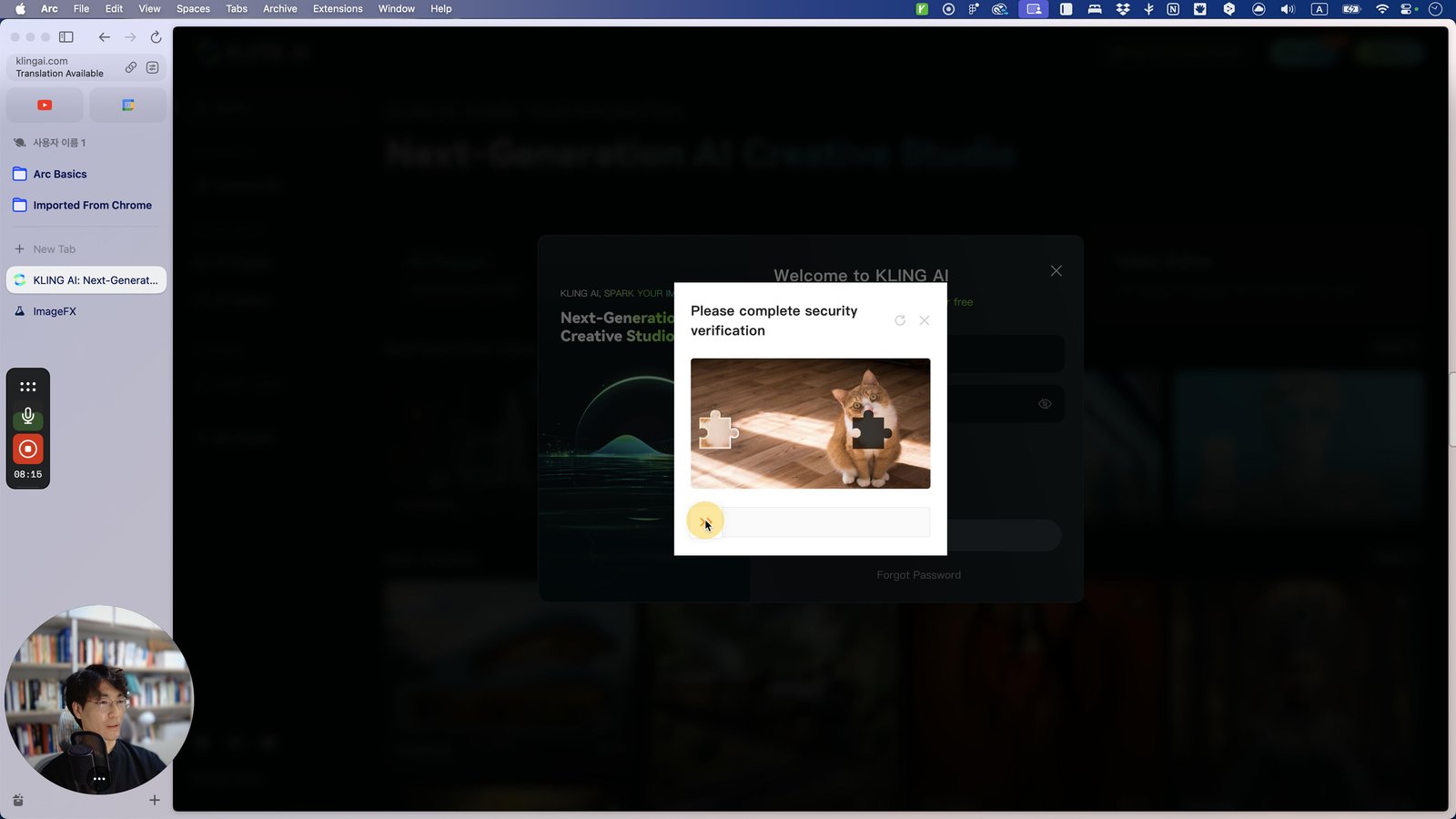
Click here
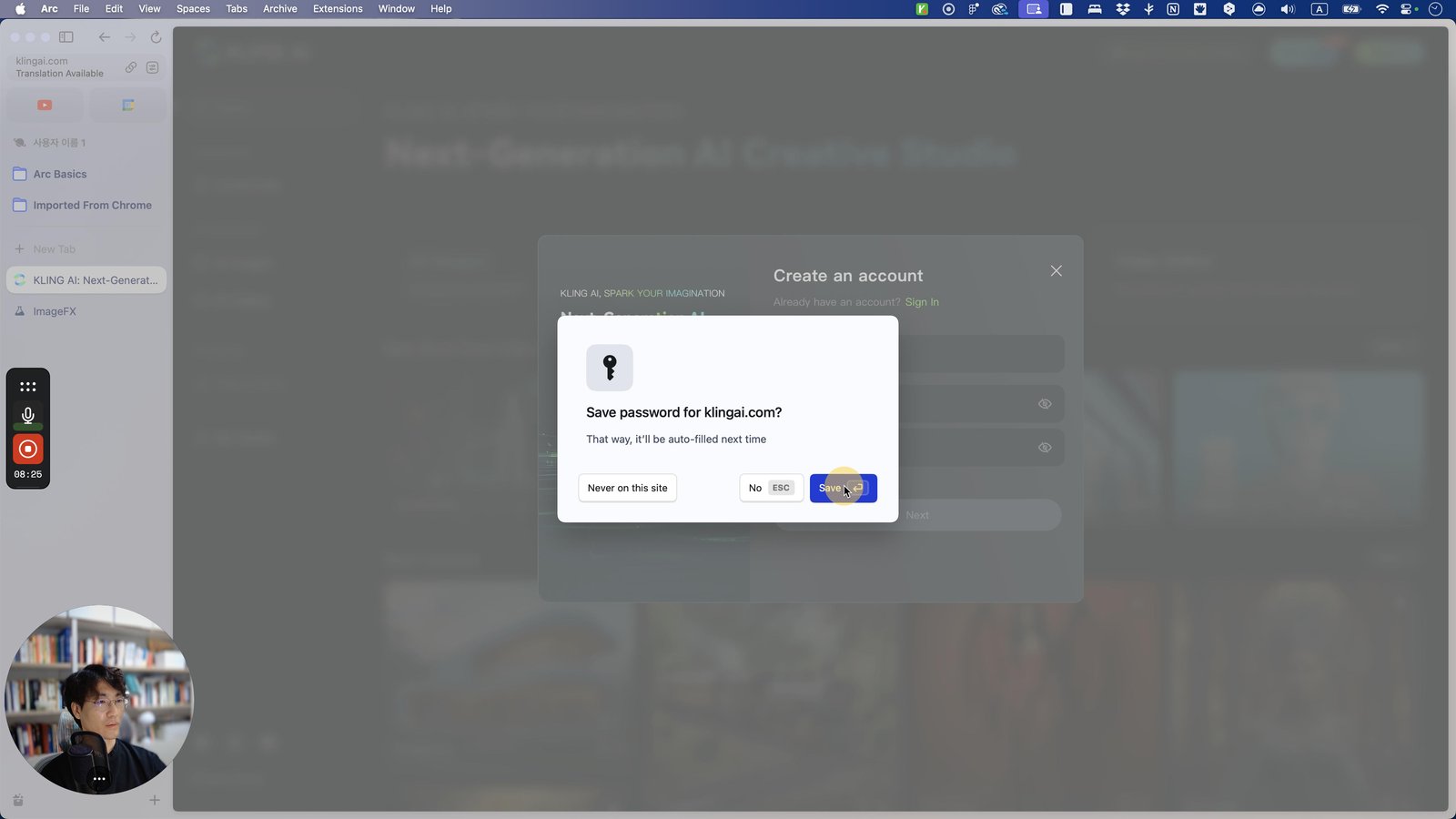
Click the 버튼 Save
Click this 스크롤 영역

Press ⌘ a
Click this 스크롤 영역
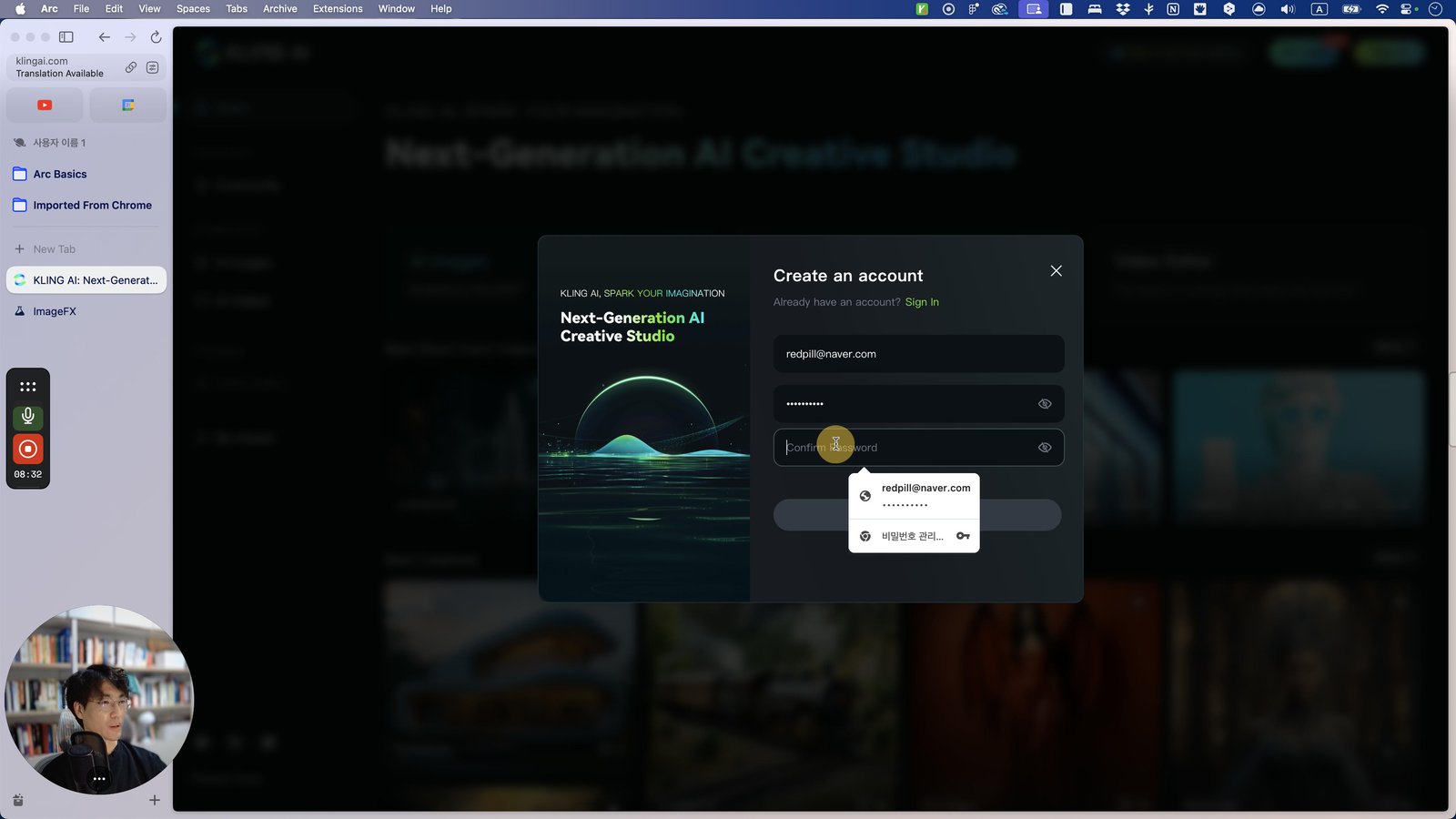
Click here
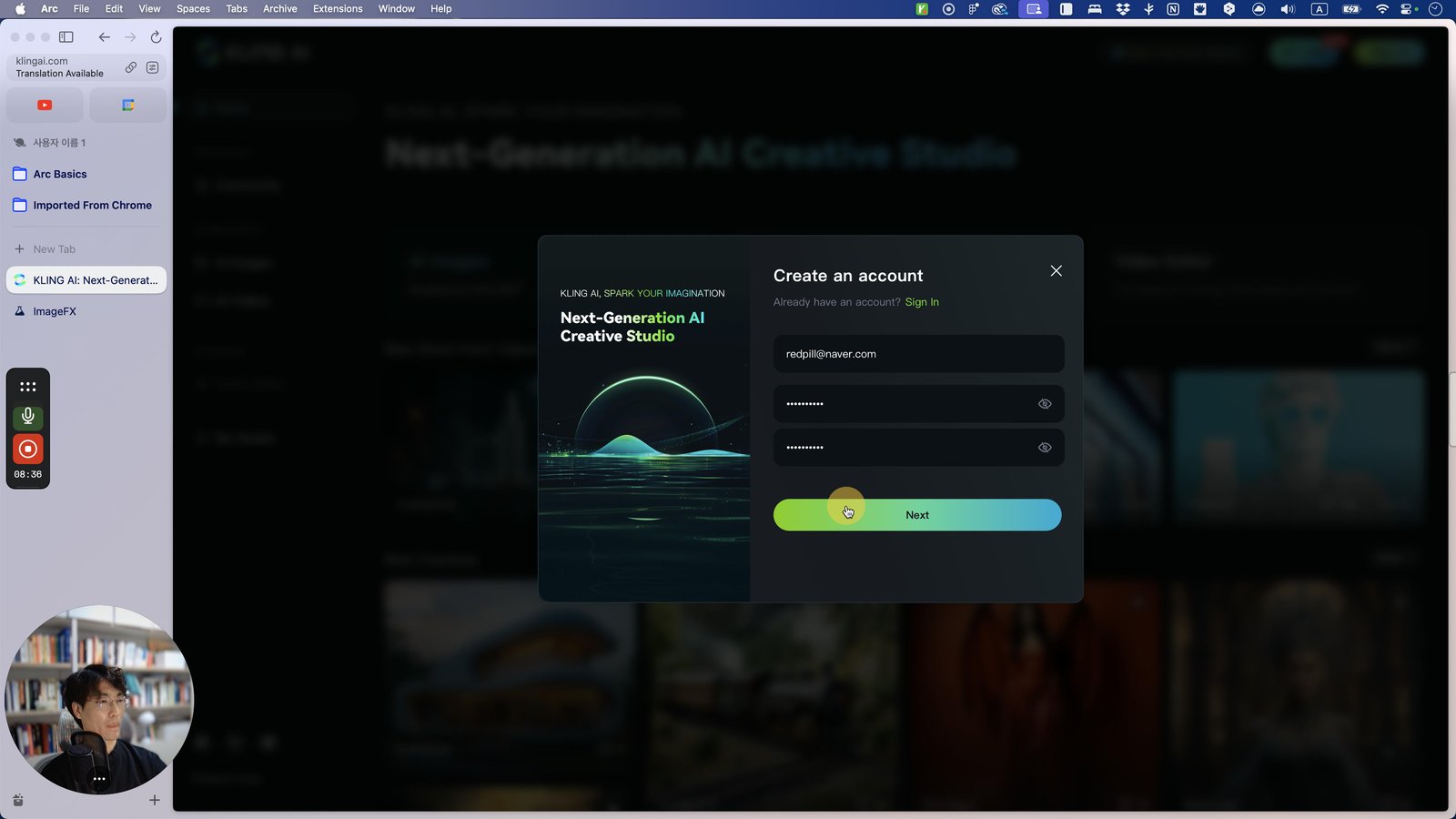
Click this 스크롤 영역
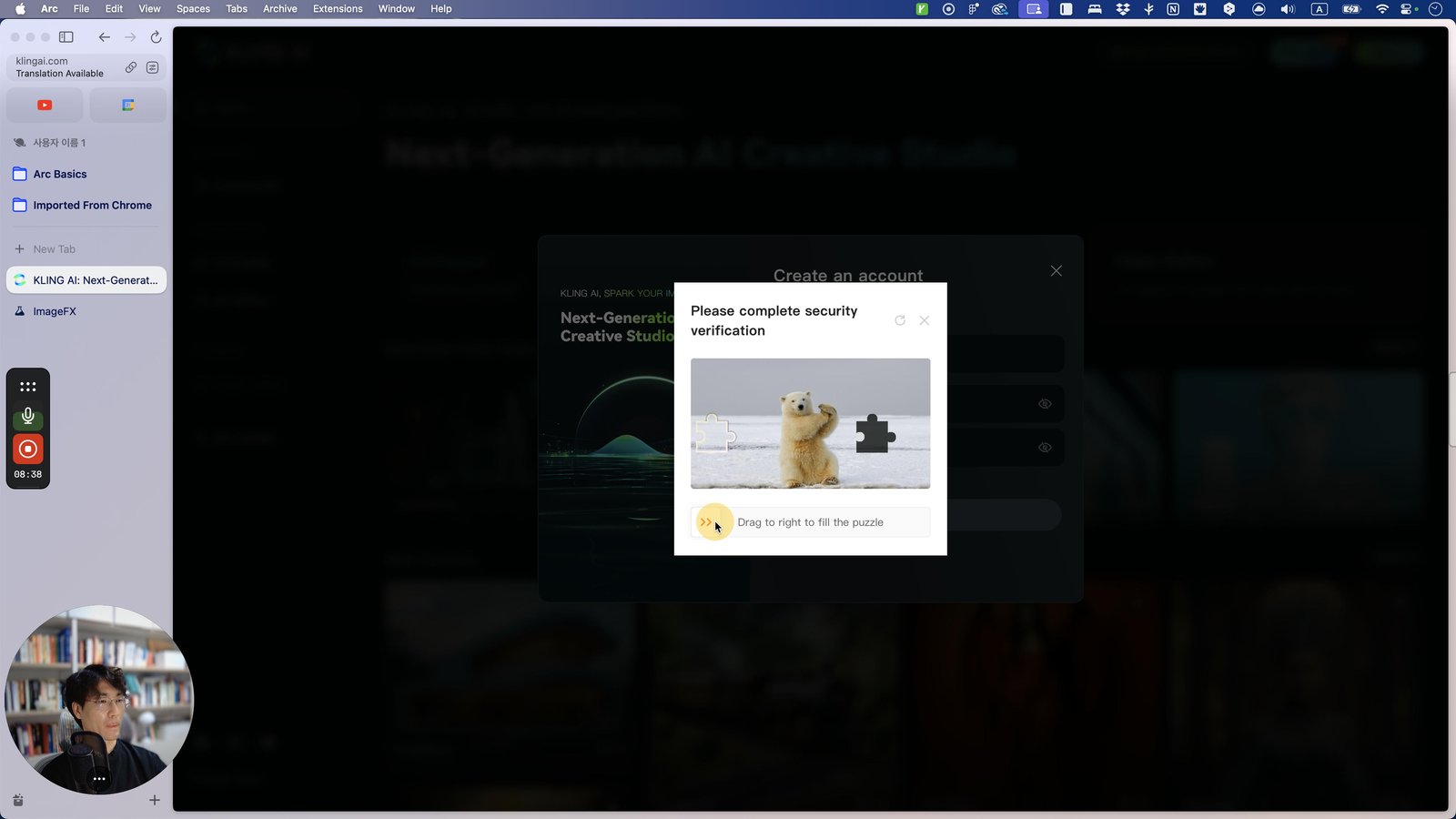
Click here
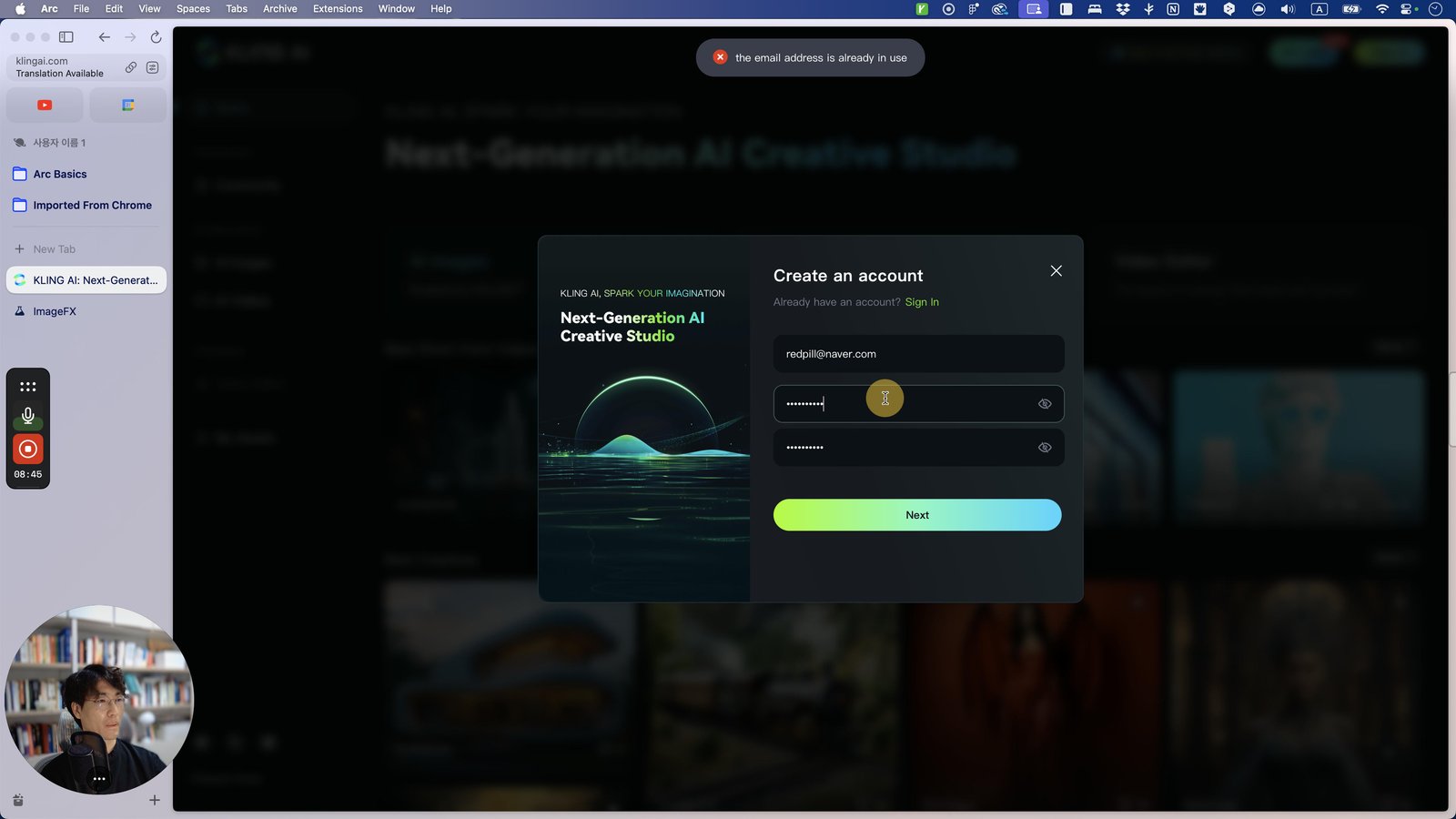
Click this 스크롤 영역
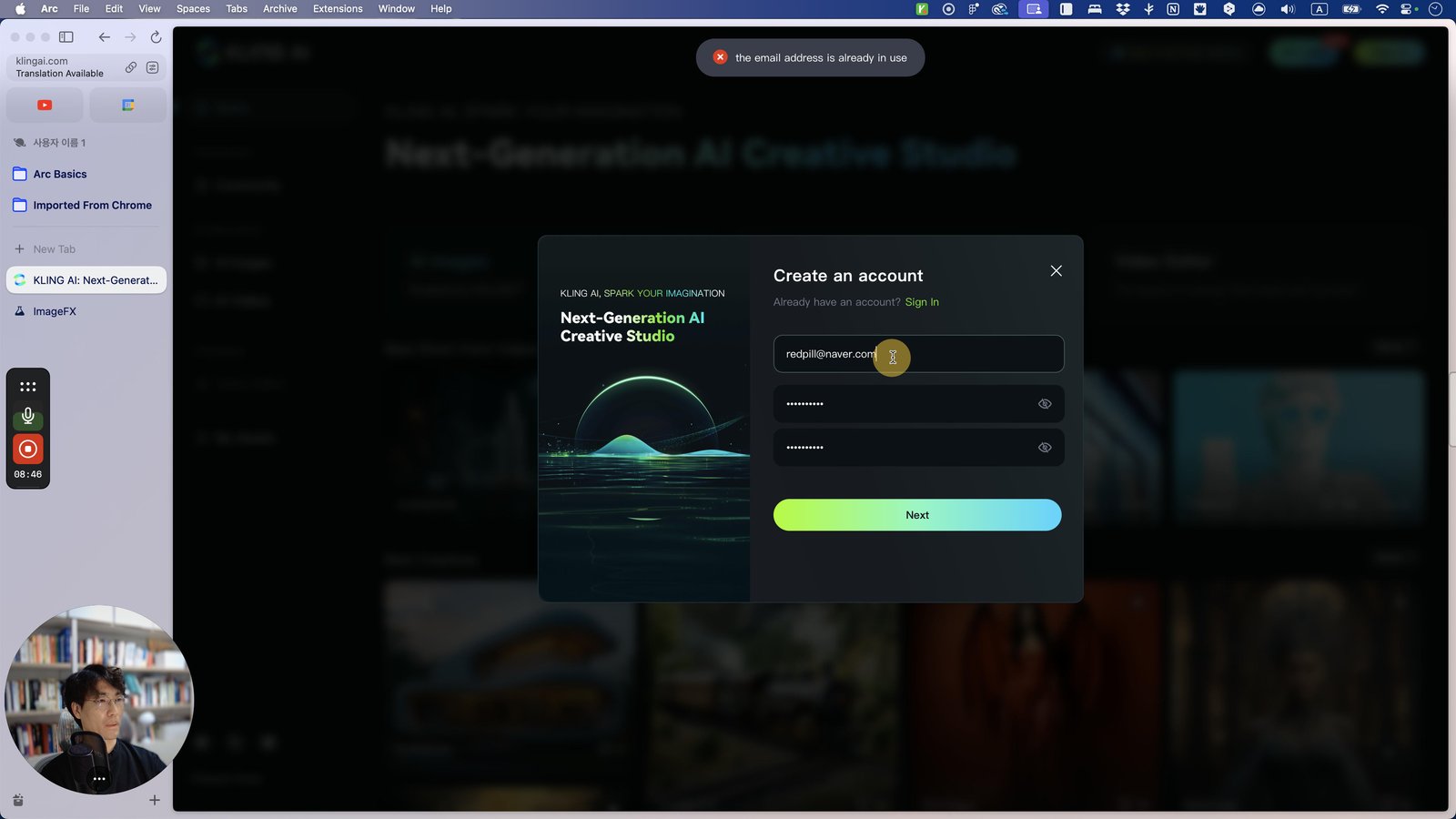
Press ⌘ a
Click this 스크롤 영역
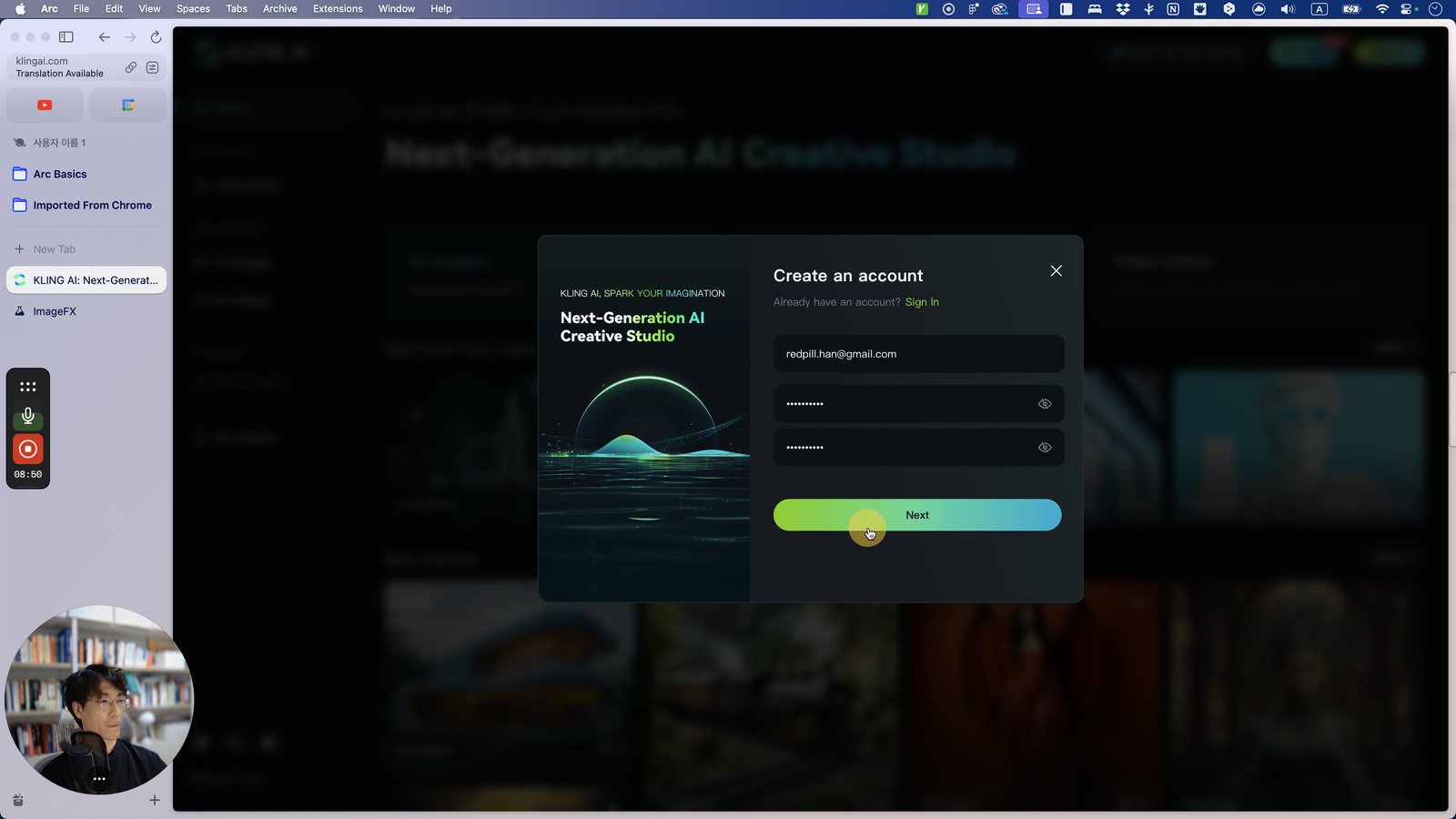
Click here
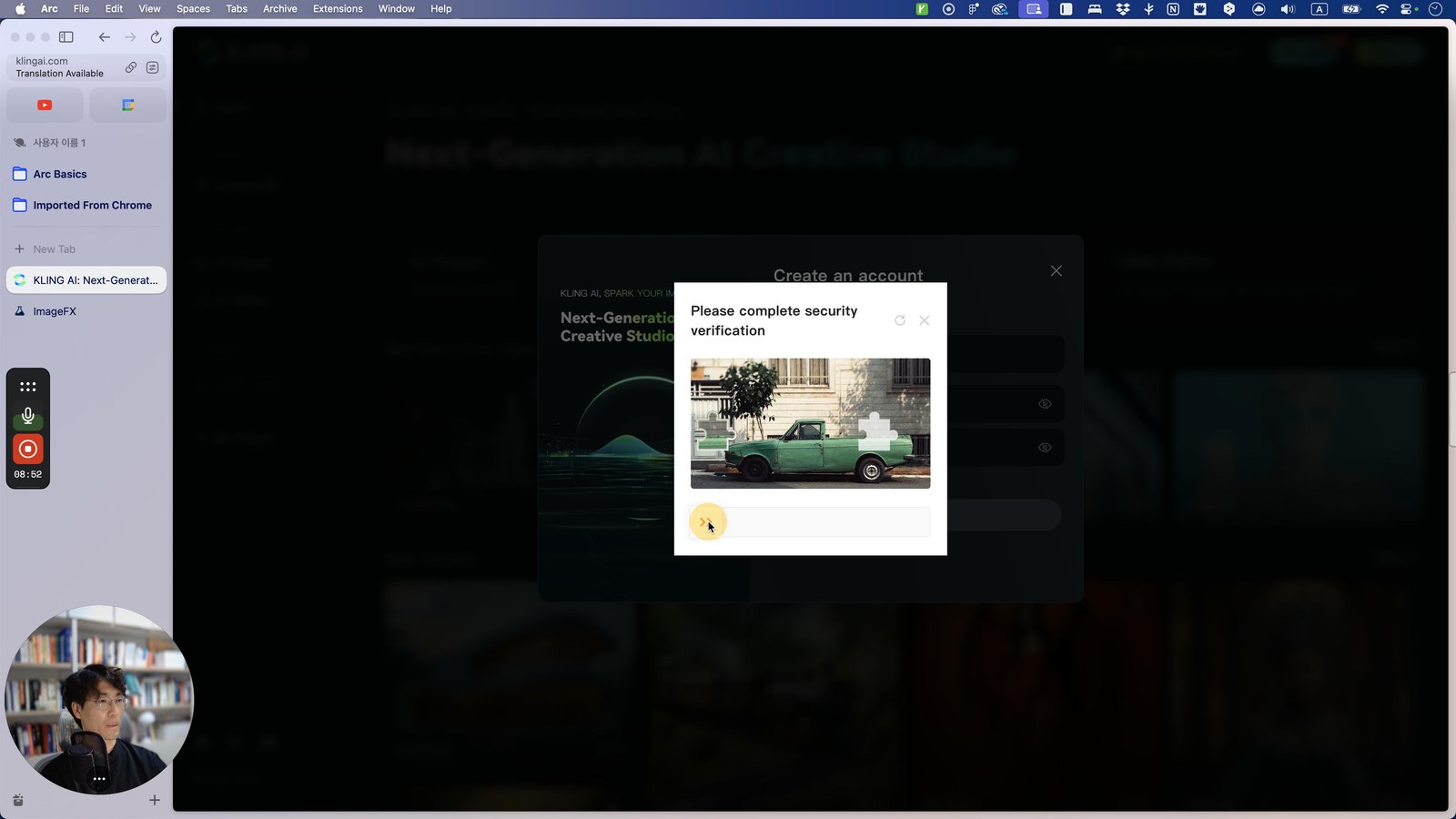
Click this 스크롤 영역
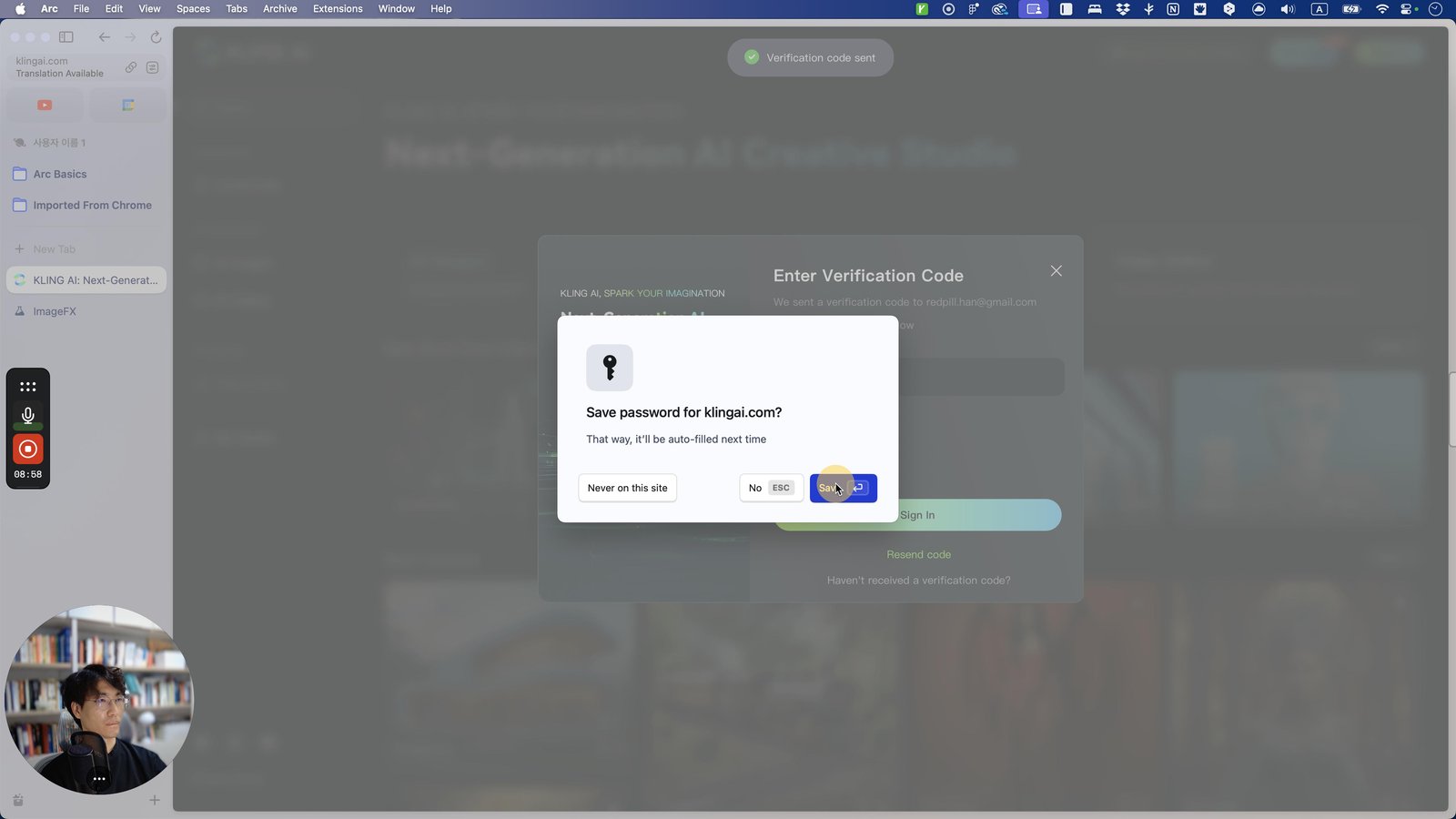
Open Google Chrome - KLING AI: Next-Generation AI Creative Studio
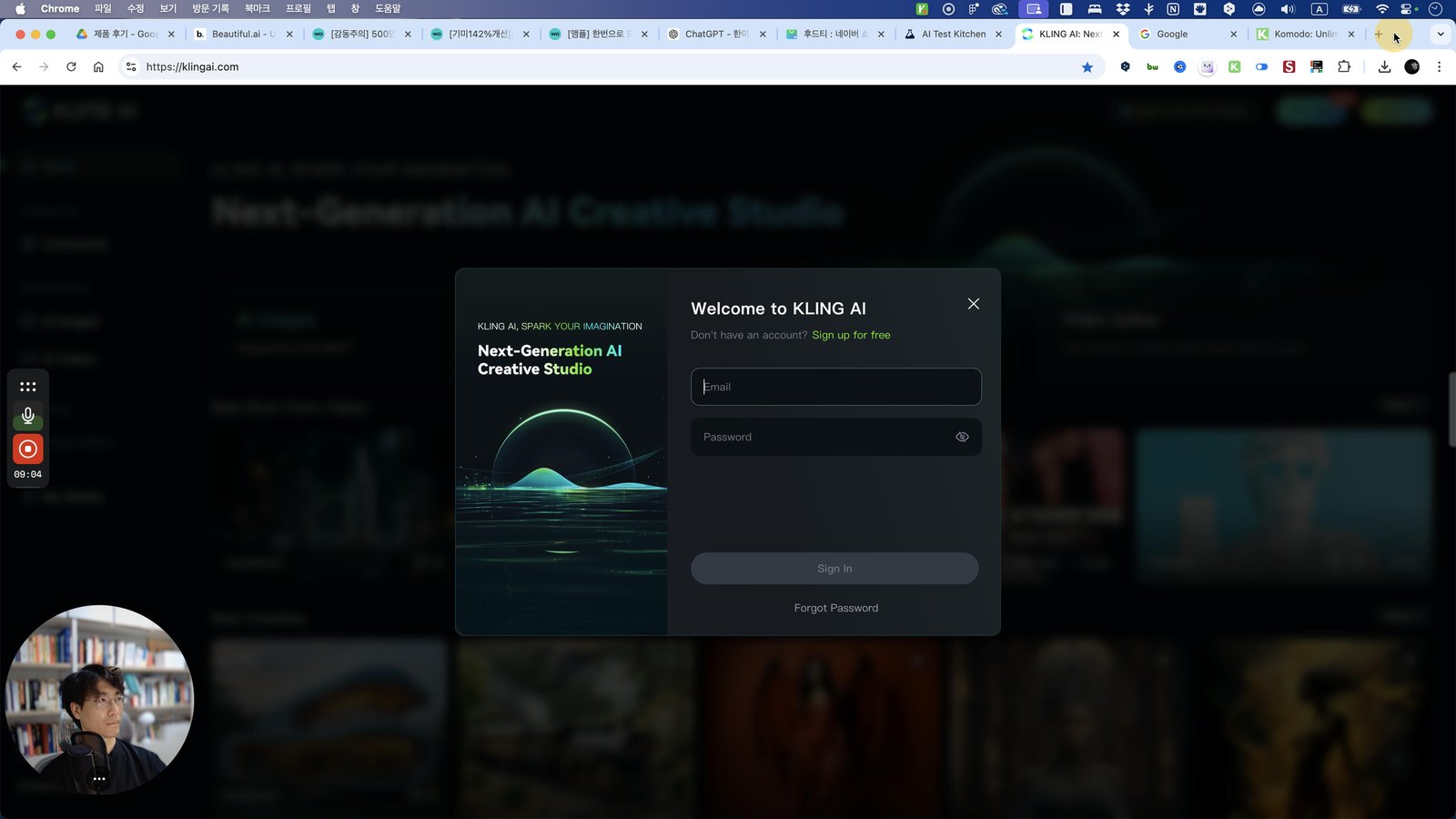
Click the 버튼 새 탭
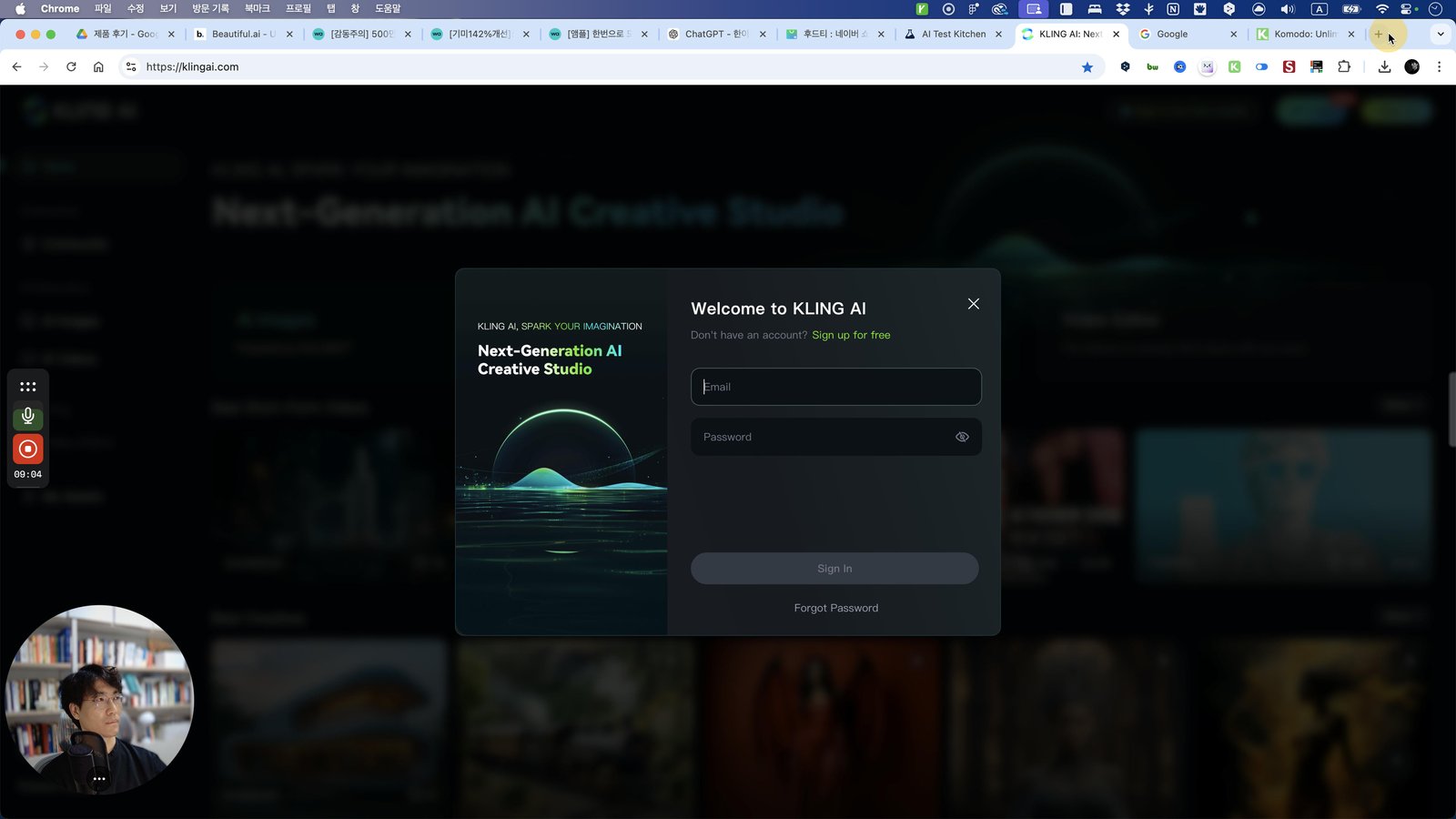
Click the Mail
Open Mail - 받은 편지함 — cole@rebrandb.com
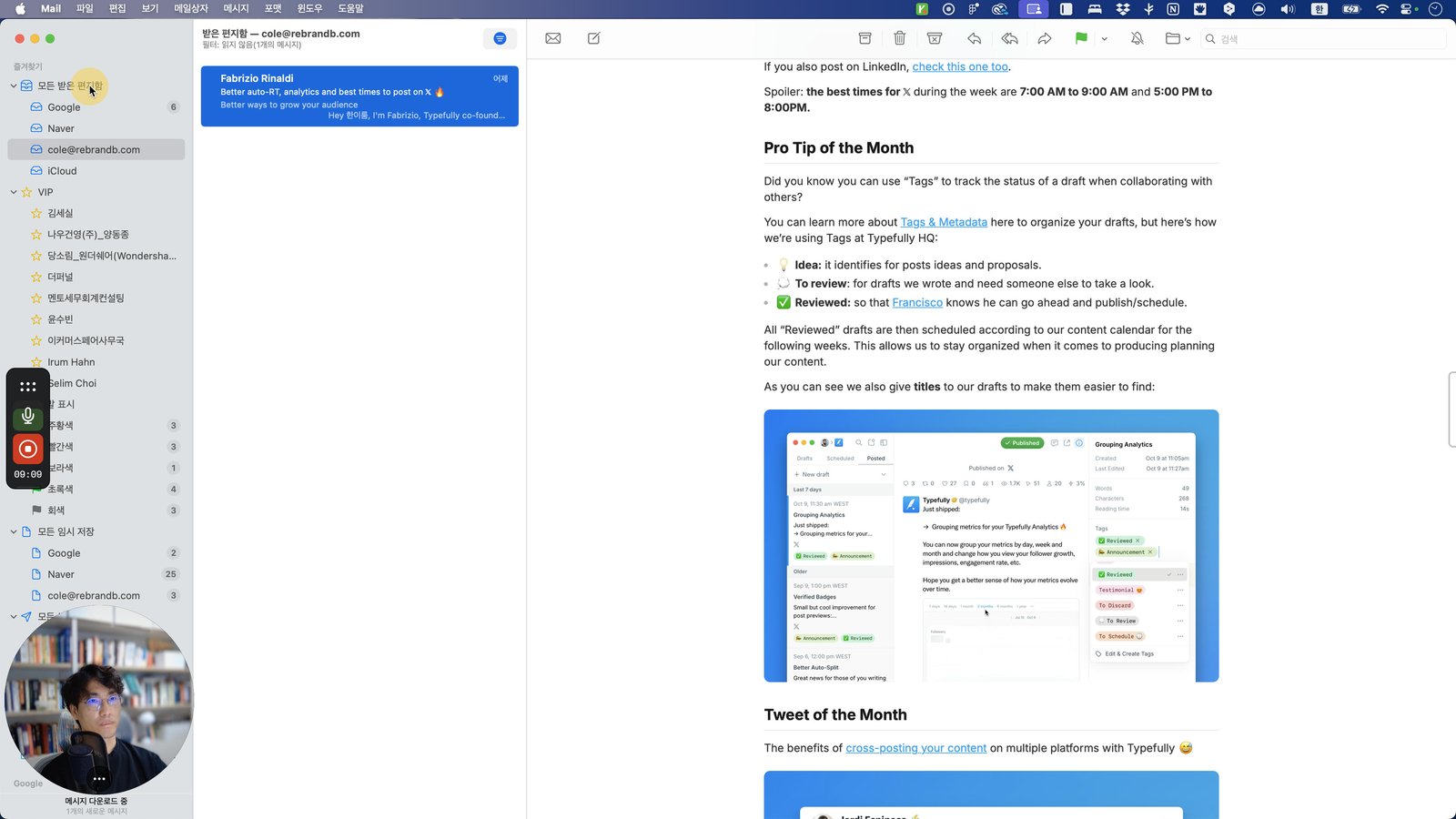
Click the Hello! If this email isn't what's your expected, don't click or do anything in this email! You are o
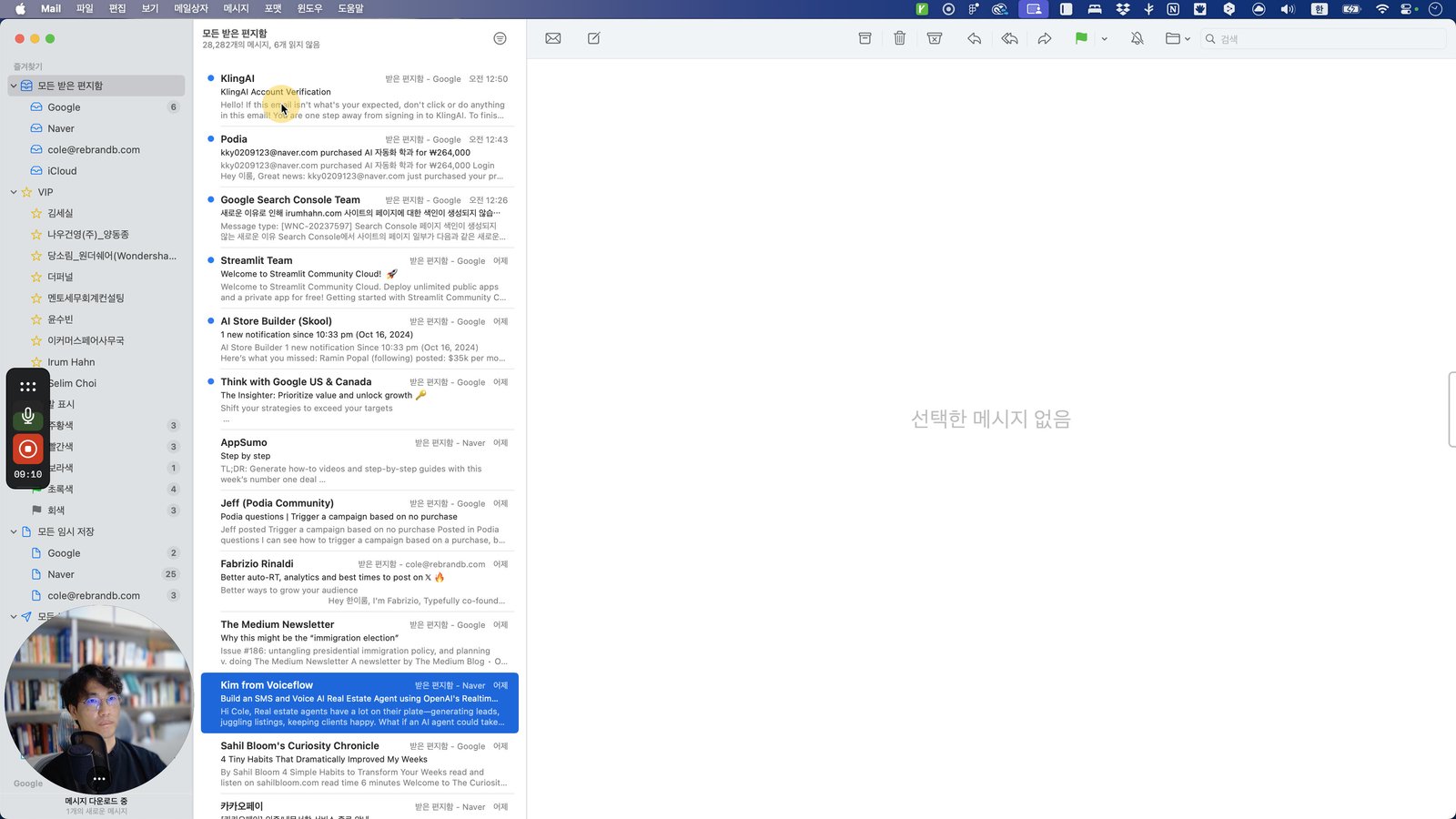
Click this 그룹
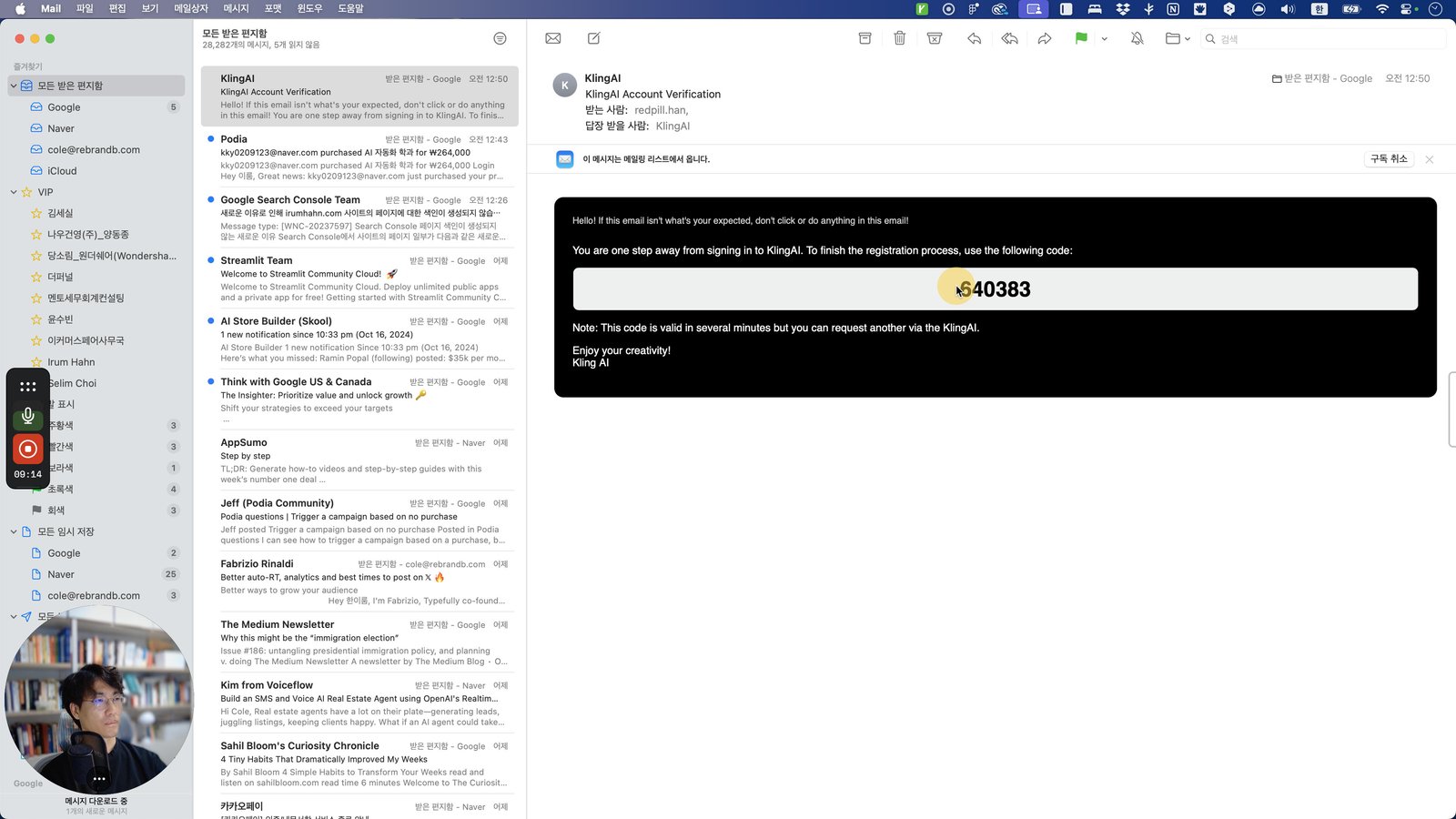
Press ⌘ c
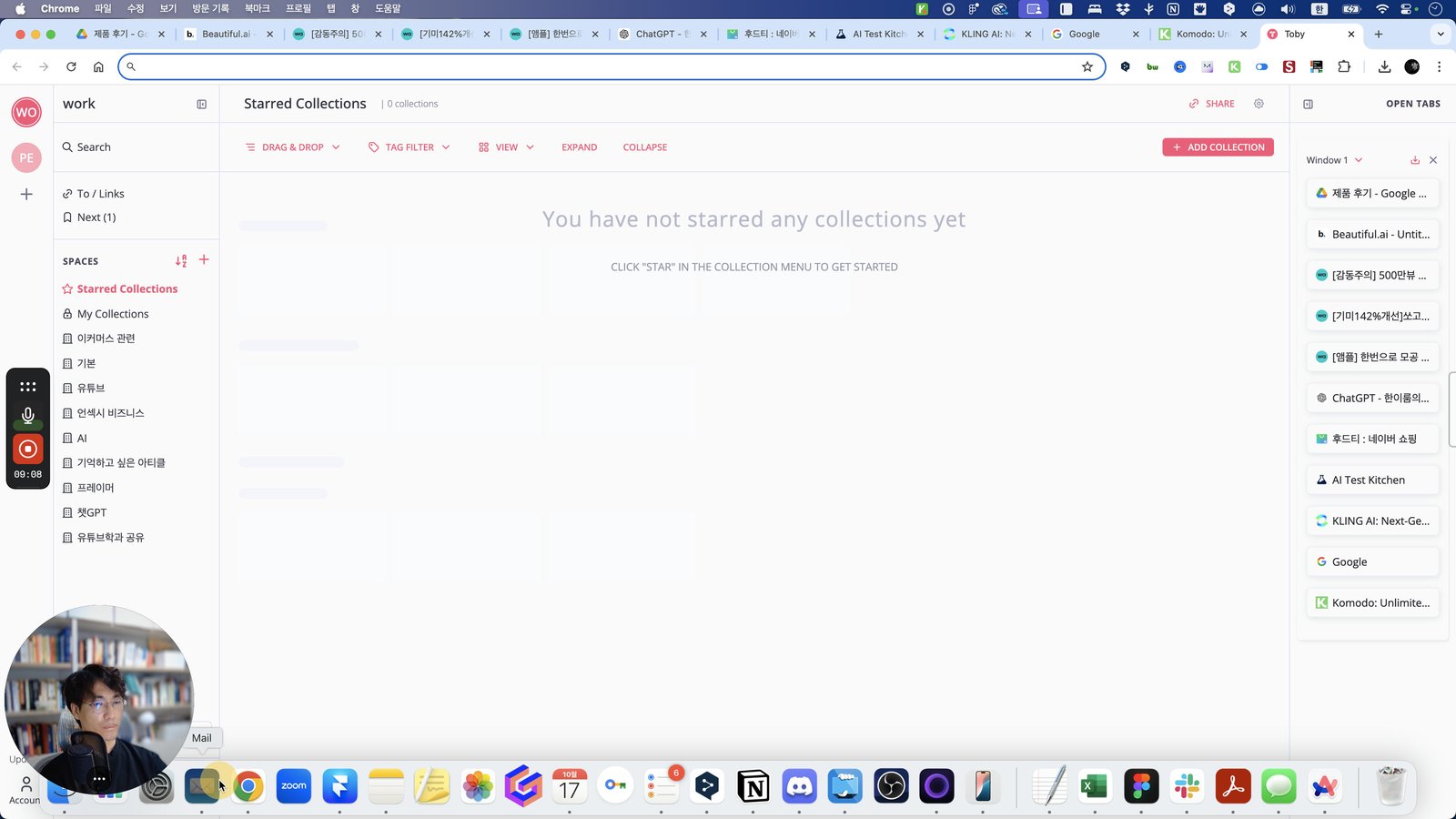
Open Google Chrome - Toby
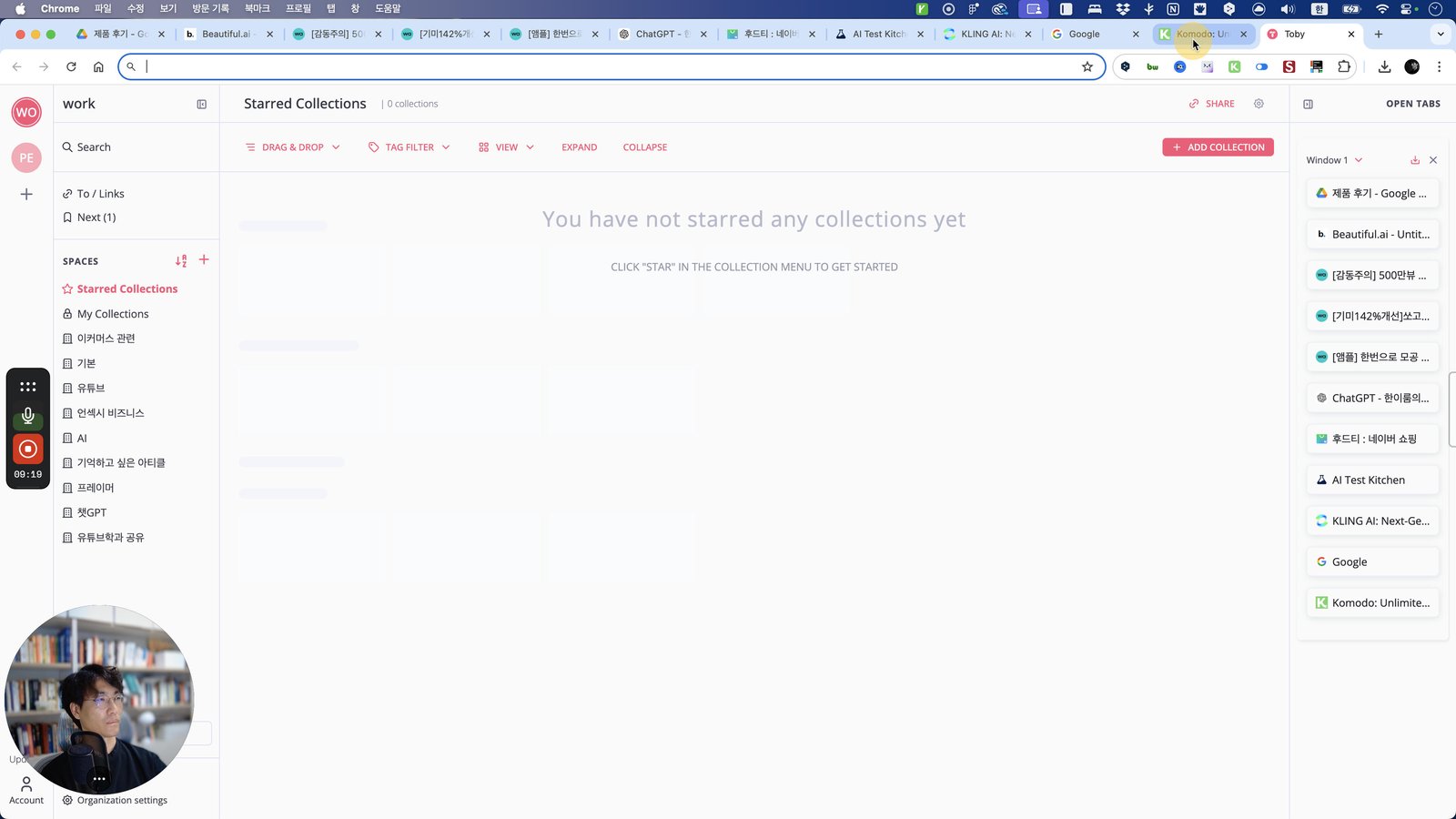
Click the 탭 Google - 메모리 사용량 - 88.7MB
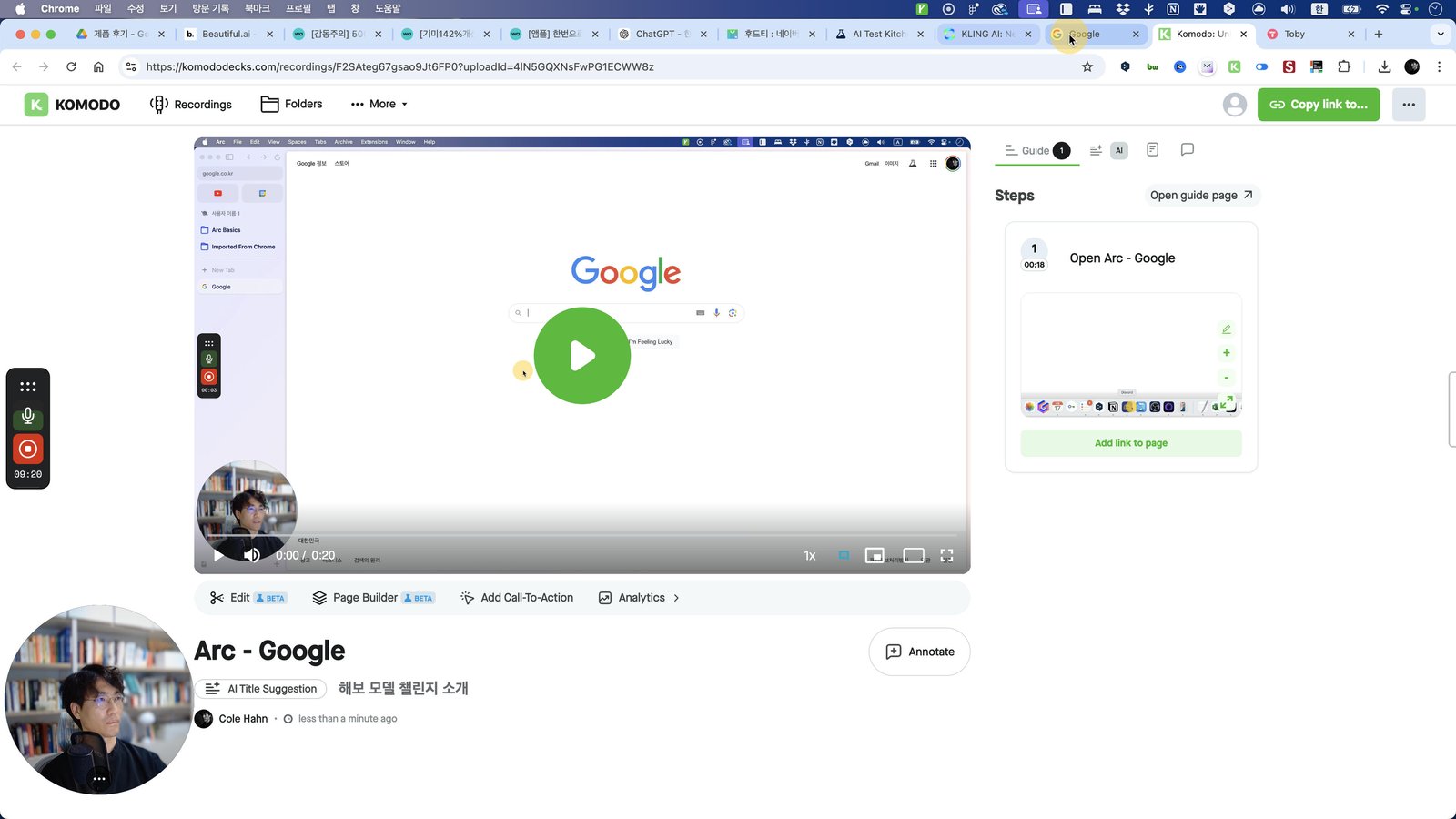
Click the 탭 KLING AI: Next-Generation AI Creative Studio - 메모리 사용량 - 343MB
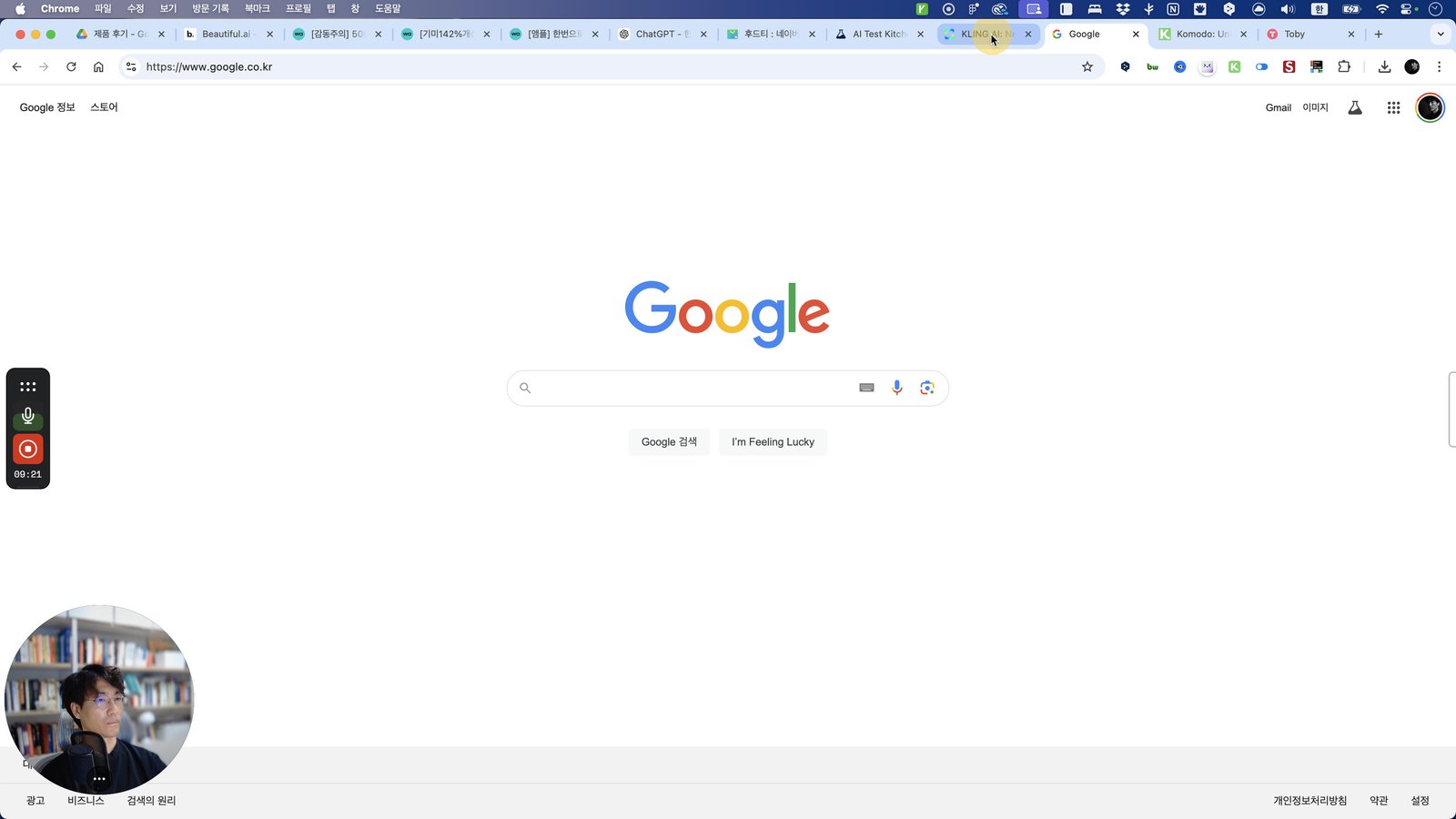
Click this 스크롤 영역
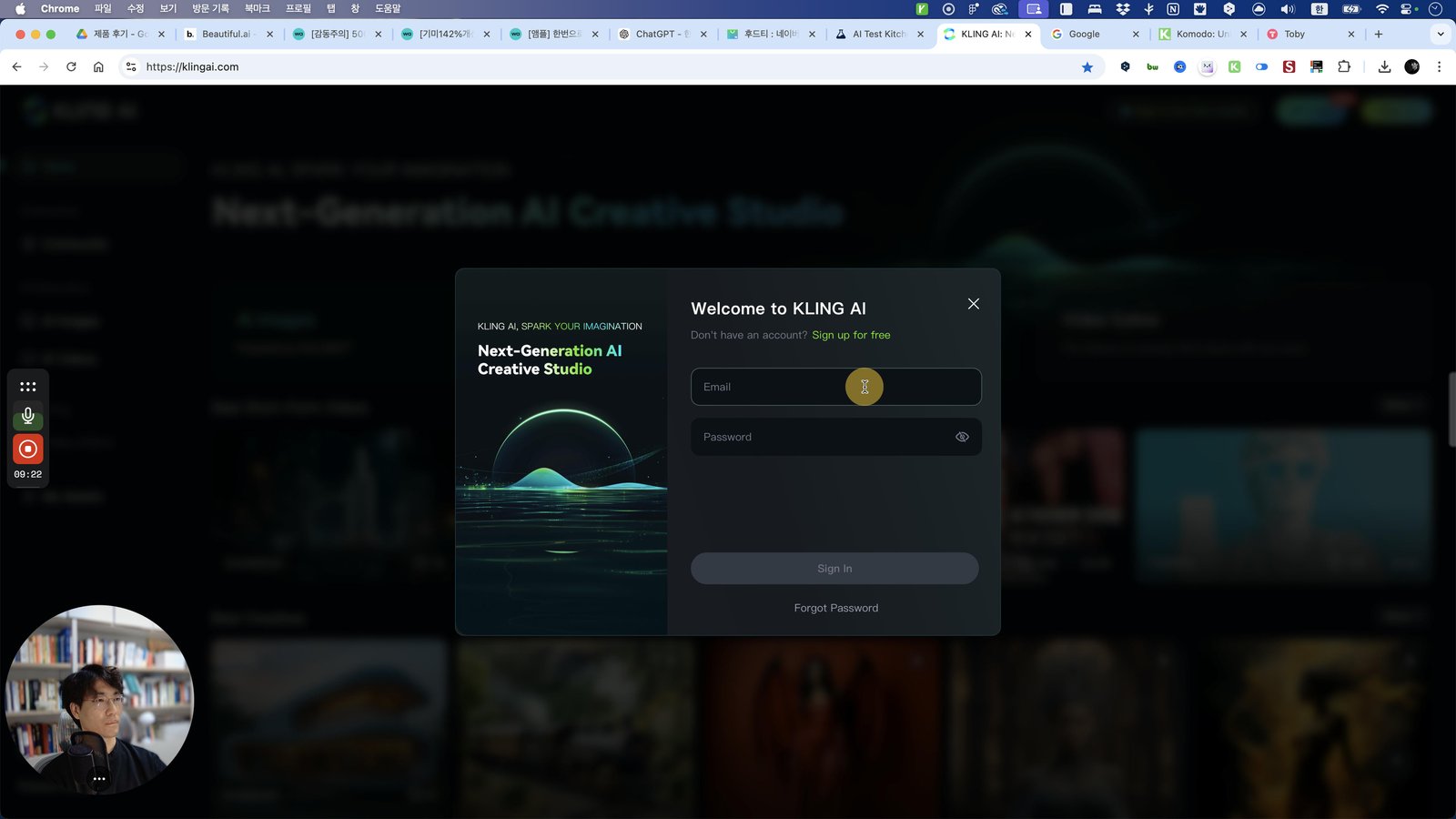
Open Mail - 모든 받은 편지함
Open Arc - KLING AI: Next-Generation AI Creative Studio
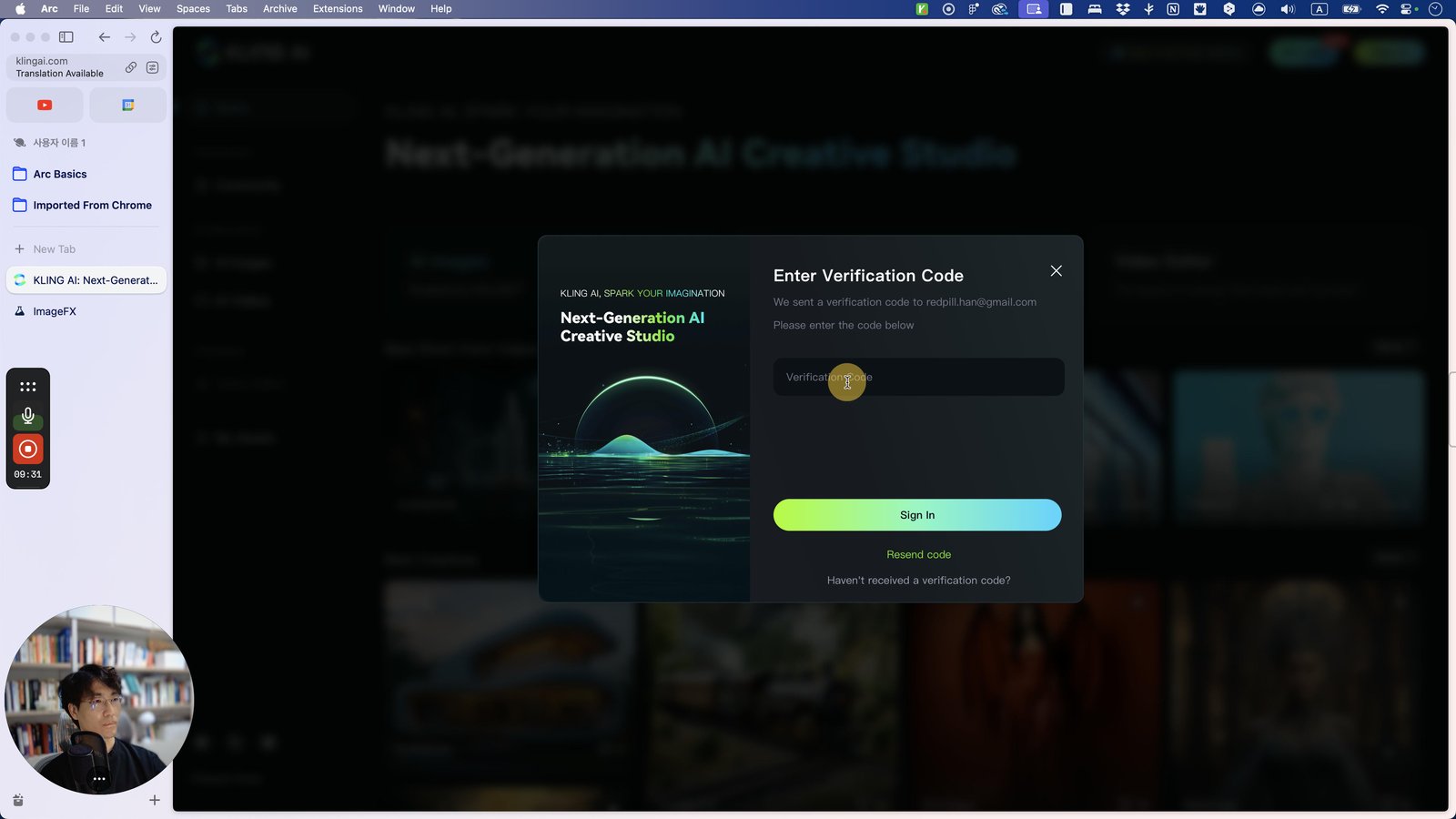
Press ⌘ v
Click this 스크롤 영역
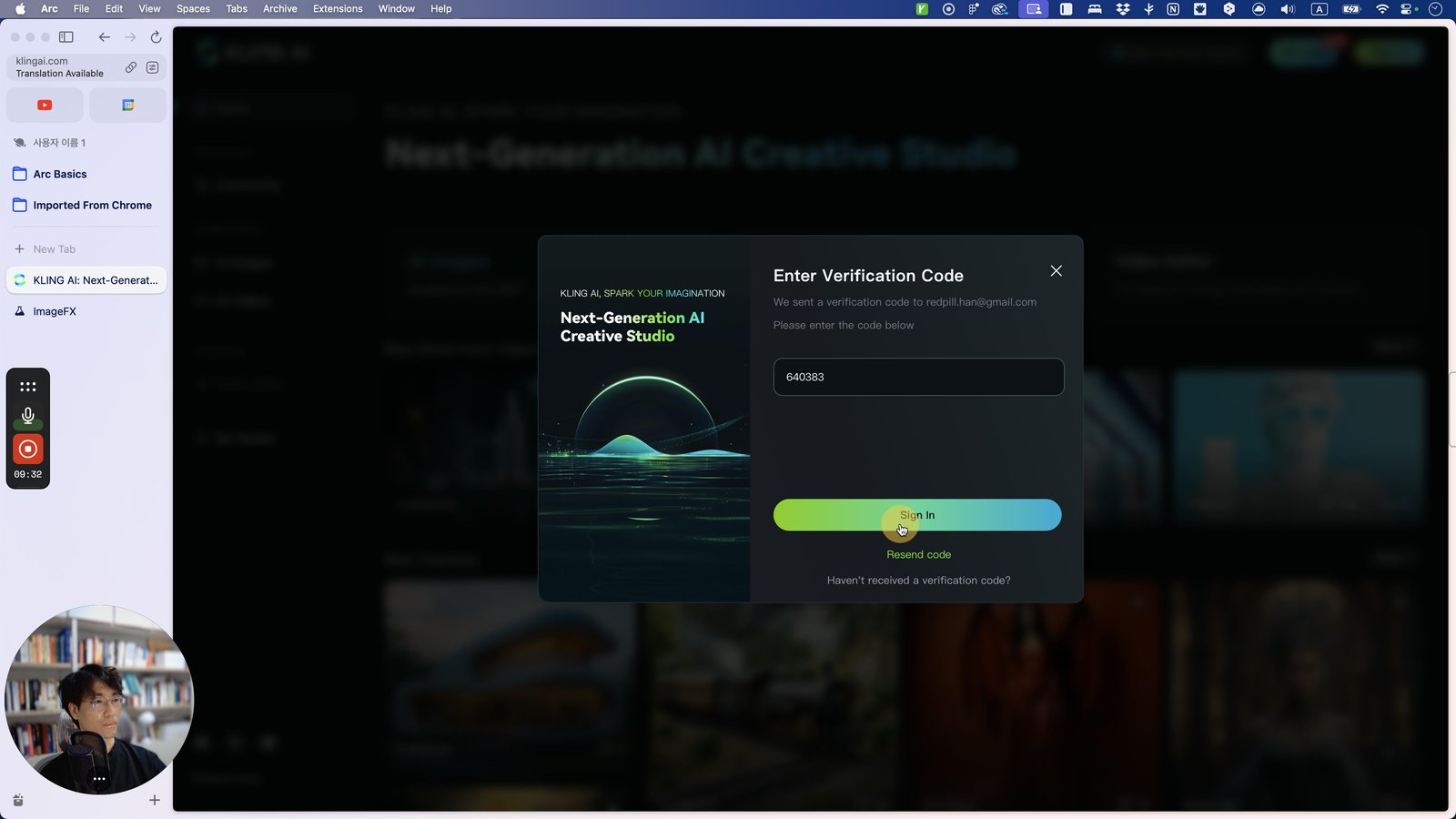
Click here

Click the DeepL
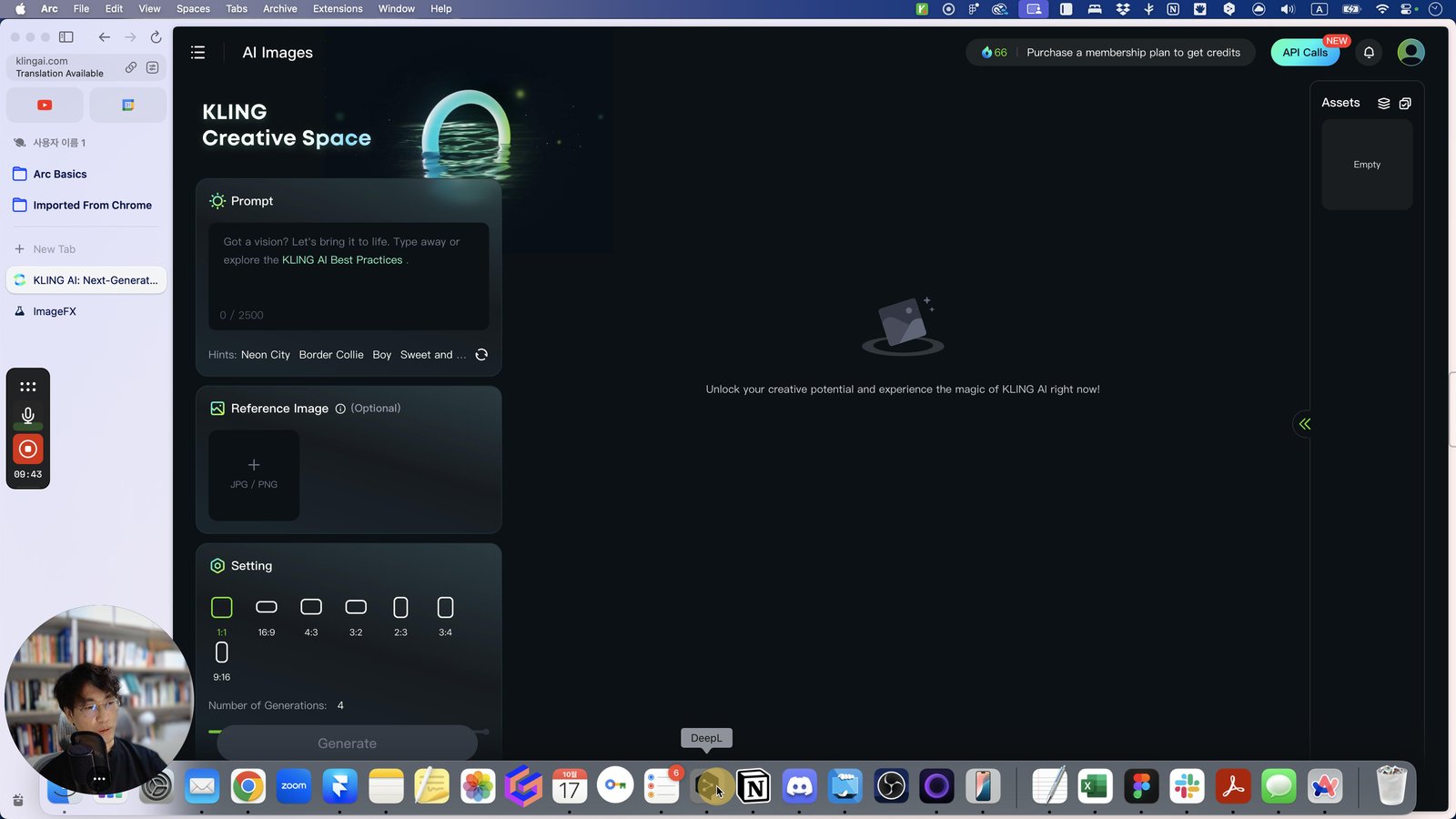
Open DeepL - DeepL
Click this 스크롤 영역
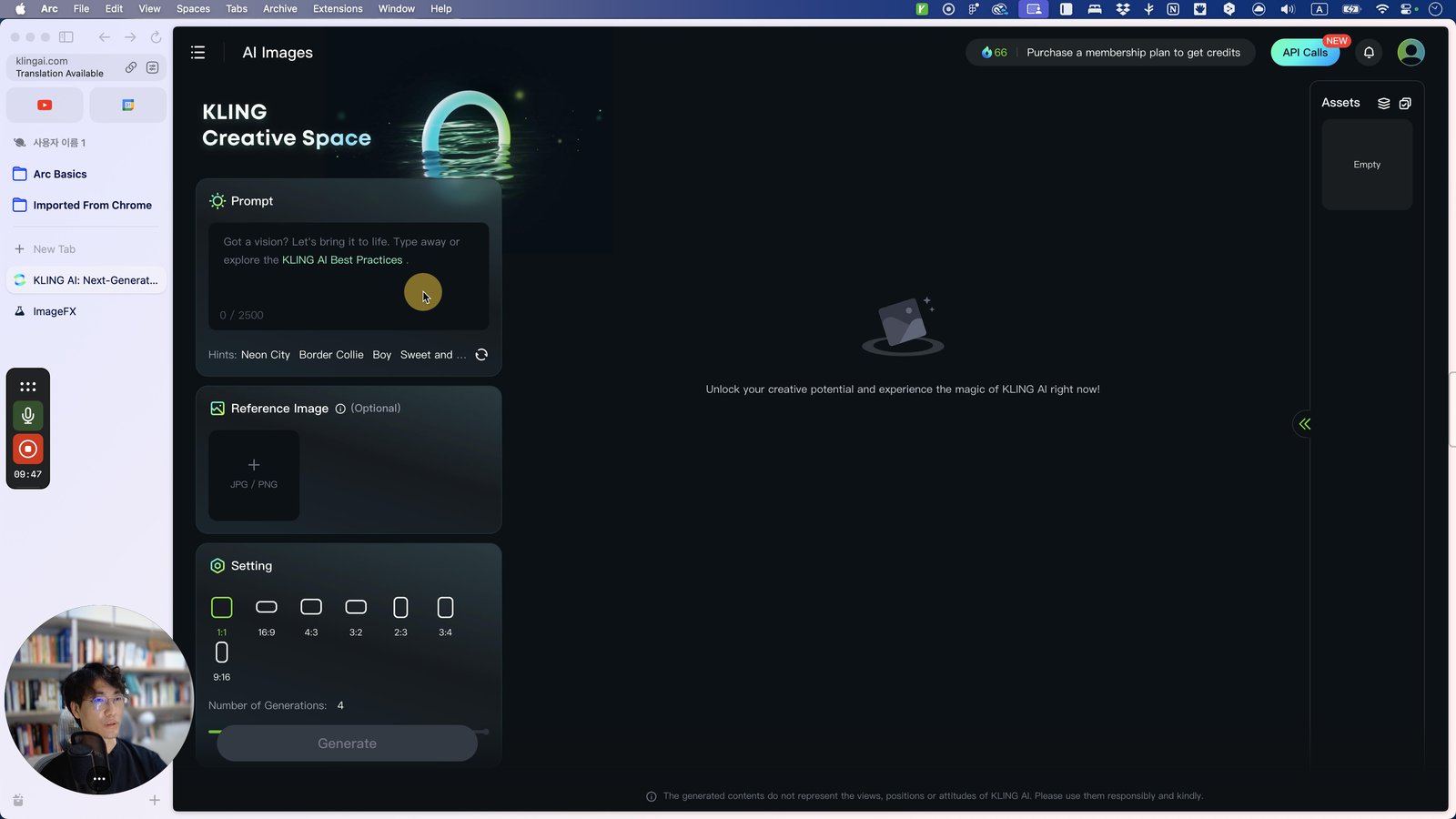
Open Arc - KLING AI: Next-Generation AI Creative Studio
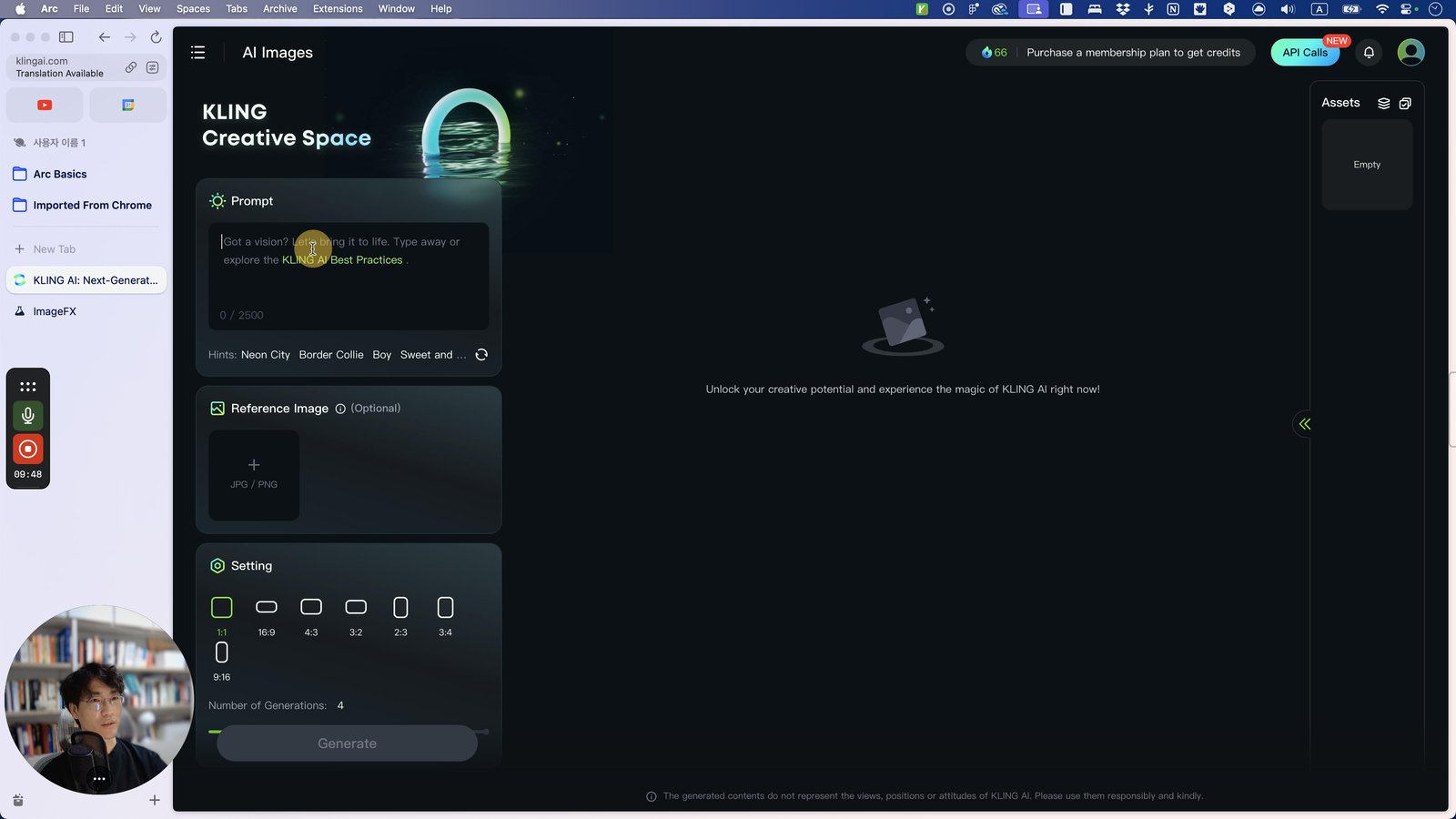
Press ⌘ v
Click this 스크롤 영역
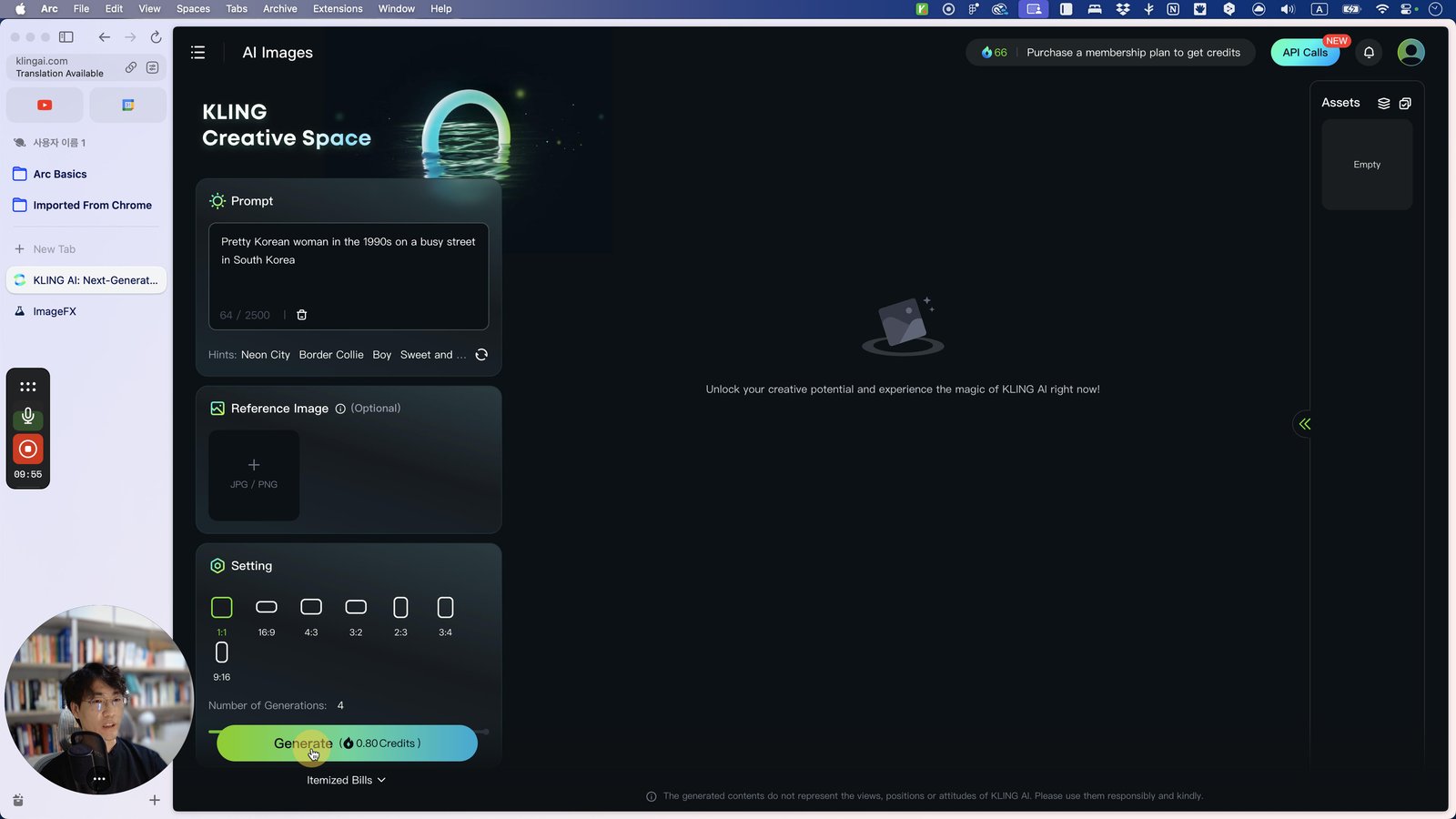
Click here

Click this 스크롤 영역
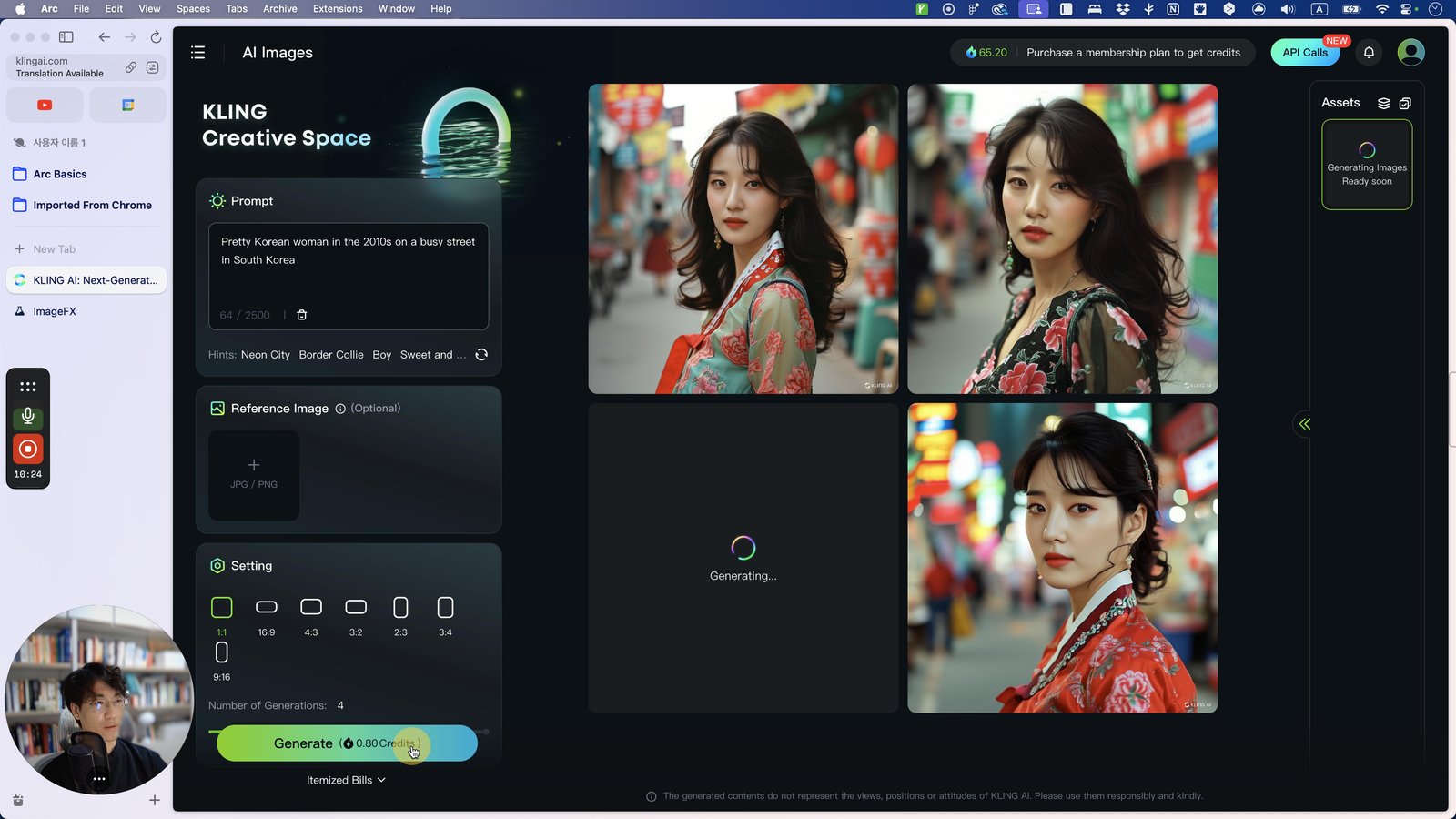
Click here
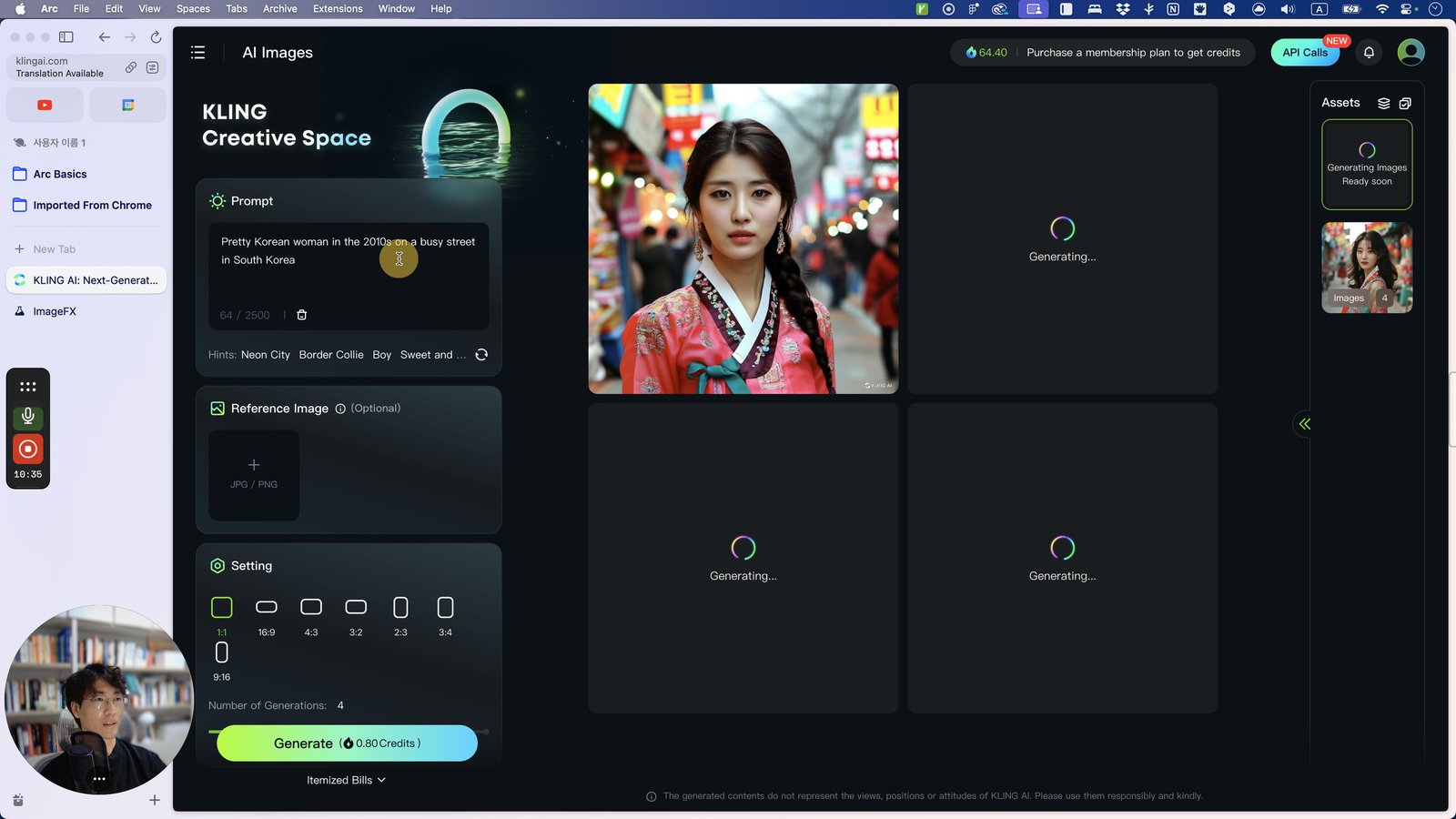
Click this 스크롤 영역
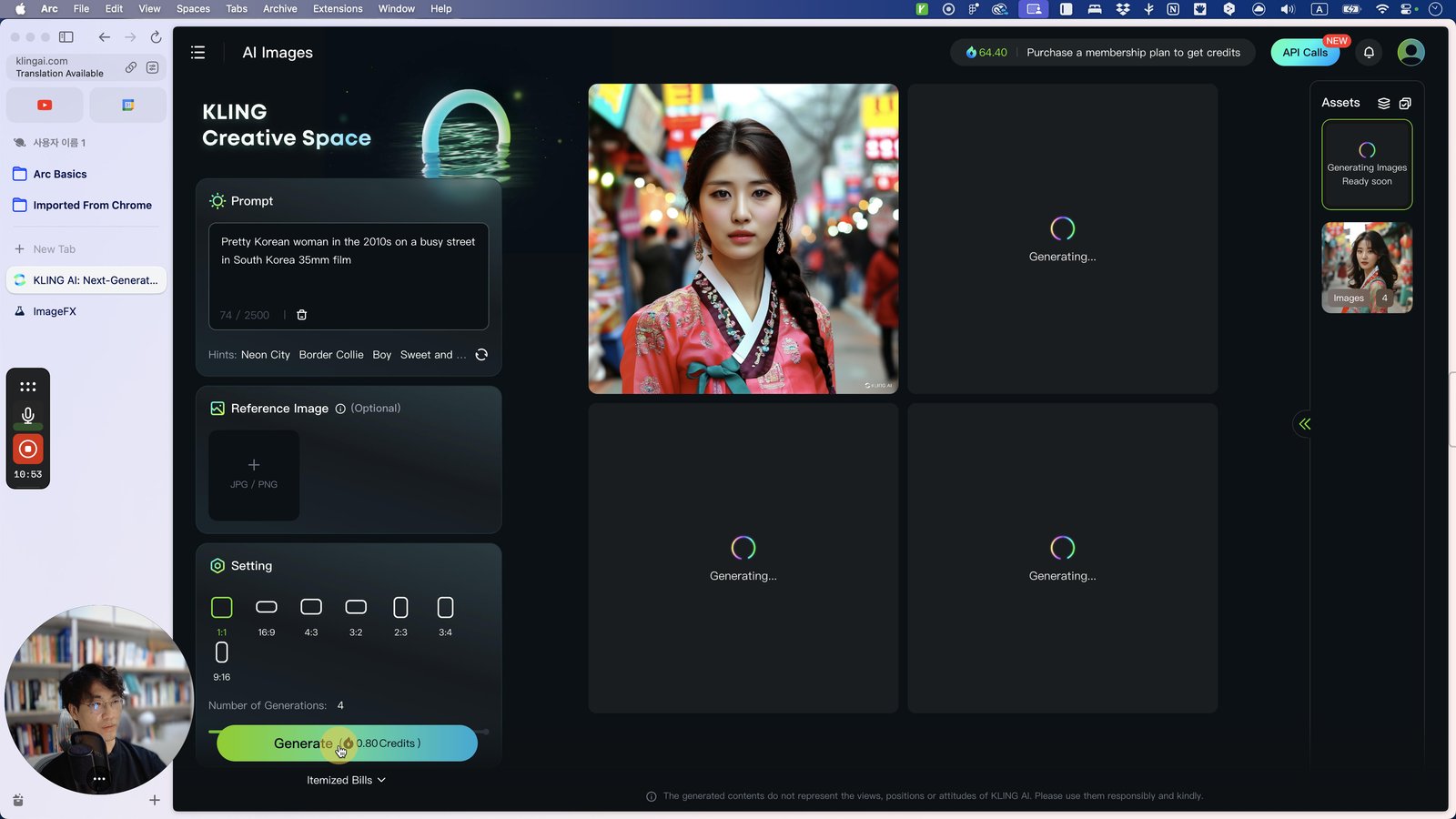
Open DeepL - DeepL
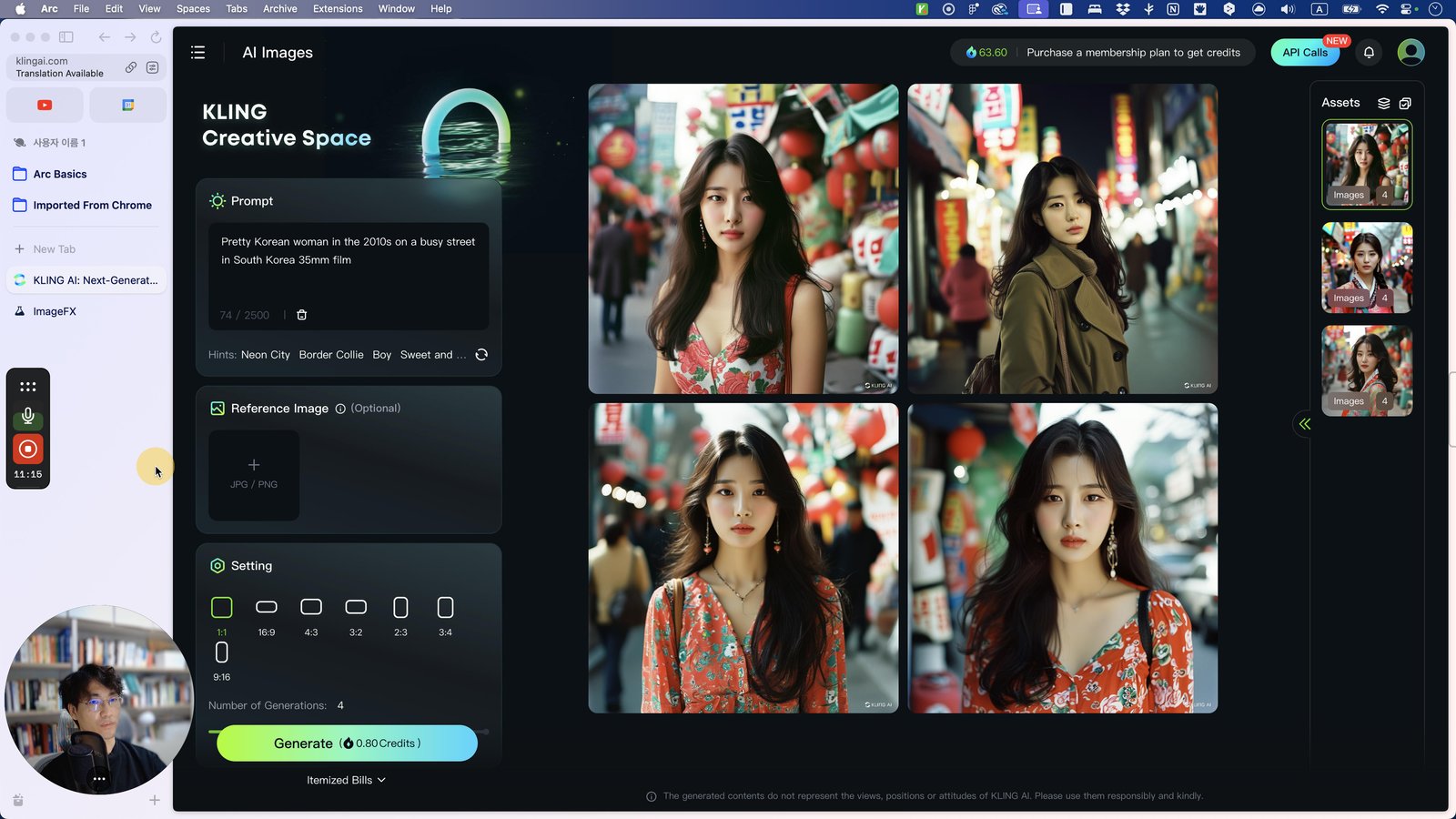
Open Arc - KLING AI: Next-Generation AI Creative Studio
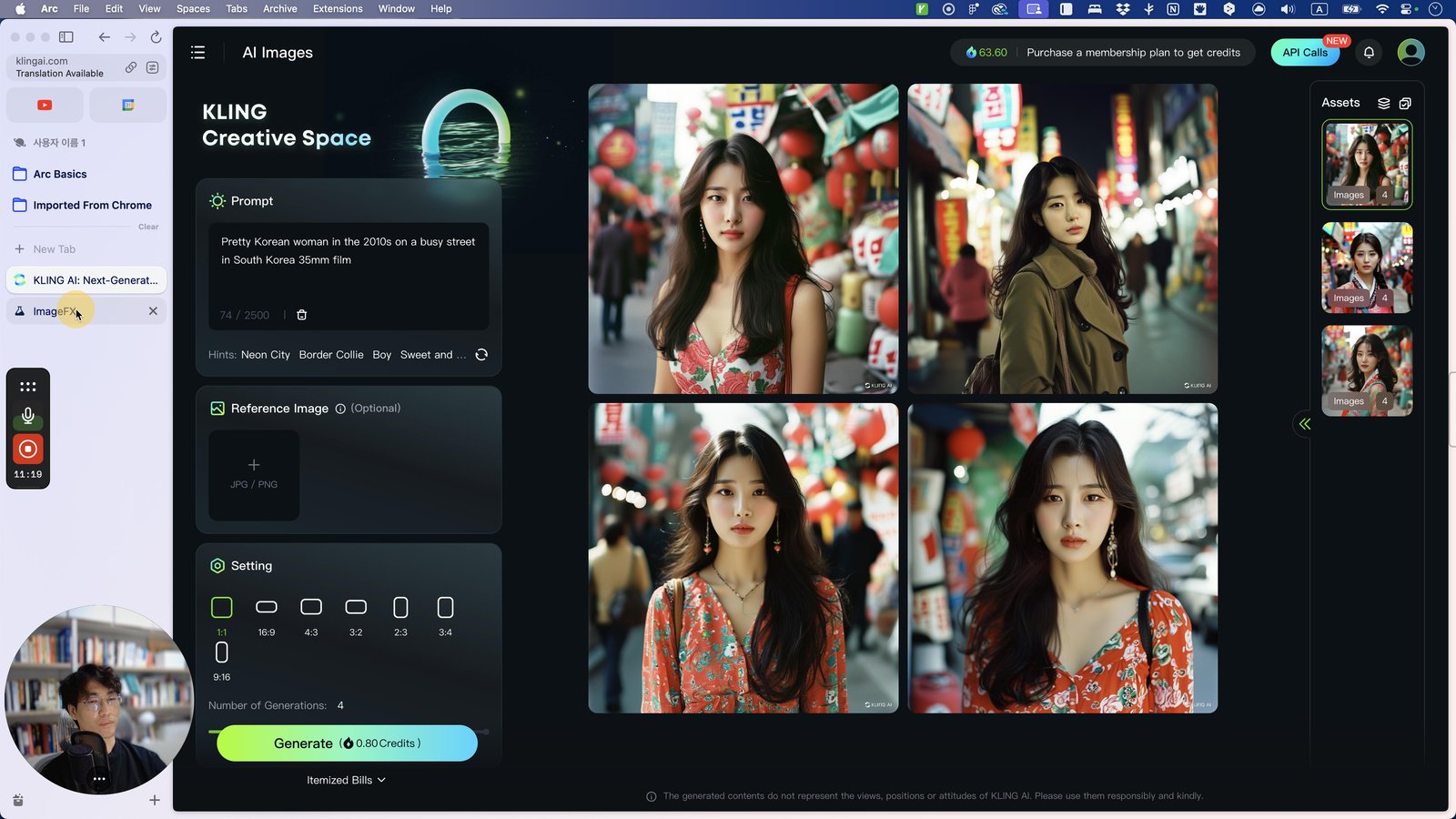
Click this 윤곽체
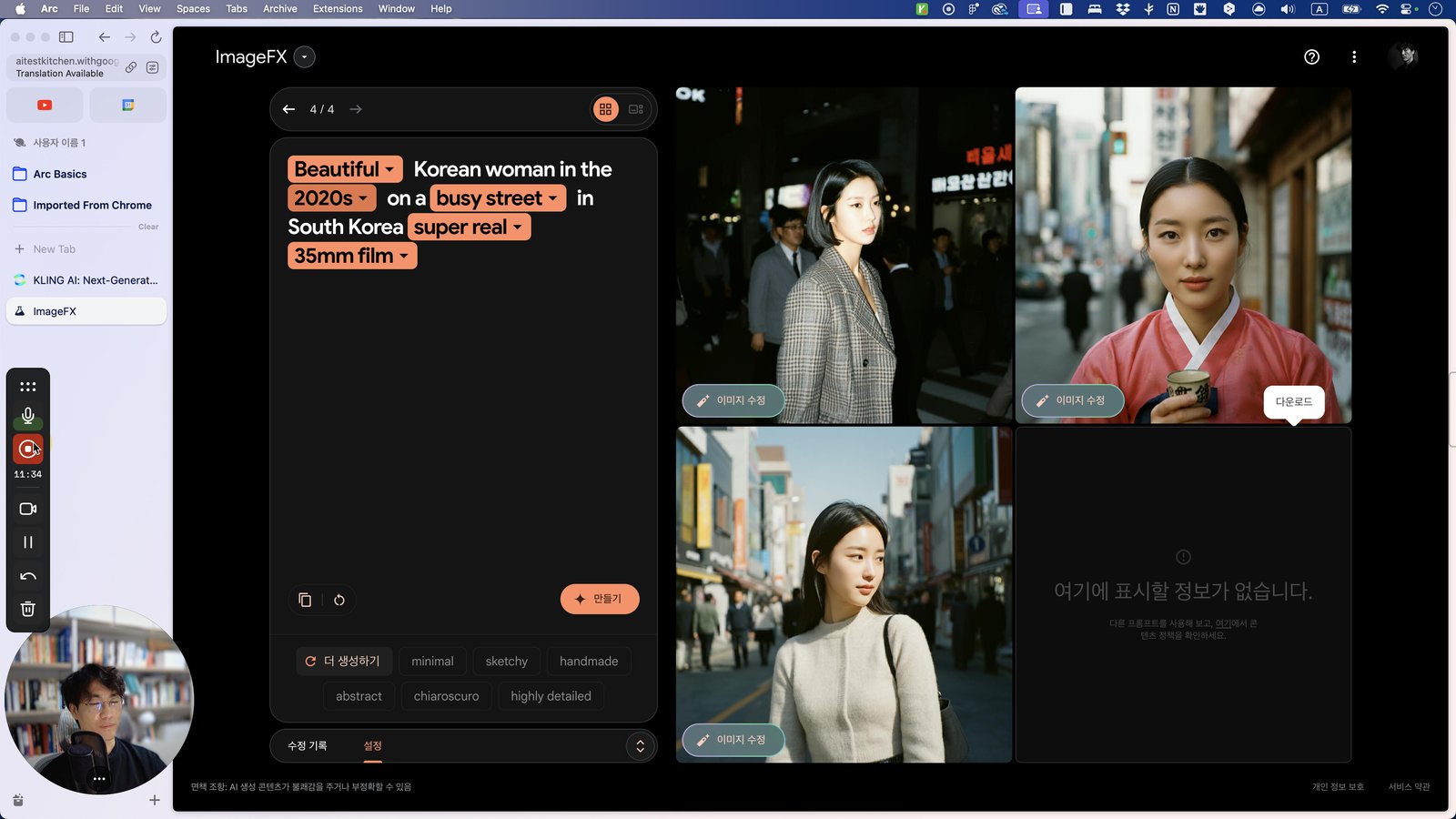
You made it to the end!
97 steps complete