View records as cards in Grist
Open individual table records as cards to review their fields, then return to the table and repeat as needed.

Carlyn Torrino
No date
8 steps
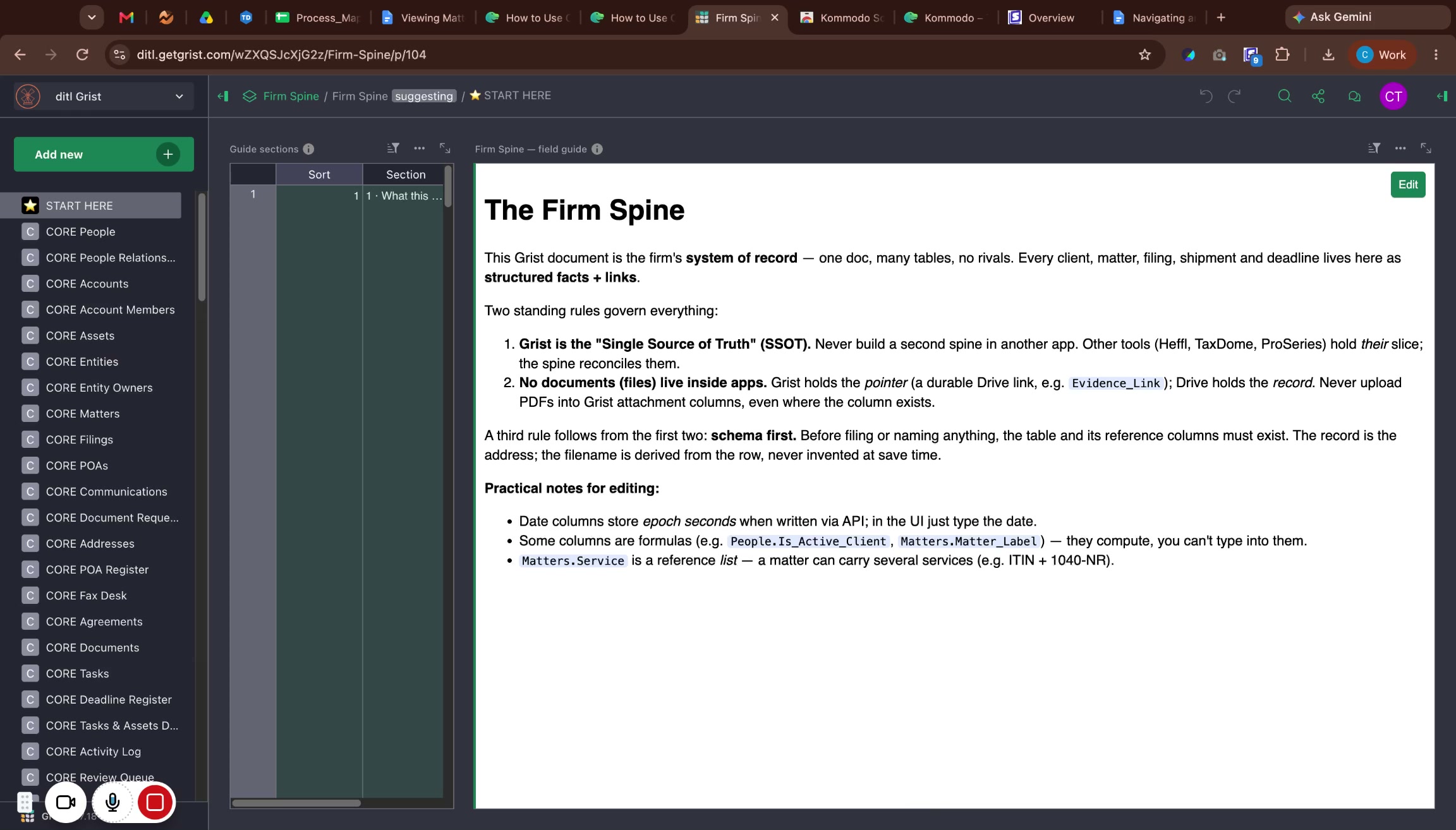
Before you start
Sign in to Grist at ditl.getgrist.com.
1
Open the target table
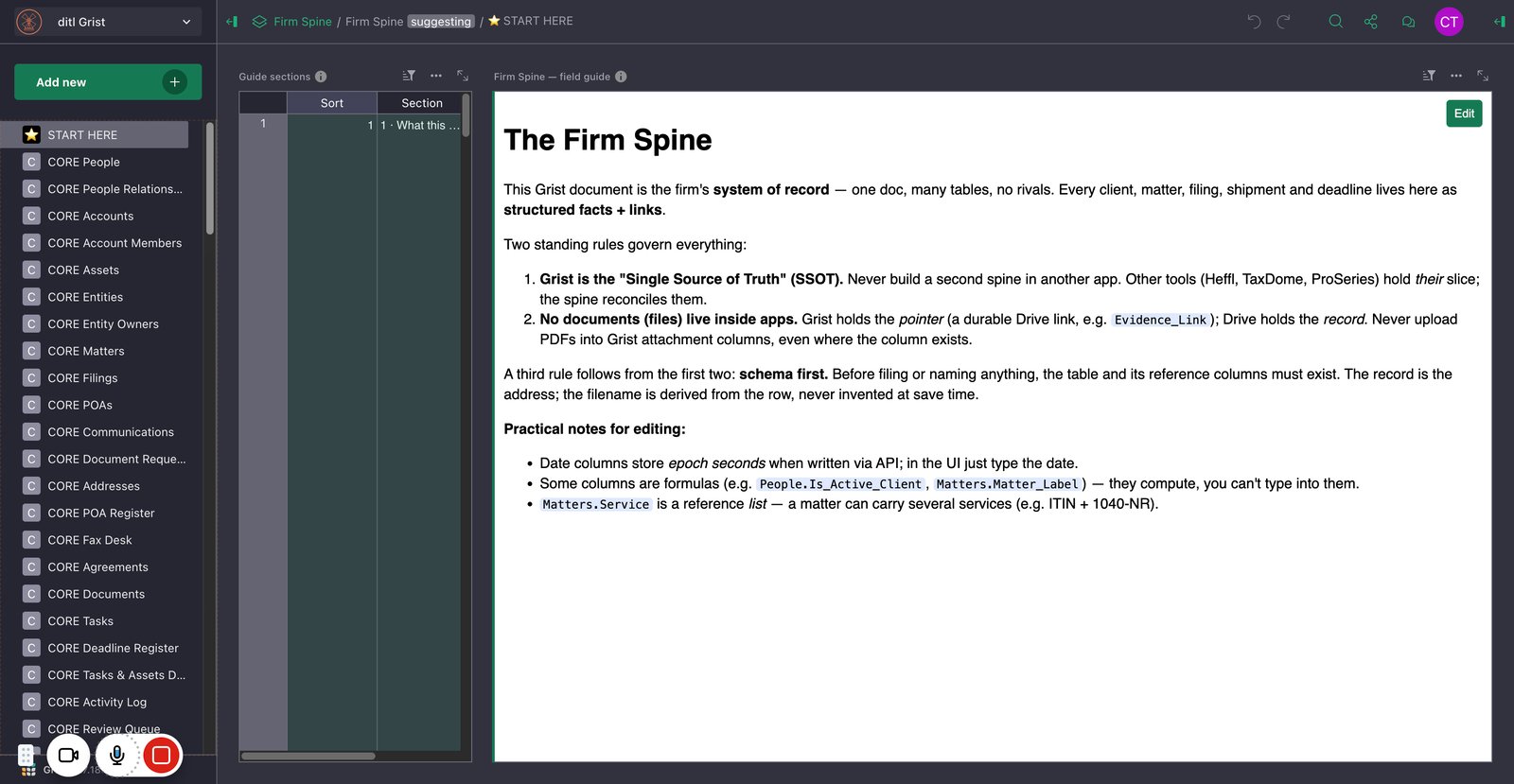
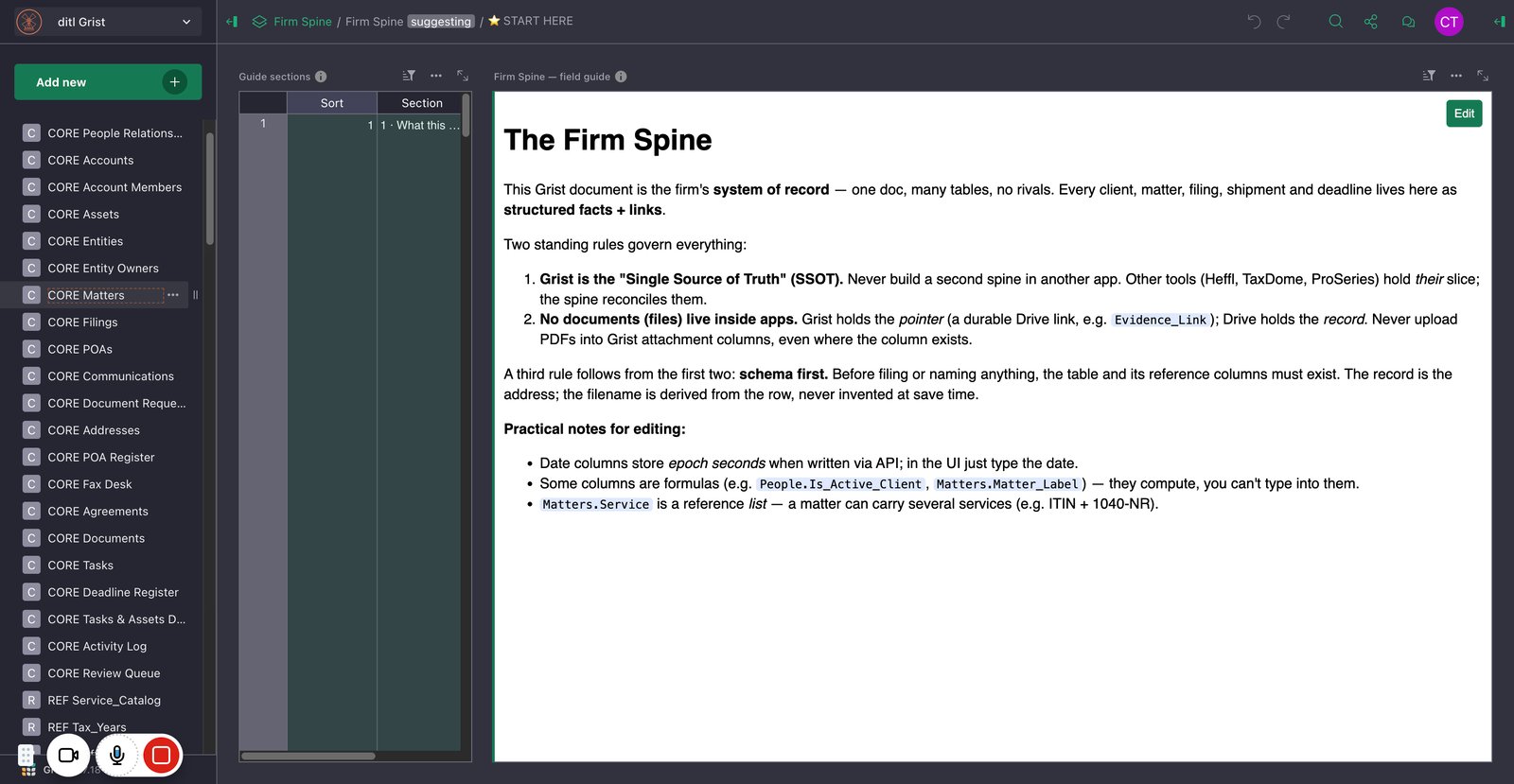
2
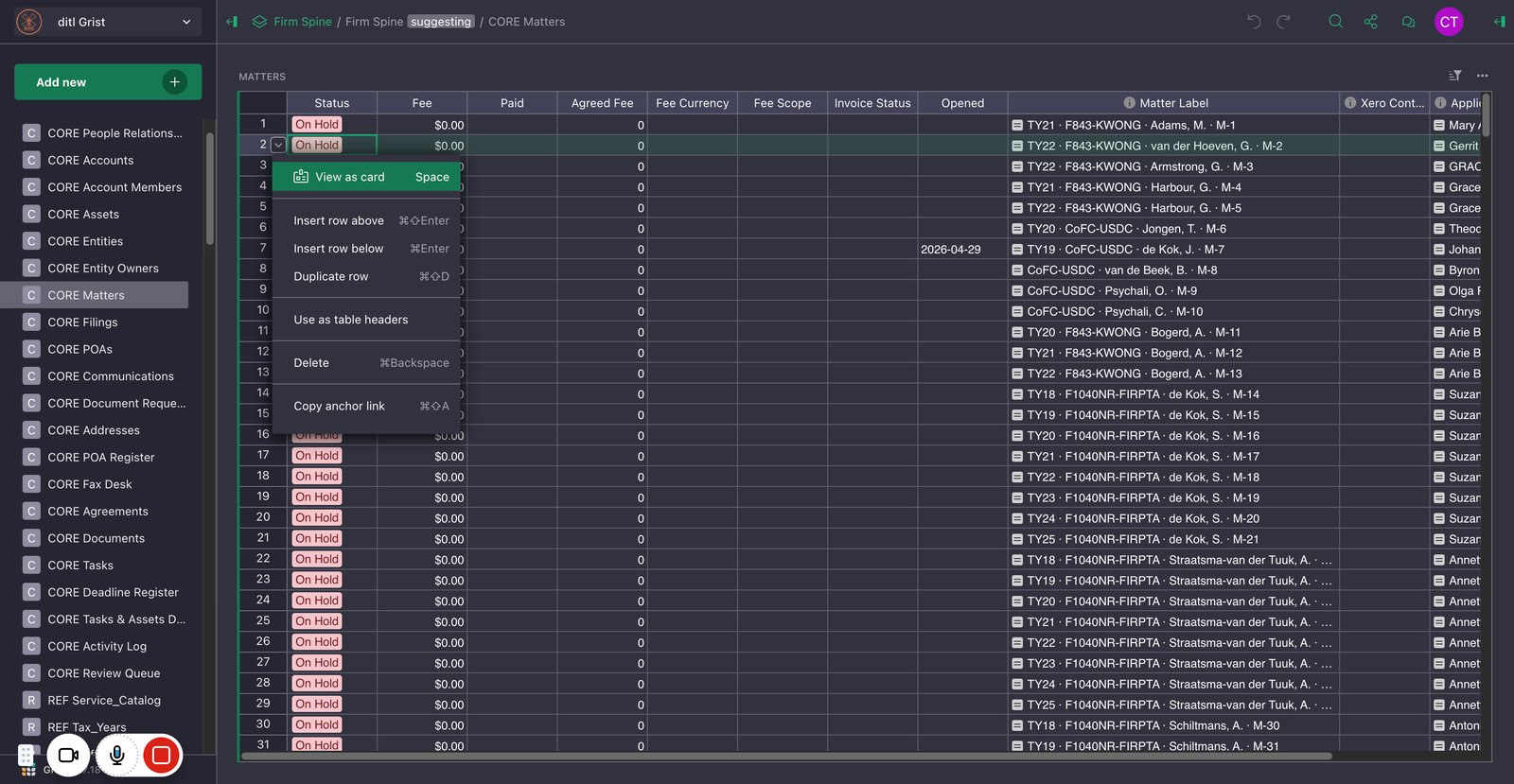
View and close record cards
2.1
The selected section displays a table with numbered rows.
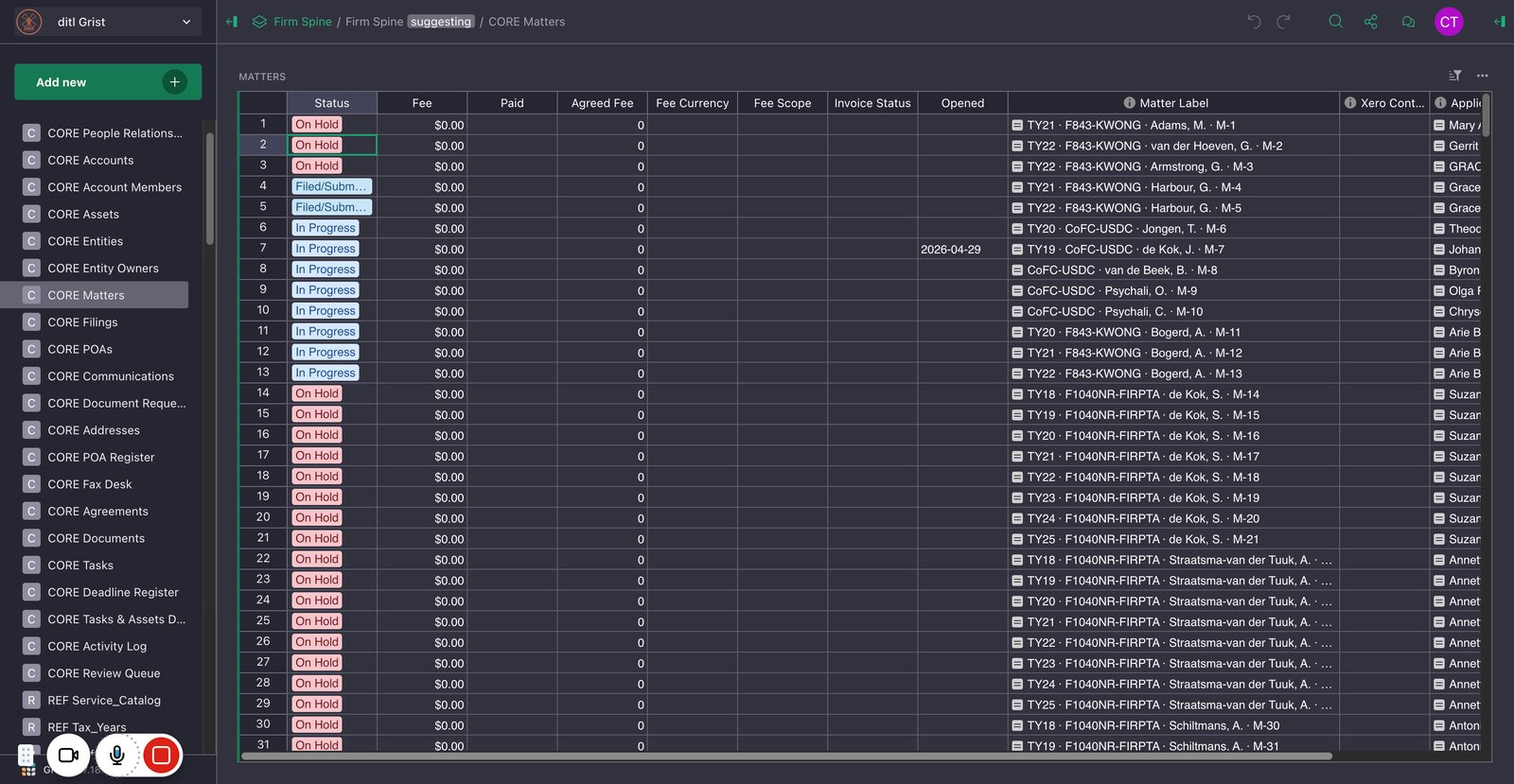
2.2
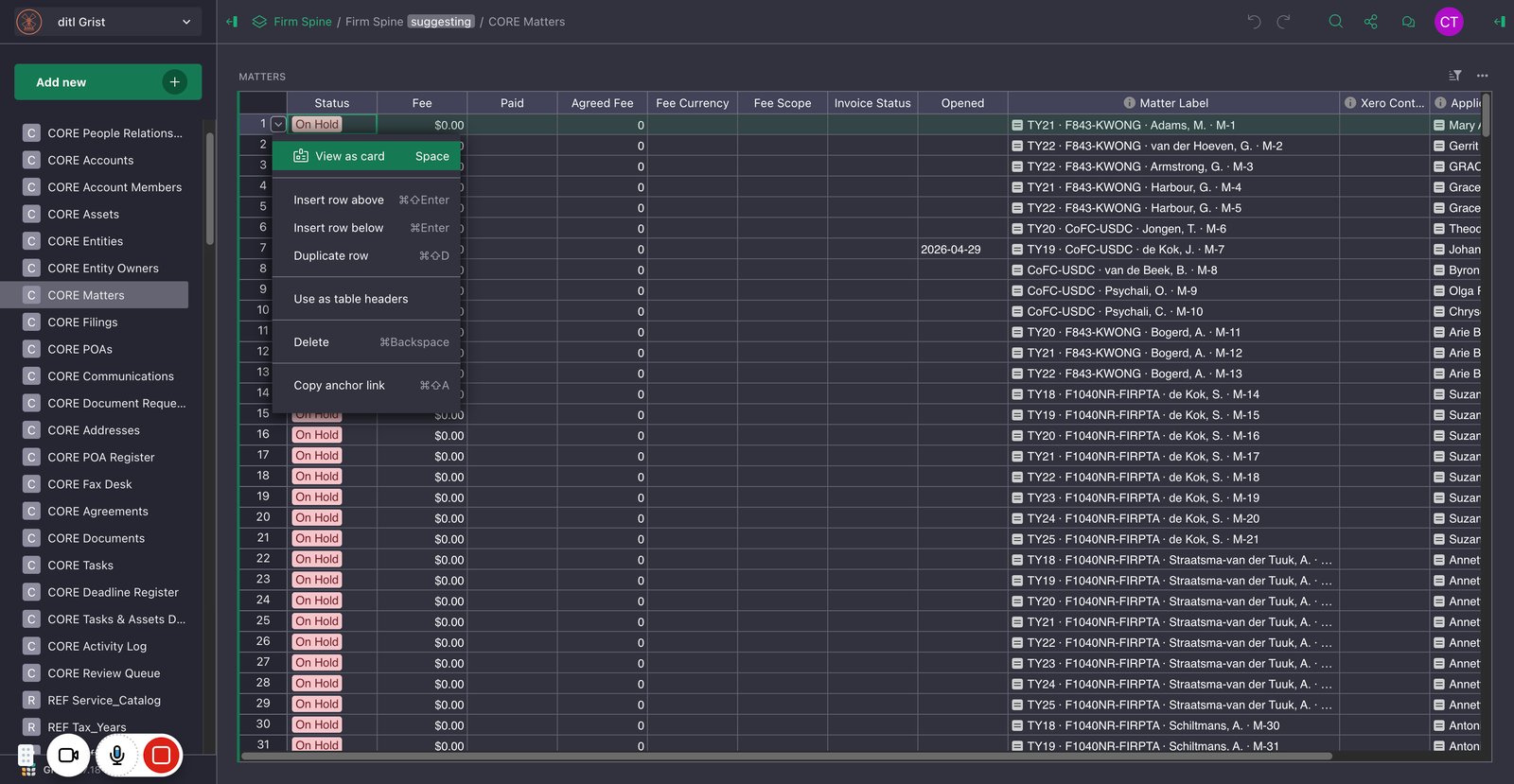
For the row you want to review, open the down-arrow menu beside its row number and choose View as card.
2.3
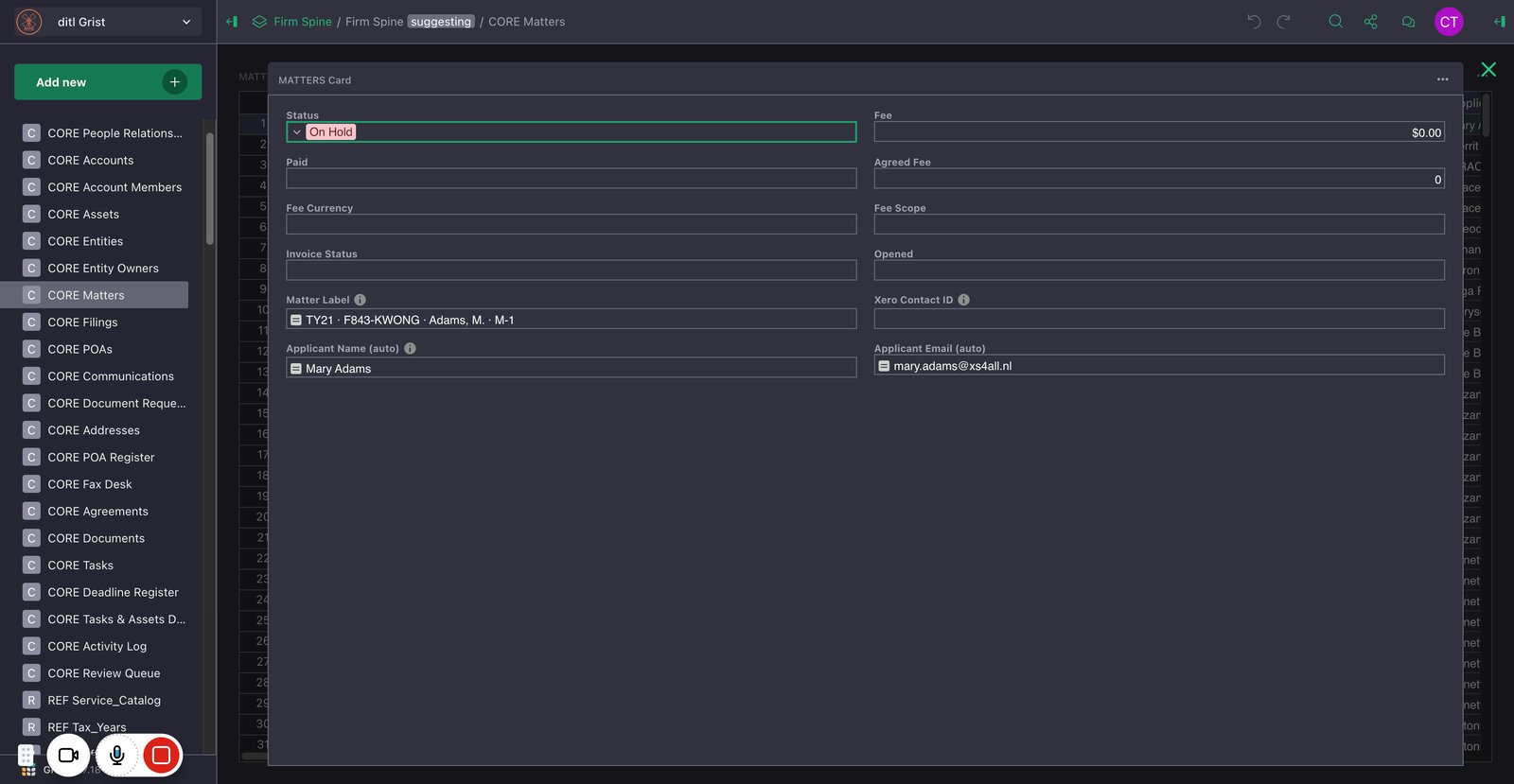
The card displays the selected row’s Status and other related fields.
You made it to the end!
8 steps complete