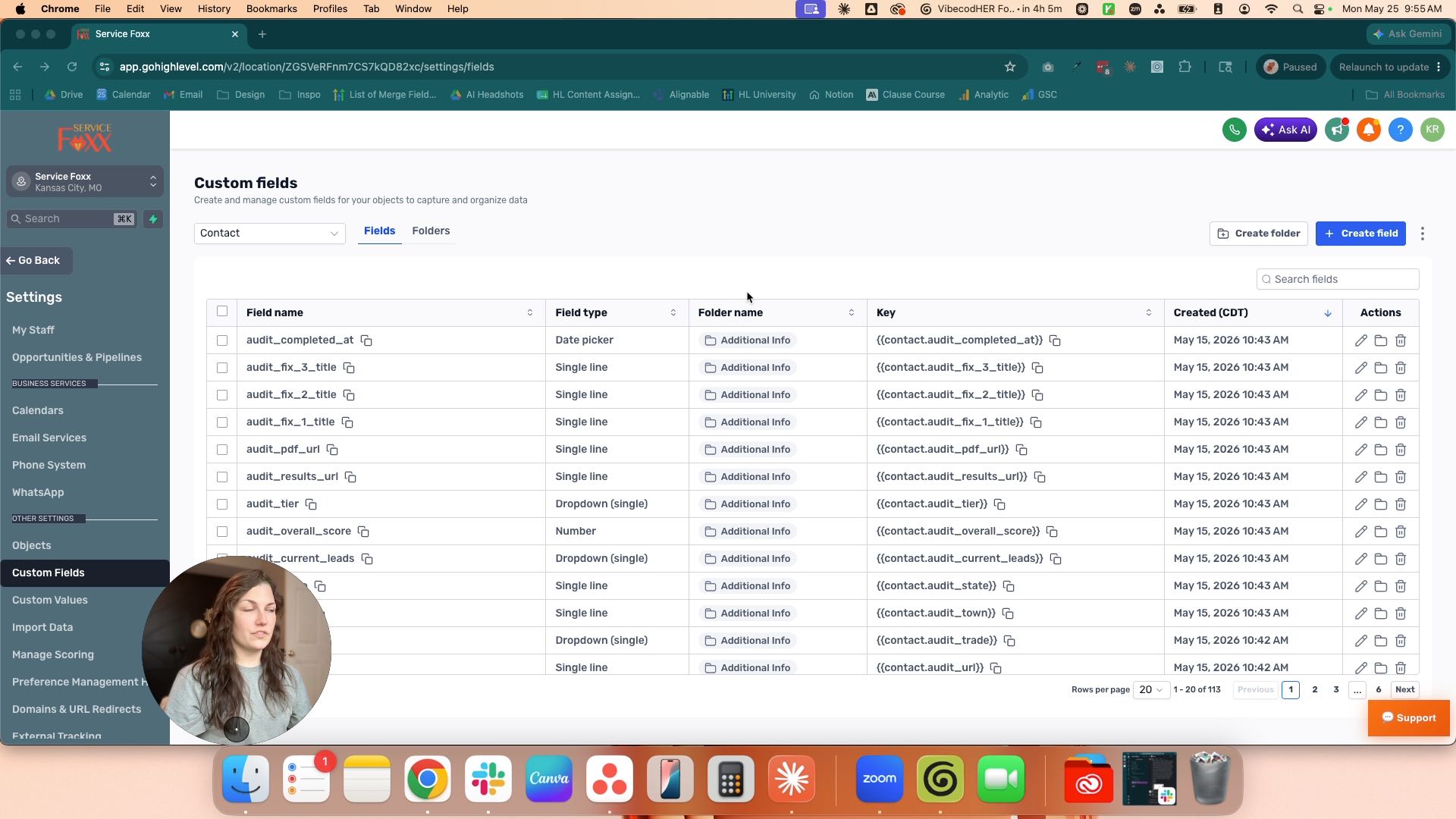
Click the Contact
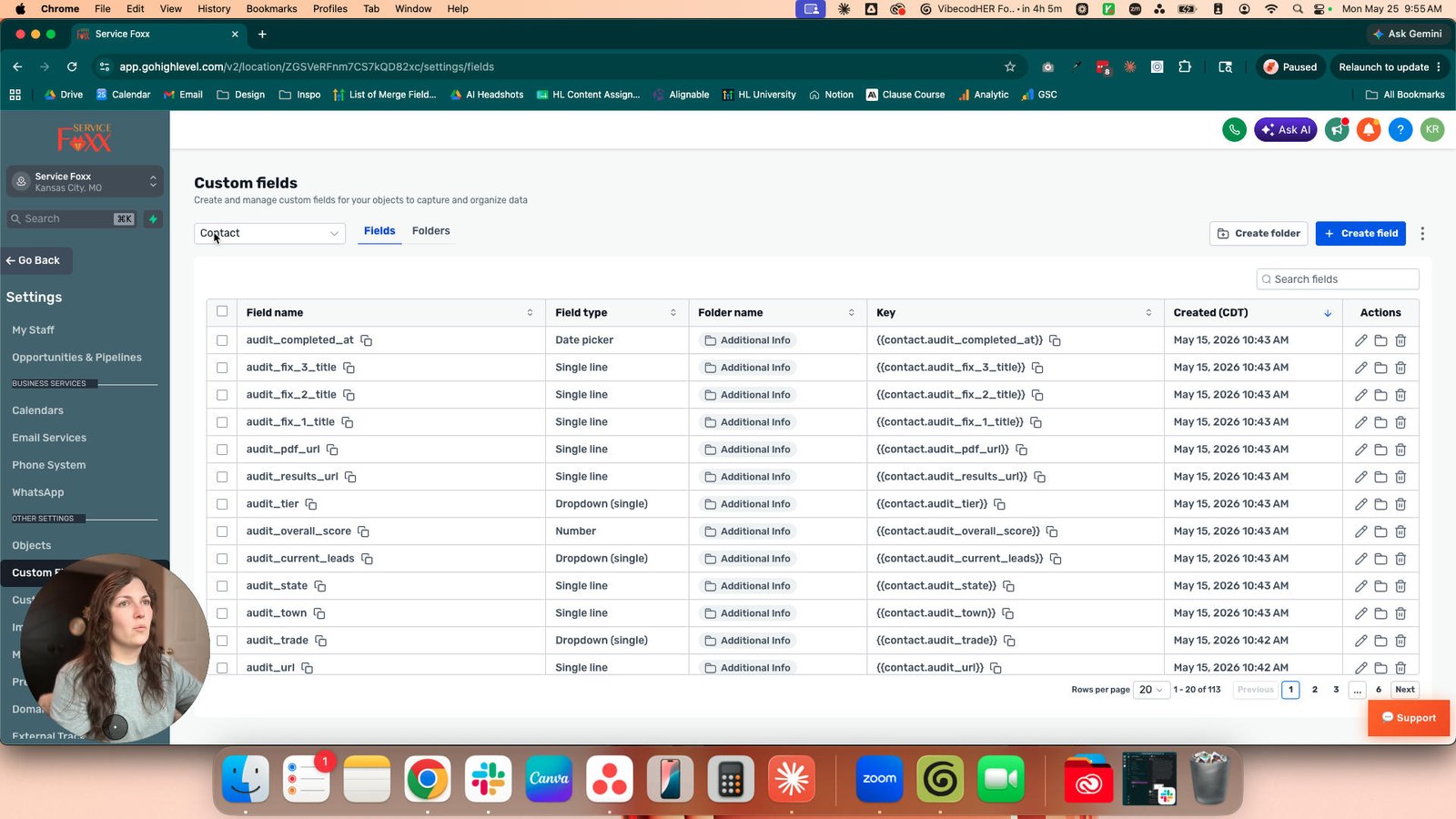
Click this group
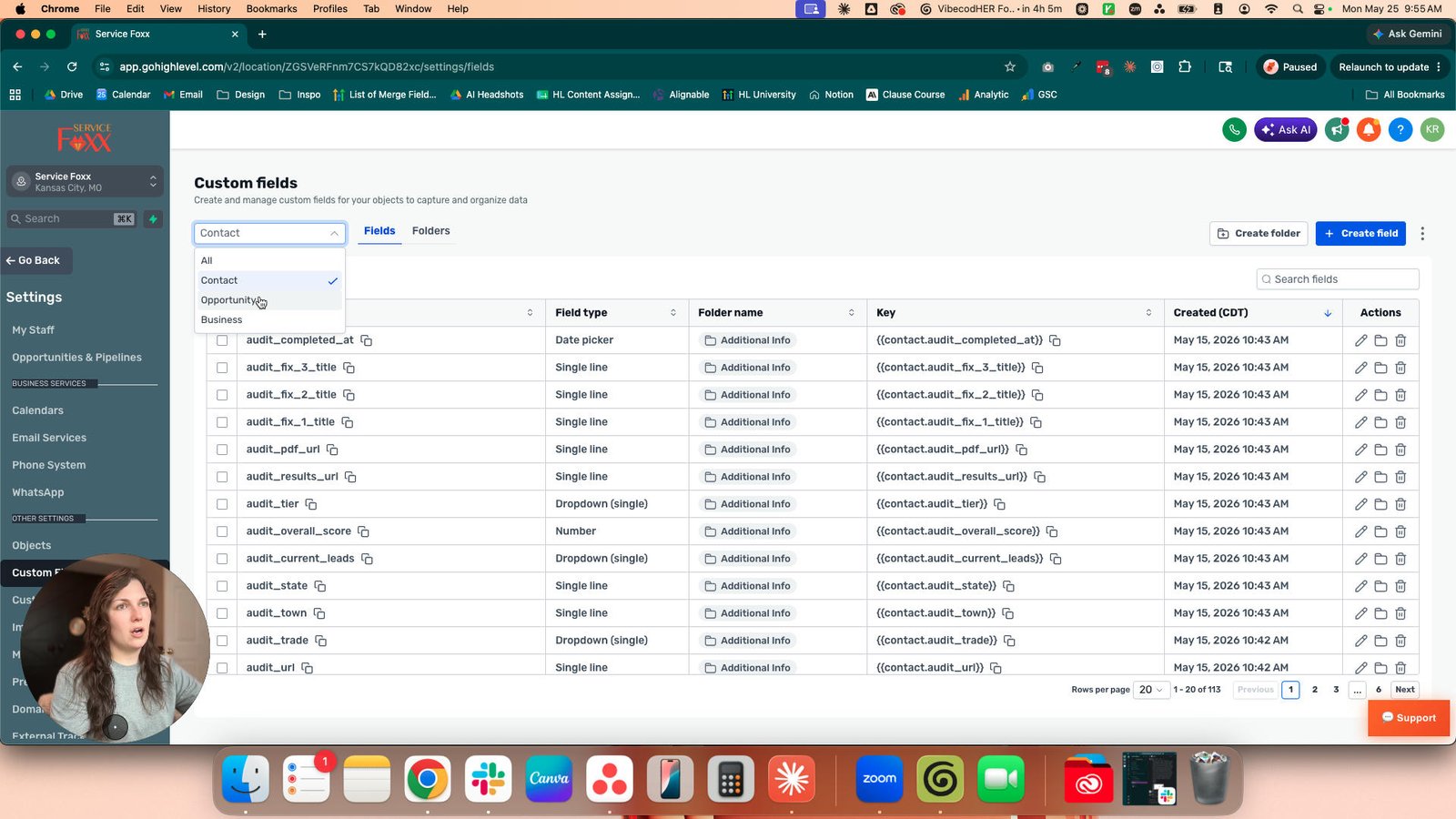
Click the Opportunity

Click the Business
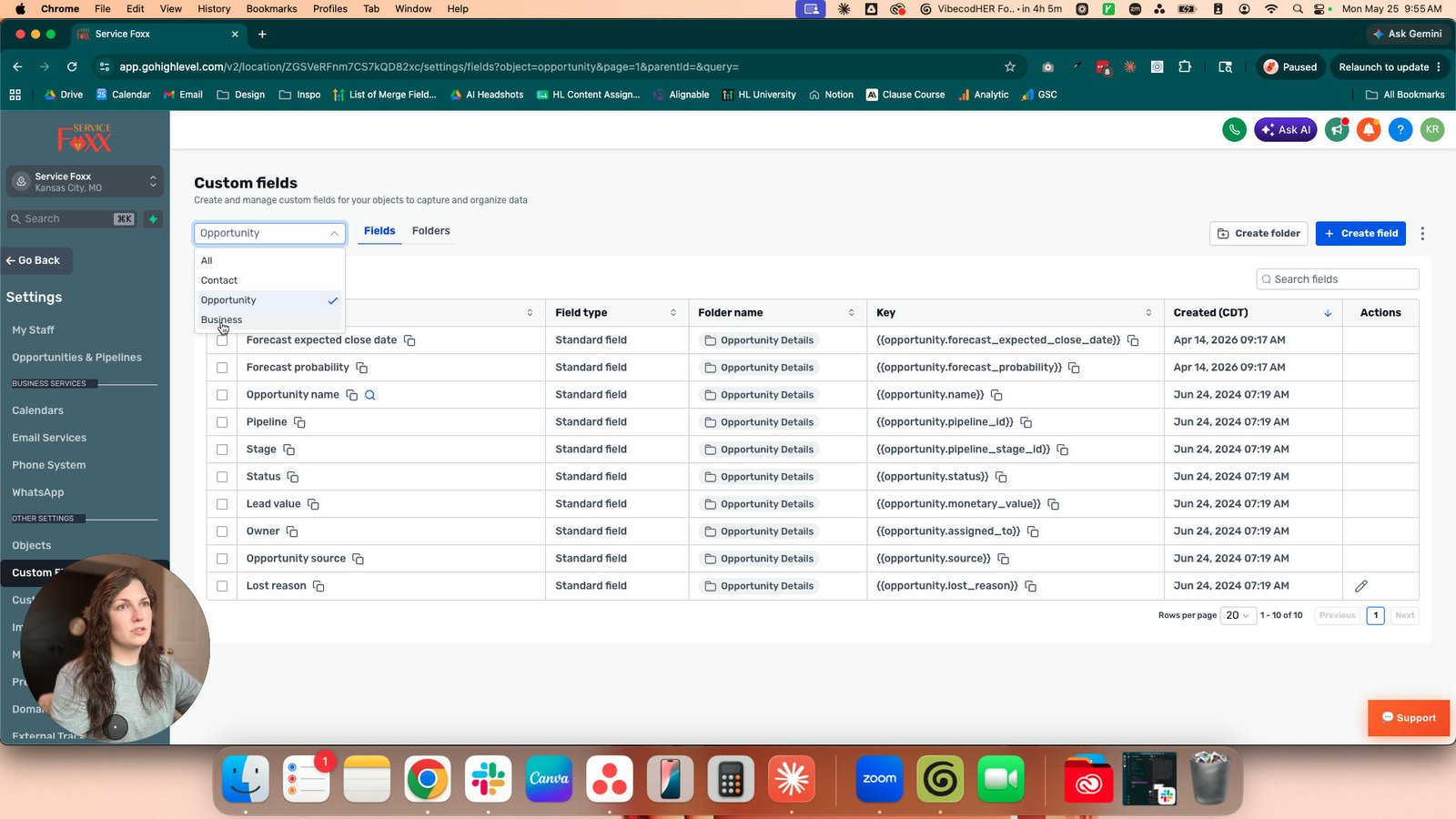
Click this group

Click here
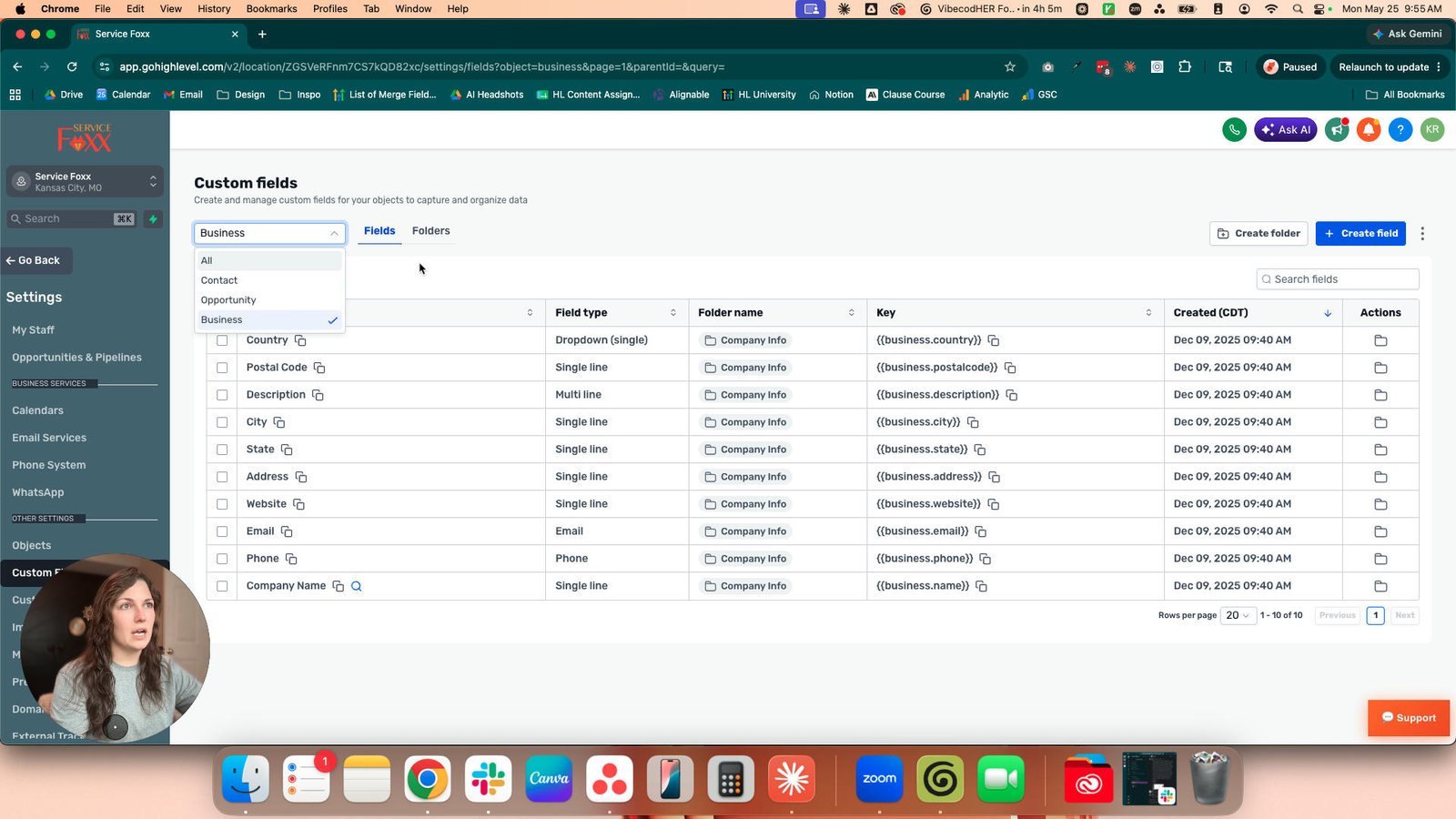
Click this group

Click this image
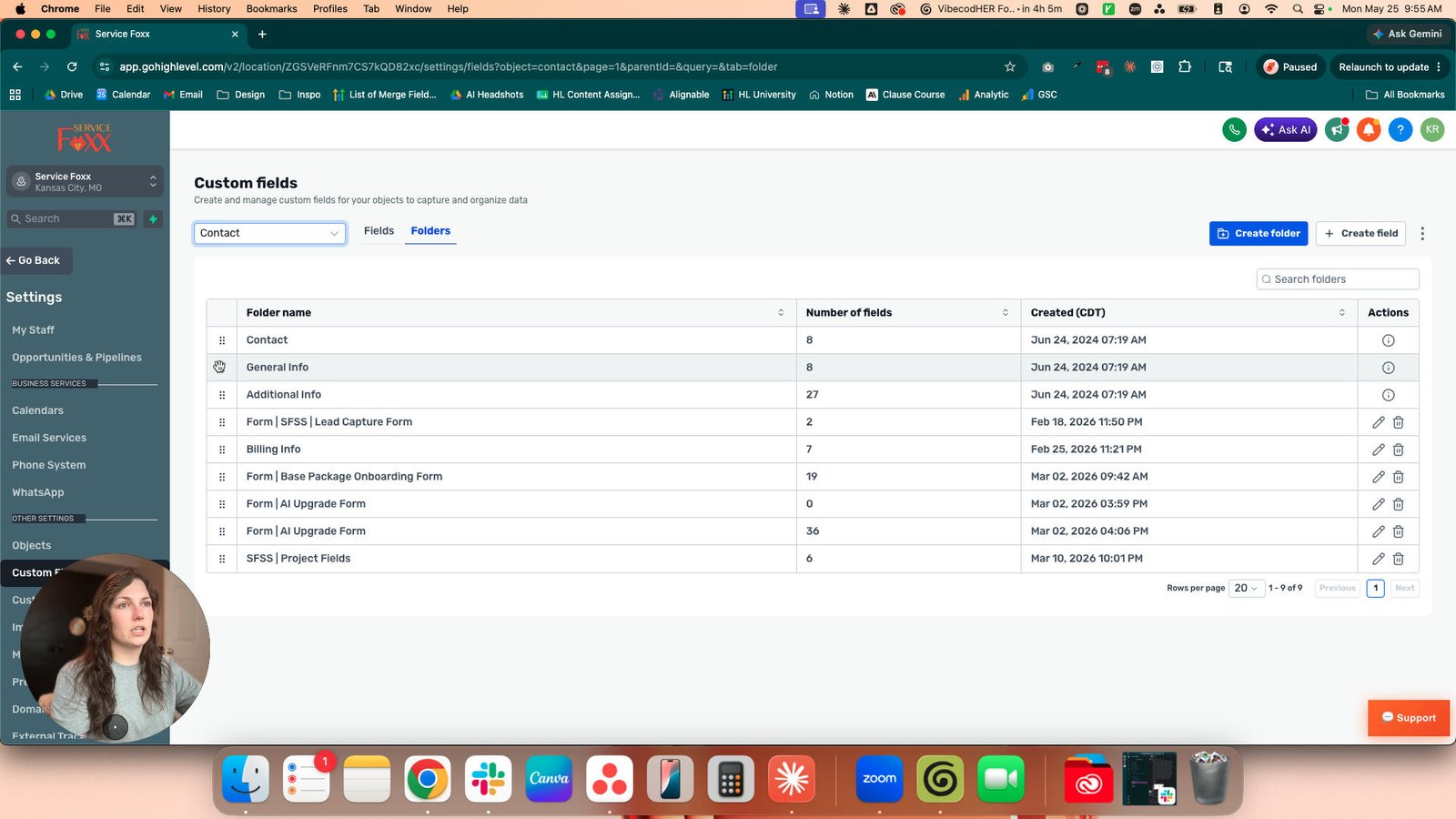
Click here

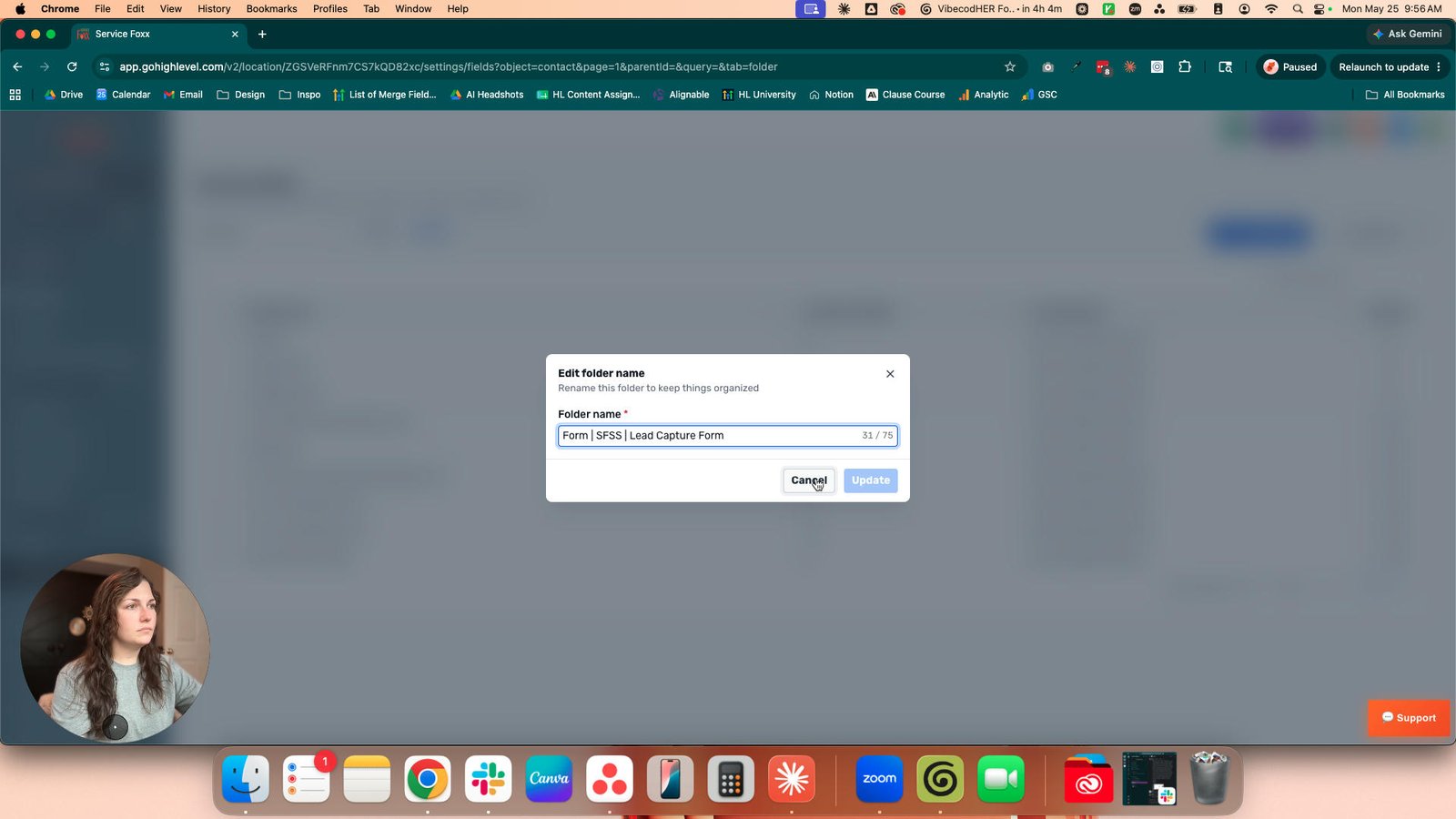
Click the Cancel
Click the What are you looking for help with?
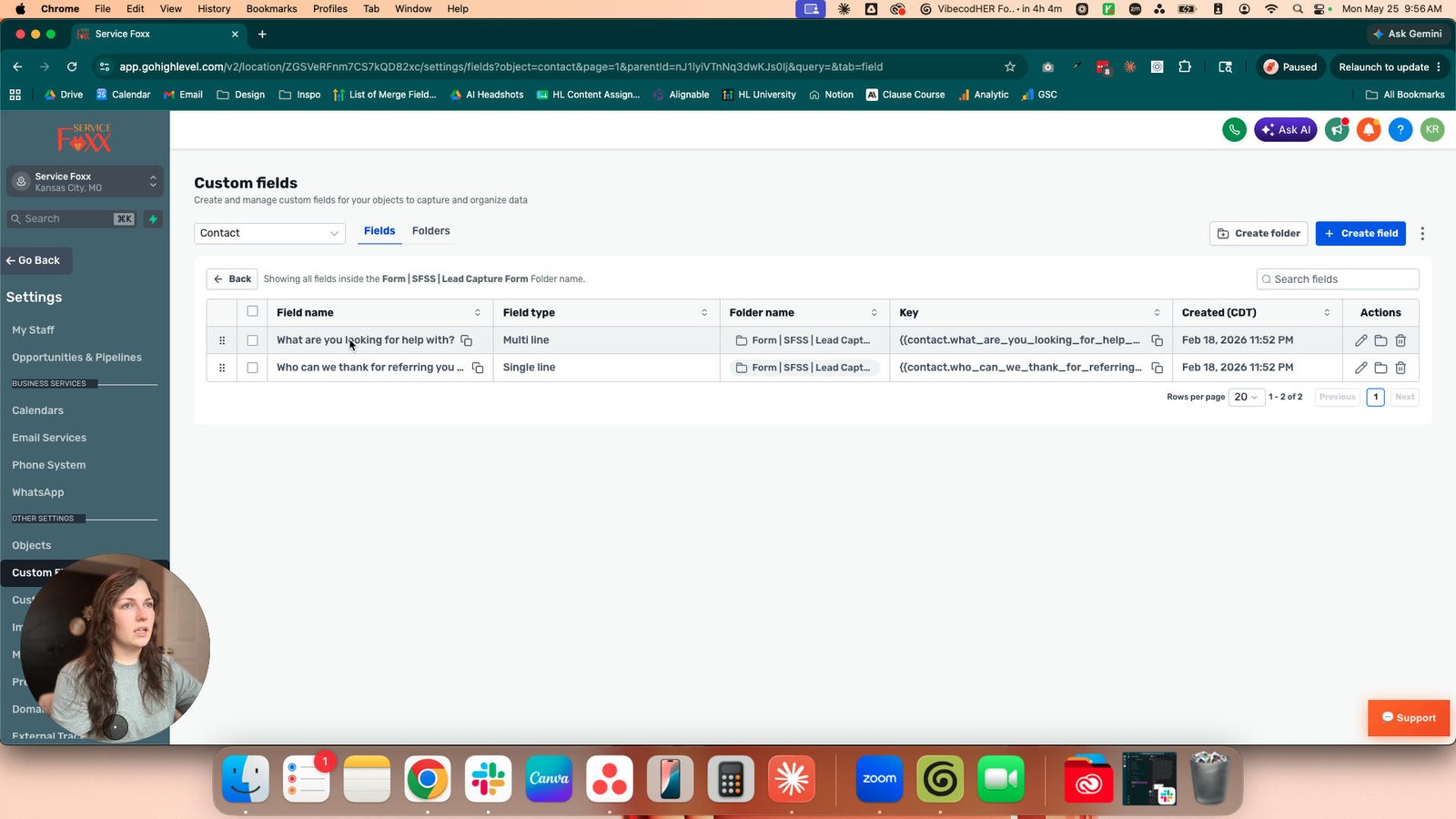
Click this image

Click here

Click this group
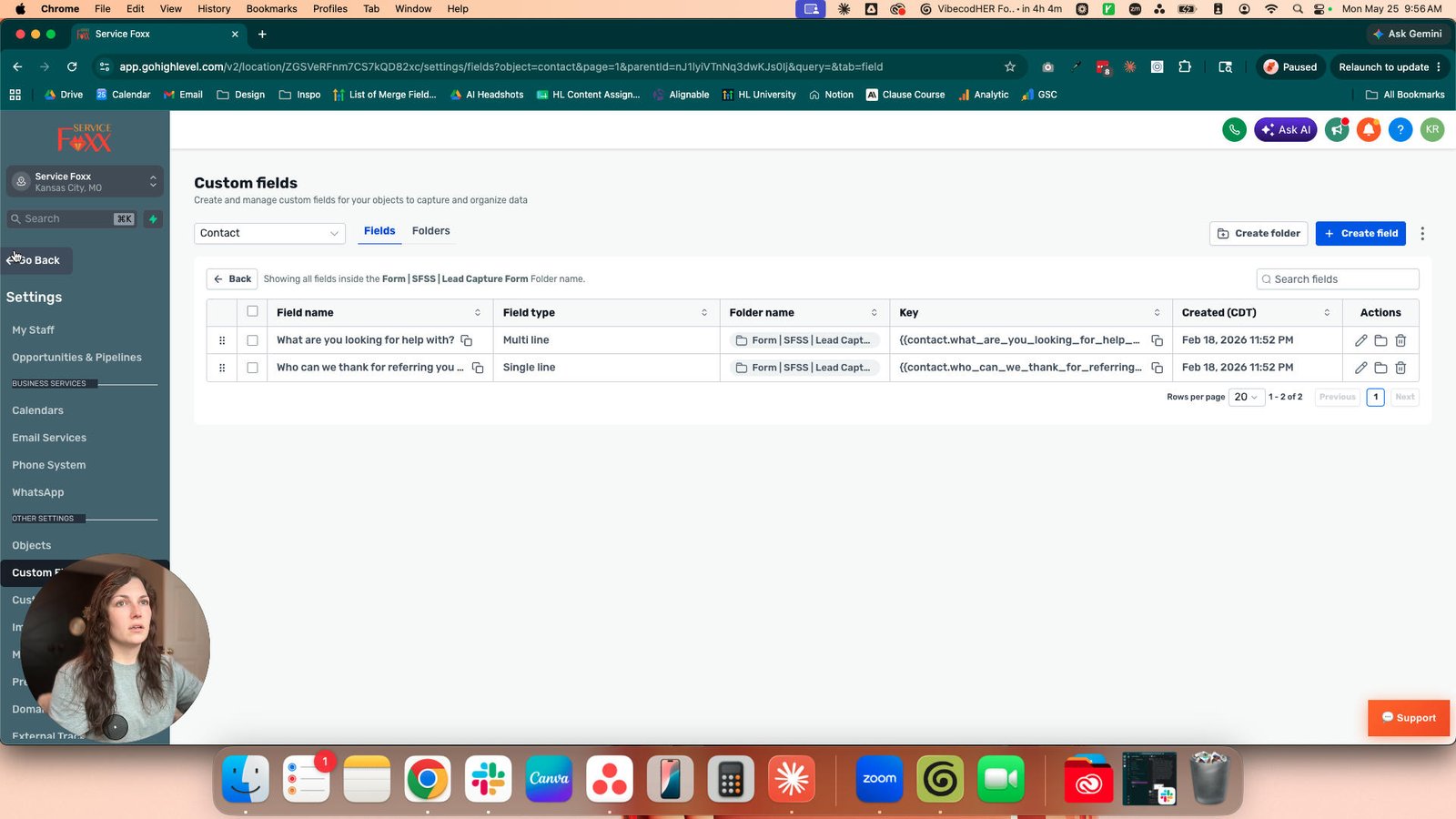
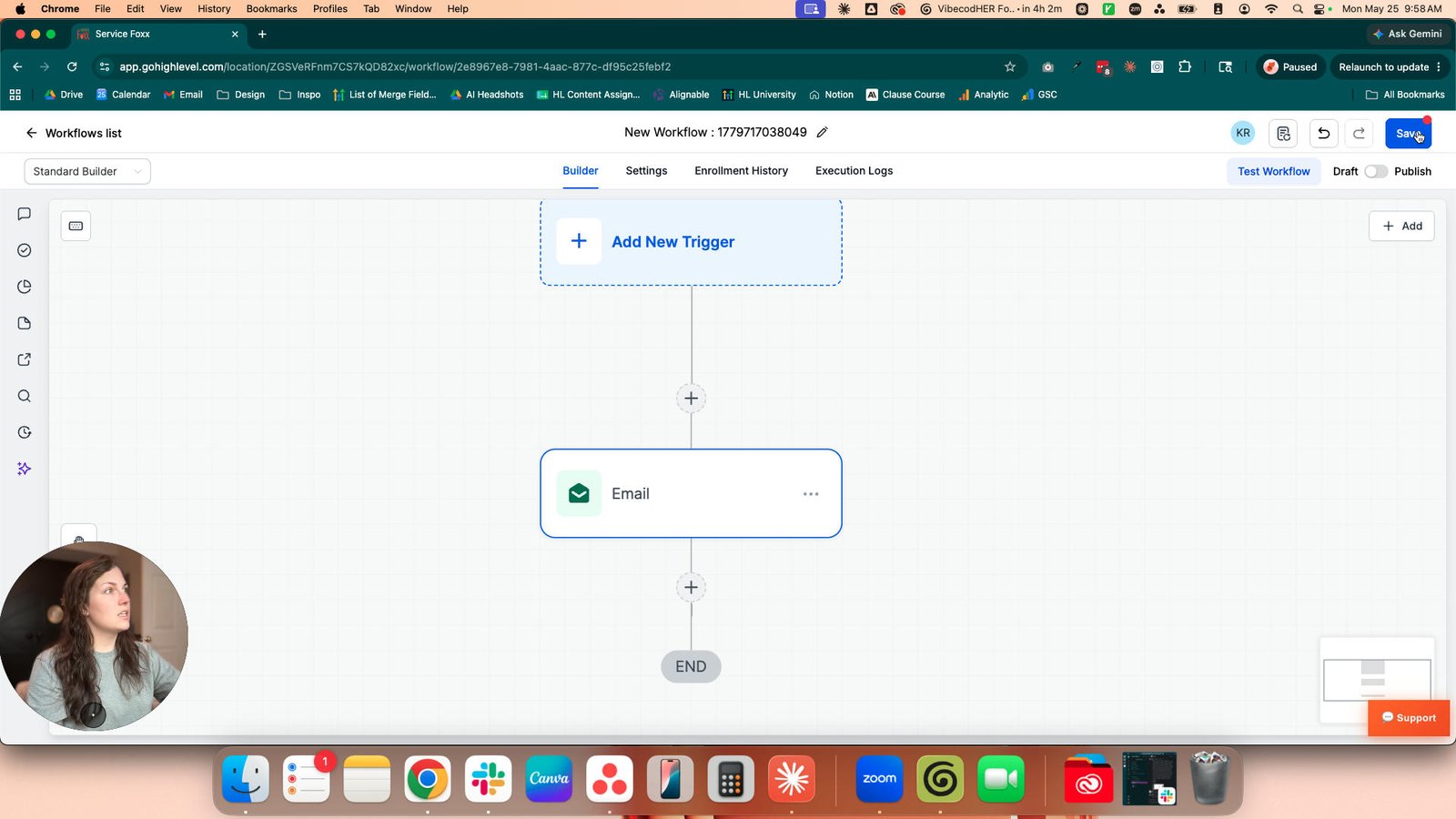
Click the New Workflow : 1779717038049

Click here

Click this group
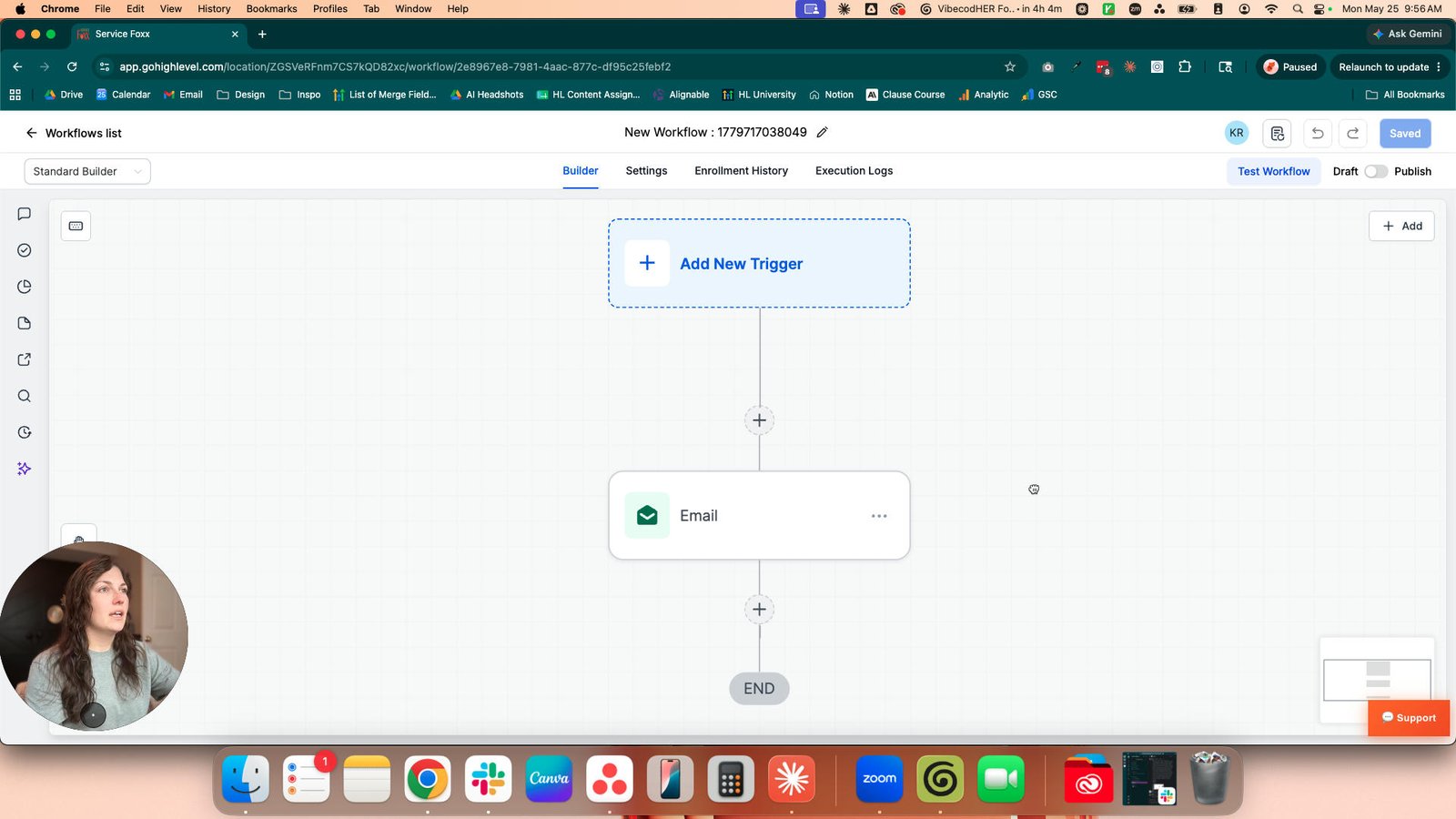
Click here
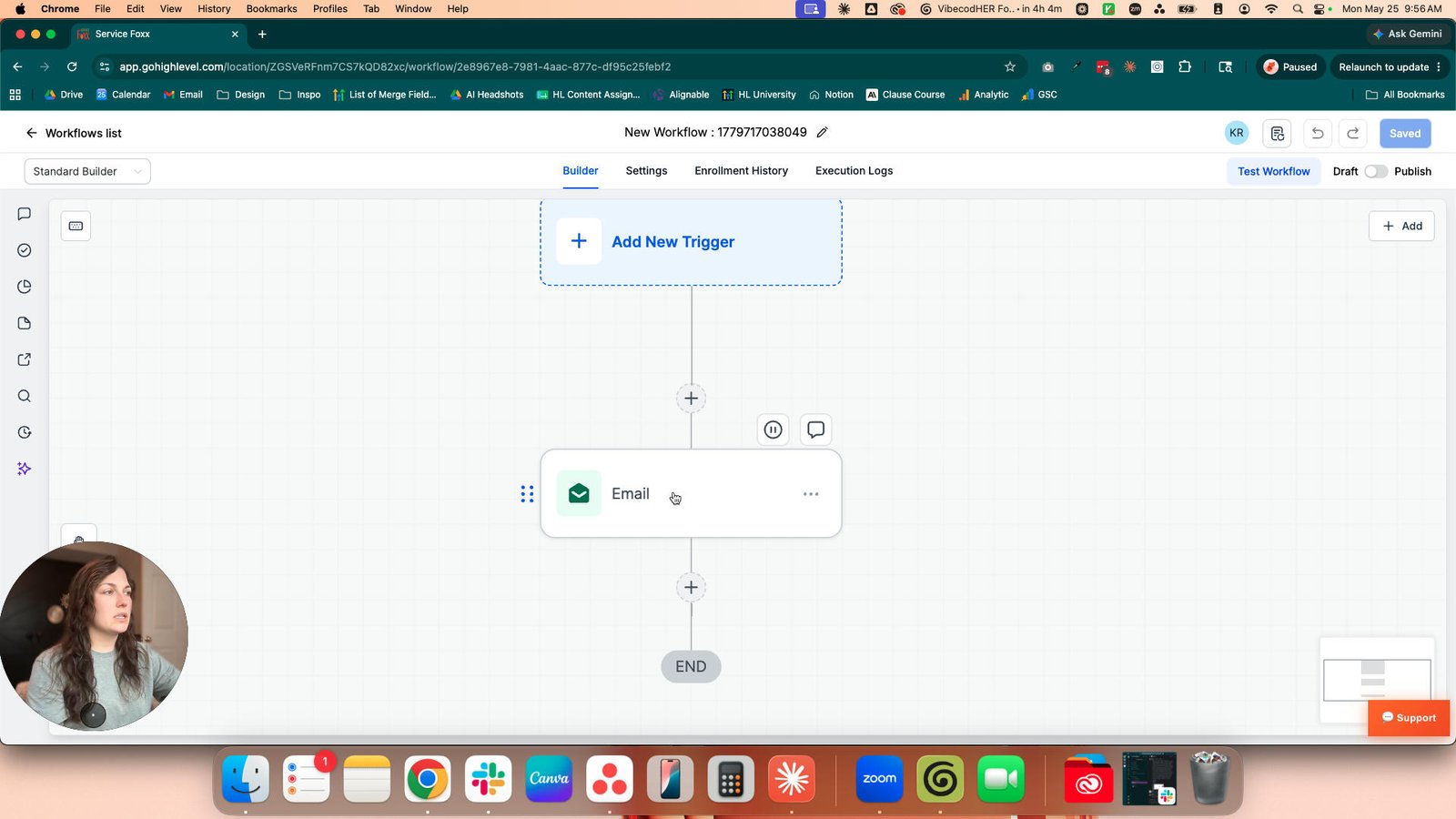
Click this group
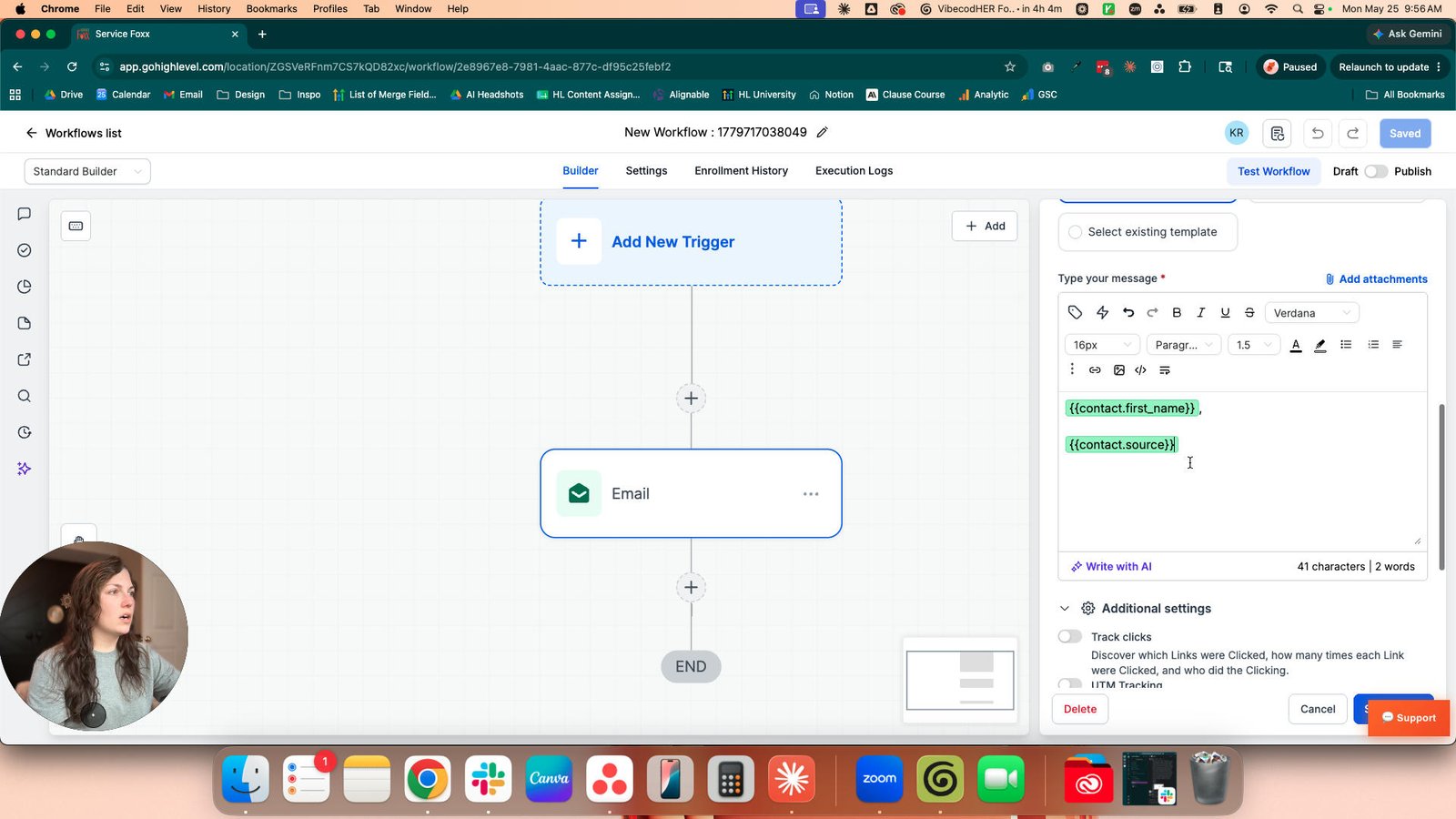
Click the {{contact.first_name}}, {{contact.source}}

Click the Custom Variable Picker

Click this group
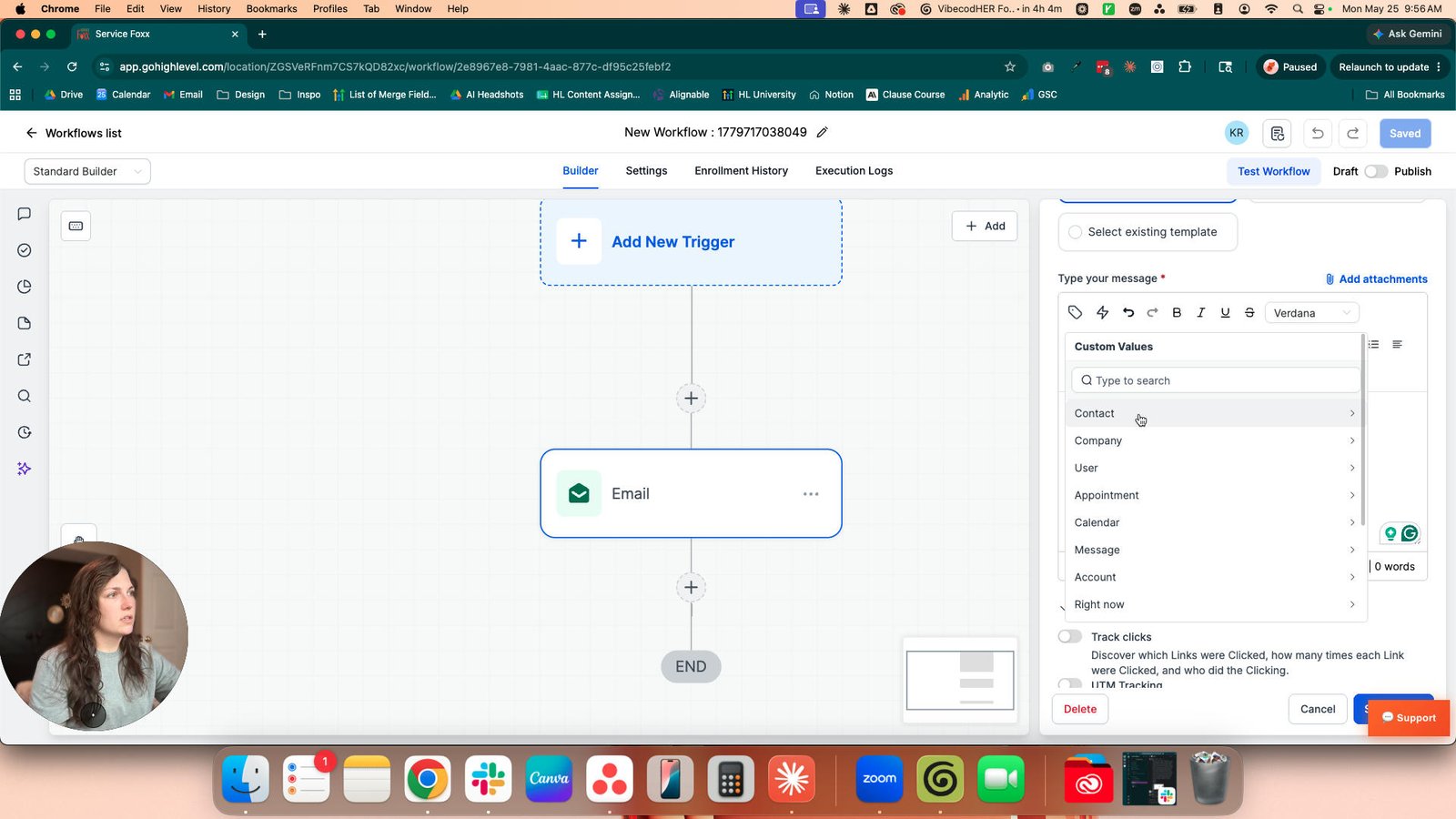
Click the First Name
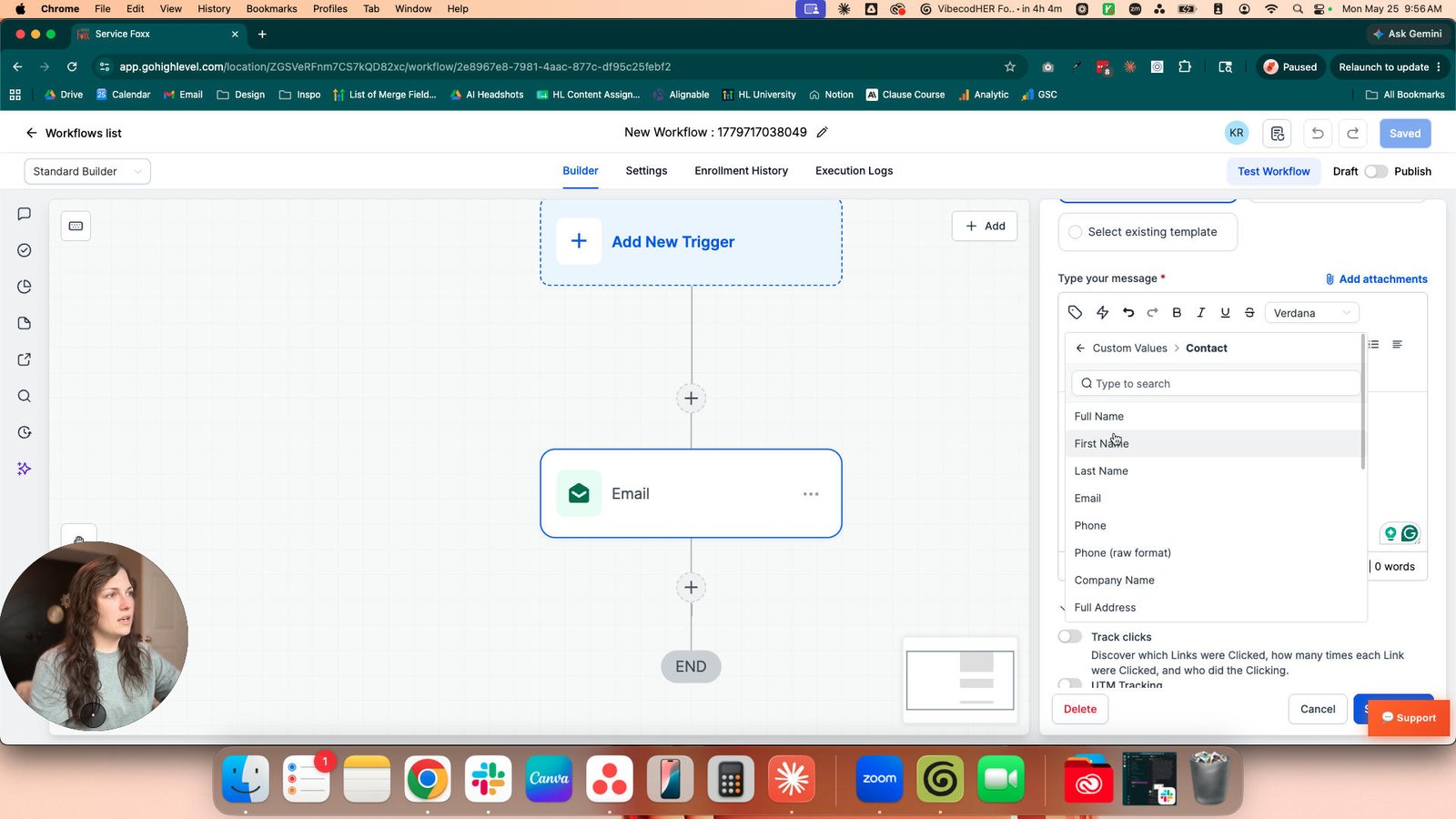
Click this group

Type "{{contact.first_name}}, Enter"
Type "{{contact.first_name}}, Enter"
Click this group

Click the friend
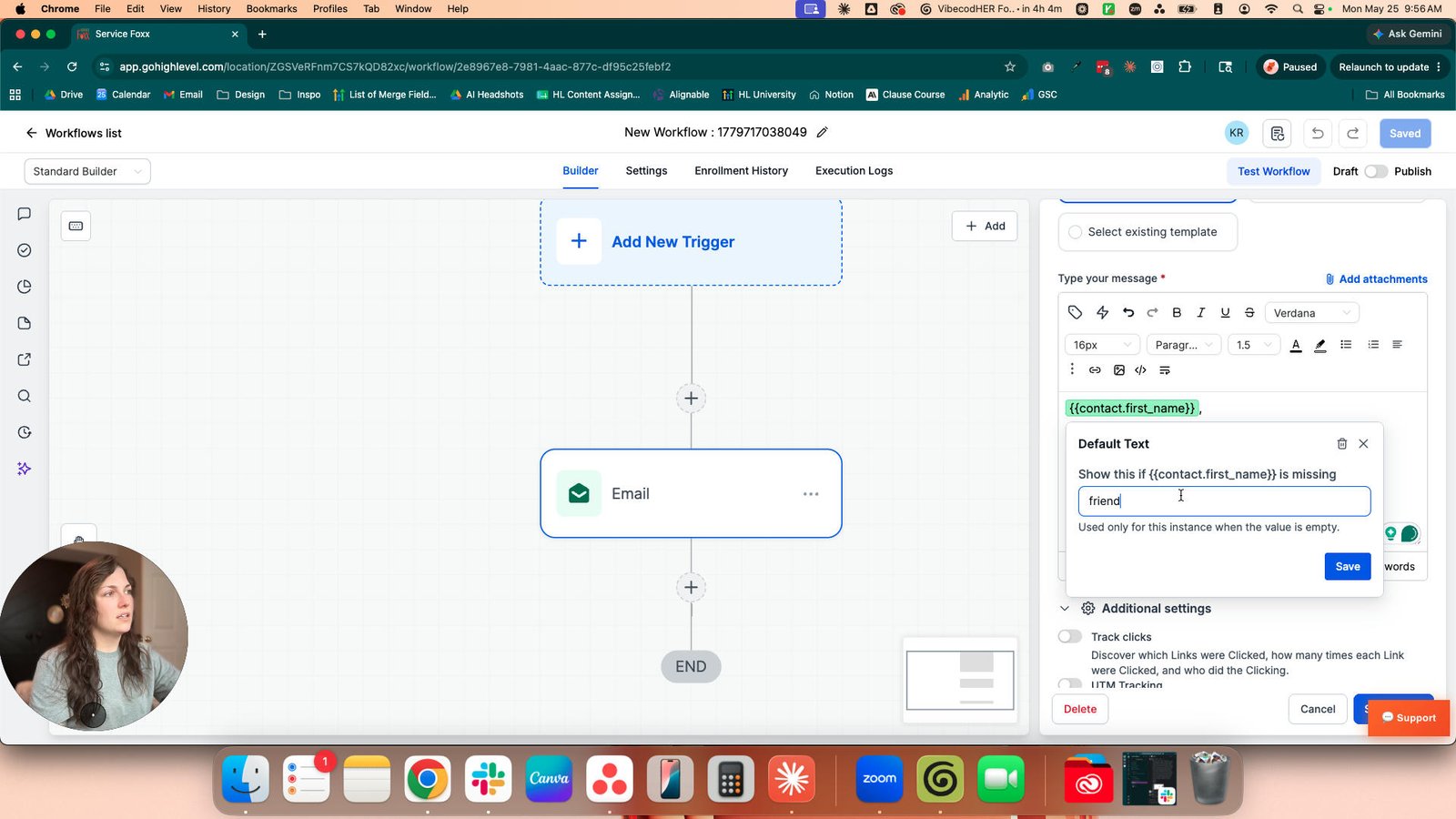
Click the Save
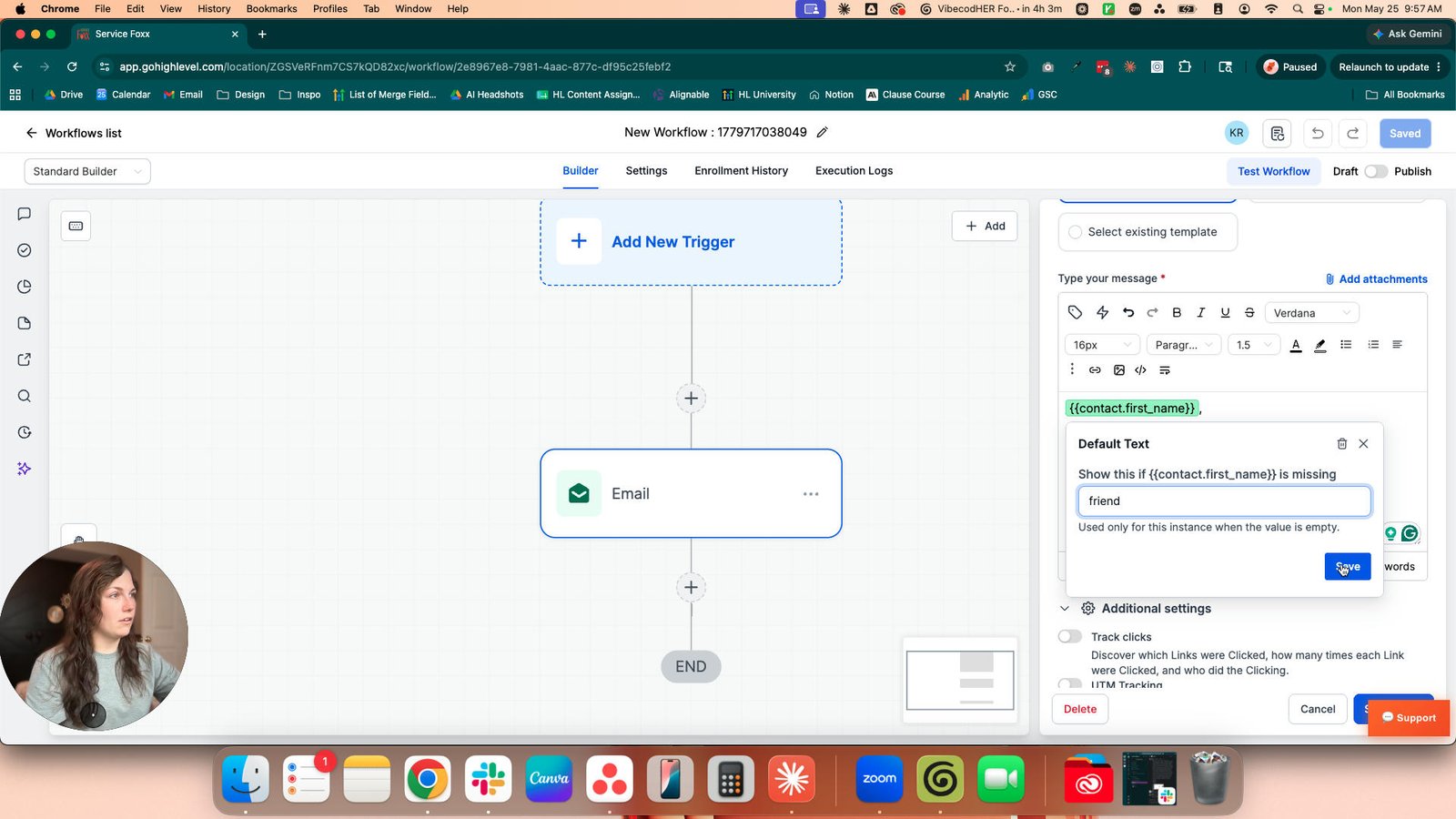
Type "{{contact.first_name}}, Enter"
Click the Custom Variable Picker
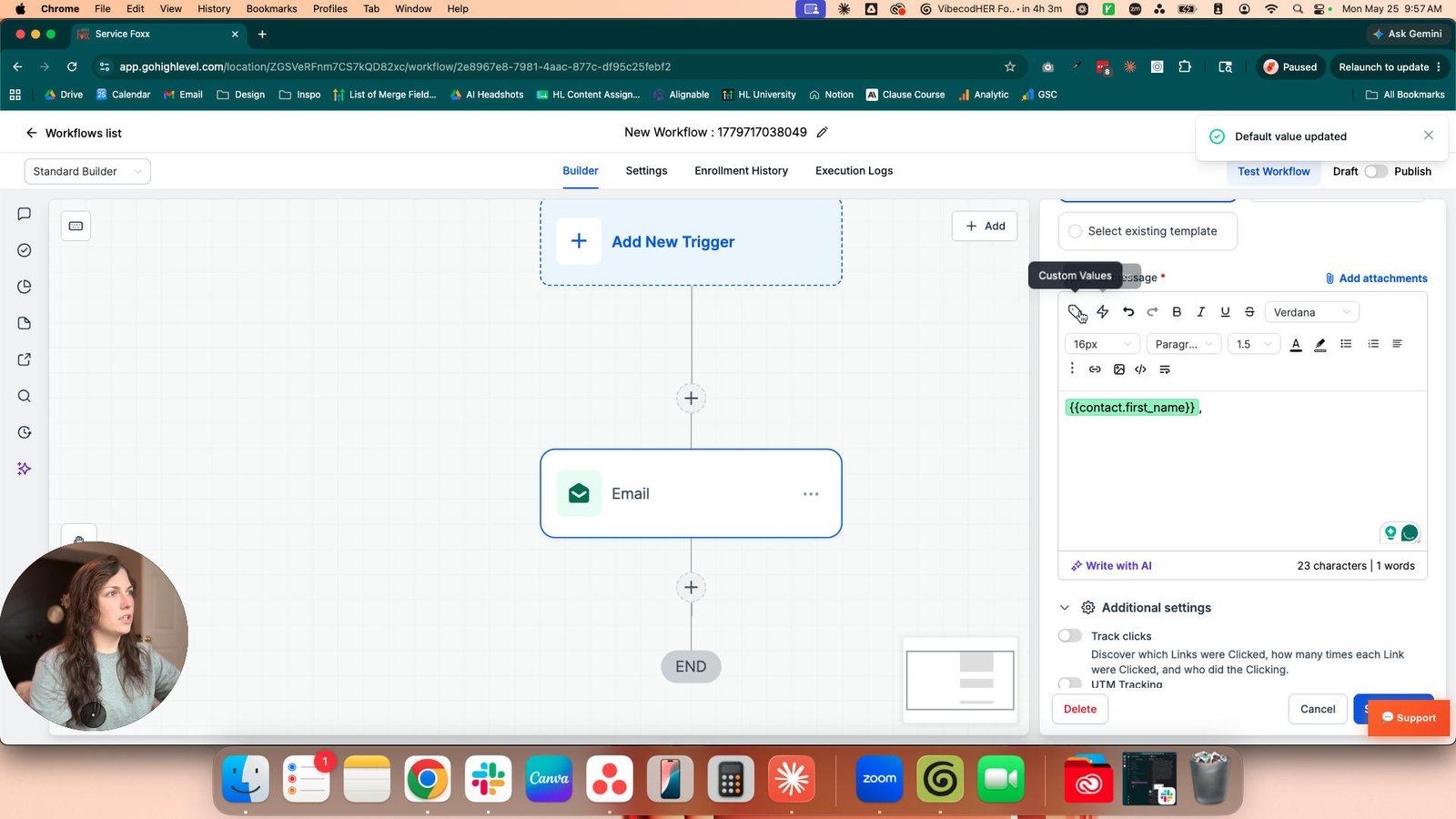
Click the Website

Click this group
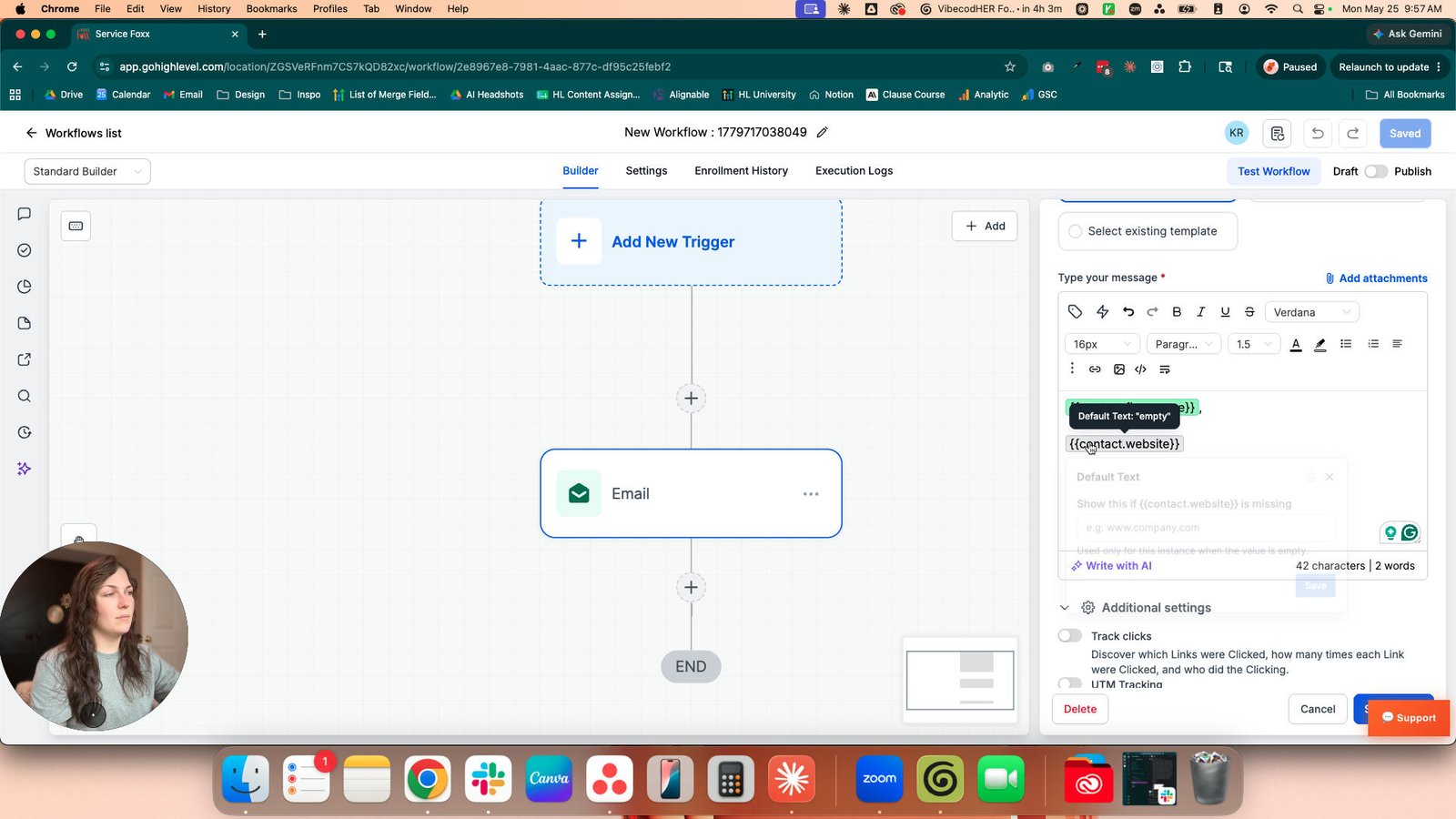
Click here
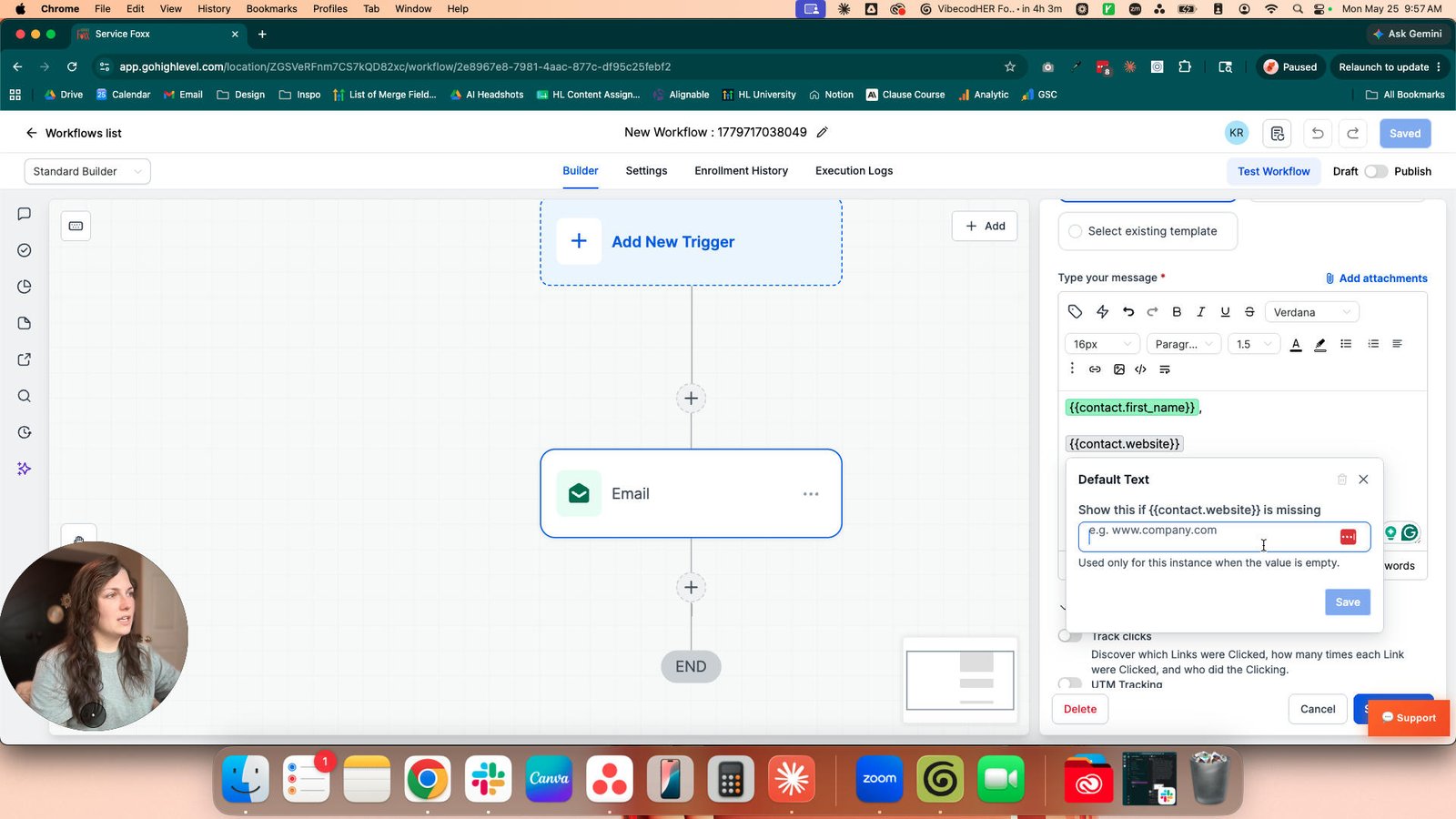
Click the ww.
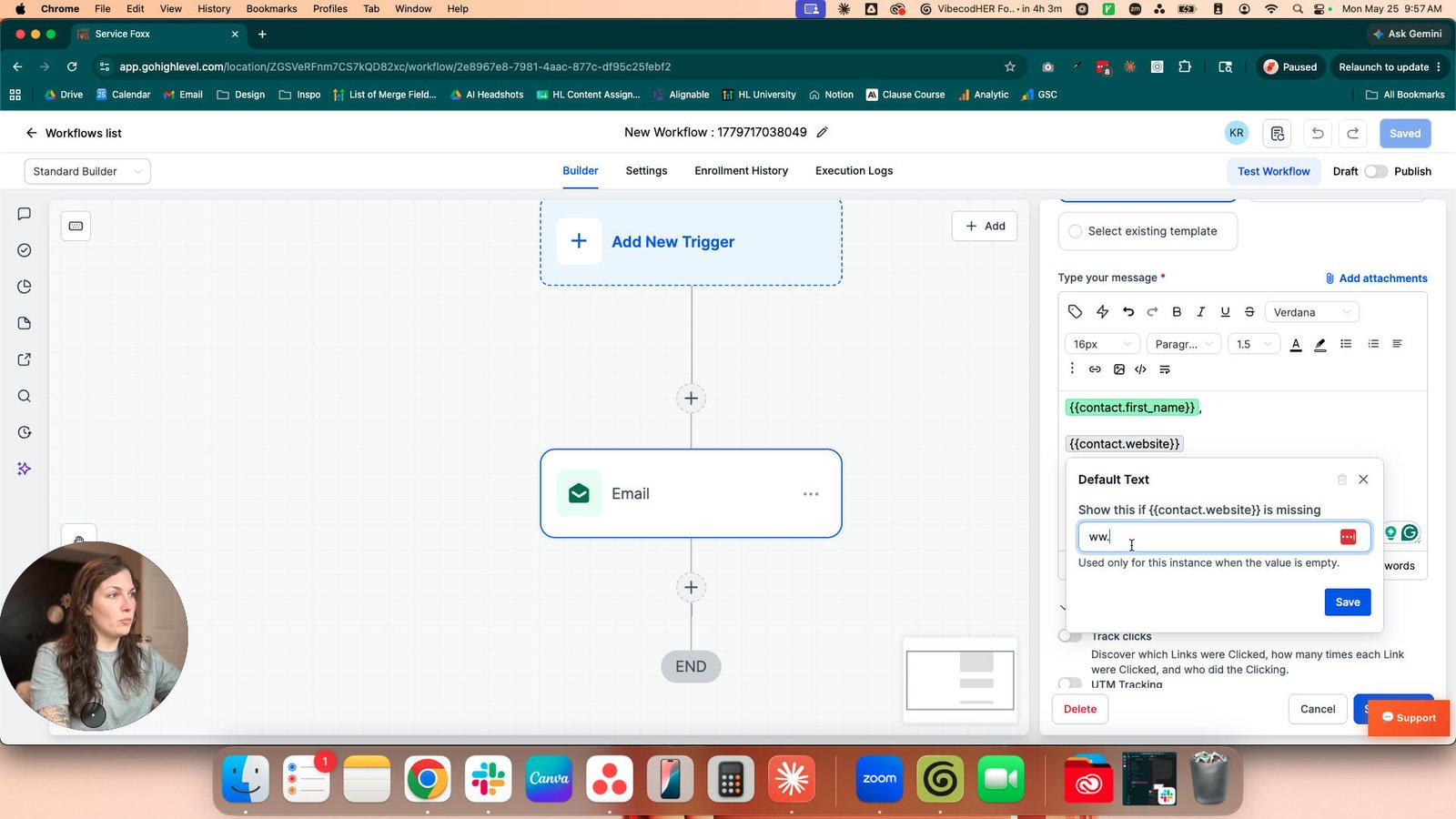
Click the Save

Click this group

Click the button Delete default value
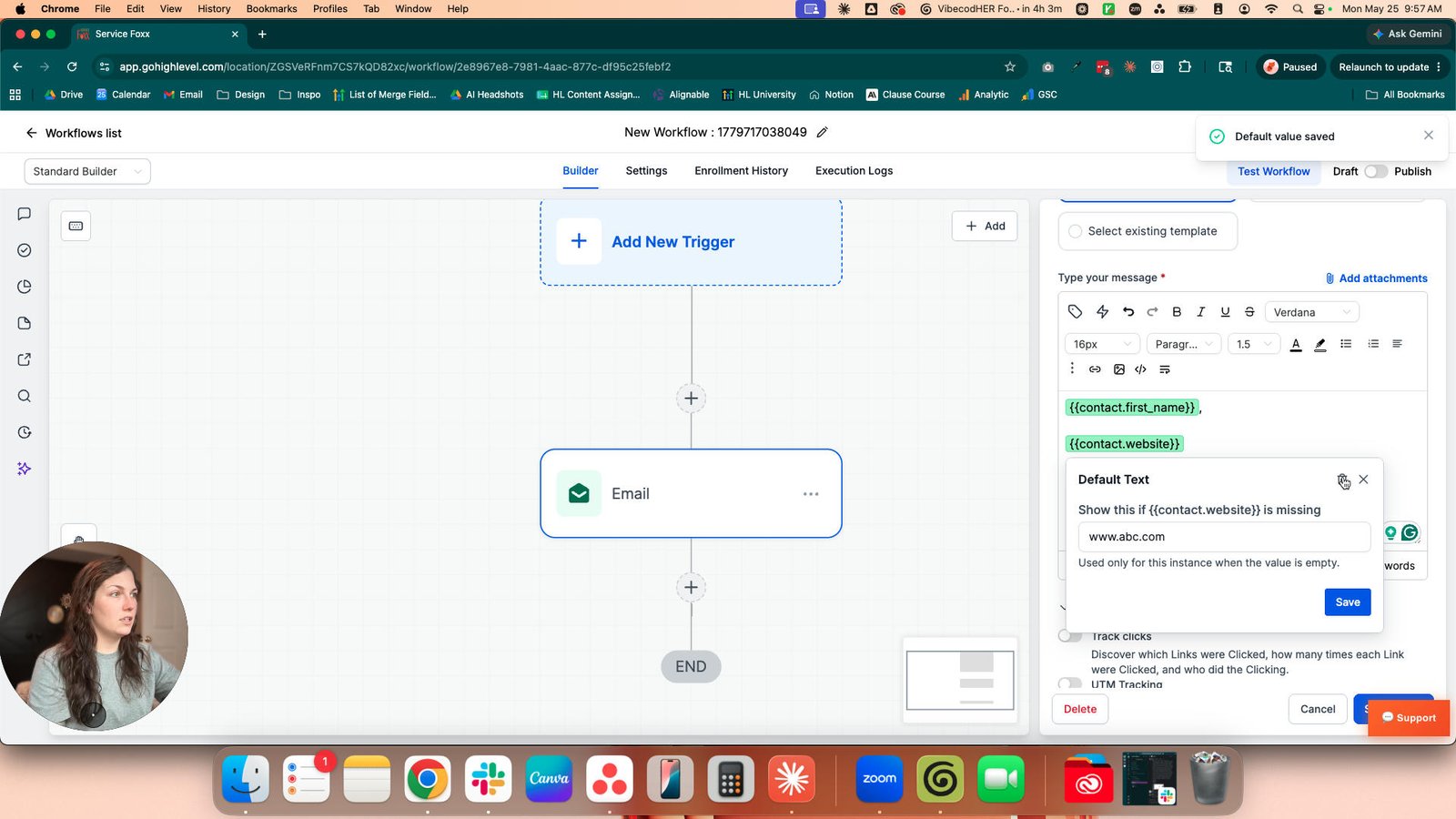
Click this group
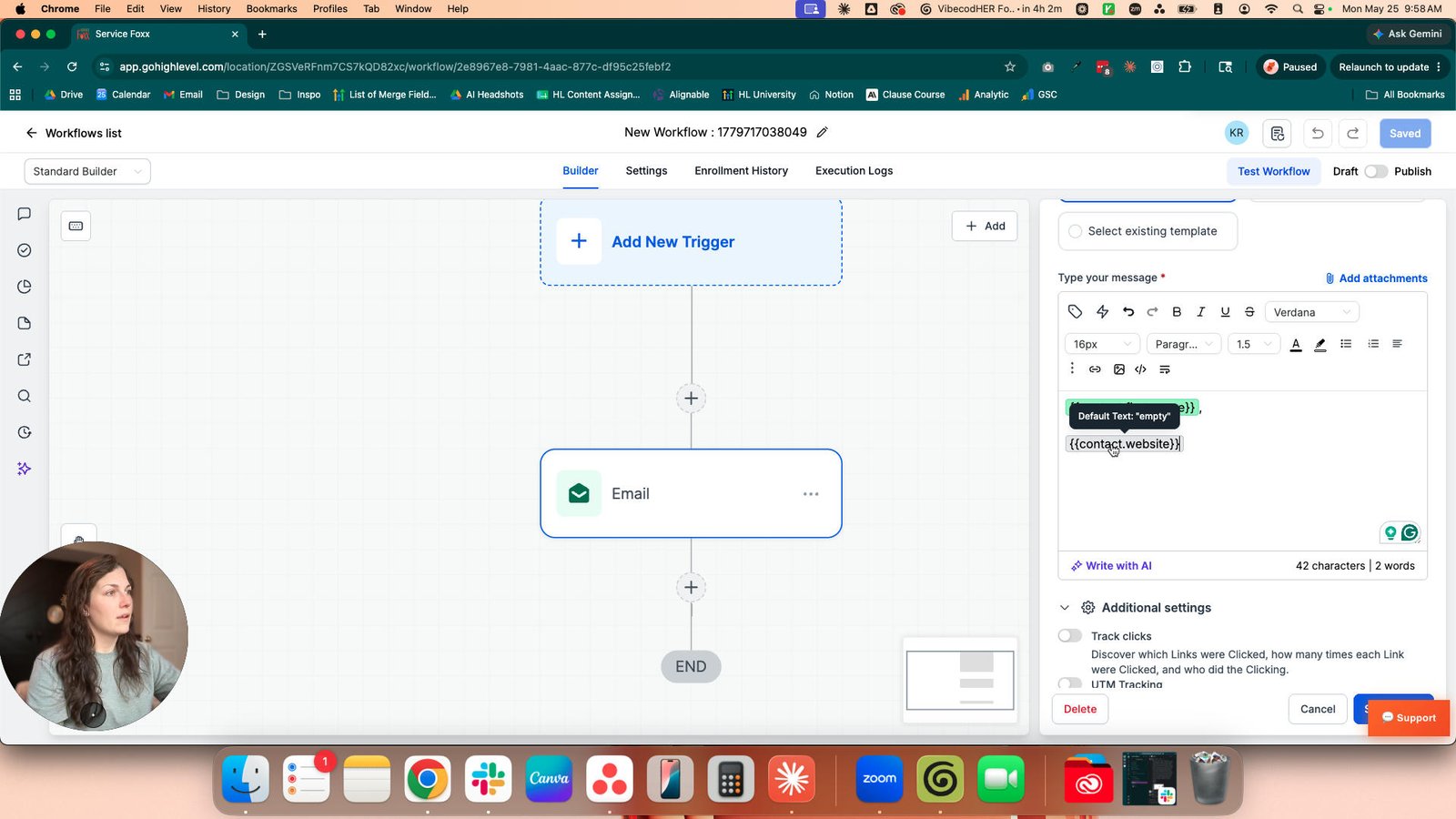
Click here
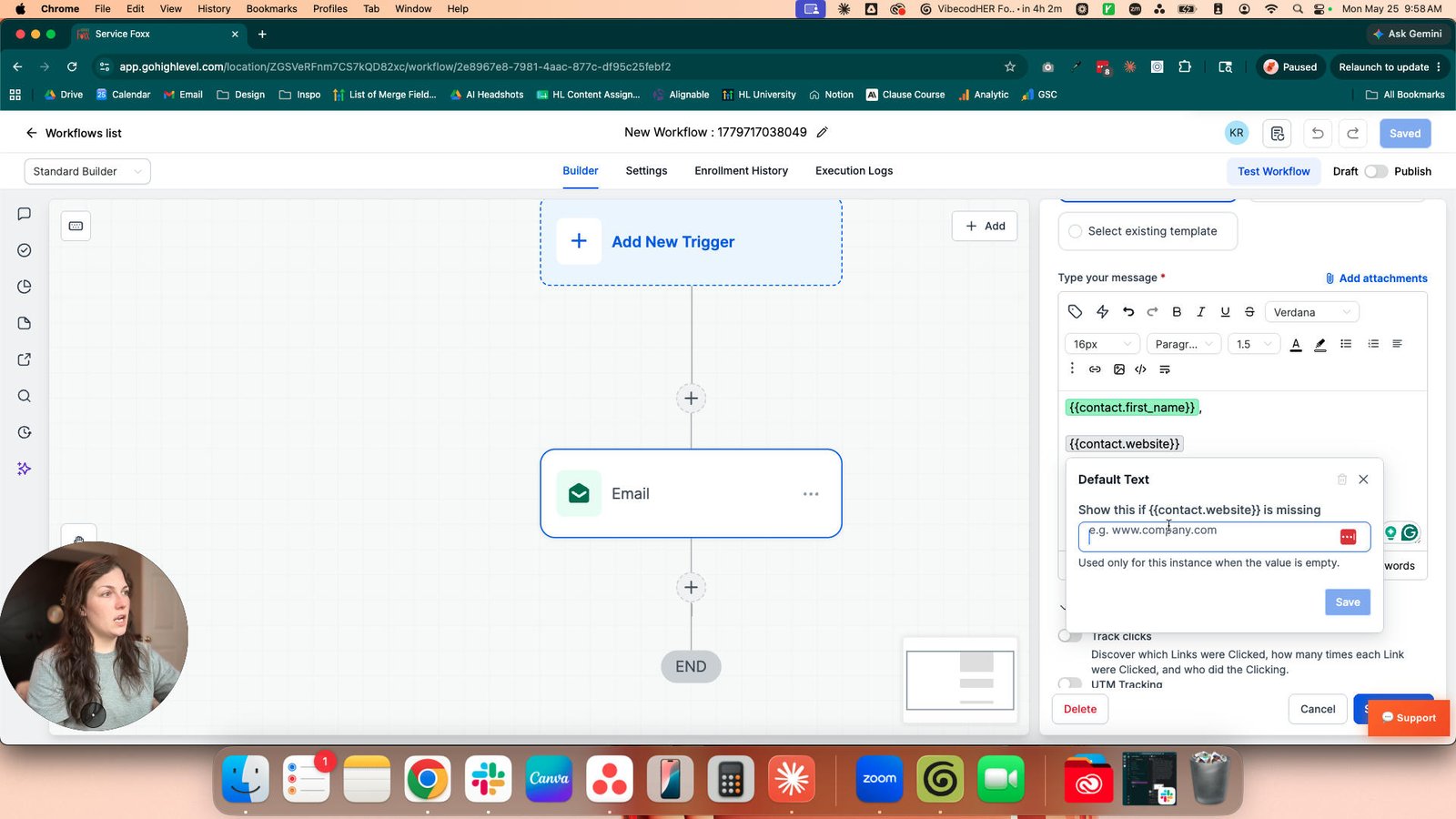
Click the button Close
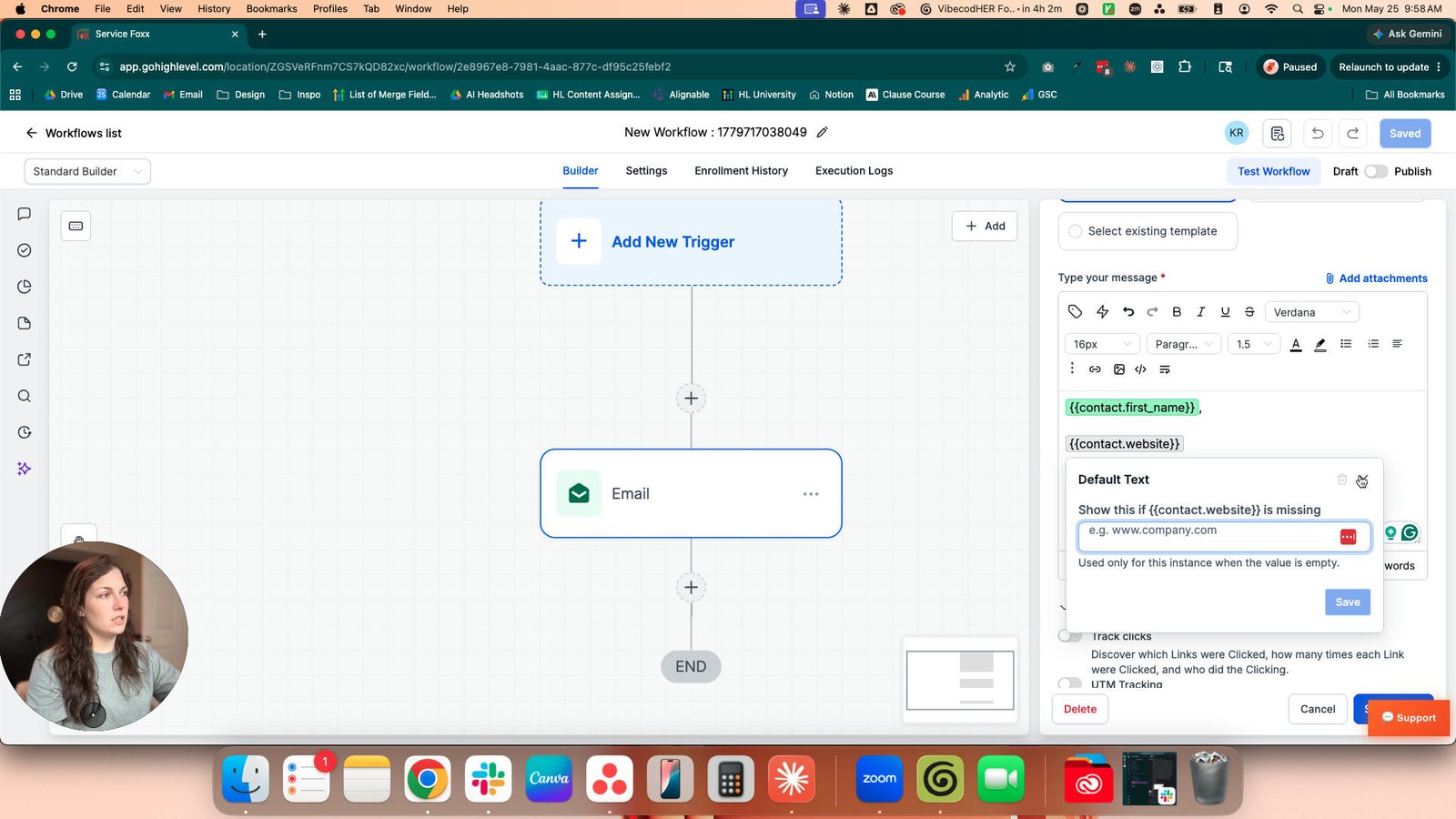
Click the Save Workflow Button
You made it to the end!
42 steps complete