How to Categorize Stripe Income in QuickBooks Using the New SOP

N

Nailea Large

No date
19 steps
2

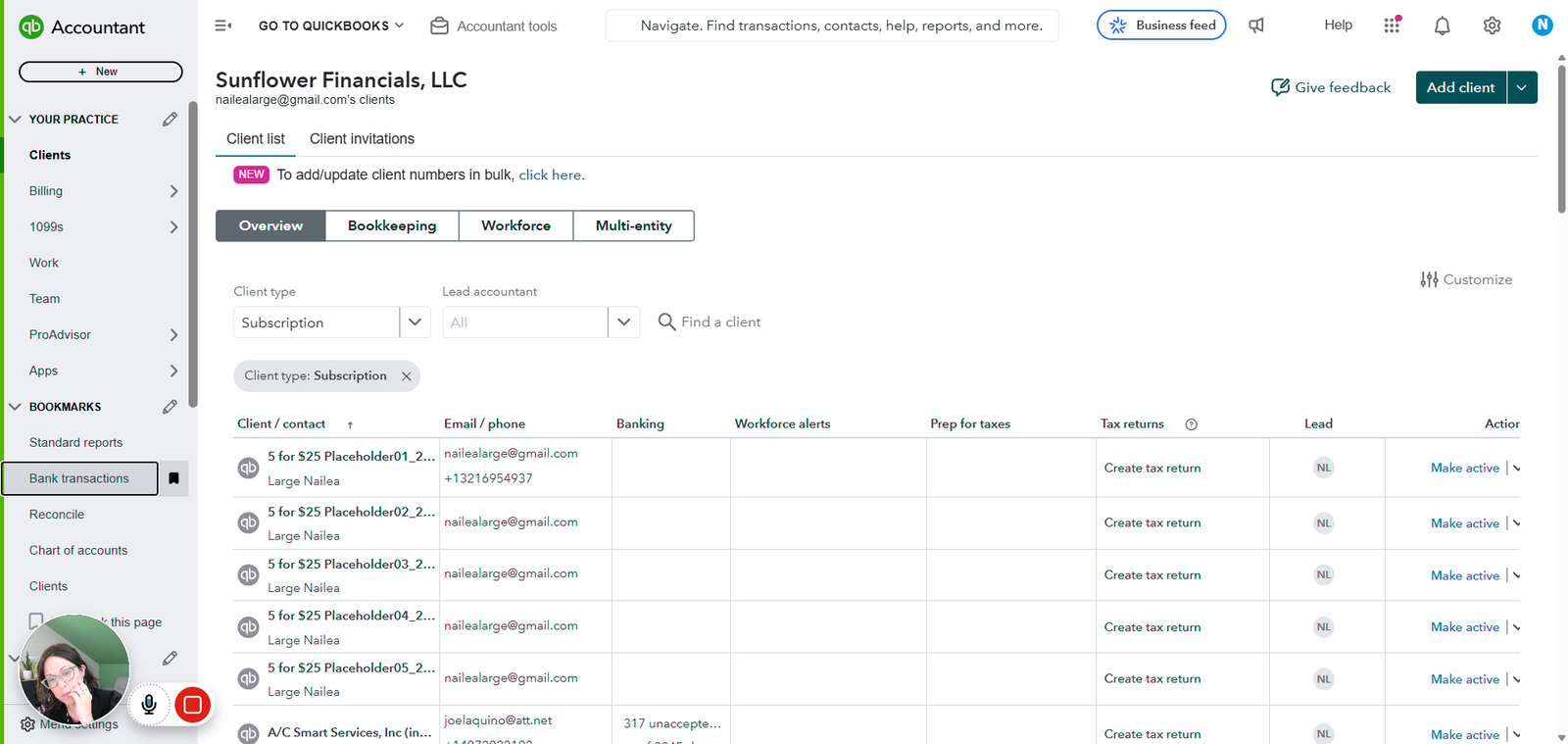
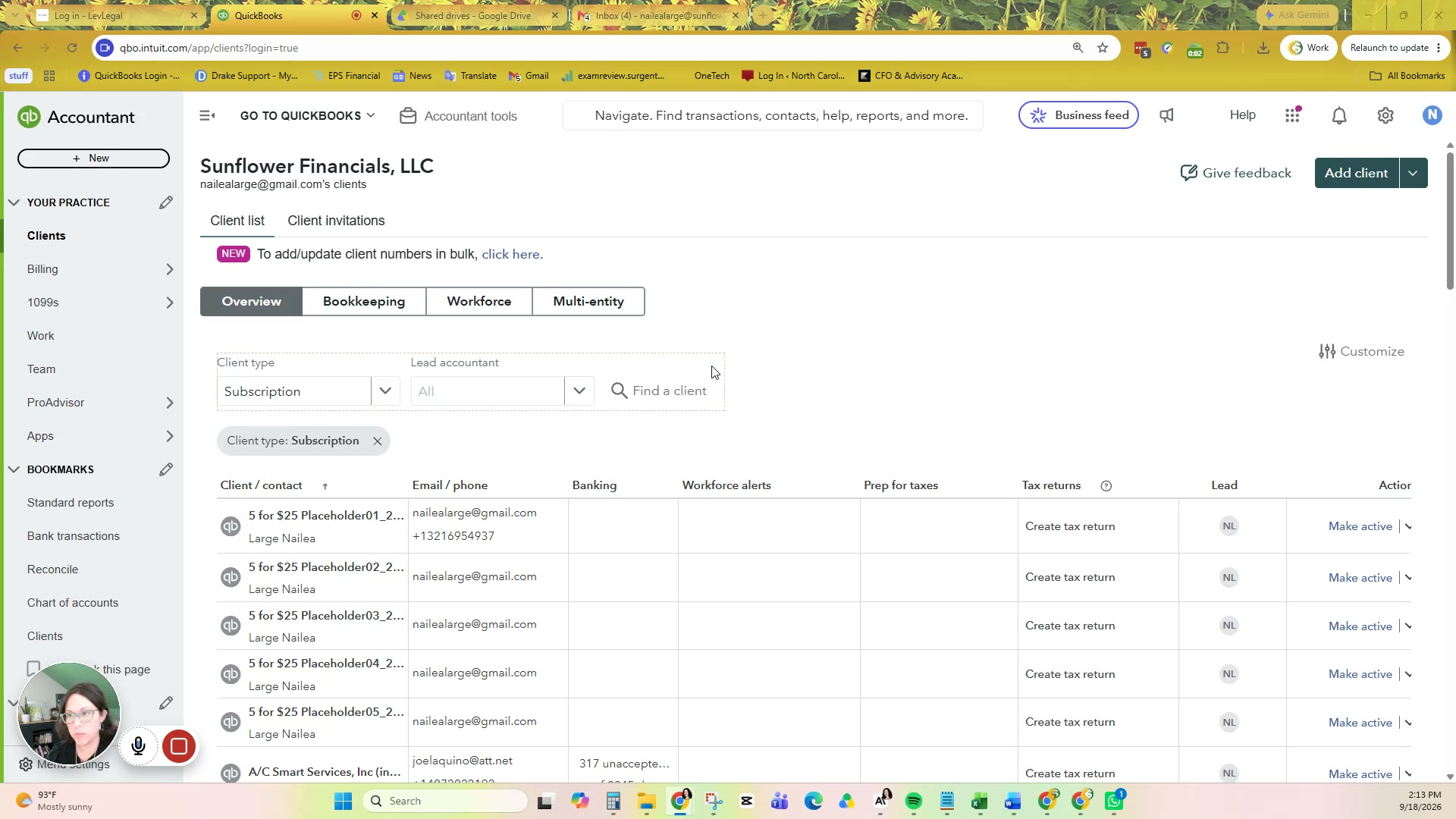
Click on "Bank transactions"

step
3

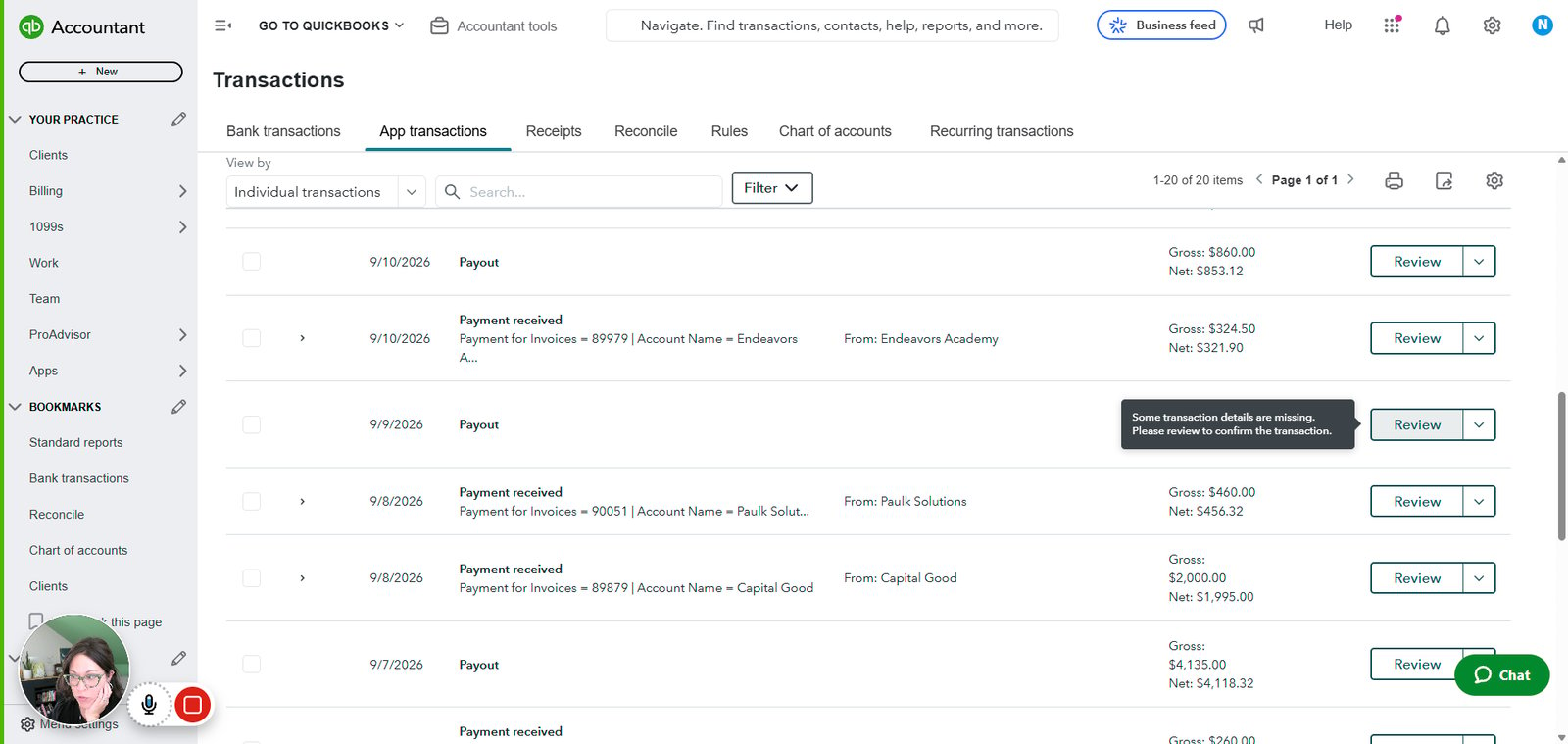
Click on "App transactions"

step
4

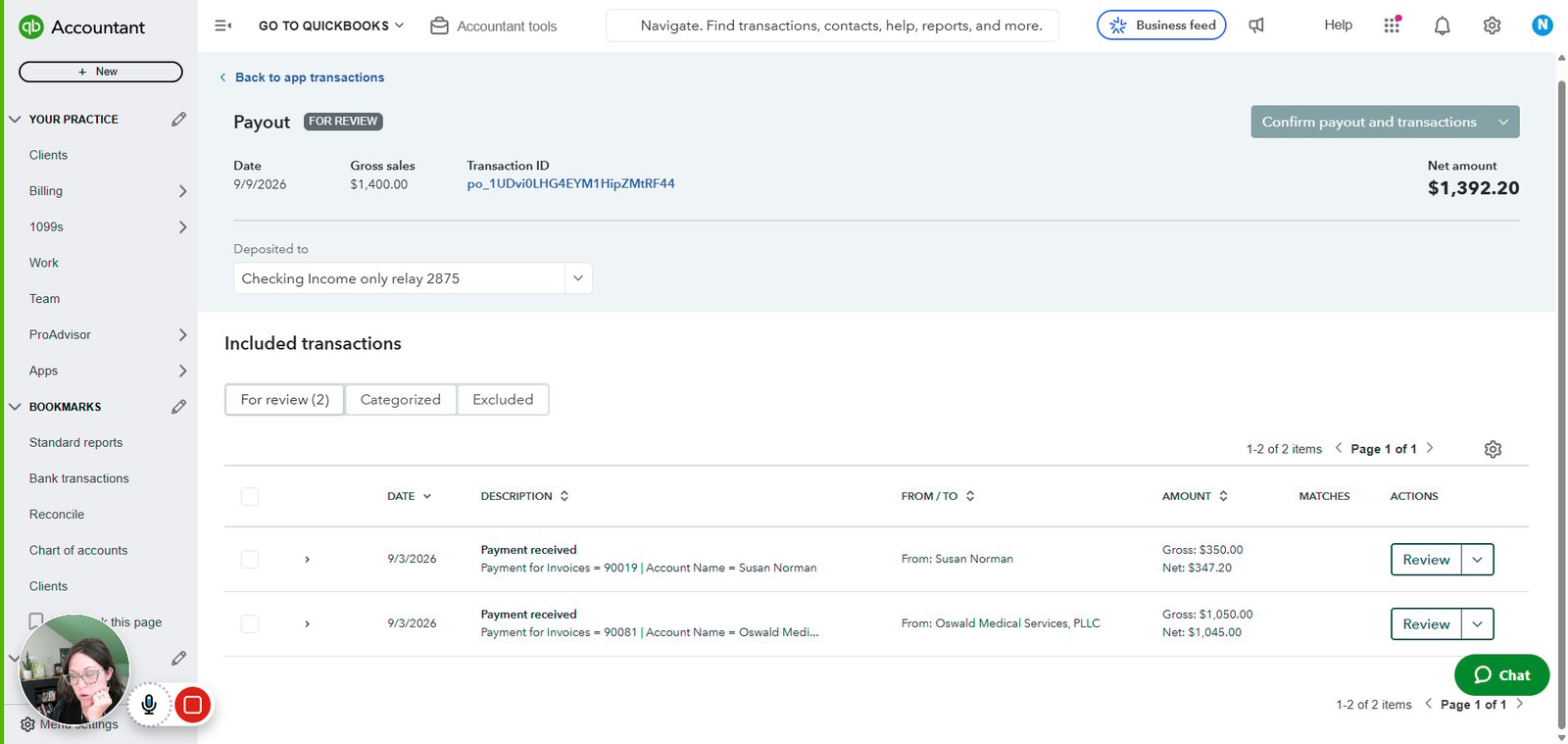
Click on "Review"

step
5

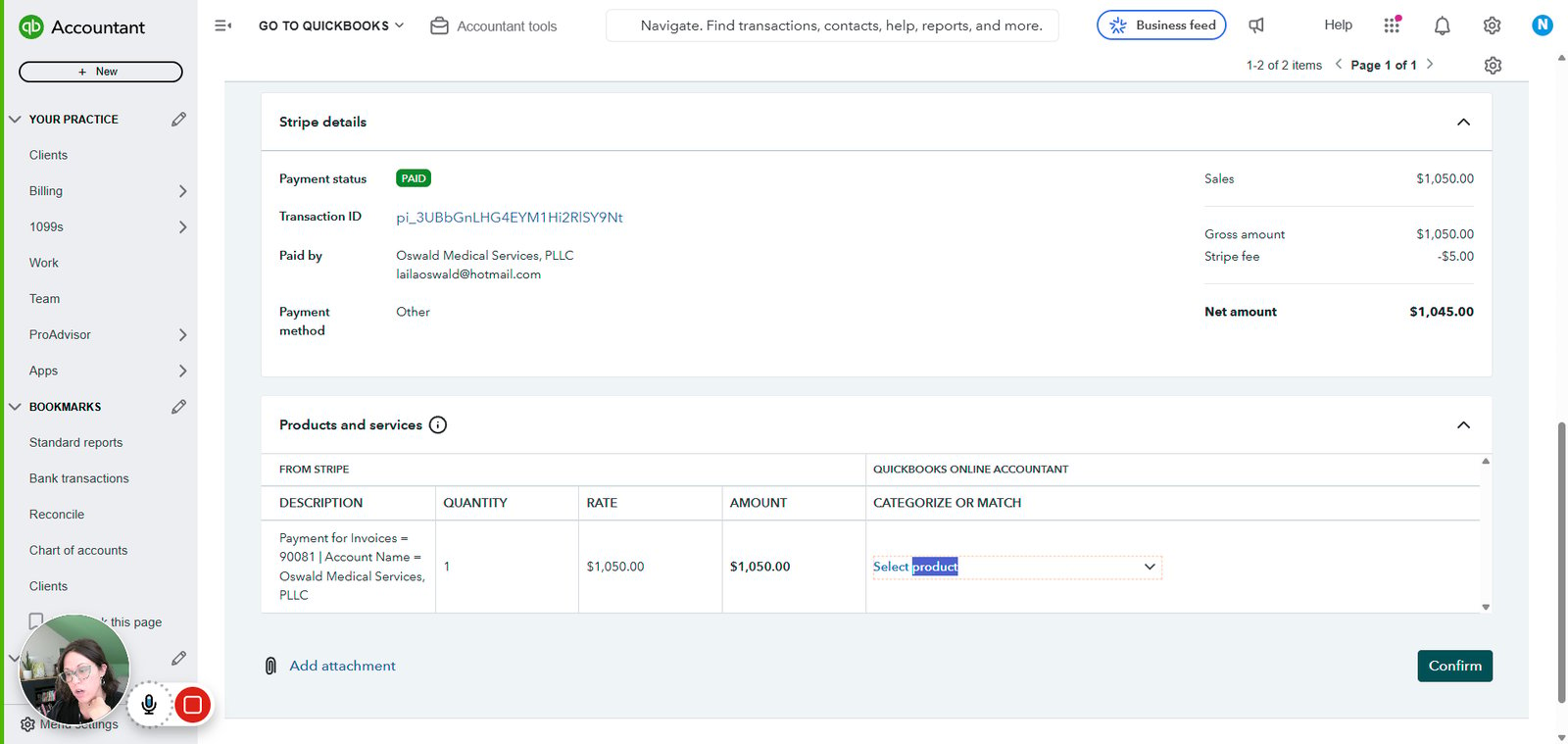
Click on "Payment received Payment for Invoices = 90081 | Account Name = Oswald Medi..."
step
6

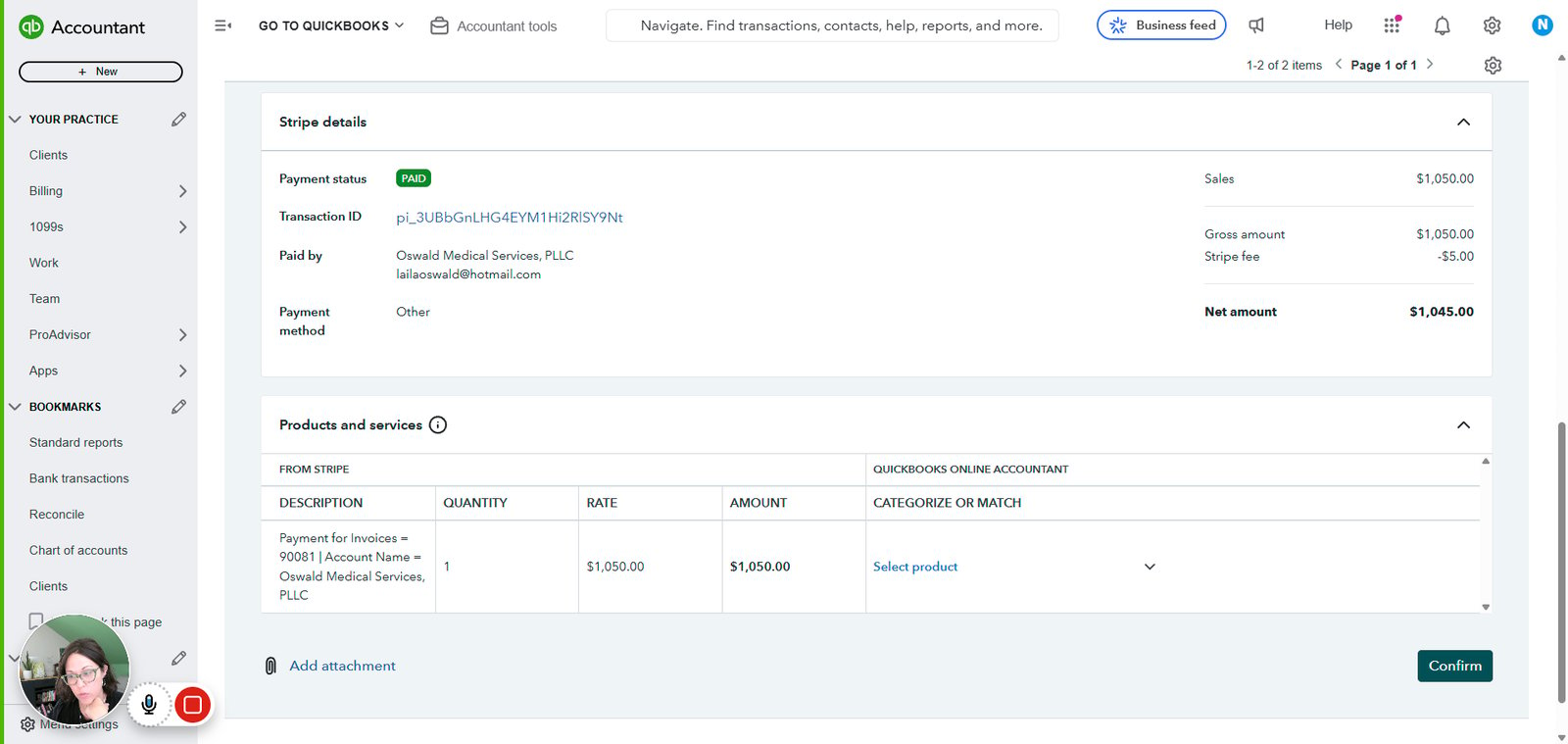
Click on "Select product"

step
7

Click on "Select product"

step
8

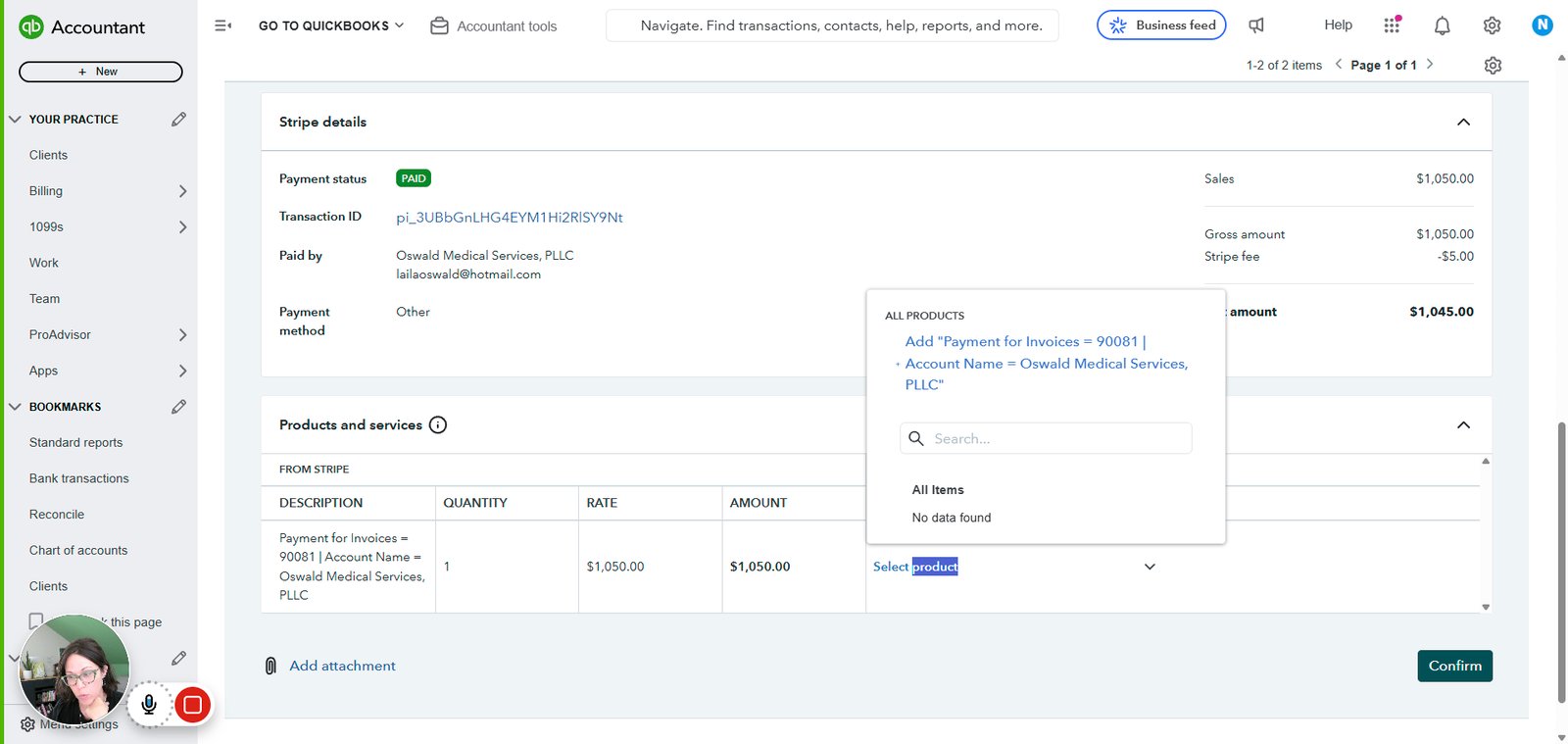
Click on "Select product"

step
9

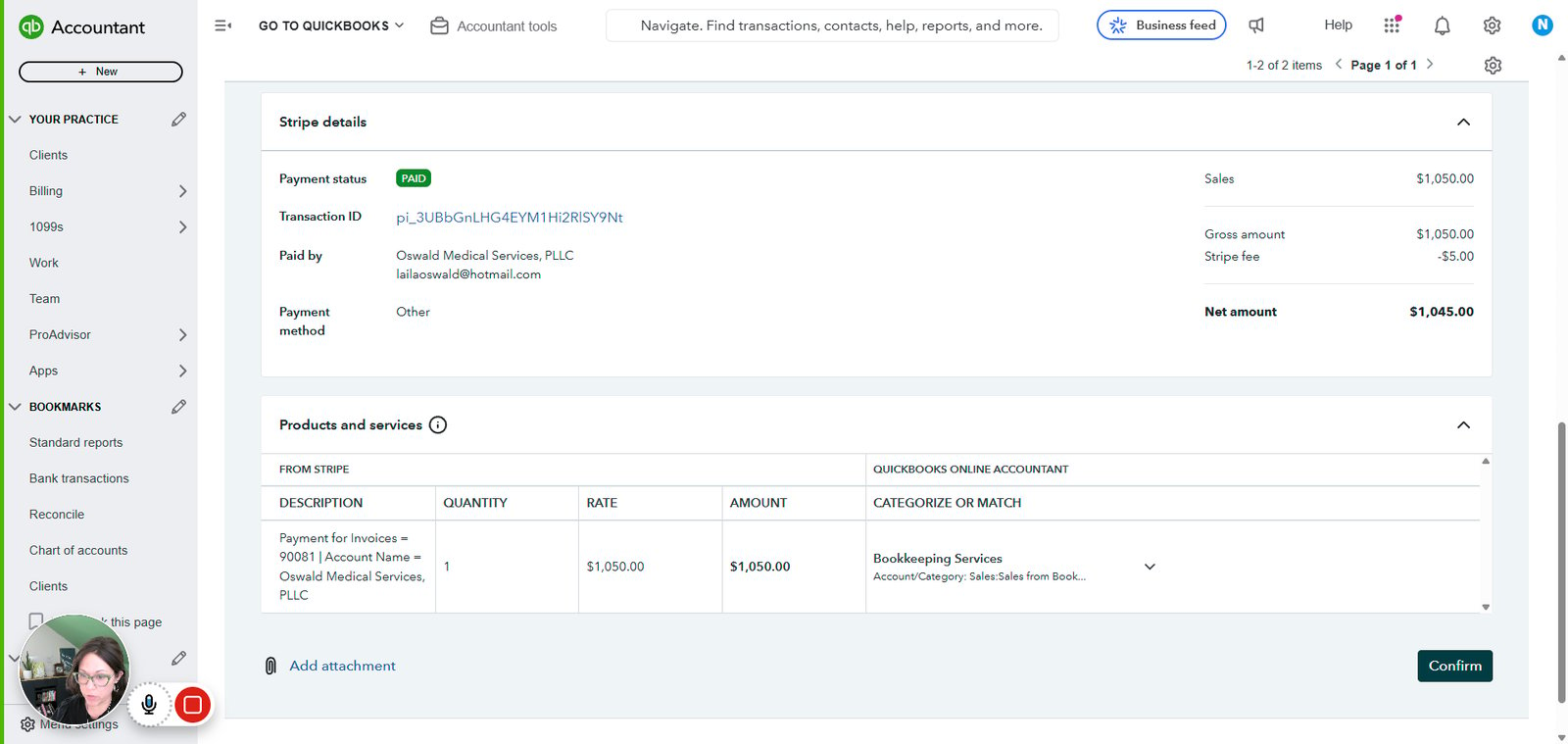
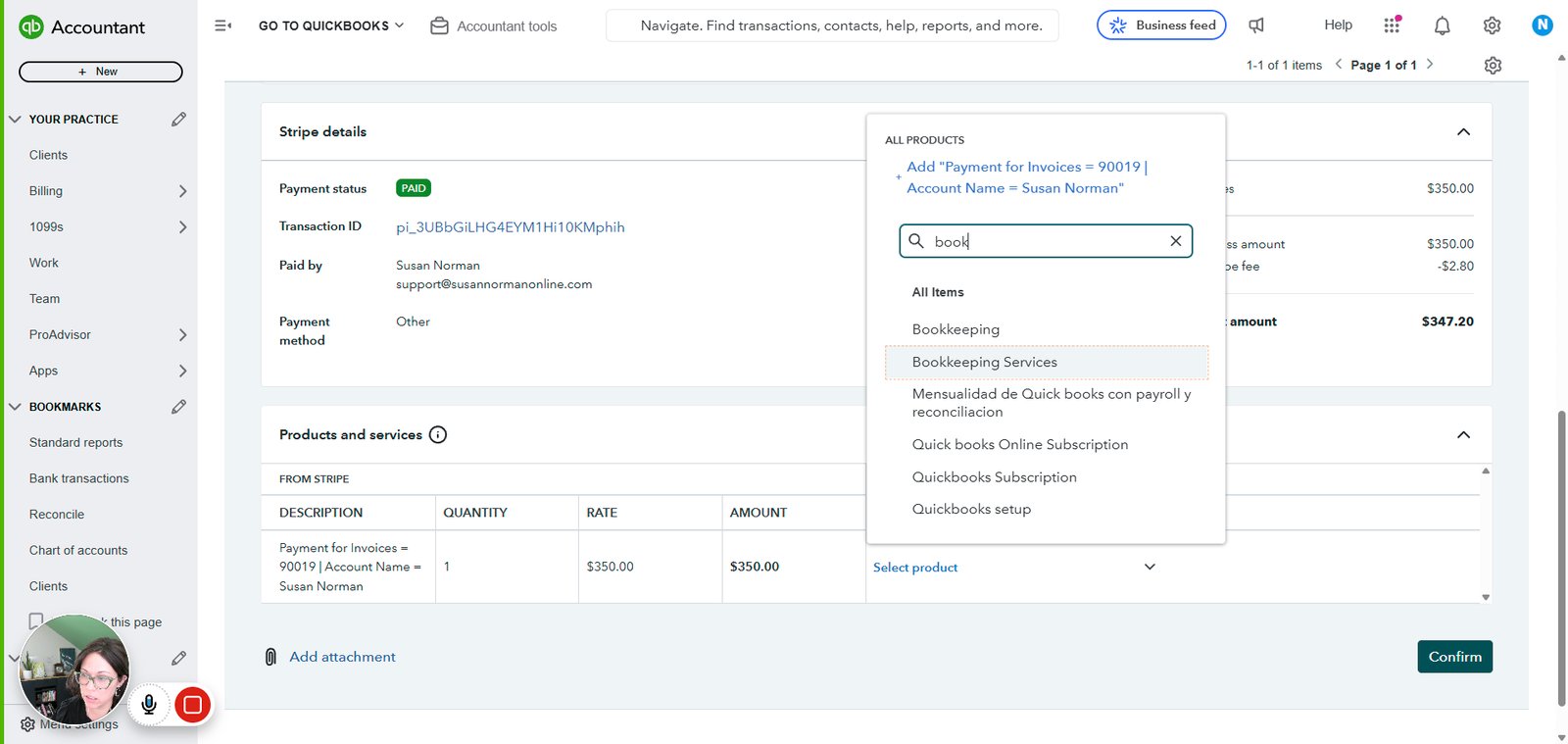
Click on "Bookkeeping Services"

step
10

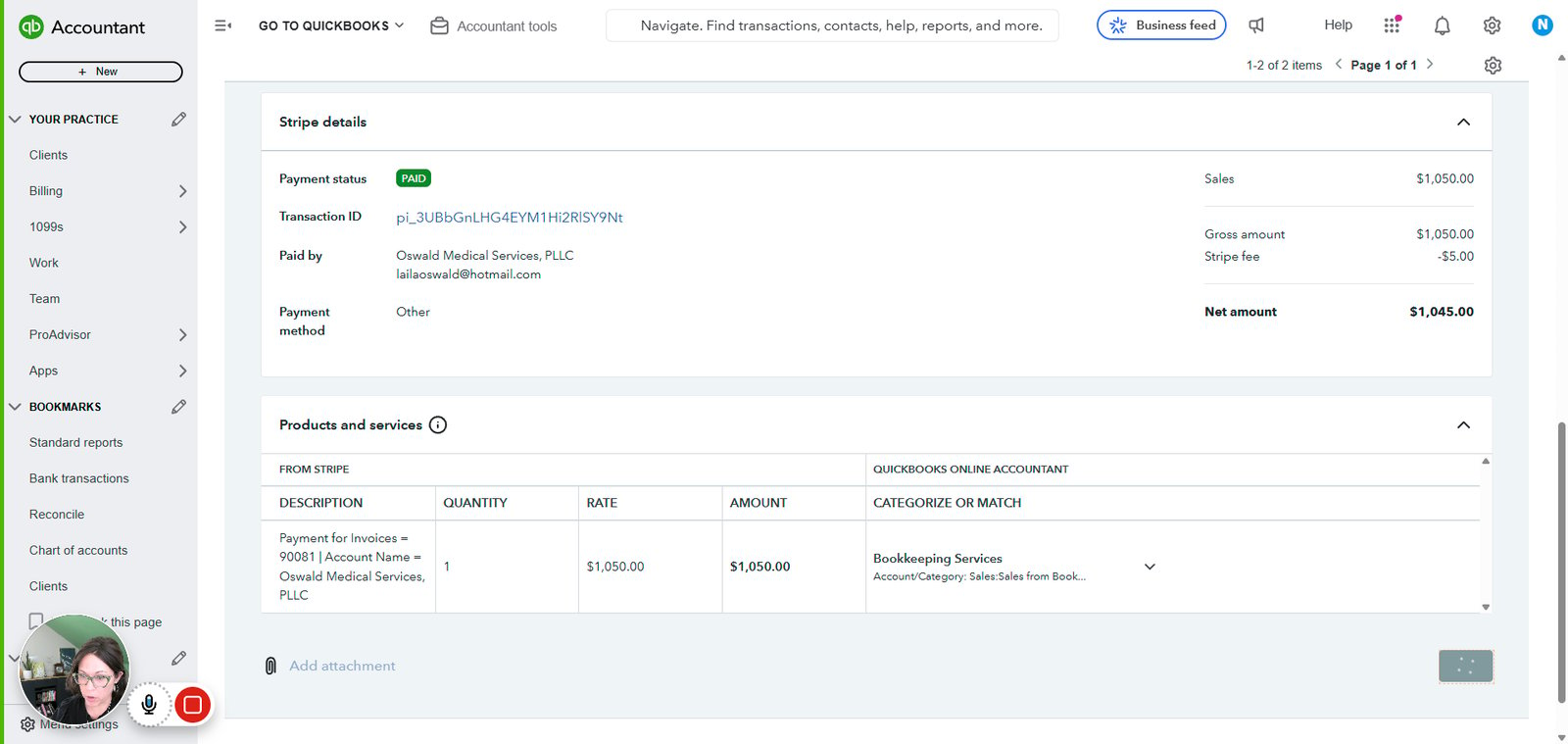
Click on "Confirm"

step
11

Click on "Add attachment"

step
12

Click on "Review"

step
13

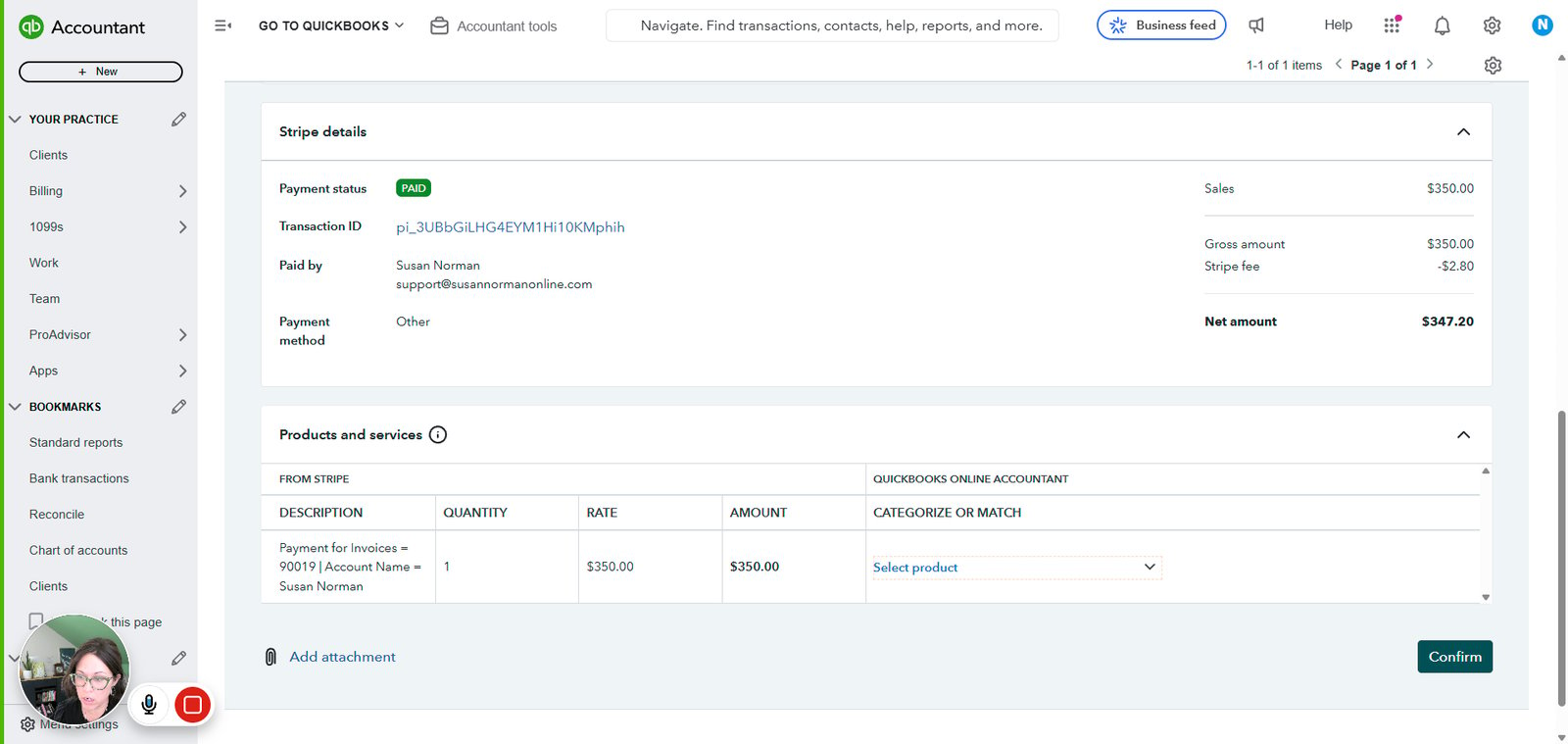
Click on "Select product"

step
14

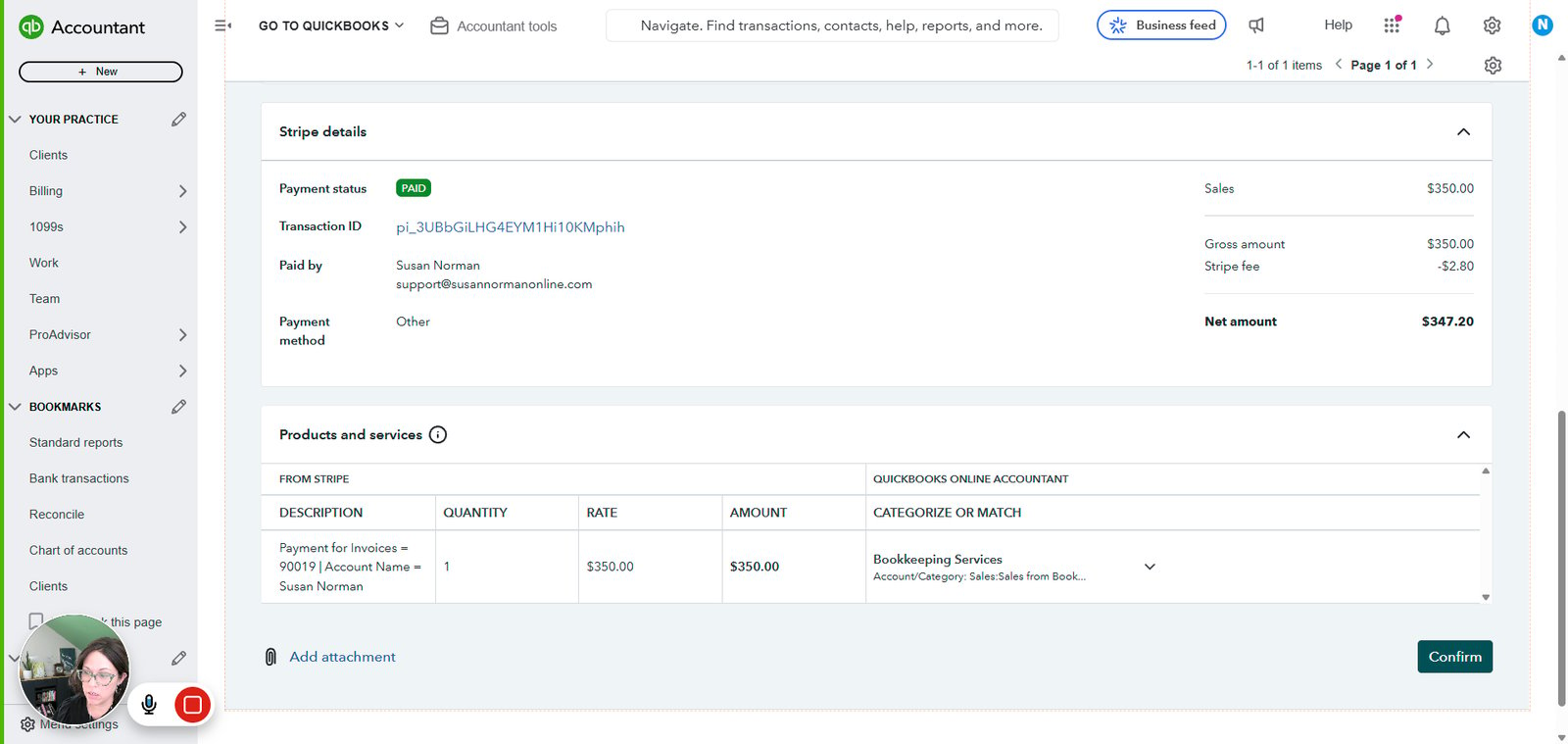
Click on "Bookkeeping Services"

step
15

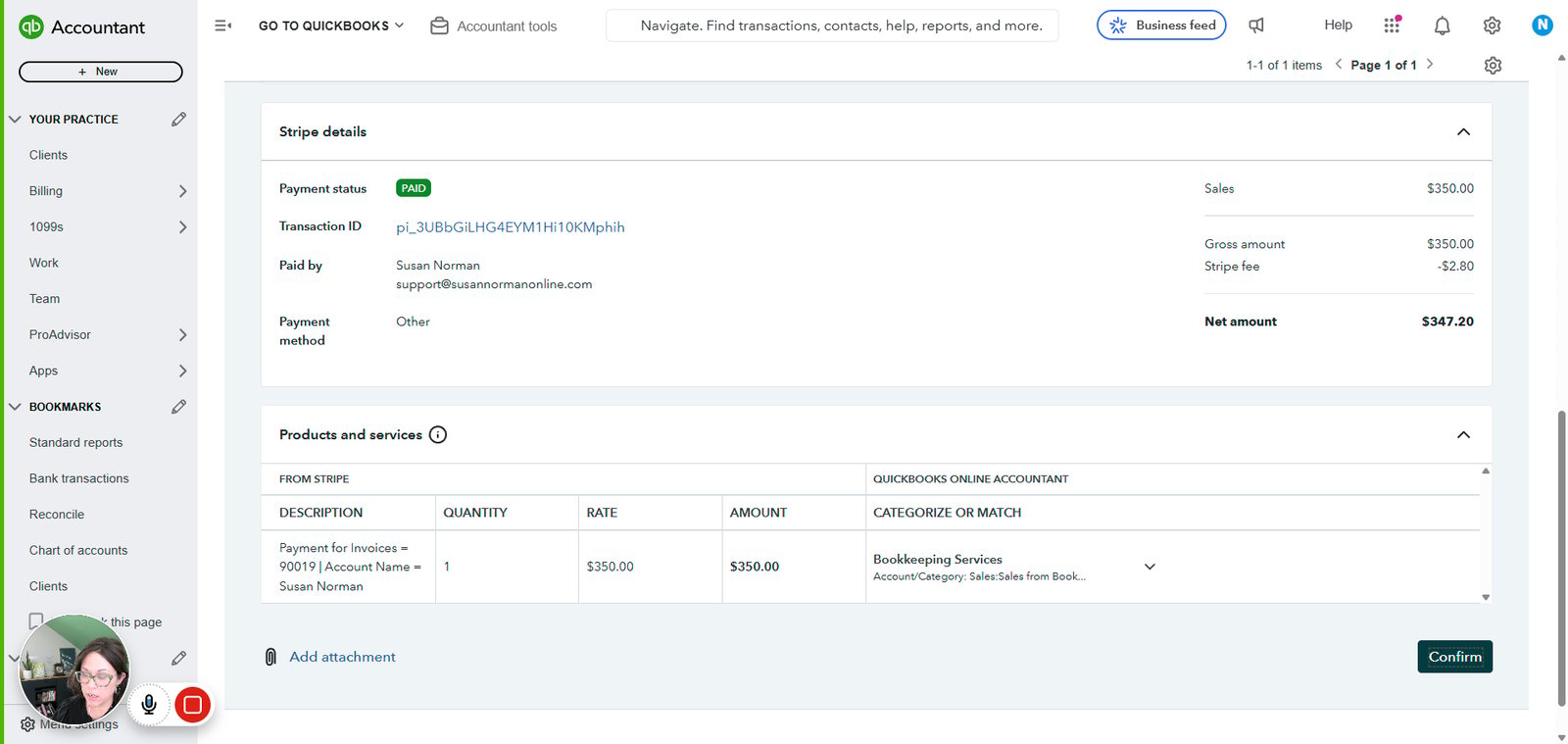
Click on "Payment received Transaction type Customer BEST MATCH Susan Norman Best of 2 matches was selected fo…"
step
16

Click on "Confirm"

step
17

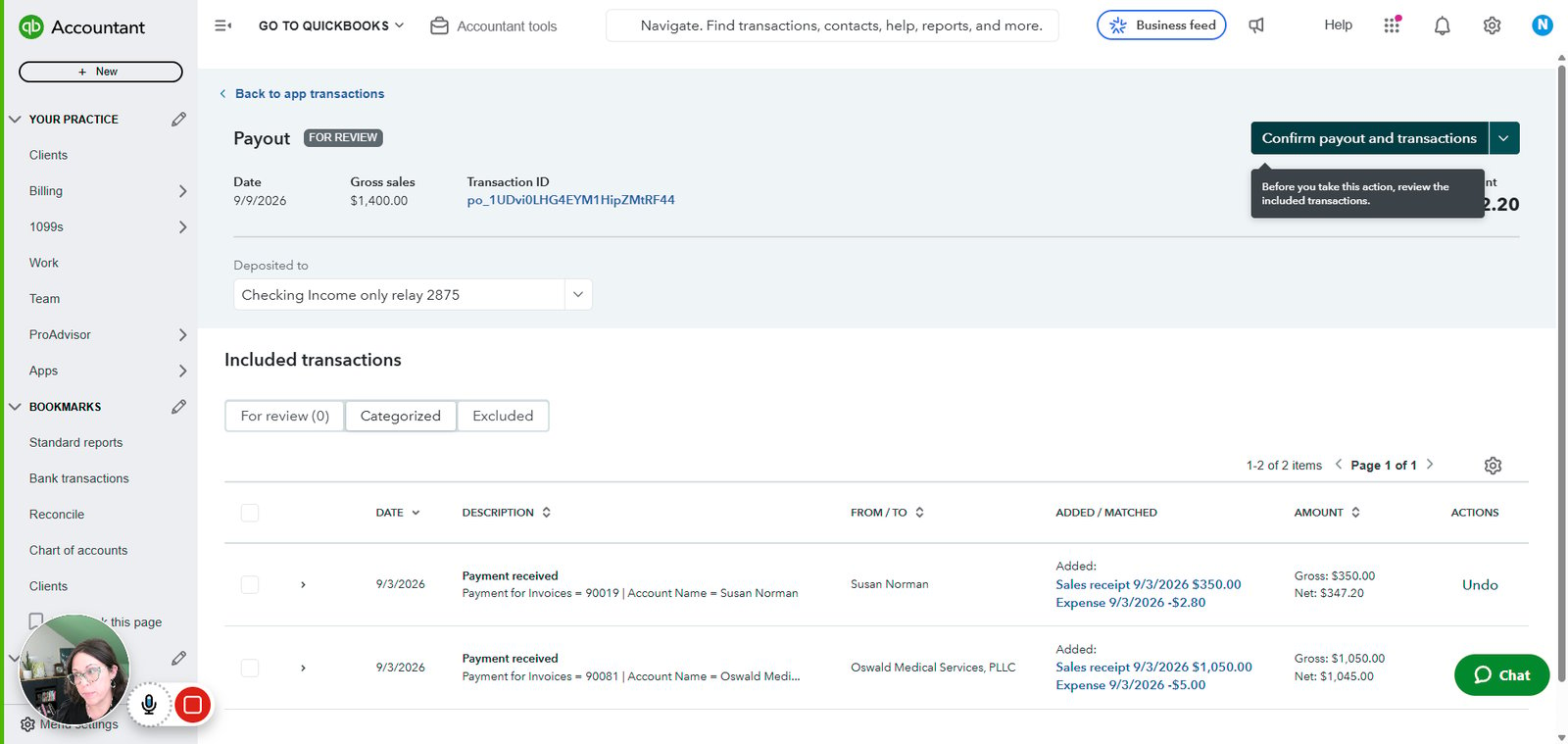
Click on "Confirm payout and transactions"

step
18

Click on "Bank transactions"

step
19

Click on "Match"

step

You made it to the end!

19 steps complete