How to Install and Mount a Kitchen Display Monitor with VESA Mount
Learn how to select a compatible monitor, install a VESA mount plate, and attach your kitchen display monitor to an adjustable arm.

Saul 4 Leaf Labs

Check that your monitor has an HDMI port on the back or side.
The only requirement for compatibility with the RKM dongle is an HDMI port.
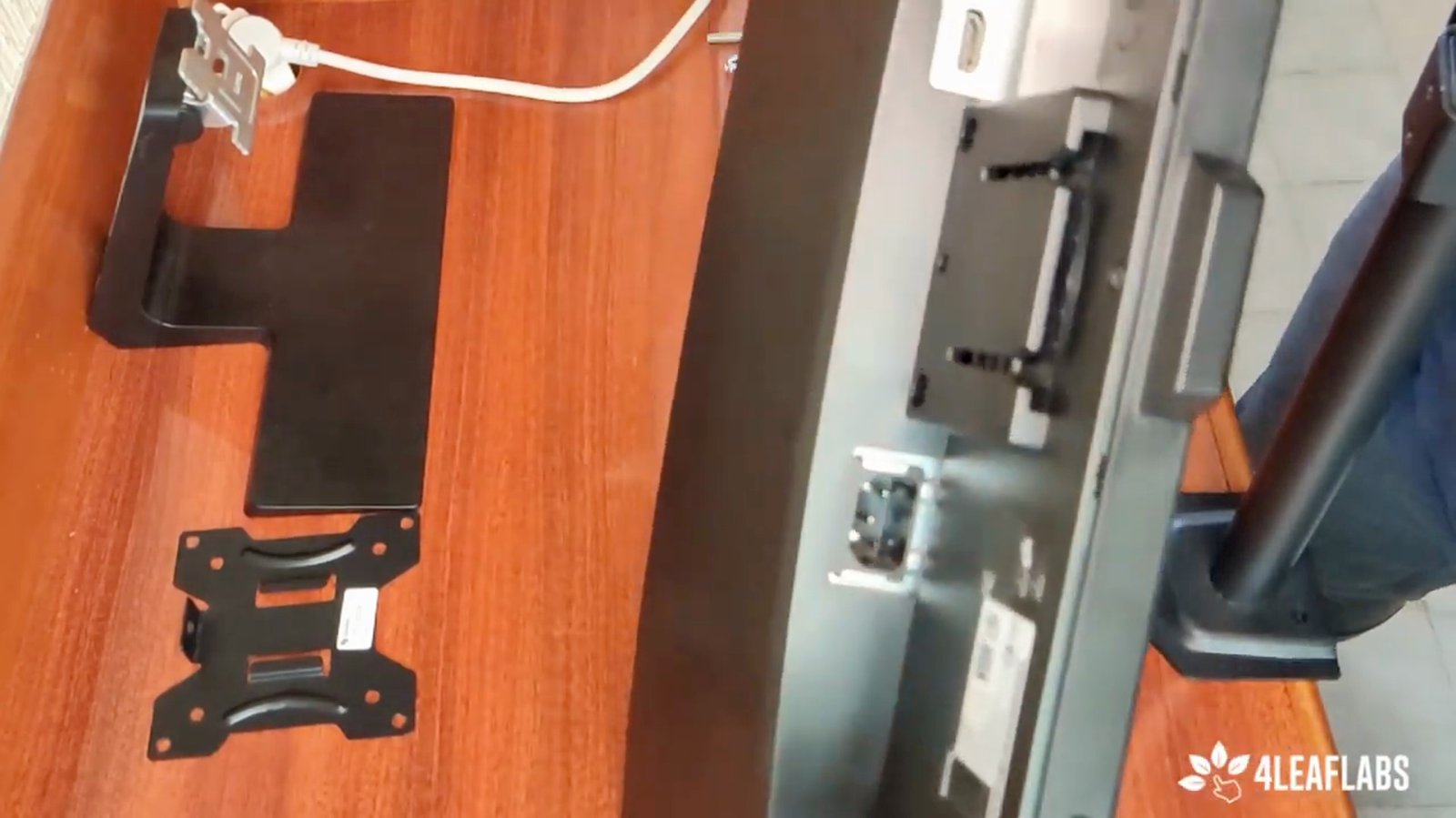
Verify that your monitor is compatible with the RKM dongle for the kitchen display app.
Most modern monitors are compatible.
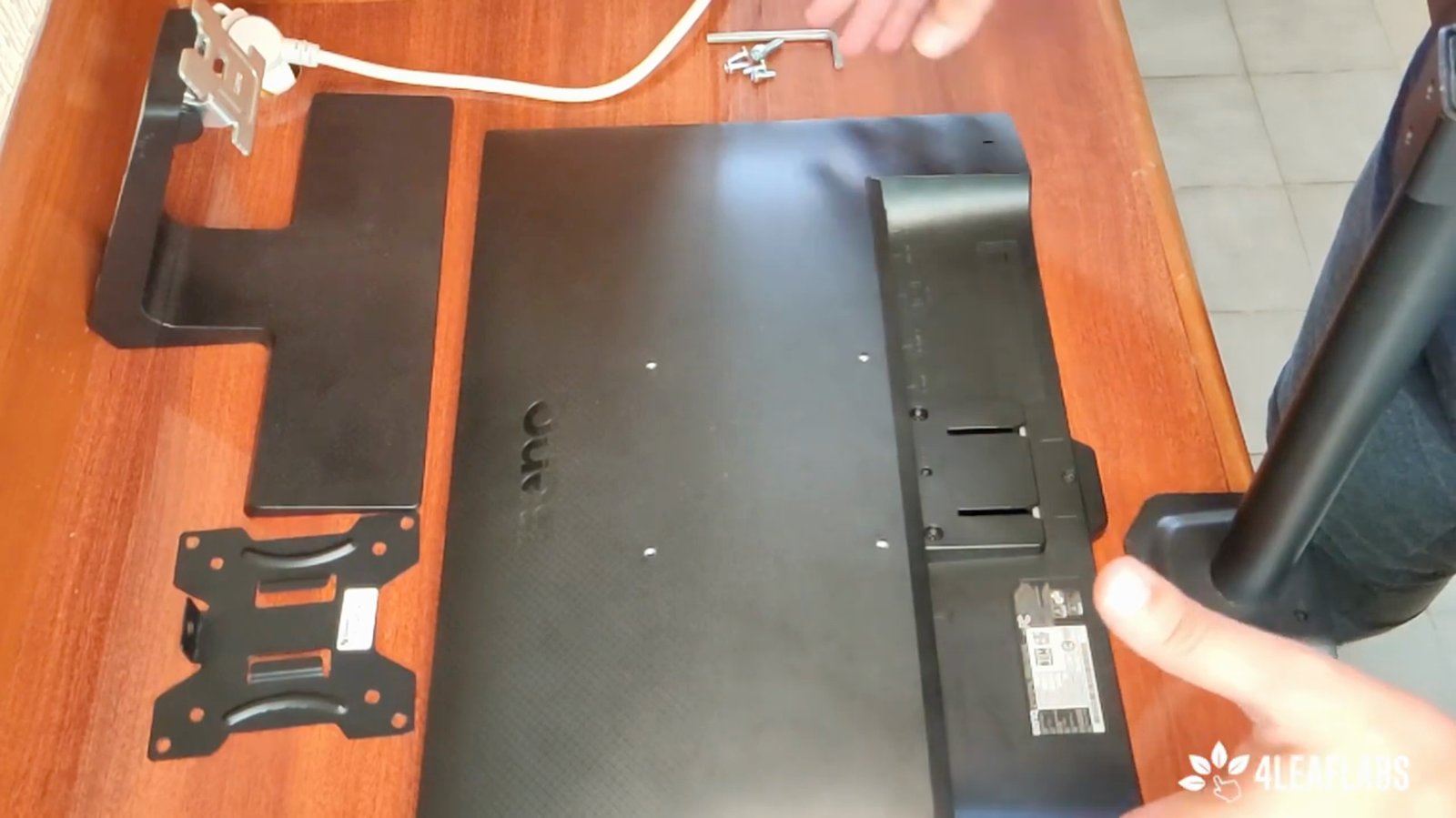
Ensure you have at least one HDMI port available on your monitor.
One HDMI port is enough to connect the dongle.
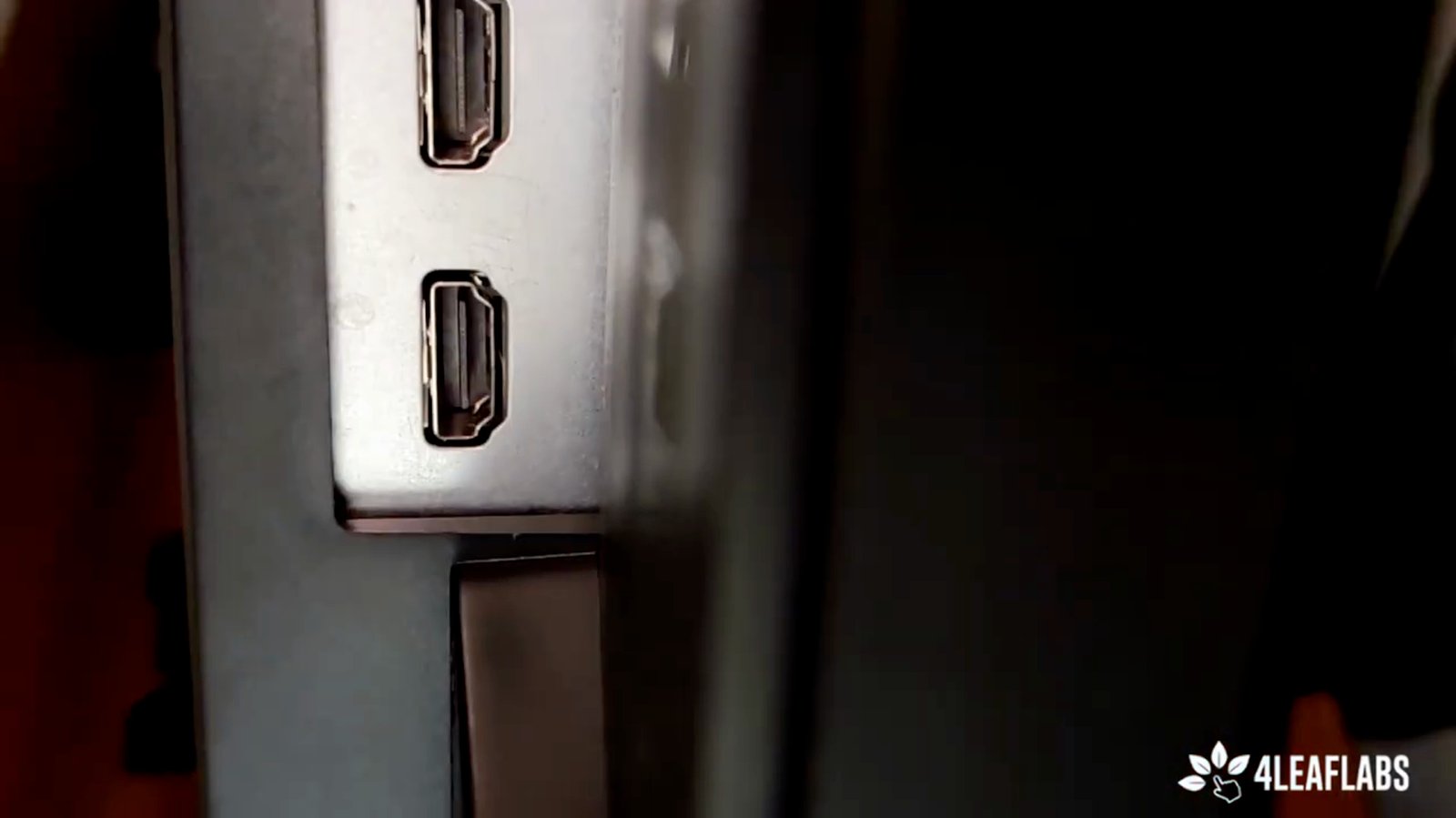
Connect the RKM dongle to the HDMI port on your monitor.
This allows the kitchen display app to work.
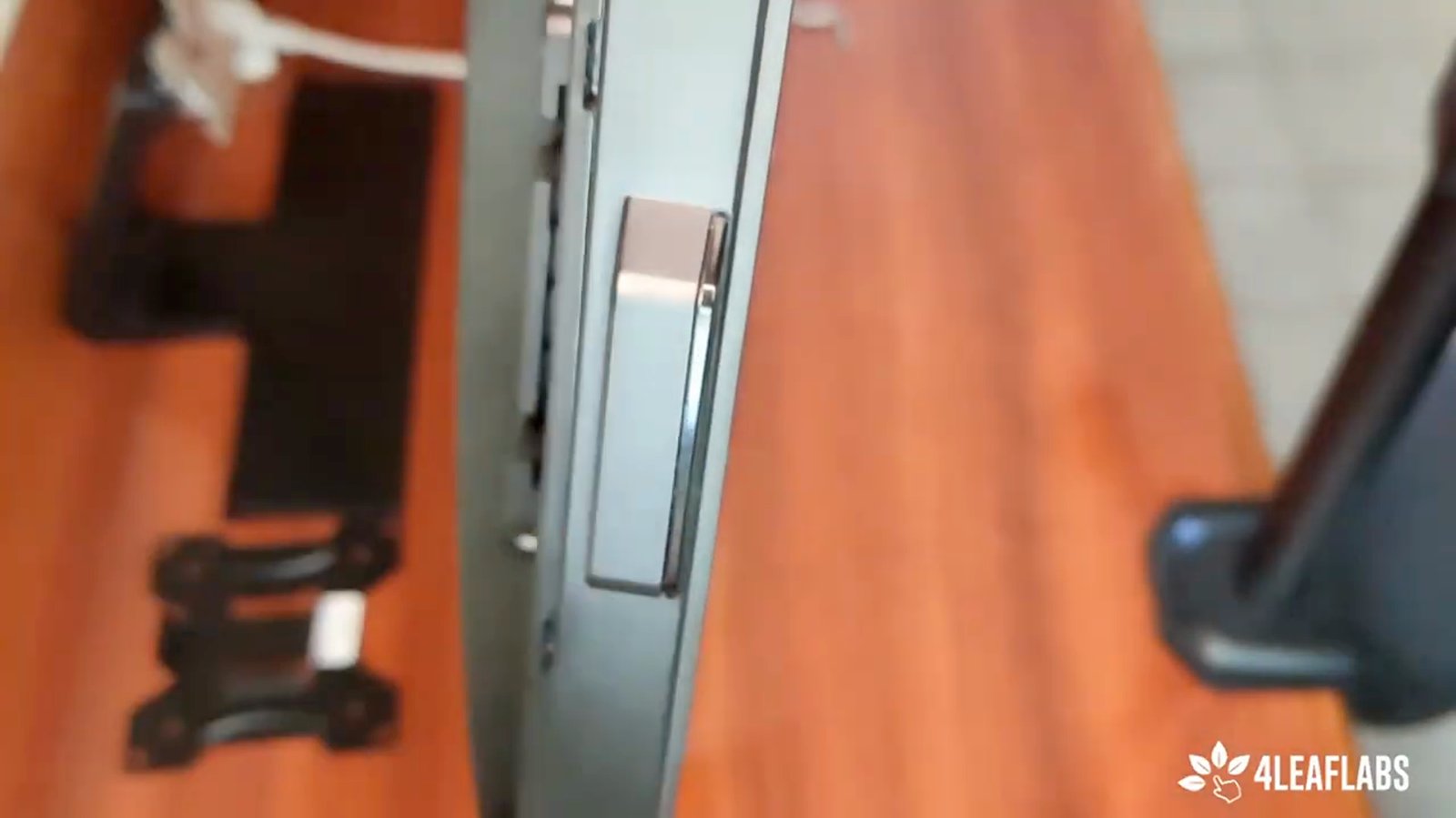
Review the mounting options for your monitor.
There are different mounting types, including standard and VESA mounts.
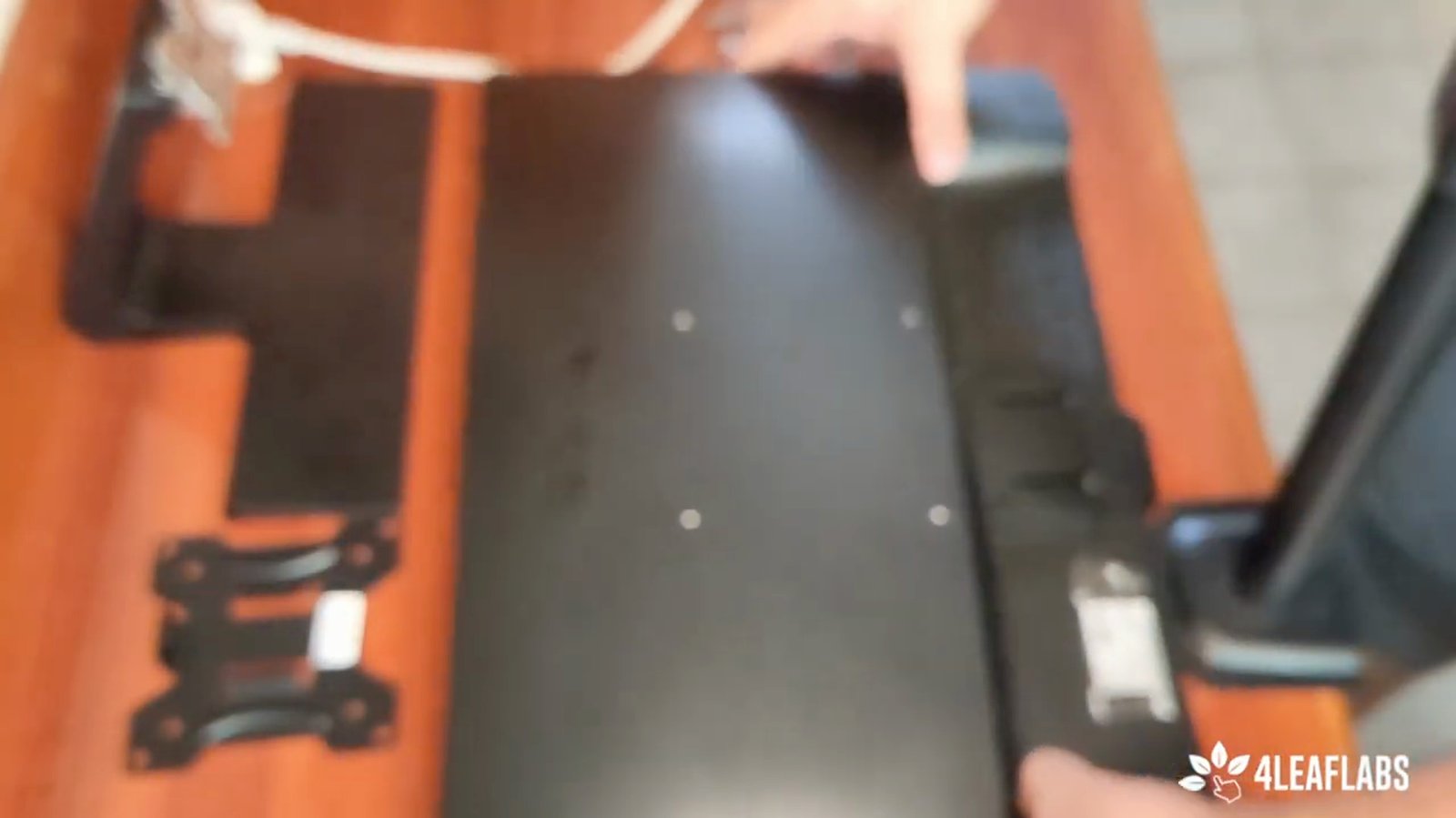
Identify the standard mount that comes with your monitor.
Most monitors come with a standard affixed mount in the box.
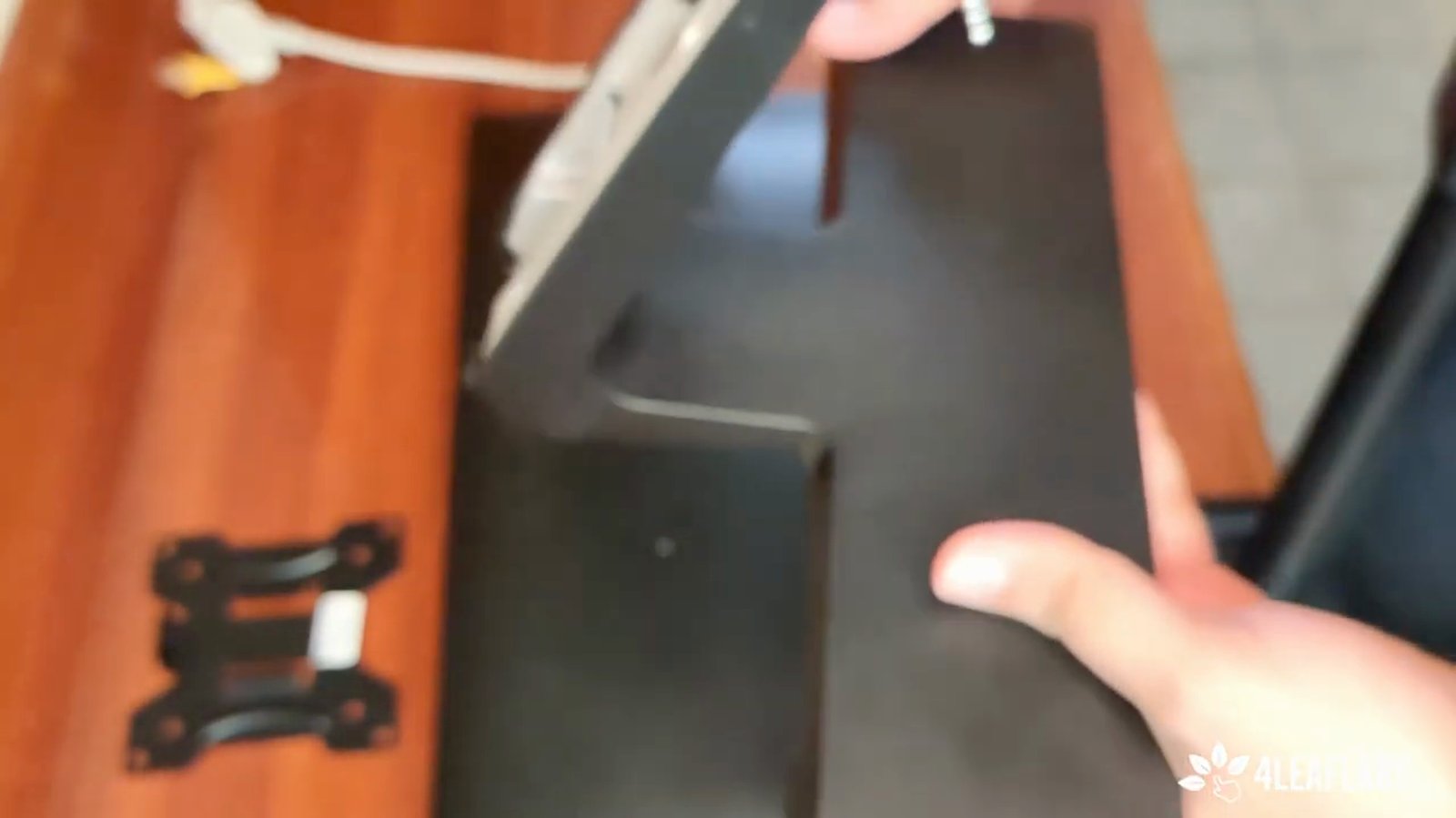
Note that standard mounts are easy to install but offer limited movement.
Standard mounts usually do not allow much adjustment.
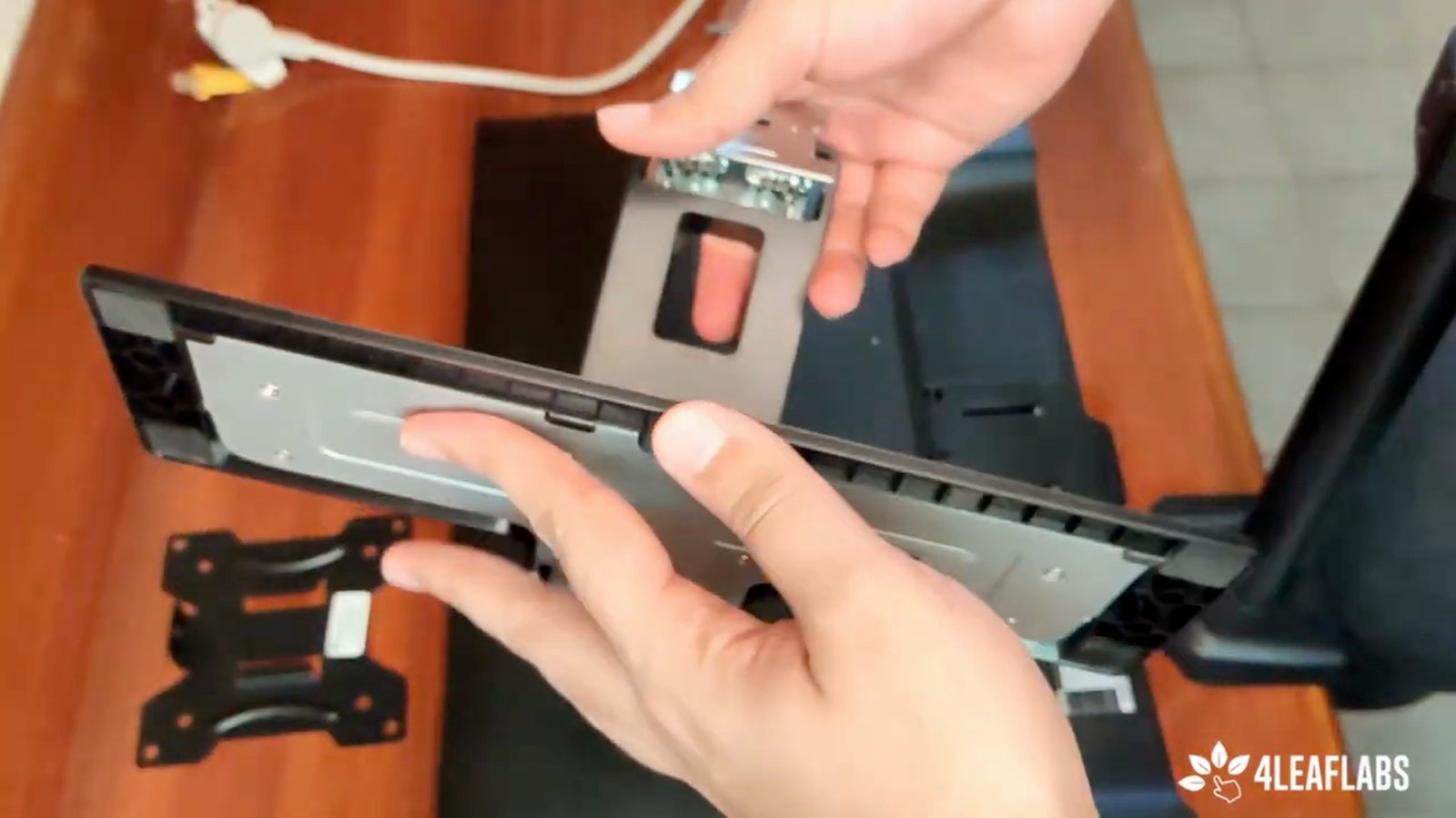
Clip the standard mount into the back of the monitor if using the default option.
This completes the basic mounting process.
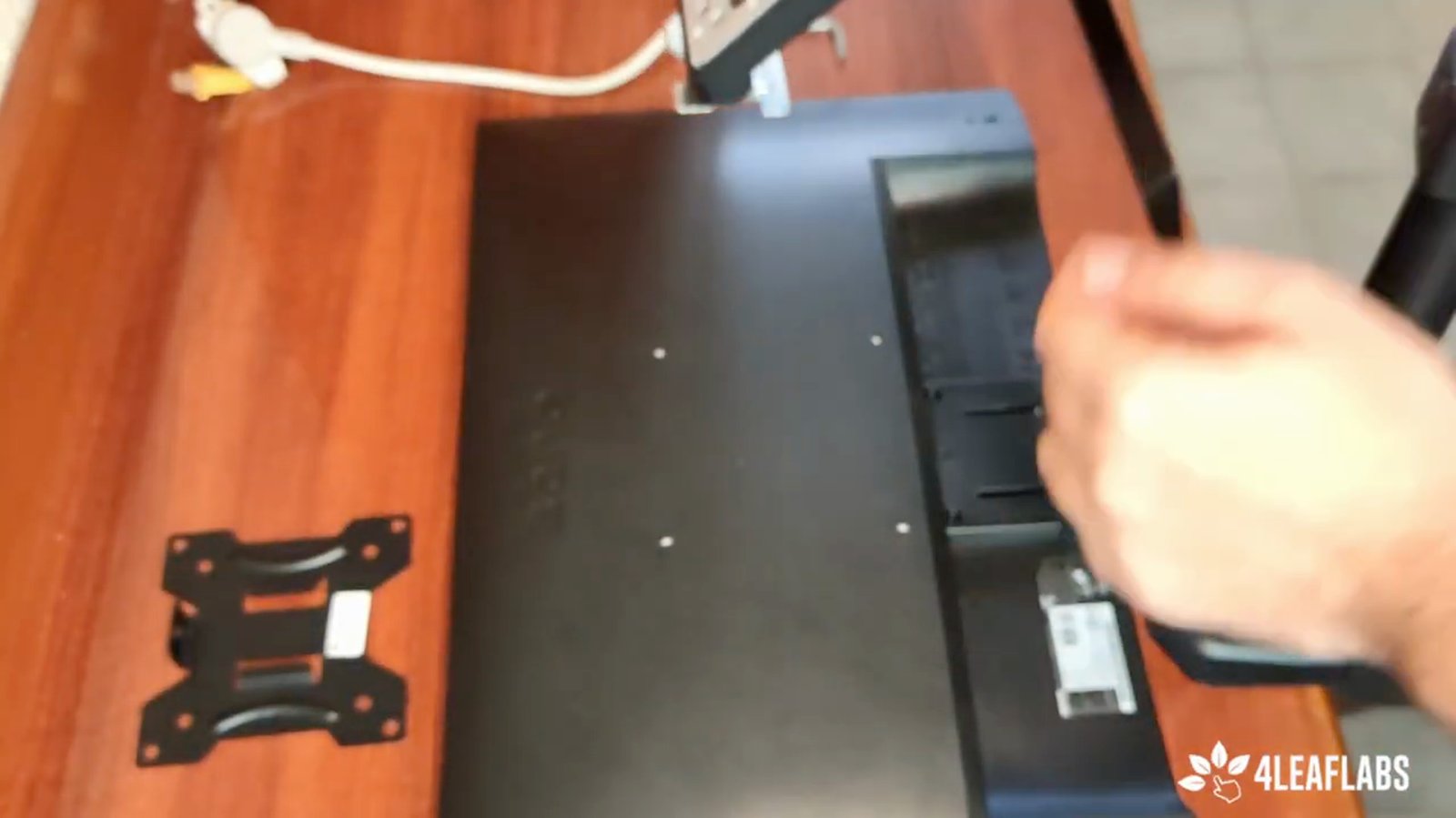
Consider using a VESA mount for more movement options.
VESA mounts allow for adjustable arms and greater flexibility.
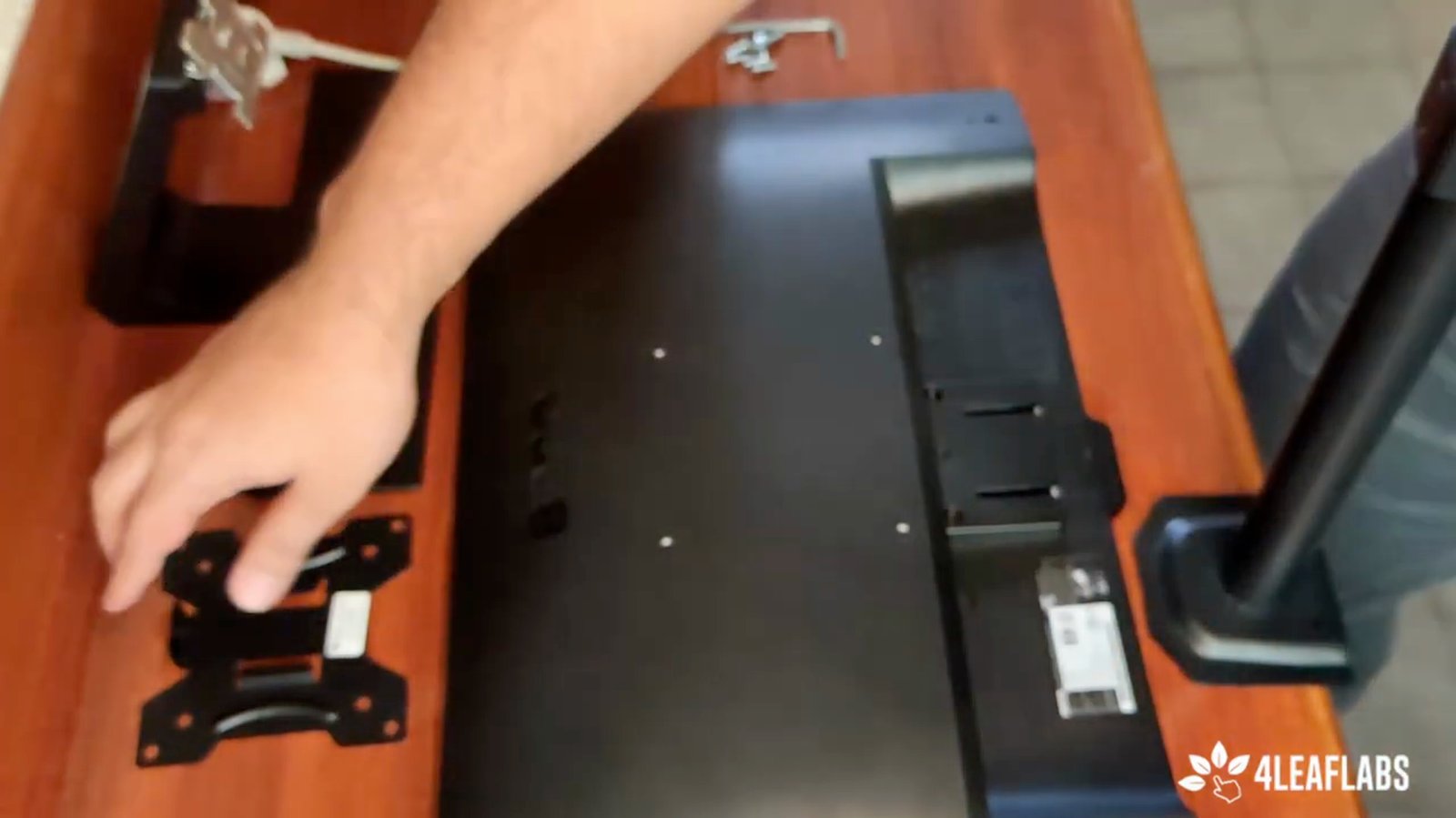
Select a VESA plate or arm mount suitable for your monitor.
VESA mounts come in various forms, including plates and arms.
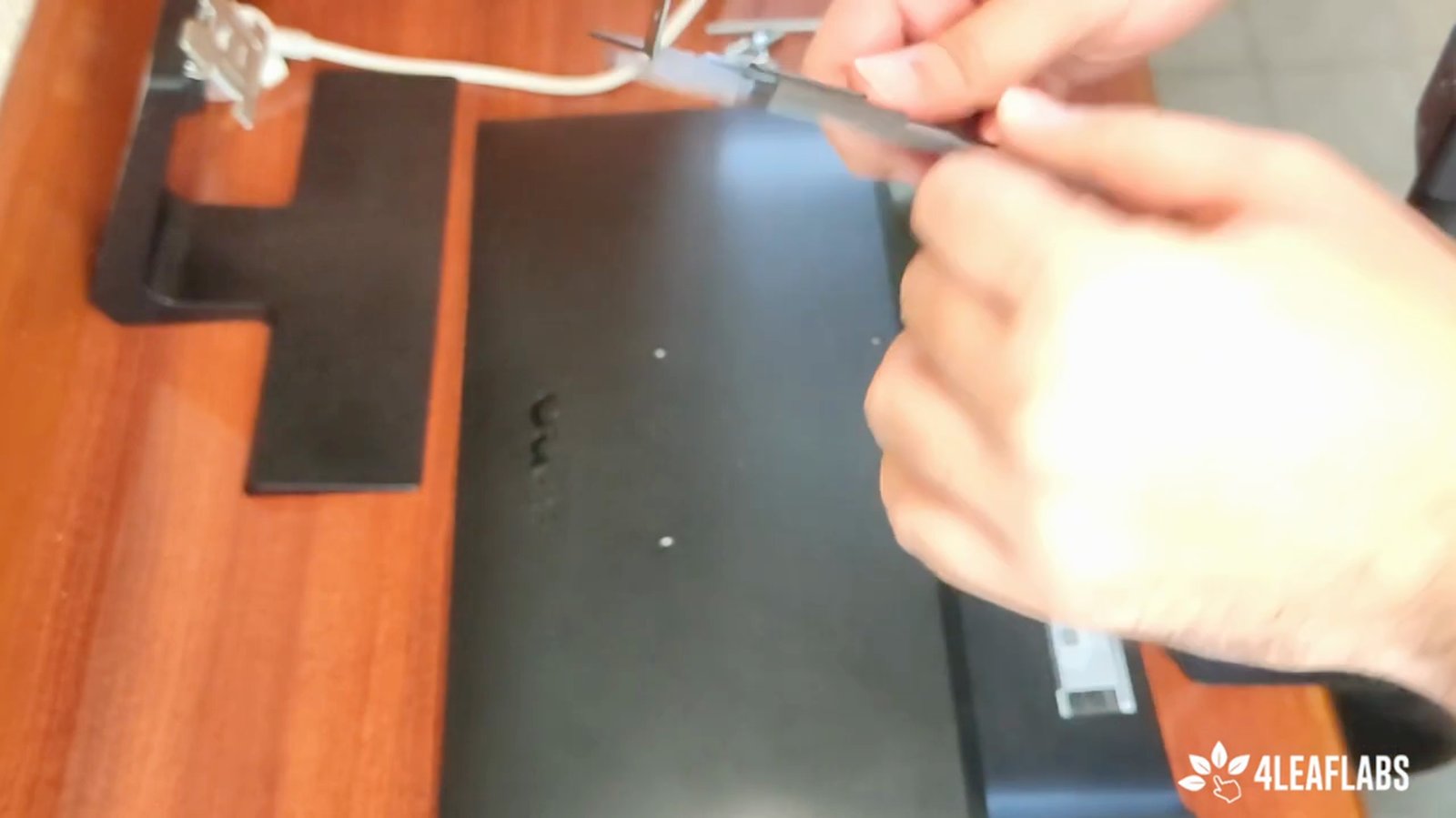
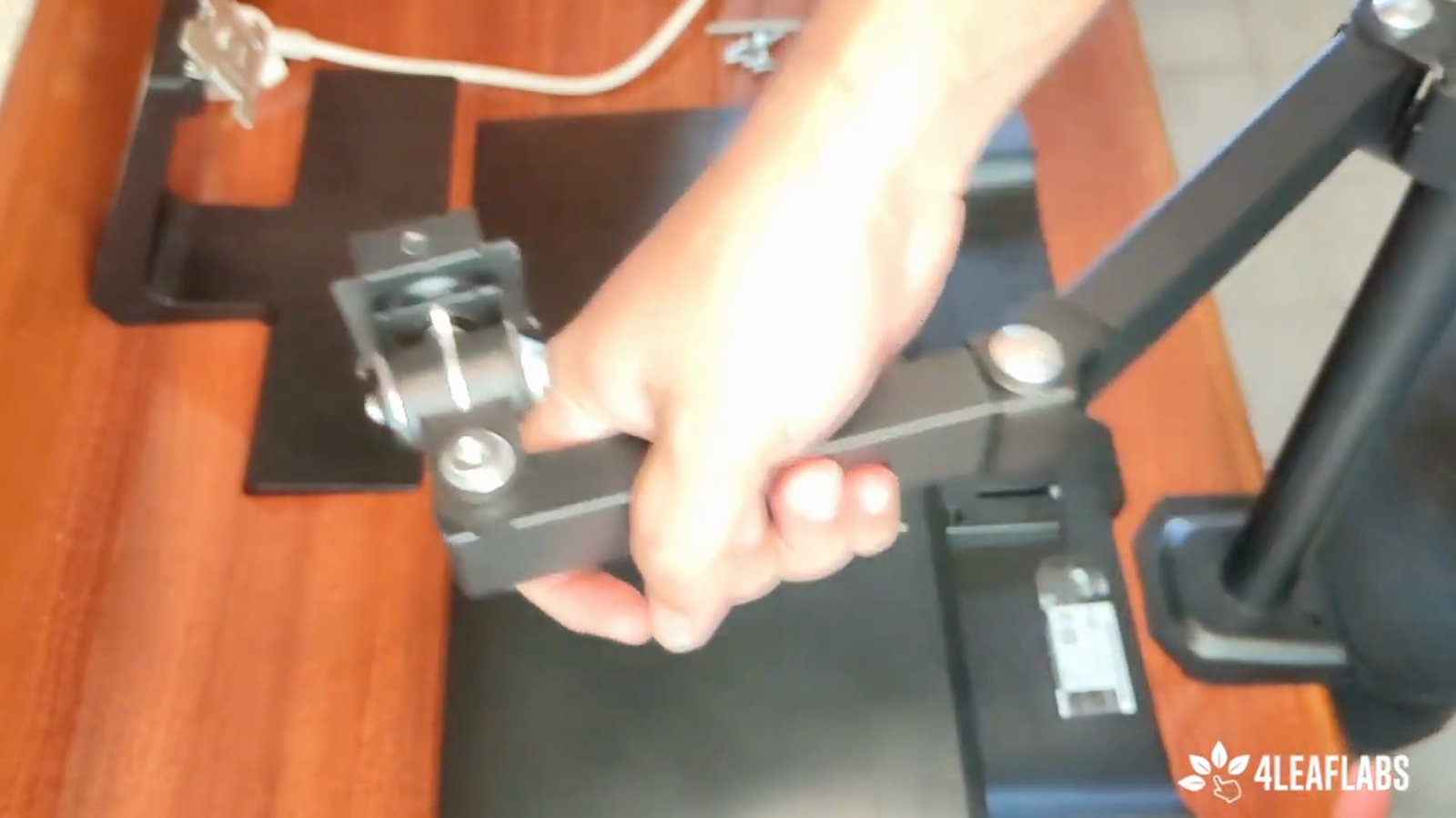
Choose an arm mount if you want rotation and pivot capabilities.
Some mounts allow the monitor to rotate and pivot.
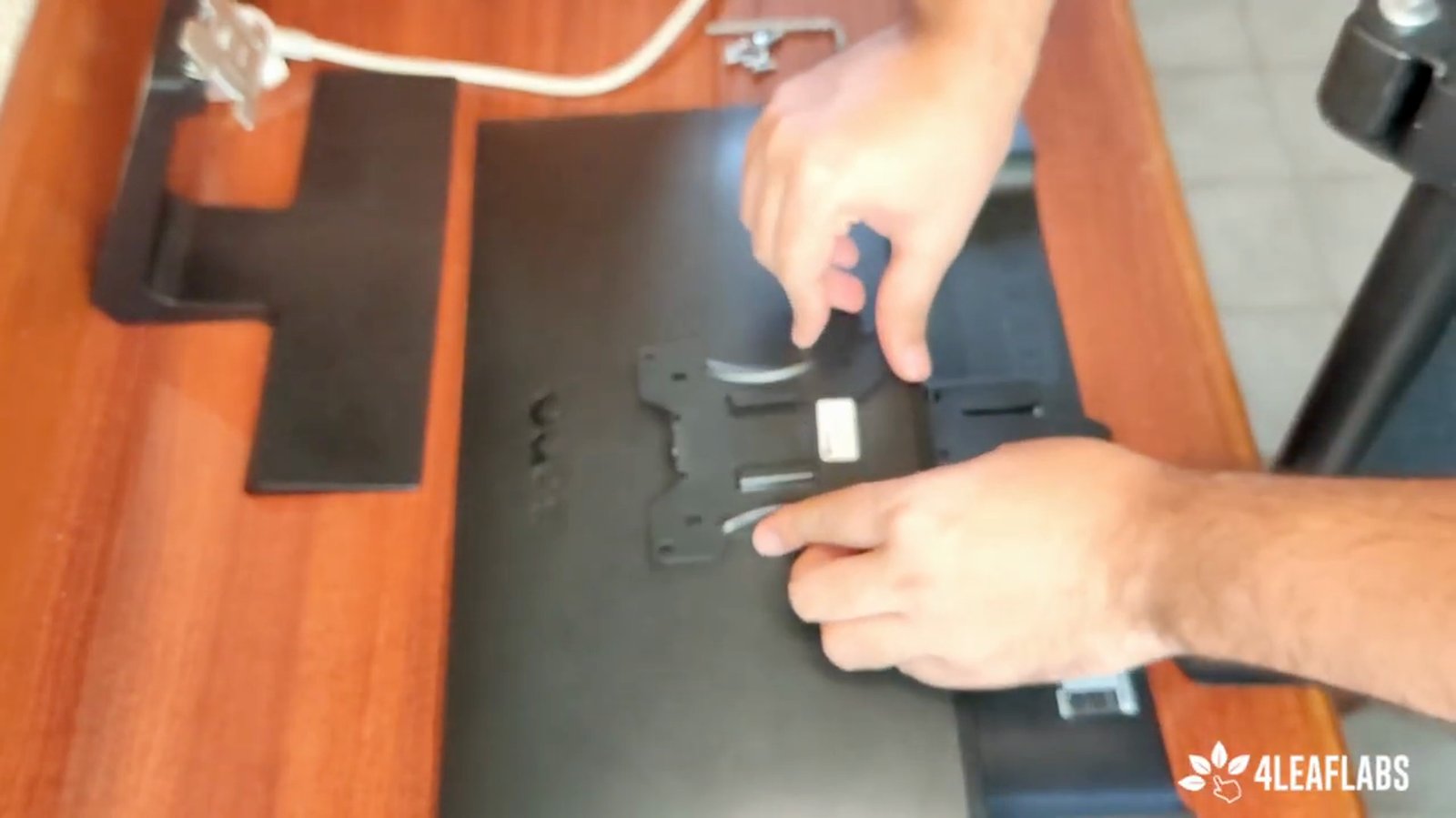
Take the VESA plate and align it with the bolt holes on the back of the monitor.
Proper alignment is necessary for secure mounting.
Start screwing the VESA plate into the monitor, beginning with one corner.
This helps distribute pressure evenly.
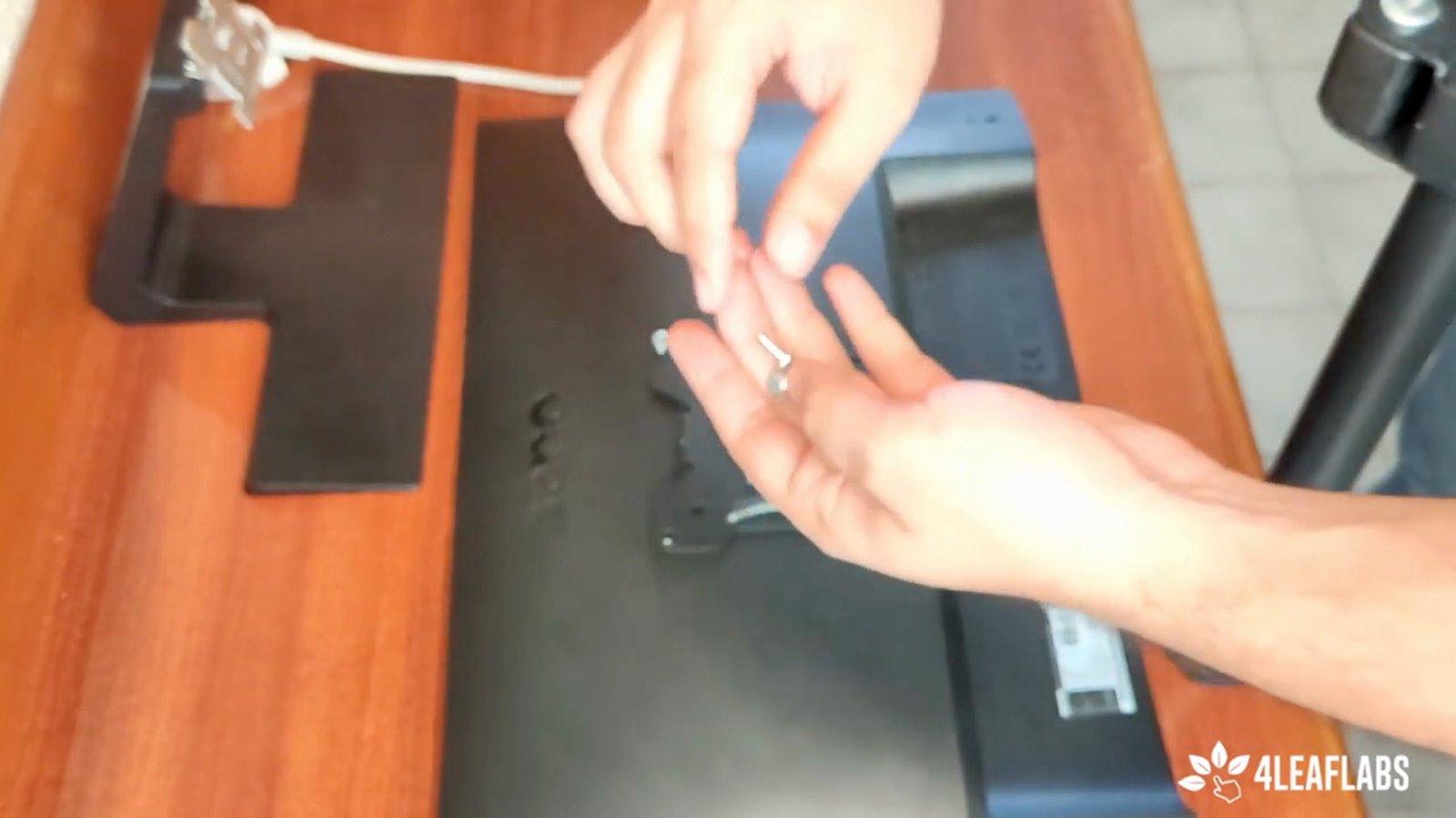
Screw in the opposite corner to balance the pressure.
This prevents warping or uneven mounting.
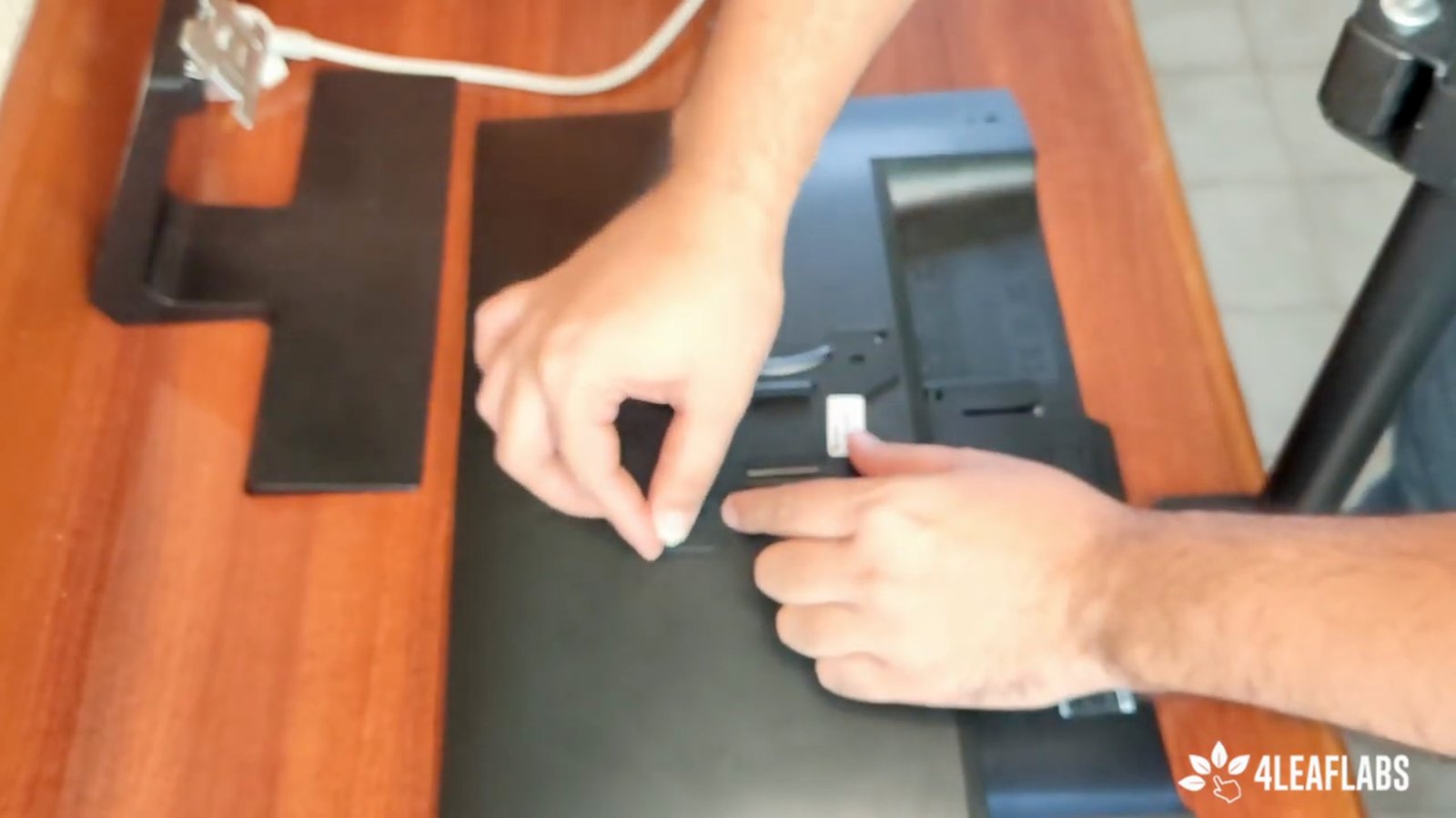
Tighten the remaining screws, but do not overtighten.
Screw halfway, then move to the other side to distribute pressure.
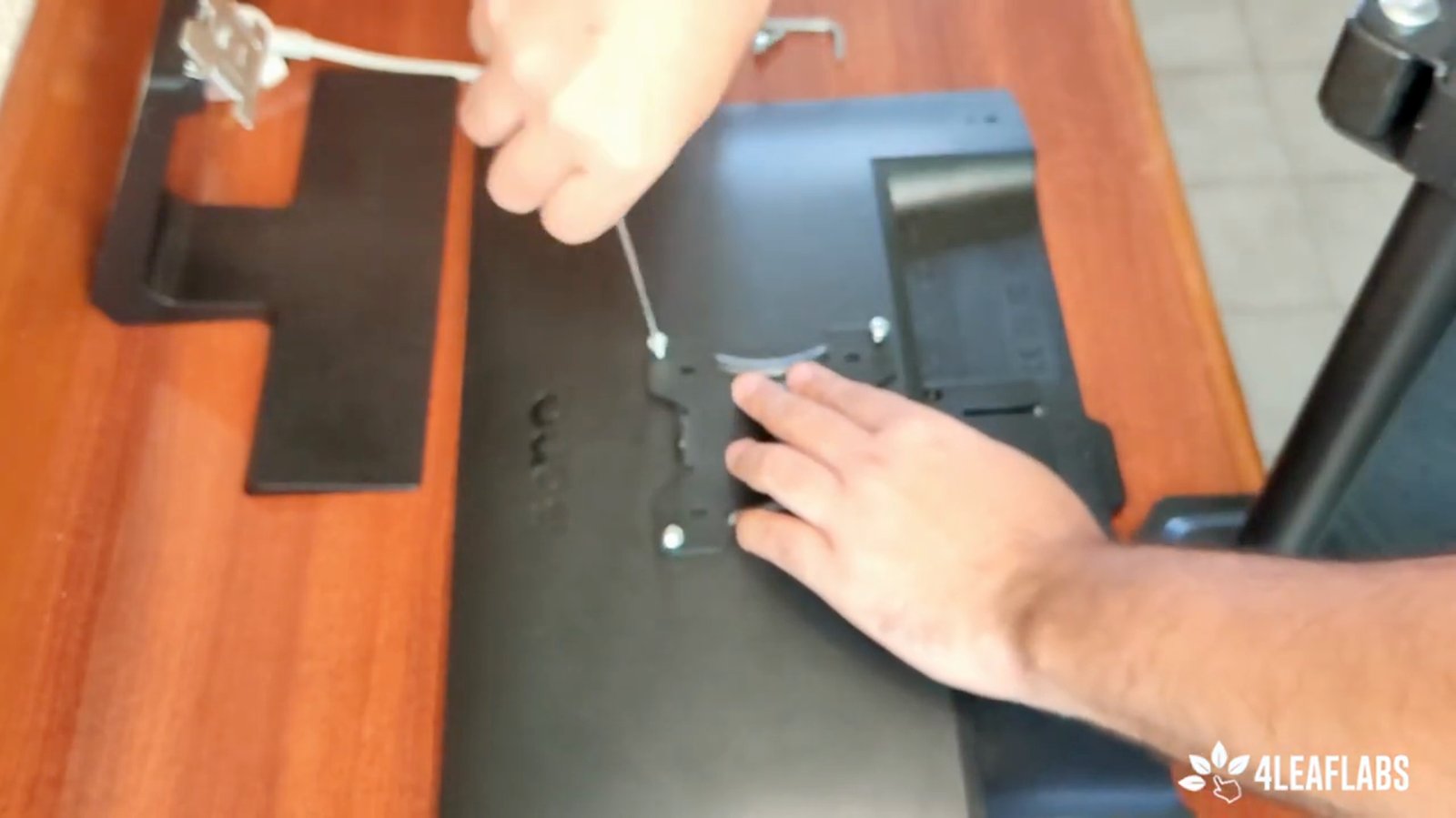
Once the plate is secured, take your monitor and prepare to attach it to the arm.
The plate should now be firmly attached.
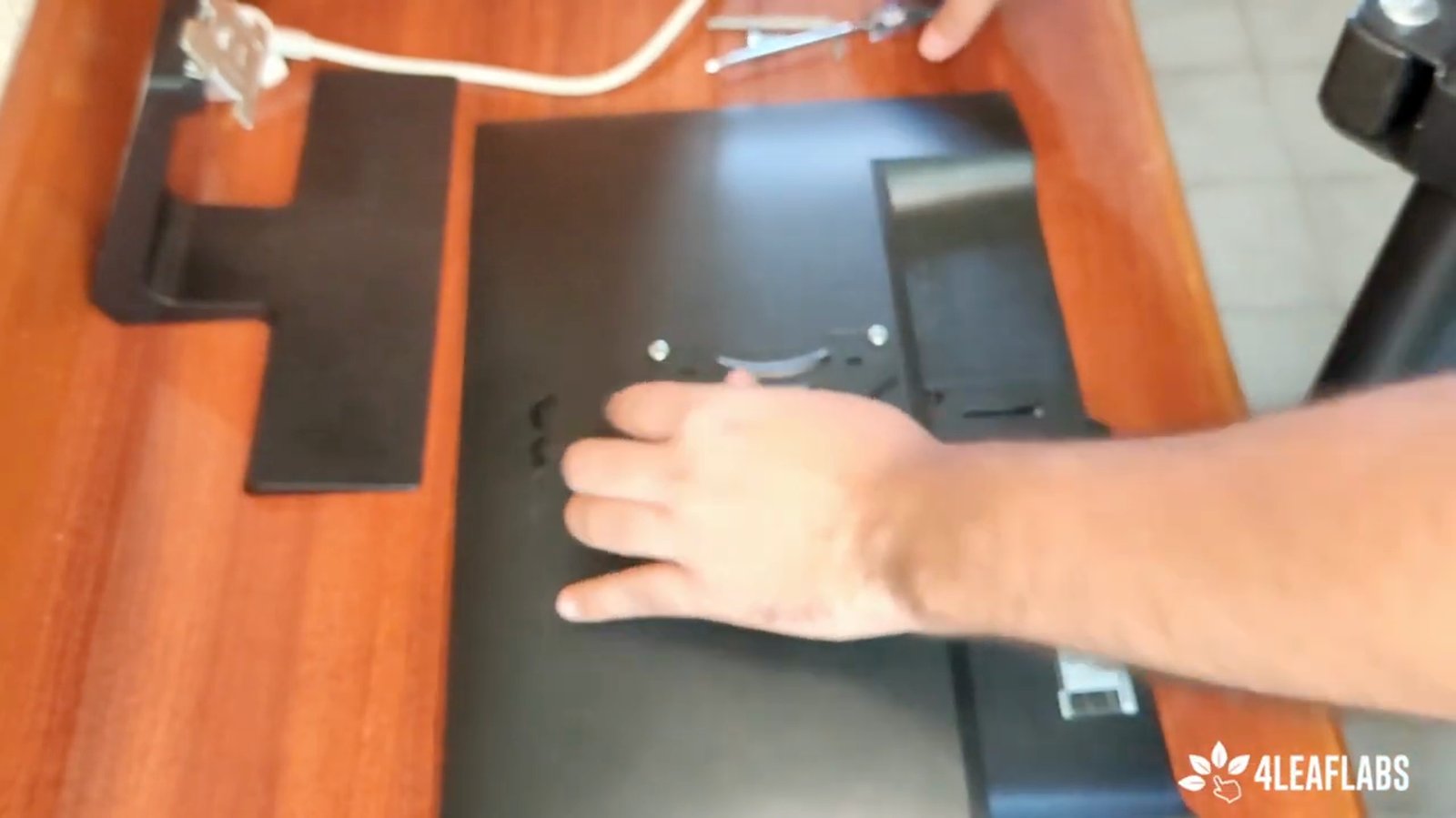
Clip the monitor (with the attached plate) onto the arm mount.
This connects the monitor to the adjustable arm.
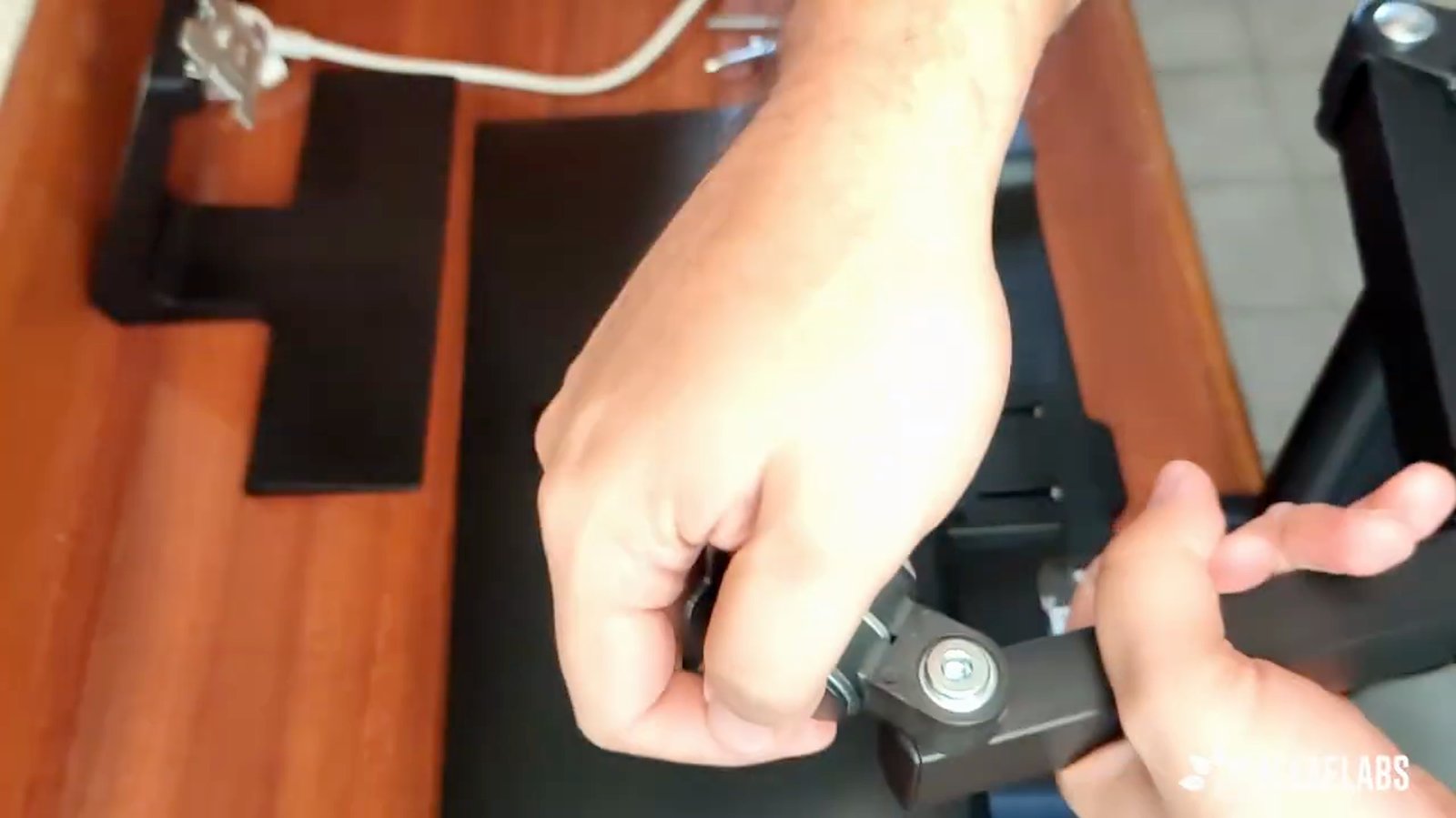
Insert a reinforcement bolt if needed for additional stability.
This is recommended for wide movement range.
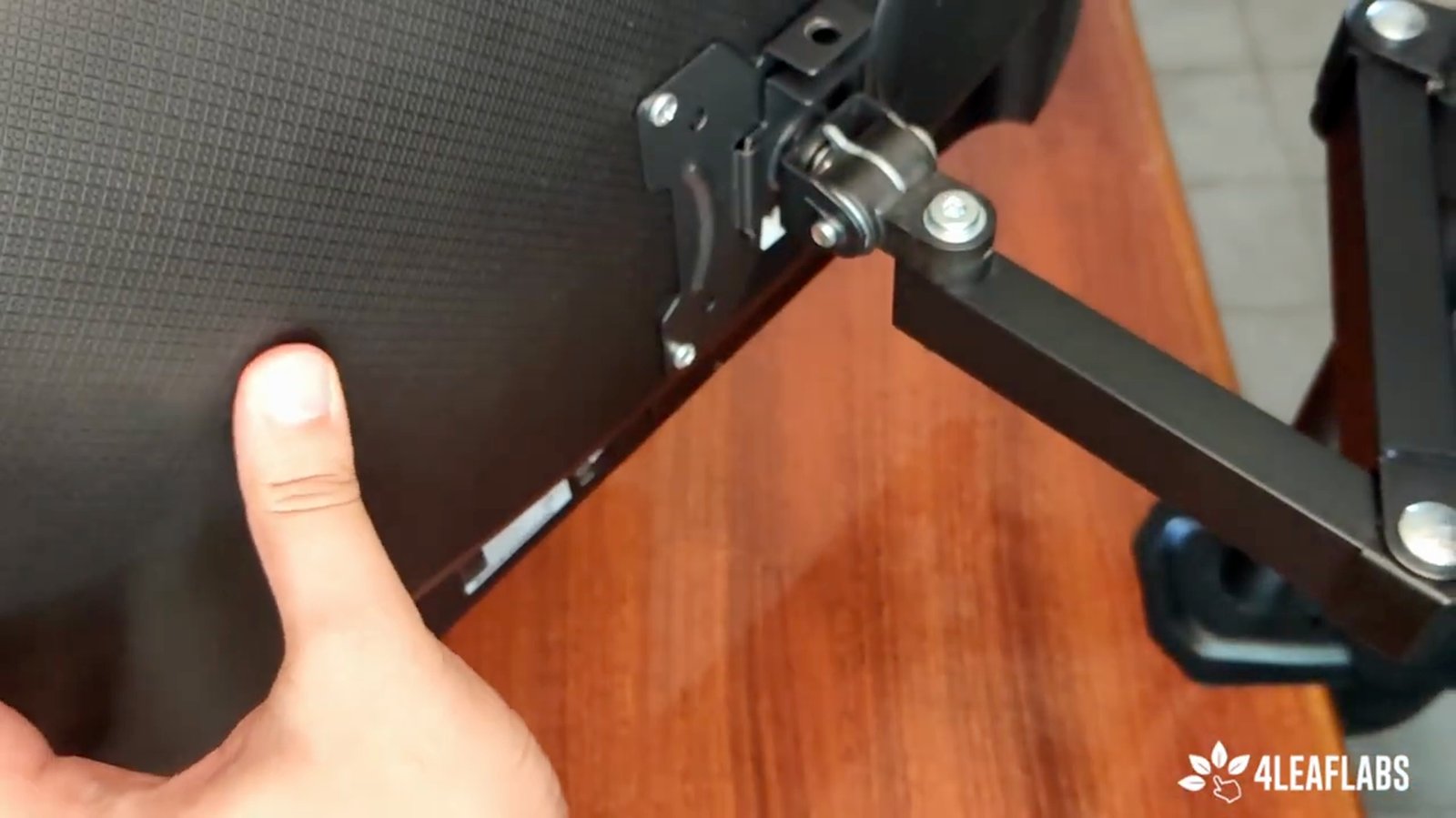
Test the movement of the monitor on the arm to ensure full range of motion.
You should be able to rotate and pivot the monitor as needed.
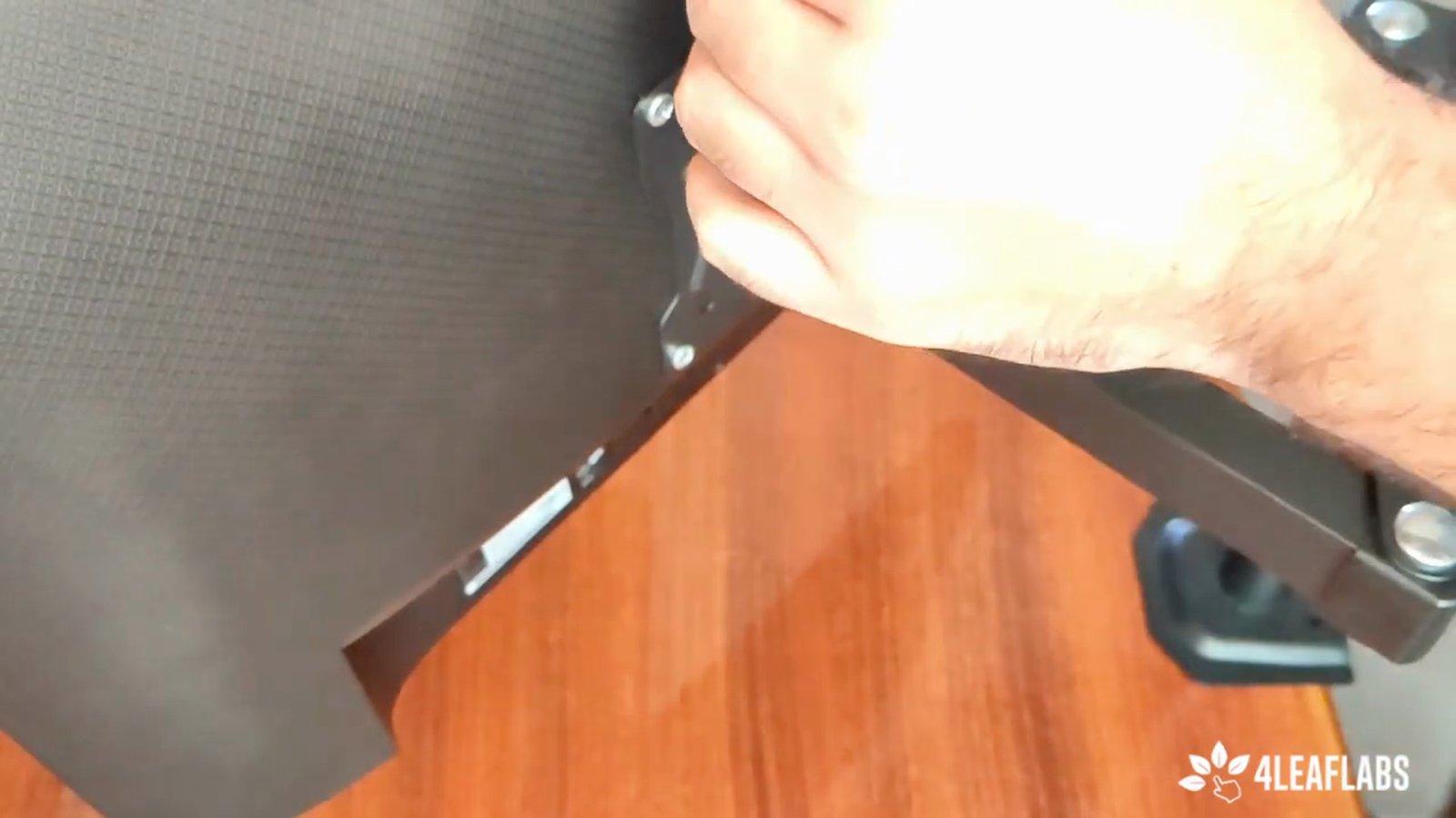
Verify that your monitor and mount are VESA compatible (75mm or 100mm).
All monitors sold on the referenced page are VESA compatible.
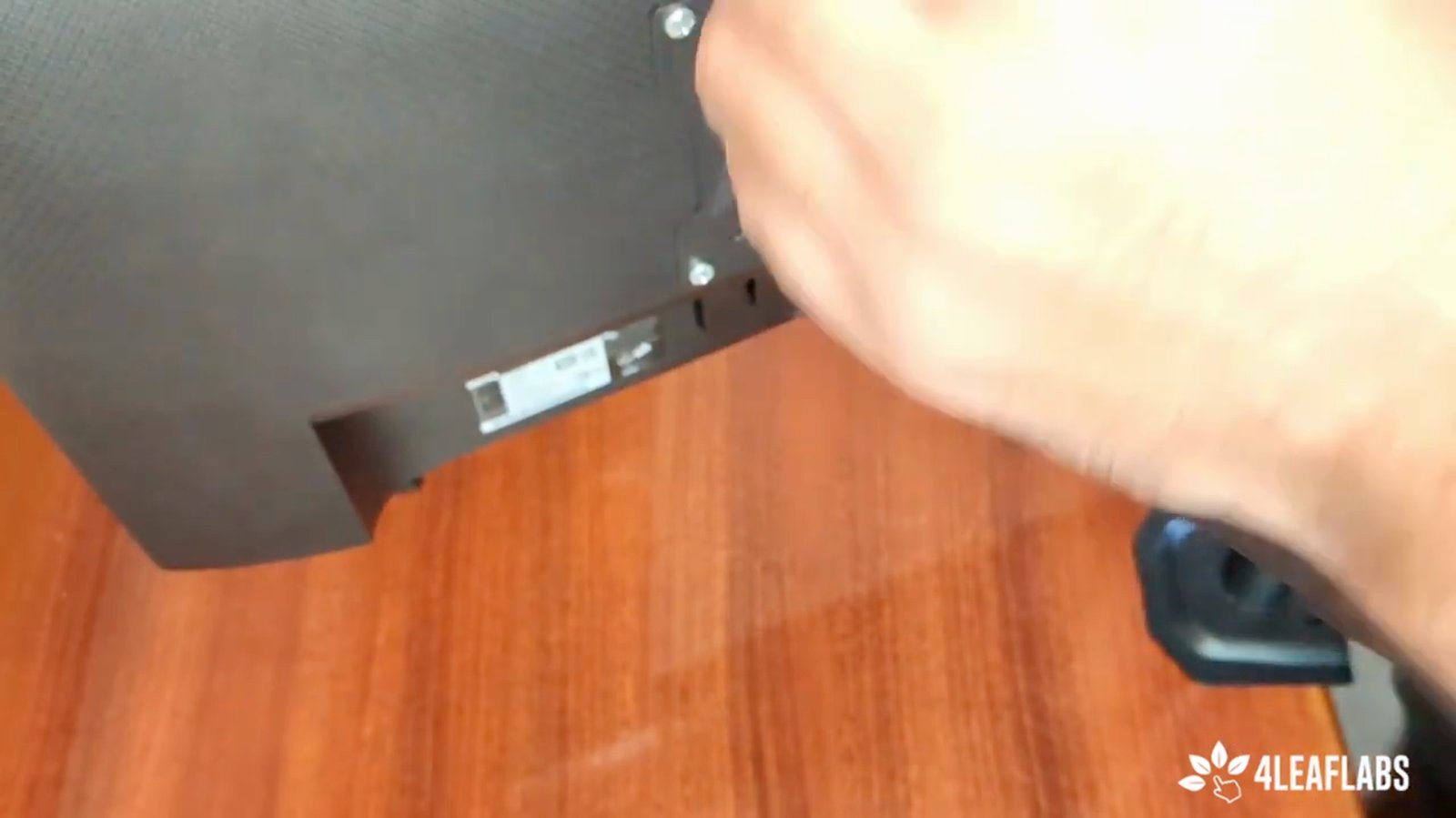
Purchase compatible monitors or mounts from the vendor's page if needed.
You can buy equipment directly from their website.
You made it to the end!
21 steps complete