Overview of Contact Us Form Automation Workflow created
Learn the step-by-step process that occurs when someone submits the Contact Us form on the website.
Teresa Edwards
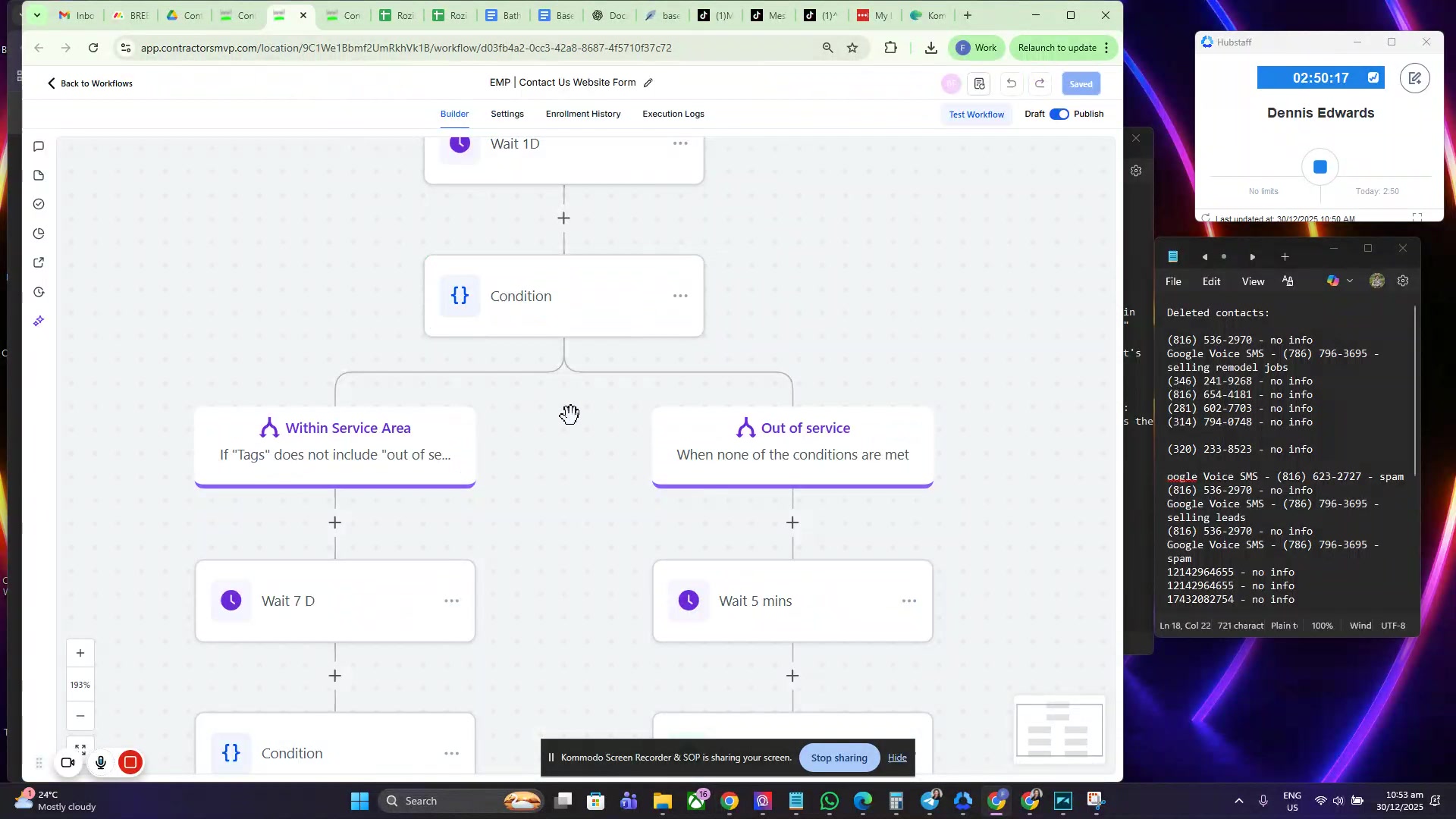
Go to the Contact Us form on the website
This is the starting point for users who want to get in touch.
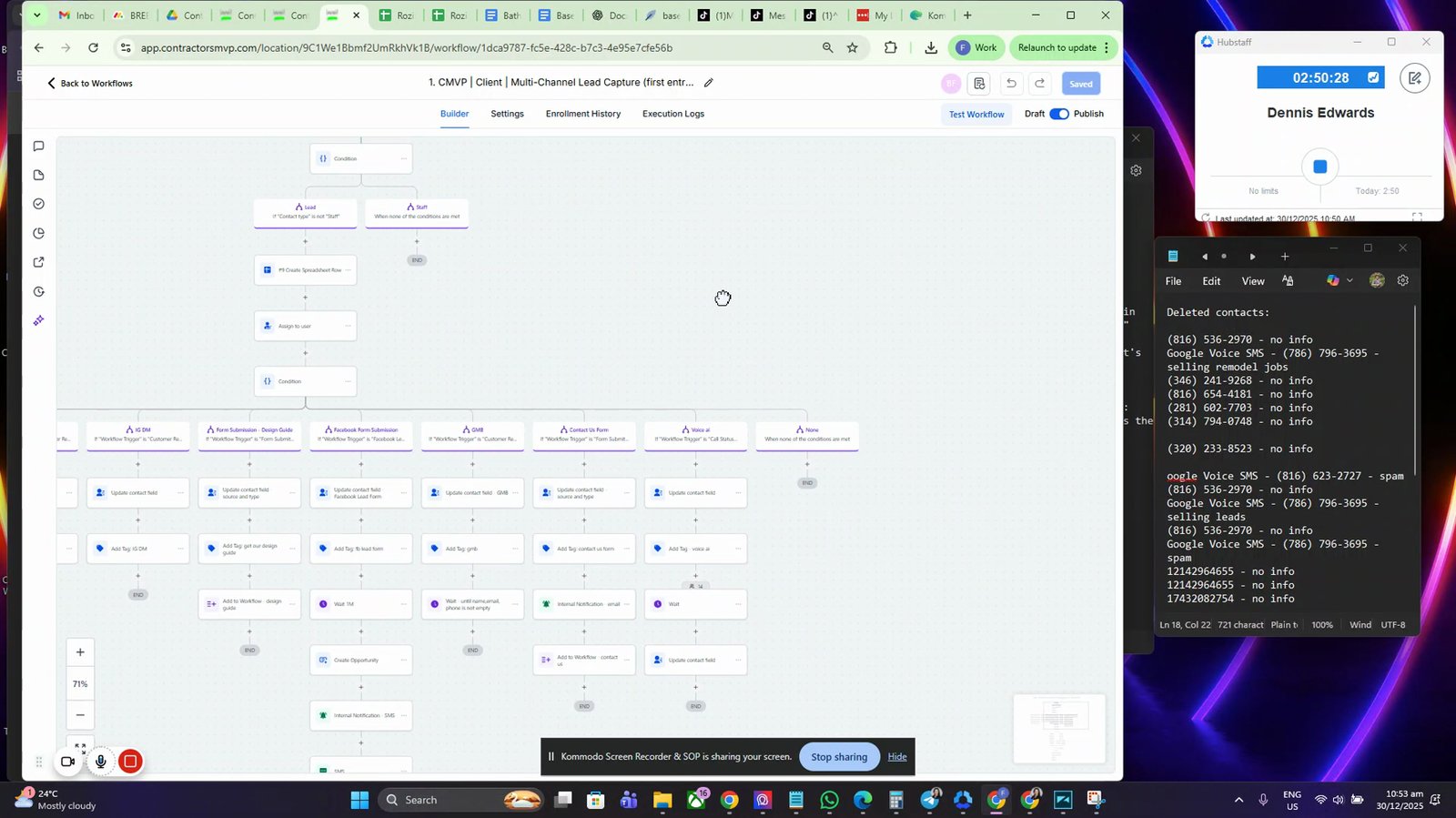
Submit the Contact Us form
Filling out and submitting the form triggers the workflow.
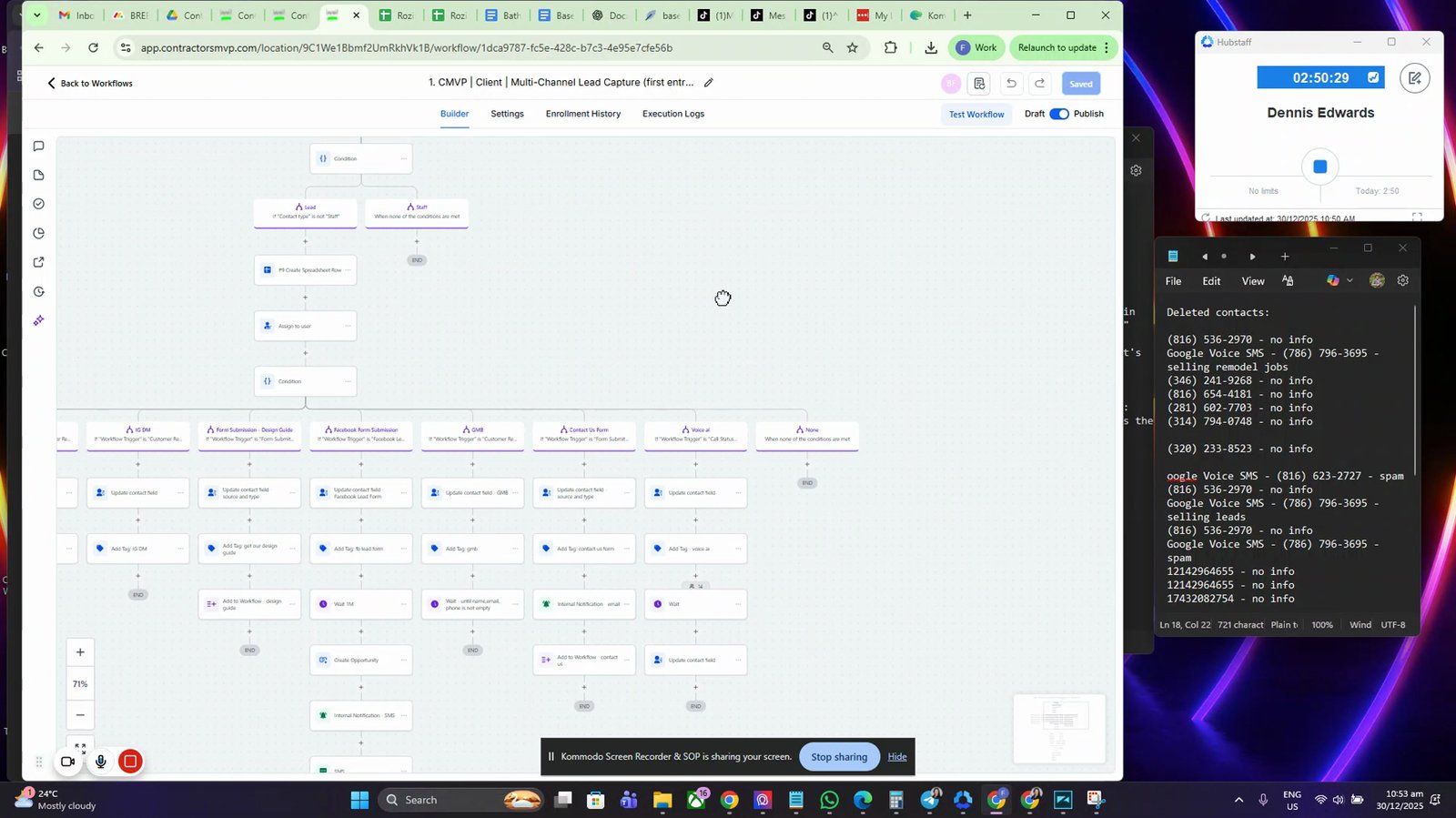
View the workflow trigger for the Contact Us form
The workflow is activated when the form is submitted.
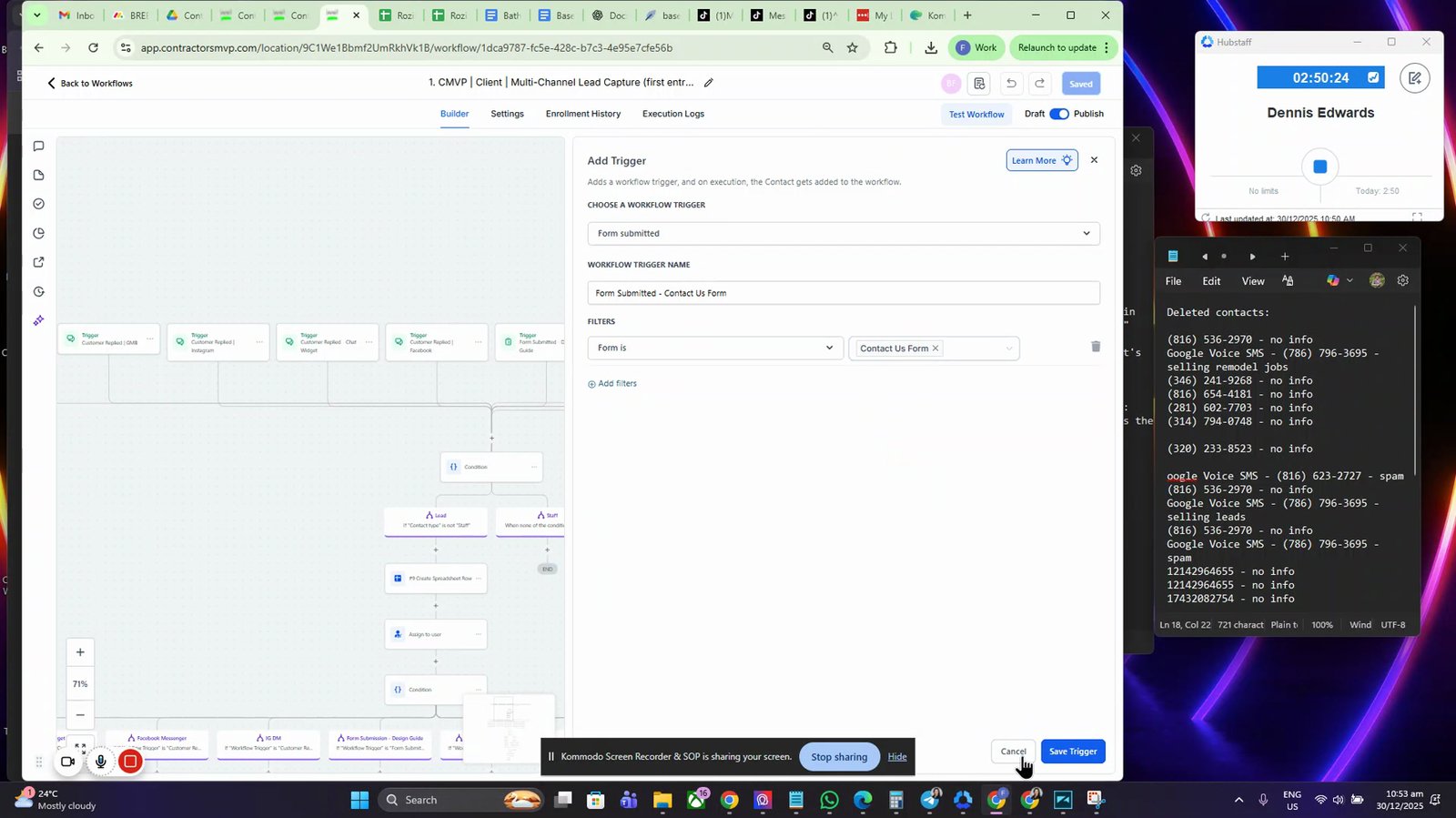
Proceed to the workflow's first step based on conditions
The workflow checks different conditions to determine the next step.
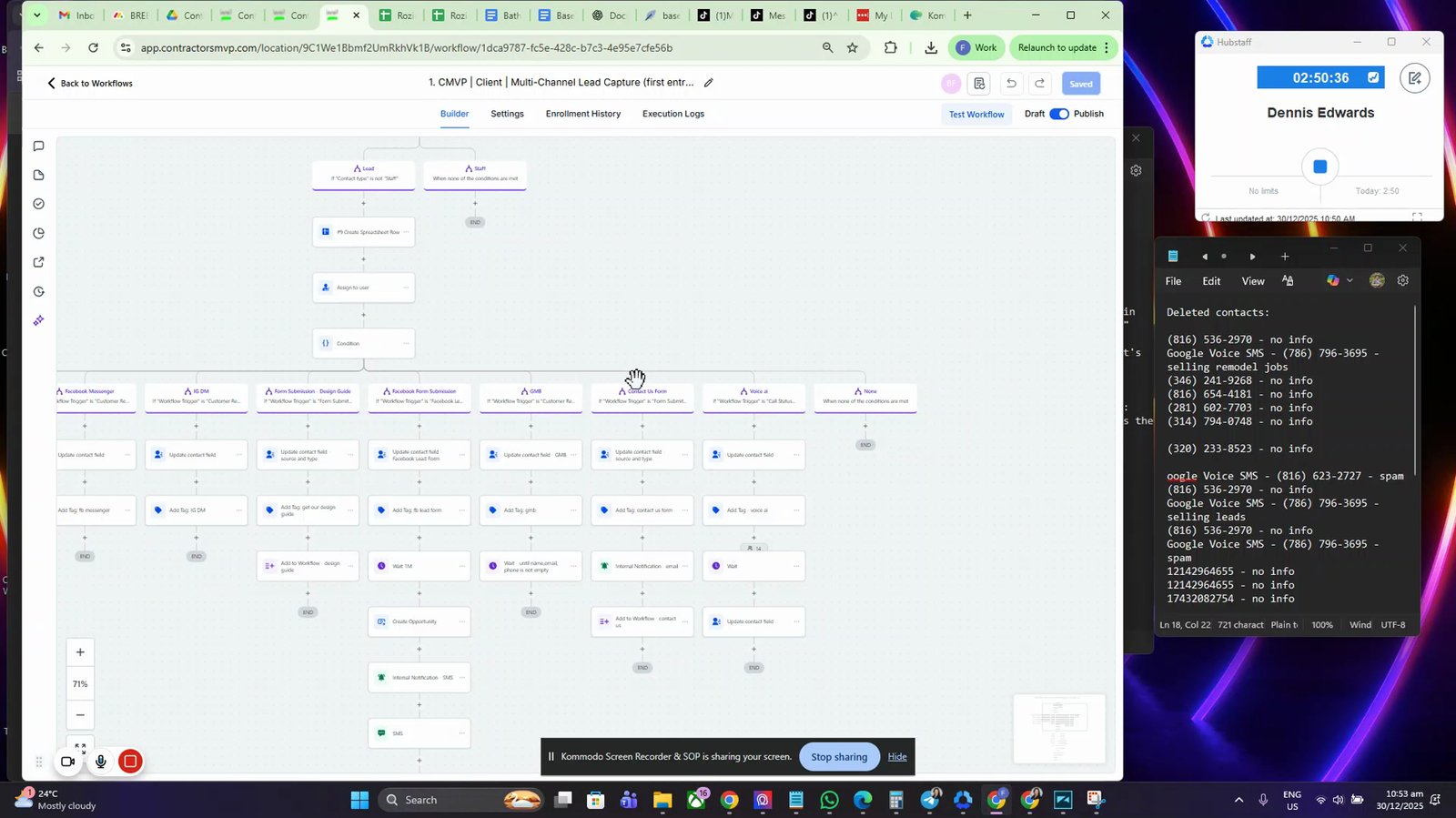
Send an email notification to the team
An email is sent to notify that someone has filled out the form.
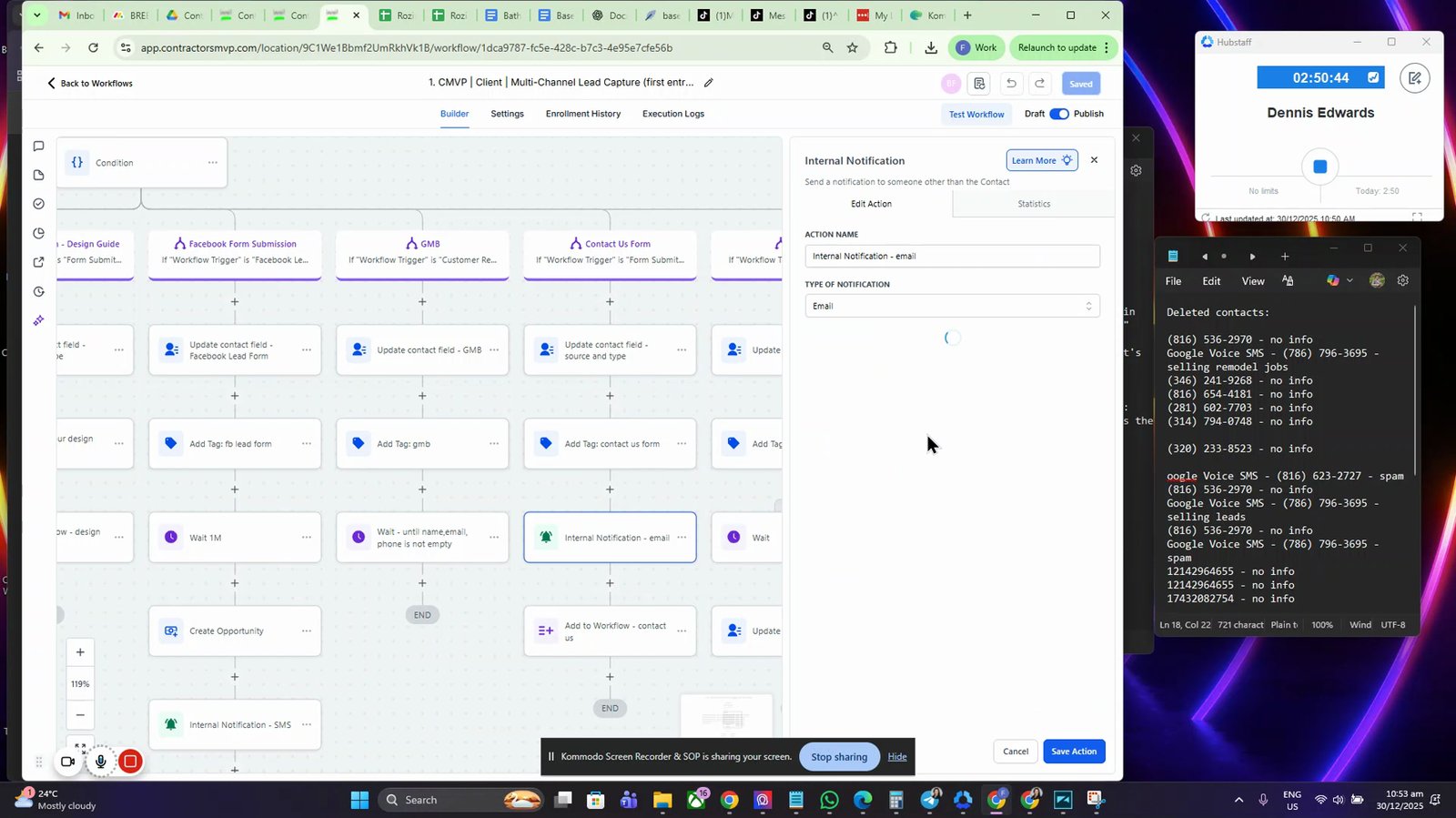
Receive a notification that somebody has filled out the form
The team is alerted about the new form submission.

Add the contact to another workflow
The contact is moved to a secondary workflow for further processing.

Send a thank you message to the user
The user receives a thank you message for submitting the form.

Include a service link in the thank you message
The thank you message contains a link to the service.

Route the user to the Empire Remodeling KC website
The user is directed to the company's website.

Check the user's zip code in the workflow zip code checker
The workflow verifies if the user's location is within the service area.

Tag the system if the service area is within scope
The system tags the contact based on service area eligibility.

Display a message if the address is out of service area
The user is informed if they are outside the service area.

Wait five minutes if the address is out of service area
The workflow pauses before sending a follow-up email.

Send an out of service area email to the user
The user receives an email notifying them they are outside the service area.
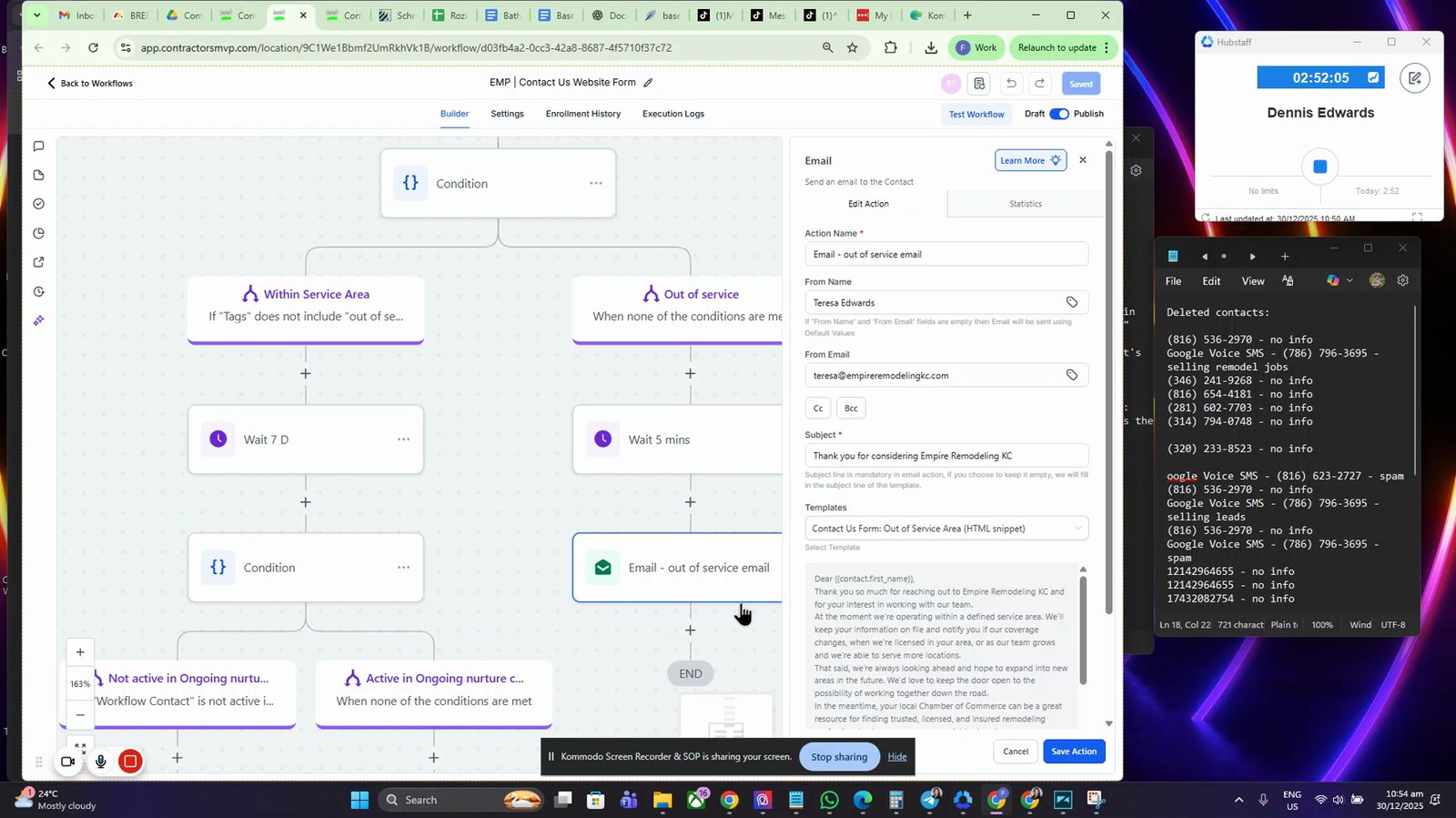
Proceed to ongoing nurture if the address is within service area
The contact is added to the ongoing nurture sequence.

You made it to the end!
16 steps complete