Guide to Generating and Translating Video Content Using Avatar and HeyGen
This guide details the steps to generate video content using an avatar, then translate and organize the resulting videos.

Paul
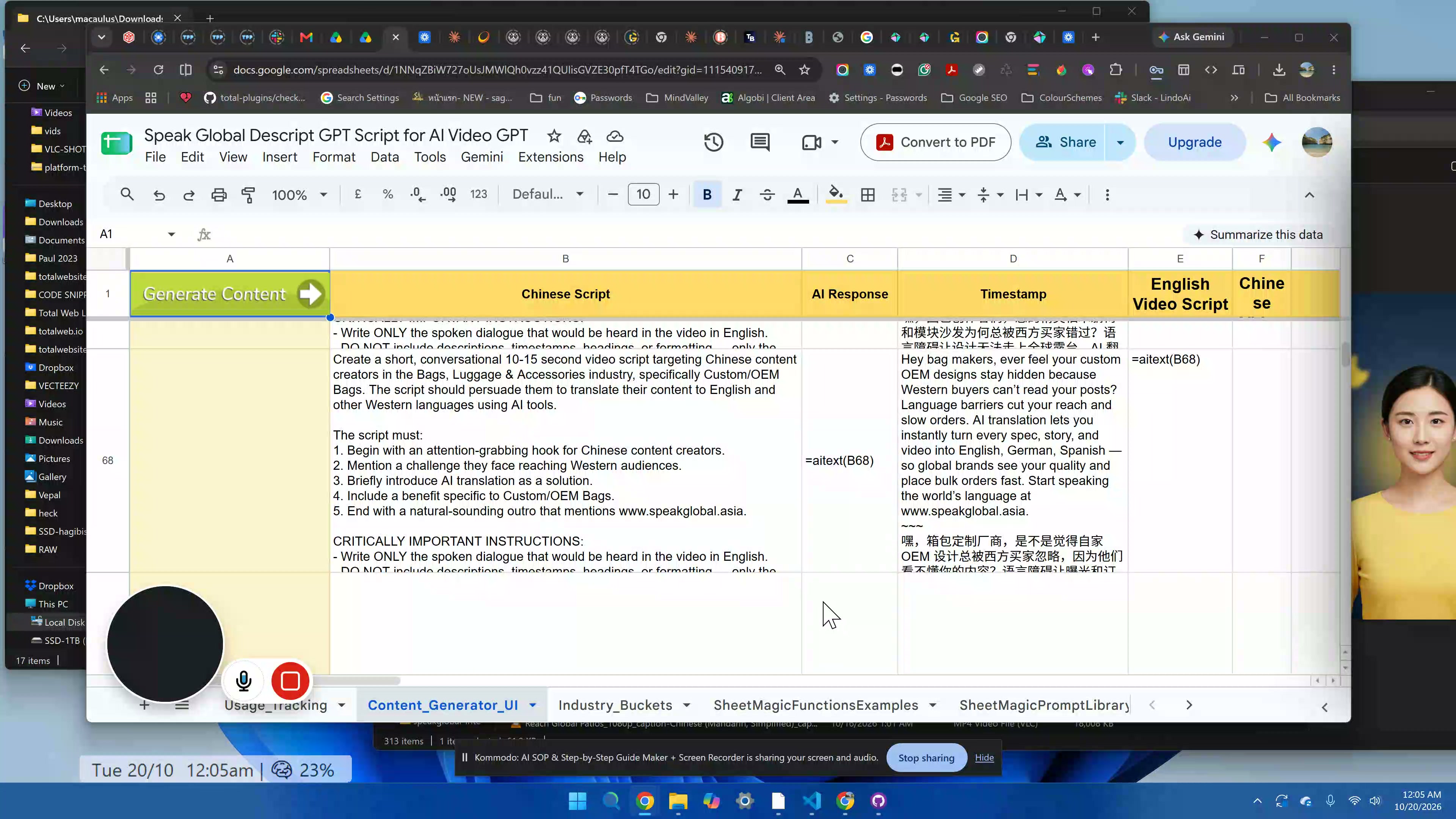
Guide to Generating and Translating Video Content Using Avatar and HeyGen
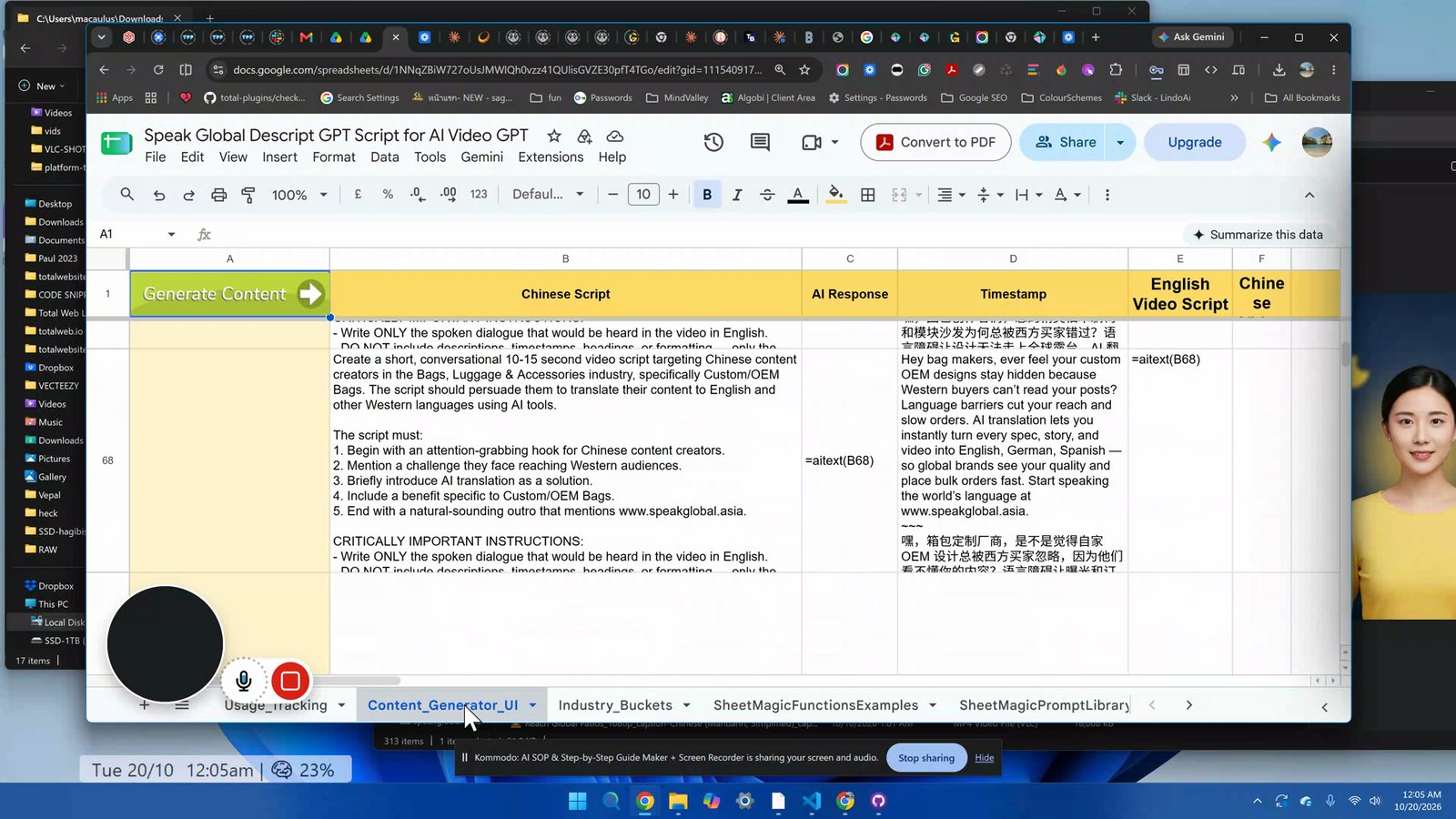
Select the Content Generator UI at the bottom of the screen.
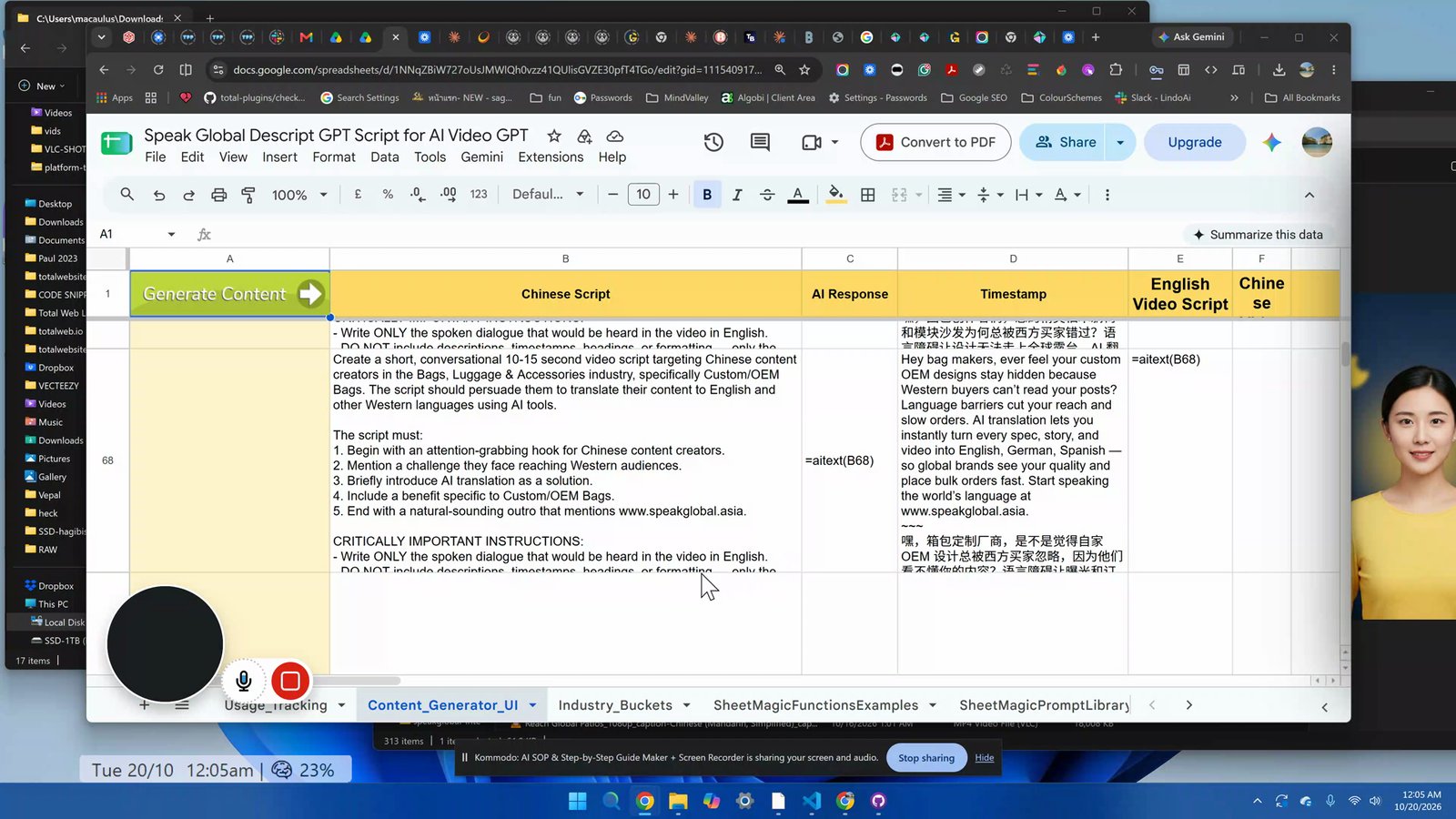
Click 'Generate Contact' to create content; wait for the process to complete.
Click on the generated content, then press Ctrl+C to copy it.
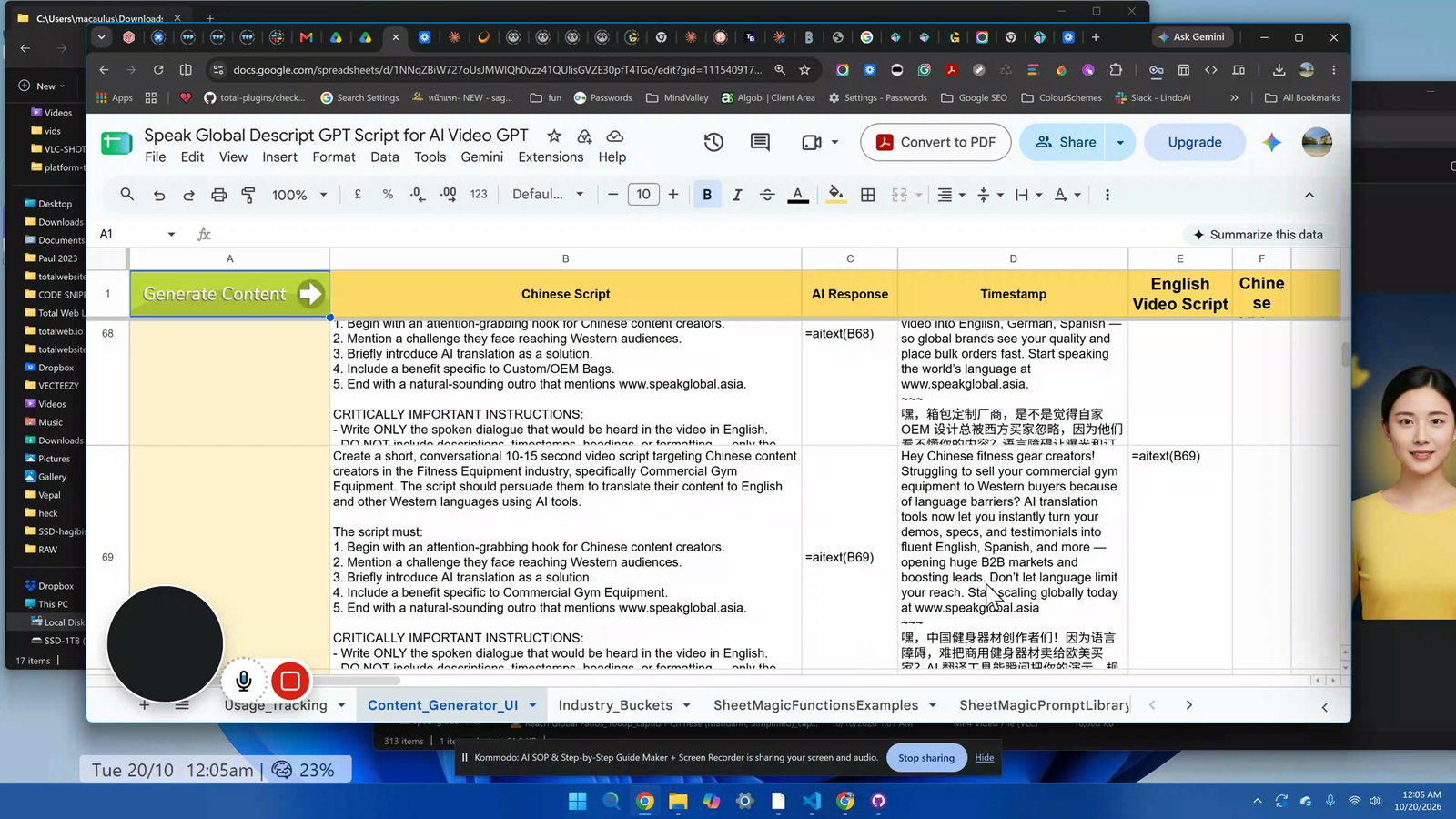
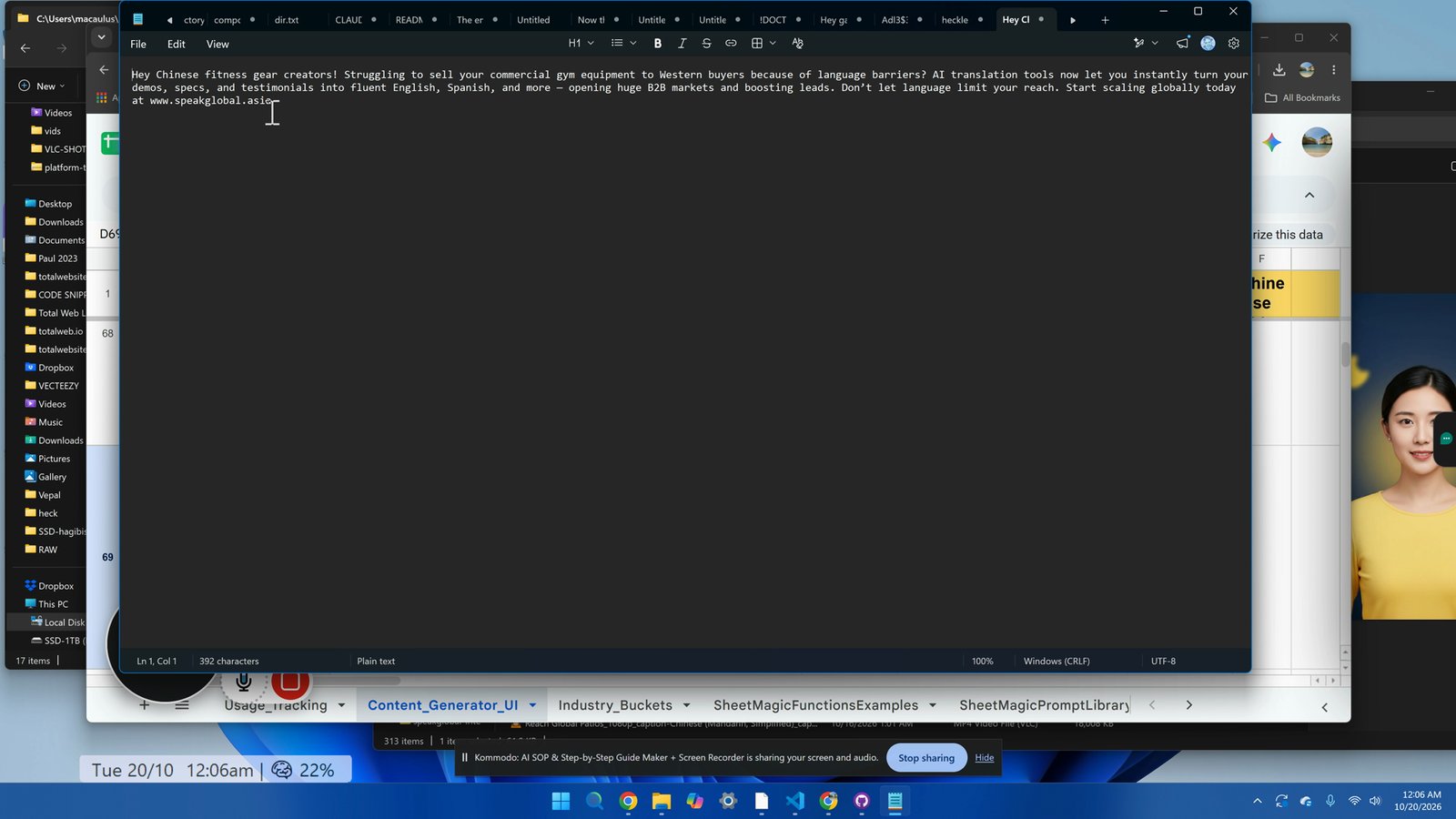
Paste the copied content into Notepad and remove any unwanted Chinese text and the quote at the front.
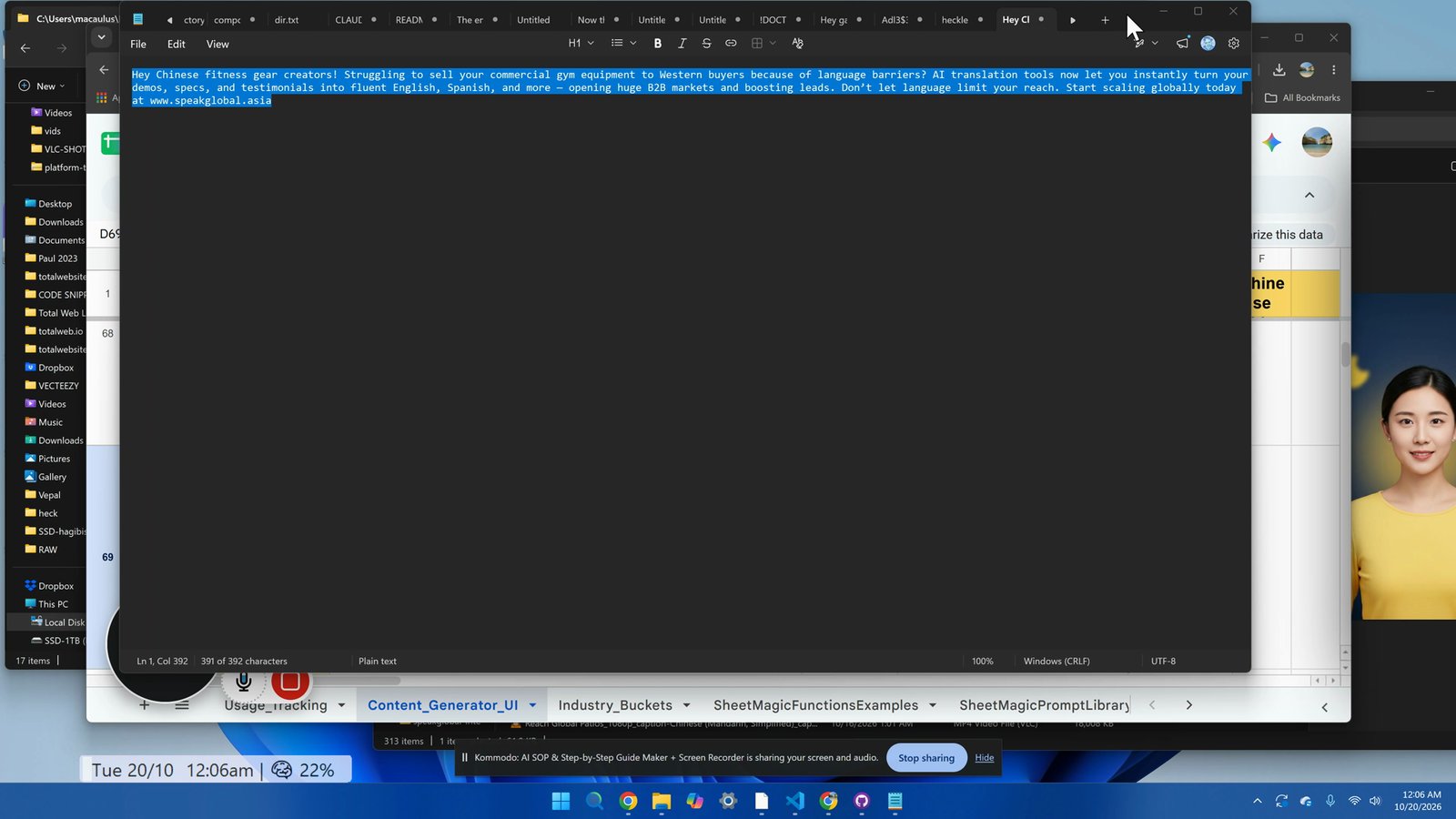
Copy the cleaned content from Notepad.
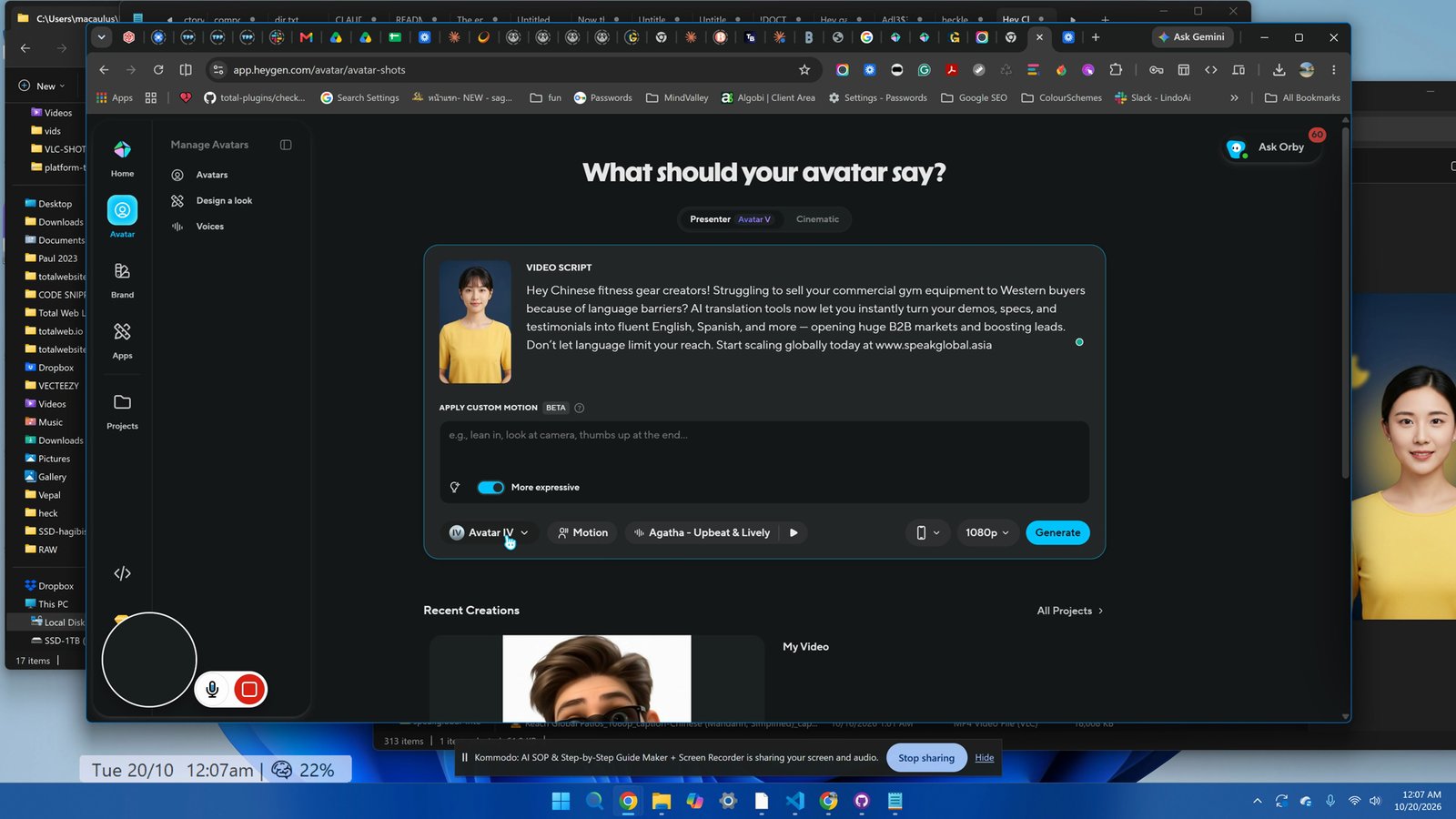
Open HeyGen and ensure the Avatar option is selected. Paste the content into the input field.
Set the avatar to 'Avatar 5' and ensure portrait mode is selected.
Click 'Generate' and wait for the video to be created.
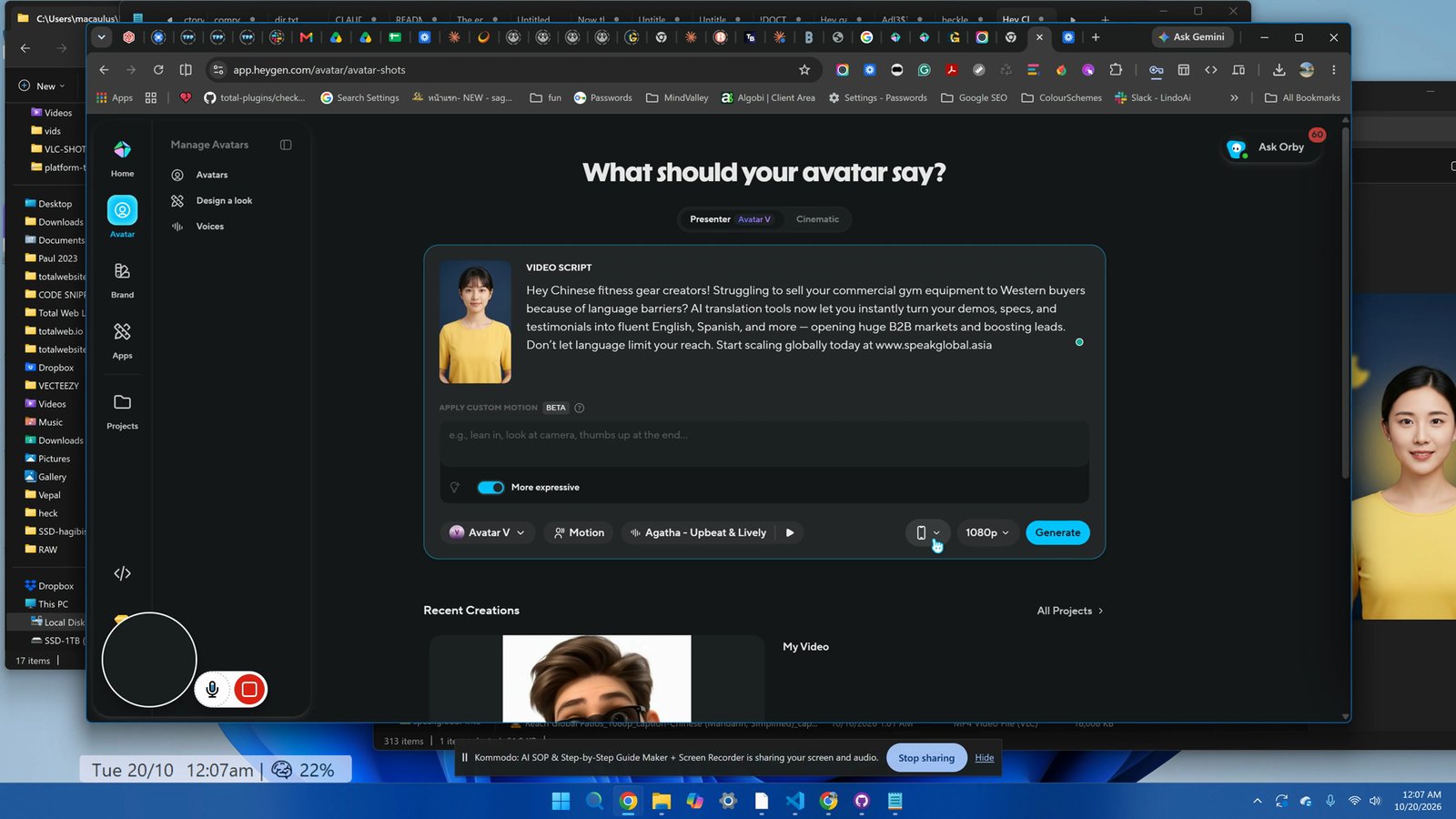
Download the generated video to your computer once finished.
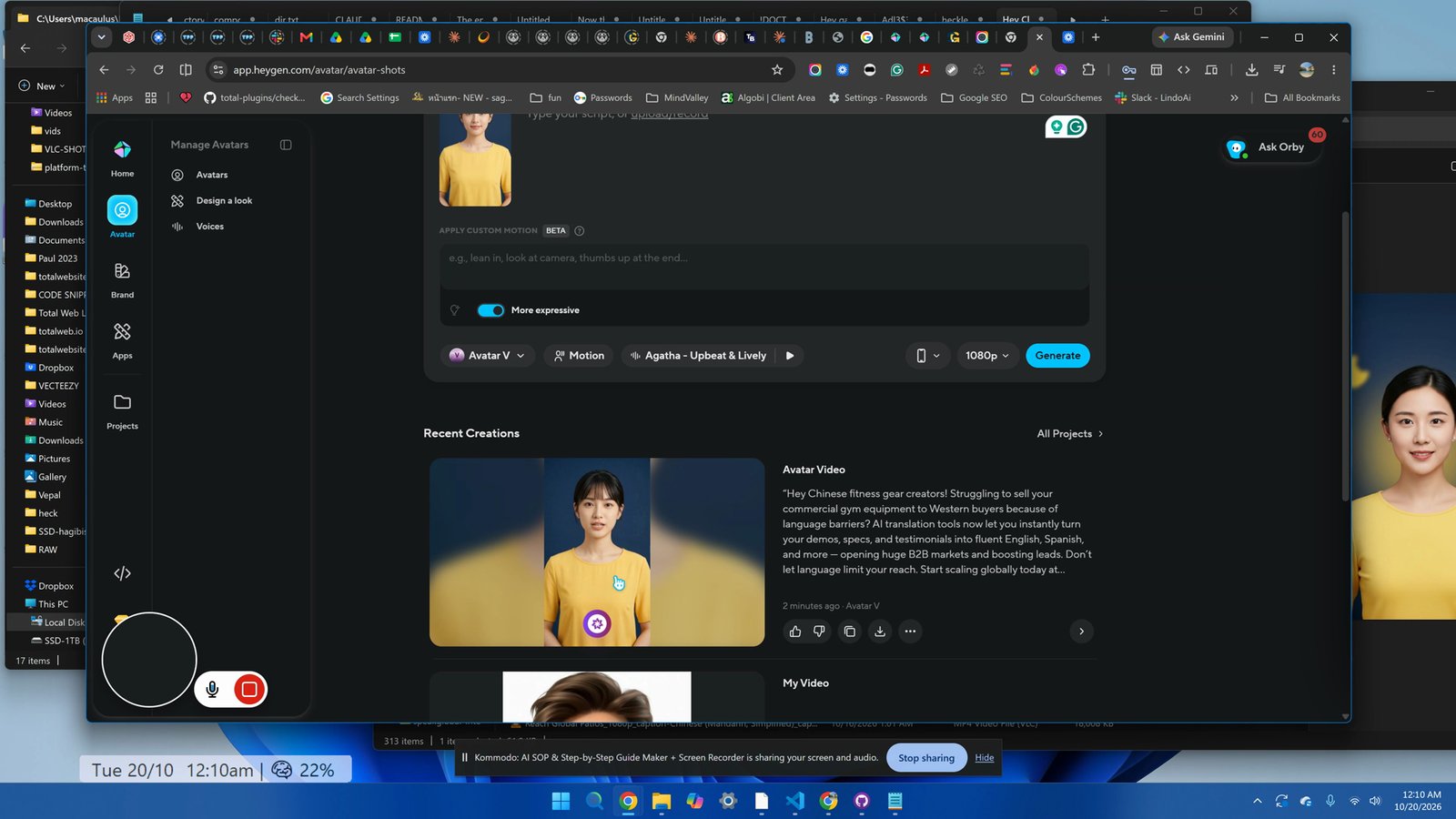
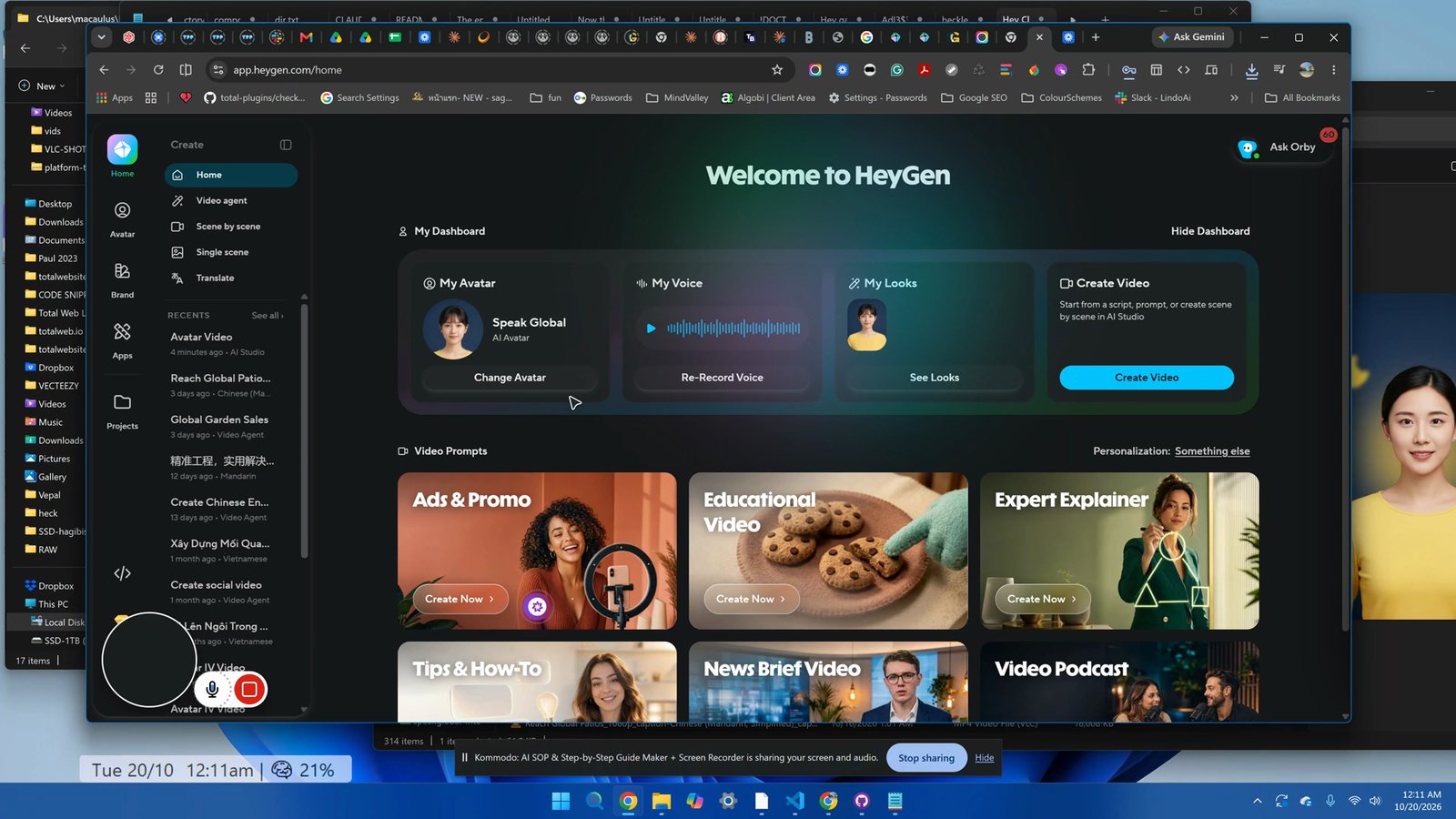
Go to the home page and select 'Translate' from the menu.
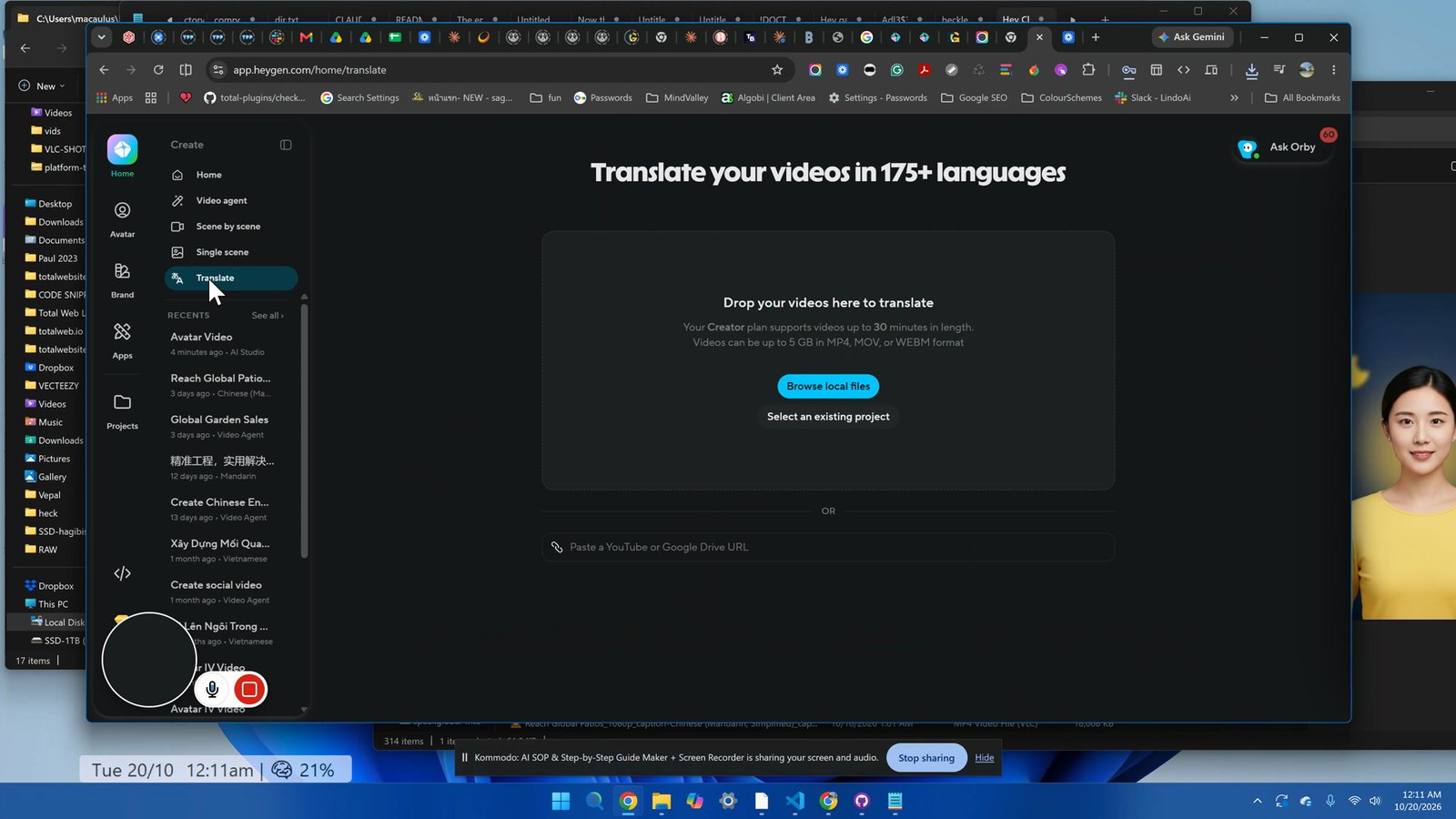
Drag and drop the downloaded video into the Translate section.
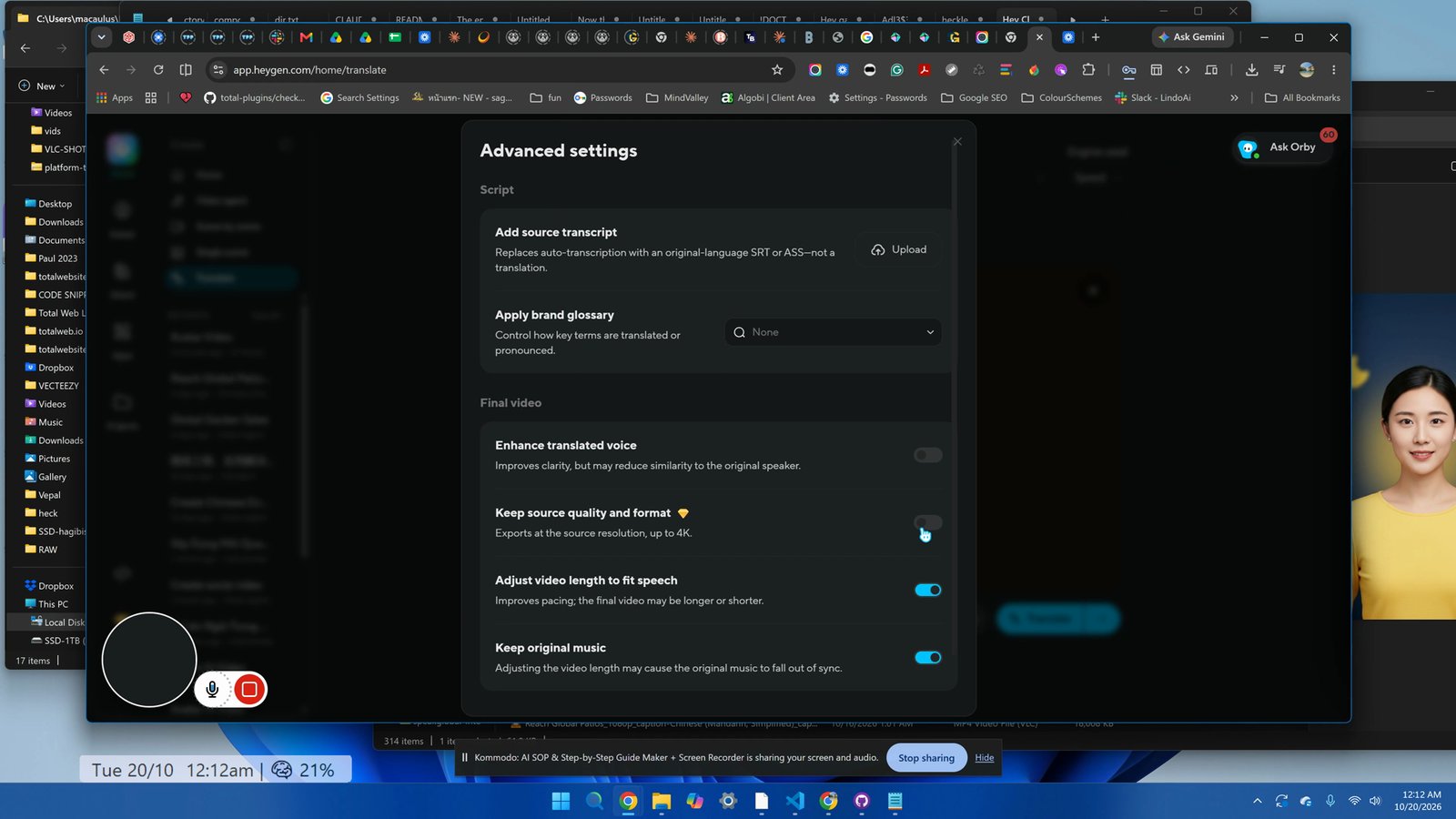
Click on 'Advanced Settings' and ensure the settings fit speech to video length and keep the original music.
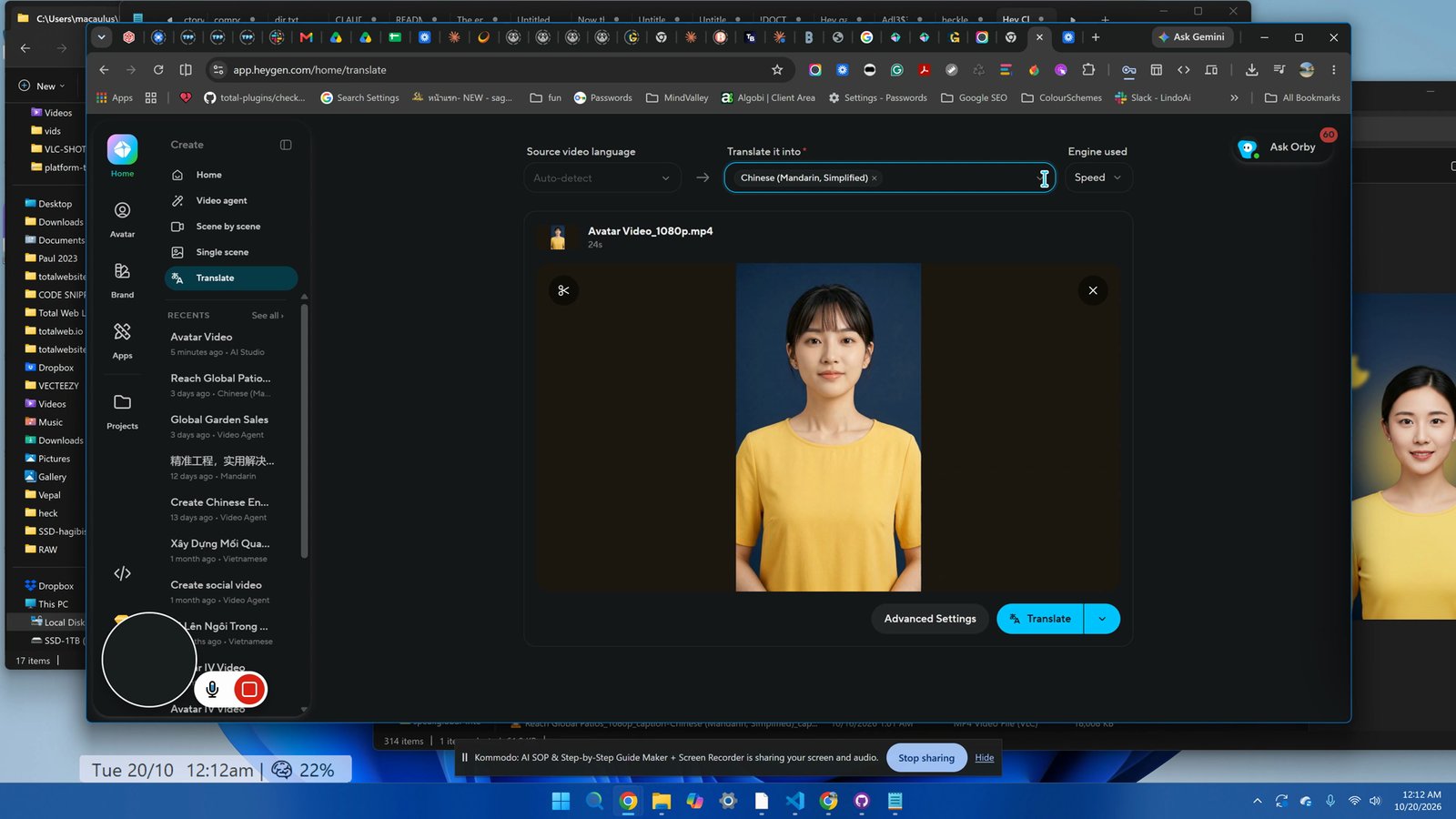
Set the translation target to Mandarin.
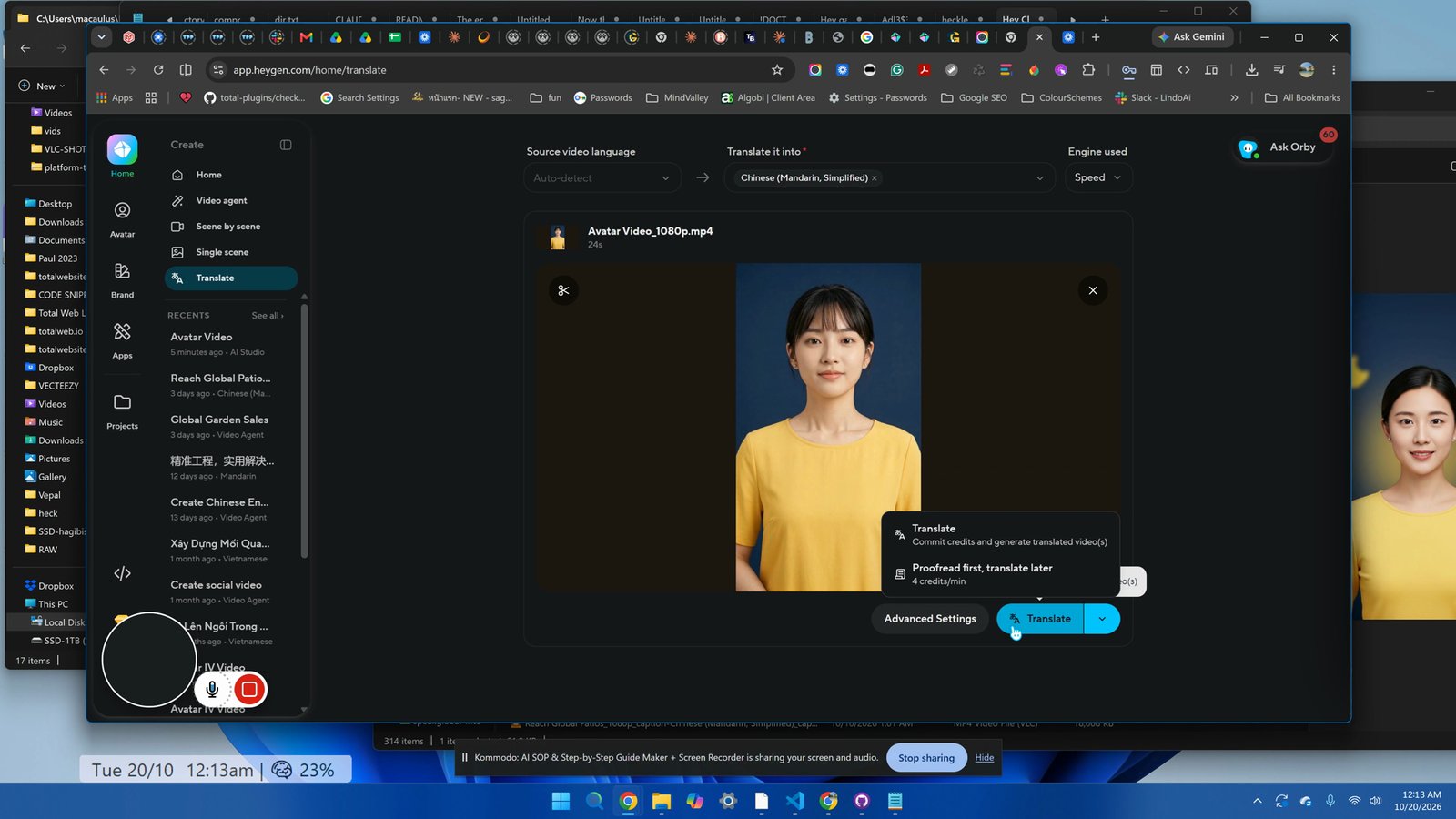
Click 'Translate' and wait for the process to finish.
Download the translated video once it is ready.
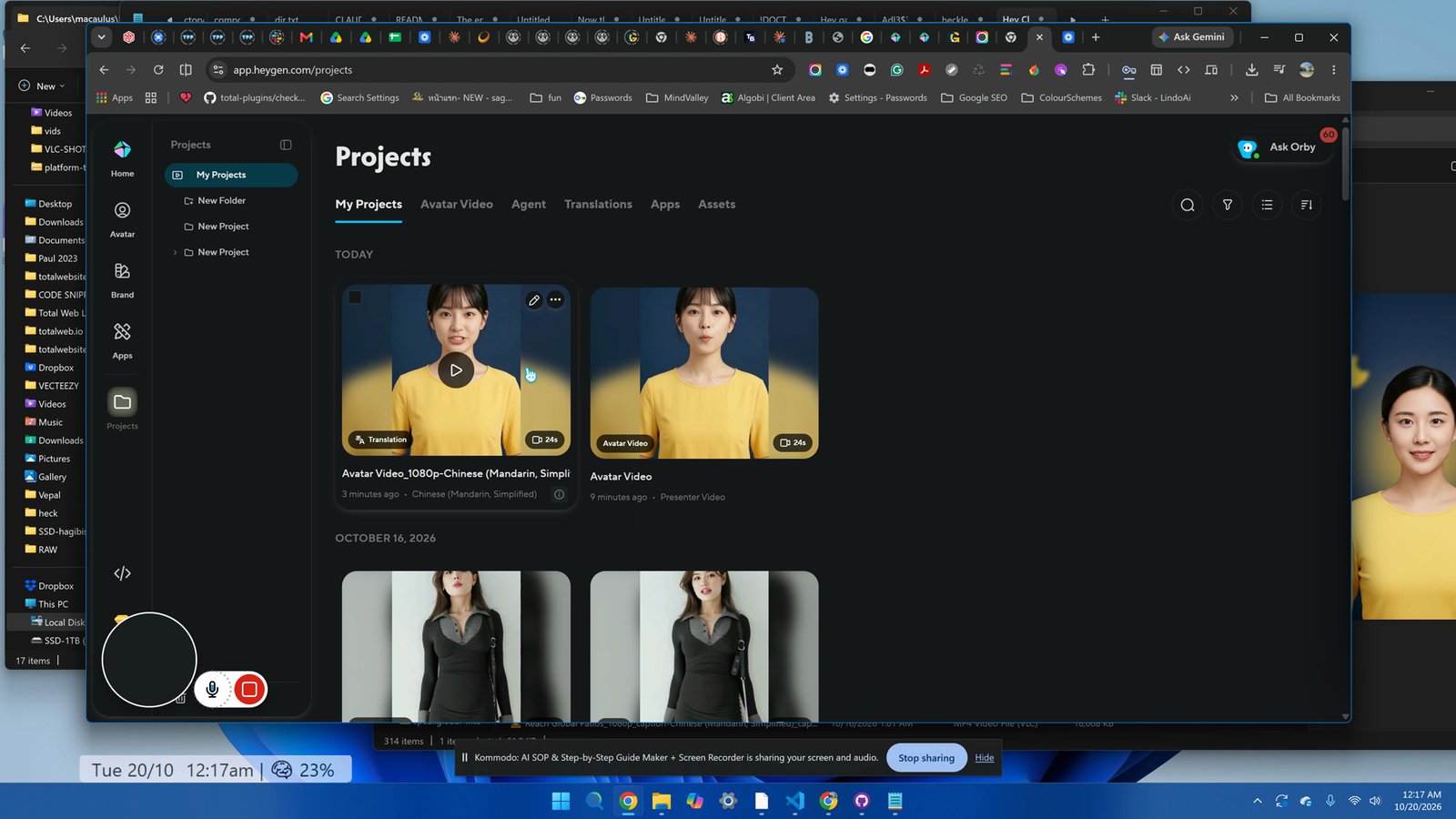
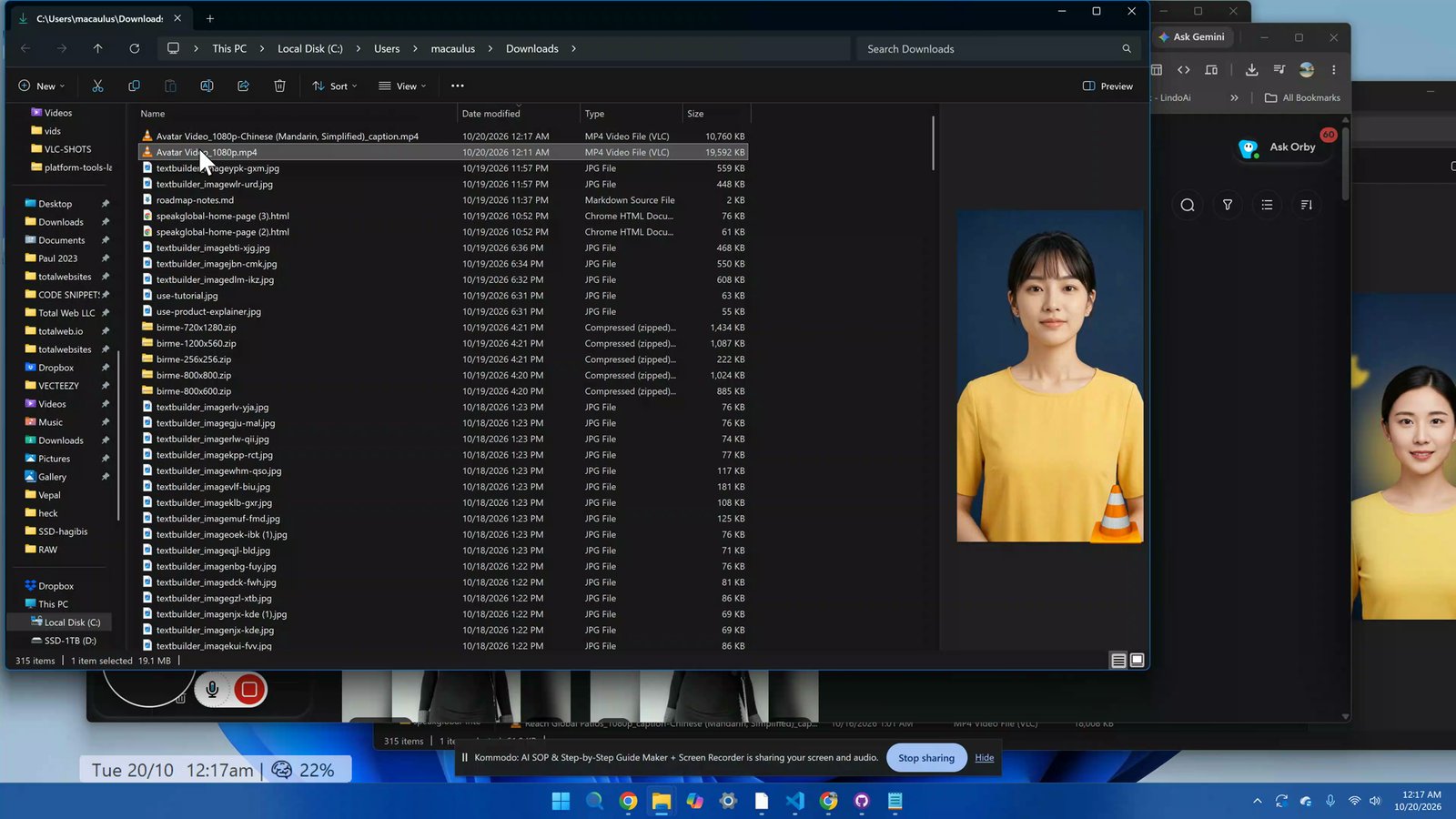
Locate the downloaded videos, rename them for clarity (e.g., 'say-1' for English and Chinese versions), and ensure they match for easy identification.
You made it to the end!
16 steps complete