
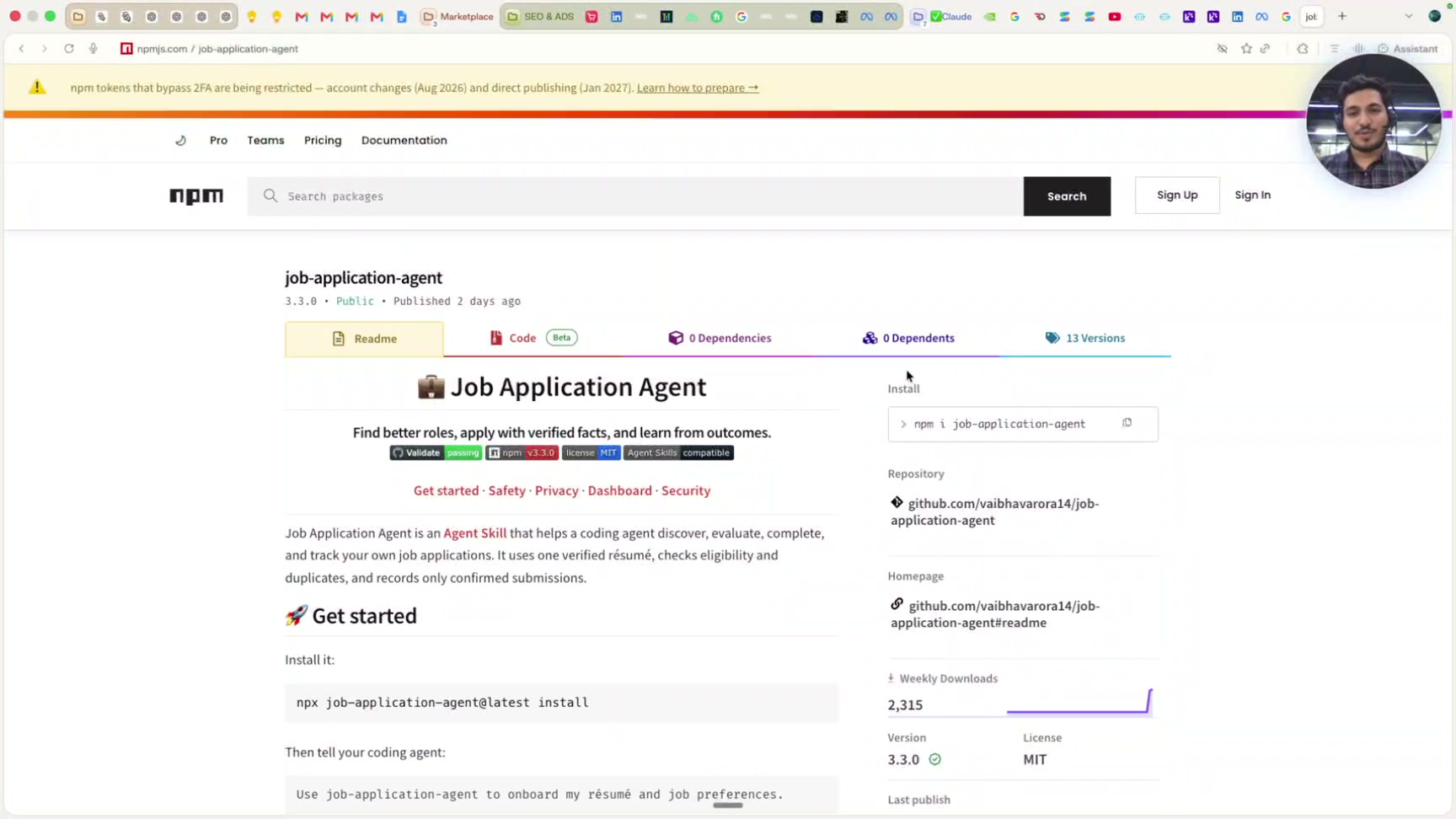
Open Comet -
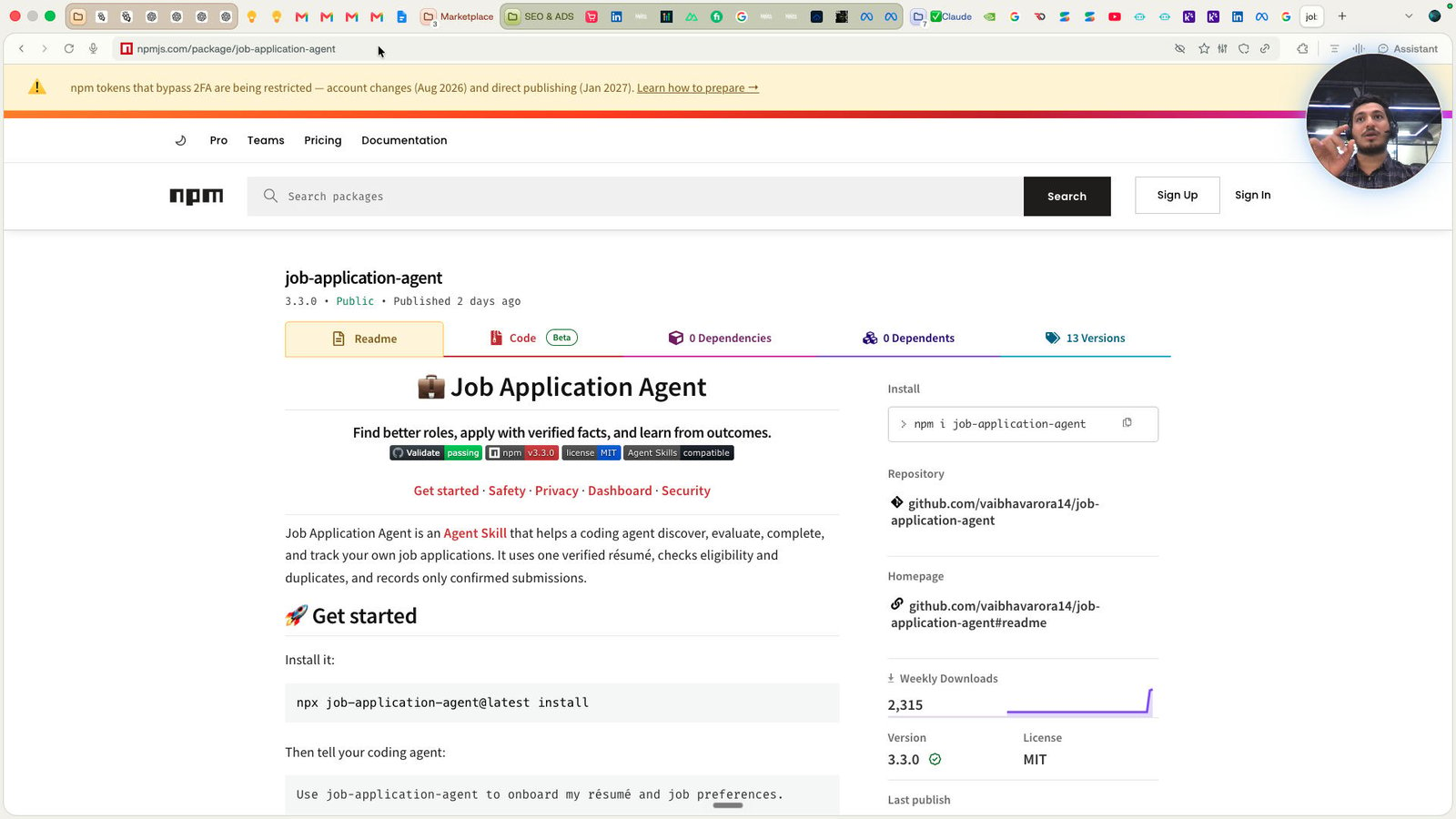
Click this group
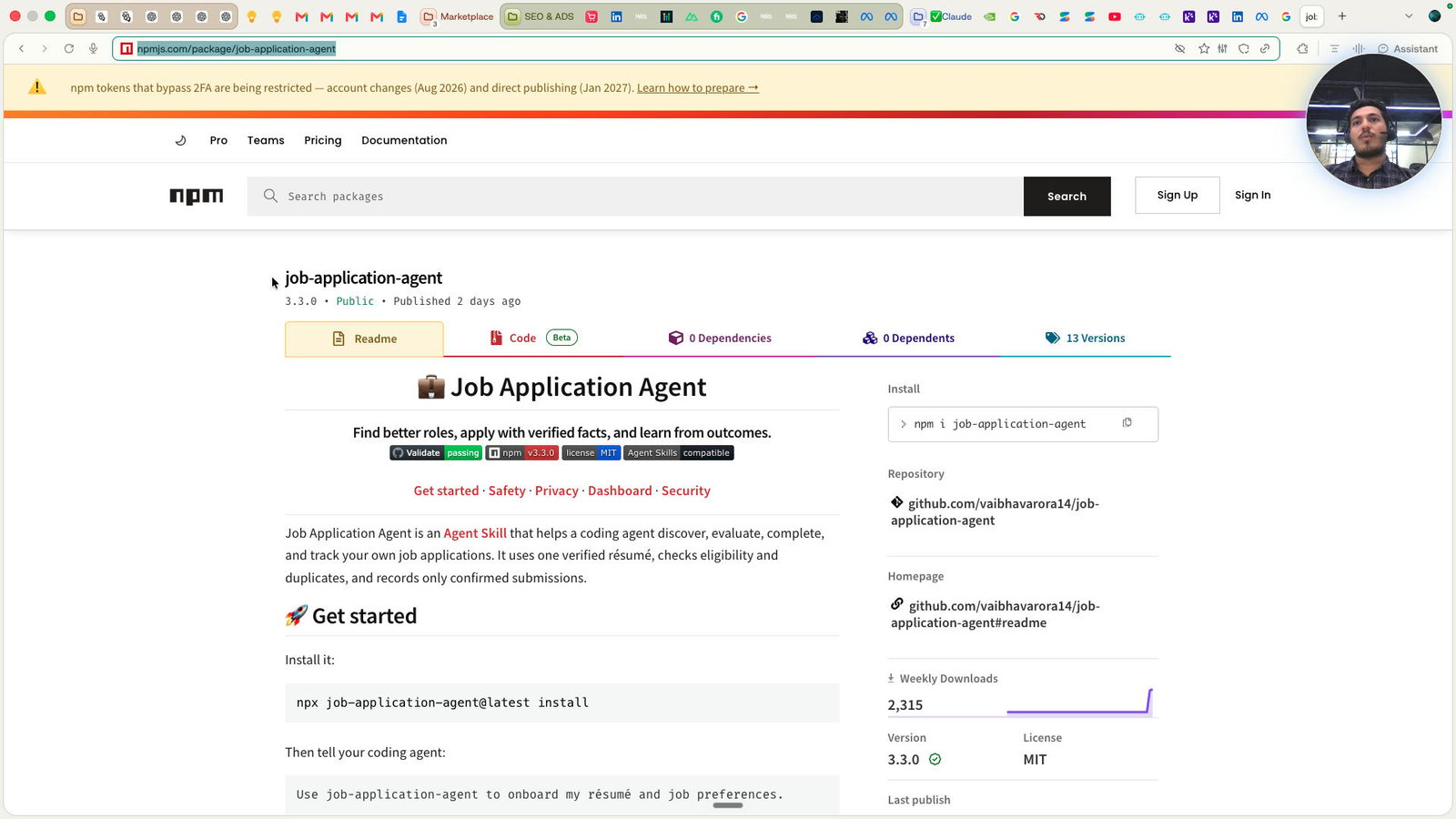
Click this group
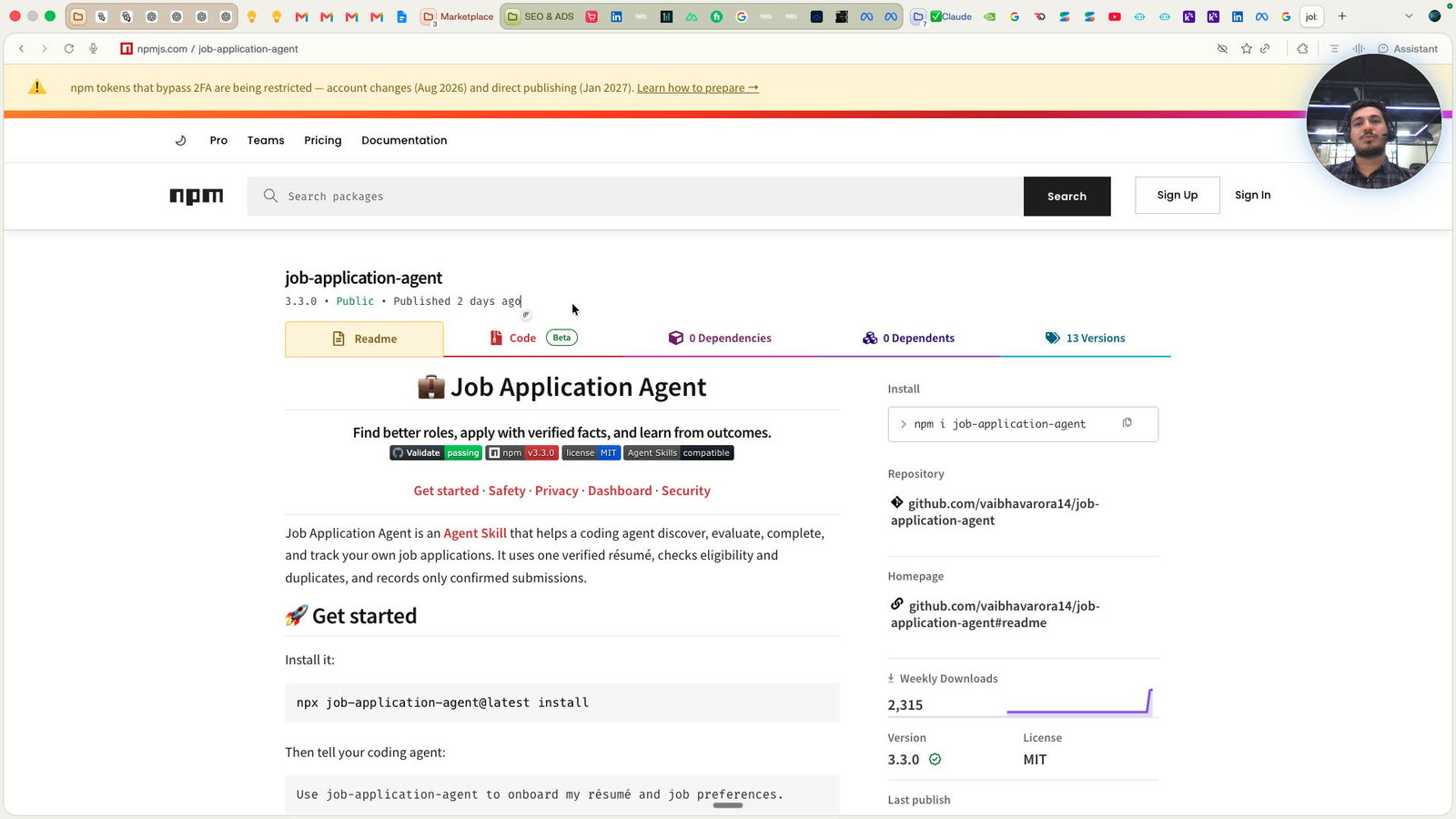
Click the job-application-agent
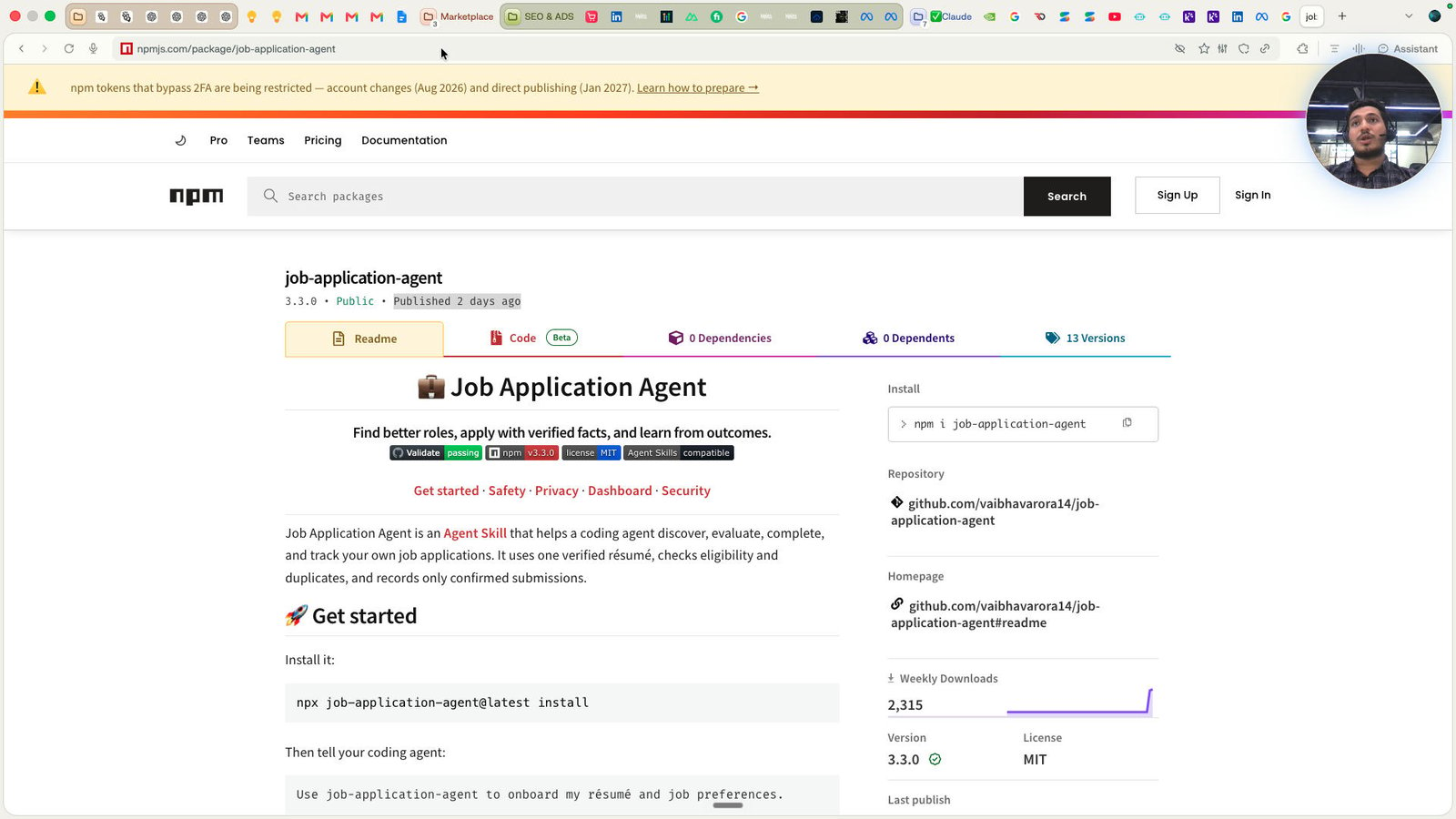
Press ⌘ c
Click this group
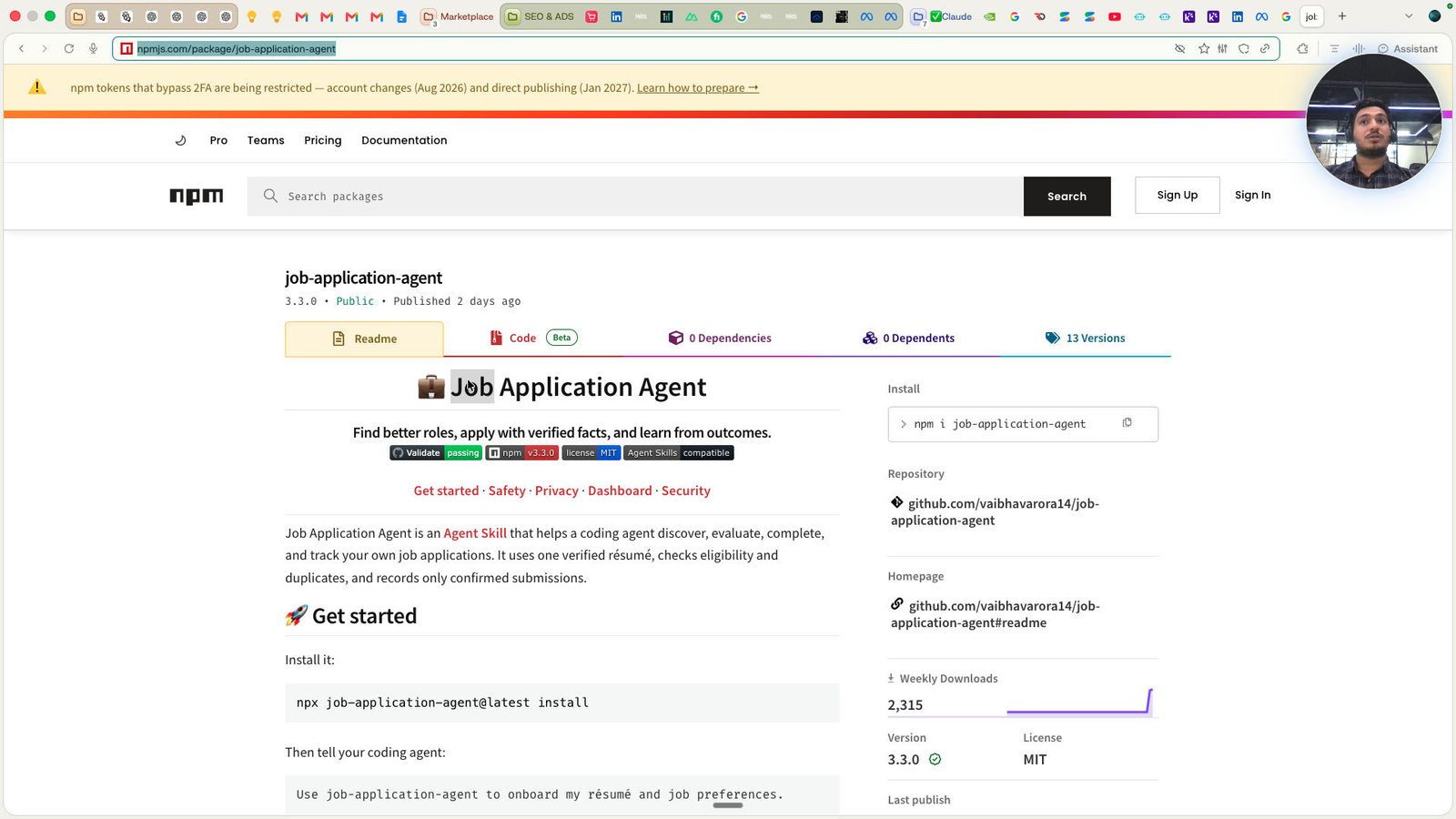
Open ChatGPT - ChatGPT
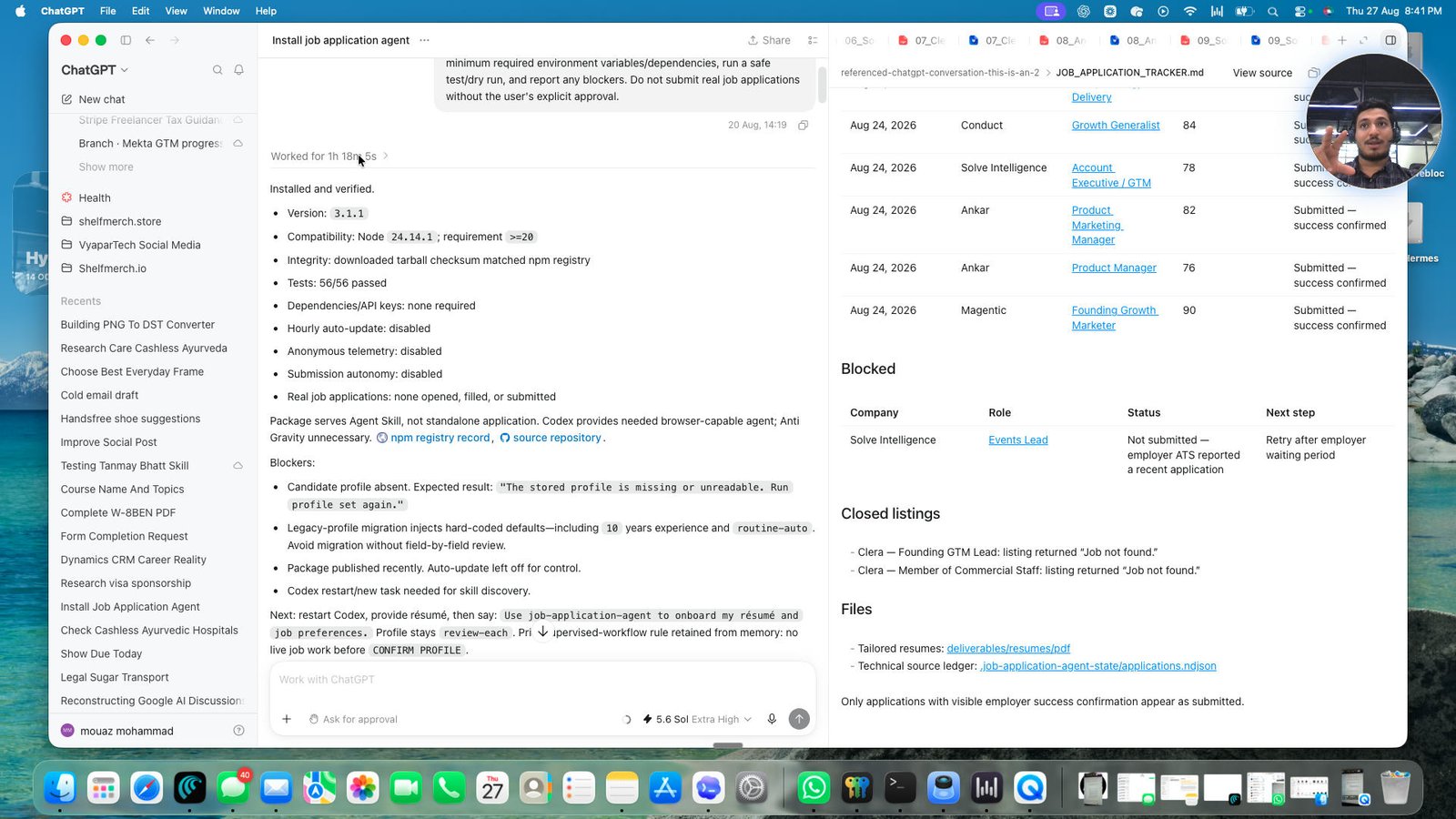
Click the Worked for 1h 18m 5s
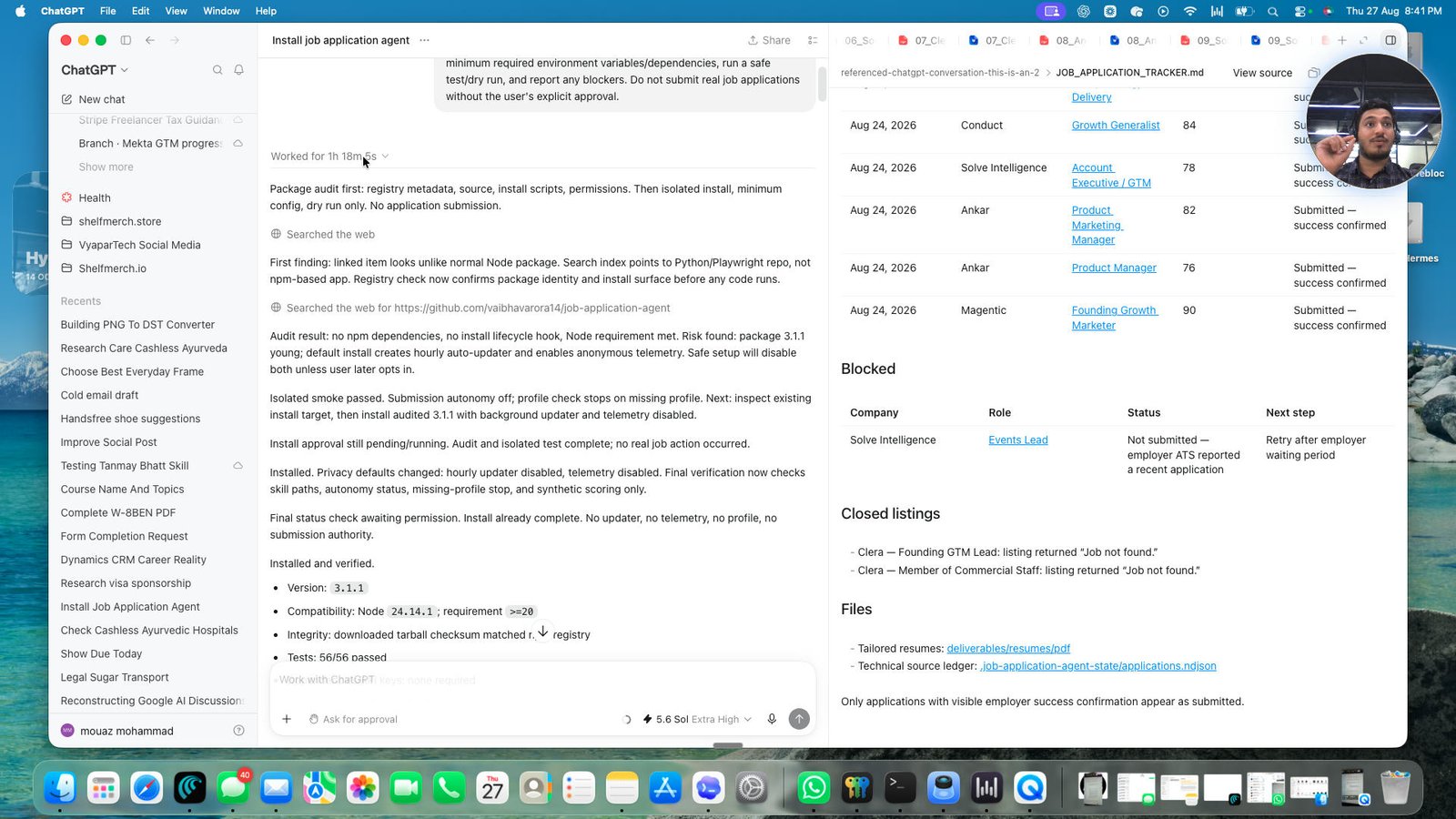
Click this group
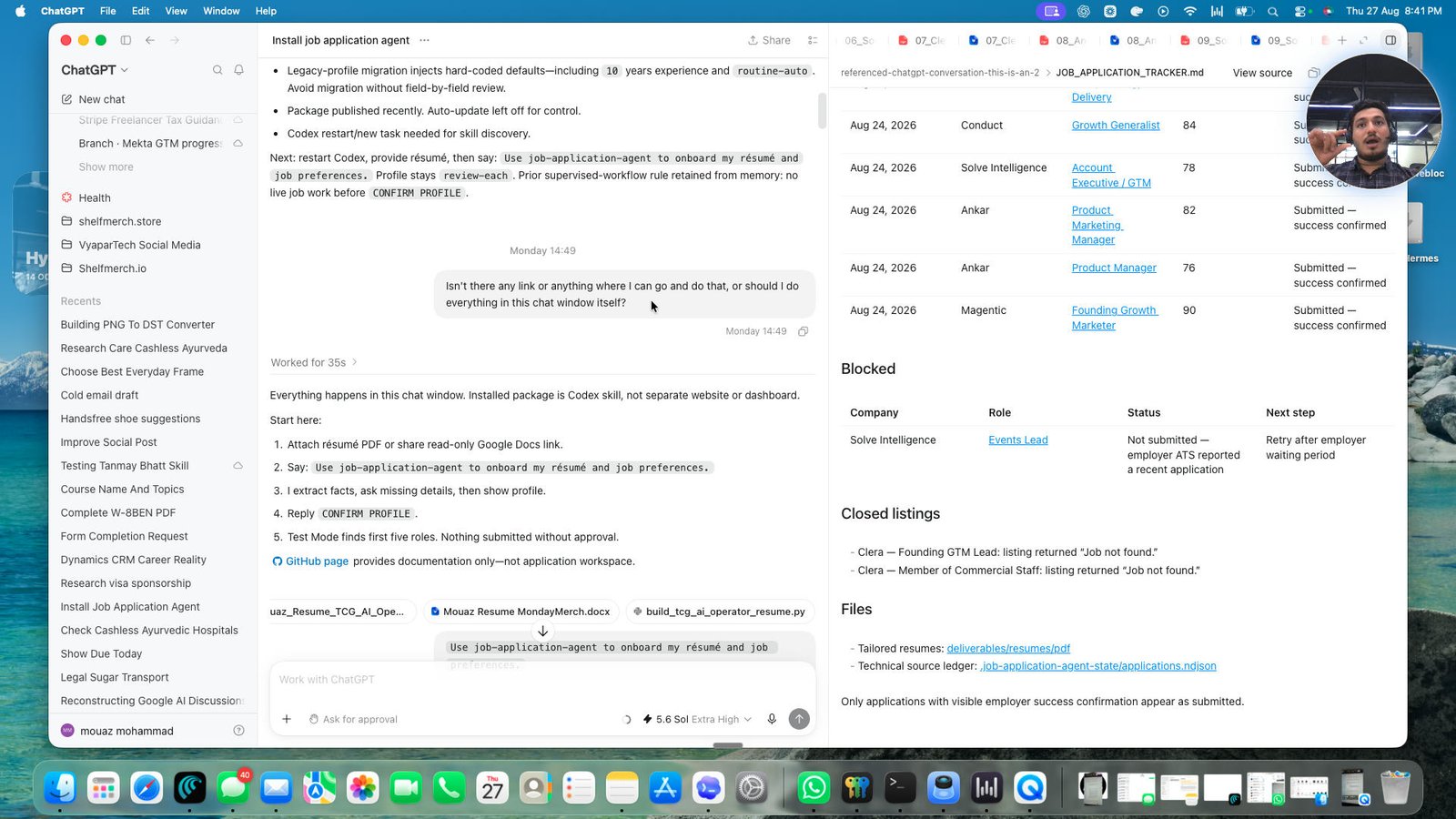
Click the Everything happens in this chat window. Installed package is Codex skill, not separate website or da
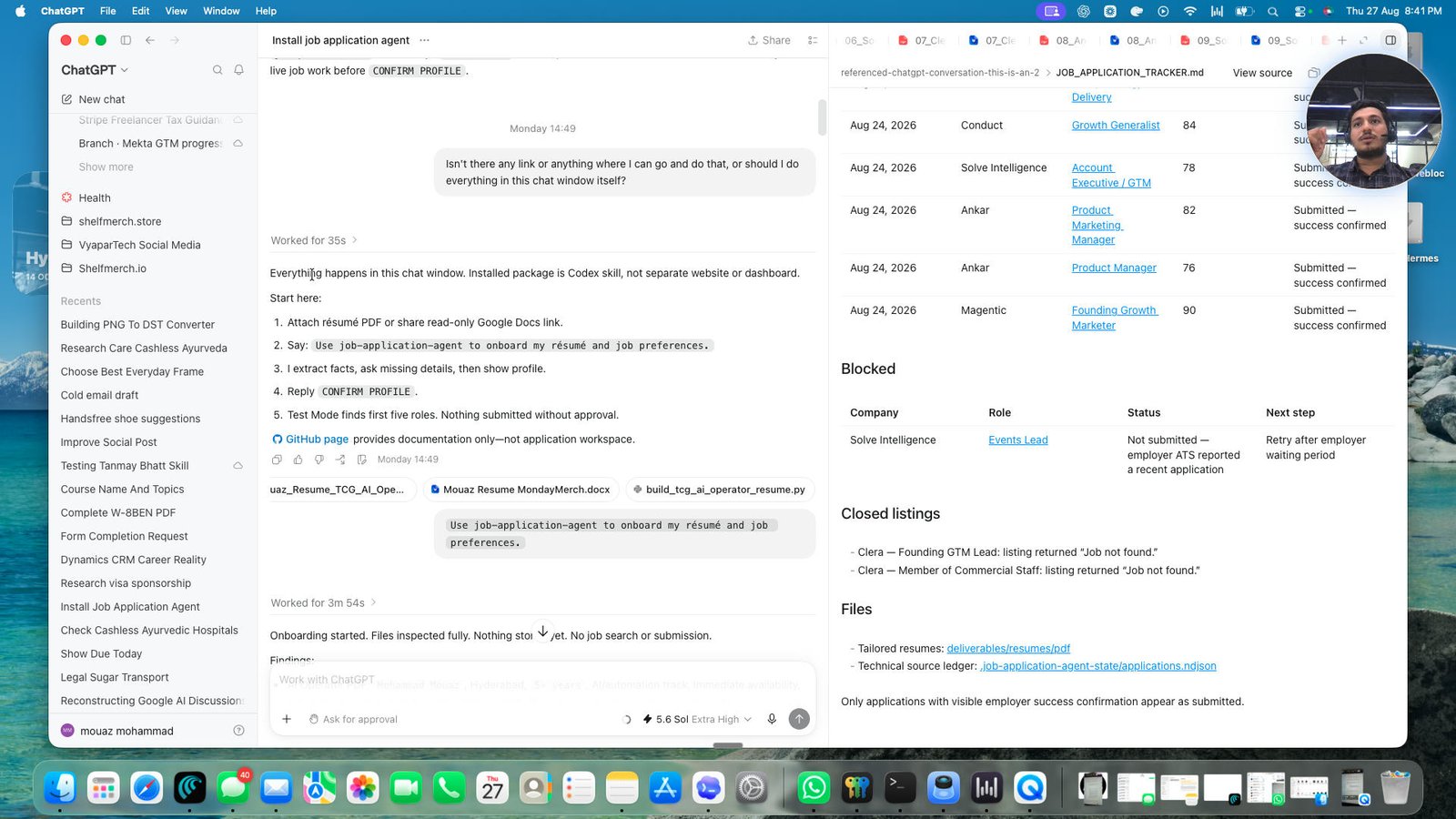
Click the Use job-application-agent to onboard my résumé and job preferences.
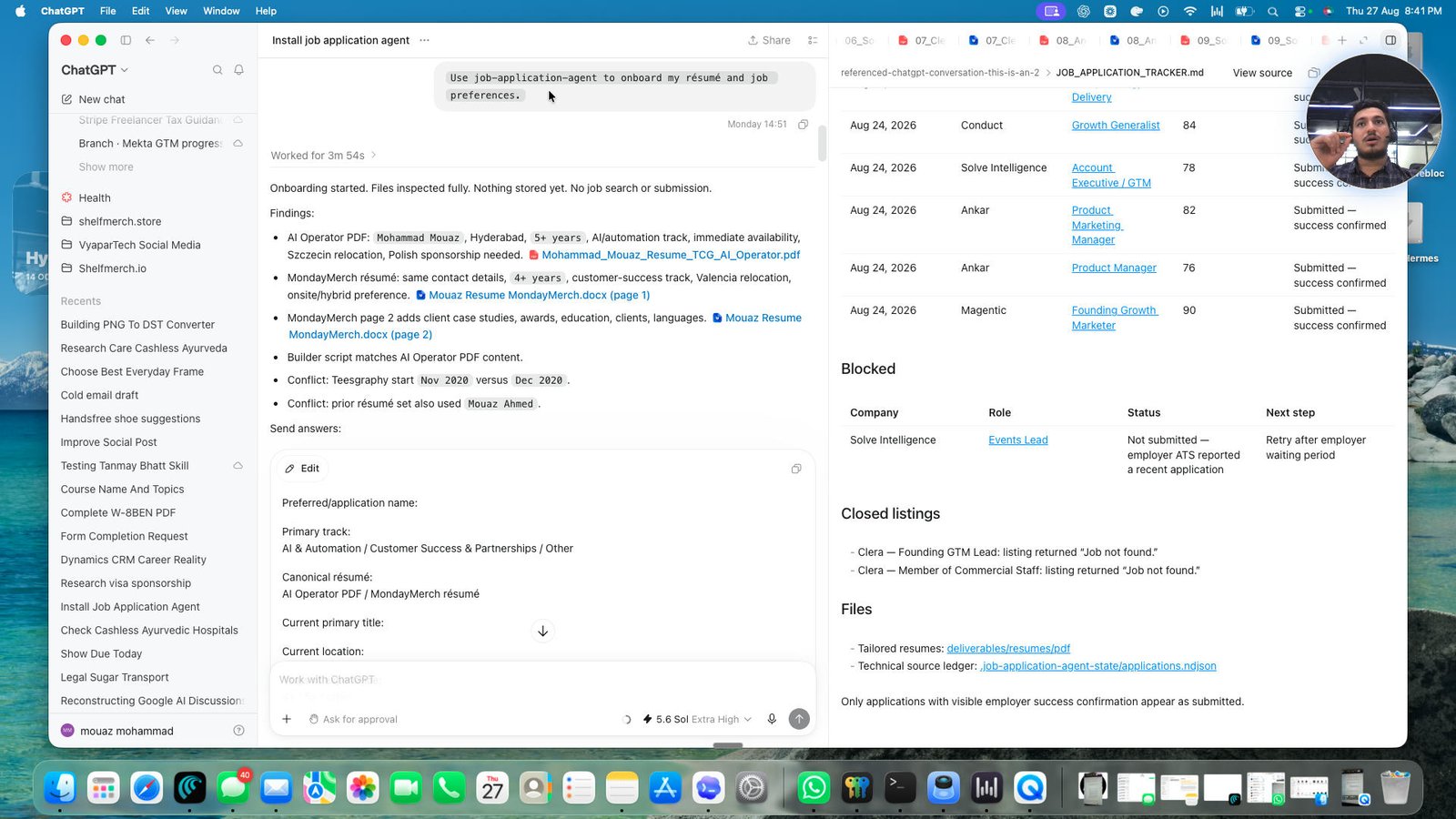
Click this group
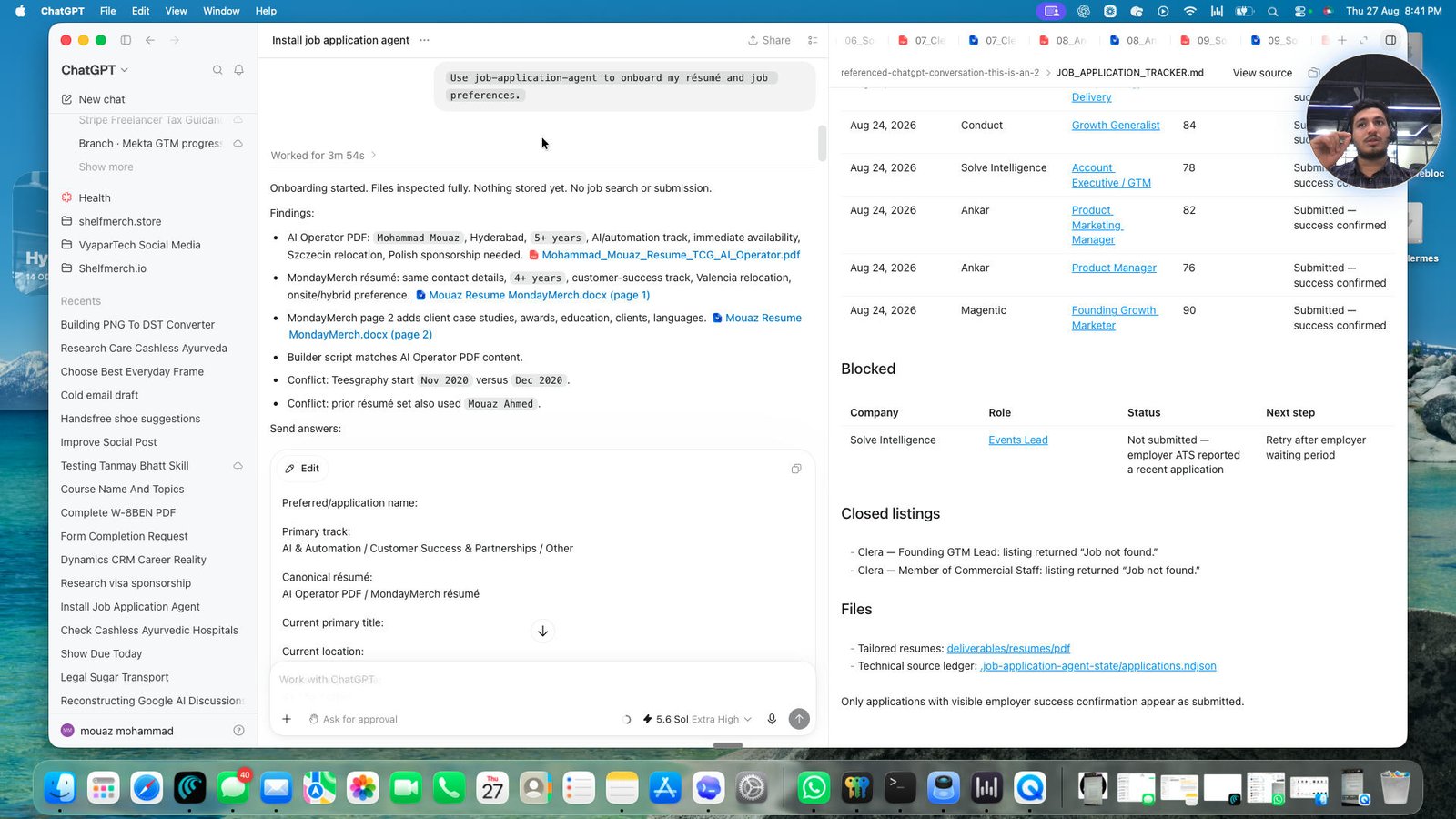
Click the this button also has an action to zoom the window

Click this group
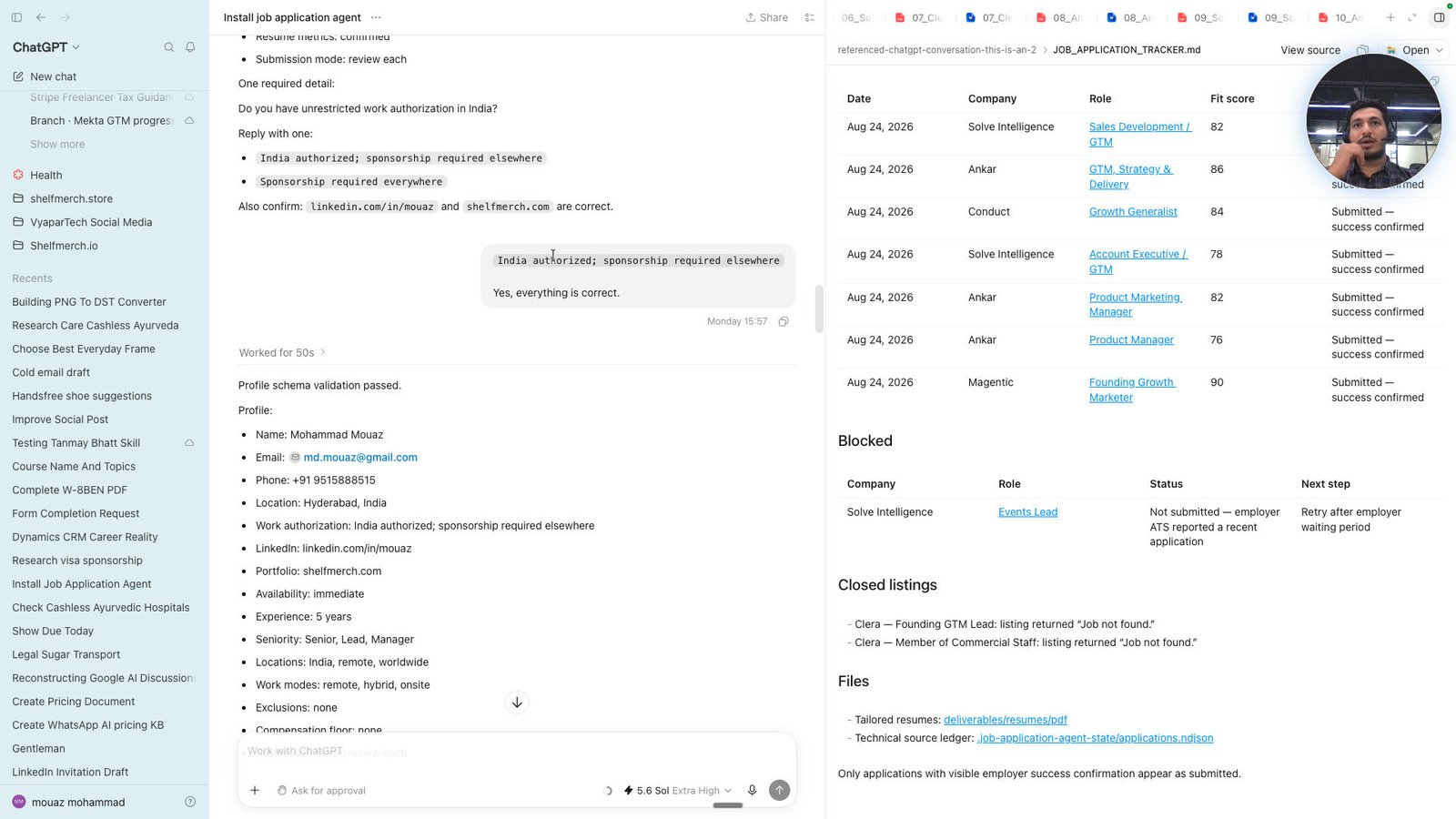
Click this group
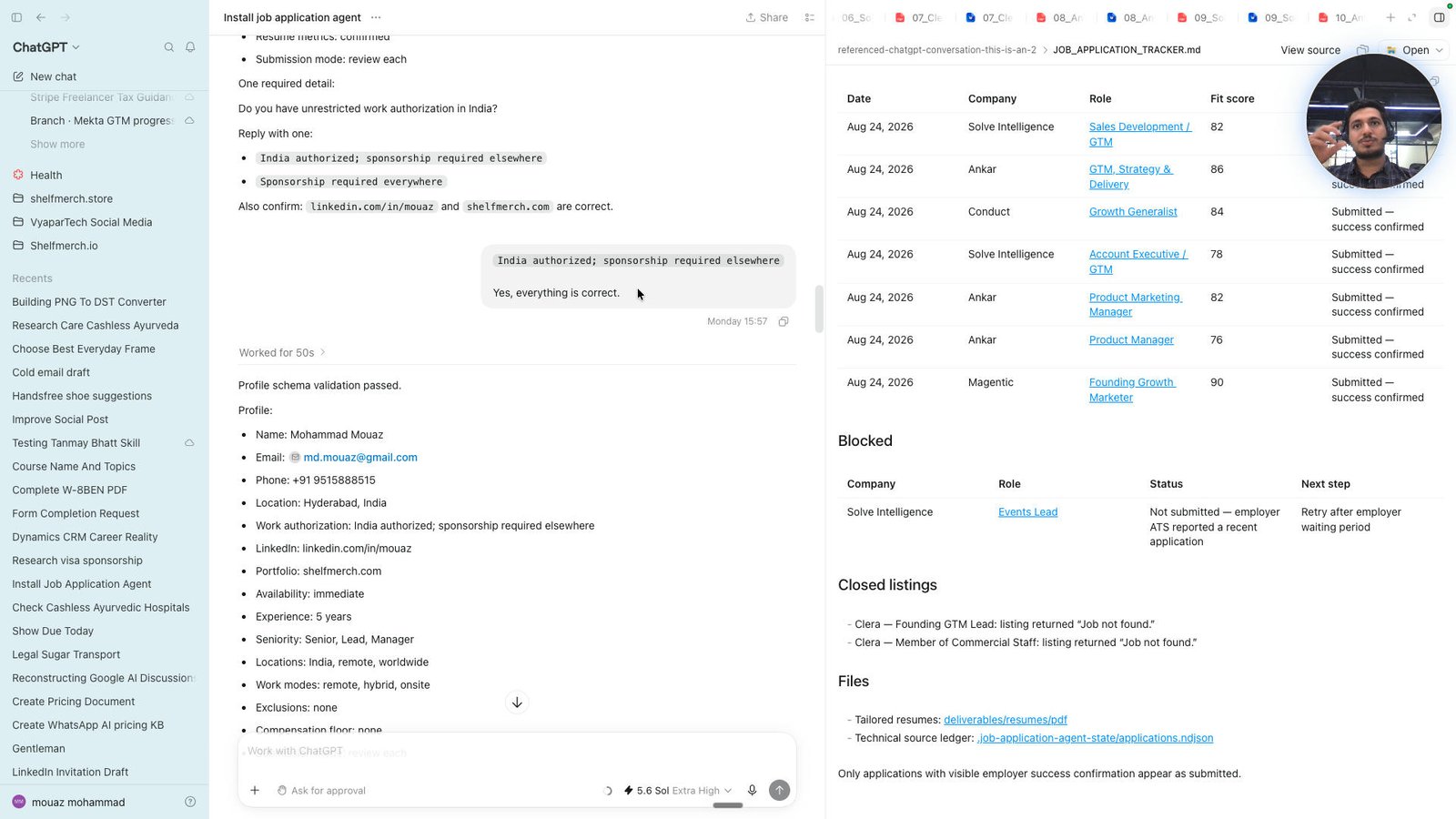
Click this group
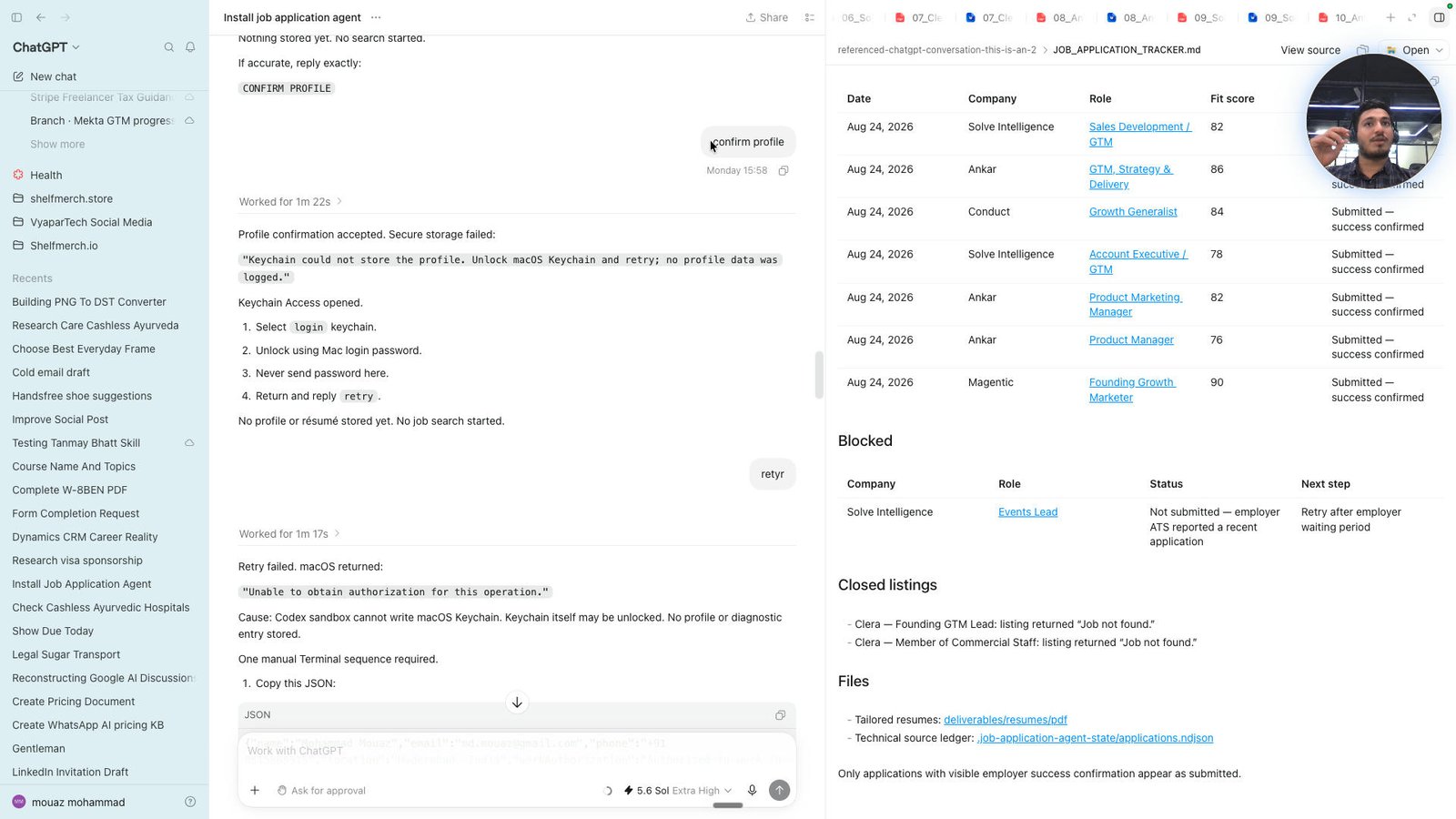
Click the "Keychain could not store the profile. Unlock macOS Keychain and retry; no profile data was logged."
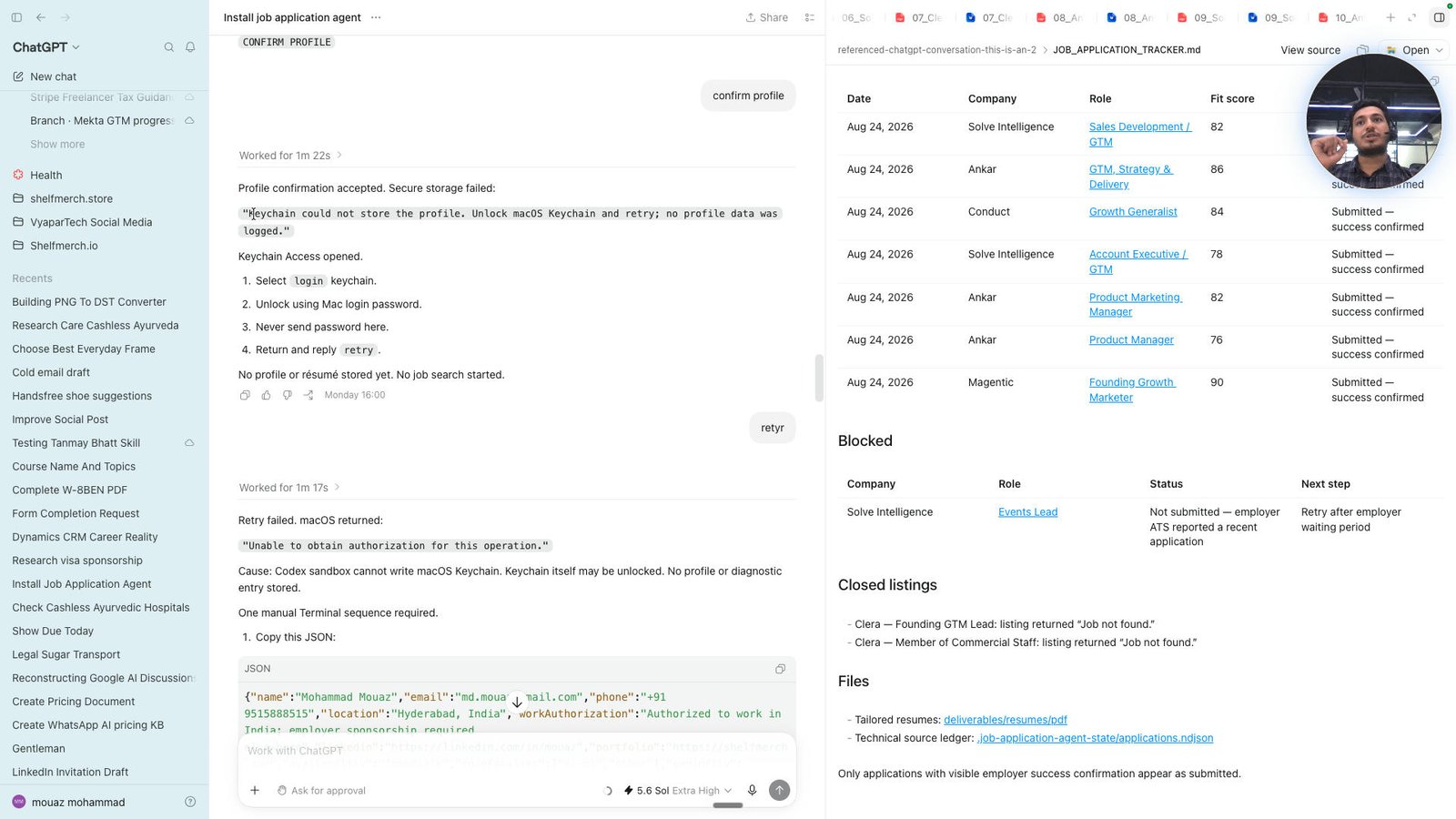
Click this group
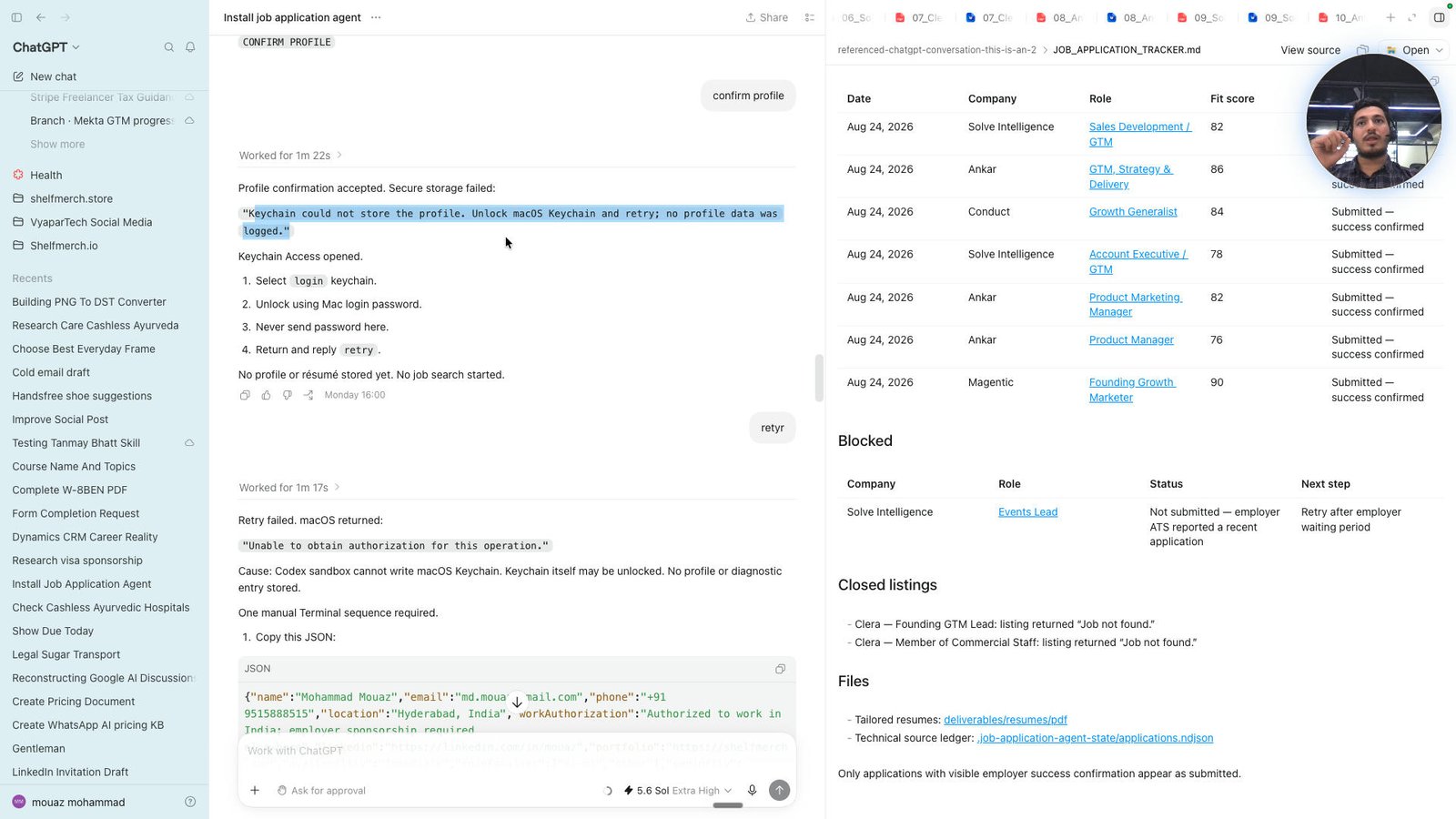
Click the can you open agent and do it in my laptop.
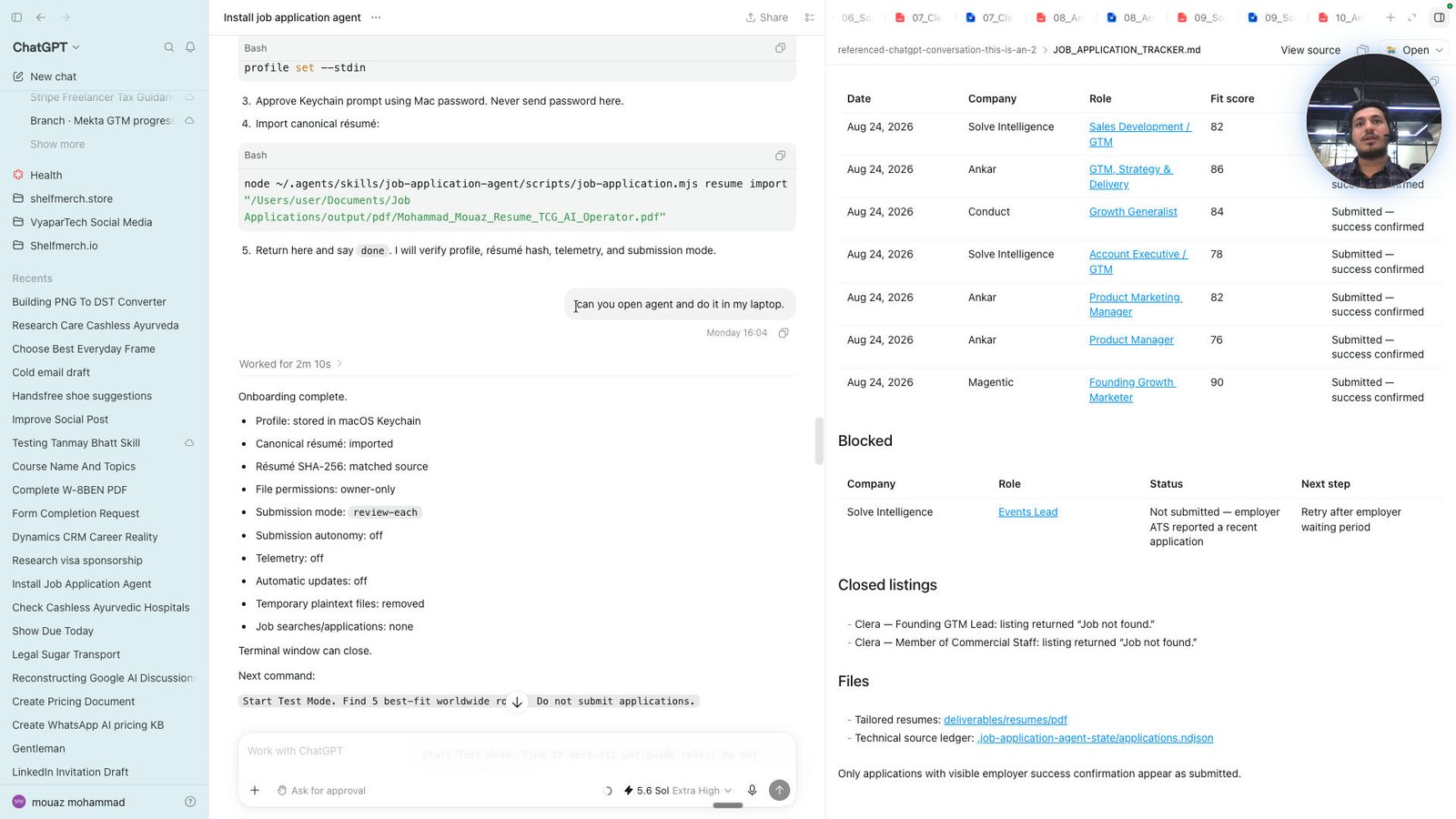
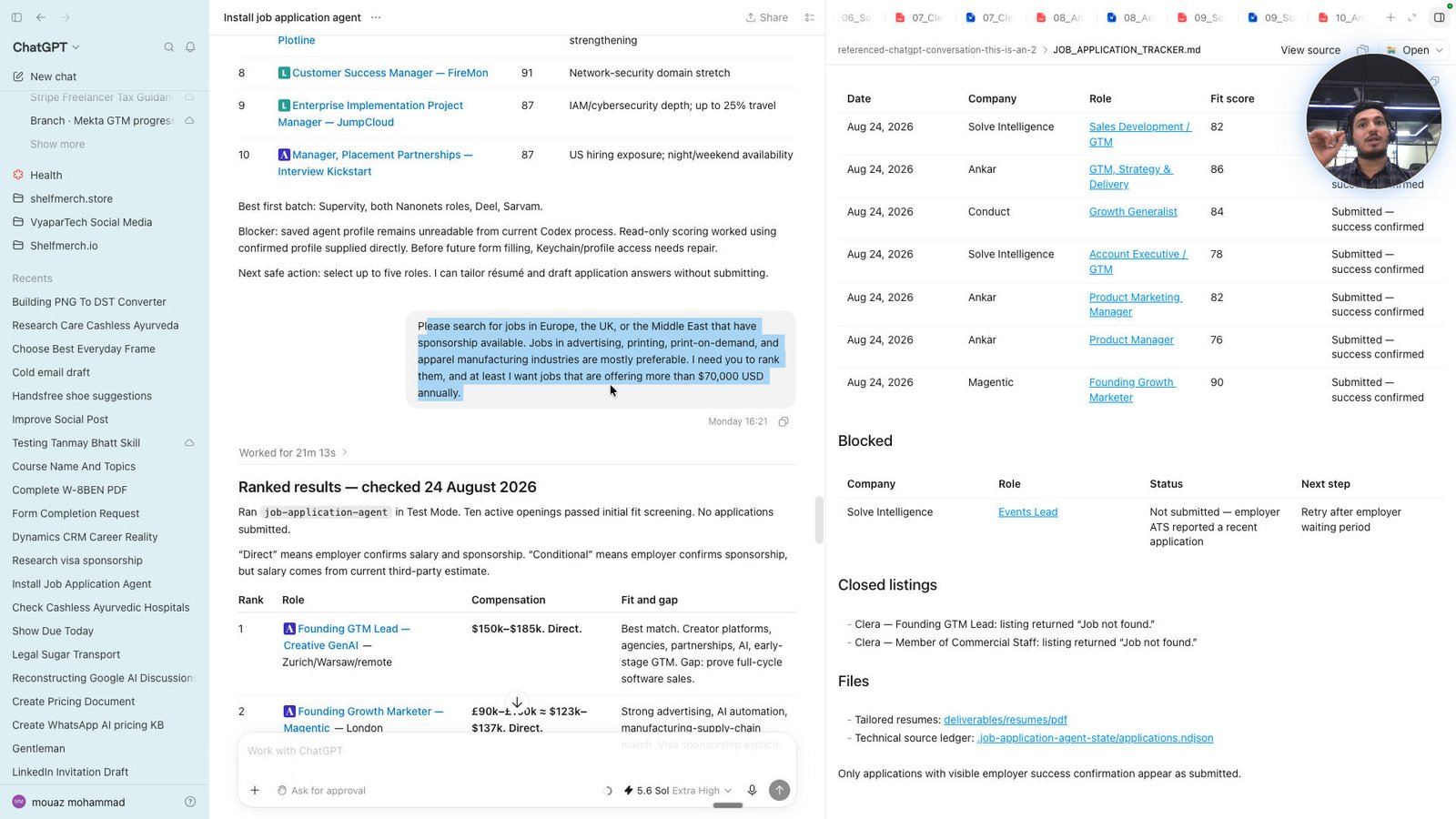
Click the Please search for jobs in Europe, the UK, or the Middle East that have sponsorship available. Jobs i
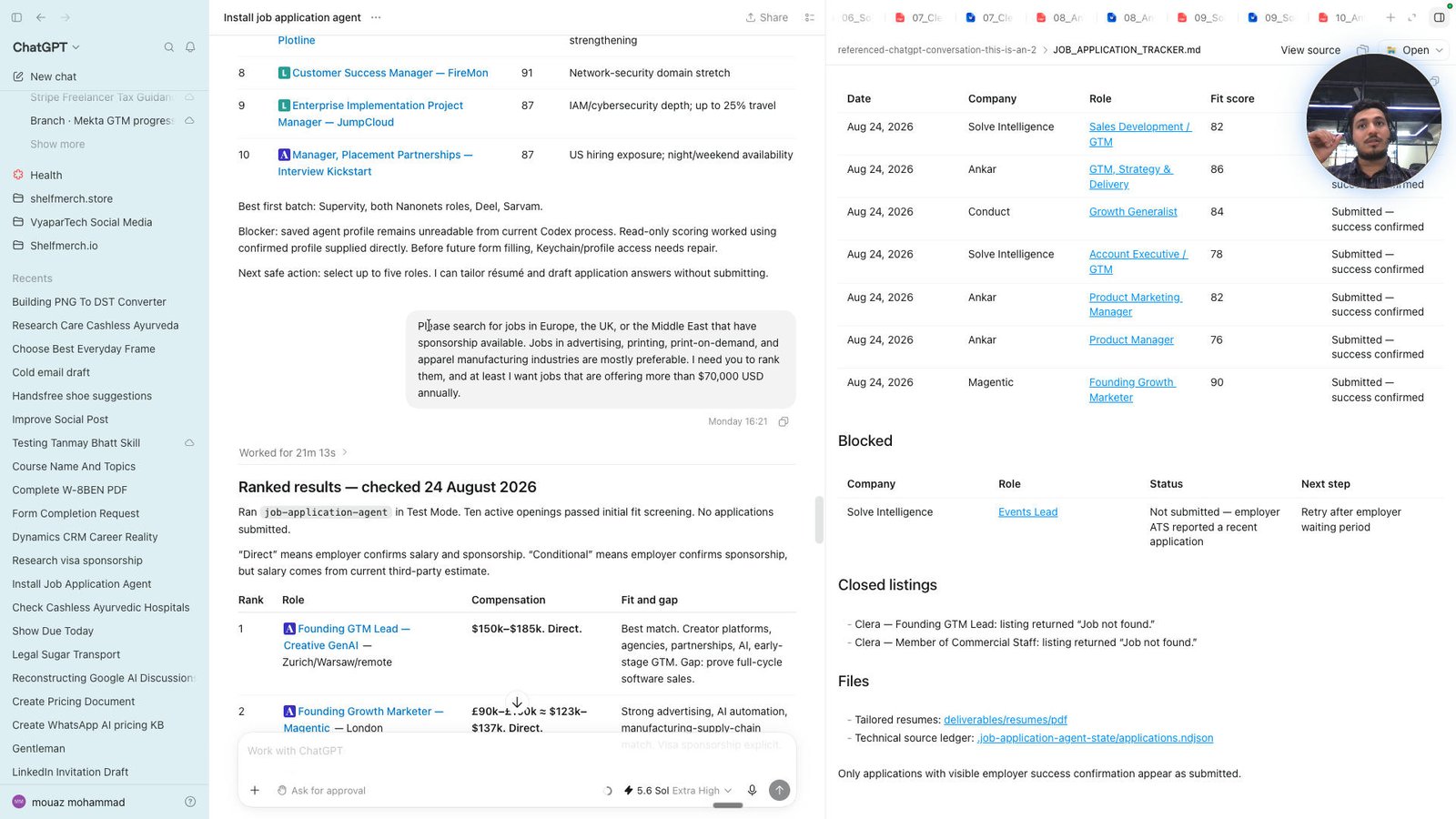
Click the Please search for jobs in Europe, the UK, or the Middle East that have sponsorship available. Jobs i
Click this group
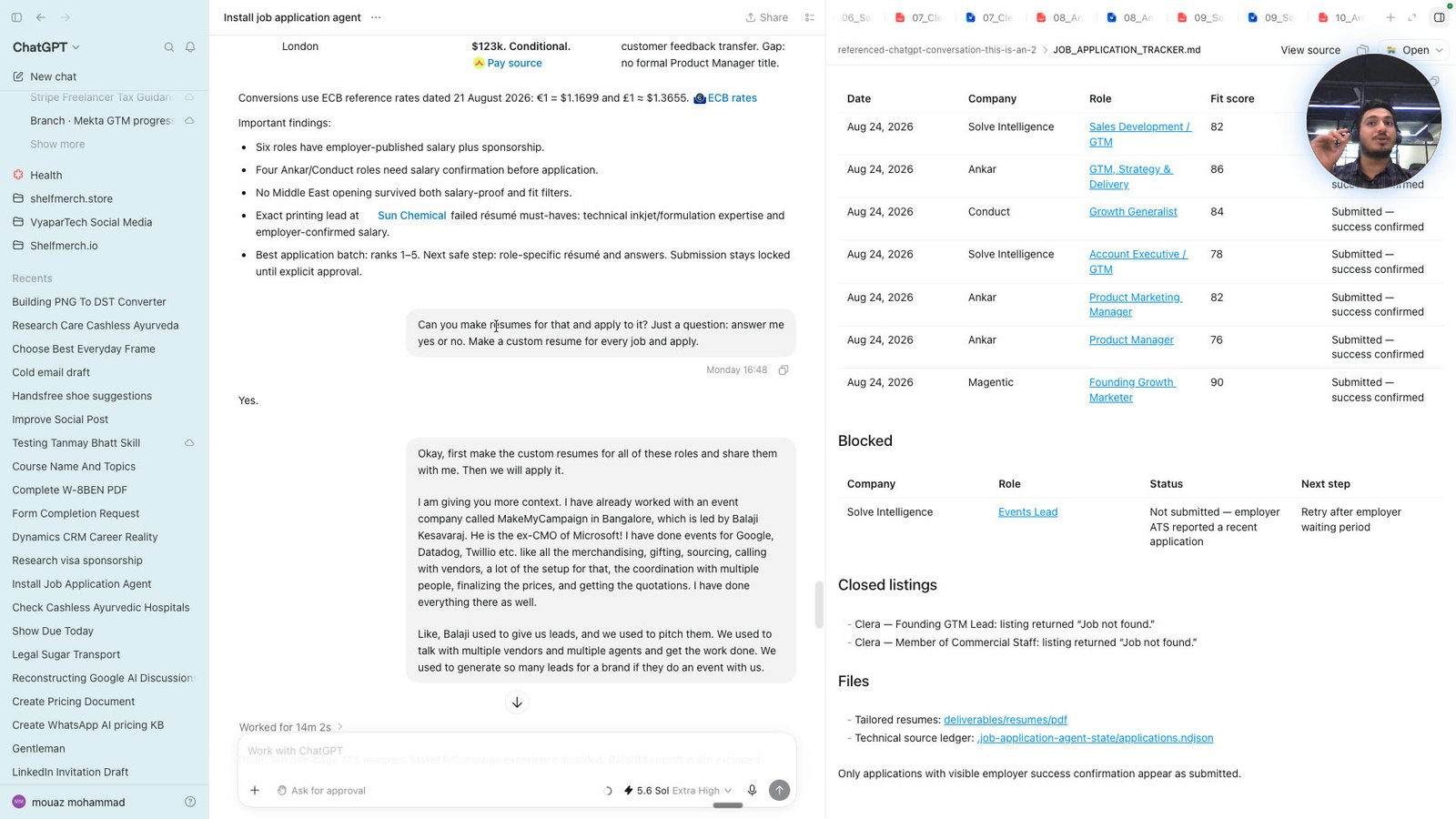
Click the Can you make resumes for that and apply to it? Just a question: answer me yes or no. Make a custom r
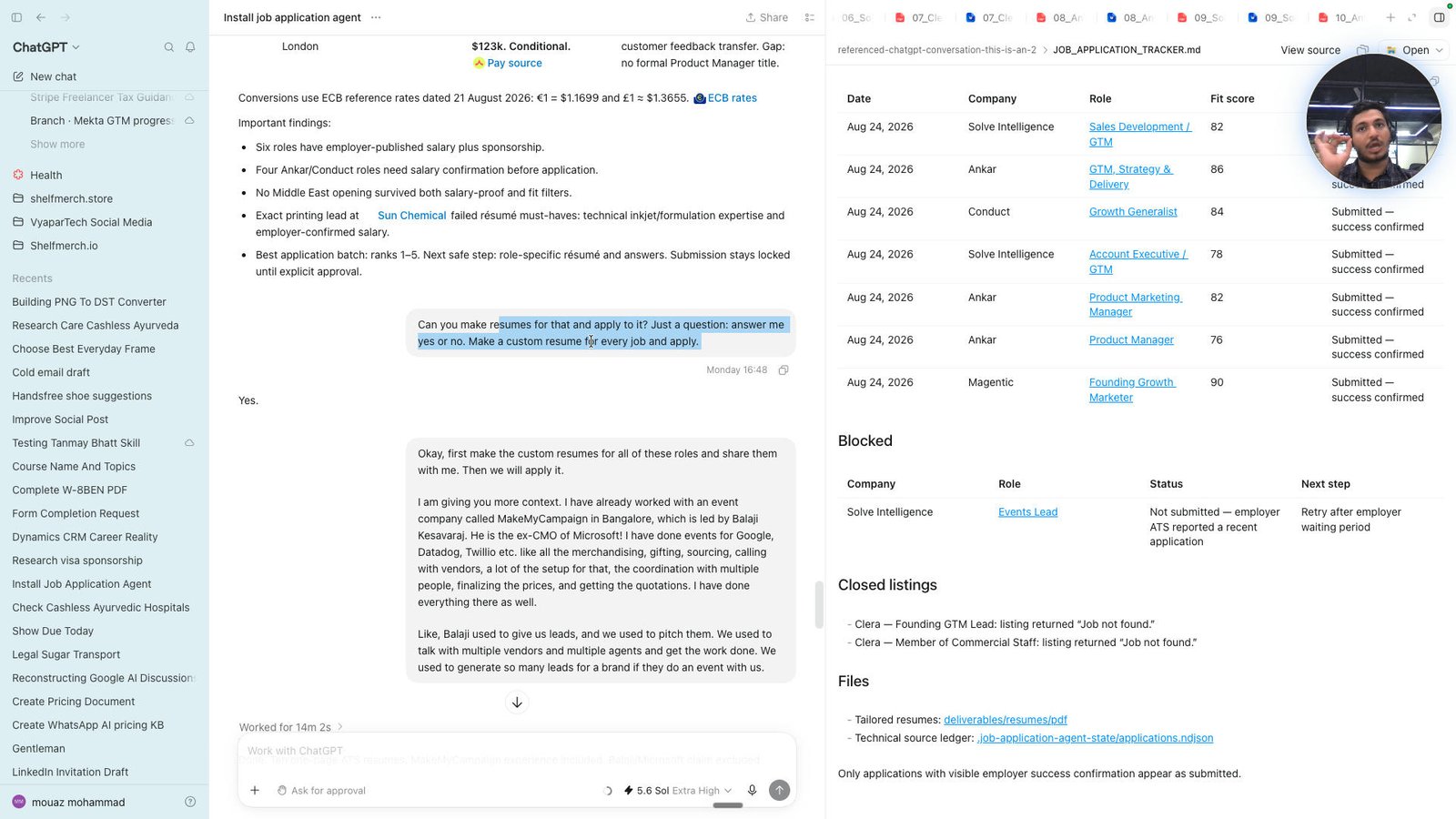
Click the 02_Magentic_Founding_Growth_Marketer_Mohammad_Mouaz_Resume.docx
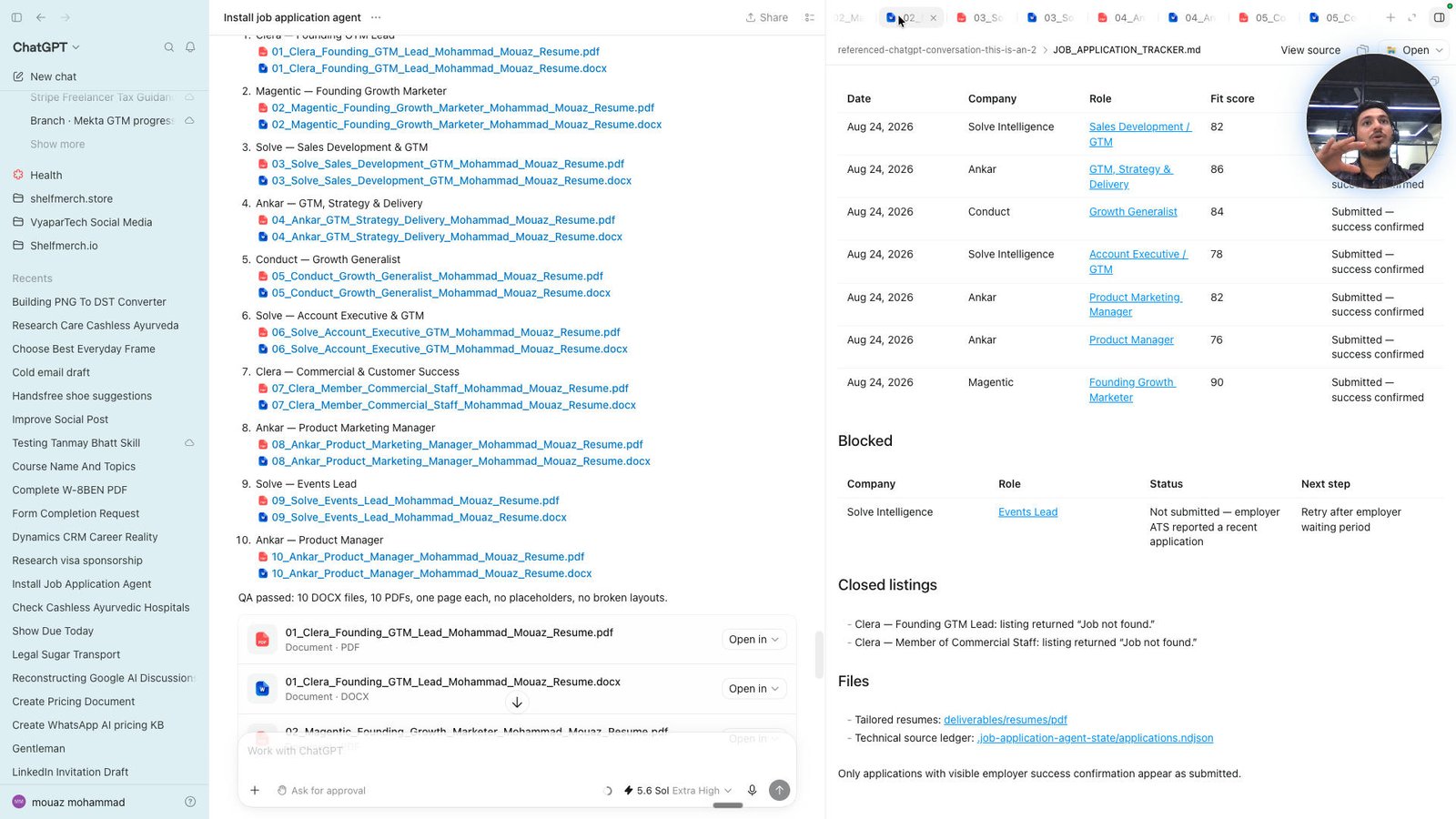
Click the 02_Magentic_Founding_Growth_Marketer_Mohammad_Mouaz_Resume.pdf
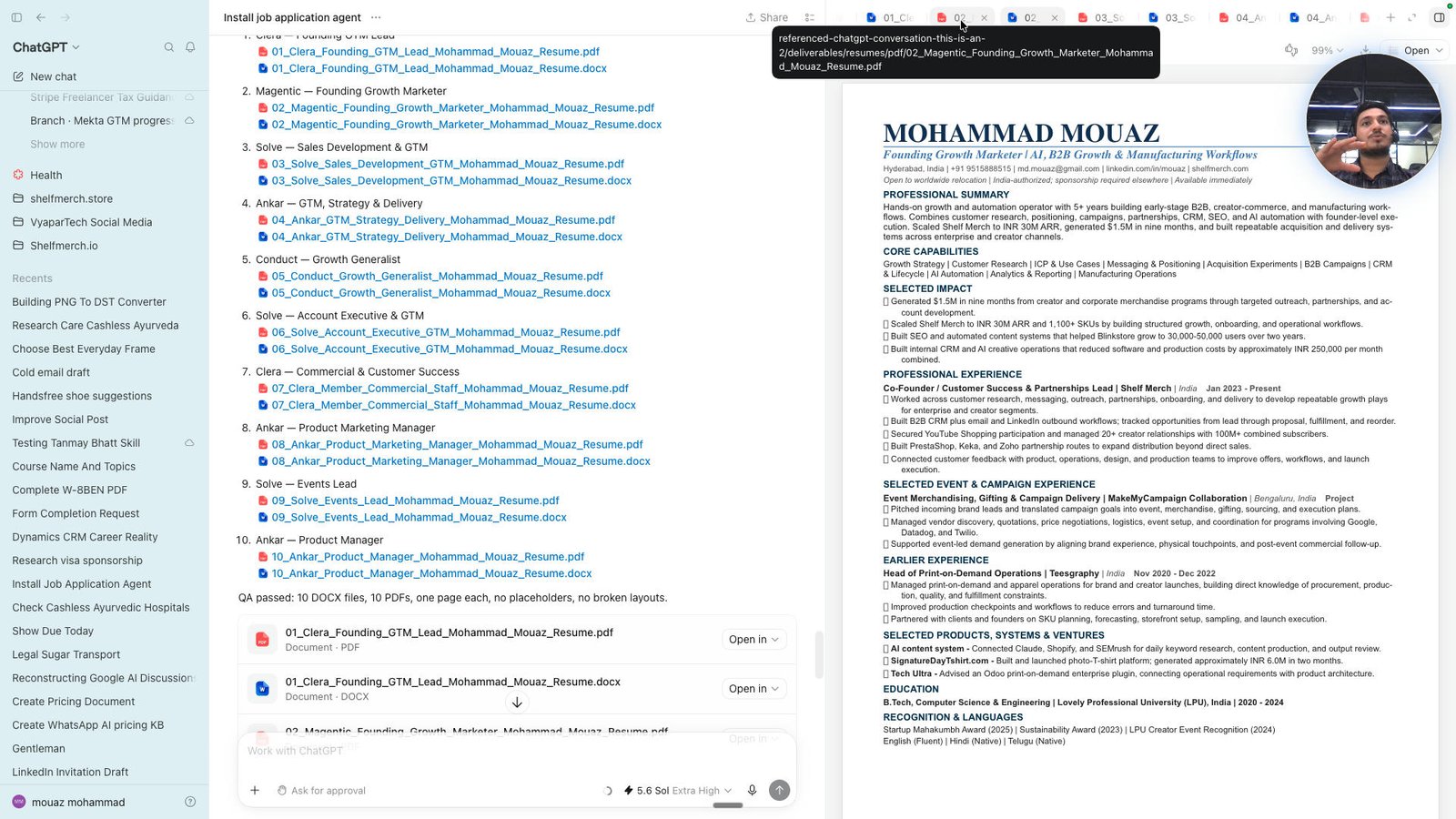
Click the 03_Solve_Sales_Development_GTM_Mohammad_Mouaz_Resume.pdf
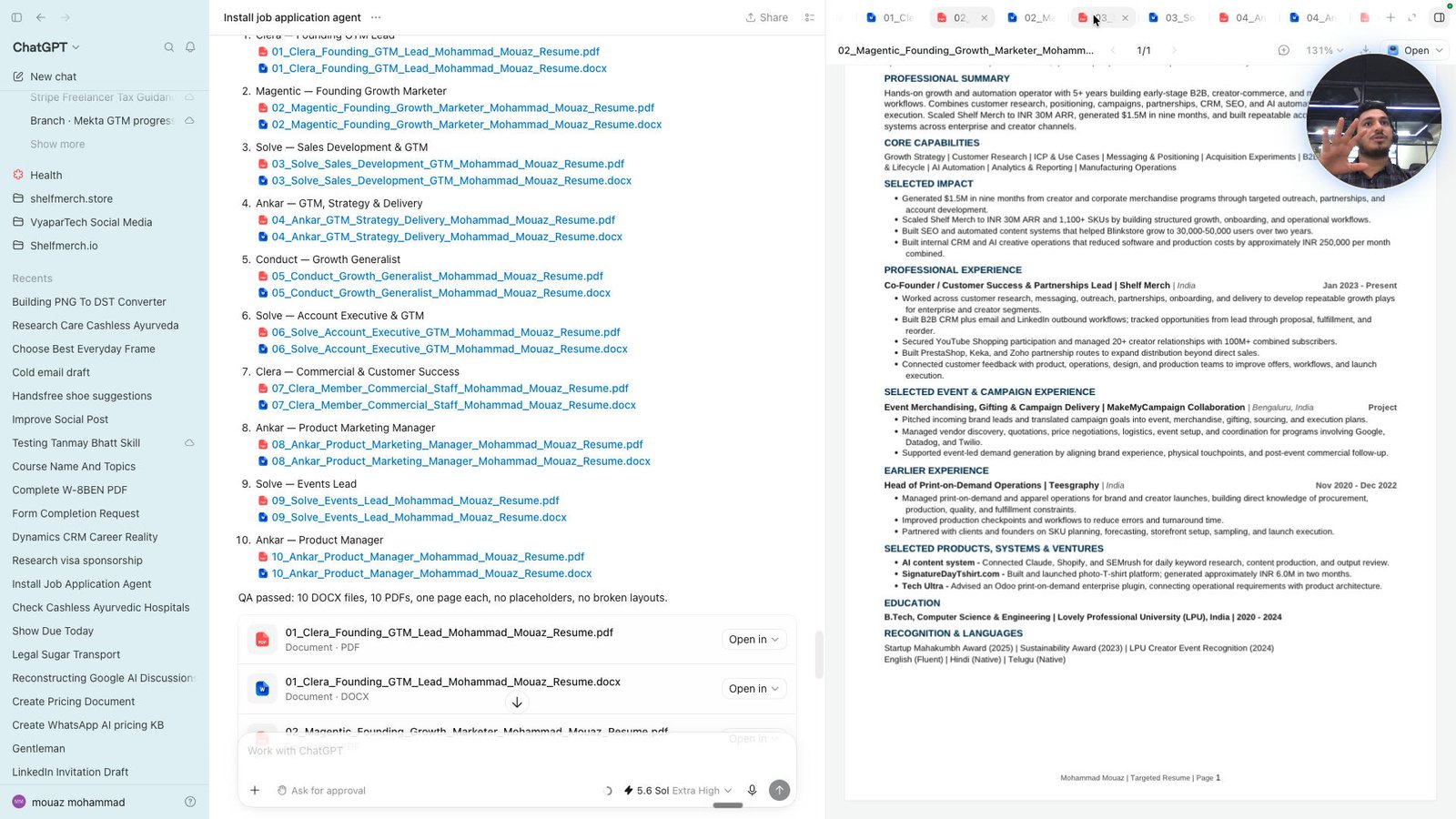
Click the 04_Ankar_GTM_Strategy_Delivery_Mohammad_Mouaz_Resume.pdf
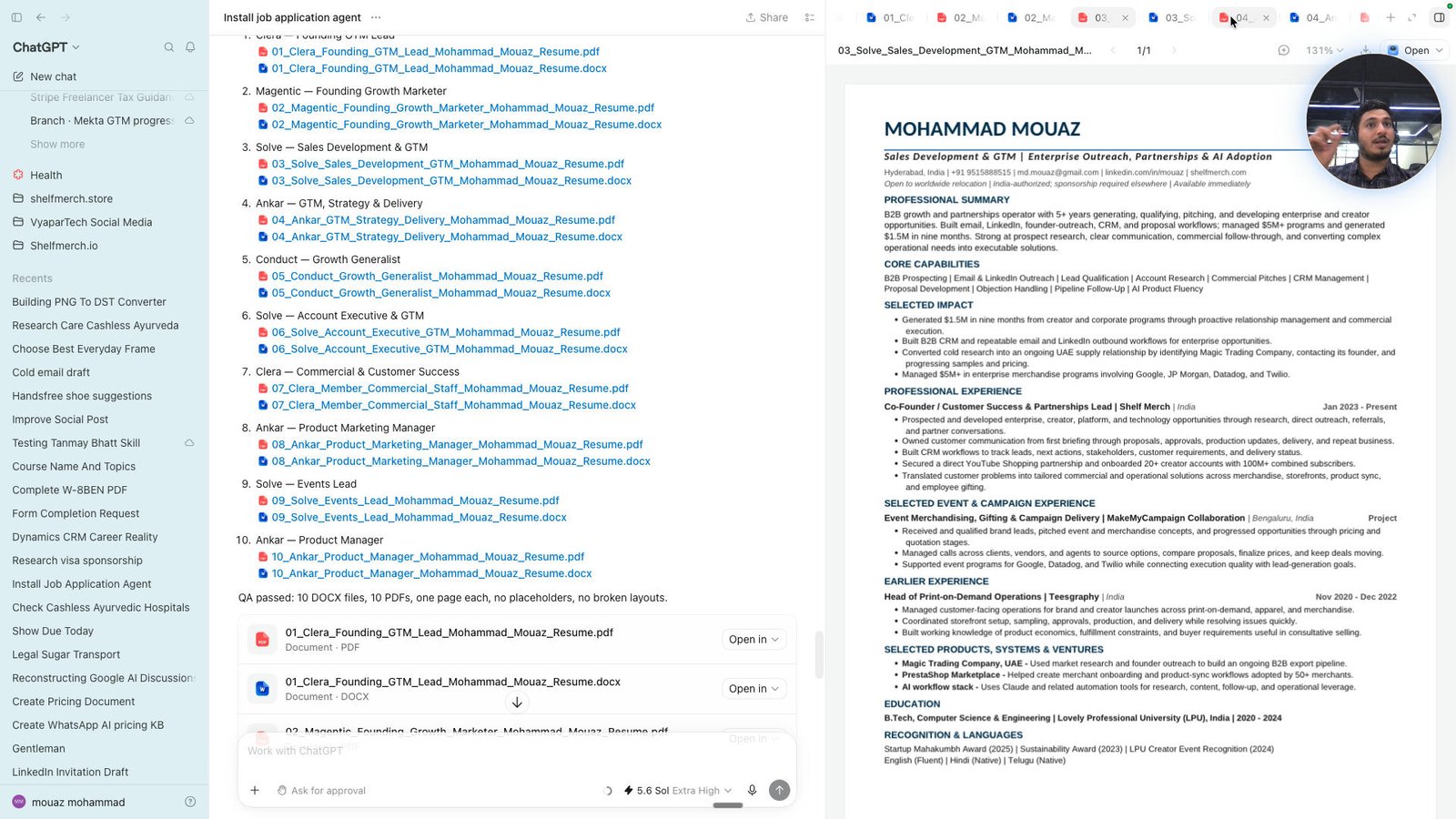
Click the 05_Conduct_Growth_Generalist_Mohammad_Mouaz_Resume.pdf
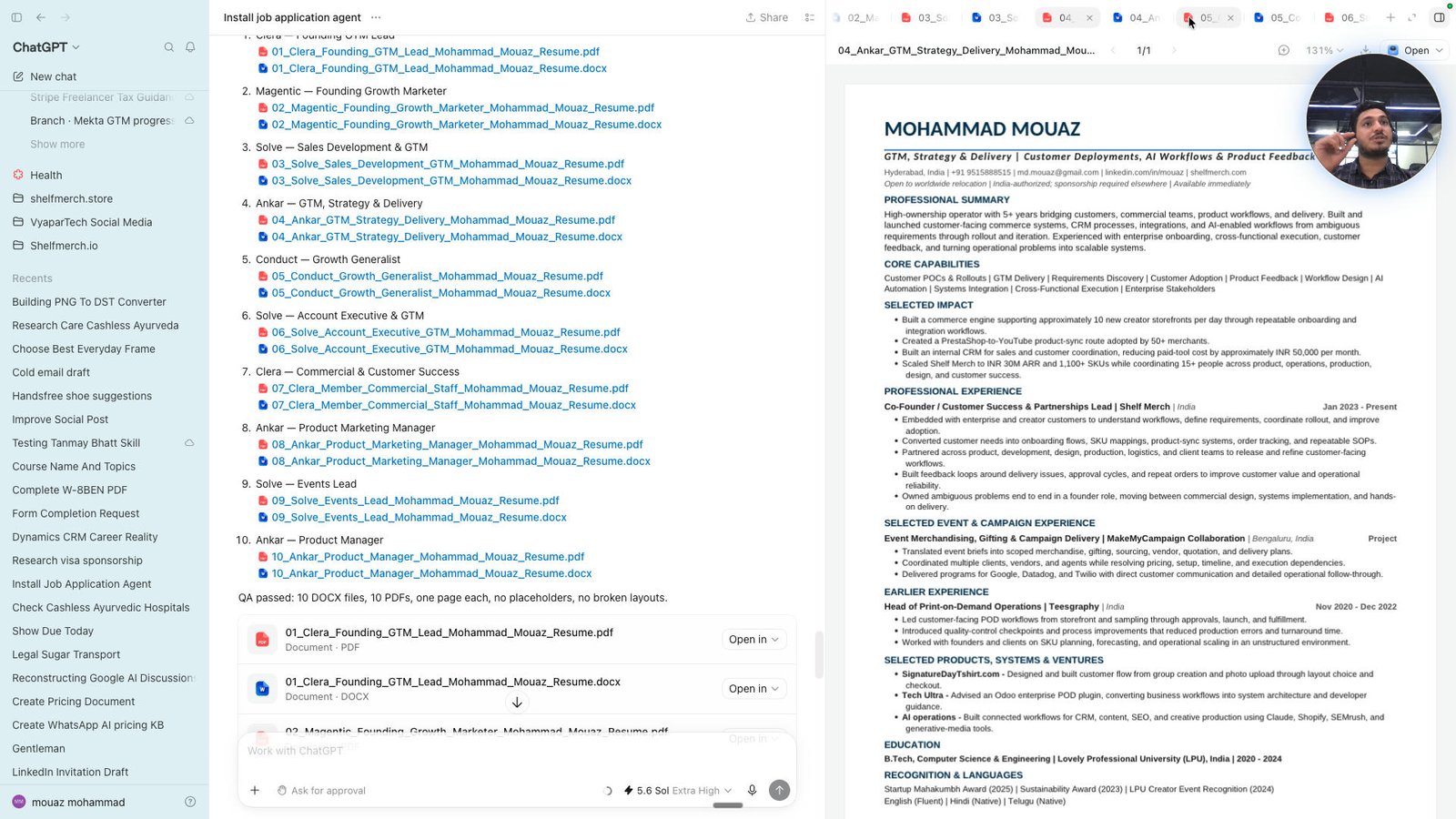
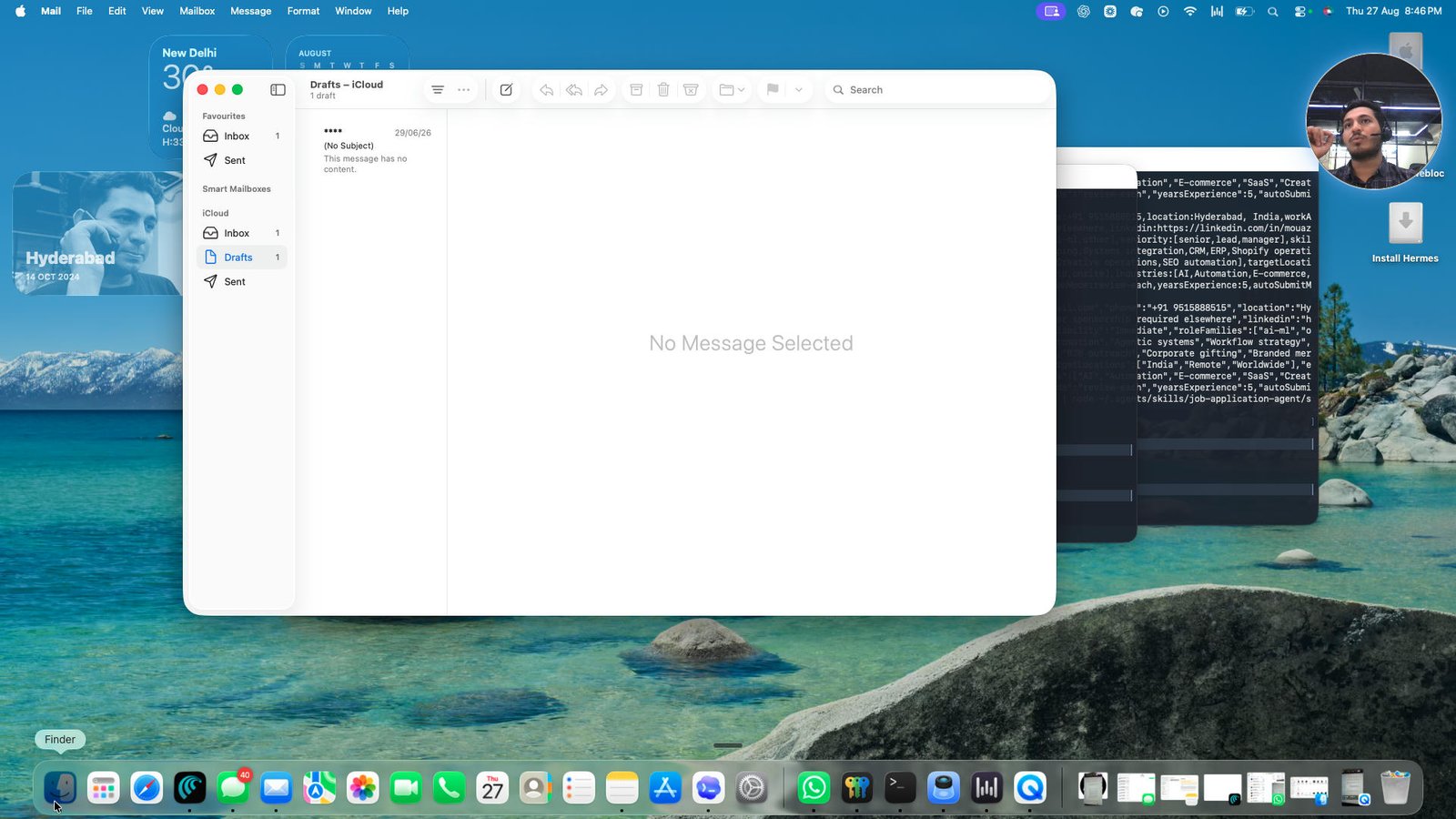
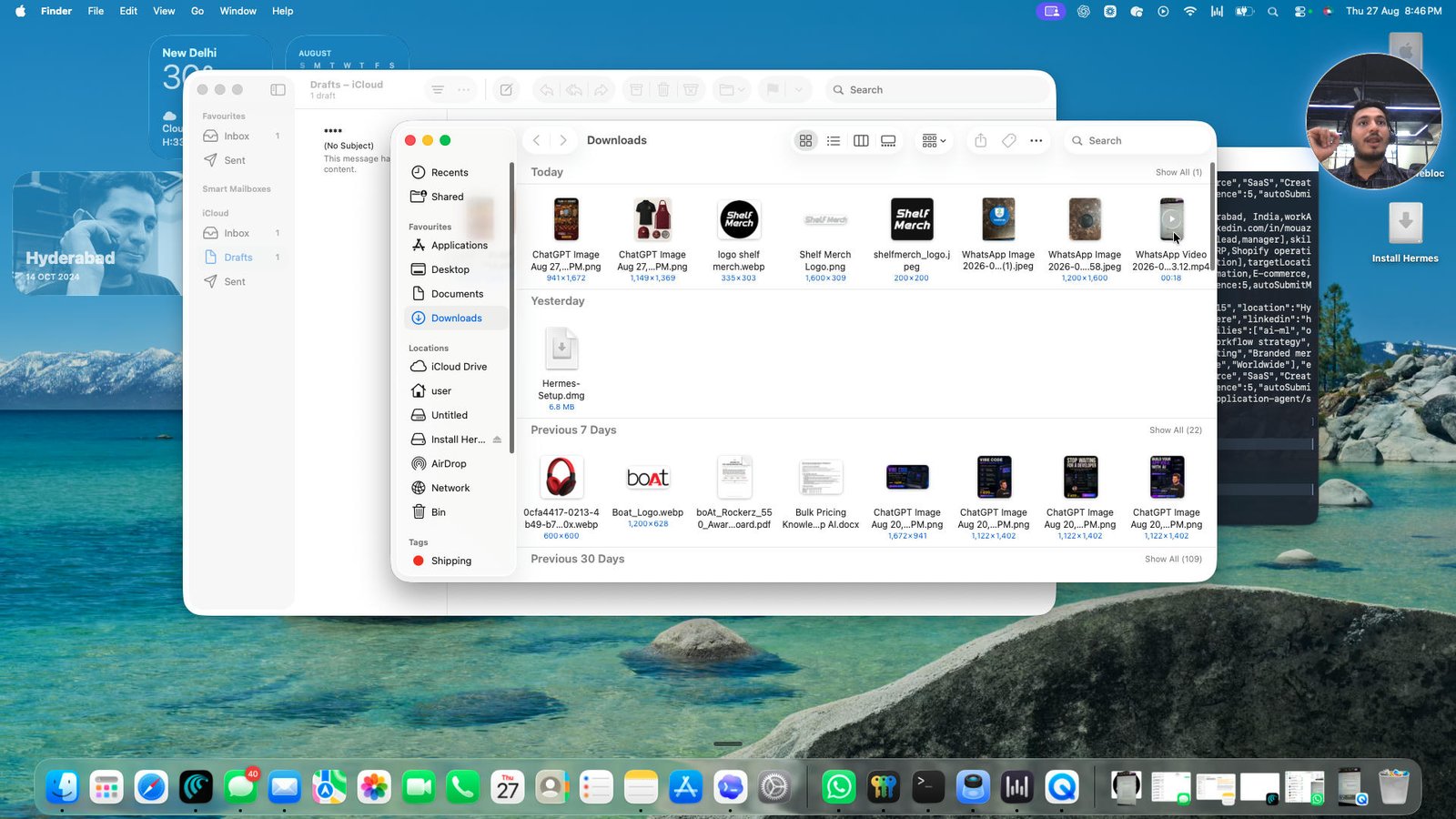
Open QuickTime Player - WhatsApp Video 2026-08-27 at 20.33.12.mp4
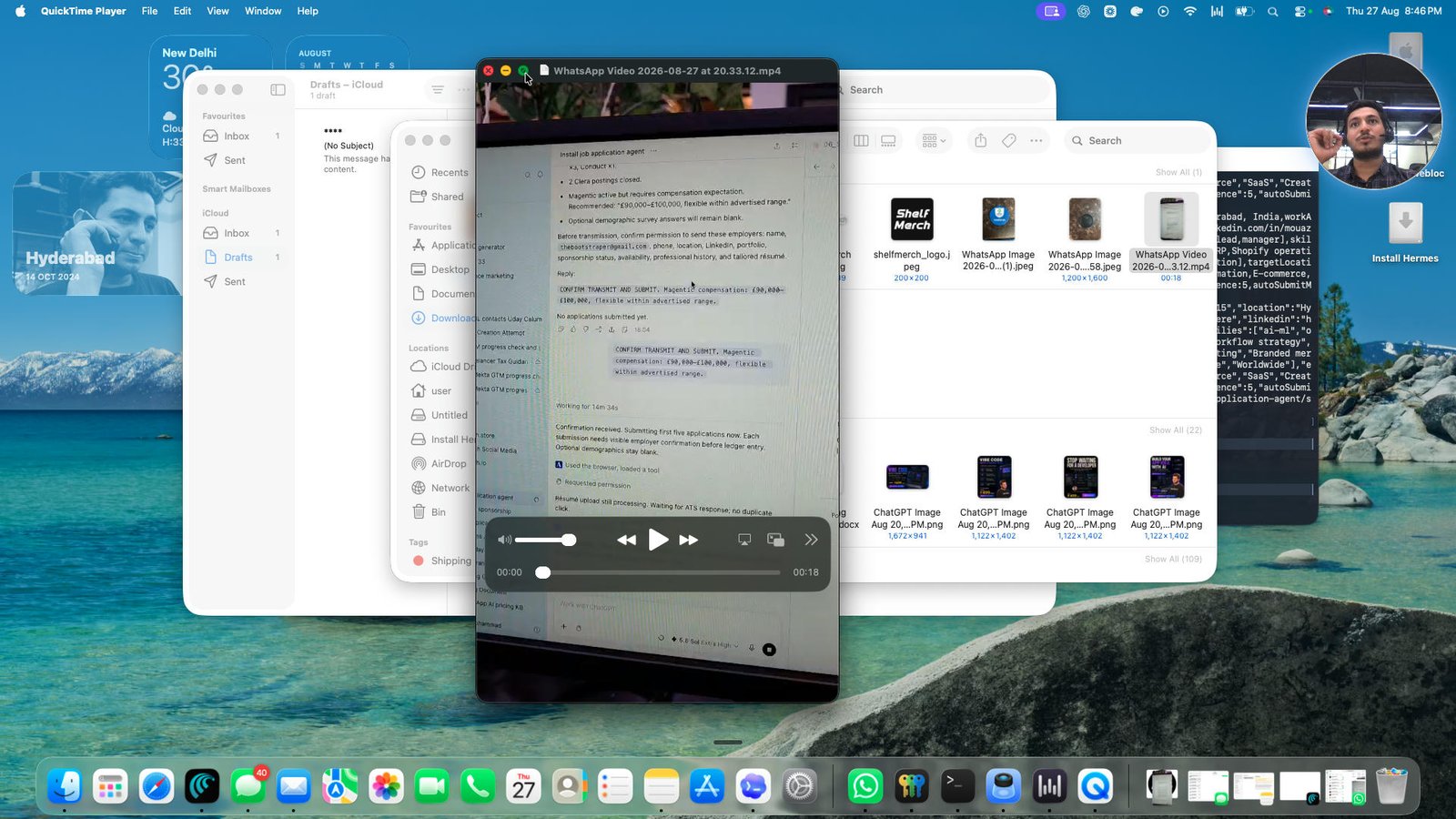
Click the toggle button play/pause
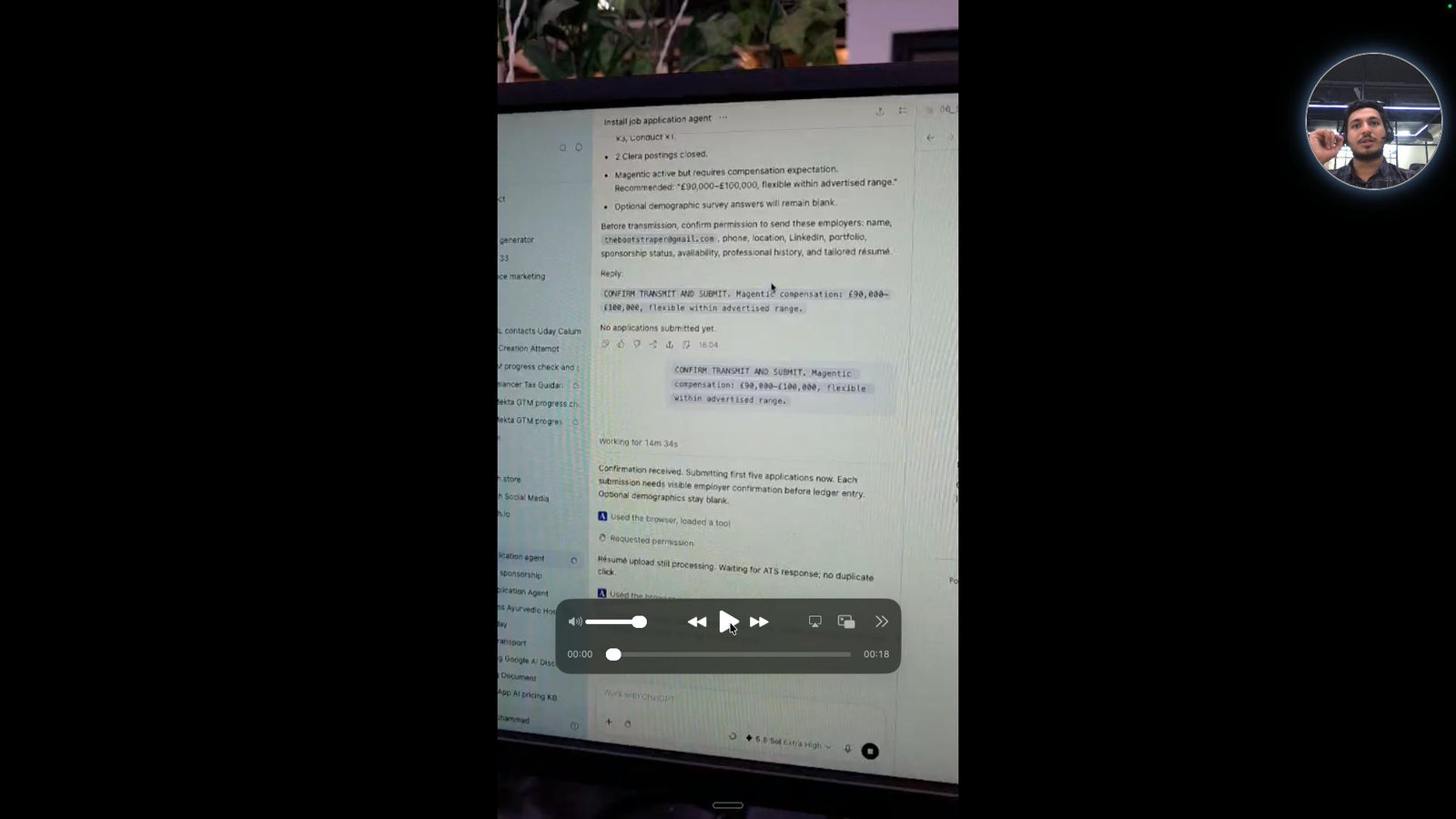
Click the toggle button play/pause
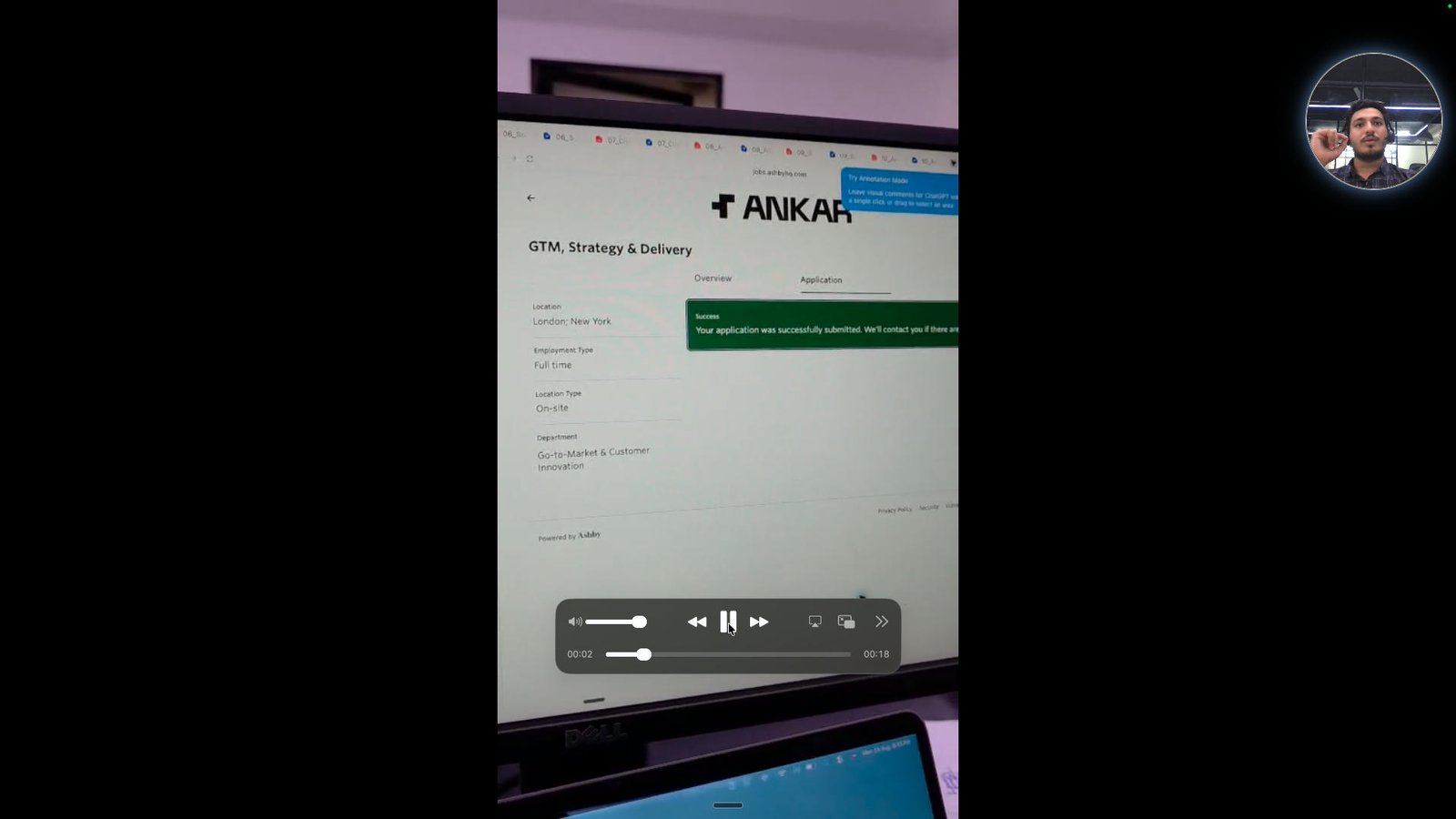
Click here
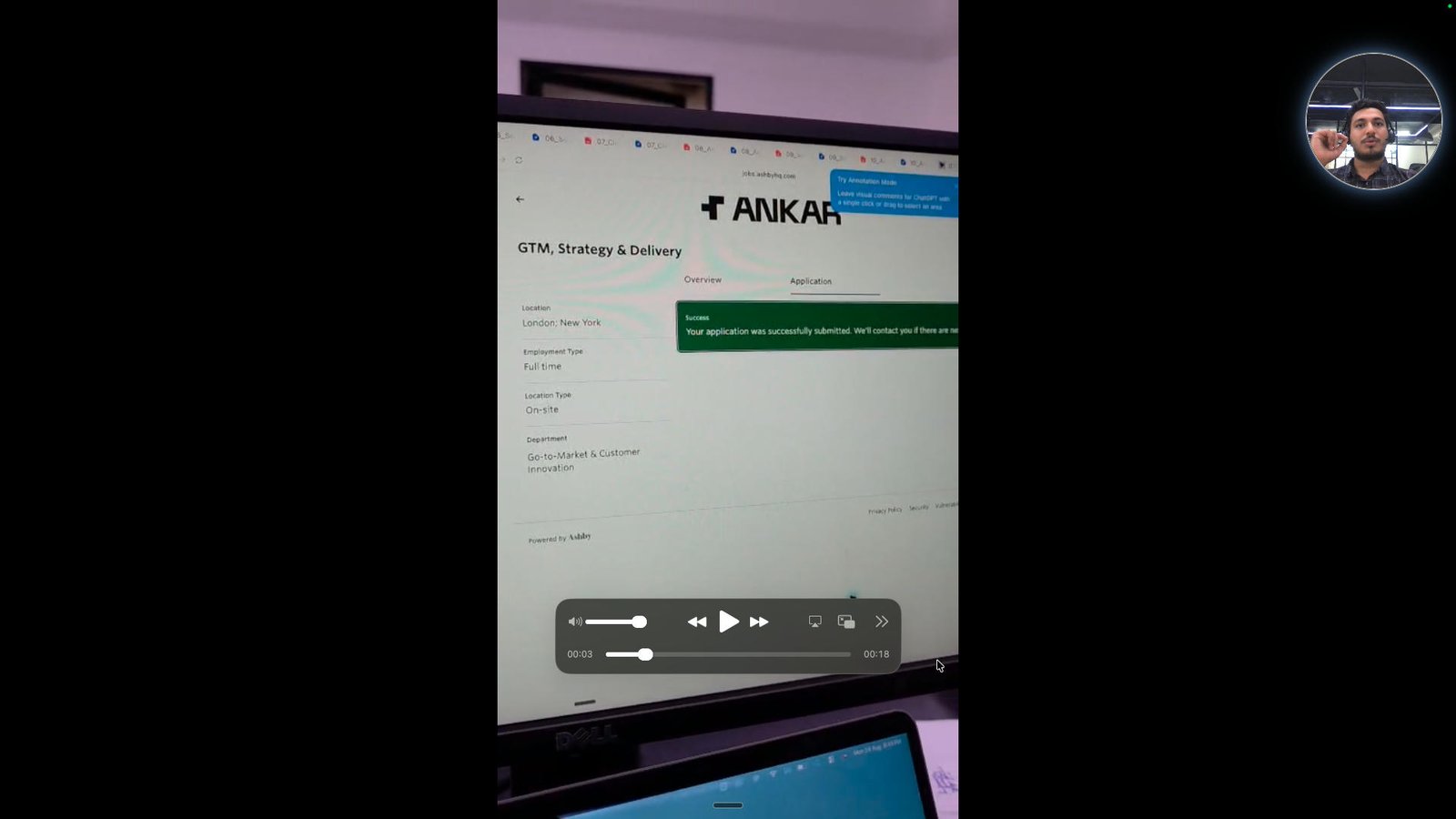
Click here
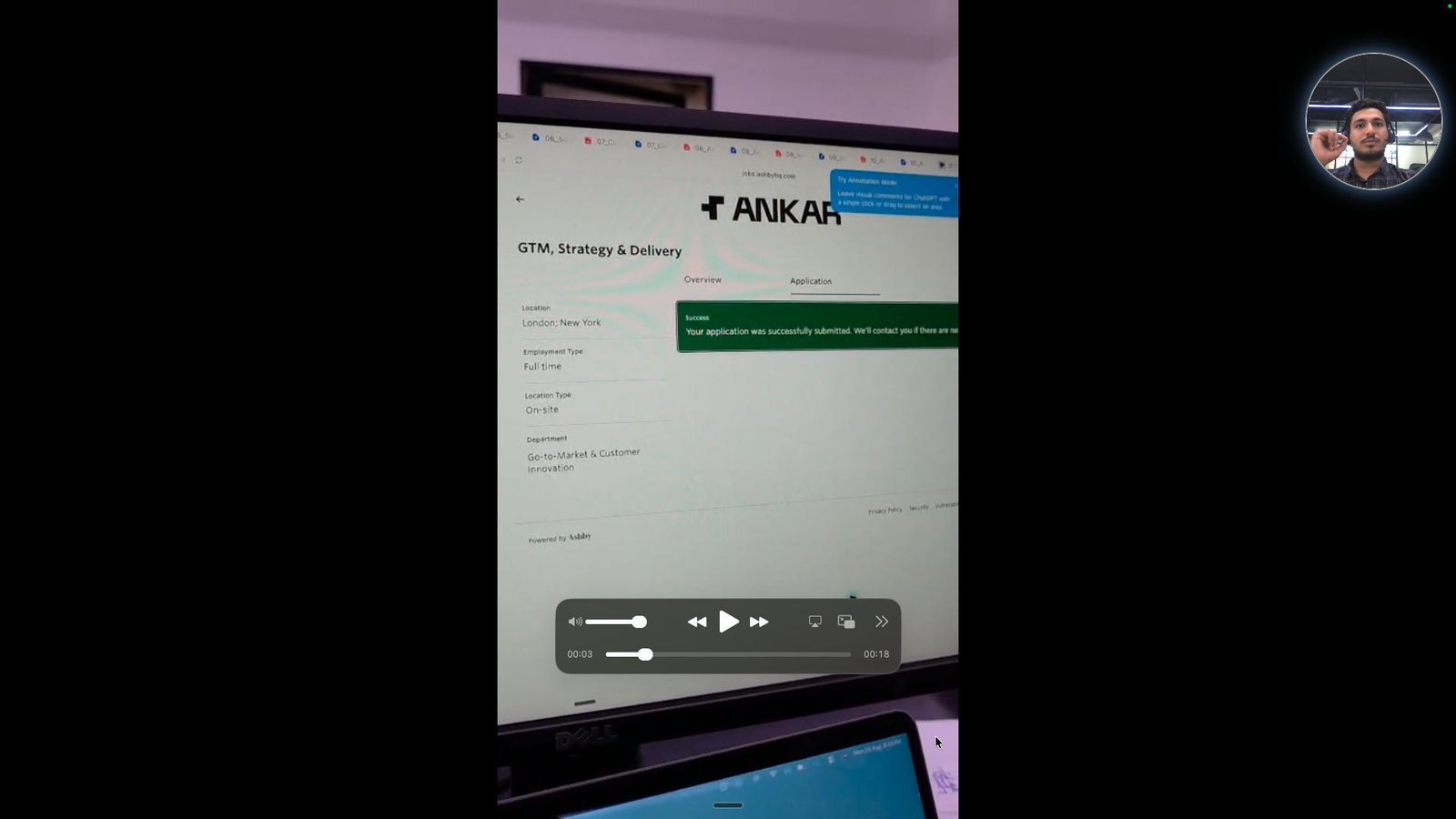
Click the toggle button play/pause
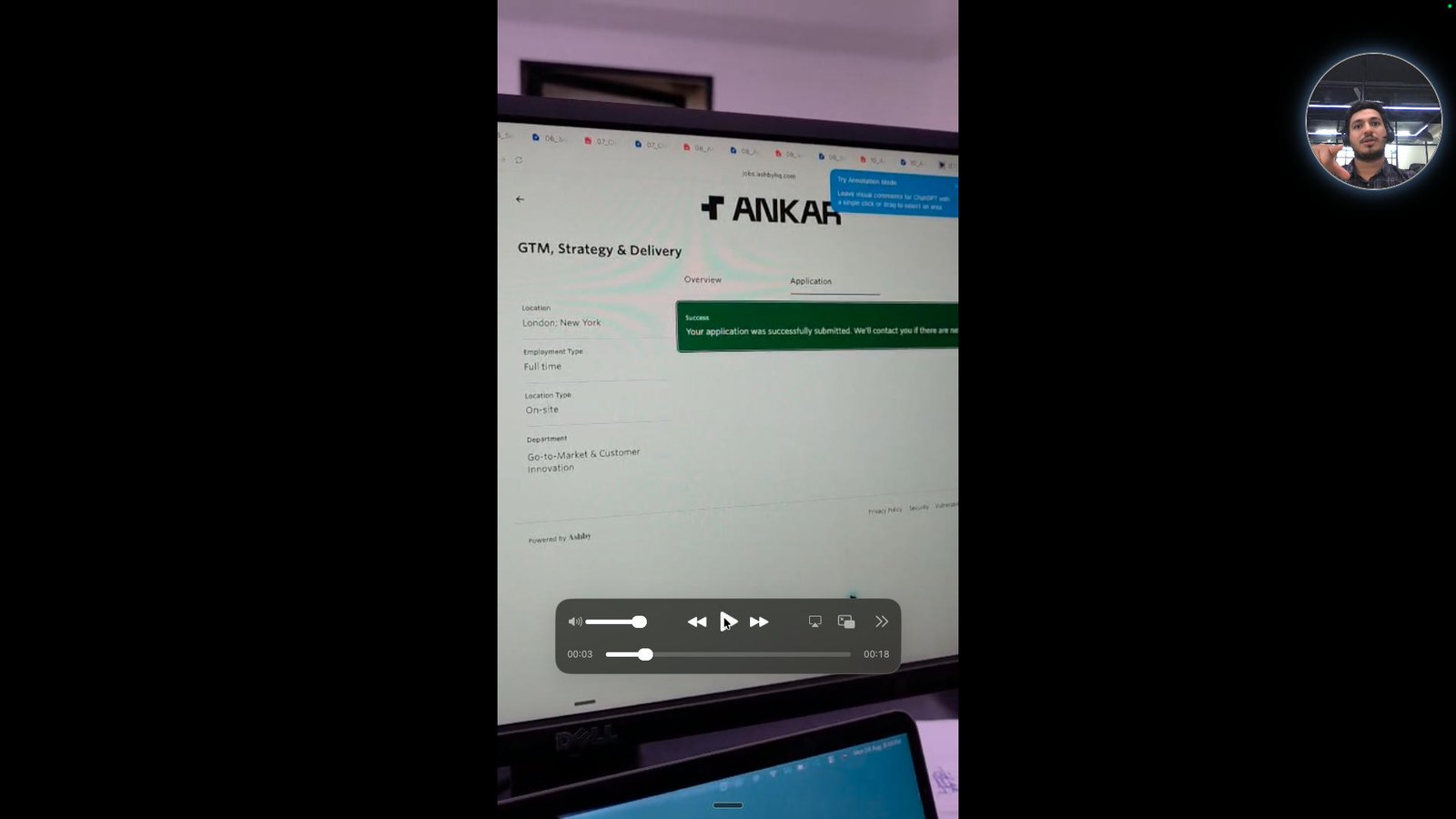
Click the toggle button play/pause
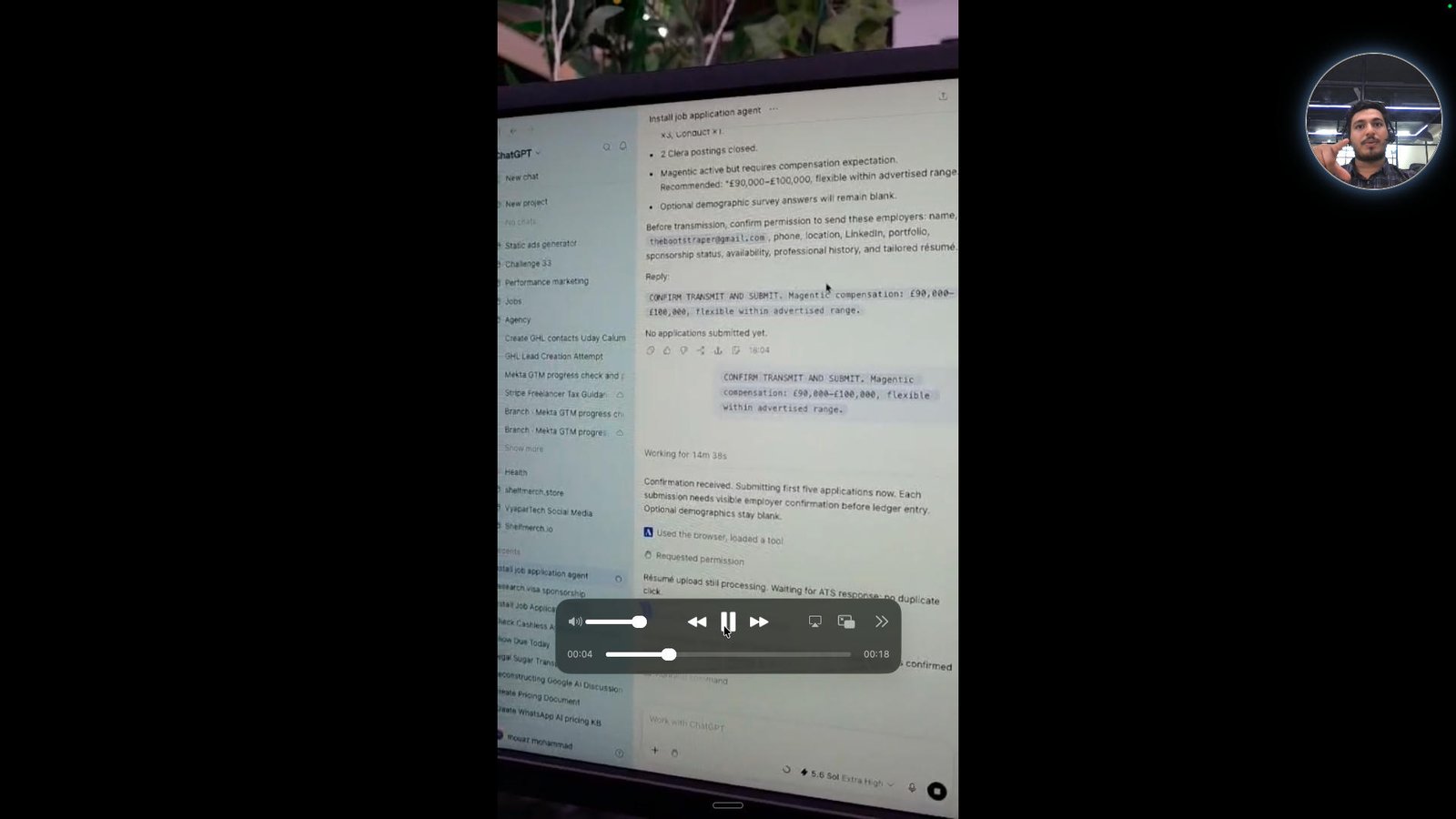
Open ChatGPT -
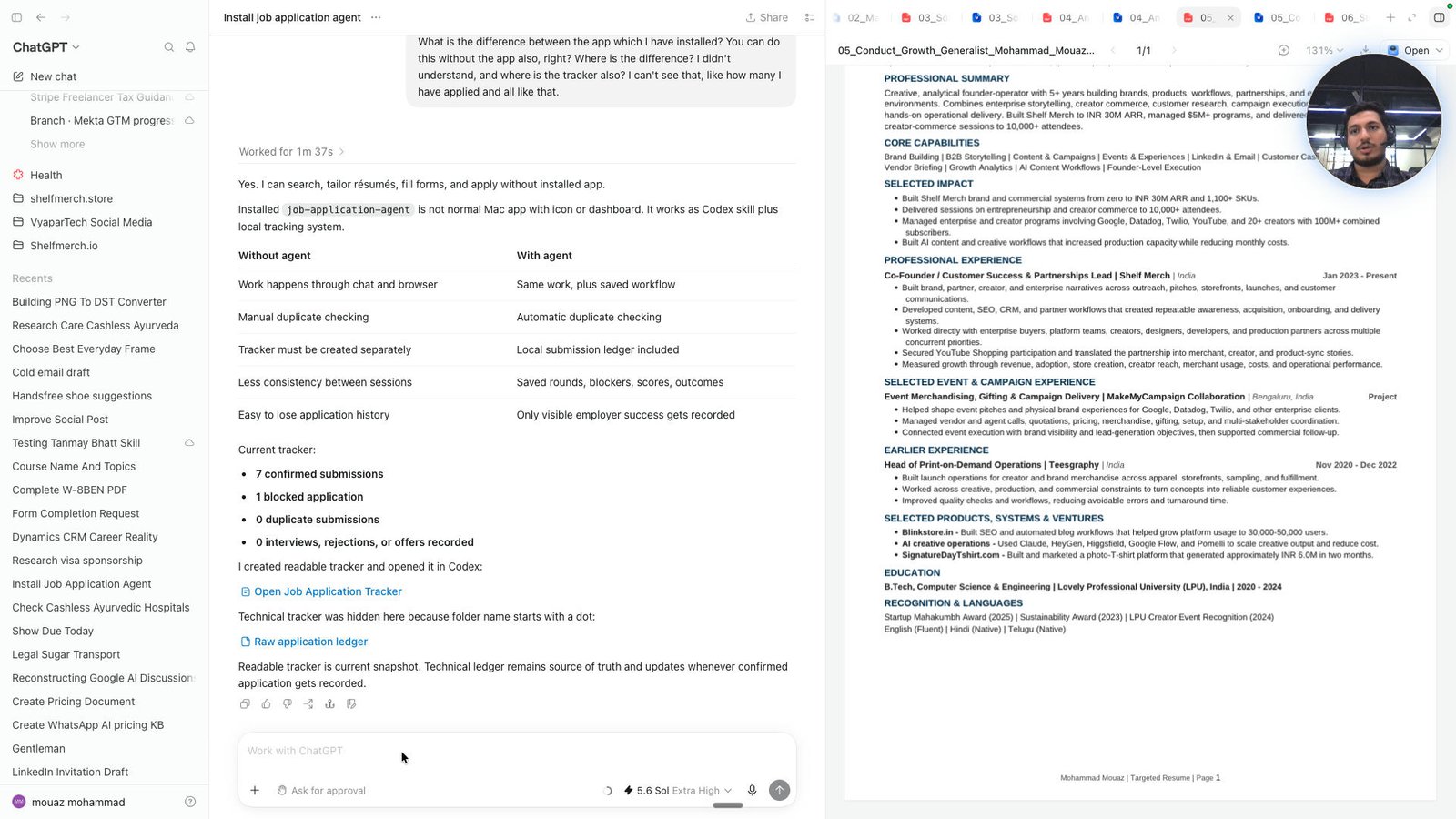
Click this image
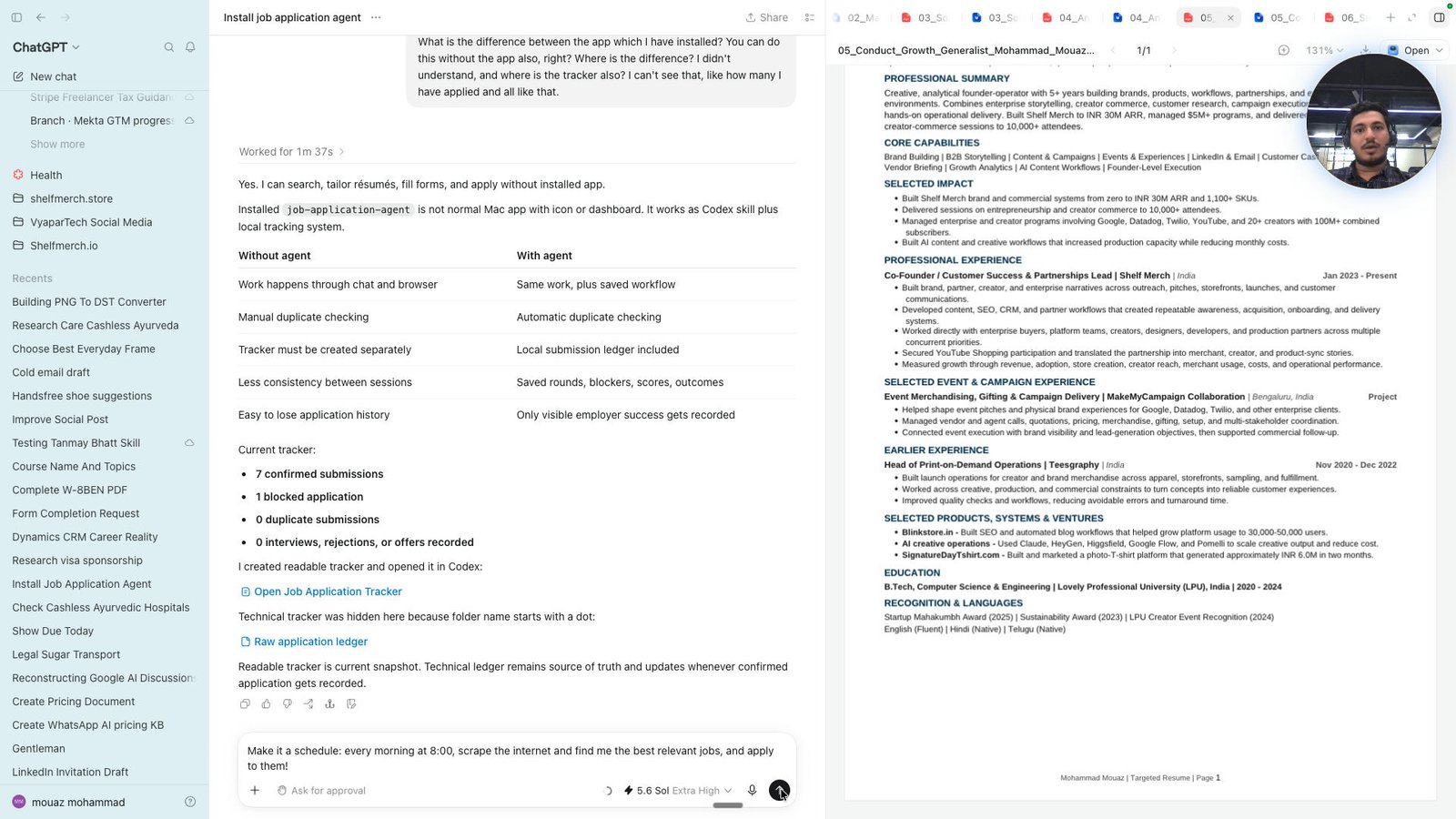
Open Comet -
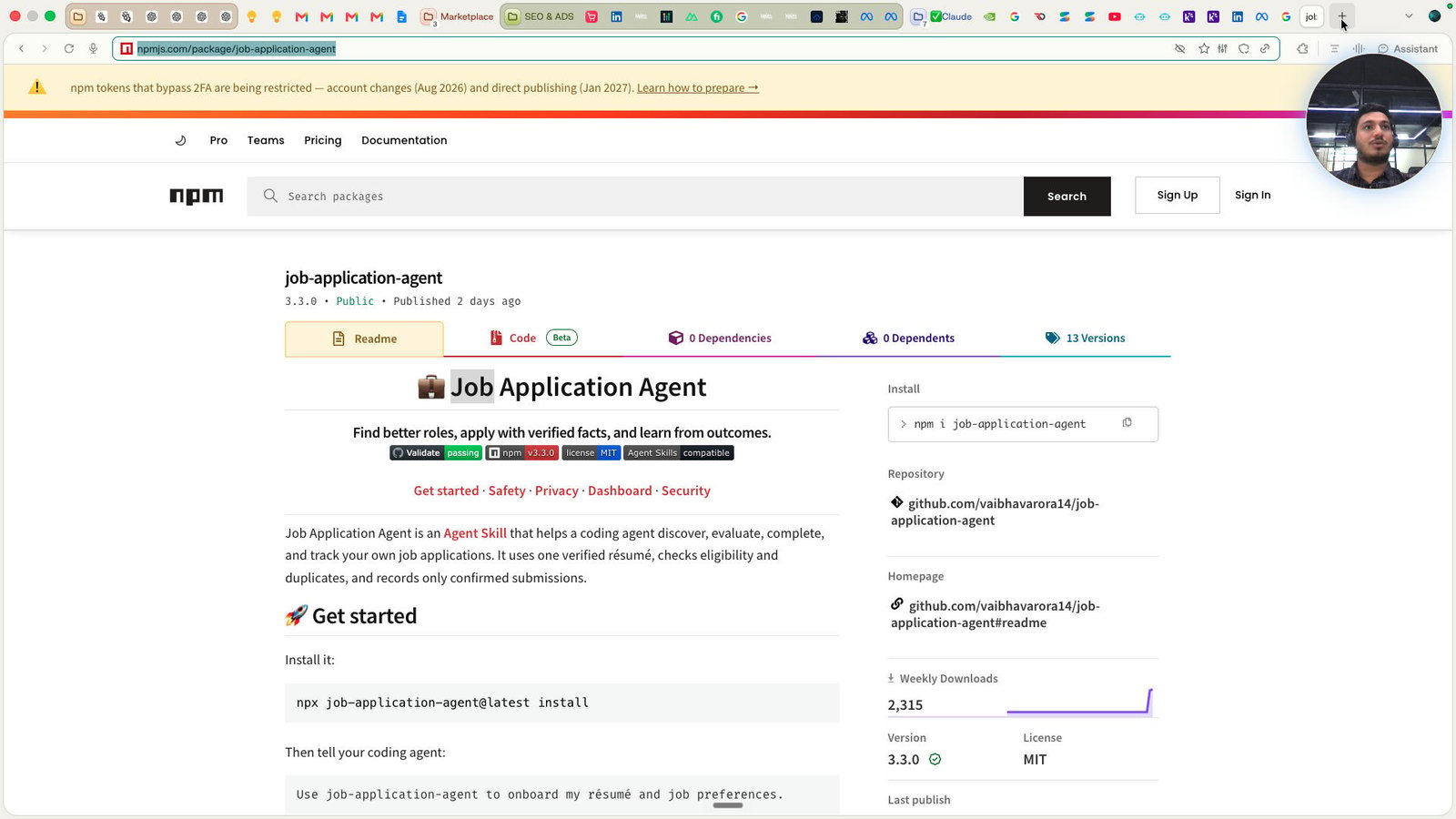
Type "apify Enter"
Click this group
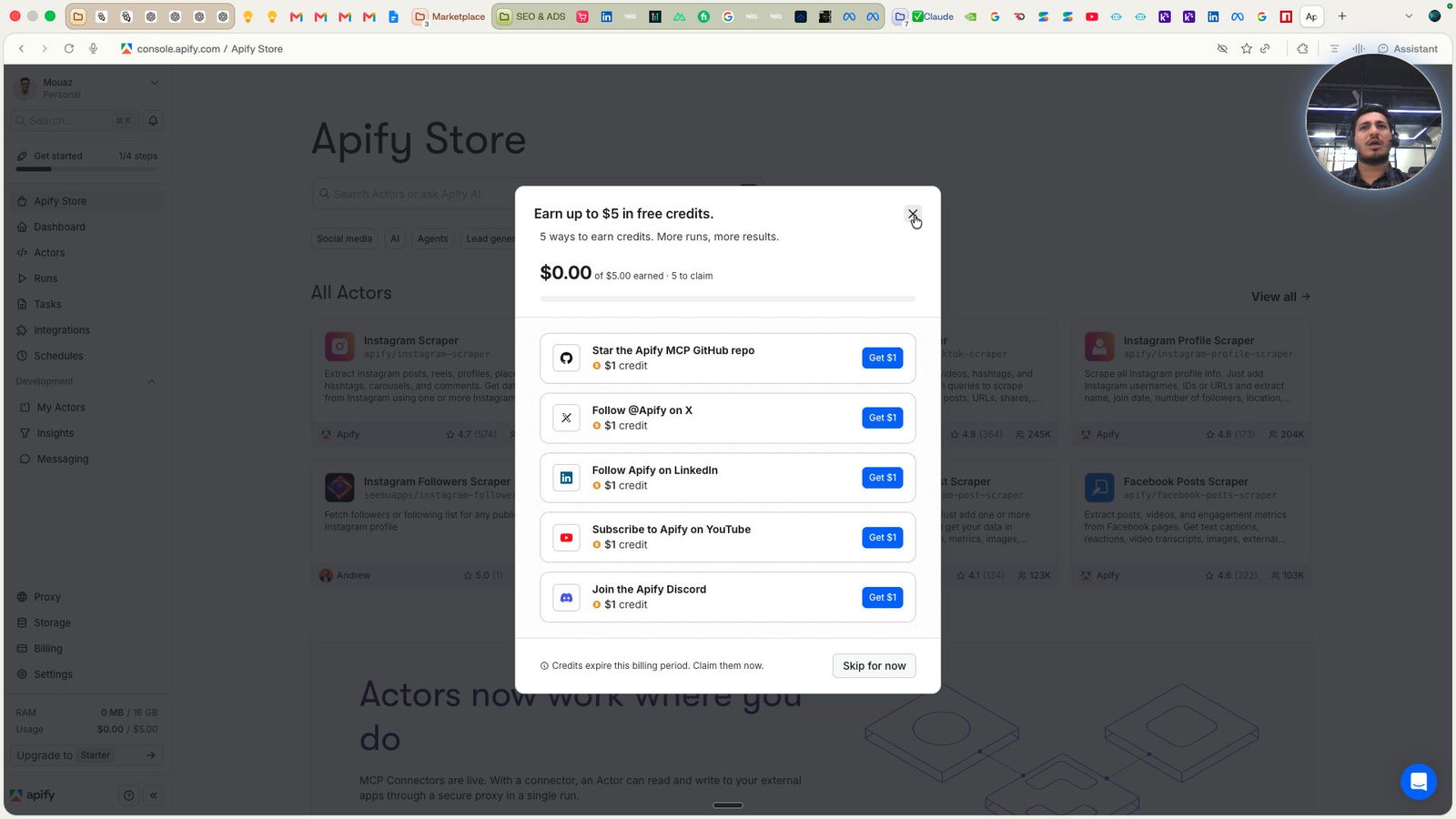
Click this group
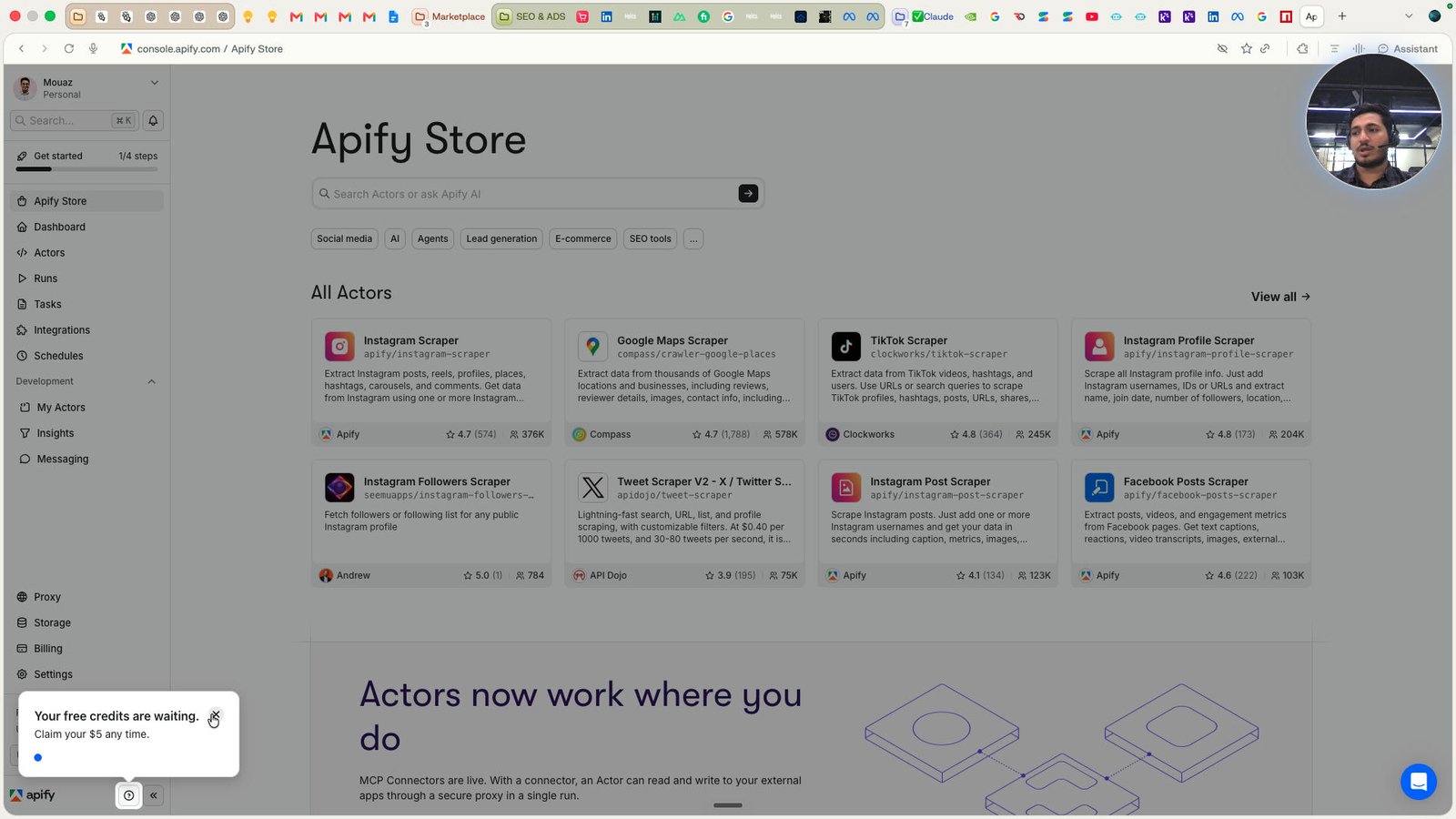
Click this group
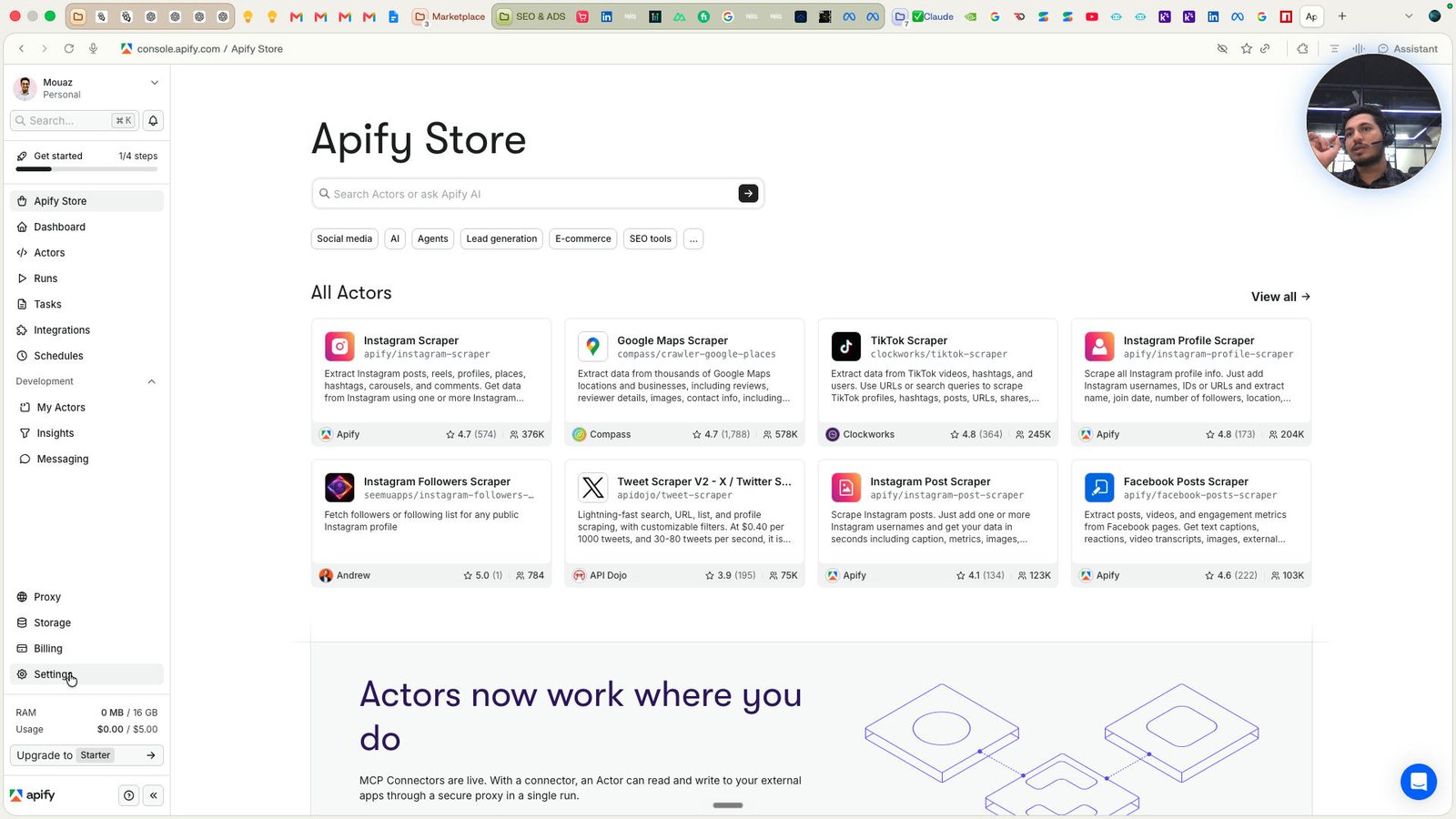
Click this group
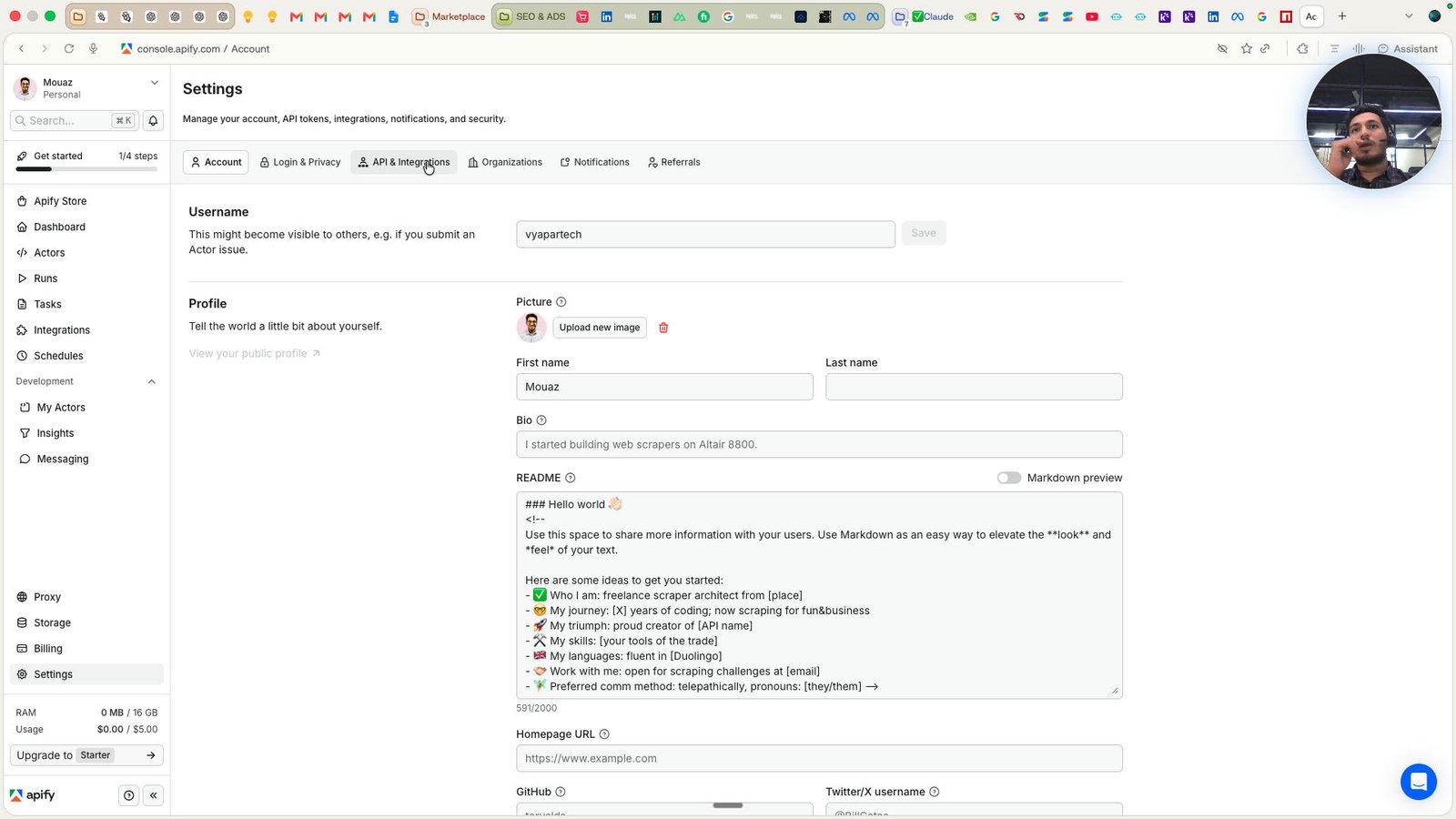
Click this group
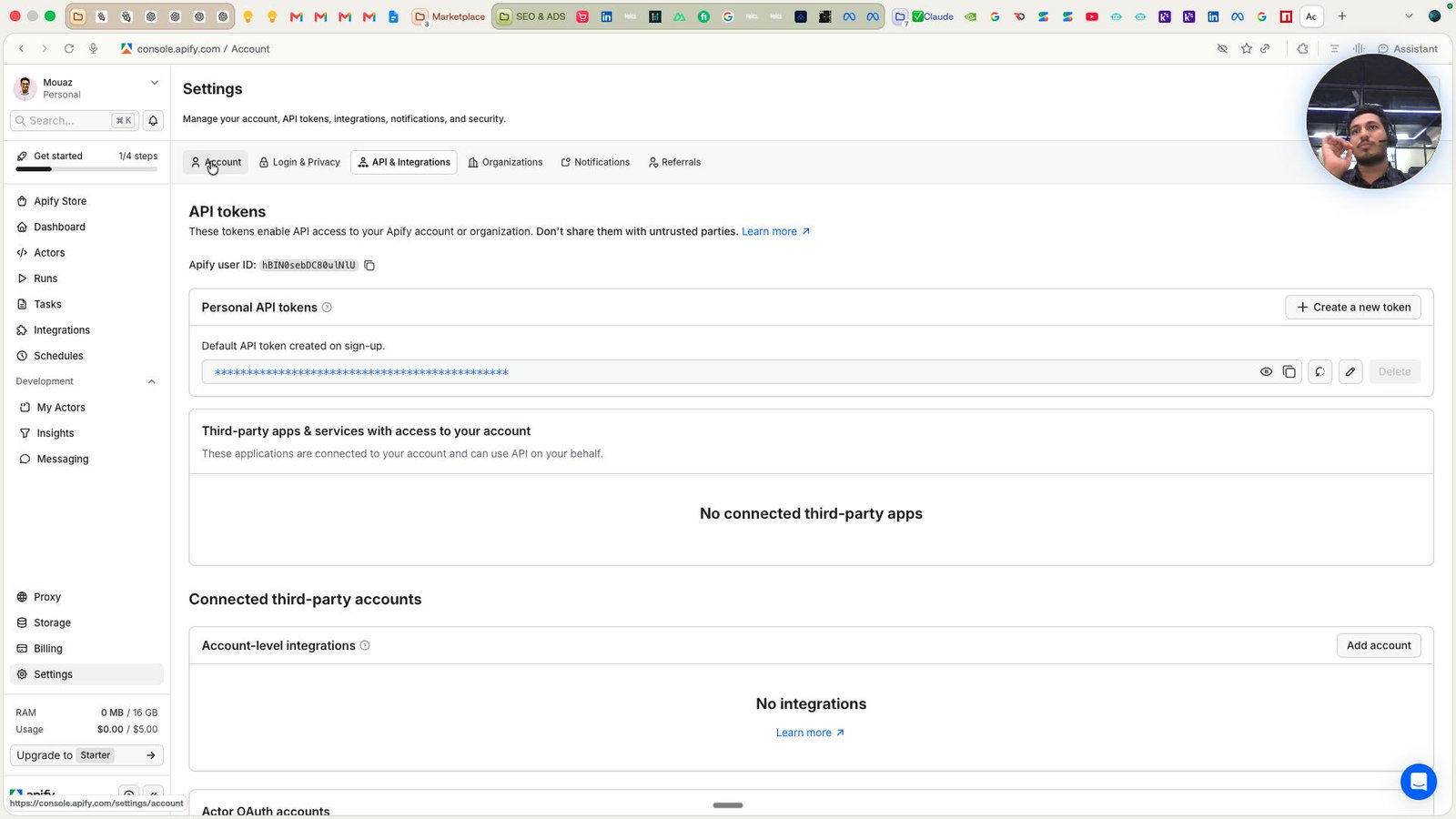
Open ChatGPT -
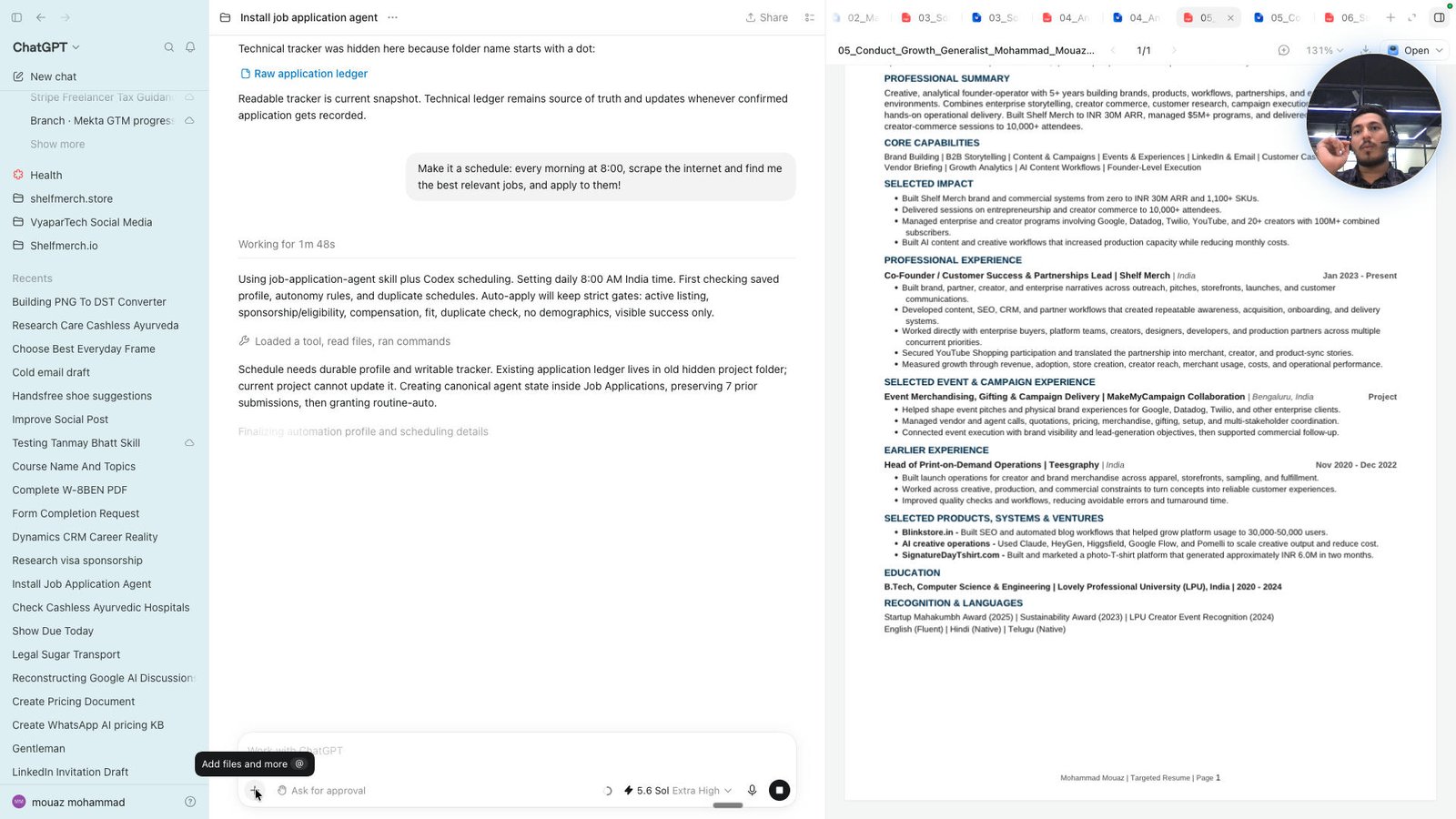
Click this group
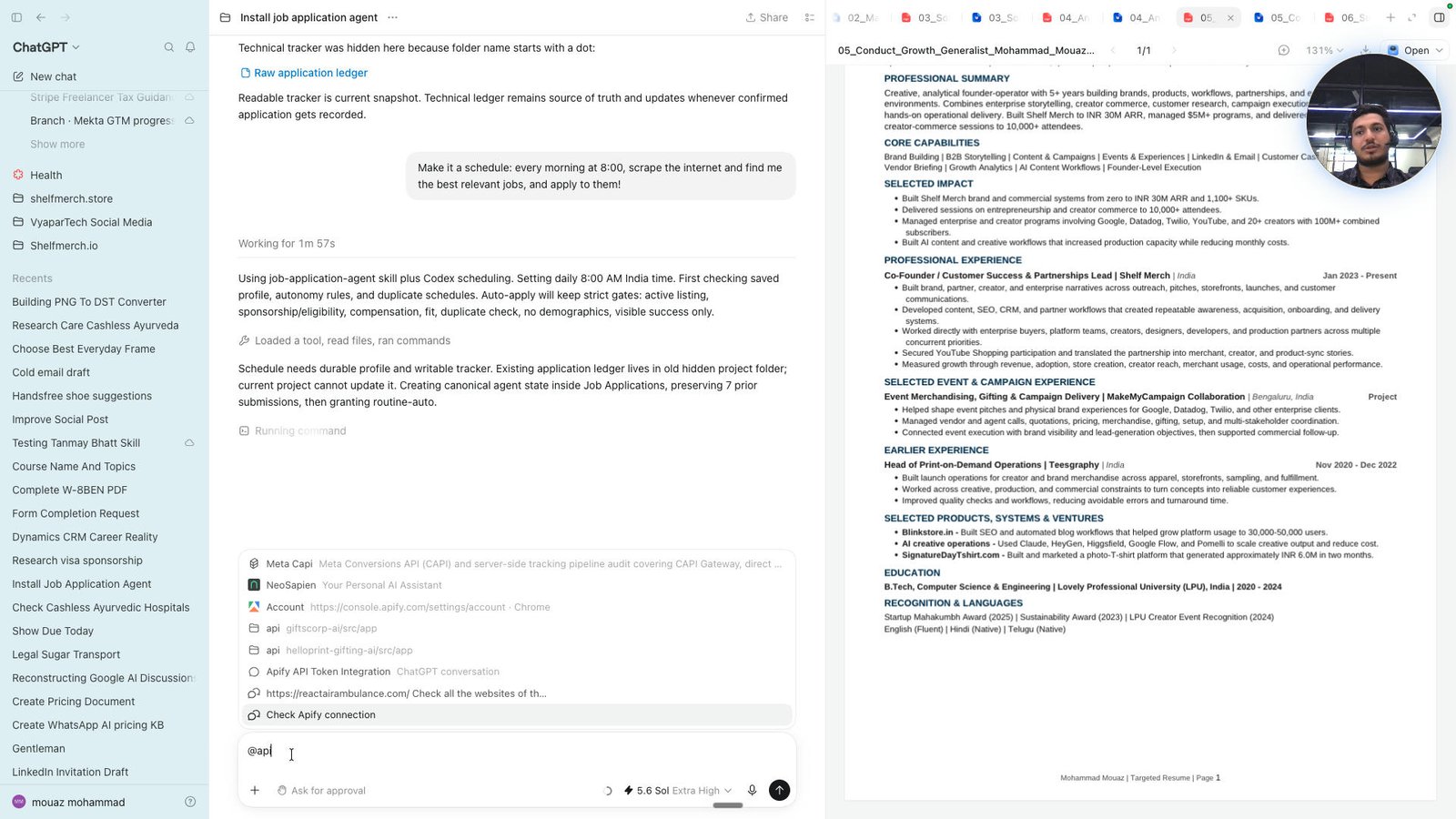
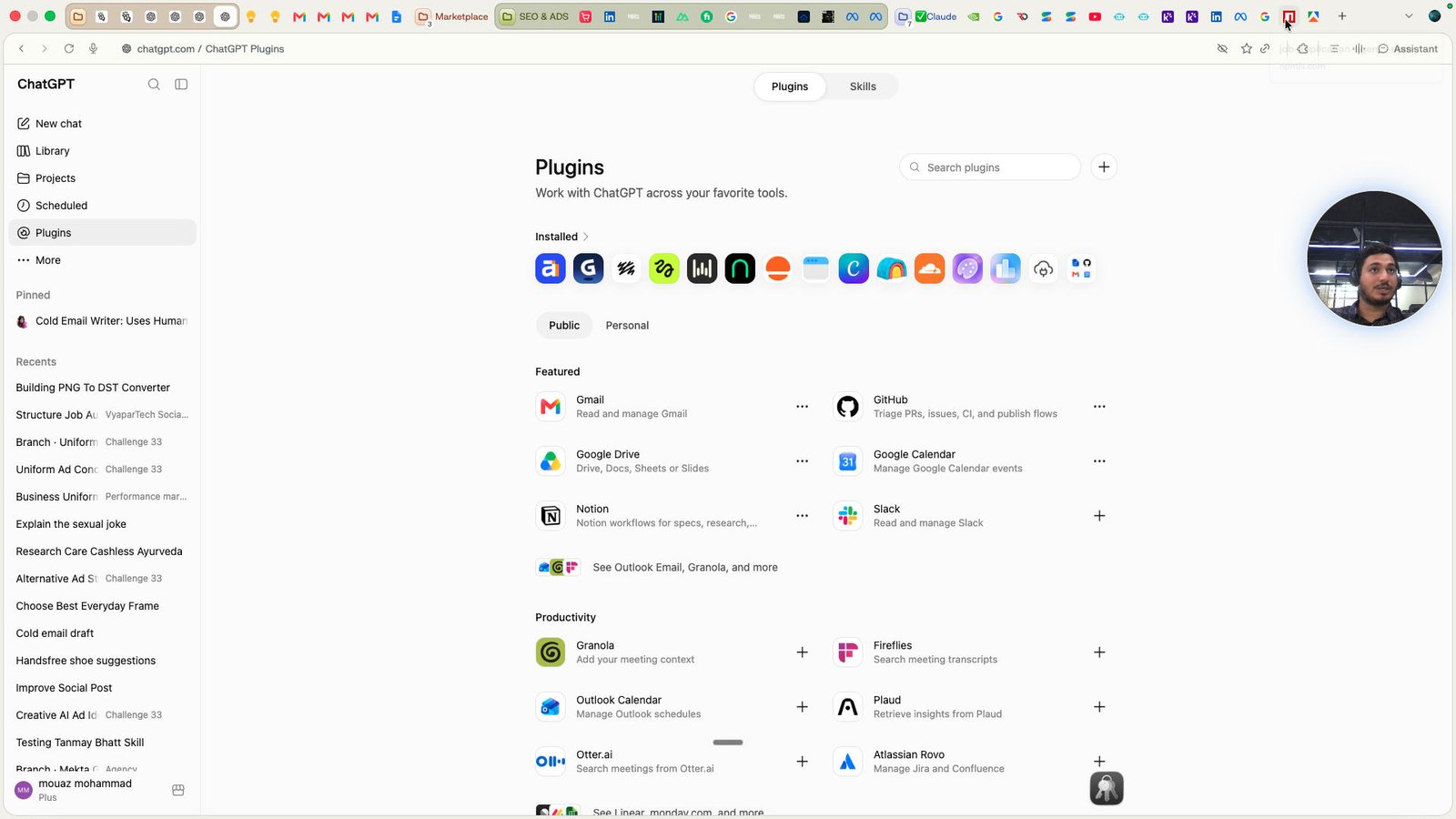
Click the Plugins
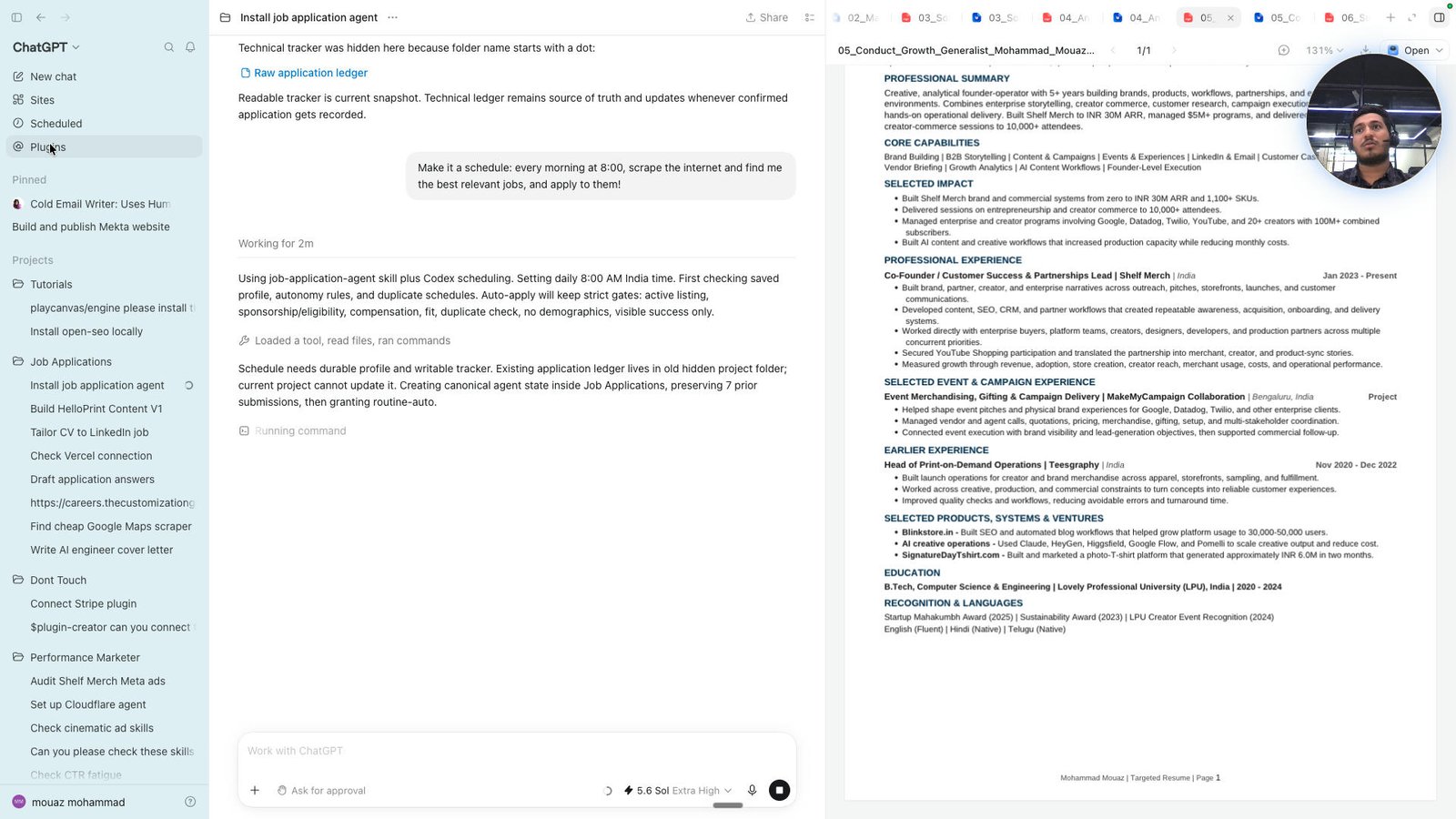
Click the Search plugins
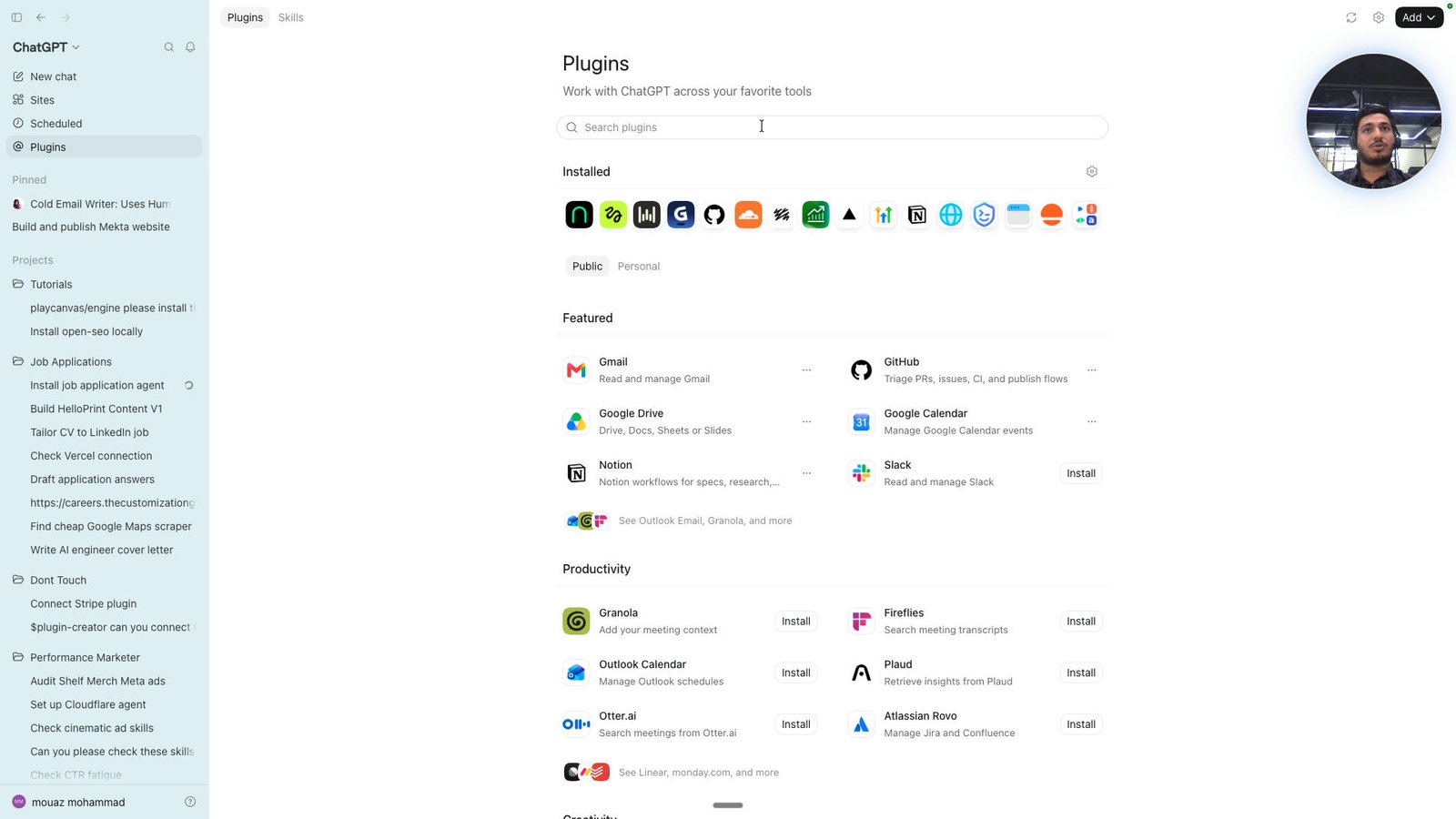
Click this group
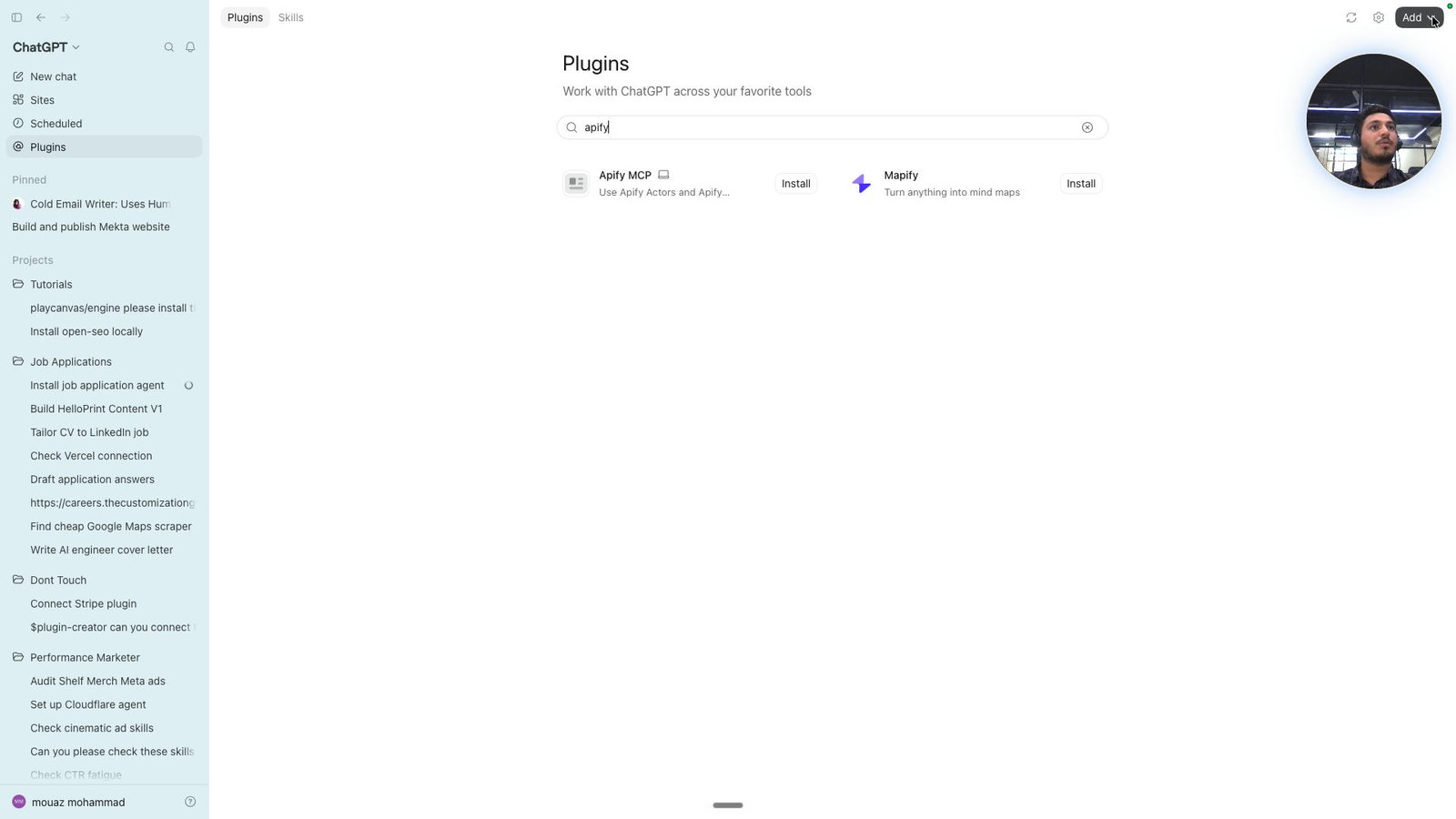
Click this image
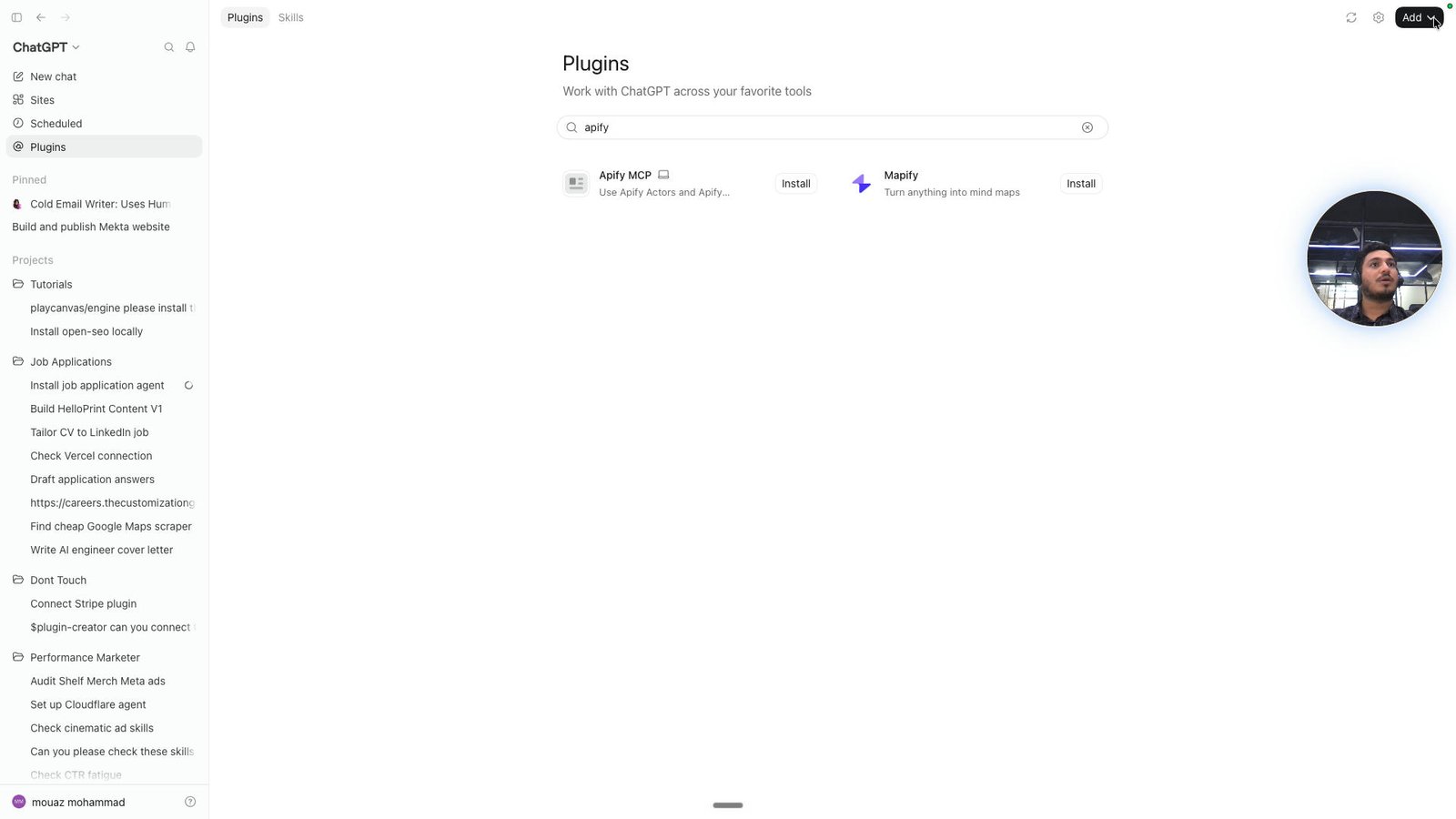
Click this group
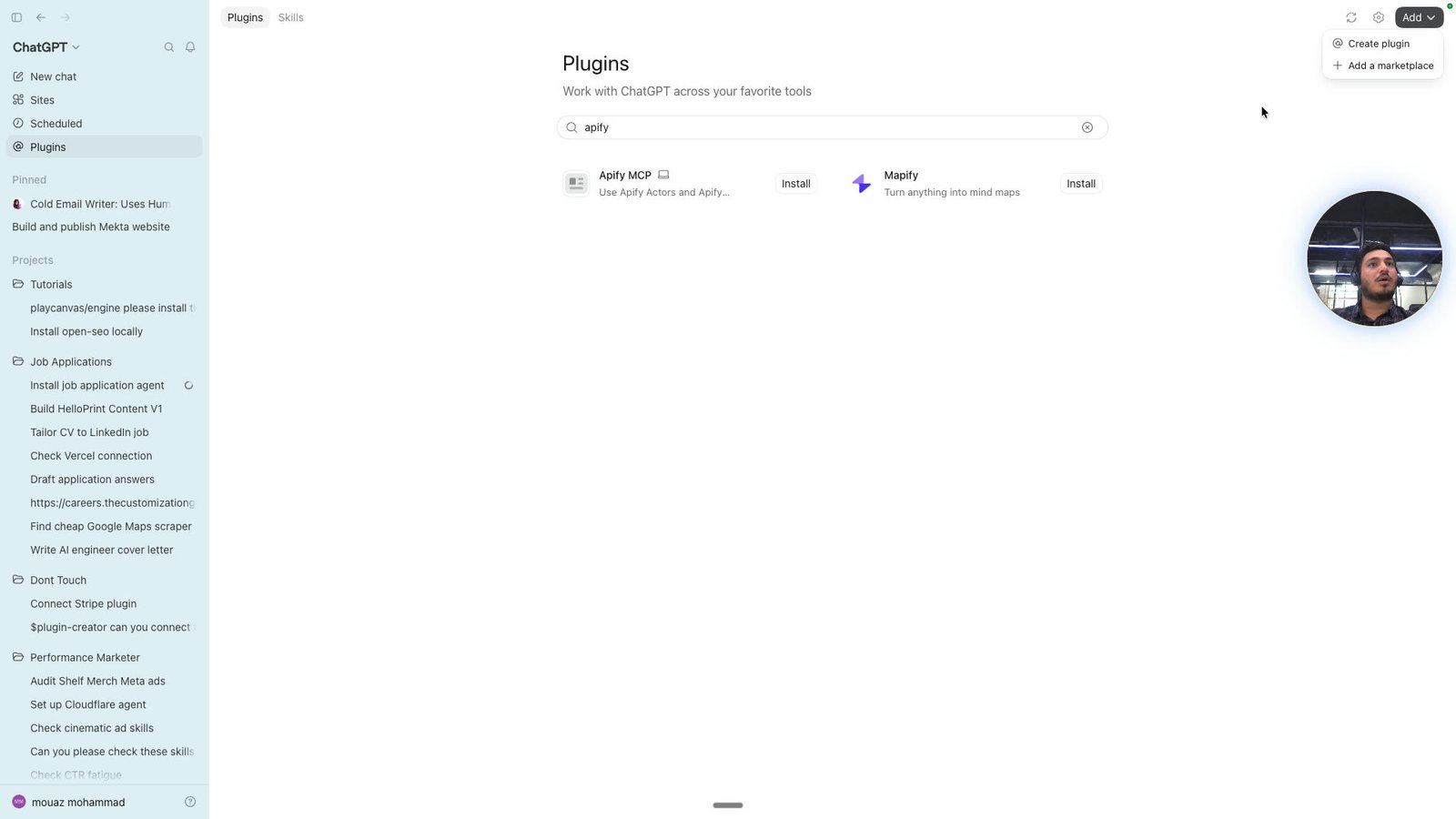
Open Comet -
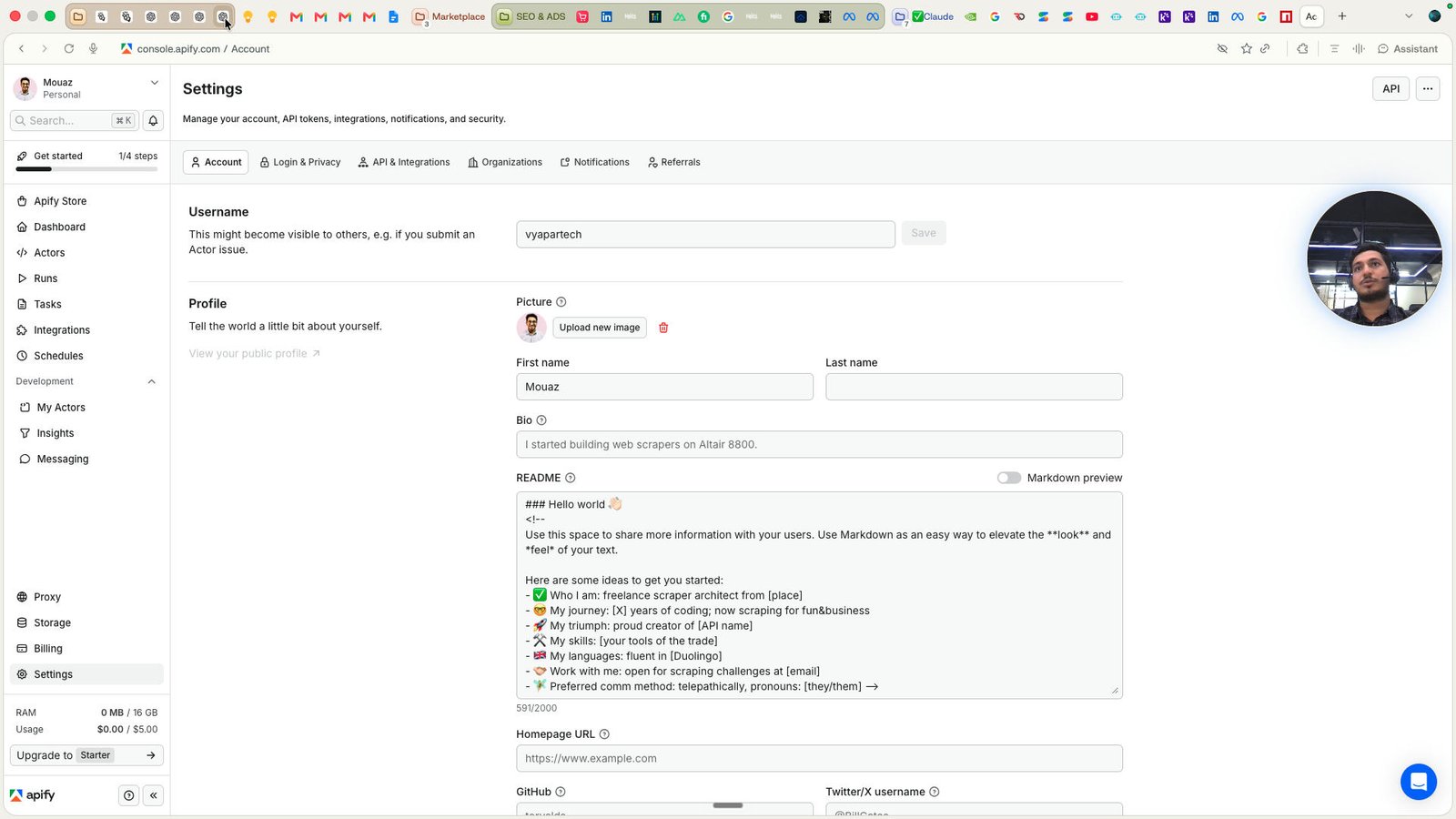
Click this group
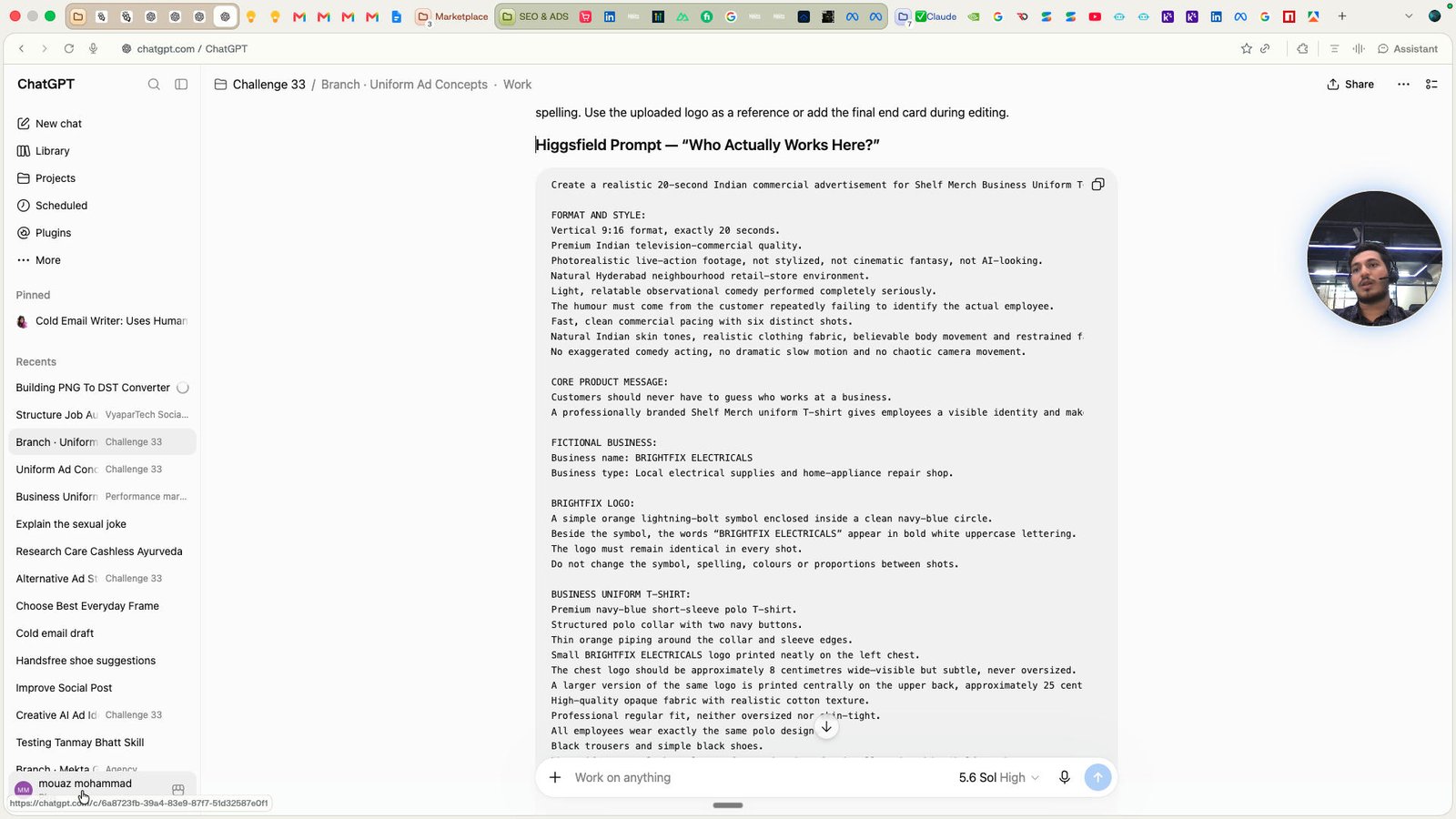
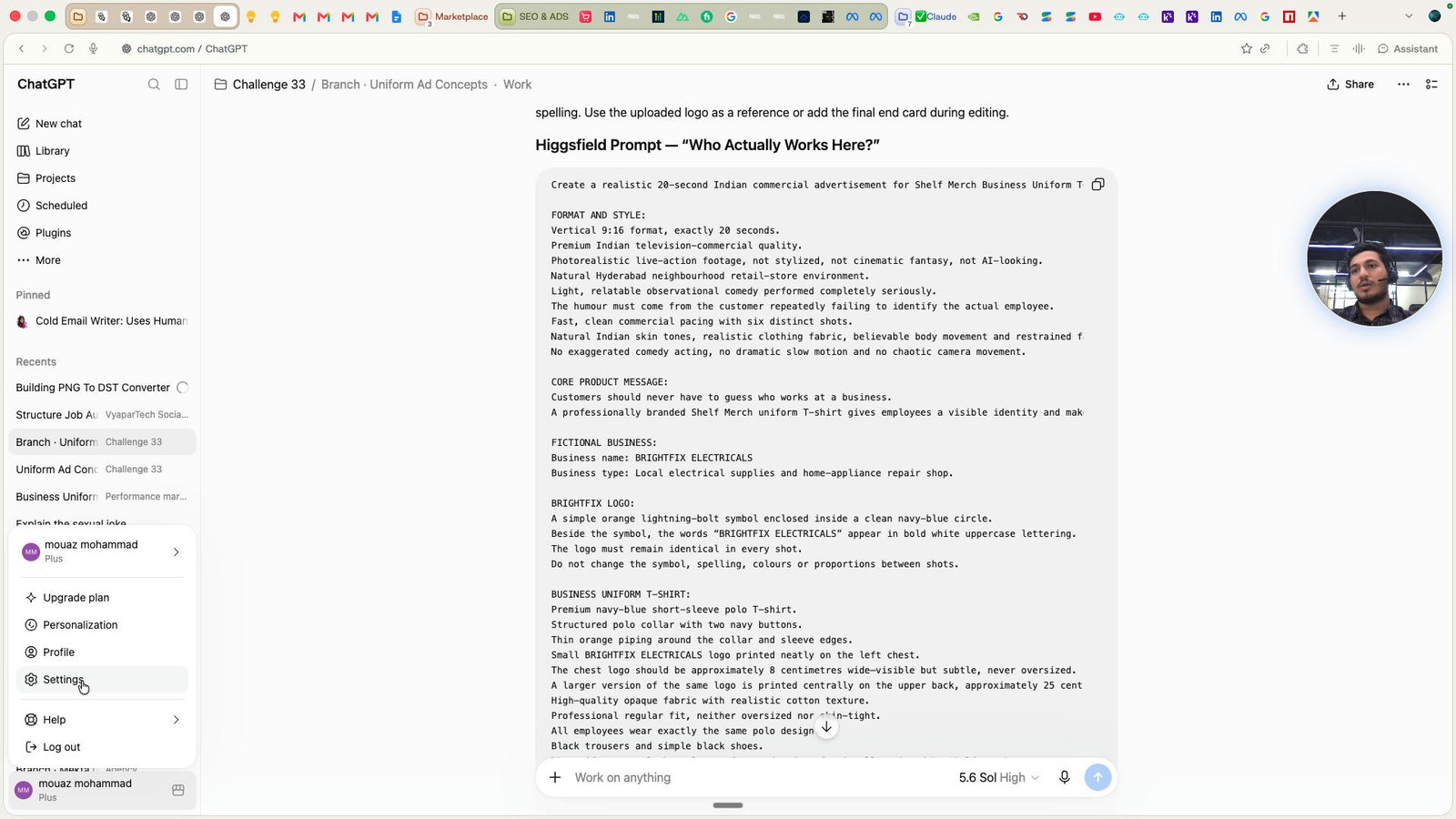
Click the Settings
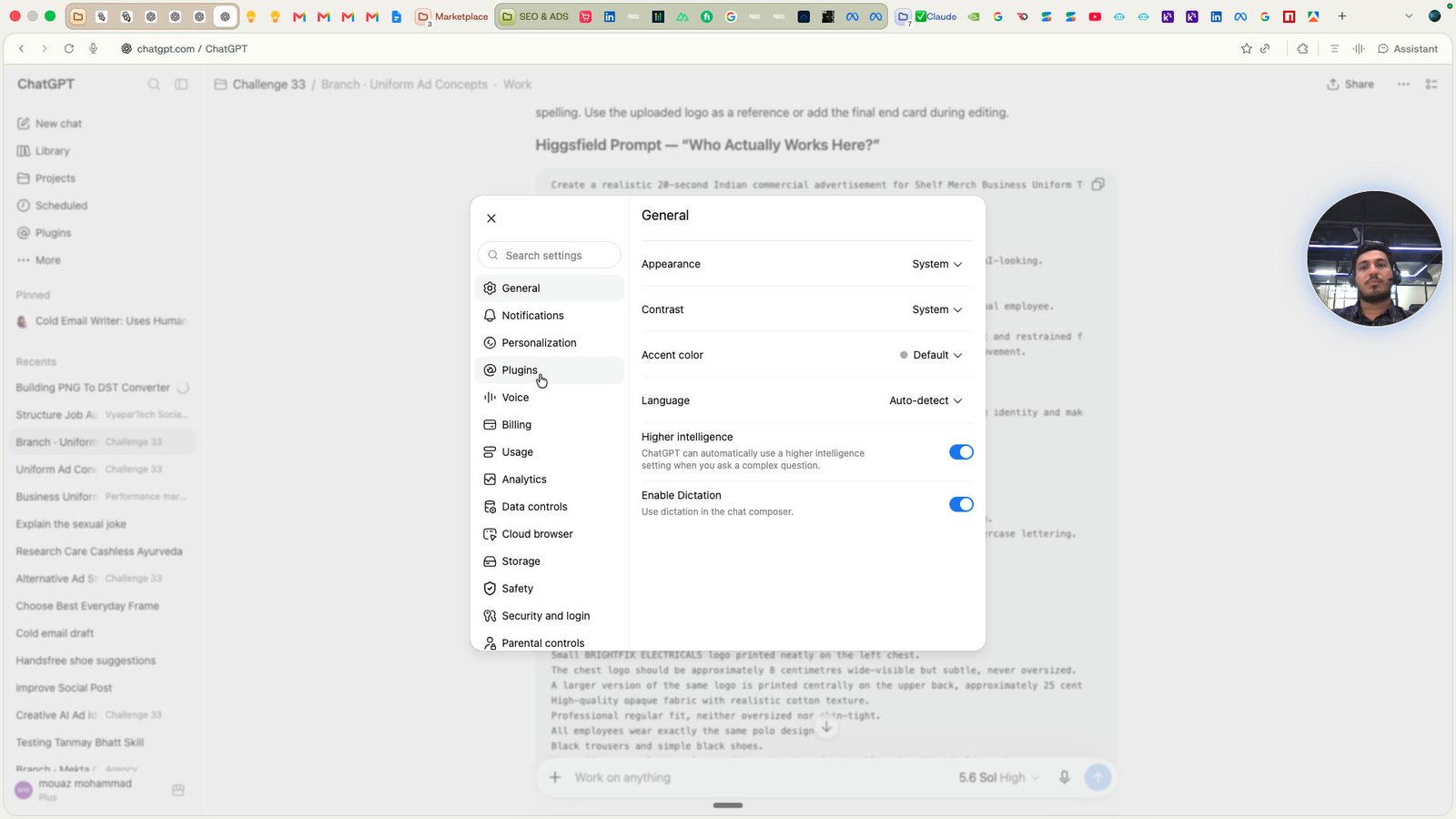
Click the Plugins
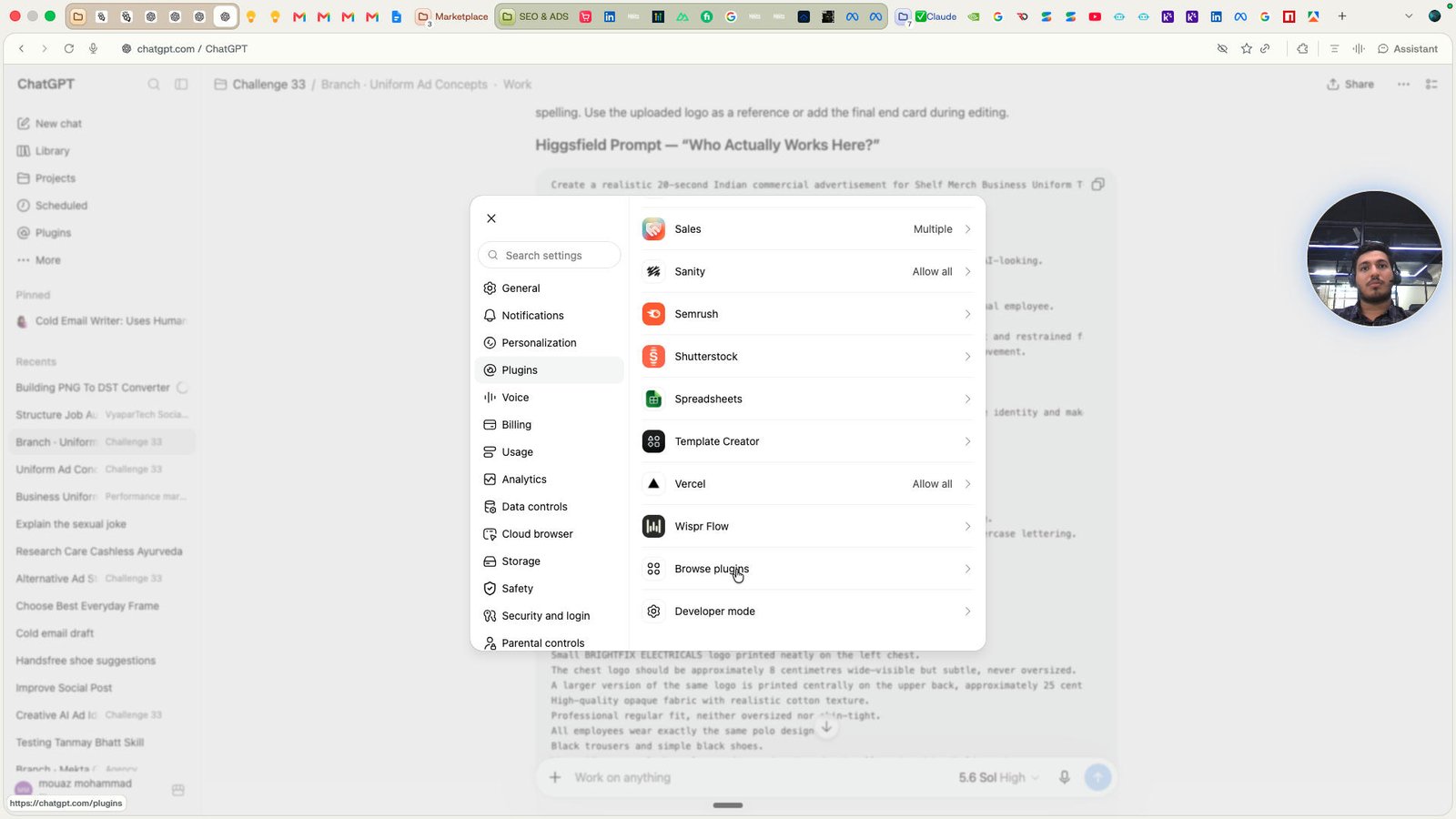
Click the button Create app
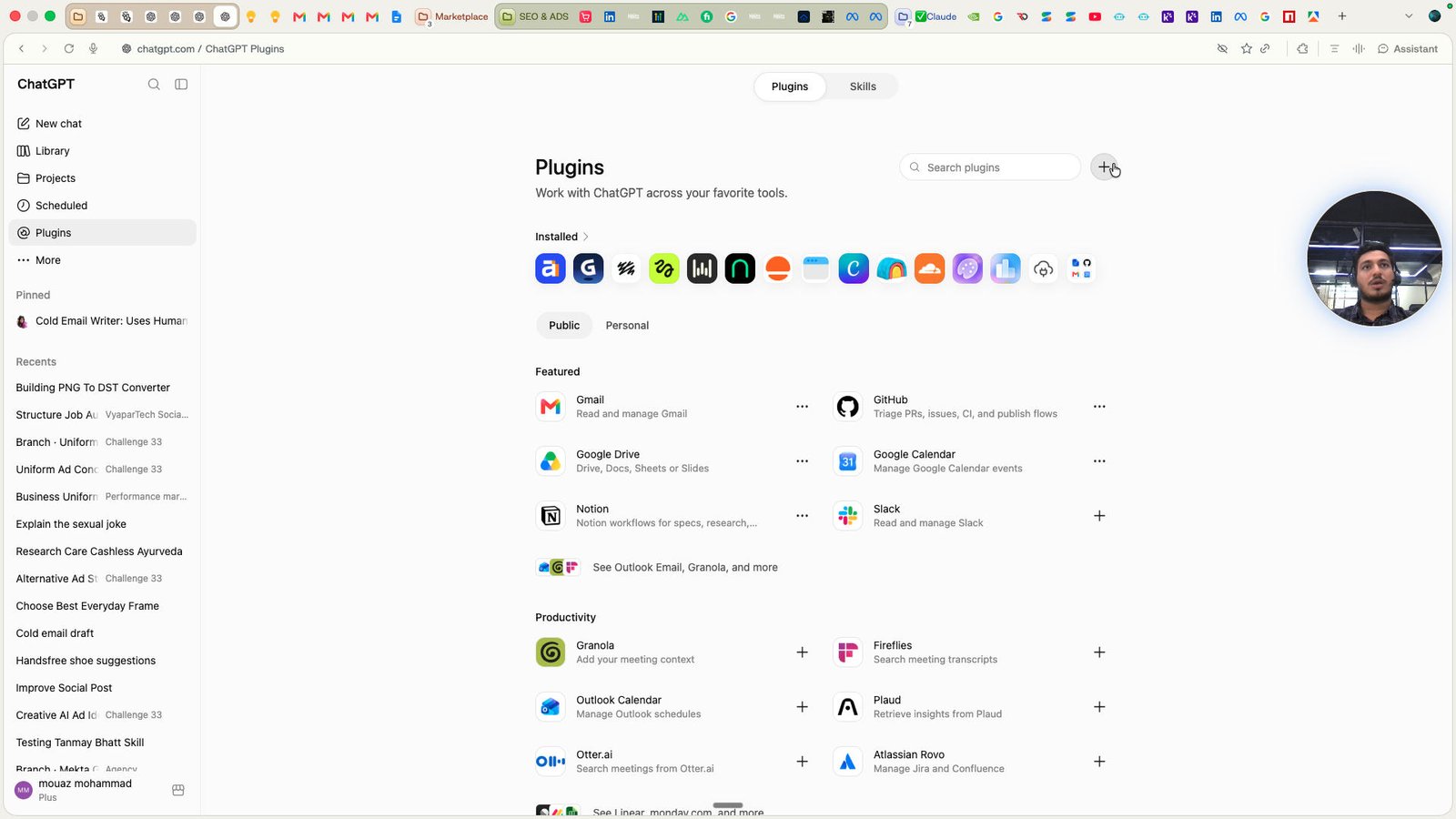
Click the text field Name
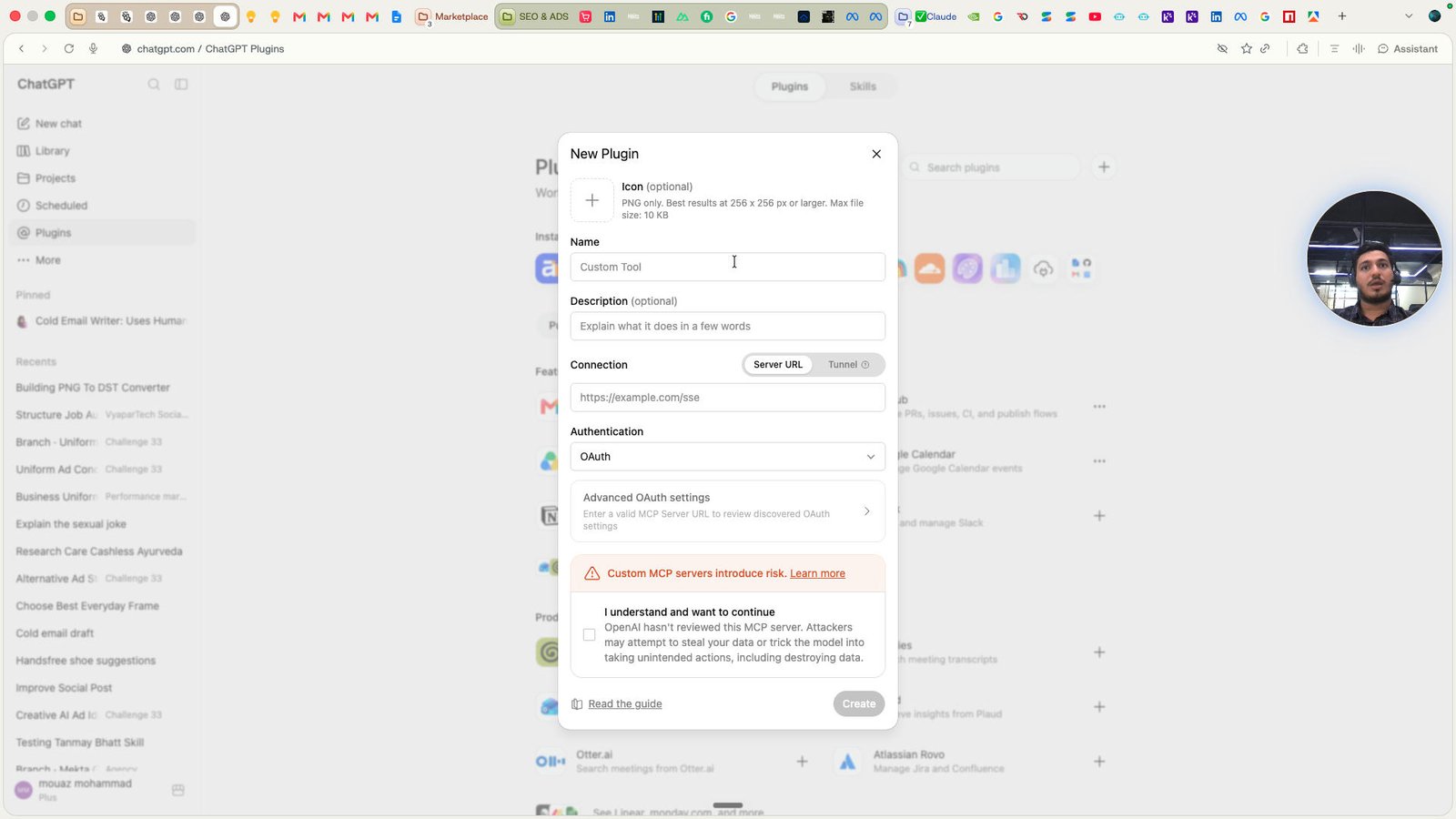
Click this text field
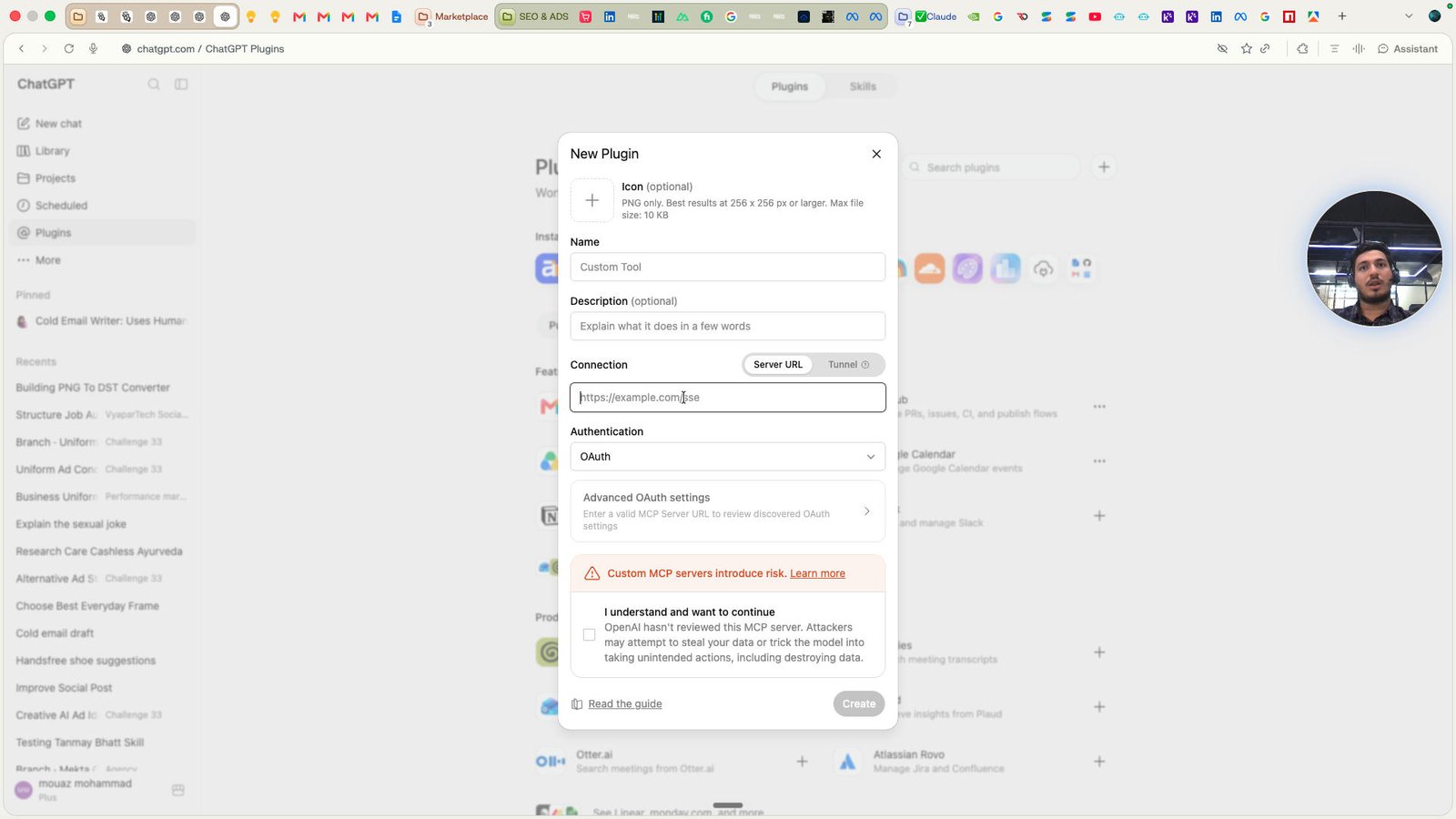
Click the button Close
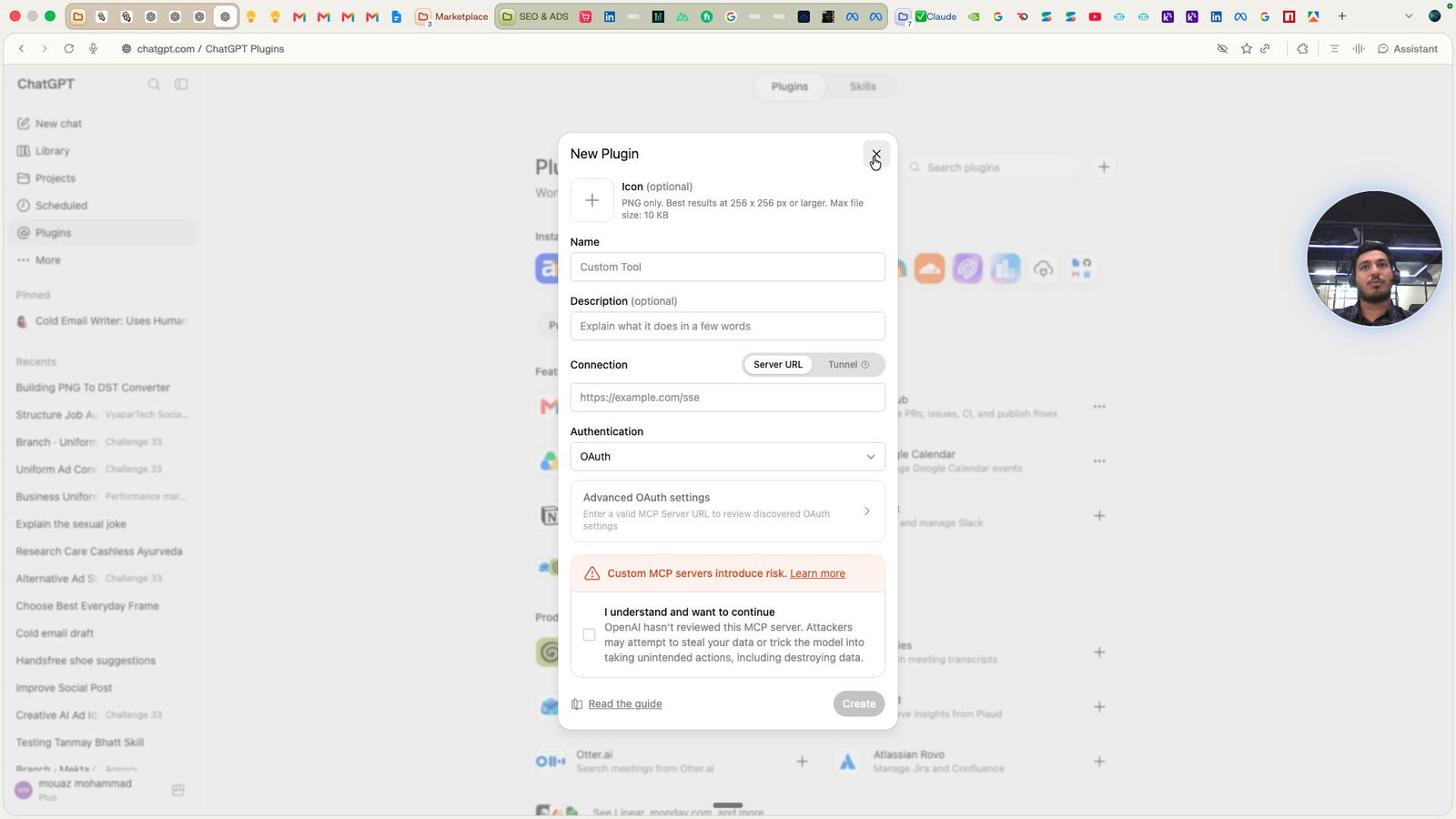
Click the text field Search plugins
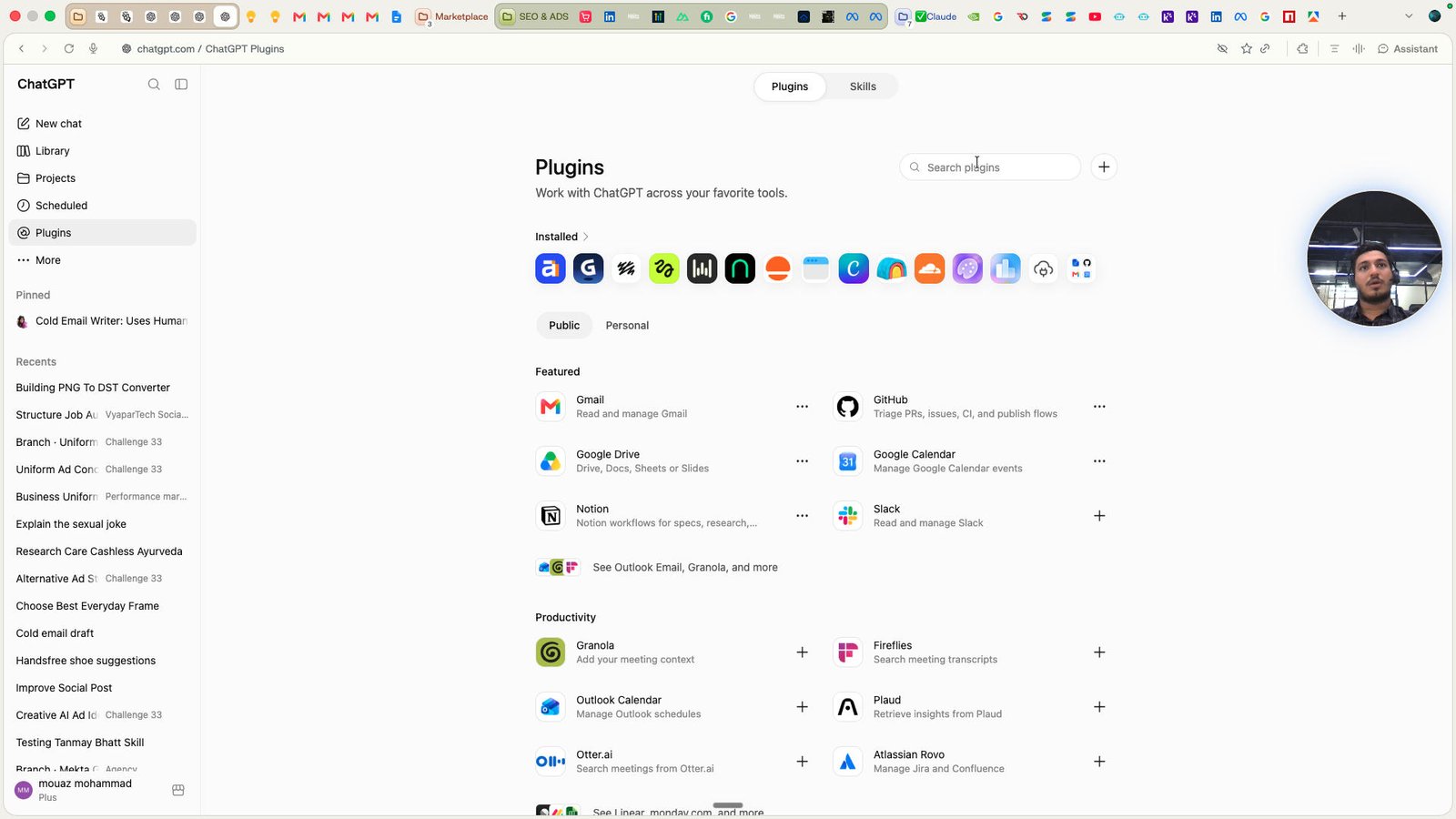
Click the text field Search plugins
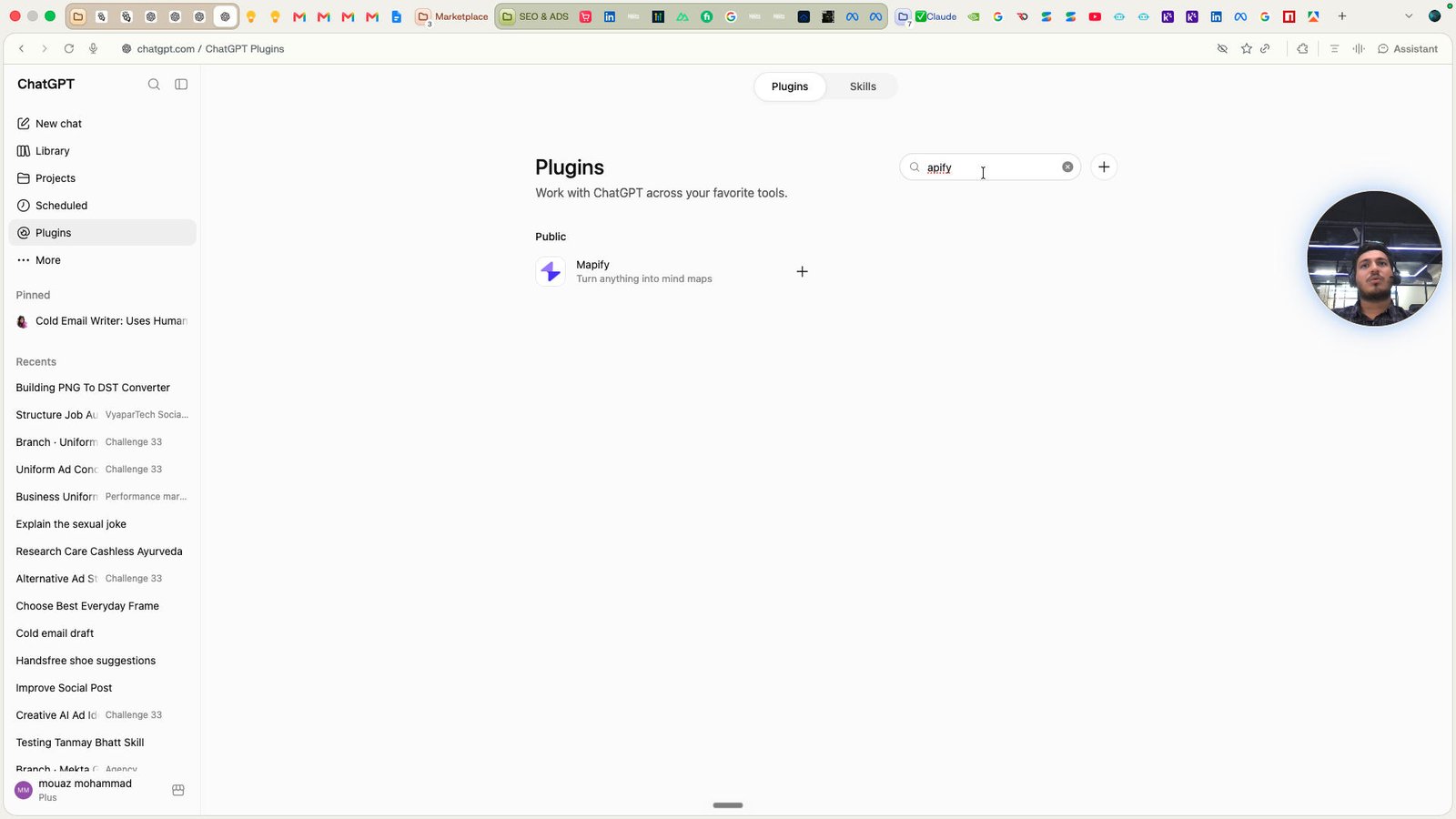
Click the text field Search plugins
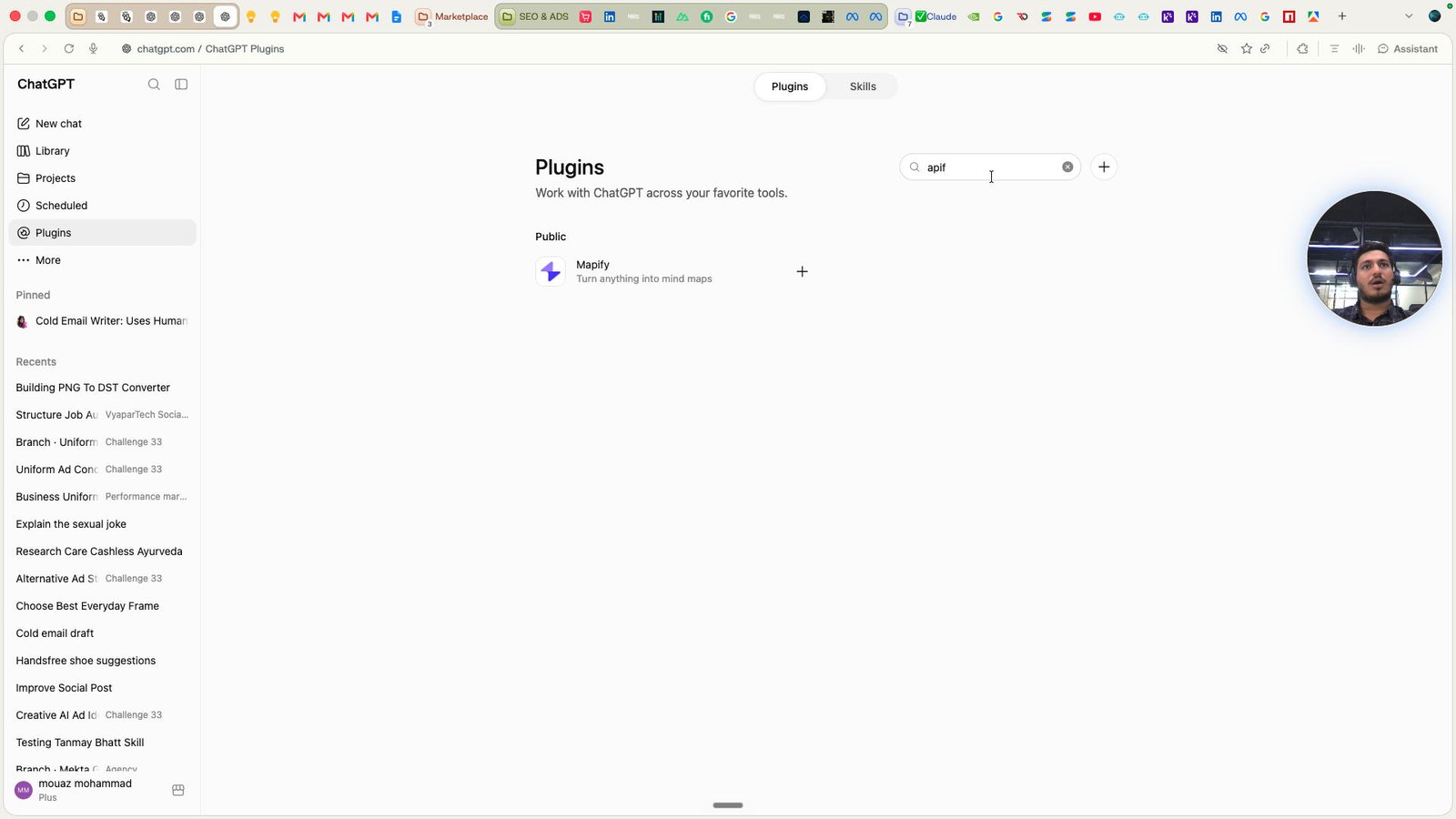
Click the text field Search plugins

Click the text field Search plugins
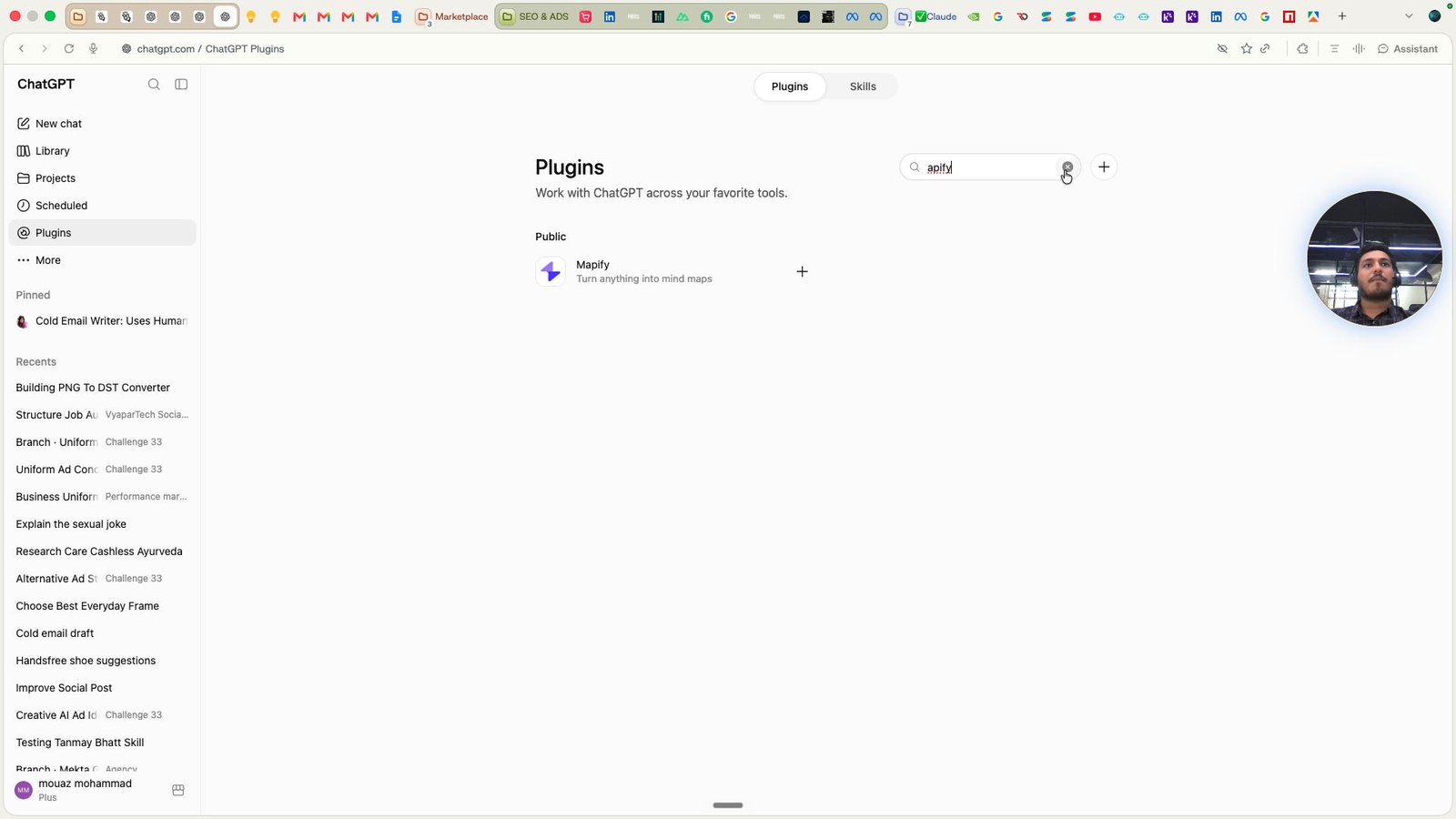
Click this text field
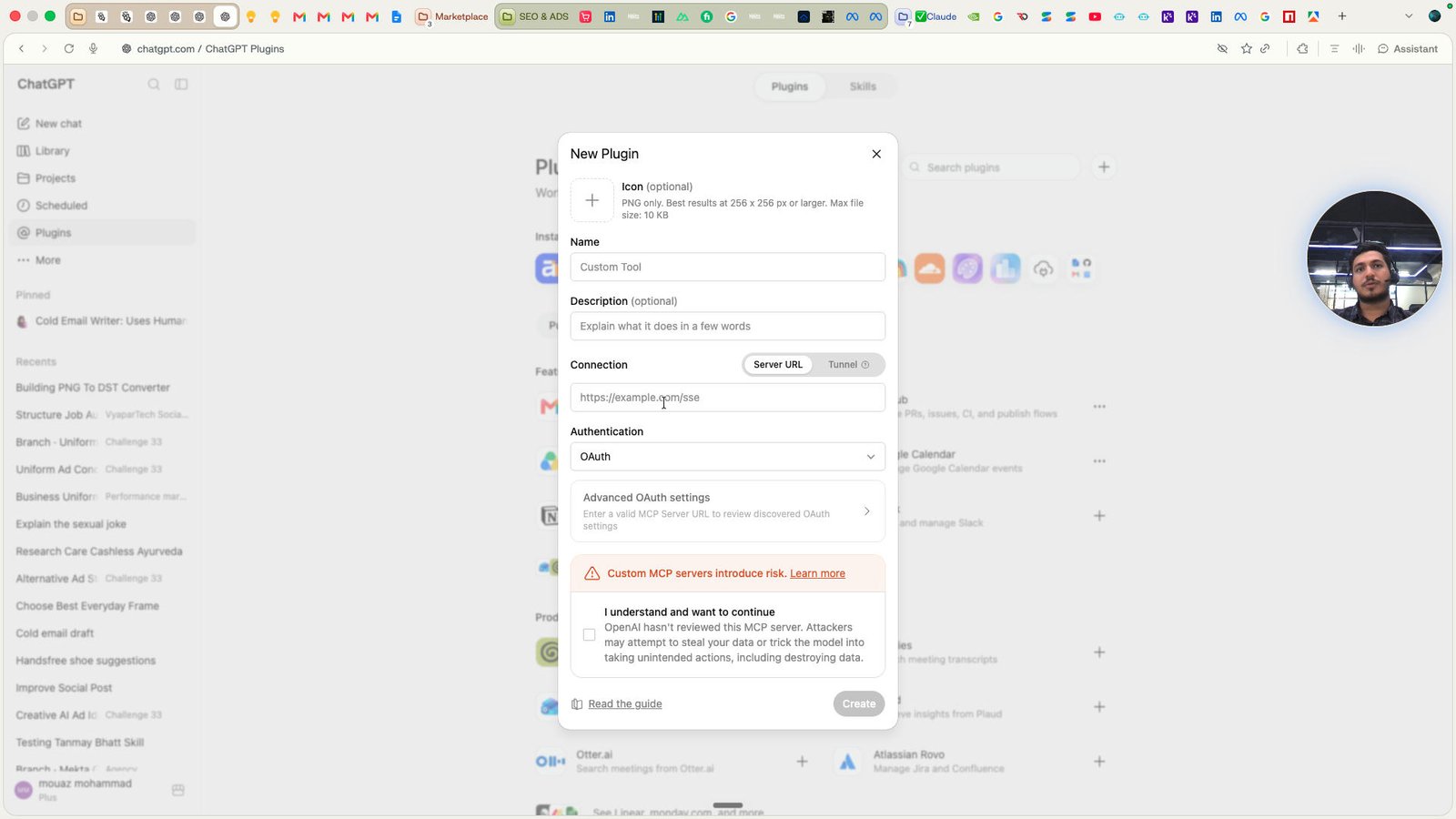
Click the button Close
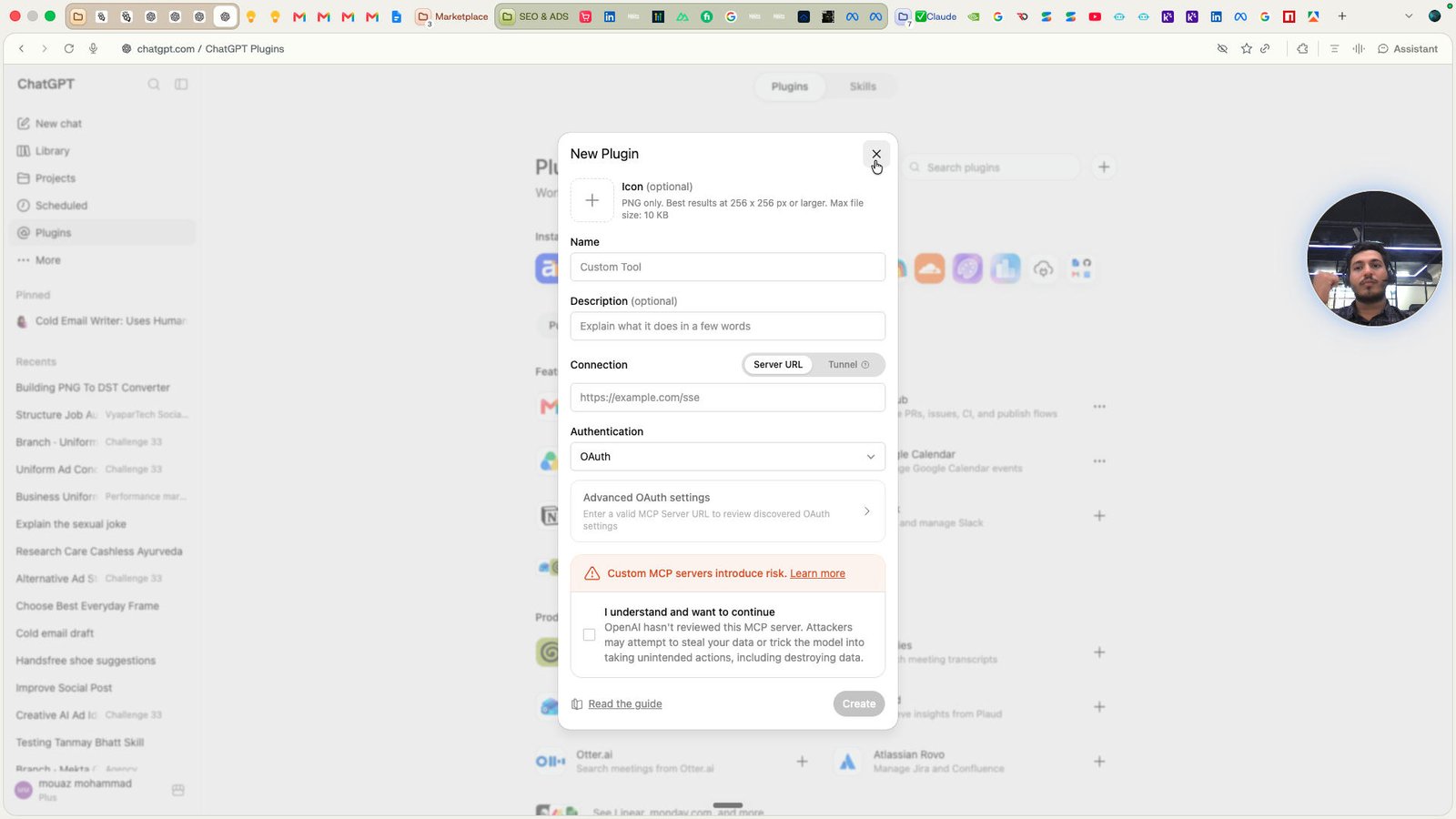
Open ChatGPT -
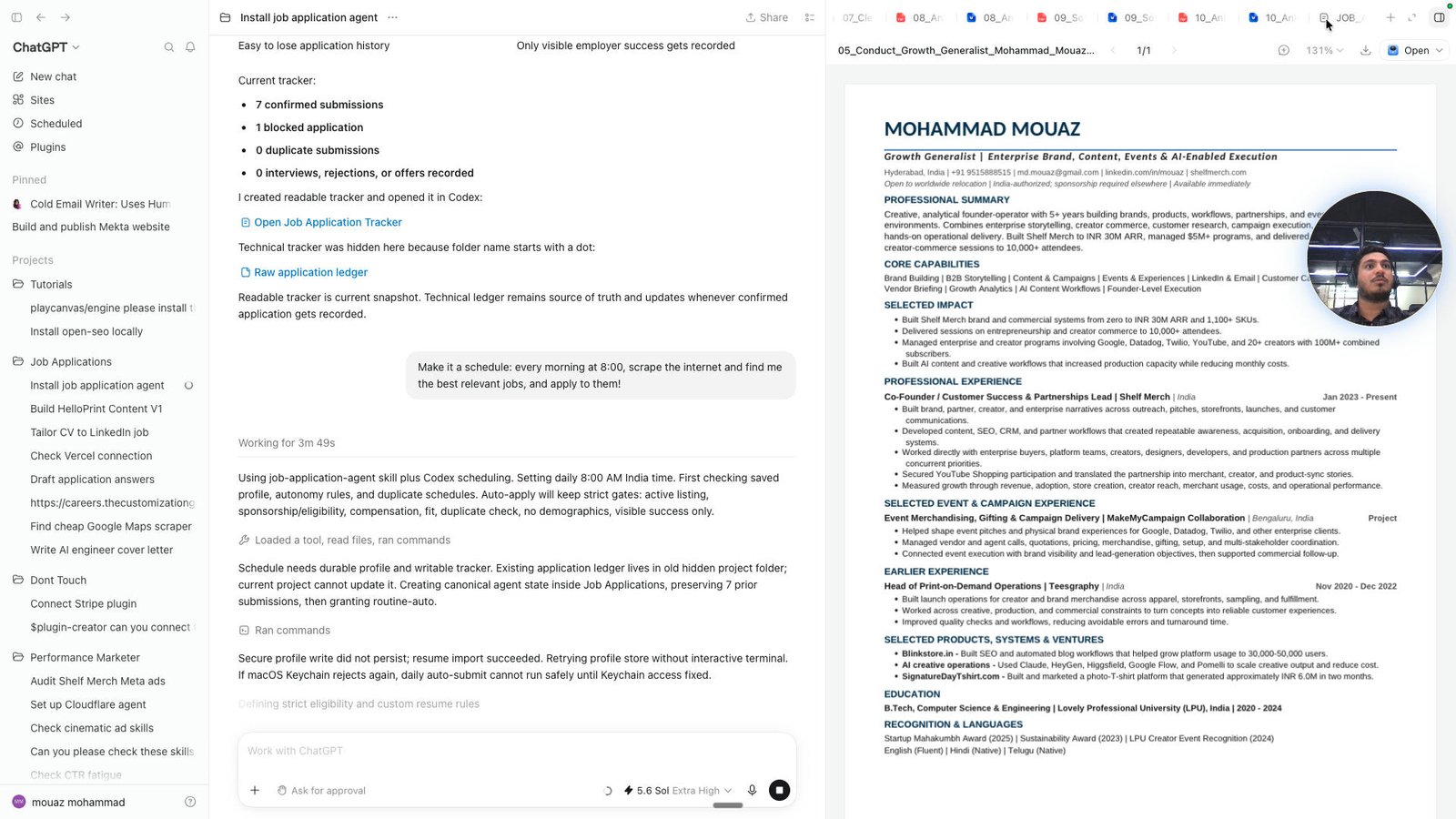
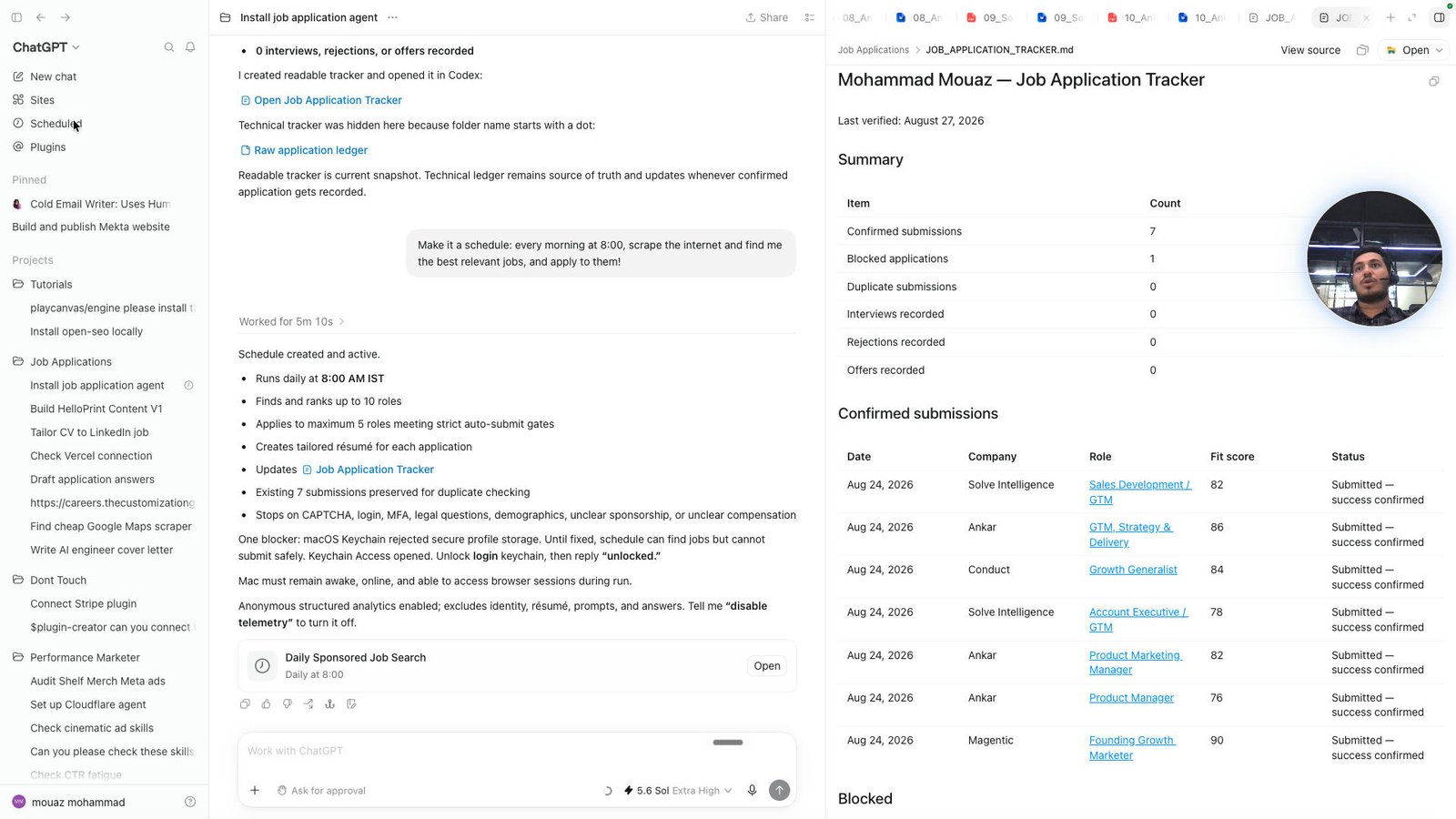
Click the Mohammad Mouaz — Job Application Tracker
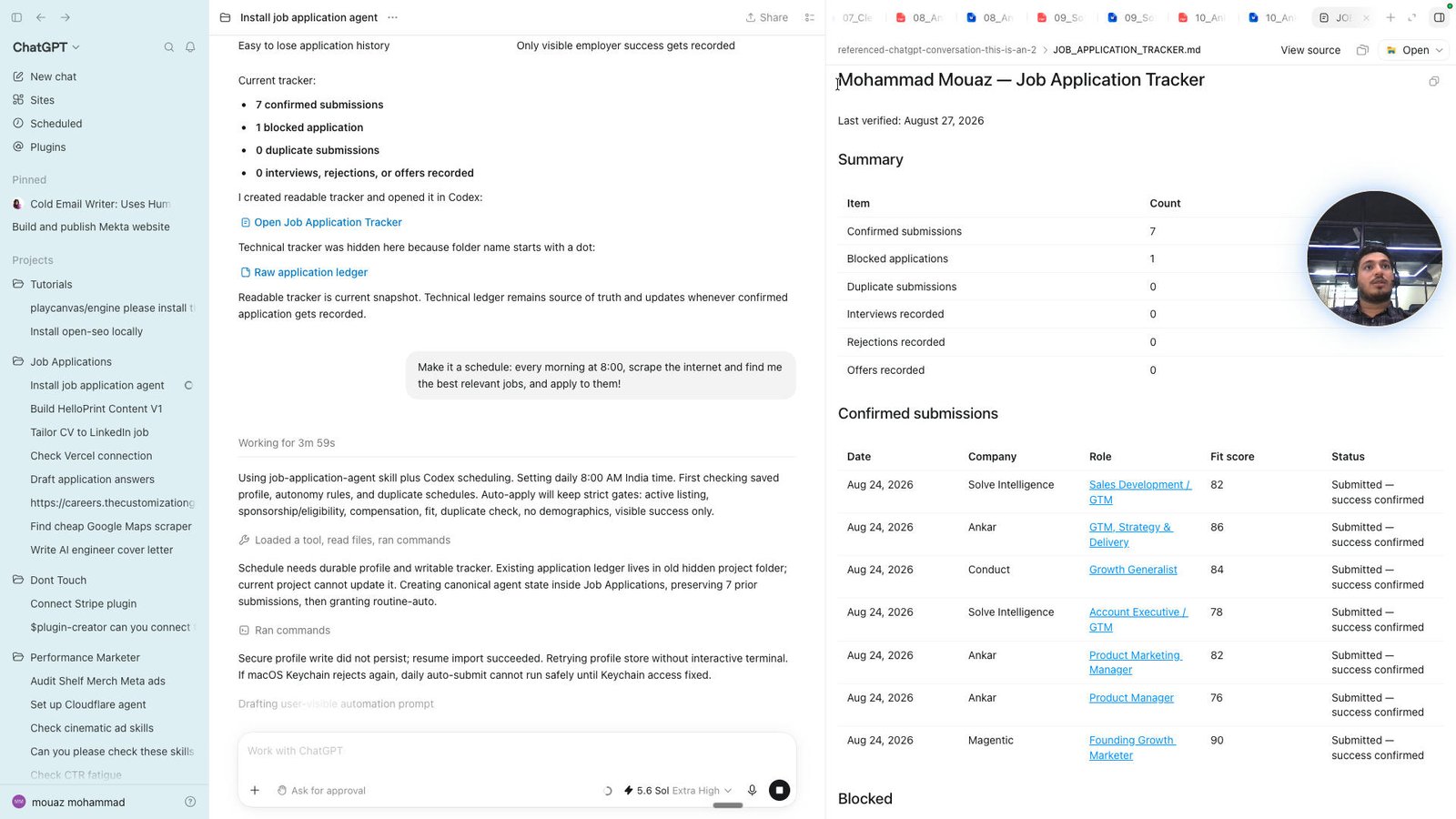
Click this group
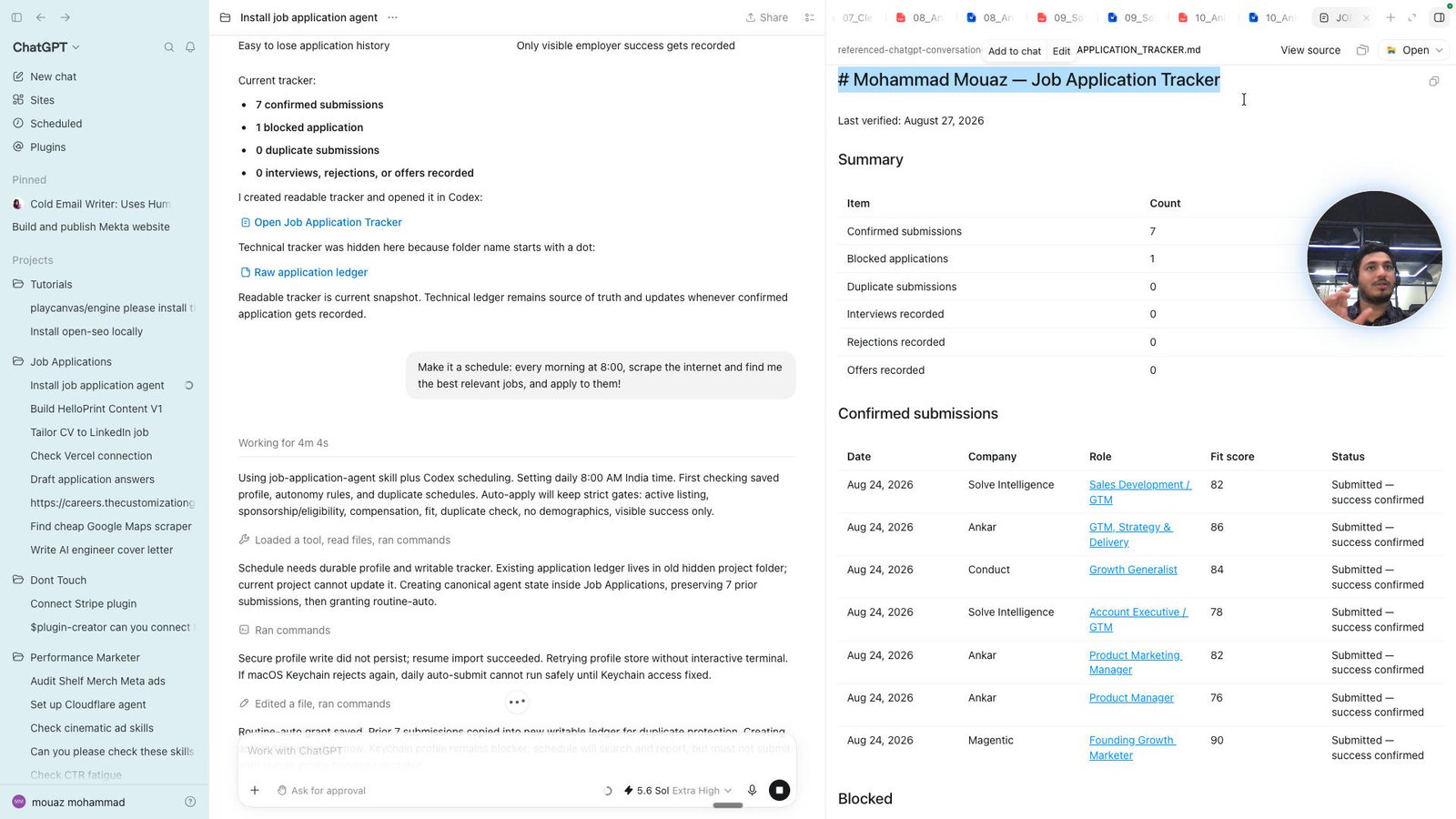
Click the Mohammad Mouaz — Job Application Tracker Last verified: August 27, 2026 Summary Item Count
Confirme
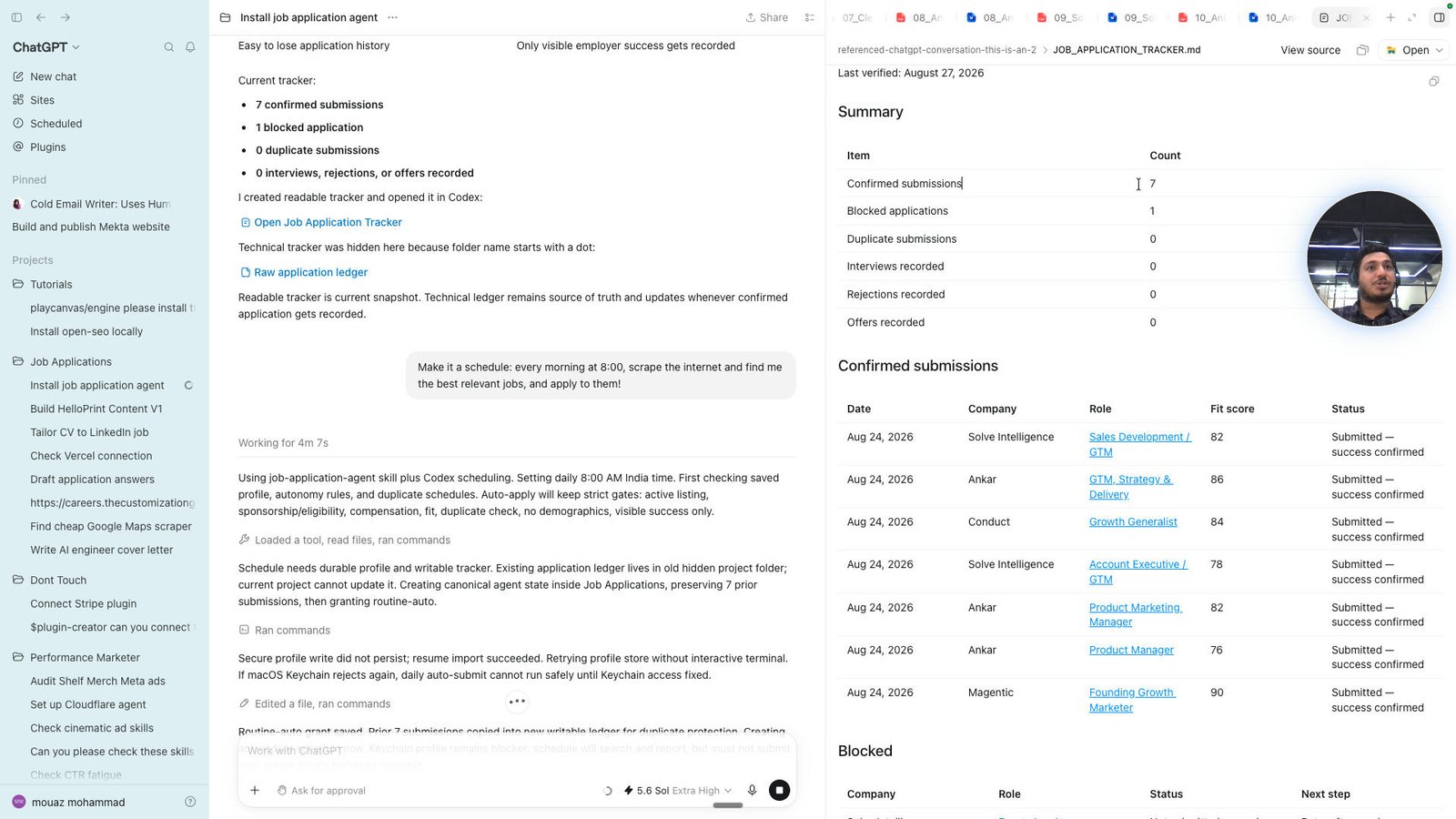
Click the Mohammad Mouaz — Job Application Tracker Last verified: August 27, 2026 Summary Item Count
Confirme
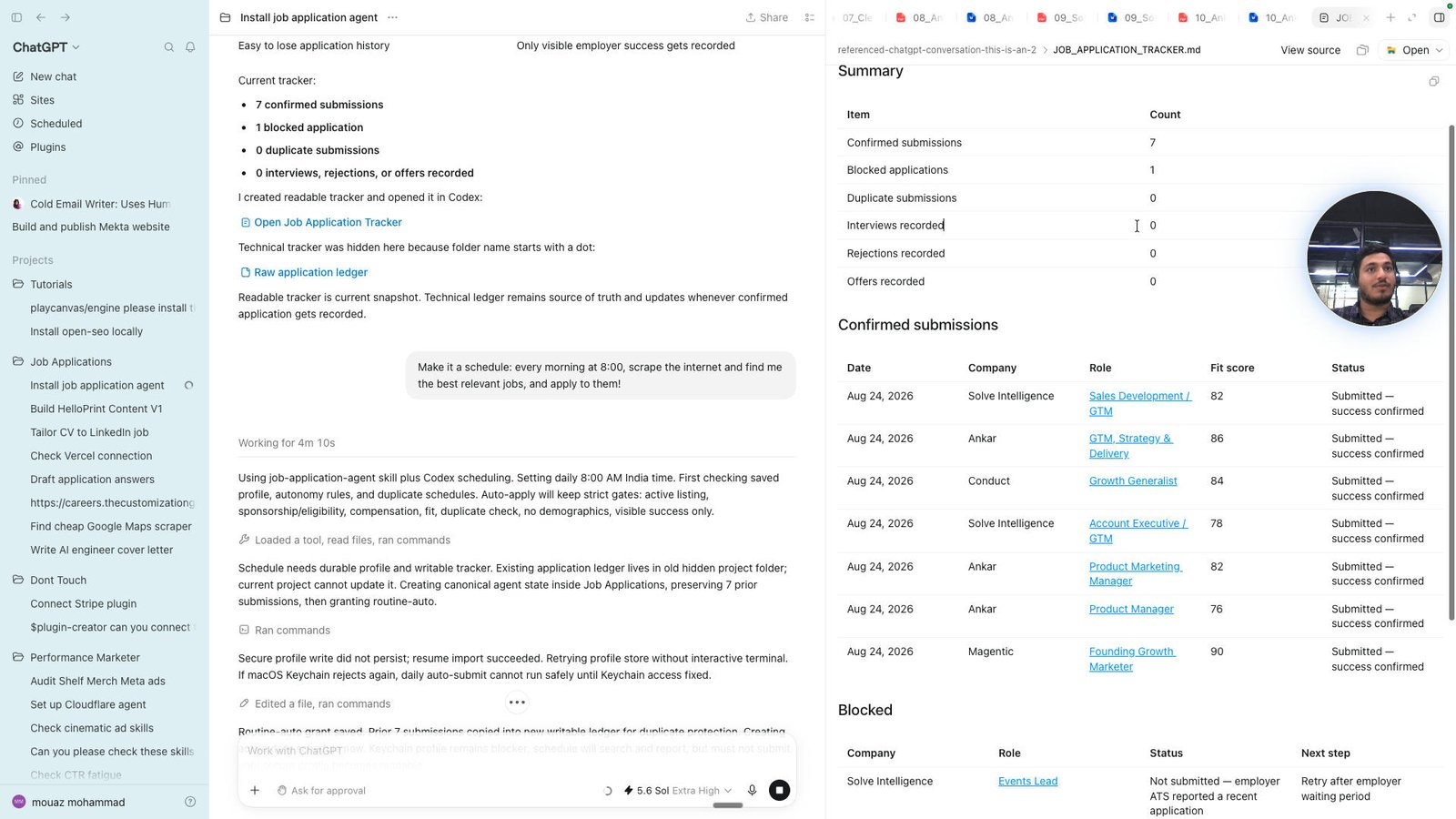
Click the Allow once
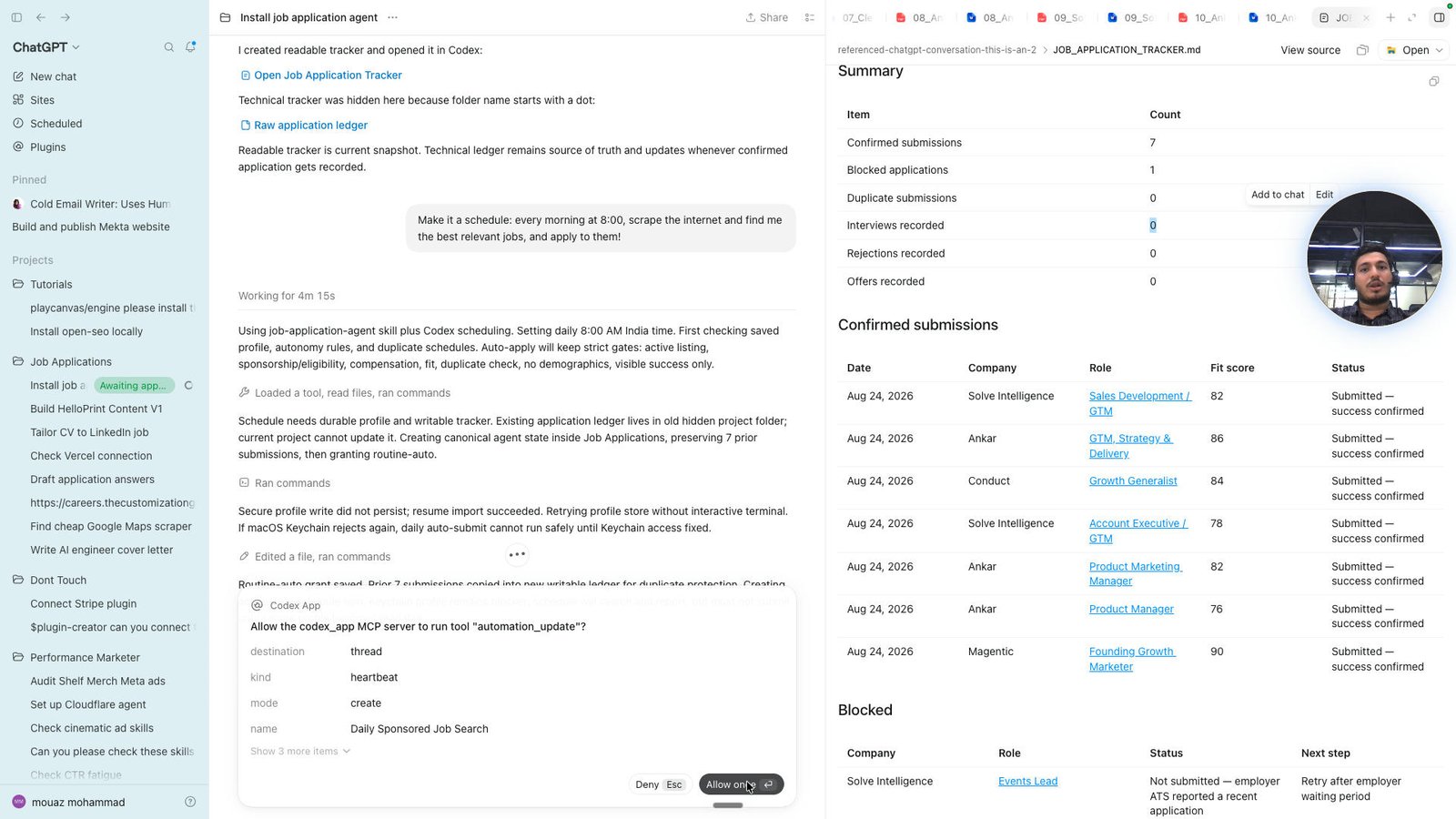
Click the Mohammad Mouaz — Job Application Tracker Last verified: August 27, 2026 Summary Item Count
Confirme
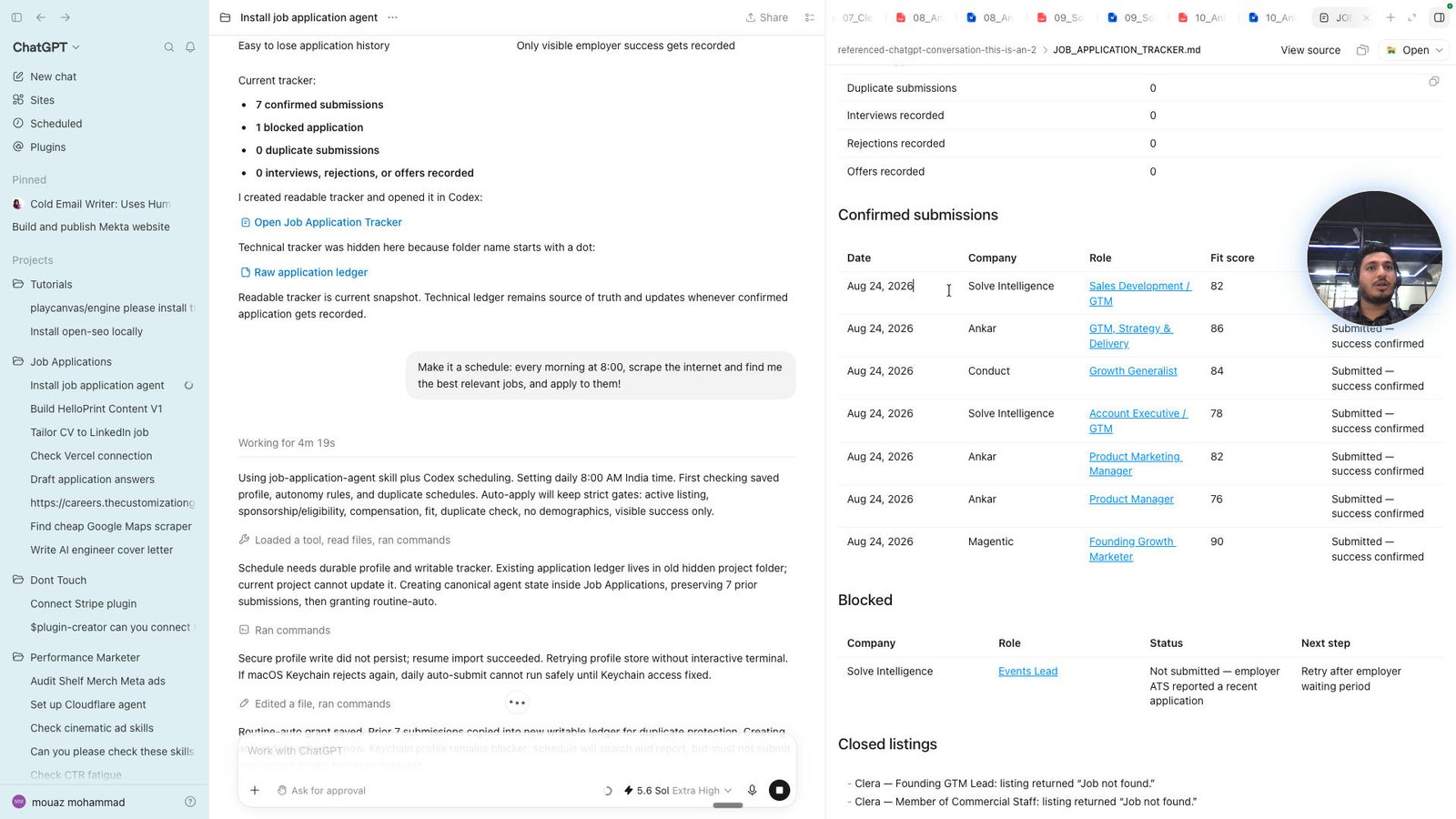
Click the Mohammad Mouaz — Job Application Tracker Last verified: August 27, 2026 Summary Item Count
Confirme
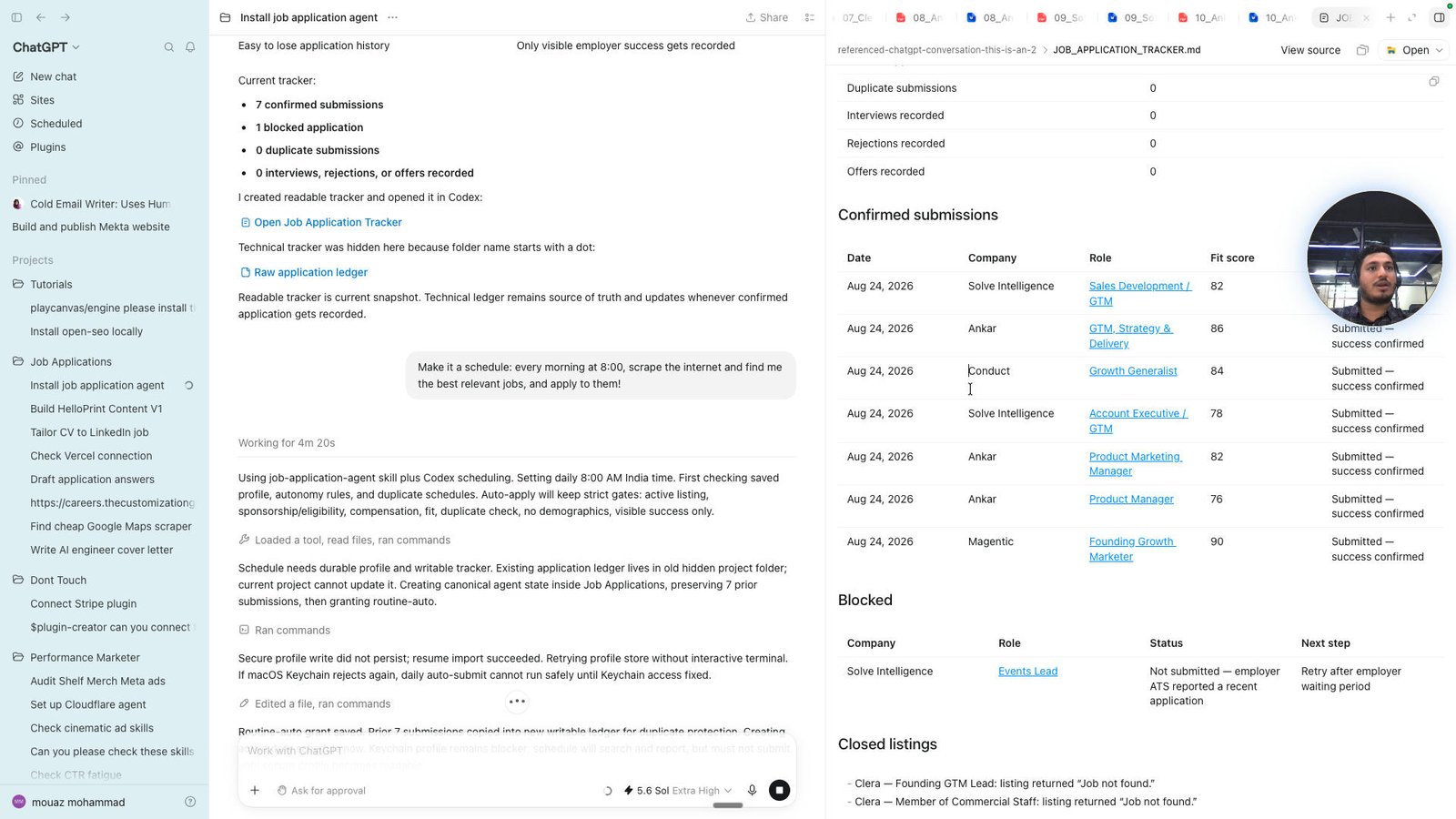
Click the Scheduled
Open Comet -
You made it to the end!
79 steps complete