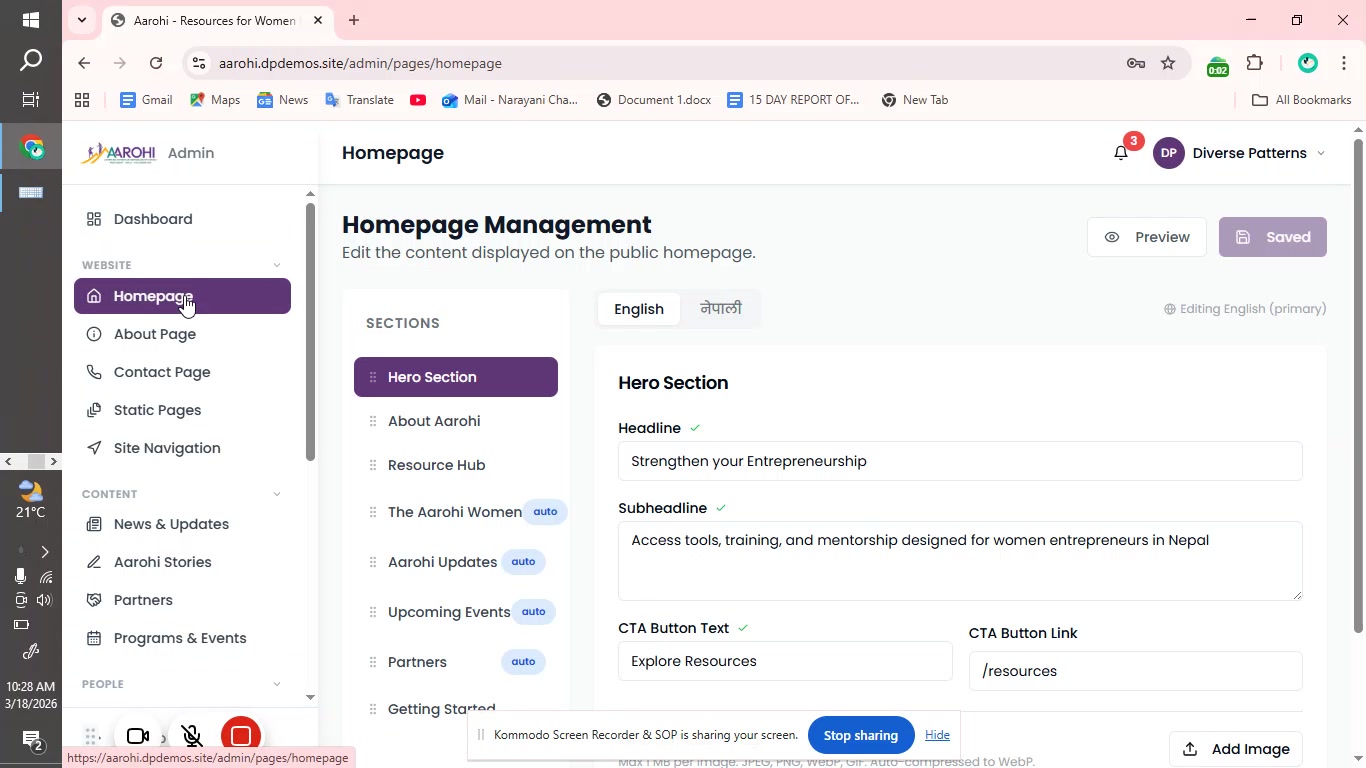

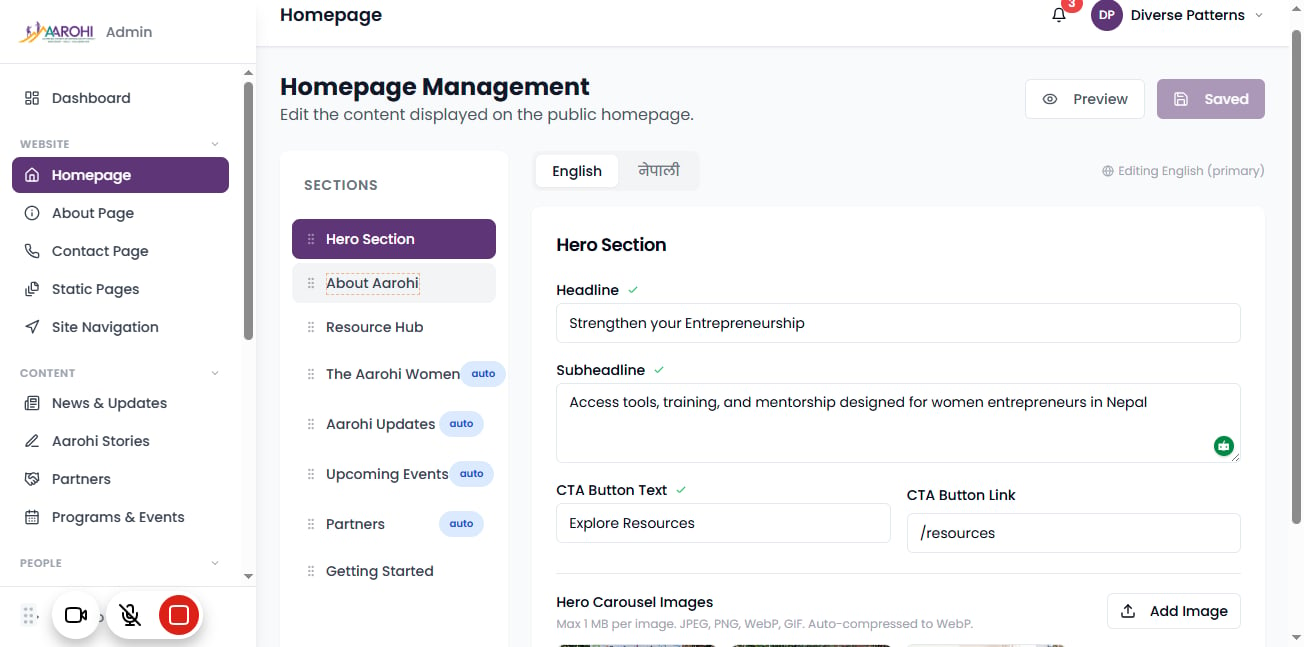
When you click on "Homepage Management", you'll see different sections like:
-Hero Section
-About Aarohi
-Resource Hub
Click on "Hero Section"
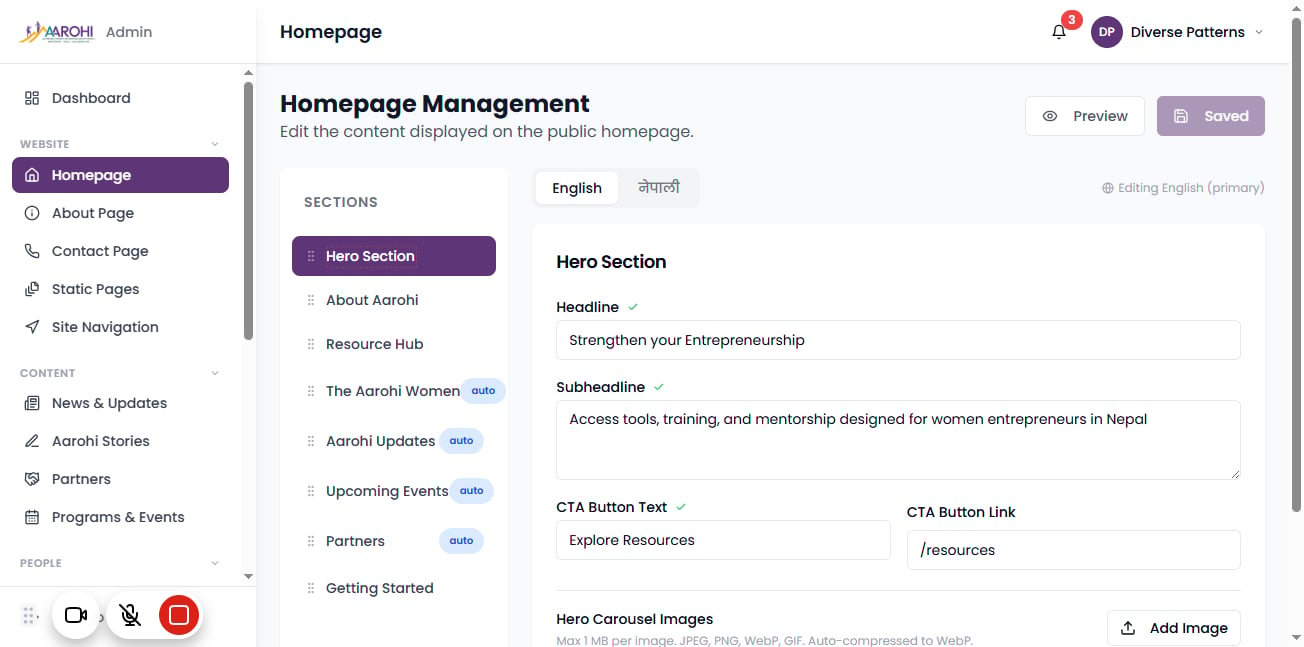
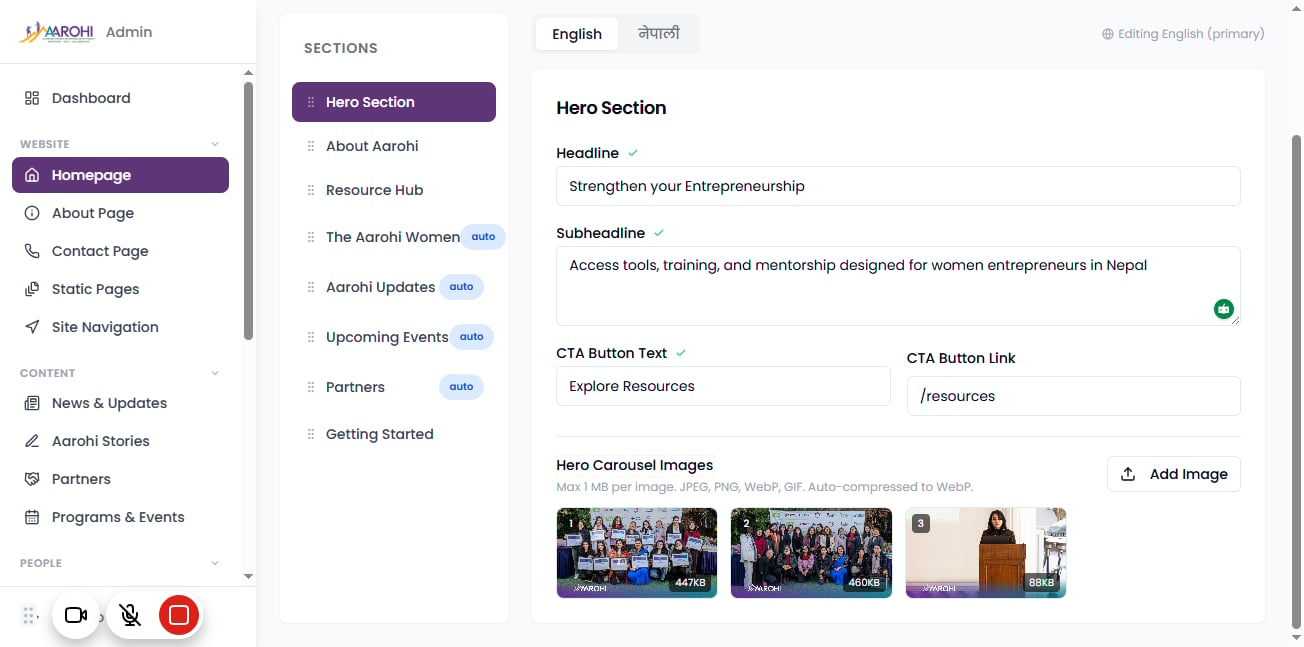
In the "Hero Section" Update, you will see and can edit the:
-"Headline" for main title
-"Subheadline" for short description
-"CTA Button Text" (e.g., "Explore Resources")
-"CTA Link (Where the button leads)
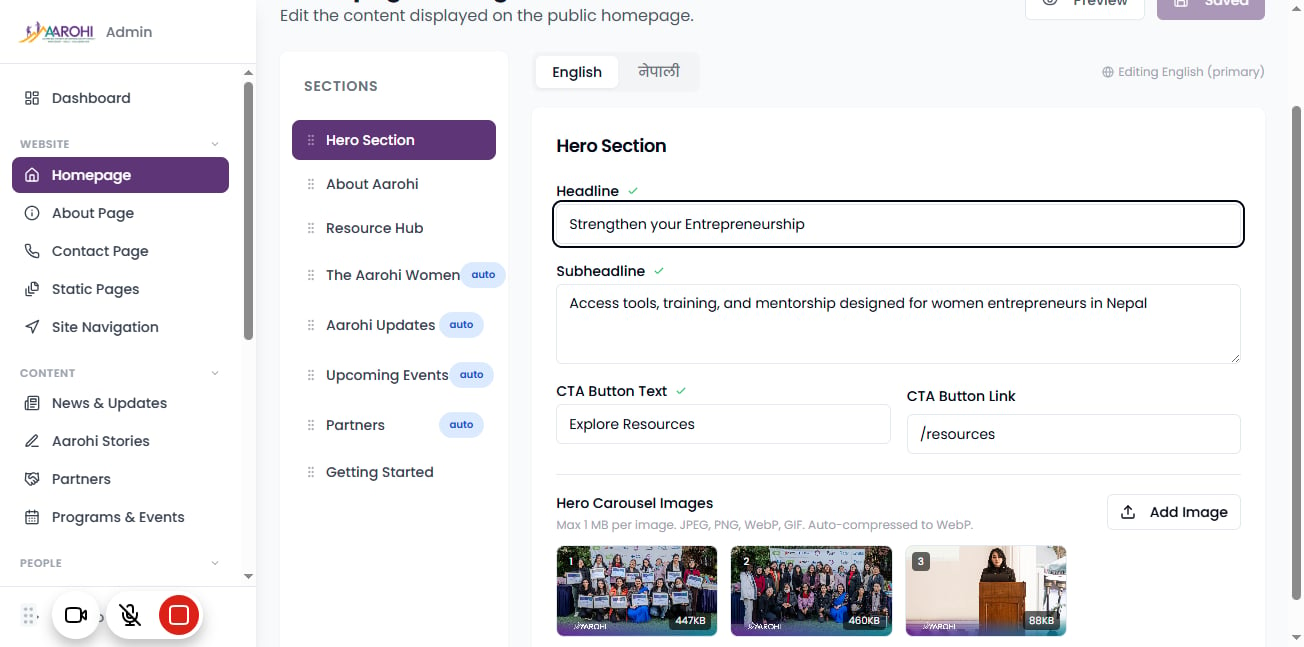
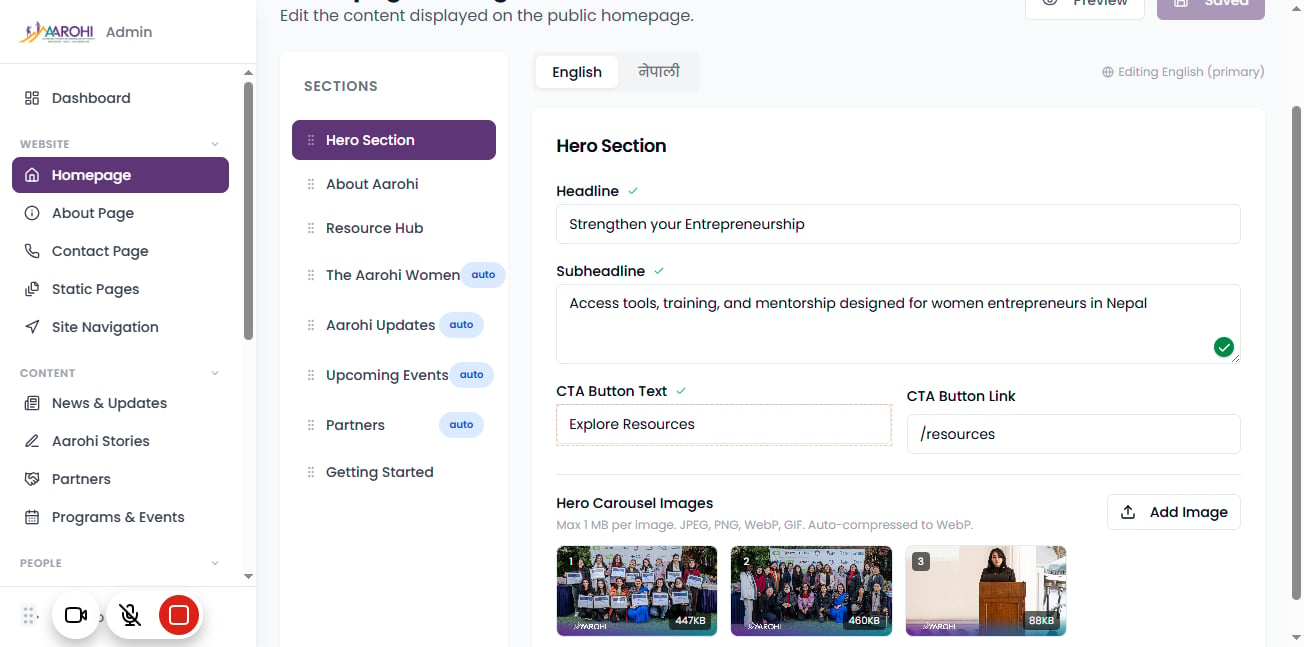
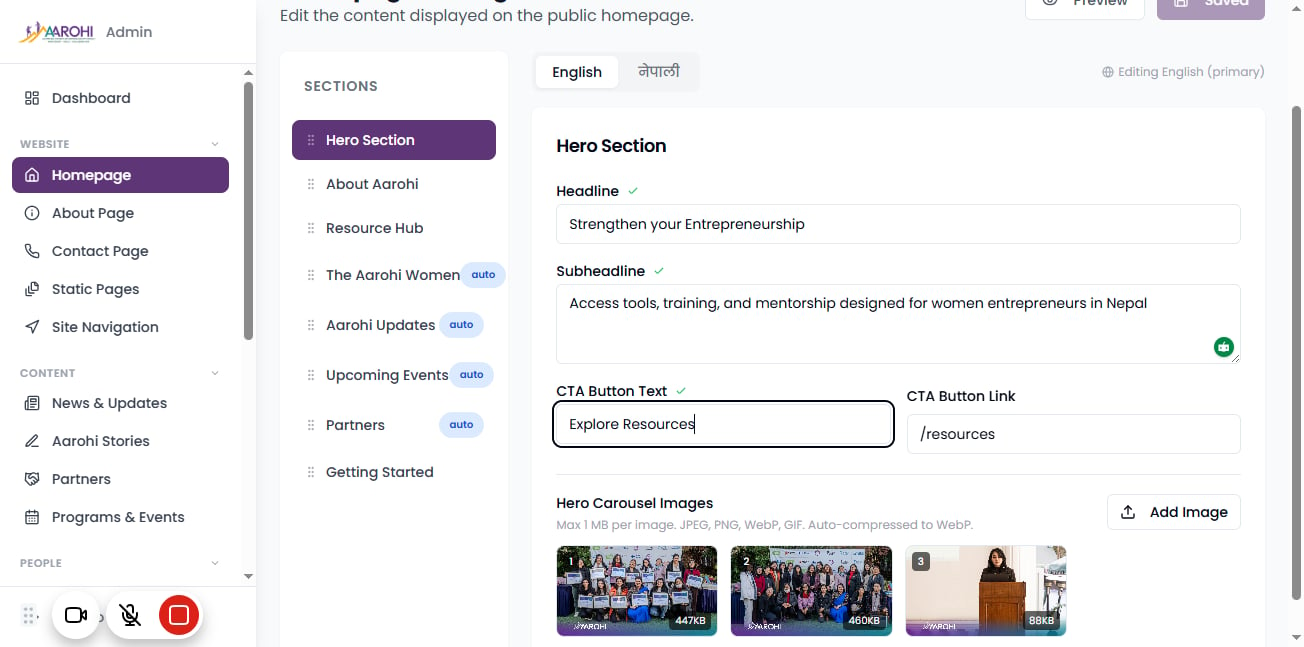
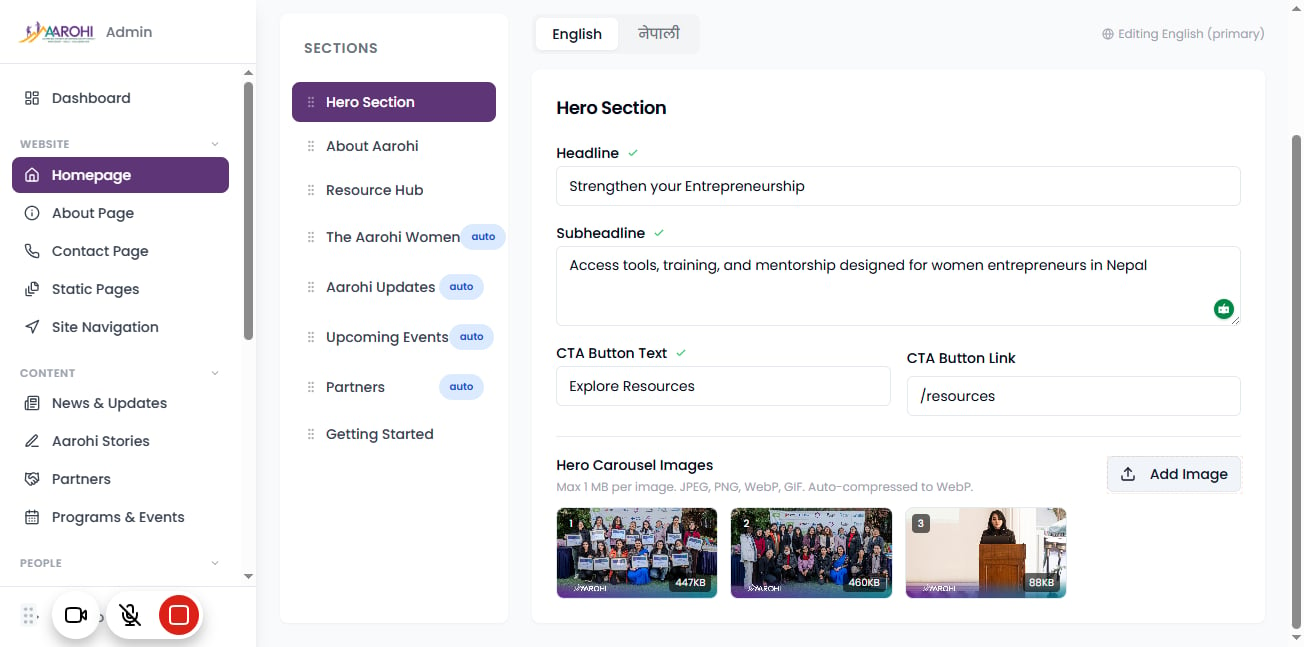
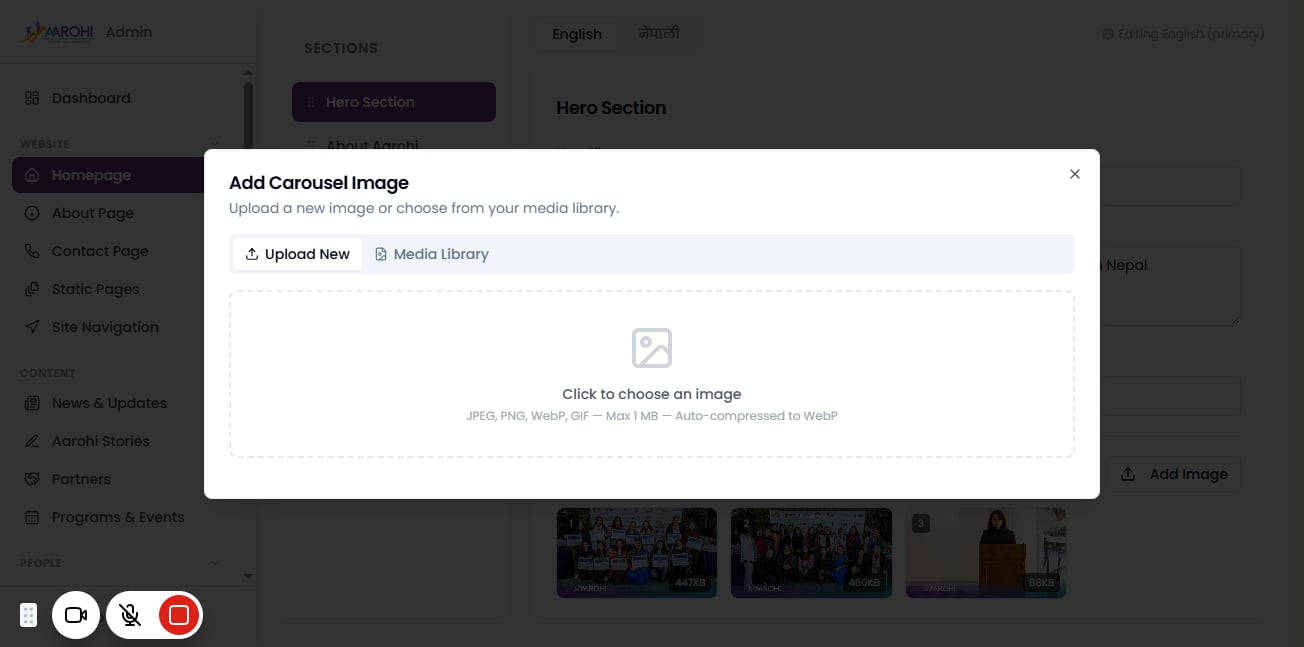
To Add/remove images in the carousel, click on "Hero Carousel Images". You can add multiple images.
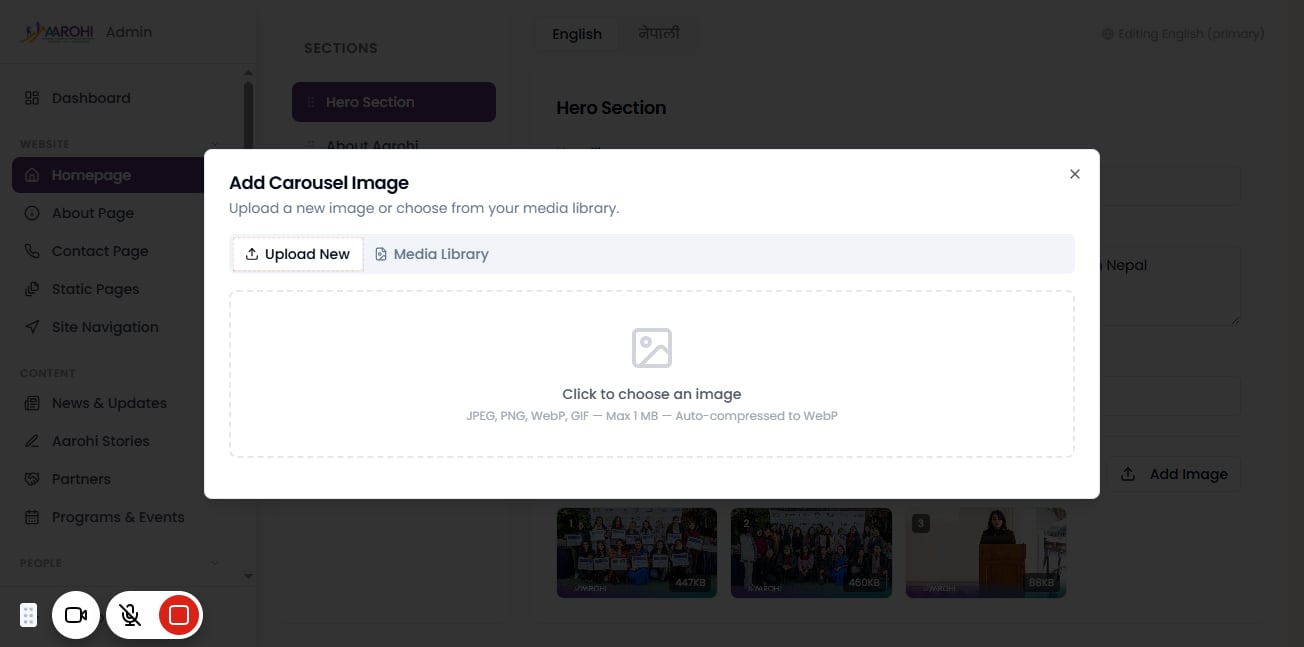
To select images that already exist in the media library, click on "Media Library".
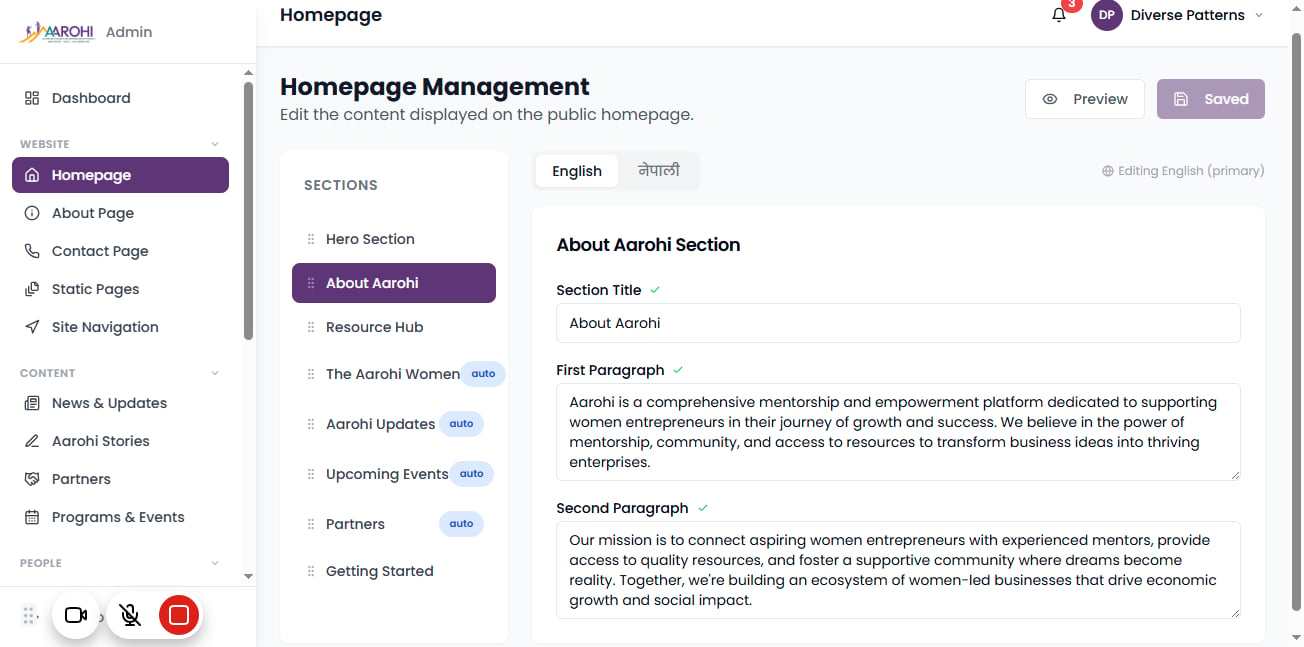
To edit the main title, and "first and second paragraph" for more detailed information about Aarohi, click on "Section Title".
Like shown in the image, "First Paragraph" has information about what Aarohi is, and outlines its core values. And "second paragraph" focuses on its mission.
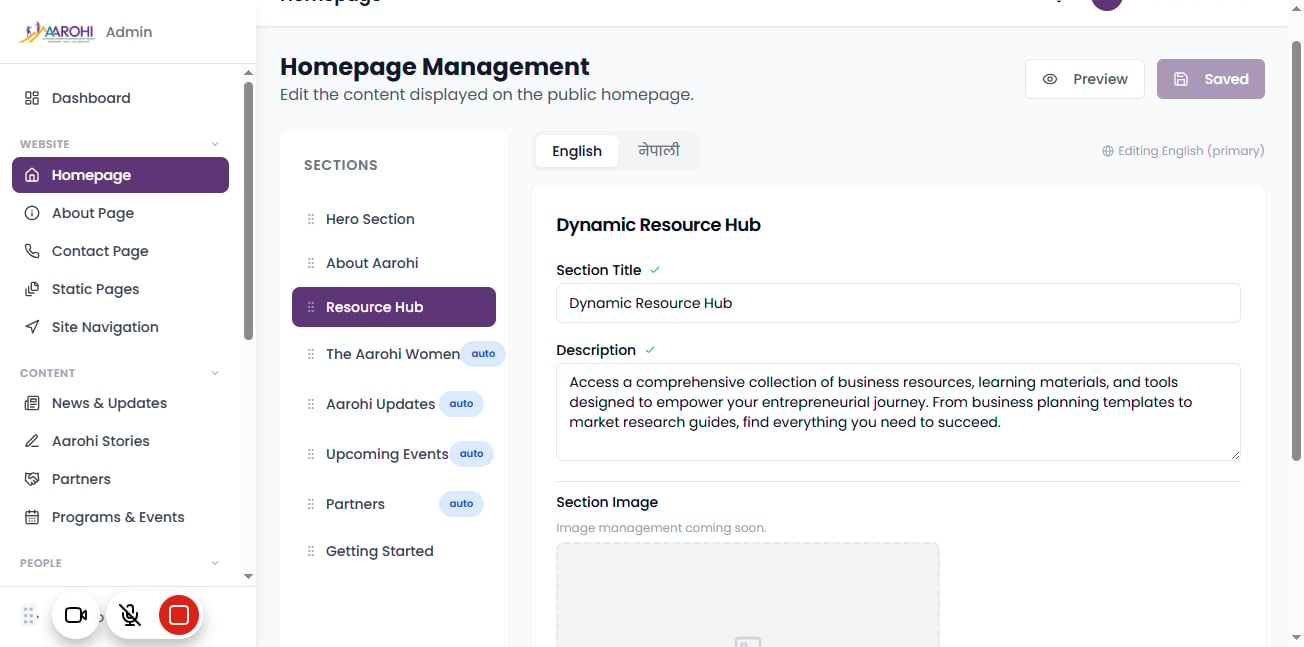
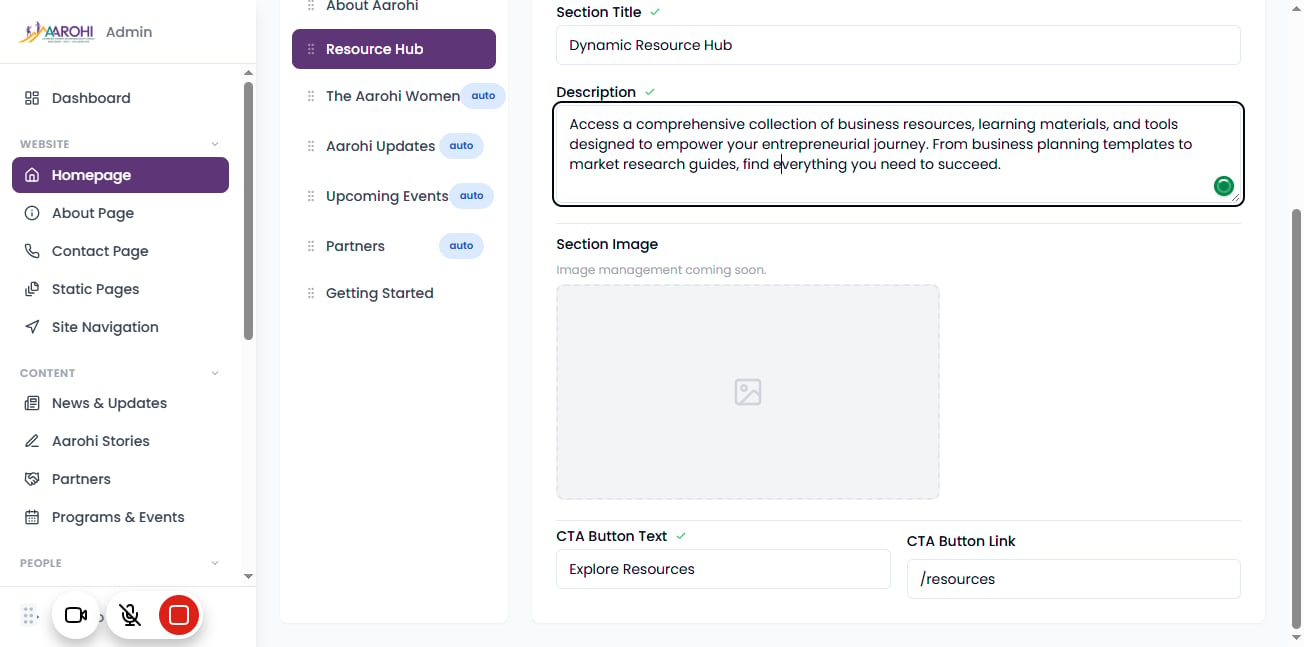
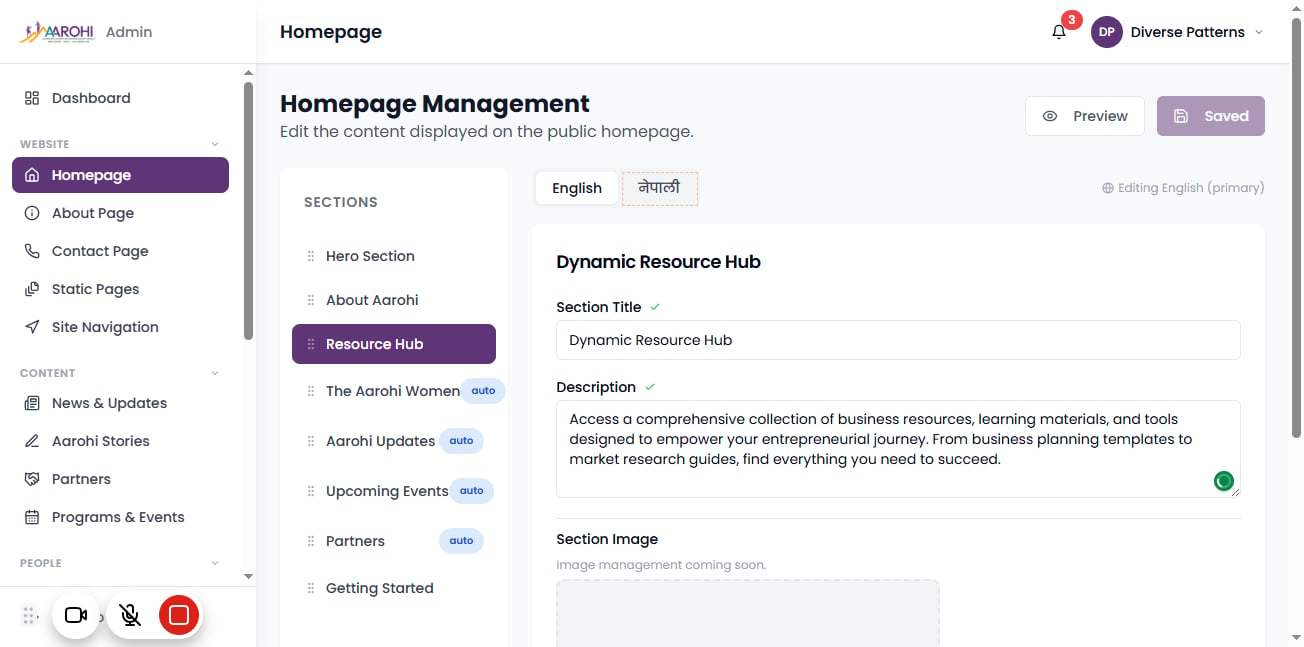
To edit the information for the "Dynamic Resource Hub, click on "Resource Hub".
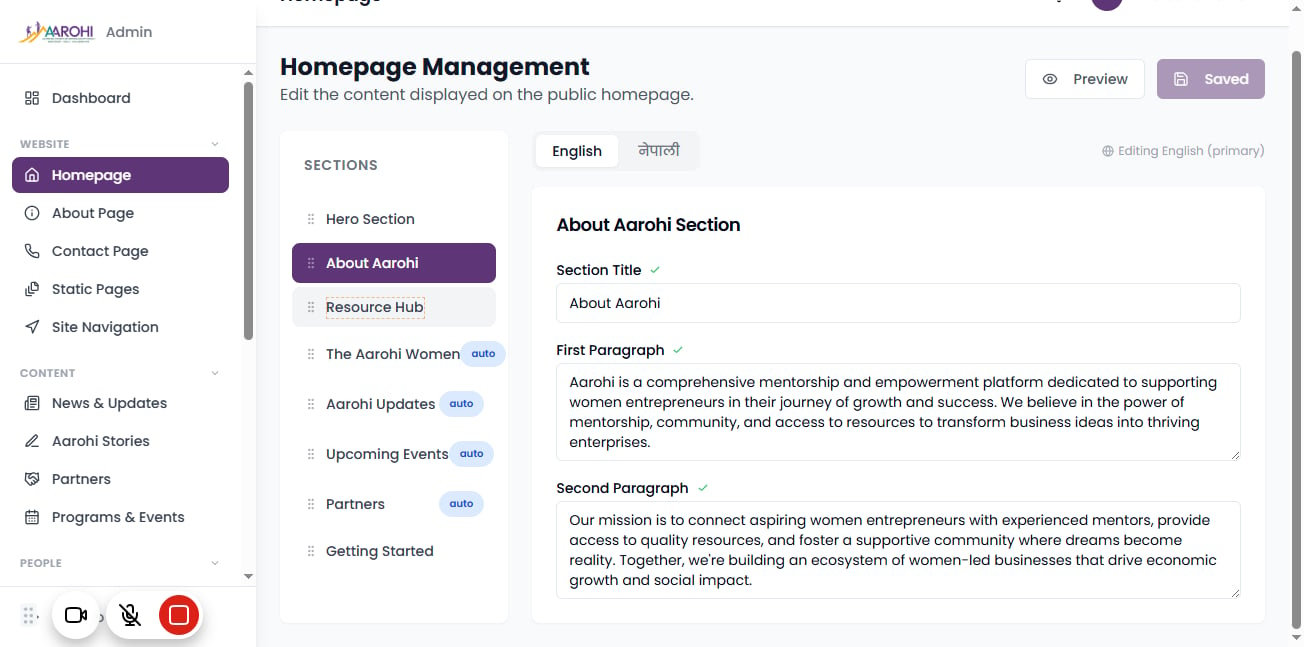
After clicking "Resource Hub" you will be able to edit the "Section title" and the "Description".

You made it to the end!
17 steps complete