SOP - How to Update Employee Timeline & Terminate (archive) a user in Connecteam

Barry Vuong
No date
7 steps
1
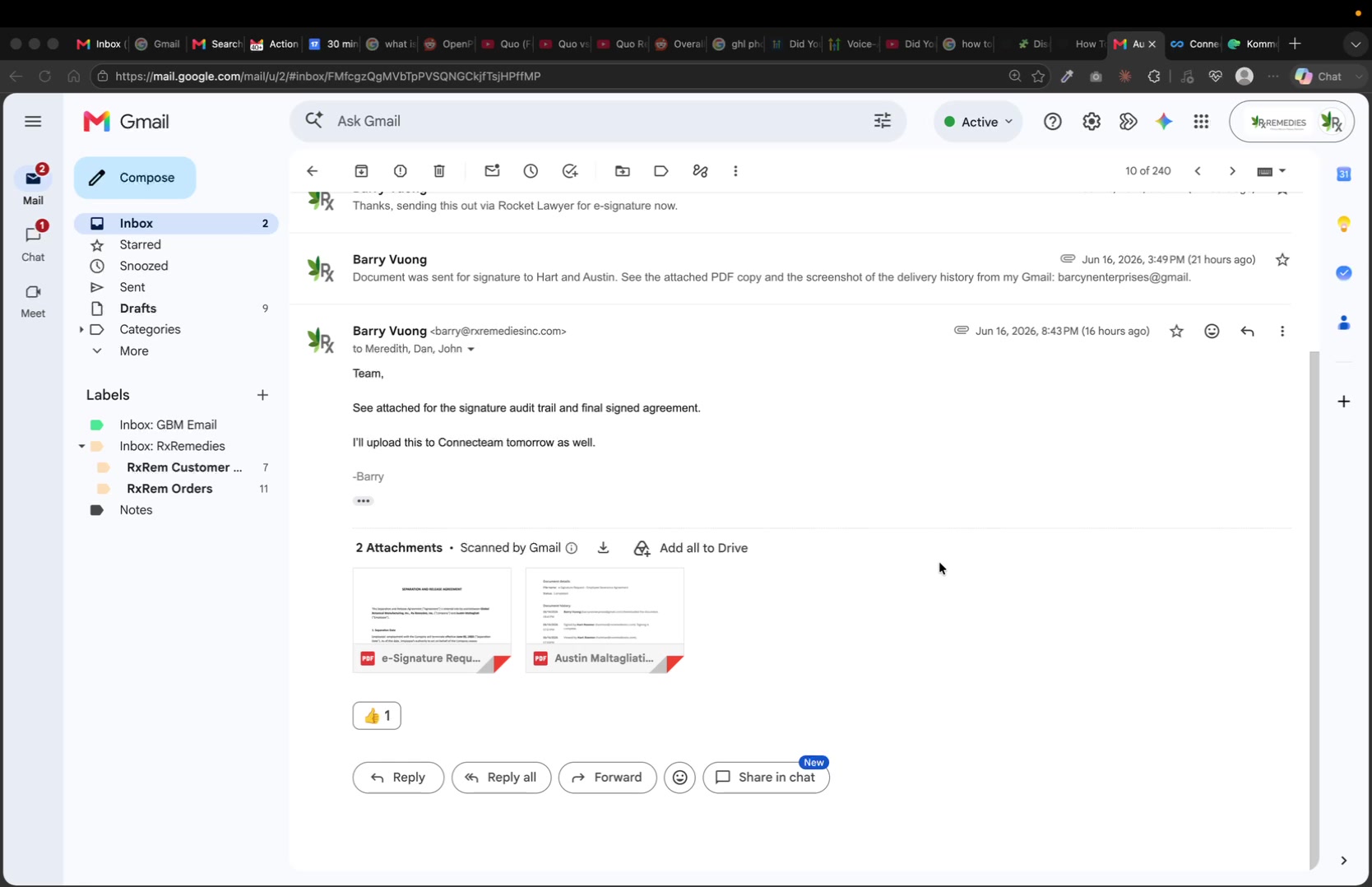
Download any documents to upload to employee timeline (if applicable)
2
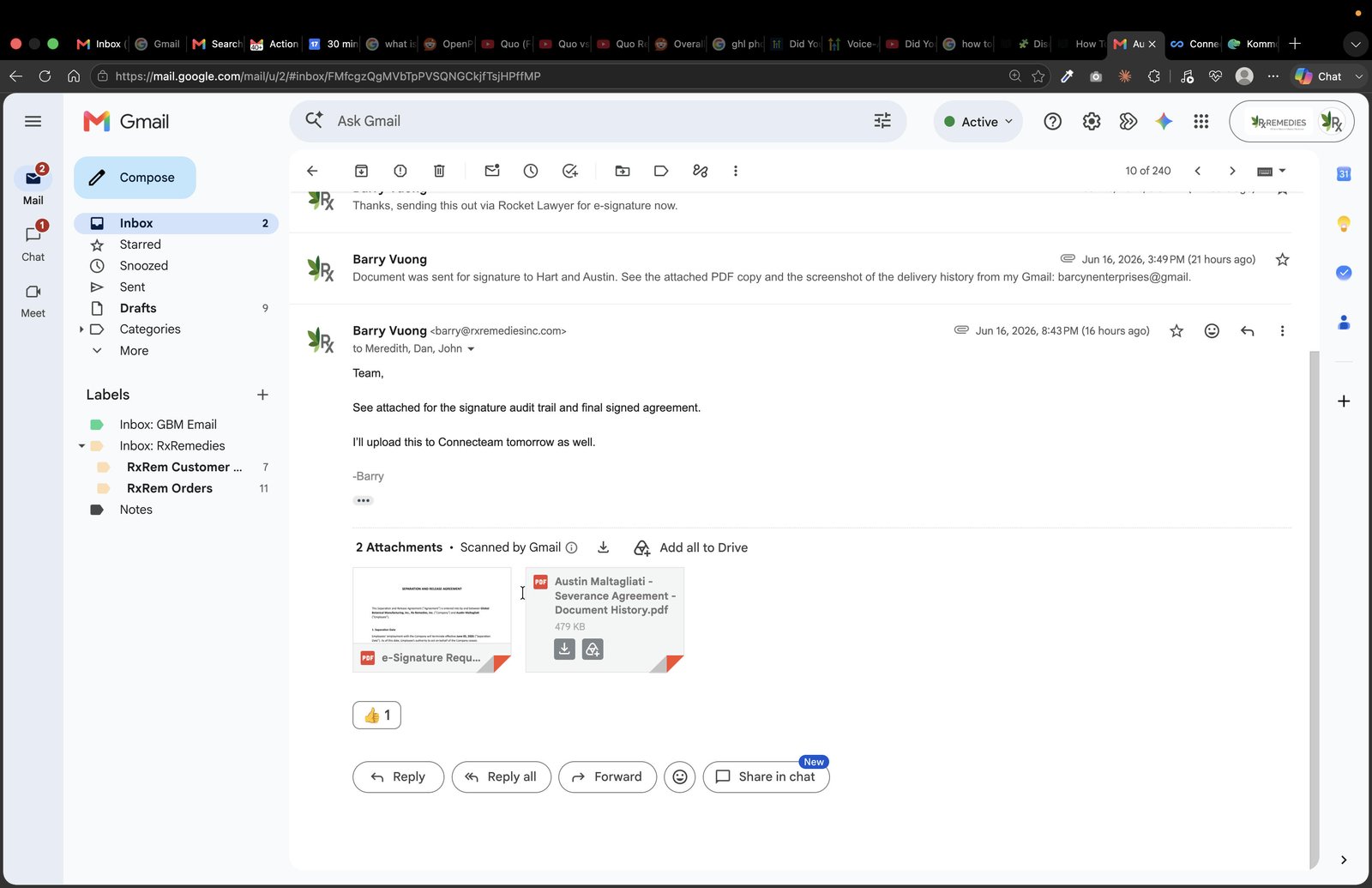
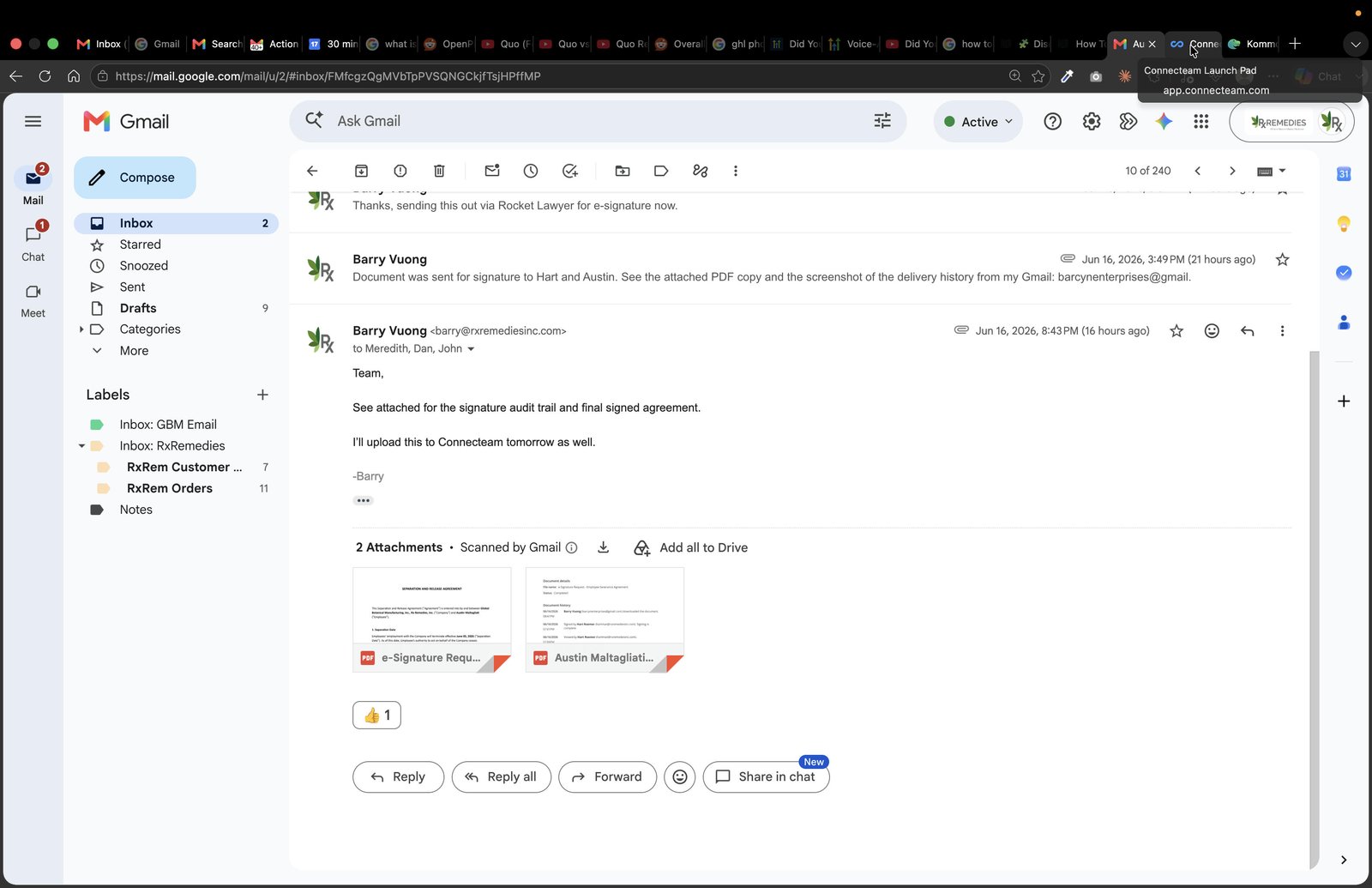
Navigate to Connecteam in web browser
3
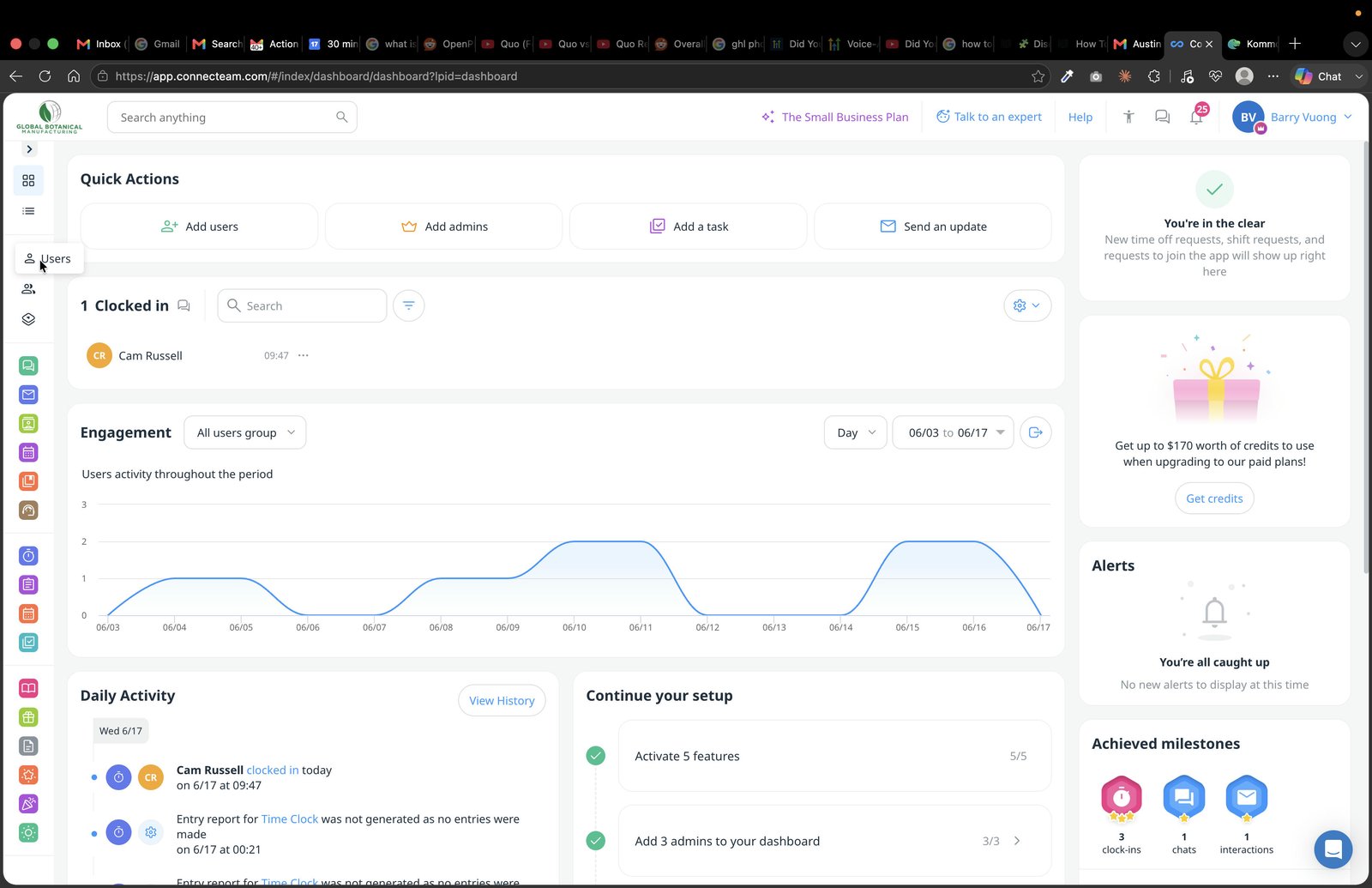
Click on 'Users' on the left navigation bar
4
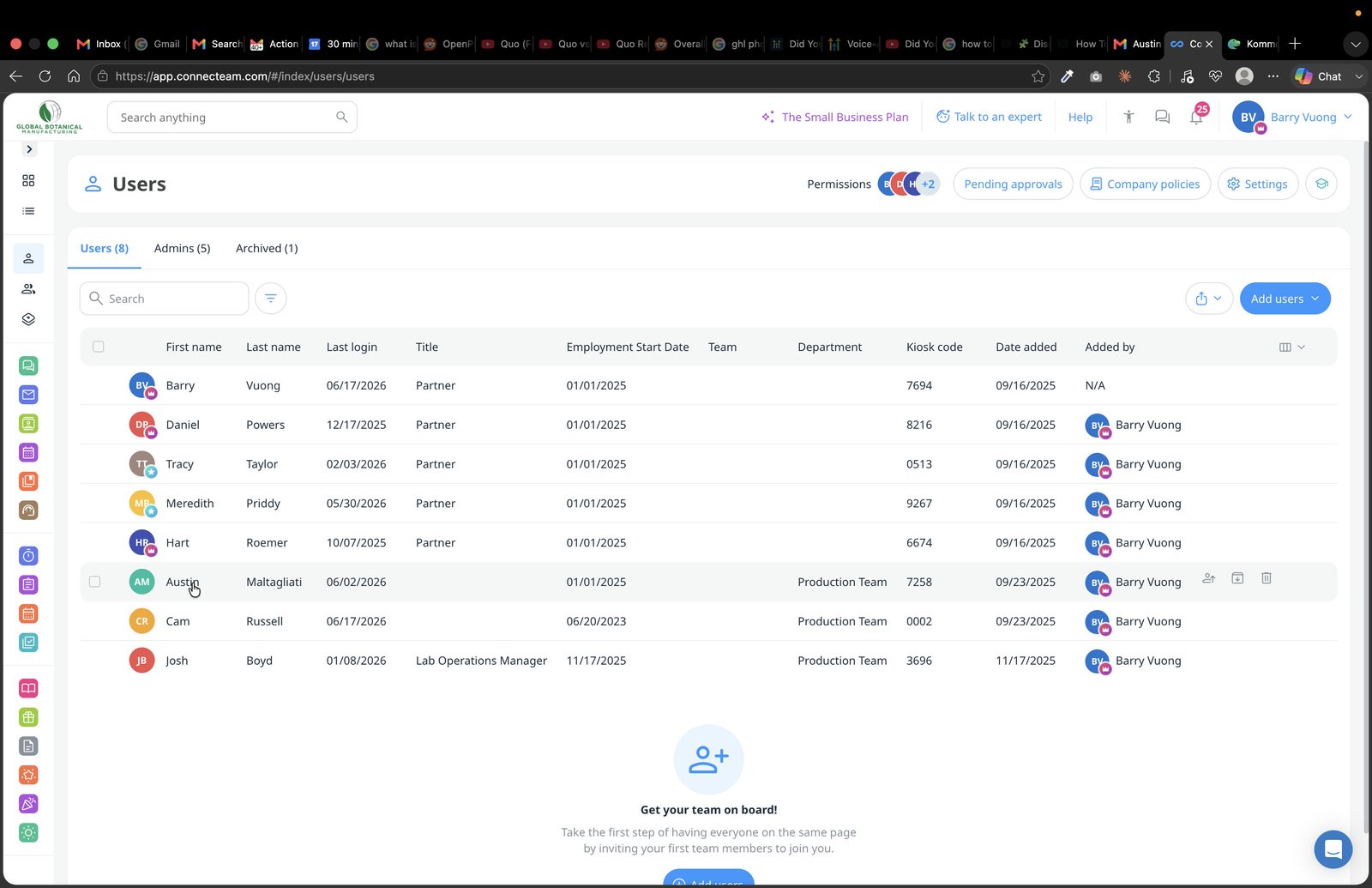
Click on the user that you are trying to update
5
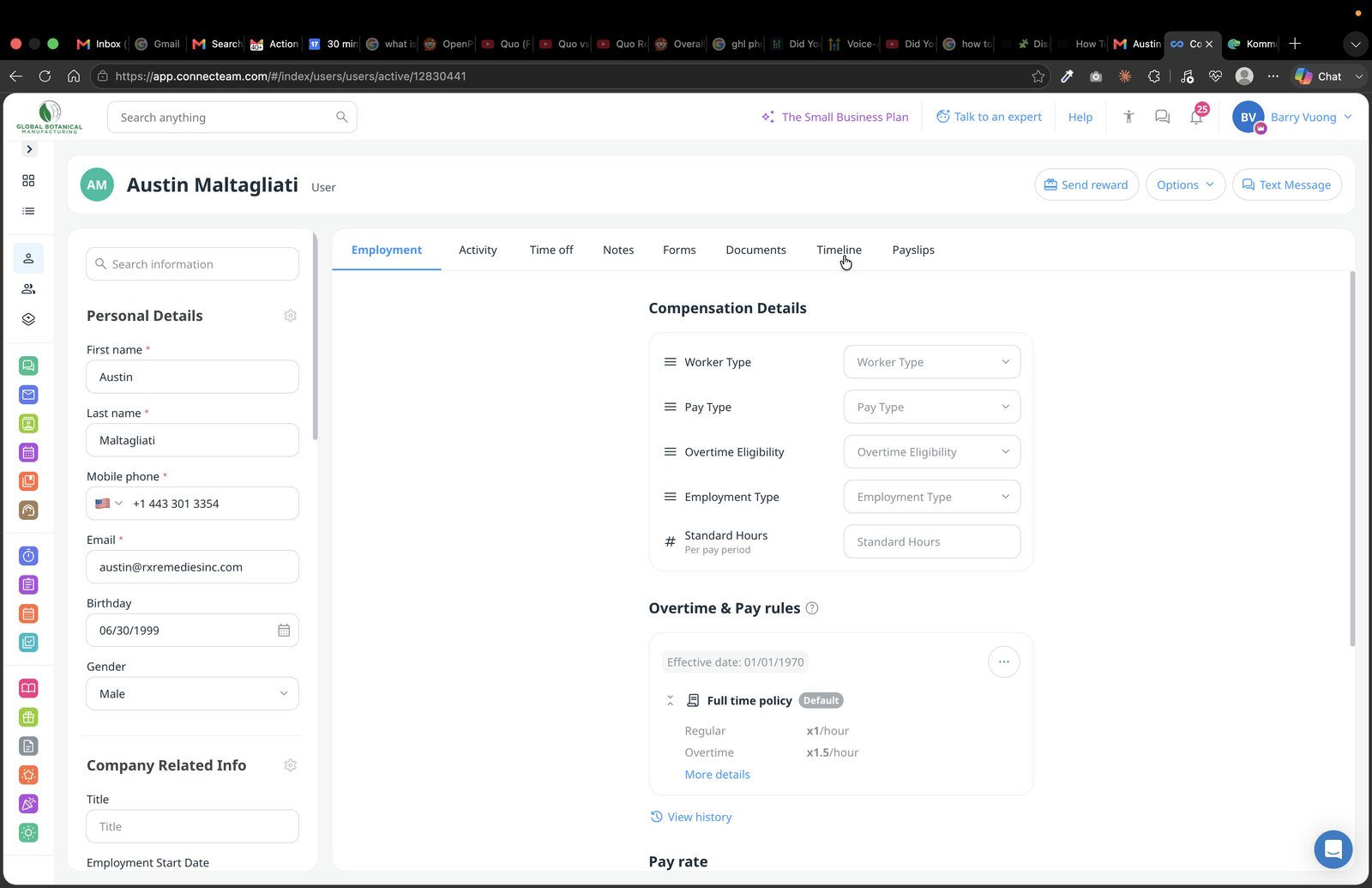
Click on the 'Timeline' tab to access the employee timeline
6
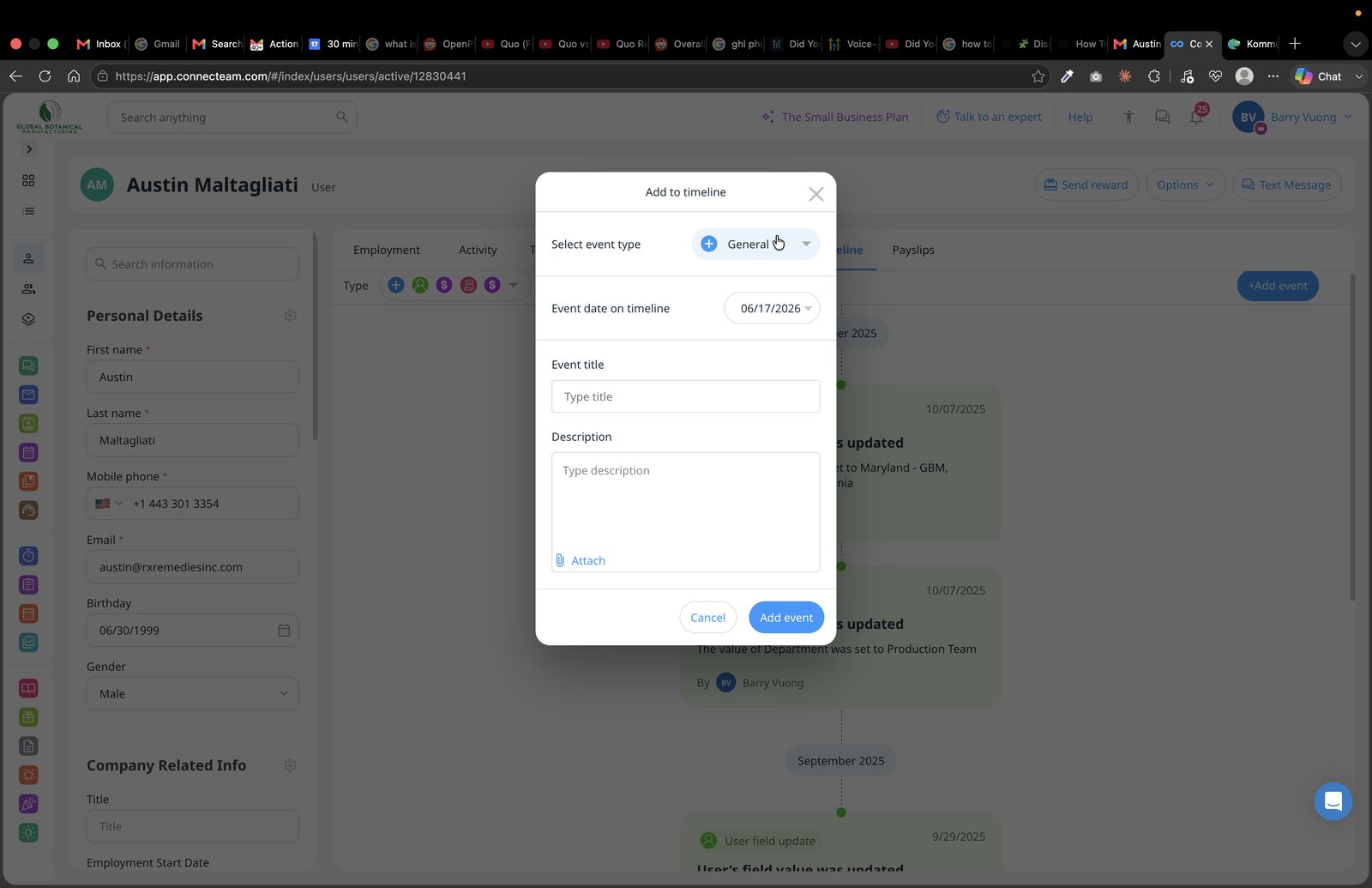
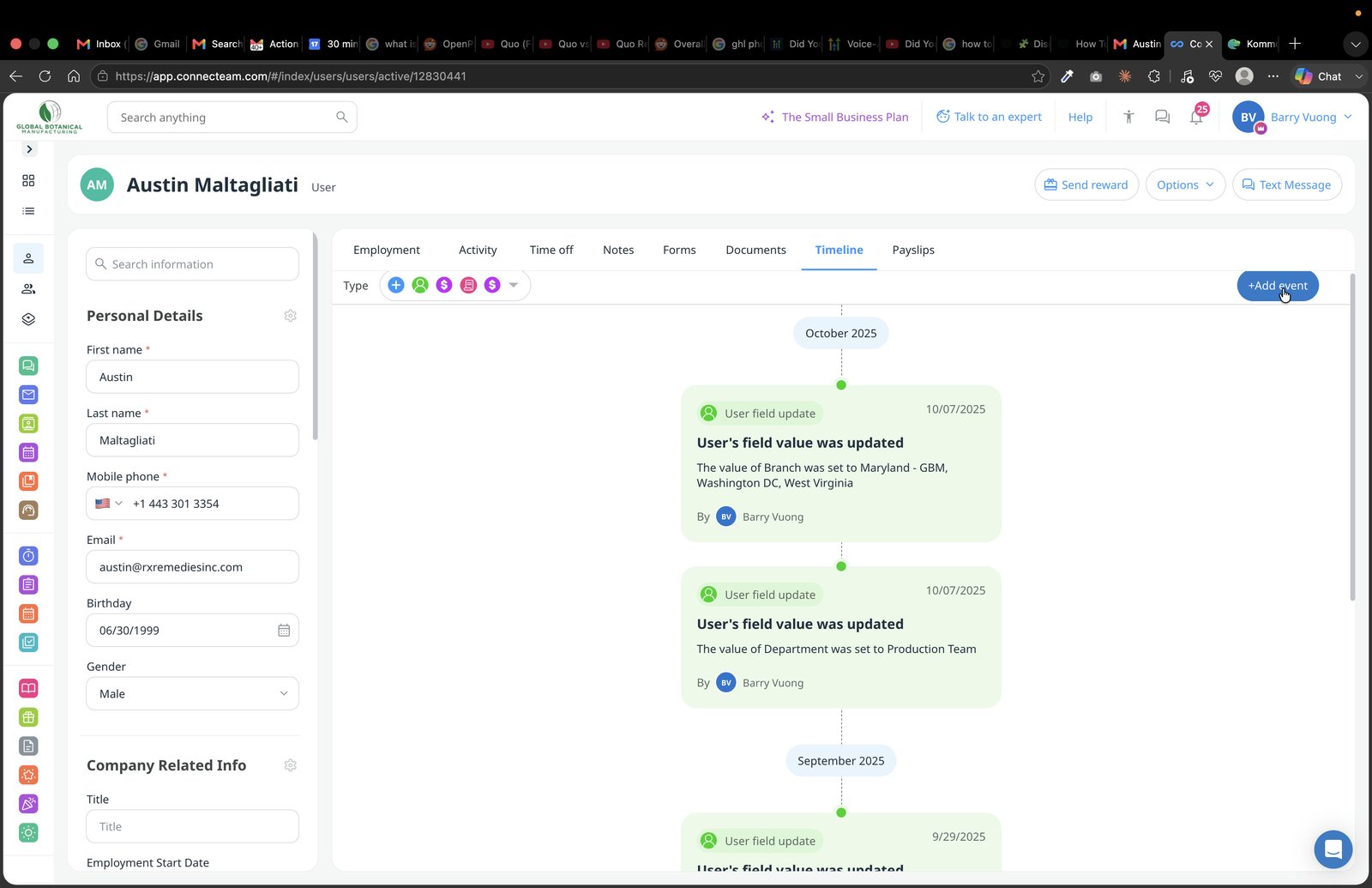
Add event in employee's timeline (ex. Termination)
7
Input event details and upload any attachments as necessary, then click save when complete.