Using the SAM Prompt Studio
Getting to "how do we think here"!

Greg Hansen
No date
5 steps
1
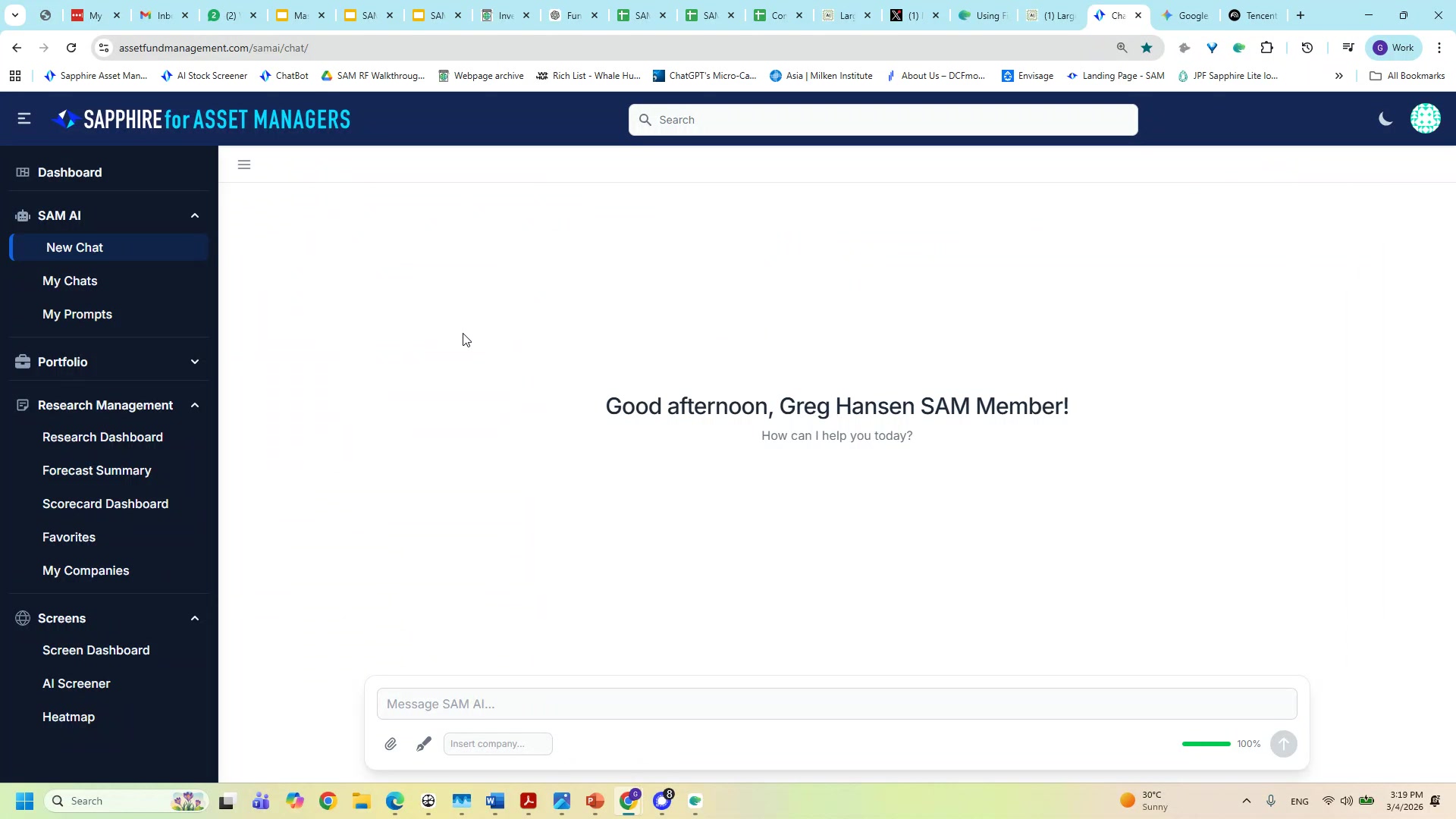
Open the prompt studio in SAM AI Chat
To find the prompt studio open the paintbrush icon.

2
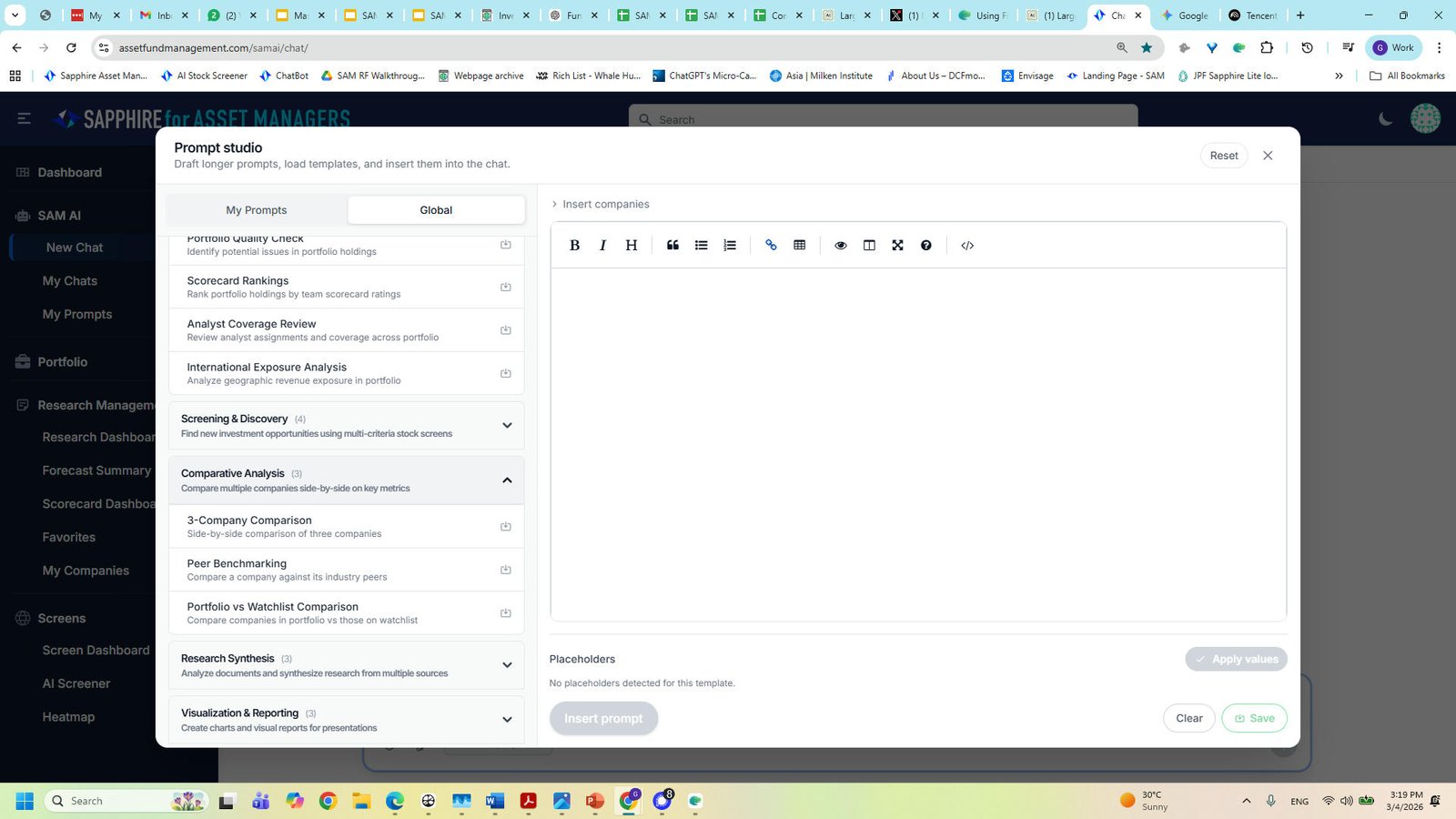
Choose My Prompts or Global Prompts
The studio is a creative place to use templated prompts. Edit those prompts with your own perspective or make your own prompt and store it in My Prompts
3
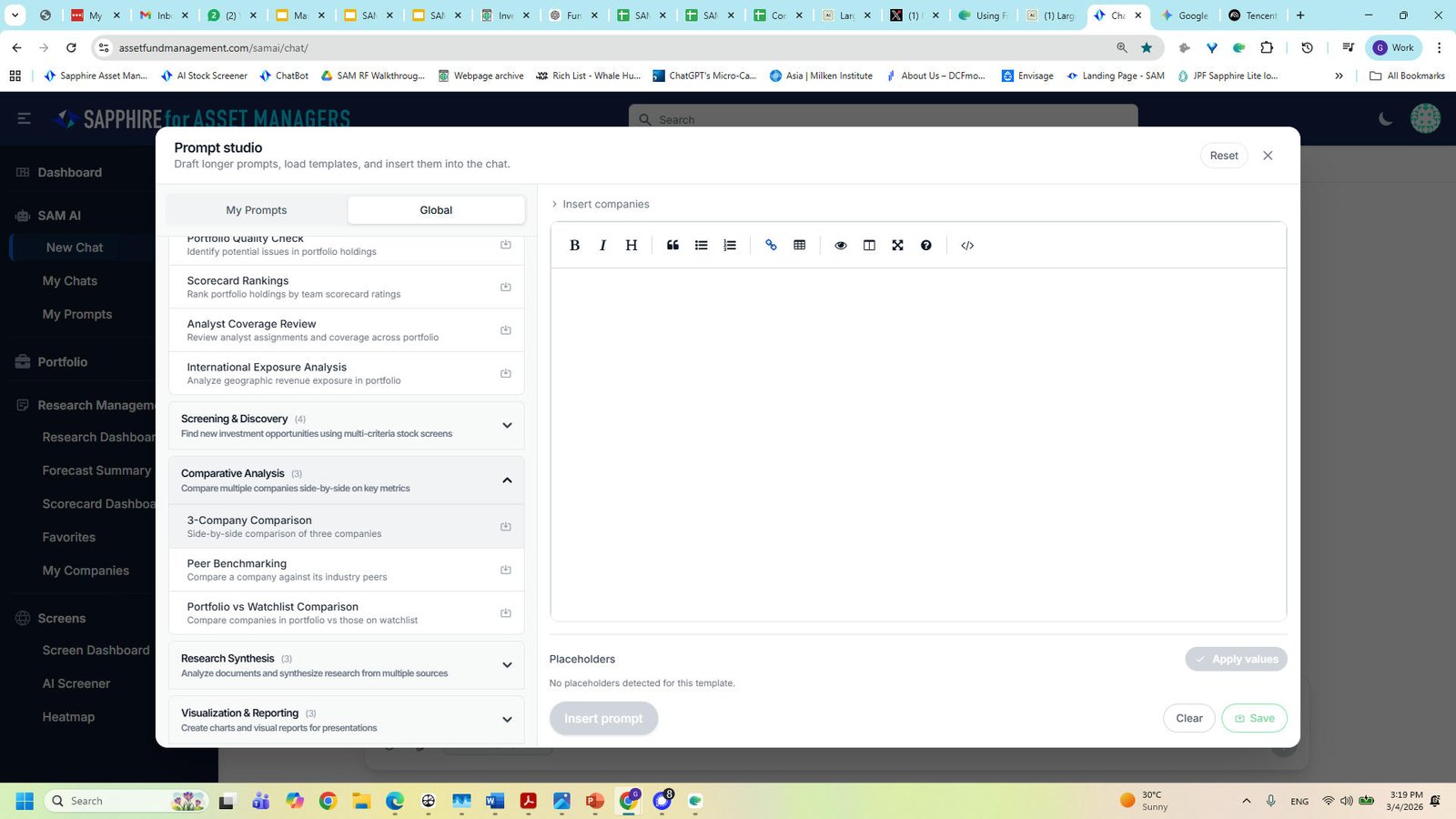
Choose a prompt
Today I choose a prompt to compare three related companies. Tencent, Prosus and Softbank.
4
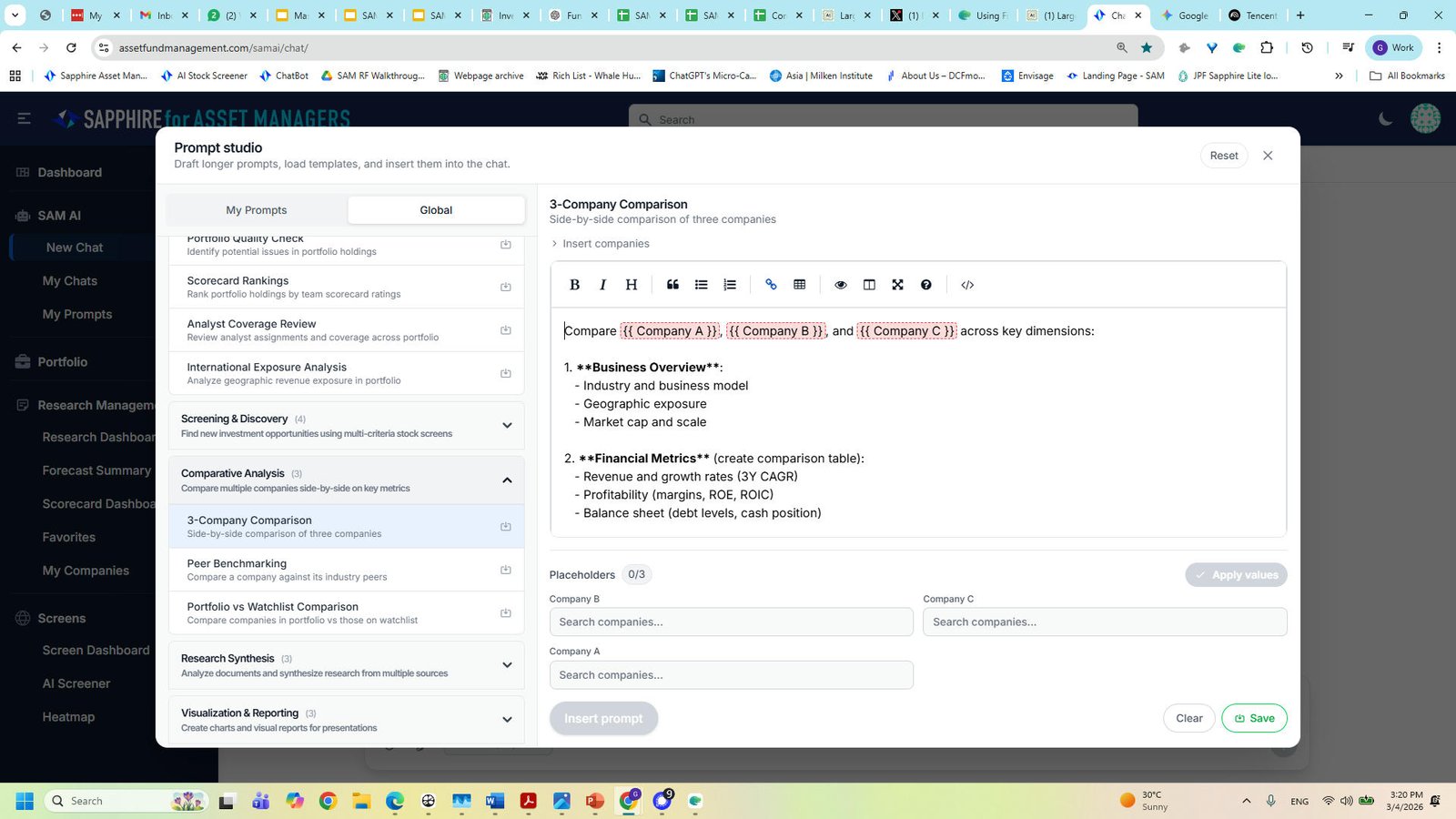
Start Prompt
The company placeholders for 3 companies are coded in. Type their names and enter
5
New step
You made it to the end!
5 steps complete