

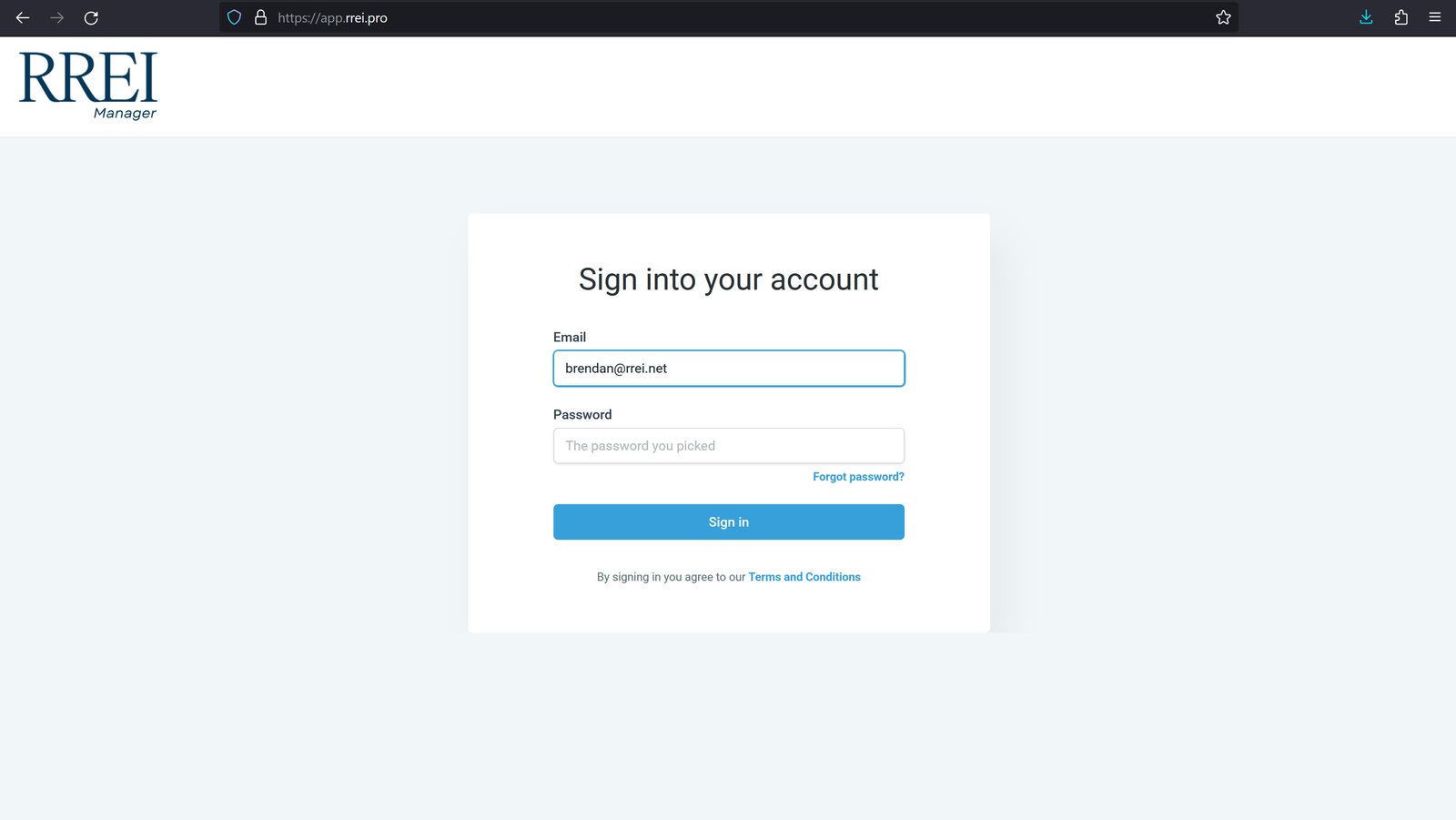
3
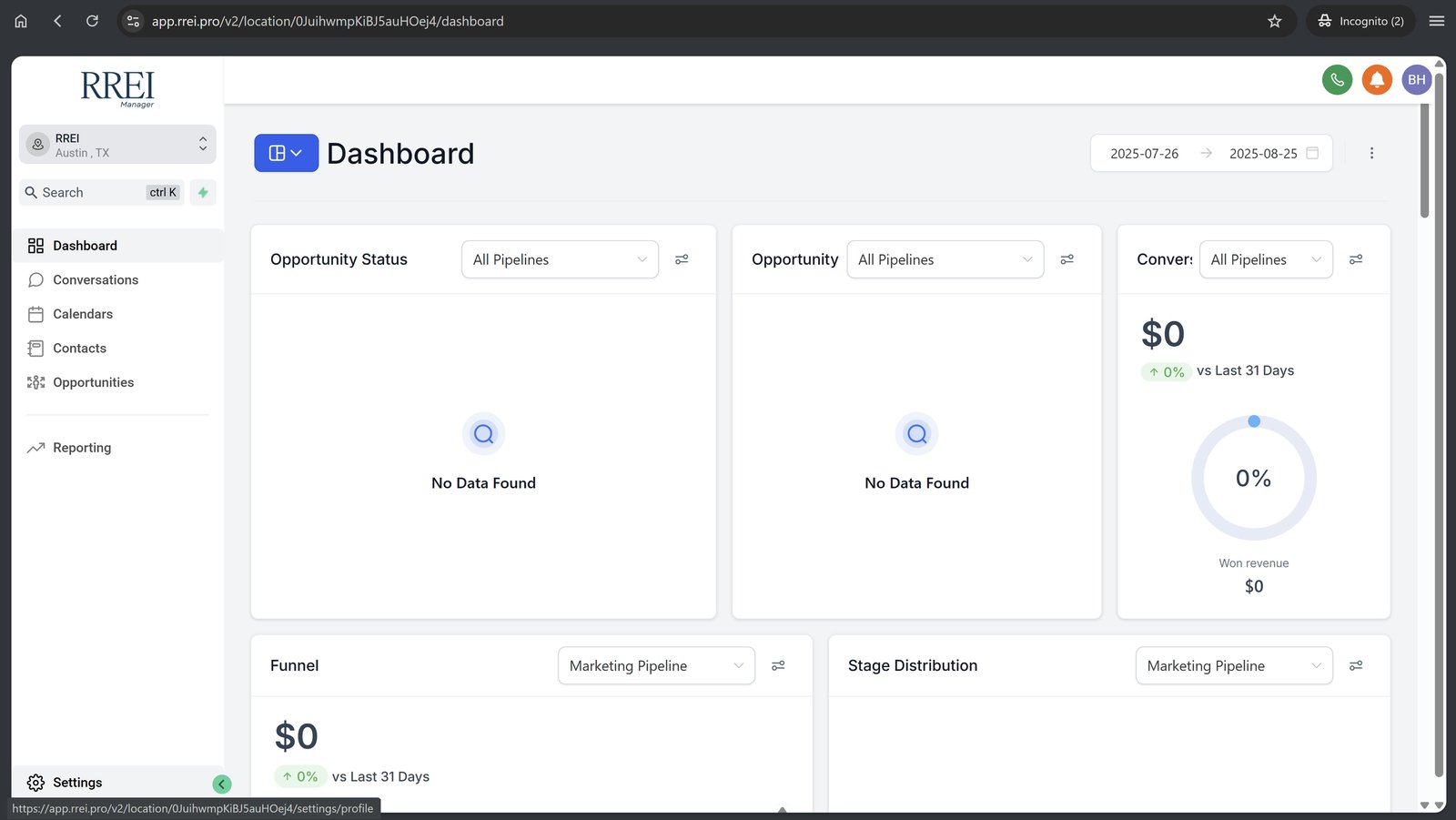
Click "Settings" in the bottom-left corner.
4
Update your password.
The current password is Password123!

5
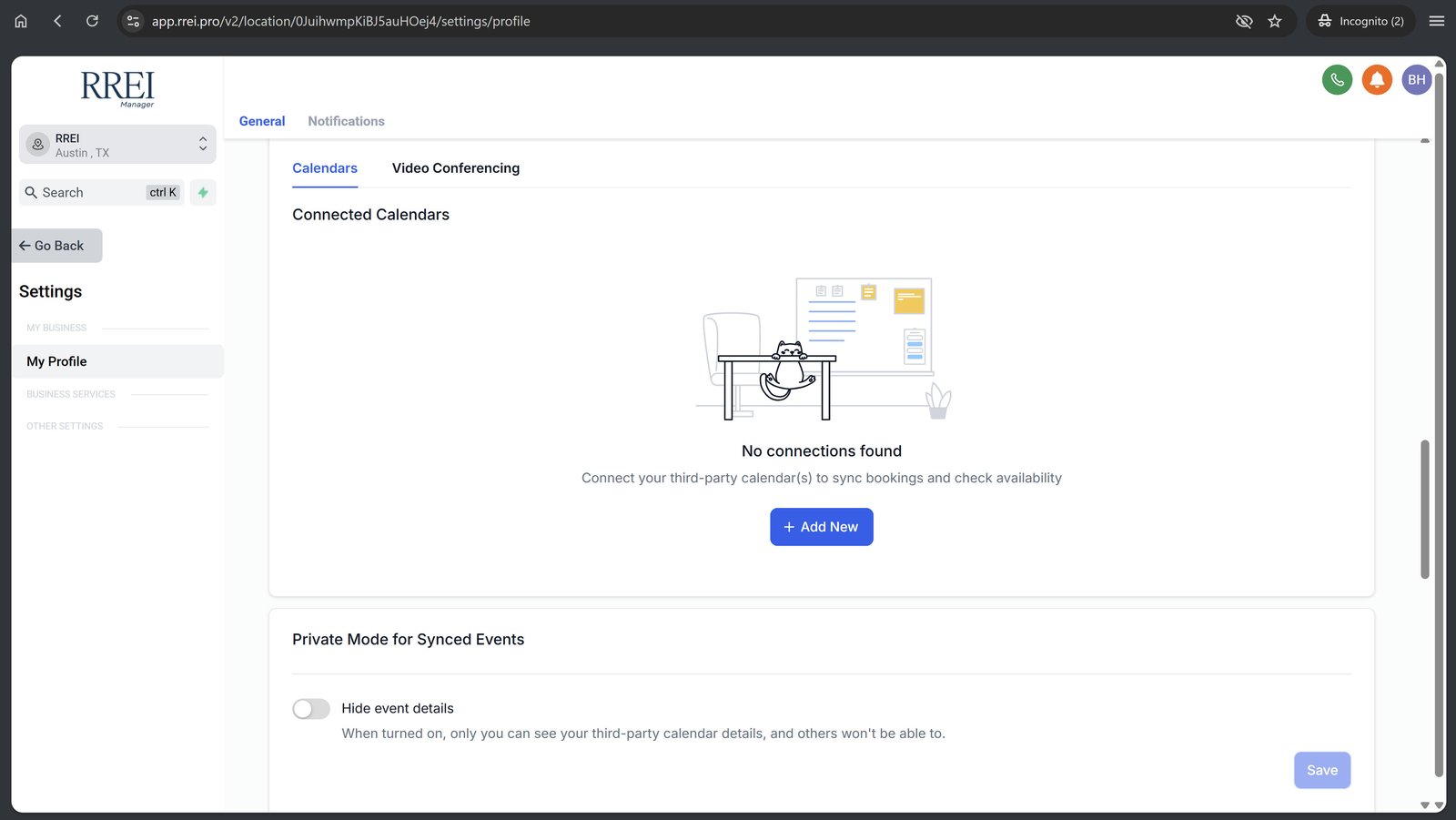
Scroll down to "Calendar Settings" and click "Add New."
6
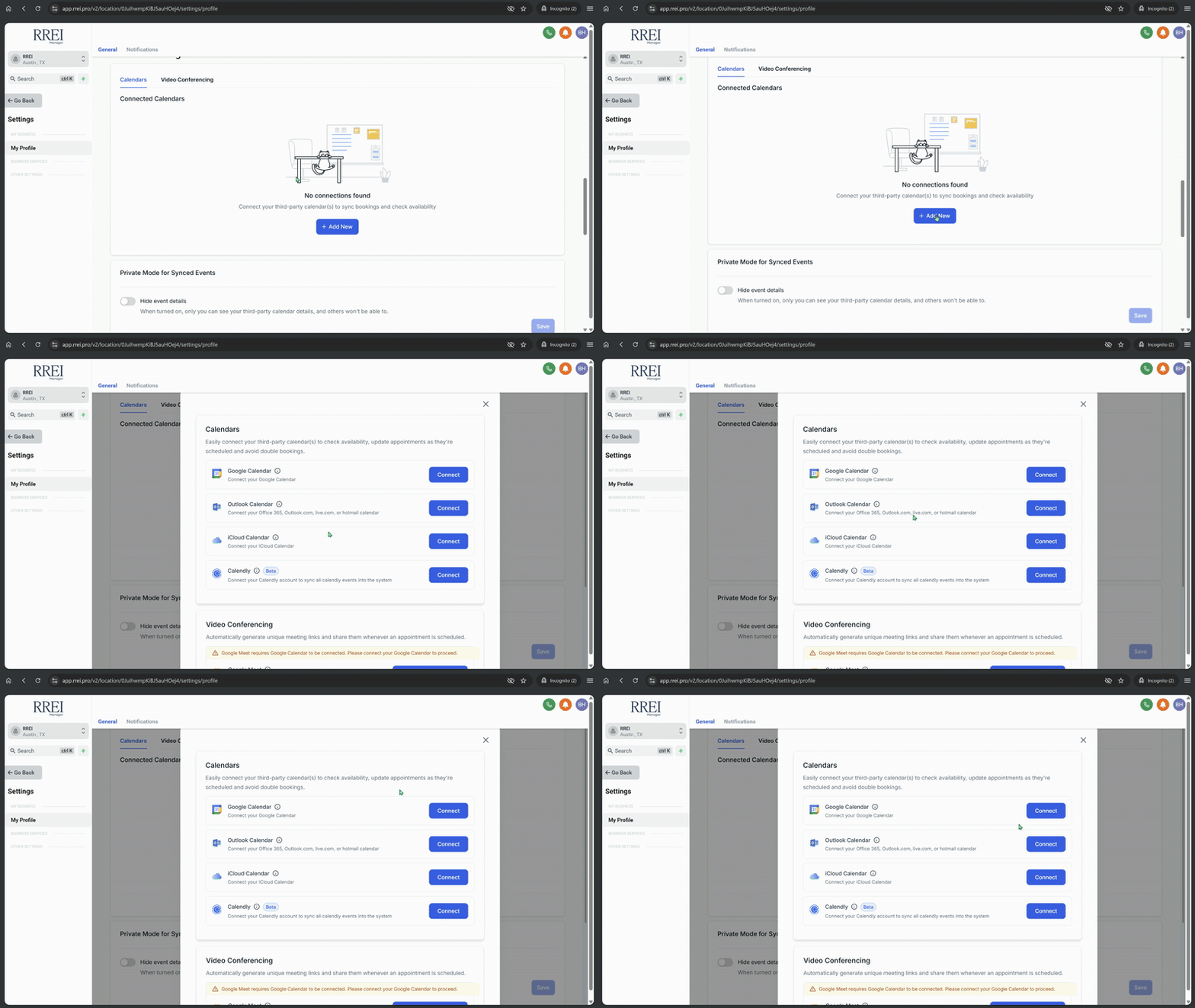
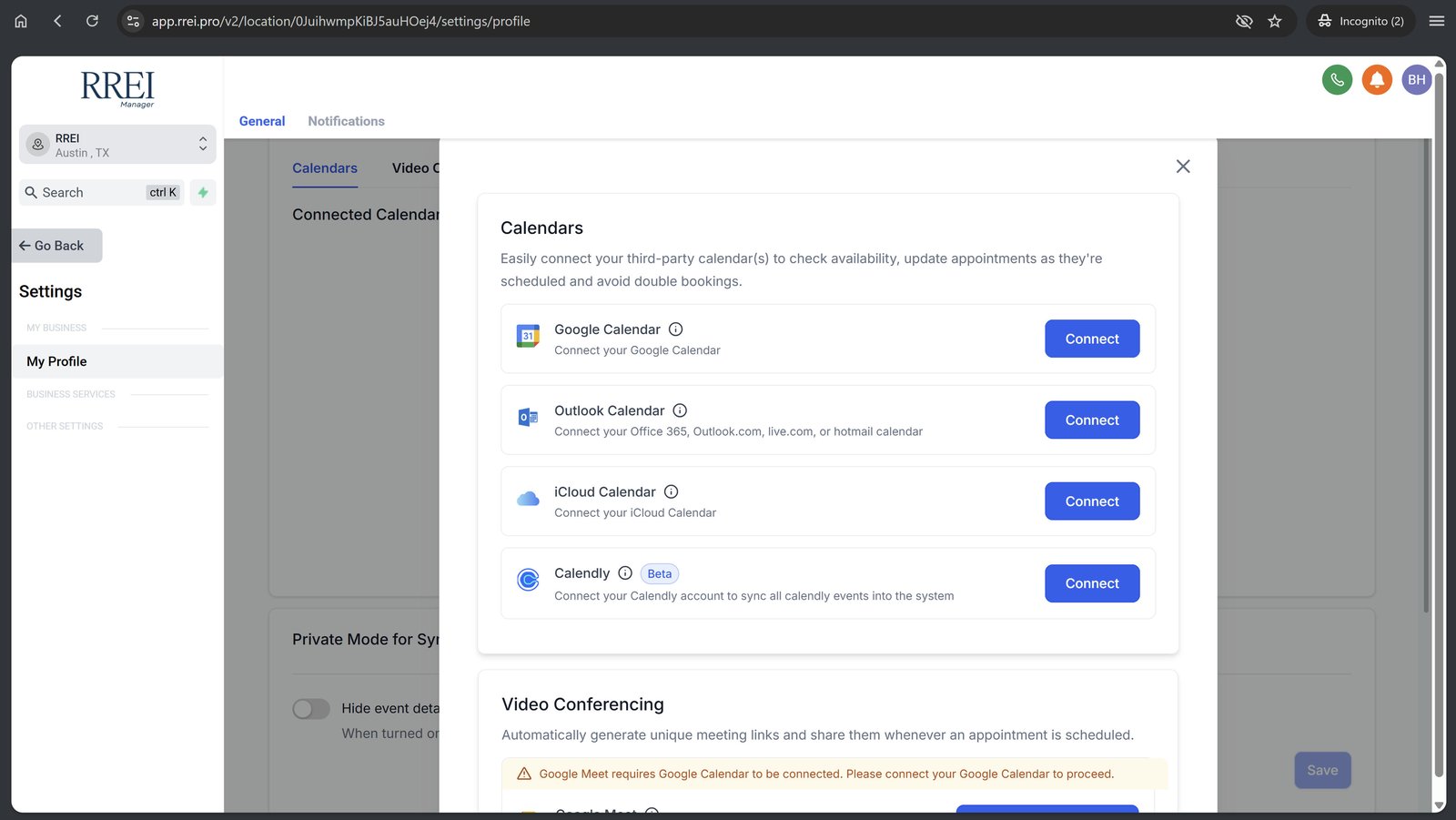
Click "Connect" to begin connecting a Google calendar.
This is necessary. We'll connect your preferred calendars (if any) later.
7
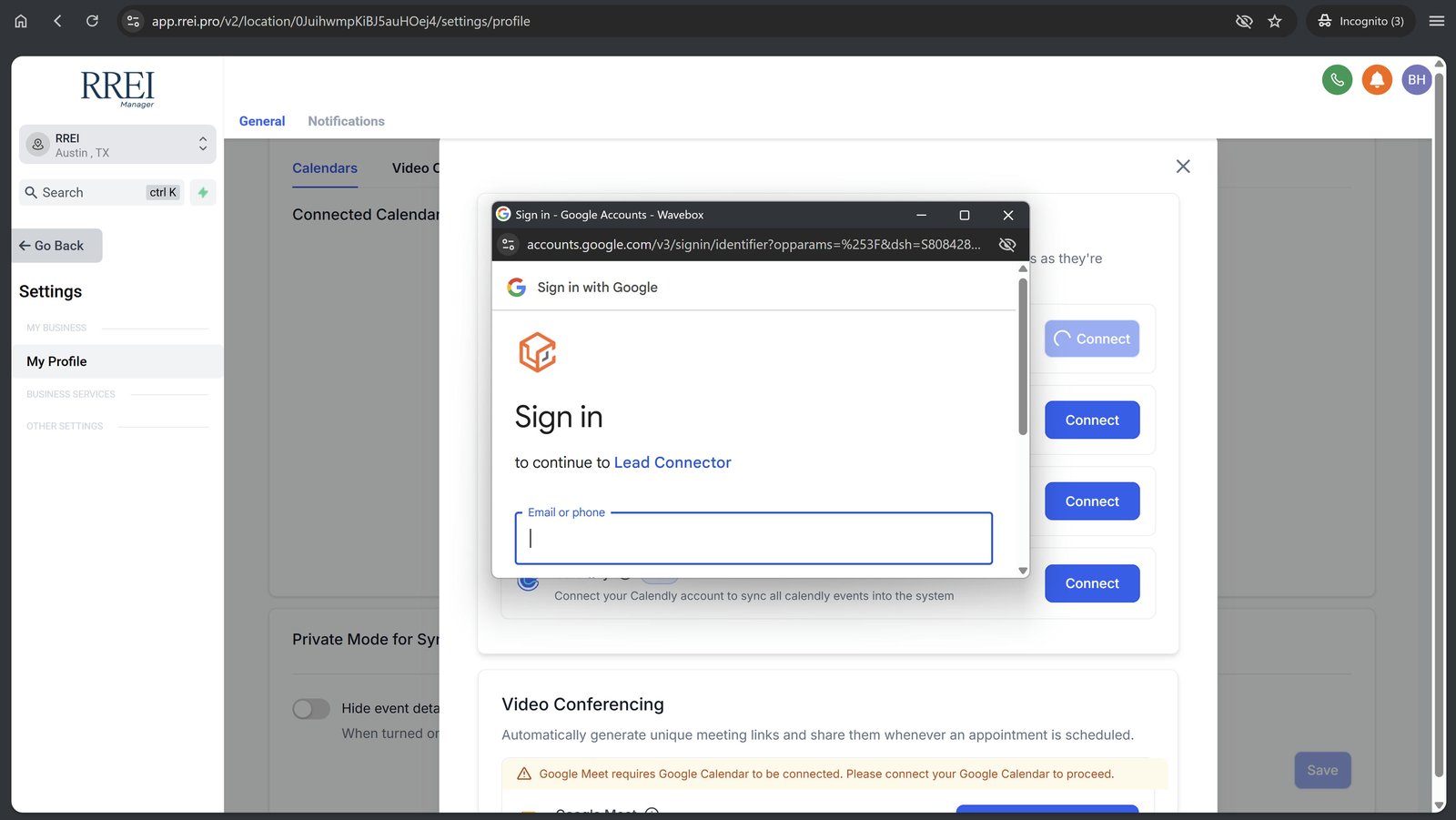
Sign in to your RREI.net Google account and click affirmatively on all prompts to link the account.
8
Your setup is complete!