How to Sign Up for an ElevatePay Business Account
Follow these steps to register your business, add UBOs, upload compliance documents, and complete the source of funds process on ElevatePay.

Hassan Ameer

Go to your ElevatePay app
Open the ElevatePay application to begin the sign-up process.

Click on Sign Up
Start the registration process for a new account.

Select Business Account
Choose to create a business account instead of a personal one.

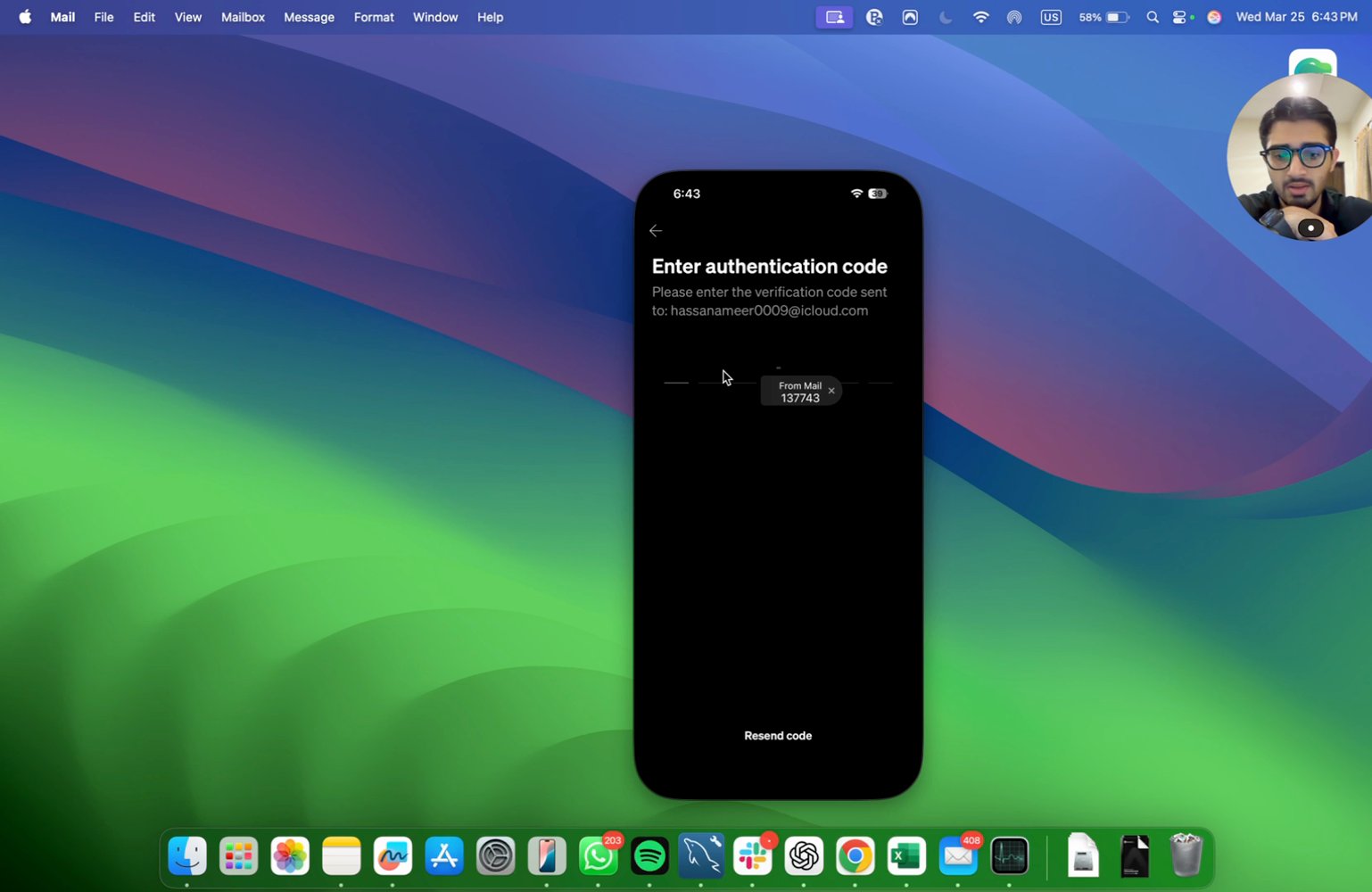
Enter the verification code you receive
Input the code sent to your email or phone to verify your identity.
Select your country and type of incorporation
Choose the country and type of business entity (e.g., LLC, partnership, sole proprietorship).

Enter your business name
Provide the legal name of your business.

Enter your business website
Input your business website URL if available.

Select your business type (e.g., LLC, partnership, sole proprietorship)
Choose the appropriate business structure for your company.

Enter your business establishment date
Provide the date your business was established.

Describe your business activities and use case
Give a detailed description of your business operations and what you will use the account for.

10 of 31 steps shown
The guide's author needs to upgrade to share the remaining 21 steps.