Payroll Processing and Payment Execution Workflow
Steps to run payroll, verify hours, calculate payments, and send funds via Wise, Zelle, and Payoneer

Tiffany Brackens
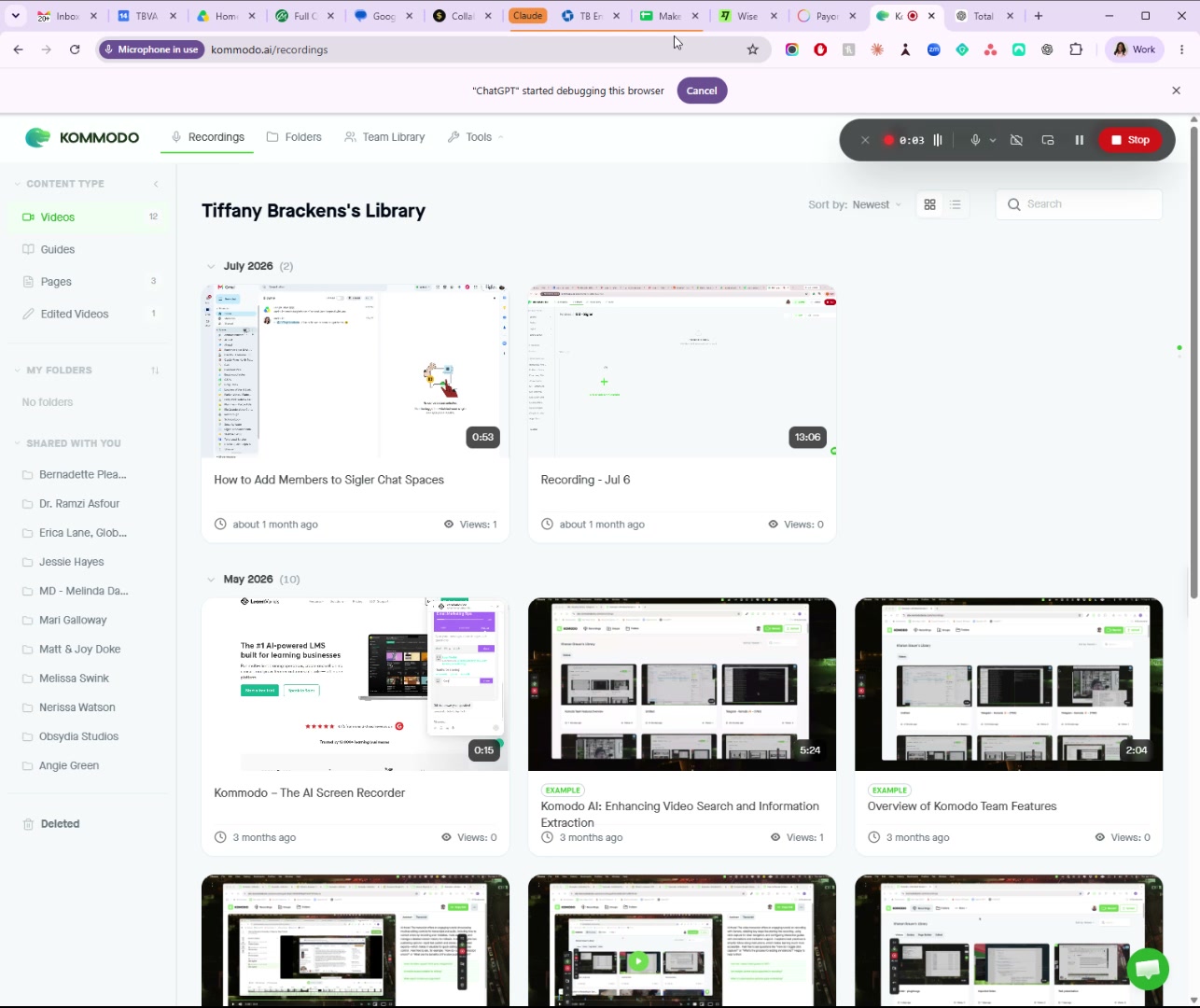
Run Payroll and Review Payroll Details
Click the 'Run Payroll' tab
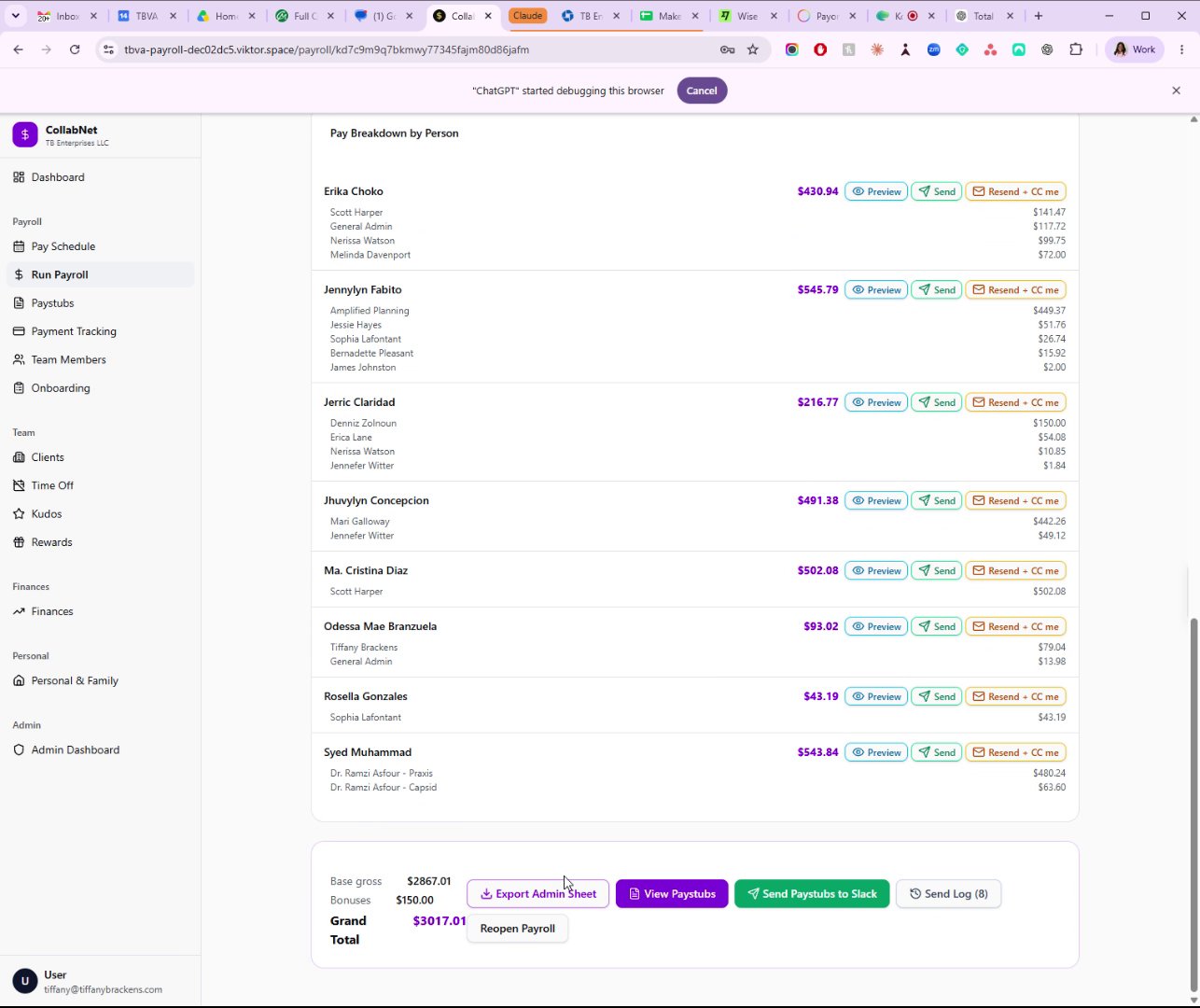
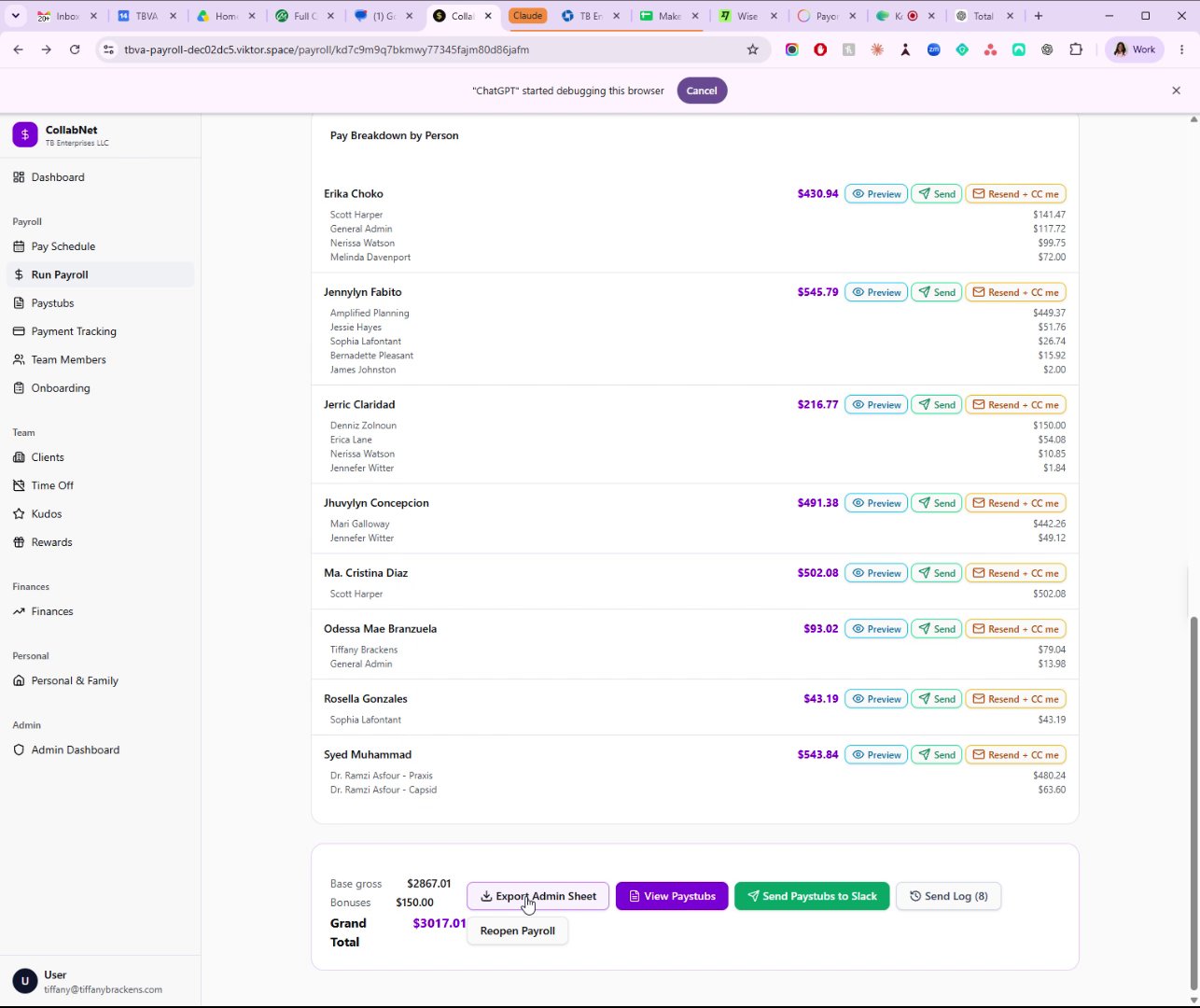
Scroll down to 'Pay Breakdown by Person' section
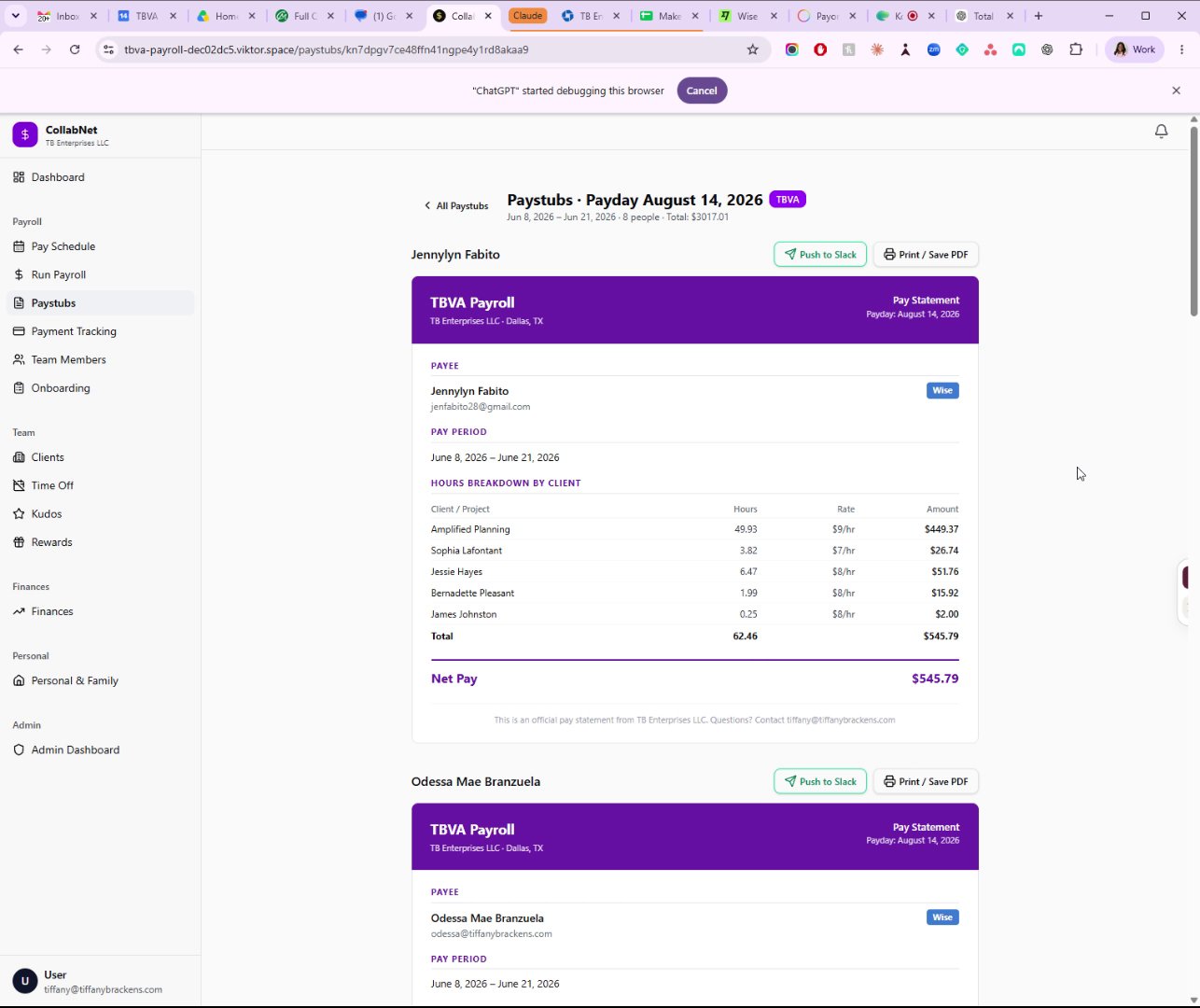
Click 'View Paystubs' to see pay statements
Click 'Export Admin Sheet' for easier payroll totals
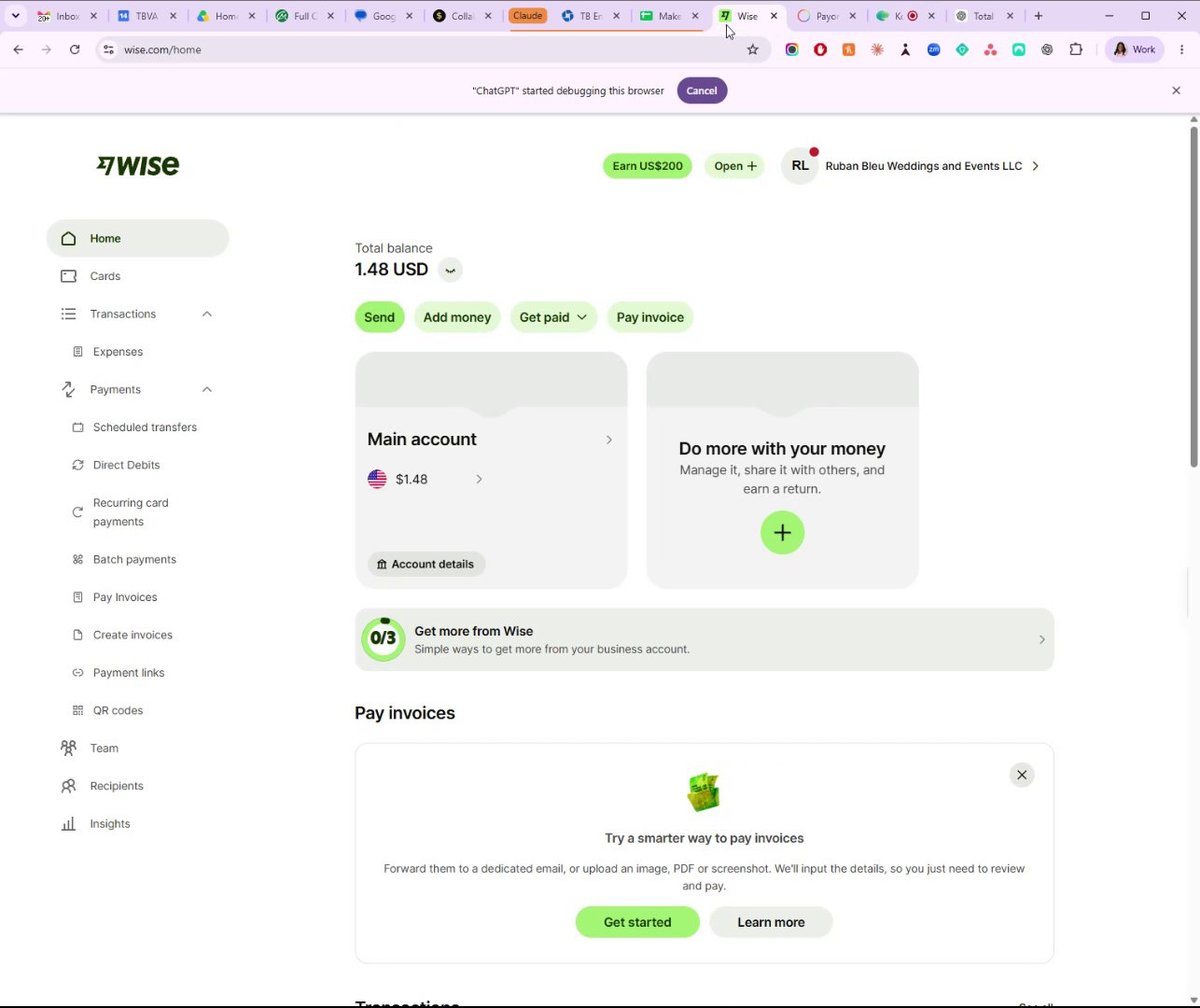
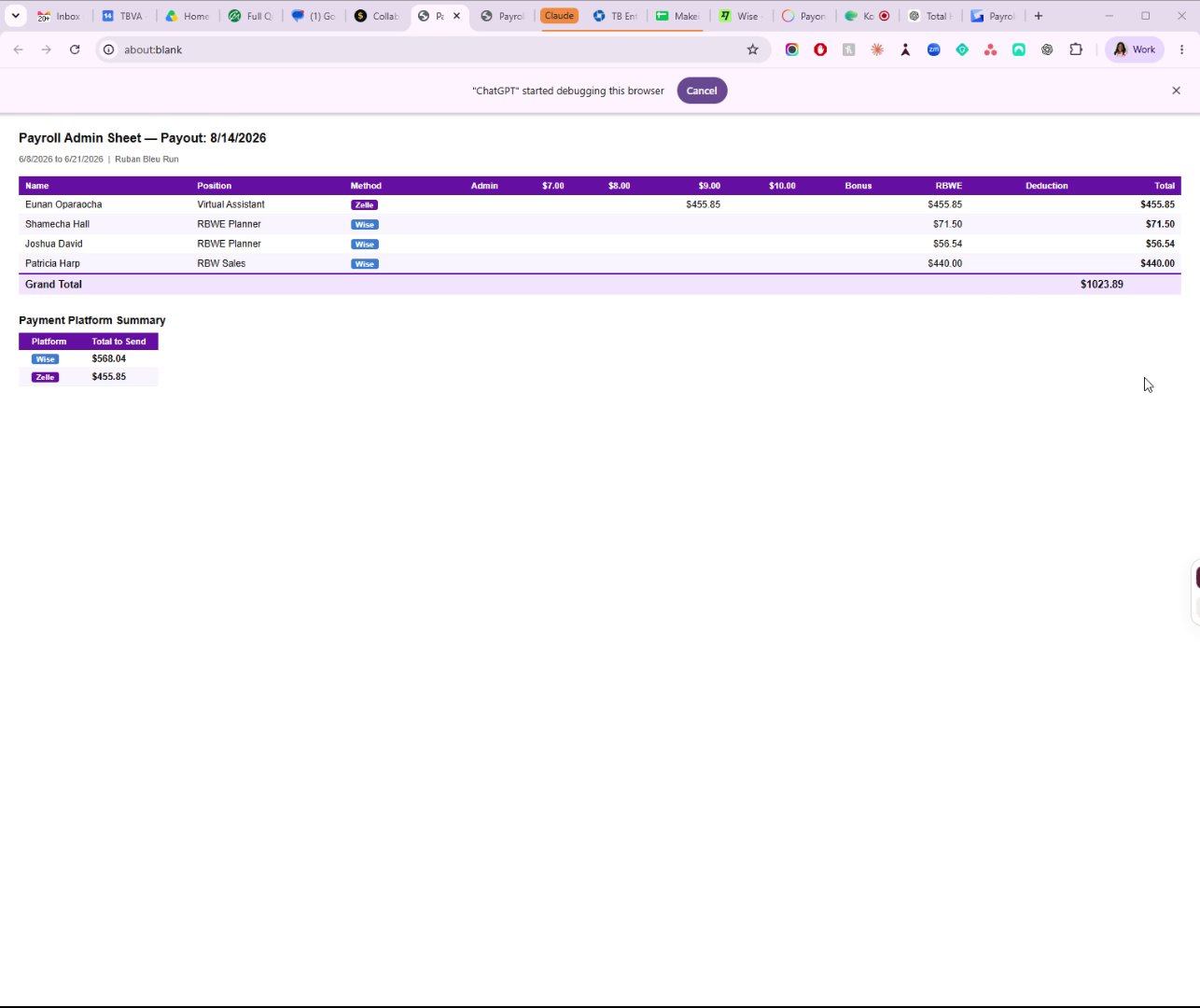
Switch to 'Ruben Bleu' tab and export admin sheet
Repeat export and screenshot for Ruben Bleu payroll details.
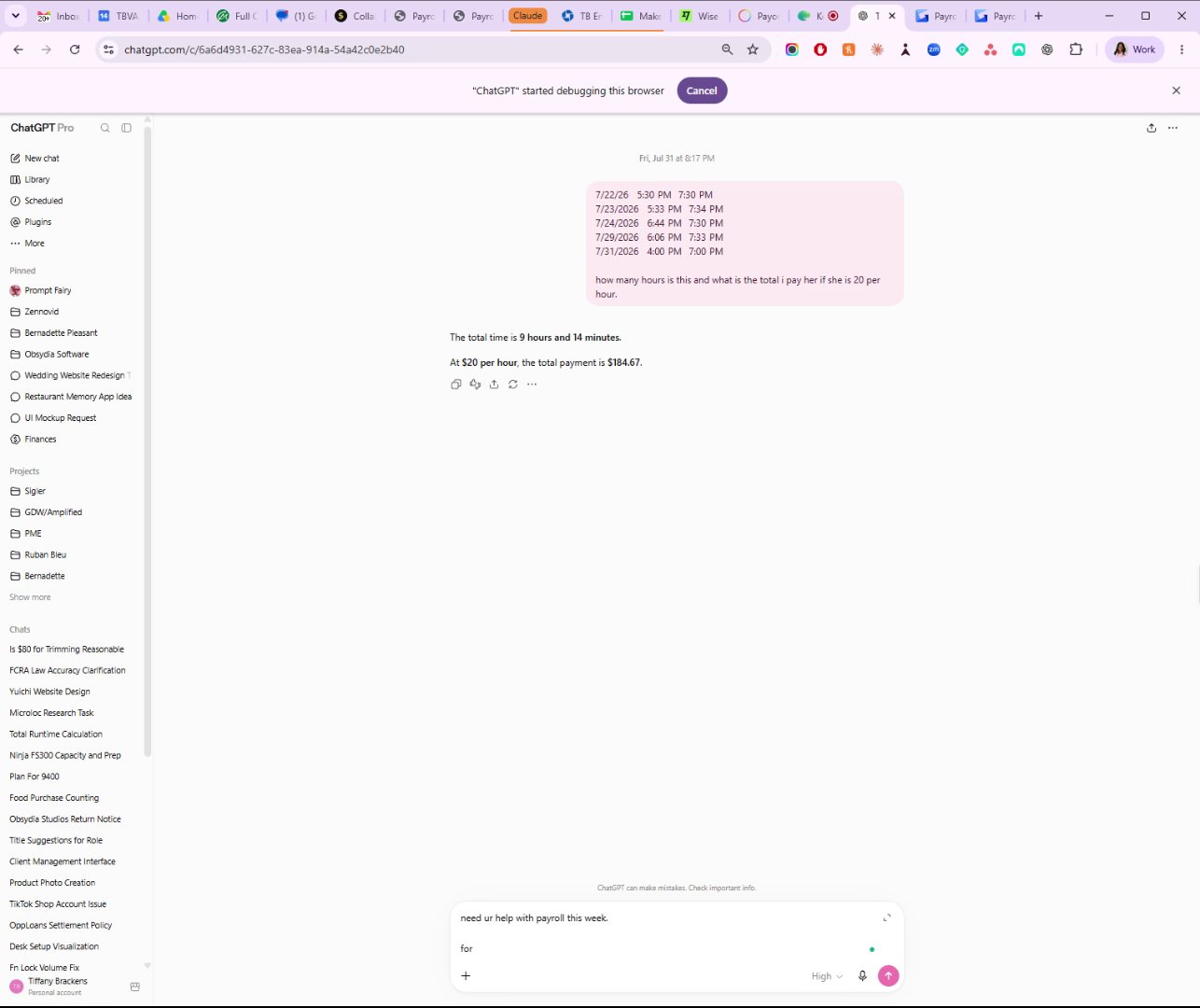
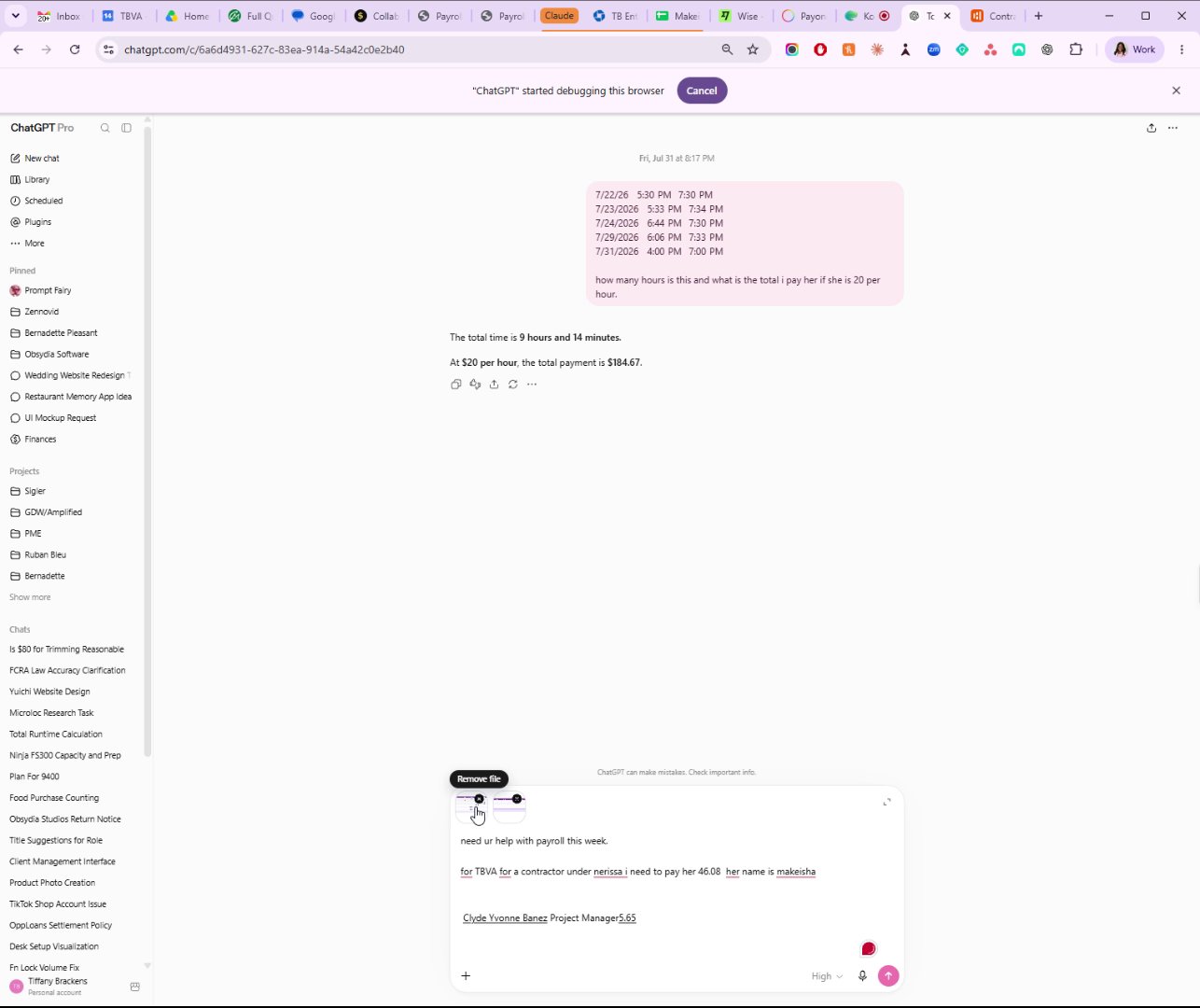
Use ChatGPT to calculate corrected payment for Makeisha
Input hours and pay rate to verify total payment.
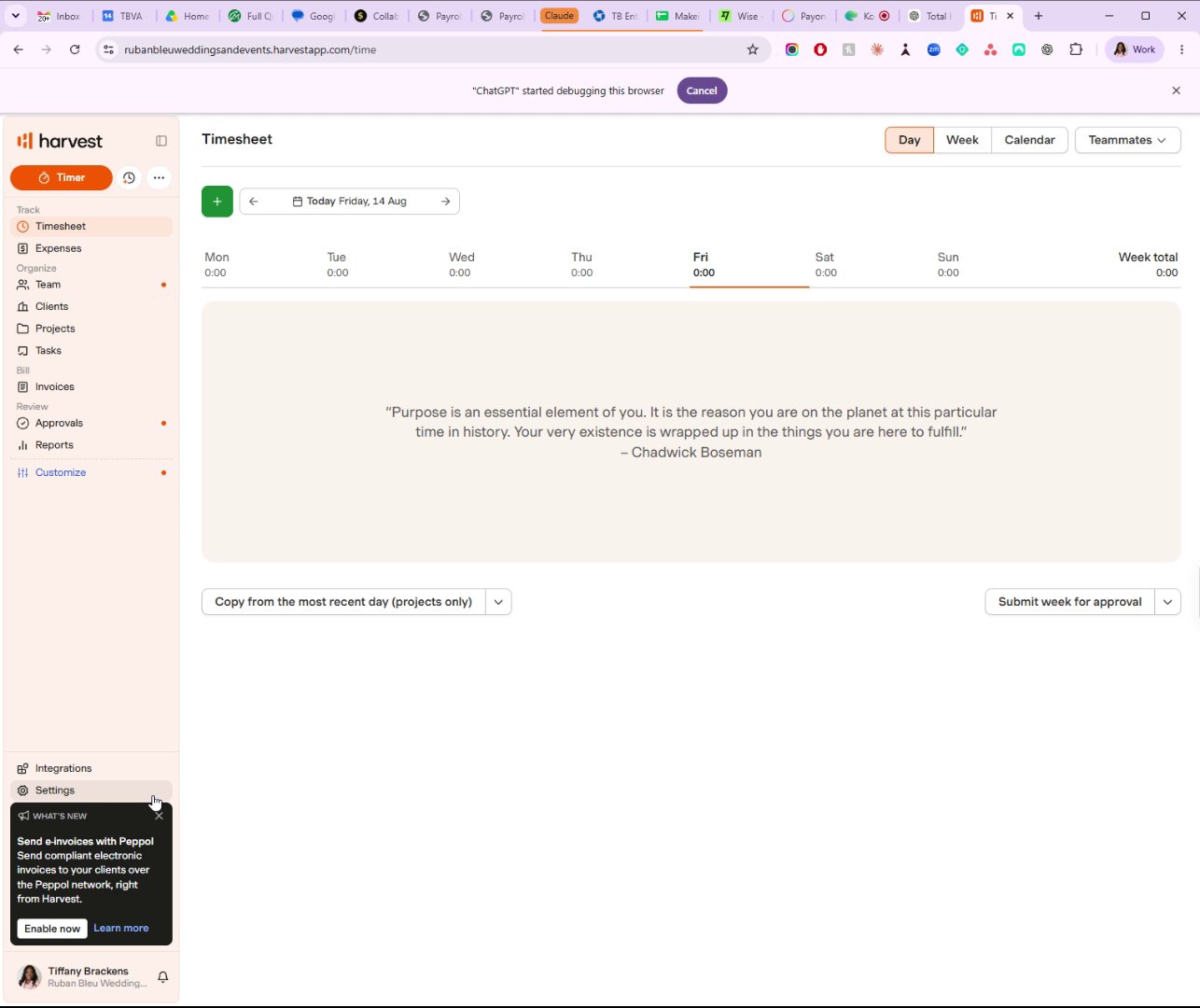
Check Clyde's hours under Ruben Bleu in Harvest reports
Navigate to Clients then Reports to find contractor hours.
Enter Clyde's hours and Makeisha's corrected pay into ChatGPT
Combine payroll data for accurate payment processing.
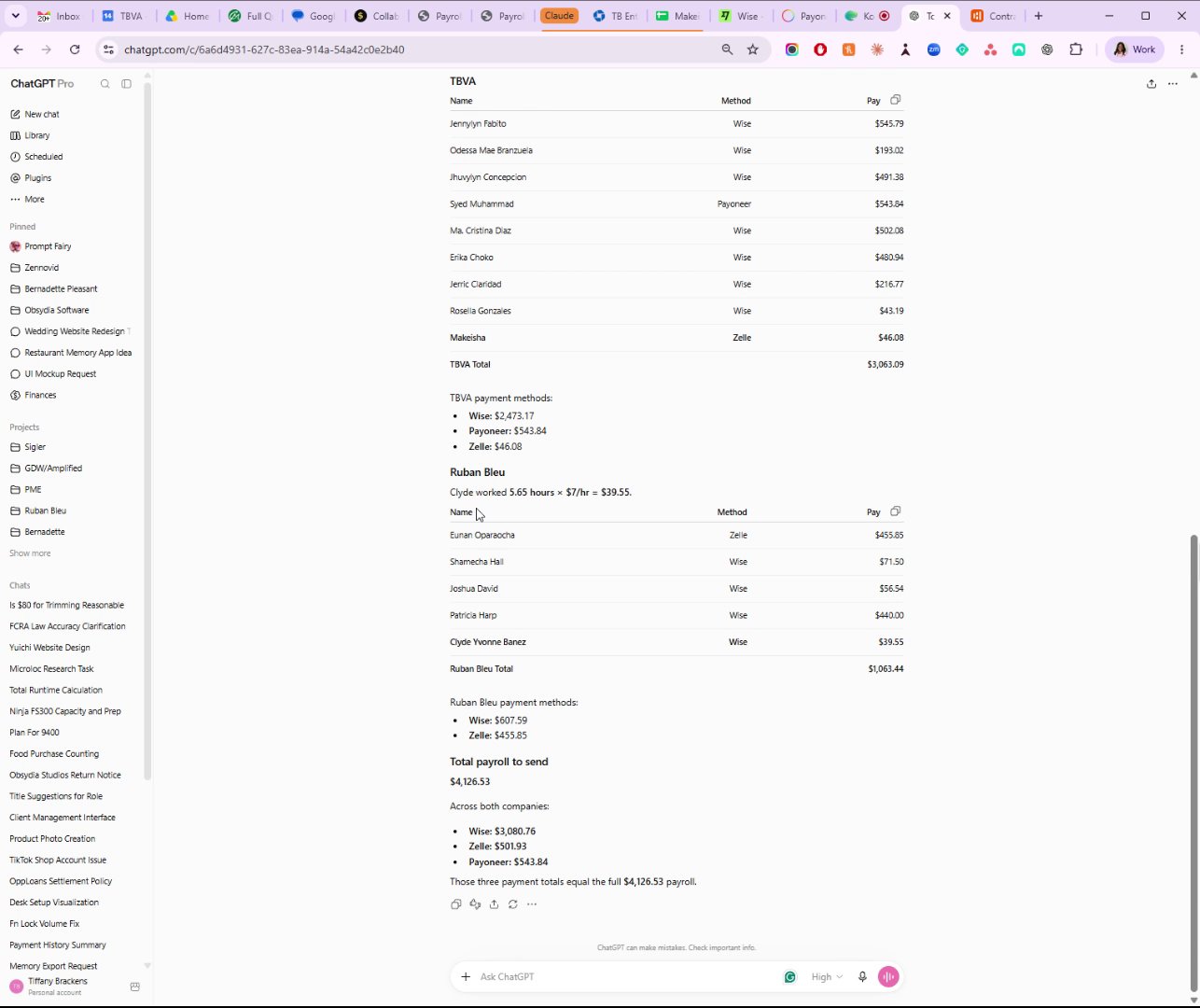
Review total payroll amounts and payment methods in ChatGPT
Includes breakdown for TBVA and Ruben Bleu payments.
You made it to the end!
9 steps complete