
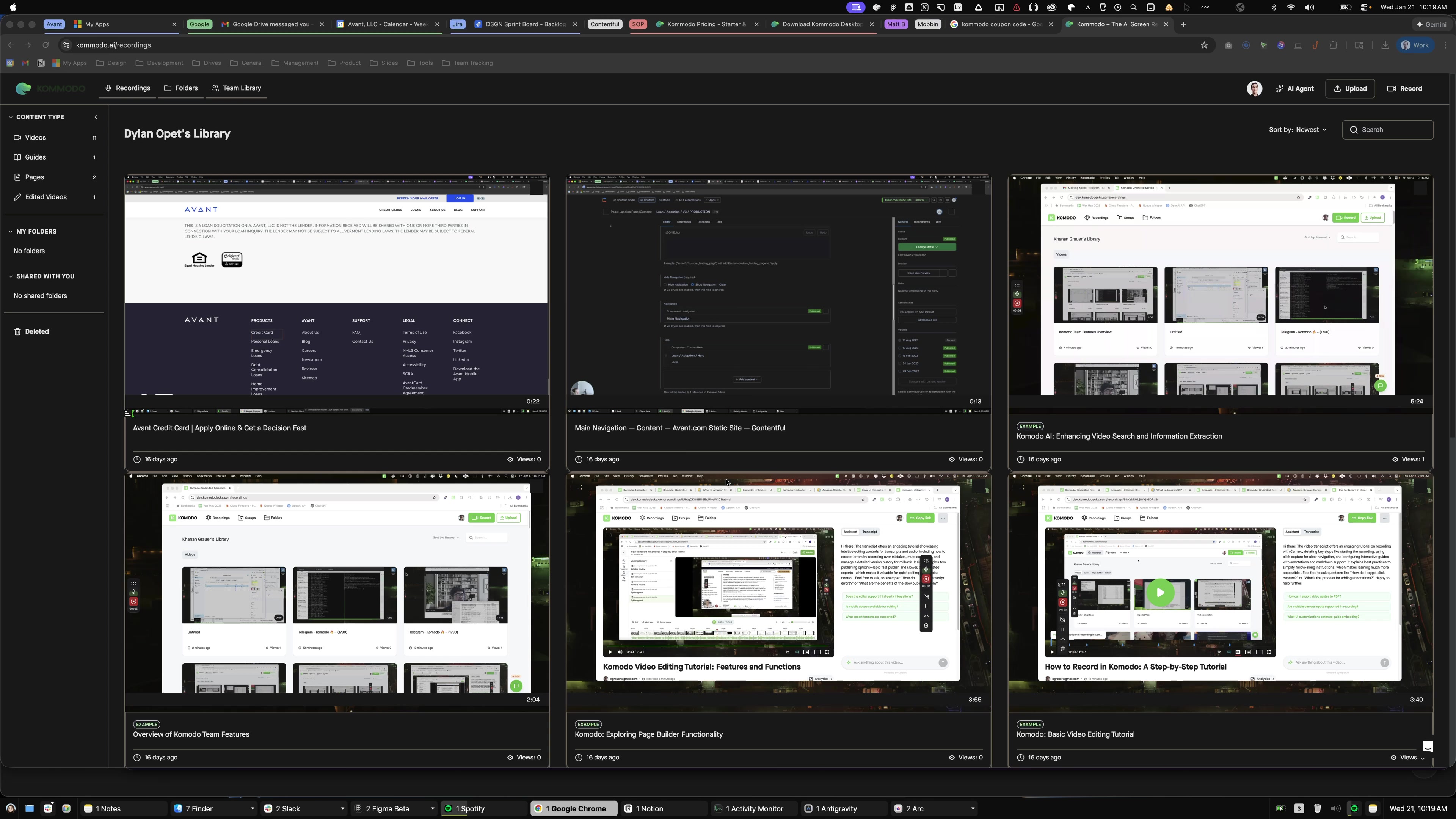
Press ⇧ ⌘ D
Click this navigation
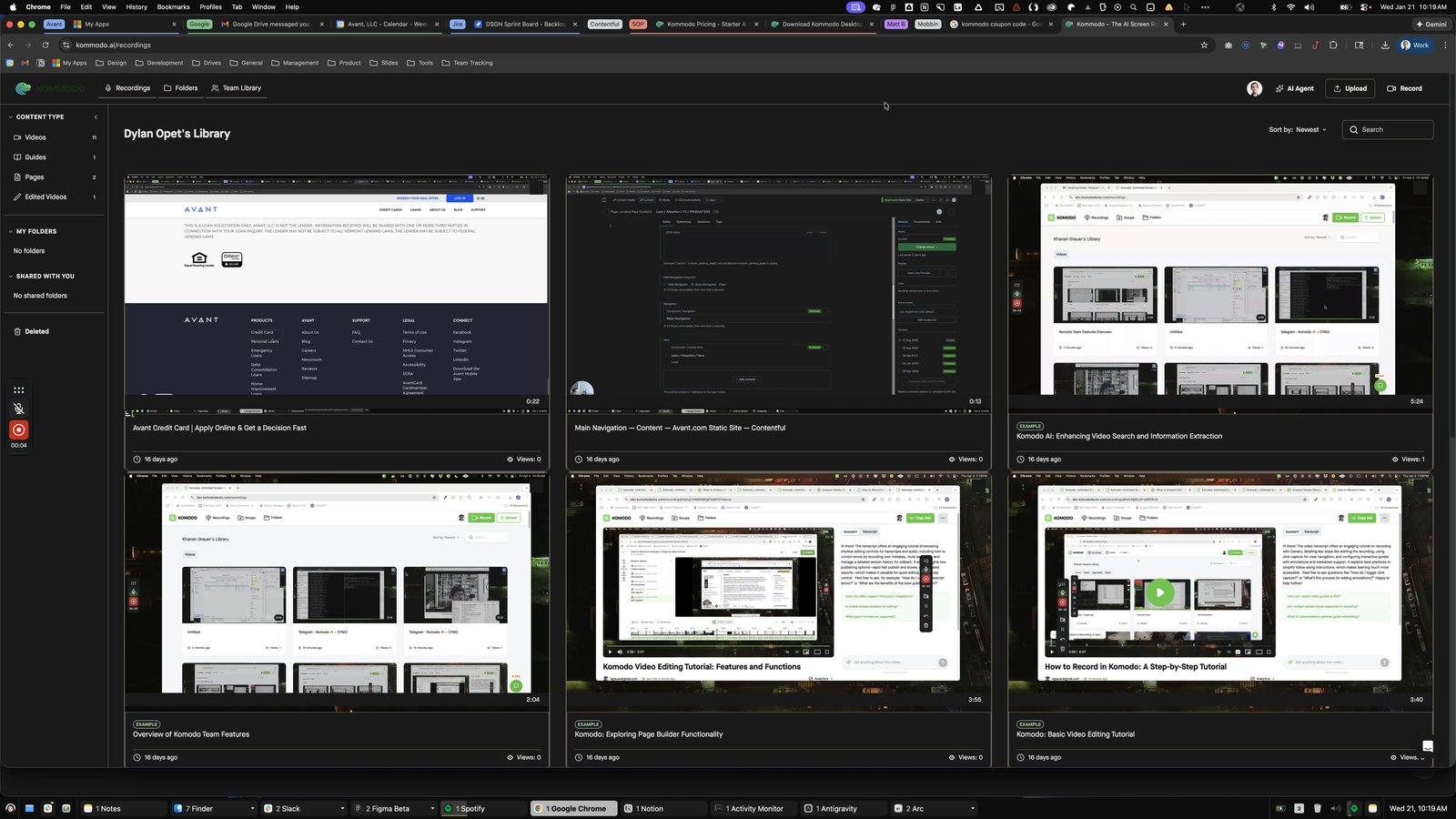
Open Google Chrome - Kommodo – The AI Screen Recorder
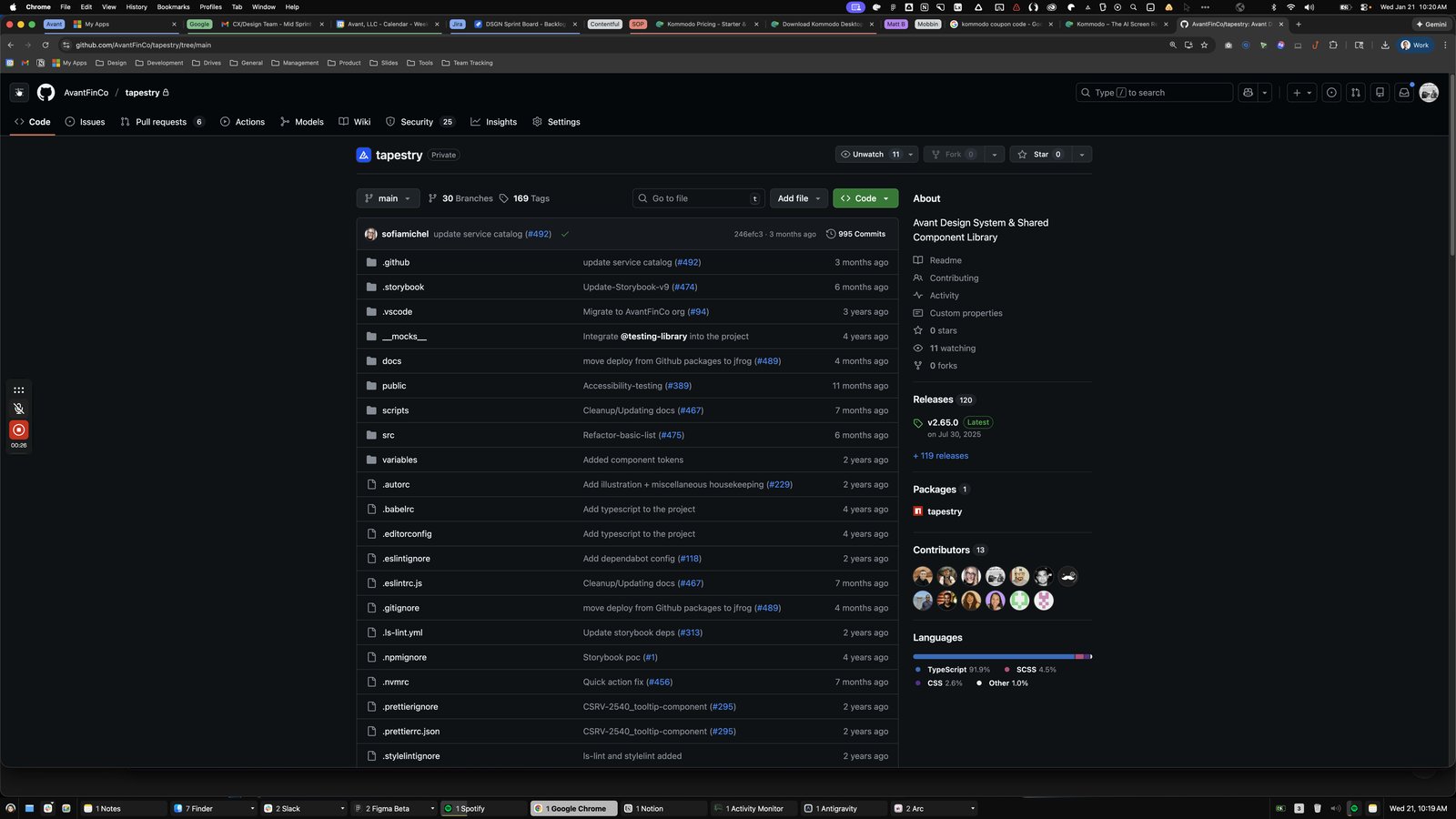
Type "githu Enter"
Click this group

Click the group Expand file tree main branch Breadcrumbs src Copy path Directory actions Go to file Add file Add file More options More options Latest commit sofiamichel commits by sofiamichel Refactor-basic-list (#475) Open commit details success Commit 34ac043 · 6 months ago History History Folders and files Folders and files

Click this group

Press ⌘ =
Press ⌘ =
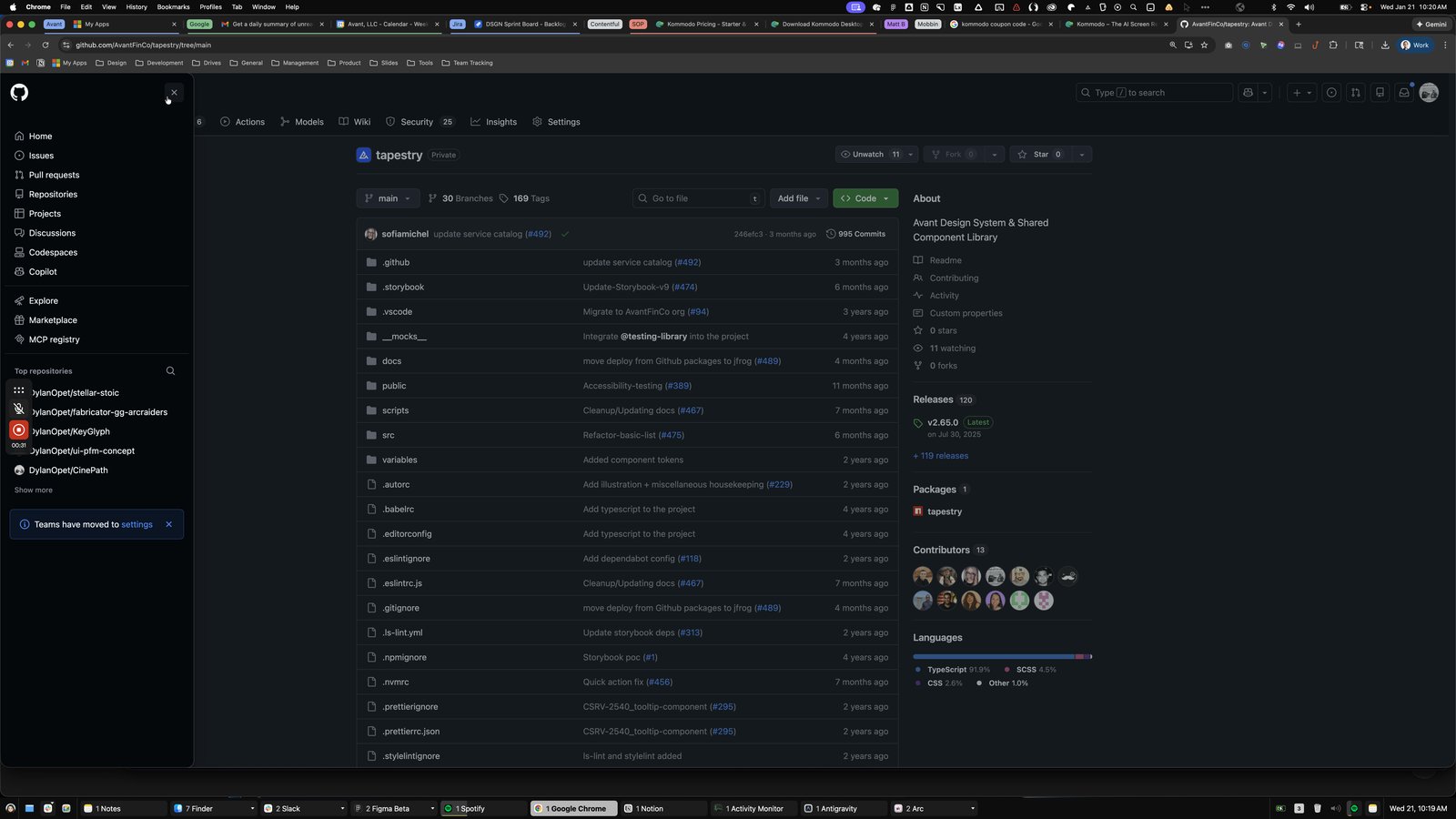
Click the pop up button Open global navigation menu
Click the Close menu
Click the pop up button Open user navigation menu
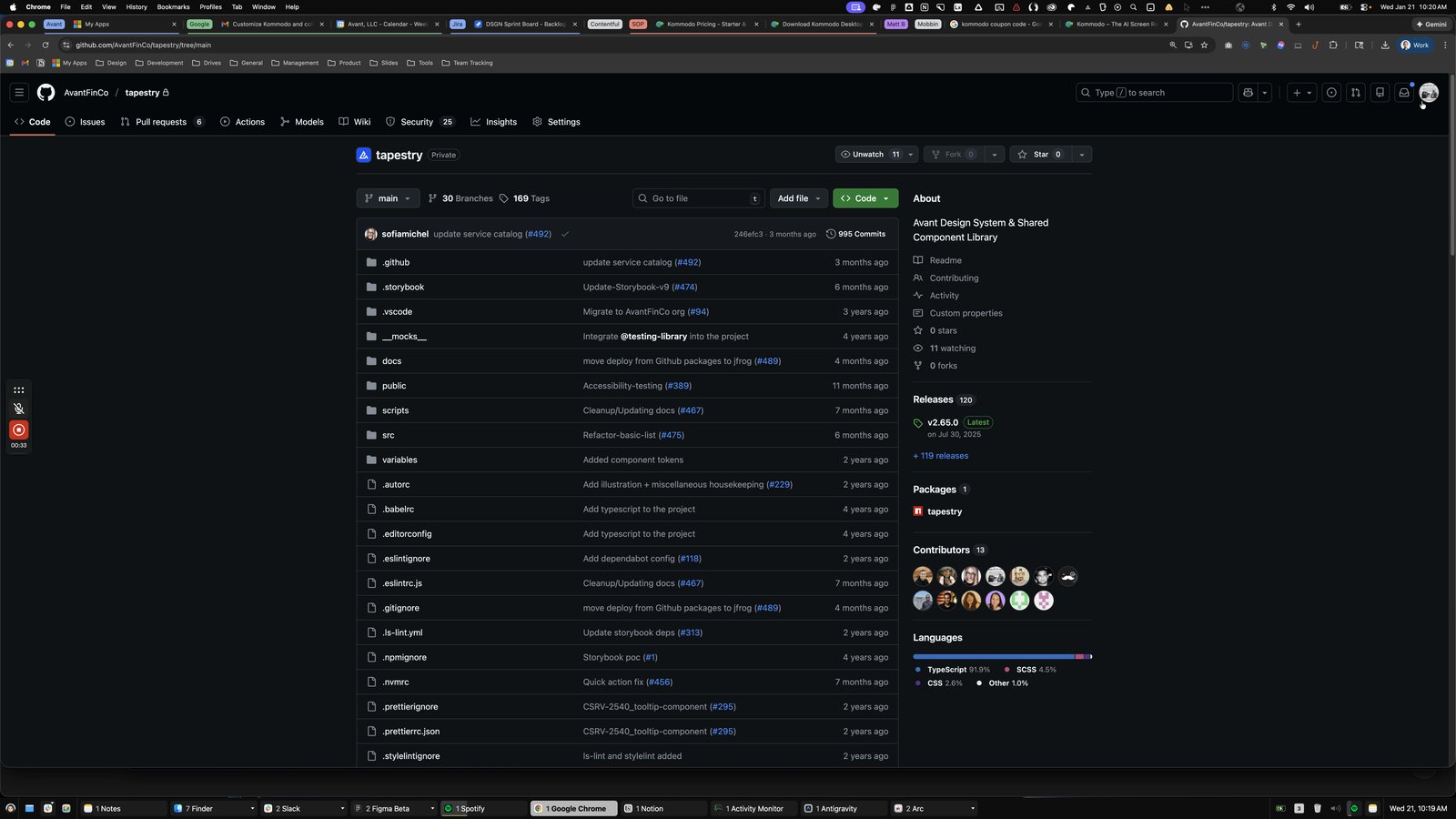
Click this group

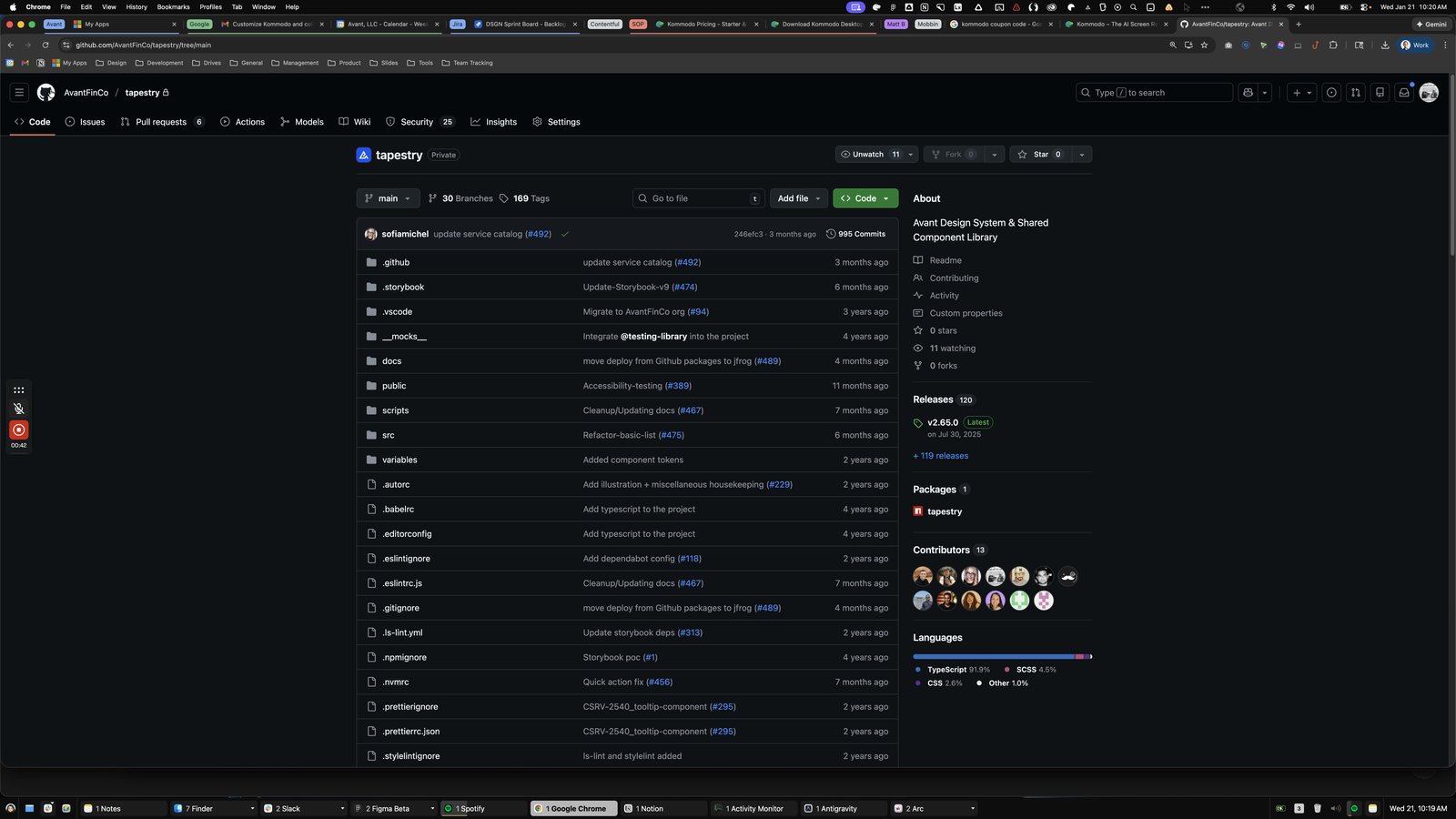
Click the pop up button Open global navigation menu
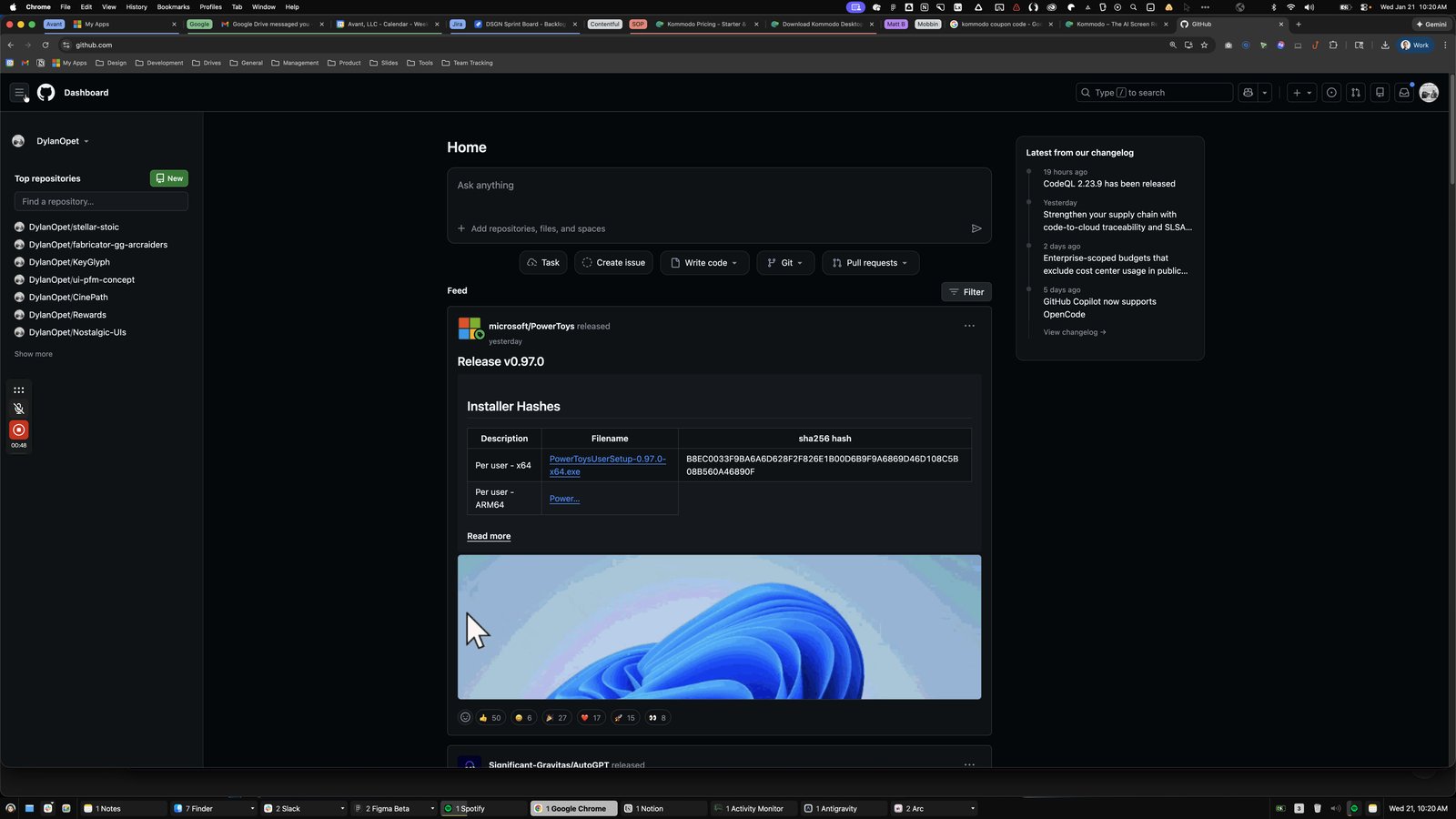

Click the button Back
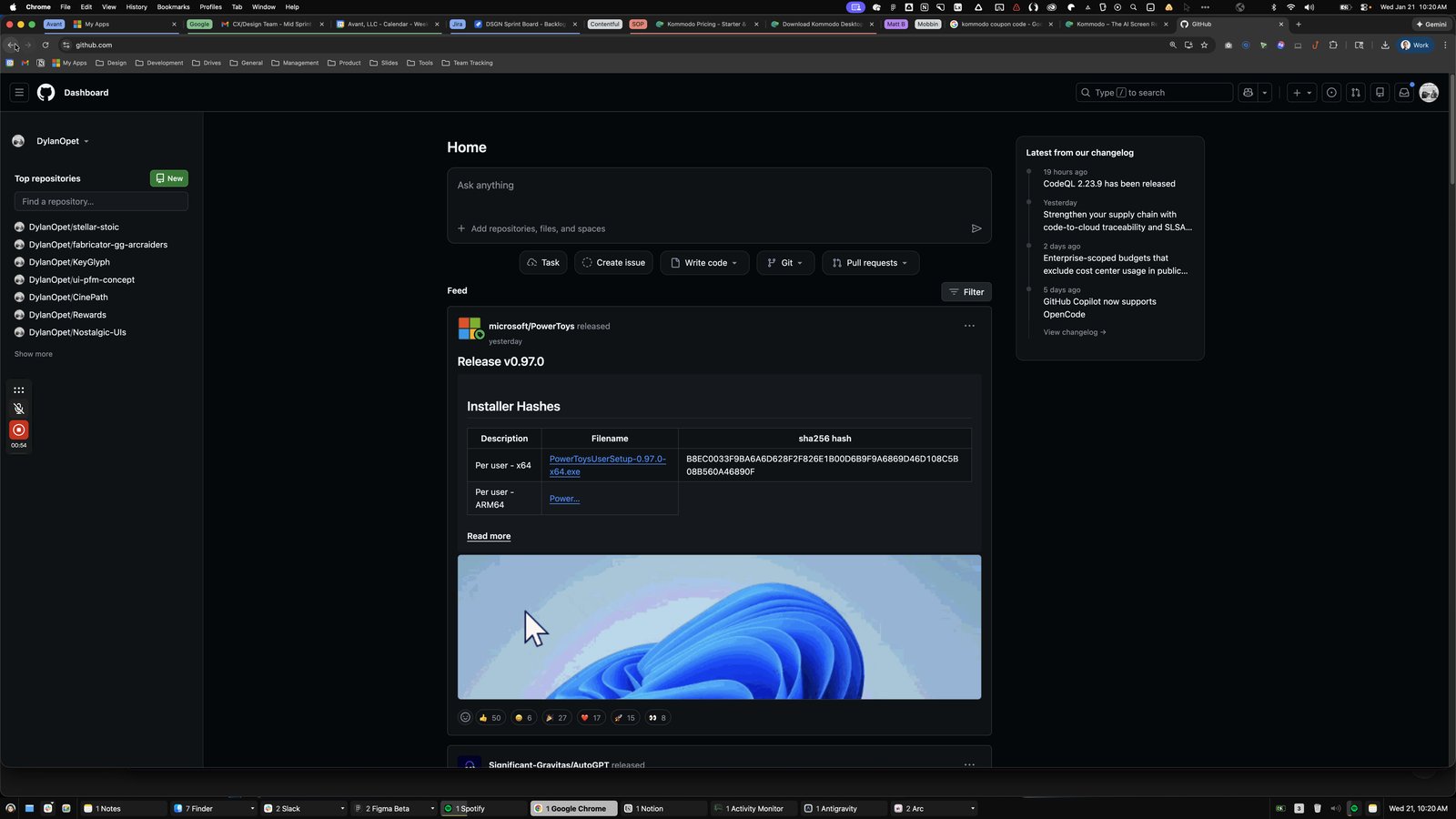
Click this group
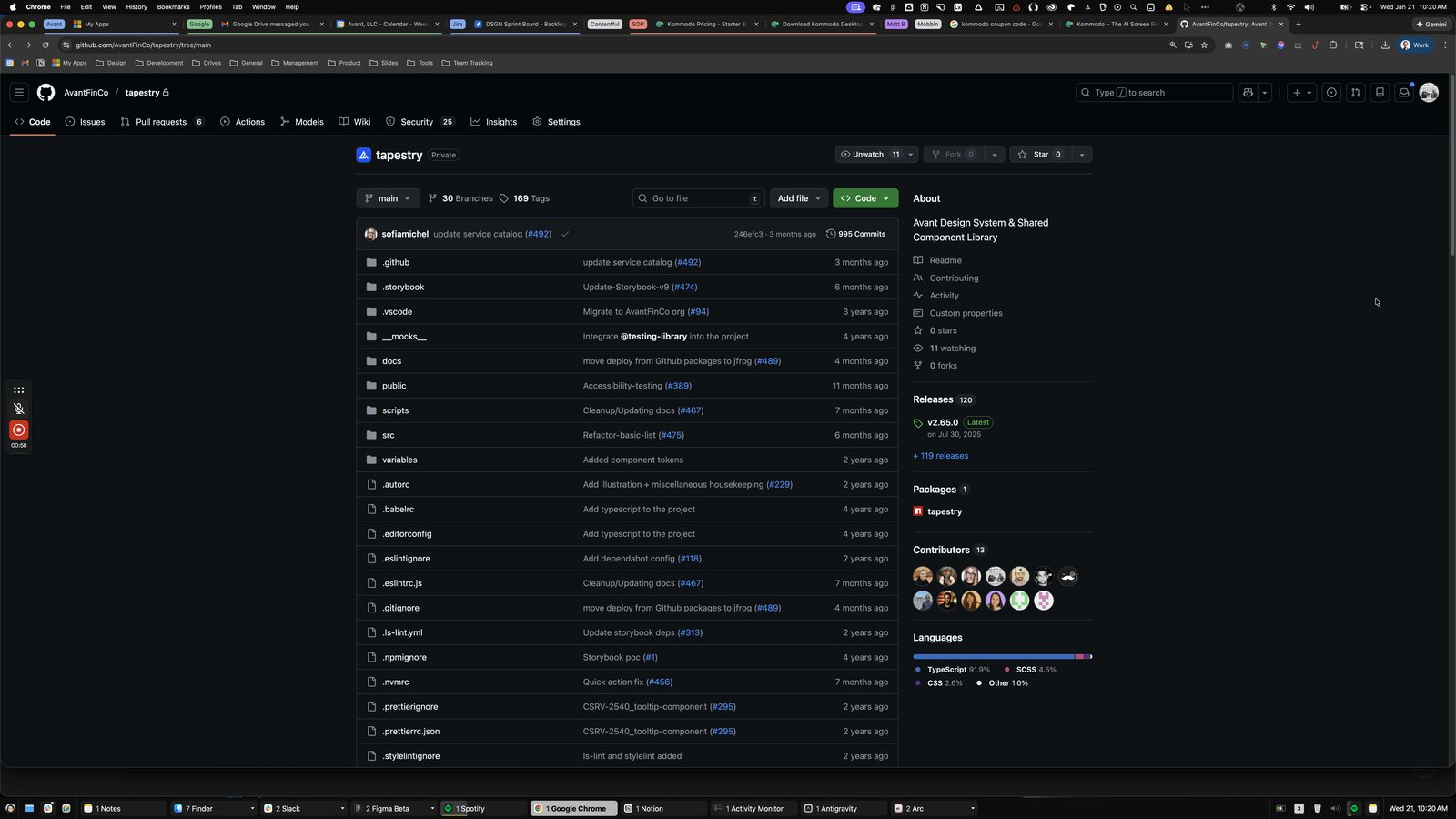
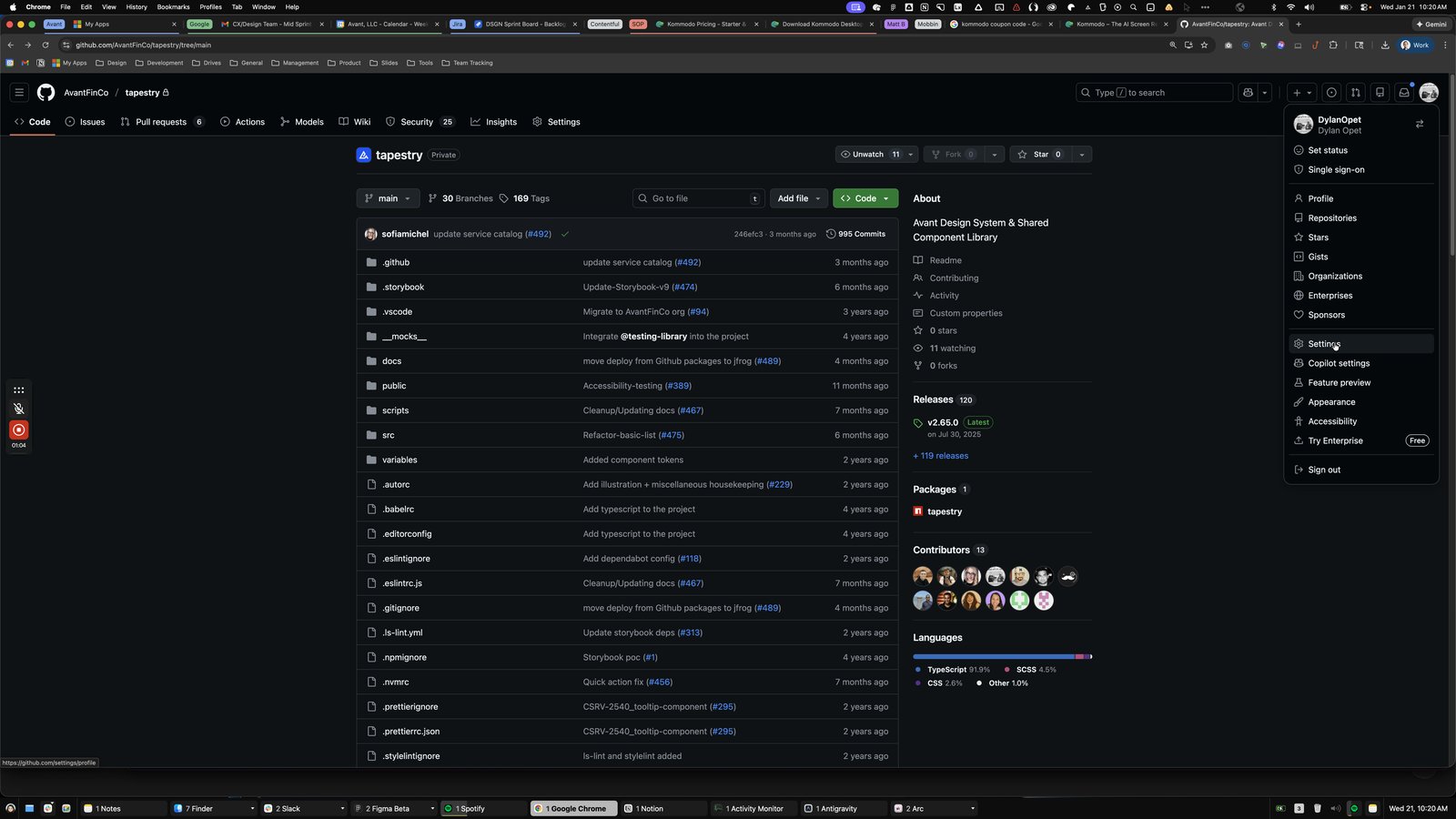
Click the pop up button Open user navigation menu
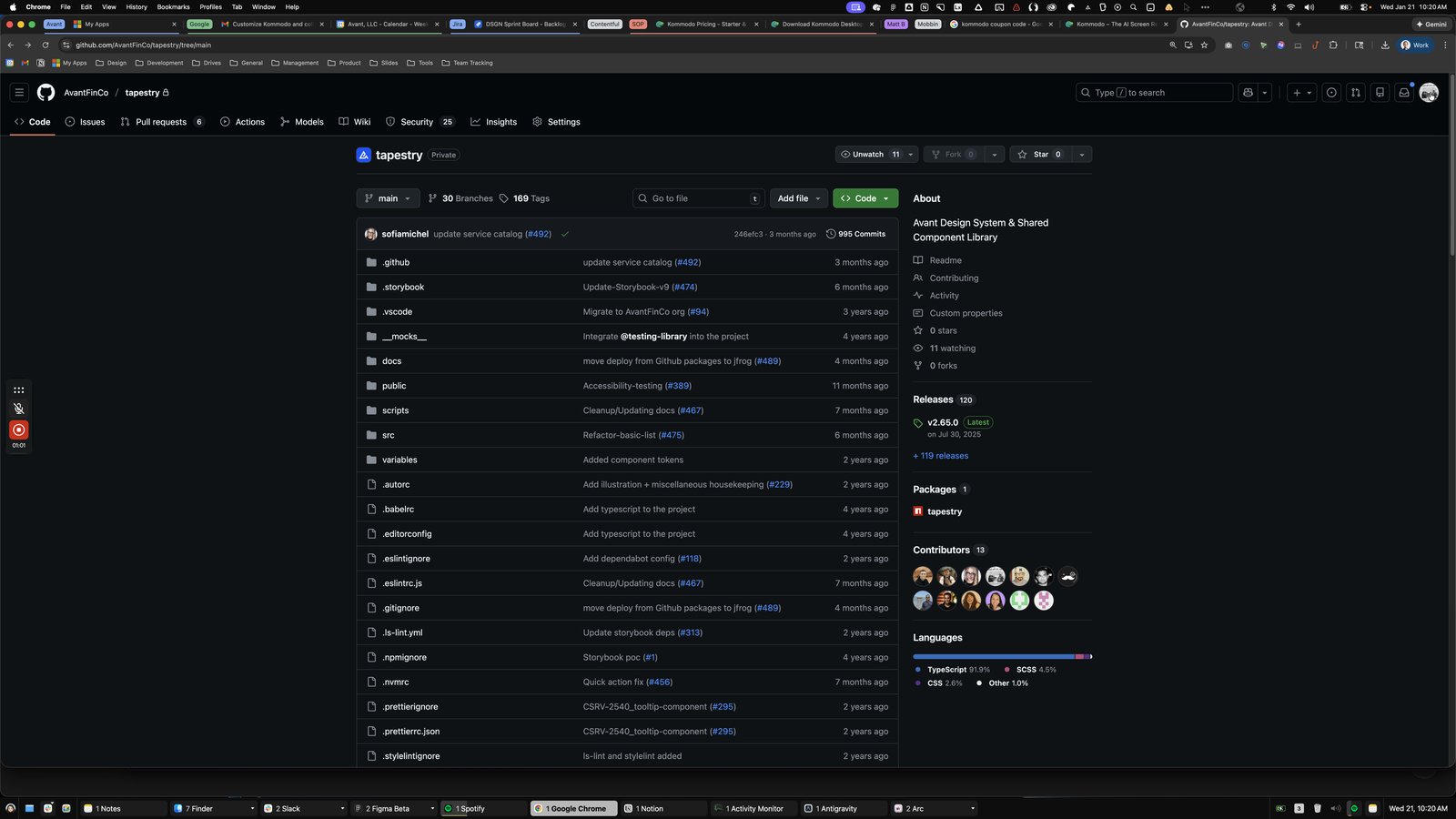
Click this group
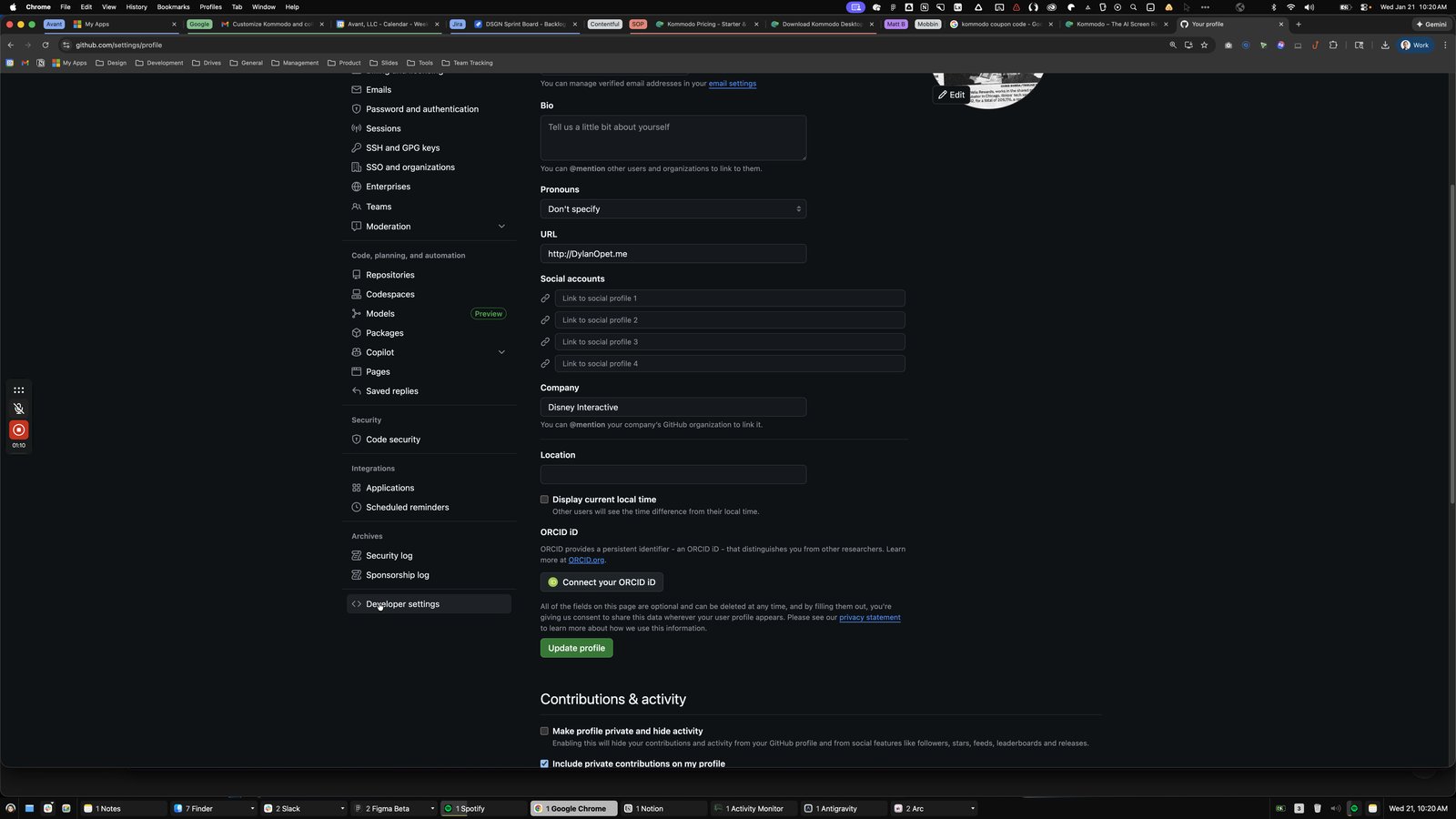
Click the Personal access tokens
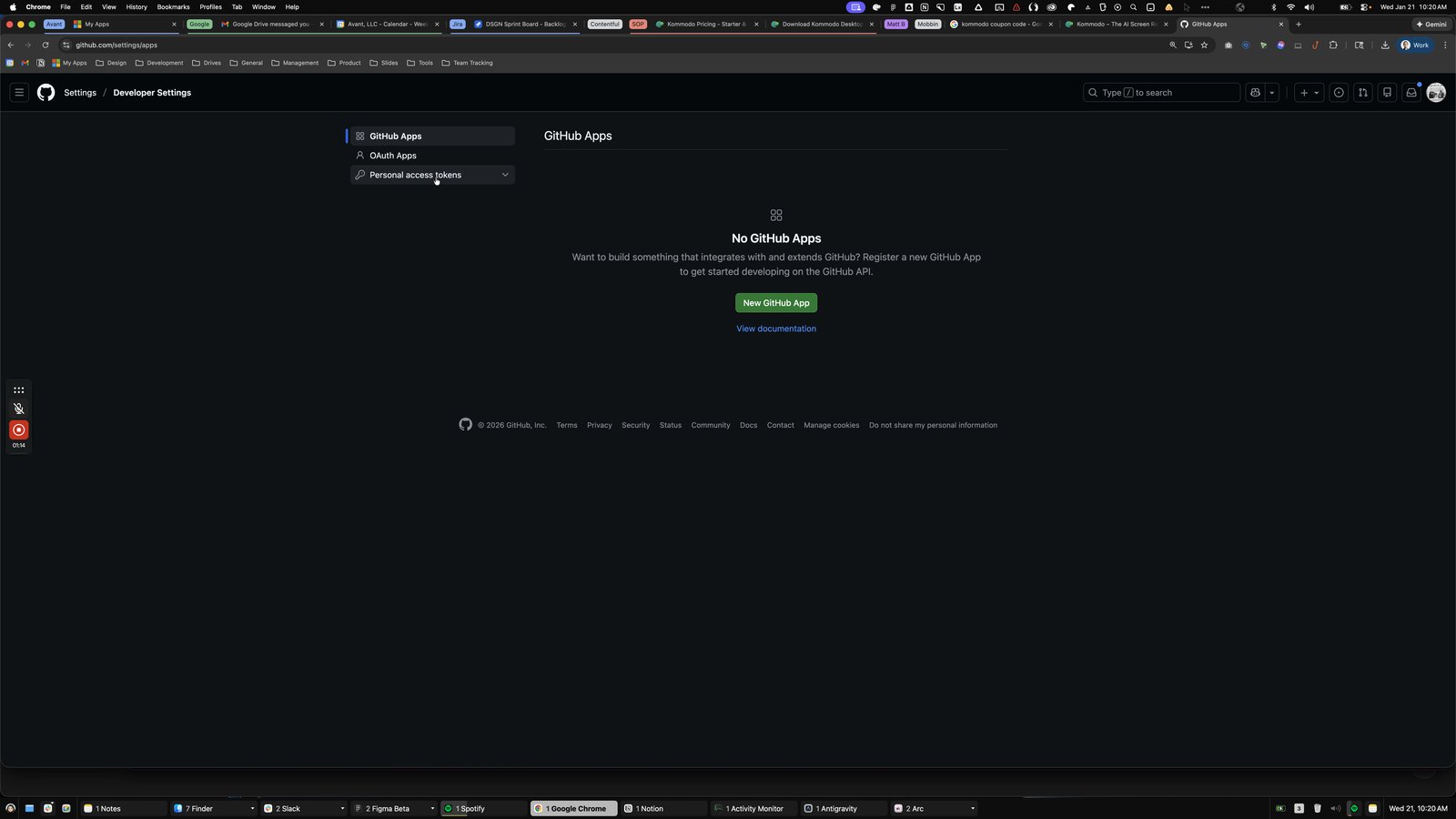
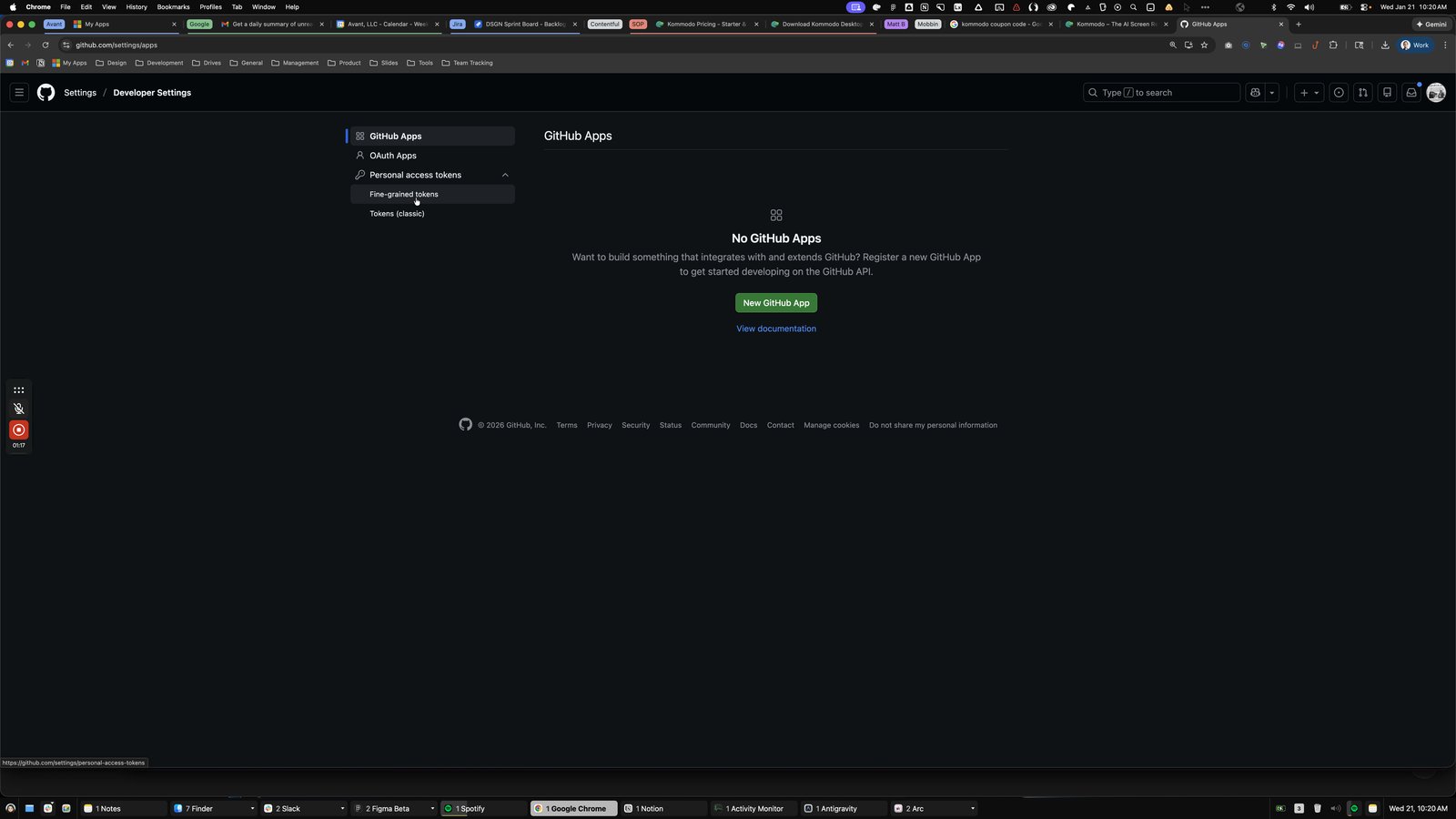

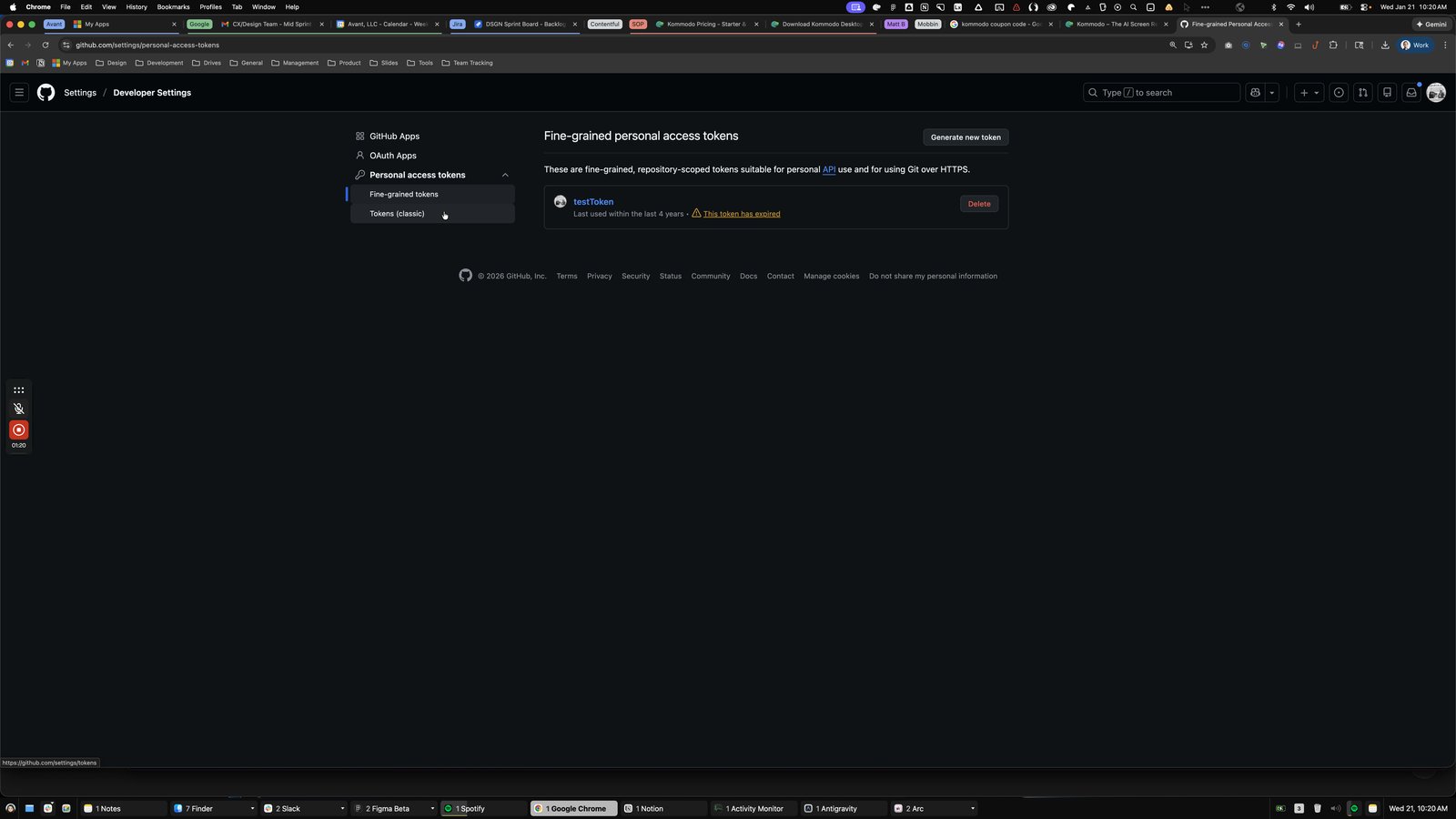
Click this main
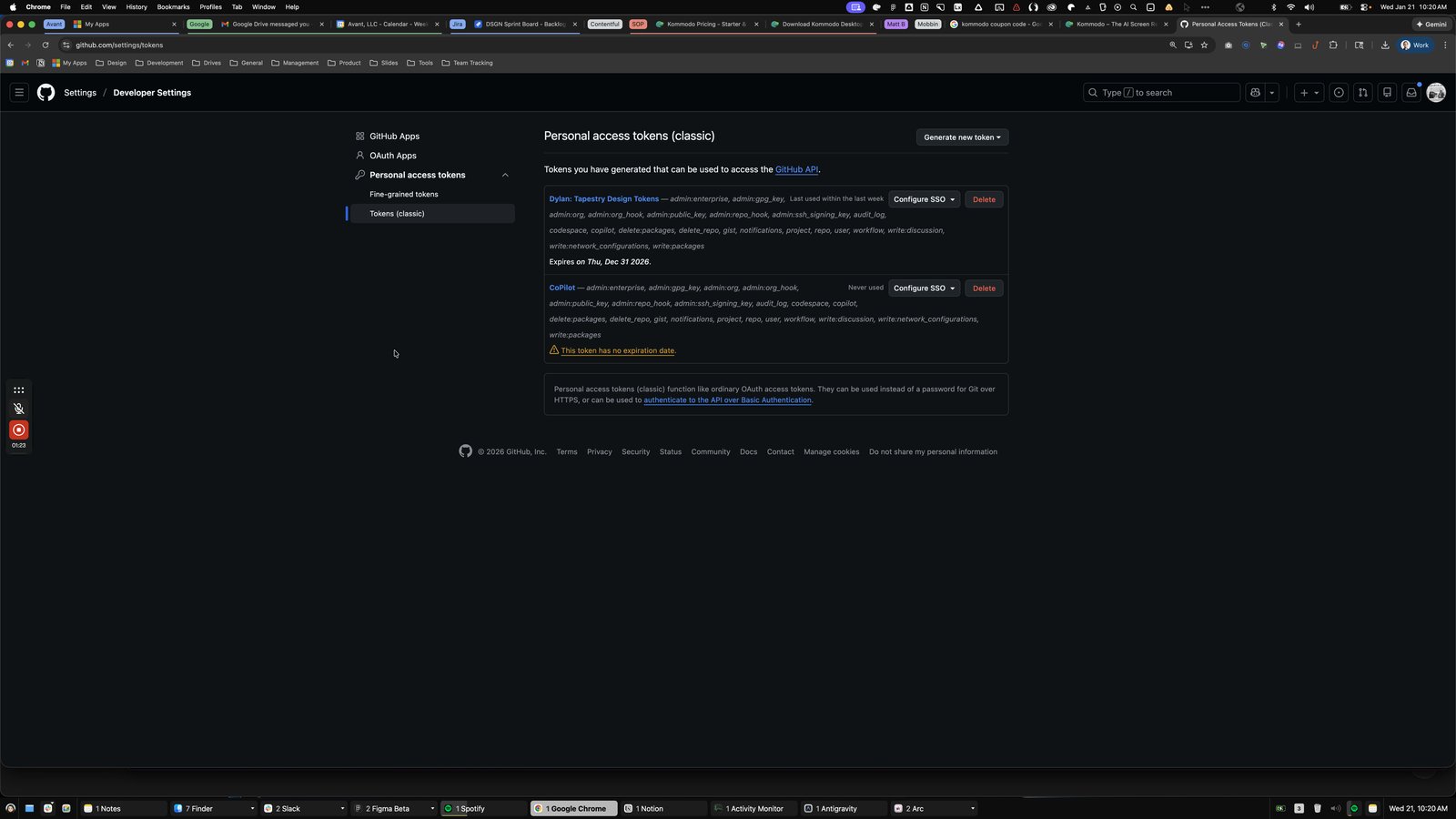
Click here

Click this group
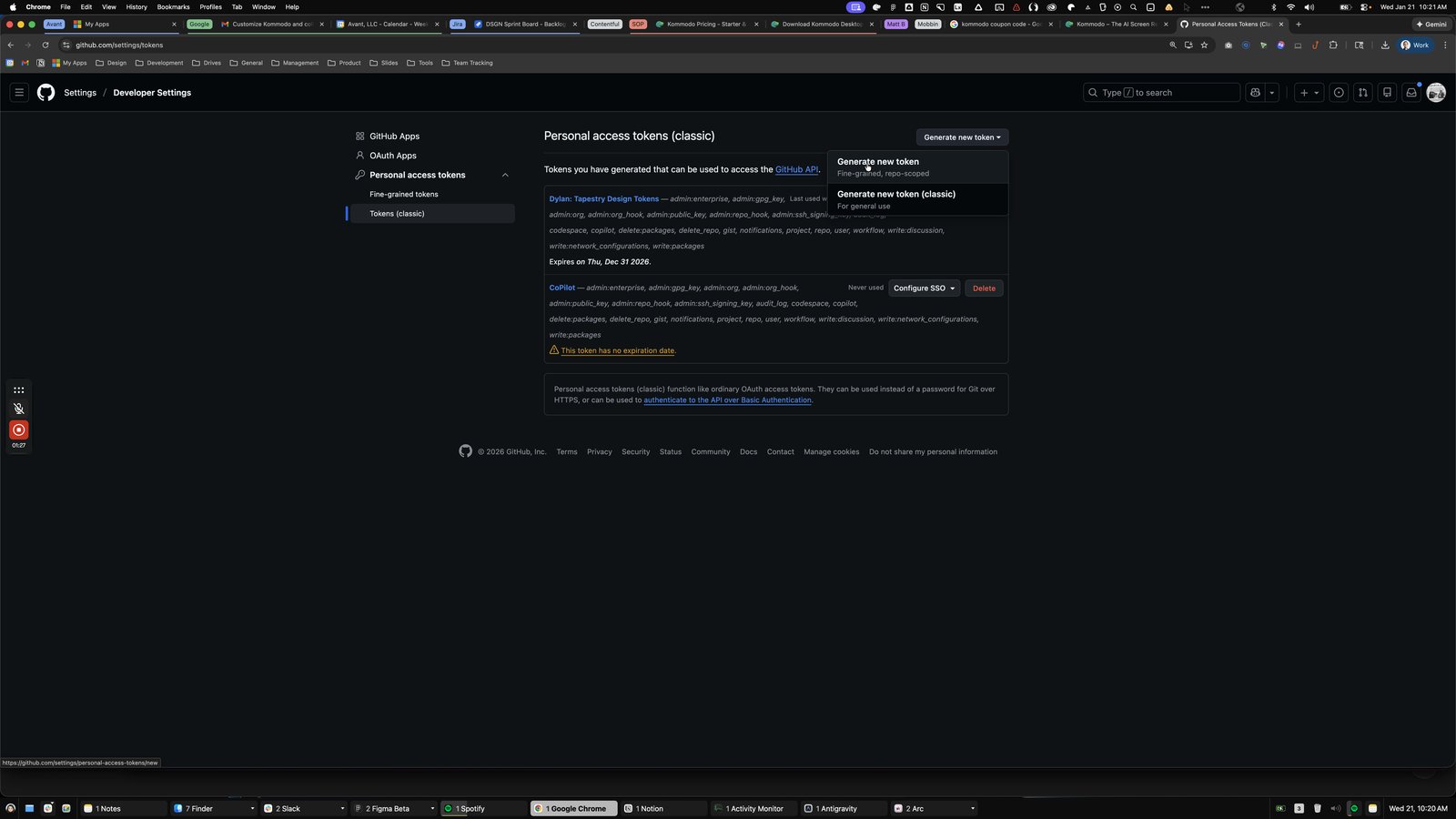
Click this main
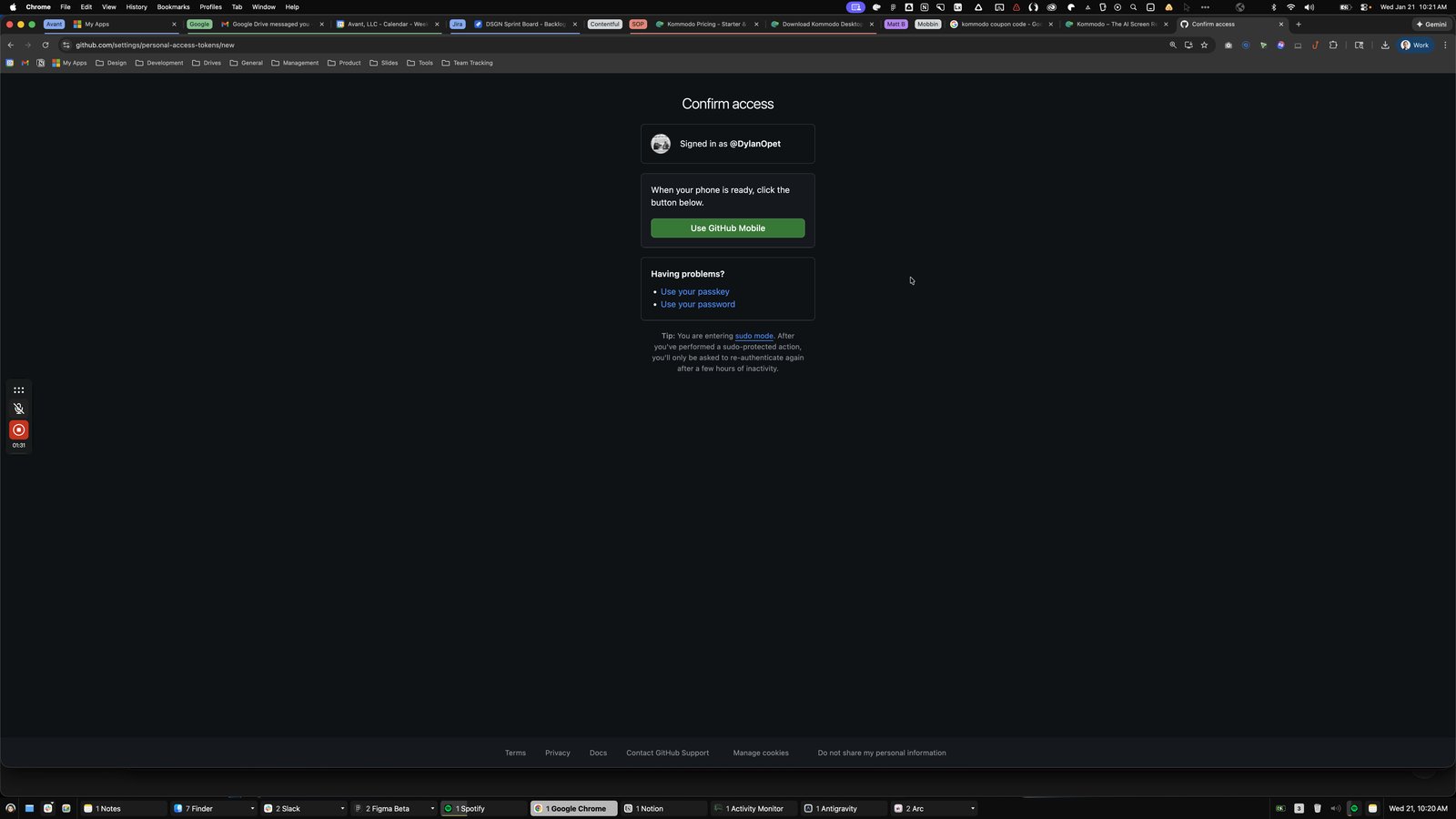
Click here
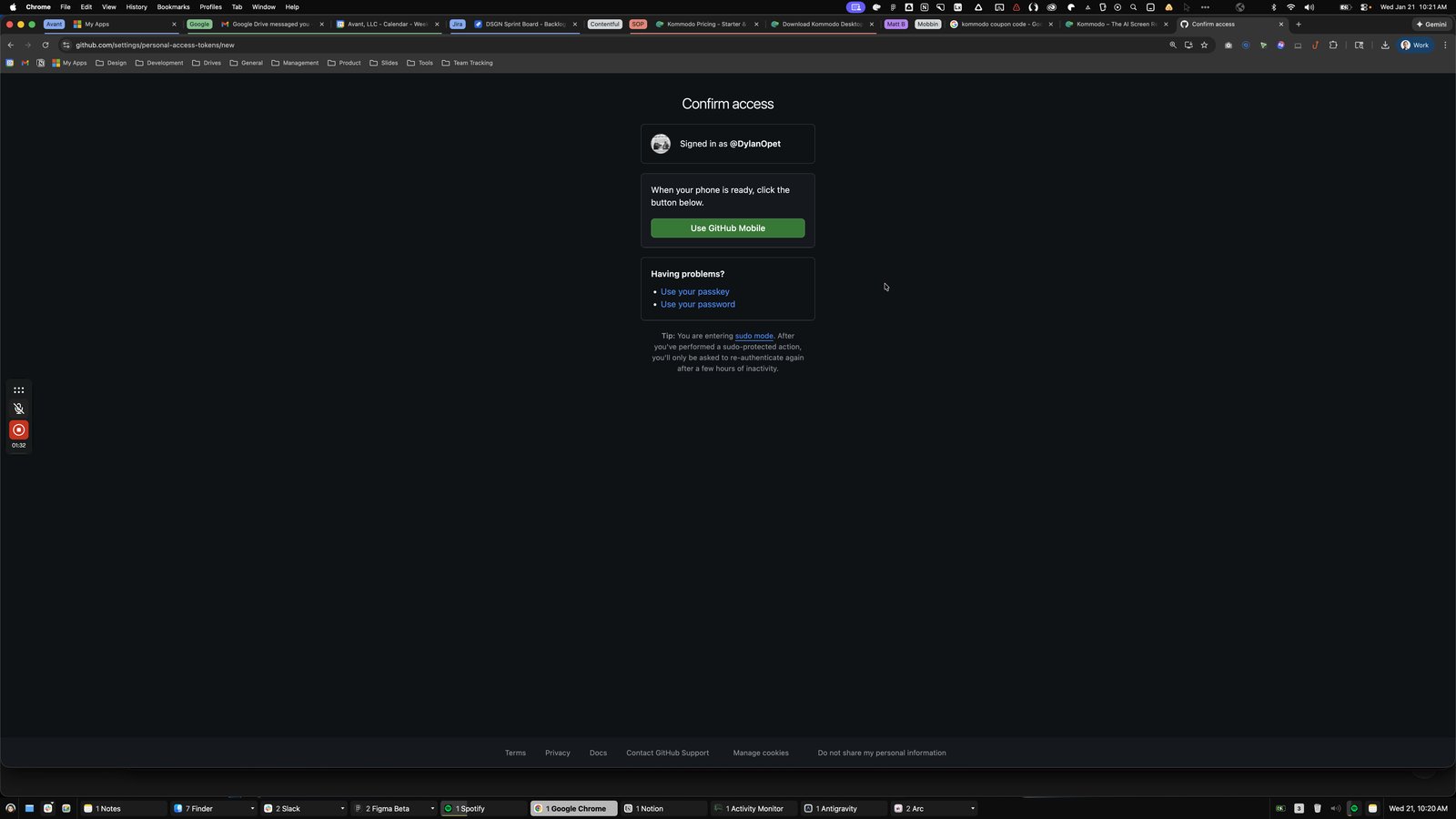
Click this main
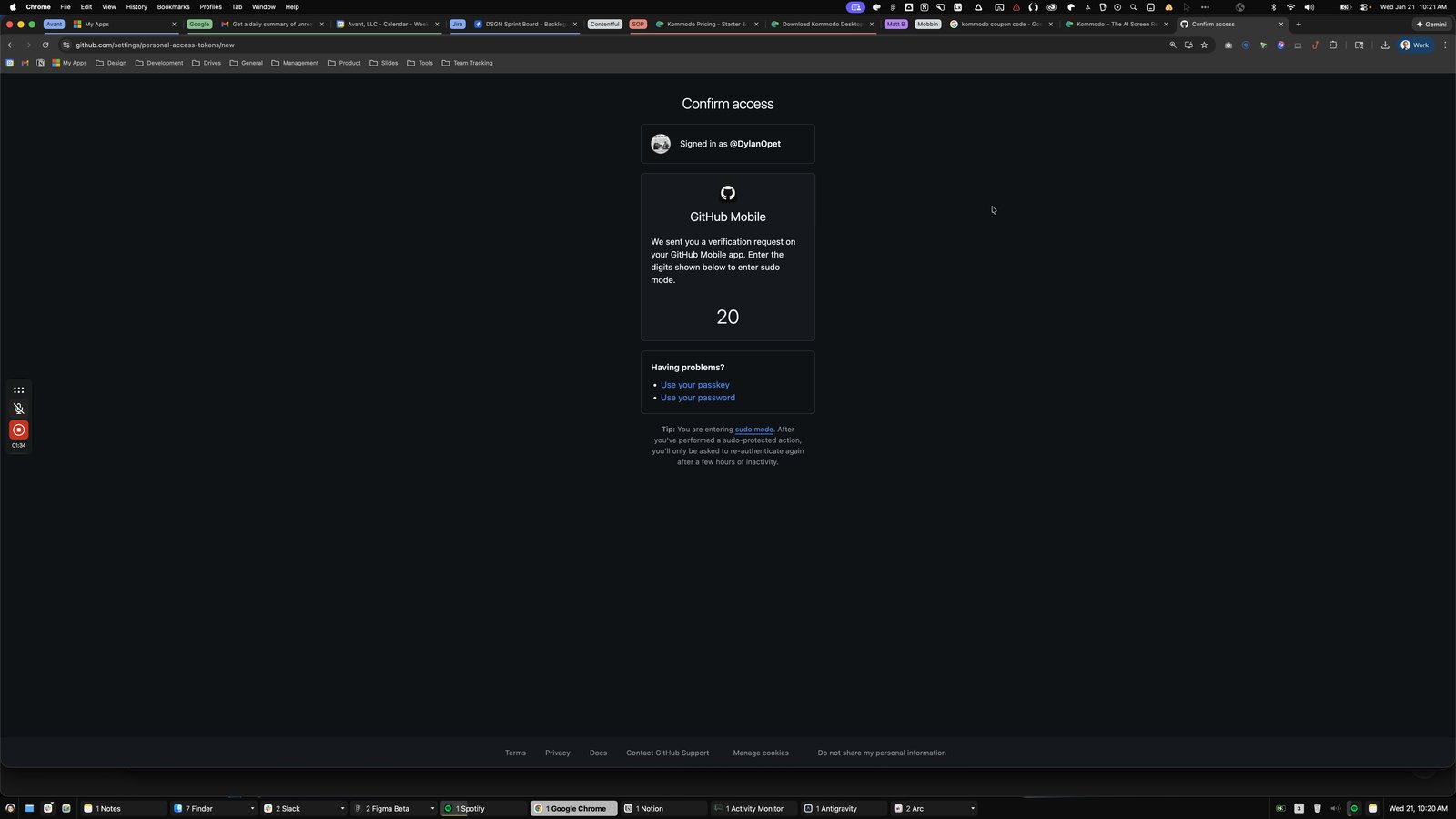
Click this radio group
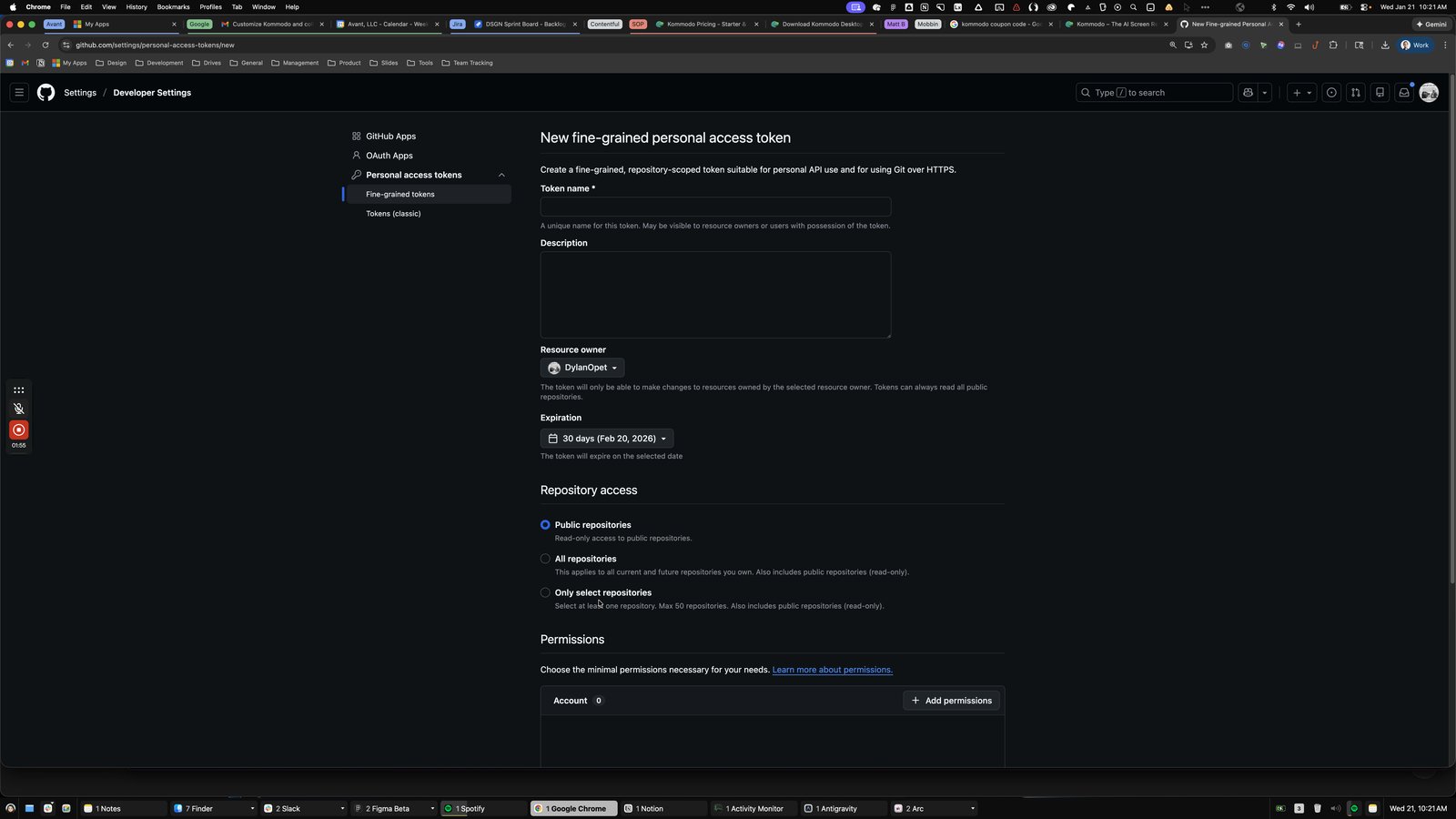
Click the Select repositories
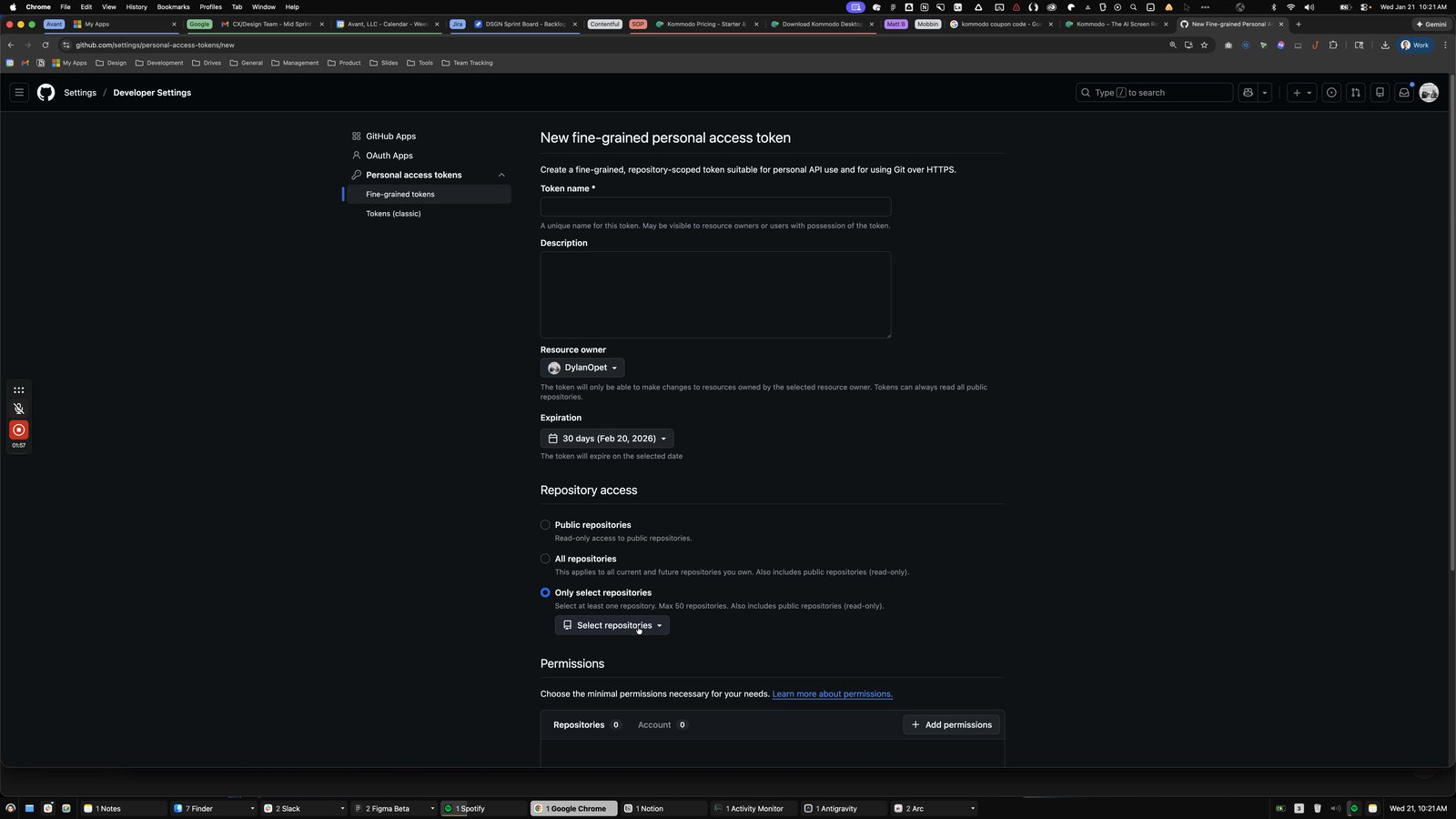
Press ⌘ a
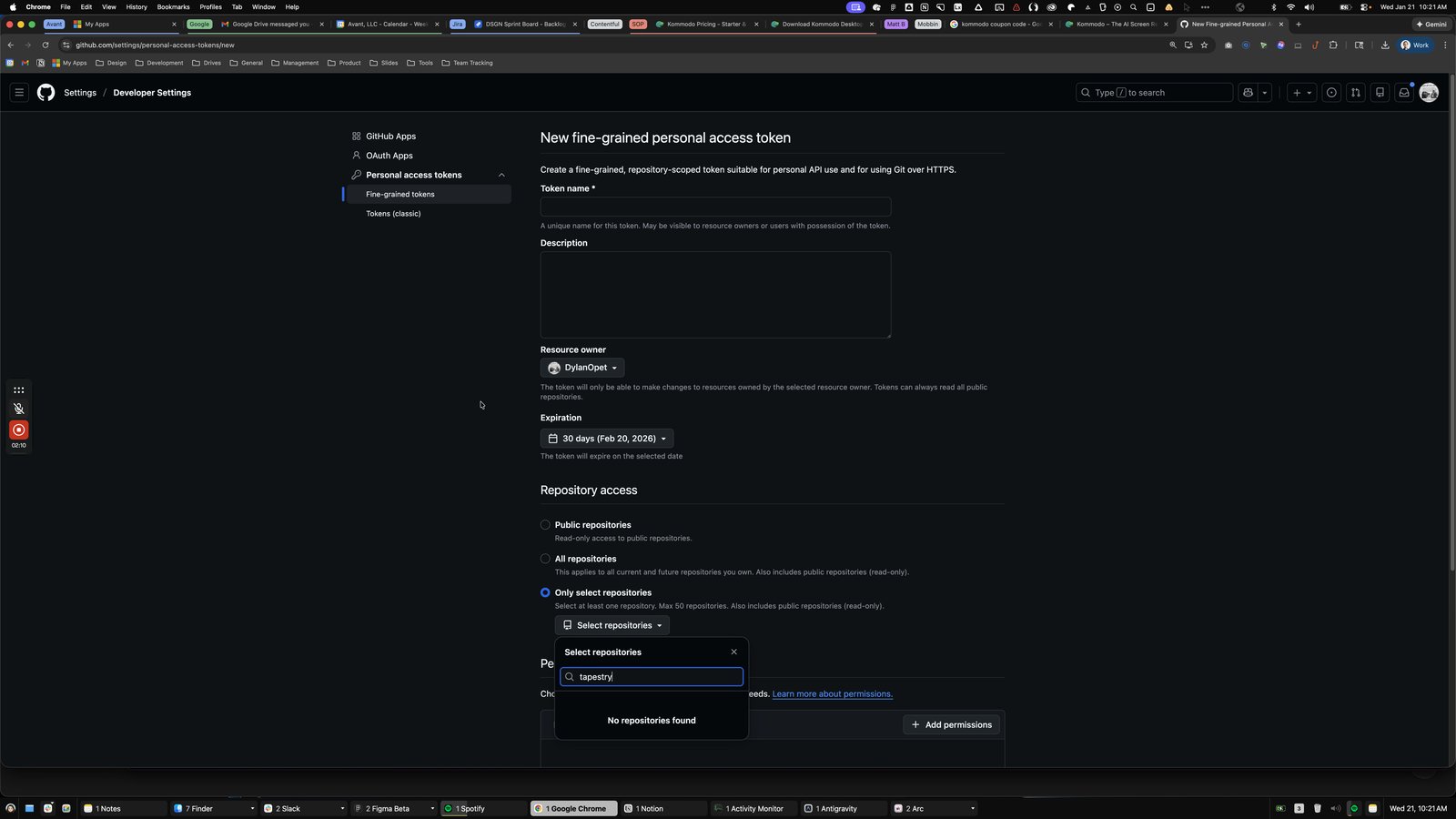
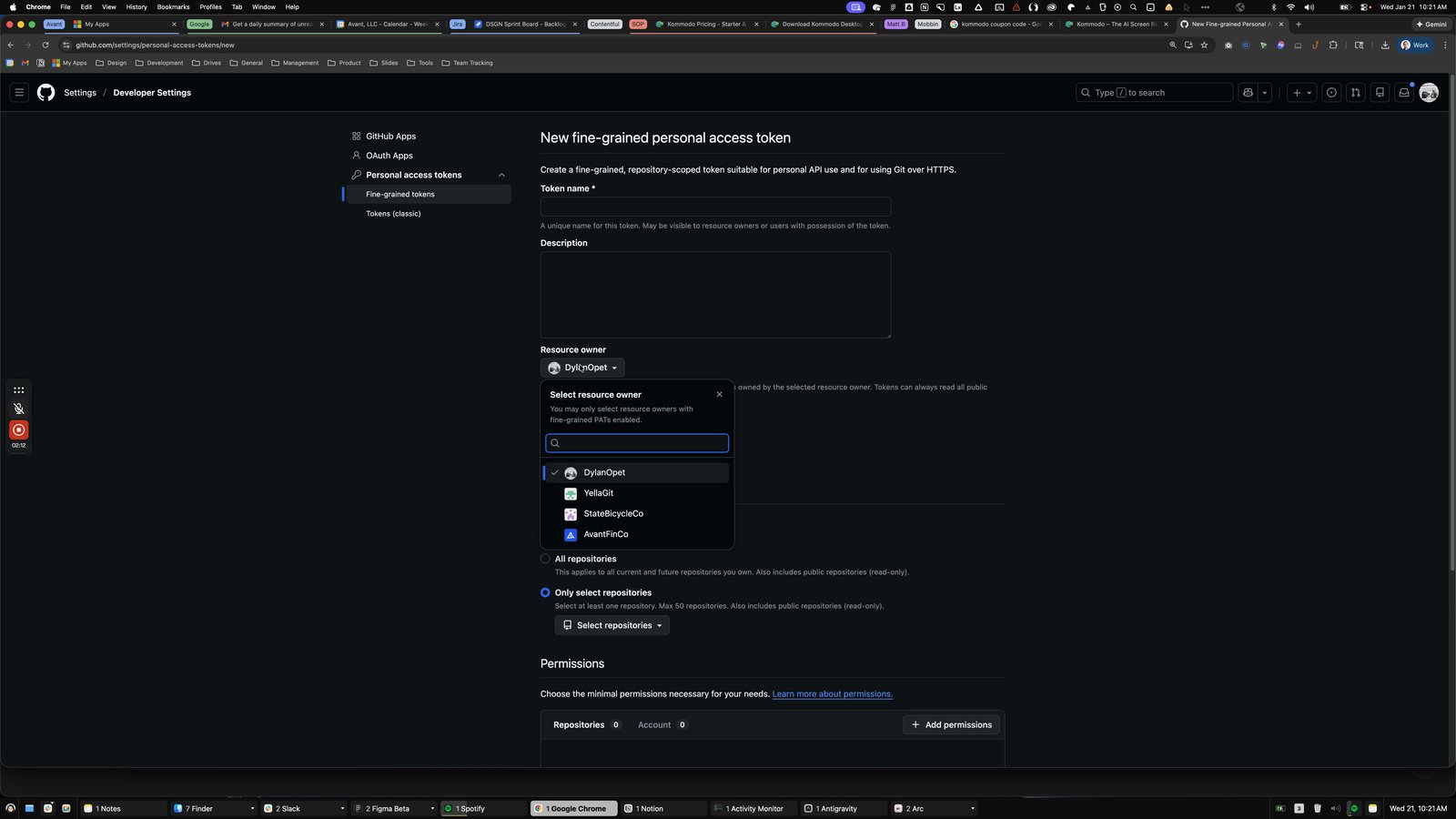

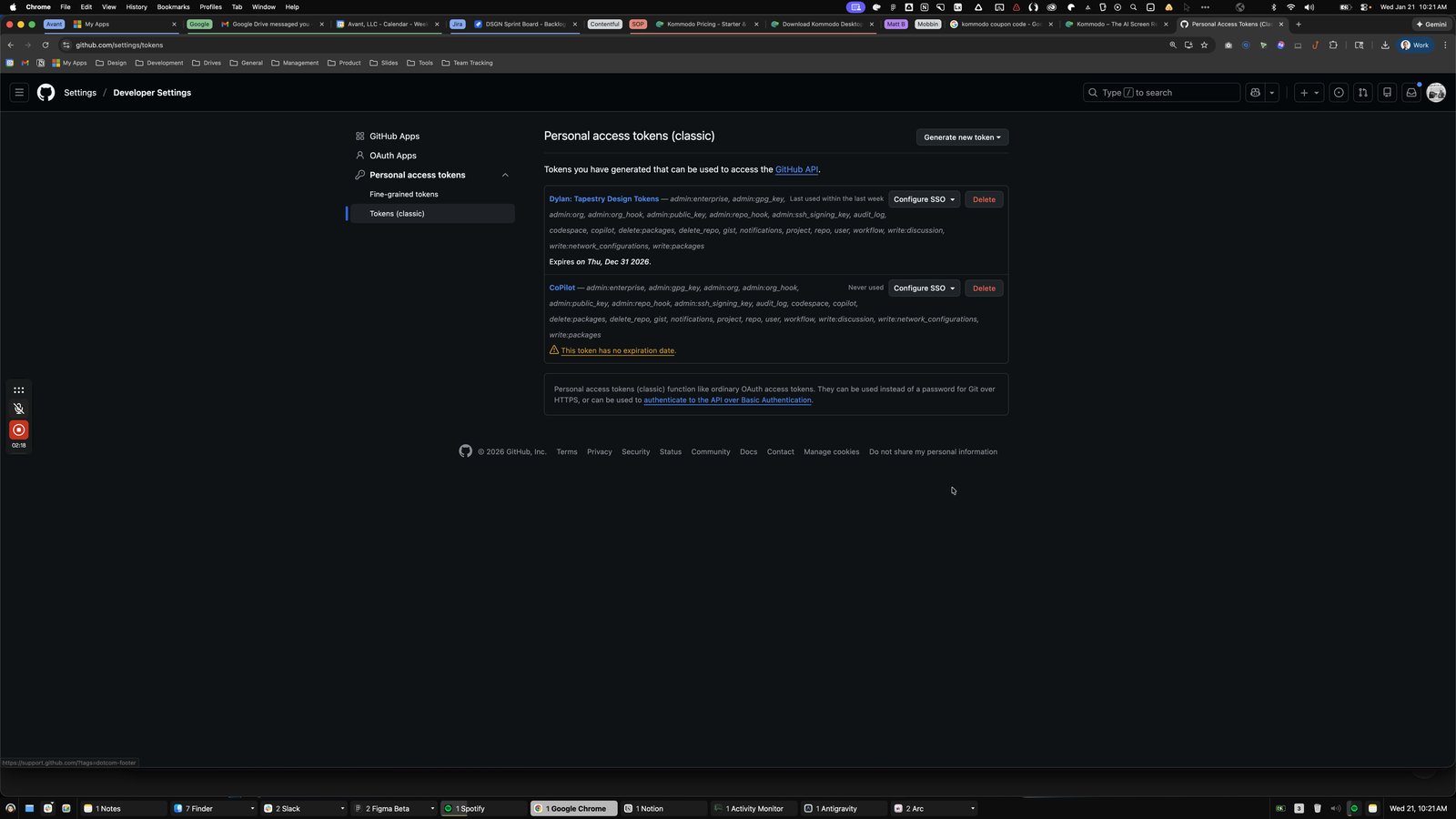
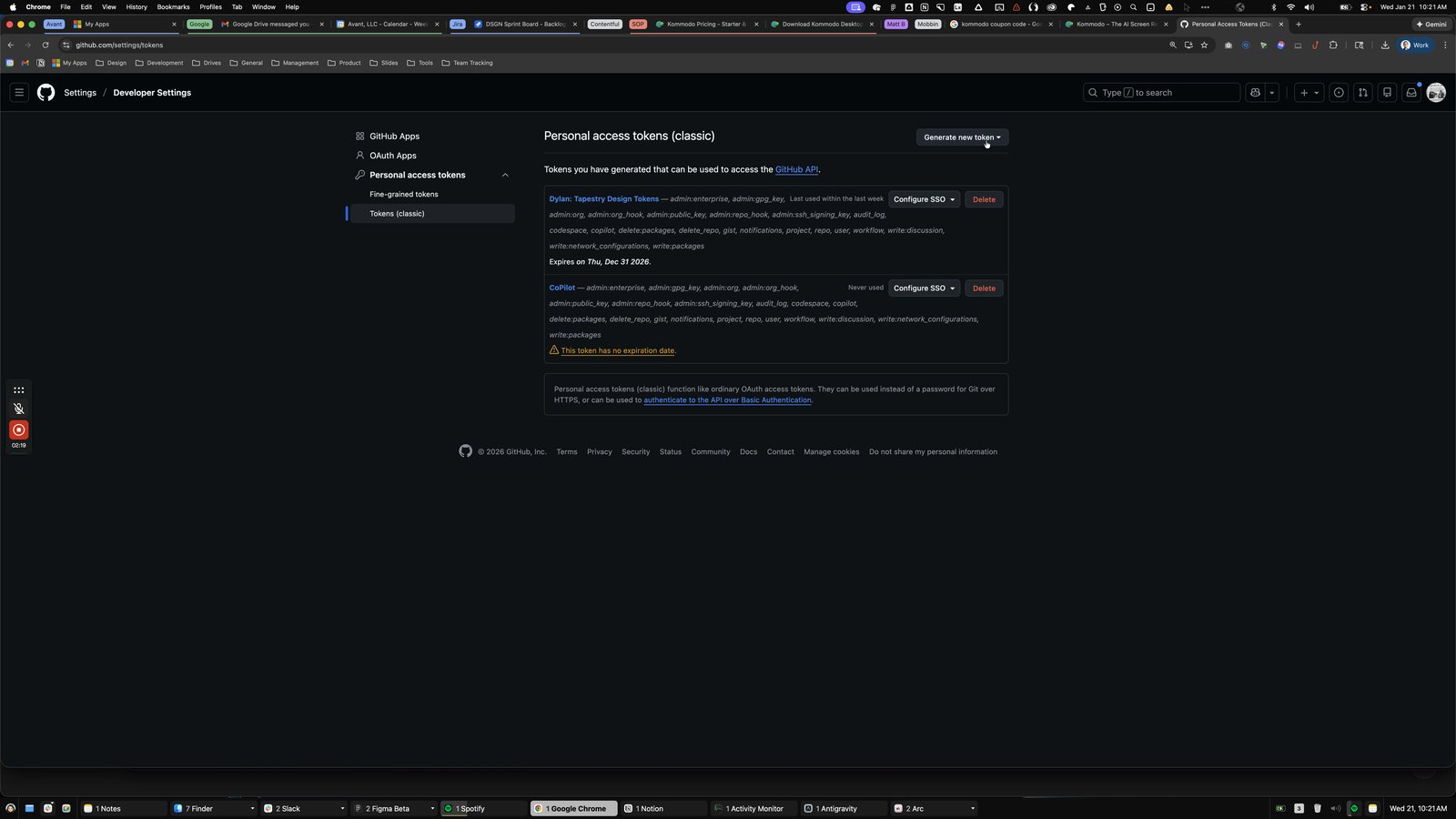
Click the Last used within the last week
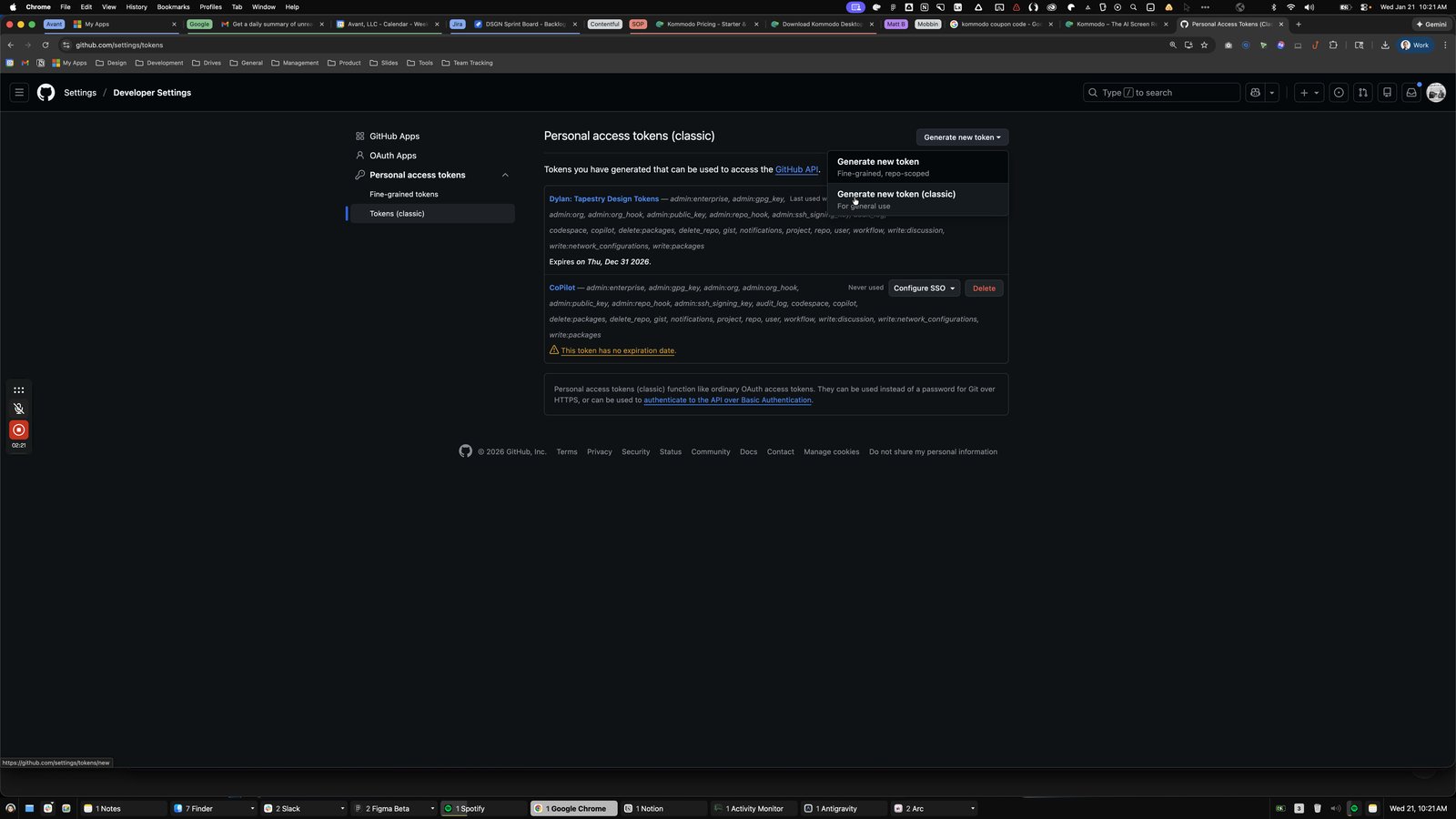
Click this group
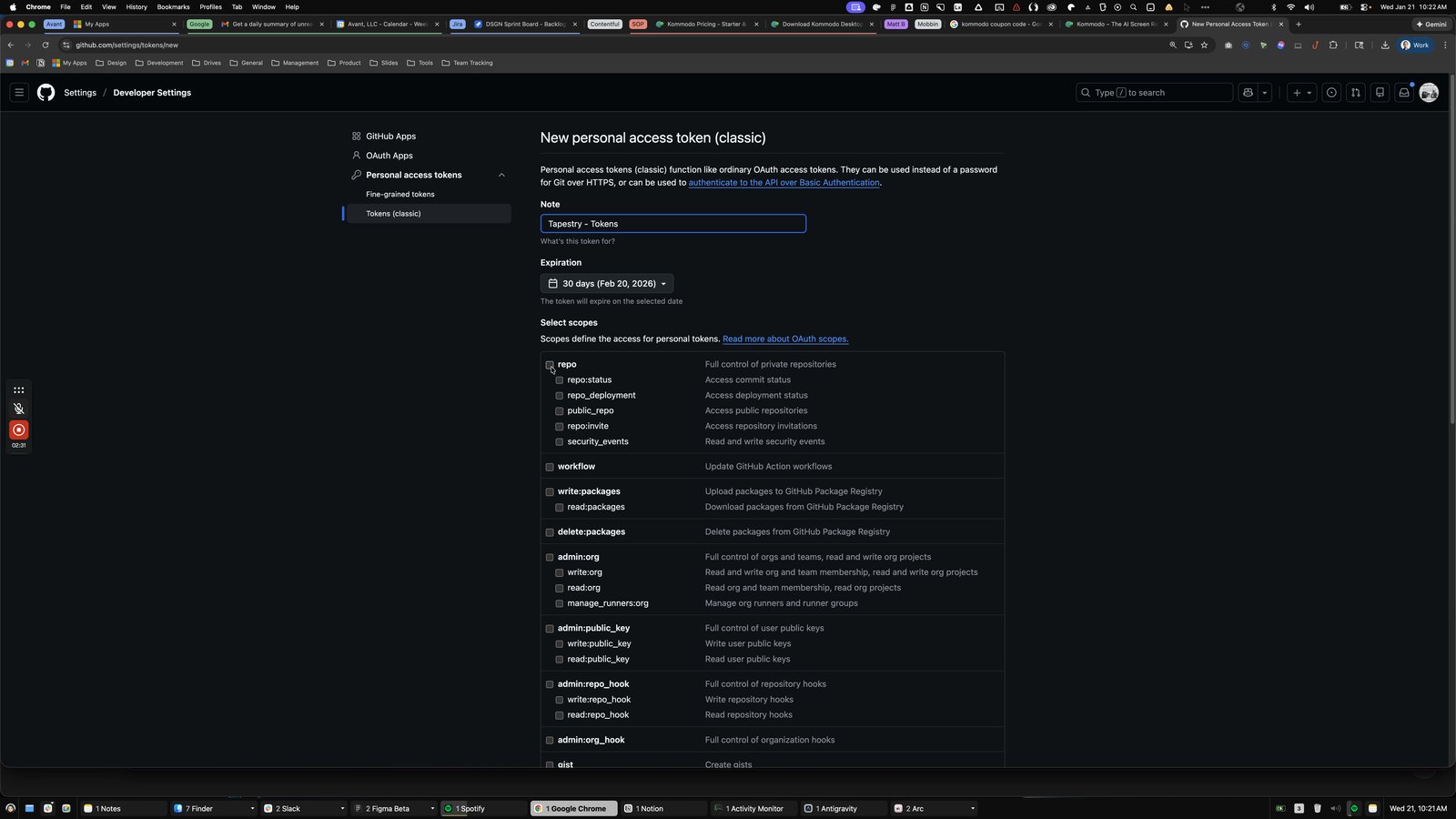
Click here
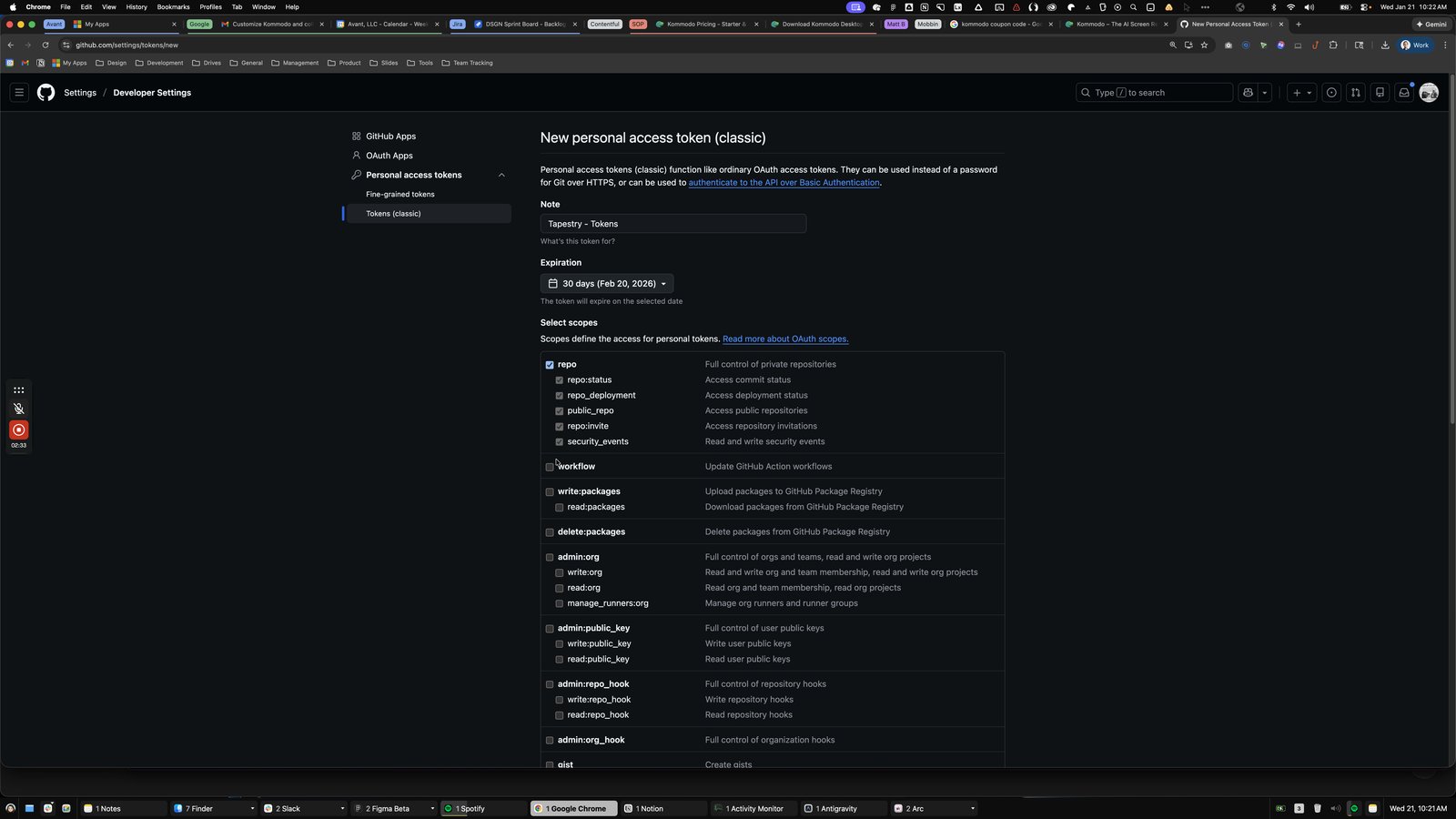
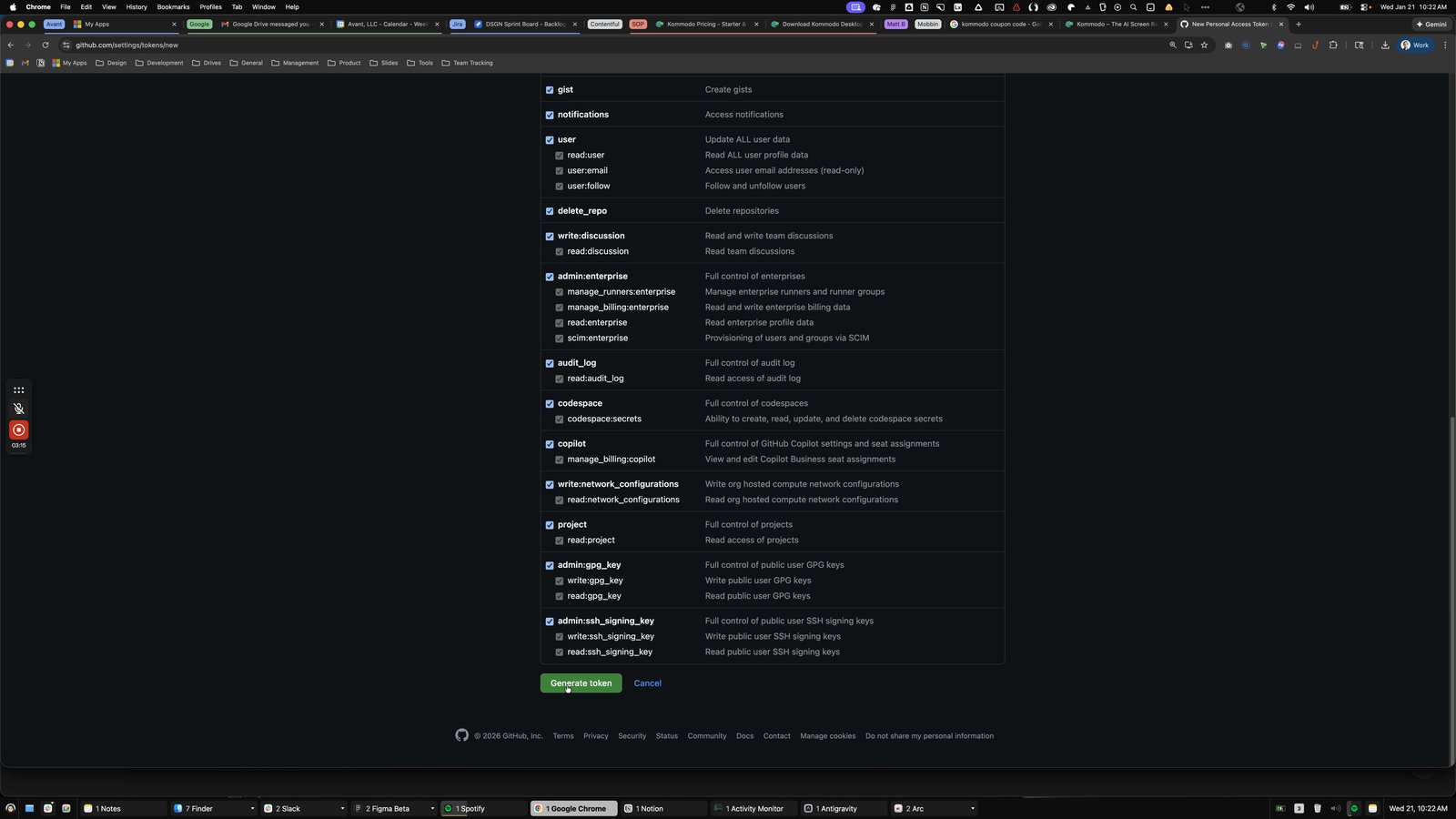
Click the write:packages
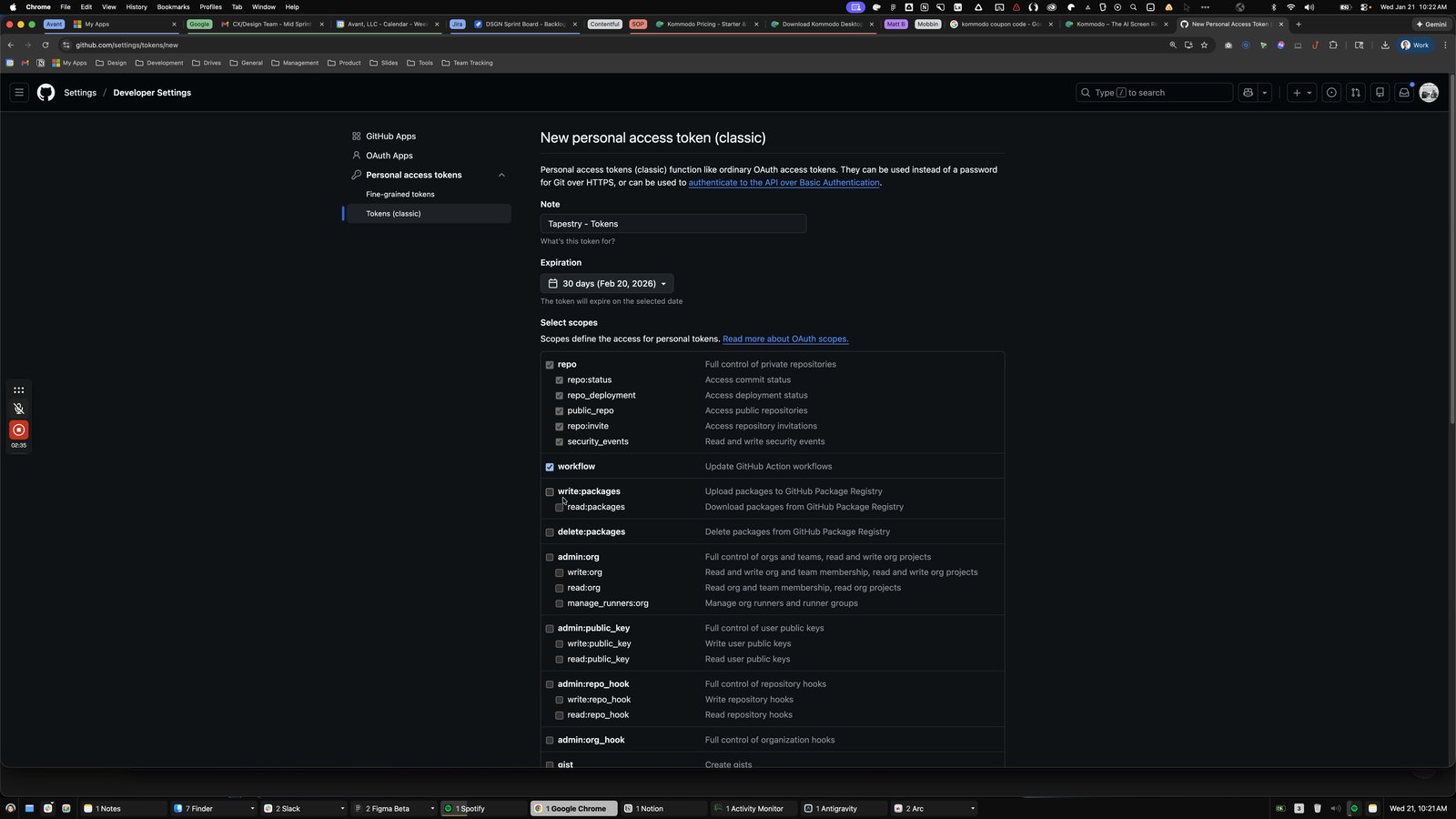
Click here
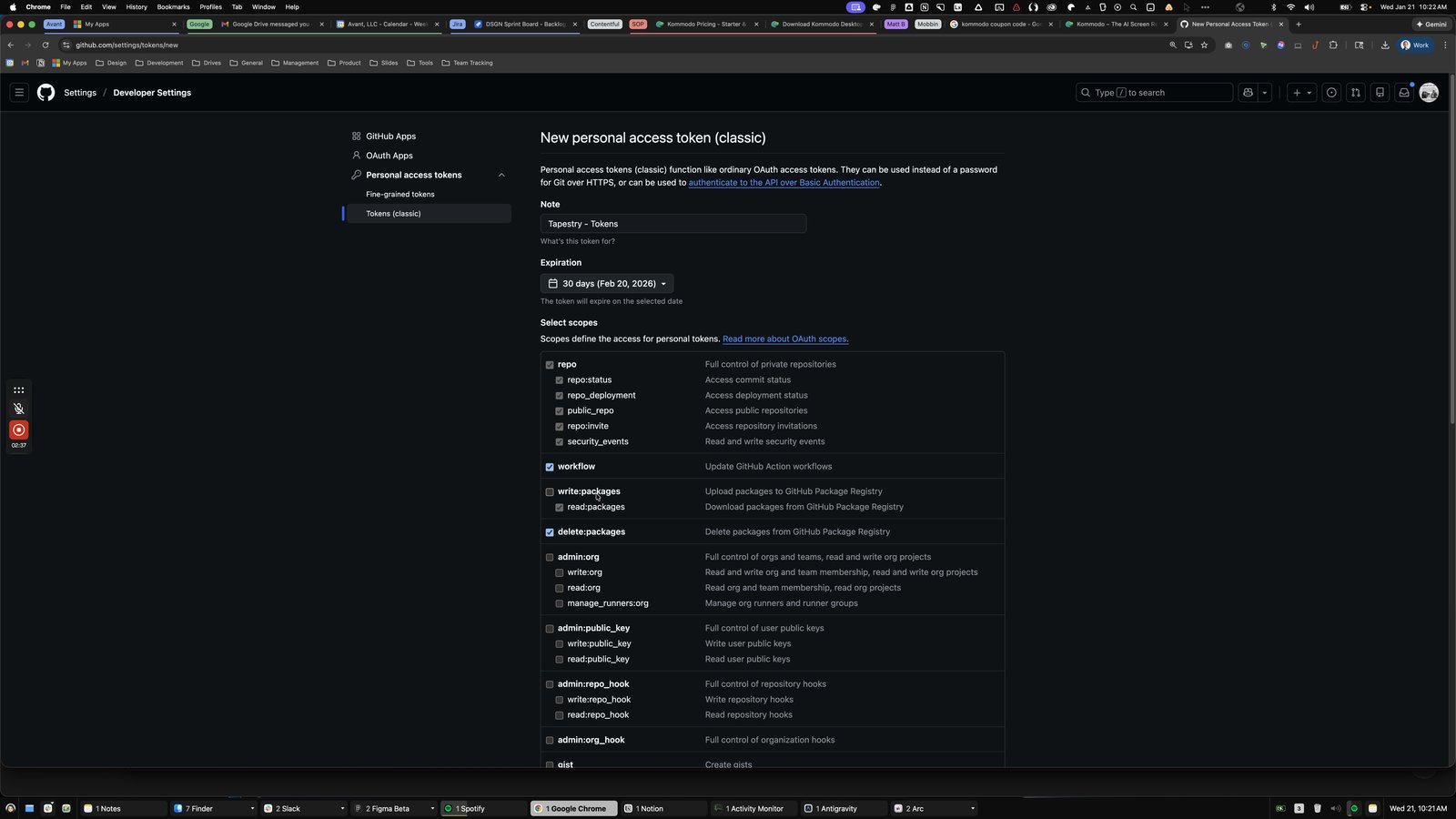
Click the admin:public_key
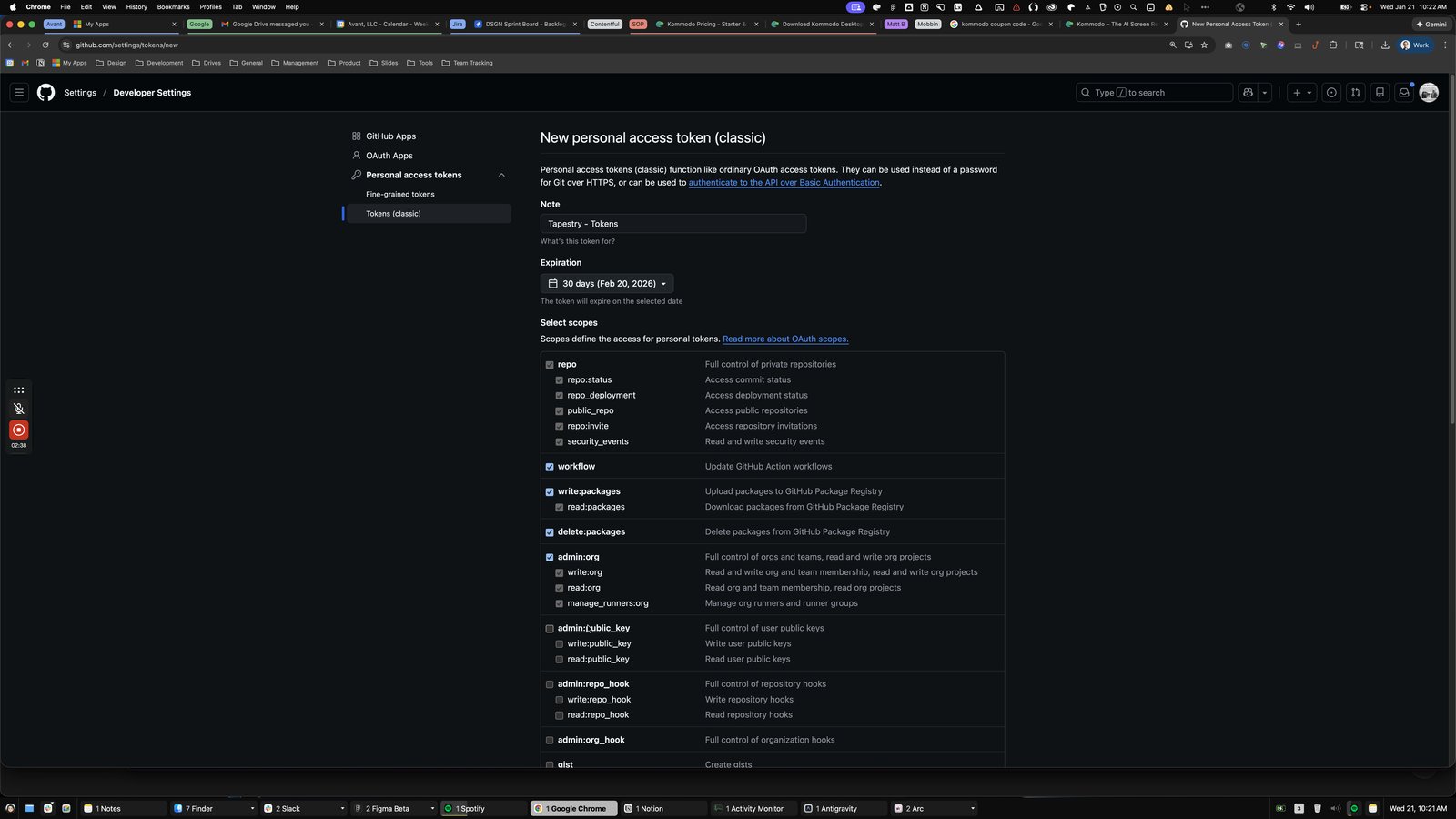
Click this group
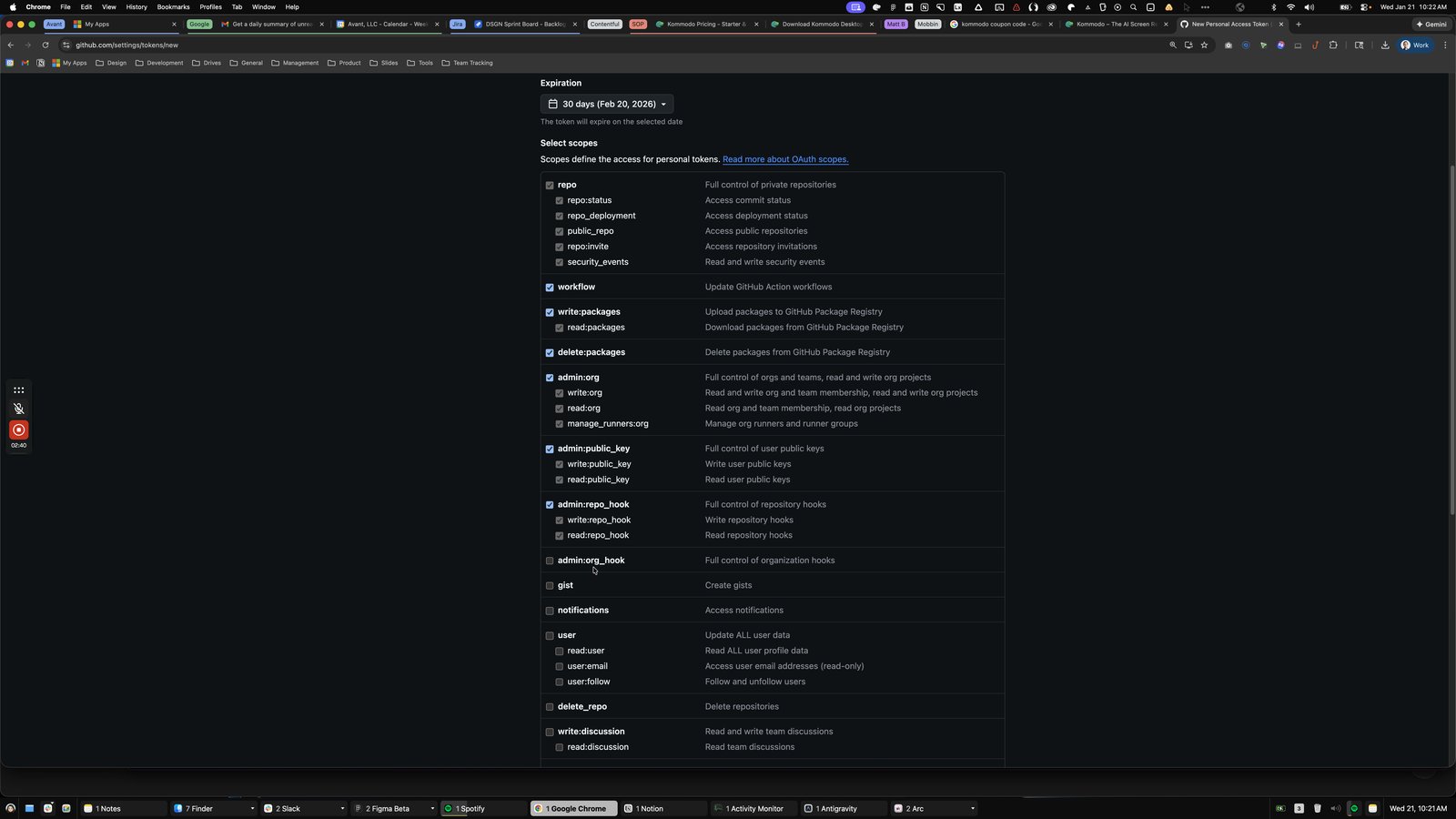
Click here
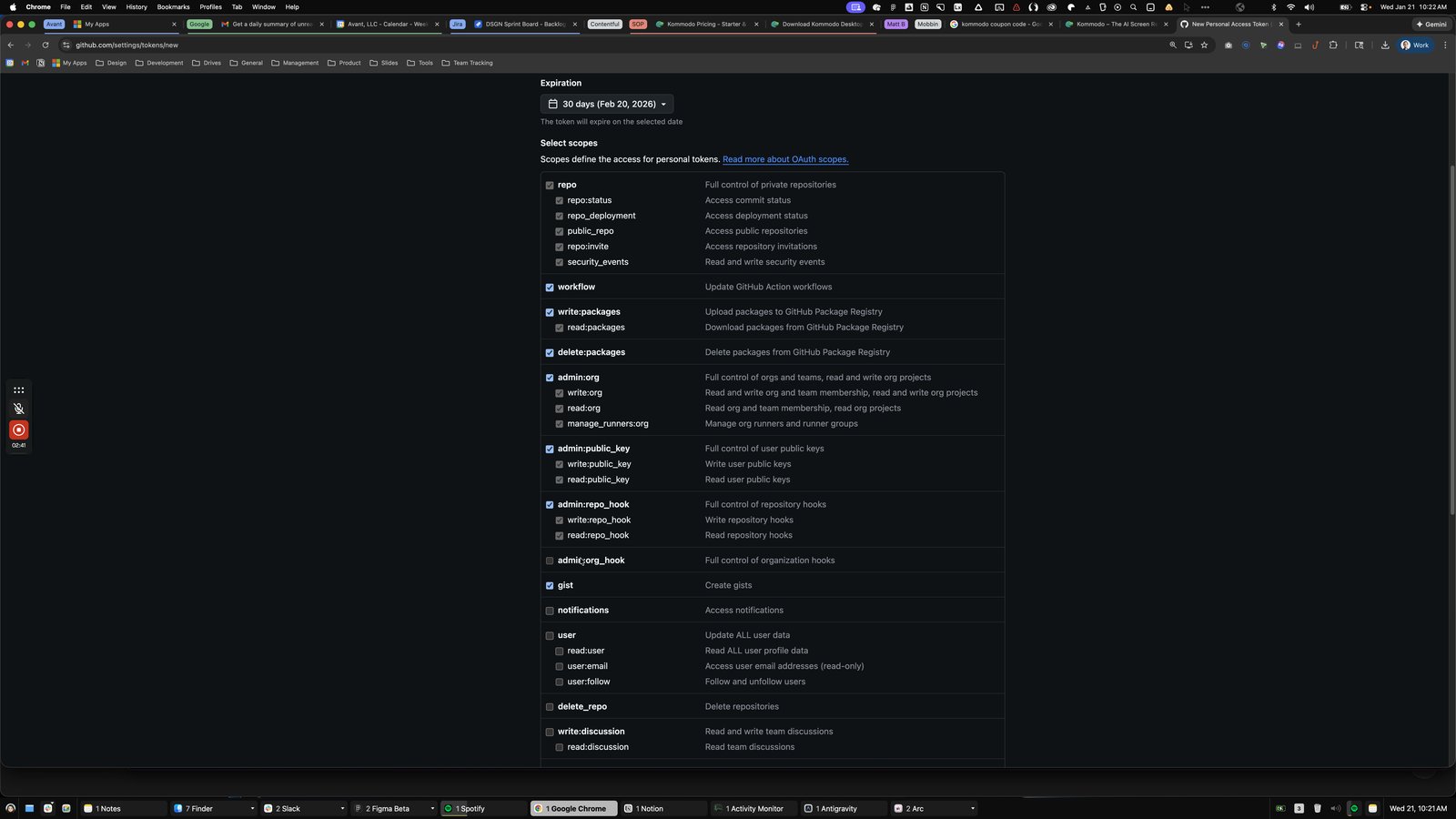
Click this group
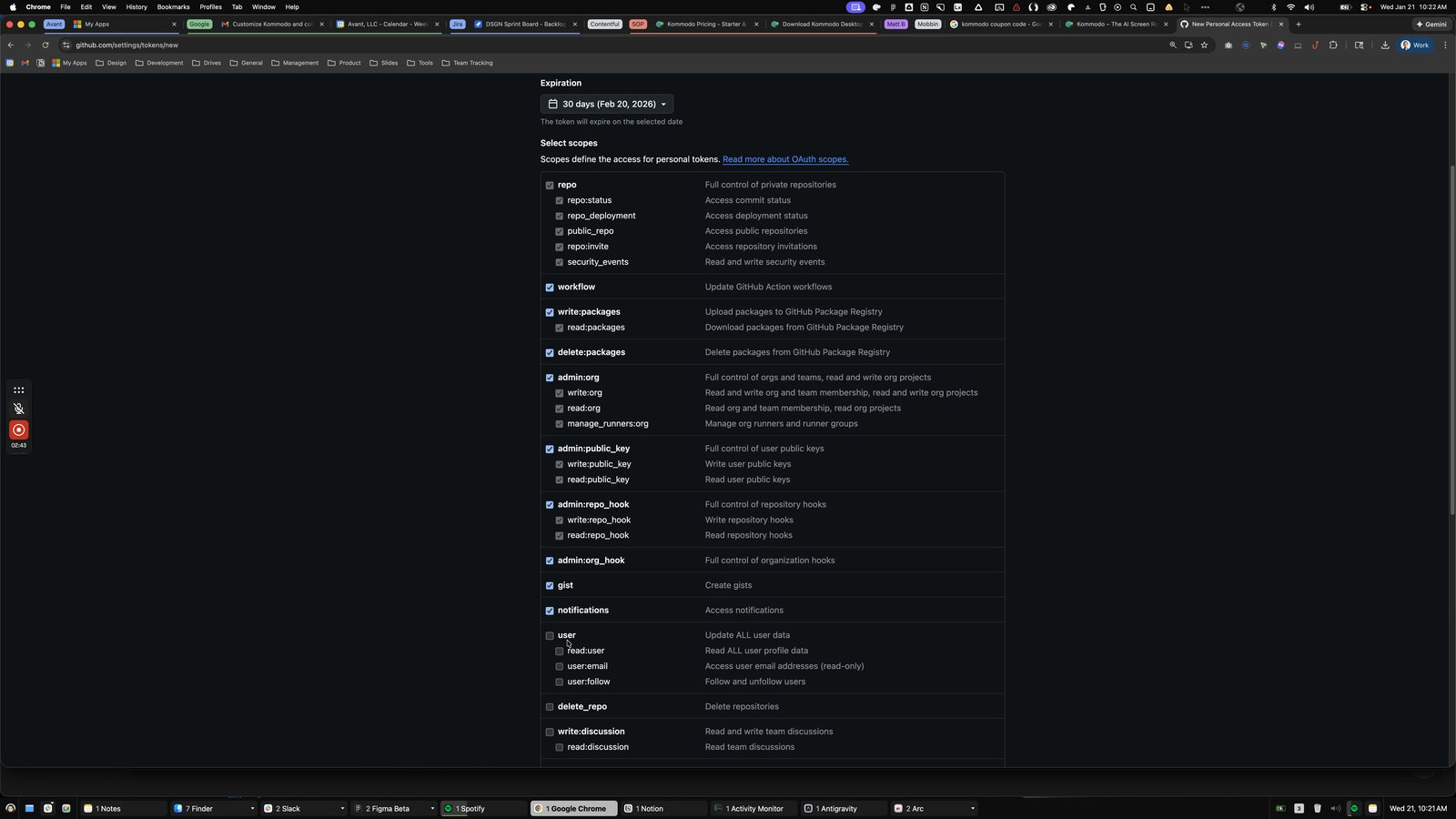
Click here
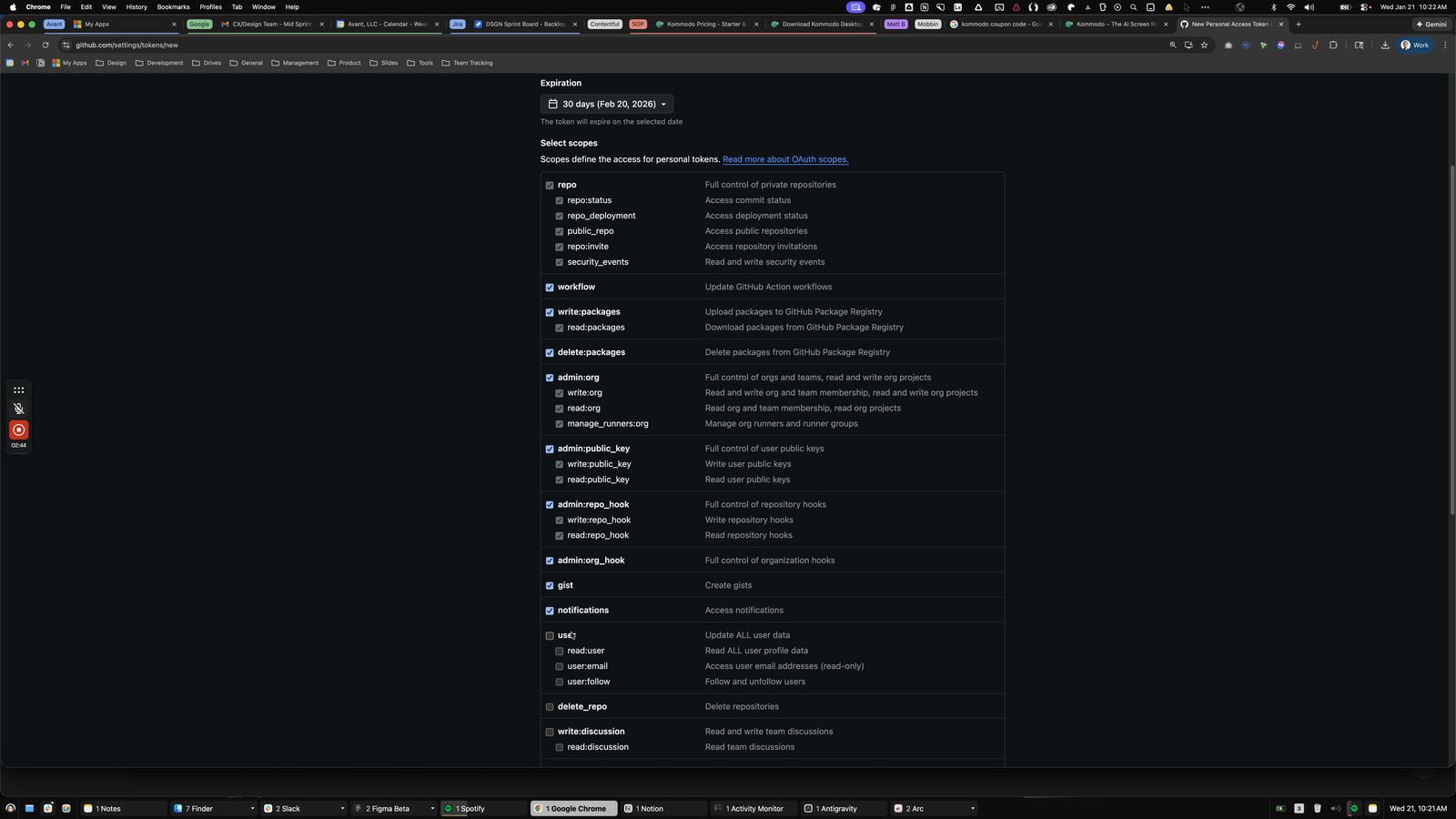
Click the write:discussion

Click this group
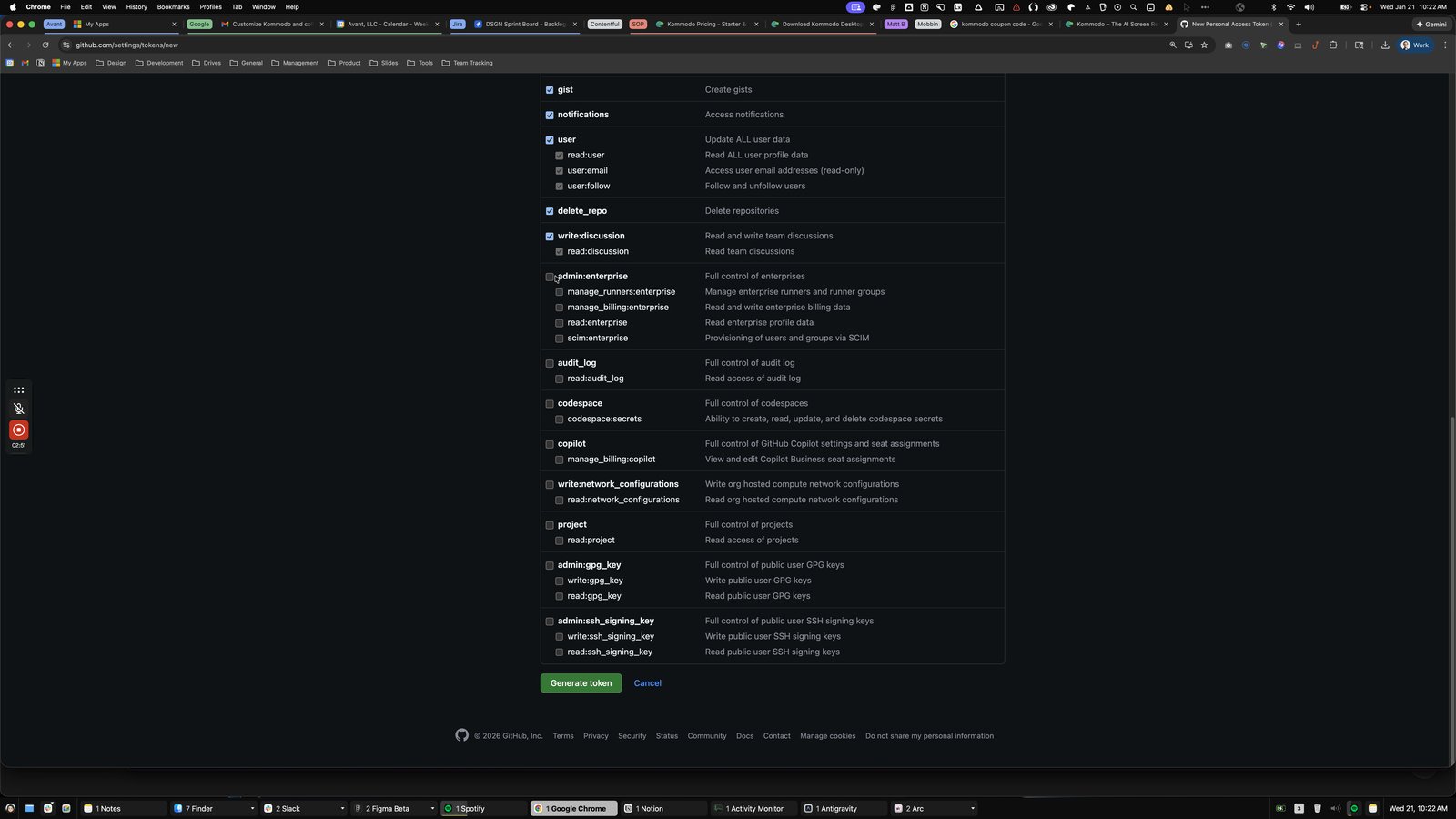
Click here

Click this group
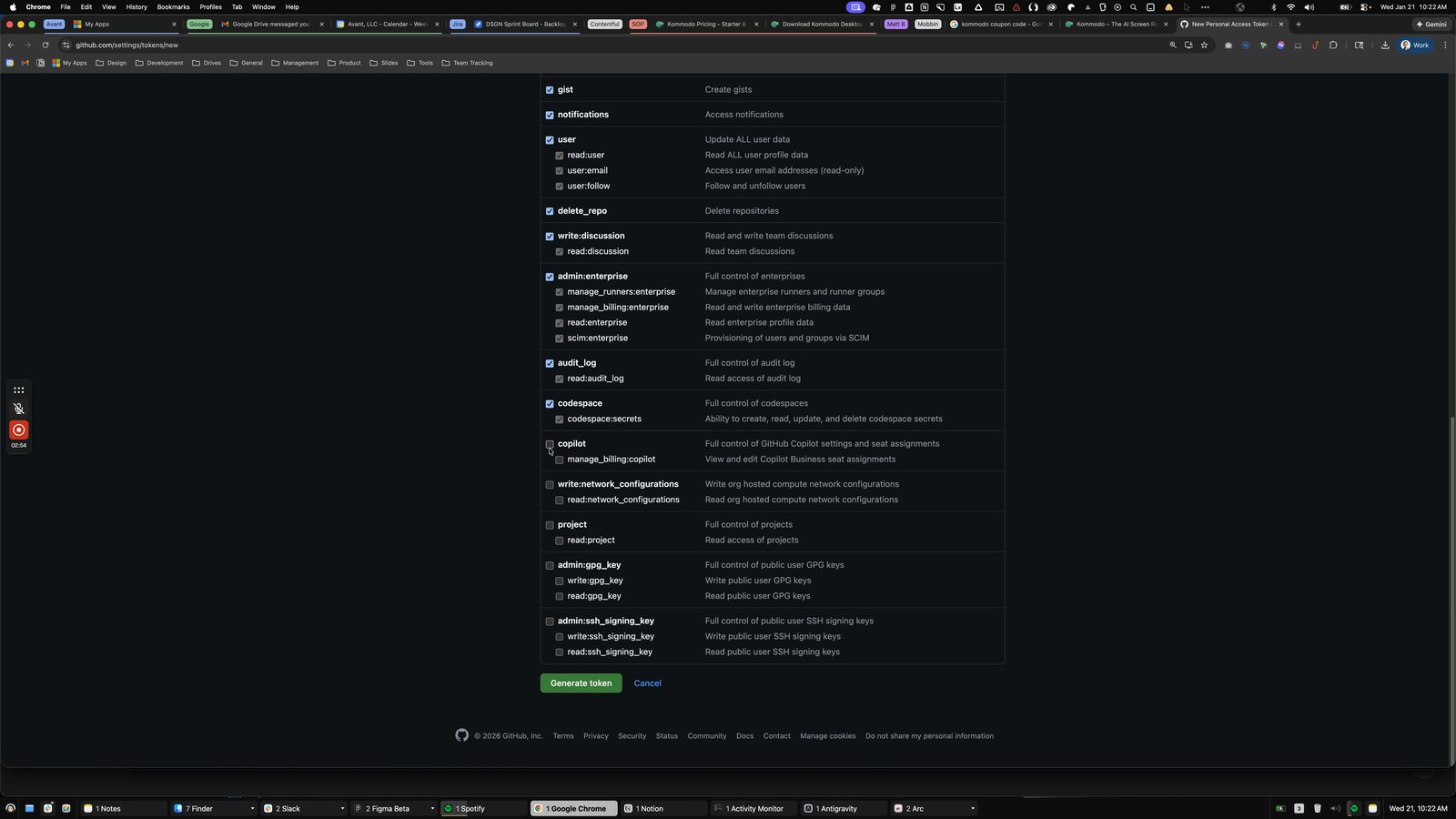
Click here
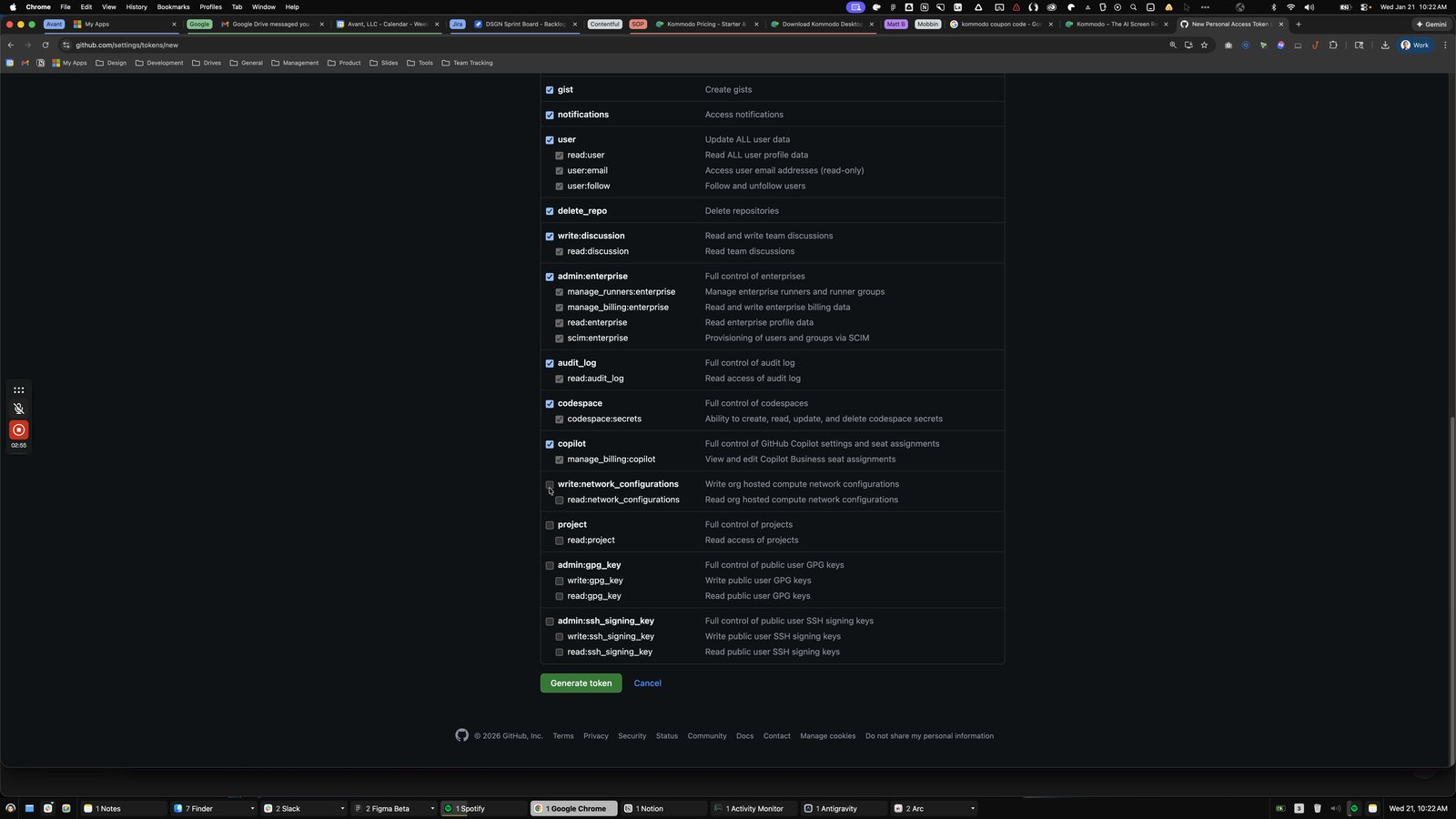
Click this group
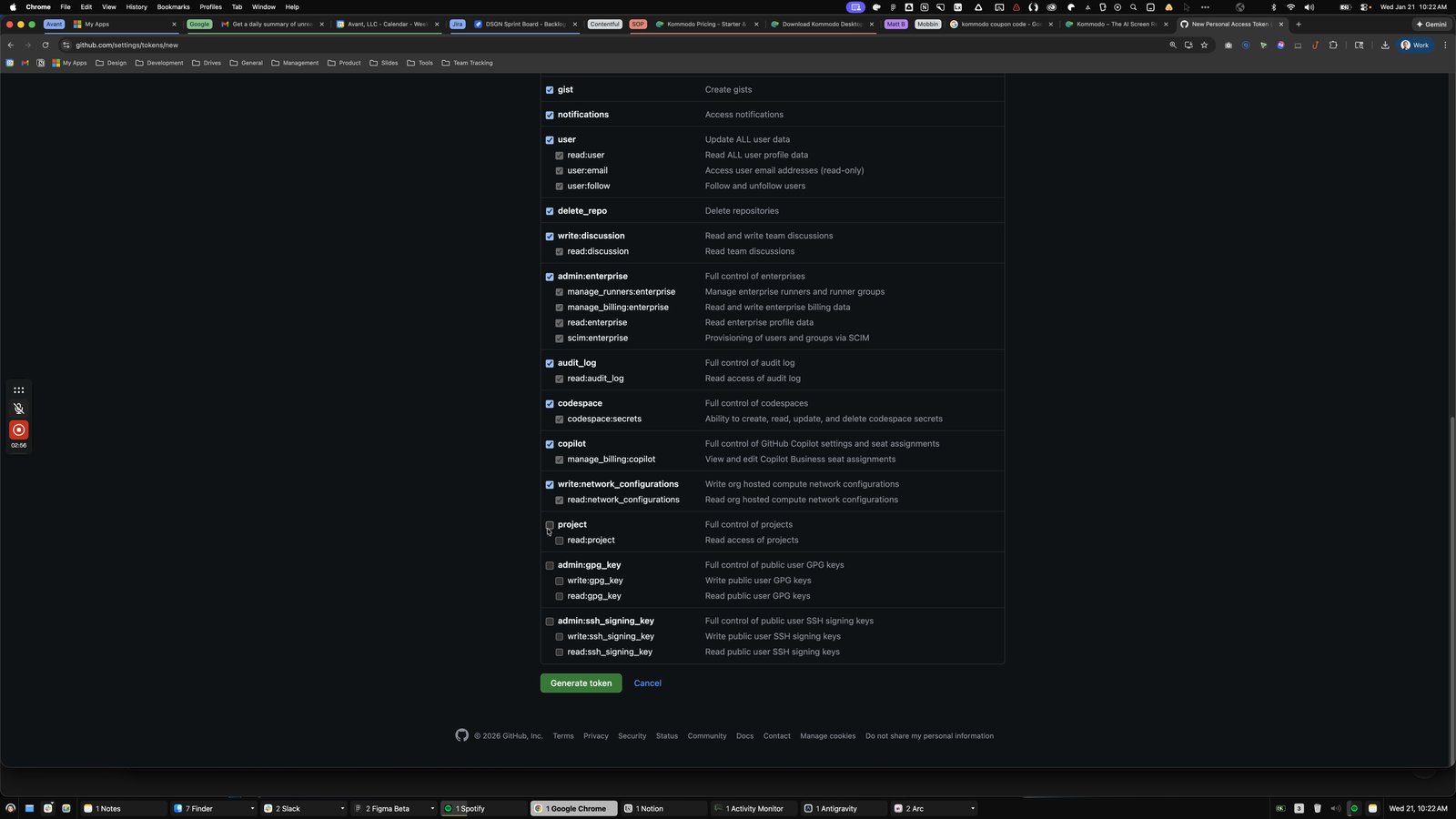
Click here
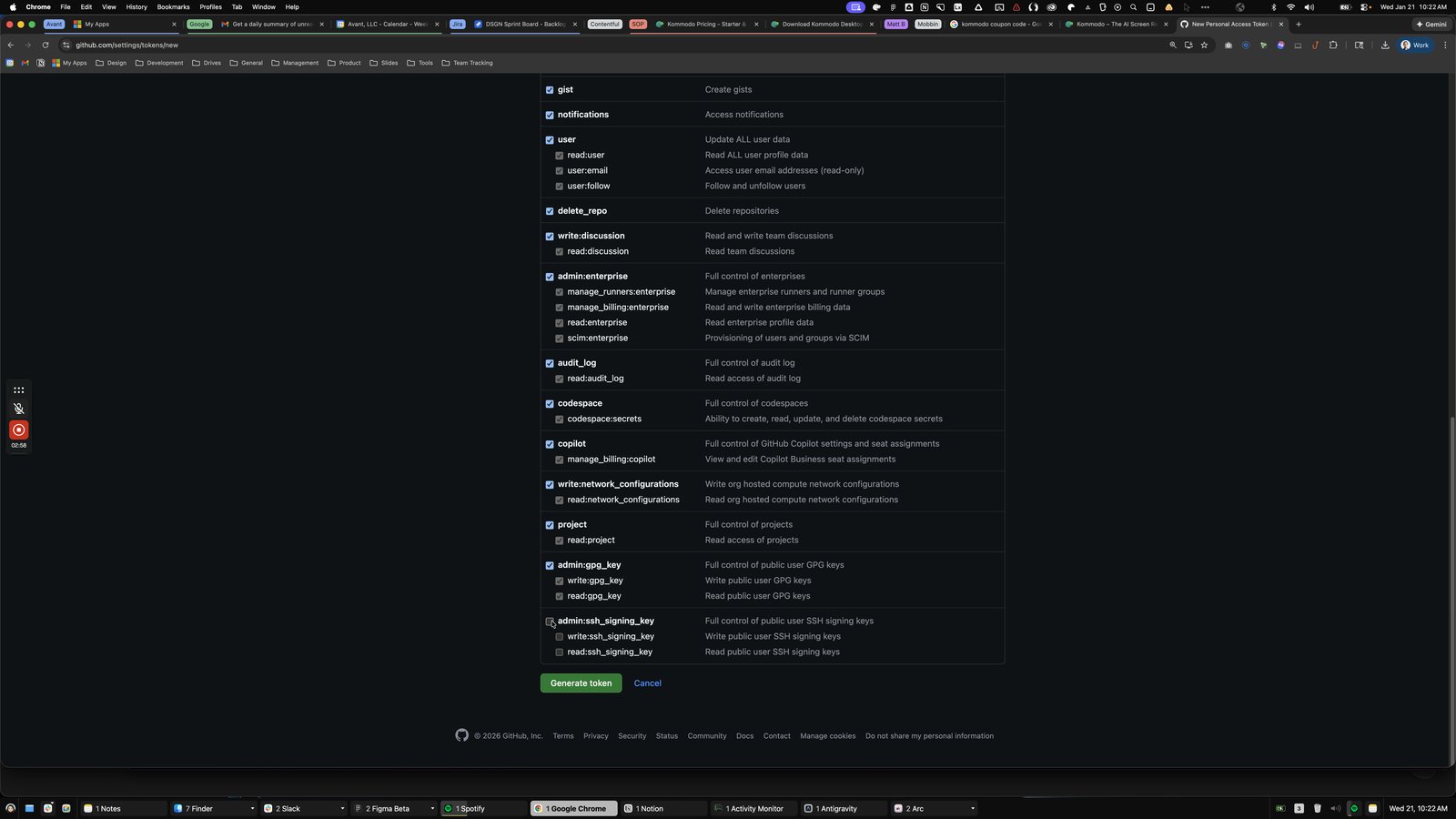
Click the 30 days (Feb 20, 2026)
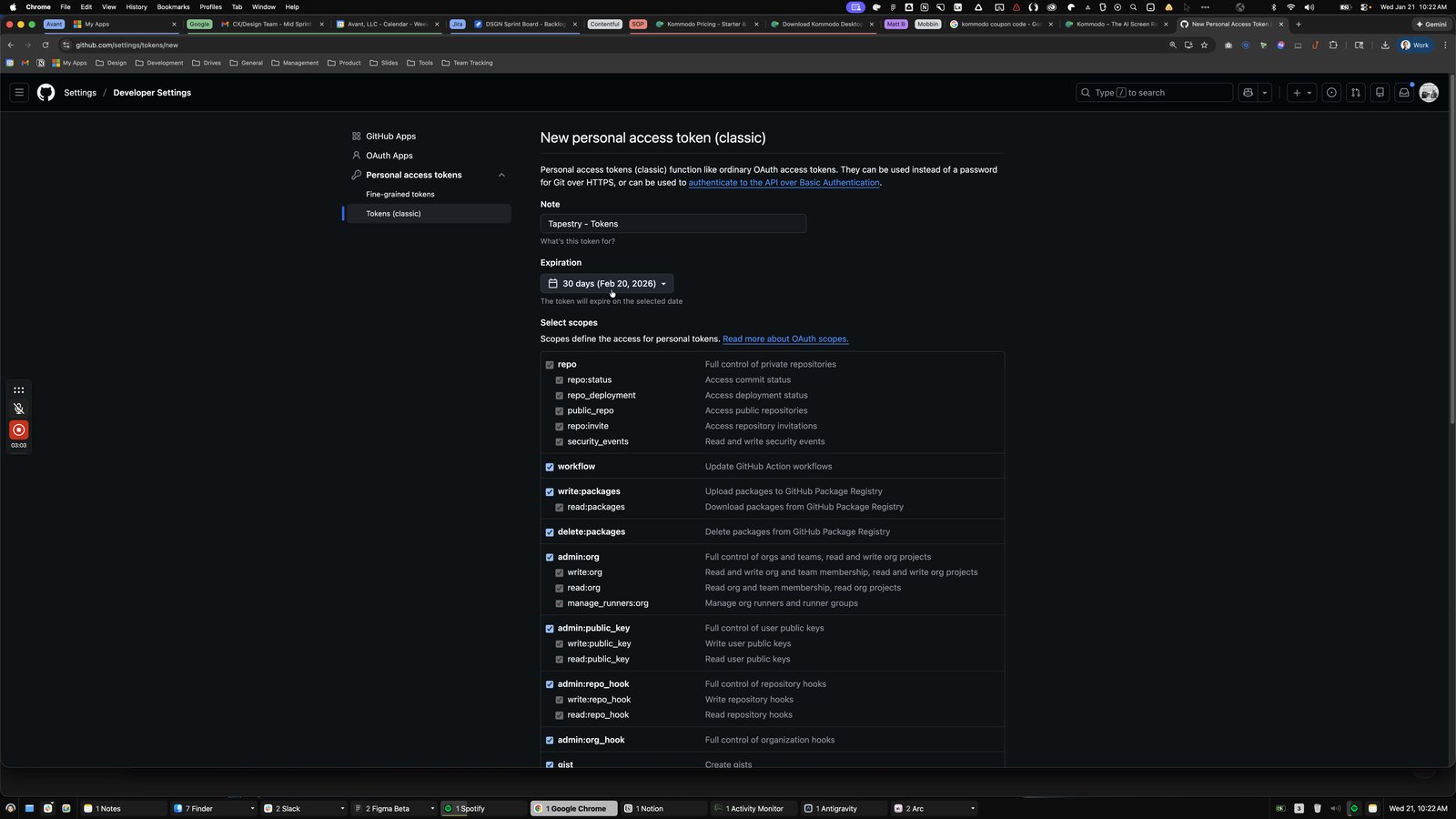
Click this content list
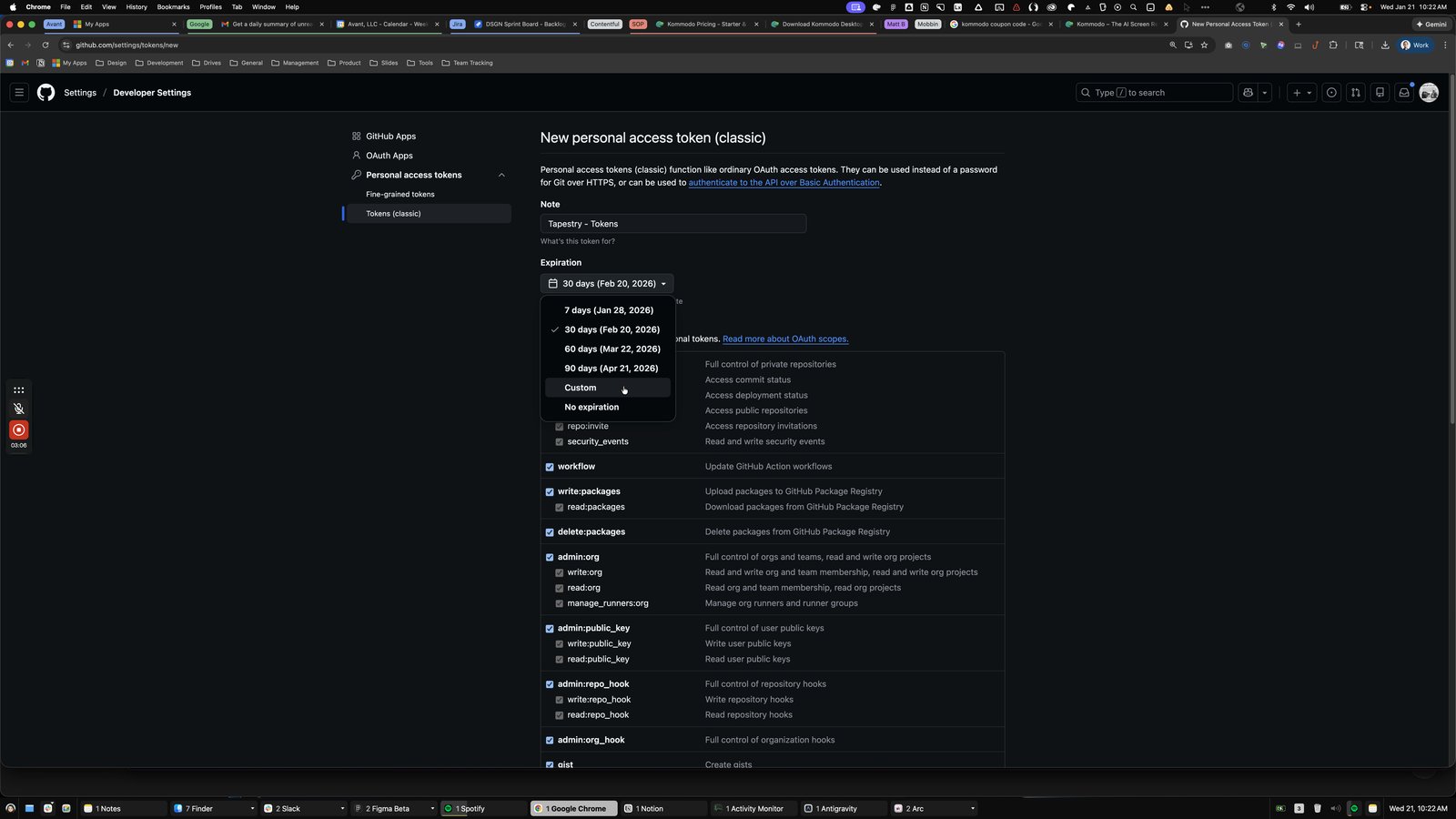
Click the Expiration
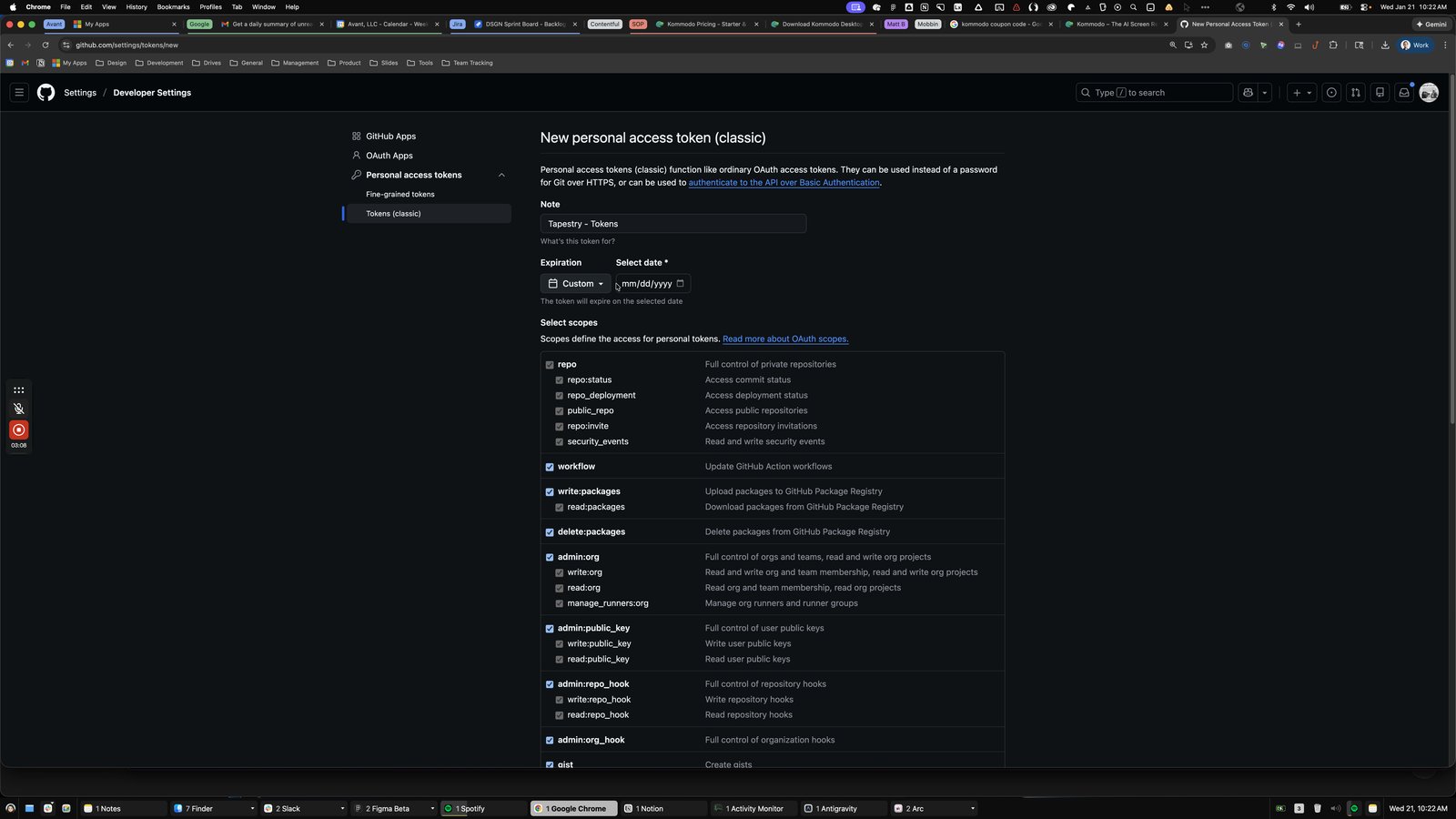
Click this definition

Click the Generate token
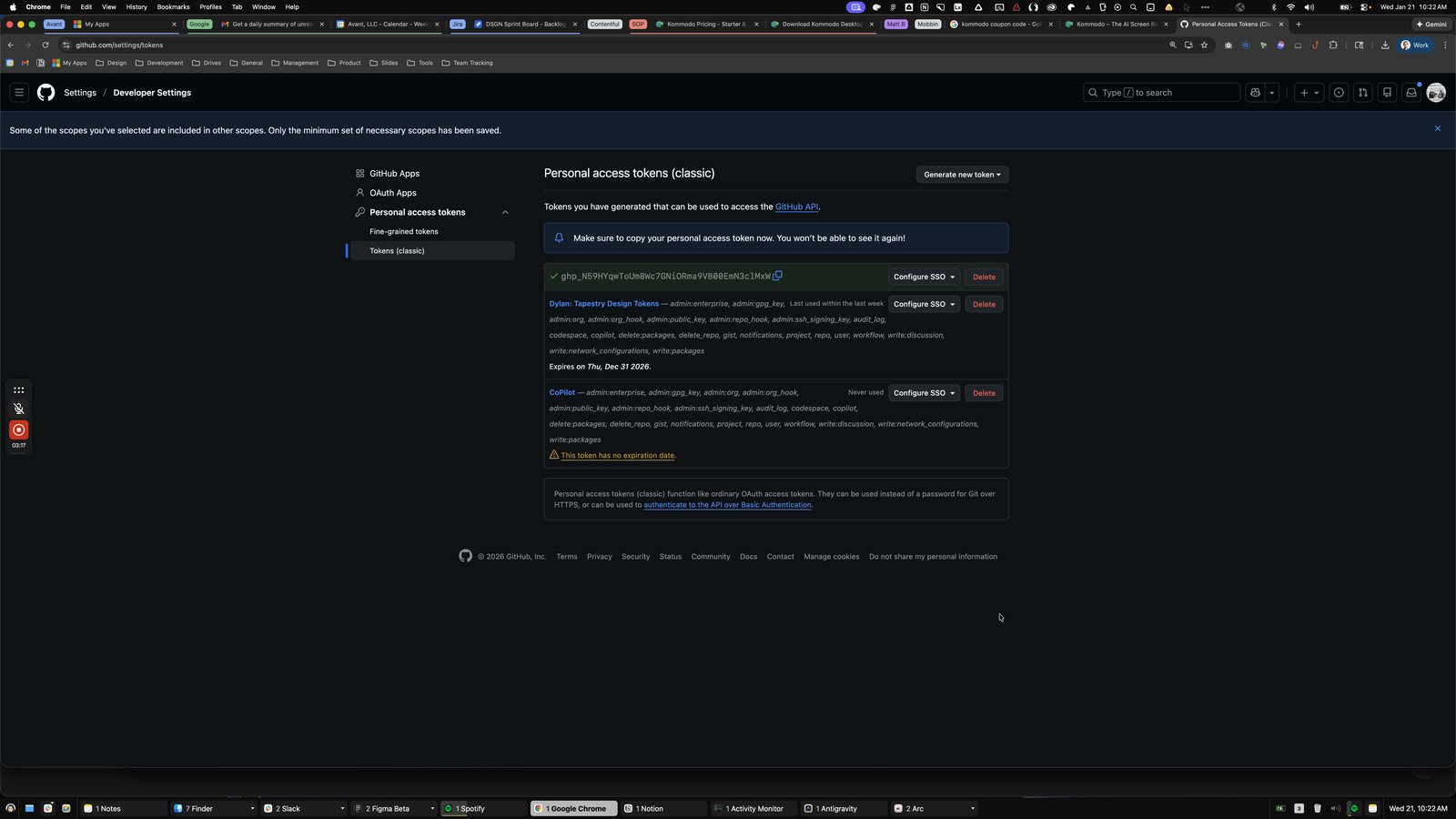

Click the 3

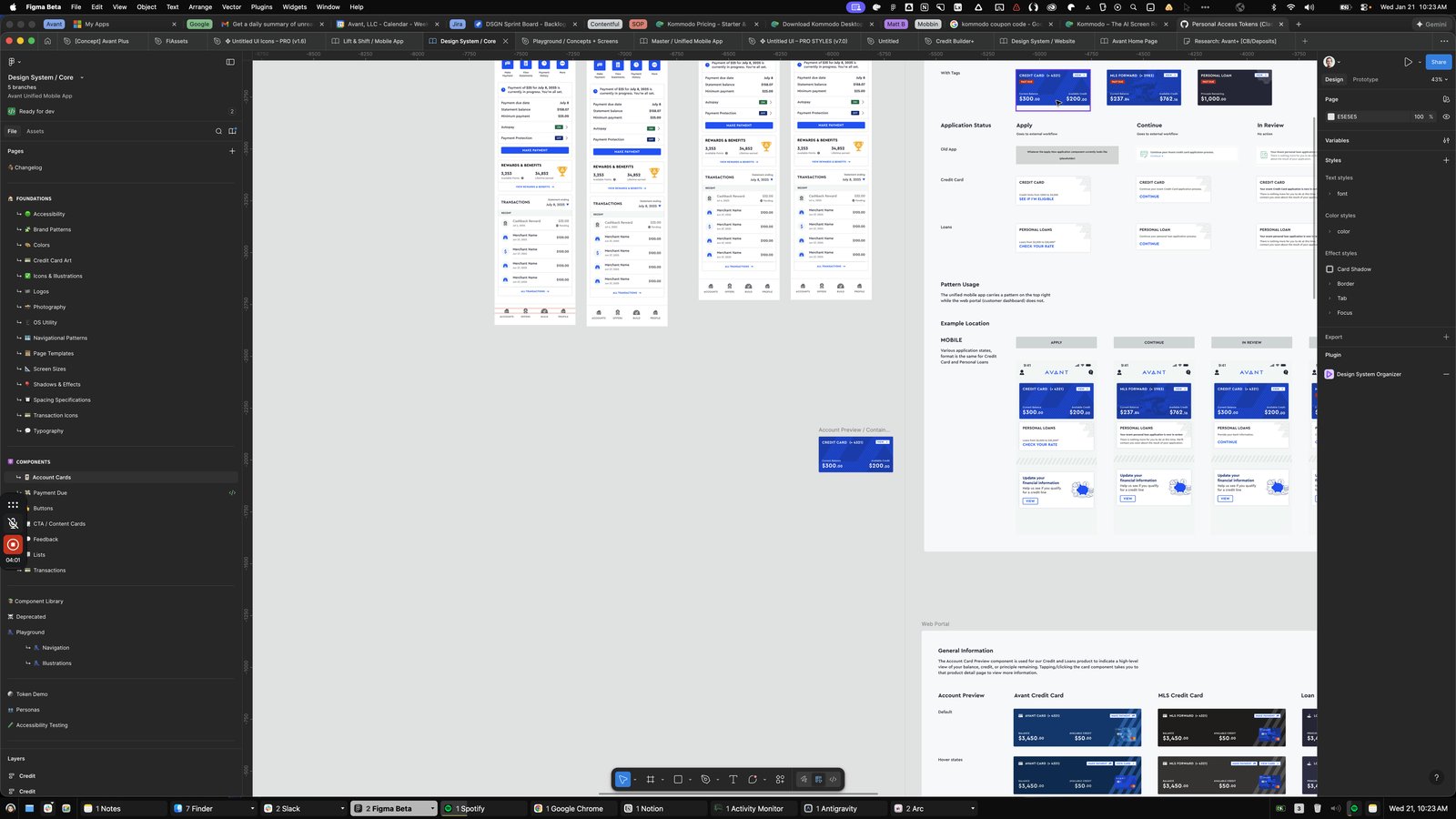
Open Figma Beta - Design System / Core

Click this group

Click here
Click this group
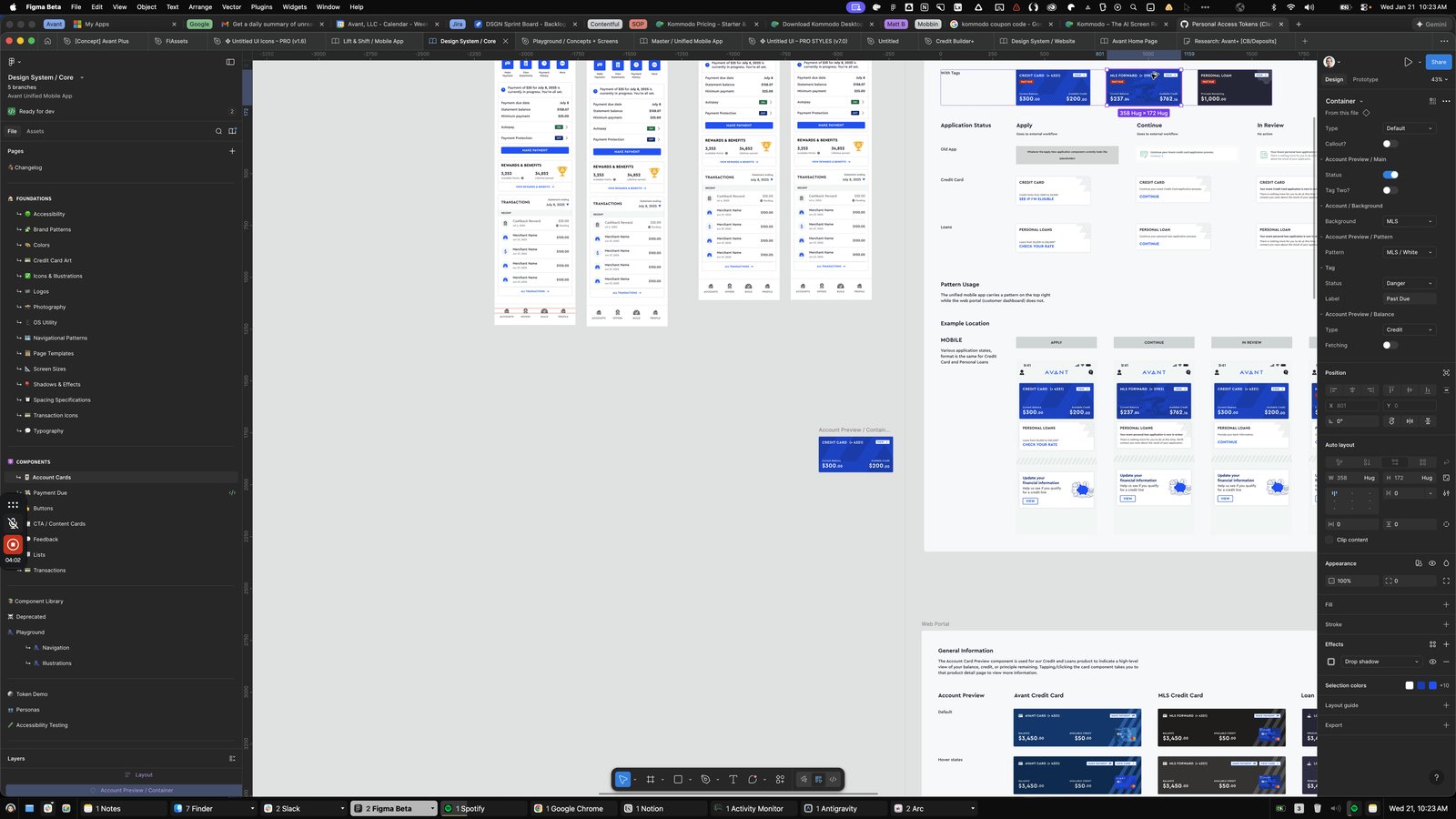
Click here
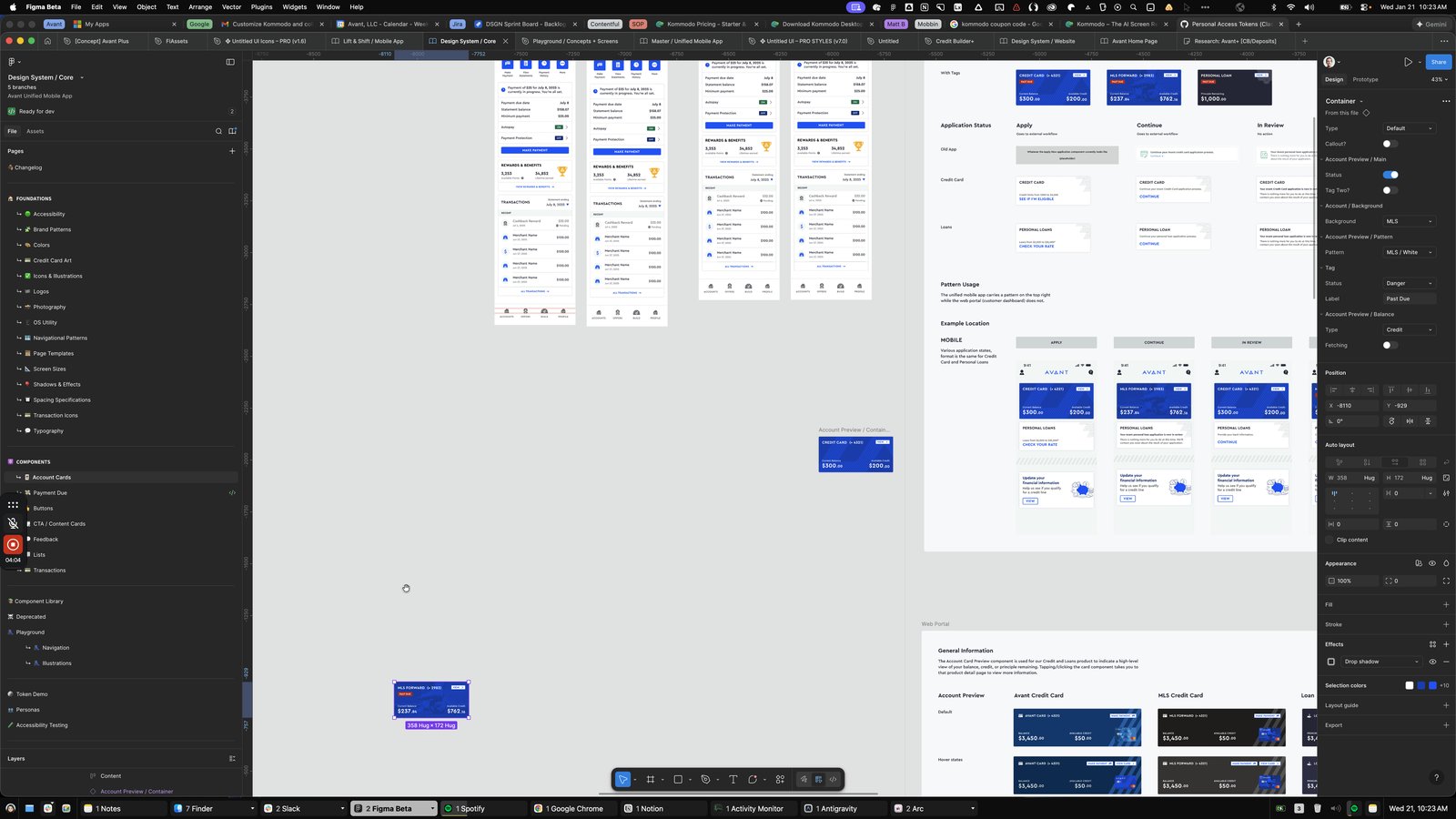
Click this group
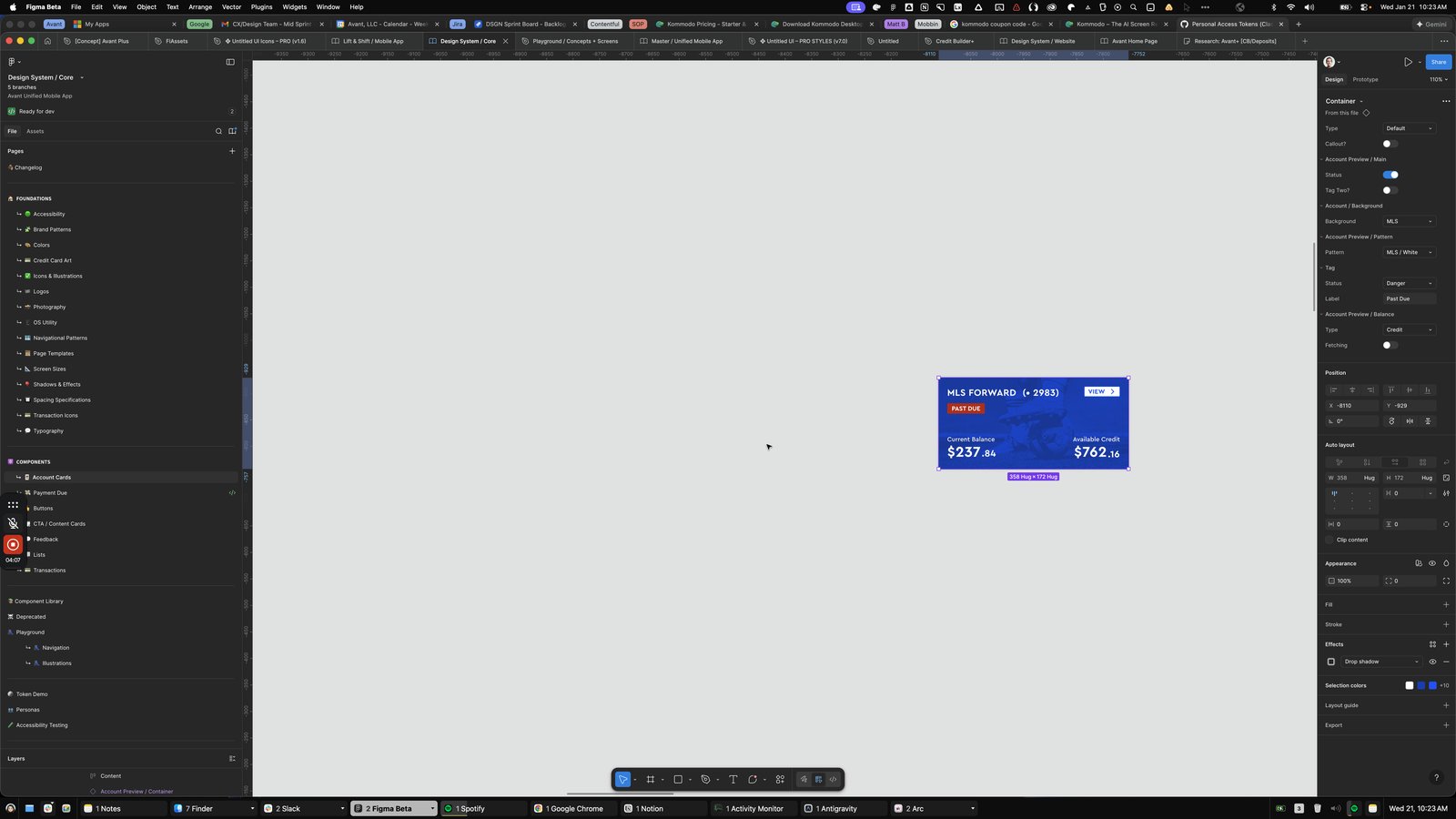
Click here

Click the Cancel
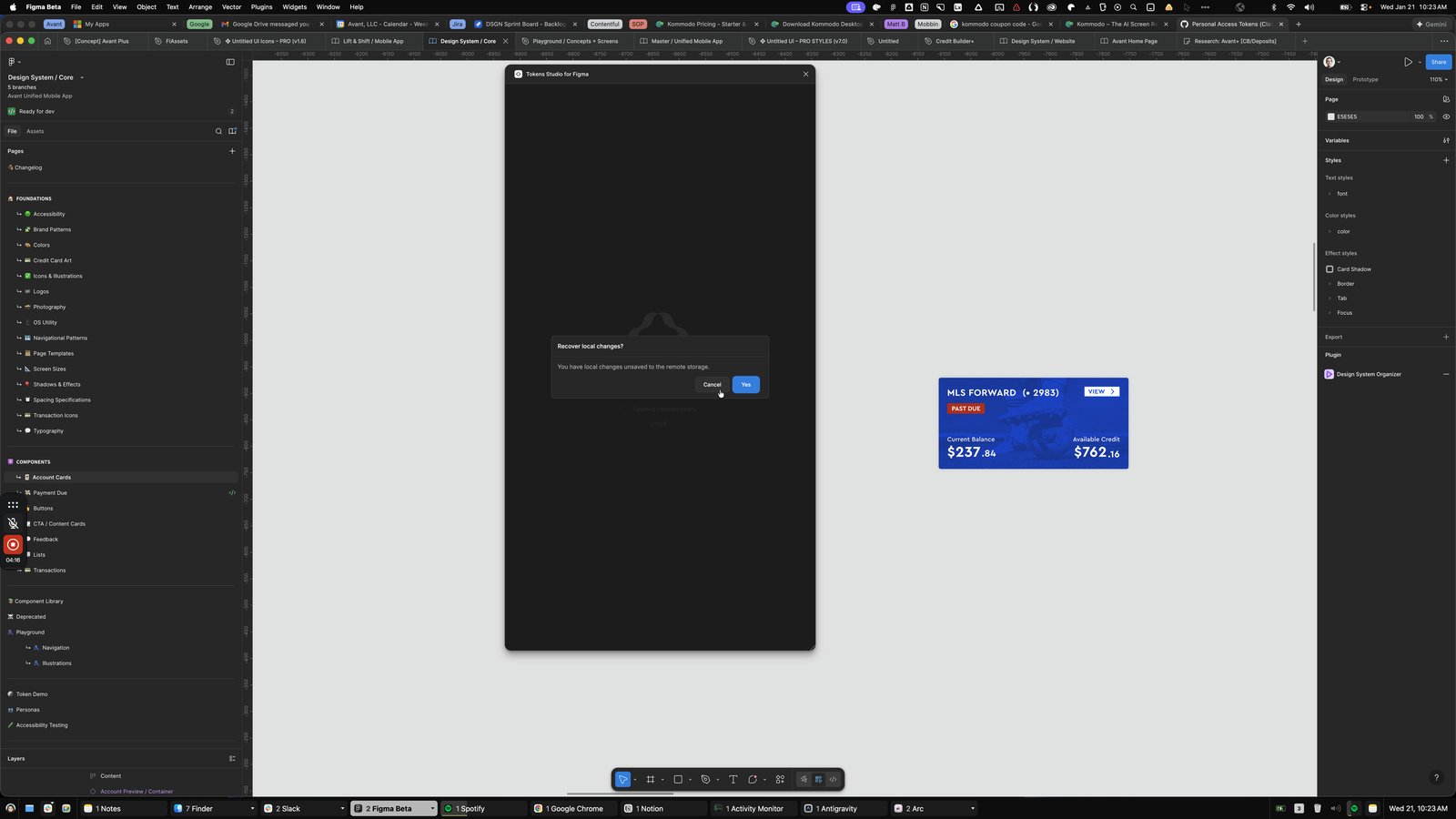
Click this group
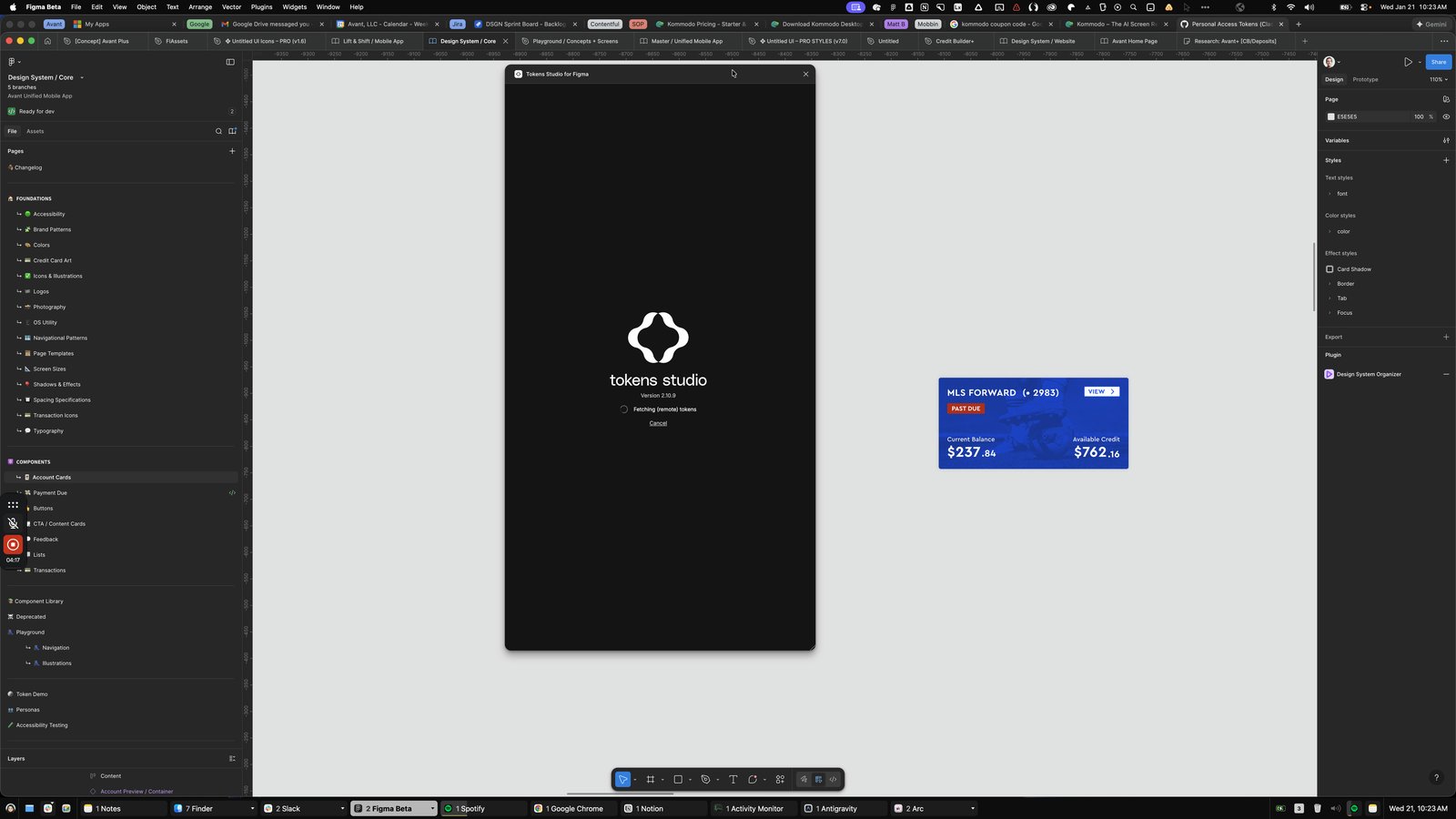
Click the tokens-0.2.4
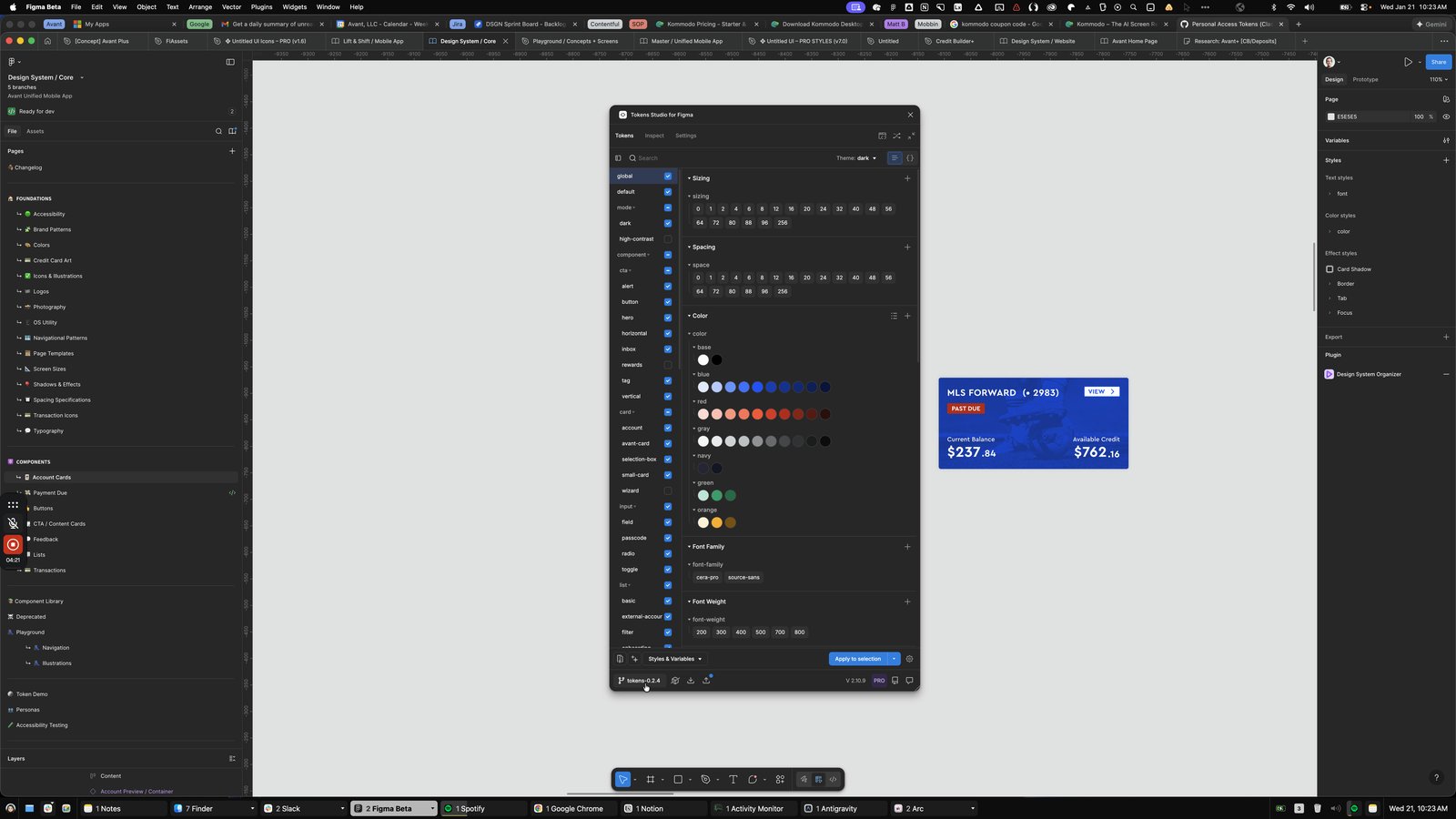
Click the Settings

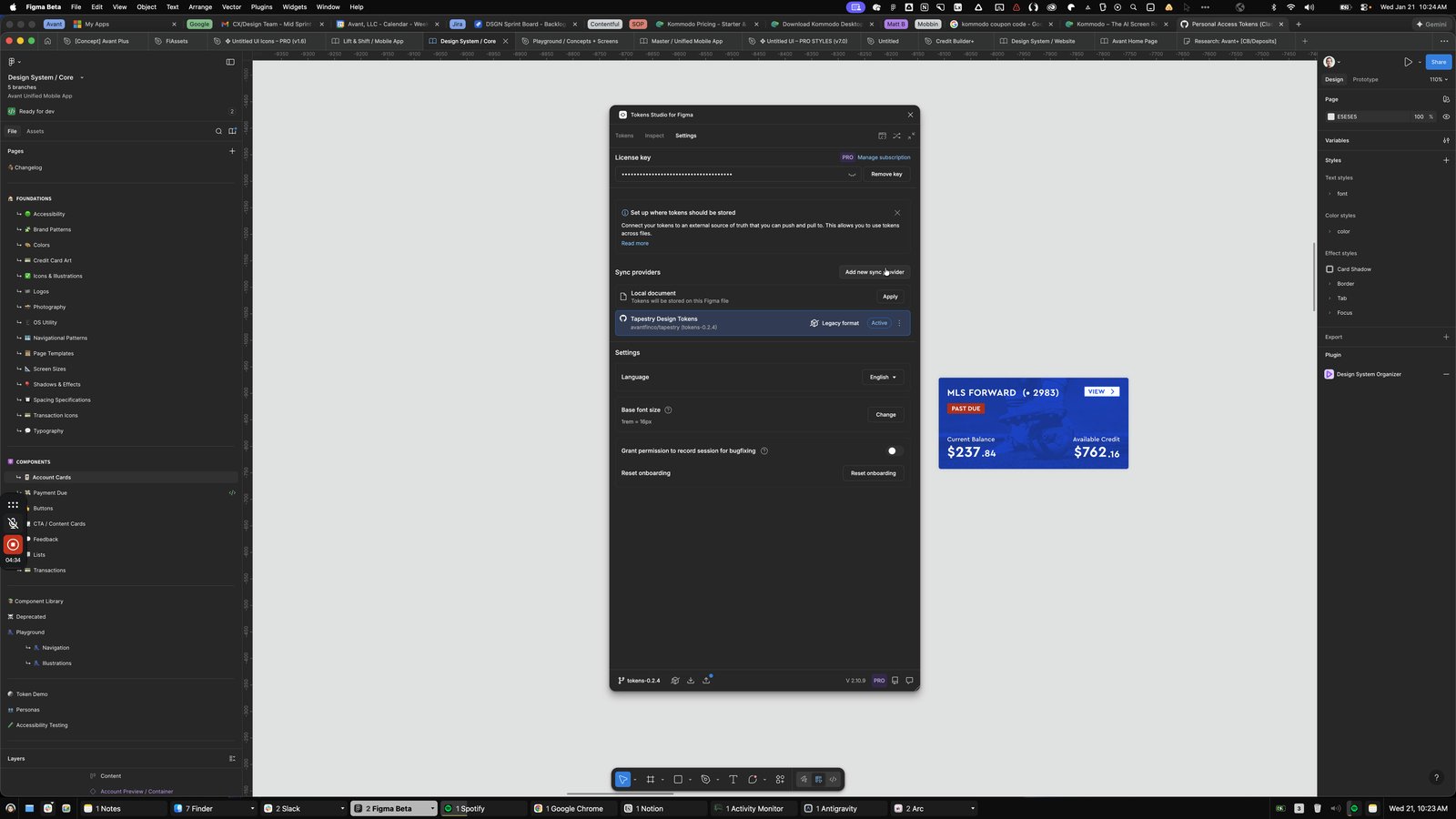
Click the Add new sync provider
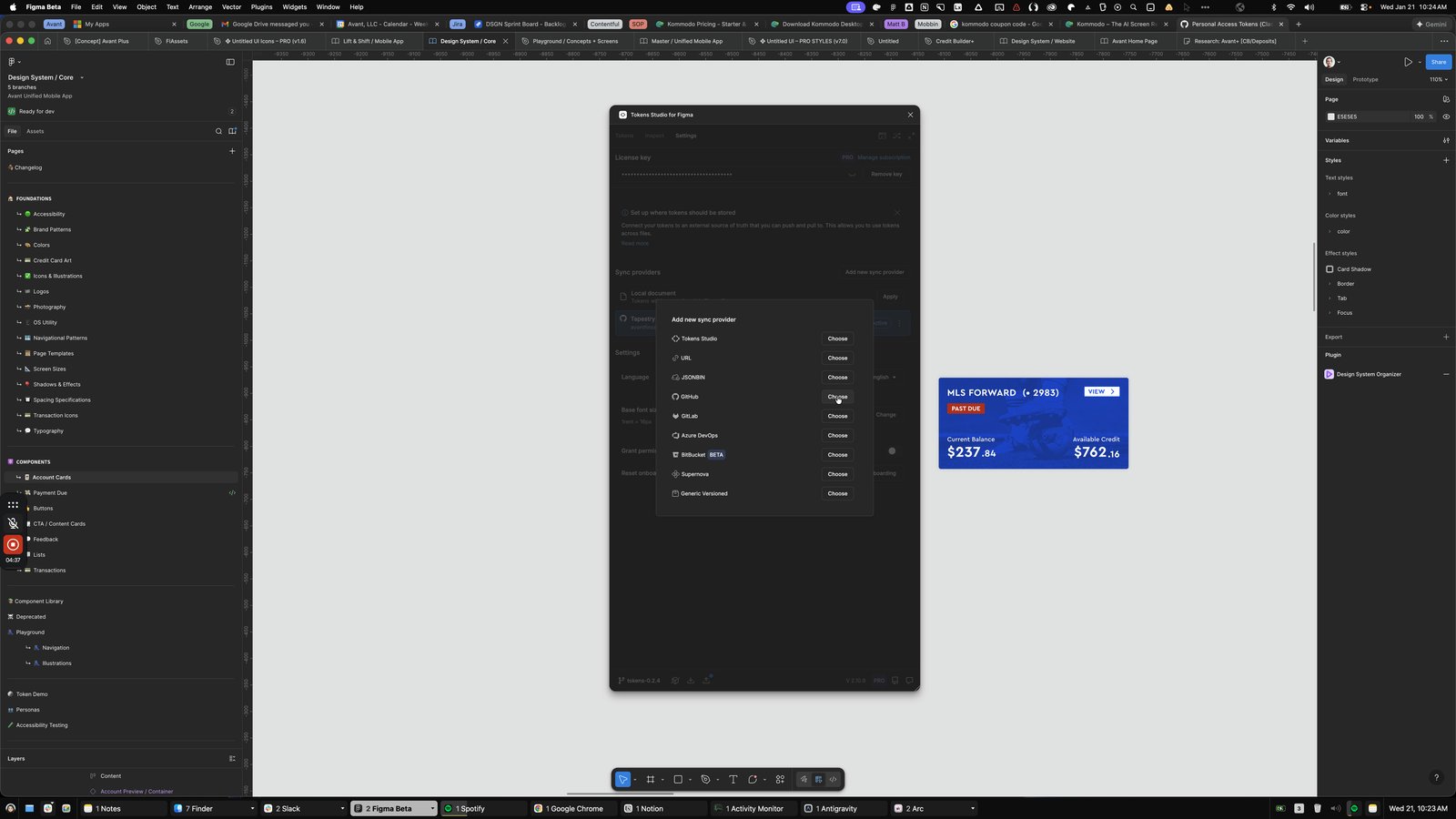
Click the Choose
Click the Cancel

Click this image
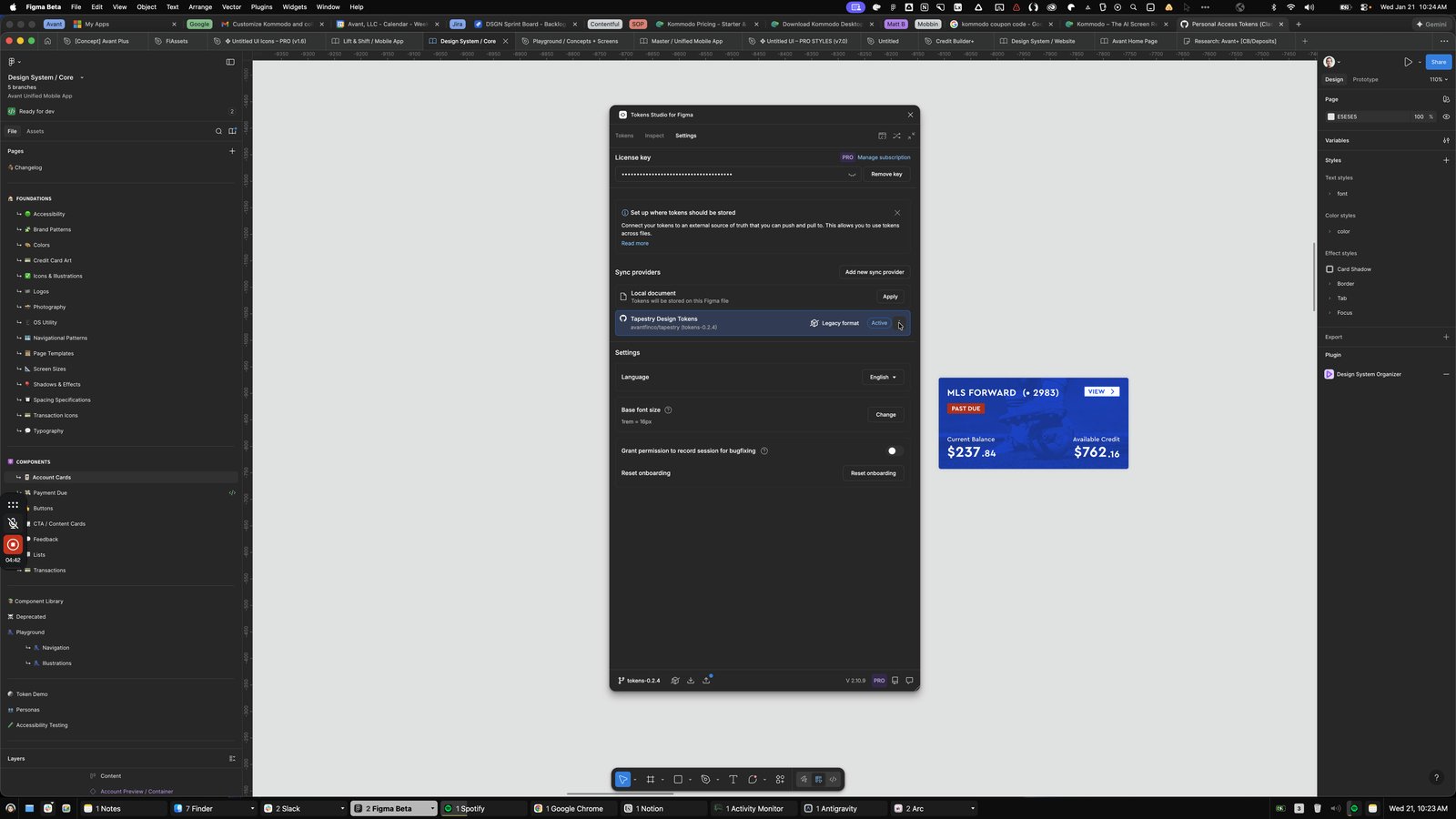
Click this group

Press ⌥ g
Open Figma Beta - Design System / Core
Open Notes - All iCloud

Click the Perform press or select Return to open note.
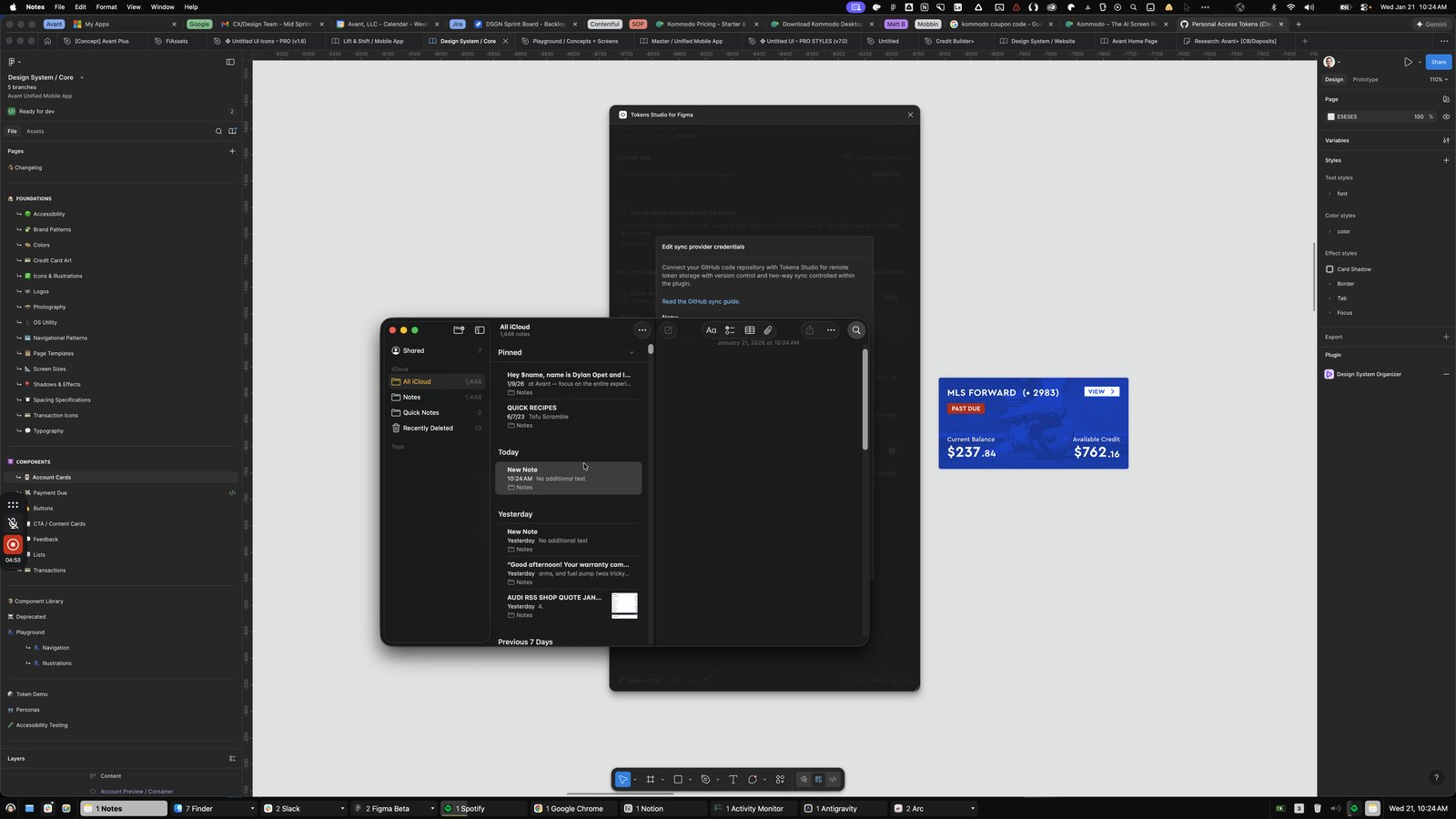
Open Notes - New Note
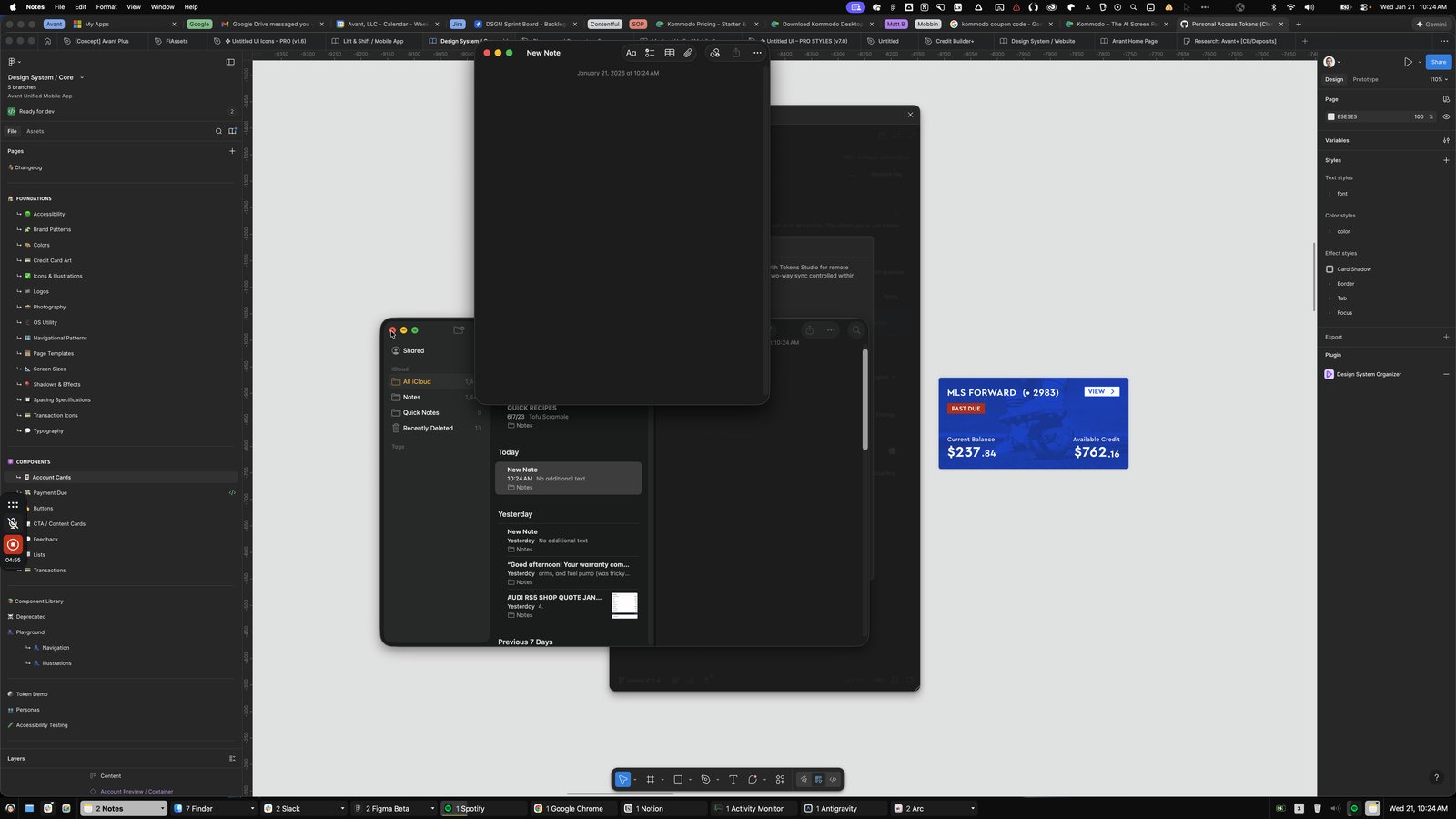
Click the New Note
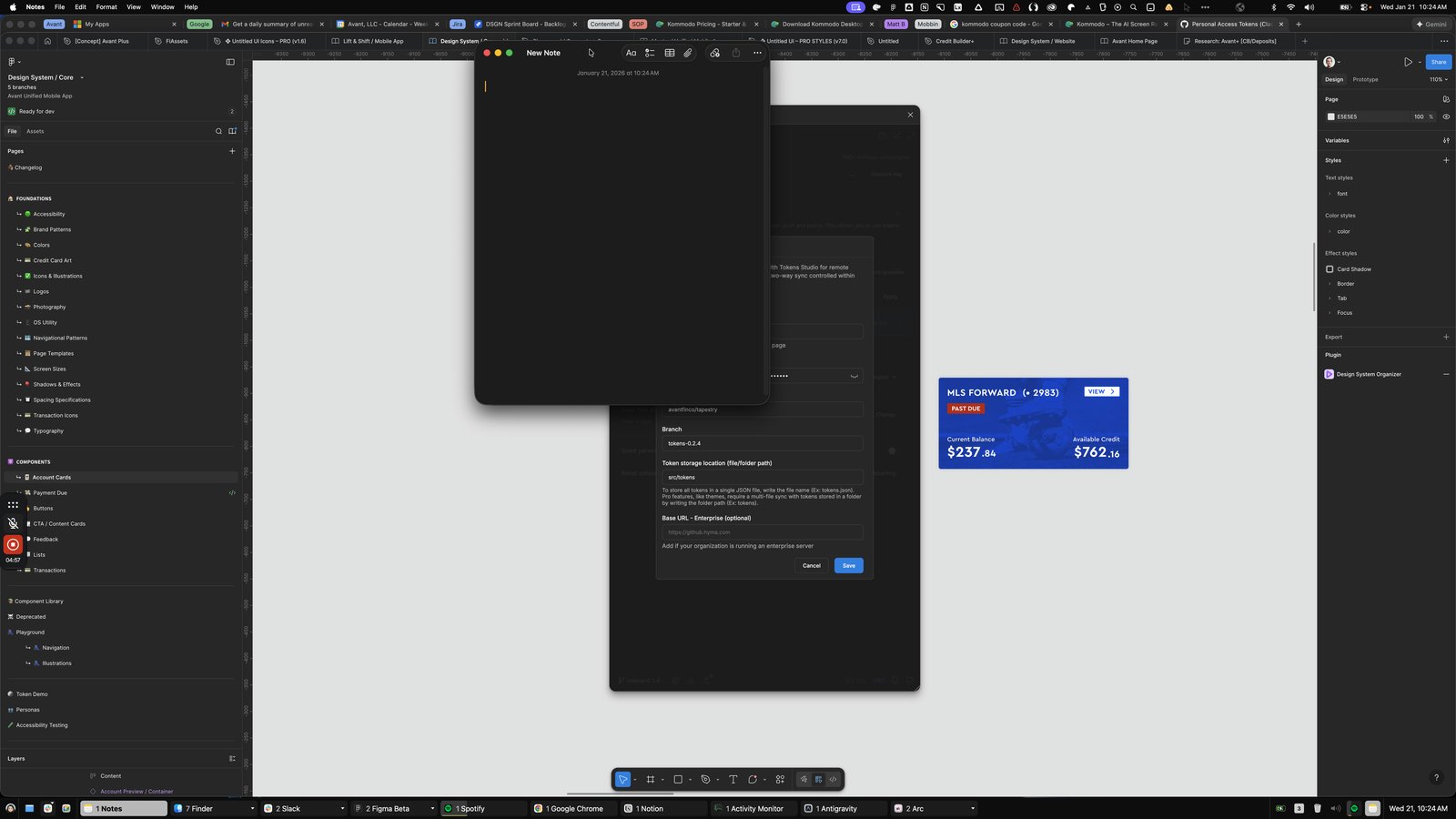
Click this menu bar

Click the Self-Timer

Click this group
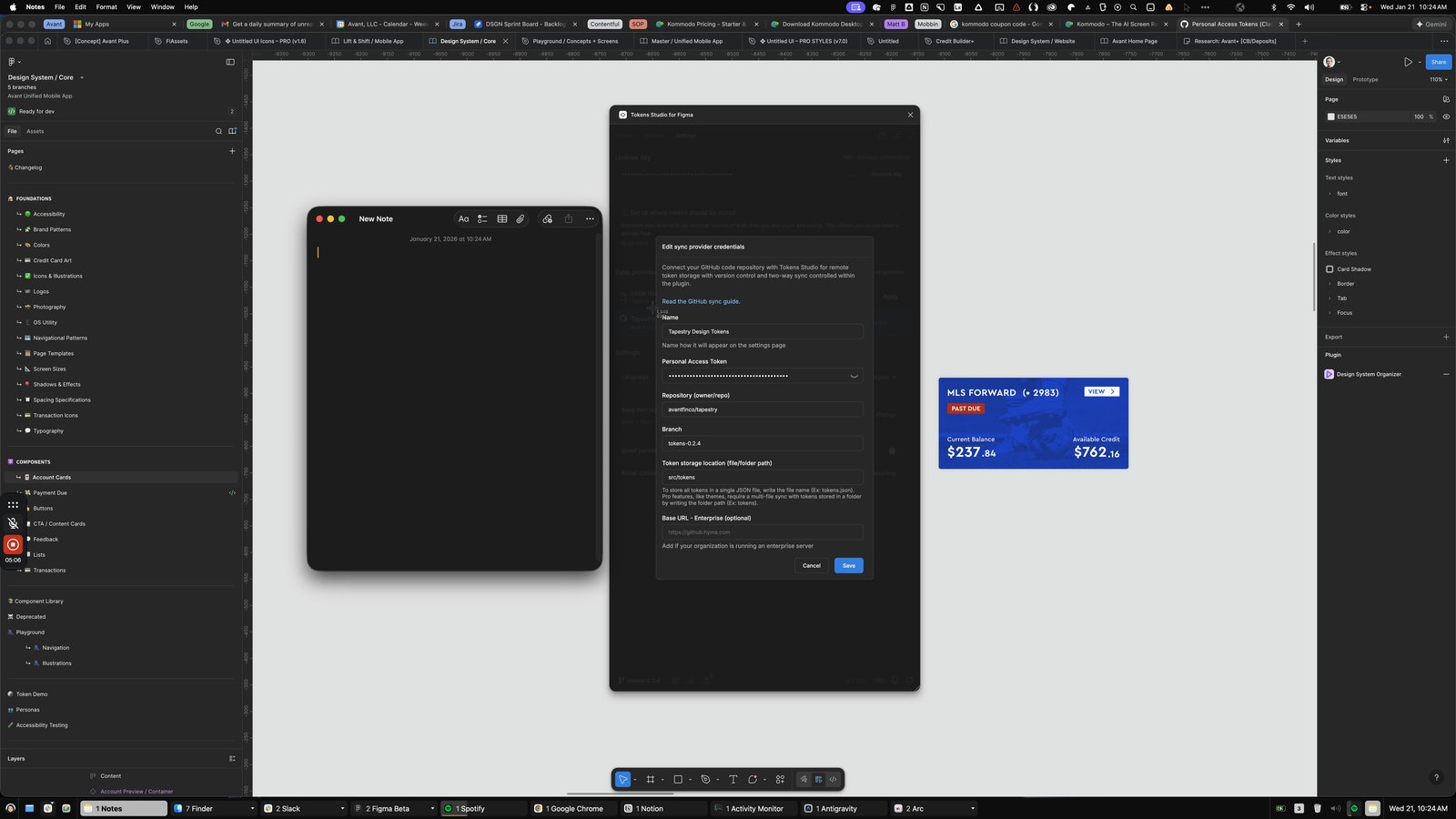
Click this text entry area

Press ⌘ v
Press ⌘ a
Click the Name
Tapestry Design Tokens
Name how it will appear on the settings page
Personal Access Token
.
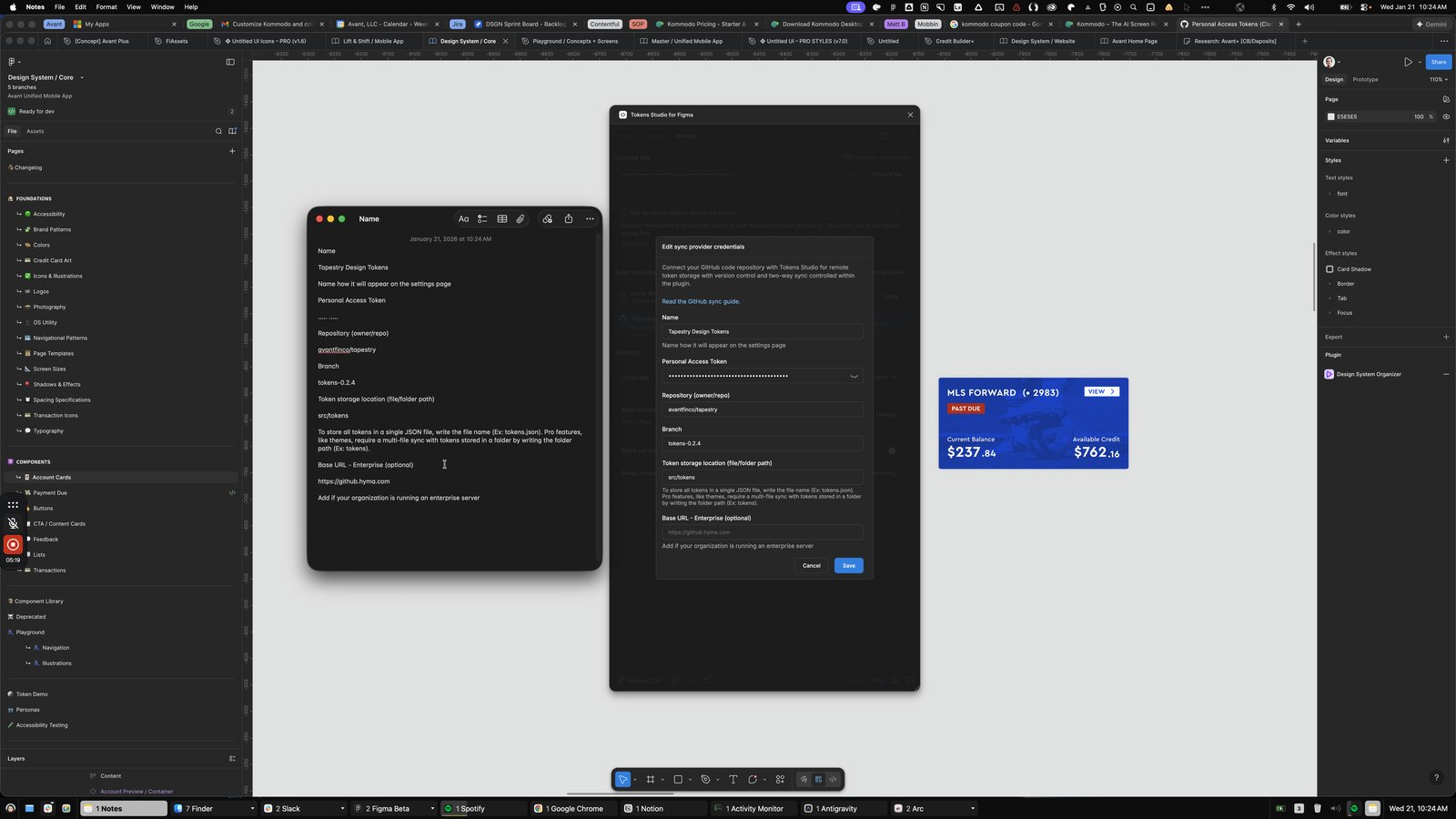
Click here
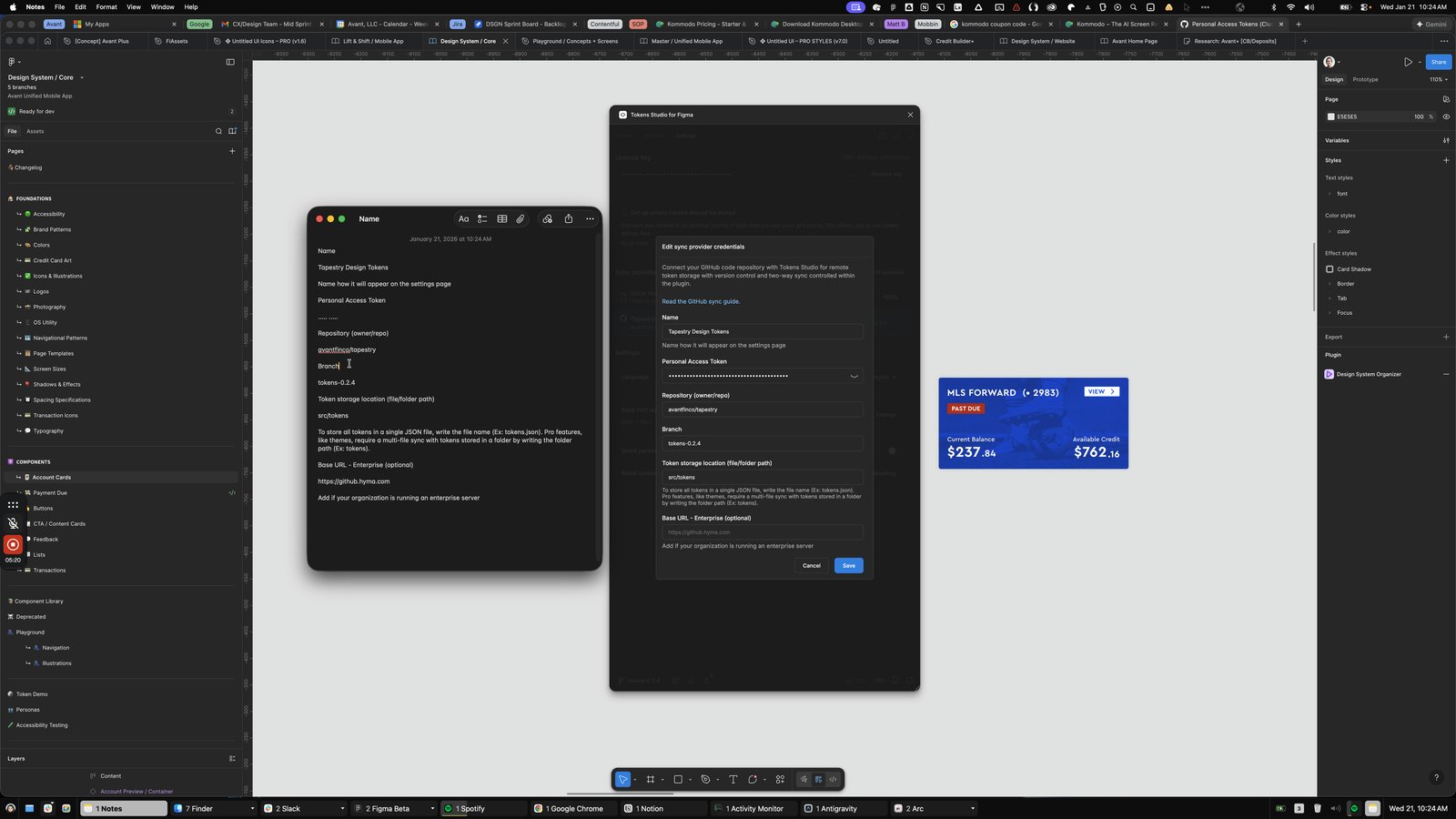
Press ⌘ b
Click the Name
Tapestry Design Tokens
Name how it will appear on the settings page
Personal Access Token
.
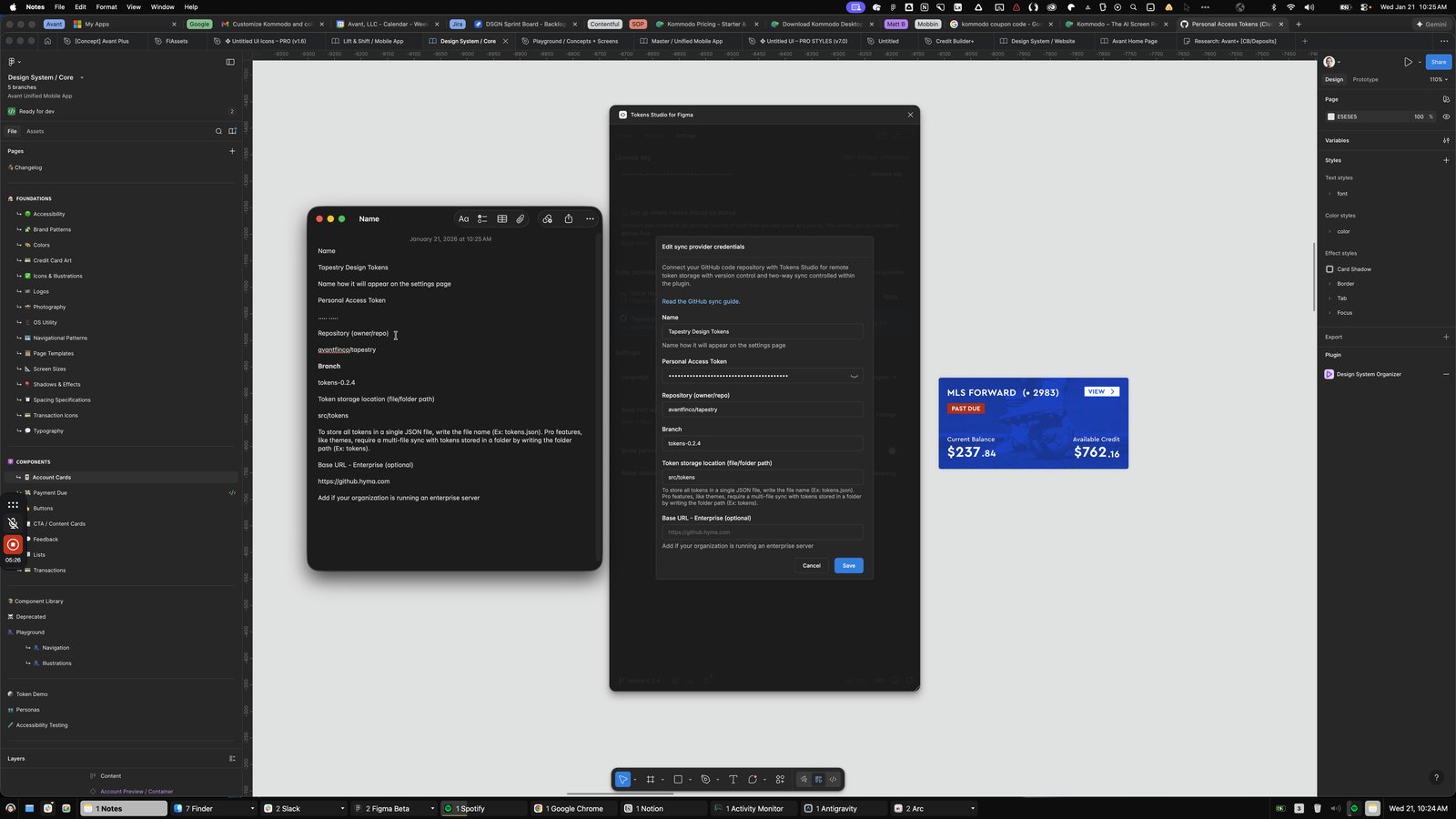
Press ⌘ b
Click the Name
Tapestry Design Tokens
Name how it will appear on the settings page
Personal Access Token
.

Press ⌘ b
Click the Name
Tapestry Design Tokens
Name how it will appear on the settings page
Personal Access Token
.

Click here
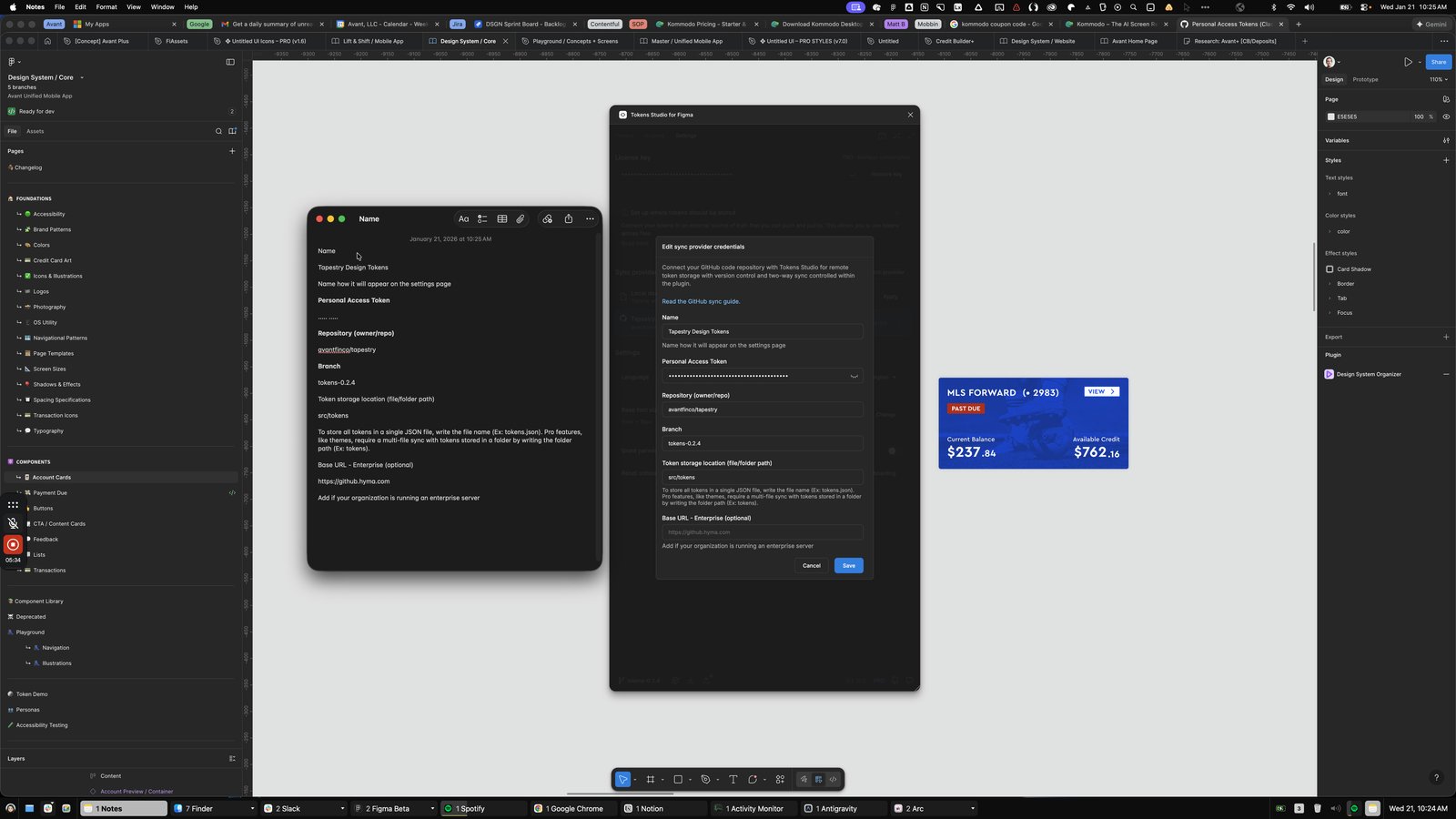
Press ⌘ b
Click the Name
Tapestry Design Tokens
Name how it will appear on the settings page
Personal Access Token
.

Click the Name
Tapestry Design Tokens
Personal Access Token
..... .....
Repository (owner/repo)
avantfin

Press ⇧ ⌘ →
Press ⌘ z
Press ⌘ b
Click the View

Click the Zoom In

Click here
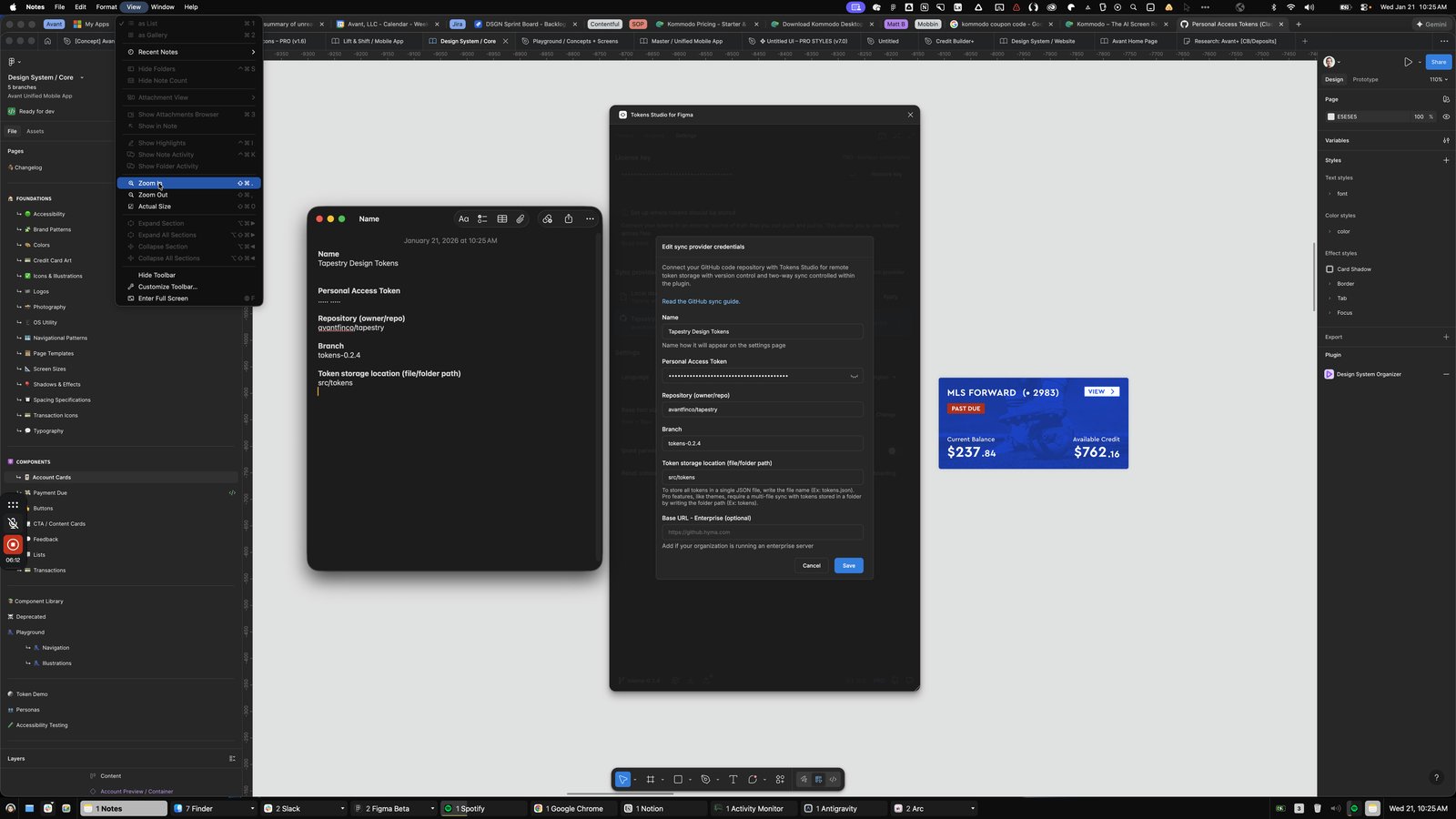
Click the Zoom In
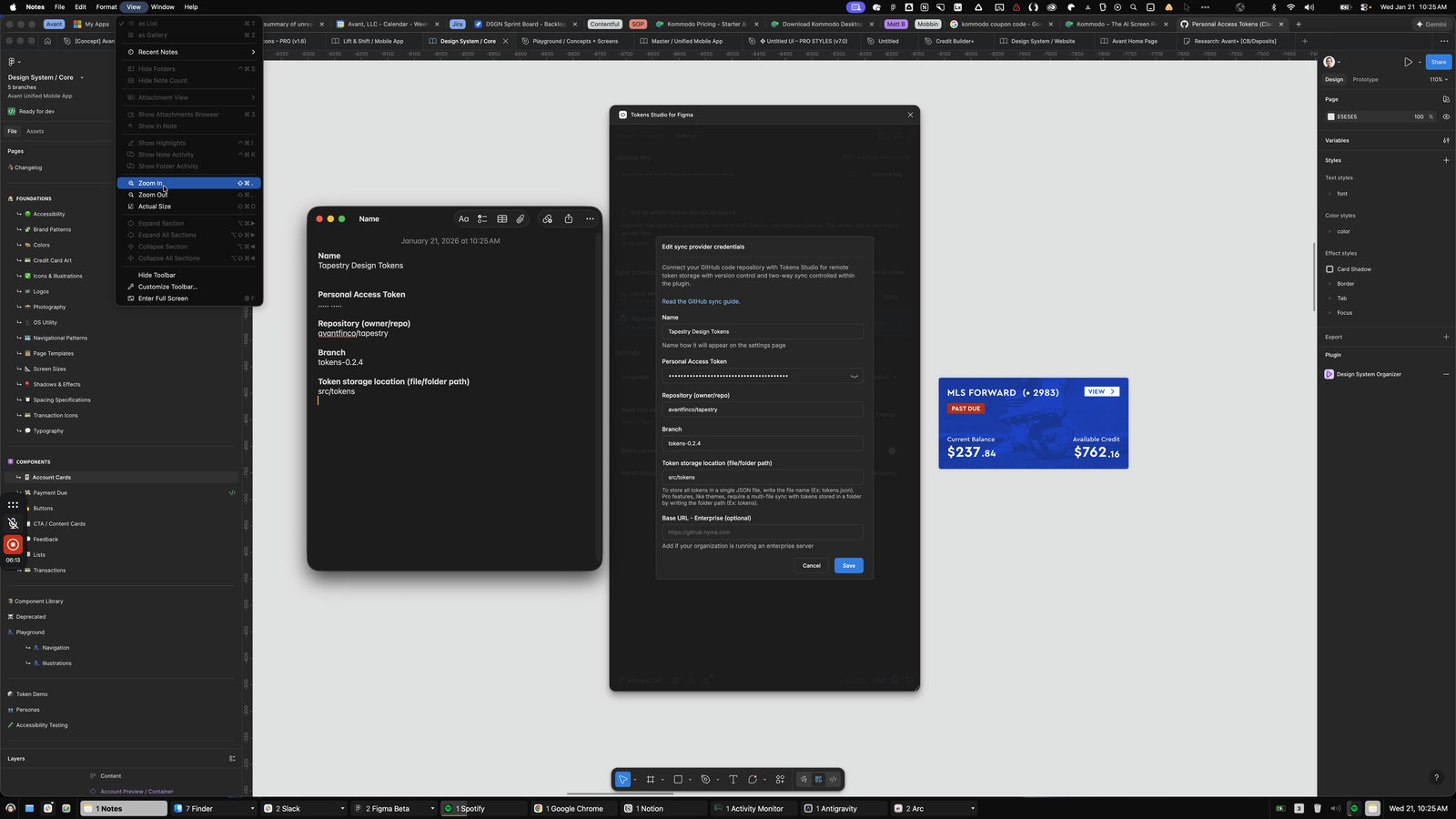
Click here
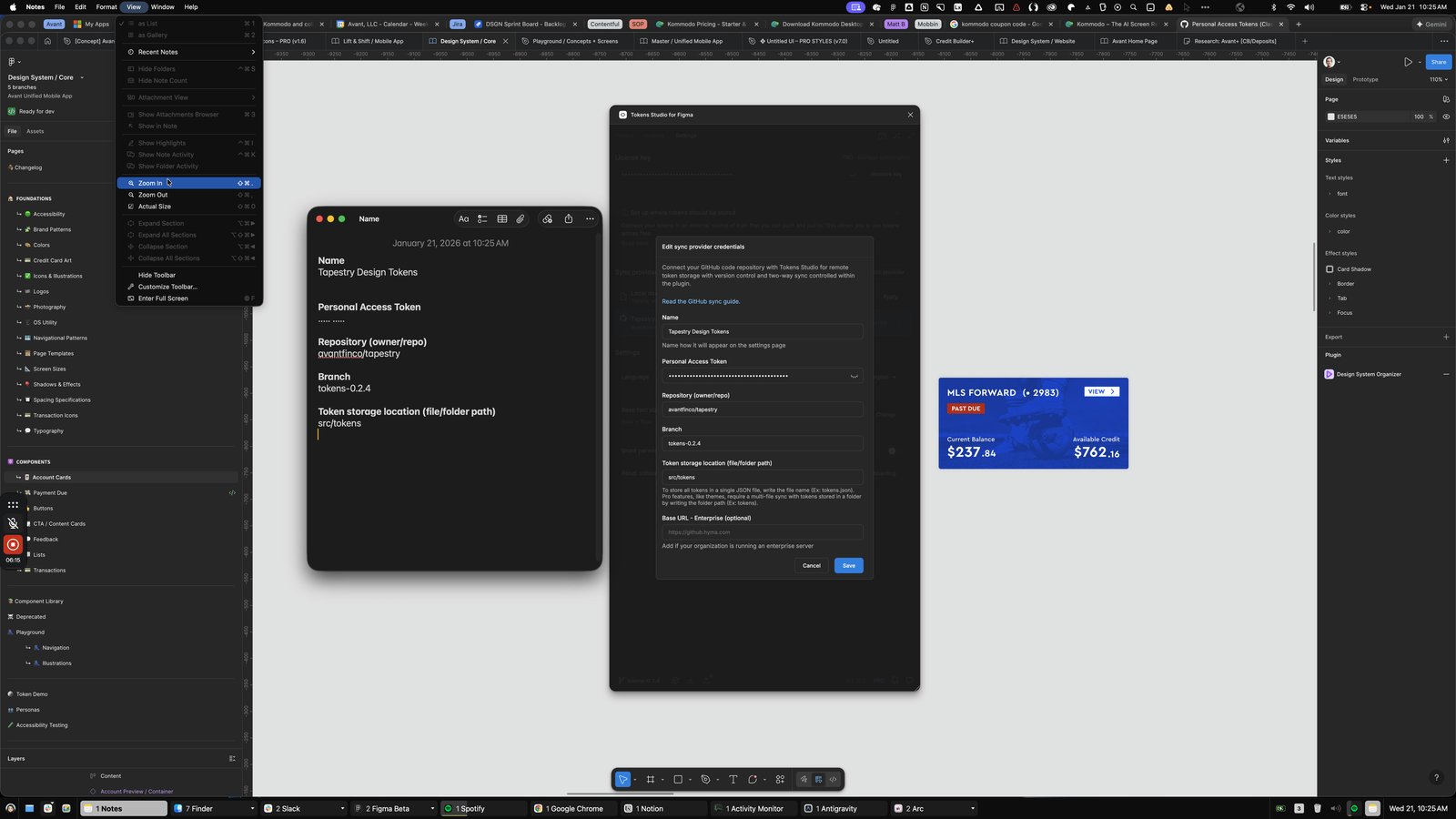
Click the View
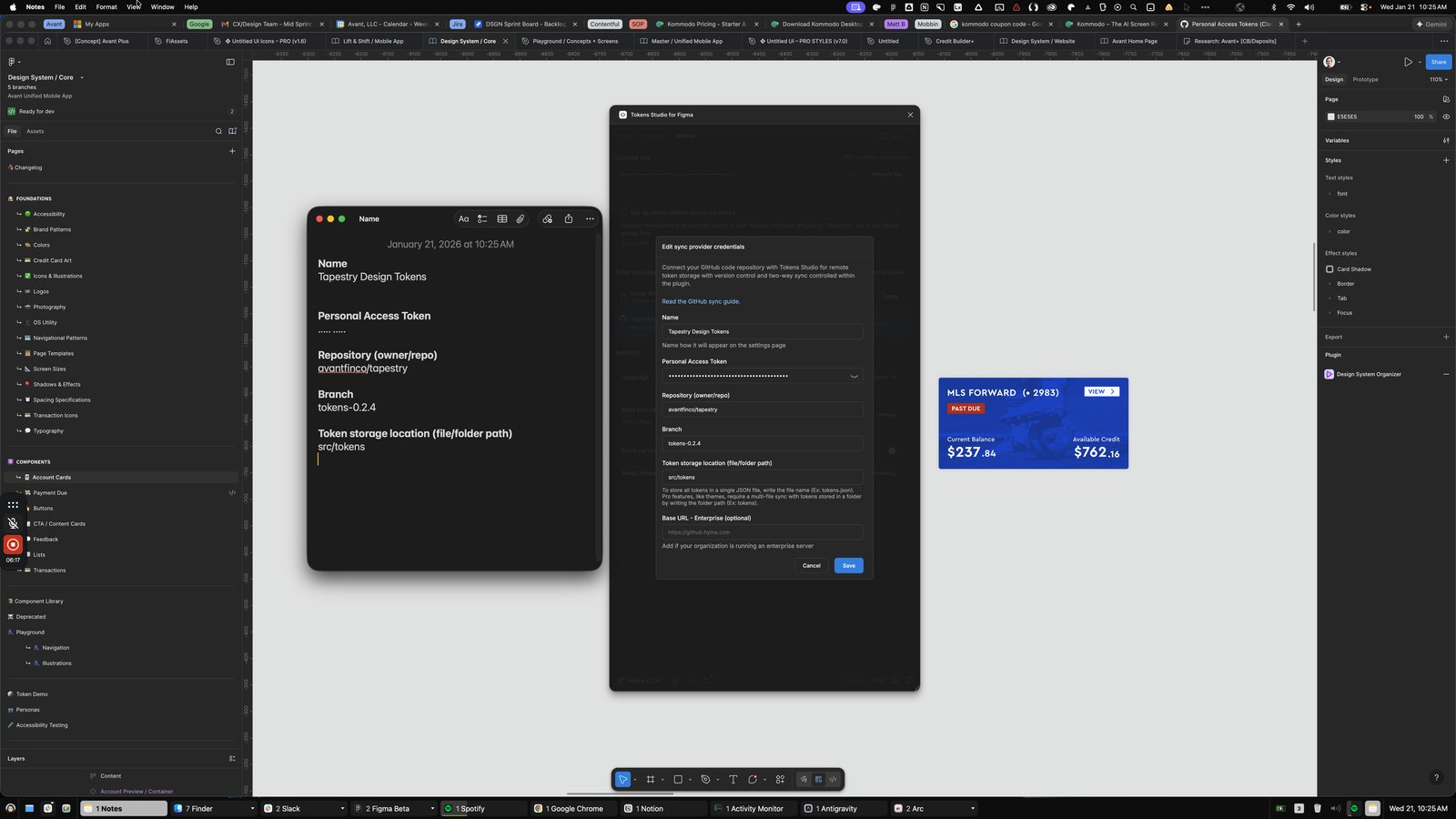
Click the Name Tapestry Design Tokens
Personal Access Token ..... .....
Repository (owner/repo) avantfinco/
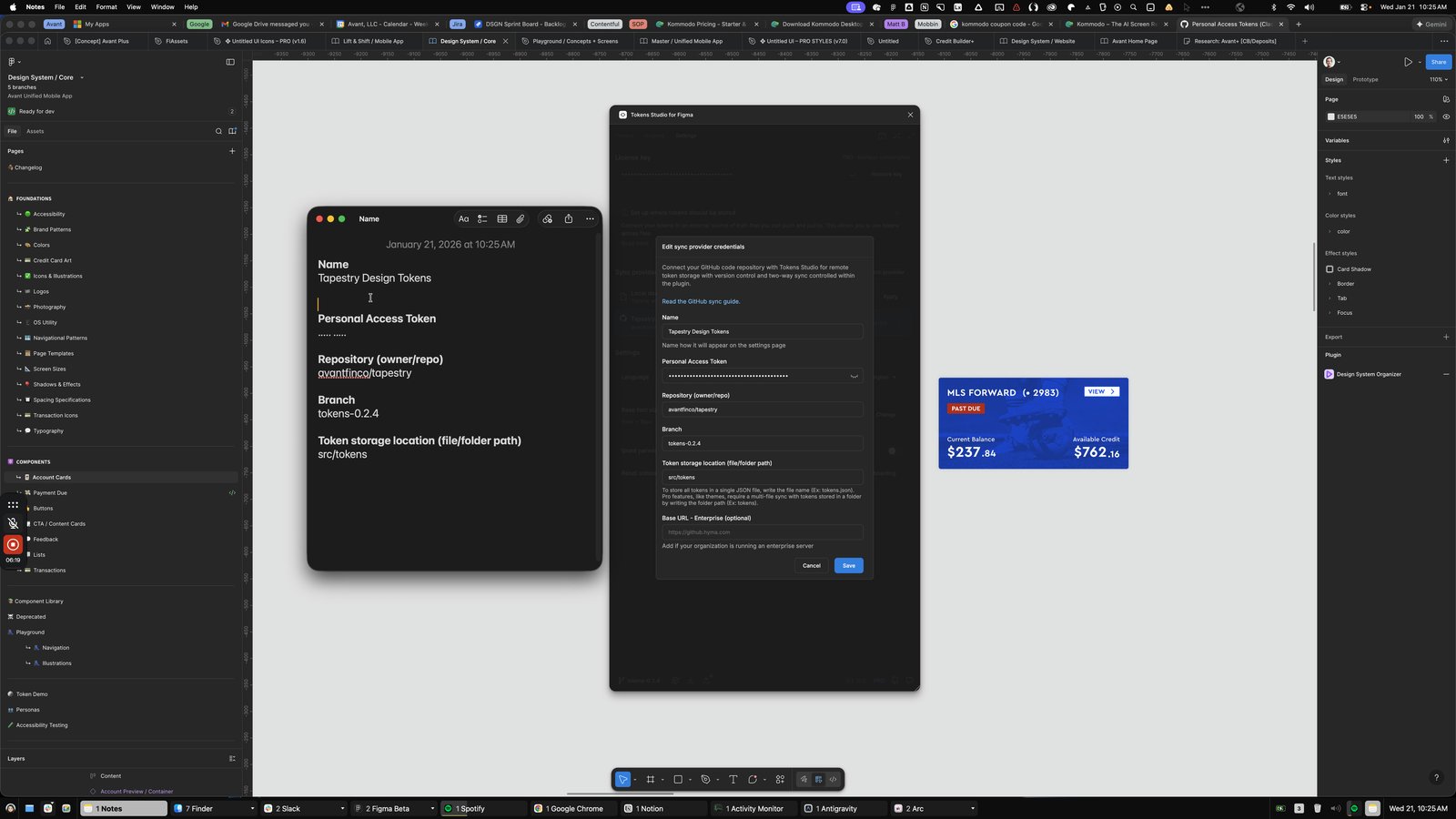
Click the Name Tapestry Design Tokens
Personal Access Token ..... .....
Repository (owner/repo) avantfinco/t
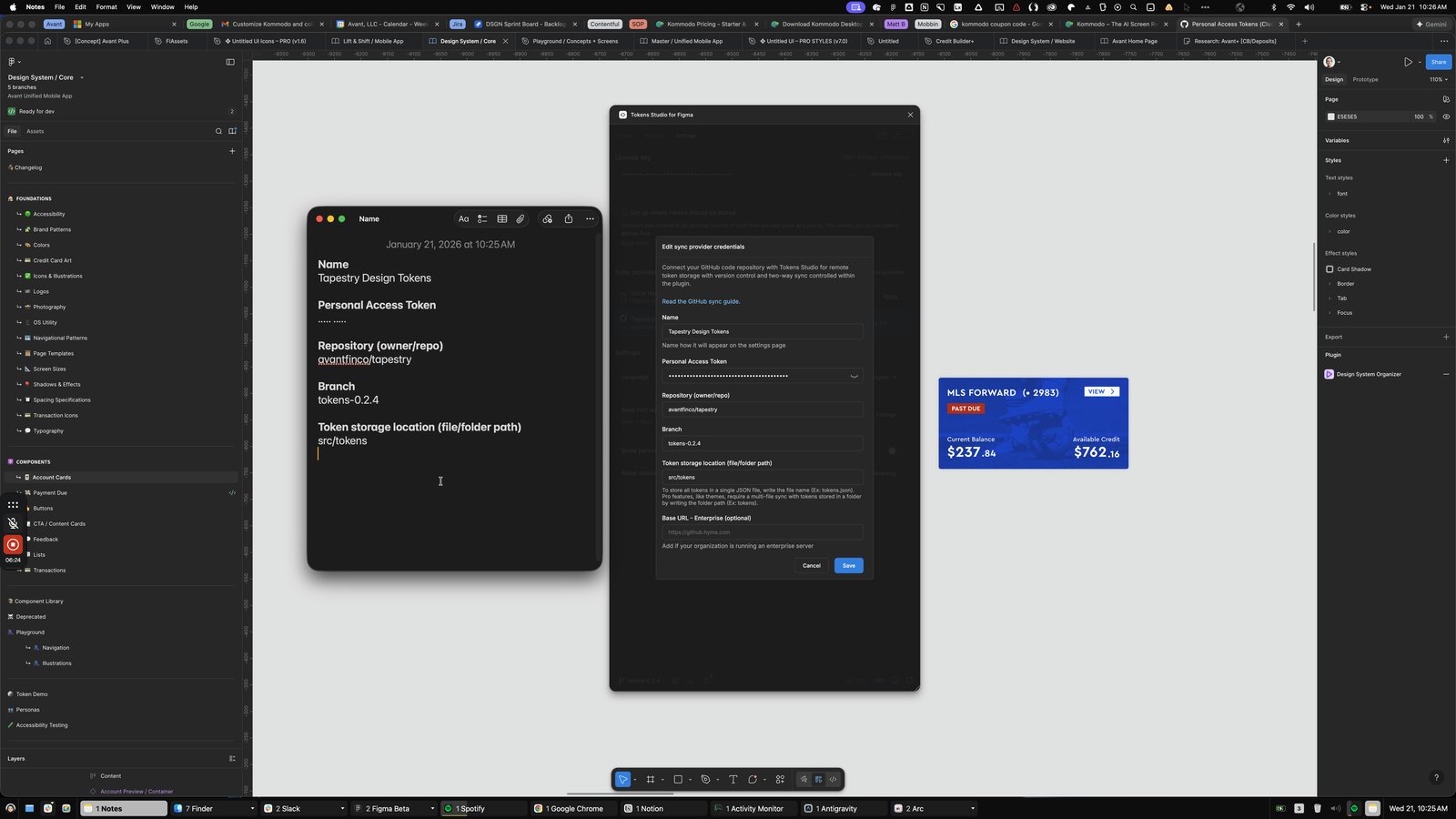
Click this group
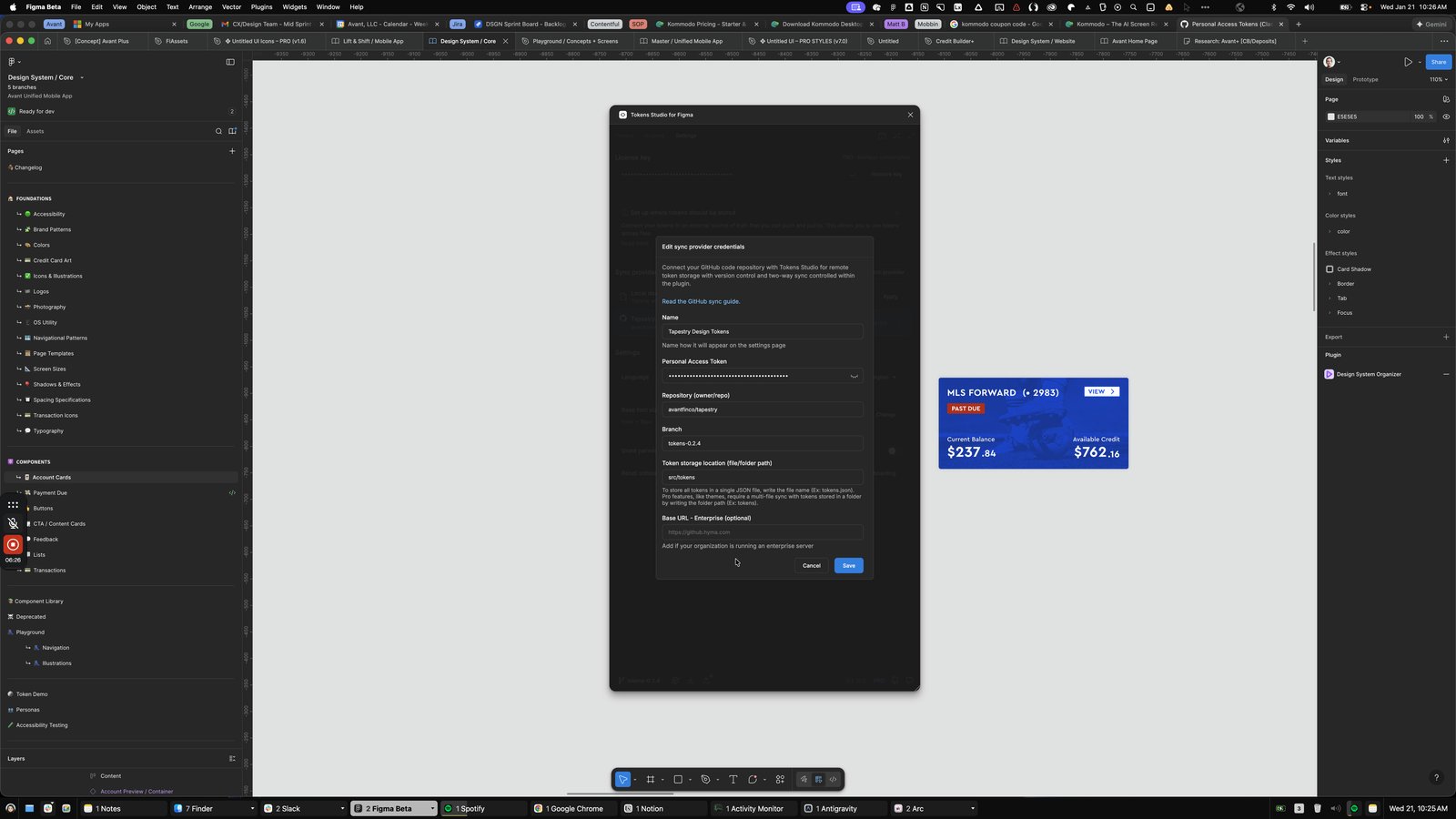
You made it to the end!
116 steps complete