
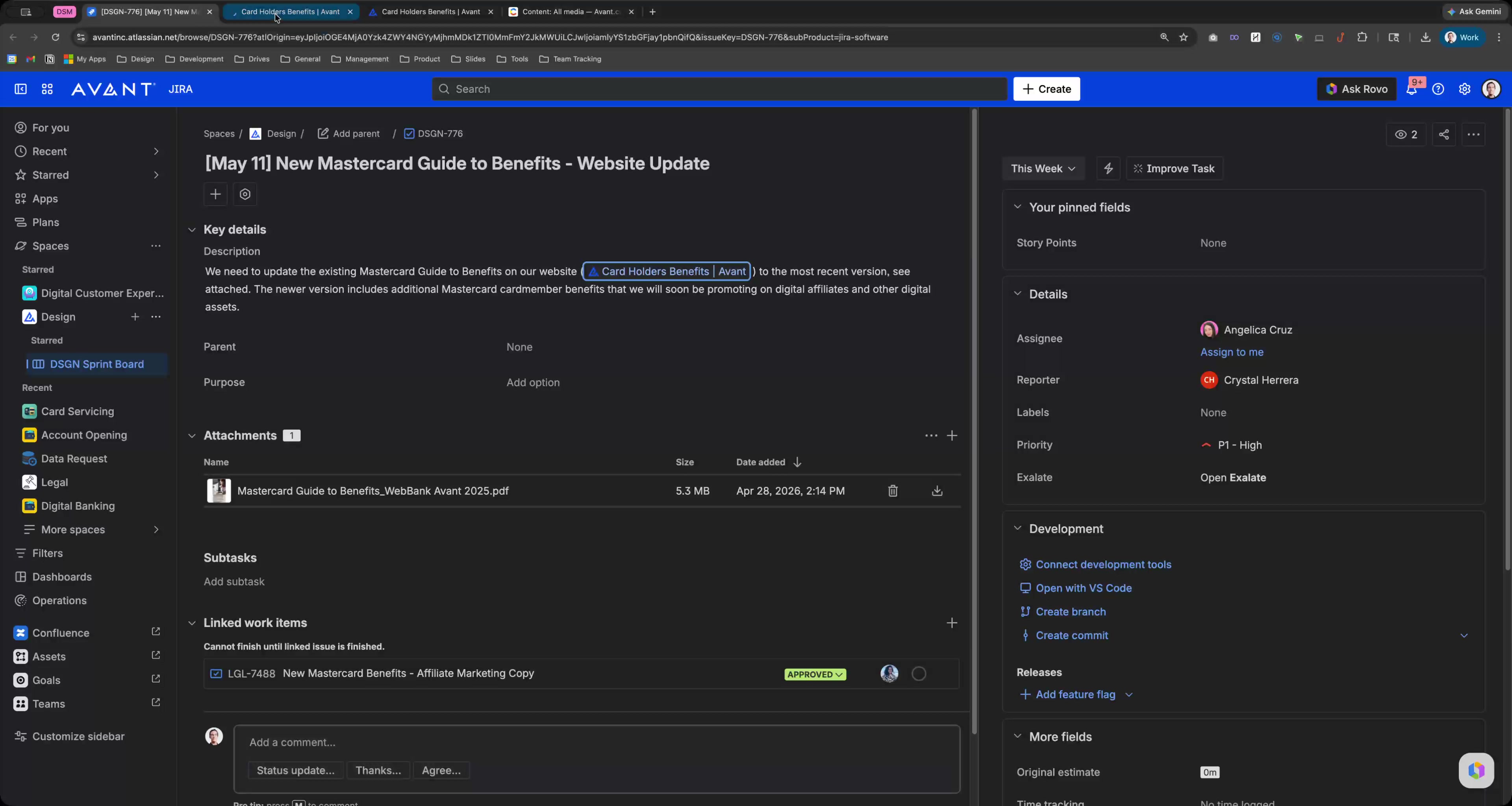
Click this group

Click the text field Address and search bar
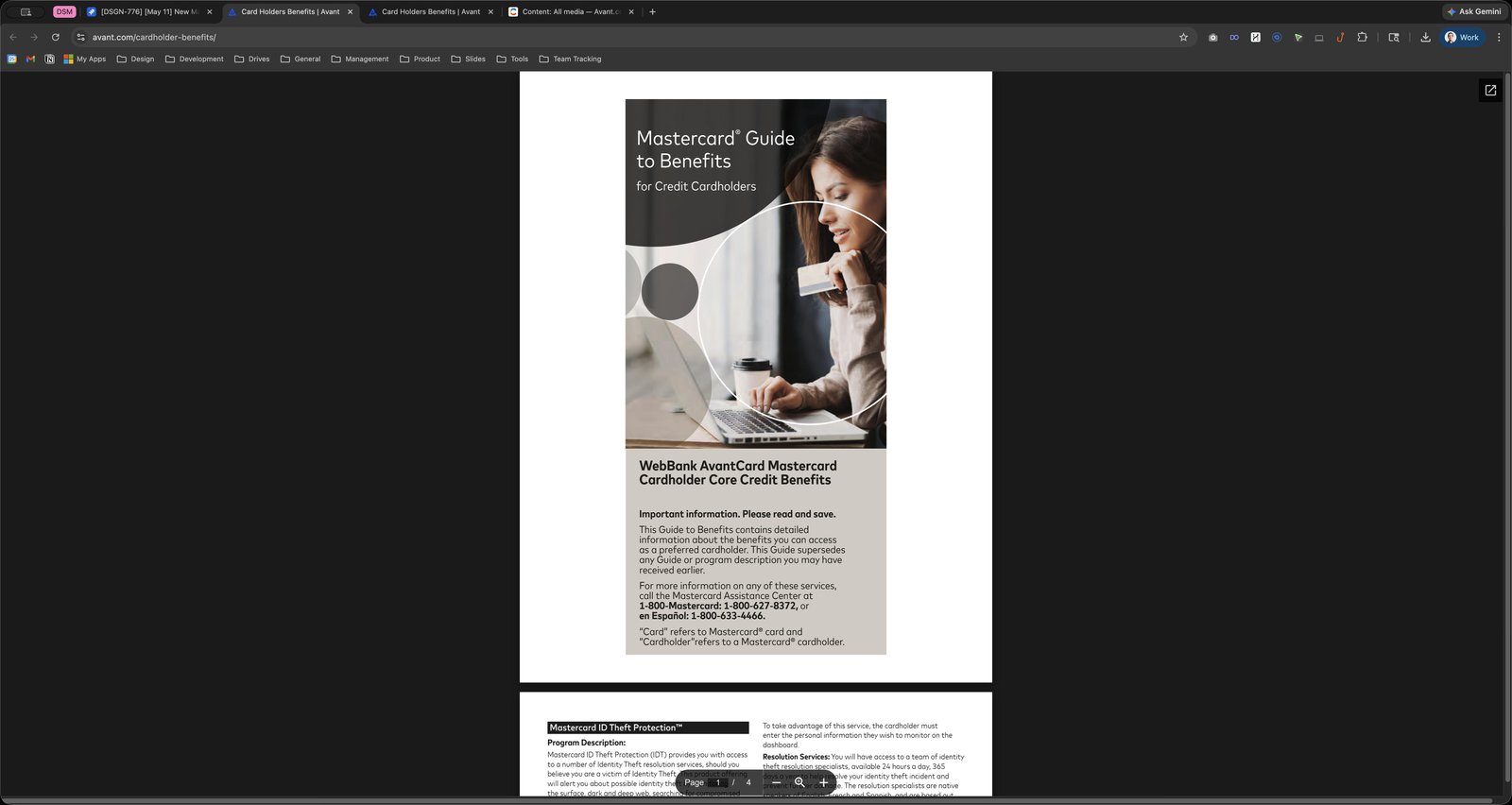
Press ⌘ c
Click this group
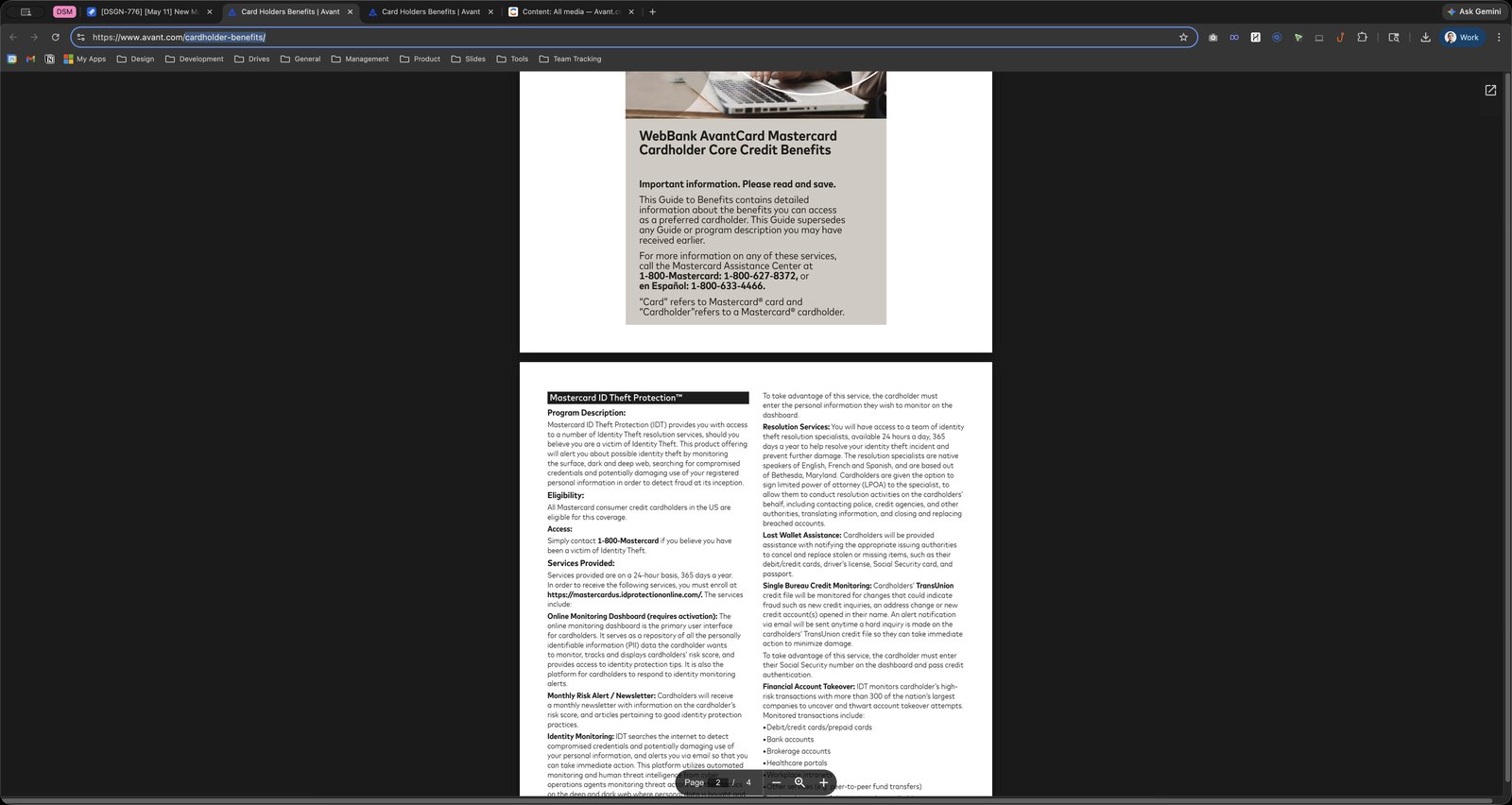
Click here

Click this group
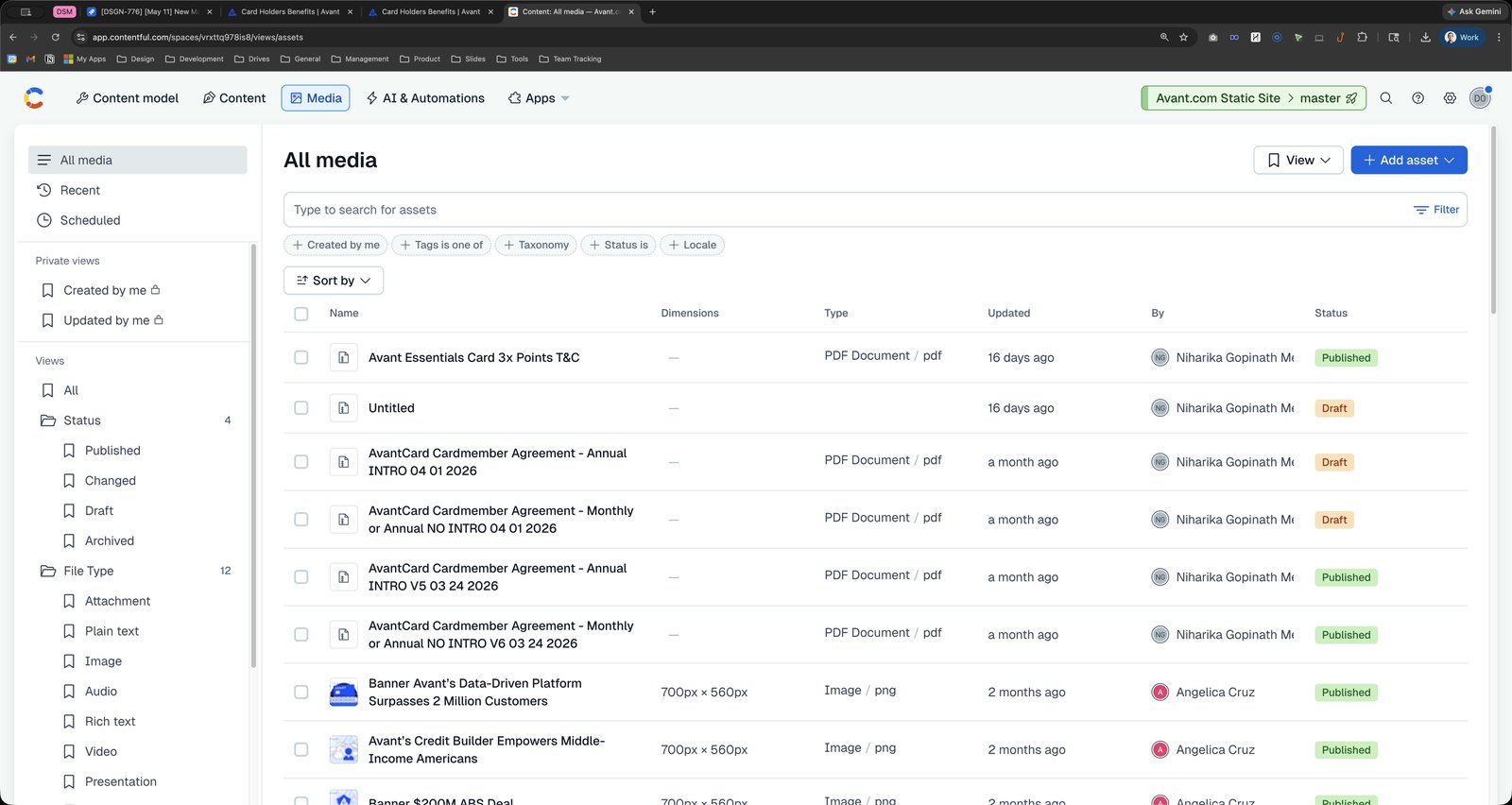
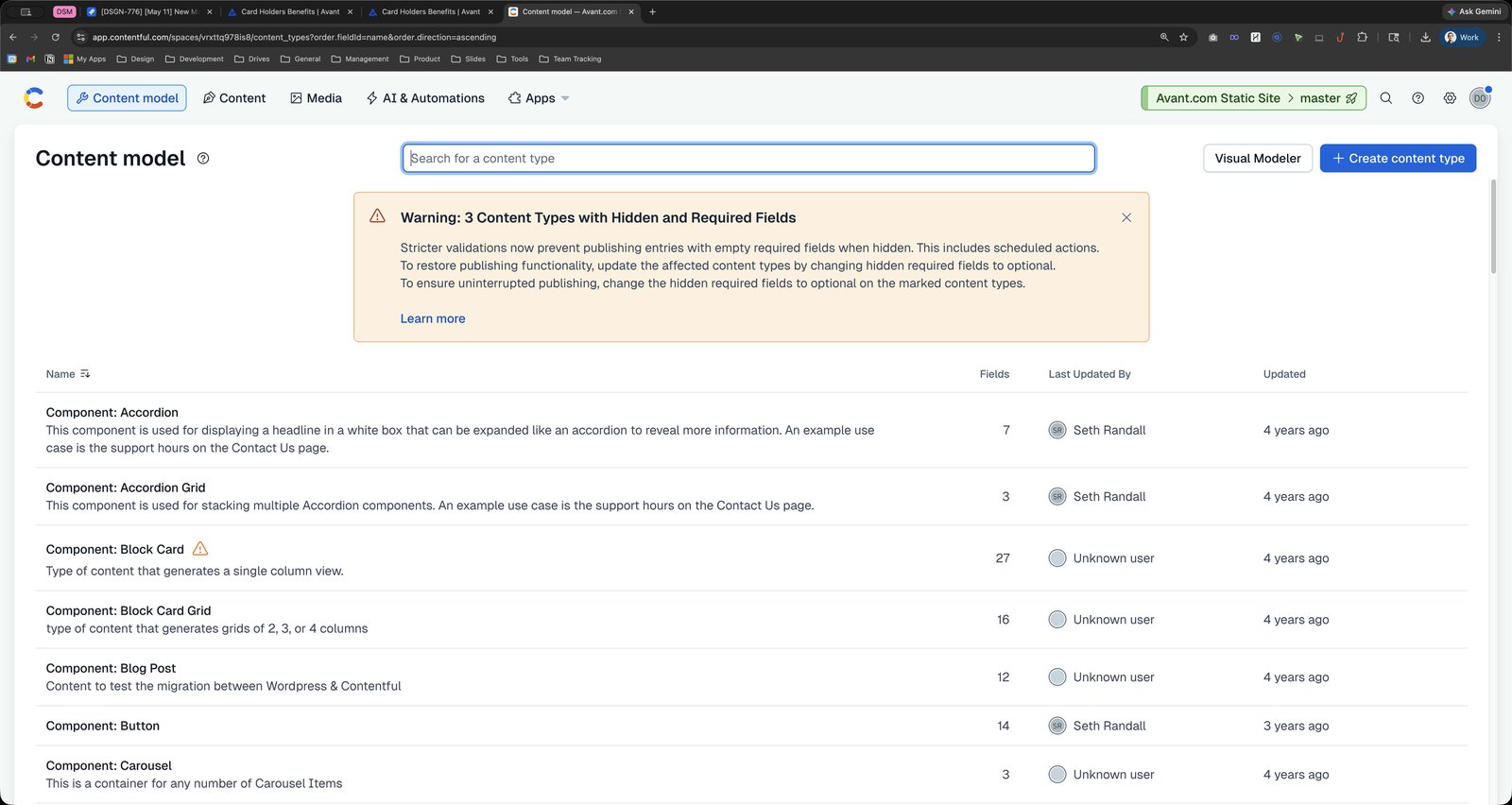
Press ⌘ v
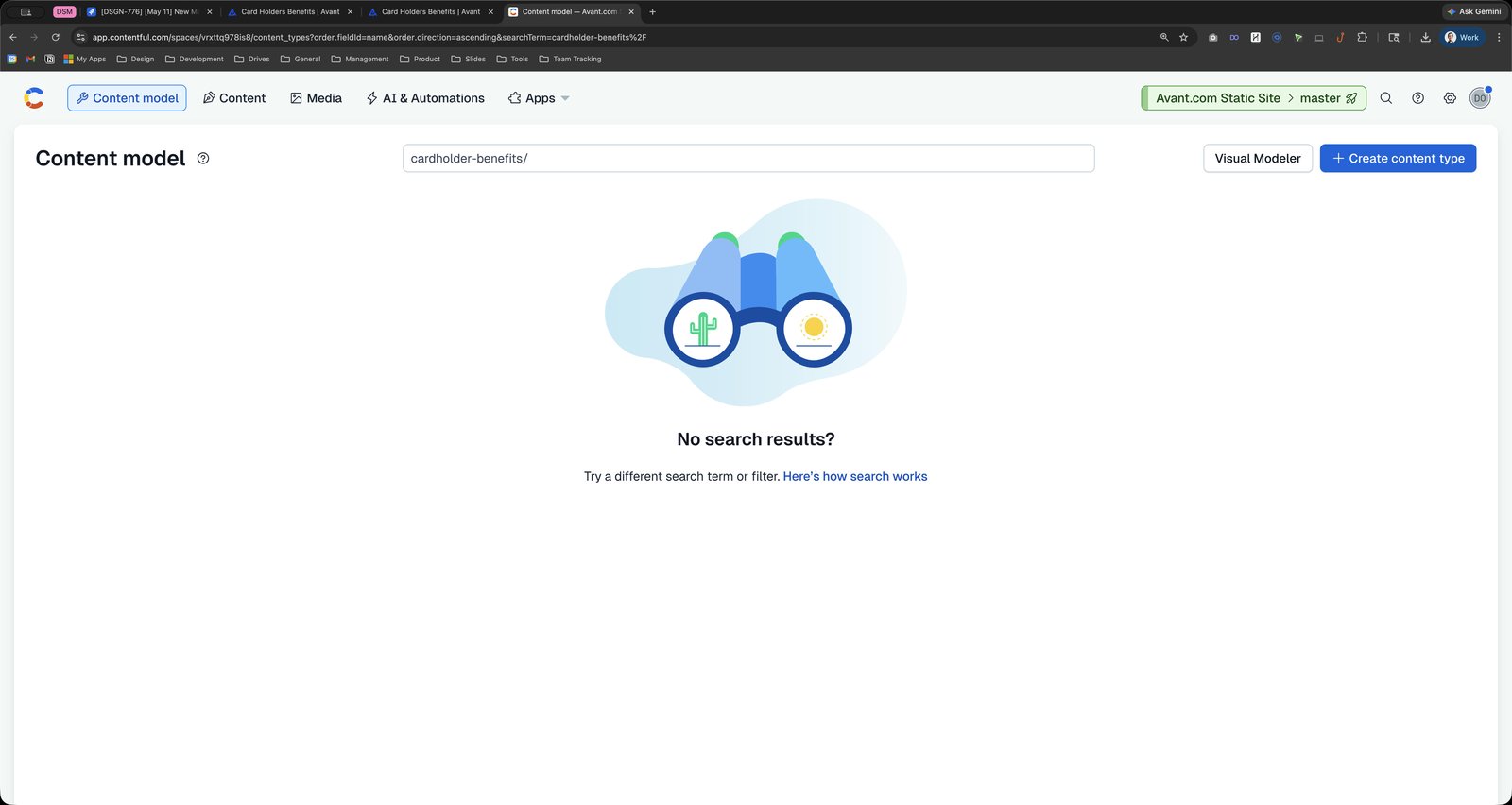
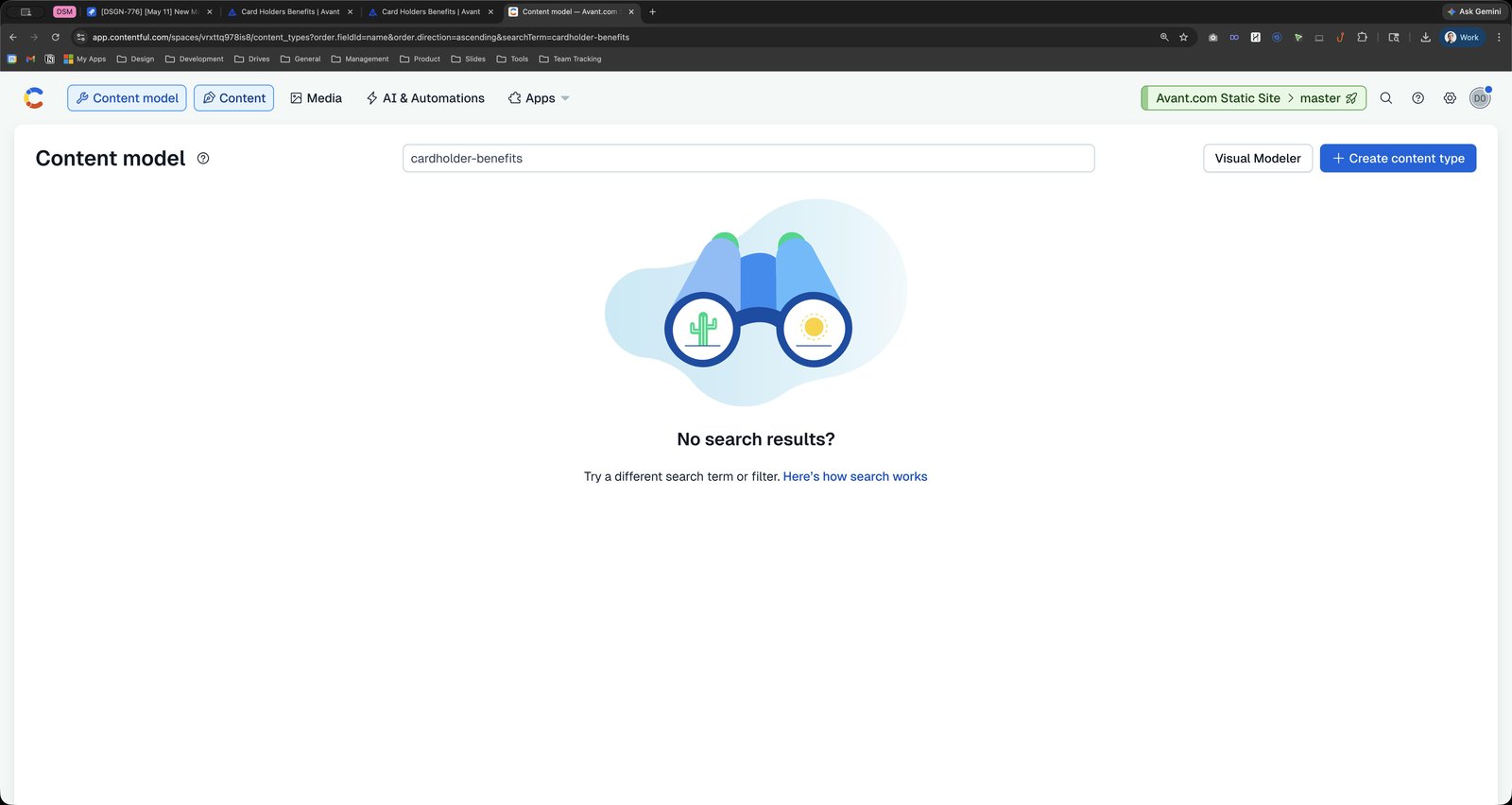
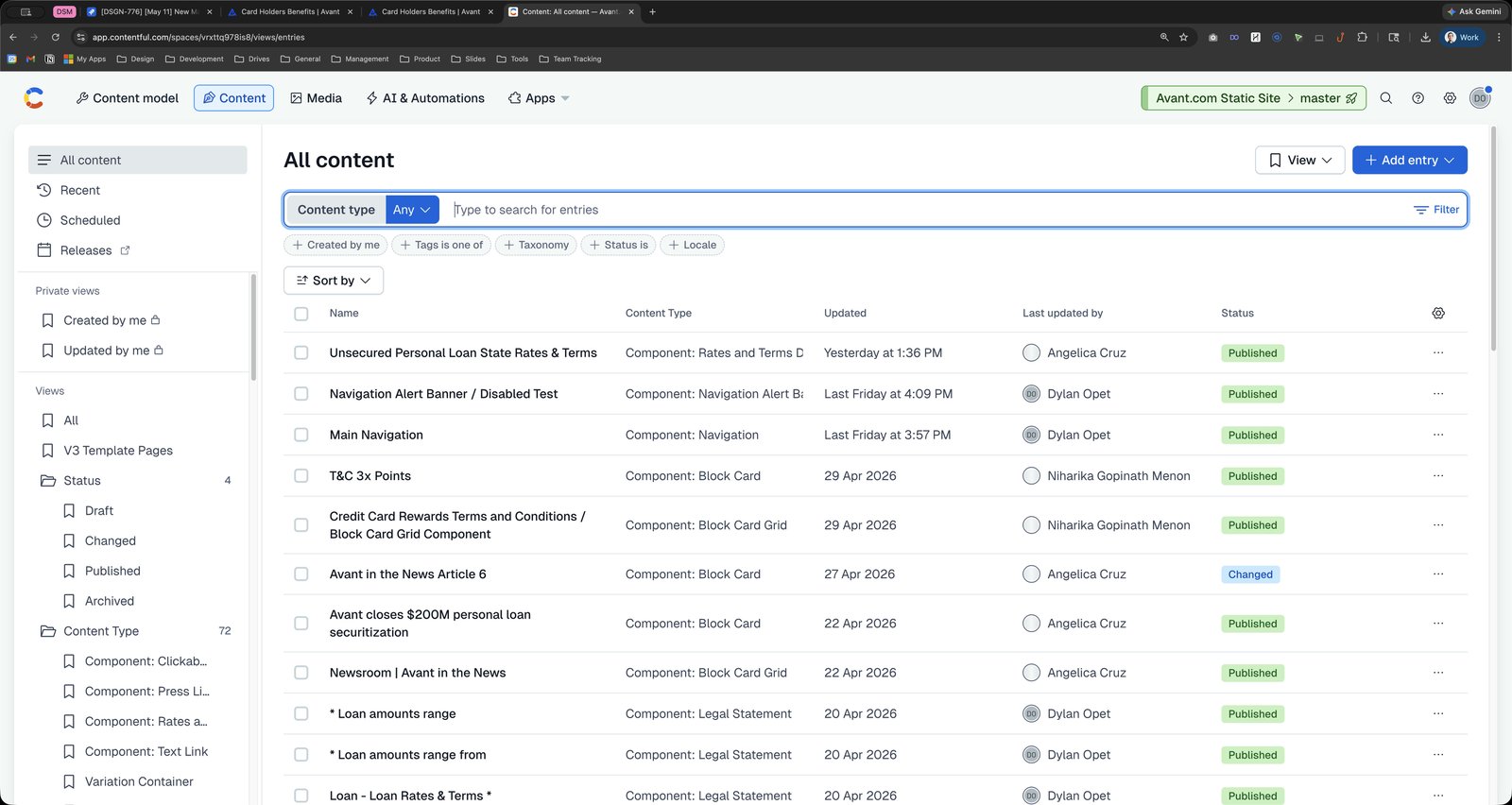
Press ⌘ v
Click this group
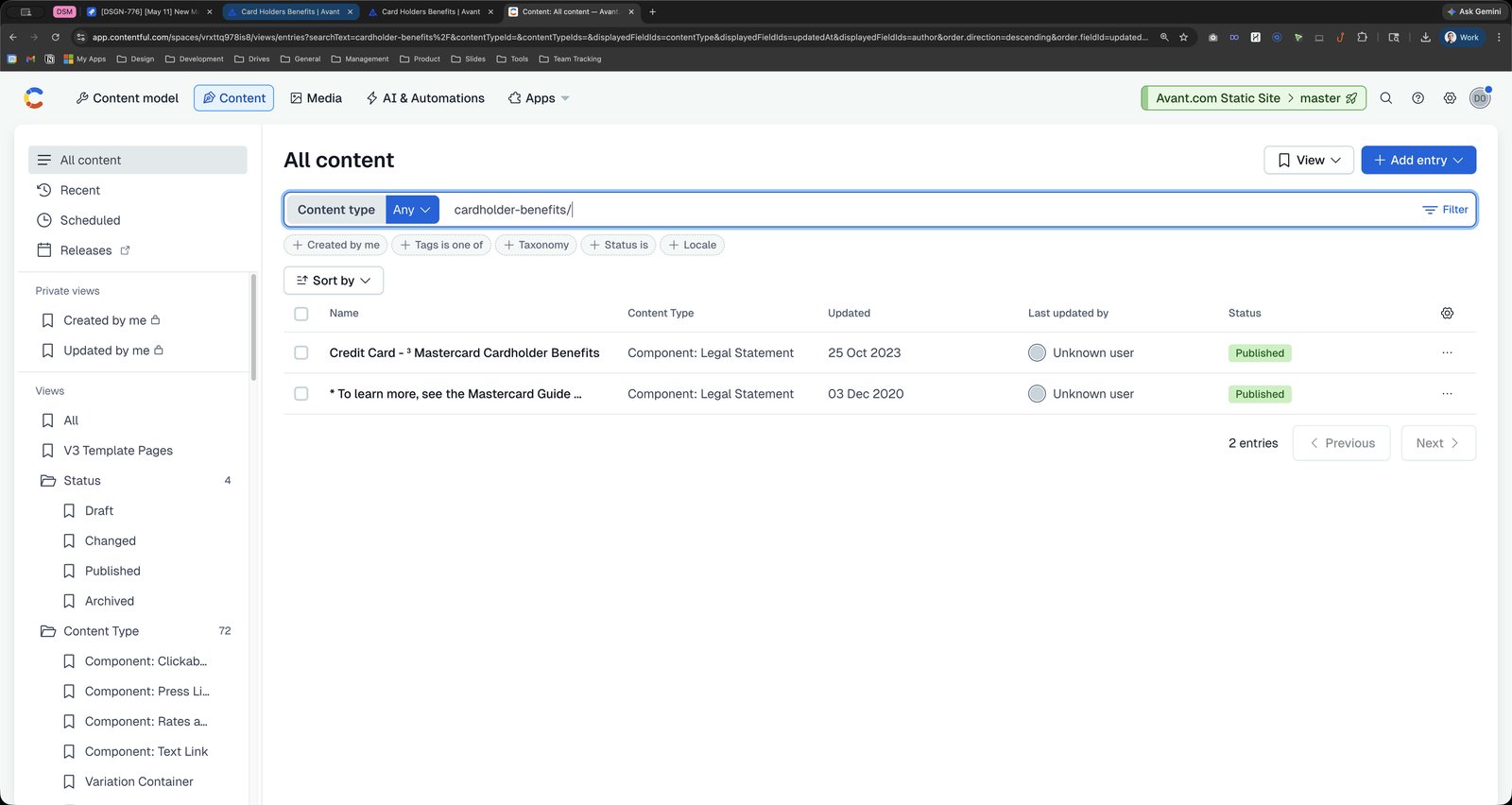
Click here
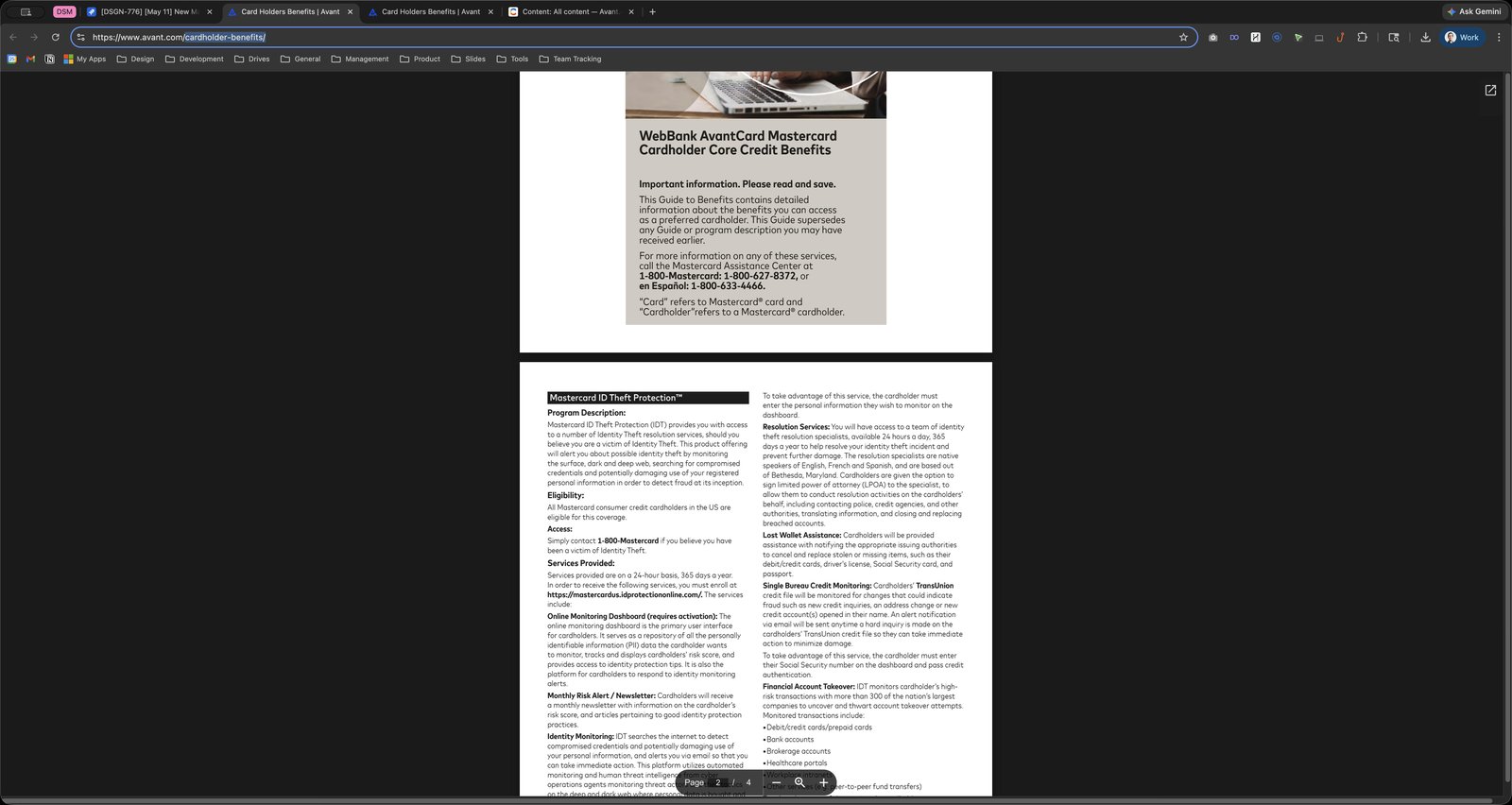
Click the View Page Source
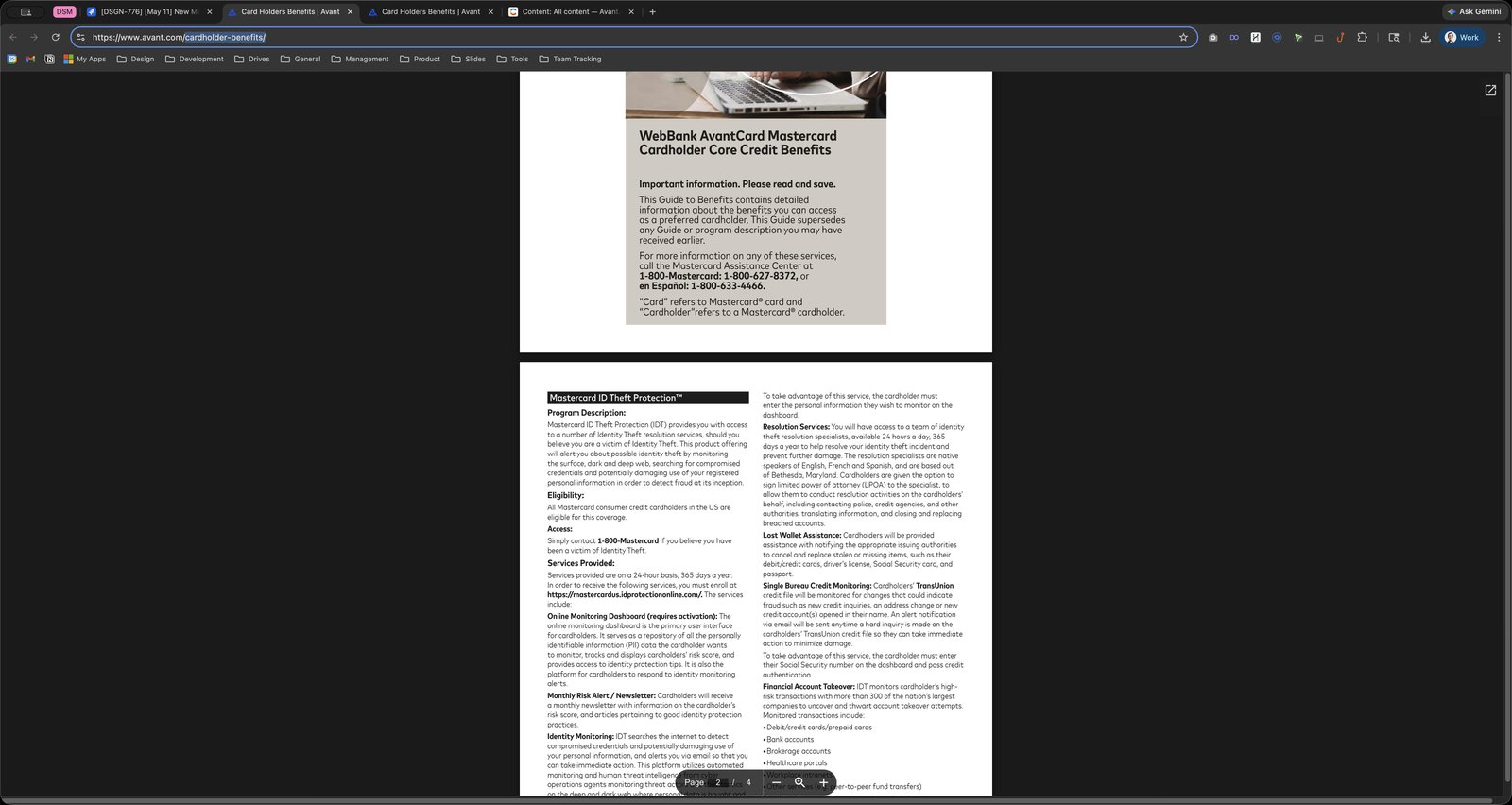
Click the @import url(https://use.typekit.net/lzm0hmm.css);@import;@import) url(https://fonts.googleapis.com/css?family

Click the data-identity
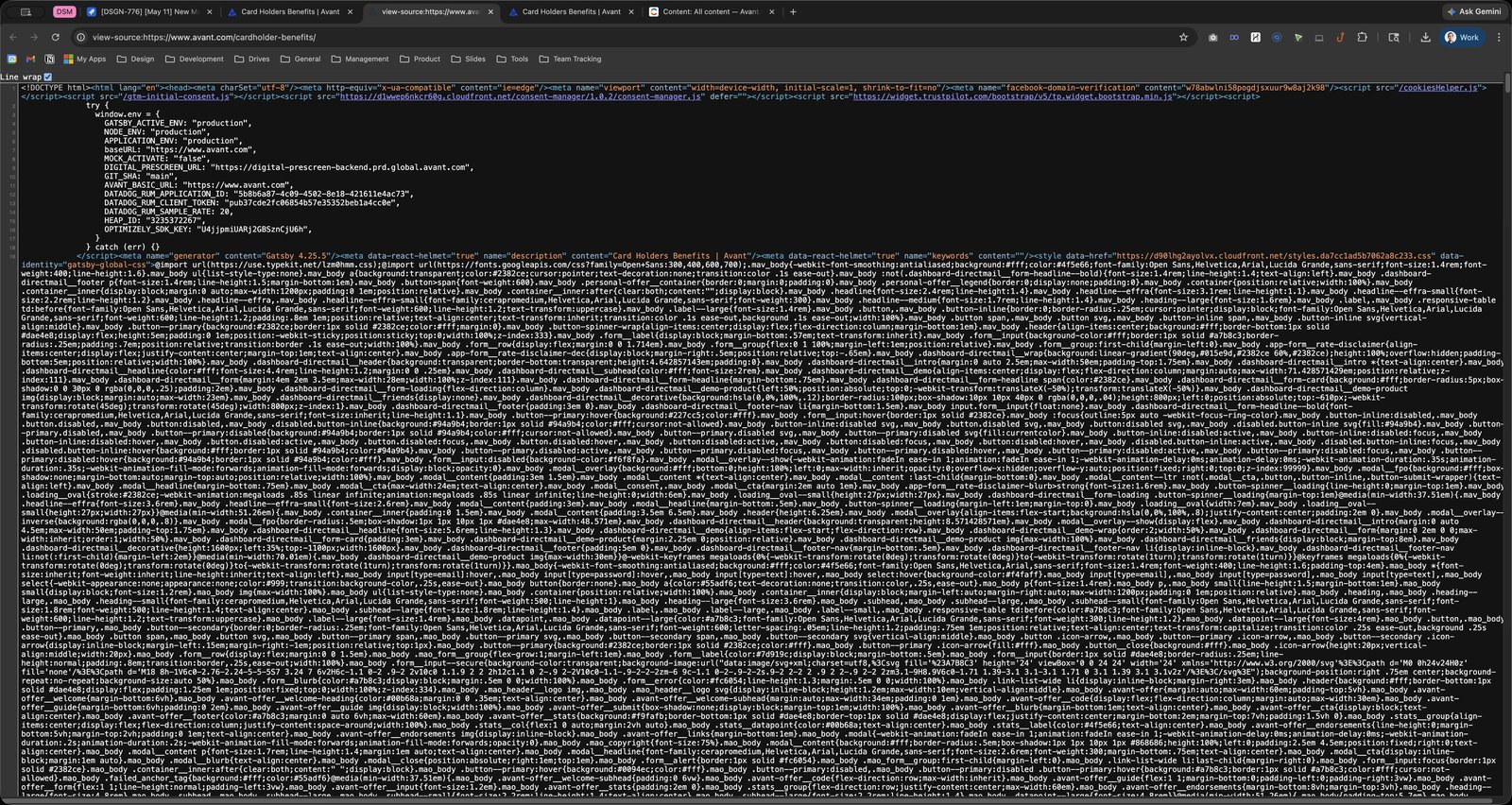
Click the o_body .form__blurb{color:#a7b8c3;display:block;margin:.5em 0 0;width:100%}.mao_body .form__error{co
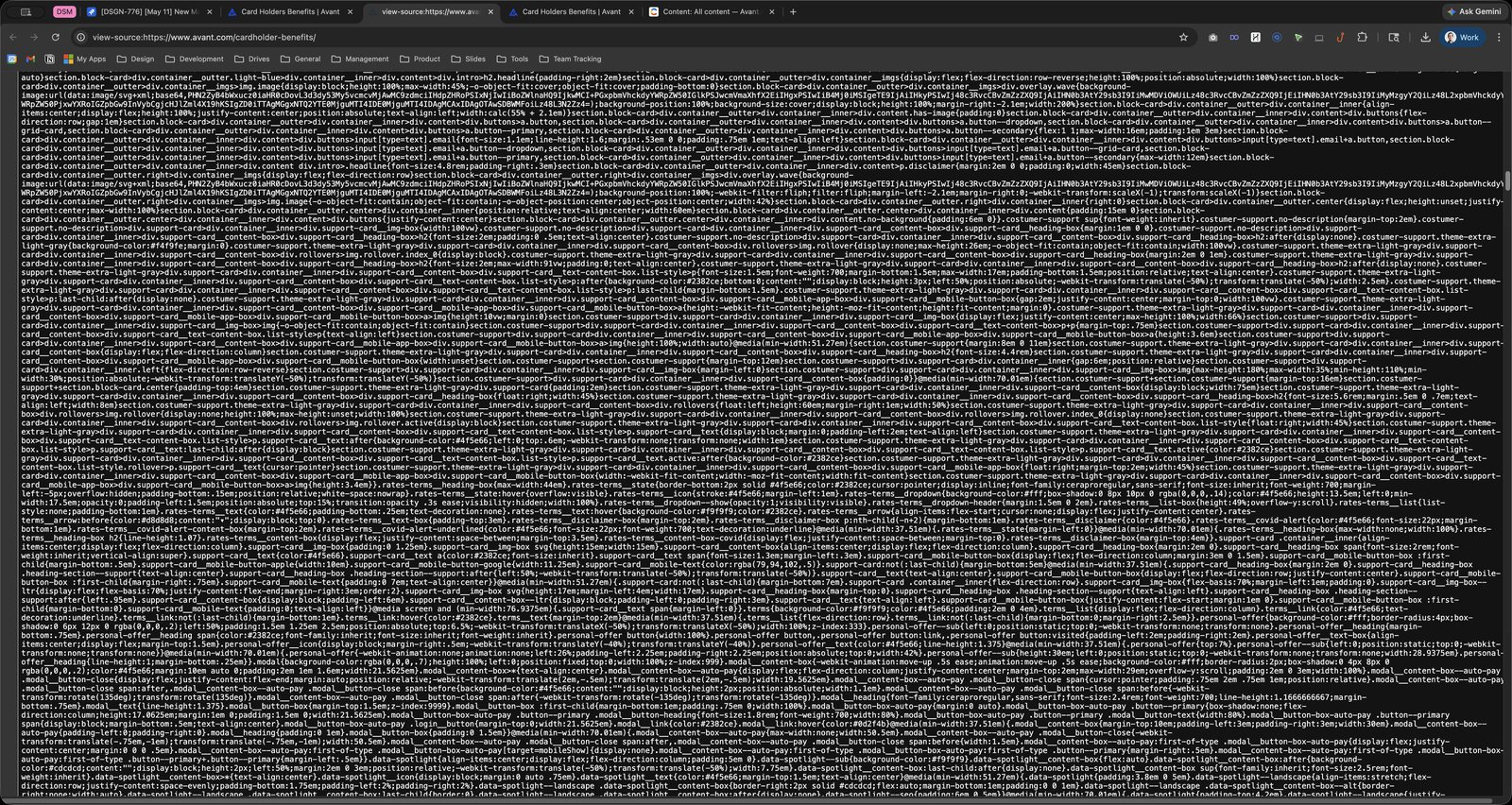
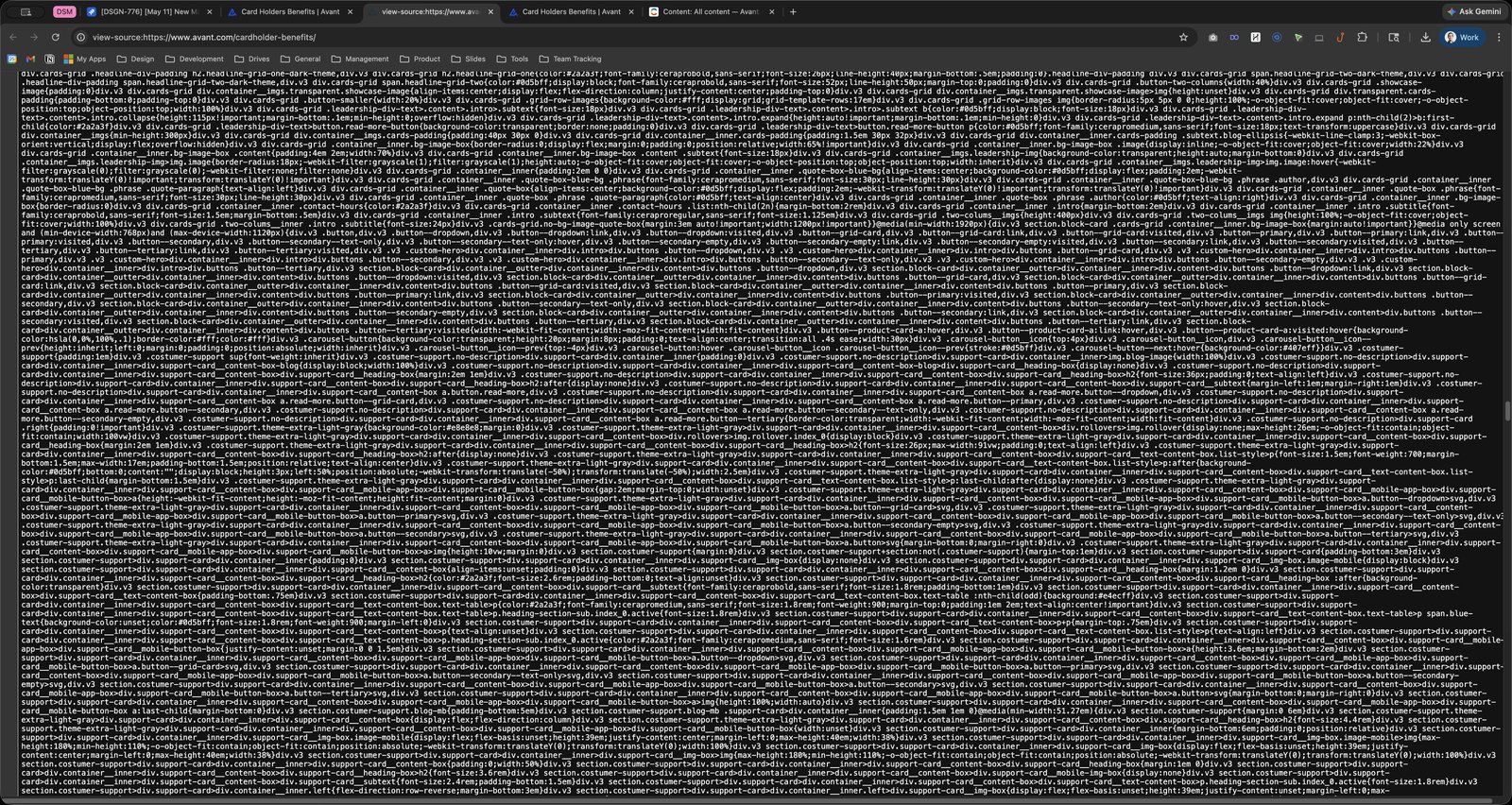
Press ⌘ a
Press ⌘ c
Press ⌘ c
Press ⌘ c
Press ⌘ t
Go to https://Best HTML Pretty Print to Pretty HTML and Print HTML https://jsonformatter.org/html-pretty-print location from history, press Tab then Enter to Remove Suggestion., 6 of 8
Click this group

Press ⌘ v
Click the Make Pretty
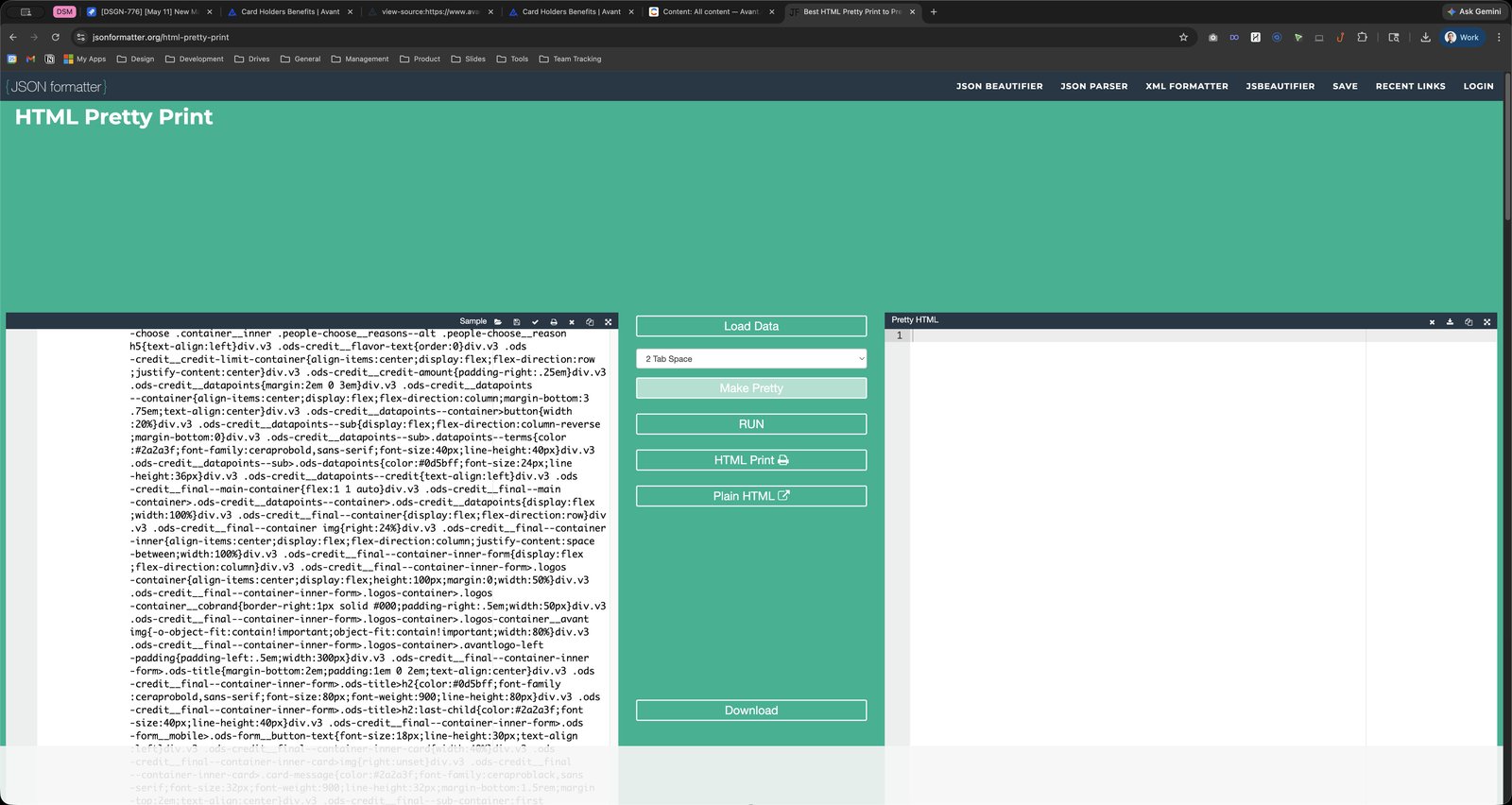
Click this group
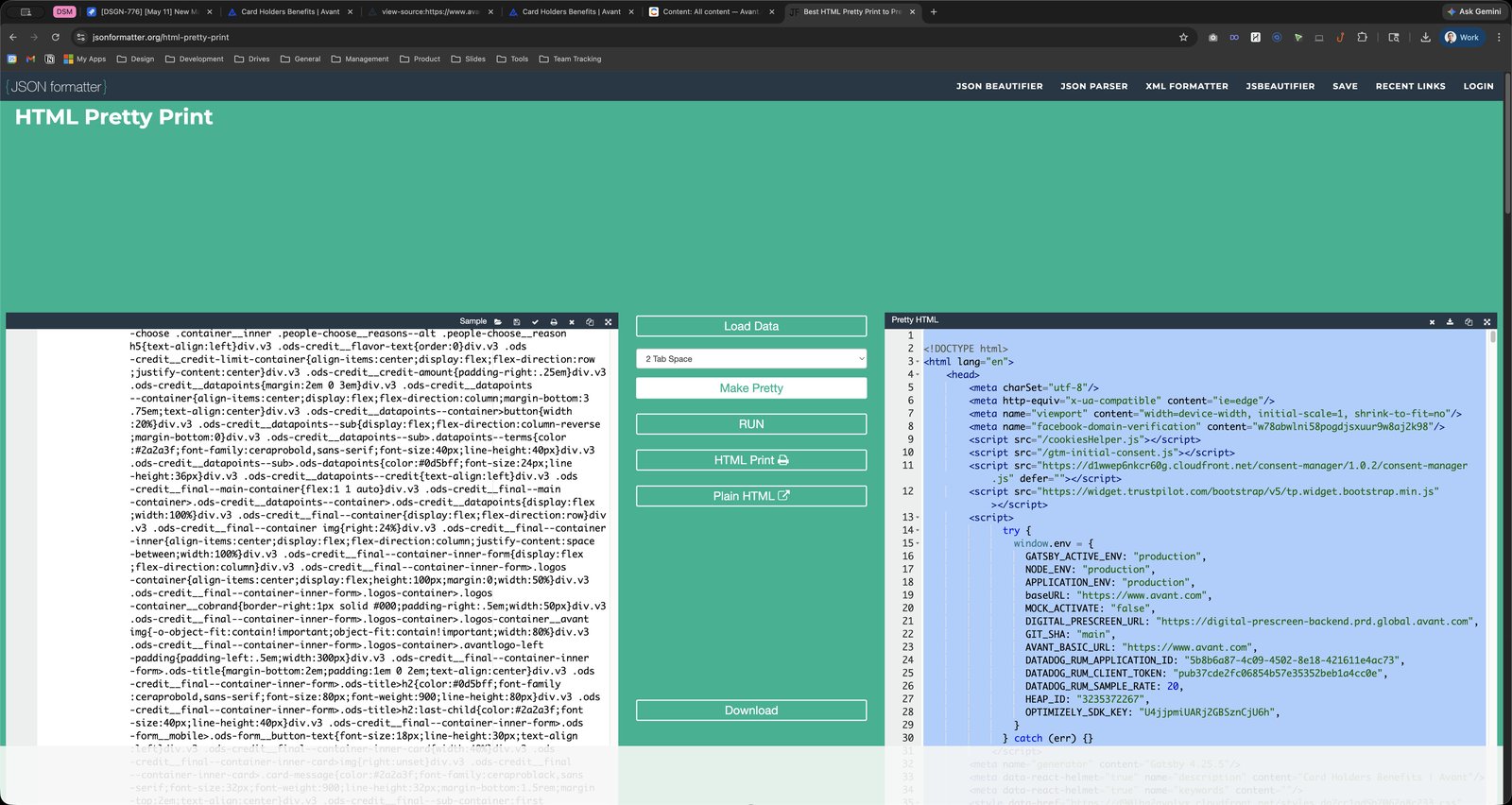
Click here

Click the Copy

Click this group
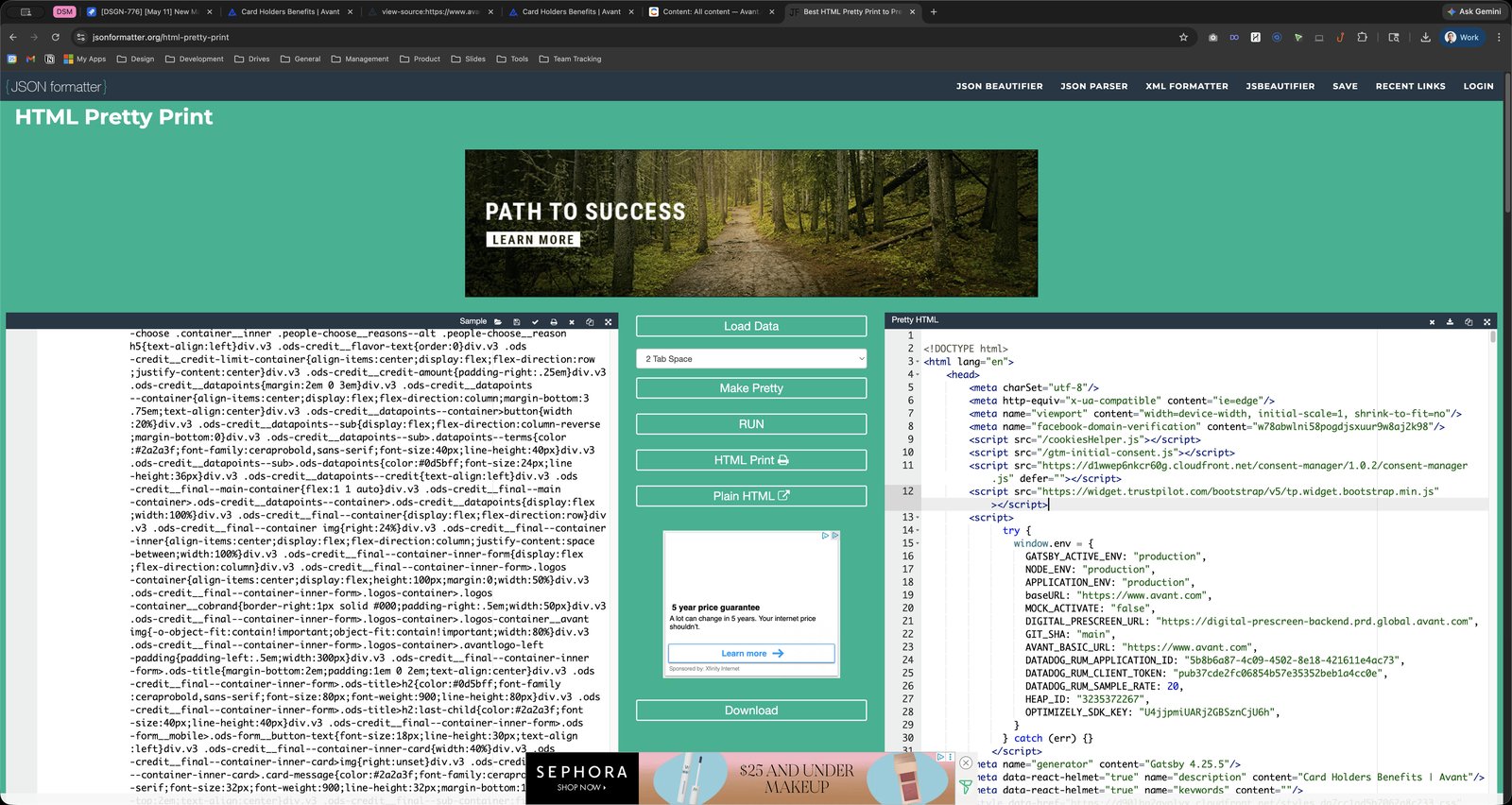
Press ⌘ f
Press ⌘ v
Click this group
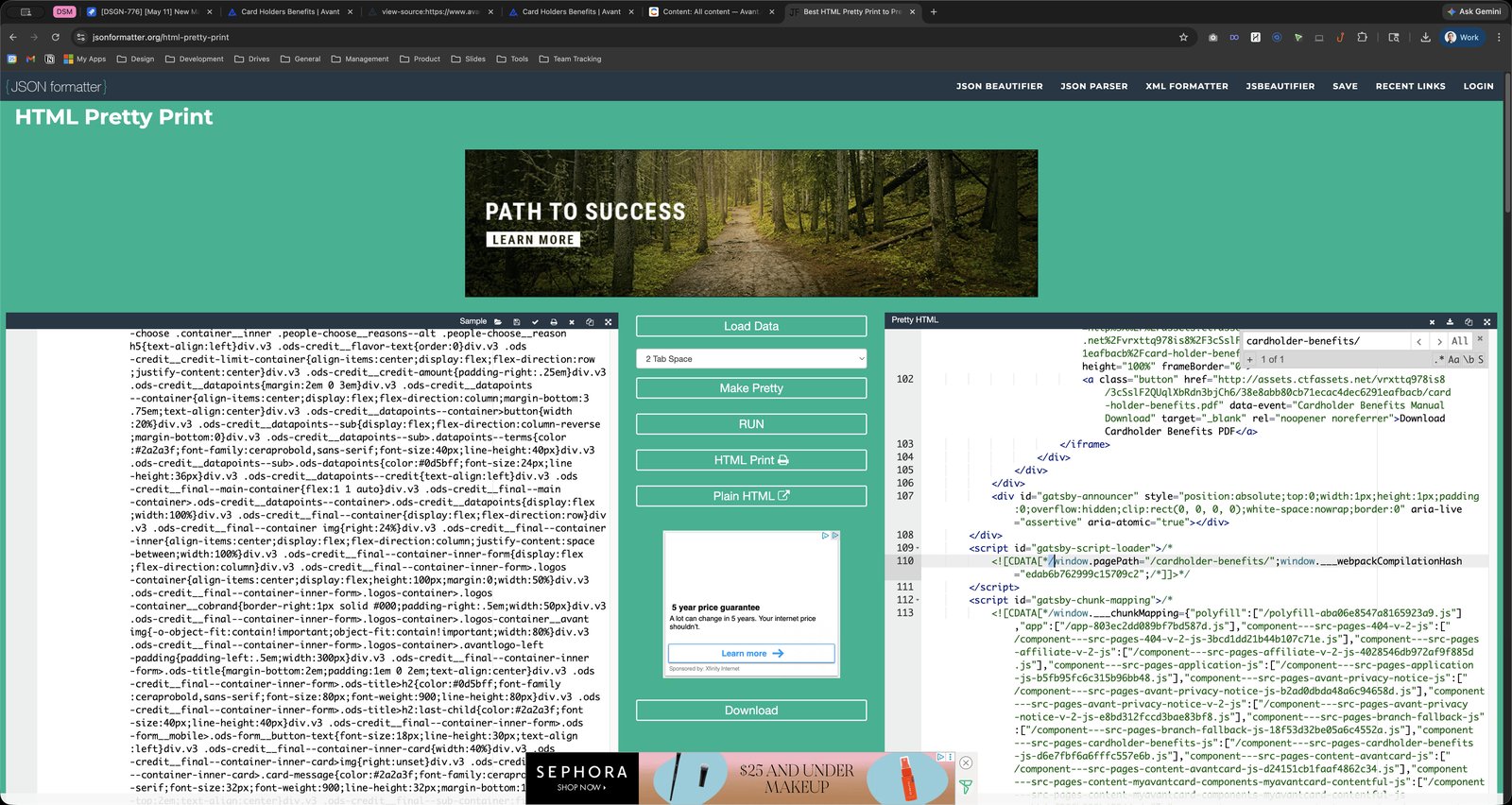
Click here
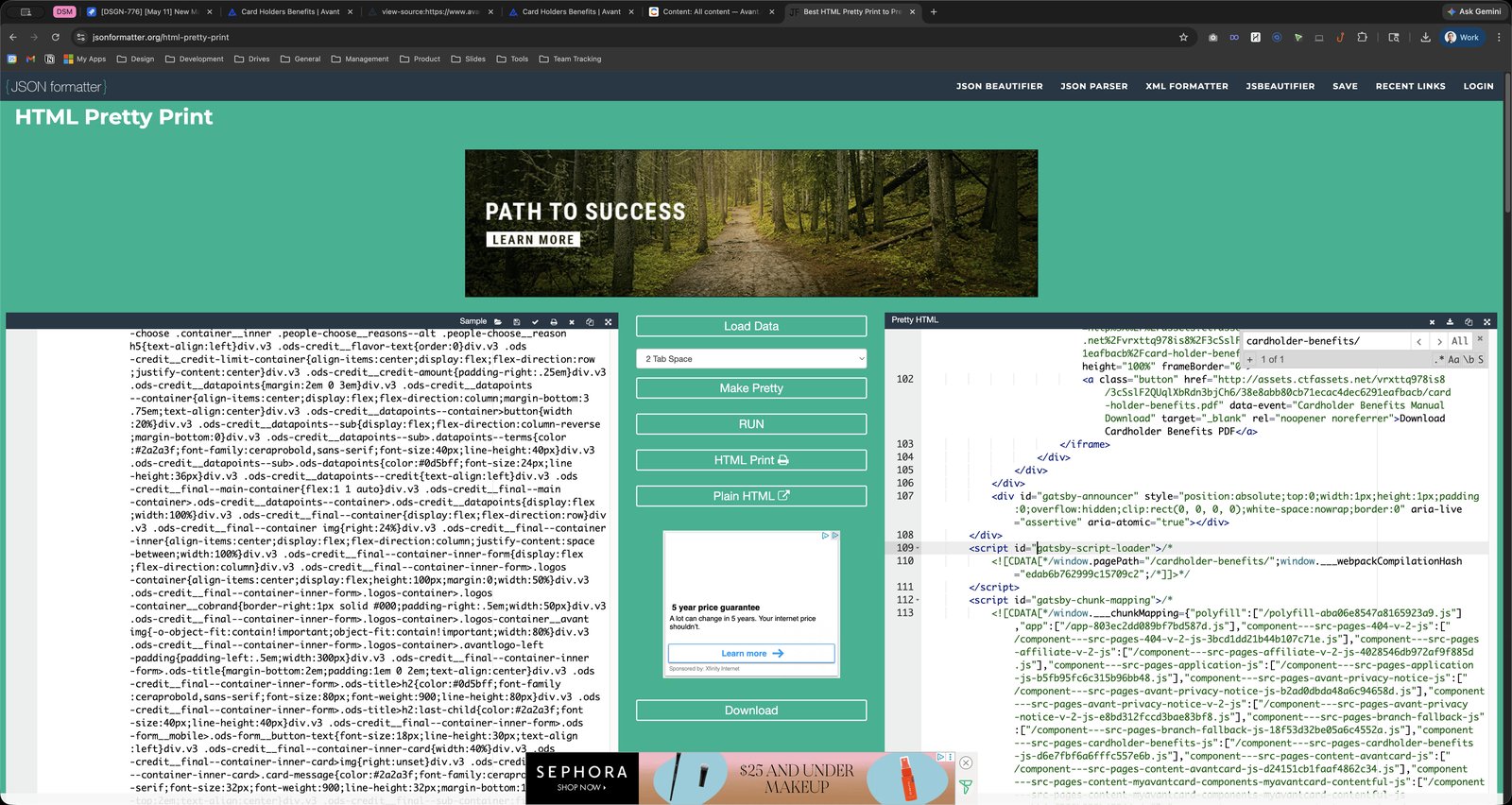
Click this group
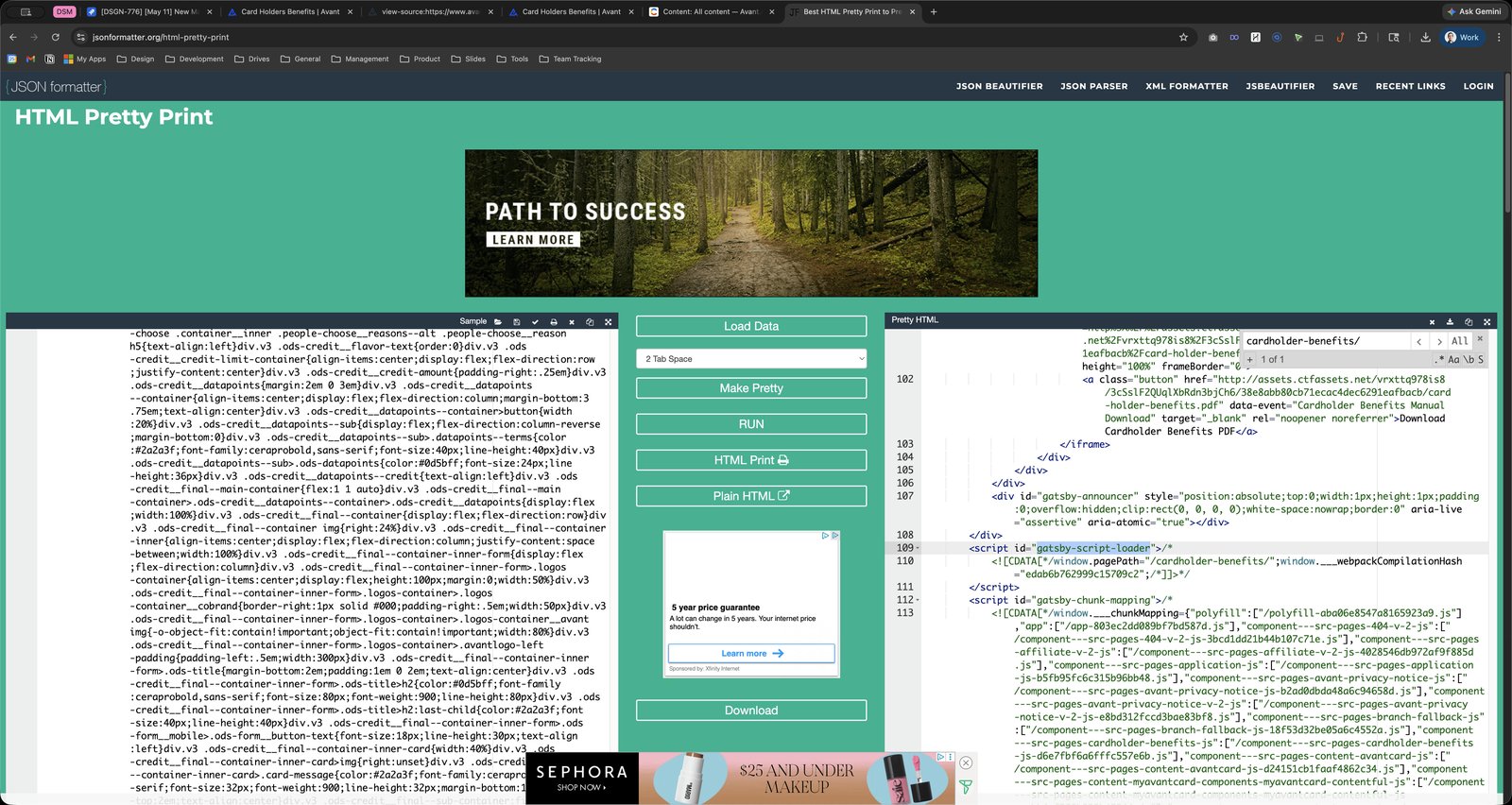
Click here

Click this group
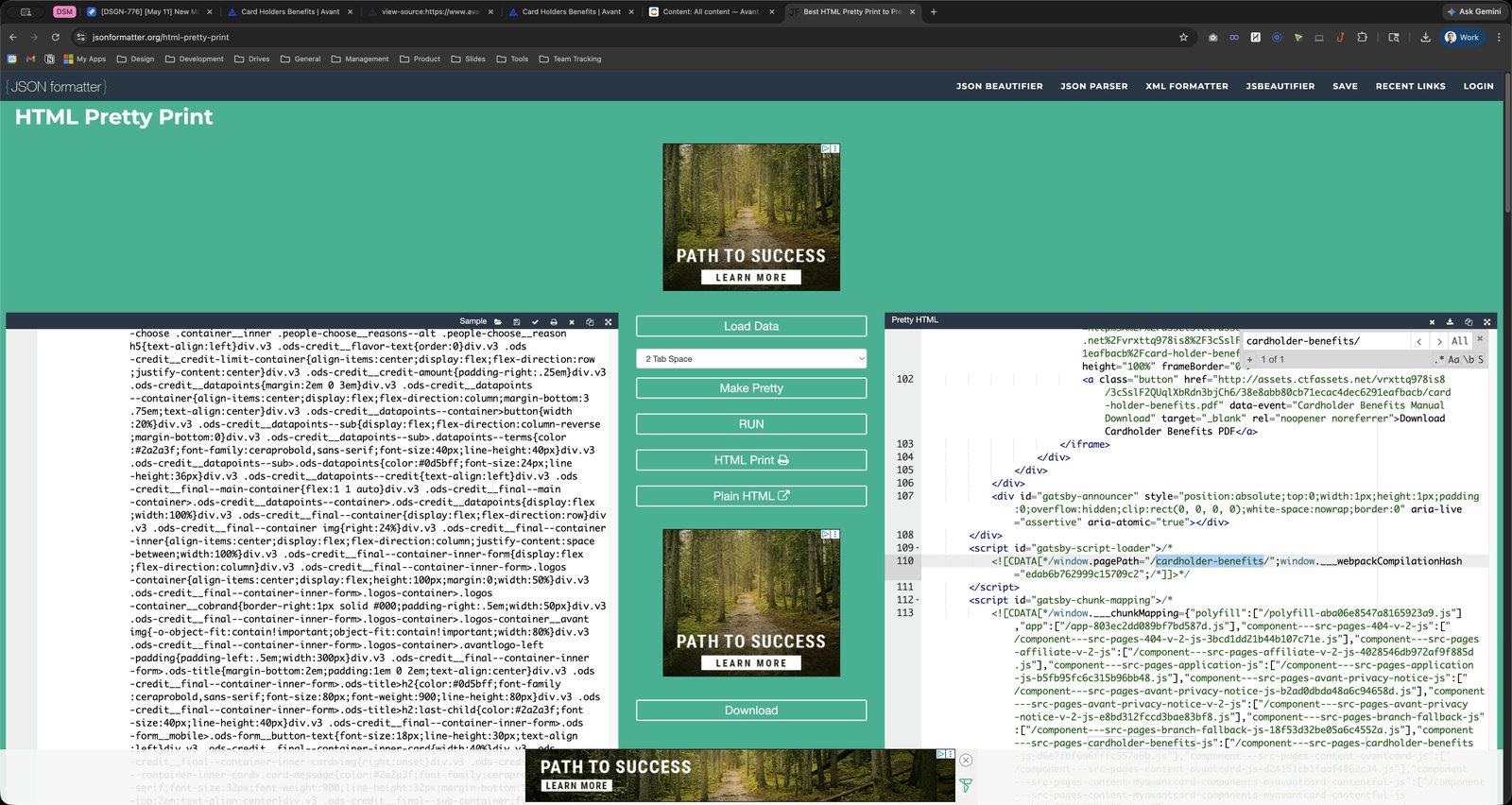
Click here
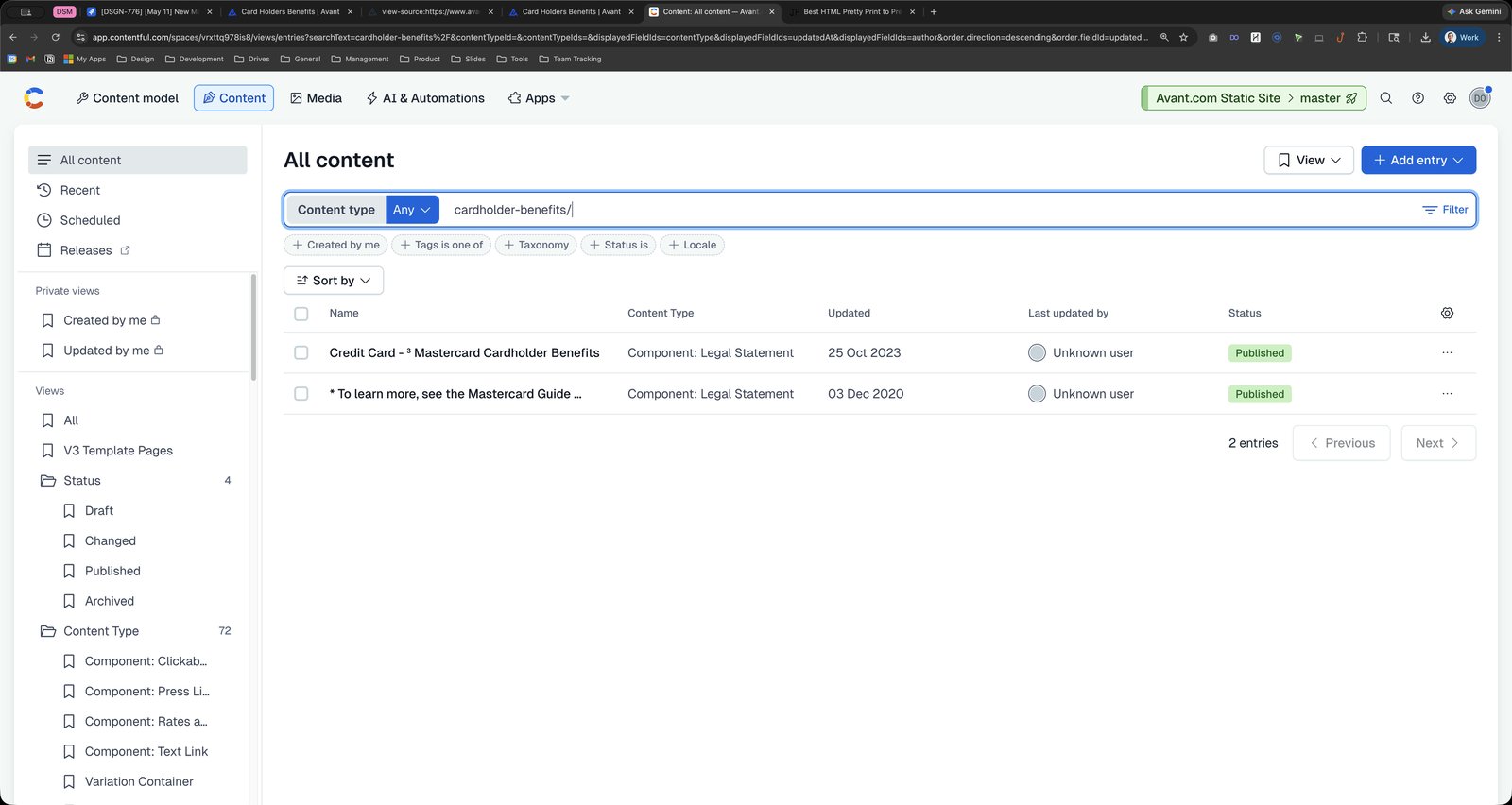
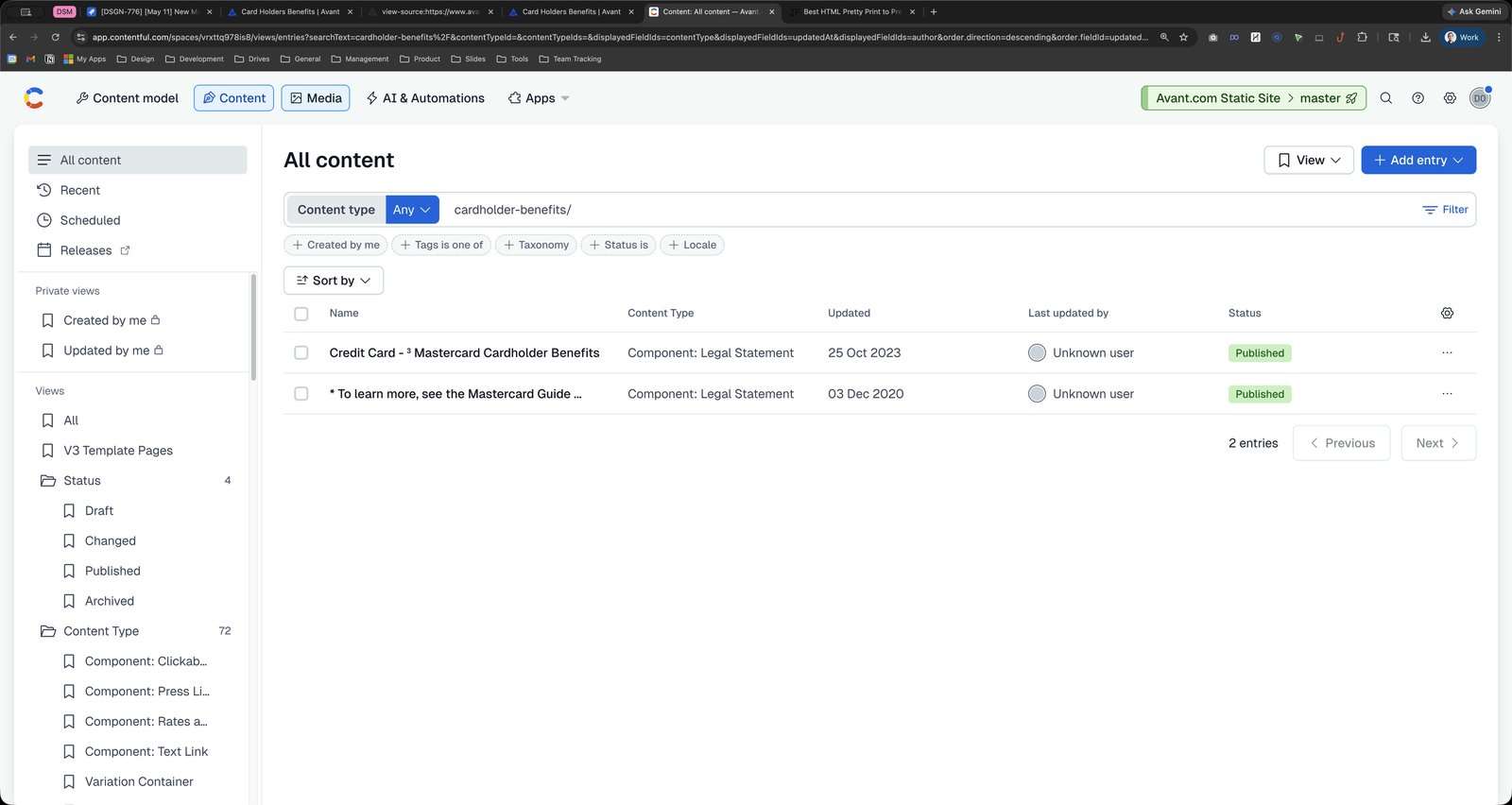

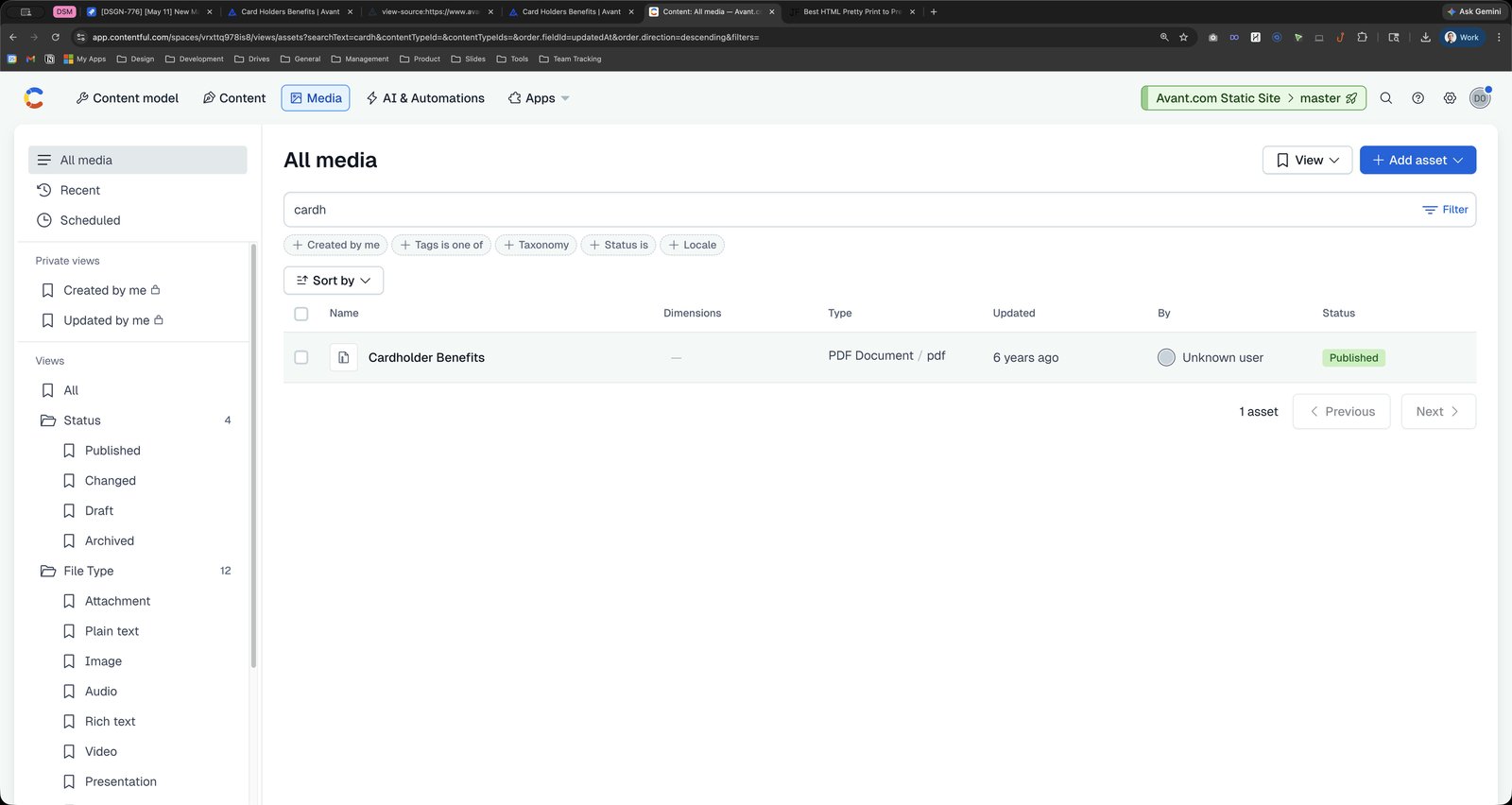
Click the text field Address and search bar
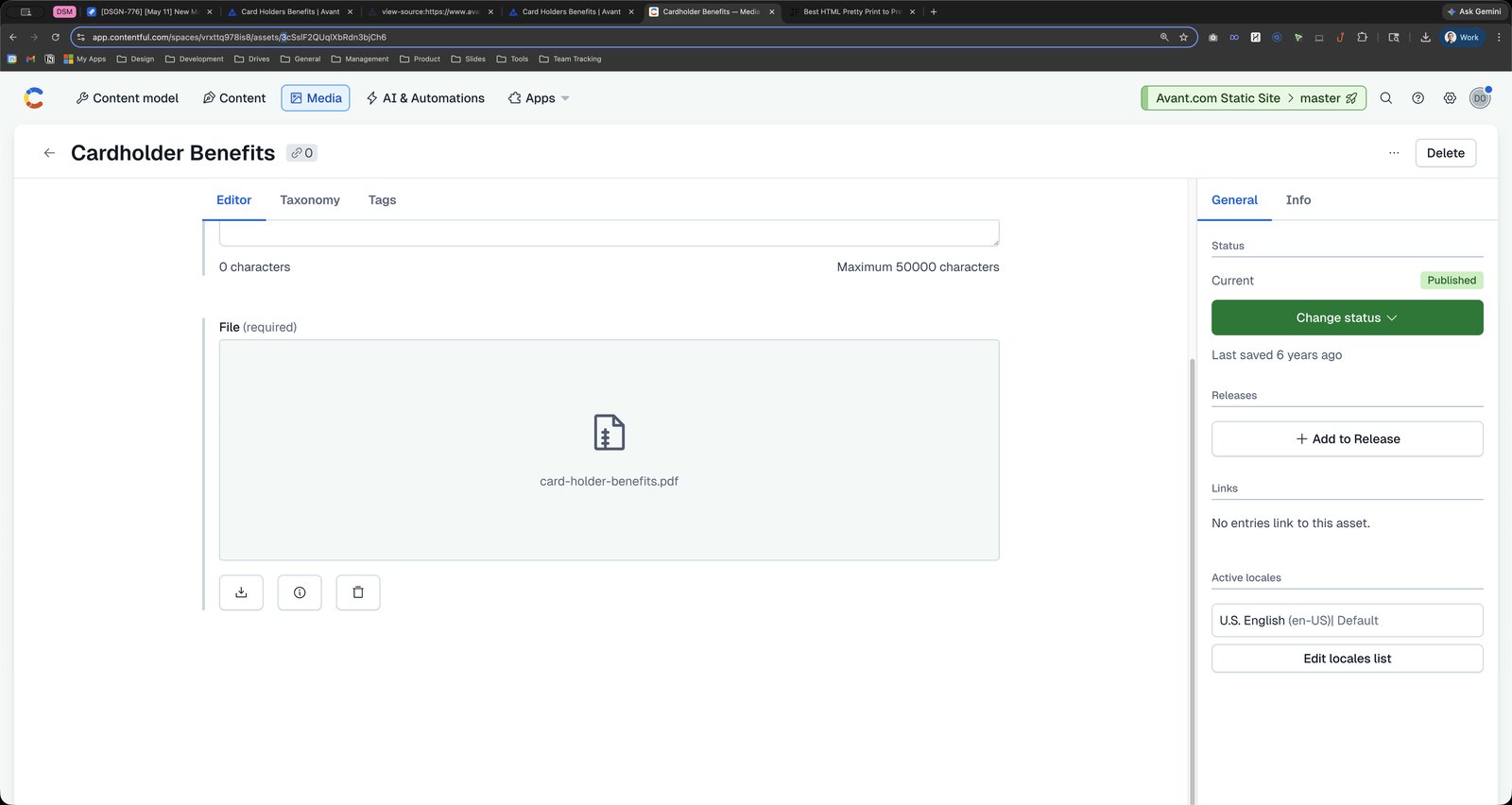
Press ⌘ c
Press ⌘ c
Press ⌘ c
Click this group
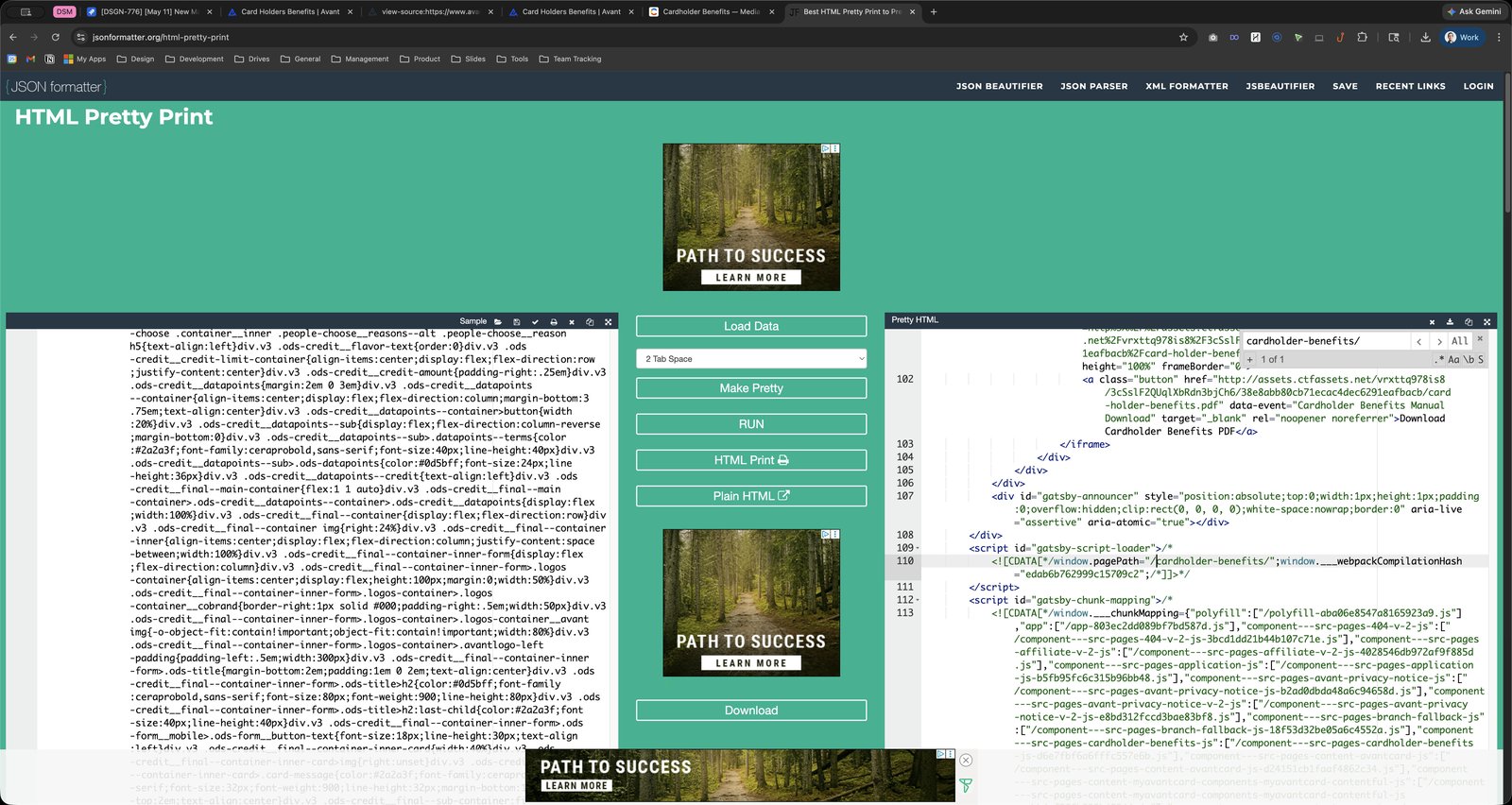
Click here
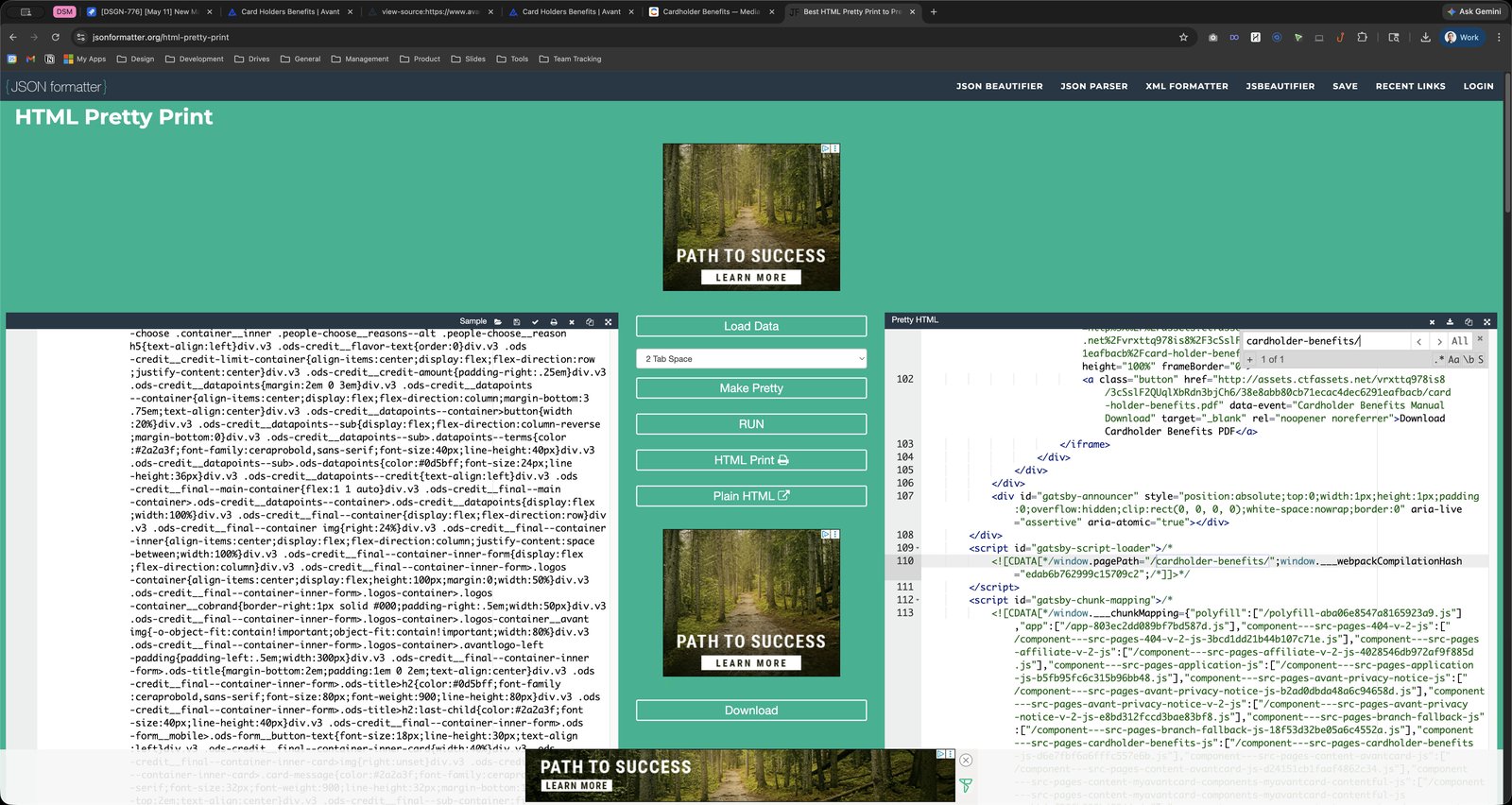
Press ⌘ a
Press ⌘ v
Click this group

Click here
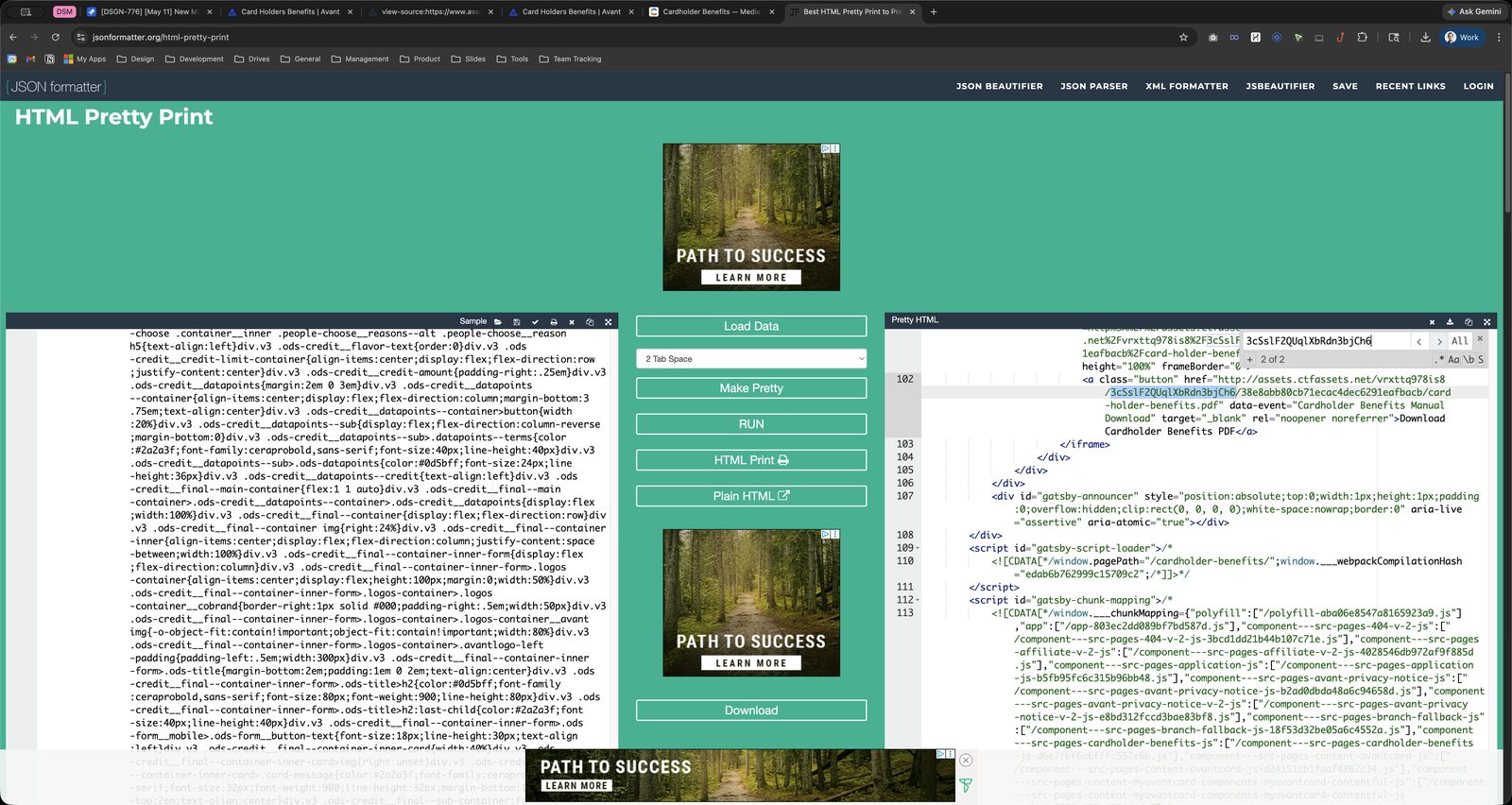
Click the data-event
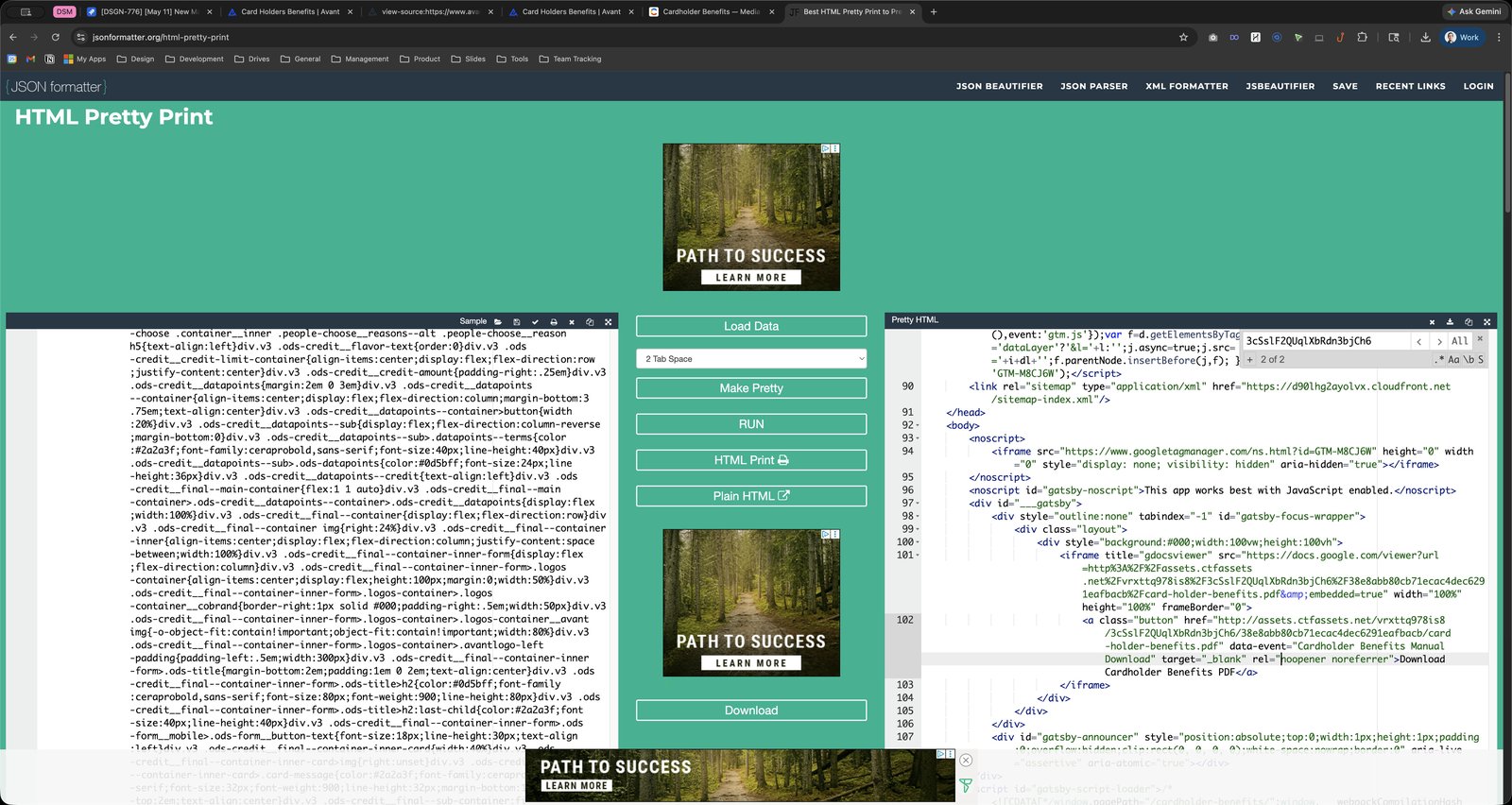
Click this group
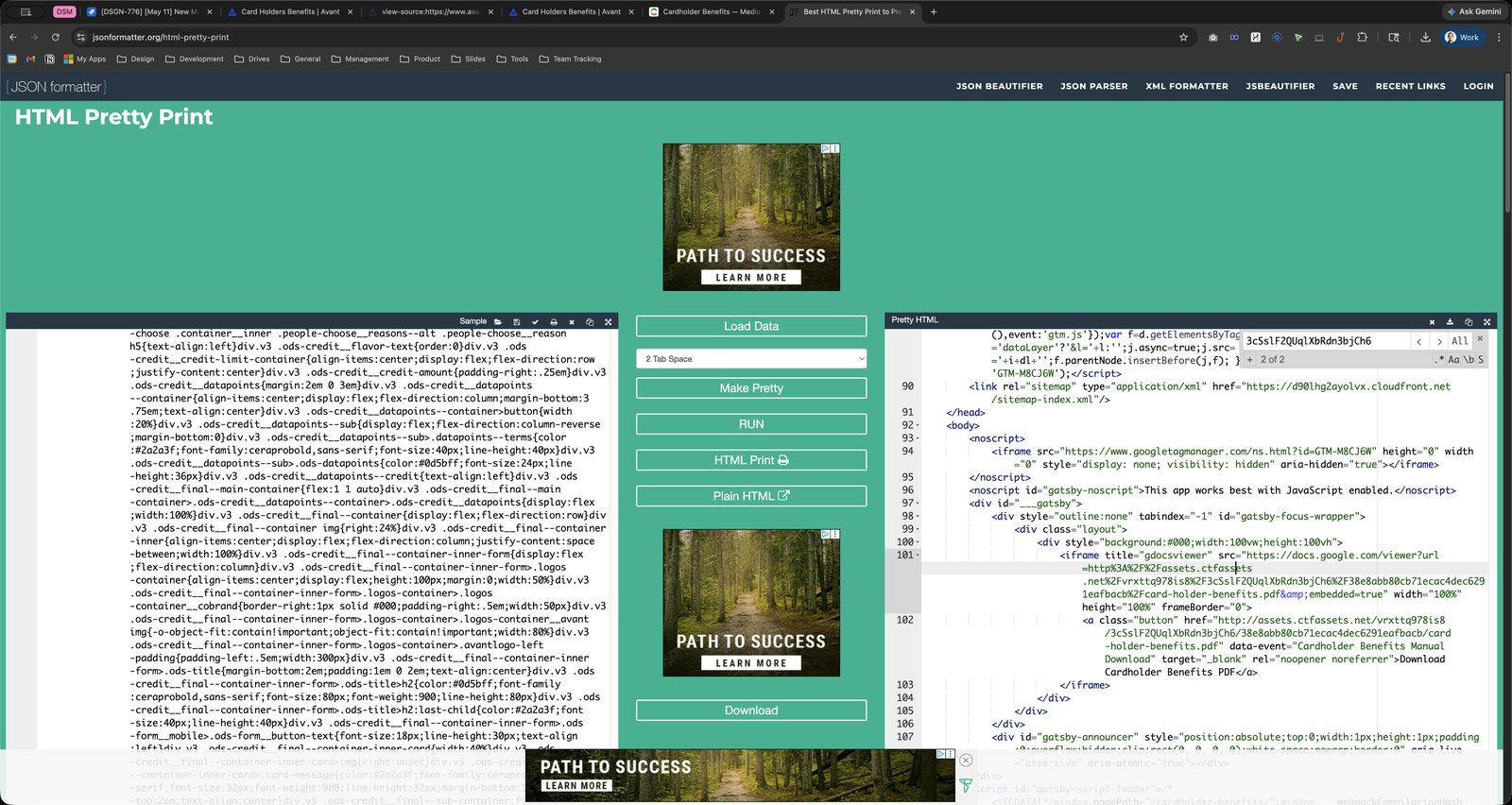
Click here
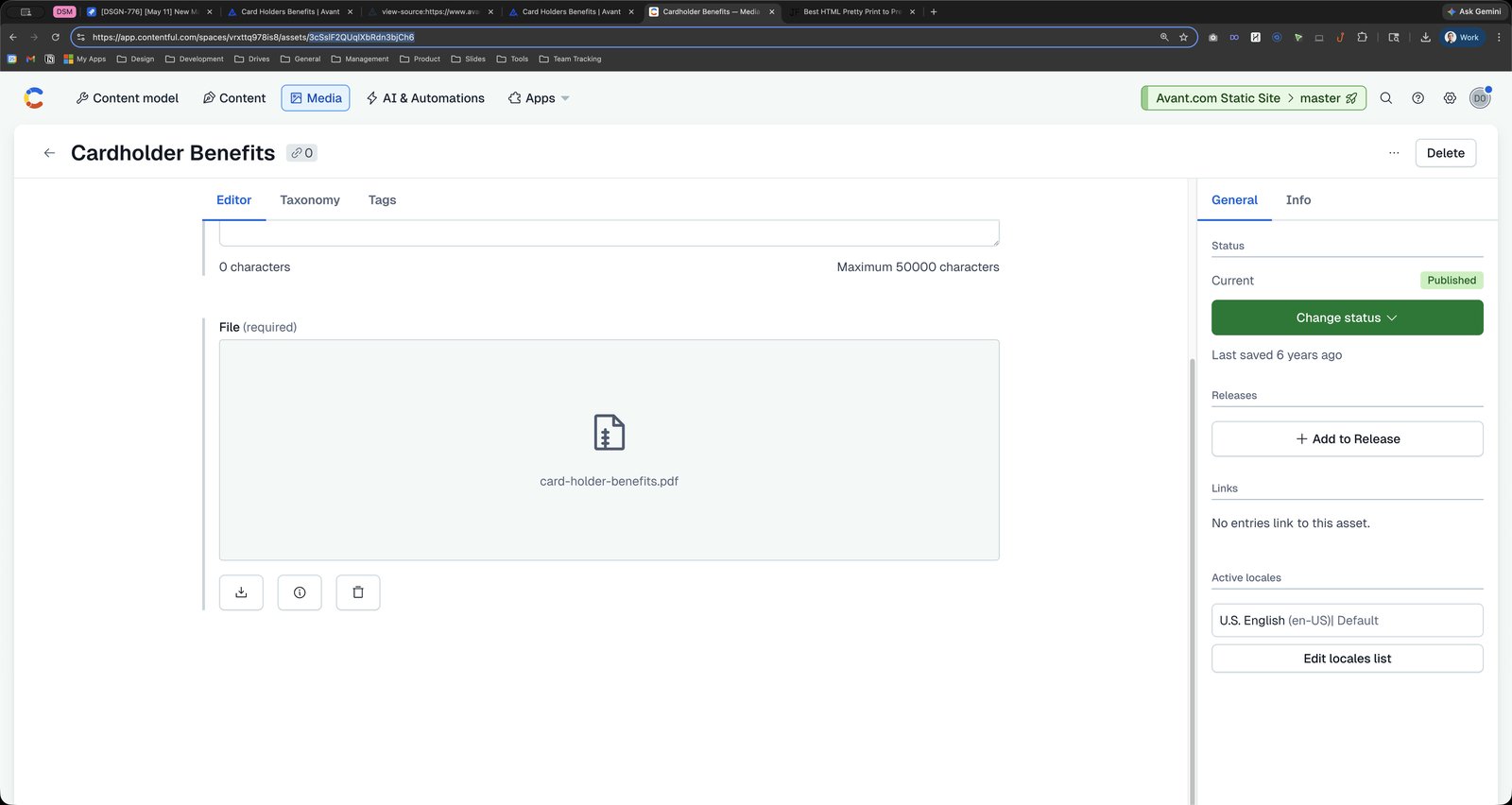
Click the text field Address and search bar
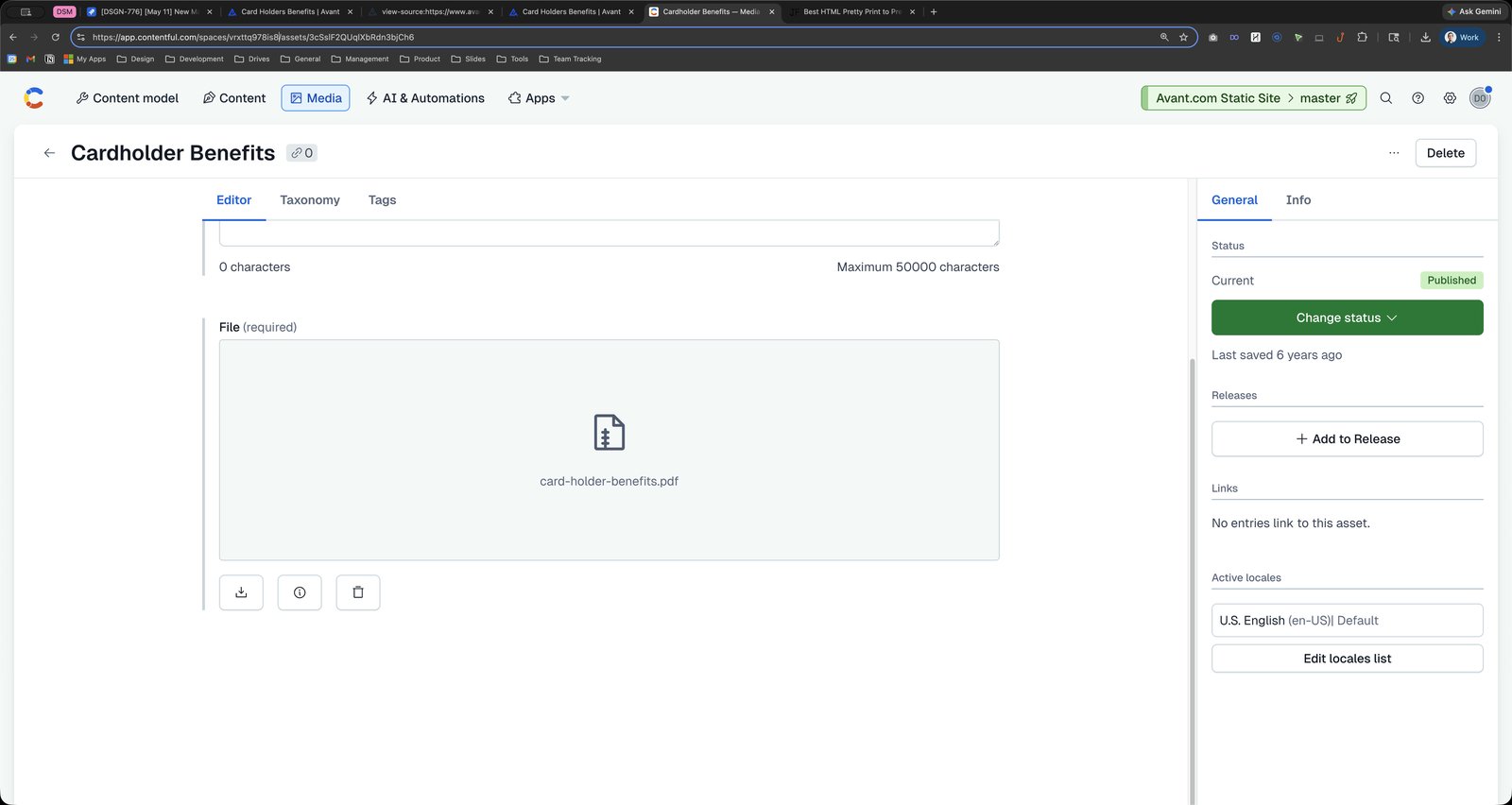
Press ⌘ c
Press ⌘ c
Press ⌘ c
Click this group
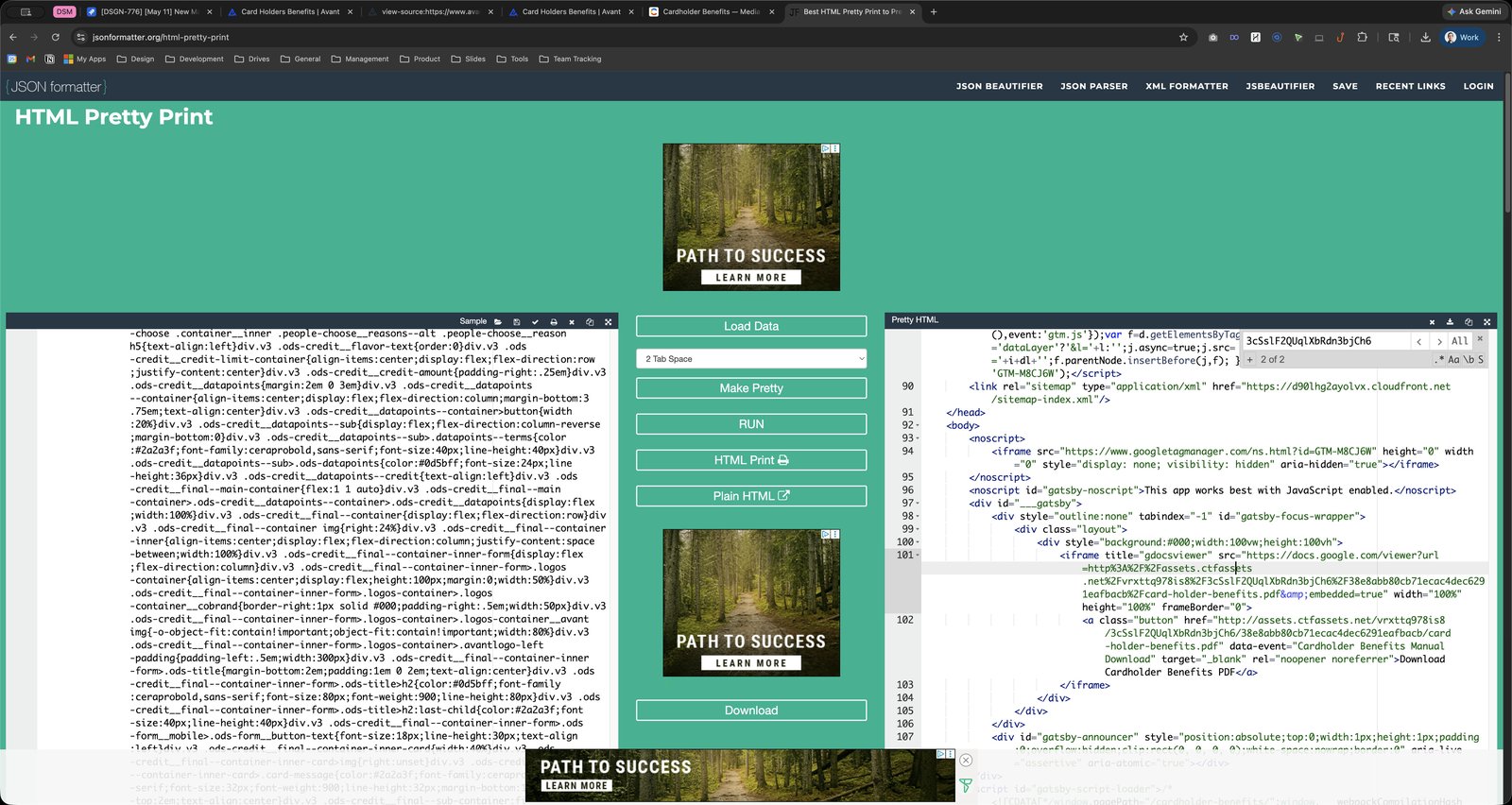
Click here
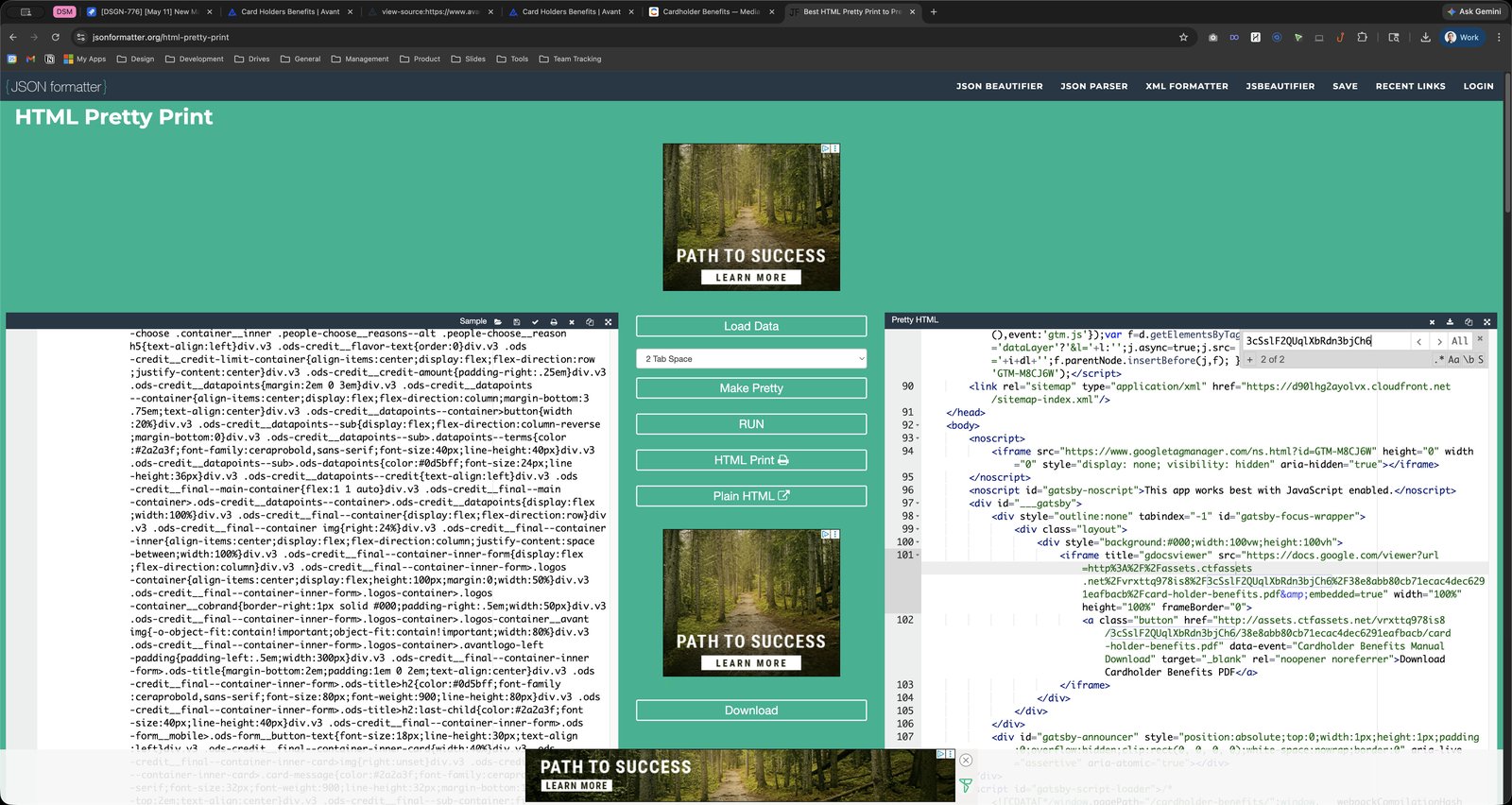
Press ⌘ a
Press ⌘ v
Click this group
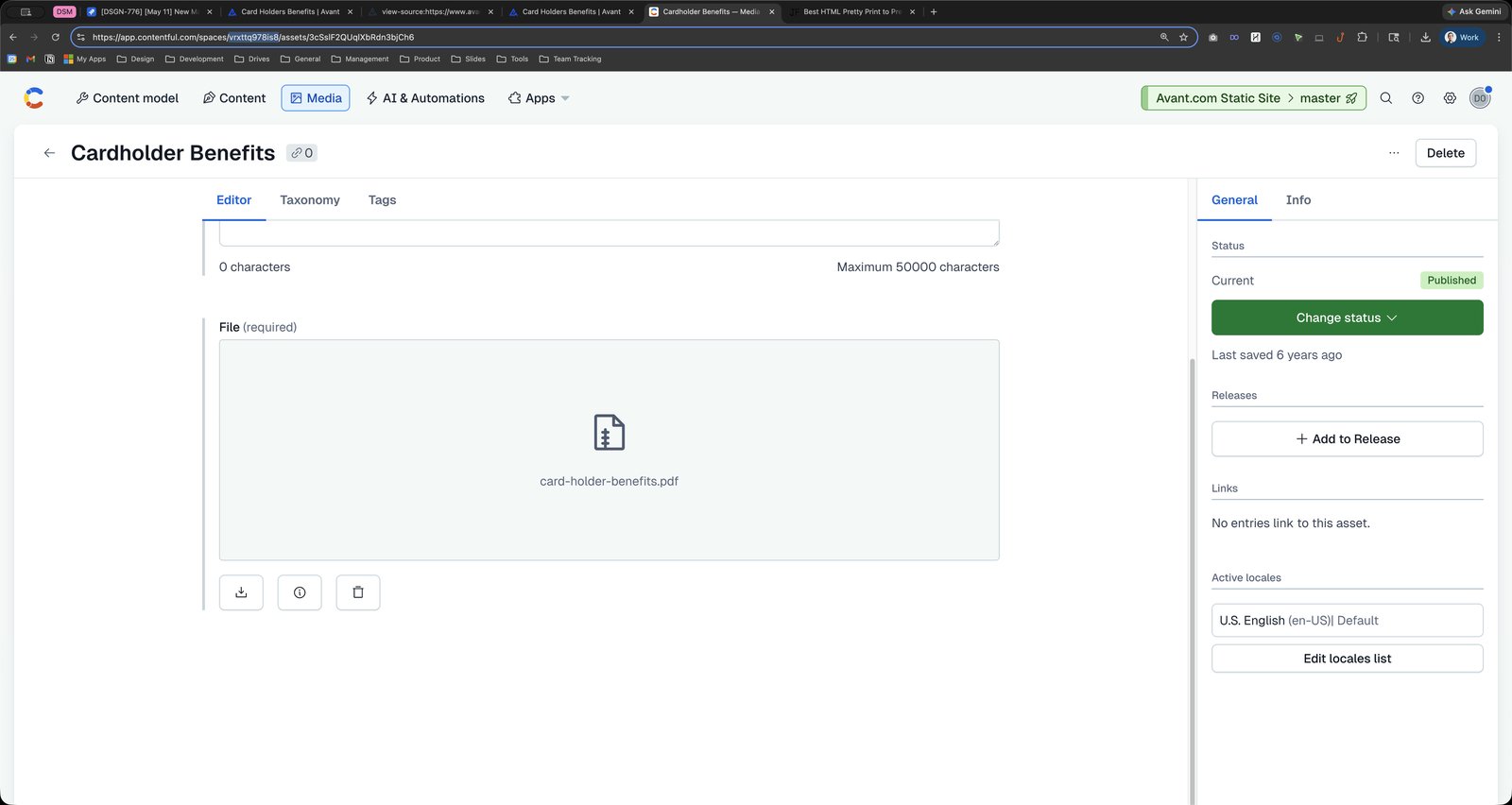
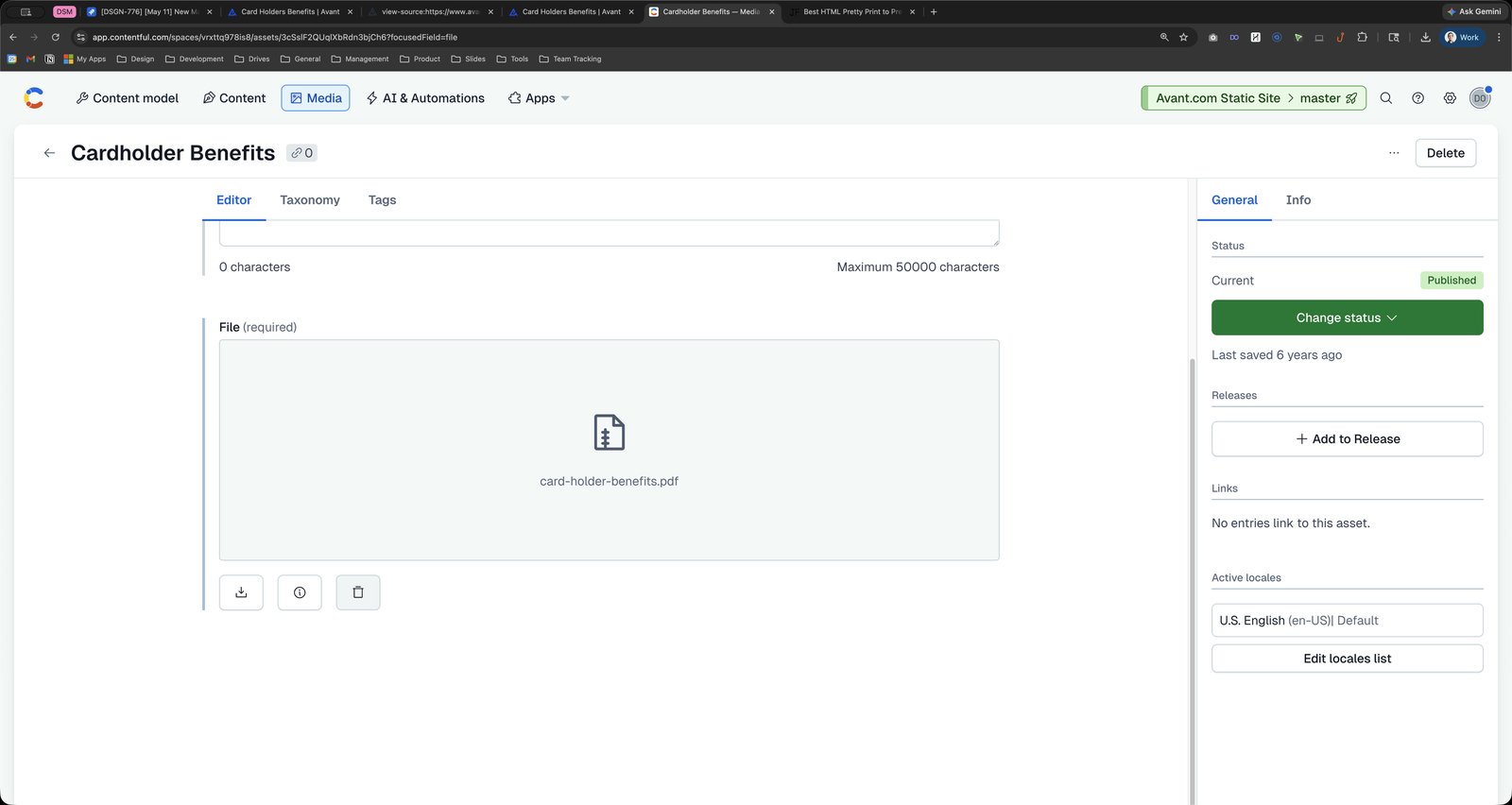


Click this group
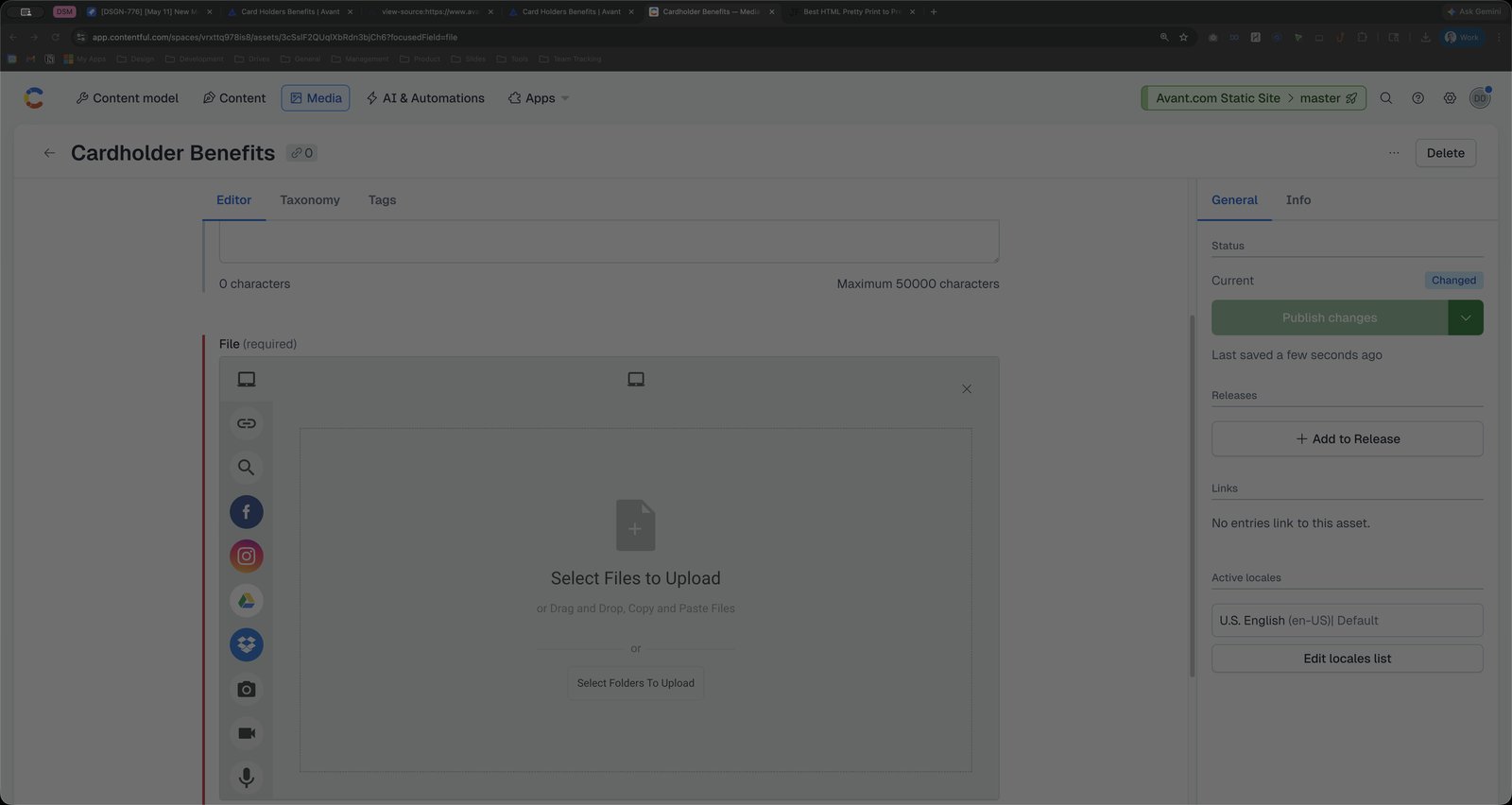
Click the Cancel
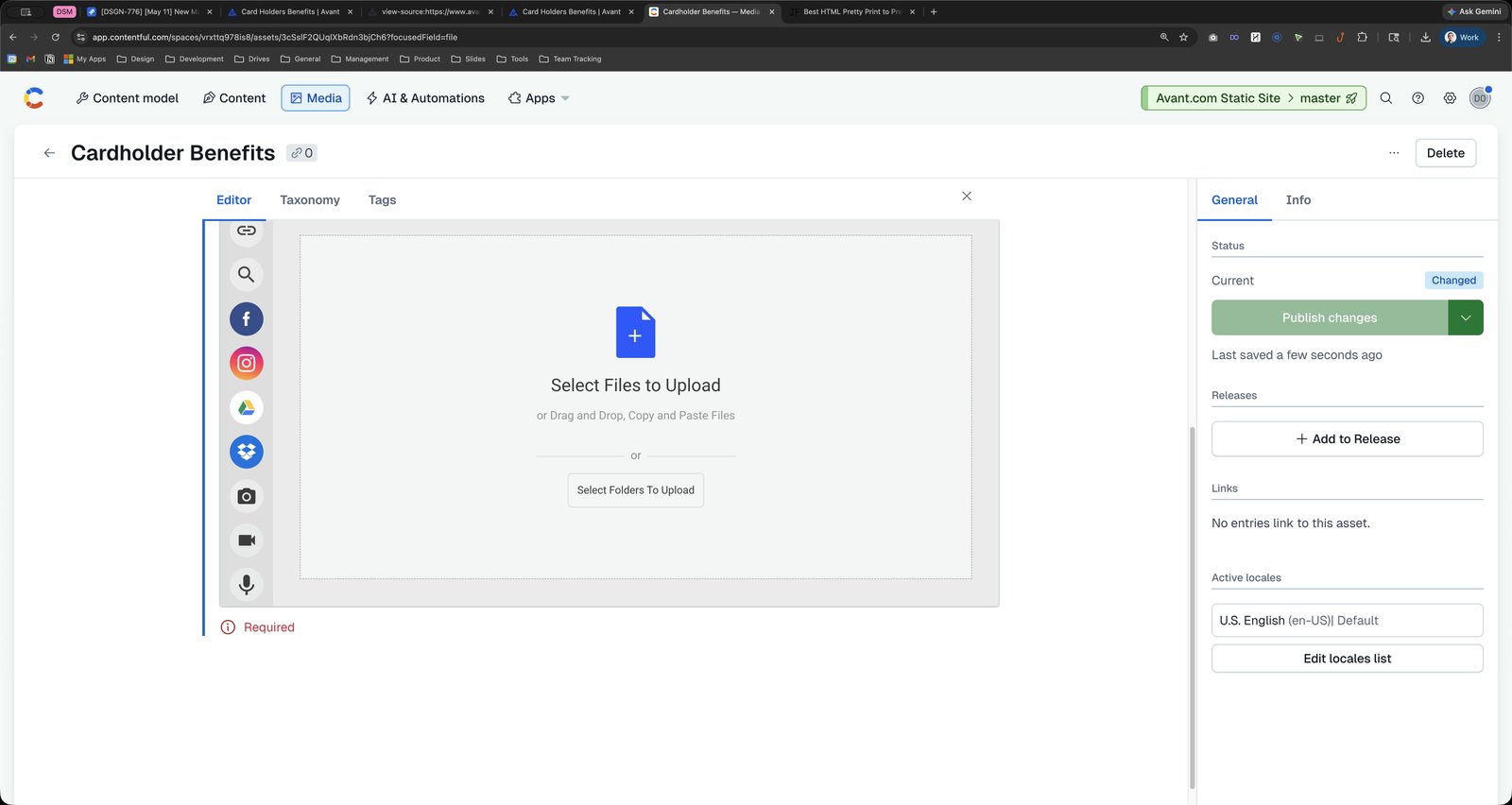
Click the Open

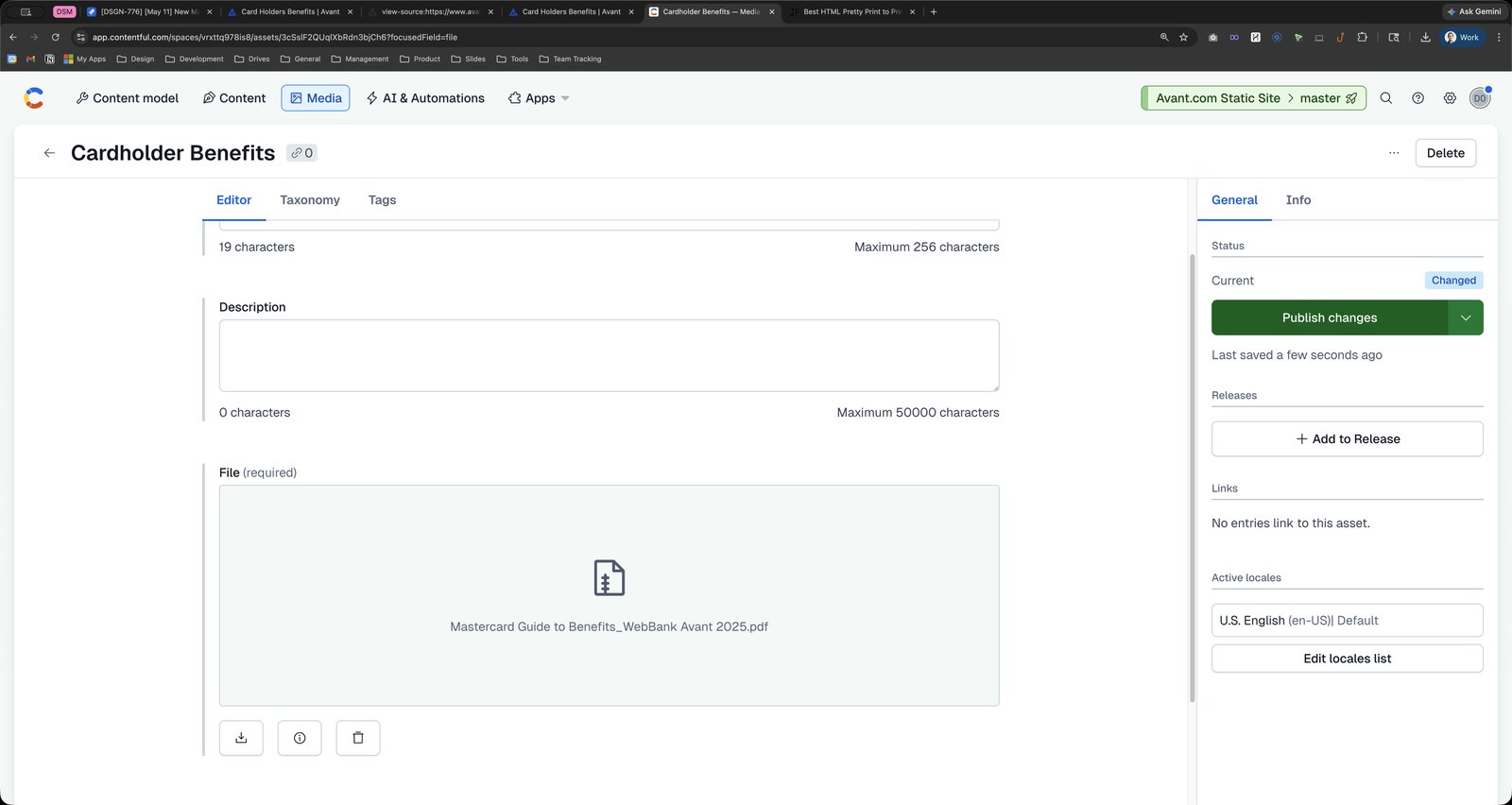
Click the text field Address and search bar

Press ⌘ c
Press ⌘ c
Press ⌘ f
Click this group

Press ⌘ v
Press ⌘ a
Press ⌘ v
Click this group

You made it to the end!
84 steps complete