How to View and Manage Product Requests and Line Items

Timjon Wilkinson
No date
26 steps
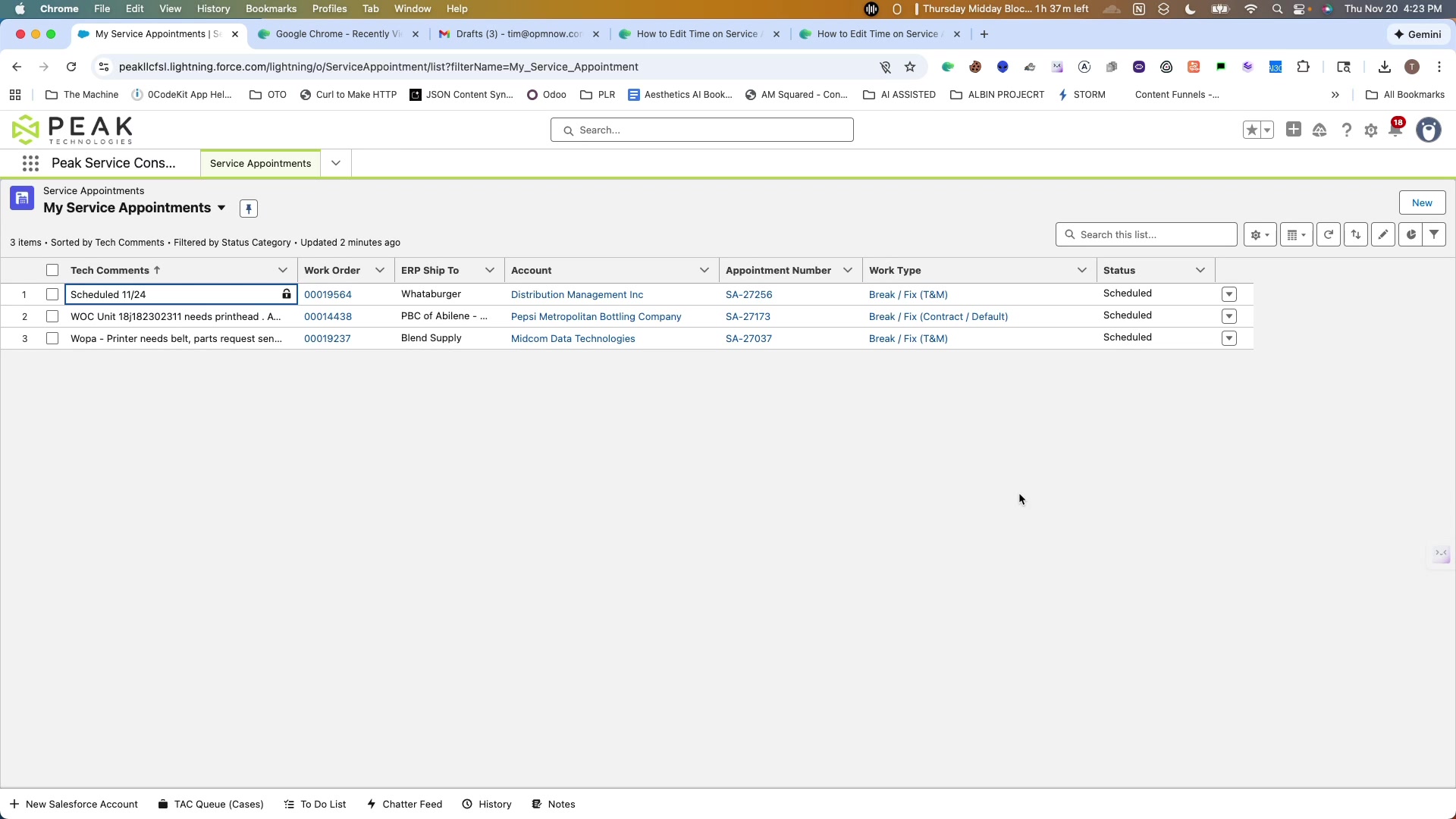
1
Open Google Chrome - SA-26791 | Service Appointment | Salesforce
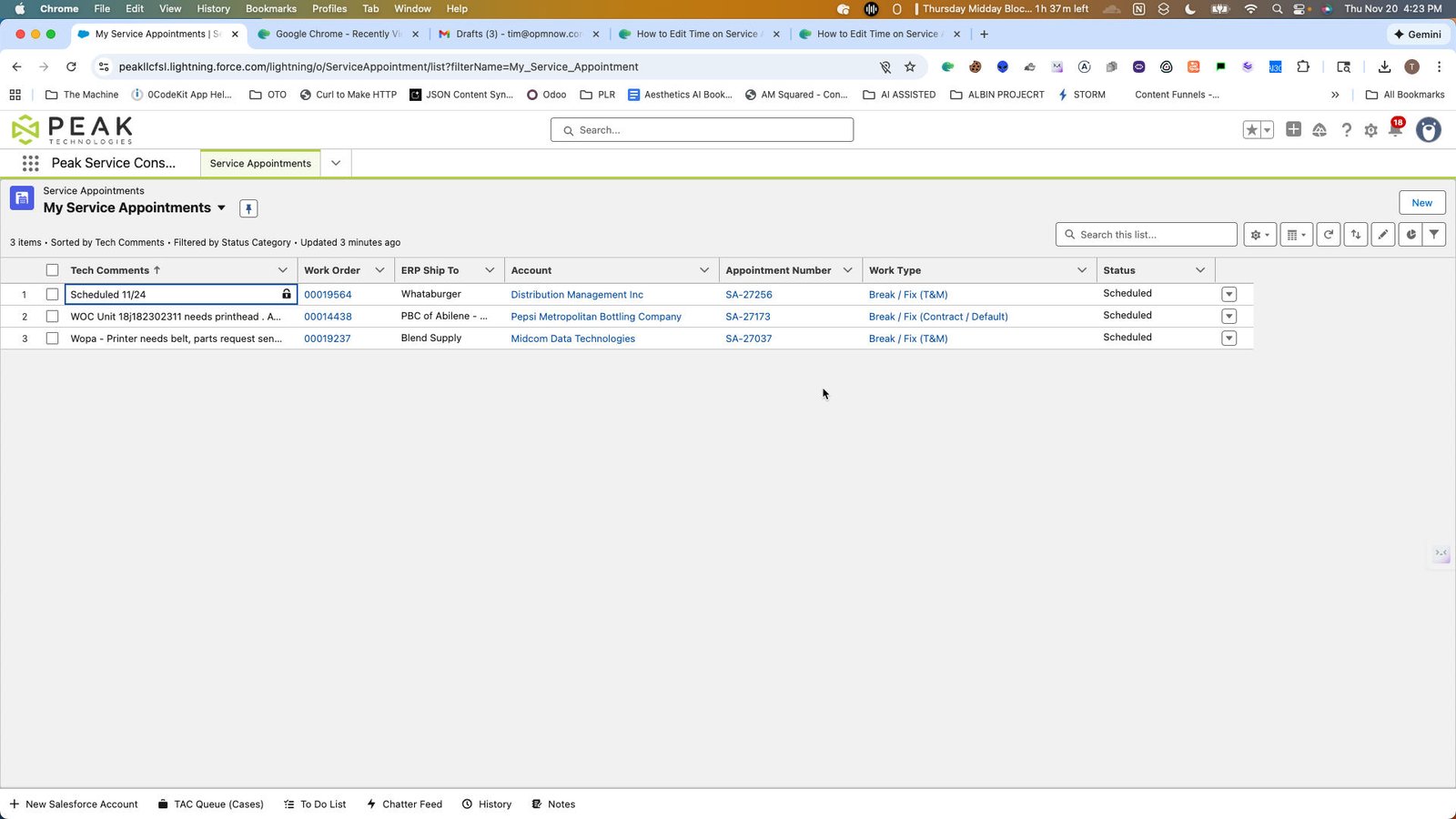
2
Open Google Chrome - My Service Appointments | Service Appointments | Salesforce
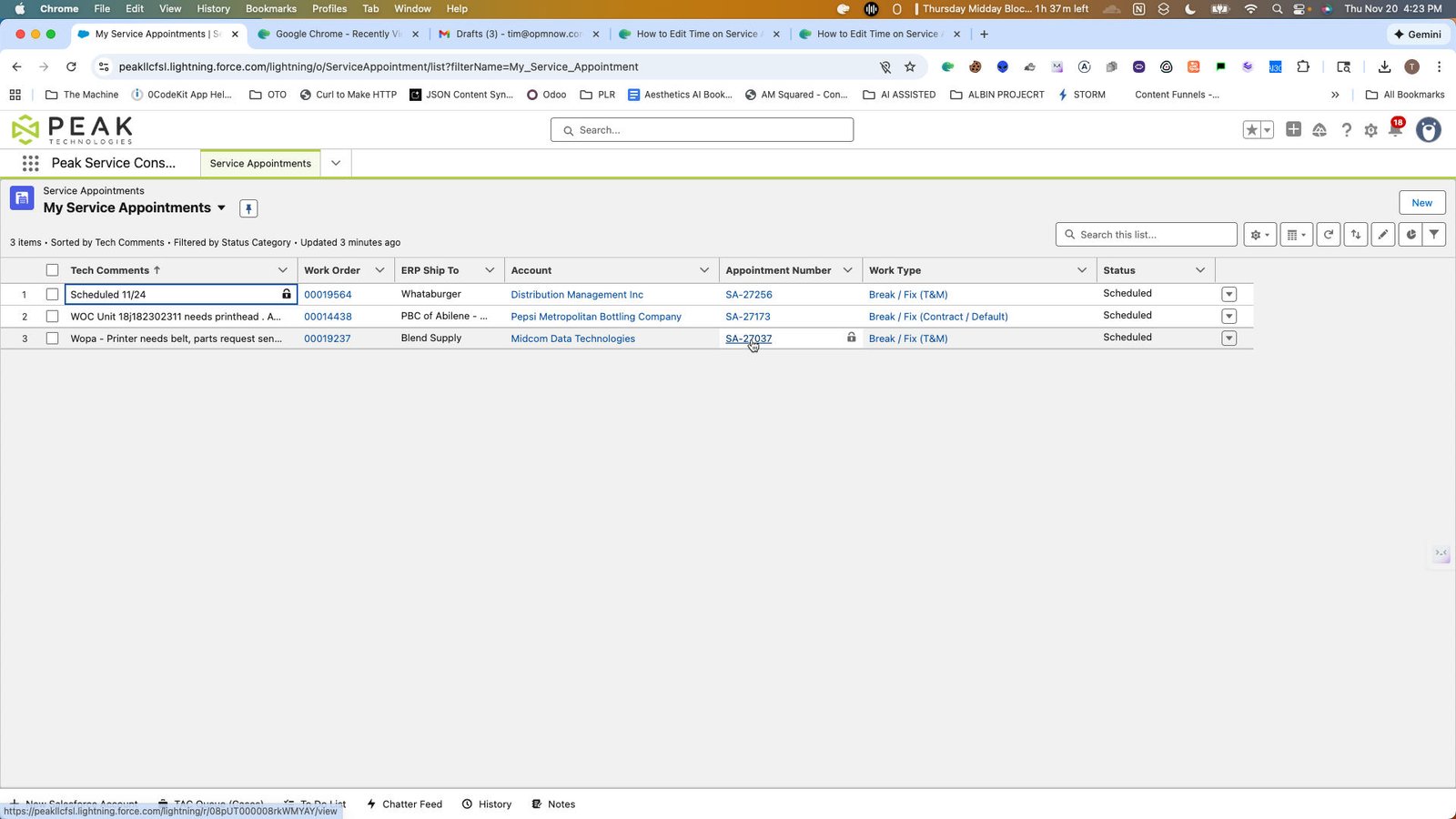
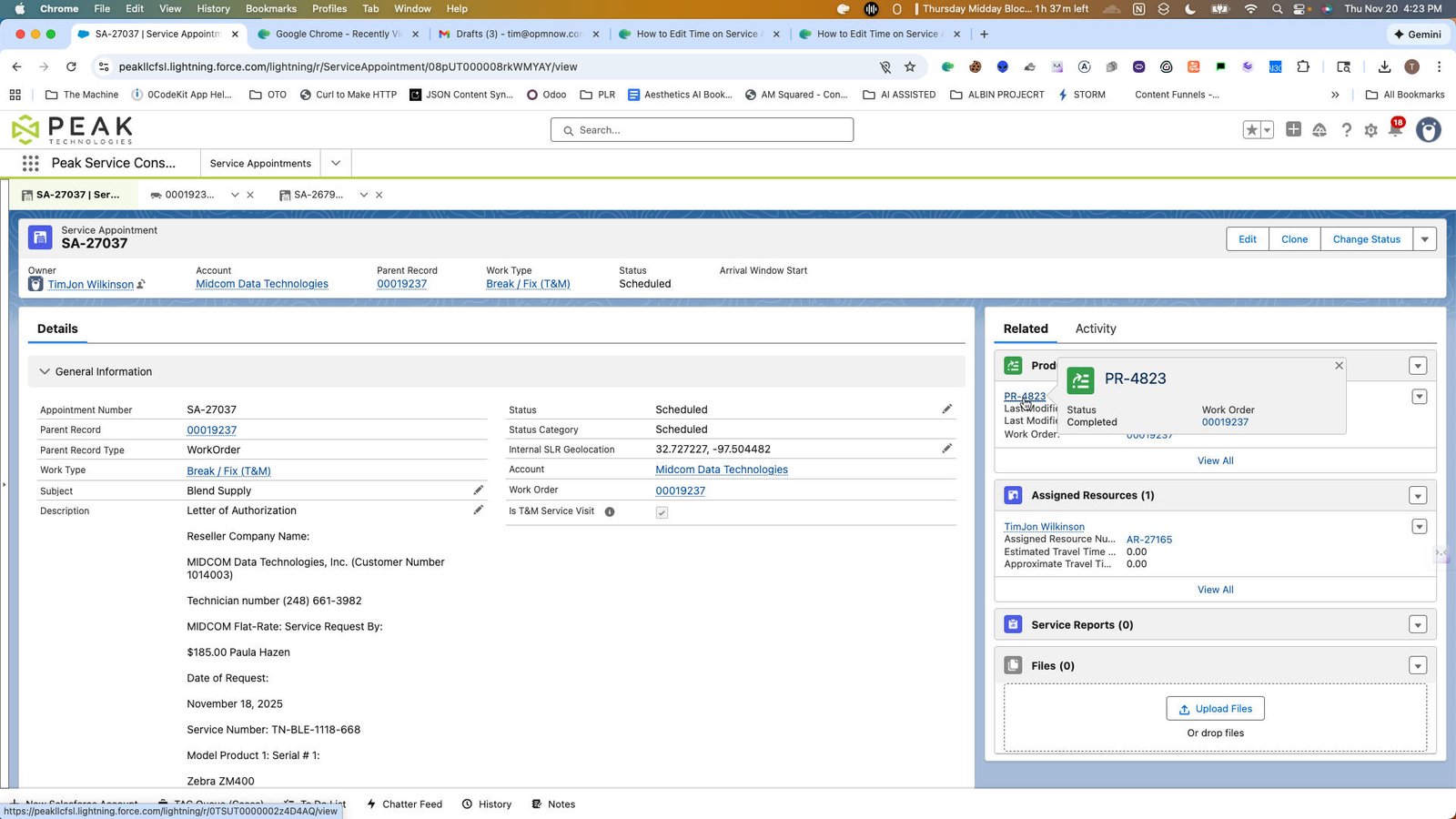
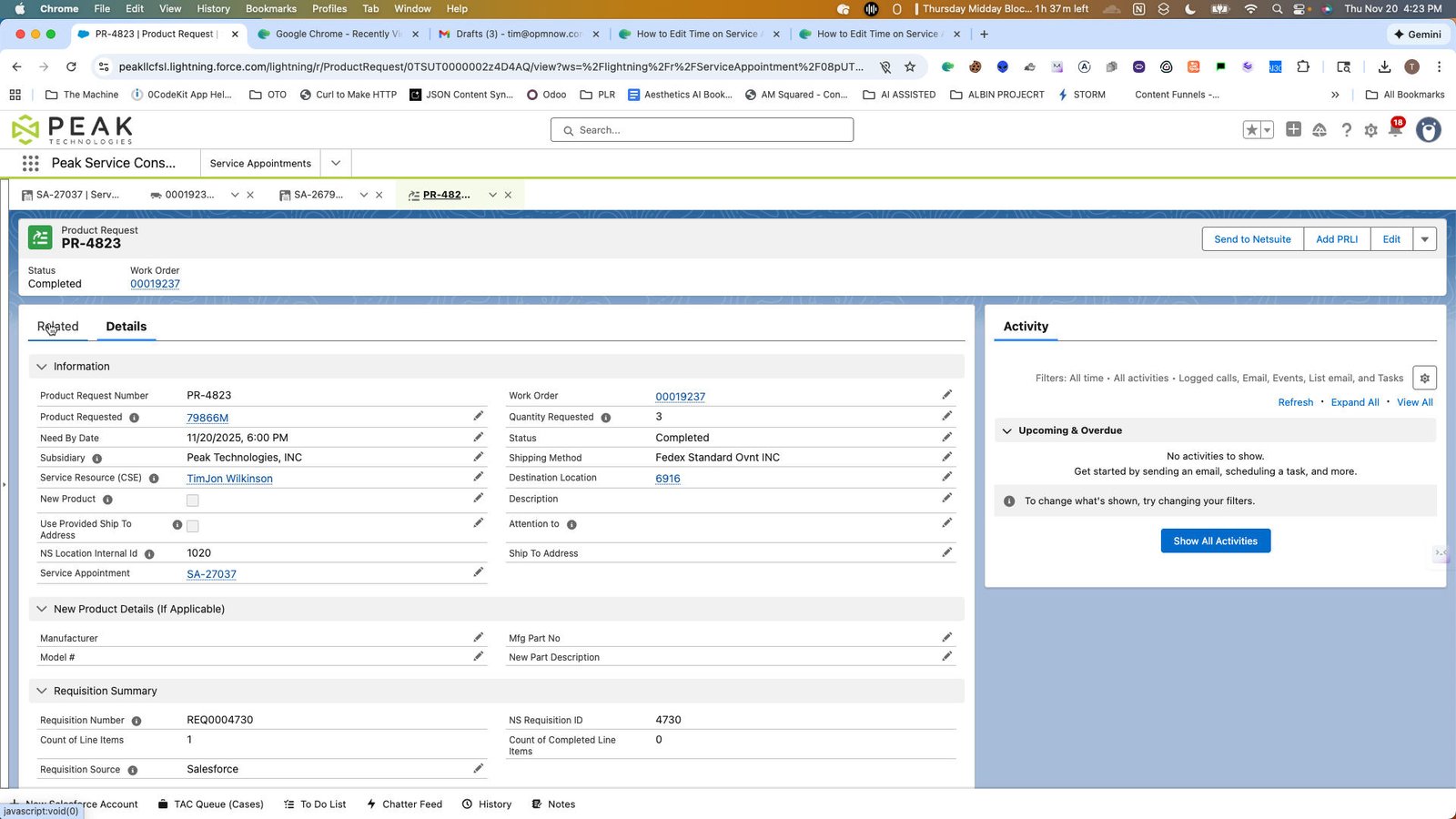
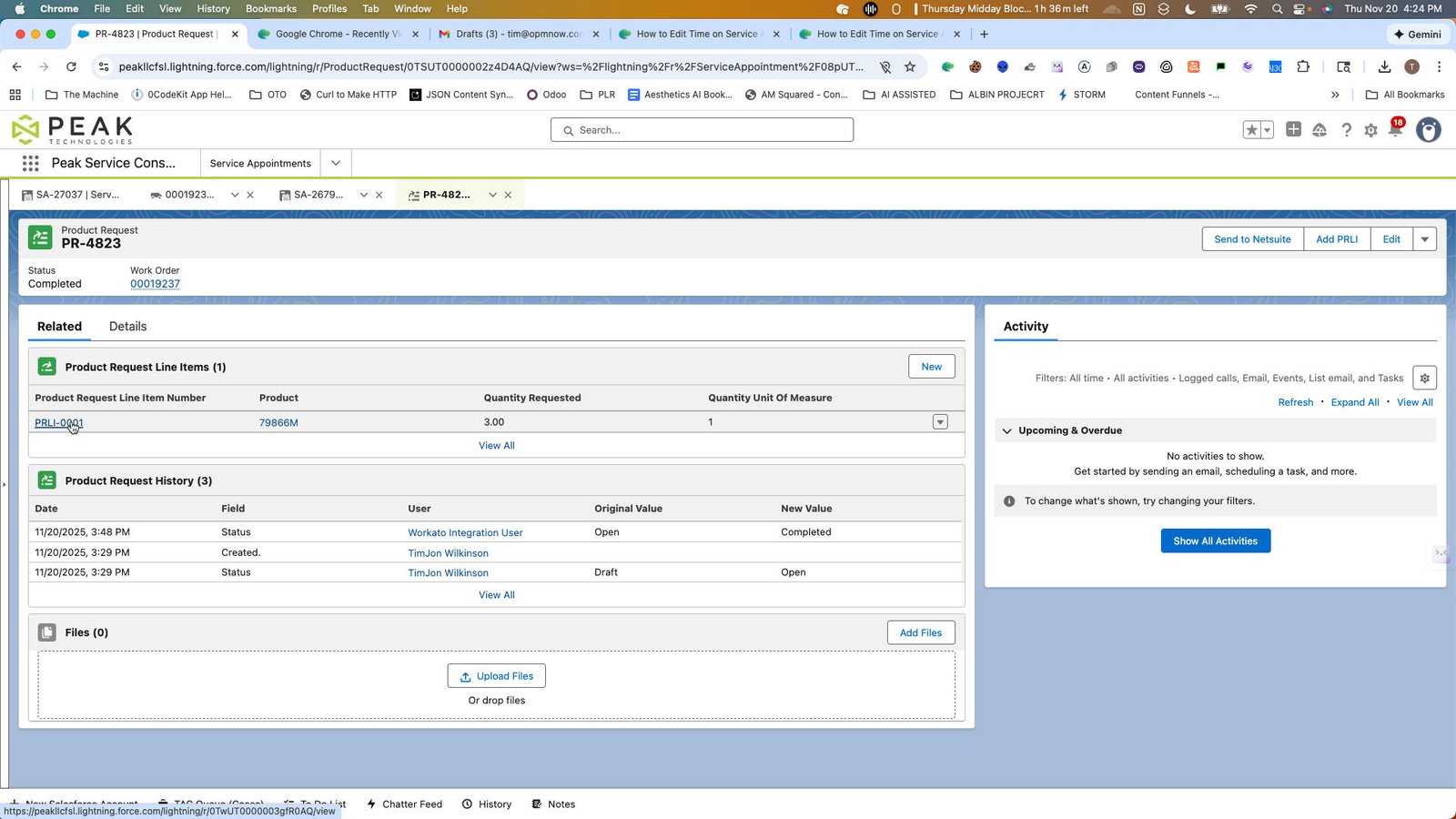
6
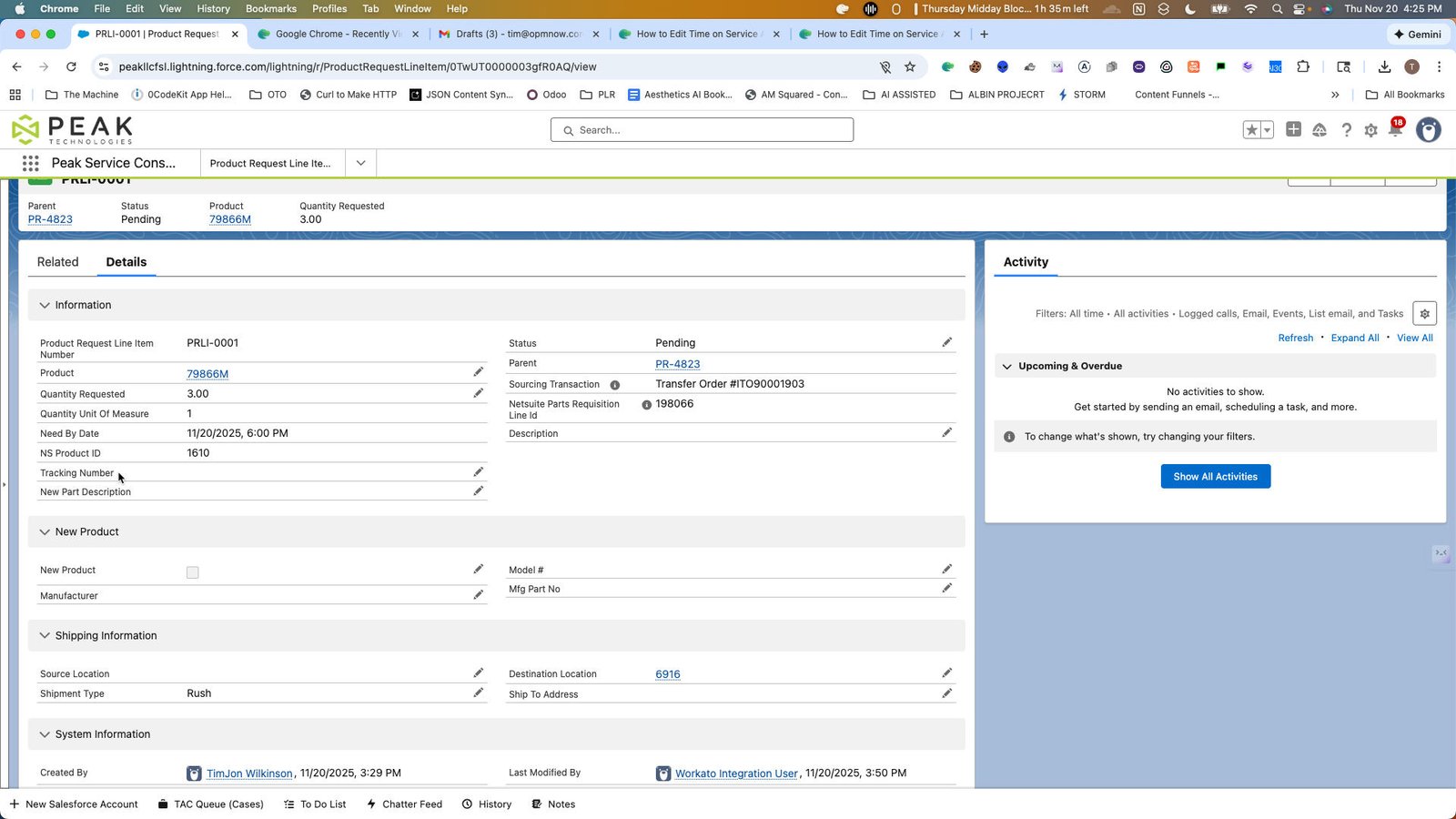
Click the Information
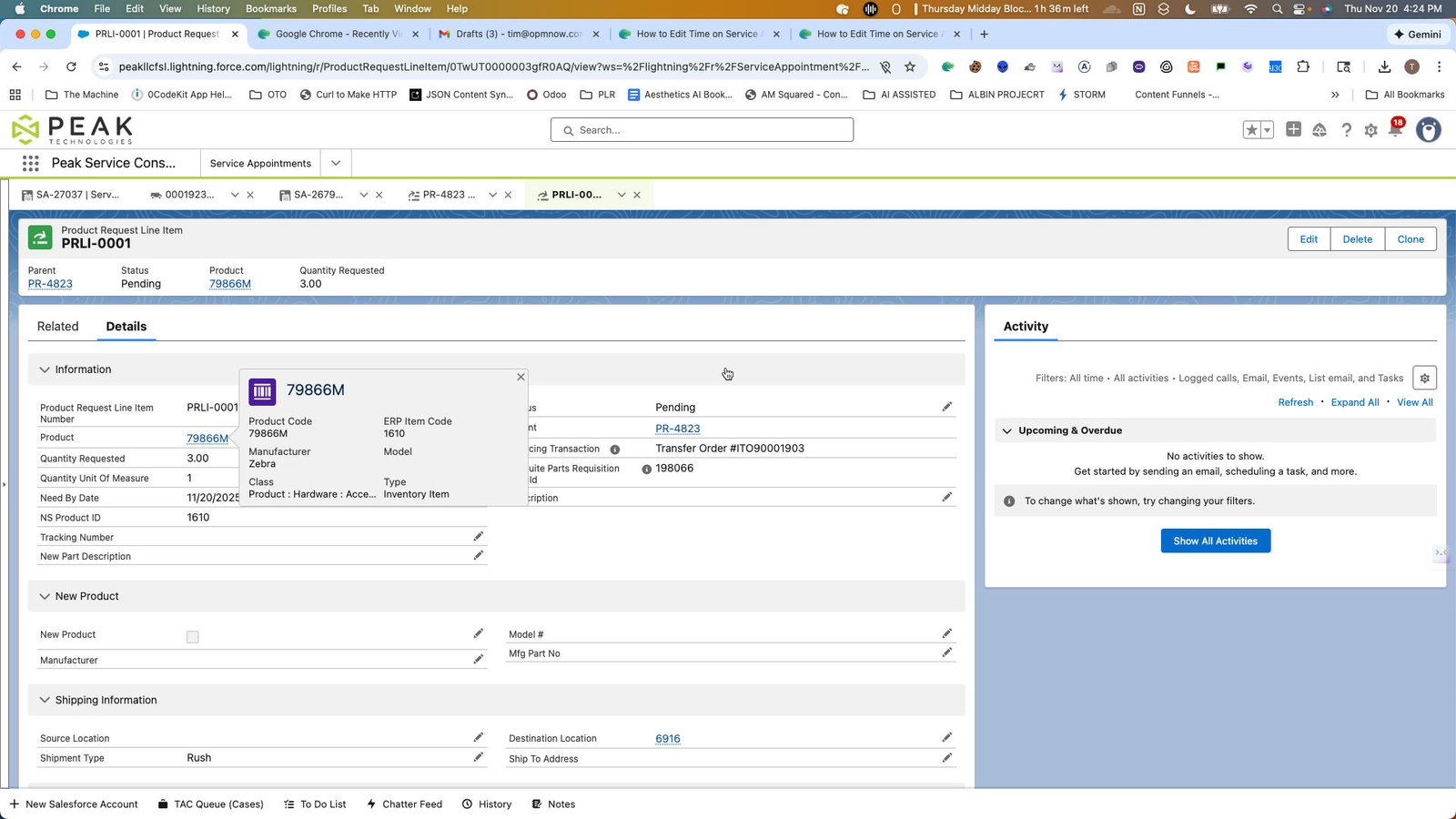
7
Click here
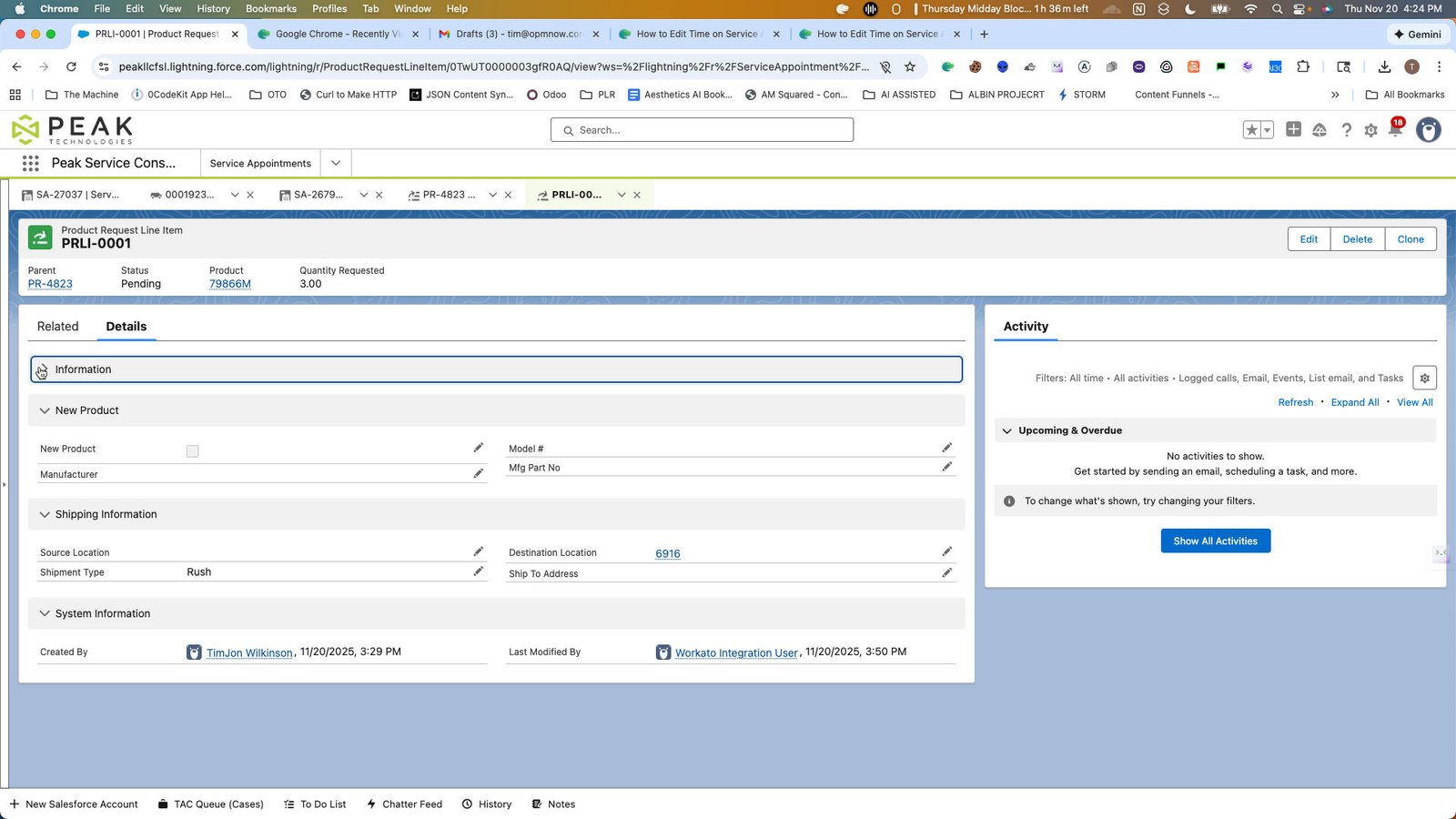
8
Click this group
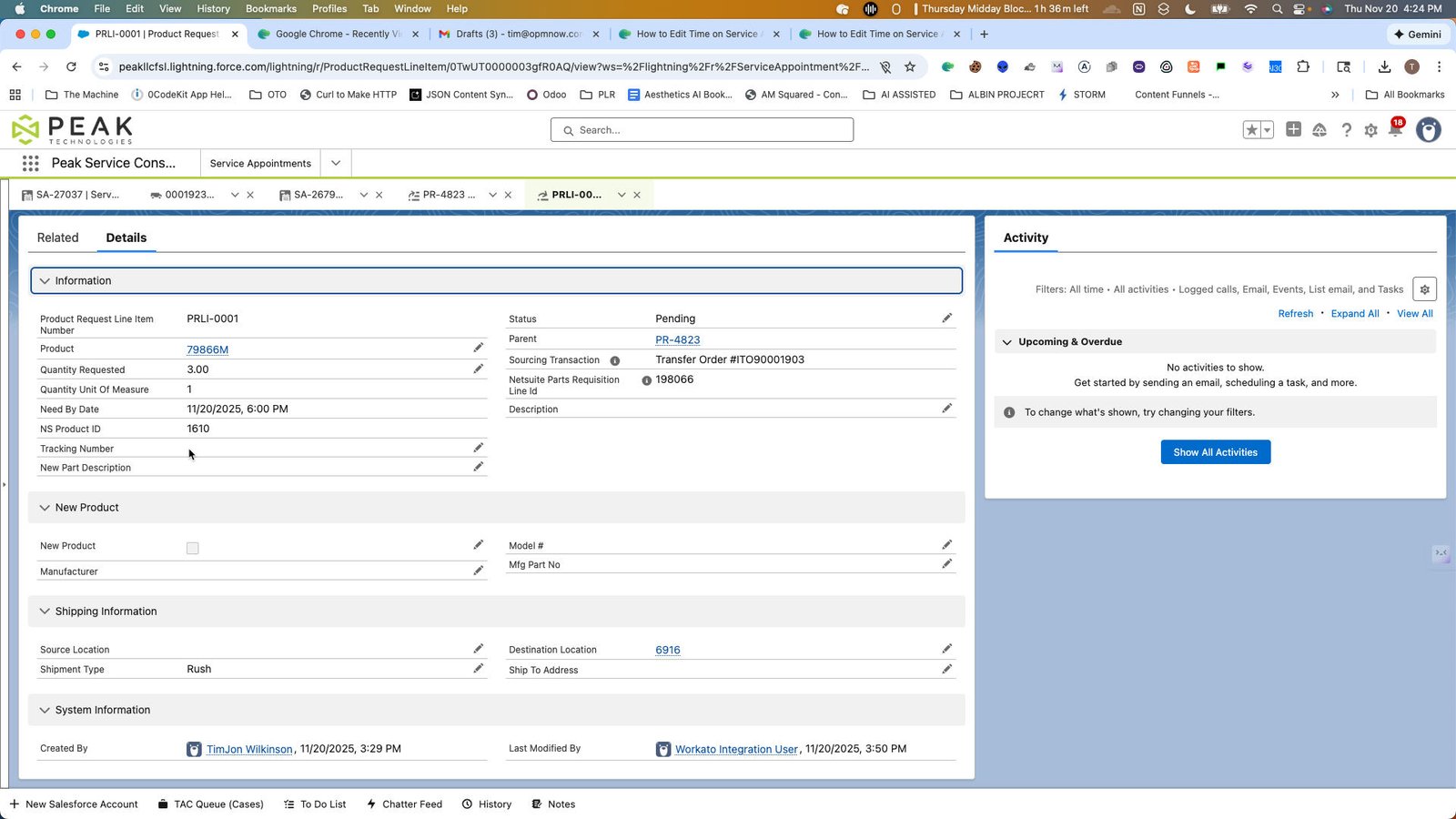
9
Click here
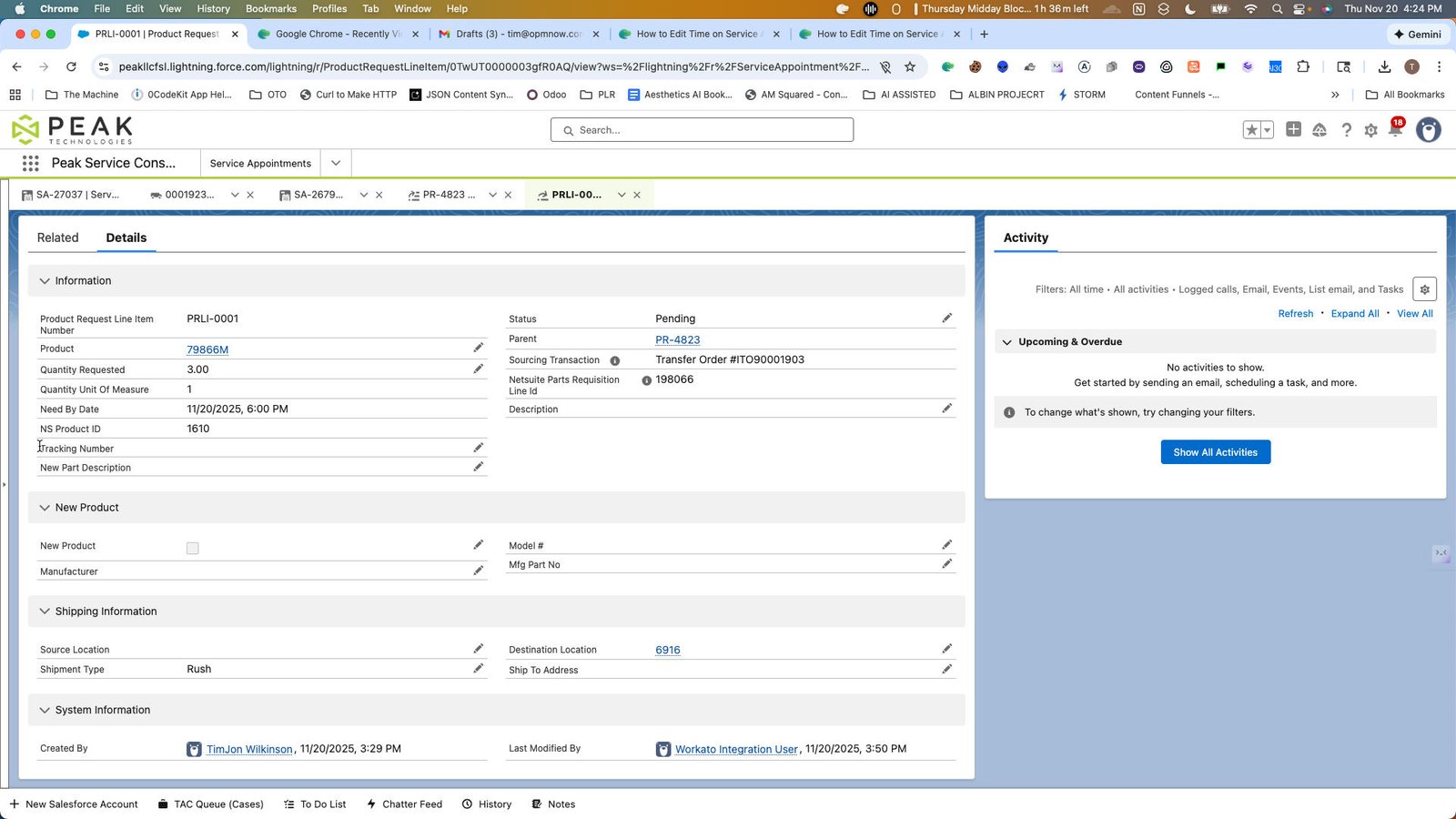
10
Click this group
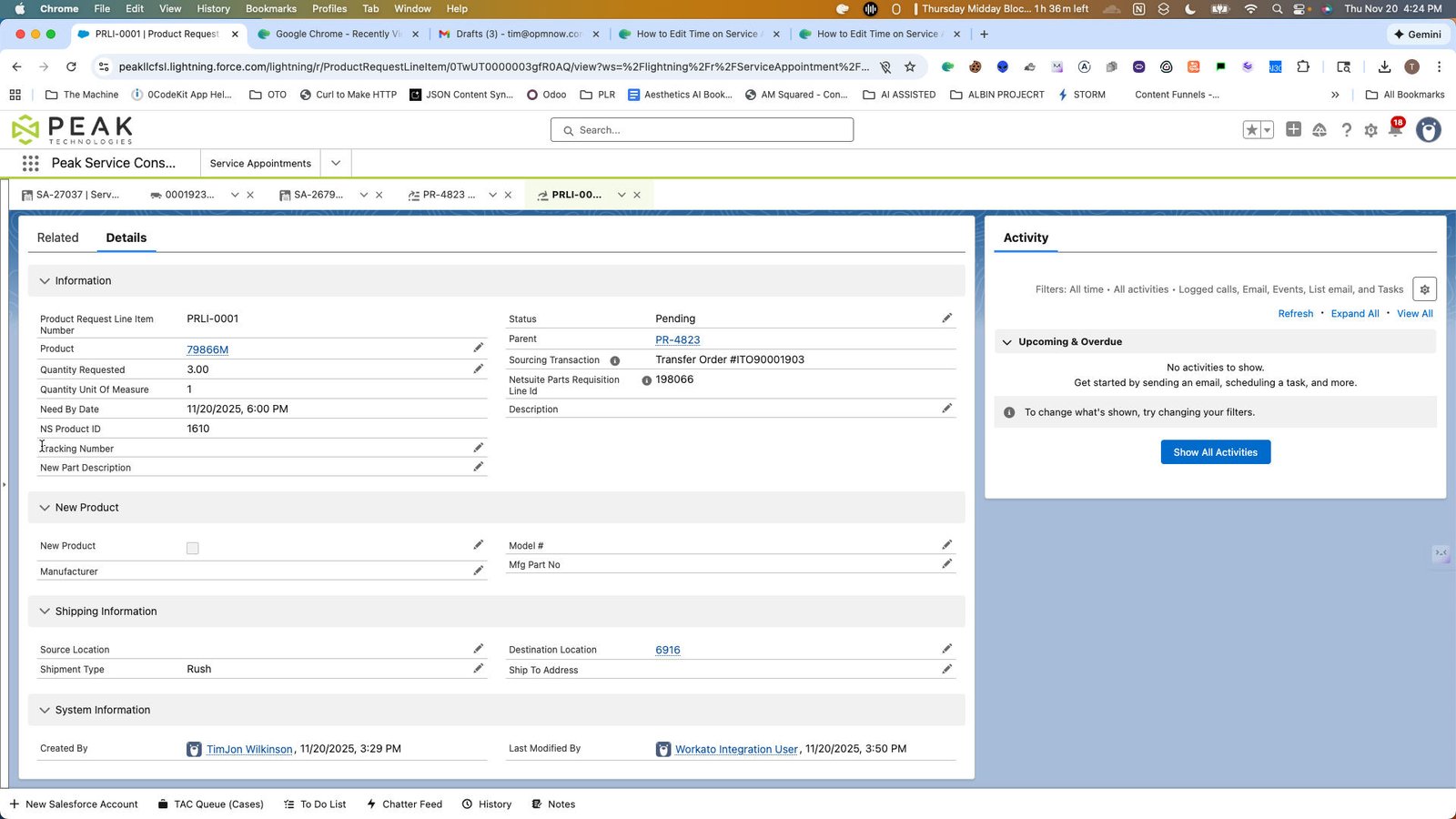
11
Click here
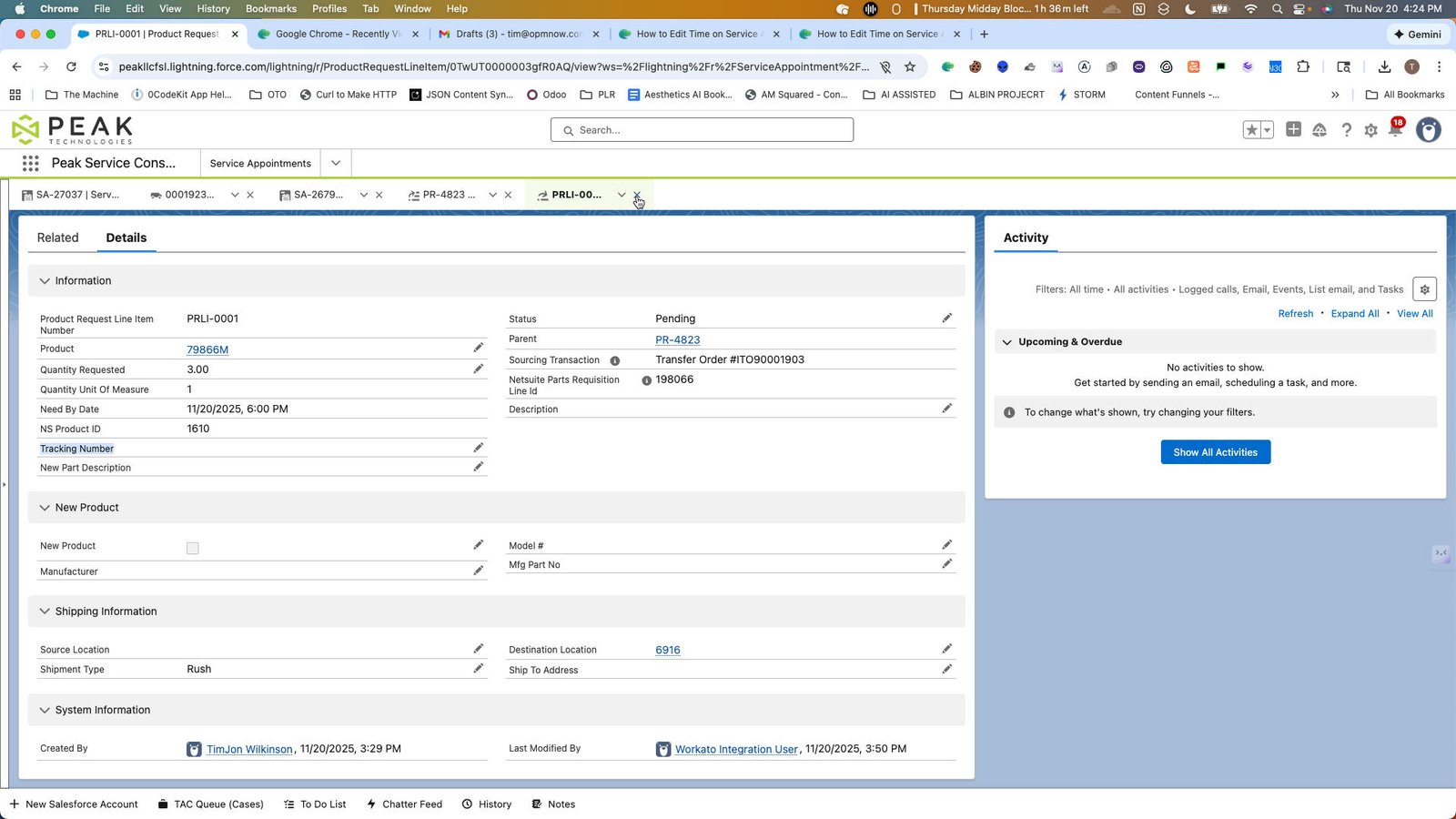
12
Click this group
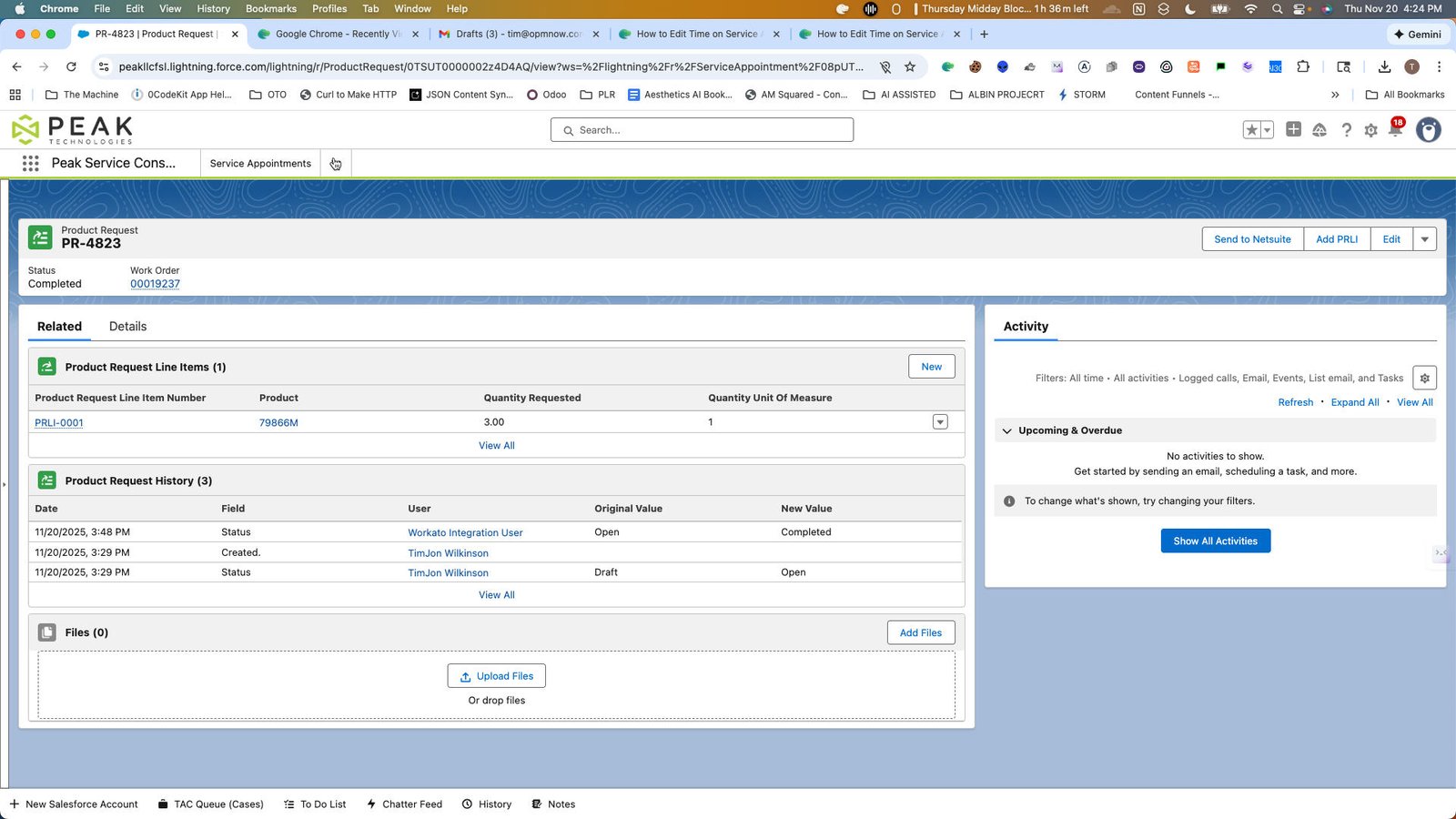
13
Click here
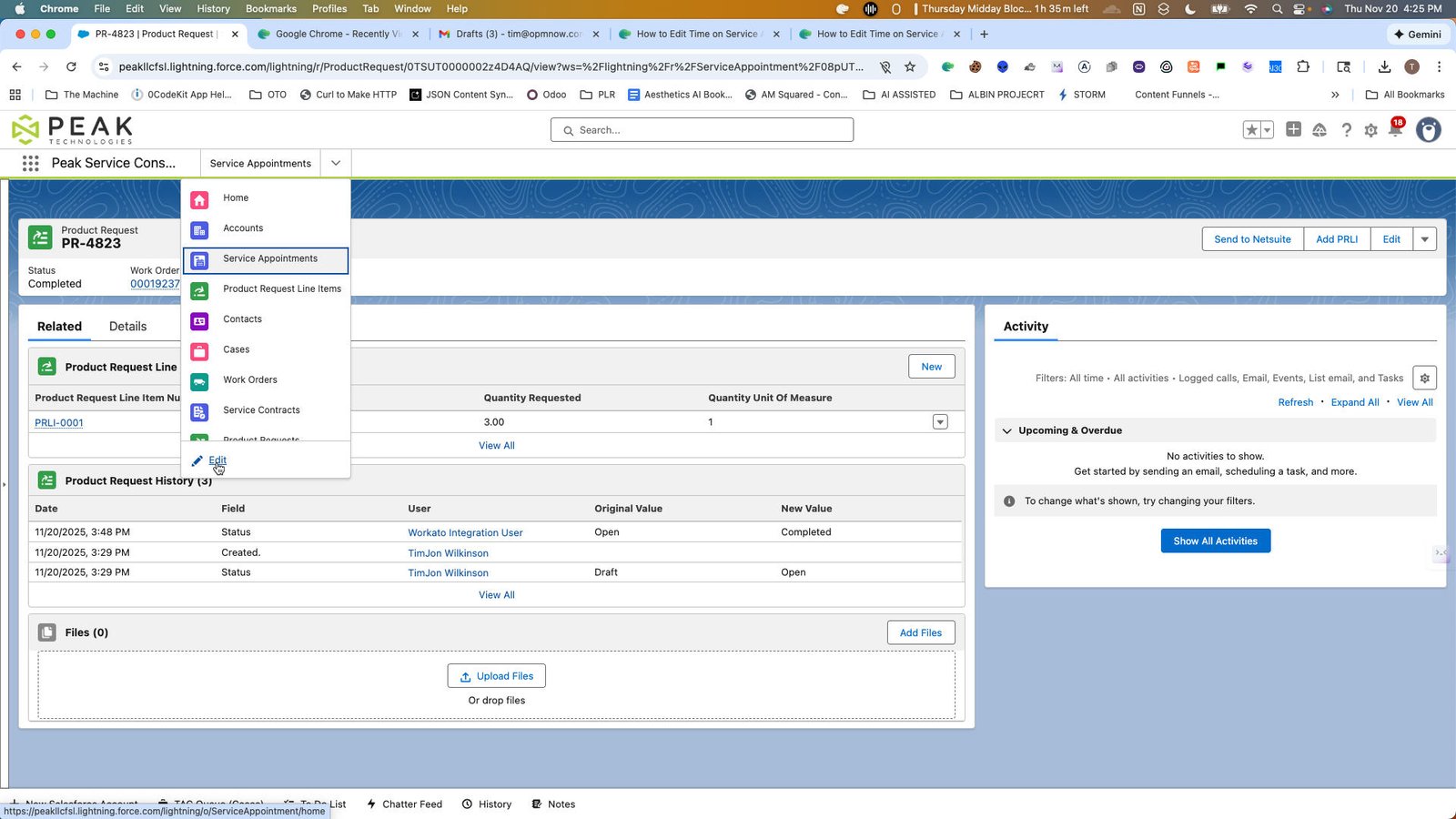
14
Click the Add More Items
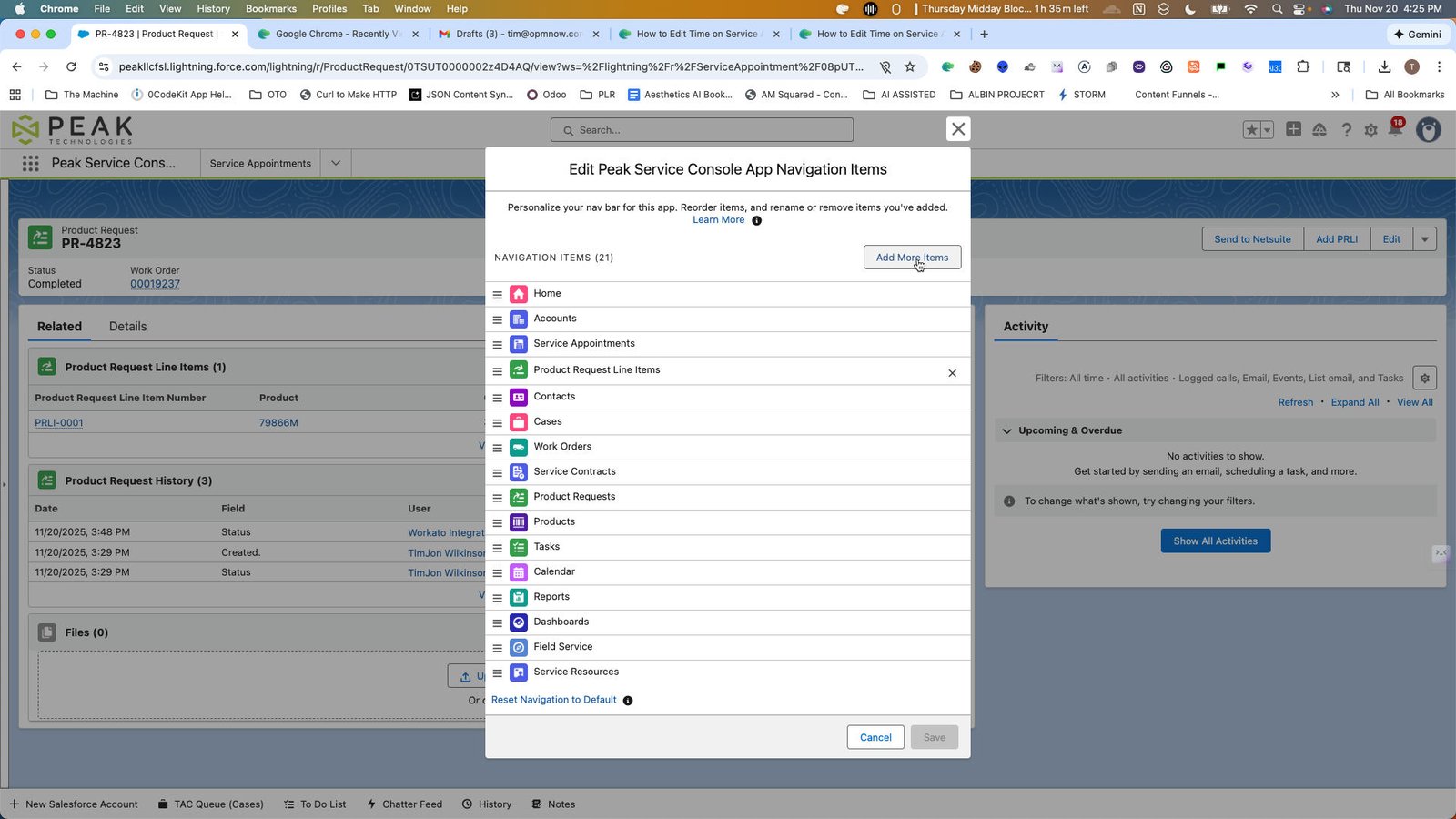
15
Click the Search all items...
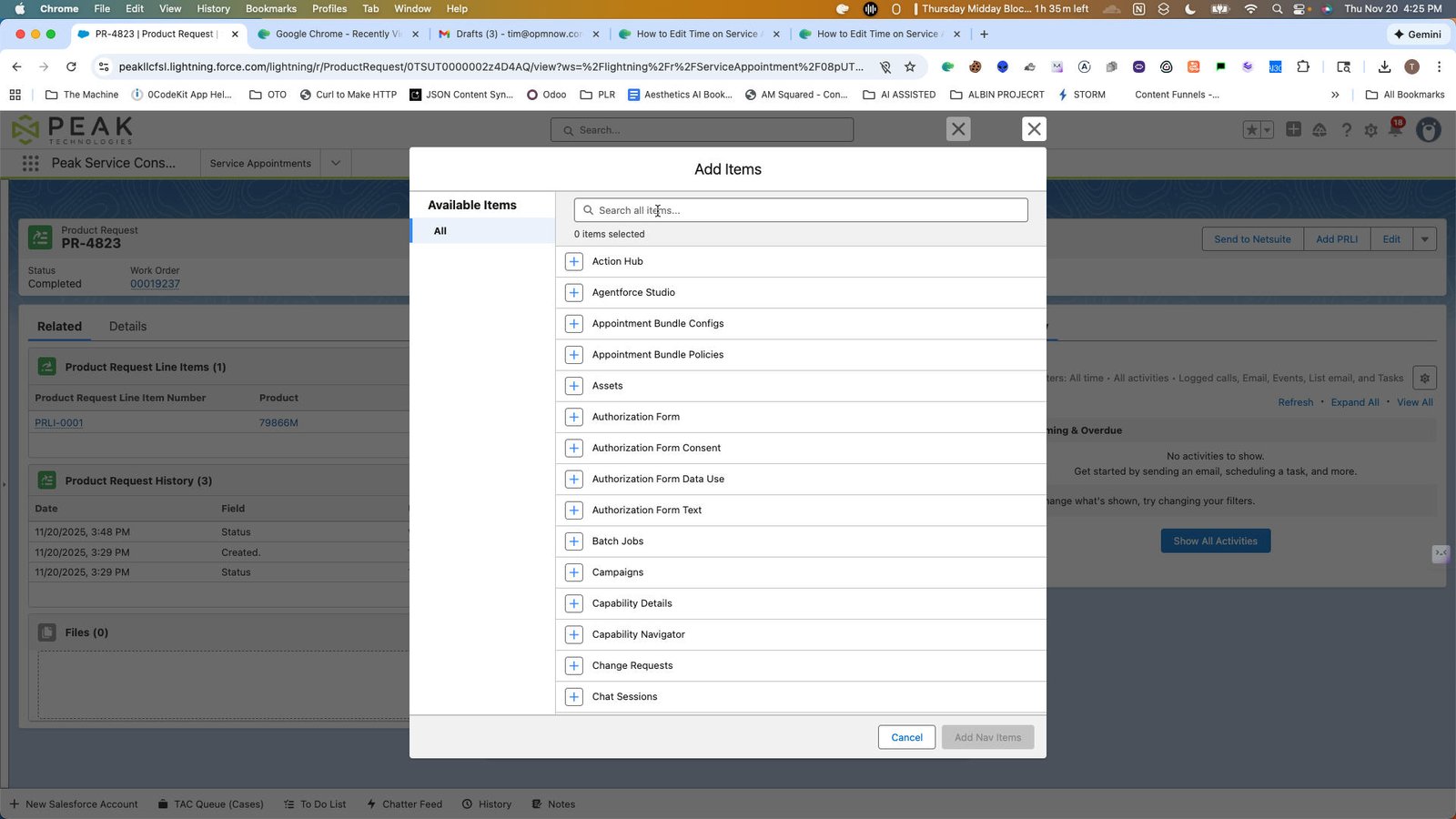
16
Click the Cancel
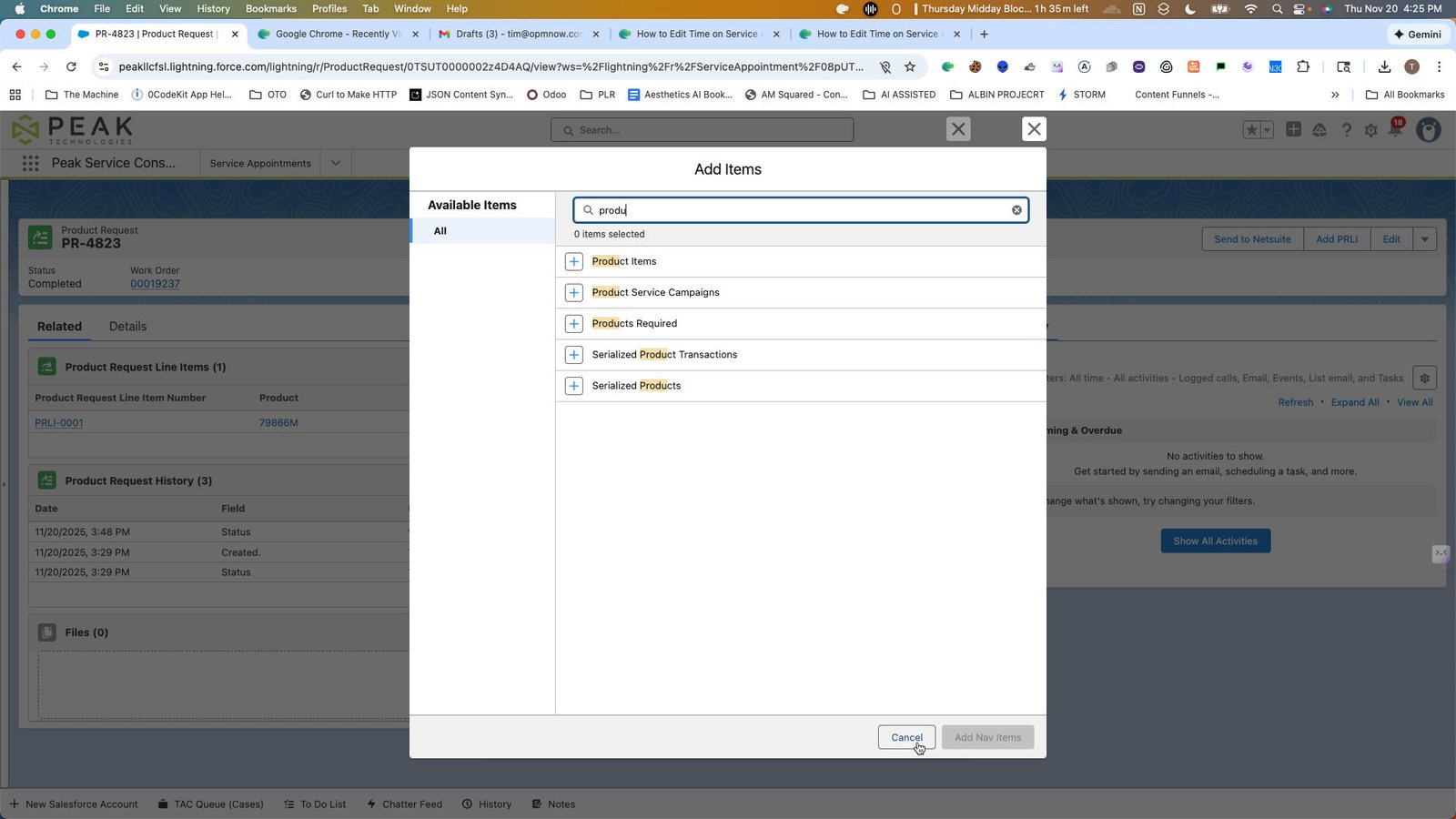
17
Click this group
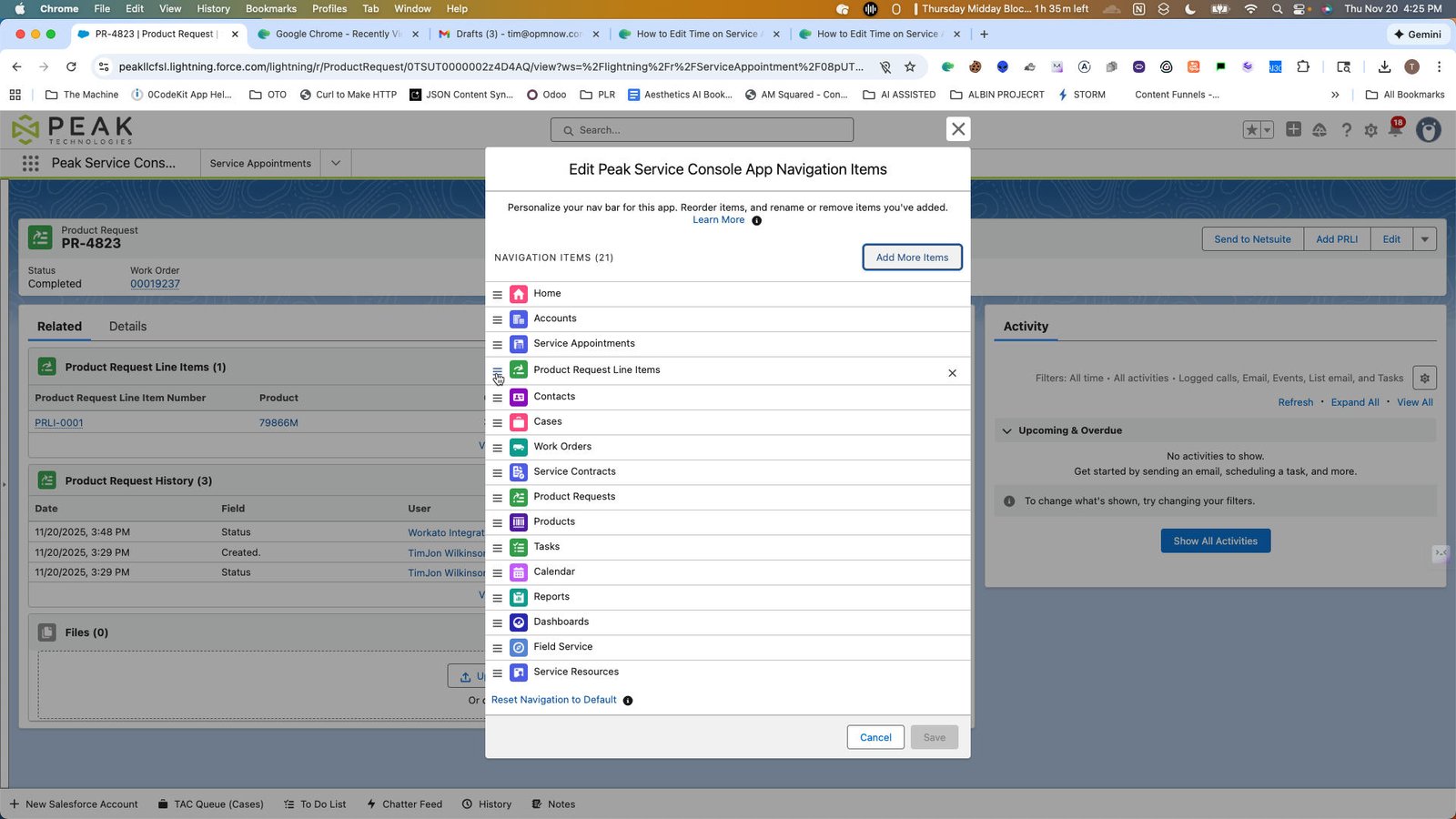
18
Click here
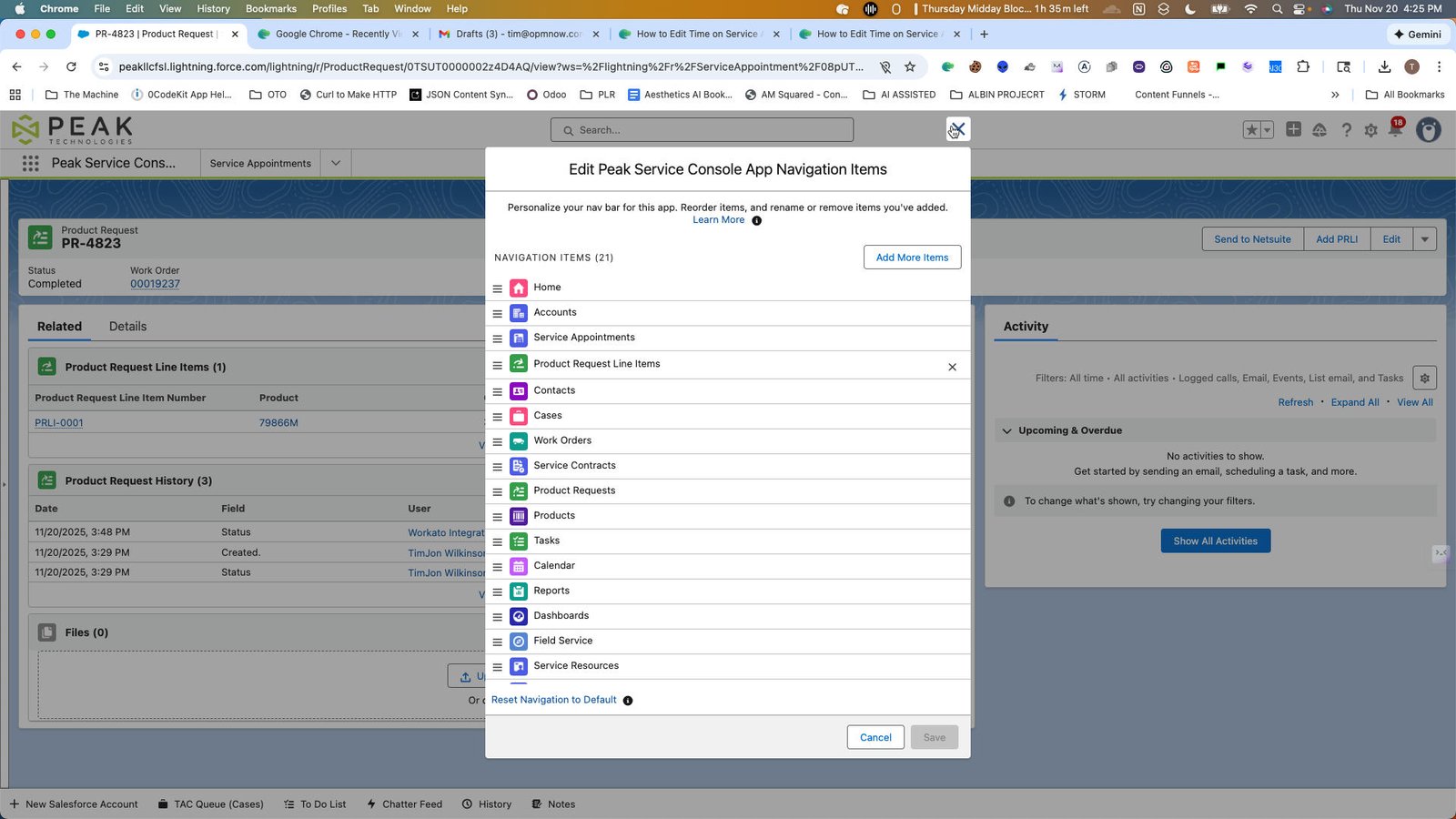
19
Click this group
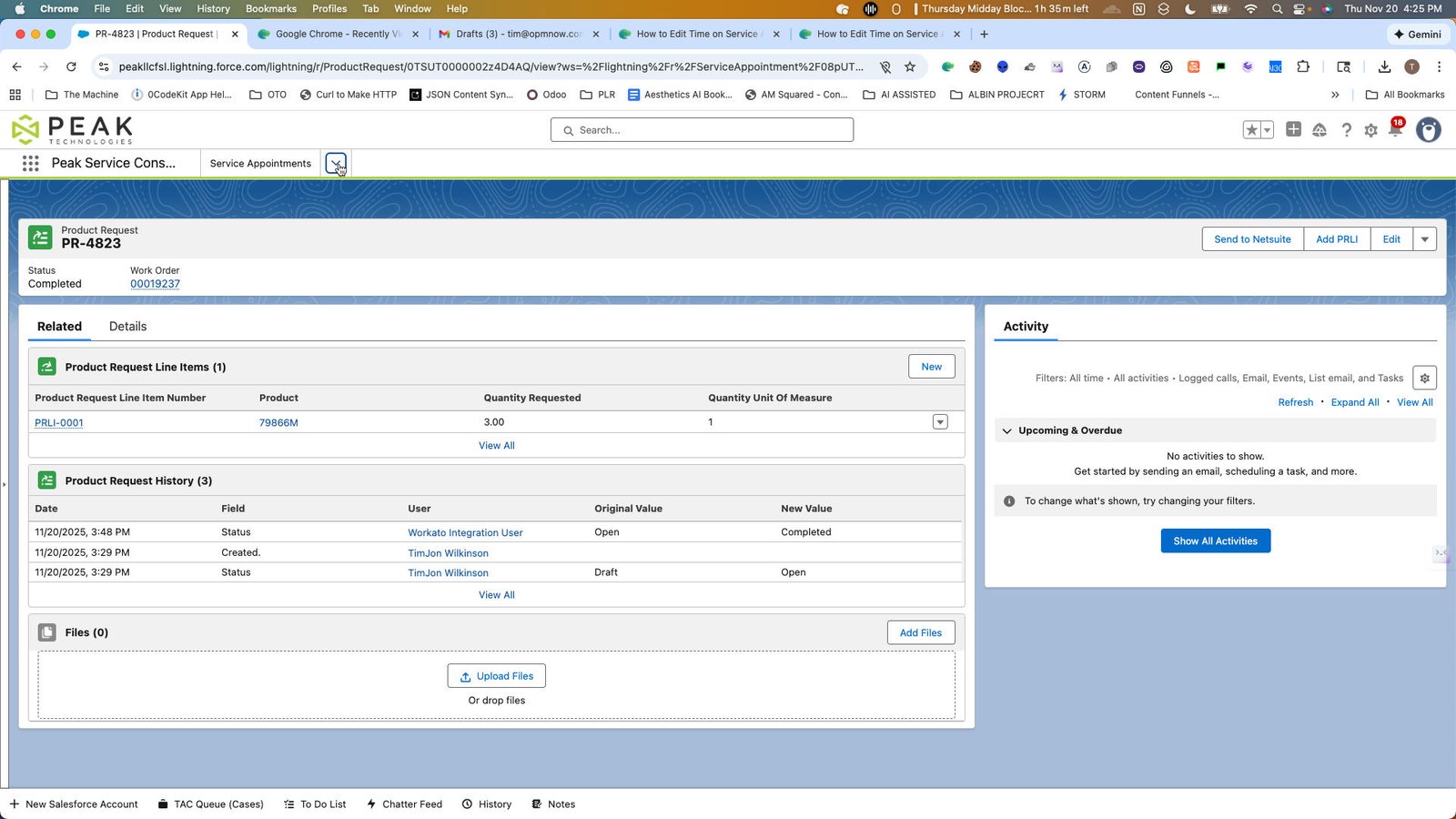
20
Click here
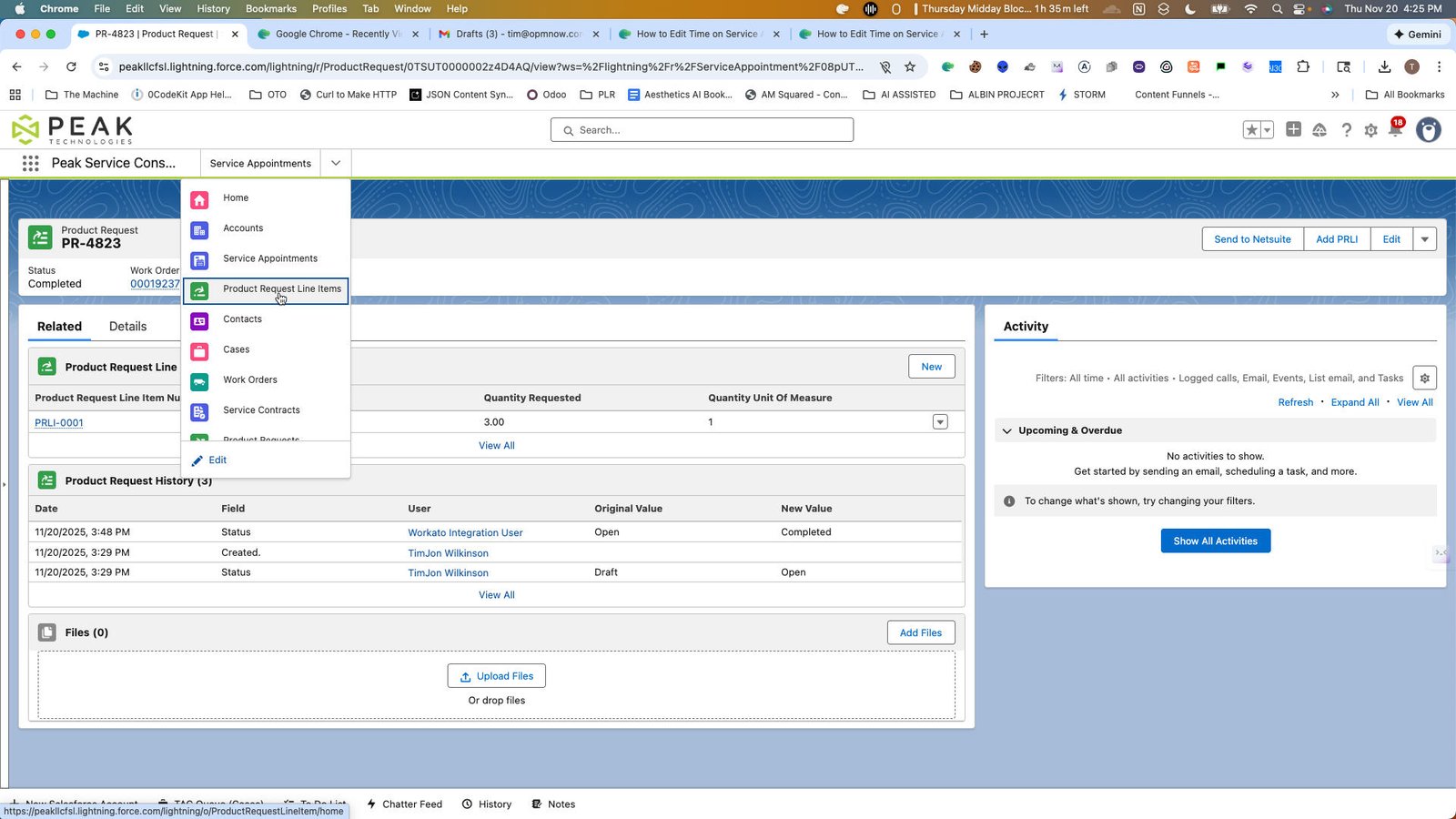
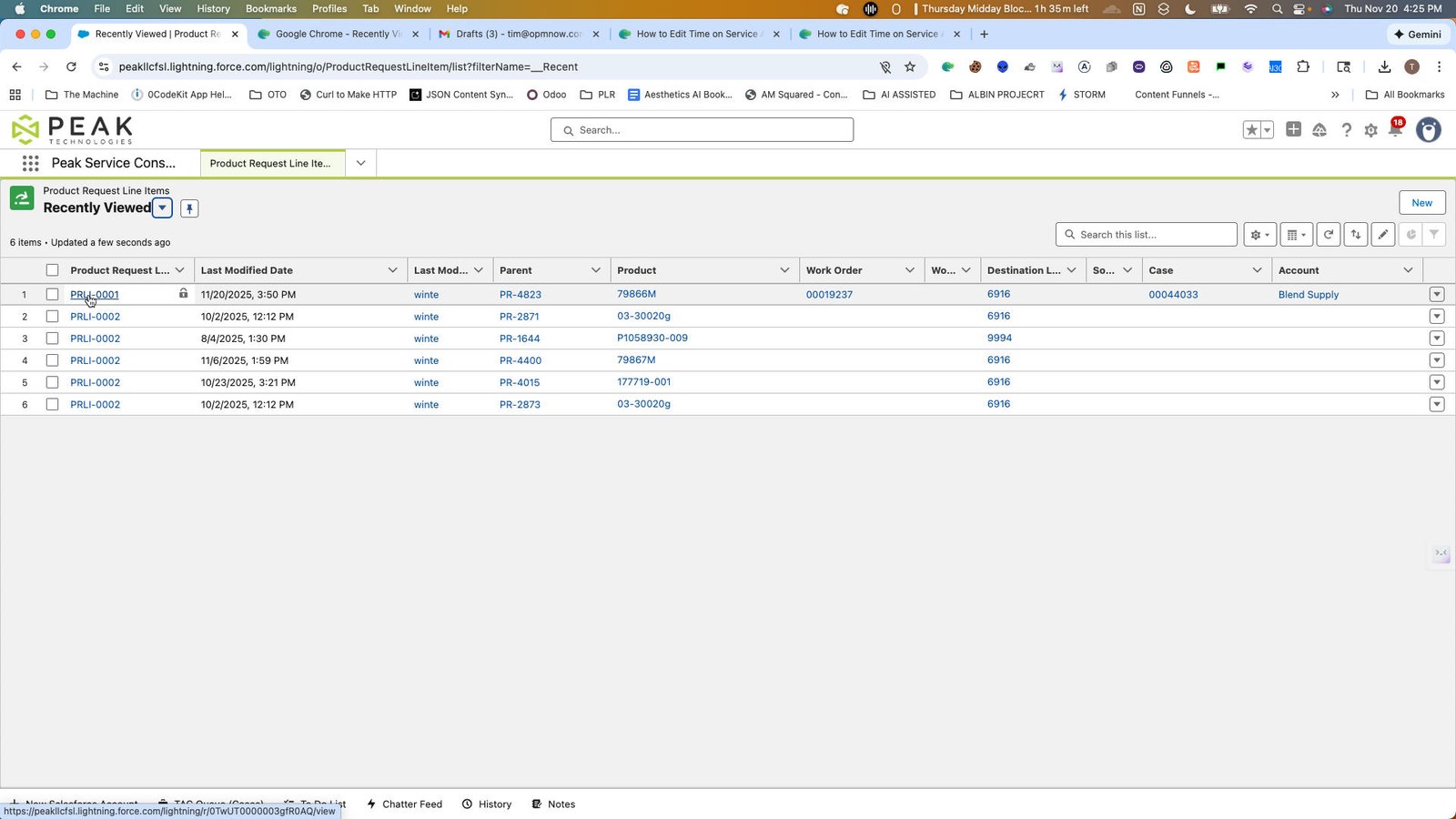
22
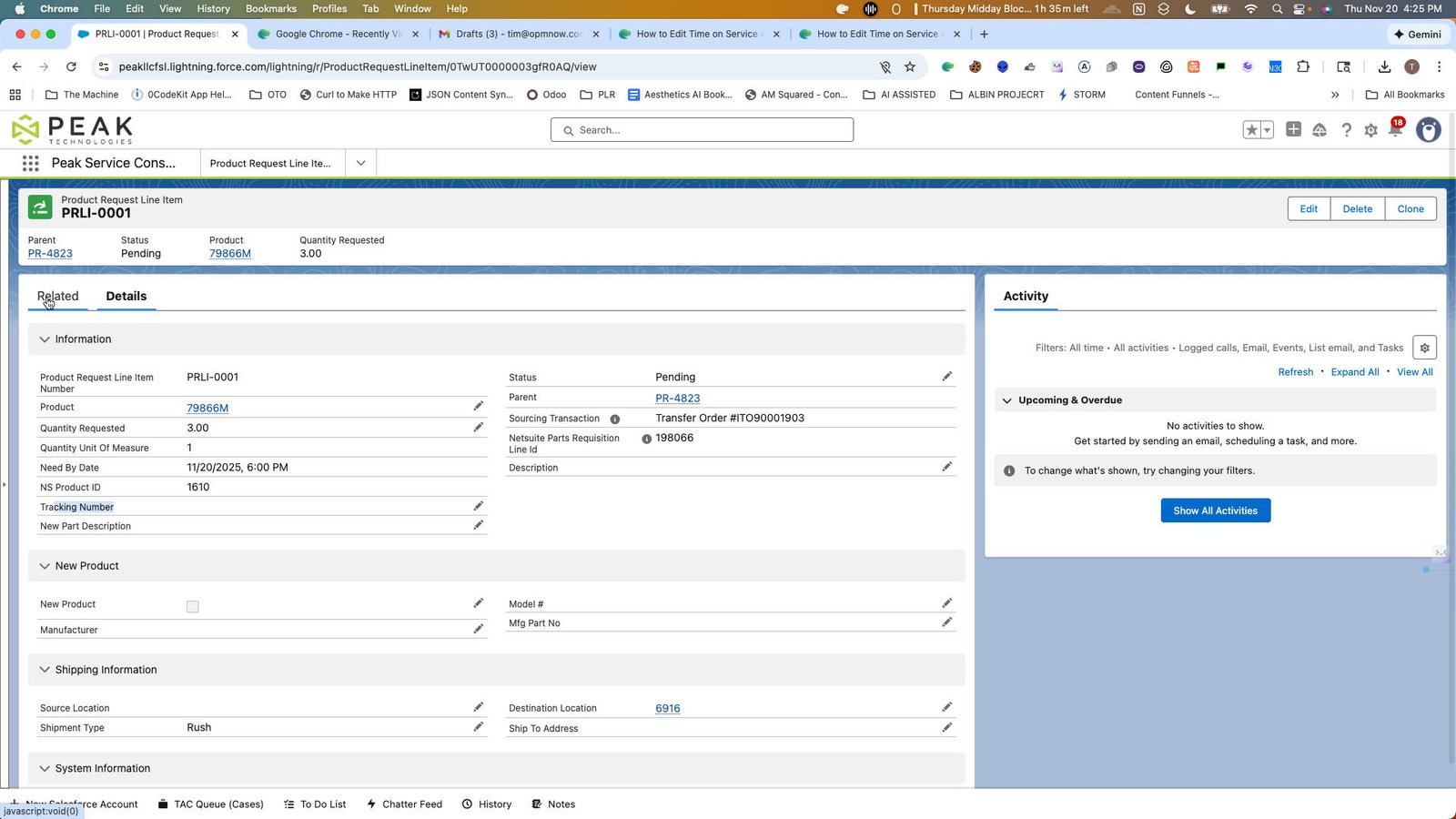
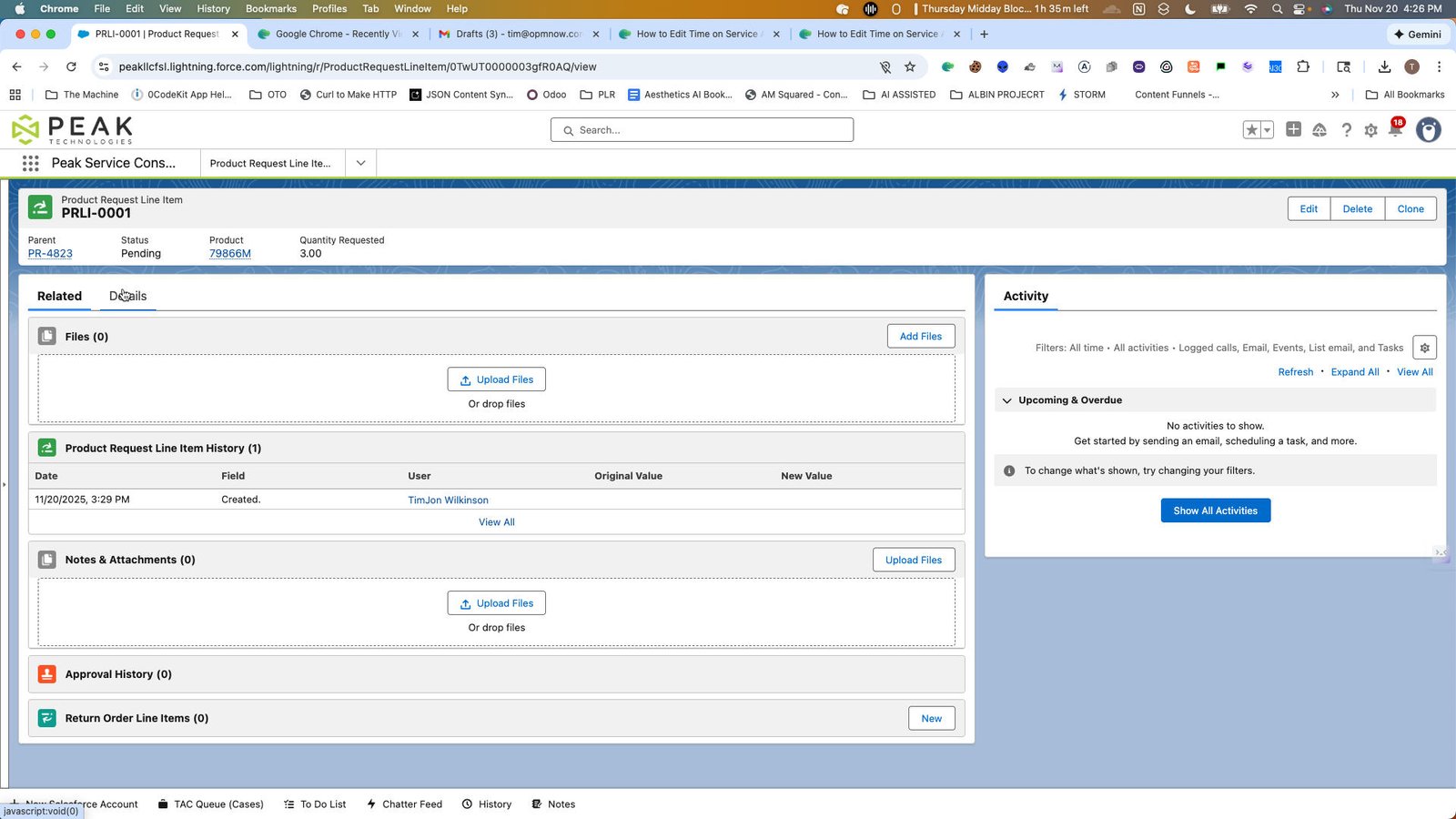
Click the tab group Tabs
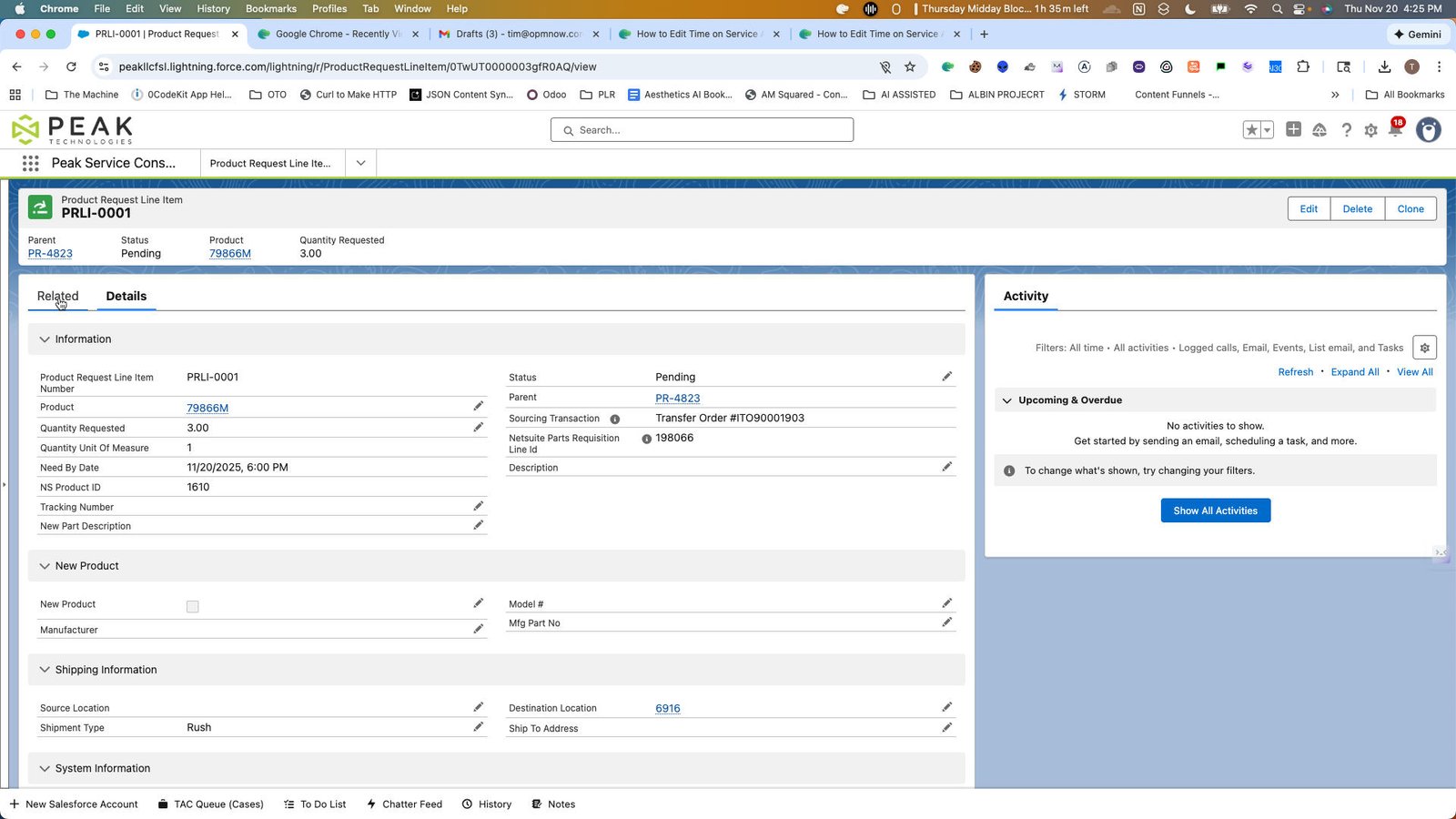
23
Click here
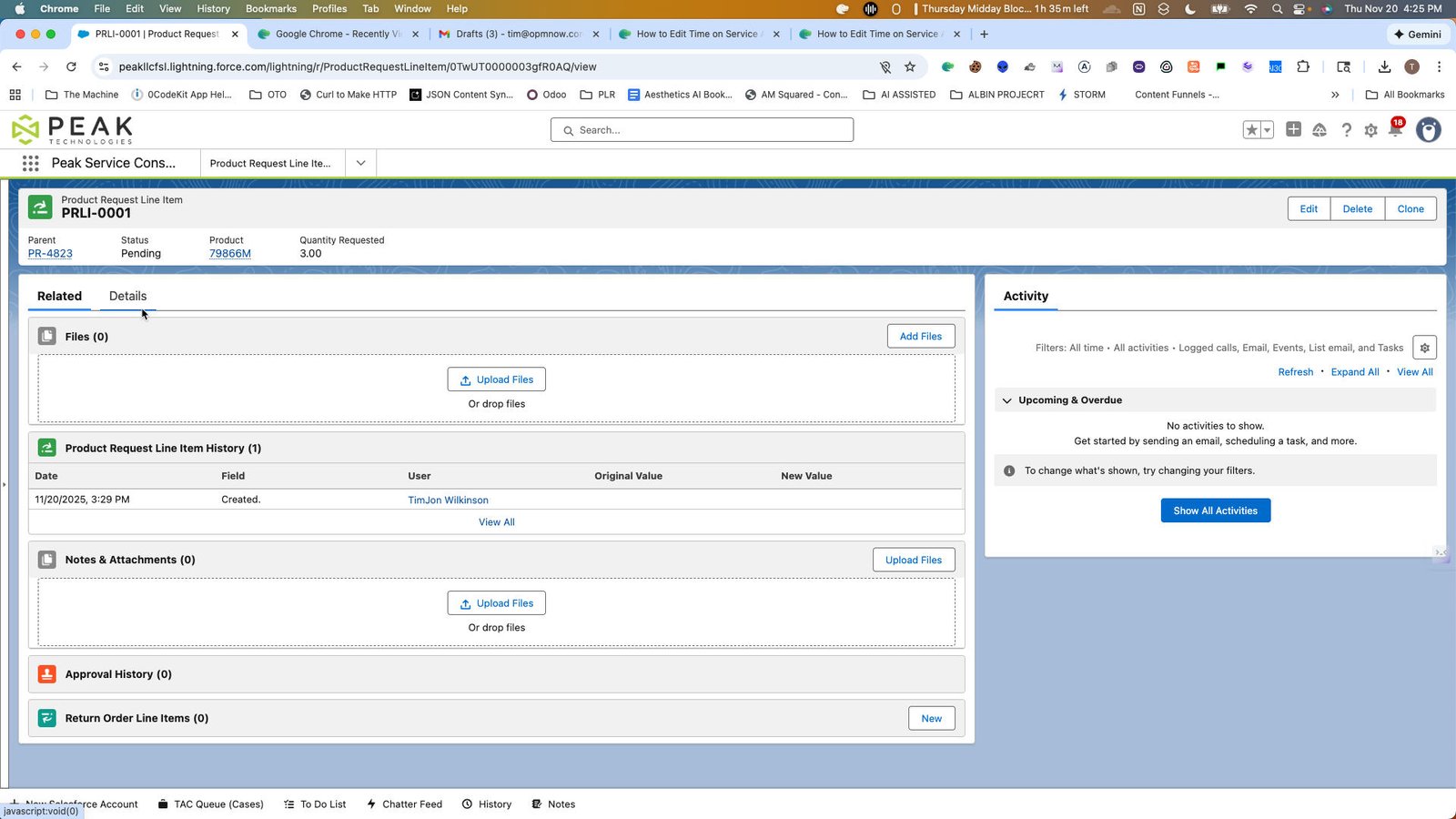
24
Click this group
You made it to the end!
26 steps complete