
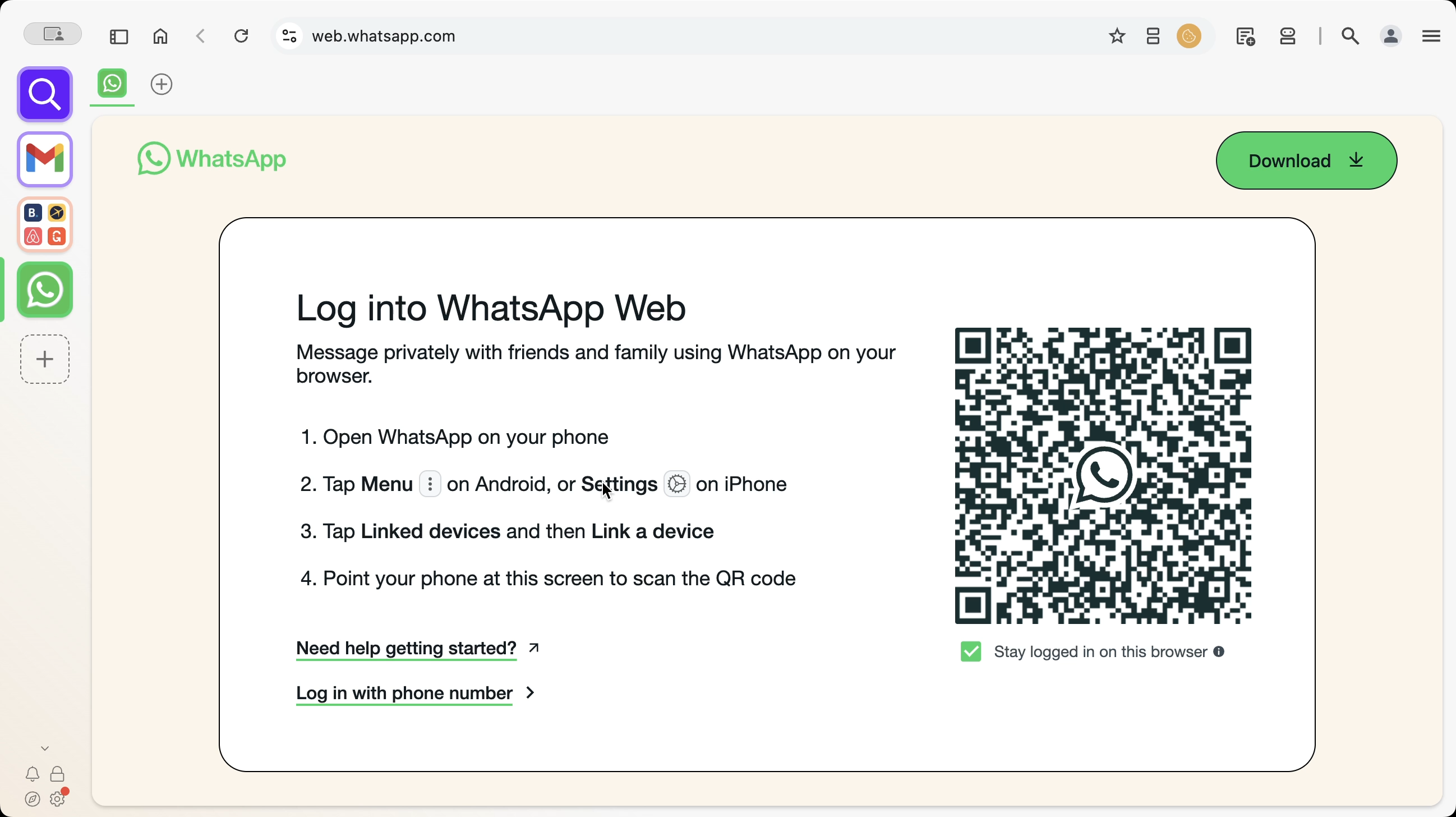
Hover over settings and then click 'Webdock Layout'.

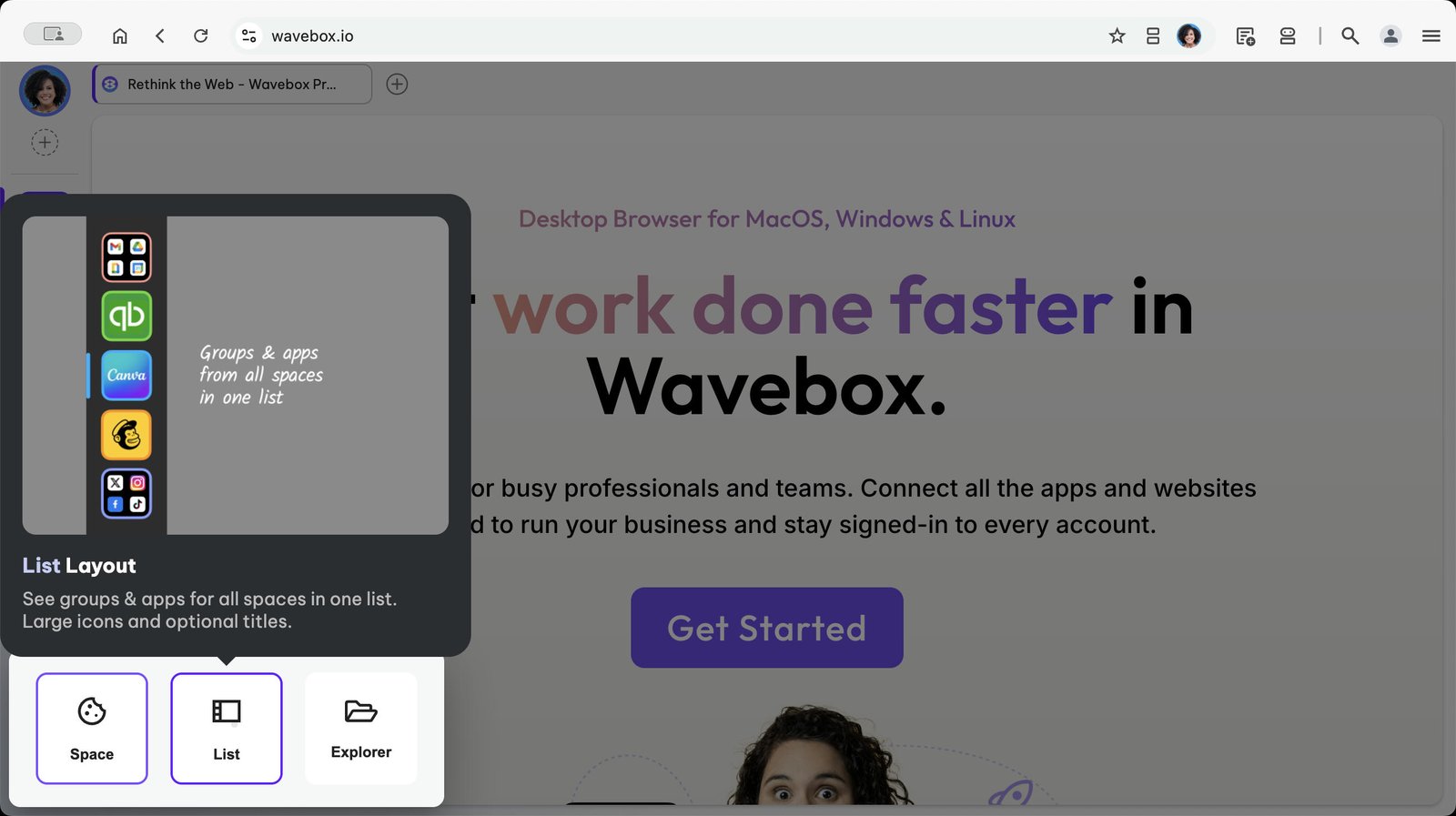
Choose 'List' from the picker.
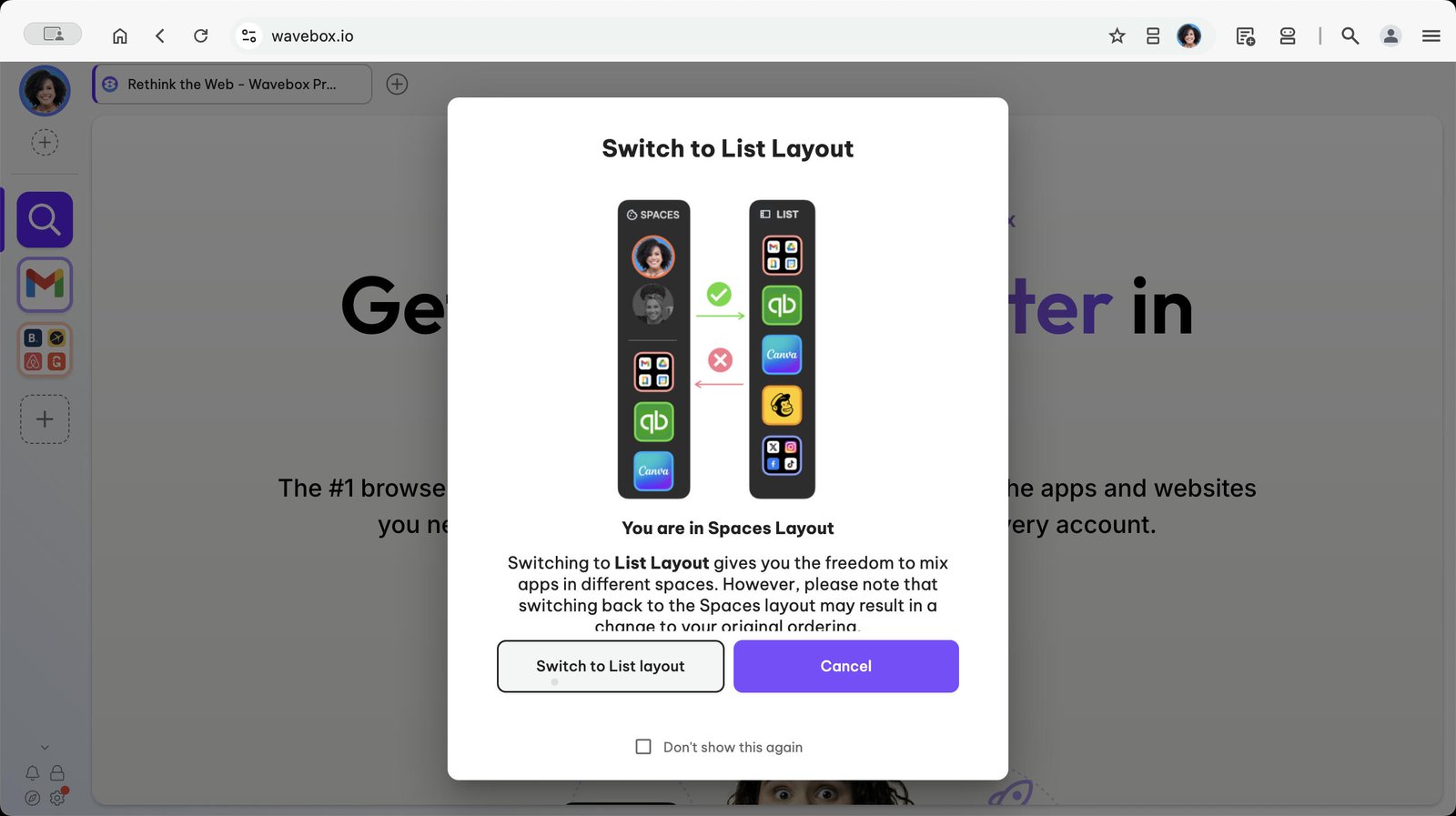
Click to confirm you want to switch to List layout.
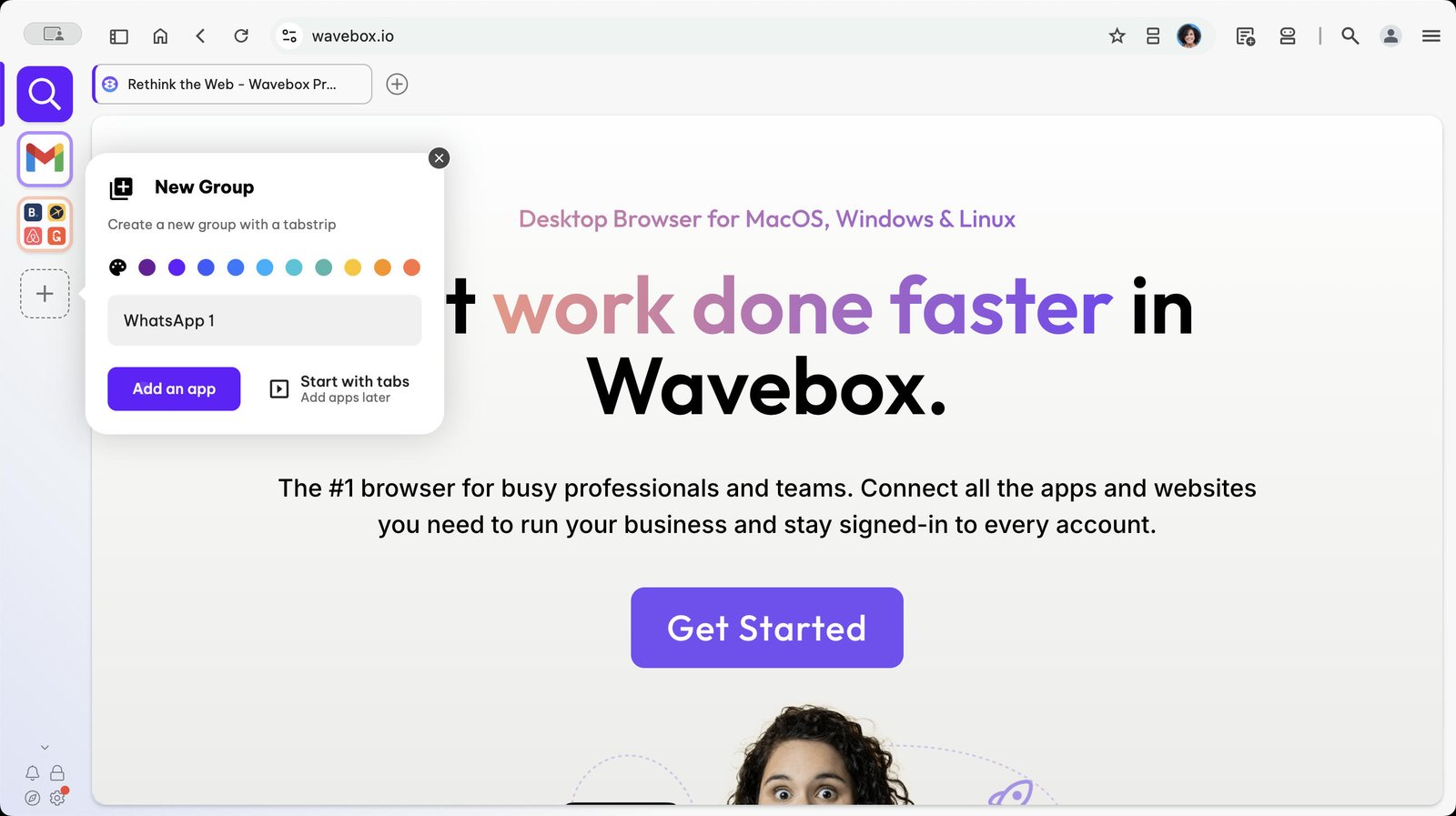
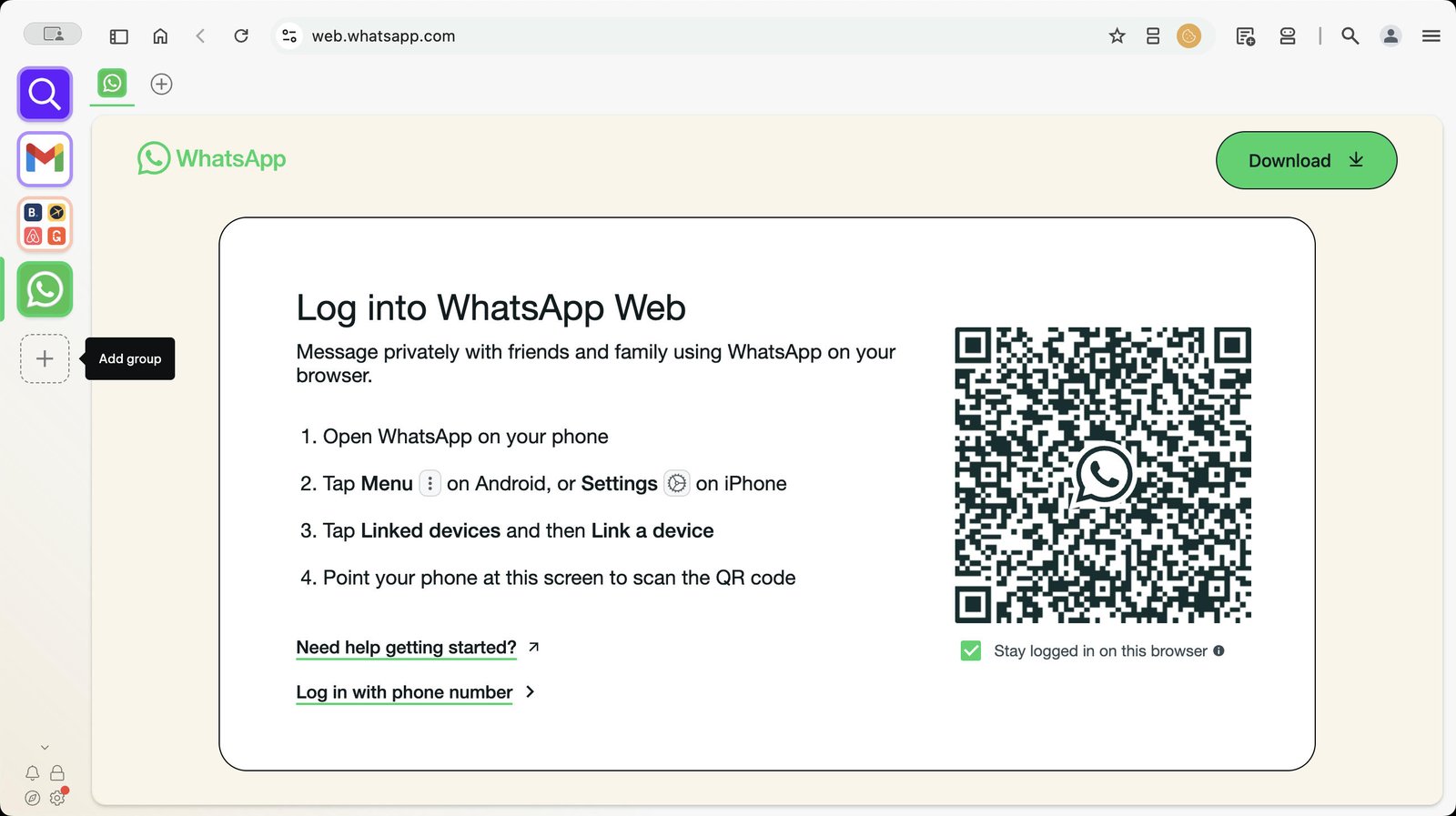
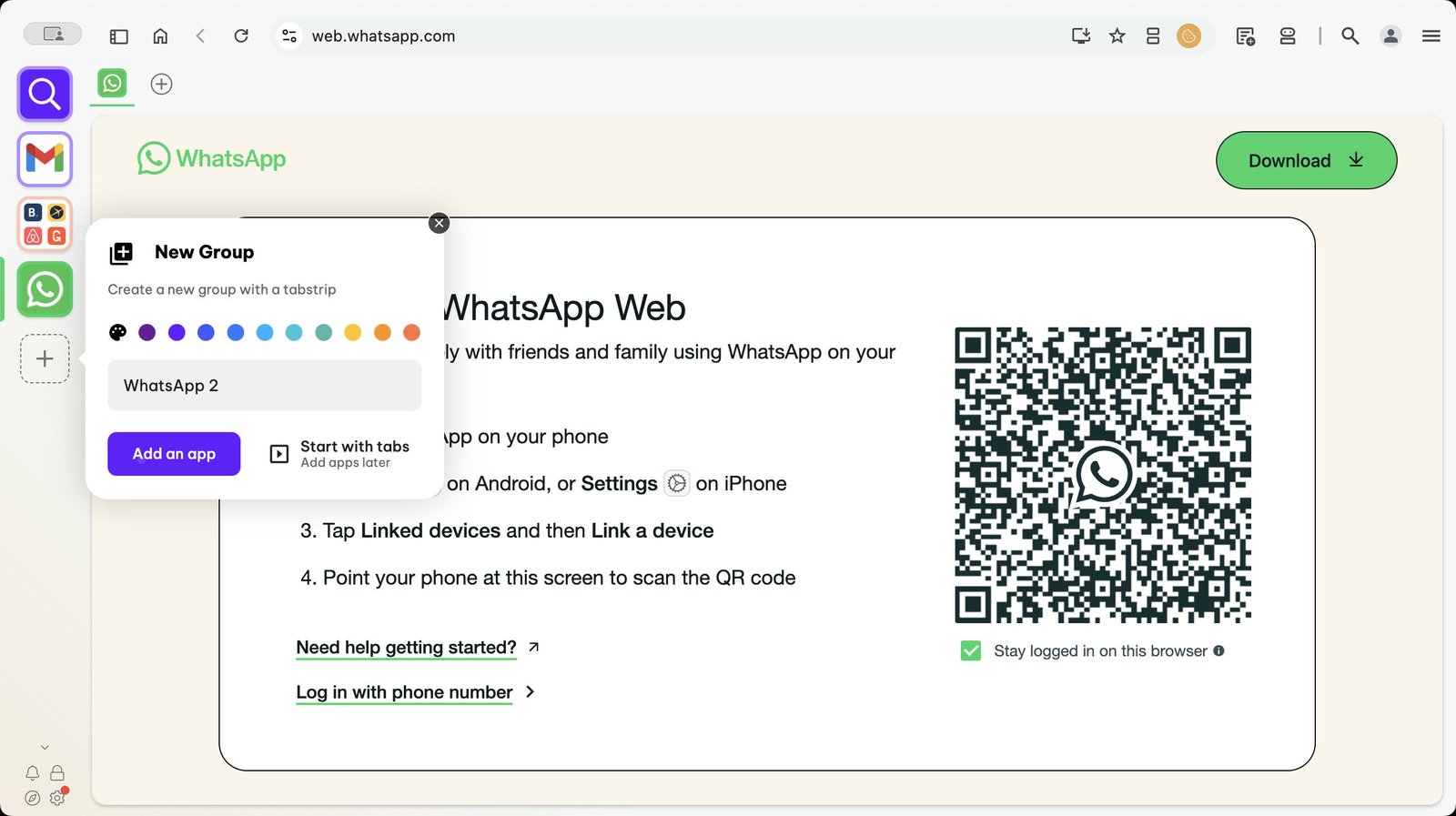
Click + in the webdock to add a new group

Give your new Group a name.
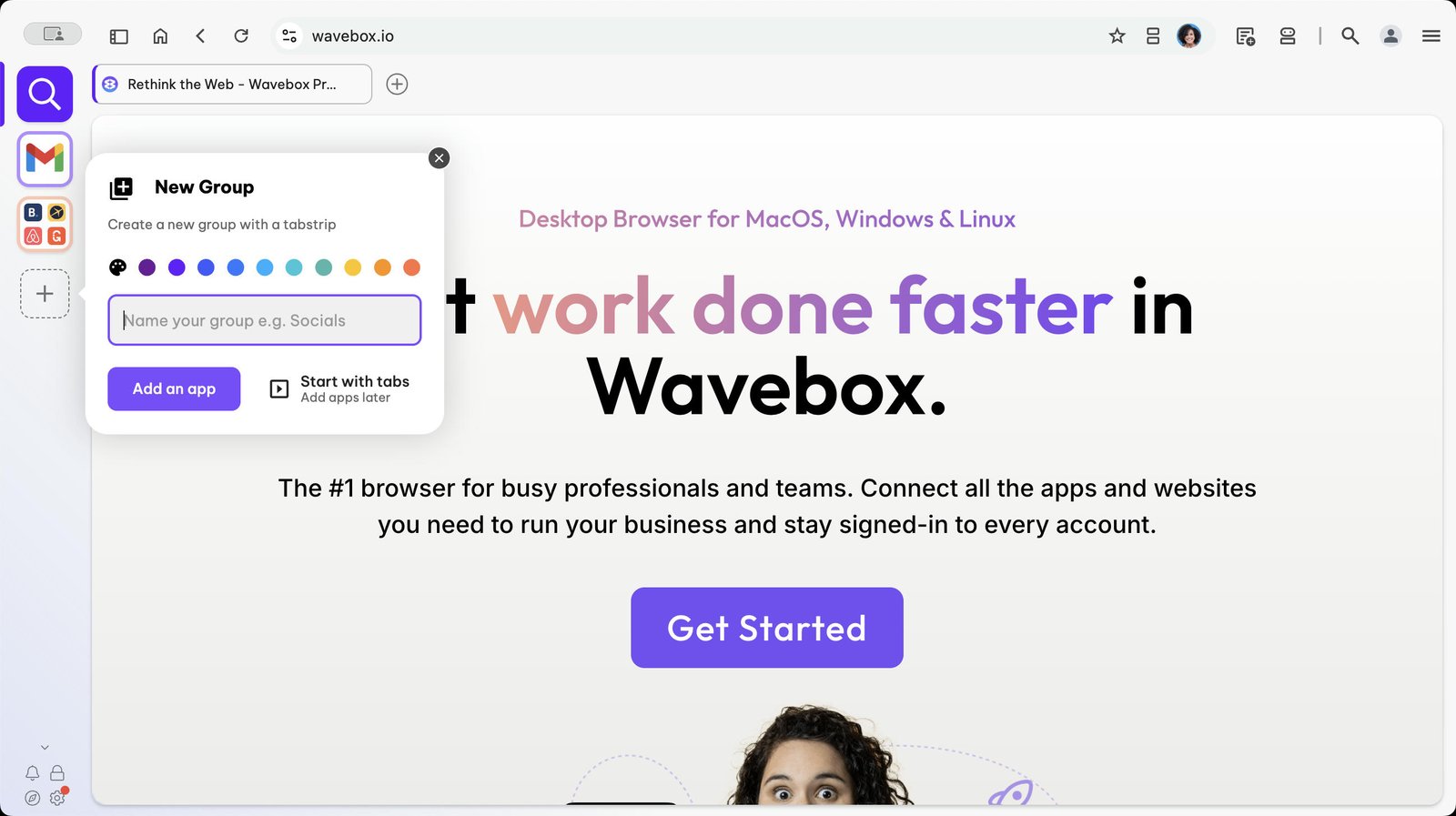
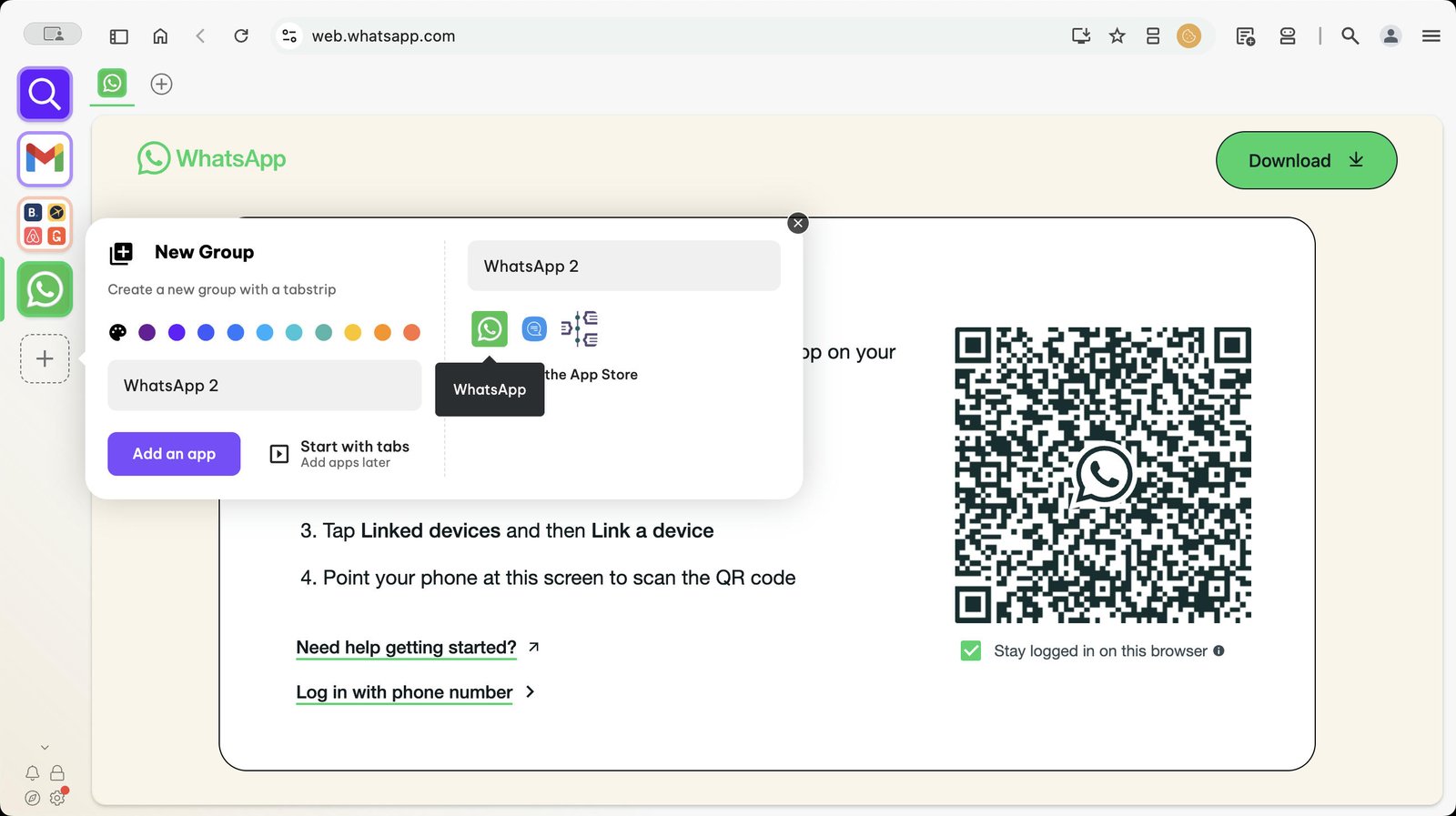
Click on the 'Add App' button
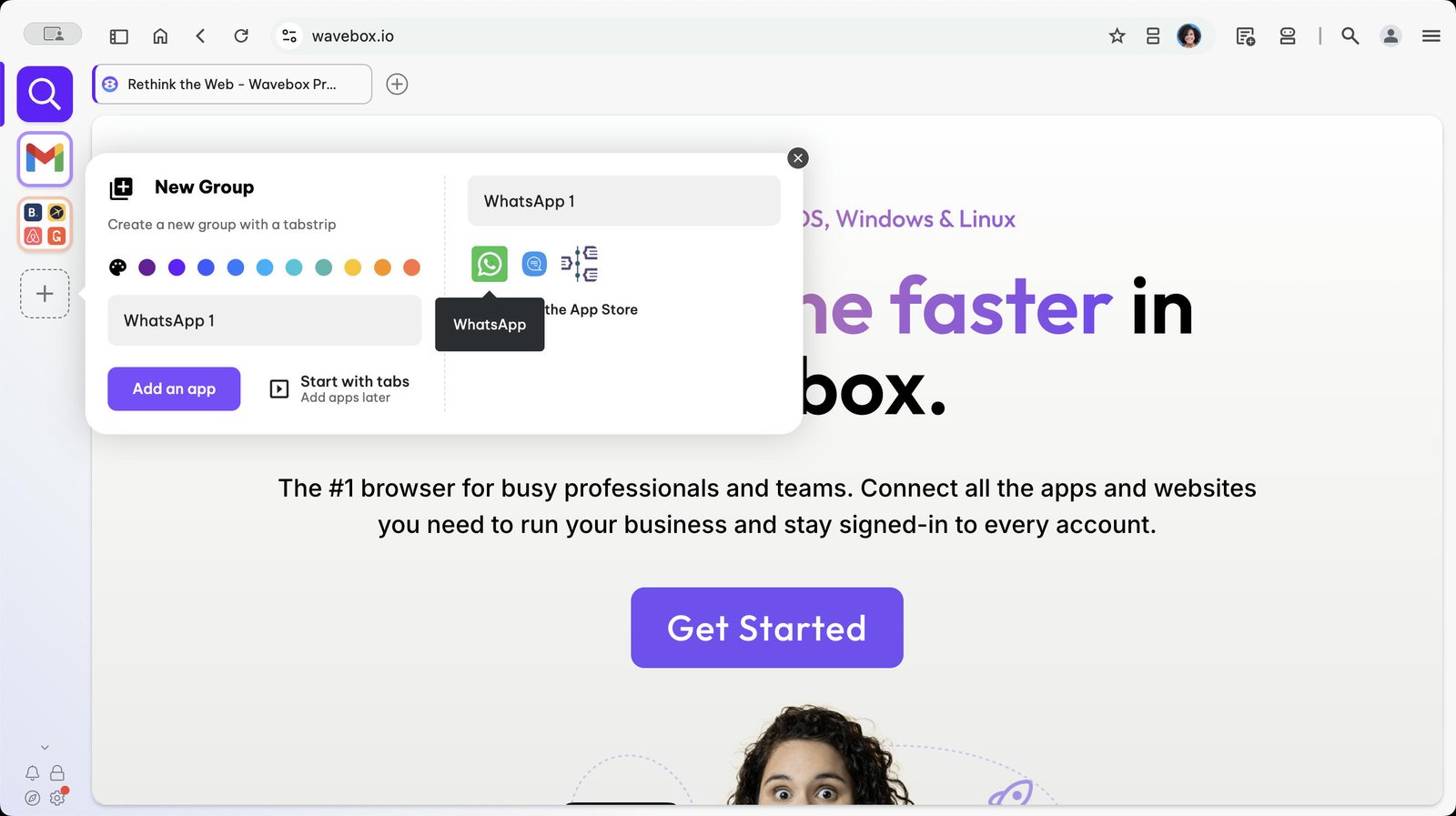
Choose WhatsApp from the Store.
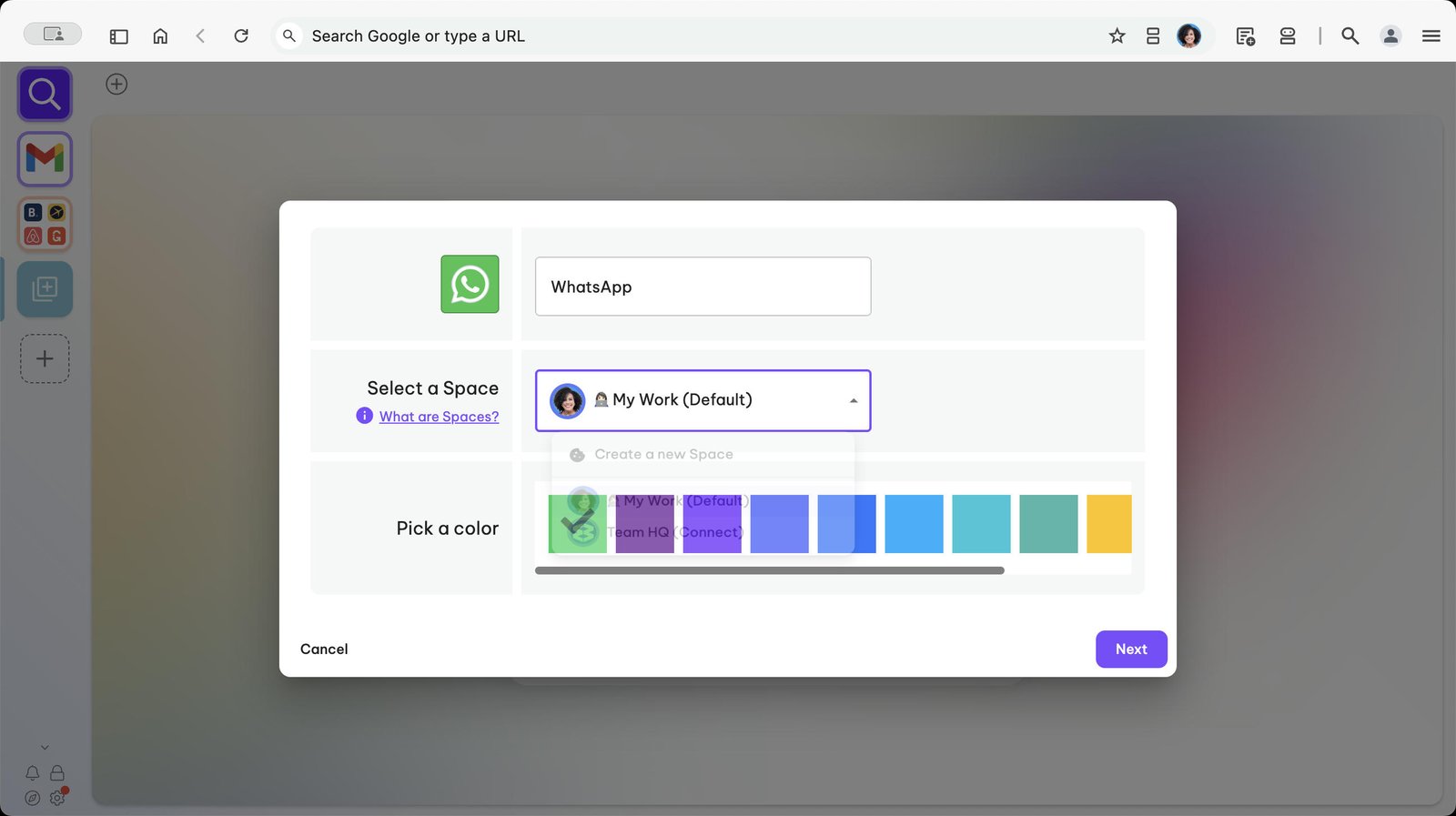
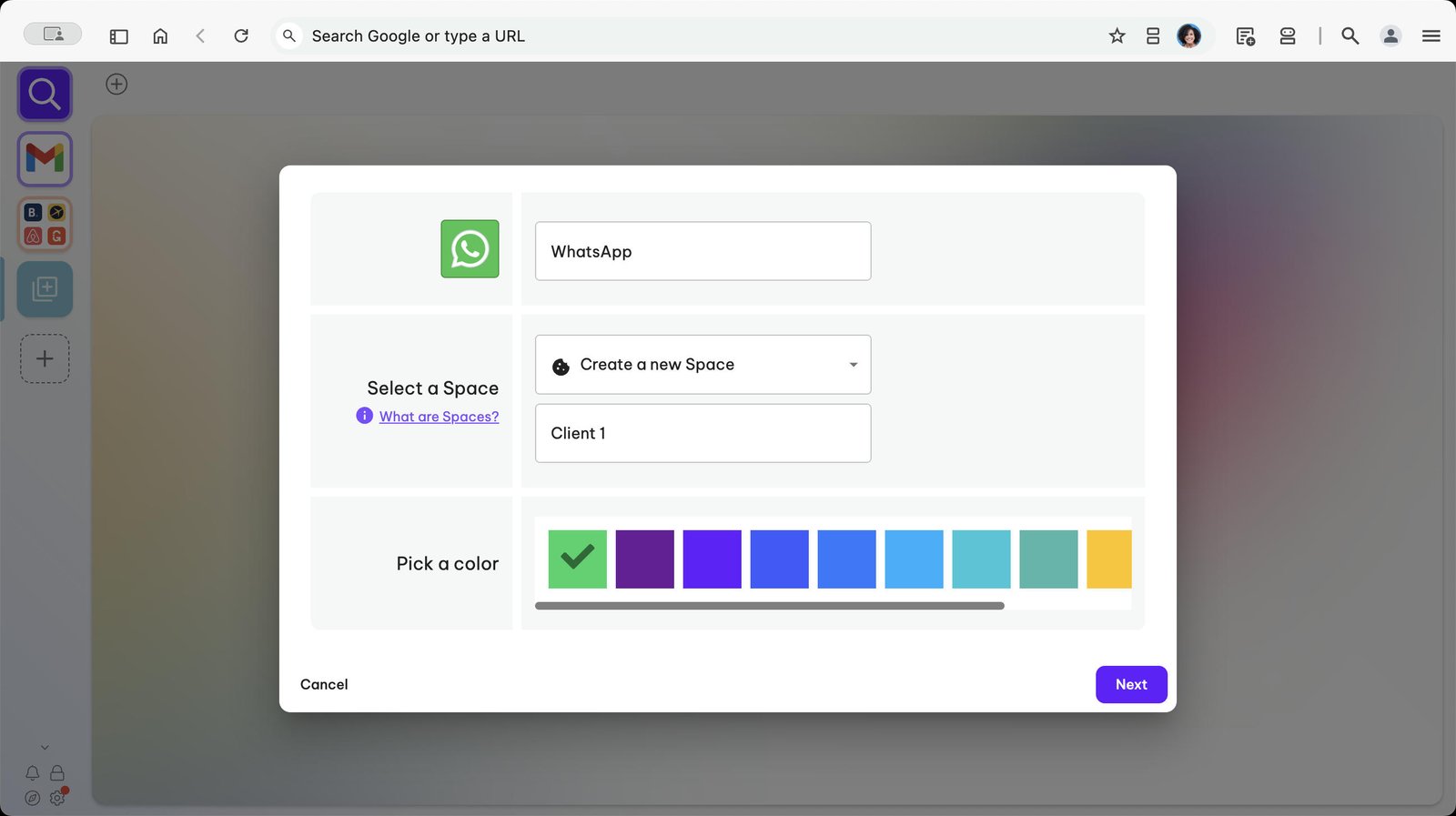
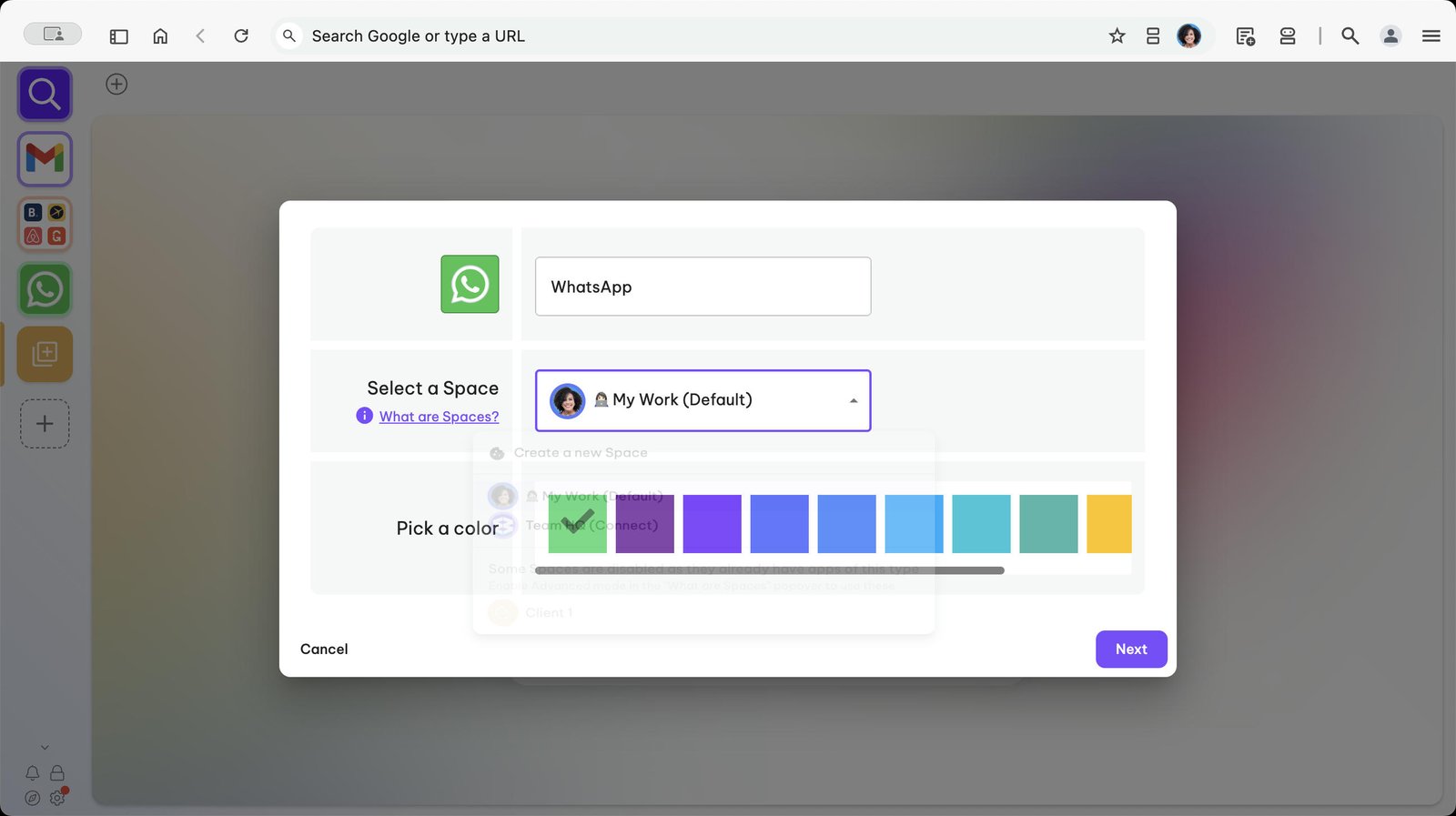
Click on the dropdown menu next to 'Select a Space'.
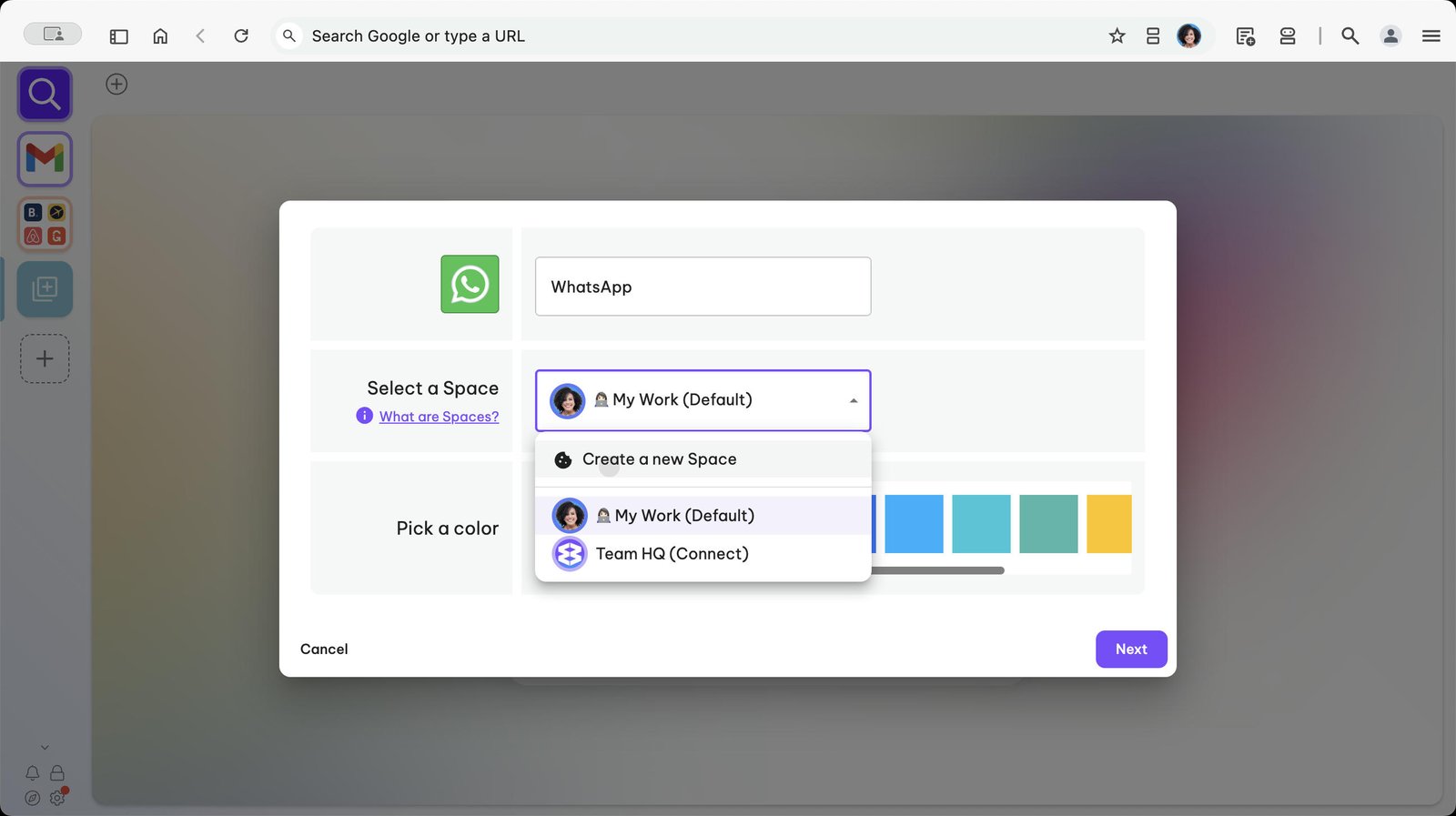
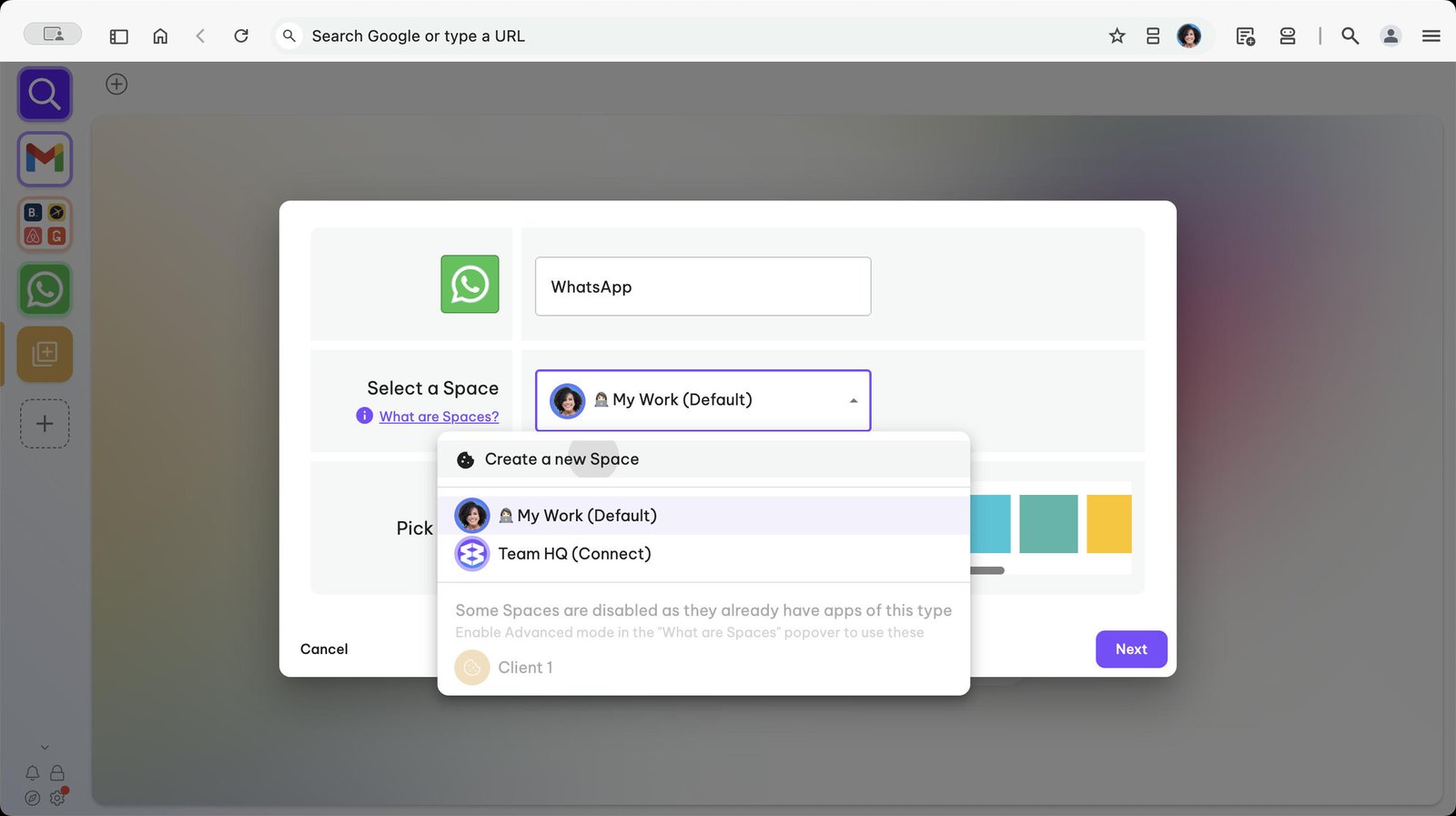
Click on 'Create a new Space'
Name your Space e.g. Client 1.
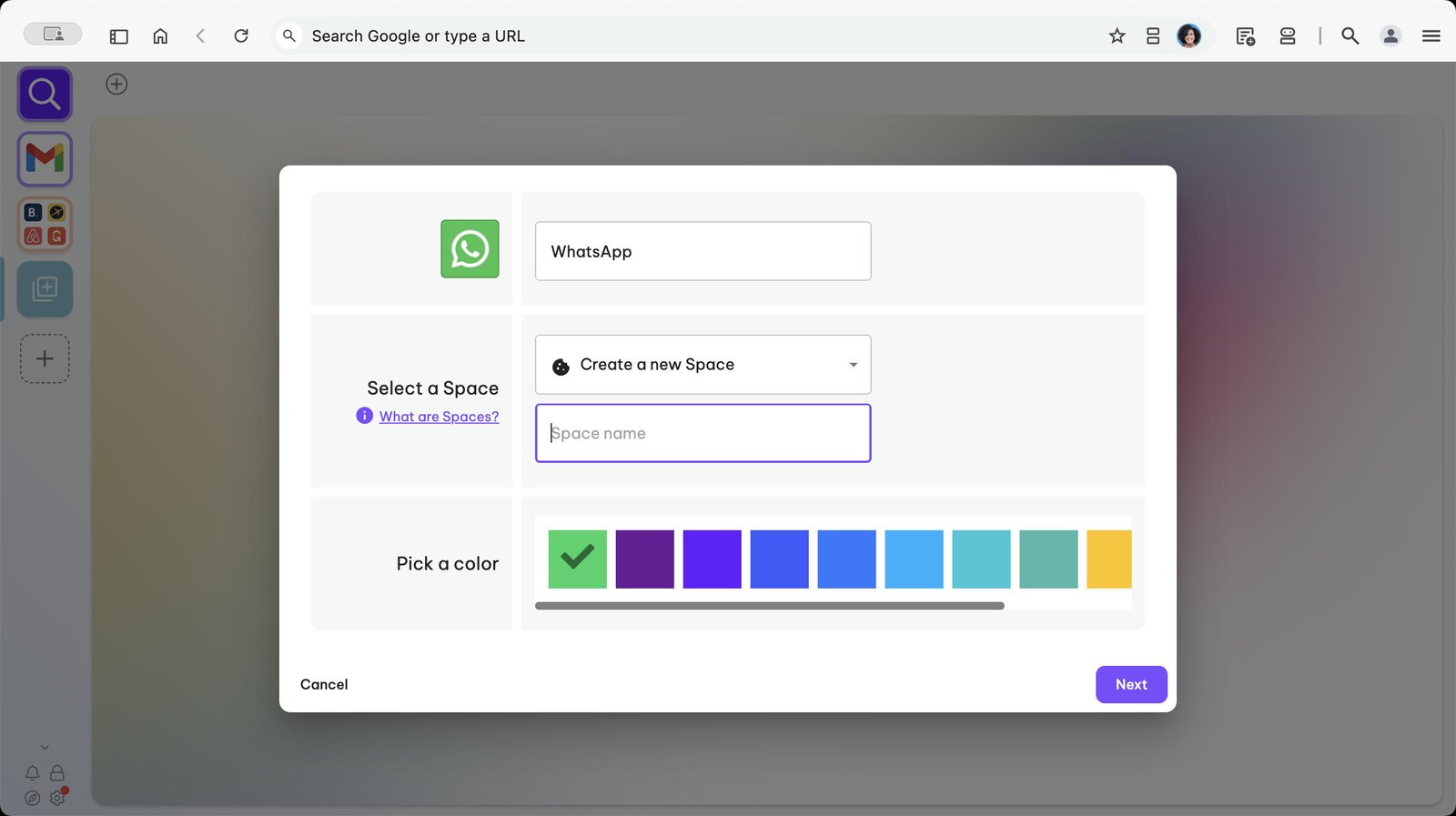
Click 'Next' to finish creating the Group.
Click on the + Add button.
Give your Group a name.
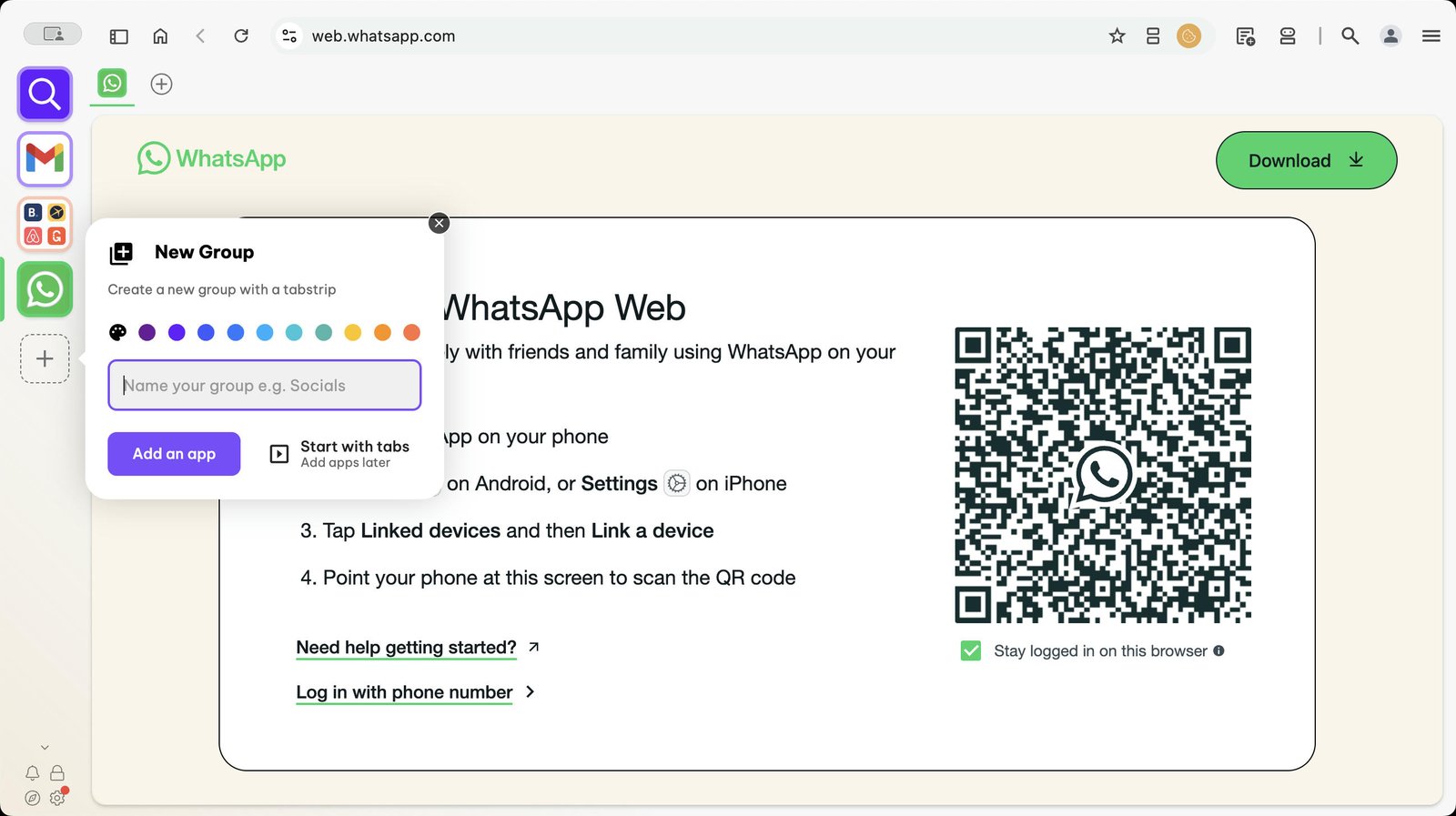
Click on 'Add an App'
Add WhatsApp from the Store.
Click the dropdown menu next to 'Select a Space'
Click on 'Create a New Space'
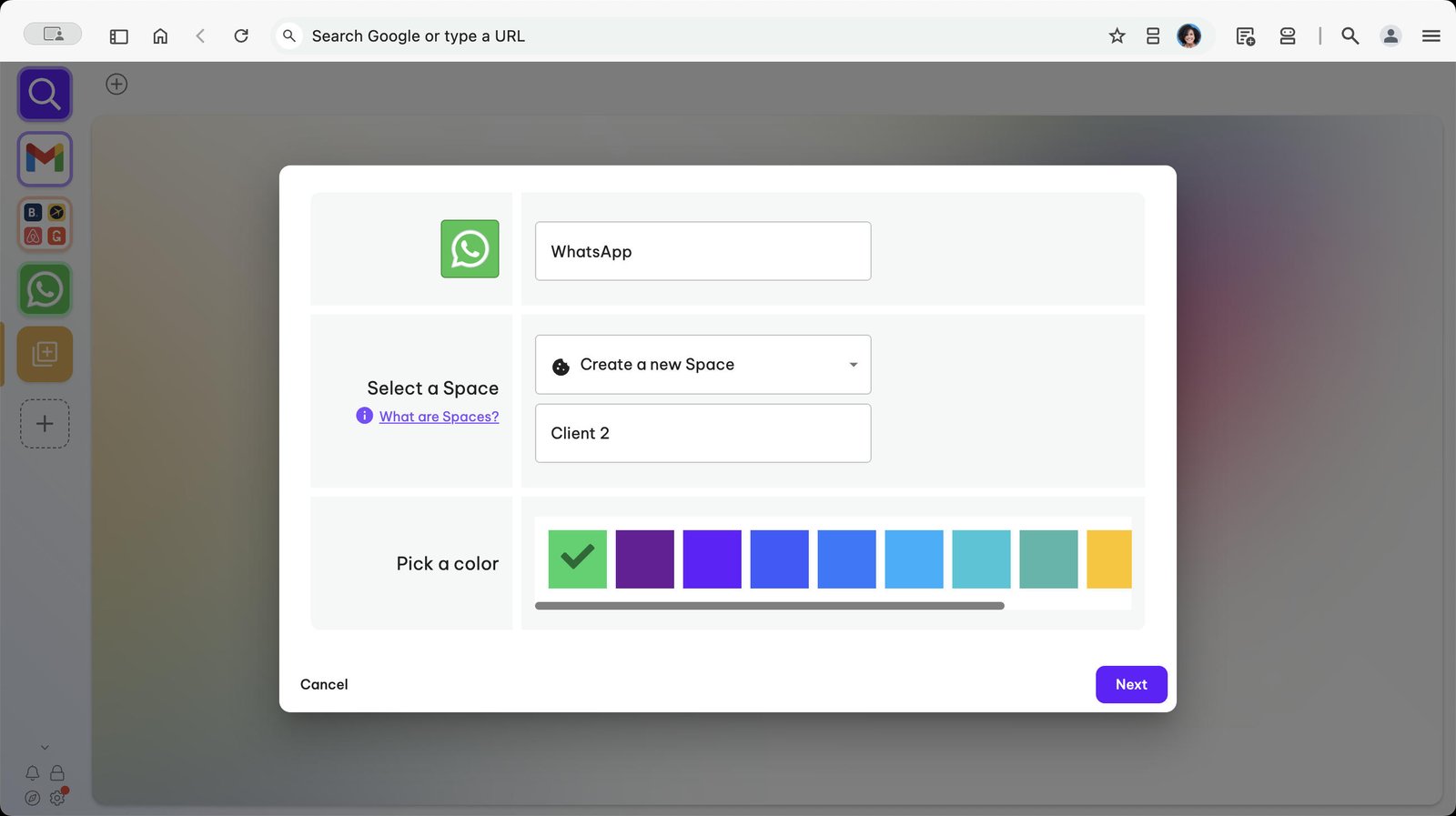
Name your Space e.g. Client 2
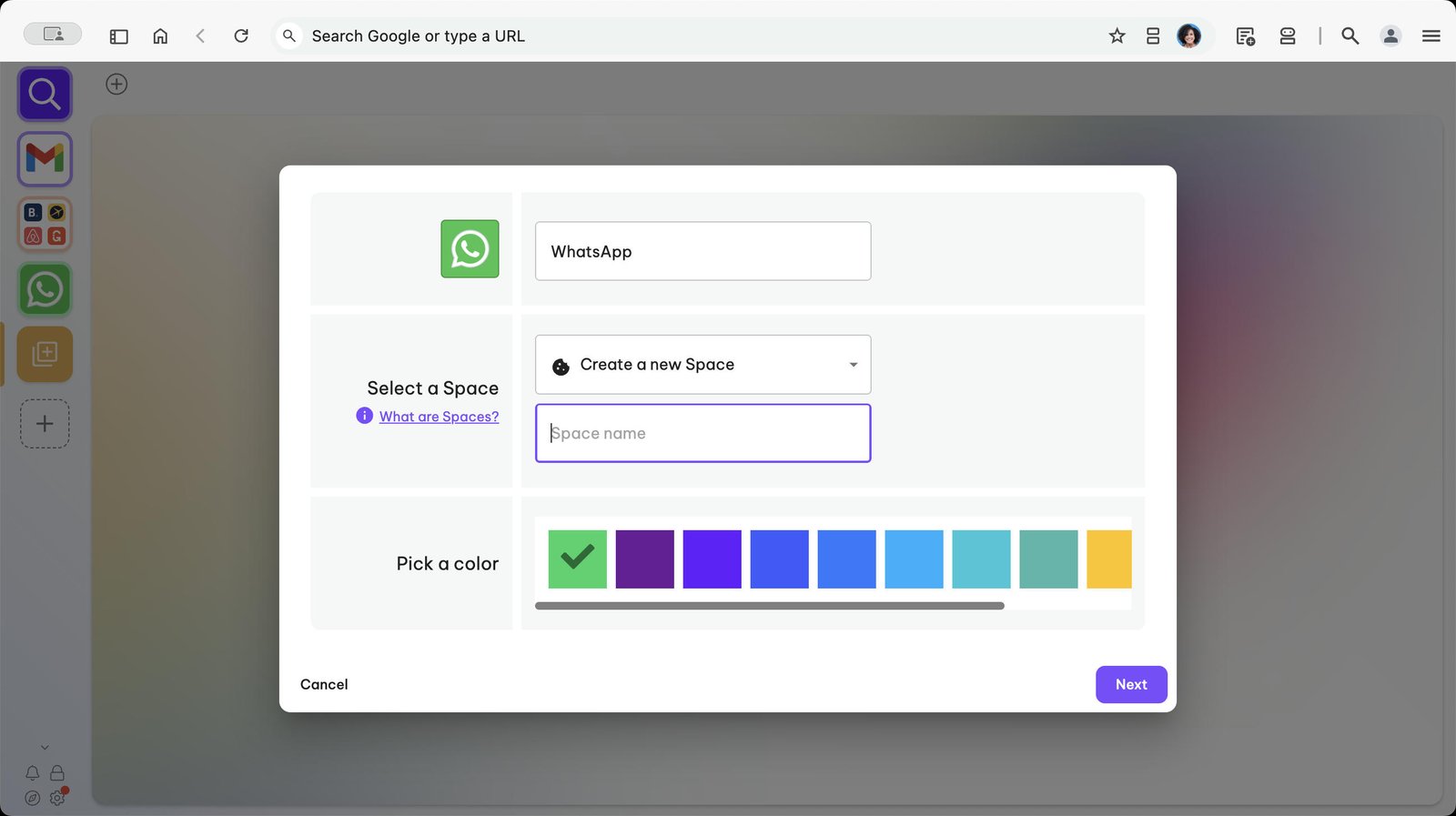
Click on the Next button to create the Group.
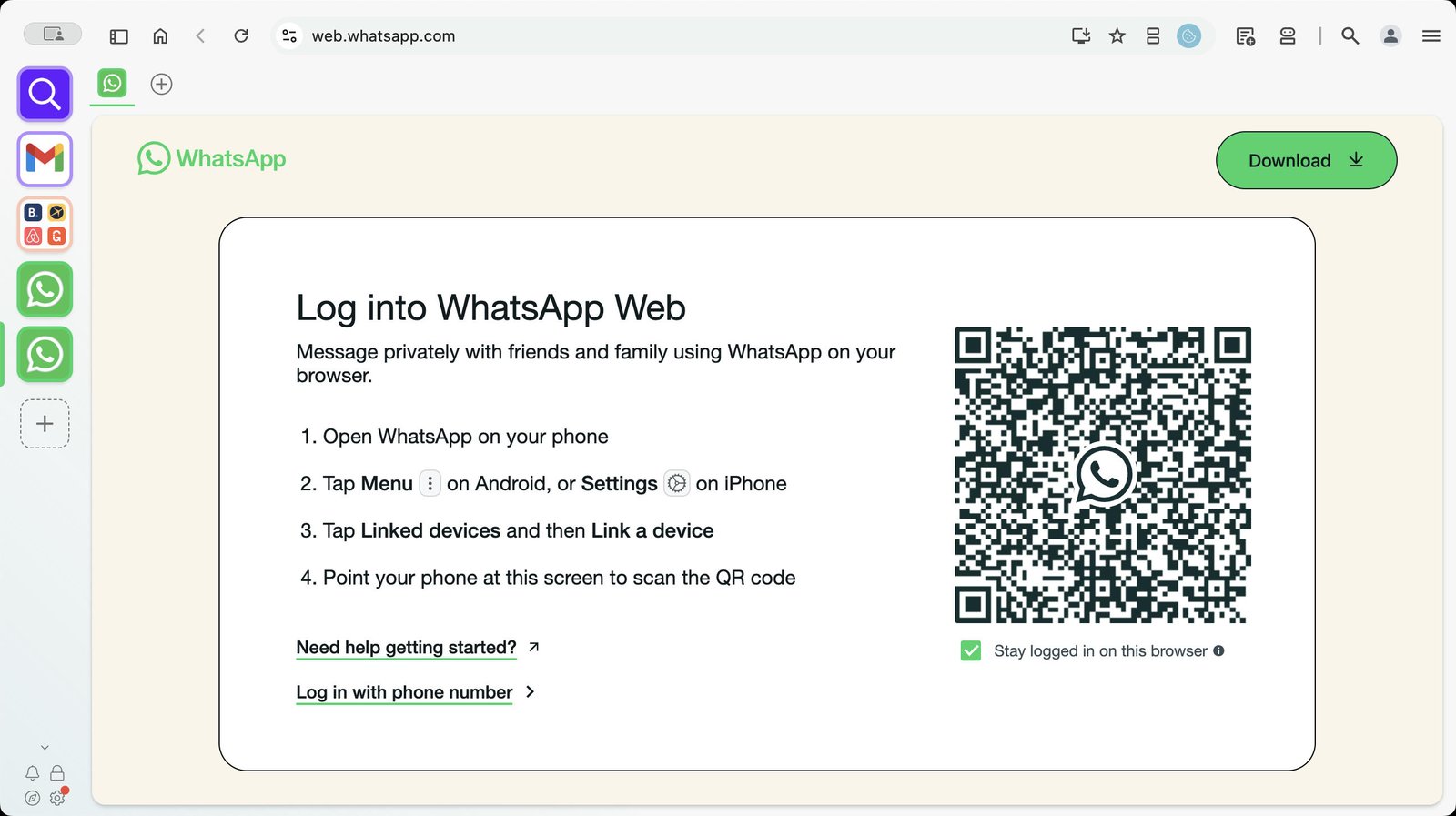
To view the WhatsApp accounts side-by-side, click on one of them.
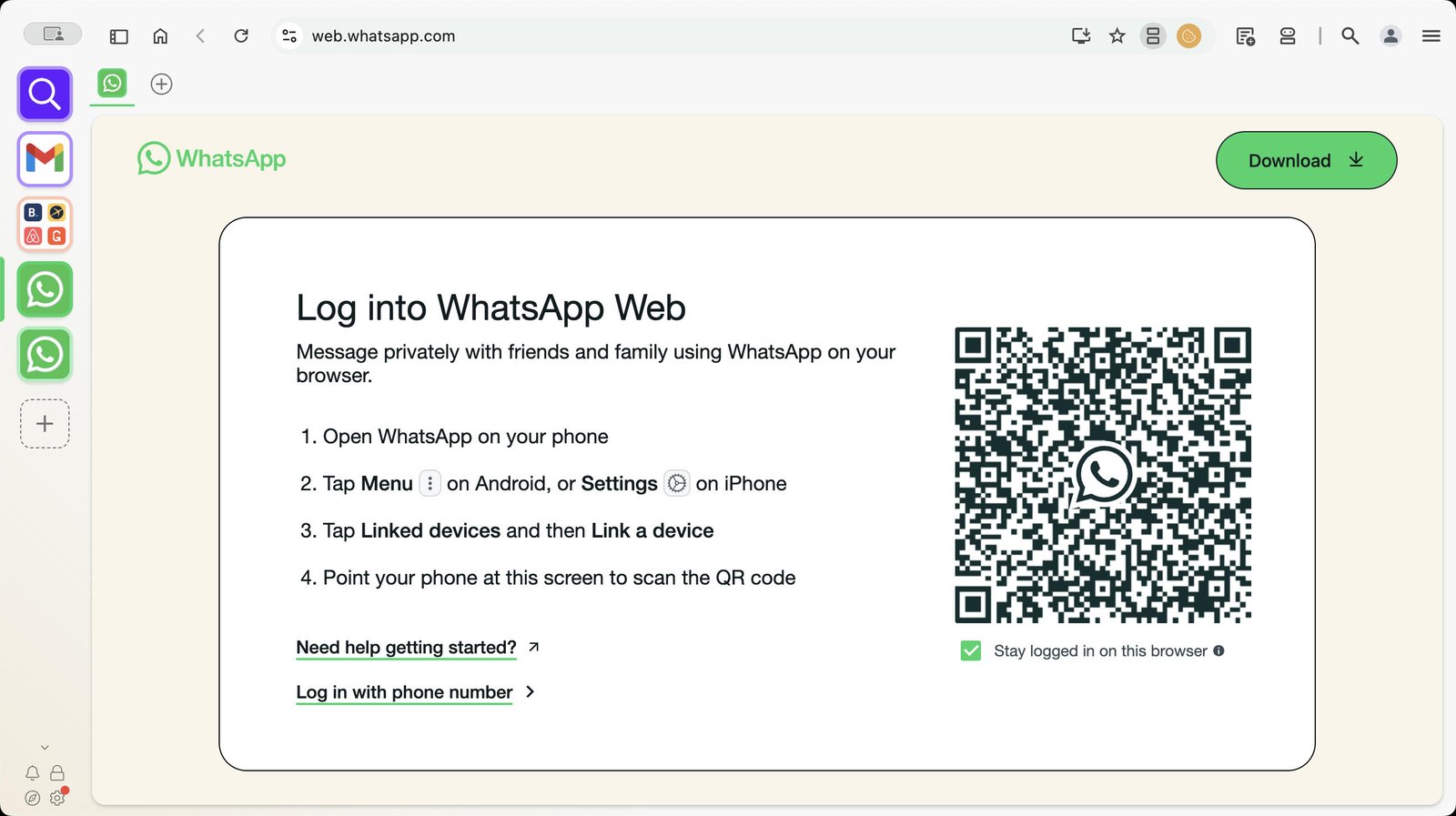
Then click the split tab button in the address bar on the right and choose 'Split in this window'.
You made it to the end!
21 steps complete