Updating Employee Contact and Relationship Information
Steps to edit employee details, contact info, and organizational relationships

Eniko Horvath
No date
18 steps
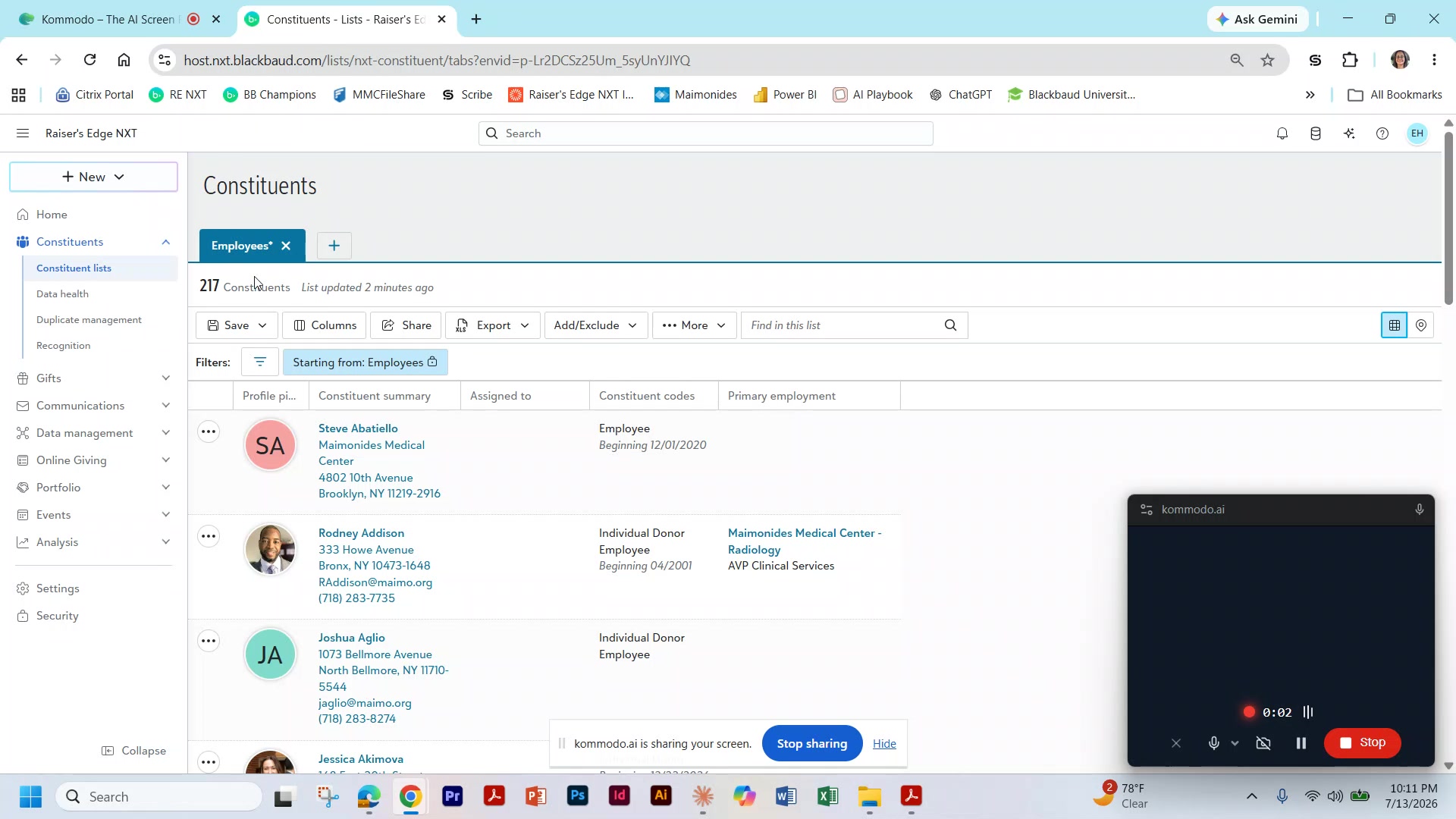
1
Select the Employees tab
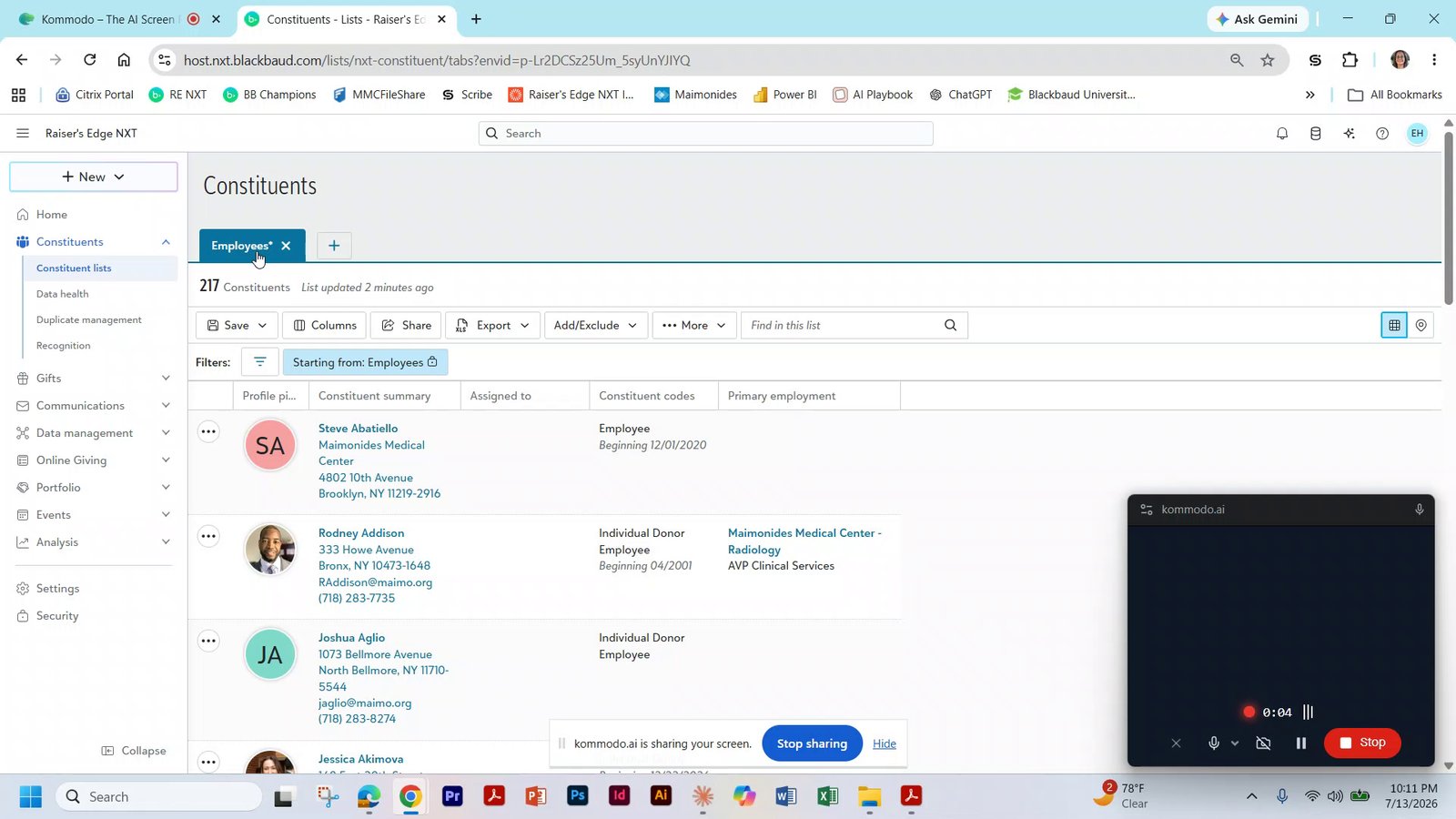
2
Press Ctrl and New Record to open a new tab of constituents
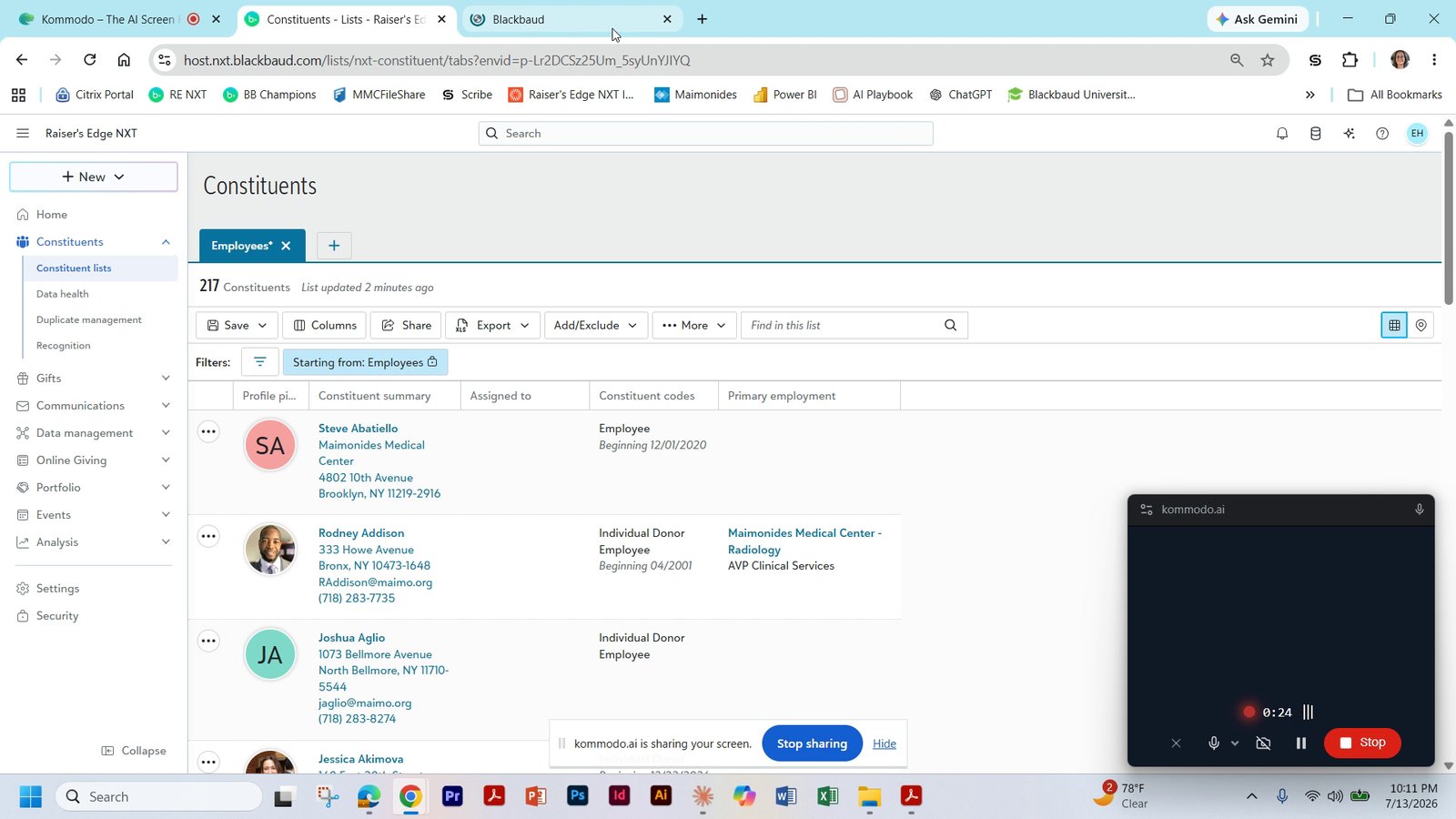
3
Use the Excel sheet and click Open Record to open the record
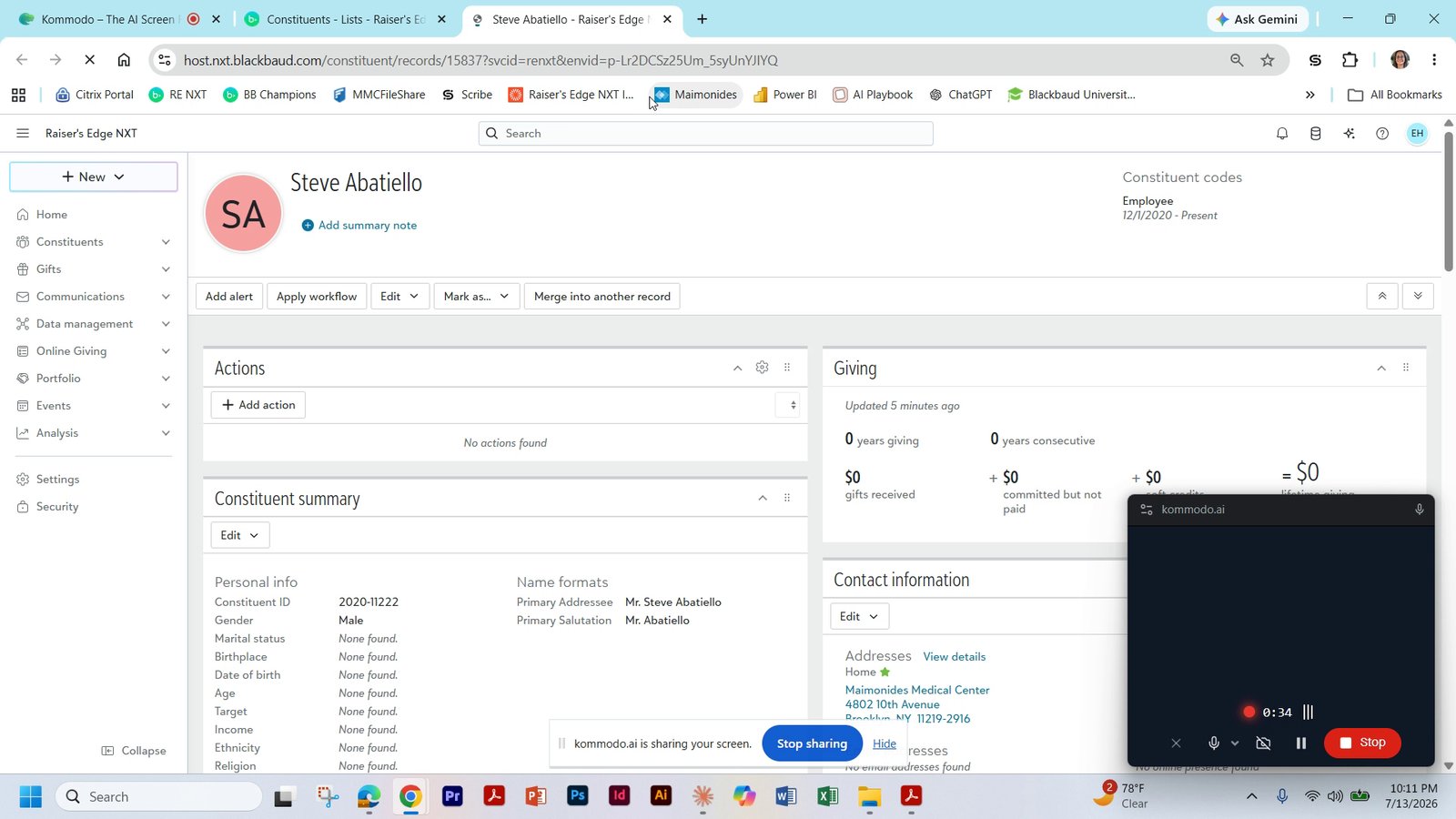
The employment information is located on the top right of the detailed record.
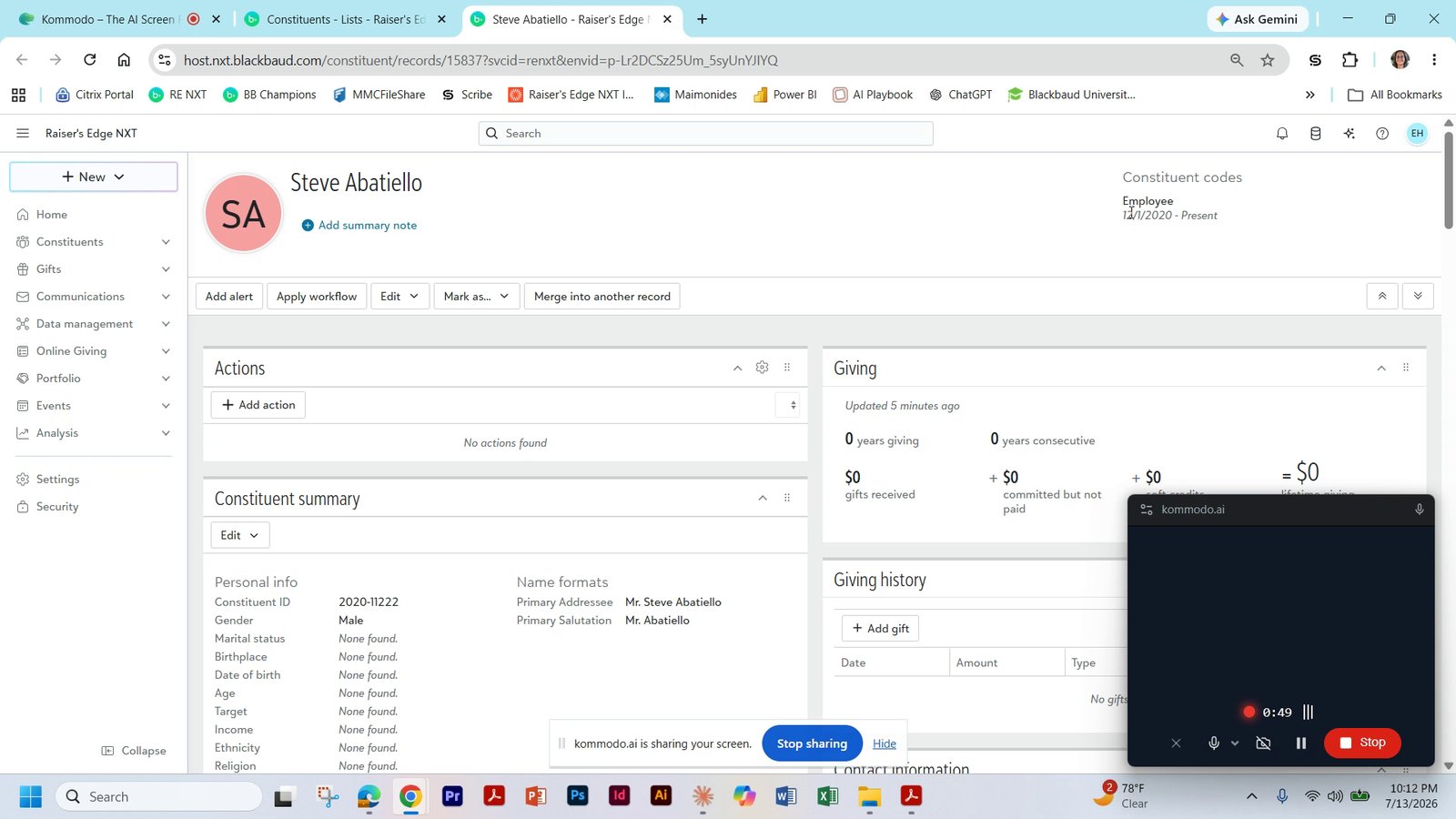
5
Update the contact information section
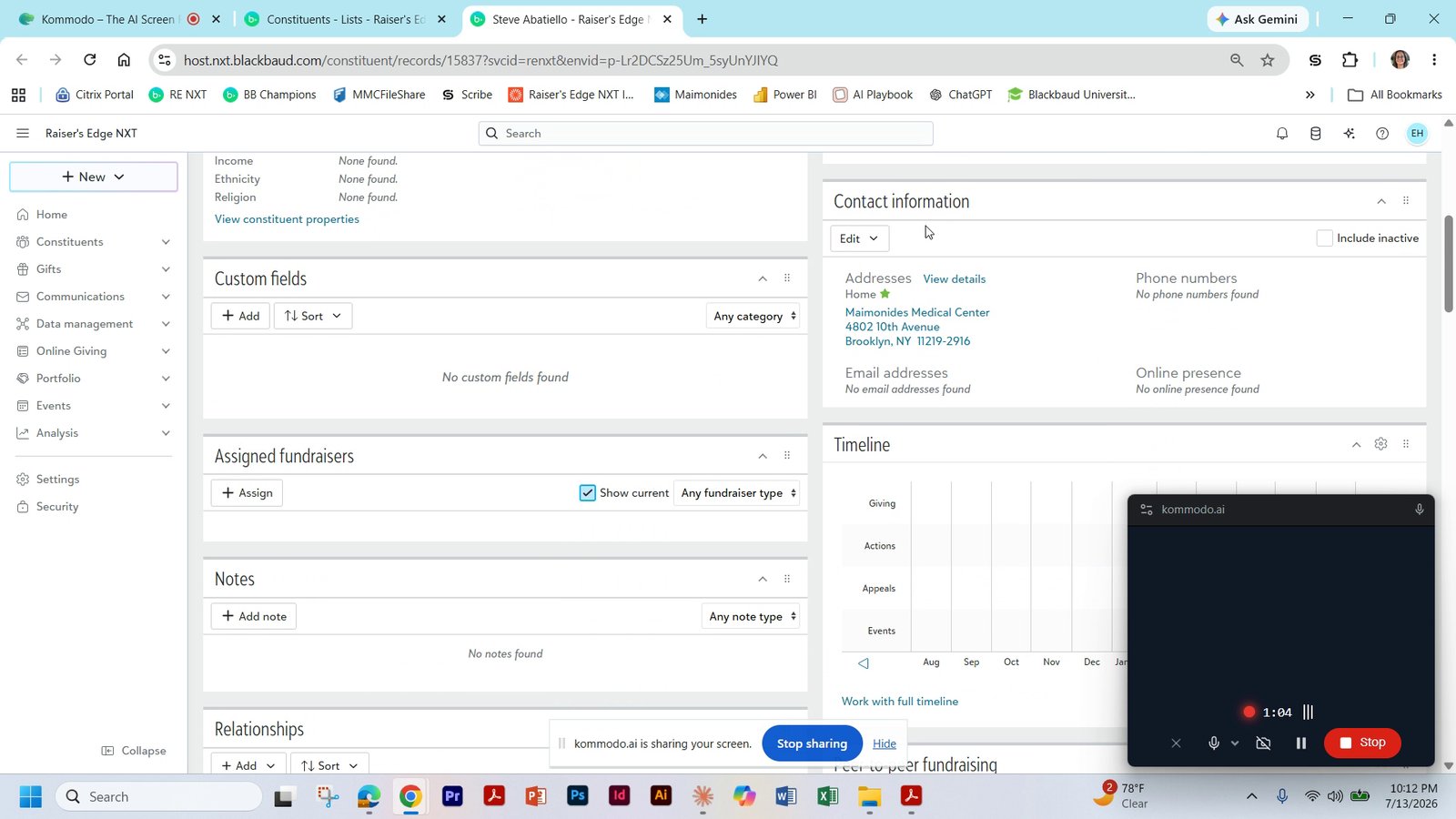
6
Choose Edit in the Contact information section
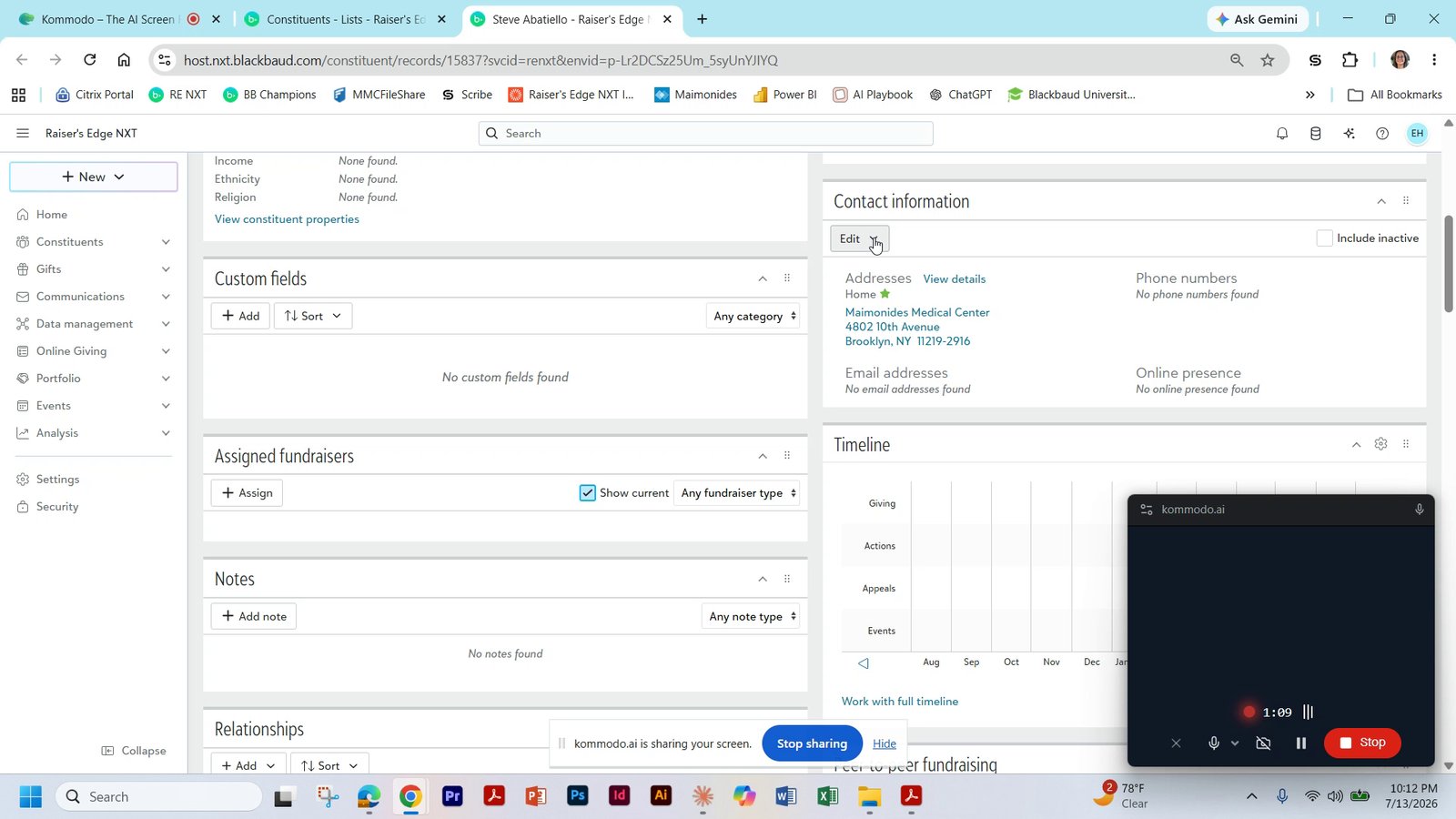
7
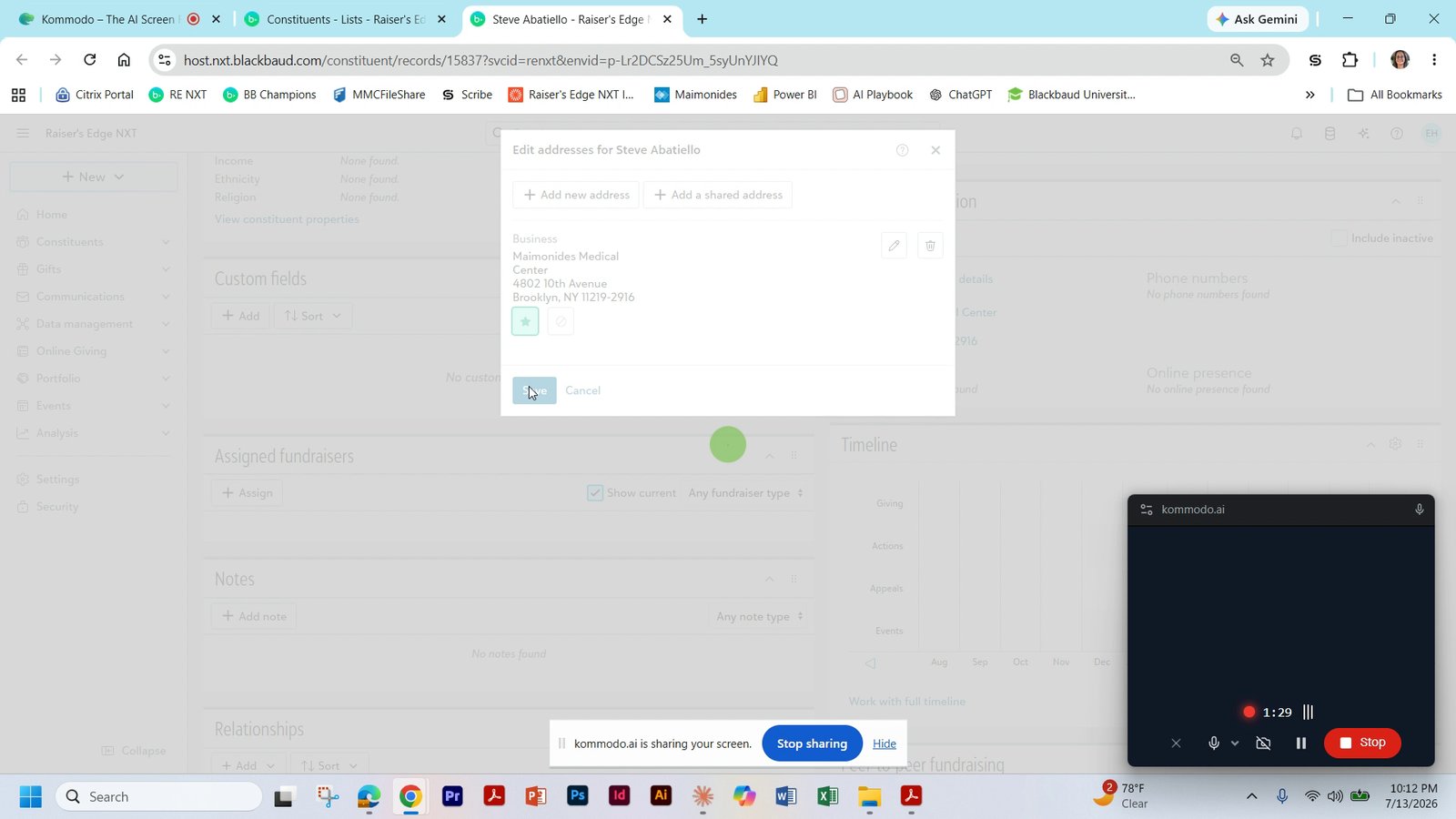
Update the business address fields with the correct office address
Address can be verified from the email directory.
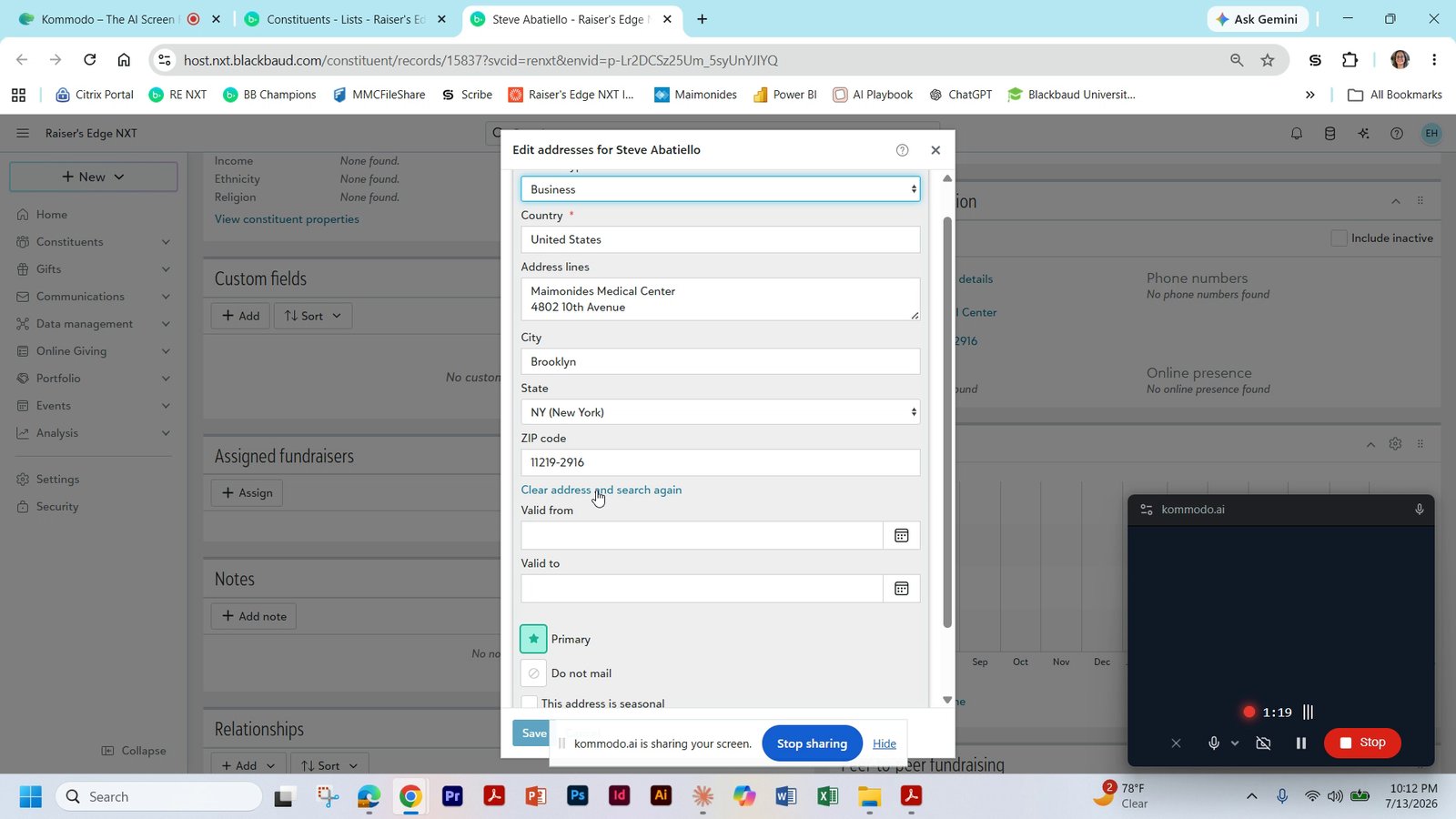
8
Click Save to update the address record
9
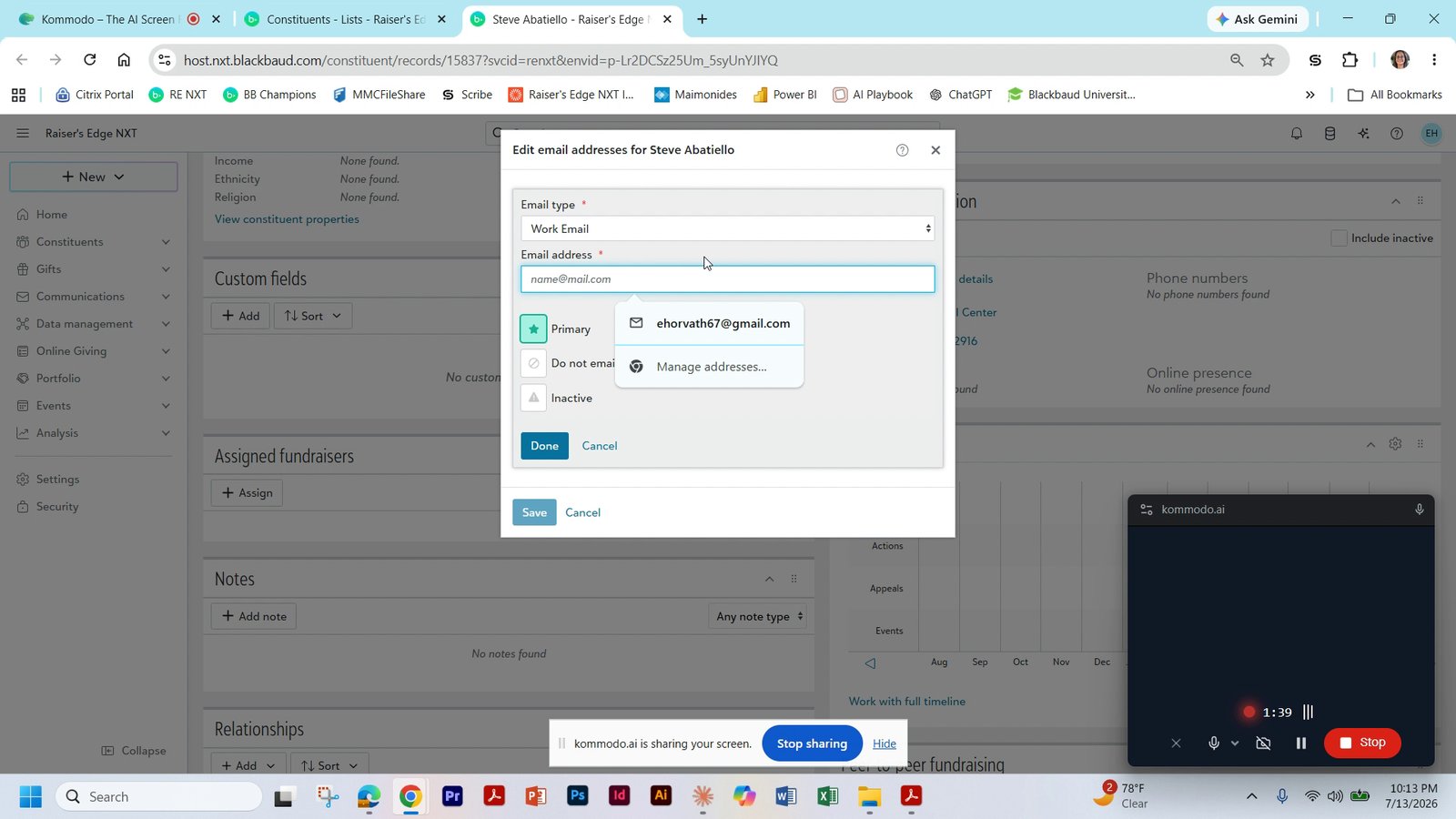
Select the work email address to update
10
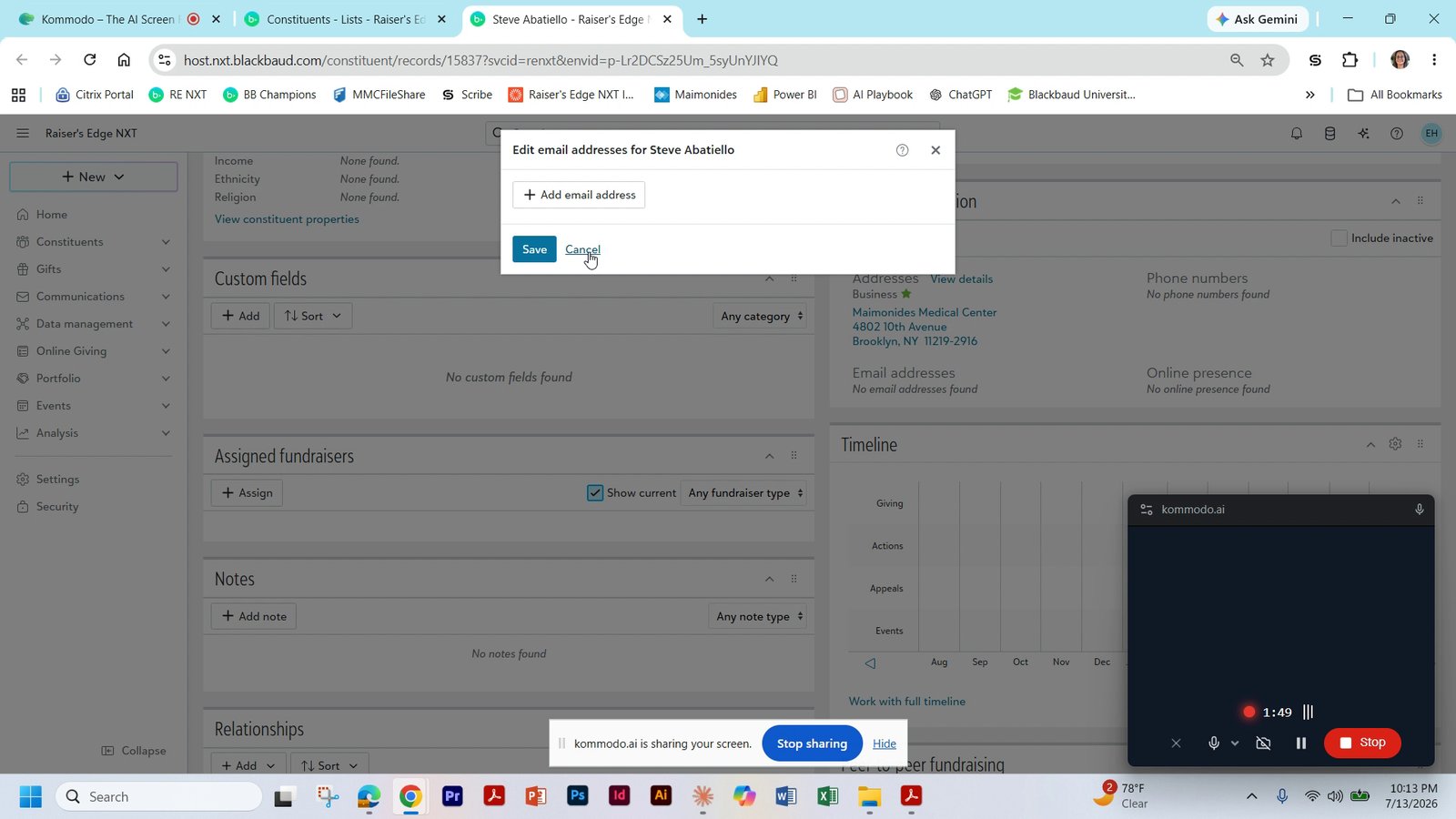
Click Save after entering the work email
10 of 18 steps shown
The guide's author needs to upgrade to share the remaining 8 steps.