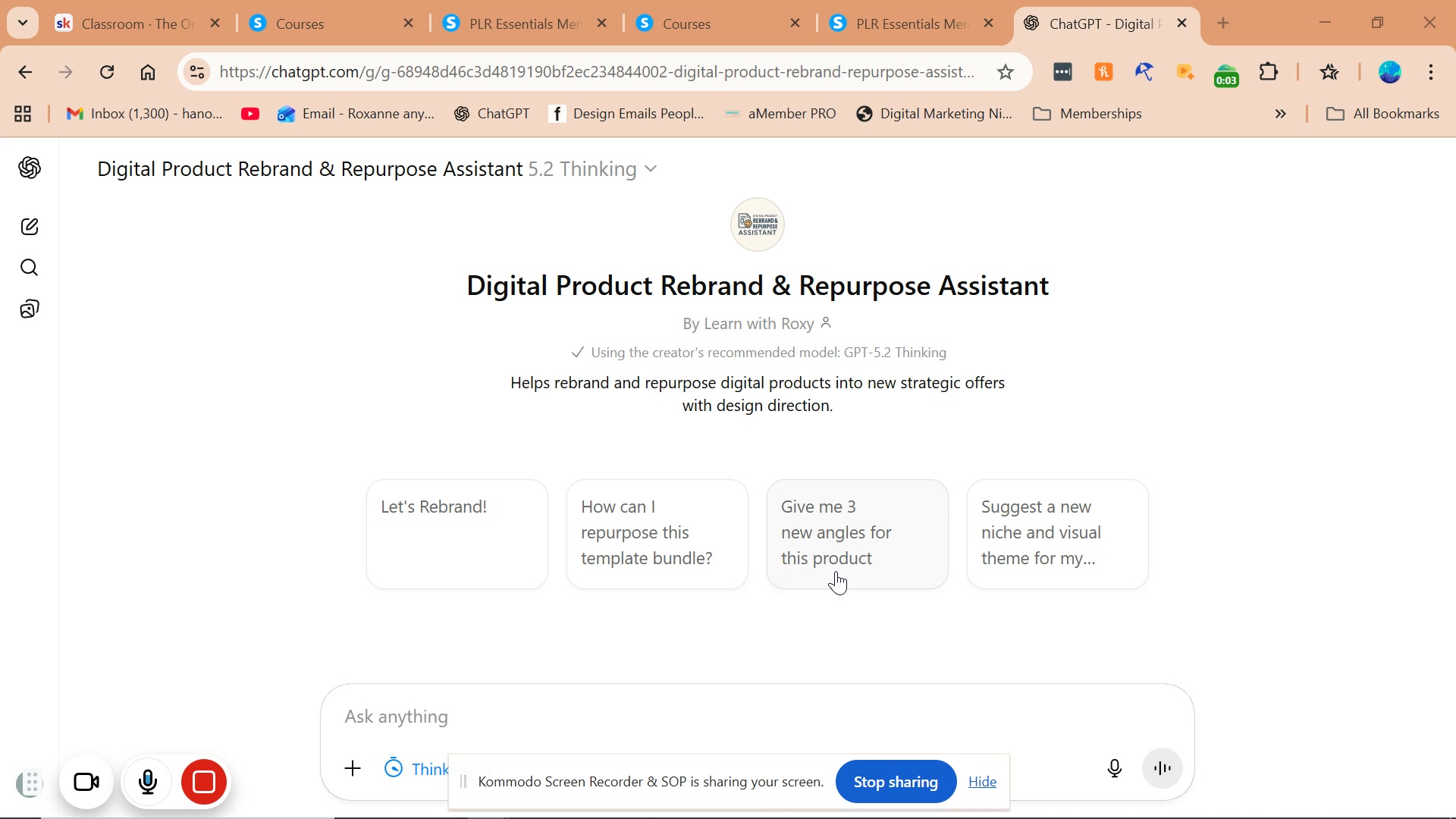
Digital Product Rebrand & Repurpose Assistant GPT

R A

R A

No date
24 steps
2

Click on highlighted element

step
3

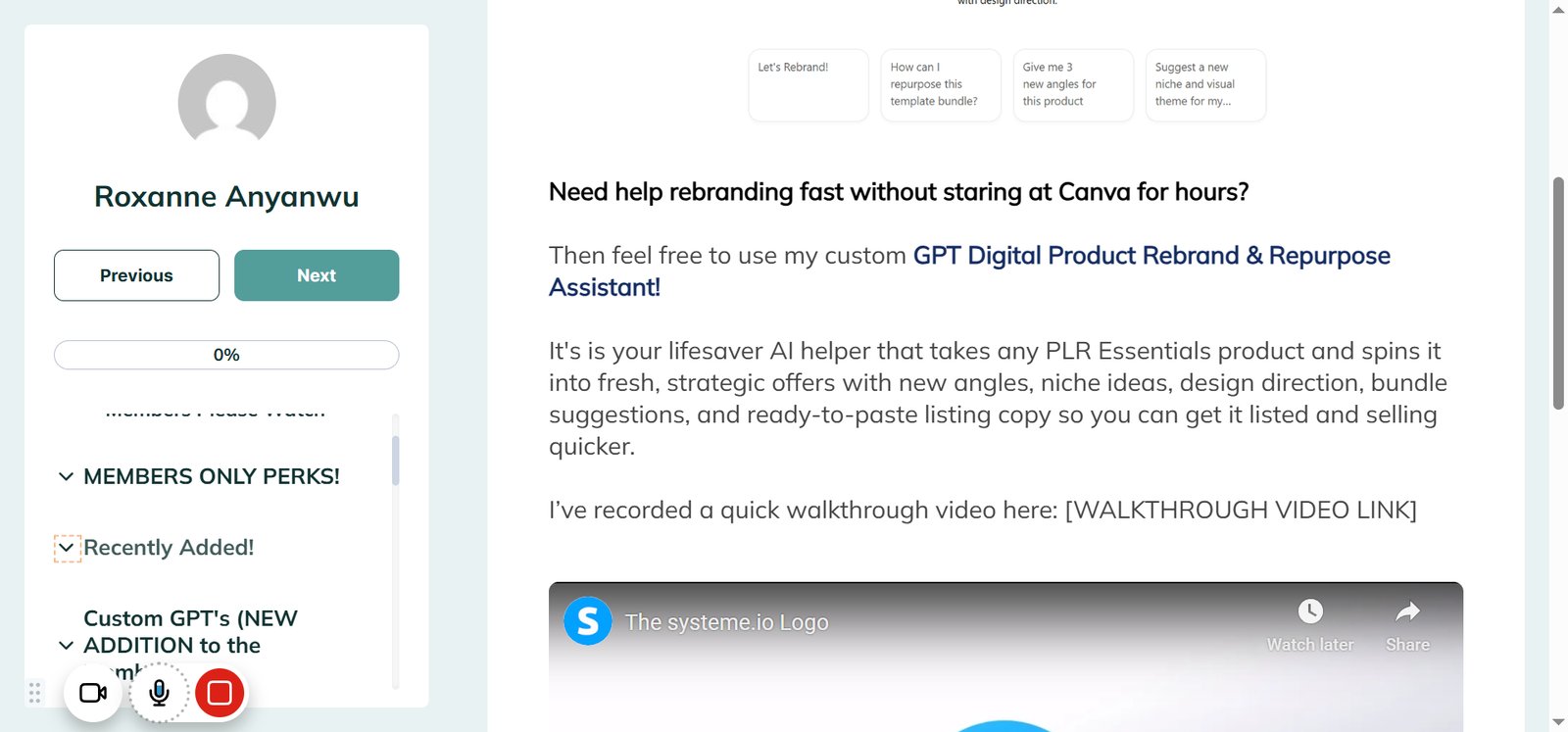
Click on "Sacral Chakra Journal - Recently Added"

step
5

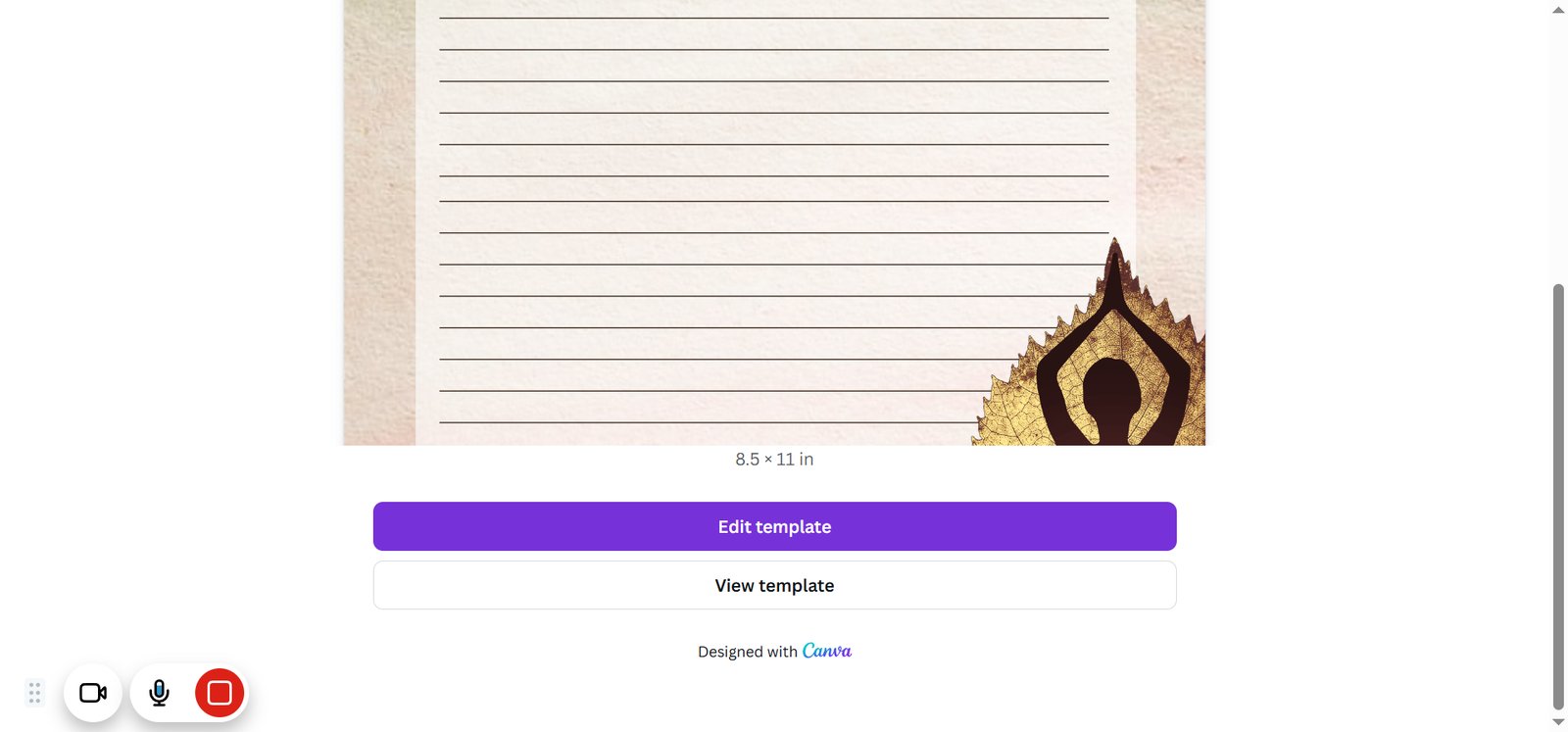
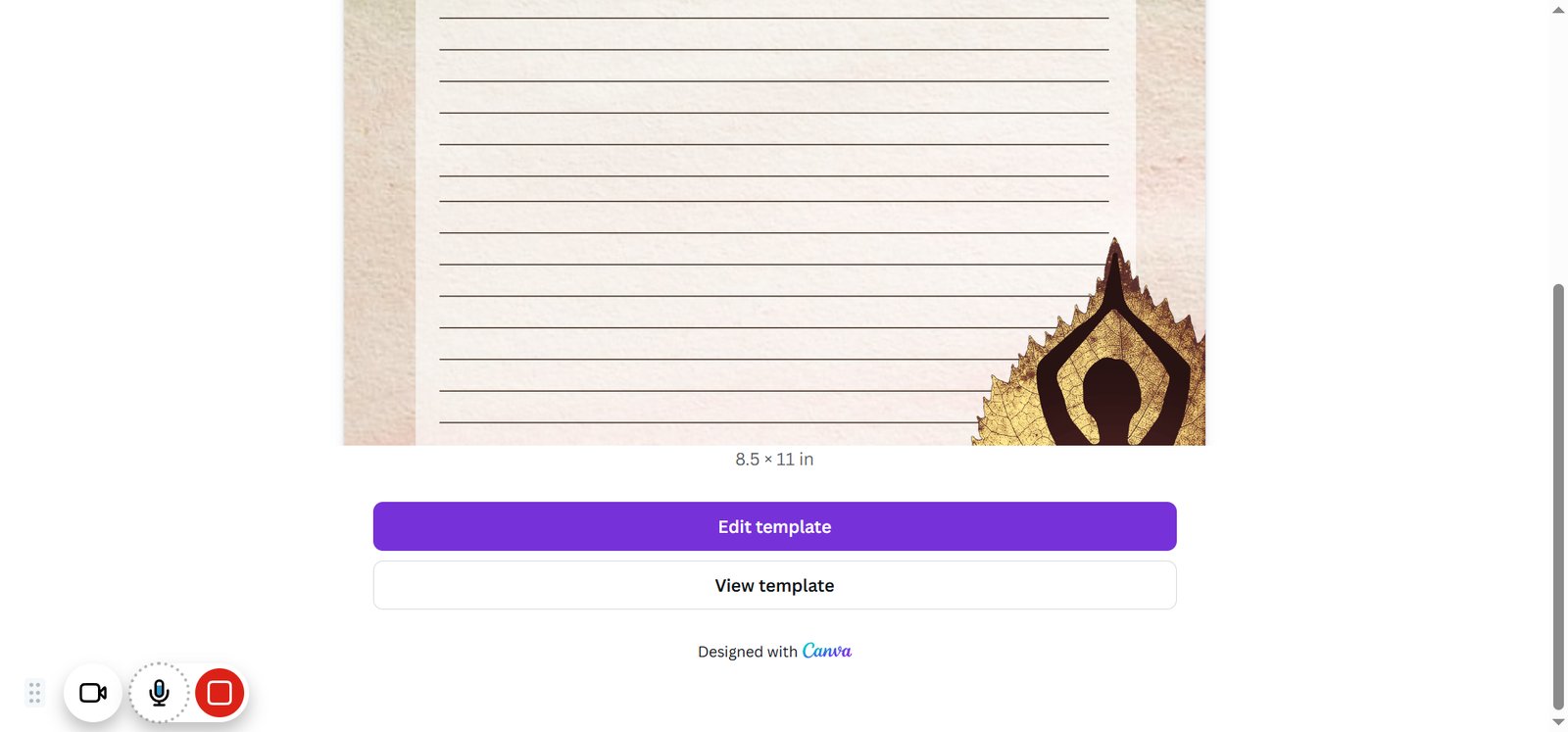
Click on "View template"

step
6

Click on highlighted element

step
7

Click on "Edit template"

step
8

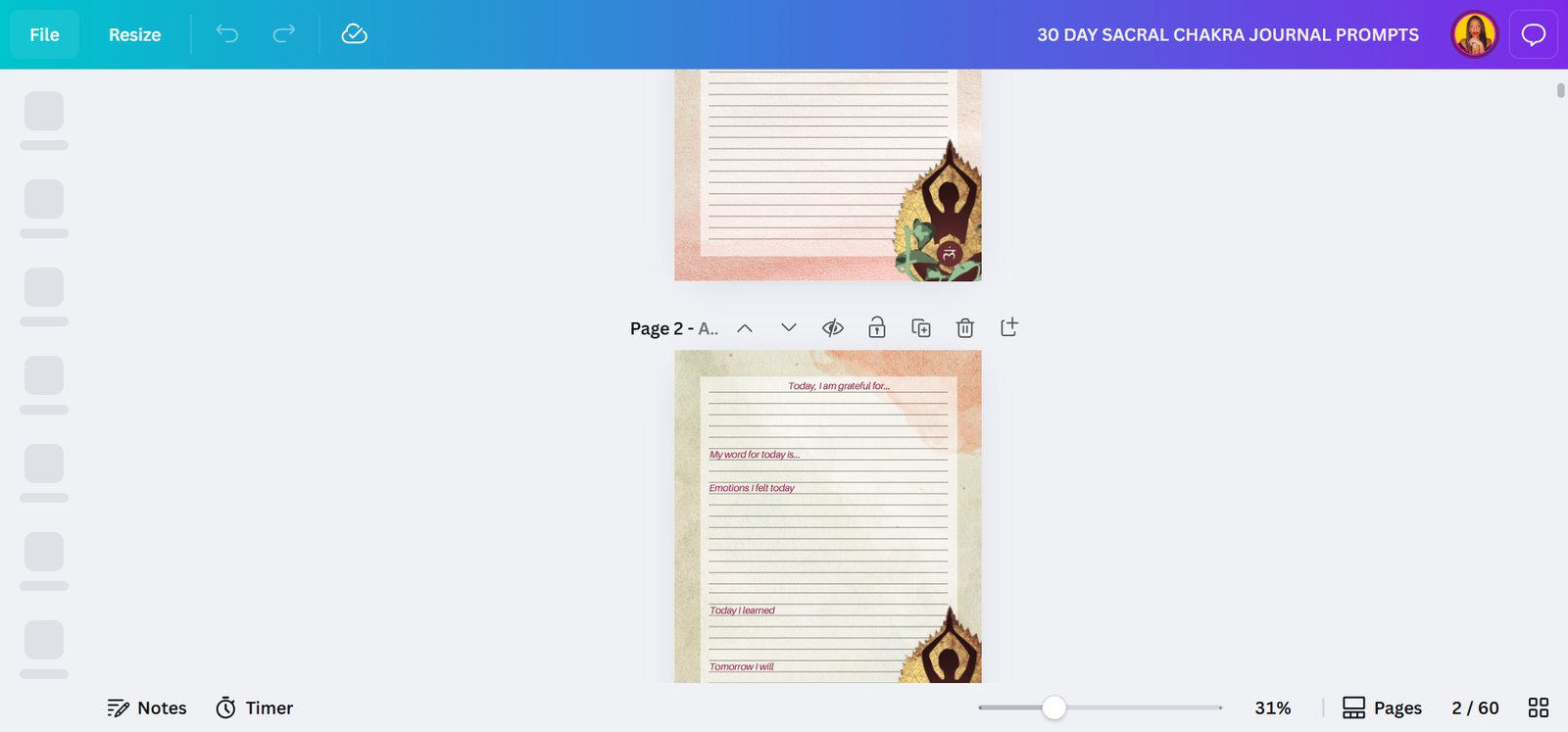
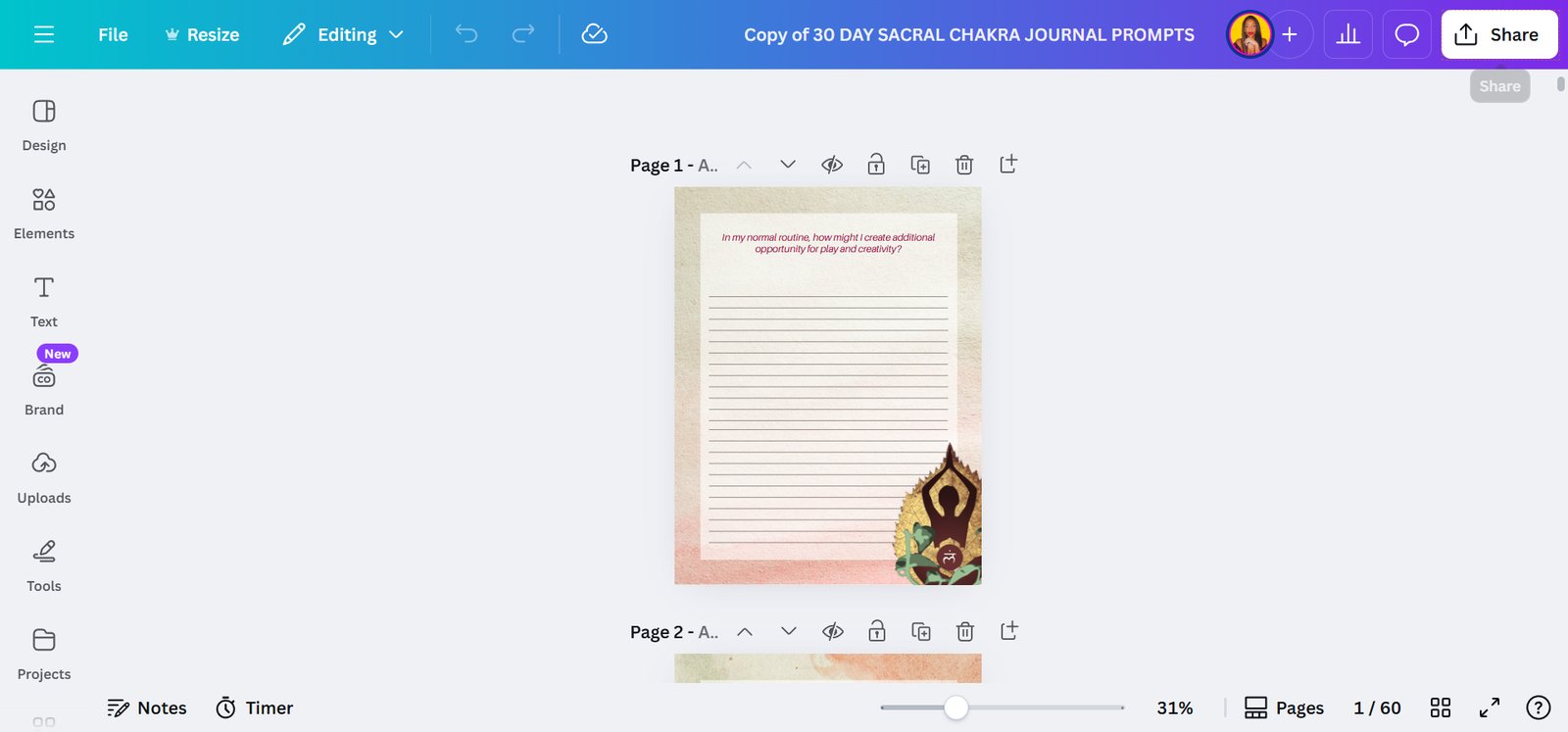
Click on "File"

step
9

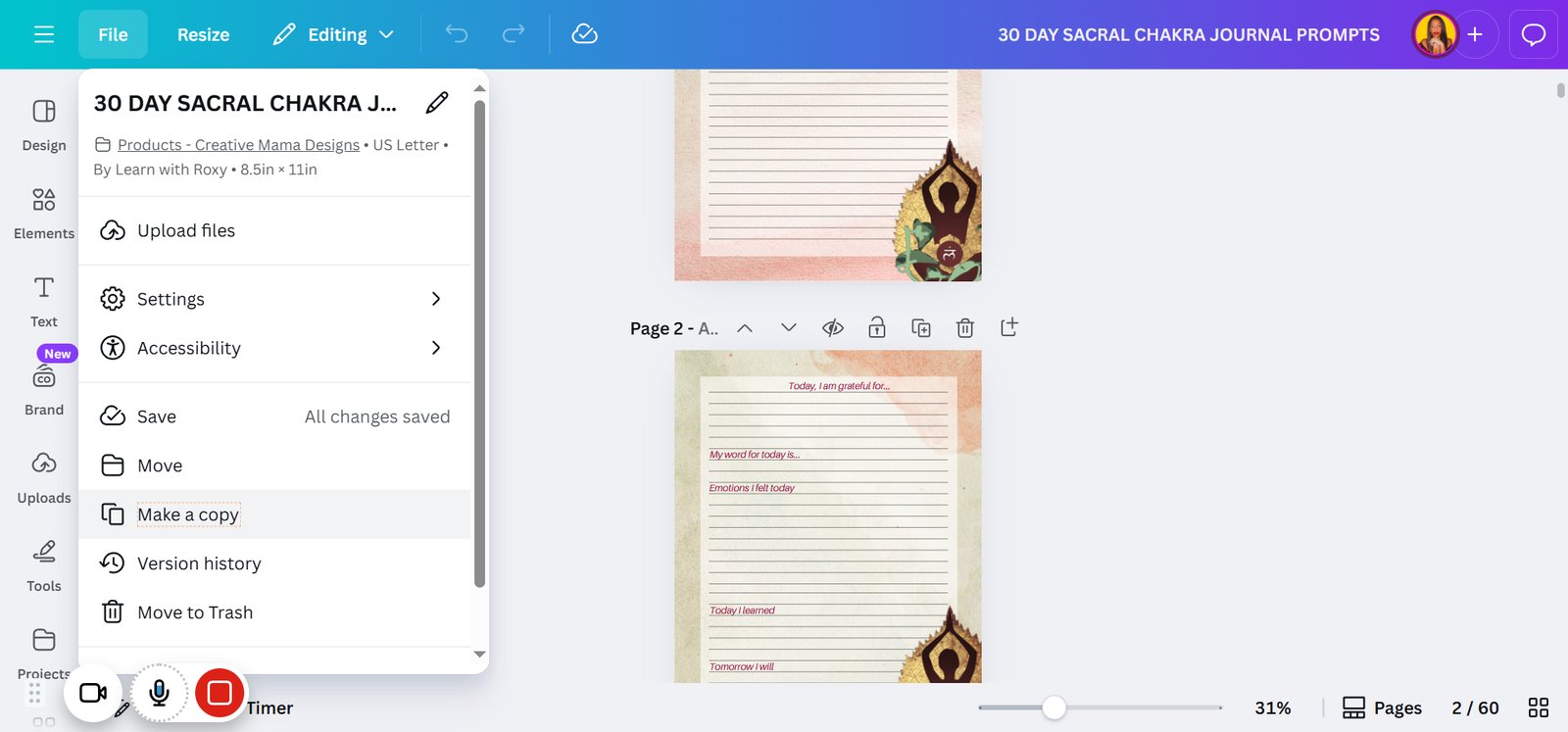
Click on "Make a copy"

step
10

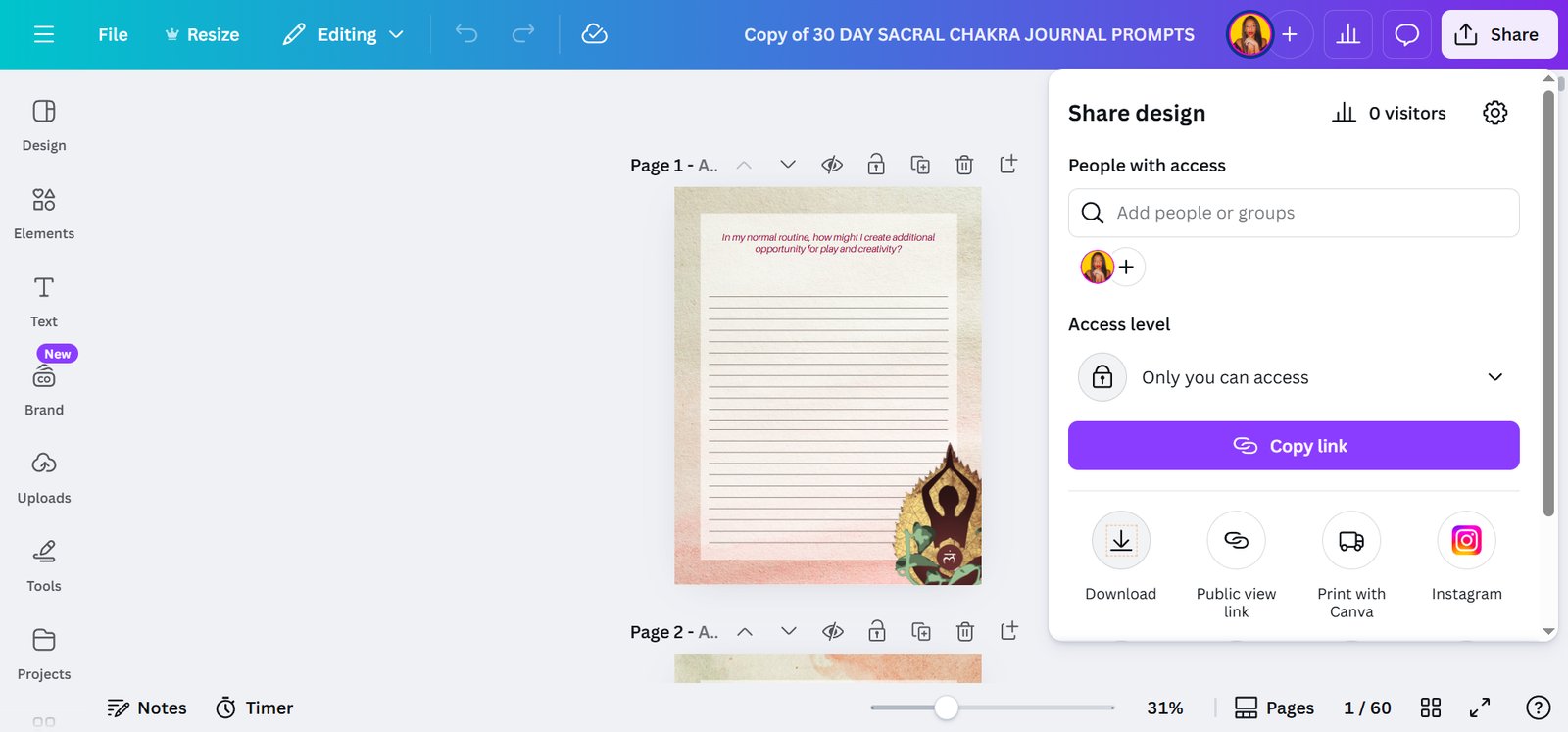
Click on "Share"

step
11

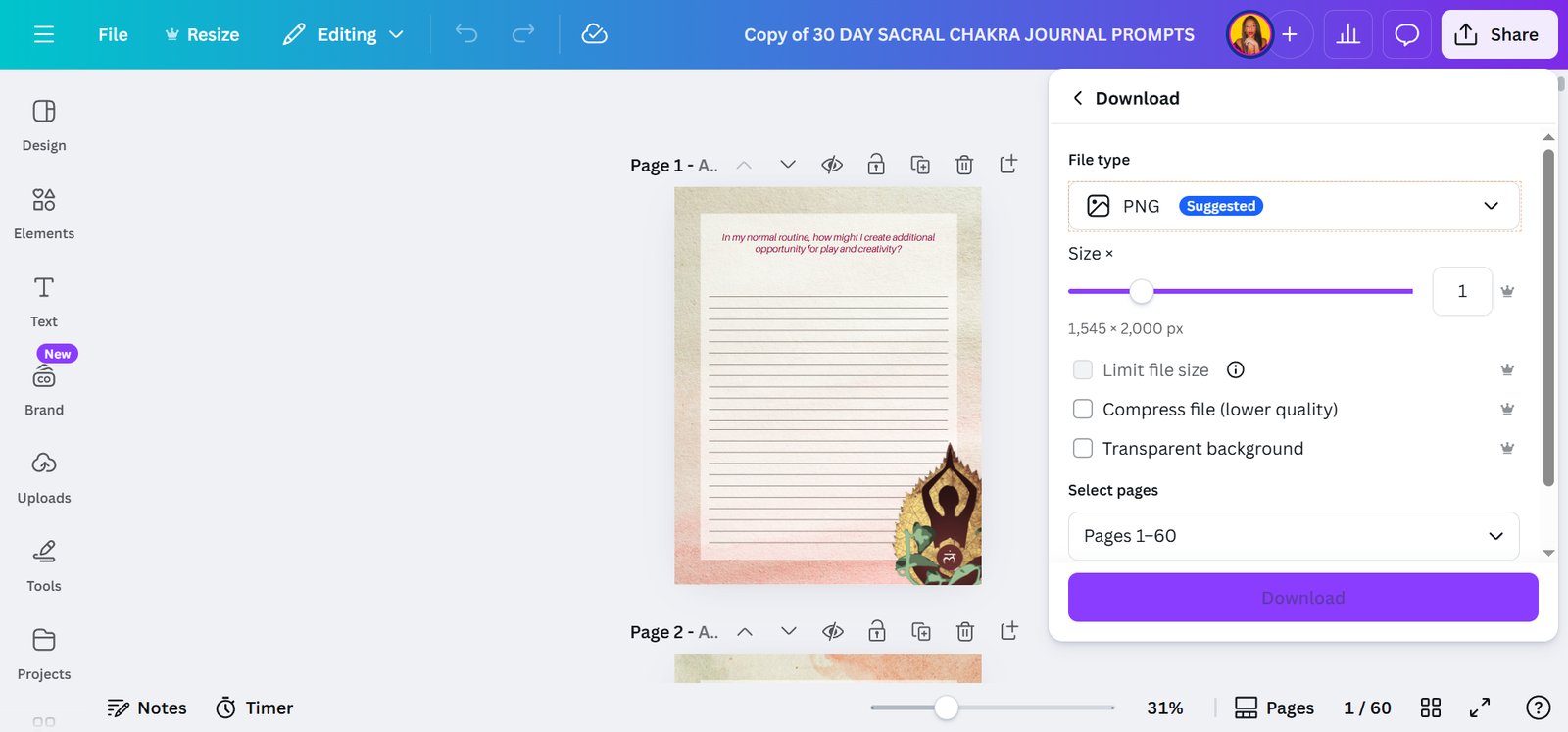
Click on highlighted element

step
12

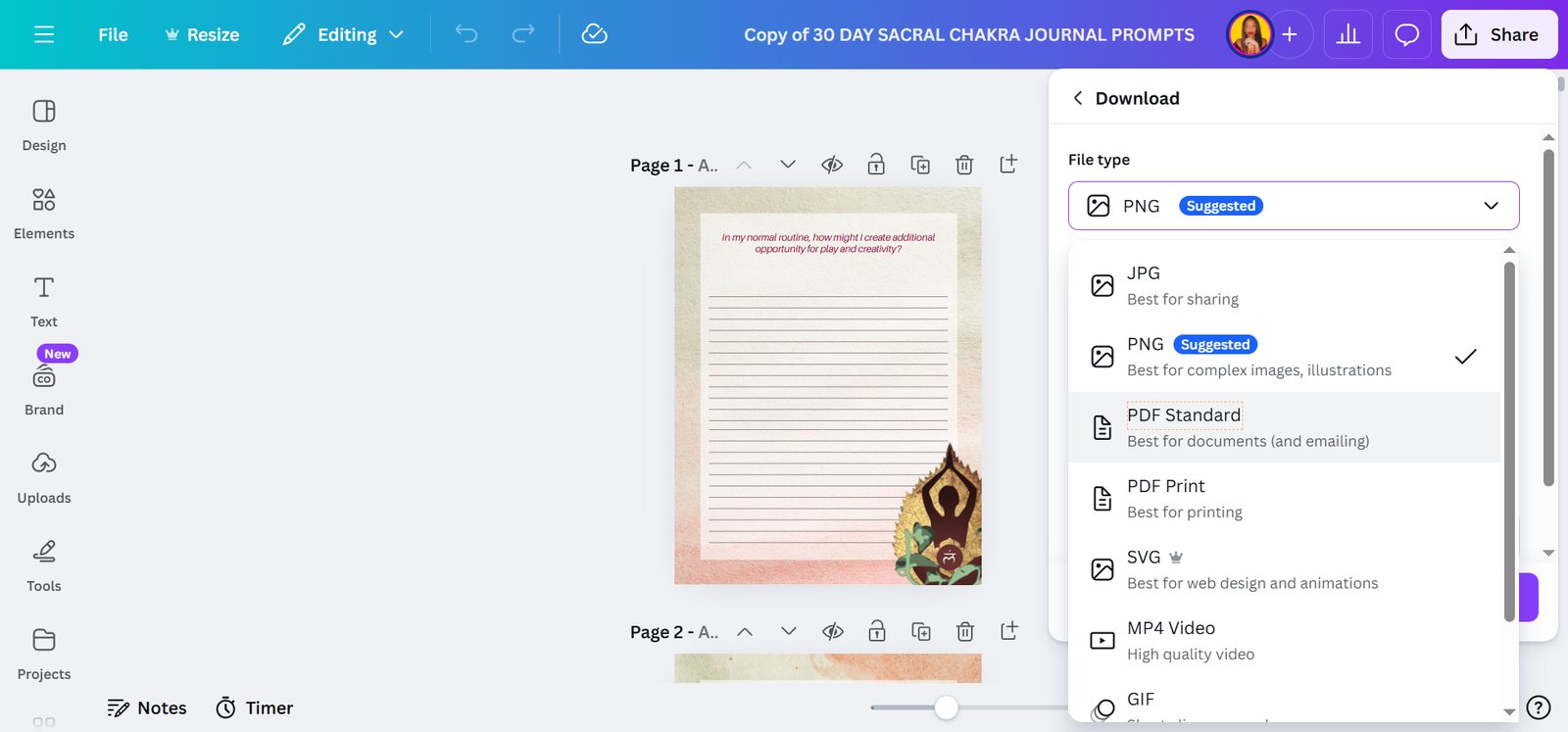
Click on "PNG Suggested"

step
13

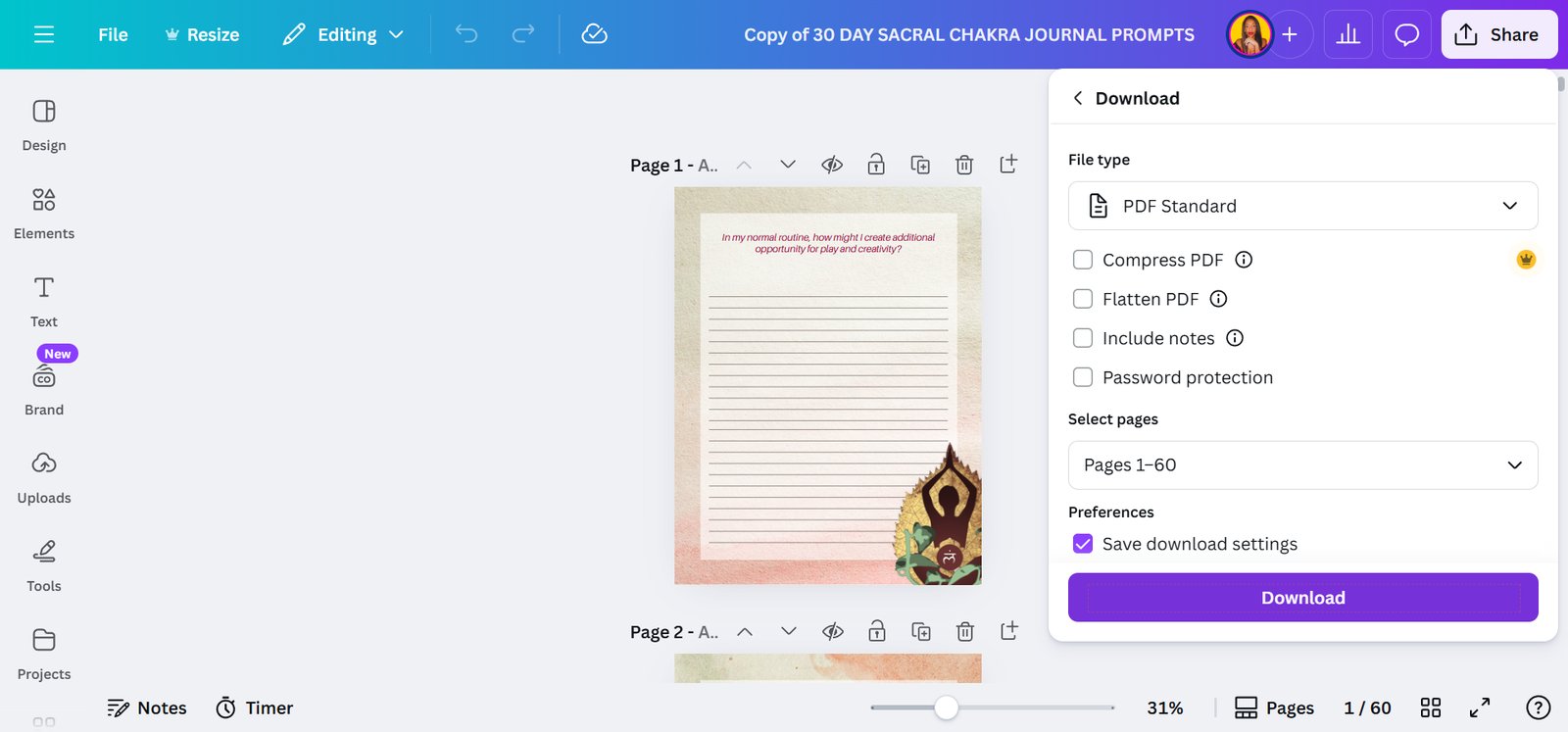
Click on "PDF Standard"

step
14

Click on "Download"

step
16

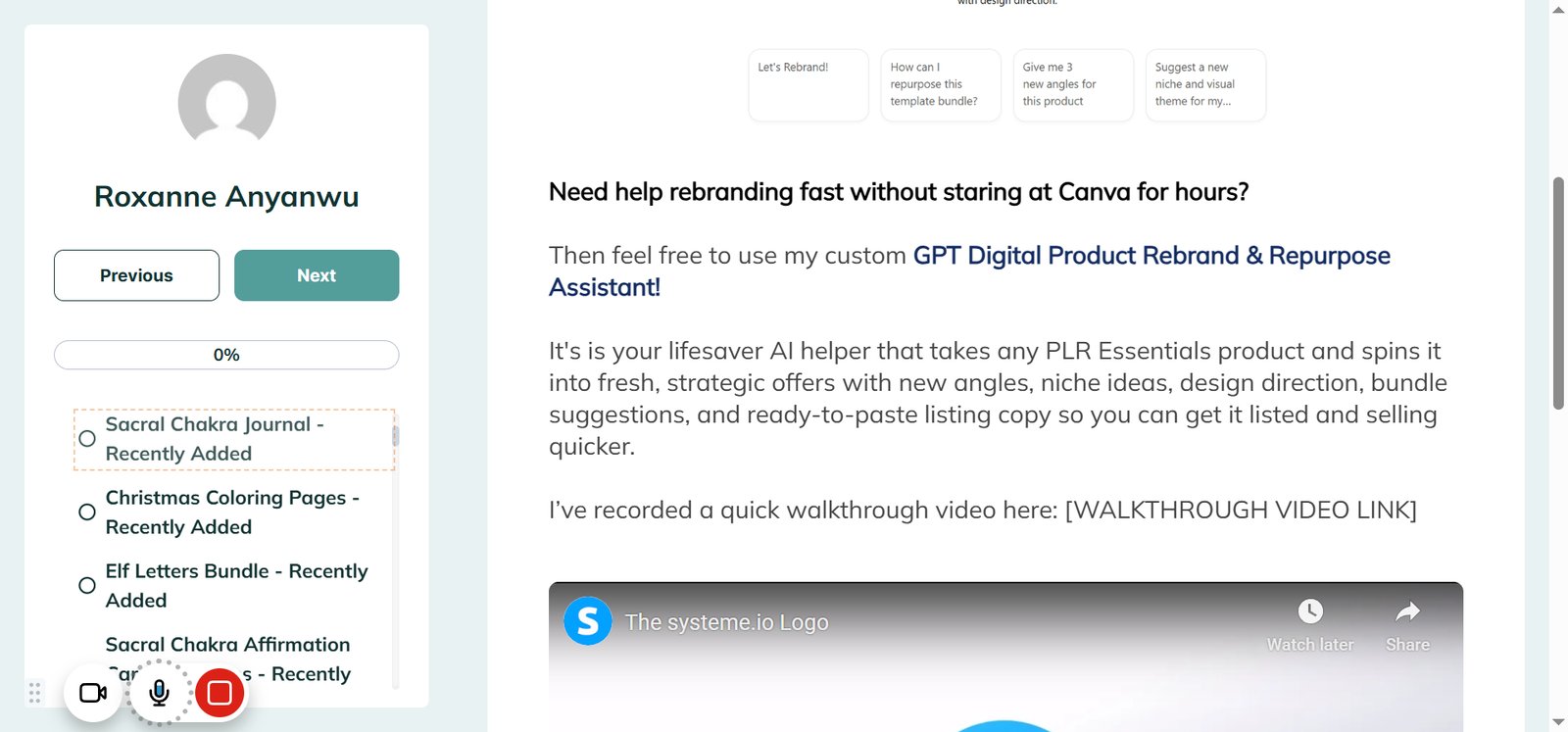
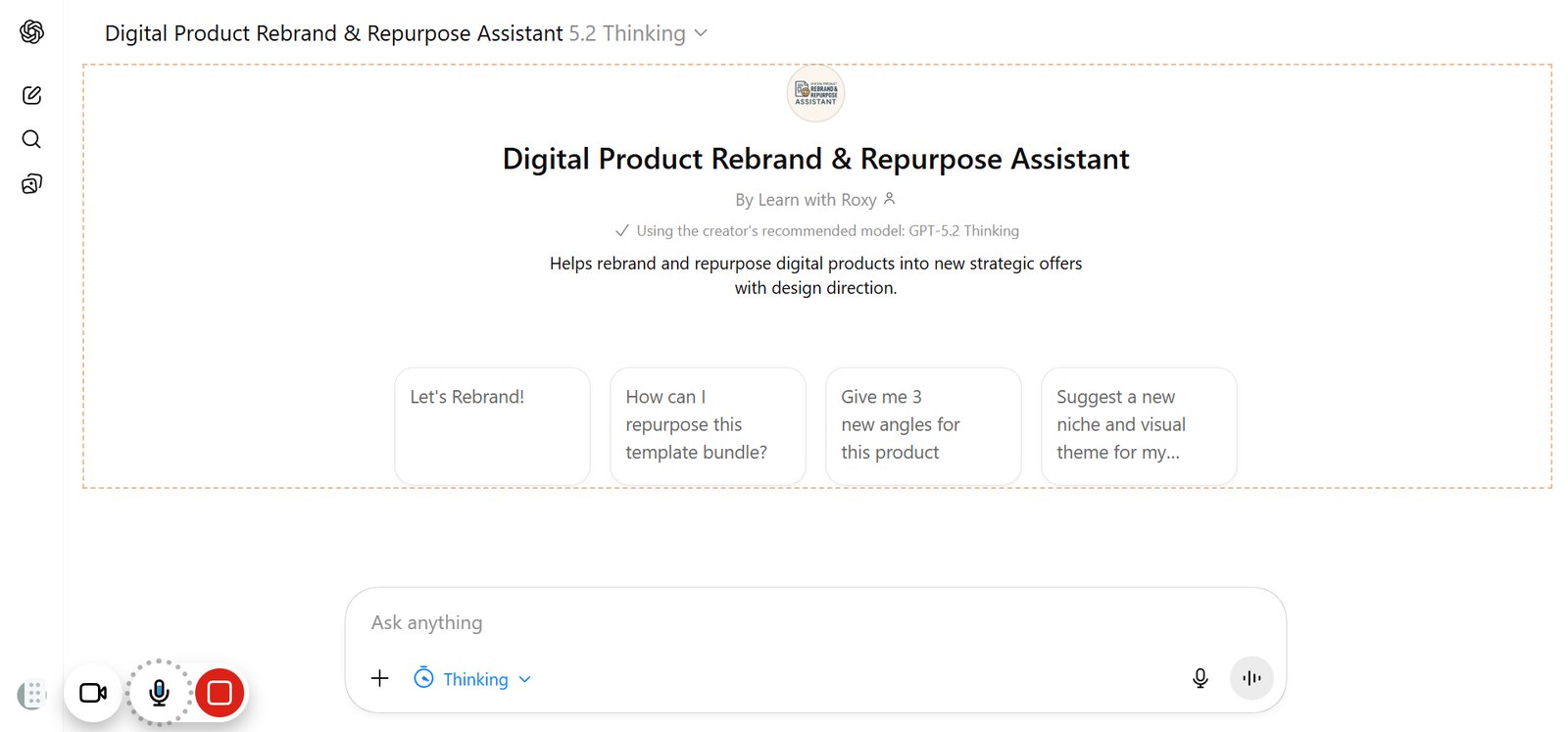
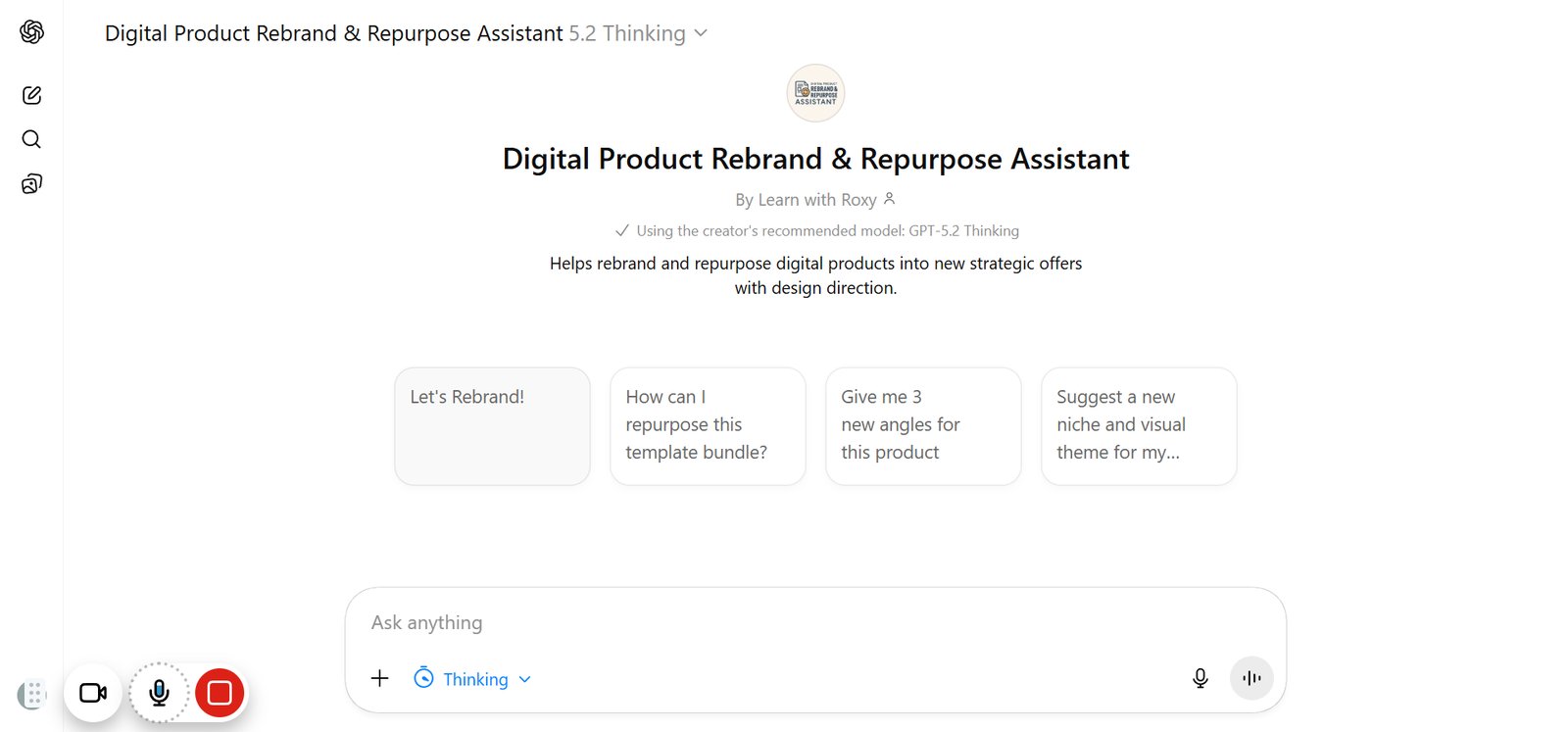
Click on "Digital Product Rebrand & Repurpose Assistant By Learn with Roxy Using the creator's recommended mod…"
step
17

Click on "Let's Rebrand!"

step
18

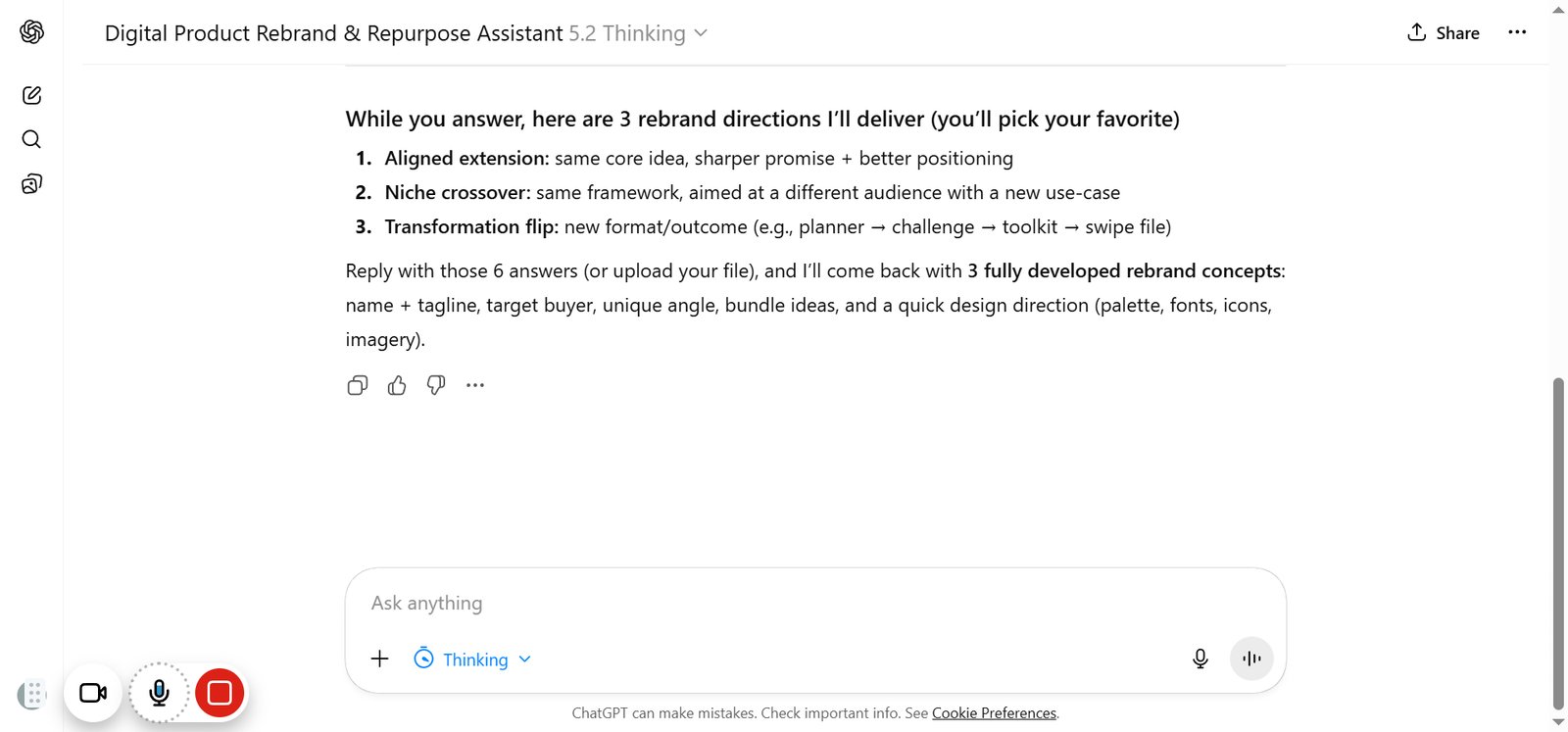
Click on highlighted element

step
19

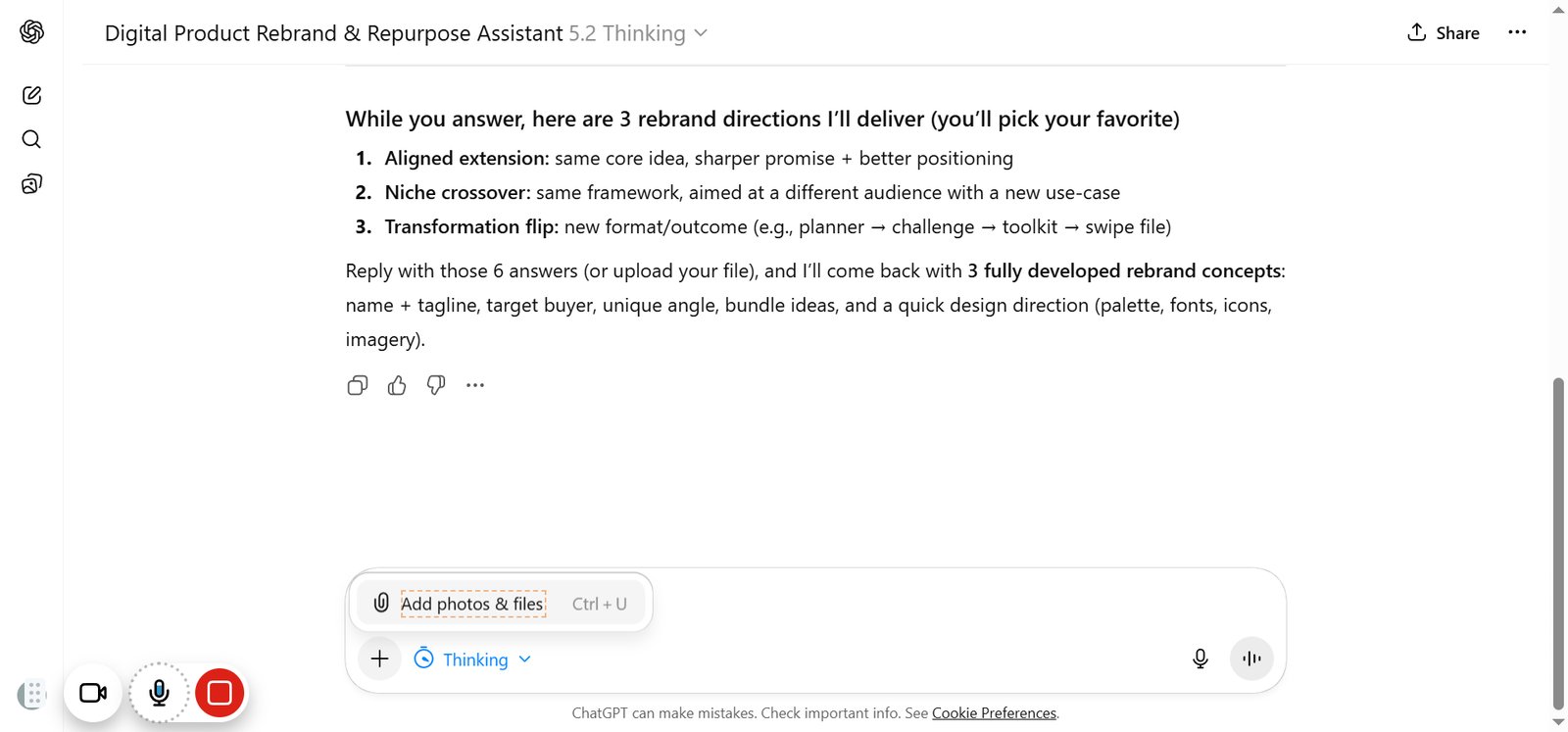
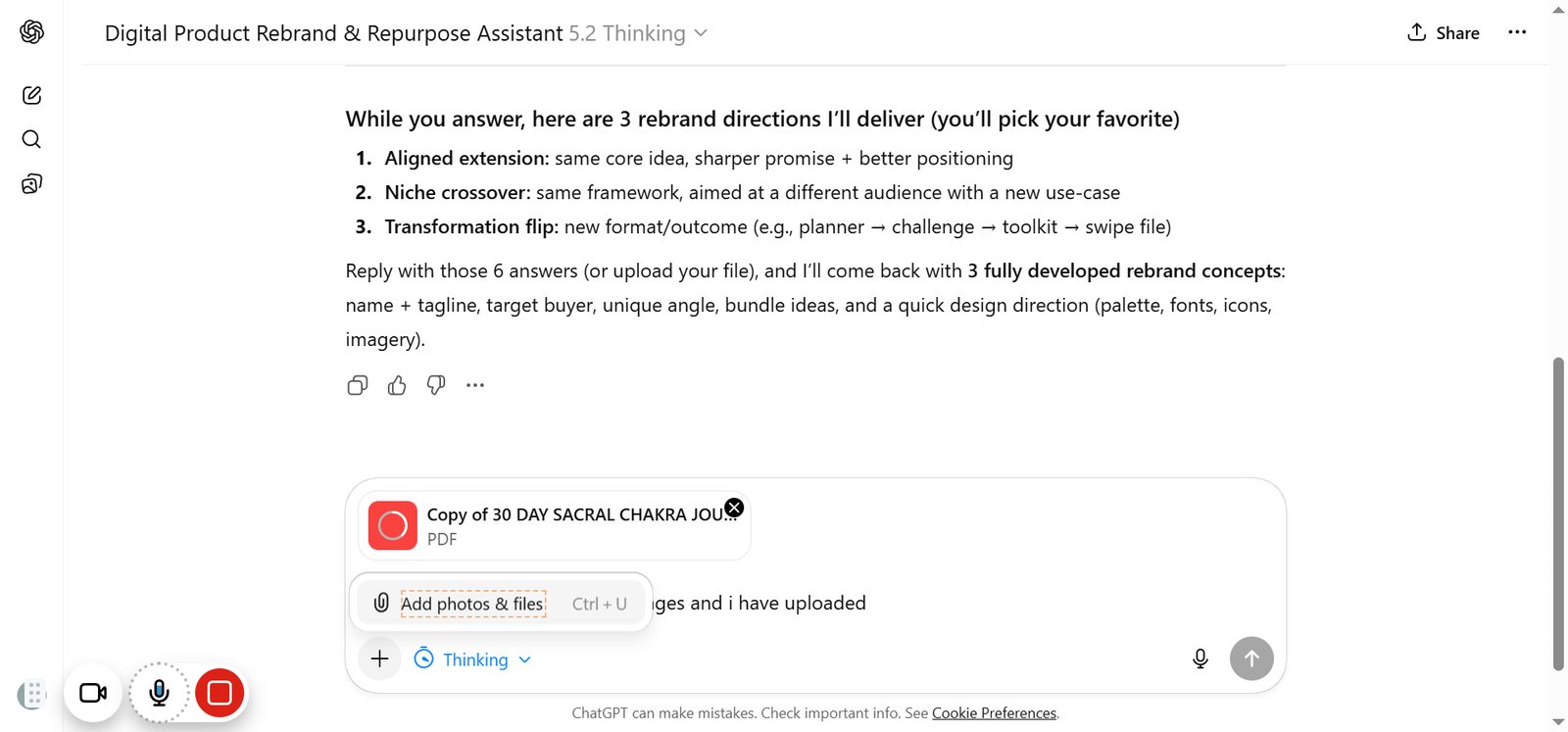
Click on "Add photos & files"

step
20

Click on highlighted element

step
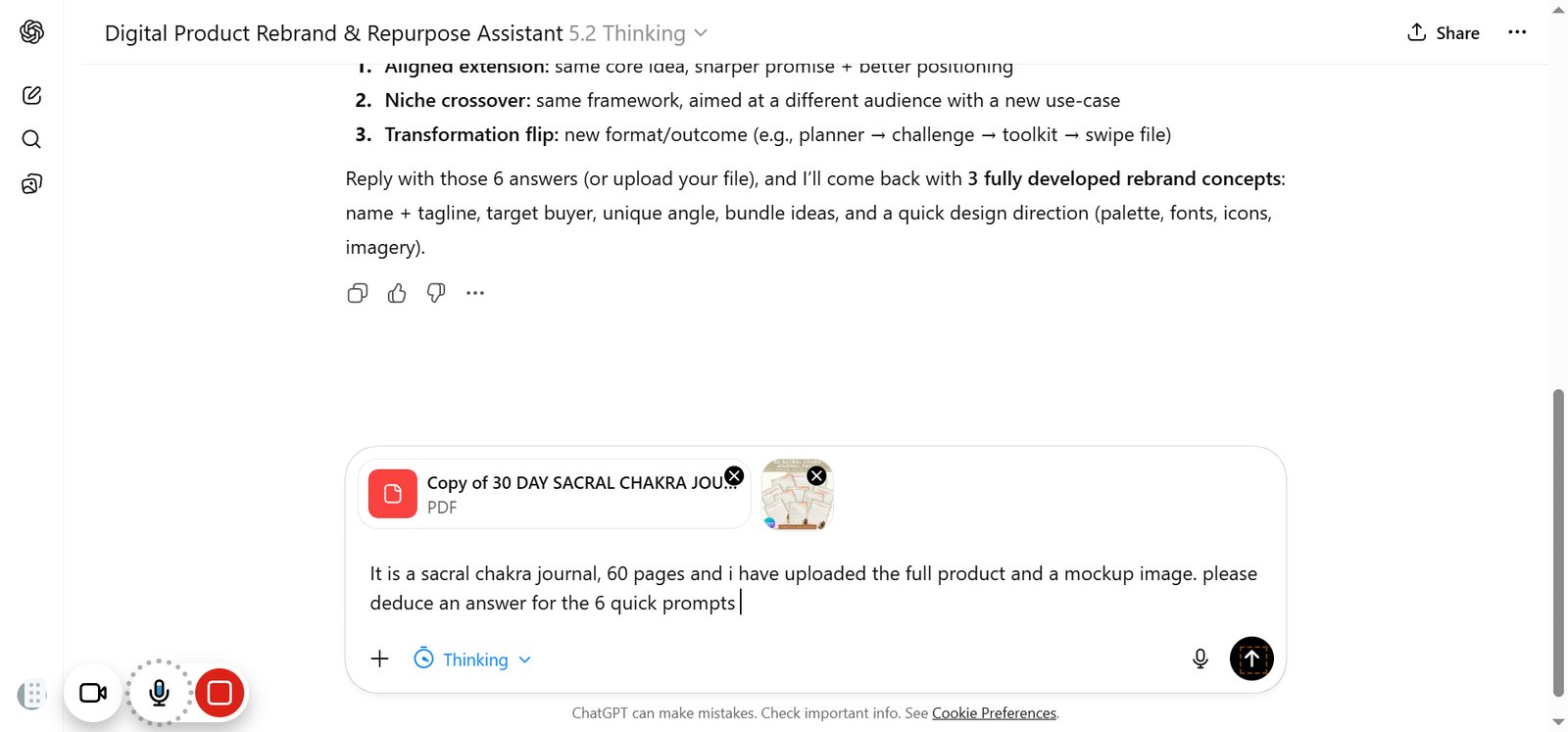
21

Click on "Add photos & files"

step
22

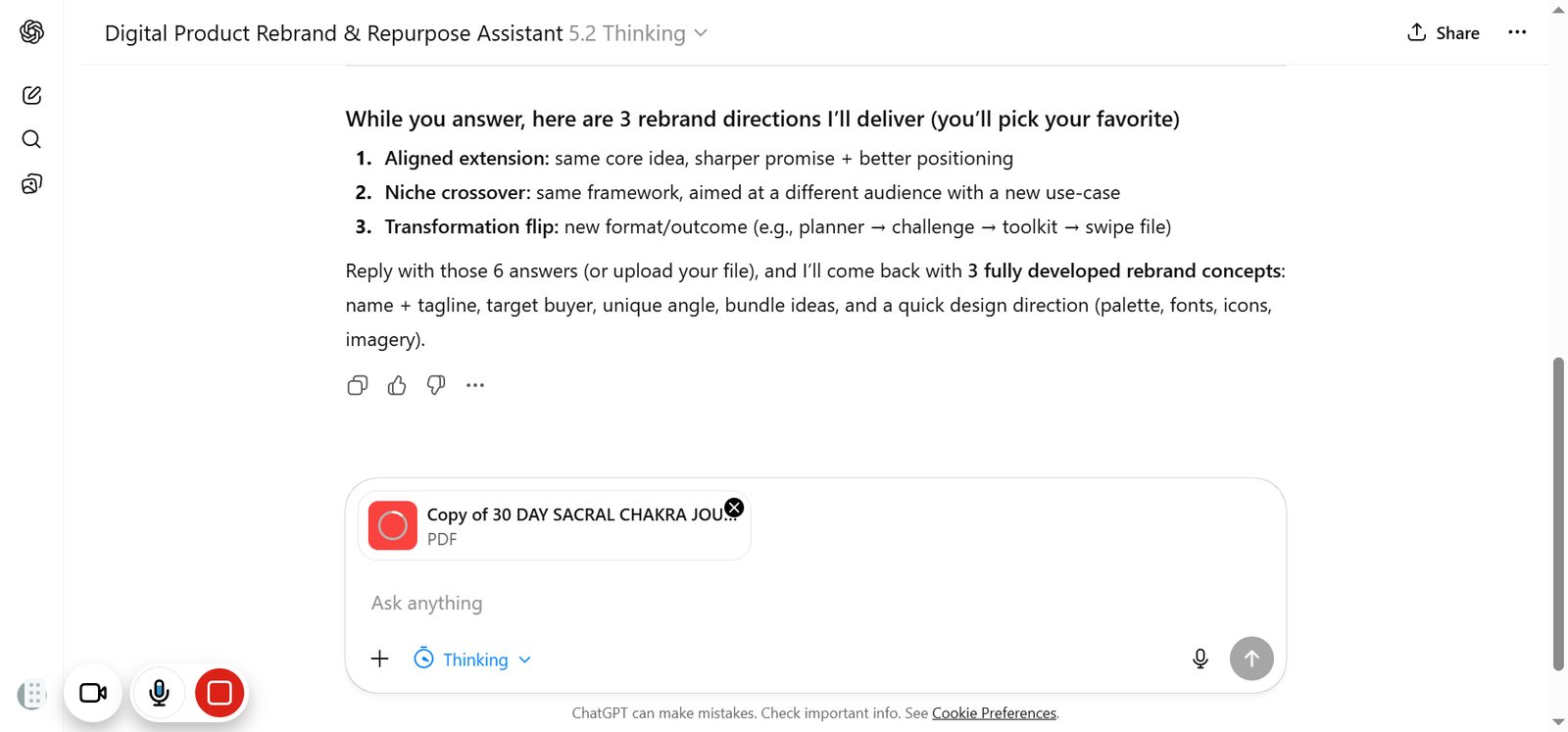
Click on highlighted element

step
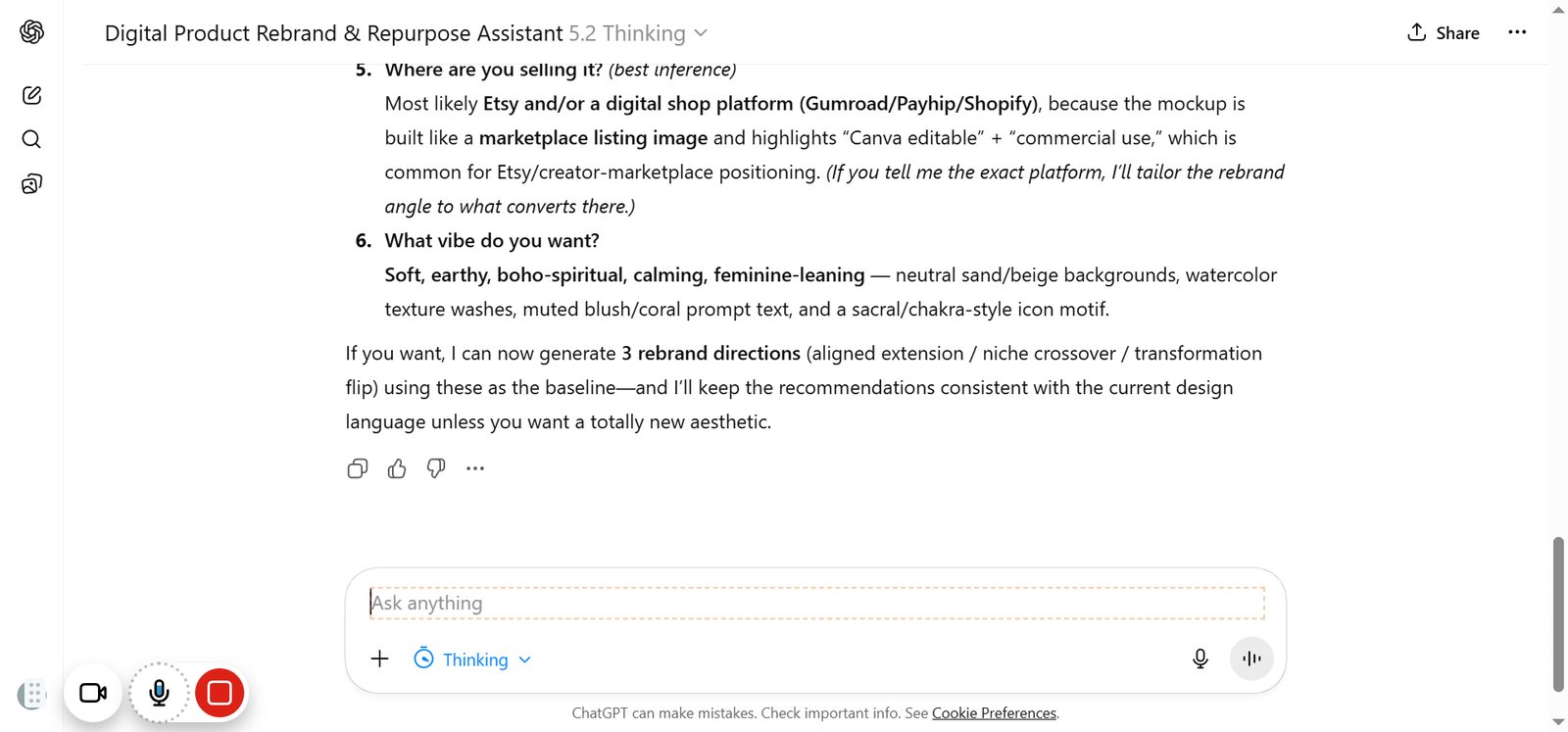
23

Click on highlighted element

step
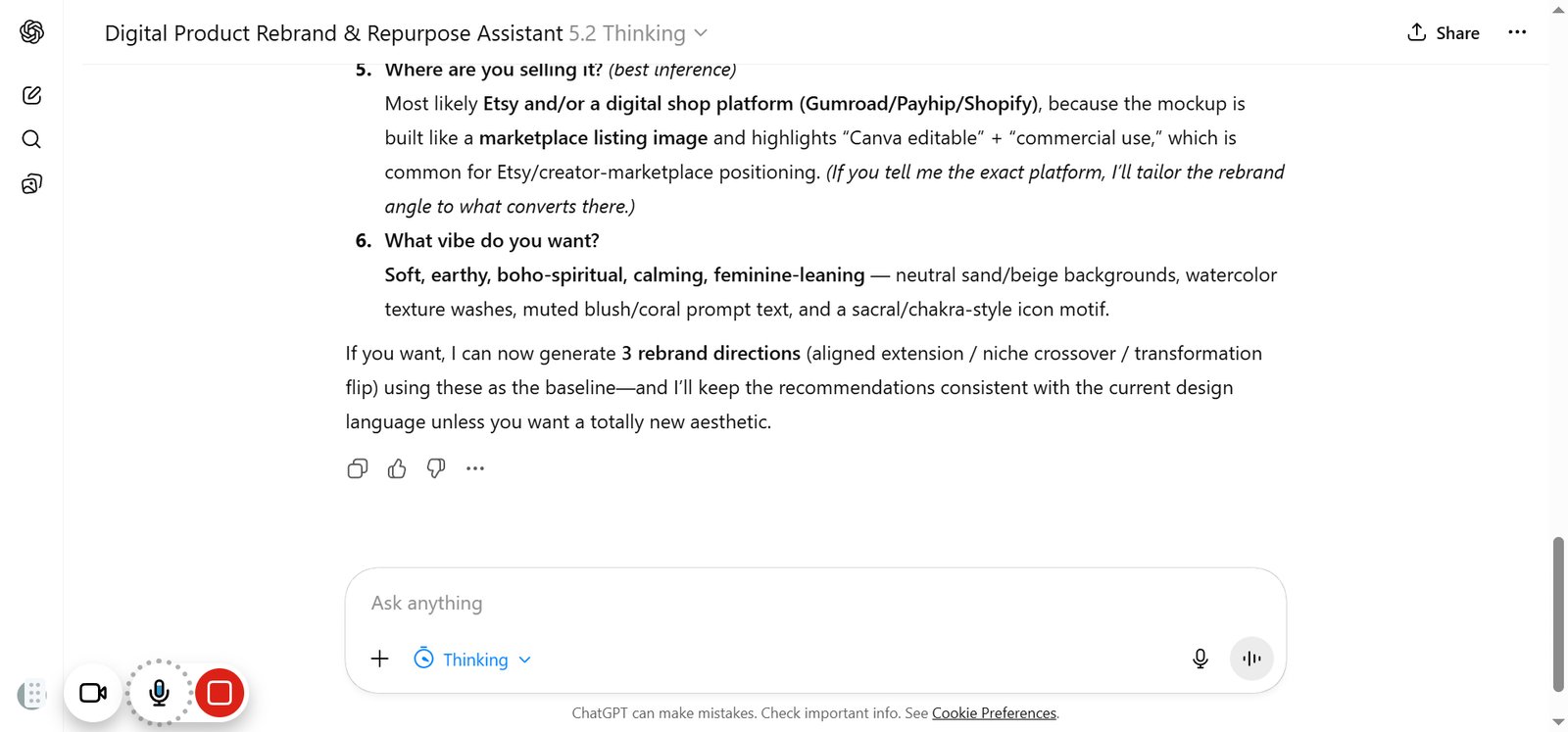
24

Click on highlighted element

step

You made it to the end!

24 steps complete