How to Use ArgMaxTruth for Bayesian Reasoning with LLMs
Learn how to systematically weigh evidence and calculate posterior probabilities using the ArgMaxTruth tool.

Team LongShot
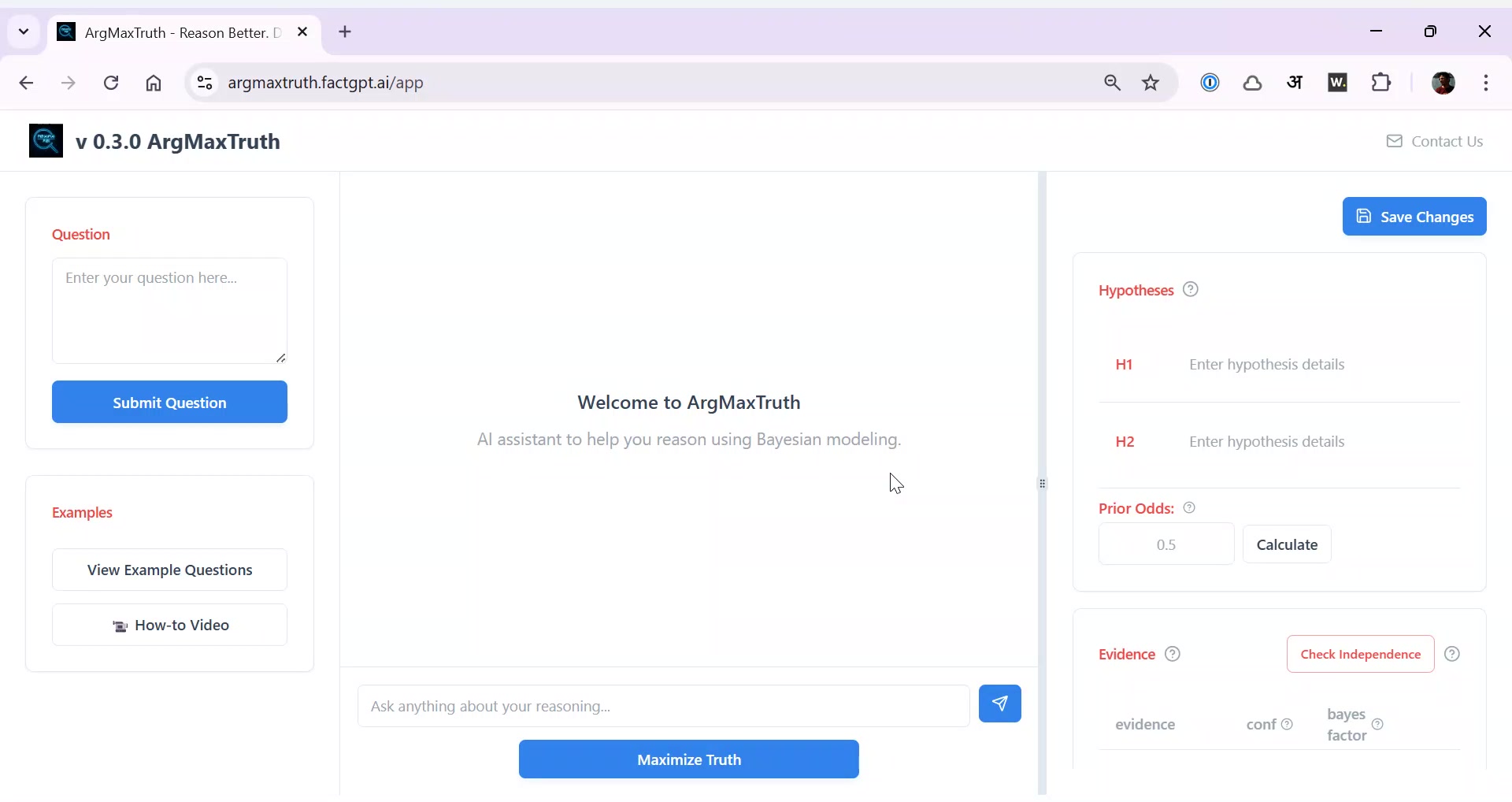
Open the ArgMaxTruth tool interface
Begin by accessing the tool to start your Bayesian reasoning workflow.

Review the examples provided in the tool
The tool comes with preloaded example questions to help you get started.

Select the question you want to analyze
Choose a specific question, such as the origin of COVID-19.

Define the competing hypotheses for your question
For example, 'lab leak' vs. 'natural origin' for COVID-19.

Type or generate the hypotheses in the tool
You can manually enter or have the tool generate the hypotheses.

Confirm the hypotheses are correctly listed
Ensure both hypotheses (e.g., lab leak and zoonotic) are present.

Review the tool's output of the hypotheses
The tool will display the hypotheses you are comparing.

Find the prior odds for your hypotheses
Prior odds reflect the likelihood before considering new evidence.
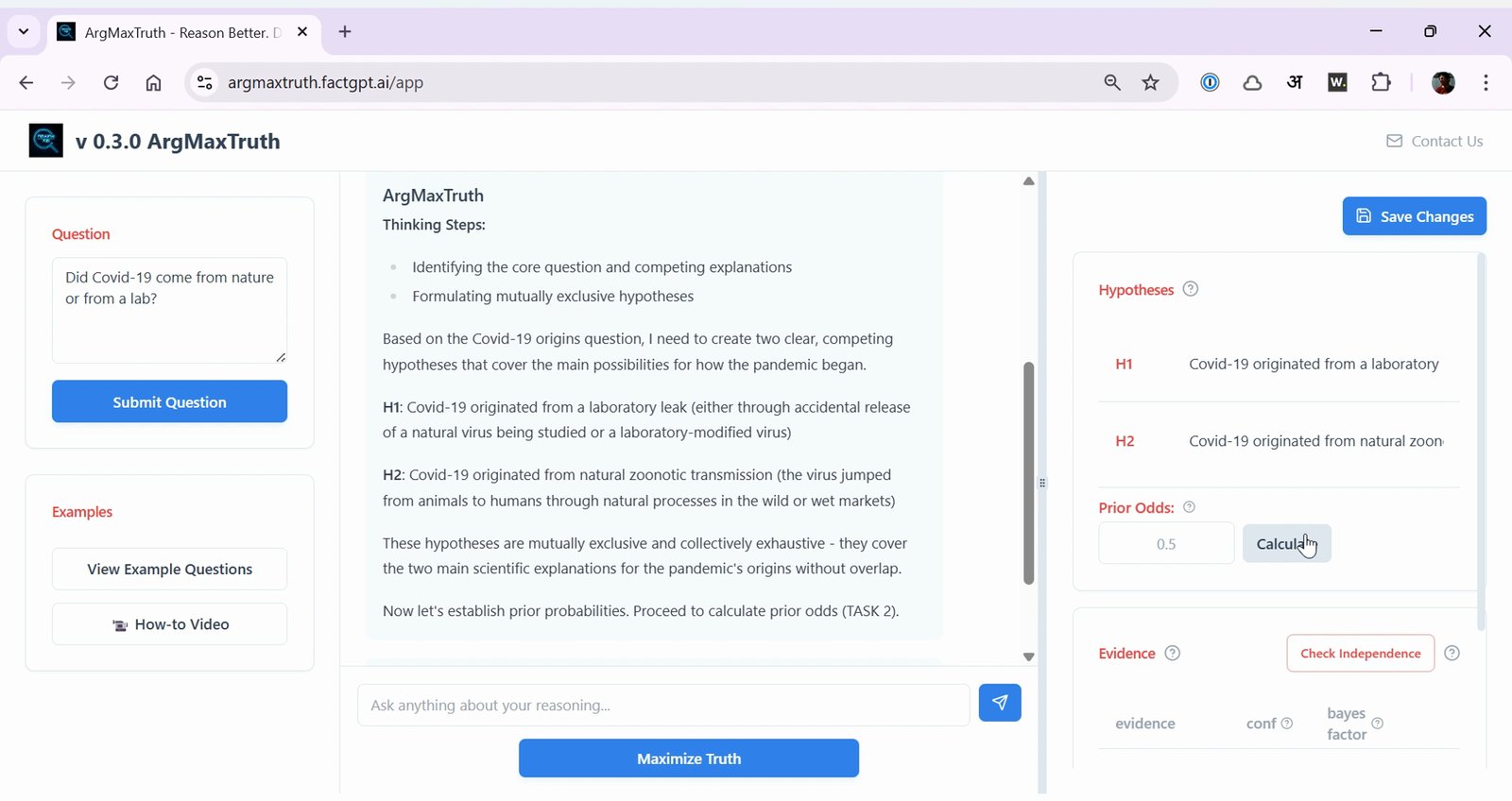
Review the tool's analysis of historical information
The tool analyzes data before the event (e.g., before 2019 for COVID-19).

Note the prior odds value provided by the tool
For example, a prior odds of 0.3 for lab origin.

10 of 26 steps shown
The guide's author needs to upgrade to share the remaining 16 steps.