How to Use Berean Desktop App for Scripture Transcription and Broadcasting
Demonstrates scripture transcription, live alerts, and timer features

Samuel
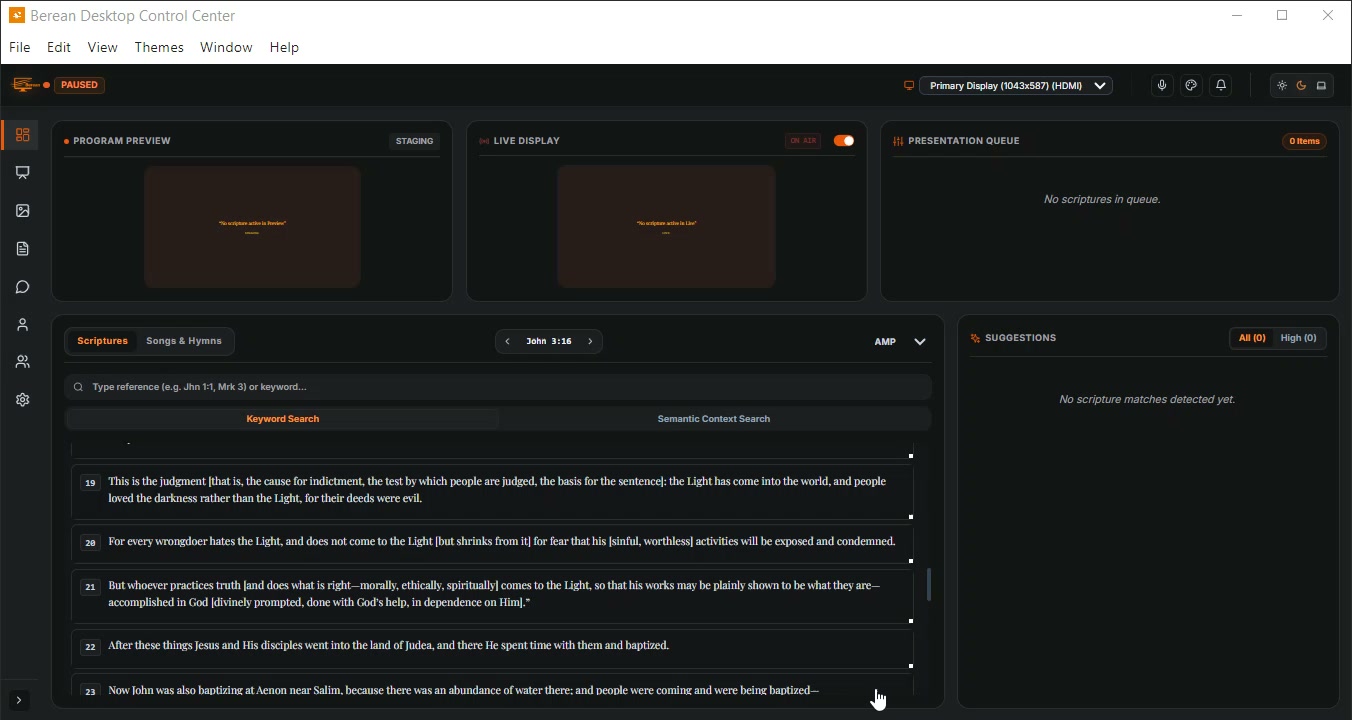
The Dashboard displays scripture selection and the presentation queue.
The dashboard displays scripture options and queue status.
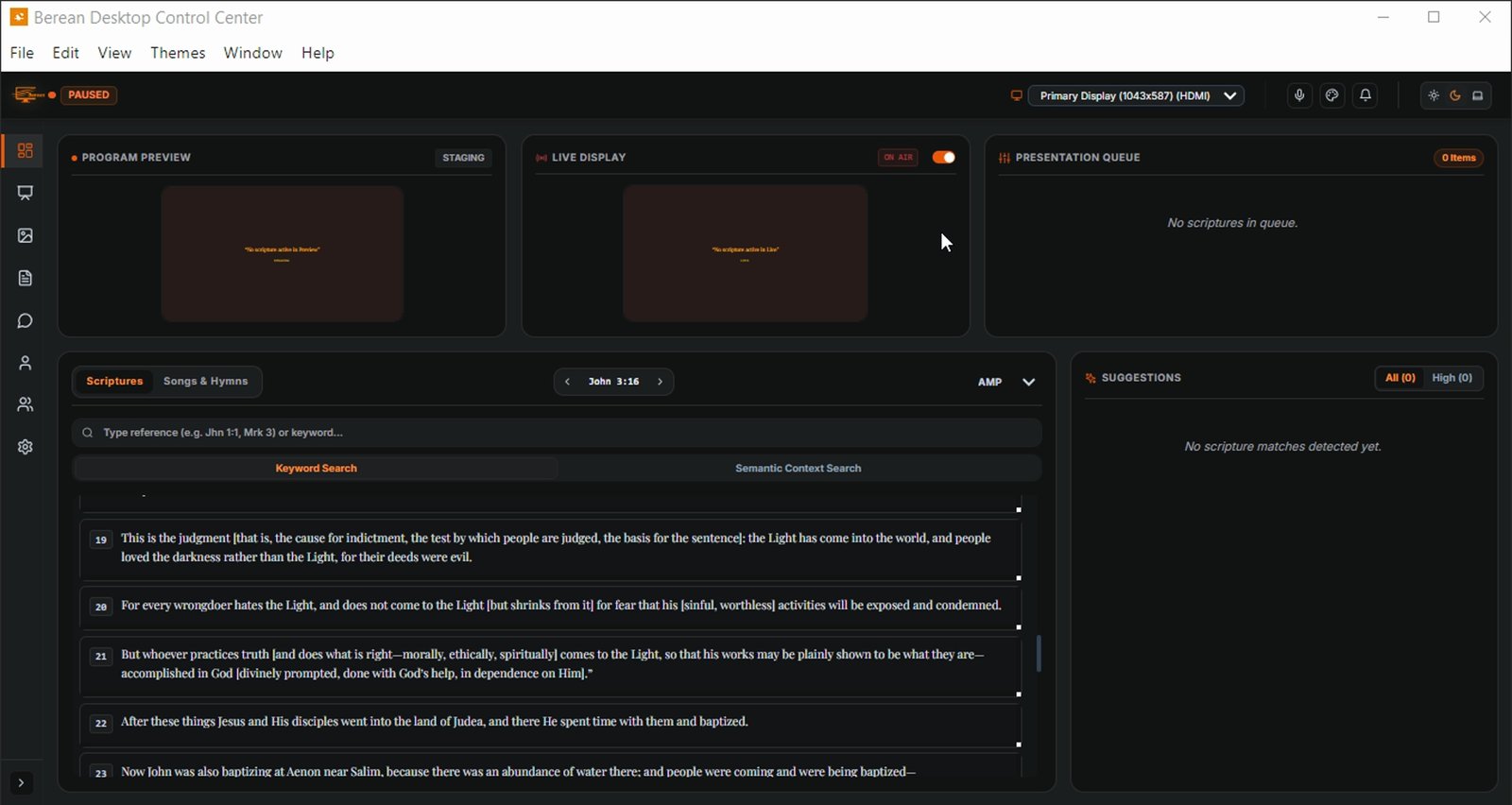
Click the microphone icon to open Speech & ASR Controls
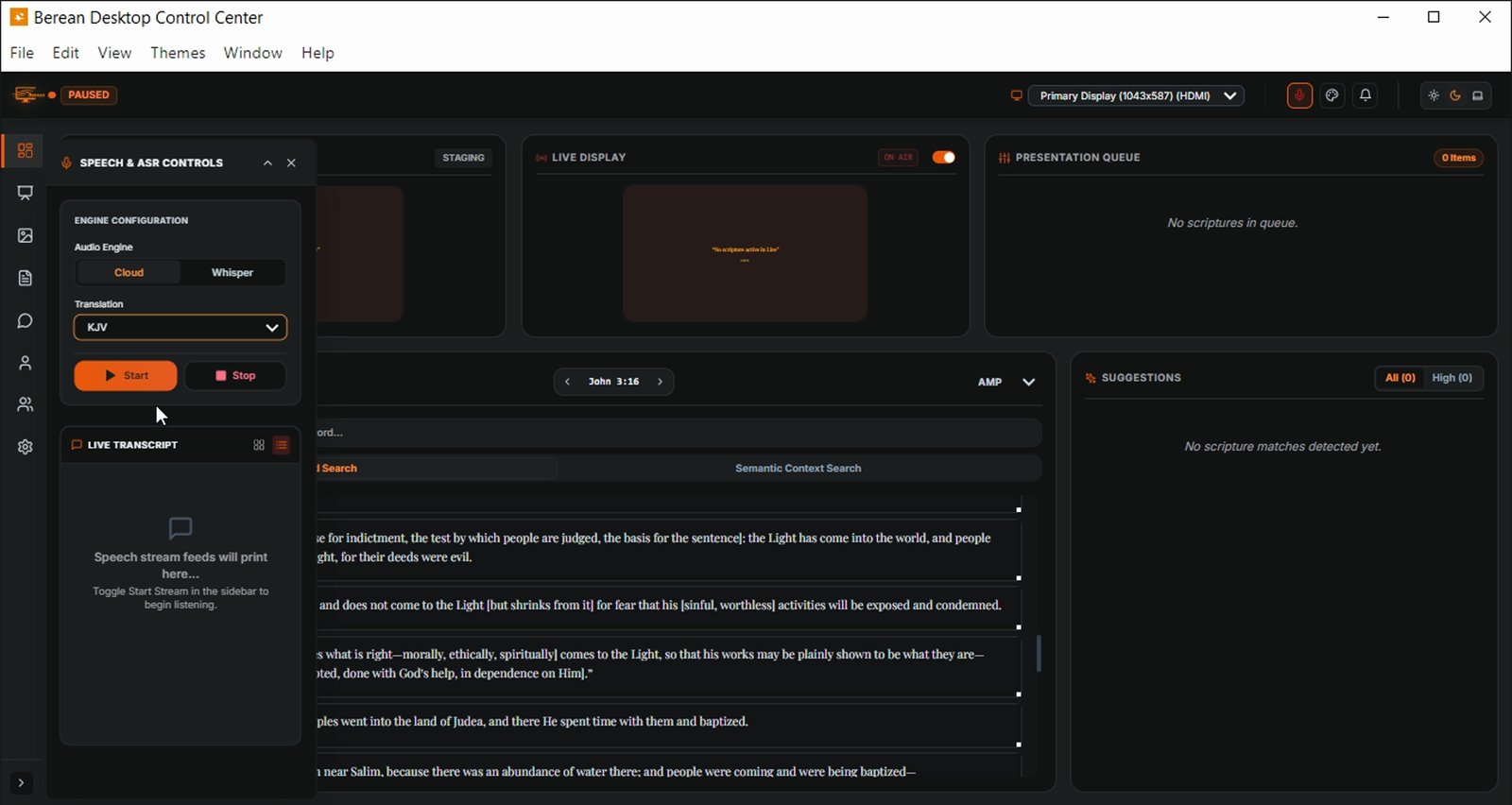
Click Start in Speech & ASR Controls to begin transcription
This starts scripture picking from spoken words.
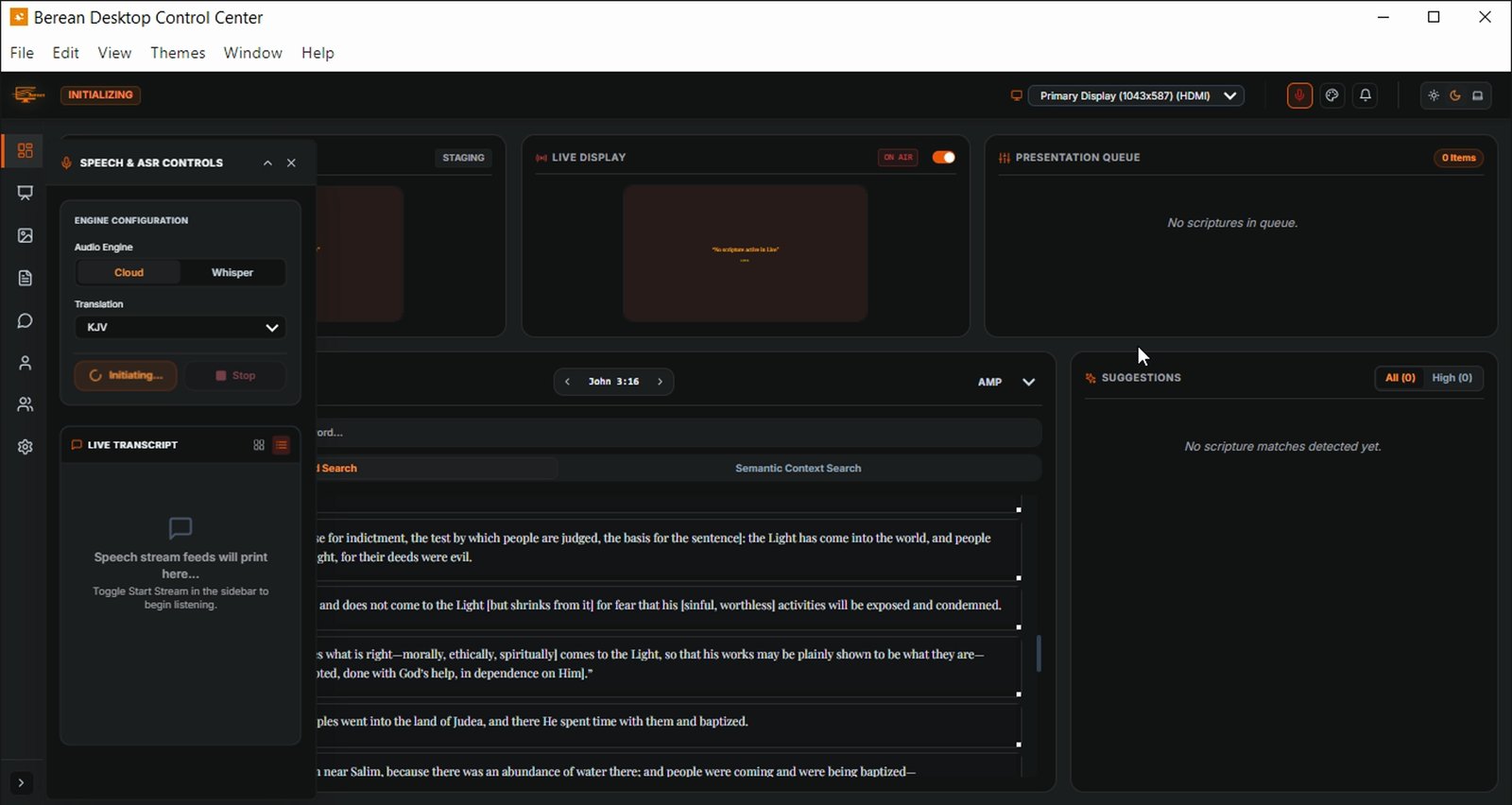
Note the live transcript and scriptures queued for presentation
Scriptures are detected and queued in real time.
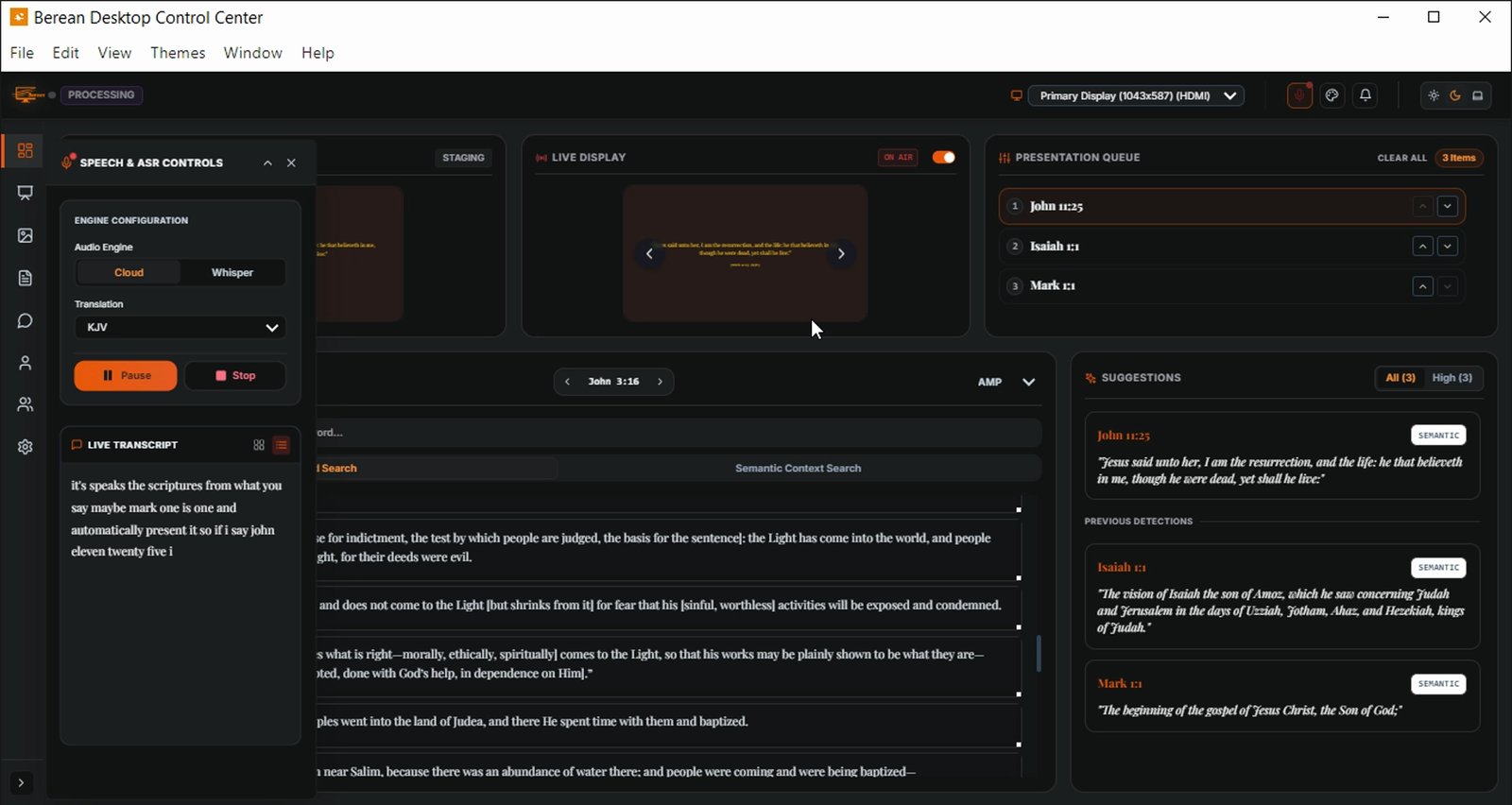
The suggestions list updates with additional scripture references.
The system searches the entire Bible for exact matches.
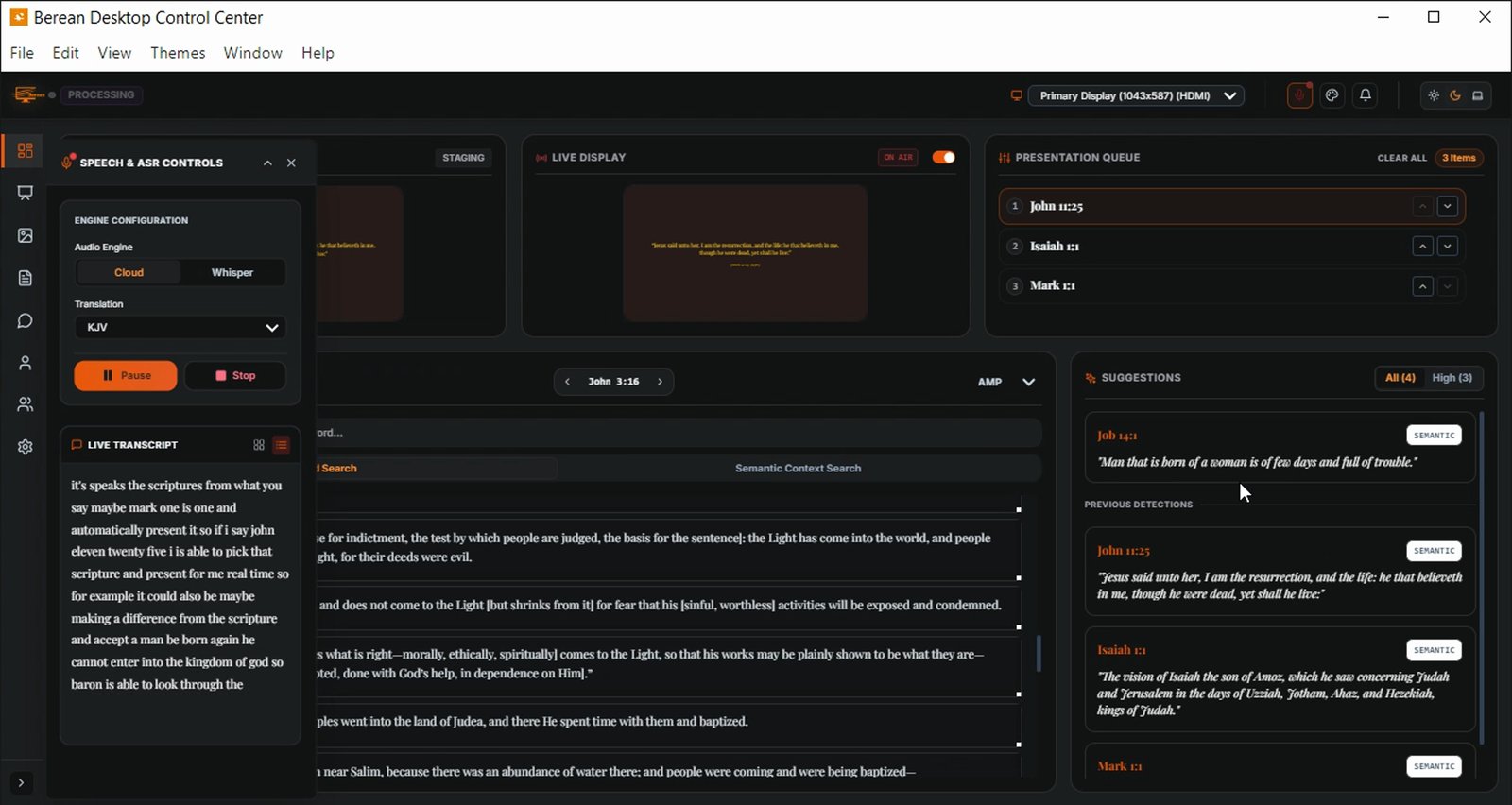
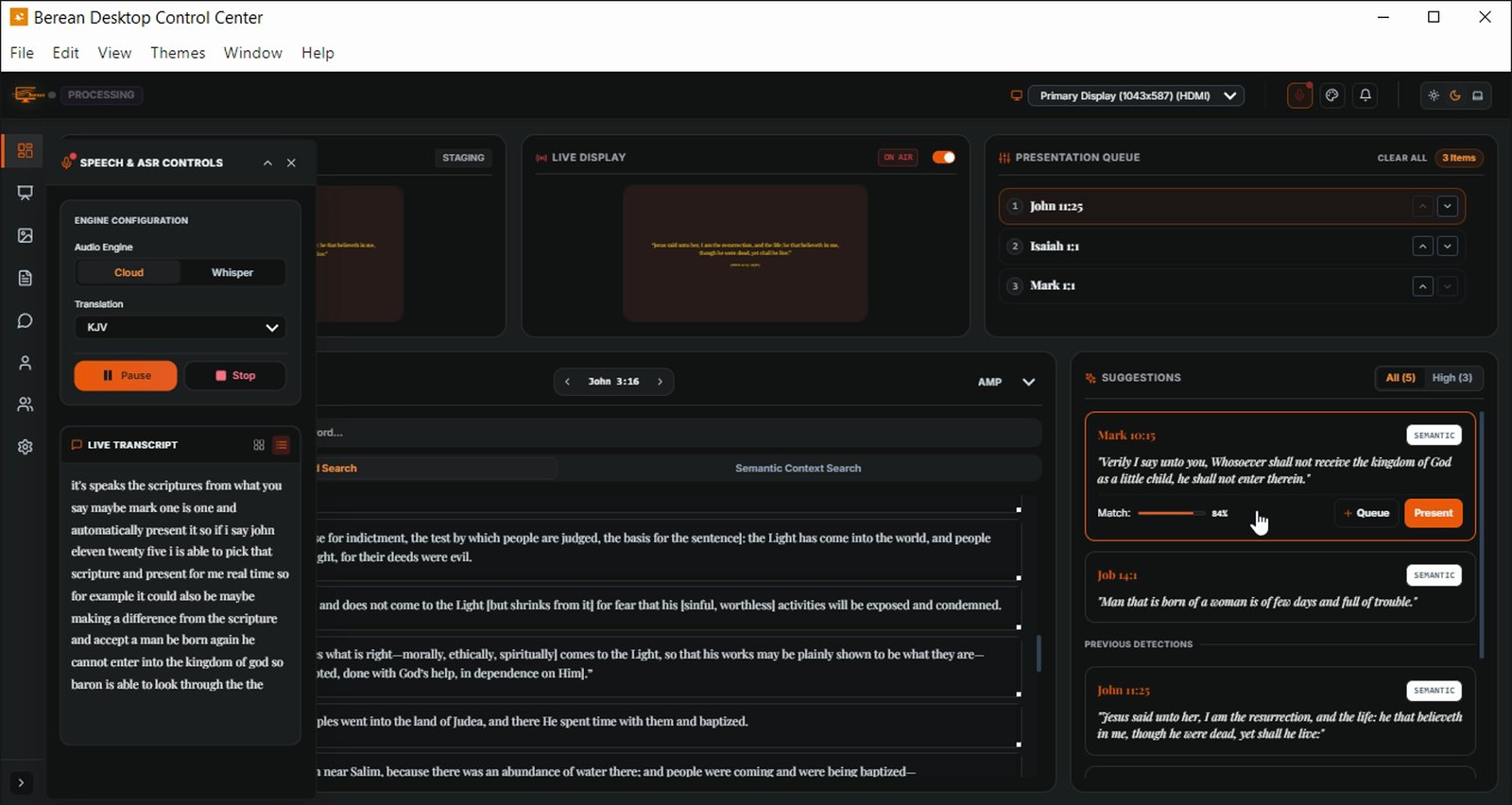
Select a scripture from the suggestions list for presentation
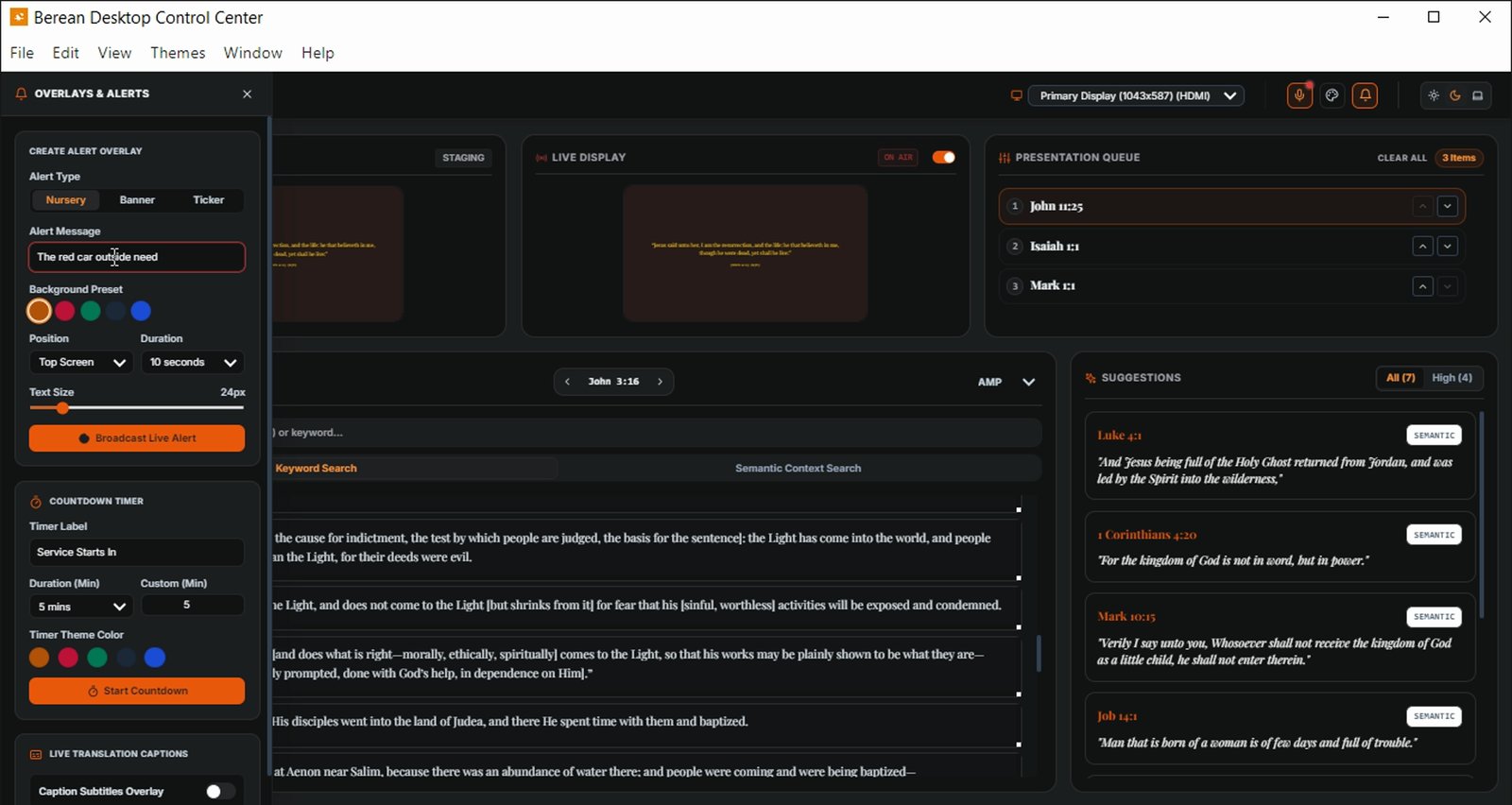
Click Broadcast Live Alert to open alert creation options
This icon is used to create broadcast messages.
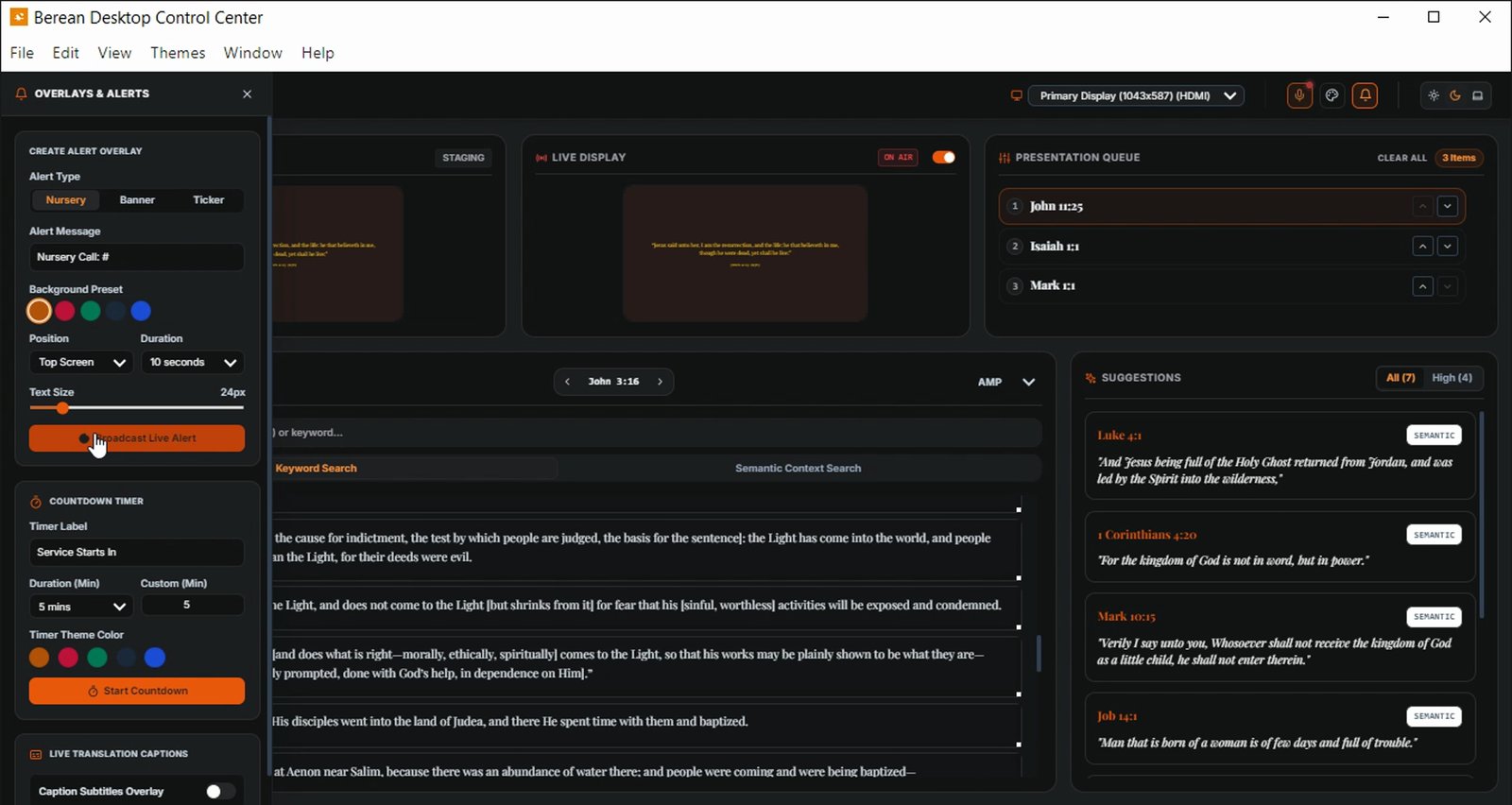
Enter the alert message 'The red car outside need'
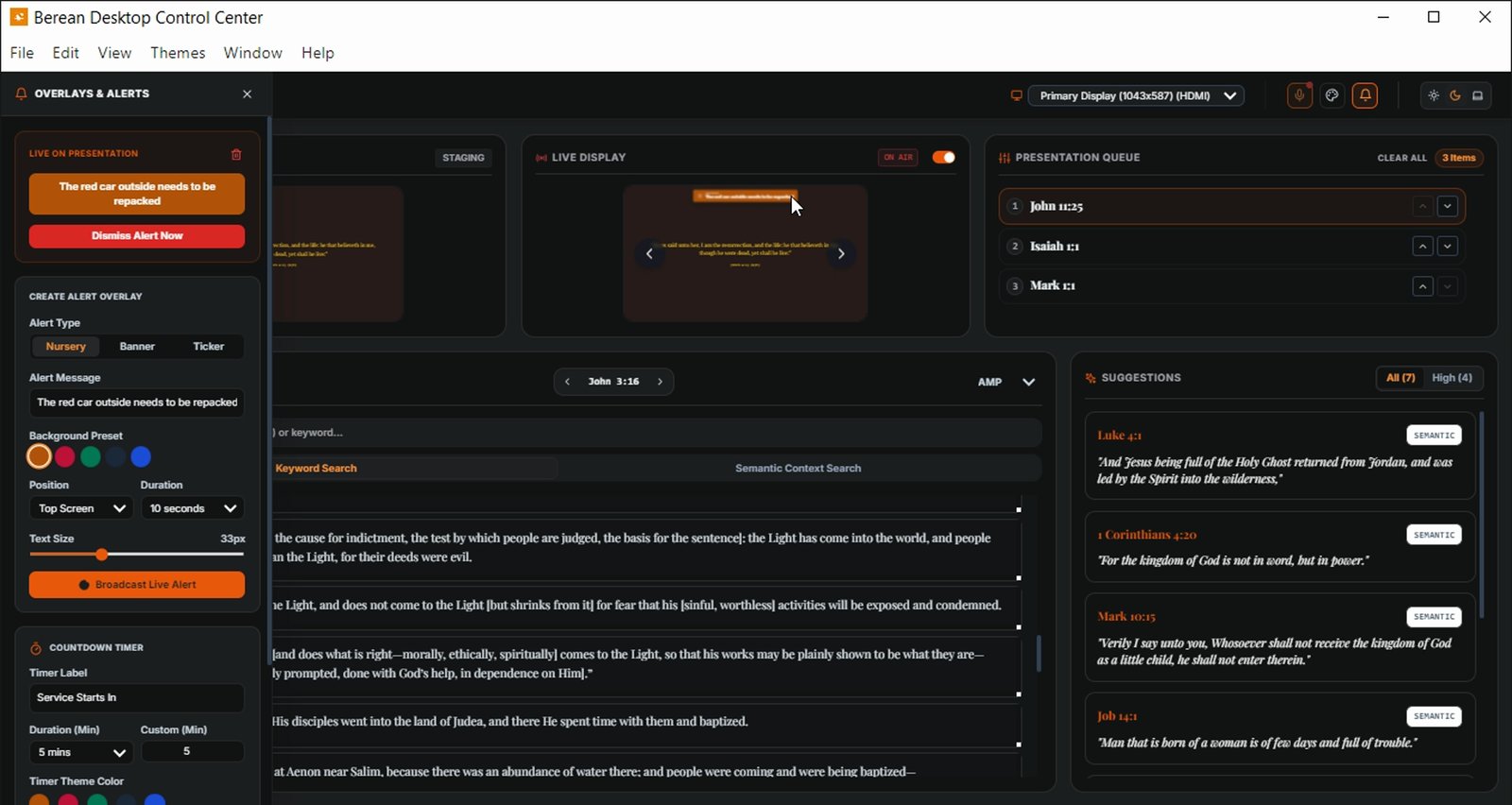
Note the alert message displayed on the live presentation screen
The message appears across the screen without audio.
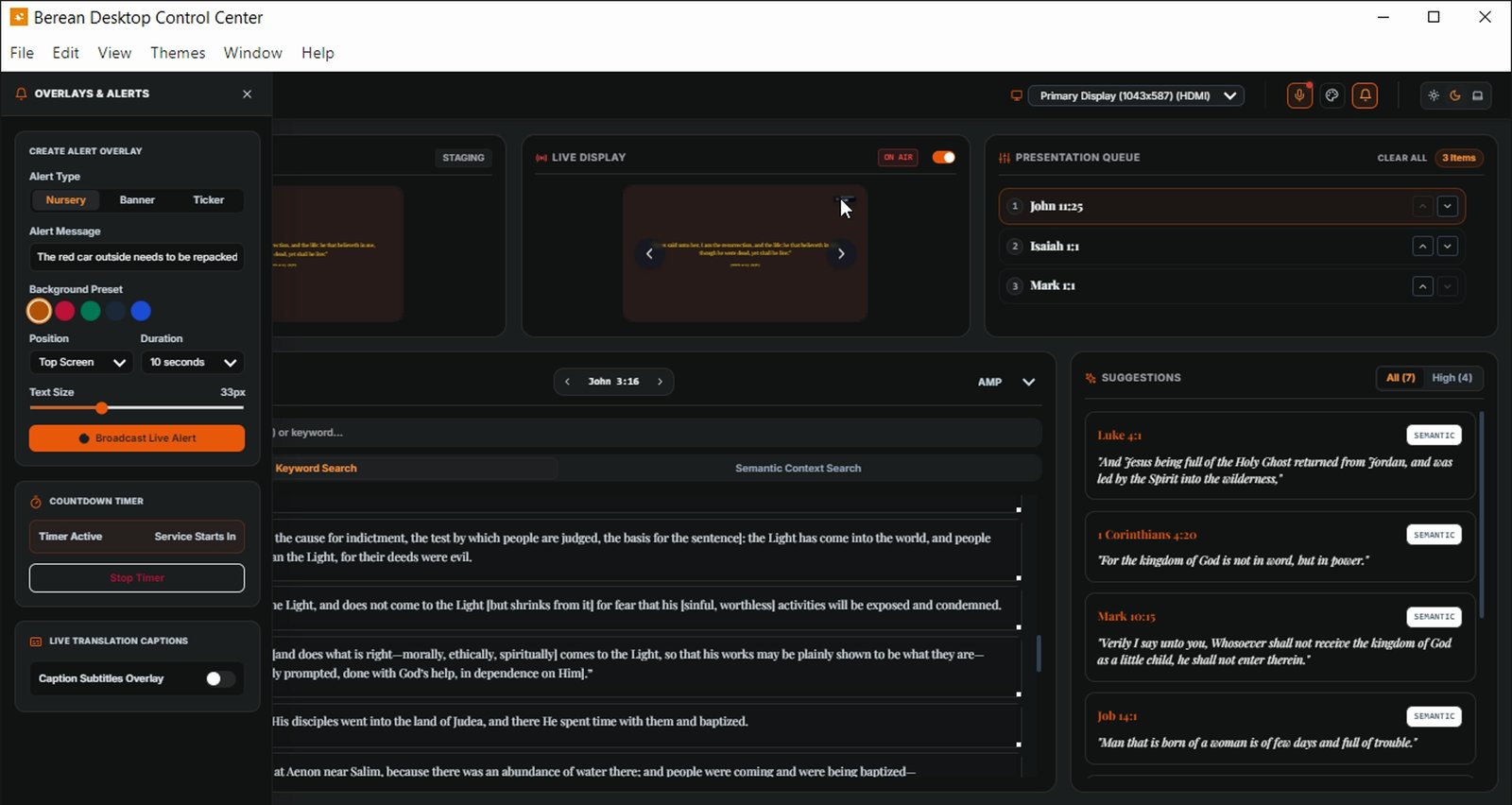
Enter 'Service Starts In' in the Timer Label field
10 of 15 steps shown
The guide's author needs to upgrade to share the remaining 5 steps.