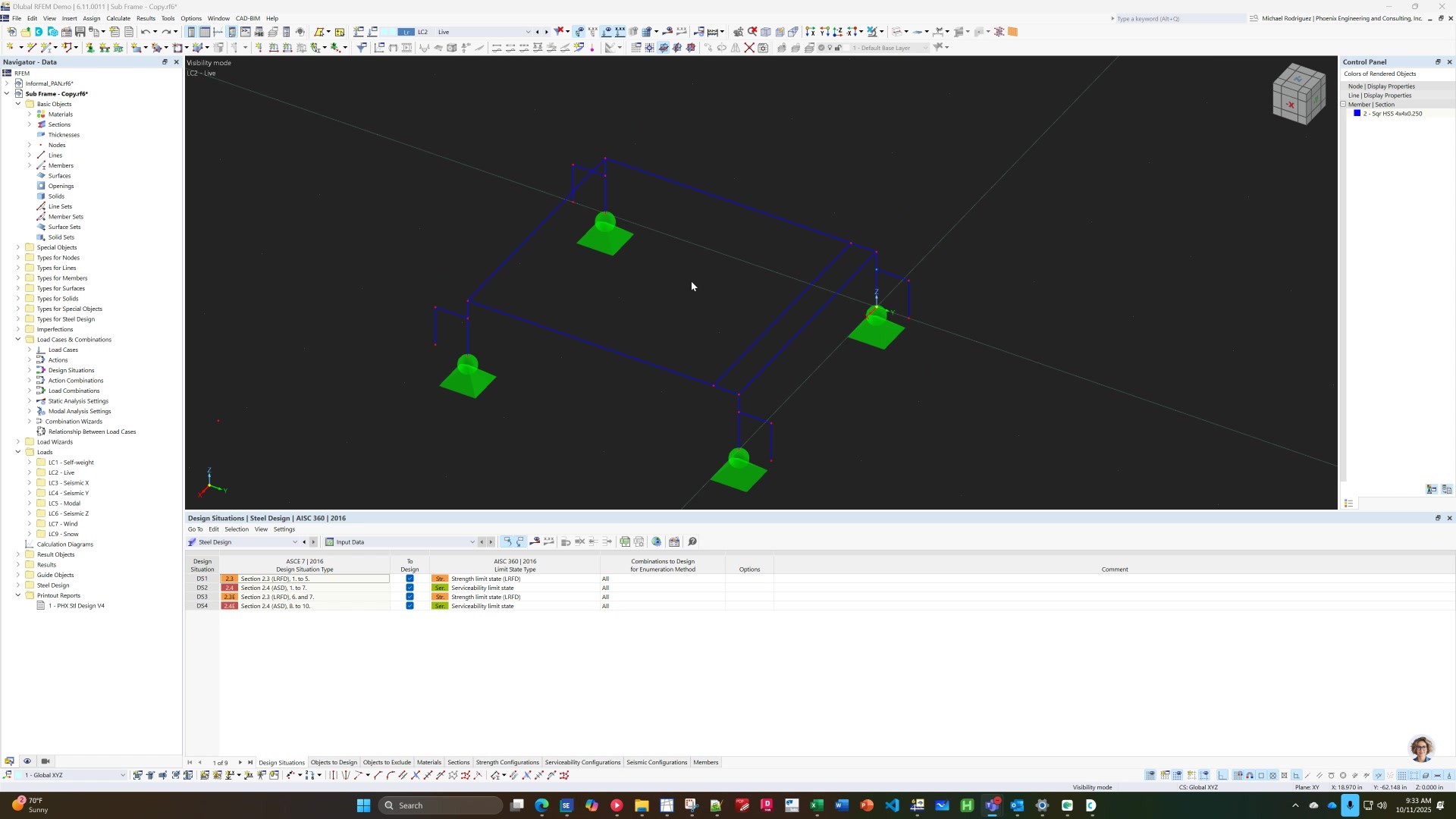
How to Use Rotational Pattern for Design Duplication
No date
AI Summary and Checklist(Action Items)
Summary
This video tutorial explains how to use the rotational pattern feature in a design software to create repeated elements, such as braces on corners. The presenter demonstrates creating a single brace, setting up a rotation center point, and using the rotate pattern tool to duplicate the brace around a rectangular frame. Tips on managing steps and angles for rotation are also covered.