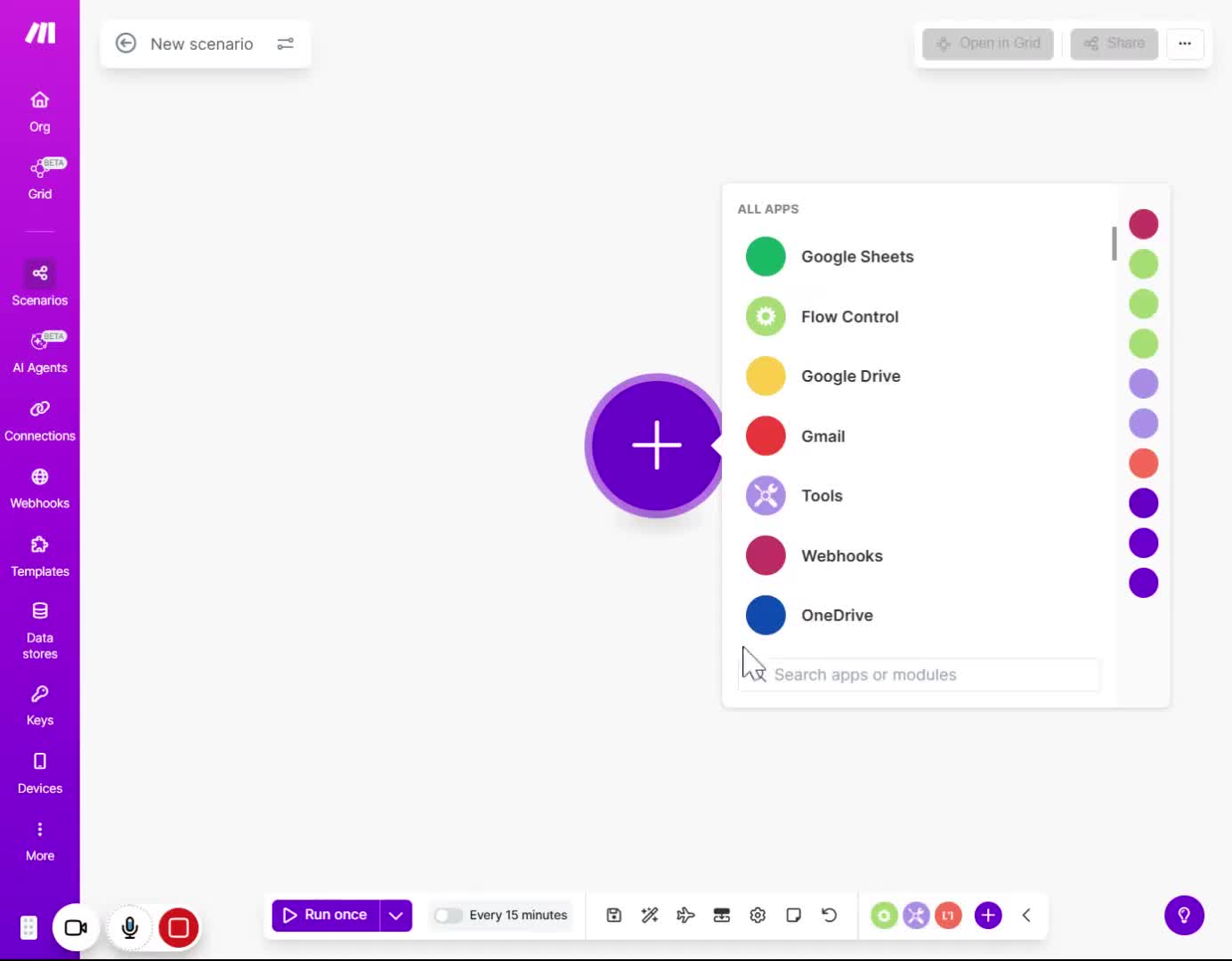
5.1. Slide 11 Workflow Design (Step-by-Step)
No date
AI Summary
Summary
Let’s build this.
First set up your Trigger “Watch Emails” to watch for incoming emails. On the folder, select Inbox. Remember we are looking at emails with the subject line "Shift Report". Choose where to start and then run a test. Your will see the full text body of the email that match the Subject line “Shift Report”
Second add your AI Module (like OpenAI or Anthropic). If it is Open AI, select Simple text prompt. Then, select the model GPT -5.1 , Here is the prompt engineering strategy. We paste the email body into the prompt but we add a "System Instruction". We say: "You are a Maintenance Logger. Analyze the email below. Ignore non-technical issues. Output a JSON object with keys: Incident_Type, Zone, and Risk_Level." Then add the email full text body content on the prompt so the AI can analyse it.
Run a test of the module of Open AI where you put the data of the full text body. You will see the result of the incident type, zone and risk level based on the body content of the email you test.