03 - Corvid HPC Resources Widget
Summary
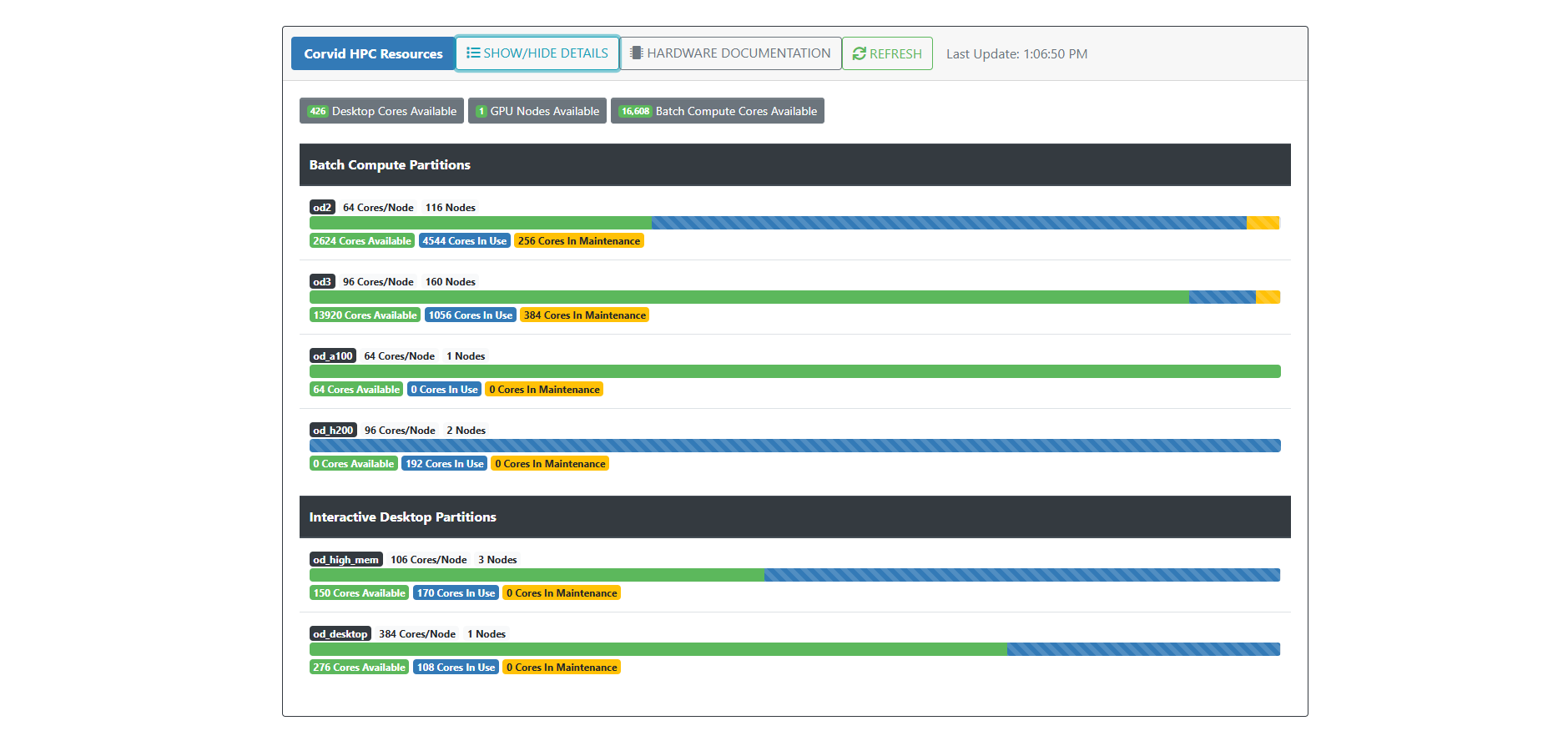
This video provides an overview of the Corvid HPC resources widget, explaining how to view and interpret available computing resources such as desktop cores, GPU nodes, and batch compute cores. It details the distinction between interactive desktop partitions for GUI workflows and batch compute partitions for high-performance computing tasks, and explains the color coding used to indicate resource availability. Additional resources and support contact information are also provided.