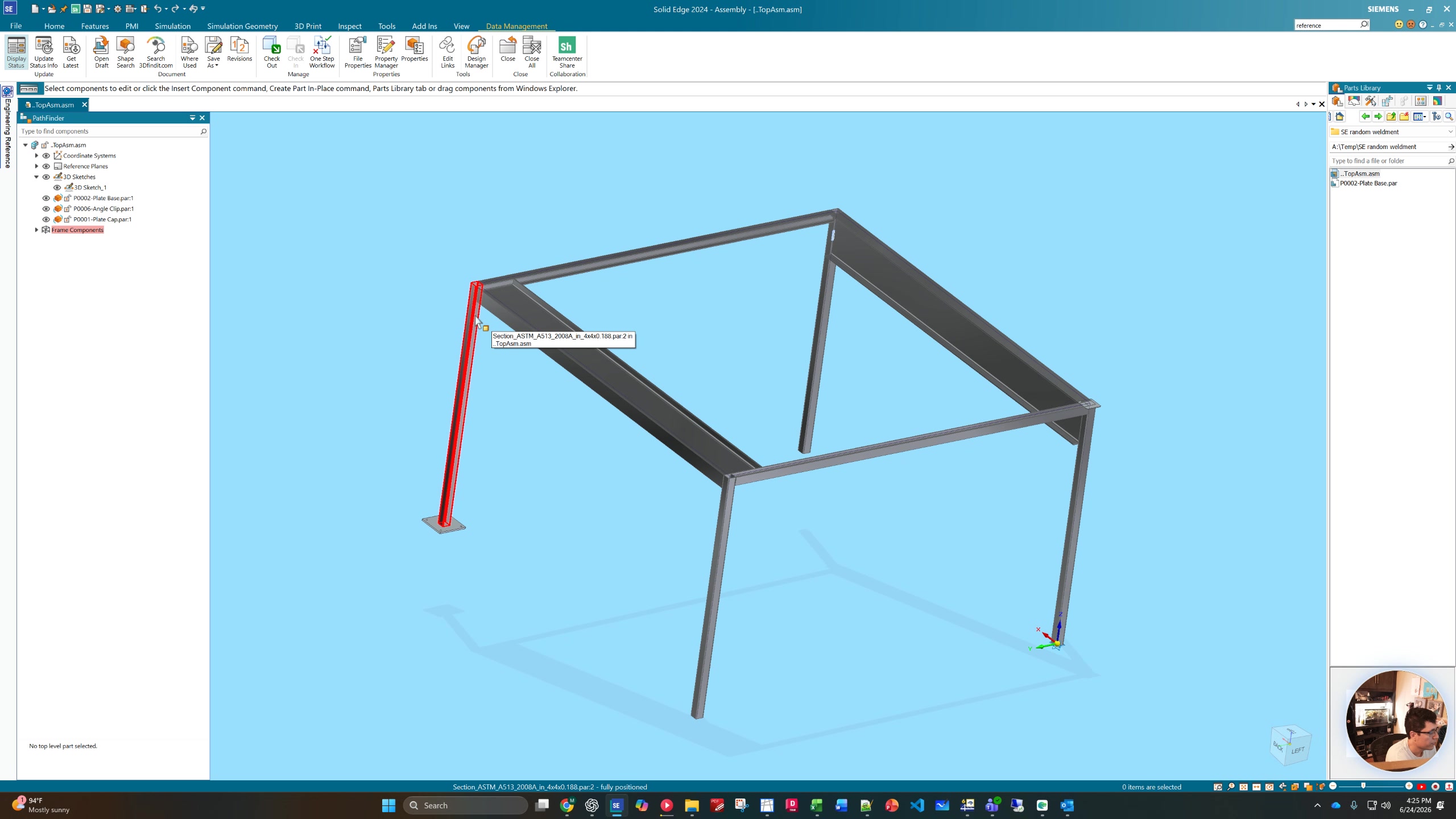
How to Organize and Move Files in Phoenix A Drive Using Design Manager
No date
AI Summary and Checklist(Action Items)
Summary
This video provides a step-by-step tutorial on how to move files from various locations to a centralized folder within the Phoenix A Drive to ensure all assembly files are organized and easily accessible. It emphasizes maintaining a consistent folder structure, using the Design Manager tool to identify and relocate files, and saving changes properly to keep all parts linked correctly for team collaboration.